This week I have mostly work on the engine and the user interface.
Some windows was a little bit old especially the Settings's screen.
Title screen
New button and animation for the title screen.
[IMG]https://i.imgur.com/C9p0E2t.png[/IMG]
Settings
A whole new fresh interface for all the settings!
[IMG]https://i.imgur.com/oJYddLY.png[/IMG]
"Sampling" has been removed and replace by "Render scale".
From now the game will be drawn in the exact resolution you set in the Settings menu. No more waste of resources !
And with the new "Render scale" you will be able to adjust the accuracy of the image rendering from 50% to 120%.
[IMG]https://i.imgur.com/zMnymtZ.png[/IMG]
More detailed settings for audio
[IMG]https://i.imgur.com/CJLLsi7.png[/IMG]
New hotkey has been added for Bin, Cart and Mail windows.
[IMG]https://i.imgur.com/sFmYcXe.png[/IMG]
Other little improvement has been made to Trackbars and buttons.
And of course many bugs was fixed. If you found a bug, do not forget to report it on the Bug Report section of the Steam HUB this is very important!
As usual feel free to let me know what you think about this change in the comment section below.
Tested and approved by Rocket Raccoon!
[IMG]https://media.giphy.com/media/l0IycI0rreFNQwmSQ/source.gif[/IMG]
Thanks for reading! If you want to support Hardware Engineers share it with your friends!
I hope you will enjoy this patch and see you for the next one!
Summary:
New Title screen
New Settings screen
Adding Render Scale
Adding new hotkey
Improving Trackbar
Improving Button
Removed Sampling
Fixed Parallaxe Warper
Fixed error in Editor
Update 0.1.74
Hello everyone!
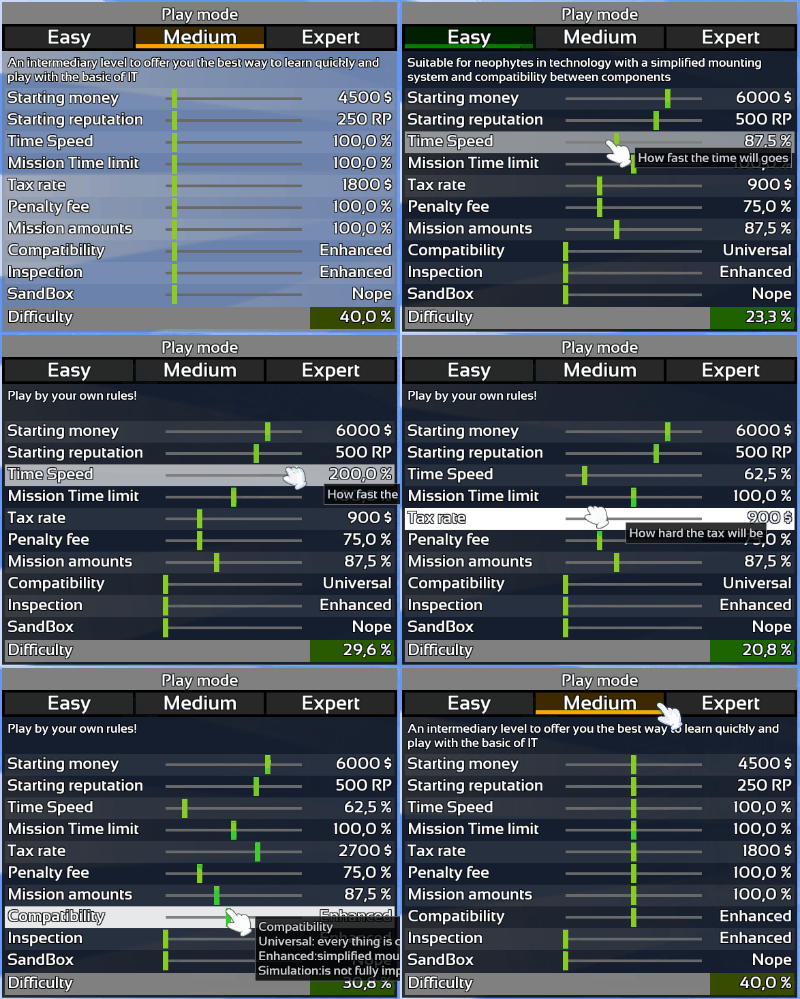
I think everybody should be able to play Hardware Engineers in the way they want so this week I added game rules customization!
Customization
You can now see exactly what is changing with Easy, Medium or Expert mode and customize everything!
SandBox
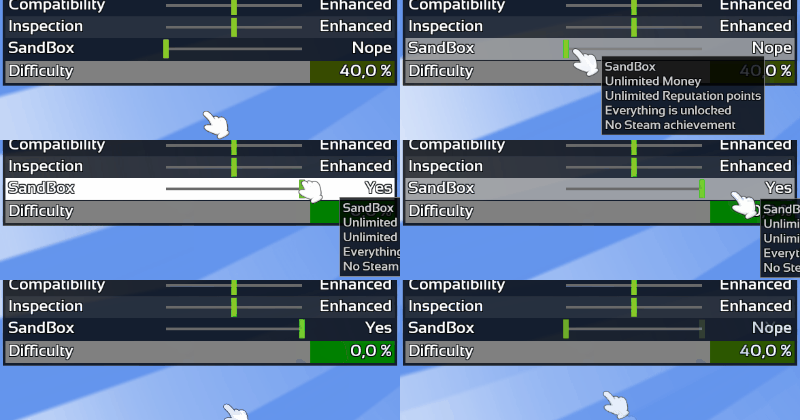
As requested by several players I'm glad to announce you the SandBox is finally available in Hardware engineers!
You can turn it ON by customizing the game rules.
SandBox mode particularity:
Unlimited Money
Unlimited Reputation points
Everything is unlocked
No Steam achievement
Tooltips
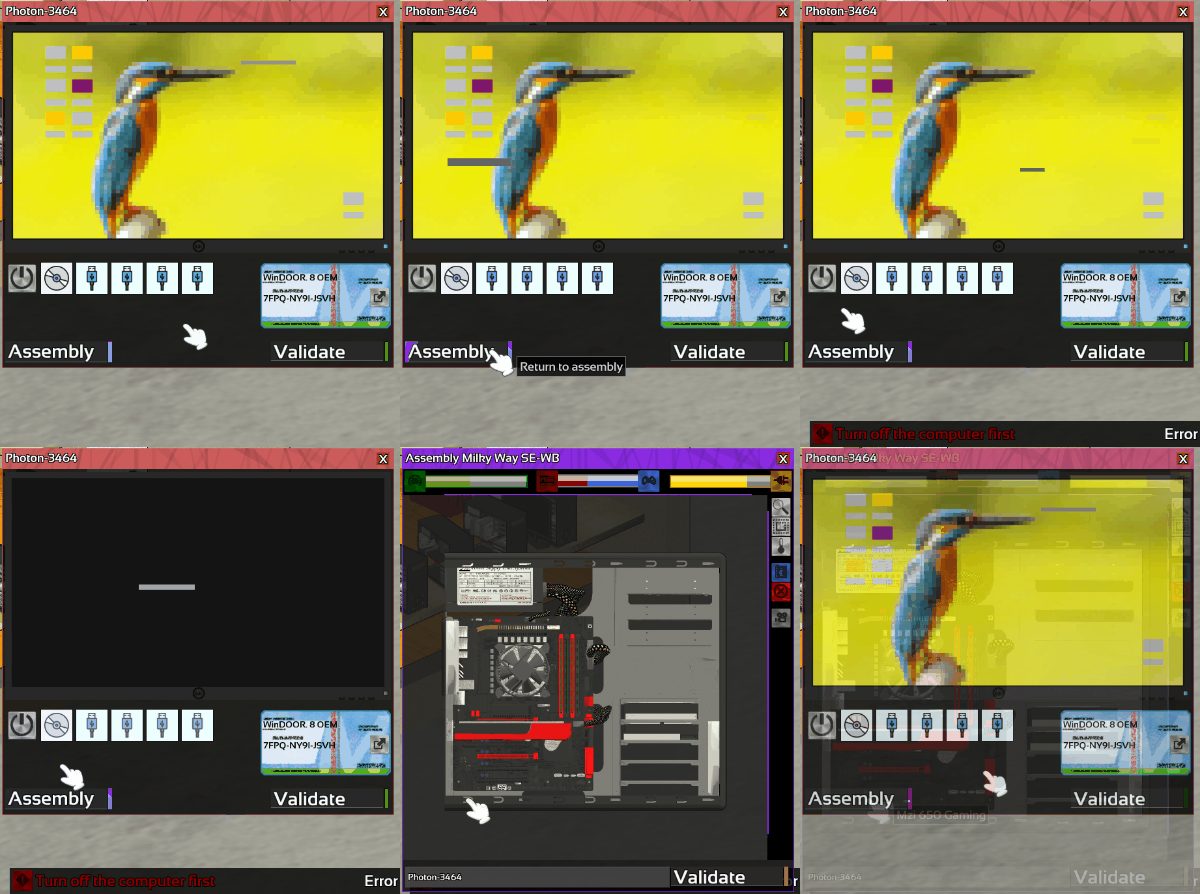
Many tooltips and notifications as been added to the game to make the interface more user-friendly.
Trackbar
When changing value the trackbar will now slide smoothly to the new value instead of "jumping" to it.
Trackbar will no be easier to grab.
If you click nears the slider. The slider will now jump to the mouse cursor to compensate automatically your potential lack of precision. I called this feature the "snap zone" because it sound cool nah?
Performance
As the previous patch I continue to work on performance improvement and code cleaning!
This time, performance for light rendering as been improved.
And of course many bugs was fixed. If you found a bug, do not forget to report it on the Bug Report section of the Steam HUB this is very important!
As usual feel free to let me know what you think about this change in the comment section below.
Thanks for reading! If you want to support Hardware Engineers share it with your friends!
I hope you will enjoy this patch and see you for the next one!
Summary:
Adding Game rules customization
Adding SandBox mode
Adding Tooltips to decorations
Adding Tooltips to serial
Adding Tooltips to boot window
Improving Trackbar (snap zone & animation)
Improving Performance
Improving Shaders
Code Cleaning
Fixed mistake in 3d models
Fixed invisible player face
Fixed unlocking slot after closing editor
Fixed Skill Mea culpa
Fixed Animation speed
Update 0.1.73
Hello everyone!
Content
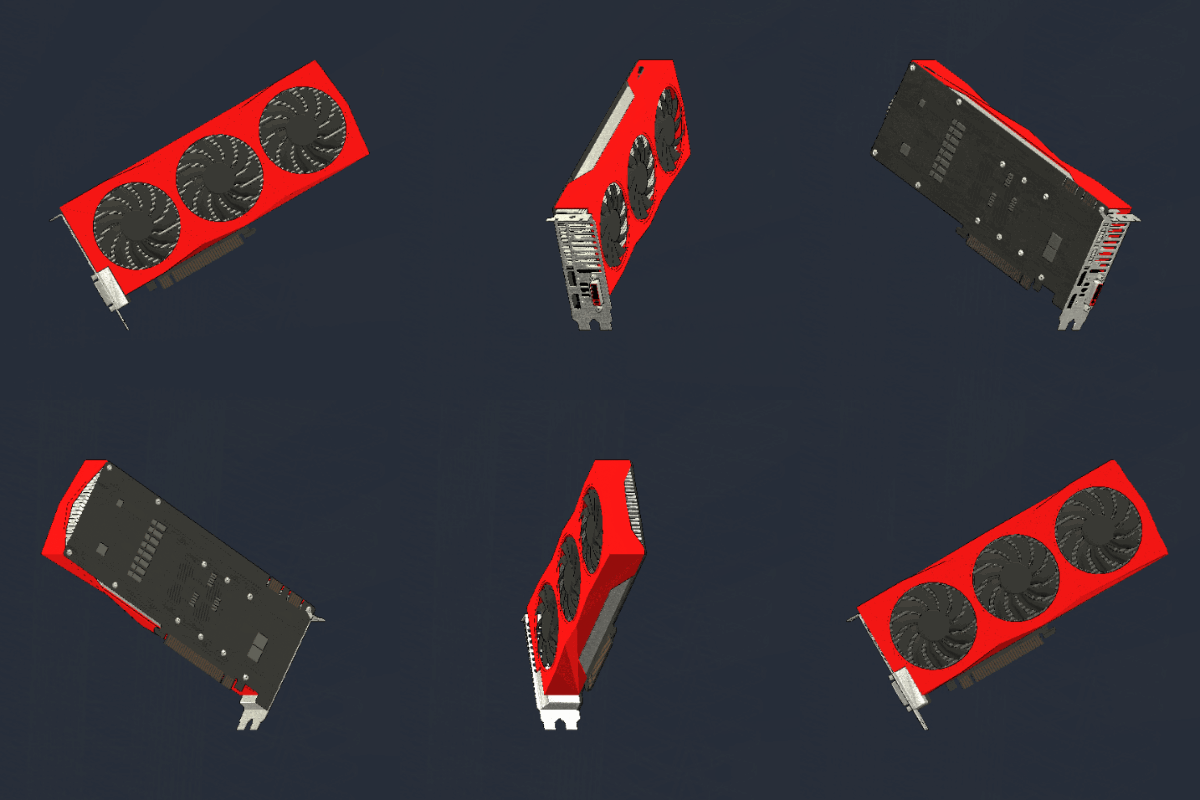
Some of you noticed that AMP GPUs seems a bit weak in appearance, due to lack of 3D models, a new one has been added to fix this.
This new models reflect more the GPU's characteristics.
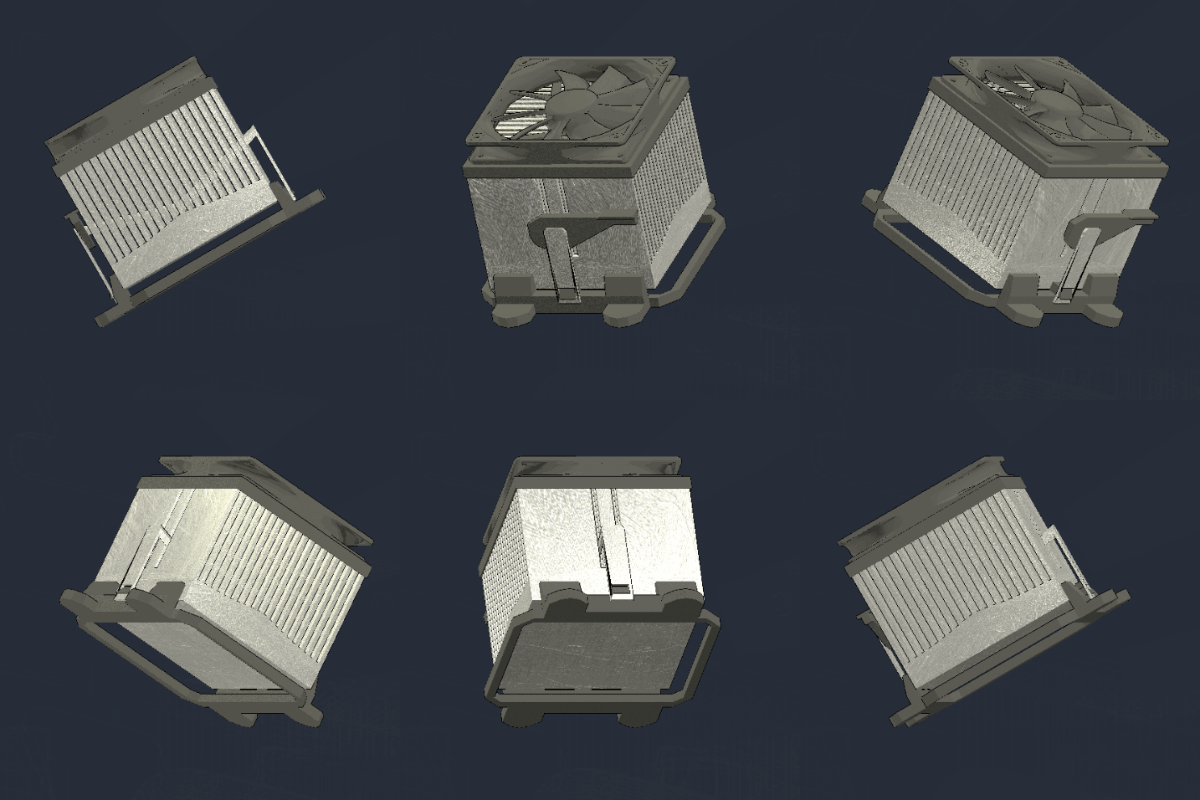
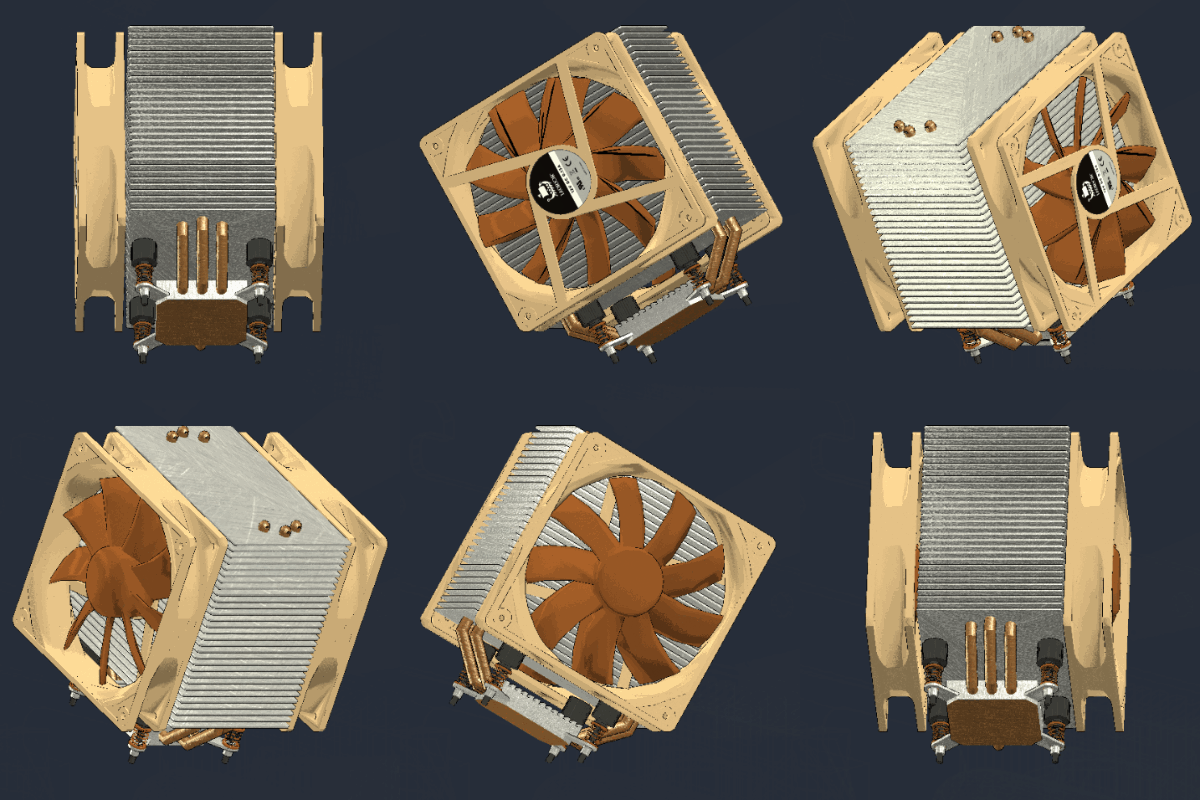
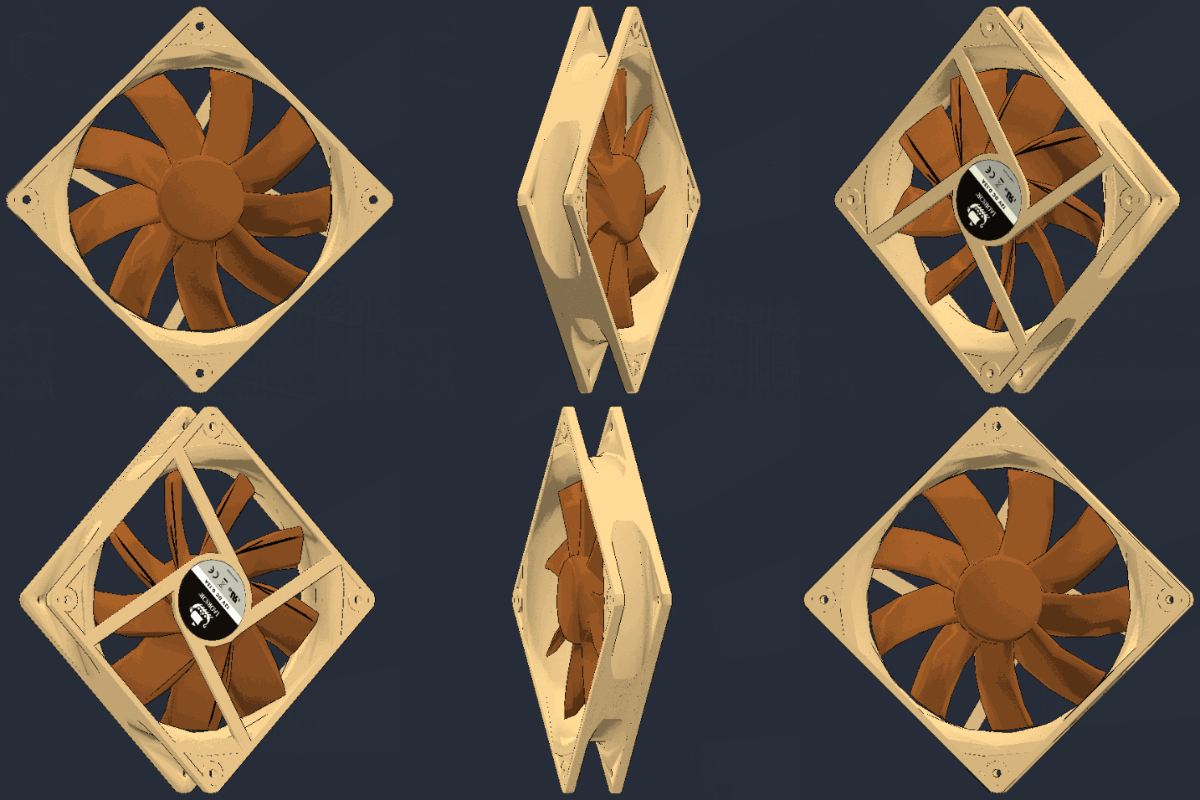
A new model for AMP's CPU Cooler has been added too, plus a new Nocturnal cooler.
Interface
When finishing a jobs, optional value will now be in orange to set them apart from necessary value in red.
Performance
Loading savegame and conversion of old saves or mods will now be faster.
Mains user interface will now use far less resource.
Text drawing and anti-aliasing will now be faster and smoother, the readability for small screen resolution, has been greatly improved.
Zoom example:
And of course many bugs was fixed. If you found a bug, do not forget to report it on the Bug Report section of the Steam HUB this is very important!
As usual feel free to let me know what you think about this change in the comment section below.
Thanks for reading! If you want to support Hardware Engineers share it with your friends!
I hope you will enjoy this patch and see you for the next one!
Summary:
Adding new GPU models
Adding 2 VRD with new models
Update fonts
Improved UI
Code Cleaning
Improving performance loading/conversion
Improving performance interface refresh
Improving performance text drawing
Improving text anti-aliasing
Fixed RS GPU models
Fixed loading 0.1.41 save
Fixed 3D models's errors
Update 0.1.72
Hello everyone!
Content
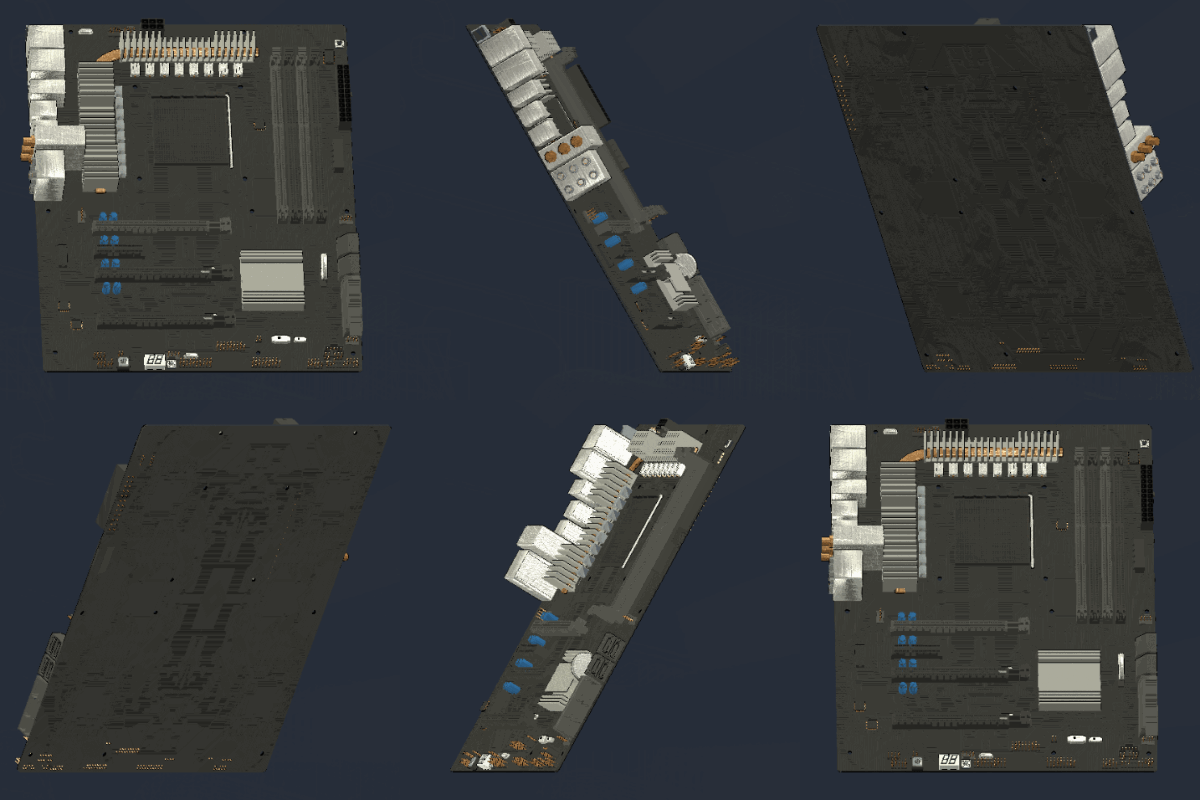
38 motherboards, 40 Computers and 3 brands has been added to the game!
Hard disk drives's cache has been added
Interface
You will now be able to see how many fans you can mount in case.
Gameplay
Having unnecessary drivers installed will now disables the "drivers check".
Uninstalling previous drivers when upgrading a computer is now necessary.
The comparison algorithm between component take now in account all new characteristics and quality.
And of course many bugs was fixed. If you found a bug, do not forget to report it on the Bug Report section of the Steam HUB this is very important!
As usual feel free to let me know what you think about this change in the comment section below.
Thanks for reading! If you want to support Hardware Engineers share it with your friends!
I hope you will enjoy this patch and see you for the next one!
Summary:
Adding 38 motherboards
Adding 40 Computers
Adding 3 brands
Adding cache for hard disk
Adding fan numbers
Adding check if unnecessary drivers are installed
Removing old motherboards
Improved Comparison algorithm
Fixed errors with AMP cpu
Fixed errors when disassembling
Update 0.1.71
Hello everyone!
Content
With this patch come 39 new graphics card, 26 fan and 2 computers.
The total of components is now 1009 !
Graphics cards now has different memory types like GDDR3, GDDR5X, HBM, etc. and Dx versions from 9.0c to Dx 12.
some adjustments has been made to performance and price of several GPU and RAM.
New brand : Nocturnal
Editor
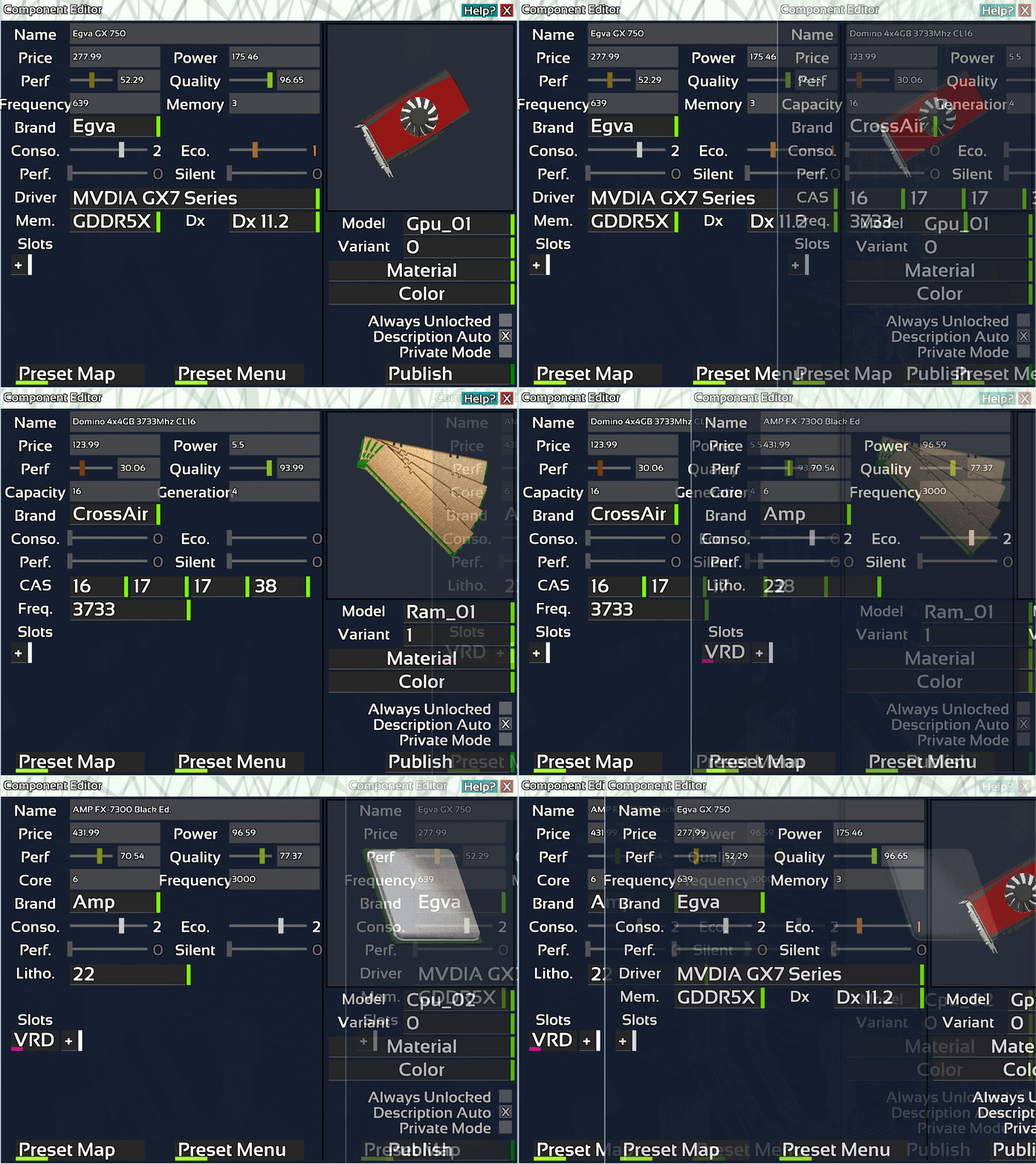
The editor has been update to allow player to modify all new values introduce in last patch and this one.
New editable value:
RAM frequency
RAM timing
CPU lithography
GPU memory type
GPU Dx version
A new short guide about how to update your mod is available here: http://steamcommunity.com/sharedfiles/filedetails/?id=1131380798
And of course many bugs was fixed. If you found a bug, do not forget to report it on the Bug Report section of the Steam HUB this is very important!
As usual feel free to let me know what you think about this change in the comment section below.
Thanks for reading! If you want to support Hardware Engineers share it with your friends!
I hope you will enjoy this patch and see you for the next one!