Hello everyone! Many bugs and mistake has been reported recently and for first patch of the year I wanted to focus on that.
Satisfaction
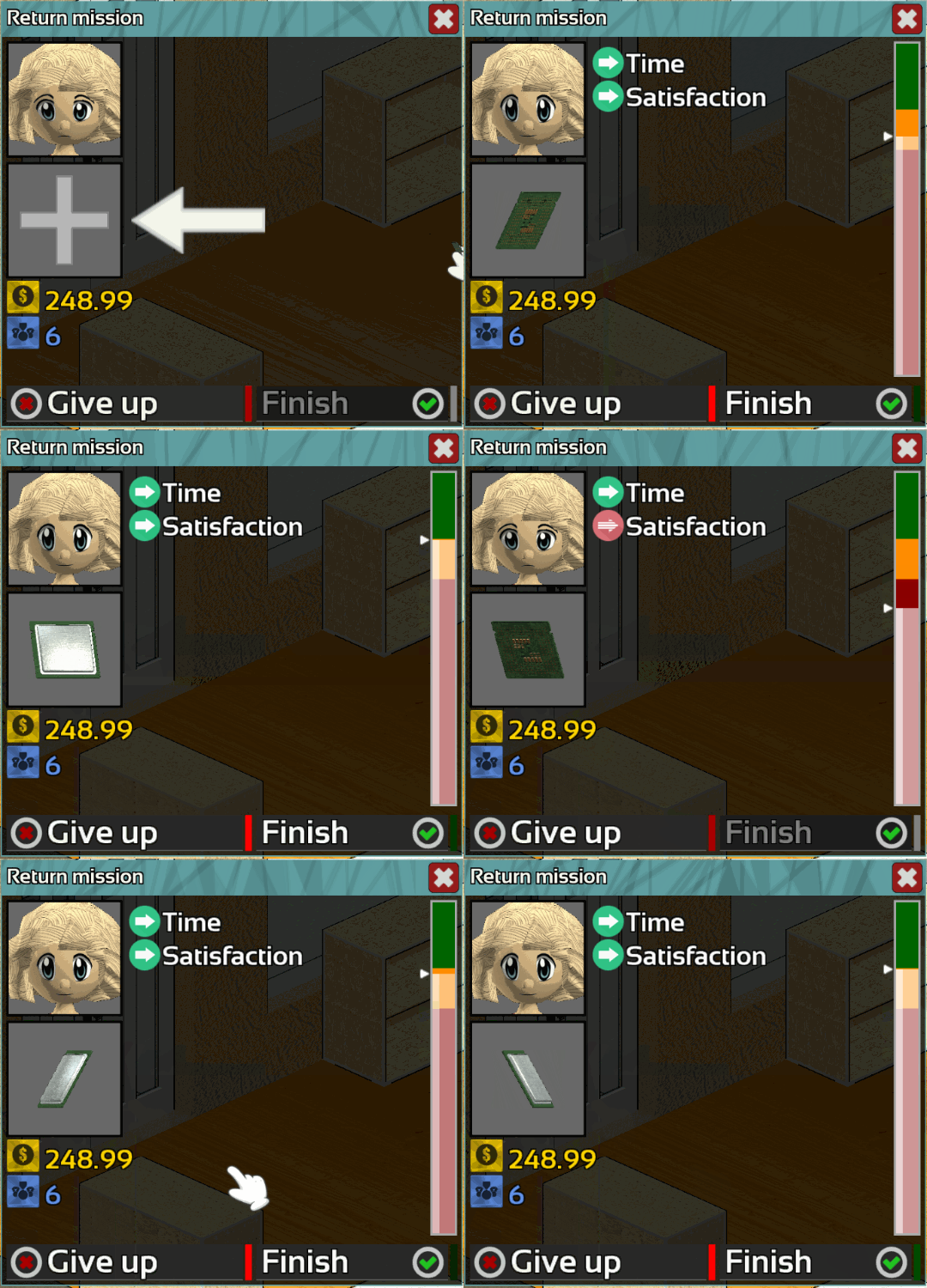
The customer's satisfaction system has been slightly improve.
The mechanics remains the same but now instead of a percentage you will have a better view of what you need to do.
Green: Happy
Orange: Ok
Red: not satisfied
Certain tooltips has been improved too.
Bug fix
About 25 bugfix and readjustment has been made, you can found non-exhaustive list of the most important change in the Summary section.
If you found a bug, do not forget to report it on the Bug Report section of the Steam HUB this is very important!
As usual feel free to let me know what you think about this change in the comment section below.
Thanks for reading! If you want to support Hardware Engineers share it with your friends!
I hope you will enjoy this patch and see you for the next one!
Fixed sometime too many decimal was showed in price
Fixed sometime too many decimal was showed in reward
Fixed "Missions help" difficulty score
Fixed inspection counter in expert mode
Fixed NAS scanner sometime freeze with burned HDD
Fixed NAS scanner don't inspect HDD
Fixed wrong price format in certain tooltips
Fixed power gauge overflow
Fixed Component editor's button crash when removing slot
Fixed Material editor crash sometime when reseting
Fixed potential crash when drawing certain text
Fixed bug when spamming "sell" or "get back" in Bin
Fixed bug with loan refund
Fixed driver detector infinite loading
Fixed customer ask for less core
Fixed translation error in editor
Update 0.1.84
Hello everyone!
Blue Screen
Blue screens in Hardware Engineers has been improve.
The error code will now sometime give you an indication about what is causing the error.
Note: A specific error code will always appears for the same reason.
That's means if you get a code for stability issue you can be sure if you get this error again it will be for a stability issue too.
Not less that 18 different error code has been added several of them contain jokes!
Interface
The windows's close button is now larger
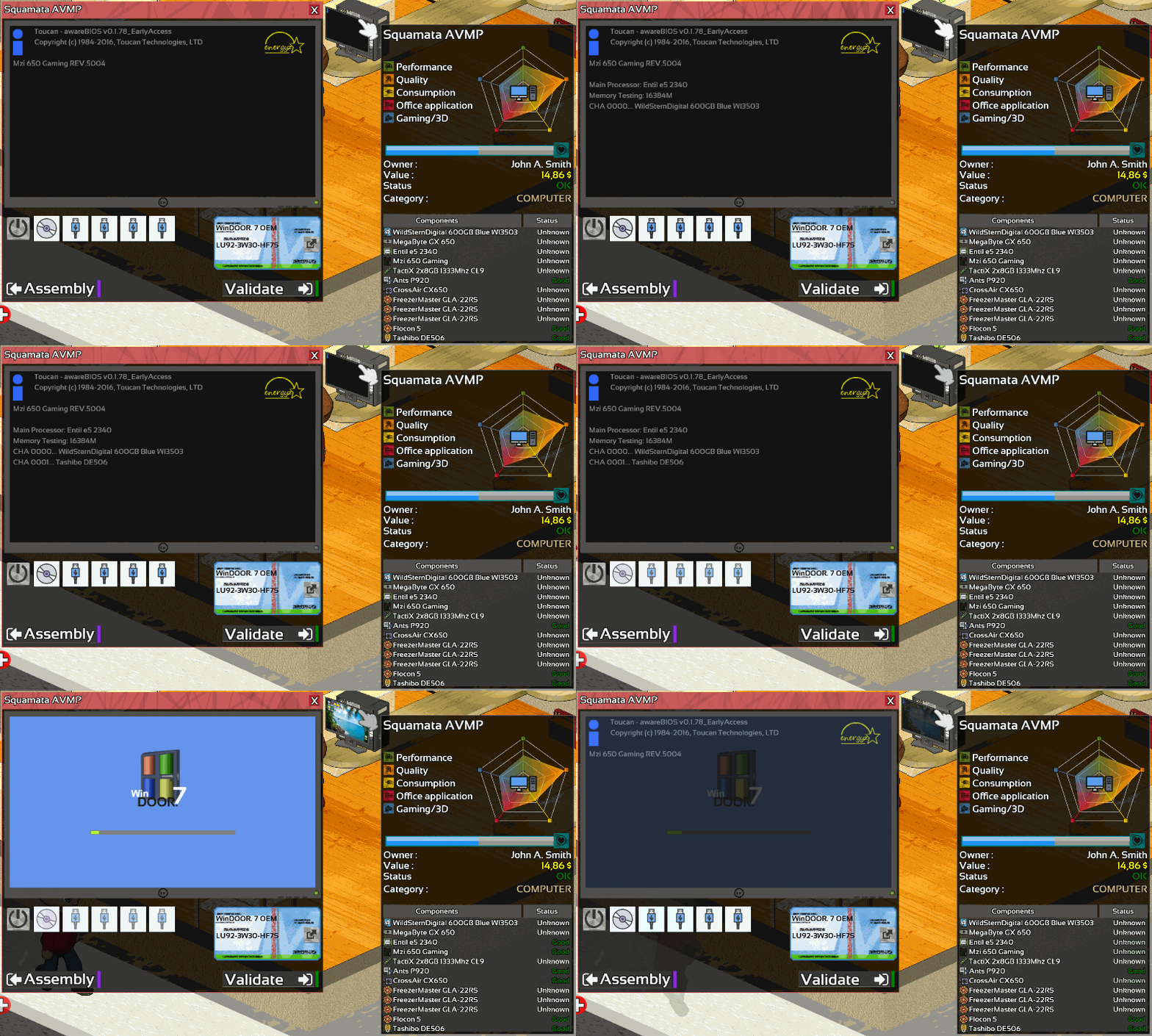
When overing a computer the tooltip will now show you which version of WinDOOR is installed.
The components's info in the supplier shop will now be displayed in the same way than tooltips.
Balancing
Benchmark score calculation has been updated to improve accuracy and resolve a bug with GPU frequency.
CPU's stability and temperature algorithm has been improved too.
Max CPU ratio has been increase from 50 to 60
Editor
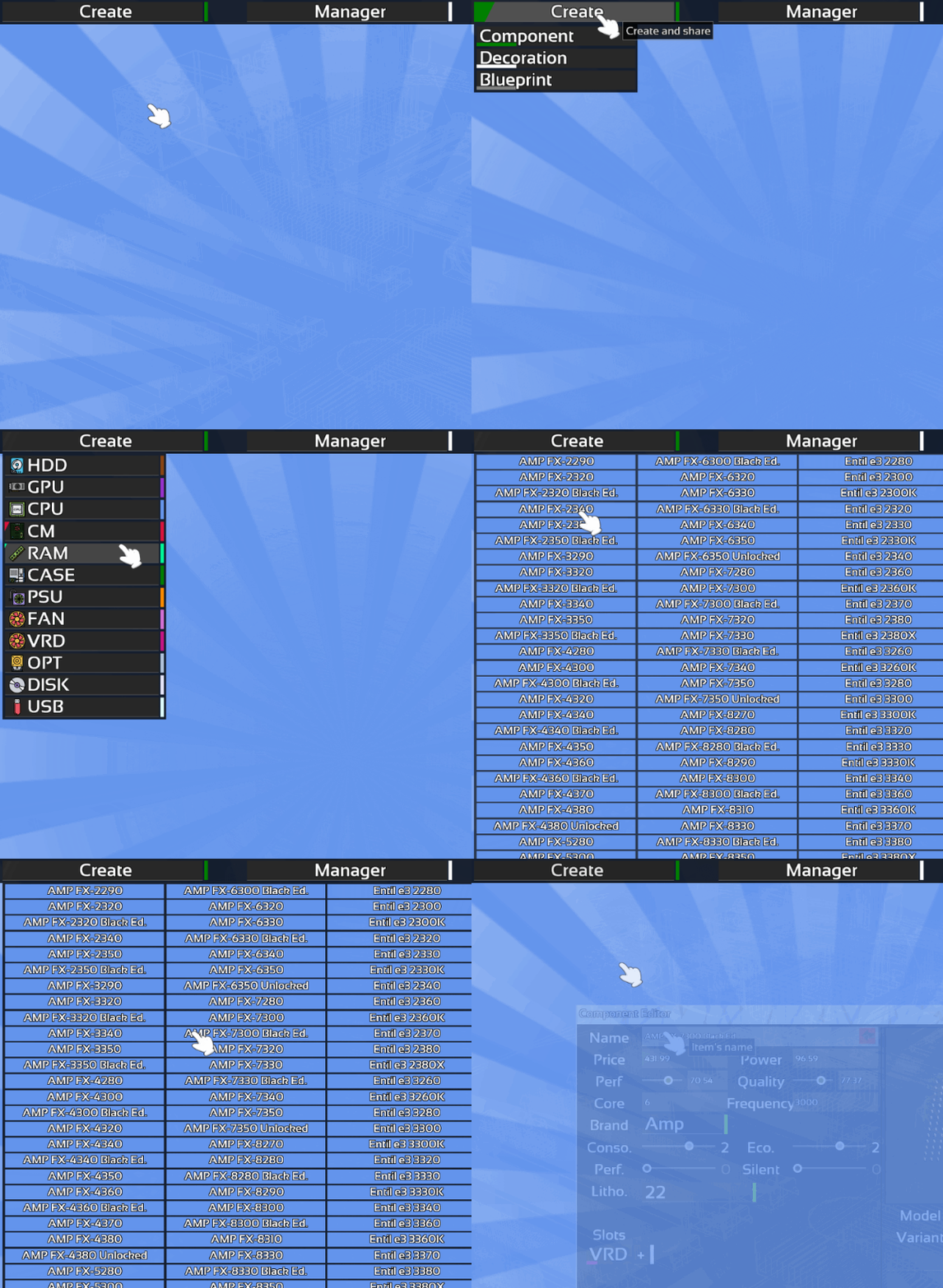
The editor has been updated to be able to change more values of CPU and HDD.
And of course many bugs was fixed. If you found a bug, do not forget to report it on the Bug Report section of the Steam HUB this is very important!
As usual feel free to let me know what you think about this change in the comment section below.
IMPORTANT: this update will be the last update of 2017. Next patch will come in mid-January!
I wish you a fine end of the year!
For the engineers who are out there, here how to make a garland, I hope it could help!
Thanks for reading! If you want to support Hardware Engineers share it with your friends!
I hope you will enjoy this patch and see you for the next one!
Summary:
Improved Blue Screen
Improved Interface
Improved Benchmark score
Improved CPU stability calculation
Increase Max CPU Ratio (50->60)
Adding Editor : CPU OC values
Adding Editor : HDD cache
Fixed HDD mission
Fixed FAN's hitbox
Fixed Automatism skill
Fixed benchmark score issue
Fixed install on burned disk
Fixed download on burned disk
Update 0.1.83
Hello everyone, this week Bios, Overclocking, Stability test and a lots of fix!
BIOS
You can now access the BIOS from the boot selection menu.
In the BIOS you will be able to change several settings of your motherboard.
Overclocking
Overclocking is now possible in Hardware Engineers!
How it works?
Each motherboard have a base clock (sometime named "BCLK").
Each processor have a Clock Ratio.
For example if you motherboard have a BCLK of 100Mhz and your CPU a ratio of 30 that means your CPU will run at 30*100=3000Mhz
Some CPU is overclockable, if so, their ratios will be unlocked.
You can change this ratio to increase their frequency.
BUT, the more you increase the frequency the less your computer will be stable.
To enhance stability you need to increase the VCORE.
The VCORE is the voltage applied to your processor.
More VCORE means more stability but a lot more heat too, That is where TJunctionMax is important!
What is TJunction Max ?
TJunction Max is the maximum safe temperature recommended not to reach by the CPU manufacturer.
For operational convenience this value is showed in the BIOS.
If the motherboard measure the CPU temperatures exceed this value, it will shutdown your computer in emergency to prevent any damage.
So do not forget to use a proper cooling system.
After changing values in your BIOS you need to test the stability of your system.
If the computer doesn't boot at all that means the CPU cannot initialize itself with the settings you have made.
You need to reset the BIOS, to do this: go in assembly mode and use the new button "Reset BIOS"
If your computer can boot but crash with a blue screen when loading WinDOOR or during the execution of a task, that means the computer aren't stable.
You need to increase VCORE or decrease CPU ratio.
To be sure your computer is rock stable You will need the new software "OverClocking Stability Tools" (sometime named "OCST")
Note: Temperature influencing the stability
OCST
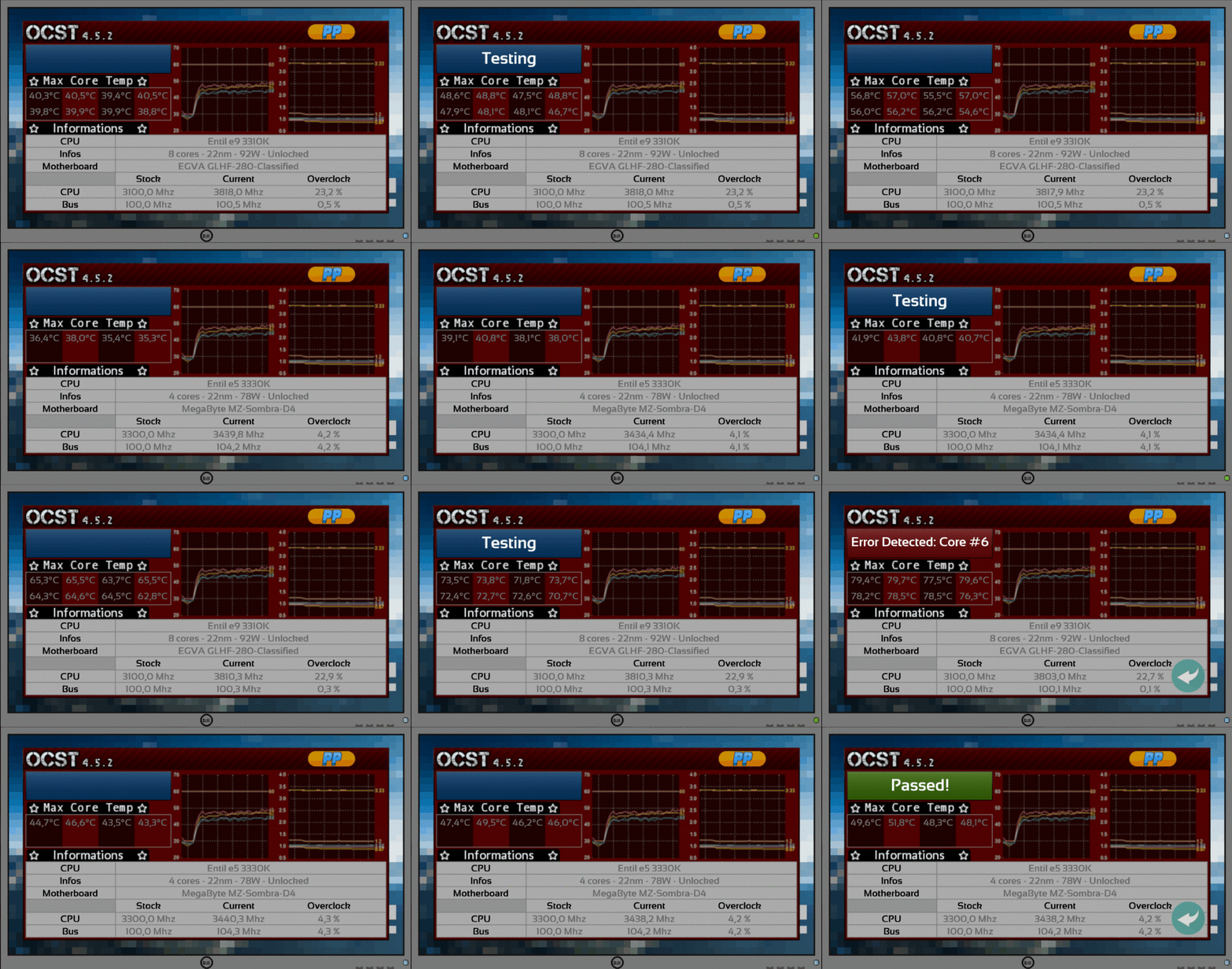
OverClocking Stability Tools is a software that will run lots of calculation on the computer to be sure it stay stable even with huge CPU load.
If he detects errors it will stop itself.
Red square+"error detected: core#" means your overclock is not stable.
Green square+"Passed!" means your overclock is stable!
Improvement
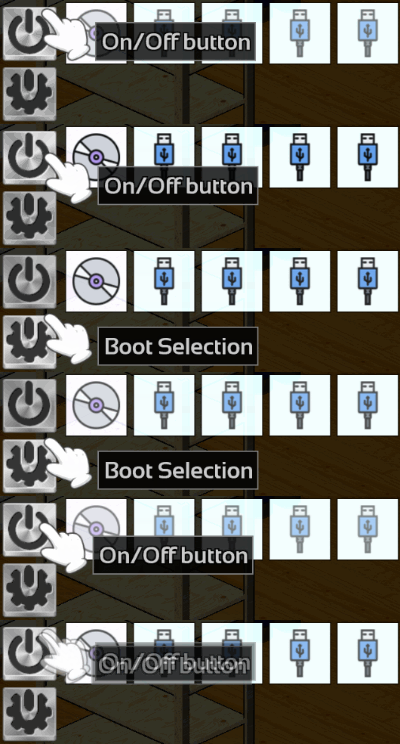
Boot sequence has been change. When powering up a computer it will always boot on the first bootable devices.
To access the boot selection, use the second button under the screen.
Search bar has been added to USB exploration and DownloadCenter>Tools.
Certain memory kits's values has been rebalancing.
And of course many bugs was fixed. If you found a bug, do not forget to report it on the Bug Report section of the Steam HUB this is very important!
As usual feel free to let me know what you think about this change in the comment section below.
Be careful with overclock!
Thanks for reading! If you want to support Hardware Engineers share it with your friends!
I hope you will enjoy this patch and see you for the next one!
Summary:
Adding Motherboard's BIOS
Adding CPU overclocking
Adding new software OCST
Adding search bar (USB,DownloadCenter>Tools)
Improved Boot
Balancing "Value" Ram
Fixed Returning defragmented PC
Fixed Inventory wrong icon
Fixed delivery tooltip
Fixed Text in Explorer>properties and submenu
Fixed missing description
Fixed slot editor
Fixed assembly camera
Fixed SSD's hitbox
Fixed GPU models
Fixed Reward's decimal number
Update 0.1.82
Hello everyone!
Content
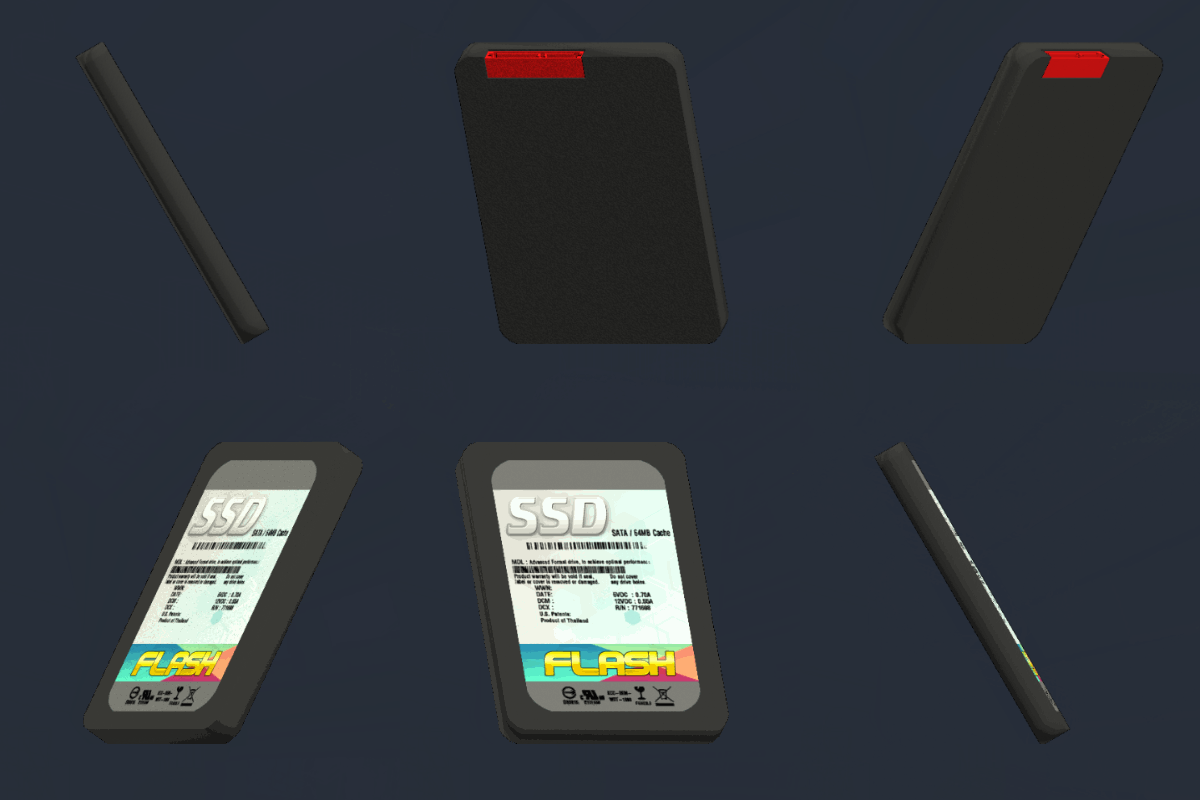
Adding 120 SSD to the supplier shop!
Explorer & Software
New background images and new sounds effect for the explorer.
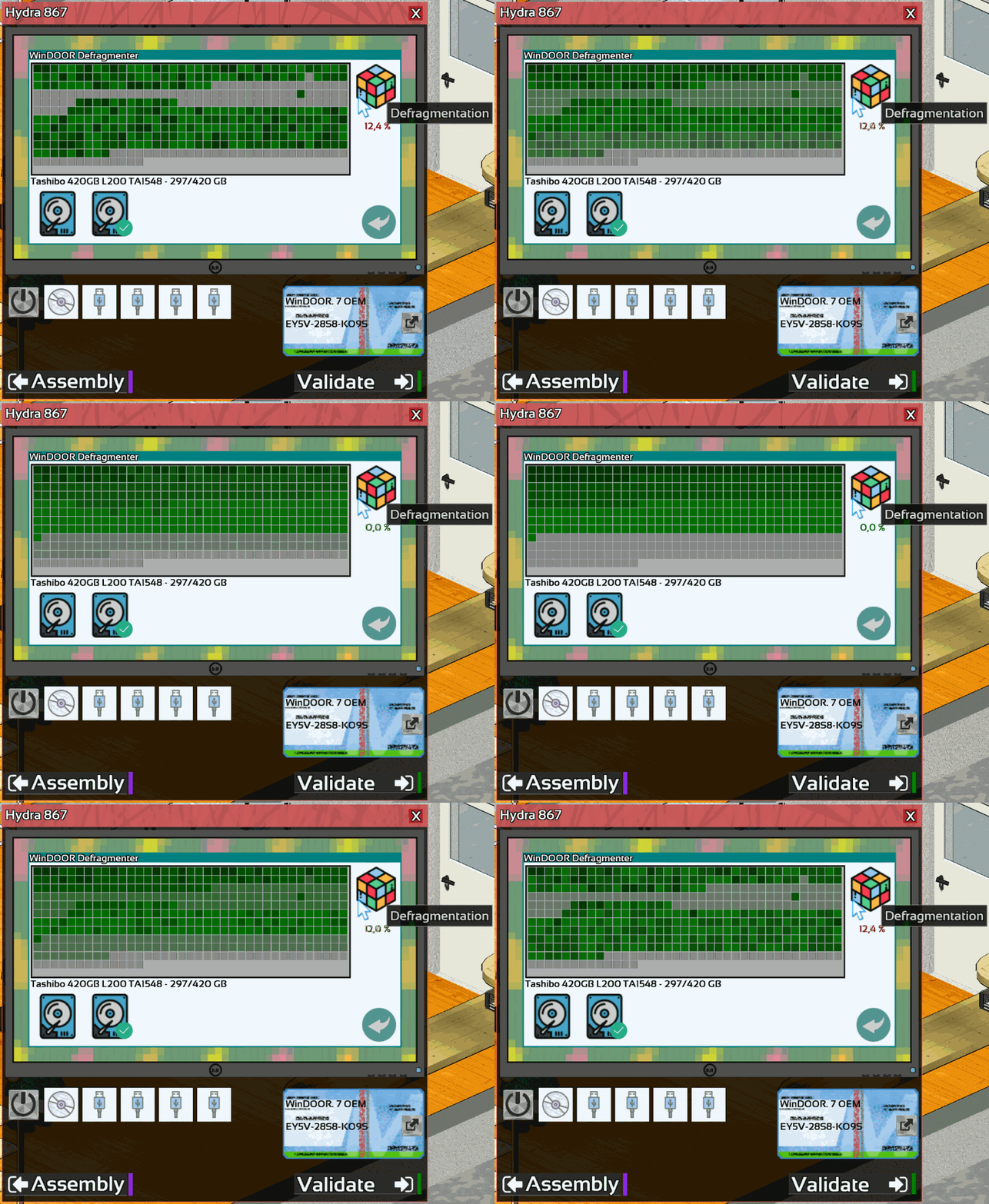
Adding Disk defragmentation! Defragemented disk will give you 10% more performance.
You can access winDOOR defragmenter in the computer settings.
The performance bonus will not apply on SSD.
Adding 3 new winDOOR wallpaper.
Installing a new winDOOR version will now set the default winDOOR's wallpaper.
Rework of devices and drives detection.
WinDOOR's computer screen will now refresh itself when inserting a new devices or optical disk.
Delivery
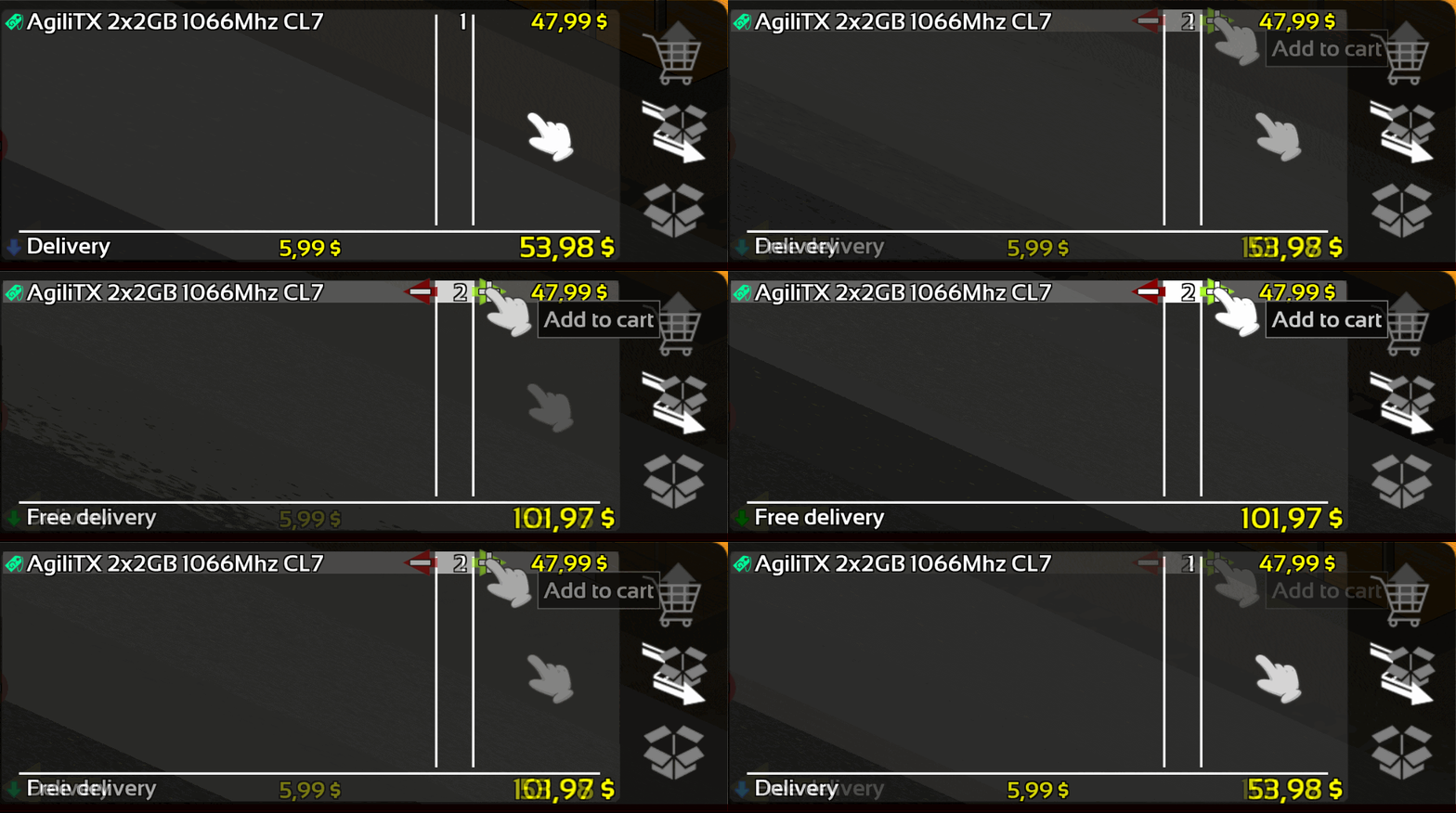
Delivery will now be free if you order for more than 100$(by default).
This value can be customized when starting a new game.
Mission
A new option "Missions help" is available in game configuration.
By activate it, you will be able to see more information on the objective of complex mission.
Balancing & Correction
Computer will now shutdown slightly faster in general.
Walk path of passersby has been improved.
And of course many bugs was fixed. If you found a bug, do not forget to report it on the Bug Report section of the Steam HUB this is very important!
As usual feel free to let me know what you think about this change in the comment section below.
With those new SSD your computers will be as fast as this lizard, trust me I'm an engineers!
Thanks for reading! If you want to support Hardware Engineers share it with your friends!
I hope you will enjoy this patch and see you for the next one!
Summary:
Adding SSD !
Adding Disk Defragmenter
Adding new sounds effect
Adding new wallpaper
Adding Free delivery limit
Adding Free delivery customization
Adding Mission's helps
Rework of devices and drives detection
Reducing computer shutdown duration
Improved Interface (Explorer)
Improved walk path
Fixed HDD scan
Fixed Network copying
Fixed icon bug in download center
Fixed wrong 3D models on showcase
Update 0.1.81
Hello everyone!
Display
Displays has been reworked.
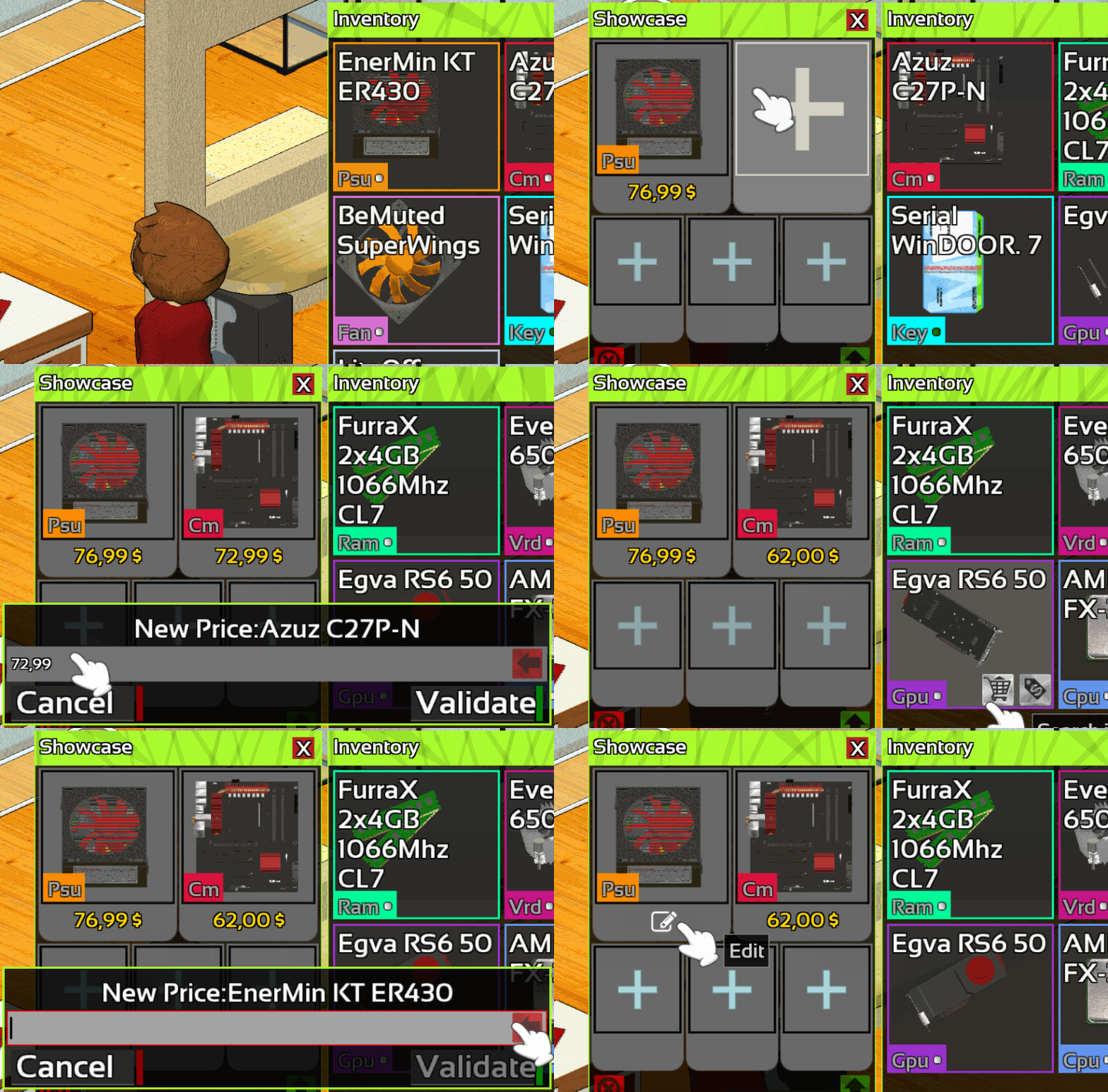
You can now customizes the price of items.
Customers will now buys used part if the price is good.
When putting an item in showcase a recommended price will be apply automatically.
Click on the price to customize it.
Mission
New scenarios for upgrade missions(purple) are now available.
How to upgrade operating system:
Add an empty hard drive in the computer
Use Polygon Backup(copy mode) to copy the main hard drive on the empty drive
Install the desired WinDOOR version on the main drive
Re use Polygon to copy back the customers data
Apply new licenses sticker
Remove your hard drive from the computer
Note: Don't forget to remove your drive from the customer's computers or you will lose it and the "Data" objective will be unchecked.
Note2: Don't forget to format your hard drive before copying another user's data on it or you will mix them!
Interface
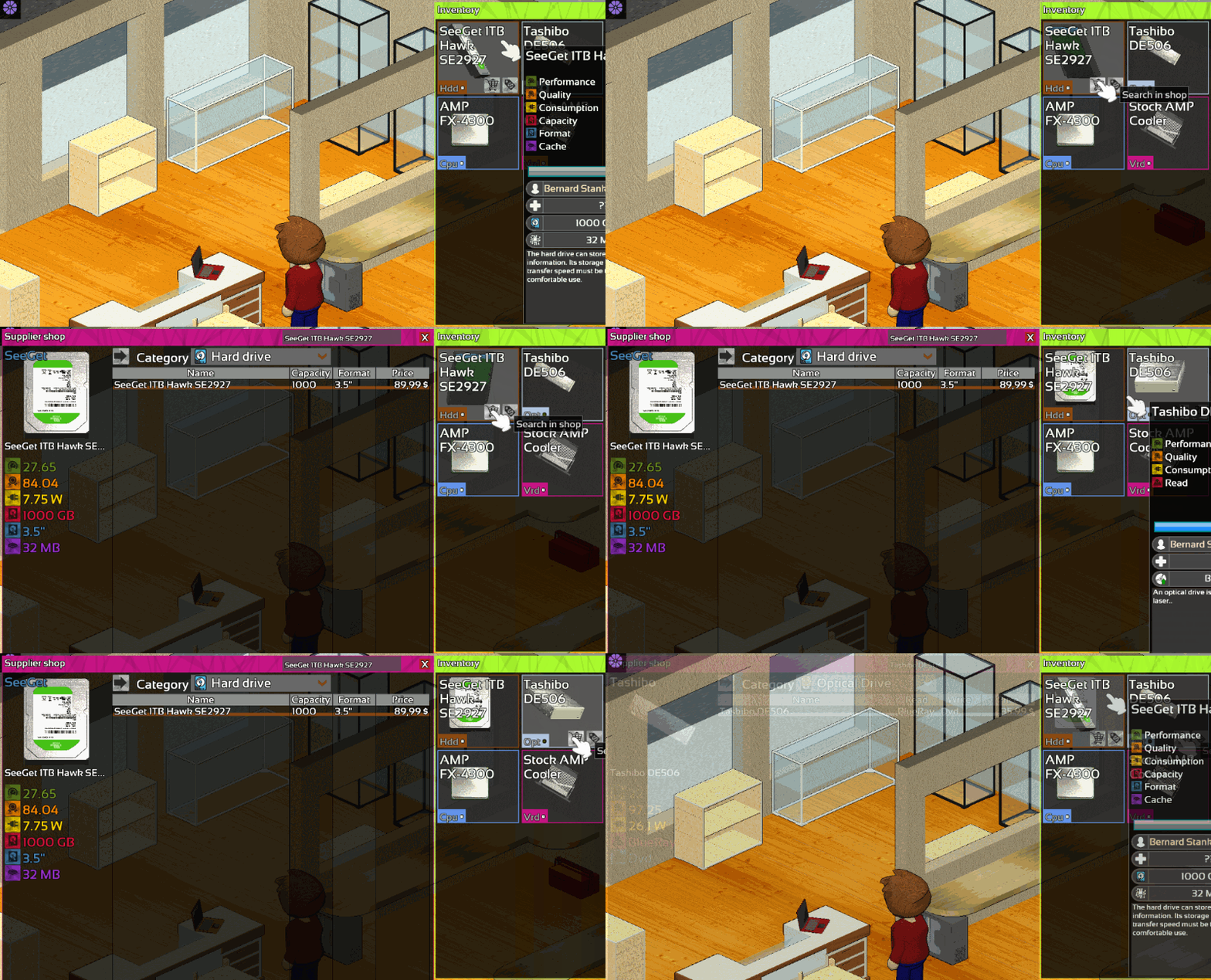
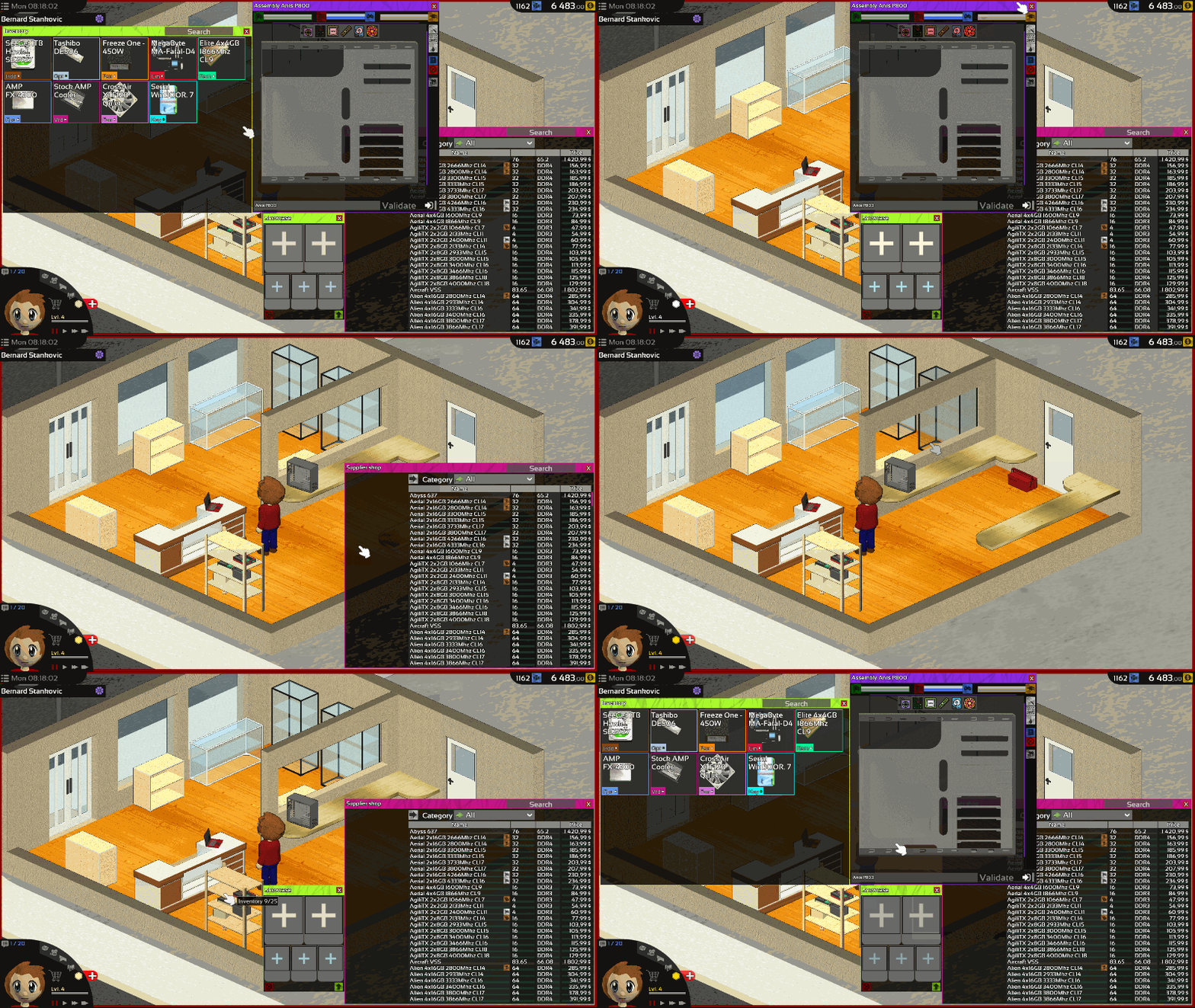
New shortcut for see something in shop in one click.
Click on items in cart will does the same thing.
Windows location are now saved.
Tooltips has been reworked.
Rules customization
You can now customizes delivery price.
Software
When using the "COPY" option in Polygon Backup, WinDOOR's files and software will be ignored.
Only the customer's data will be copied.
And of course many bugs was fixed. If you found a bug, do not forget to report it on the Bug Report section of the Steam HUB this is very important!
As usual feel free to let me know what you think about this change in the comment section below.
Thanks for reading! If you want to support Hardware Engineers share it with your friends!
I hope you will enjoy this patch and see you for the next one!
The Managements screen have now a leaderboard of the best 3DMark score!
Try your hand now to be the on the top of the leaderboard!
Benchmark accuracy has been improved.
Note:Your score will count only if you don't use mods in the computer and with Sandbox mode disabled.
Delivery
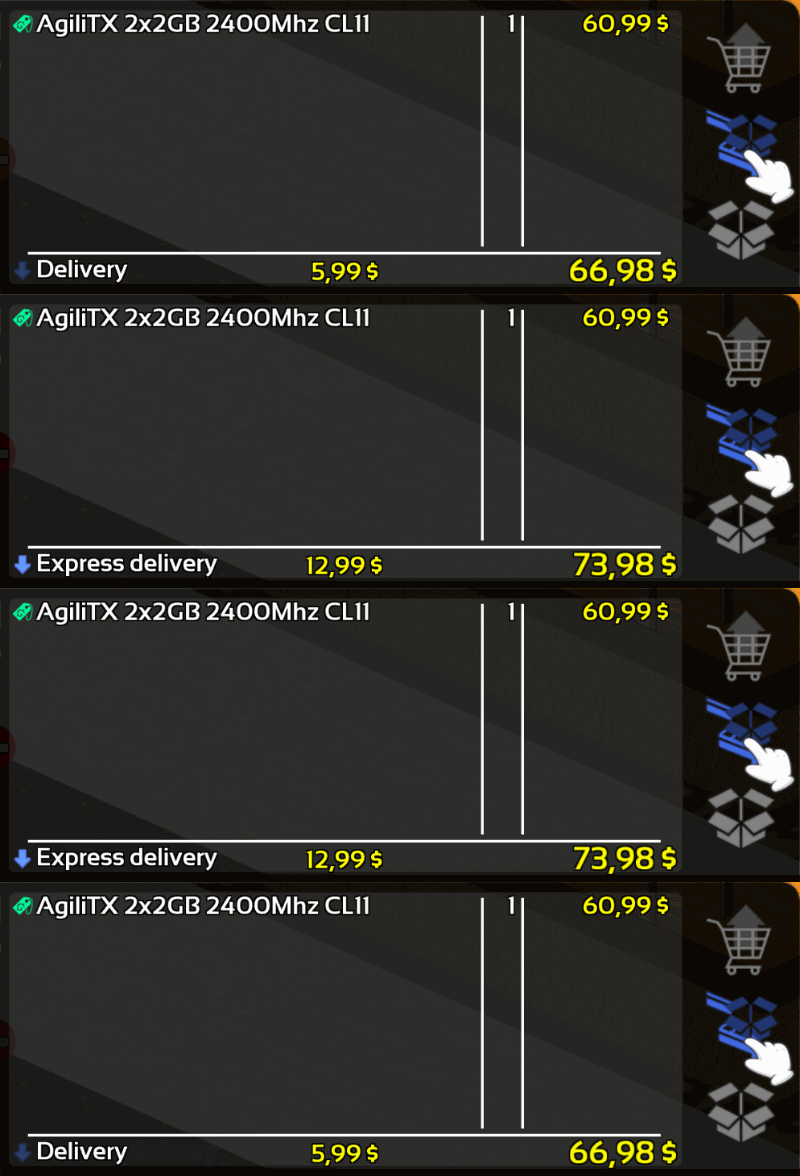
Normal delivery will now cost 5.99$.
The price for express delivery is still unchanged (12.99$).
USB
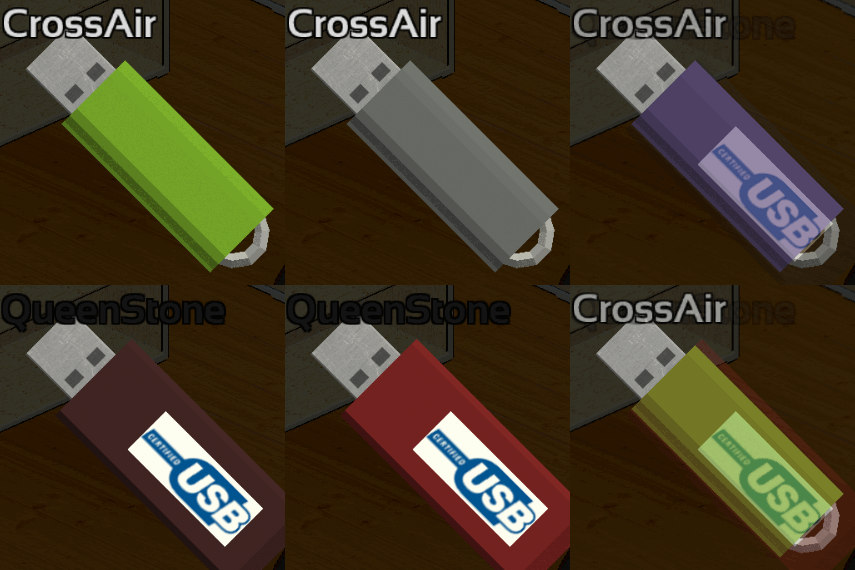
I have noticed than in many let's play of Hardware Engineers some of you get some time confused by using many USB key to store their tools because they look all the same.
So I add 16 new USB key with different colors and 3D models!
Achievements
The Achievements "Heavy duty rig" and "One rig to rule them all" condition has been slightly modified.
"Heavy duty rig" is now easier to unlock when "One rig to rule them all" is now harder.
Interface
Explorer:
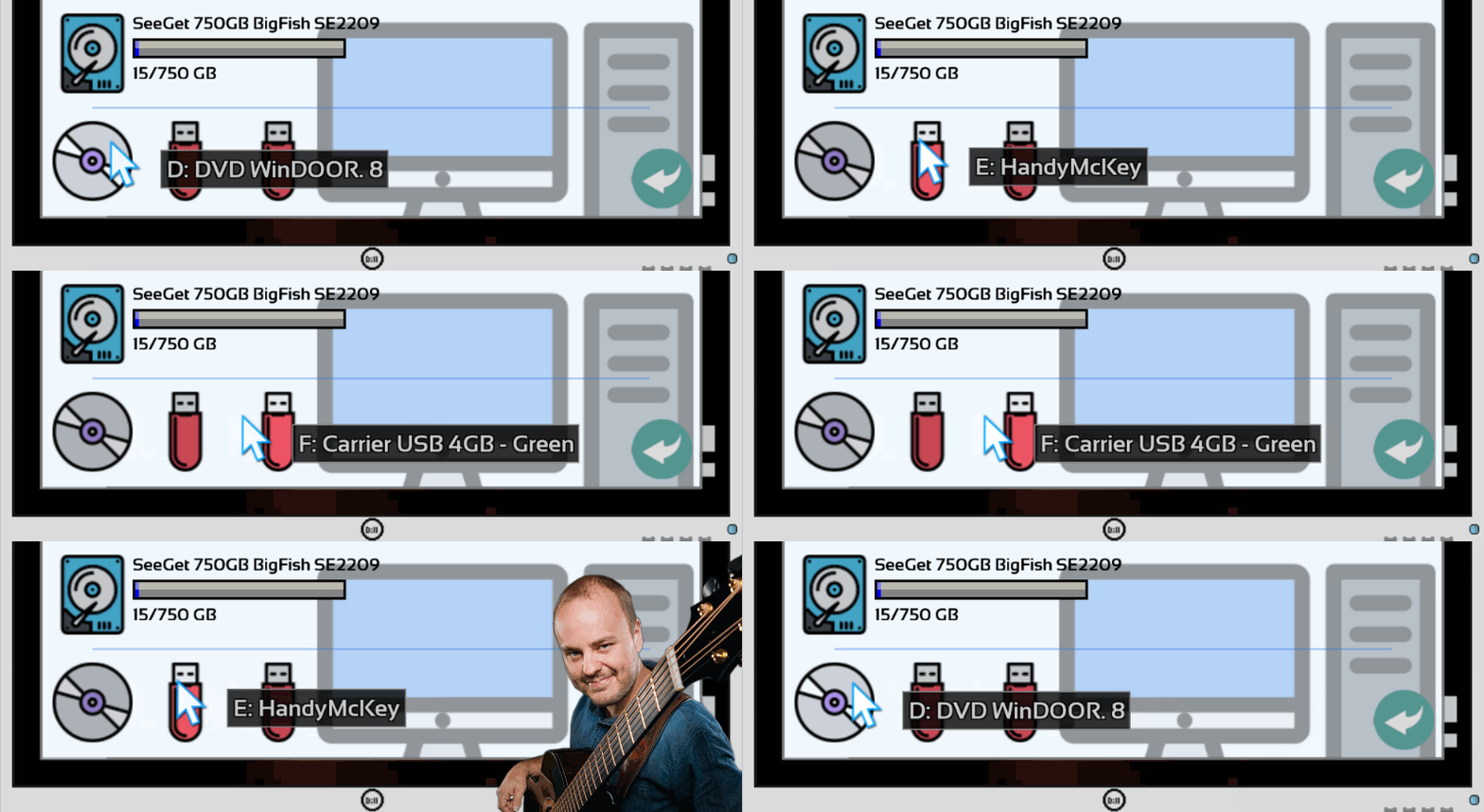
USB devices and disk will now have an access letter like hard disk.
Open a bootable device will now display several files instead of empty device.
Every USB/DVD Tools will now takes custom name into account
WinDOOR Tools will now automatically rename USB key
Bank loans screen in Managements has been improved.
Toolbox's buttons will now be bigger.
Text overlapping in Historic and Finance screen has been reduced.
Engine
Drag and drop system has been reworked to be more responsive.
You should now be able to quickly grab something without any issue.
Mission
The data of burned HDD is no longer required to meet all objective.
And of course many bugs was fixed. If you found a bug, do not forget to report it on the Bug Report section of the Steam HUB this is very important!
As usual feel free to let me know what you think about this change in the comment section below.
Thanks for reading! If you want to support Hardware Engineers share it with your friends!
I hope you will enjoy this patch and see you for the next one!
Summary:
Adding Leaderboard
Adding price for normal delivery
Adding model for USB keys
Adding 16 colorful USB key
Improved Achievements
Improved Interface
Improved Benchmark accuracy
Improved Drag and Drop items
Improved Mission with burned HDD
Fixed Translation
Fixed Sandbox mode
Fixed Background music
Fixed Hdd's data comparison
Update 0.1.79
Hello everyone!
Inspection
Simulation mode is now available for inspection!
In Simulation the classic inspection tool will not work anymore.
A quick guide to how to inspect component without it:
Hard disk drive: Software "Polygon backup" > "Scan"
CPU cooler: unbreakable if the cooler has no fan
Case: unbreakable
Optical drive: unbreakable
Other tips:
You can look at the fans rotation. If all fans rotate irregularly that means the PSU is broken.
If one fan rotate irregular, the fan might be broken or the component where the fan is mounted on.
Look at temperature, if a graphics cards or a HDD stay cold that means it's probably broken.
If a CPU get hot there are potentially something wrong with its cooler.
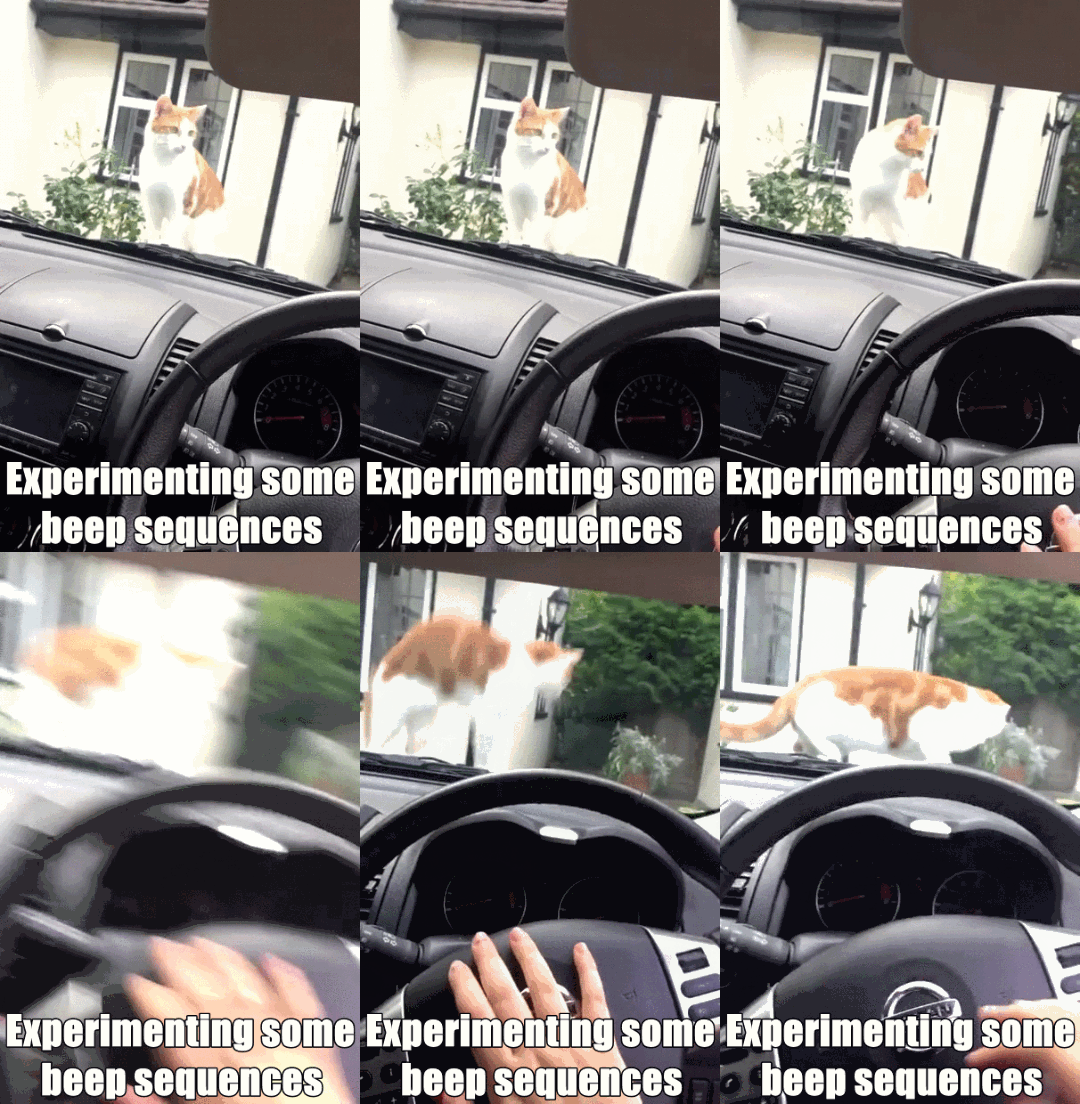
POST and beep code
Every current motherboards have power-on self-test (POST), So I add them to Hardware Engineers.
Now when booting up a computer a quick test will be made.
If the boot cannot success you will have a beep code sequence.
Some new beep codes as been added and more will come!
Example :
Processor: 4 long beeps
Mother Board: 1 short beep
Power Supply: 3 short beeps
Memory: 1 long 2 short beeps
Engine
Keyboard entry as been reworked!
You should now be able to use every characters of your keyboard evens if you have a non supported keyboard layout.
Note: For language with huge amount of glyph (Chinese, Japanese) only the glyph included in the translation mod will be available.
Note2: If you found a specific character of your keyboards not included in the game you can report it on the Steam HUB.
Mission
The penalties in case of unfulfilled optional objective when returning a mission and their tooltips as been reworked.
If you have both of this unchecked the penalties will be auditioned like this:<*>-50% Money<*>-150% Reputation<*>-90% Experience
Yes that means you will lose a lots of reputation points if you don't do both of this objective at the same time.
Interface
Skill points to spend:
Workshop tooltips:
Mods Manager:
The color of the little dot before the name of the mod show you if the mod respect the gameplay.
Speeding time will now be two time faster
And of course many bugs was fixed. If you found a bug, do not forget to report it on the Bug Report section of the Steam HUB this is very important!
As usual feel free to let me know what you think about this change in the comment section below.
Thanks for reading! If you want to support Hardware Engineers share it with your friends!
I hope you will enjoy this patch and see you for the next one!
Summary:
Simulation mode : Inspection !
Adding power-on self-test (POST)
Adding more Beep codes
Rework of keyboard inputs
Rework of optional objective malus and tooltips
Improved Interface
Improved Mods Manager
Increasing Time speeding up
Fixed canceling mission
Fixed bug with RamTest87+
Fixed potential crash RamTest87+ USB Tool
Fixed VRD Status
Fixed Notification benchmark
Update 0.1.78
Hello everyone!
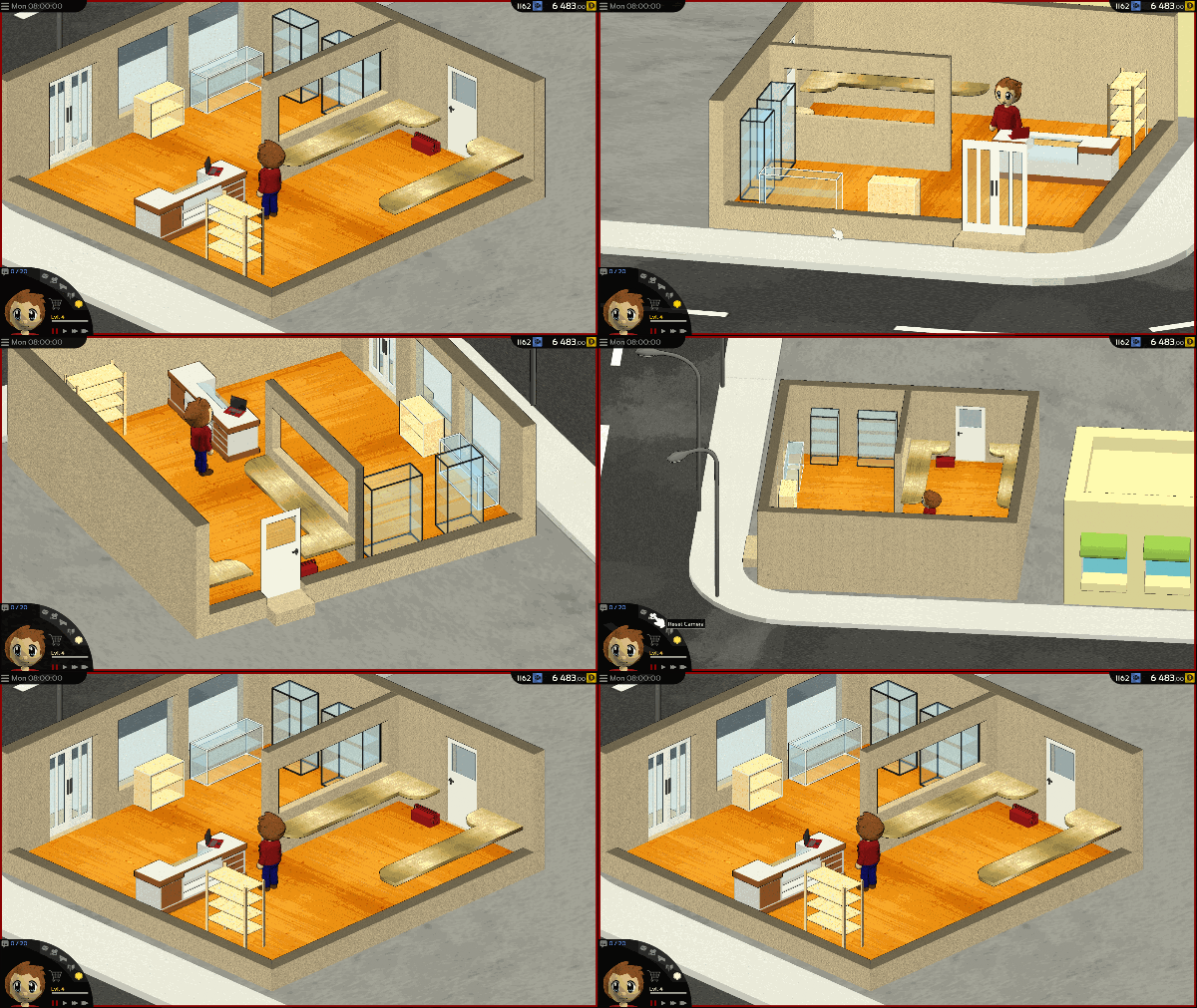
Showcase
In this patch I have changed how the showcases works.
Customers will now buys from showcase 20% more often.
Buying from showcase will report you 10% more money, 20% more reputation and 20% more experience points.
Two new emplacement for showcases has been added to the map.
Interface
Several windows has been improved.
Title screen, NewGame screen, Shop, Assembly, Mission x2 and Workshop
Assembly
Performance of assembly's animation has been improved.
Engine
Textures loading has been improved in order to reduce potential reading errors.
And of course many bugs was fixed. If you found a bug, do not forget to report it on the Bug Report section of the Steam HUB this is very important!
As usual feel free to let me know what you think about this change in the comment section below.
Thanks for reading! If you want to support Hardware Engineers share it with your friends!
I hope you will enjoy this patch and see you for the next one!
The software "3Dbench" have now a new option to make stability test.
That wills allow you to make the status of the graphics cards visible.
Scan a hard disk drive with "Polygon backup" will nows inspect its status too.
The Status of computer's case and CPU's radiators will always be ok and visible except if the radiator had an integrated fan.
Interface
Supplier shop and workshop selector will now use icons.
The glowing effect mouse hovering buttons will now be more visible.
The space between template in workshop selection has been reduce.
New button has been added to settings. This button will redirect you on the translation section of the workshop.
Tutorial
You can now disable tutorial directly when starting a new game.
Engine
Several textures and their uv map has been reworks.
The final scale calculated from your resolution and render scale has been improved to double the precision of the result.
This will prevent the risk of misplaced small line or rectangle on interface.
And of course many bugs was fixed. If you found a bug, do not forget to report it on the Bug Report section of the Steam HUB this is very important!
As usual feel free to let me know what you think about this change in the comment section below.
Indie developer in a nutshell:
Thanks for reading! If you want to support Hardware Engineers share it with your friends!
I hope you will enjoy this patch and see you for the next one!
Summary:
Adding 3DBench stability test
Adding Tutorial on "new game" screen
Adding button "more language" in settings
Improved Polygon backup software
Improved item status
Improved shop Selector
Improved workshop's tools
Improved textures
Improved Scale calculation
Fixed error when loading old settings
Fixed Buffer resizing every frame
Fixed animations speed when VSync is OFF
Fixed audio engine crash
Update 0.1.76
Hello everyone!
Software
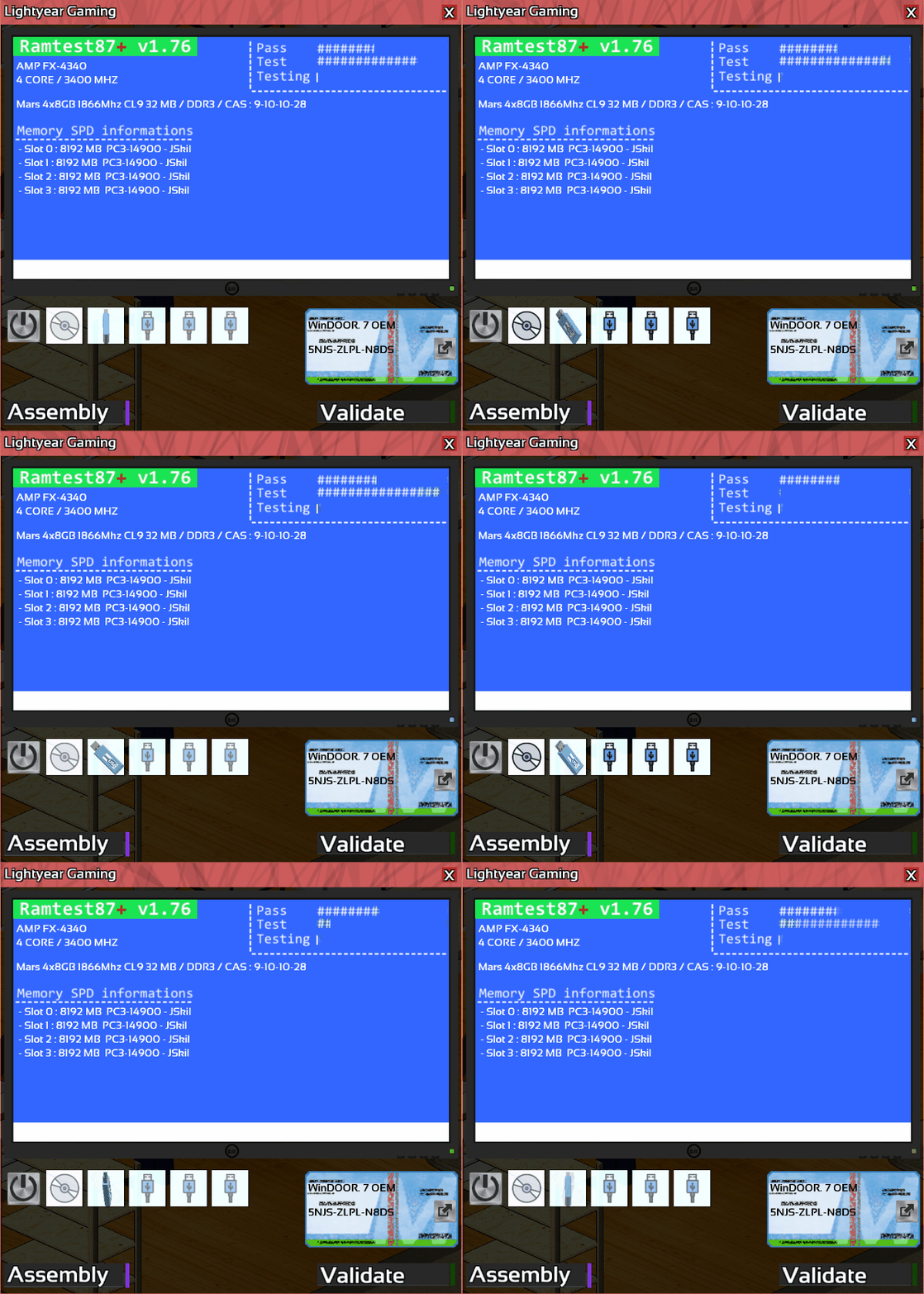
RamTest87+ and its usb tool is now available on the ingame download center.
After making a bootable device with RamTest87+ USB Tools you will be able to scan memory.
In the current stat of the game there is no advantage to do it instead of scanning the RAM directly with the inspection button but when the Expert mode will be fully available this will be the only way to know the RAM's status
Camera
Arrow keys will now move the view likes the mouse wheel.
Audio
New feature has been added to the engine. The volume will fade out when you are in menu.
Devices
The Devices list in explorer has been improve. This should remove the overlapping text
Engine
To prevent future false positive detection the engine startup as been simplified.
Some DLL as been removed and crash report will now works better.
Performance
CPU usage has been greatly reduce, this should increase fps and reduce game stuttering.
If you encounter unusual CPU usage or a bad framerate I advise you to enable VSYNC.
This would force the game to update itself only when needed.
And of course many bugs was fixed. If you found a bug, do not forget to report it on the Bug Report section of the Steam HUB this is very important!
As usual feel free to let me know what you think about this change in the comment section below.
This happens when you get a false positive. (a cat-antivirus for illustration)
Thanks for reading! If you want to support Hardware Engineers share it with your friends!
I hope you will enjoy this patch and see you for the next one!