

Harvested
1.1.0.24
1.1.0.23
1.1.0.22
1.0.0.21
- Fixed crash caused by objectives that trigger events in loaded games
1.1.0.20
Zooming In, Improved Voice Acting
In March we announced a series of changes. This included new speed controls and a large, open survival map, improvements to the settings menu, a "Load Game" menu on the main menu, improved voice acting, and most recently, the ability to zoom in and out of the game!
We've added two new buttons to the top-right corner of the interface (by the speed controls!) to control zooming in and out. You can also zoom in and out quickly using the scroll wheel on your mouse!
We currently support three zoom levels: 100%, 150%, and 200%.
Check out some screenshots below:
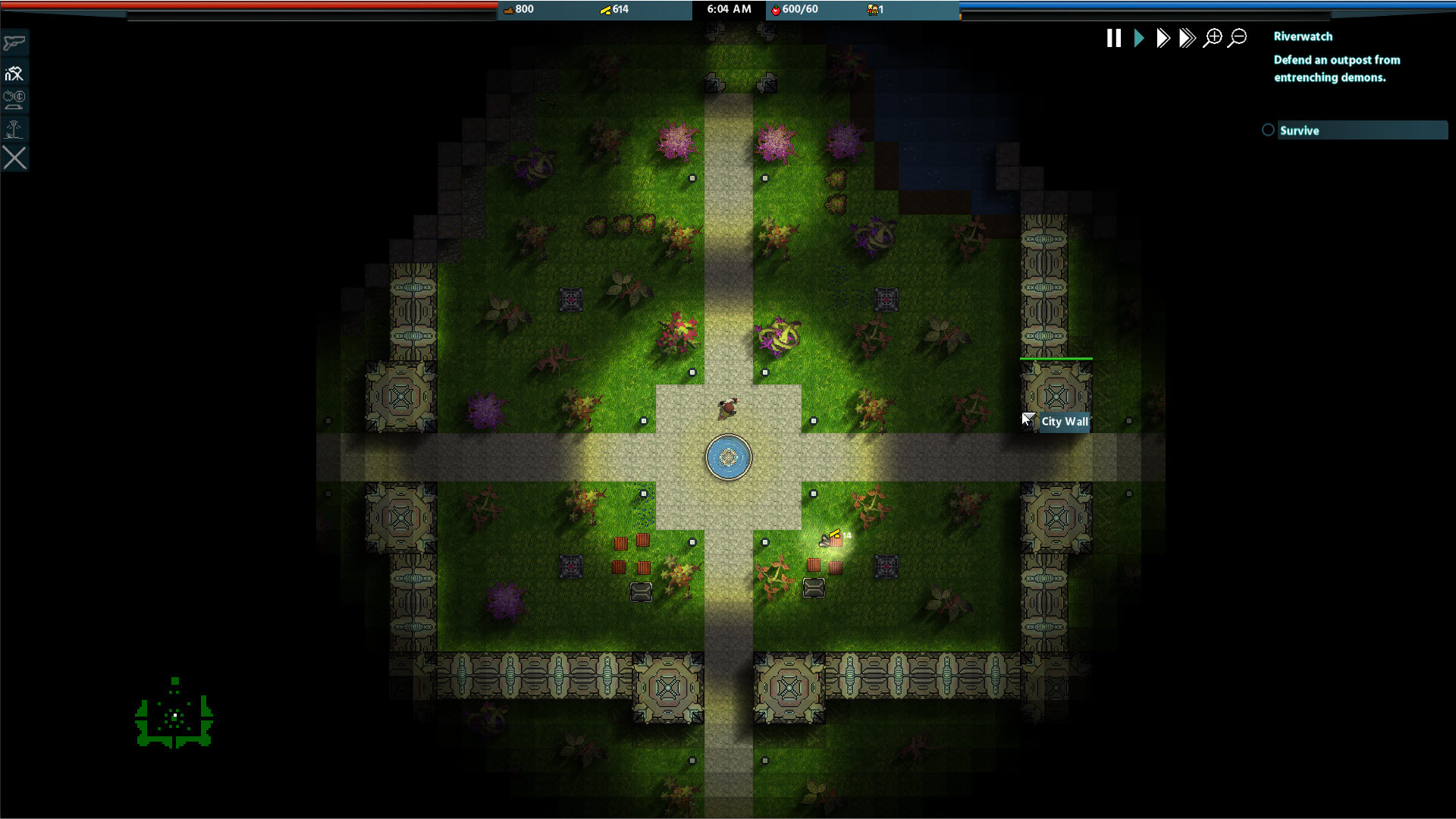


We hope you enjoy the zoom feature! It certainly makes the game feel faster paced - especially on high-resolution screens.
This concludes our first set of new features! We will continue to monitor the discussions, comments, reviews, and emails. We'd love to hear what you want next!
Enjoy!
- Vashta Entertainment
1.1.0.18
- Fixed crash from main menu if you attempted to load a game after already playing a game
- Fixed issue where turret placement was off on loads
1.1.0.17
1.1.0.16
- Fixed crash related to placing healing towers
1.1.0.14
- Added "Back" button to Chapter Selection screen on the main menu