The Cerebral Puzzle Fest event is starting this week, and Hexahedra will be part of it! It's a celebration of thinky games, with loads of livestreams and demos. Hexahedra's demo is already out, you can grab it from the store page!
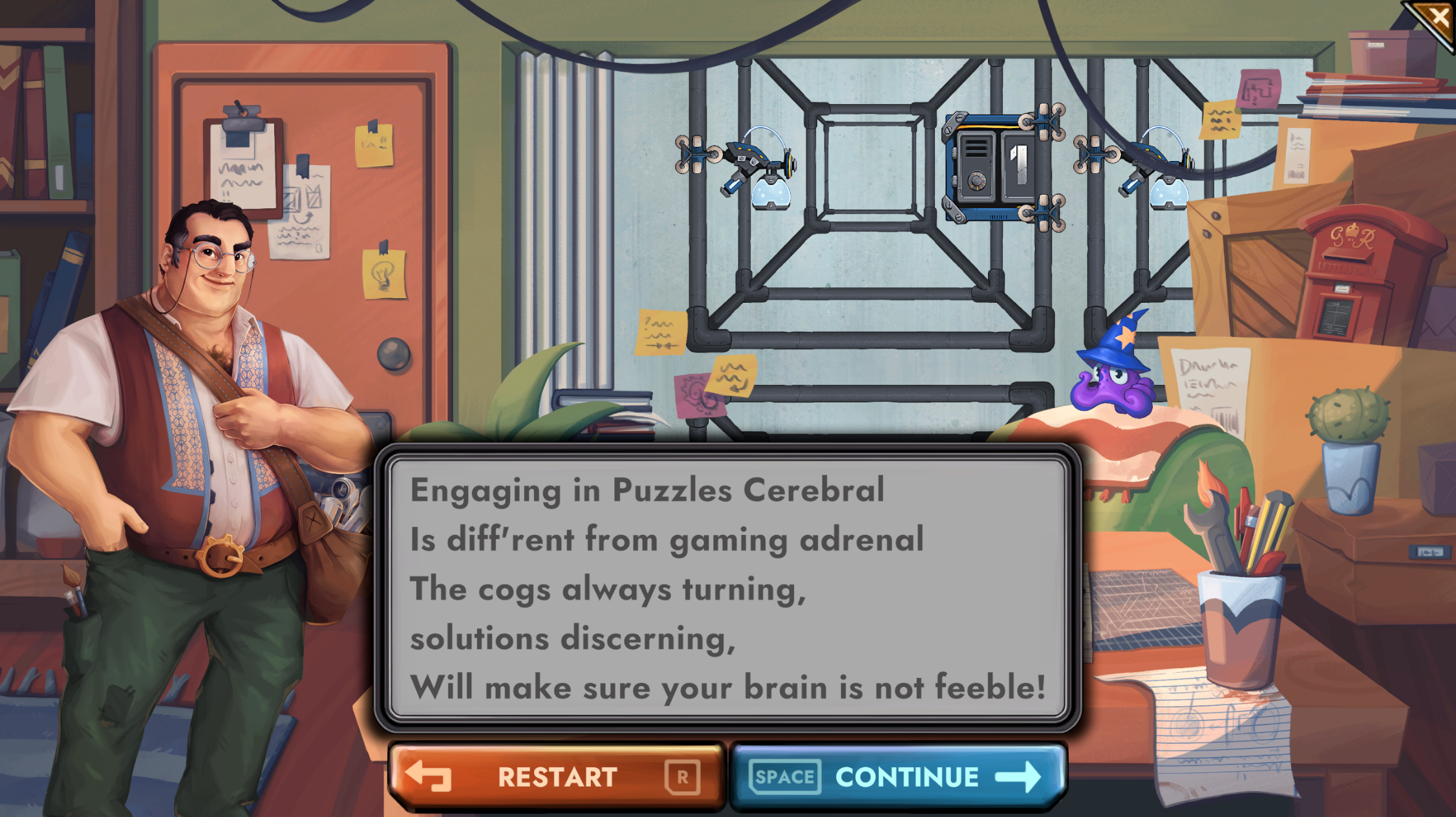
Dantar and Octavius have teamed up to compose a short poem to commemorate the occasion:
Factory spray painters go crazy - factory entirely recoloured!
Demo Update 18
Factories just got a lot more colourful! Also, stats opt-out added
Bugs fixed: 3
New Features
New colours! The factory now comes in five colours - the original blue, plus red, green, yellow, and a monochrome version with white walls and black devices. Red and yellow are now being used in the demo levels, I'm saving the rest for now.
It's now possible to opt-out of the stats system. This is available from the Options menu, and the stats screen at the end of Level 1 (which is entirely uninteresting because everyone has the same score) has been replaced with a screen detailing the options.
This includes the option to not see the stats either, if you'd rather play without seeing other people's scores.
Other Changes
The Level Complete screen now has a Next Level button the first time you complete it, to save you backing out of the solution menu for the previous level.
Bugfixes
The loading screen transition to the menu no longer looks odd with very wide aspect ratios.
The "Continue" button during the narrative is now correctly coloured when replaying the story. It's blue if there's more story to come, and green once you hit the final section.
Narrative system released! Factory robots run amok!
Demo Update 17 / Kickstarter Beta Update 7
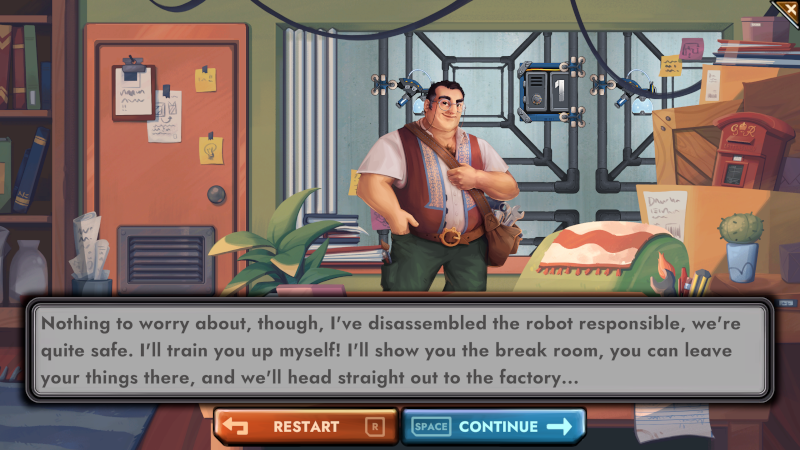
The narrative system has arrived! This is a disaster for Dantar, things keep going wrong in the factory!
Bugs fixed: 10
New Features
A storyline! As you play through the demo, you'll see that the robots that work in the factory keep misbehaving. So far, Dantar hasn't cracked the reason why. The Kickstarter beta levels don't have narrative yet, since those are likely to be redesigned or moved around.
The first time you play through a level, you'll see the narrative automatically. After that, you'll be able to replay it from the Save Select screen. If you've played through the demo already, replay the narrative from that menu to see the story unfold.
Some tutorial text has also been tweaked a bit to tie into the narrative, but the puzzles remain the same.
Other Changes
The menus have all been flipped. This may catch you by surprise if you're used to the old system. The reason for this is that it makes the flow through the screens more natural - buttons are now on the right-hand side of the menu, rather than the left, which means they're where players expect to find them.
The stats for the early tutorial levels now ignore the devices and commands in the example workstations. This means the stats only count what you've added. I've updated the scores submitted to the stats server to account for this, but you'll need to run the solutions again to update your local copy of your Personal Best stats.
The camera no longer jumps on very small levels when a level is failed or you click on a cube to bring up its visualization. You can see the entire level anyway, not much is gained by moving the camera around.
Speaking of failure and cube visualizations, the Failure UI that pops up when something goes wrong now defaults to appearing on the left of the problem, so that it doesn't cover up cube visualization windows.
Bugfixes
It's now much easier to click the Back and Play buttons on the Save Select menu.
Closing a cube's visualization now also stops the camera tracking the cube.
Fixed the loading screen's visuals looking a bit odd on very wide screens.
Demo Update 16 - small tweaks
I've put together a few small bugfixes and UI changes - nothing major, but there's no reason not to launch them sooner rather than later.
Bugs fixed: 8
New Features
When selecting a specific type of device (e.g. selecting the colour of a Spray Painter) it's now possible to drag a new device straight out of the expanded selection tool.
Bugfixes
(Linux) Fixed another bit of odd newline behaviour when typing in the Bug Reporter's Repro Steps box.
Pressing Enter when the Esc menu is open no longer advances the tutorial.
Removed some unnecessary text from the cubes in the "Incorrect Ship" popup.
Branching arrows now appear correctly on command tracks added when the tracks are in the windowed view.
Windowed tracks no longer try to hide when hovered by a dragged device (it doesn't achieve anything, all you can see is the window background).
Placing a Shift Track Up or Down command that doesn't point to a valid track no longer makes other commands appear unreachable and highlighted in red.
A new Weigher device and a helpful new Command
Demo Update 15 / Kickstarter Beta Update 5
I've completed work on another new device, the Weigher. This is the final logic-branching device, alongside the Panel Sensor and the Laser. The Weigher has a configurable weight trigger, and branches depending on whether the cube's weight meets the threshold.
Two new levels that use the Weigher have now been added to the Kickstarter closed beta, but there are several improvements and bugfixes that are available in the public demo as well, so whichever version you're playing, check out the changelist below.
(Also, if you'd like to become a late backer and get access to the closed beta, you can find out how to do that on Discord.) Bugs fixed: 19 (of which 6 were reported by players, thank you!)
New Features
(KS beta only) Added the Weigher, which branches based on whether a cube meets a configurable threshold. Added two new levels for you to try it out, let me know what you think!
Added the Pause command, which pauses the factory and zooms to the relevant workstation when triggered. Useful for debugging!
Added a "Run To Here" feature - put the pointer over a command slot, press 5, and the factory will run until the workstation reaches that command. Also handy for debugging!
Other Changes
Three other new commands have been implemented, but aren't used yet. The allow you to set the direction of a track while the factory is running. Look out for a future update where these get enabled!
It's now possible to design a level that limits the colours allowed for devices such as the Spray Painter. For those in the KS beta, you'll find that level 19, "Semaphore", has been updated. The fixed blue Spray Painter has been removed, and you can now place your own anywhere you like, but not any other colours. (This will make existing solutions invalid, so you'll need to create a solution from scratch for this level.)
You can now click and hold the arrows at the end of sliders (e.g. the music volume, and the new Weigher's threshold slider) to smoothly adjust the value.
Bugfixes
(Linux) Unity have fixed a problem that caused mouse wheel scrolling to be both backwards and very slow.
(Linux) Pressing Enter now correctly adds a linebreak when typing in the Bug Reporter's Reproduction Steps textbox.
Cube panels can no longer end up in odd places when dropping out of max speed mode or rewinding very quickly.
Fixed a bug that was hiding the stats tooltips on the Level Complete screen.
Clicking cubes to bring up their visualizations no longer behaves oddly if you're using the Run One Step mode.
Overlapping cube visualizations no longer show the controls for the popup at the back over the other cube.
Tweaked various animation timings so that cube merges no longer look wrong if the centre cube has drifted towards a triggered device.
Teleport buffer slots that used to contain cubes that matched an output no longer incorrectly keep their green highlight when rewinding.
Panels no longer clip through the sides of the Panel Storer's hood.
Glass panels that get damaged on collision no longer cause undamaged panels to look damaged when re-running the factory.
Fixed a graphical glitch when clicking the Reverse Track button.
A new Teleporter device, new levels, and more stats!
Demo Update 14 / Kickstarter Beta Update 4
Since the first stats update went out at the start of this year I've been focusing my efforts on getting on the remaining devices working, the Teleporter, and it's now ready for field testing!
The Teleporter lets you move cubes long distances quickly, including between separate parts of your factory that cubes can't move between in the usual way. (Did I mention that factories don't have to be rectangular blocks of workstations any more?) You can also use it to store cubes briefly while you work on the next part of your solution.
Two new levels that use the Teleporter have now been added to the Kickstarter closed beta, but there are several improvements and bugfixes that are available in the public demo as well, so whichever version you're playing, check out the changelist below.
(Also, if you'd like to become a late backer and get access to the closed beta, you can find out how to do that on Discord.)
Bugs fixed: 14 (of which 1 was reported by a player, thank you!)
New Features
(KS beta only) I've added a new device, the Teleporter, and two new levels that let you try it out.
(KS beta only) Factories no longer need to be a solid block of workstations, they can now have gaps and irregular shapes. If you want to send cubes across gaps you'll need to use the Teleporter, and you can use Lasers to send signals between different parts of the factory.
More stats! Hovering over the bars in the stats histograms now brings up a tooltip with extra info - the exact range covered by the bar, the percentage of players in that range, and (for the leftmost bar) the exact value of the best score recorded so far. So now you can see exactly what score you need to be beat to set the record!
Other Changes
The Failure UI is now anchored to the location of the problem (two cubes colliding, an incorrect cube sent to a Shipper, etc)
The extra, somewhat superfluous and sometimes annoying extra popups that occurred the first time you failed a level in a particular way have now gone.
Now that there's an extra UI that shows the buffer that stores teleported cubes, the Hide/Show All Tracks and Restart Tutorial buttons have moved to the top-left of the screen.
You can now also zoom further out on some levels, so that the extra UI doesn't keep you from seeing the whole factory at once.
Bugfixes
Fixed a situation where a workstation with Await Cube as its first command might not wait when restarting a factory.
Glass panels no longer punch holes in UI overlays to the factory beneath.
Using the Run One Step button no longer causes a cube that will match at the end of the next step due have a panel added or removed to be marked as matching an output.
The Failure UI now correctly overlays cubes in UI elements
Fixed a problem where overlapping cube visualizations would sometimes interfere with each other.
Fixed a problem where deleting a track could break the Undo history.
Undoing track deletion now correctly restores which track should be highlighted.
The main UI's shadows no longer block clicks.
Fixed a divide-by-zero problem for new levels with no histogram data yet.
Decorations no longer sometimes go missing on rewind.
Cube visualizations now have flame VFX again when their factory counterpart is on fire. The flames now rotate with the cube if you spin it while the factory is paused.
Rewinding a factory that has failed because a cube was sent to an inactive workstation no longer creates extra cubes with every rewind step.
Lasers firing at a cube that's been passed into an inactive workstation now have the correct-length beam.
Fixed a minor sprite atlasing problem with branching arrows.
Global stats now live!
I hope you enjoyed Christmas and New Year. Before the holidays I was working on the global histograms, and today they're released! Global stats are now live for both the public demo and the Kickstarter closed beta. New Features
Global stats have arrived! Histograms now allow you to compare your performance with the rest of the world.
Alongside the histogram, you can now see not just the stats for your best solution and the current solution, but the previous run of the solution. This makes it easier to see how much your stats have improved with your latest changes.
Other Changes
You now return to the Save Select screen rather than the Level Select screen when coming back to the main menu.
The game no longer claims to be live on Kickstarter!
Kickstarter 290% Funded!
Hexahedra reached its funding goal and Kickstarter, and then kept going, reaching a final total of 291%!
This means I have the funding I need to finish and release Hexahedra - a few more 3D models, more artwork, and sound effects.
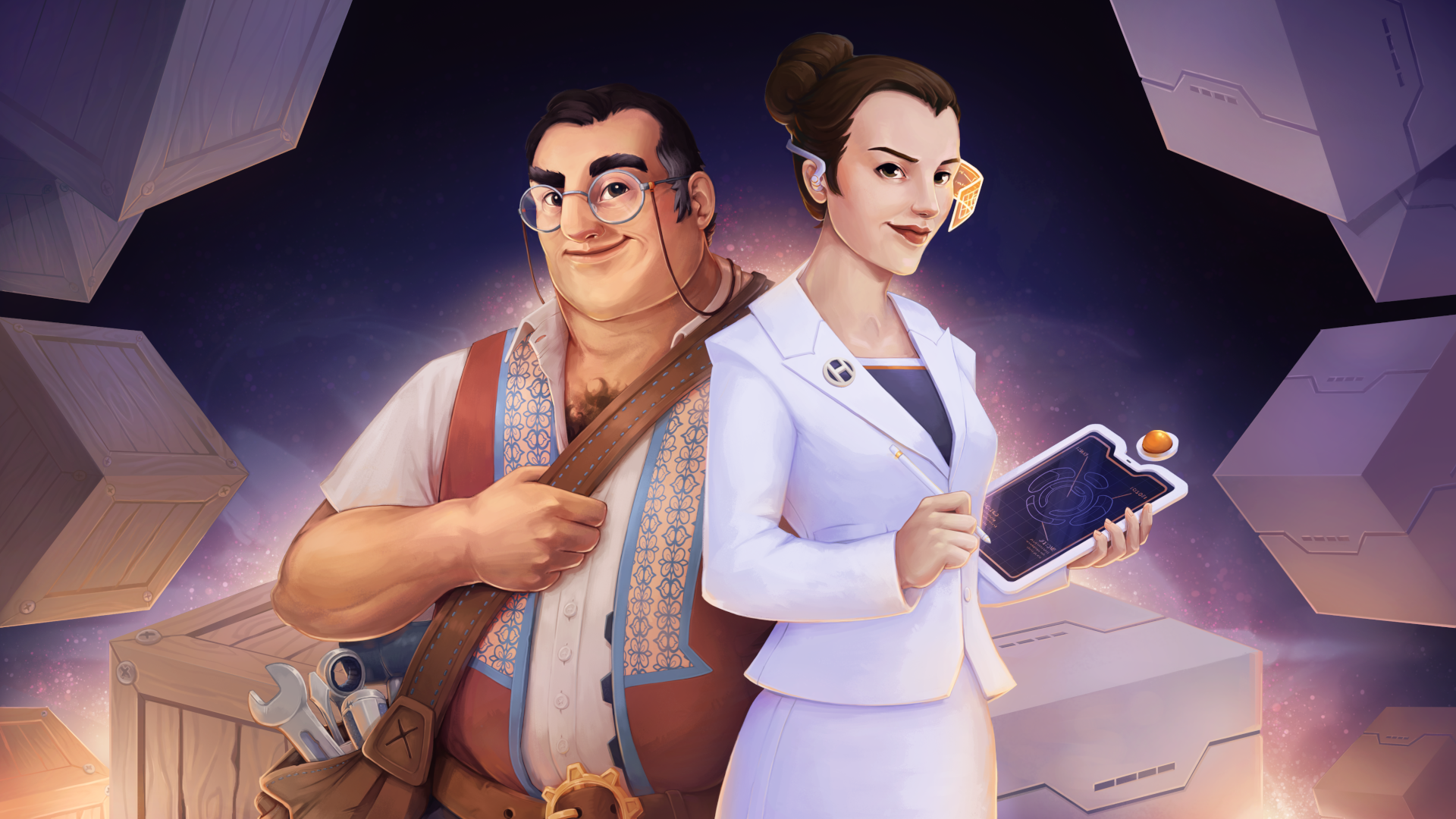
Dantar and Juliana, whose factories you'll operate, are delighted with this news:
Those who backed at the relevant tiers will soon have access to a Closed Beta where I'll roll out new features for testing. Some of those features (such as the sound when it arrives) will also make it into the demo.
It's taken two and a half years to get here - a huge thank you to everyone who played the beta or the demo, gave feedback and reported bugs, or backed the Kickstarter campaign. The game wouldn't be in such a solid state without you!
Today's update adds Friends Leaderboards to Hexahedra, ranking you alongside your Steam friends for efficiency in Steps, Commands, and Devices for each puzzle.
To get your stats into the system, you'll need to rerun your best solutions. They'll get submitted to the new backend stats server, which will verify the results (so don't worry, solutions need to be legitimate to show up!) and insert them into the leaderboards.
The global histograms are still to come, but I'd love to have lots of data to test them with, so encourage your friends to grab the demo and see who can come up with the best factories.
For now, stats are available for all levels - for tutorial levels, they won't be terribly interesting, so at some point I'll filter out those levels and just have stats for the non-tutorial ones.
Other new features: - Your save files are now zipped. If you have lots of solutions saved, an individual profile can easily swell to many megabytes, but they compress extremely well, so you'll now get almost all of that space back.
Bugfixes: This update doesn't contain any bugfixes, but I have launched a couple of very minor updates since the last set of patch notes which dealt with a couple of small graphical glitches introduced by the last big patch, Demo 6, which shipped lots of performance improvements.
Kickstarter Live!
The time has come! Now that the demo is live, the next step is to raise the funds for the rest of the game!
Although I'll continue to cover all the code and game design, the Kickstarter campaign will allow me to commission the rest of the assets needed for Hexahedra, including sound effects
Dantar and Juliana, whose factories you'll operate:
Backing the project will mean you can get a copy of the game for below the launch price. There will also be higher tiers that start with adding a copy of the soundtrack and, at the top end, will allow you to design a level for the game.
It's taken two and a half years to get here - a huge thank you to everyone who played the beta or the demo and gave feedback and reported bugs. The game wouldn't be in such a solid state without you!