changelog 1.5 Fixed a bunch of bugs with various things. Added beehive added goblins added ghosts added note object added full text editing to signs. added checkBlocks Added goal filename input (press tab on a goal while editing it.) Fixed editor issues with rotating Added level completion checking (now levels will show if they've been beaten in the level list) changed the way audio worked for some things Changed a couple sprites Gave Dodge some Coyote time. He can now jump up to 6 frames after leaving a block.
OpDomization Update!~
Major Changes: Vertex Batching: better frames roughly 30% higher fps on water tornado. There's still plenty of ways to lag the game with large rooms, but now authors can trust that regular walls, offwalls, glass, and water blocks won't cause significant lag.
Signs now use Jujuadam's "Scribble" text markup plugin: Now you can use all the different markups here: https://www.jujuadams.com/Scribble/#/latest/text-formatting (here's a blurry but readable list of the sprite names):
Okay so there's a bunch of stuff that got fixed and I can't keep track of all of it, but I have a feeling not a lot of people care about bugfixes they just want levels and opDo. So like yeah basically you can play as the turtle now. He see the world in first person. You can left click to move the camera, or use ijklou to move it with the keyboard.
Additional Changes: Moving objects are now synced so that they no longer desync (at least on the x and y axises) Cannon crash now (should be) fixed.
This update is coming a little earlier than i intended to coincide with the end of the level contest. So like look out for the next level competition. I'll be doubling the prize to $50 dollars and it will be themed around making opDo levels. Anyway have fun guys.
One day left for the level contest!
You can check out the event on the community hub.
Level Contest Now Open to submission
Hey guys if you're interested in the level competition, the deadline to submit is now the 29th.
Just make a level and share the save and you could win a $25 gift card!
HopDodge Level Contest
HopDodge Level Contest:
Rules and How to Submit
Create a save file with 1 or more levels of your own design. Take a screenshot that encapsulates the theme of your levels. Go to the "Share Levels" button on the main menu. Select the save file with your level(s), the screenshot of the level, and write a name and description. Go and play 3 levels and rate them up and down. The best level will come down to the judges. but user ratings will be considered.
Criteria
Levels will be rated on the following criteria: - Playability, is the level beatable with normal knowledge - Aesthetics, Is the level pretty to look at? Does it catch the eye in any way? - Ingenuity, How well does it implement the 20 core objects to accomplish complex or interesting behaviour? - Appeal, How many likes/dislikes did it receive? - Story, Do the levels tell the player an interesting story?
Prize
the author of the best submission will win an Amazon Gift Card for $25
HopDodge Update #3
HopDodge released last week to critical acclaim (100% positive reviews!) ... (1 review) ...
But don't let the facts drag you down, I always say. It's time for some NEW FEATURES!
Changelog:
Camera control Camera can now be rotated, pitched, and yawed (is that a word?) Using IJKL and O/U
Cam Objects also save the pitch, roll, and yaw of the camera when they are placed.
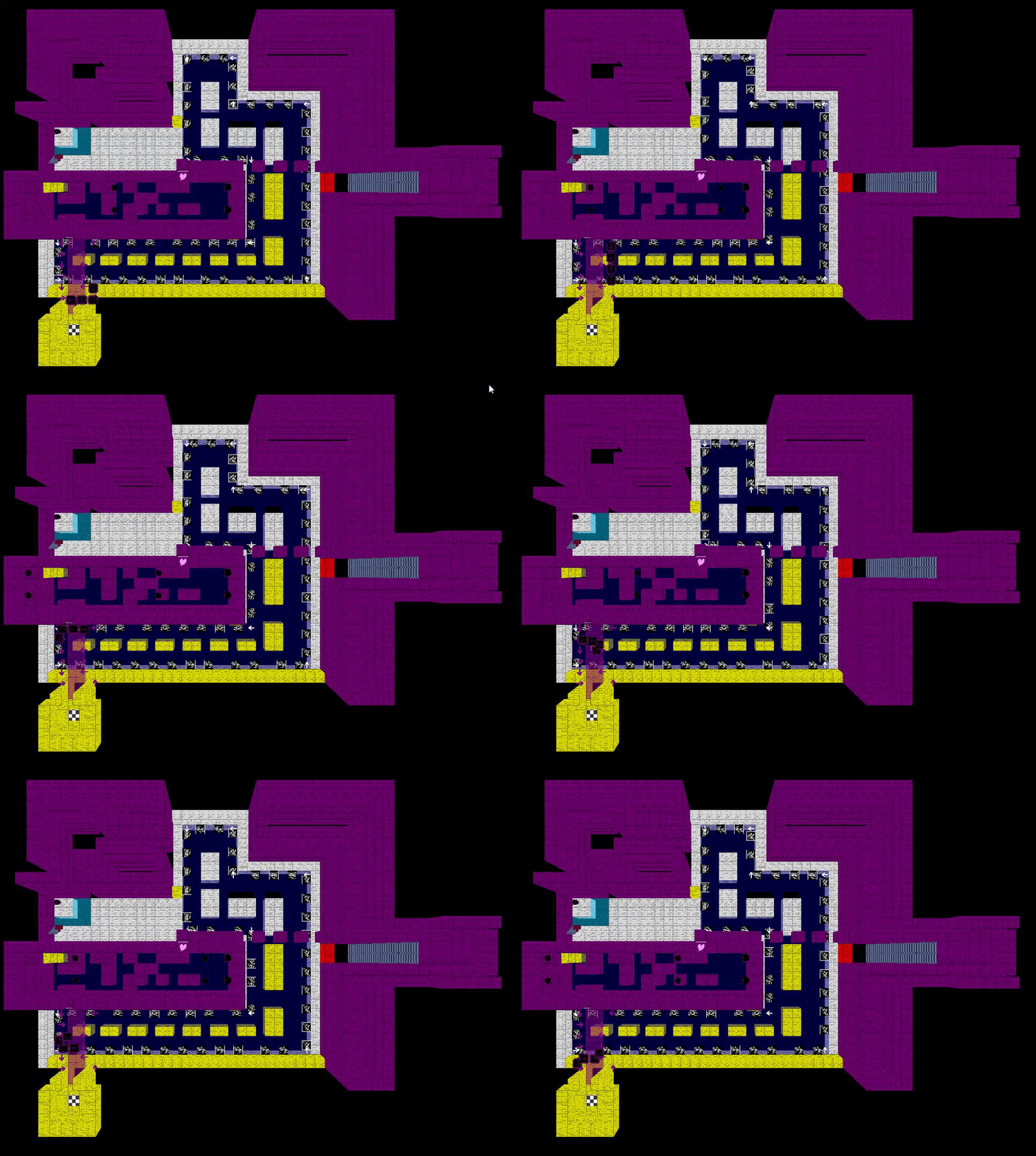
While paused, you can now use space to flatten the world to the current layer and below creating almost a 2D pov:
Analog Dodge Dodge now moves with the left joystick in an Analog manor. Go slow, fast, or do whatever! I don't care!
Level Updates Easy Street has a new Dog Park. God turns the light on. The Devil gets a new look. The "Buddugh" acts benevolently.
New Music 3 New Tracks!
Mr. Future
Almost Home
Cello There
Level Background Bonus Any object at 0,0,-15 (the top left corner) will now change the color of the background. Finally, levels don't have to be a black void anymore. Using enemies, one can make backgrounds that change color.
Settings button in Editor/Game So previously, the settings were only reachable from the main menu. That changes today! Now you can access the menu straight from the game! Handy and convenient for changing the sound or your keybinds on the fly.
TONS of additional small changes and bugfixes
Painting works correctly now (top face selection of current Z layer) left click to paint, and right click to grab the color of the selected object.
Dodge now dies if he gets trapped in on/off blocks
Lava and water are now slightly more visible
Y rotation key added to the settings menu
Back faces of cube objects now draw if there is no adjacent face
Dodge has collision improvements
Stairs no longer reset direction upon being painted
camObject draws on the correct layer in the menu background.
Music now stores a more consistent track index. (GML can sometimes change the sound_index of older files when new ones are added. This update should fix that, but some custom levels might have the wrong or no music now)
Hop now collides with water if he is on a movingPlatform passing through a water block. He can still jump through water regardless of the layer it is on.
Platforms allowing access to the next z layer has been fixed.
The camera culling distance has been increased to include practically the whole map.
Phew, that's a lot of stuff to add in a week. Did I mention that the stress of no one caring about this game is giving me stomach aches? no? Well now you know. Please continue giving me feedback. I am looking to make sure that every player's qualms can be calmed. I hope this update goes a little in the long way of making HopDodge as fun as possible.
HopDodge Update
Hey what's good HopDodgers. I just want to say thanks again for being part of the beta development. With your feedback HopDodge has gotten so much cleaner, robust, and fun!
What you should know: The game is now labeled as Early Access with a 4th Quarter 2022 release planned to be announced down the line. For now, know that this means that the game is looking to expand it's a scope a bit. This means that feedback you guys offer should be easier to use and organize. For any of you players looking to offer your juicy essays on the things I'm doing wrong and all the stuff that broke during your testing: https://steamcommunity.com/app/1965680/discussions/0/3276940452460971975/ I direct you to this thread where you can berate me, Hop, and Dodge all you want. *Important* Accept the Steam workshop agreement here: https://steamcommunity.com/workshop/workshoplegalagreement/ before uploading to the workshop. Otherwise it will be unlisted.
Levels may take a few minutes to register so please be patient and don't flood the workshop with the same level trying to get it to work.
New Music! Jazz Hop is now selectable in the music menu, it goes well with Easy Street
New levels!:
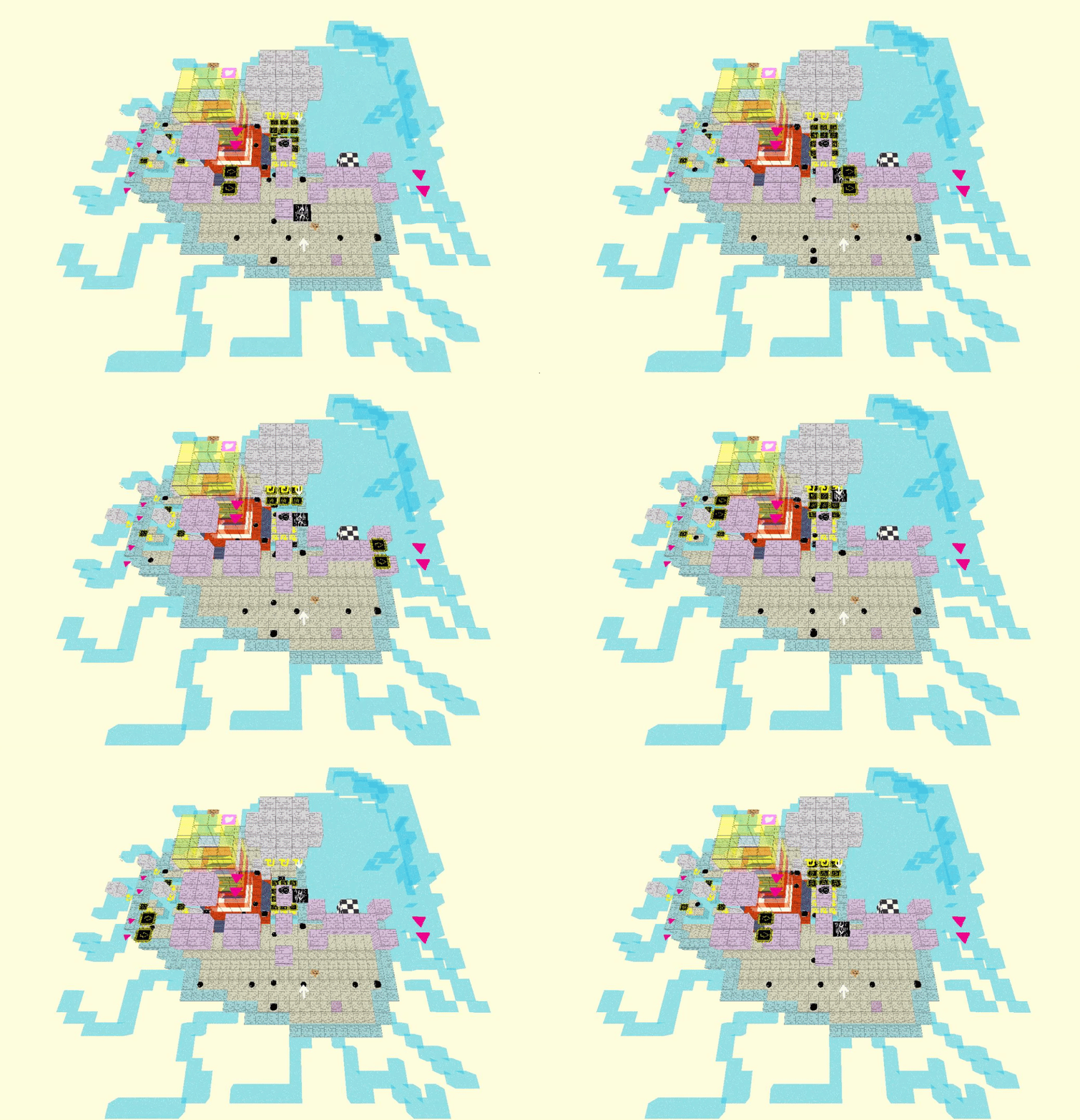
Dude I love the way this looks all zoomed out lmao Give this one a shot if you like Hop levels.
Additionally: There's now a scrolling selector for the levels.
well technically nothing is infinite and windows probably has a limit to the number of files in a directory but whatever. You get it.
Tons of other bugfixes and improvements that are pretty invisibile: Dodge can no longer clip in the front of blocks Hop can no longer move in the air after unpausing.
Btw can anyone tell me who these guys are?
cause I do NOT recognize them!
HopDodge 0.2 Level Sharing and Editor Improvements update
This update comes in to help improve some of the editor functionality
Full Changelog:
bugfixes with sign text editting dropping input in large levels Steam workshop uploading levels and downloading levels Deleting selections now possible with delete key Selection box now appears while selecting an area Shift+a/z will move 5 layers up or down instead of just 1.