

In the Long Run: The Game
Version Beta 0.6: Game size on disk reduction & more
We have also implemented an initial dialogue and quest system but it's still work in progress, we are now filling missions and dialogue databases and this process will take a while.
Character movement have been checked and fixed but we are going to change it completely on december 1st.
Maps: We had to remove Venus, Titan and Io for two reasons: The map components were too big (performance issues) and also the whole maps took a lot of hd space.
But we will remake smaller maps for these two planets and we will leave a large open world map only for Mars, The Moon and Pluto. All other bodies will have a medium size map.
This is also because the digital terrain datas are consistent and extended only for Mars, Moon and Pluto, for all other bodies we don't have much datas to handle a realistic open world map with good details. So a medium size lanscape will be better where real terrain datas are few or cover a small area.
Now Live: Download size is basically the whole game so, for this time will be12 Gb But this will also be the size on disc. (instead of 40 GB)
Version Beta 0.5: New starting interface and more
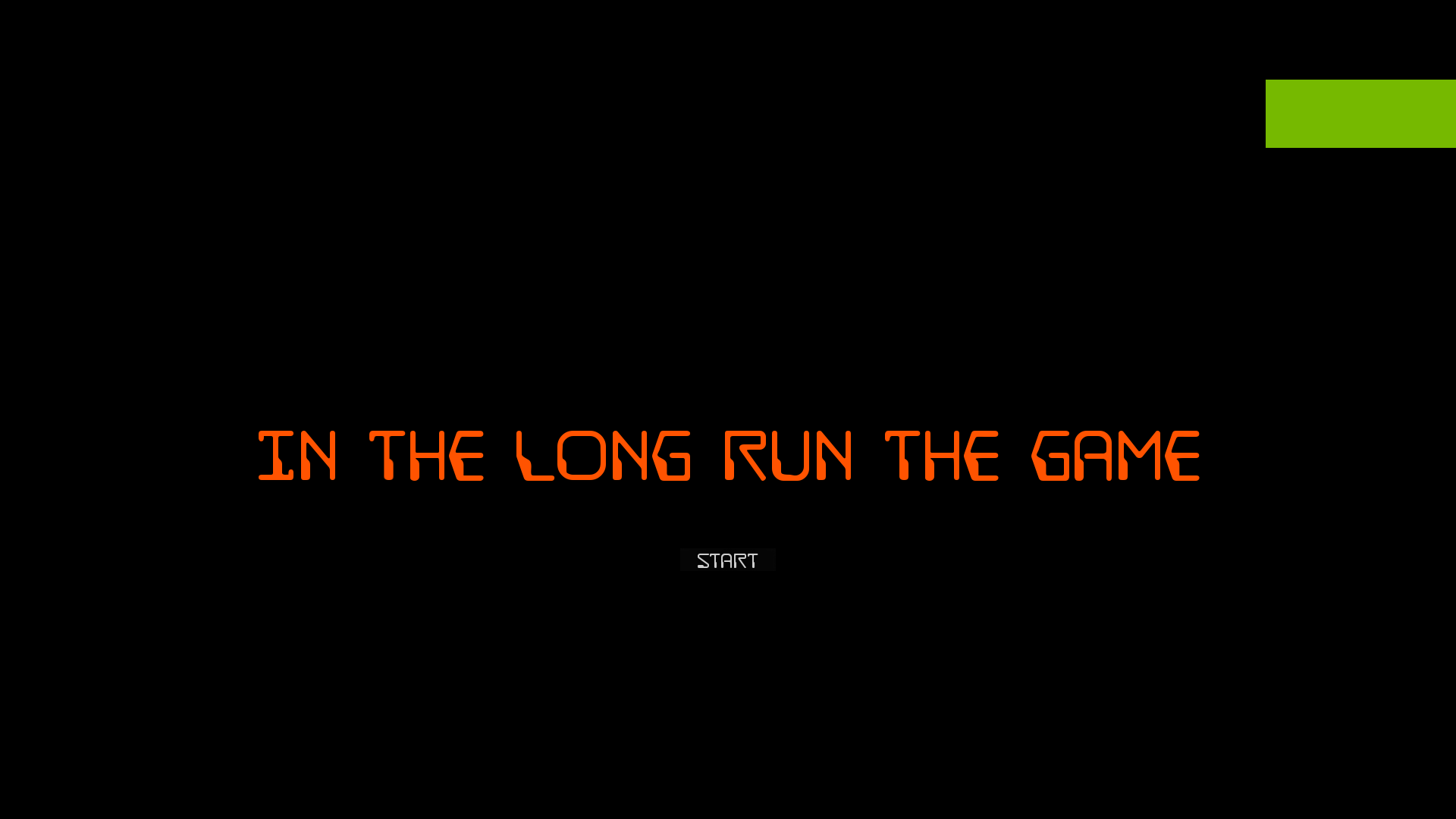
We have completely replaced the starting interface with a new one:

Also changed the Keybindings Window to be clearer.
We are now working on a quest system to be also used for tutorials and tuning character movement that is a bit quick now. Next update is scheduled for the end of this week
Version Beta 0.5: New starting interface and more
We have completely replaced the starting interface with a new one:
Also changed the Keybindings Window to be clearer.
We are now working on a quest system to be also used for tutorials and tuning character movement that is a bit quick now. Next update is scheduled for the end of this week
Version Beta 0.4: Changed Character movement
It no longer uses root motion to move but it's capsule driven with a physic falling system and jumping system. (we are still working on swimming for Titan)
https://youtu.be/agfObFRZa2Q
The character now can make jumps according to:
1) the time the button is pressed
2) Planet gravity
3) Air density
So, for example on Venus gravity is a bit less than on earth but air density is much greater so, if you jump you shouldn't go far because of friction. But on The Moon there's almost no friction and low gravity so jumps will be much longer and higher.
Also fall damage is now calculated considering velocity, mass and gravity.
We are still working on the movement animations that, for this update, are standard so the character will move at the same speed on each planet but this is going to be changed to be more based on the same principle of gravity / air density.
Also changed the jetpack to be more controllable (the 3d model remains ugly but we are looking for a replacement) It will not rotate on pitch and roll when you hit something but will auto stabilize
Version Beta 0.1: Controls, Hud, Building & More
2) Added linear interface support for gamepad because radial menus were hard to use. You can scroll the buttons with right thumbstick and press "A" to confirm the selected button.
3) Remade the landscape material to be less GPU heavy without removing tessellation to gain some fps, For now we have changed only Mars and the Moon. FPS are better than on Pluto that uses the old material but we still have to work on material settings to be as realistic as possible.
4) Fixed the interaction system that was giving wrong informations, the whole system can also be used with gamepad controller now.
5) Added more camera views like a first person steady cam and a standard third person camera much more stabilized than the RTS camera that is the default.
Also changed the camera selection system to be clearer
6) Fixed many other bugs like the repair robot that were causing FPS drops
Known bugs:
- A bug with the resource destructible meshes that are out of scale and they have a bad material, plus resources aren't very visible with tessellation.
- A bug when exiting creative mode that you have to press "P" Twice.
We will make an hotfix tomorrow for these two bugs.
Update 12.8: New Rover, Building grid fix
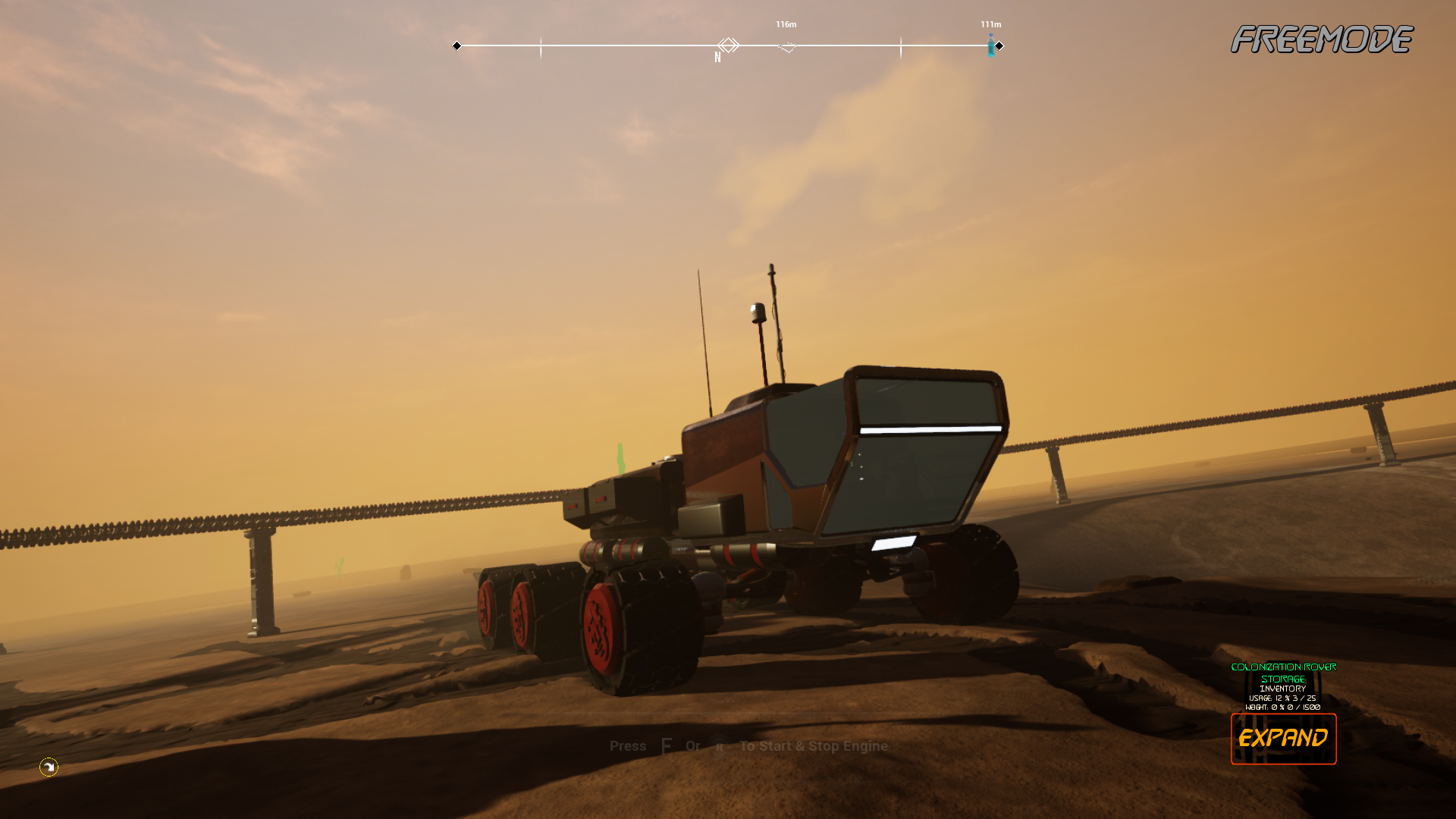
We have added a new rover (6 wheels) and checked the vehicle printer to work correctly.
Fixed a bug with the grid not always destroy when a base part is placed
Update 12.7: Ai updated
They have different faces, names and they have different things to do. Workers will try to repair base parts that aren't working, Tourists will just wander around the base and spend the credits they have etc.
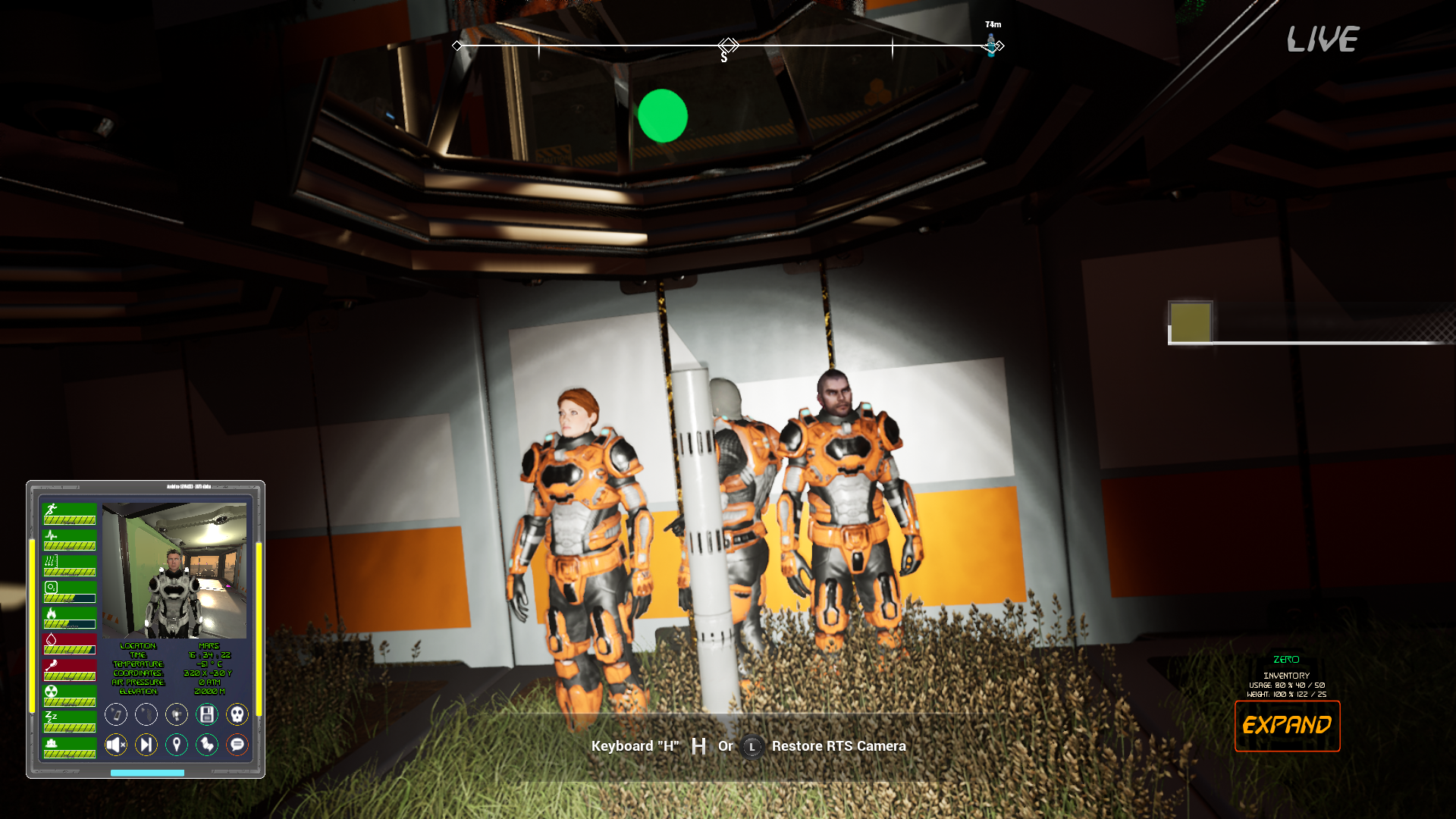
Every npc must buy oxygen, food, water and all the necessary to stay alive otherwise he will die. Each Npc is now saved and reloaded.
They are not controllable for the moment but you can view what they see, track them on the radar or inspect them to see what they are doing.

It's still an initial ai system so we will keep improving it and add more interaction possiblities and npc types.
2) Pressurization system no longer relies on air bubbles because it was too hard to properly control and slow when reloading a base. Now the system should be much quicker to recreate the atmospheric pressure inside the base when loading an existing base. The system relies on two checks, one is made by each foundation or ceiling to see if there's a missing wall etc and the other one is made by the ventilation units that will determine which foundation or ceiling will receive the air from the unit
Also damages (explosions or implosions) should occur quickly when a key structure is destroyed or removed or if you open a door without compensating the pressure...
3) Time of day is now saved and restored when re-opening the same map with the same character.
Other fixes
Update 12.4: Tessellation on landscape re-added and new small test map for the Moon
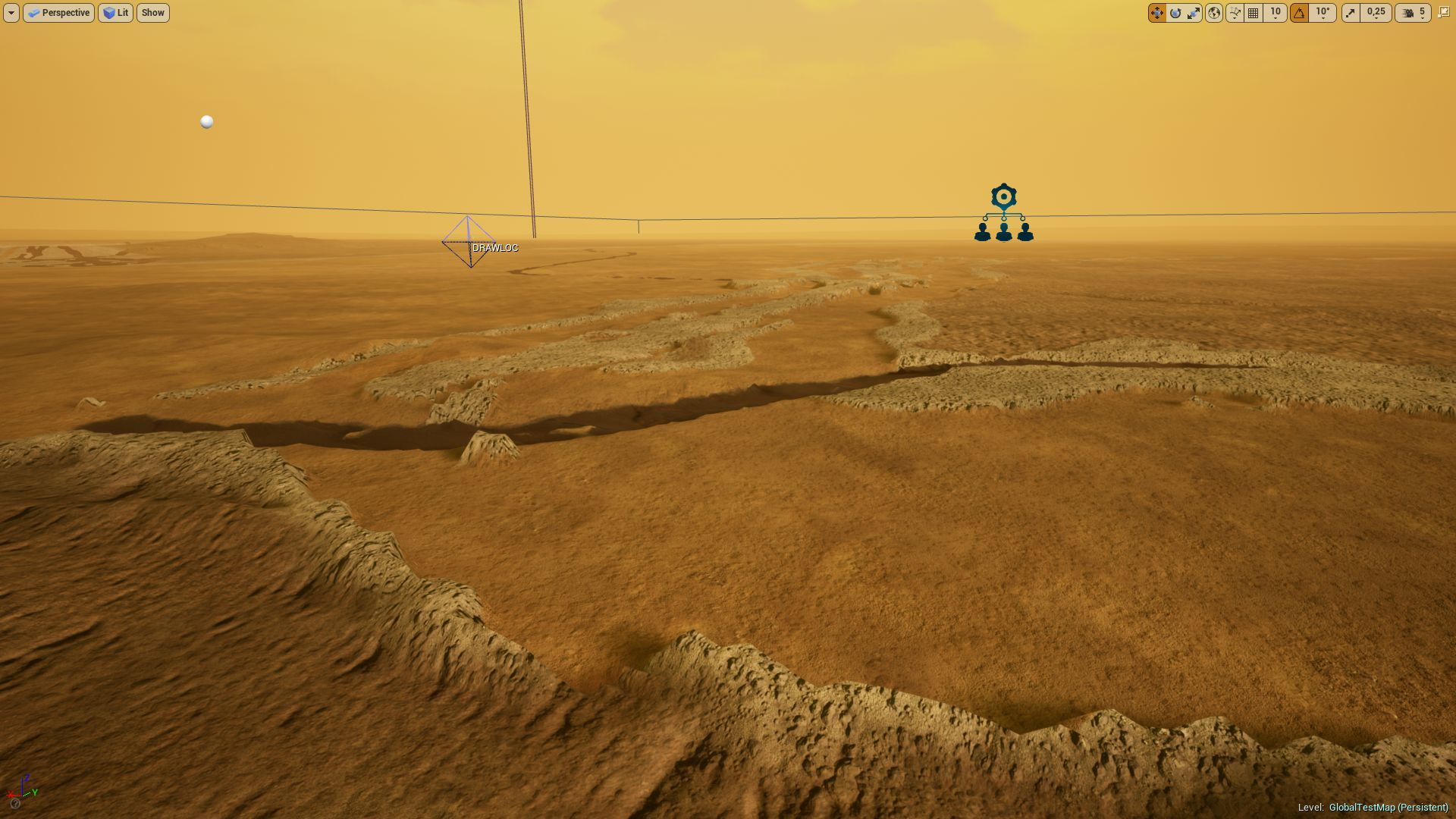

Also added a new small map to test The Moon if you don't want to play the open world map.
In a near future we plan to make 3 map type available for each planet or moon:
1) Open world 50x50km2
2) A standard game map
3) A very small map.
This will help low end or dated GPU to being able to also play the game with higher FPS (decreasing map size helps a lot) and, at the same time, we will avoid removing such a visually nice feature like the tessellation.
Update 12.3: Added turrets, laser walls and more...
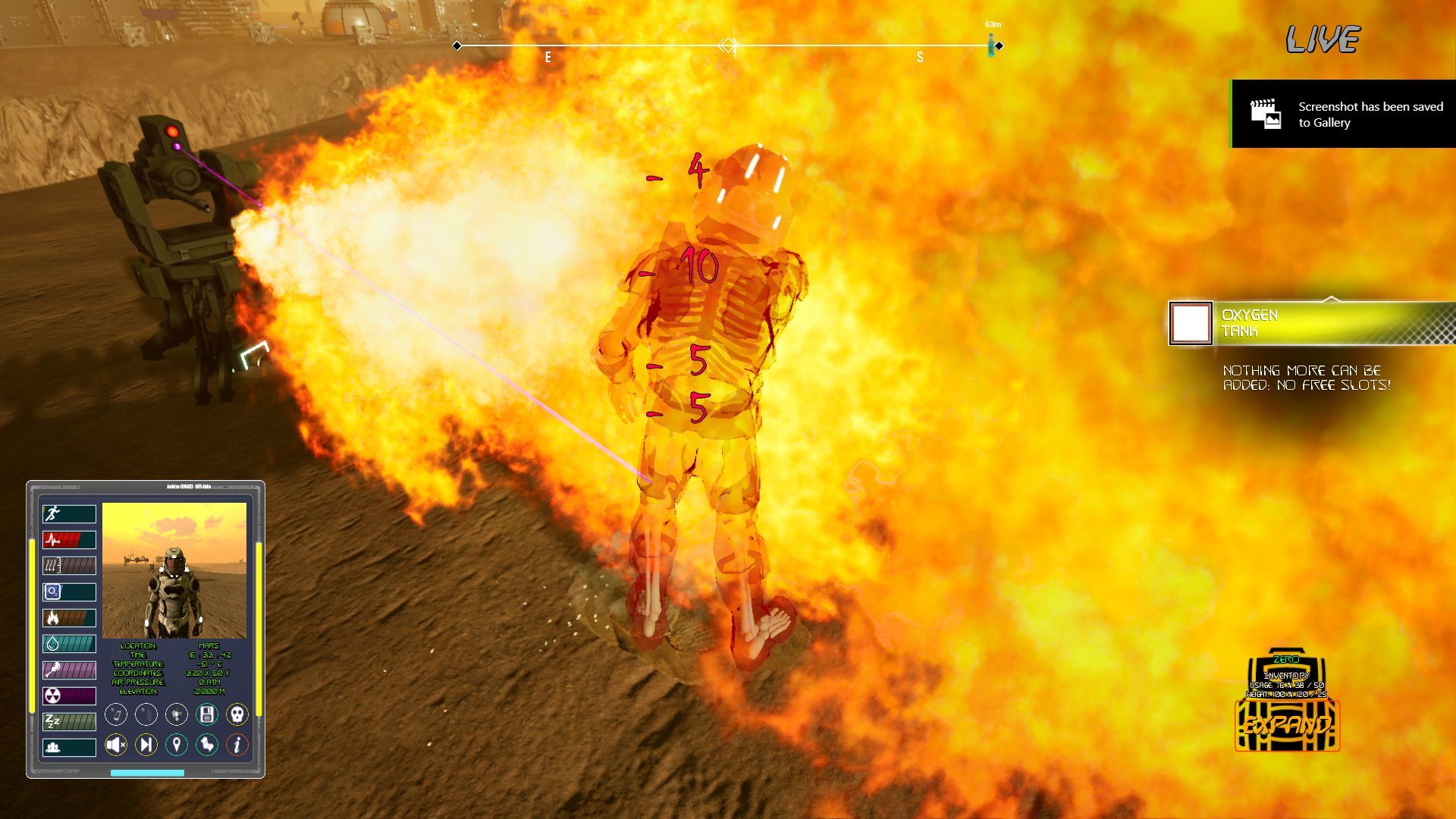
We are working on an attacking ai that you can enable if you want some combat and enemies so we have also added some base part for the defence of the bases.
1) We have added 4 type of turrets that can damage the player: Laser, flamer, bullet and missile turret.
2) We have added a laser wall to protect your bases
3) Changed the damage system to be more clear and also the death of the character by adding a selector to choose where to resurrect.
4) Changed the camera collision that was not working well with landscape.
5) Reimplemented the possibility to rotate exterior base parts and monorail stations after they have been placed via the interaction menu
6) Fixed the "ore collector" that is a part to automatically collect ores from rovers if you park the rover nearby this unit
7) Added the possibility to visualize many visibile stars position in the starting map (the planetarium). This is made by using ESA - Hipparcos catalogue of stars database and by generating a star of the right color class as it would be in the real sky.

The limit is that it doesn't reproduce the gas clouds among the stars so we are looking for a solution otherwise we need to keep a skysphere image of the milky way in the background. Therefore we only added this to the starting map, for now...
This is something that we would like to add also to the game maps to made possible orienting using stars position but it's still to be tested.
8) minor fixes
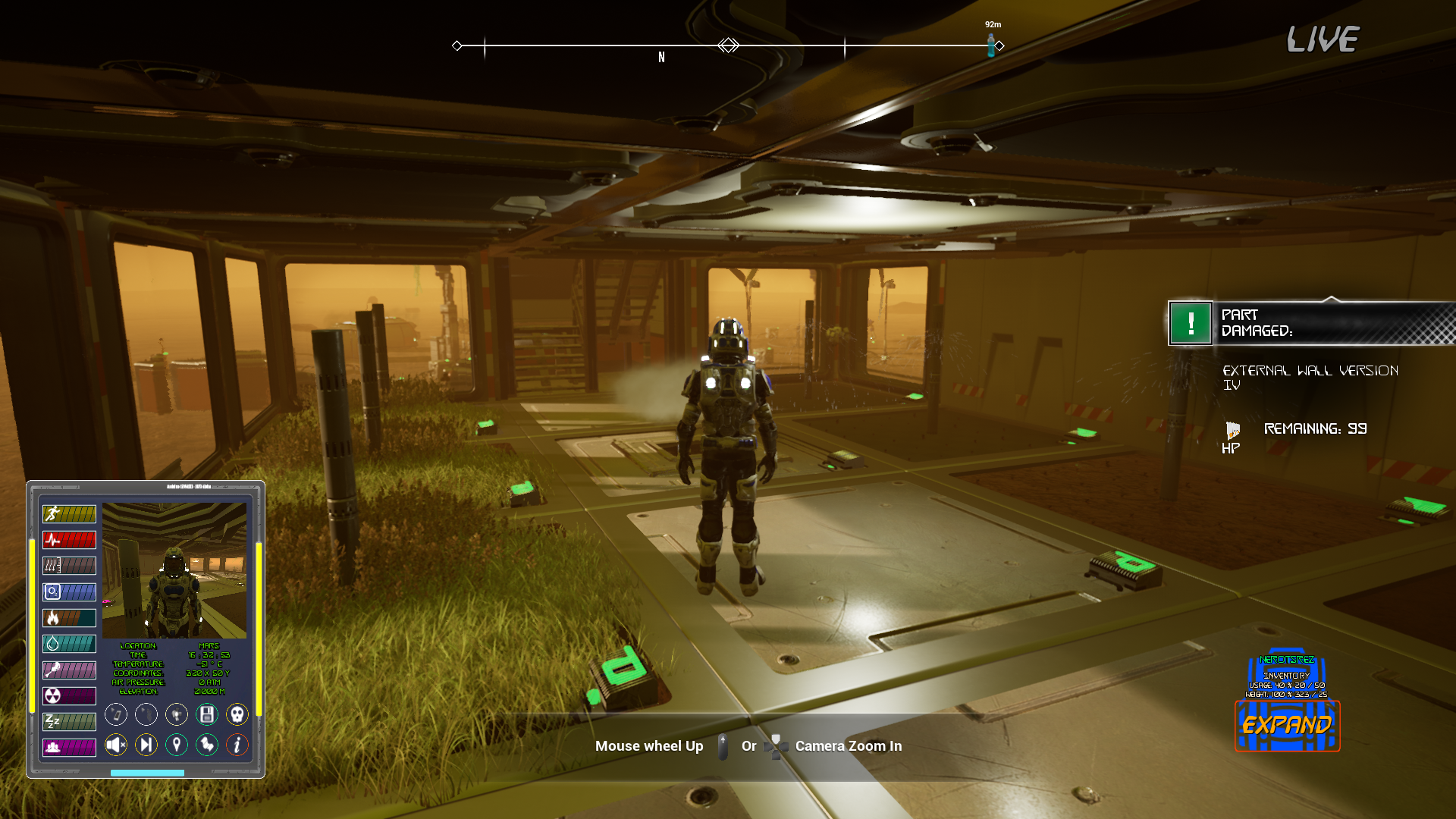
Download size 244 mb
Update 12.2: General bugfixing, added quickslots, better loading of big bases
Also fixed the two information bars on weight and slots used that were not clear and wrong and now are fixed to show the correct usage and weight of the inventory.
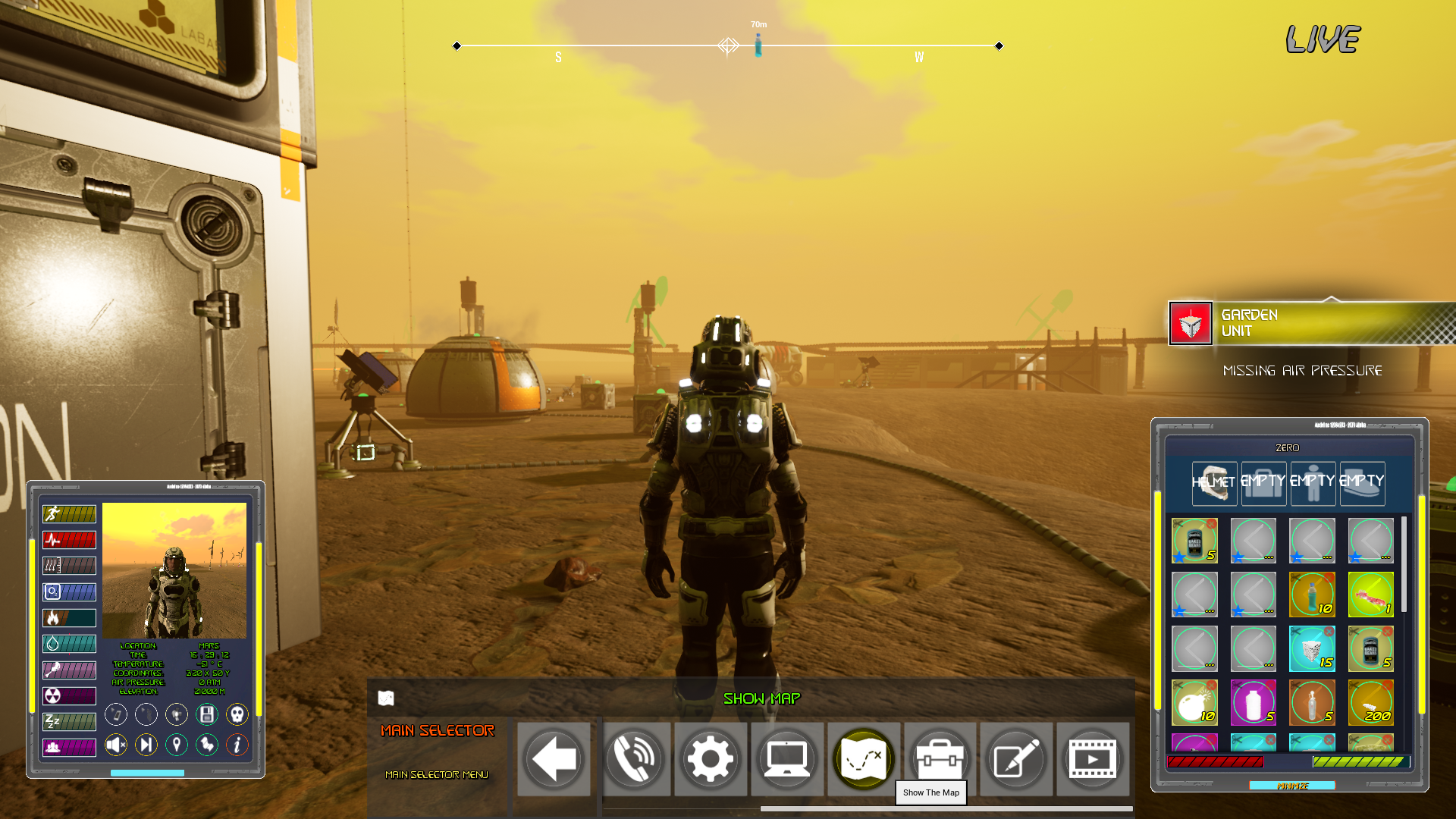
2) We also added 5 quickslots to the inventory, if you place an item in one of the first 5 slots it will be automatically used when pressing alt + the slot number that you can read in the tooltip.
3) Fixed an issue when placing a lot of parts that was causing too much work for the cpu when parts were not completed.
4) Made the exterior doors also interactable because, if placed on a wrong foundation, it was not possible to manually open it.
5) Made the inspect (tab) selector to sort interface icons basing on the distance from the player and reduced the interaction range so it's more easy to choose the right part to inspect. Also made the inspect panel automatically open for a quicker inspection of parts and a button to immediatly show inventory of a base part.
6) Better and quicker loading of bases. We made loading faster for new maps or maps with many buildings so you can save your character inside a building without risking to see it falling when reloading the map.

7) Fixed item that were displaying a none information when dropped
8) Fixed camera collision with base parts that was not working well
7) Fixed the dust storm on Mars to increase Volumetric Fog much more

8) Fixed the "show all parts to build" button to sort each part for type in the building mode
9) Fixed some parts with an empty structure (part type none) that could affect some savegame (anyway these are parts that are not visible but appeared in the all parts list when inspecting a base)
10) Rearranged menus to be quicker to use
11) Added a chat panel (it's still experimental and can be toggled with the "i" icon inside the character stats panel on the left) This is a system that we would like to use as a ground control that can provide informations about the planet, points of interests, calculate distances etc using an AI that simulates real replies.
12) various issues fixed