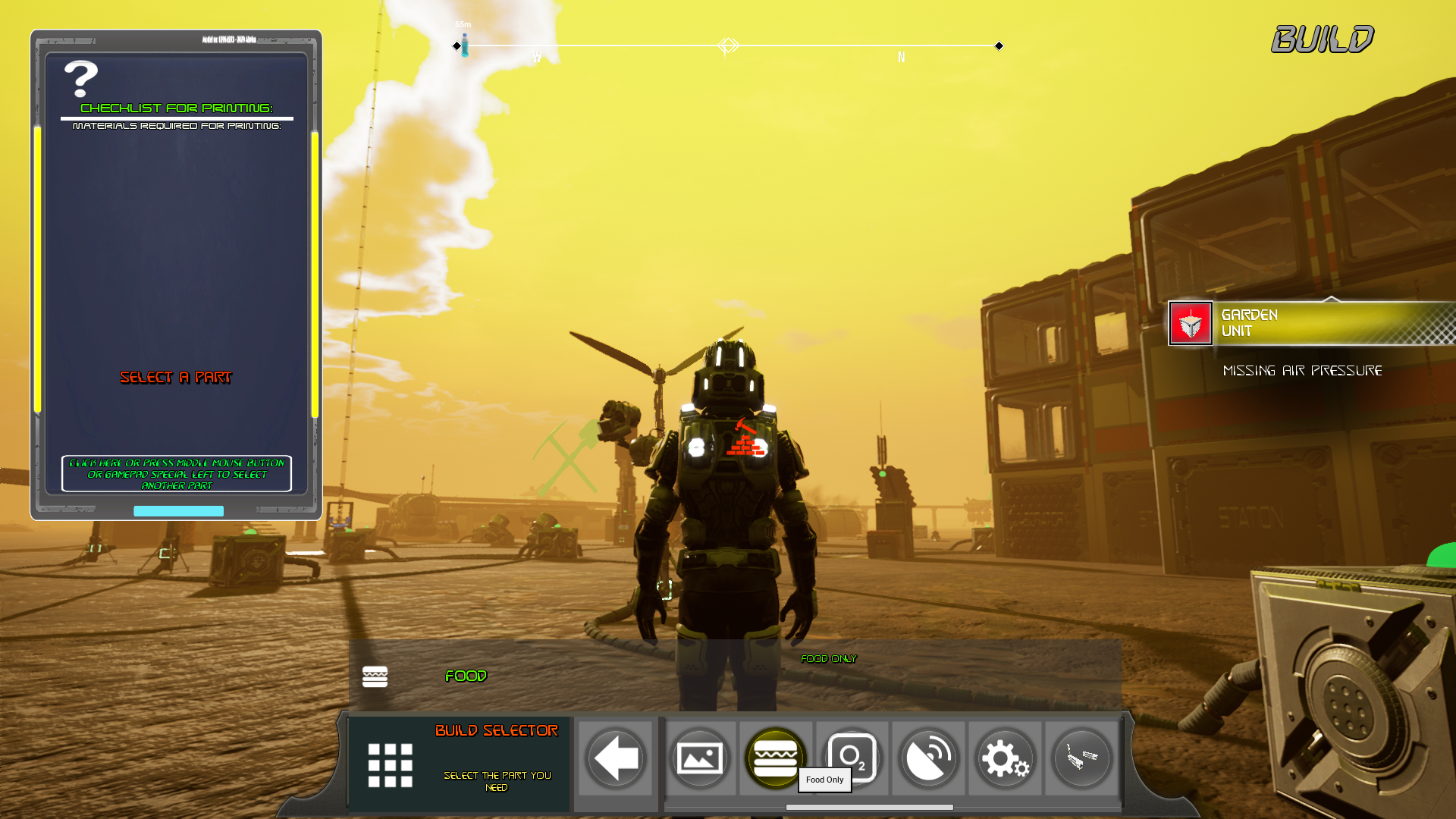
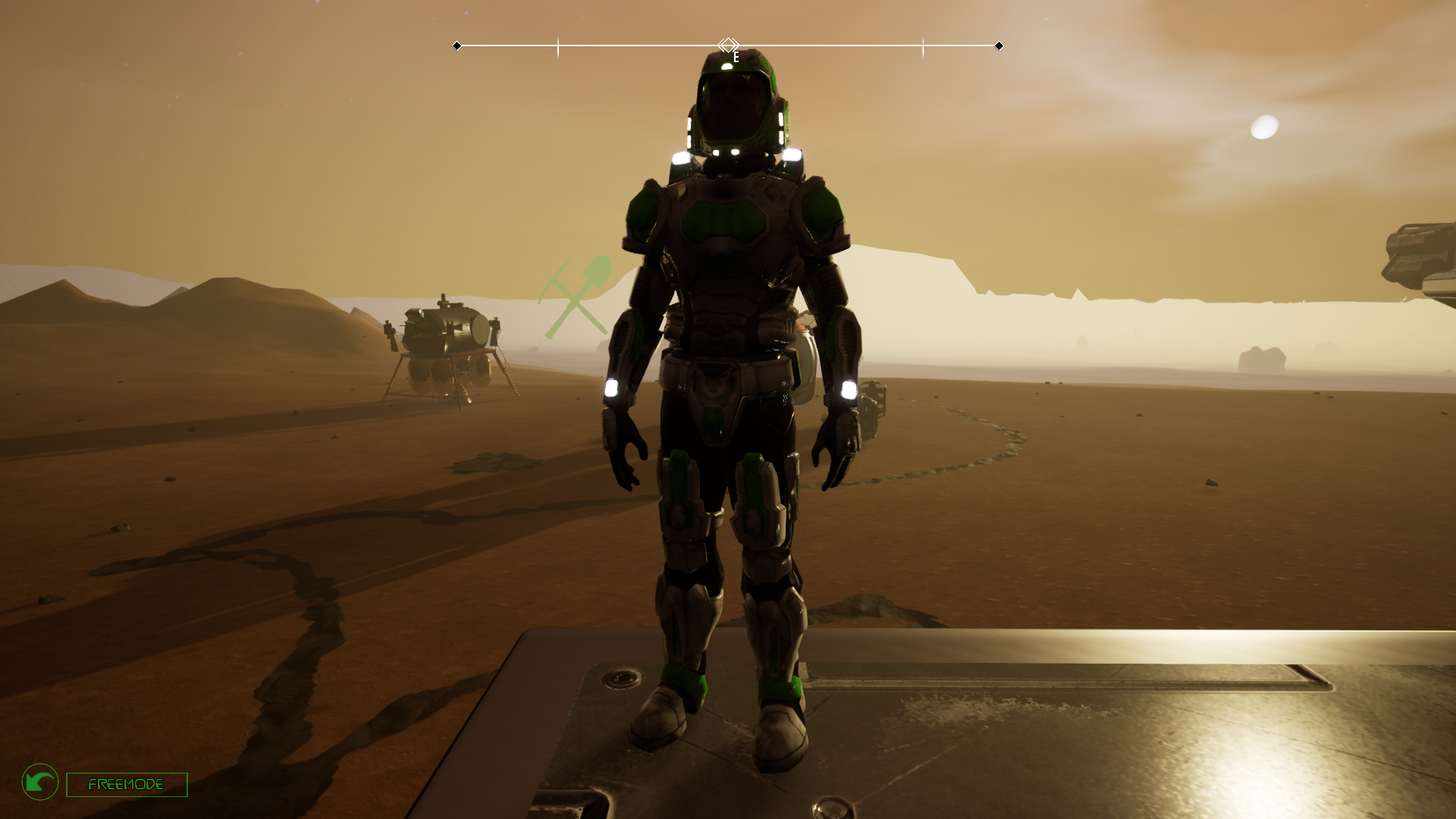
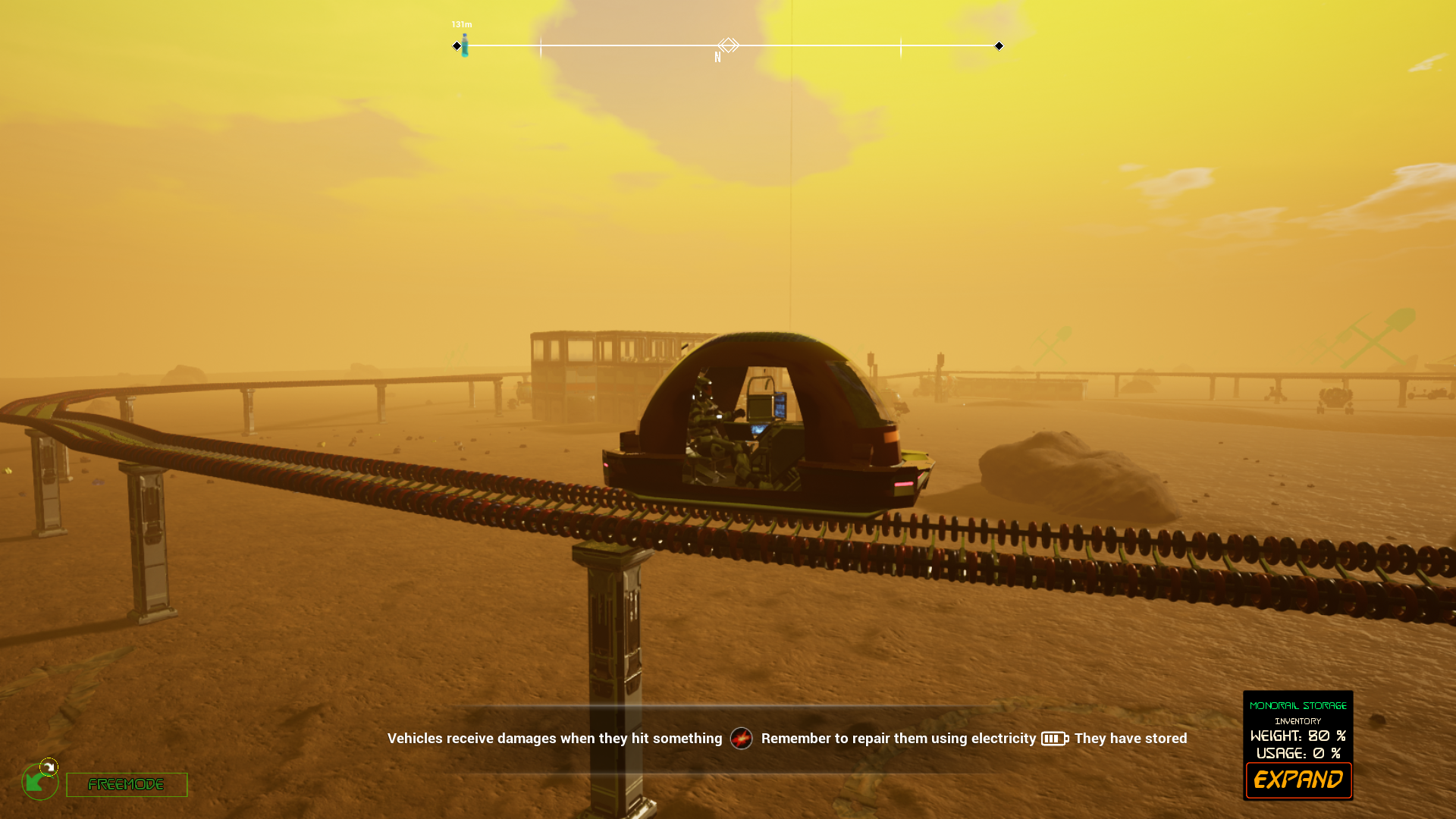
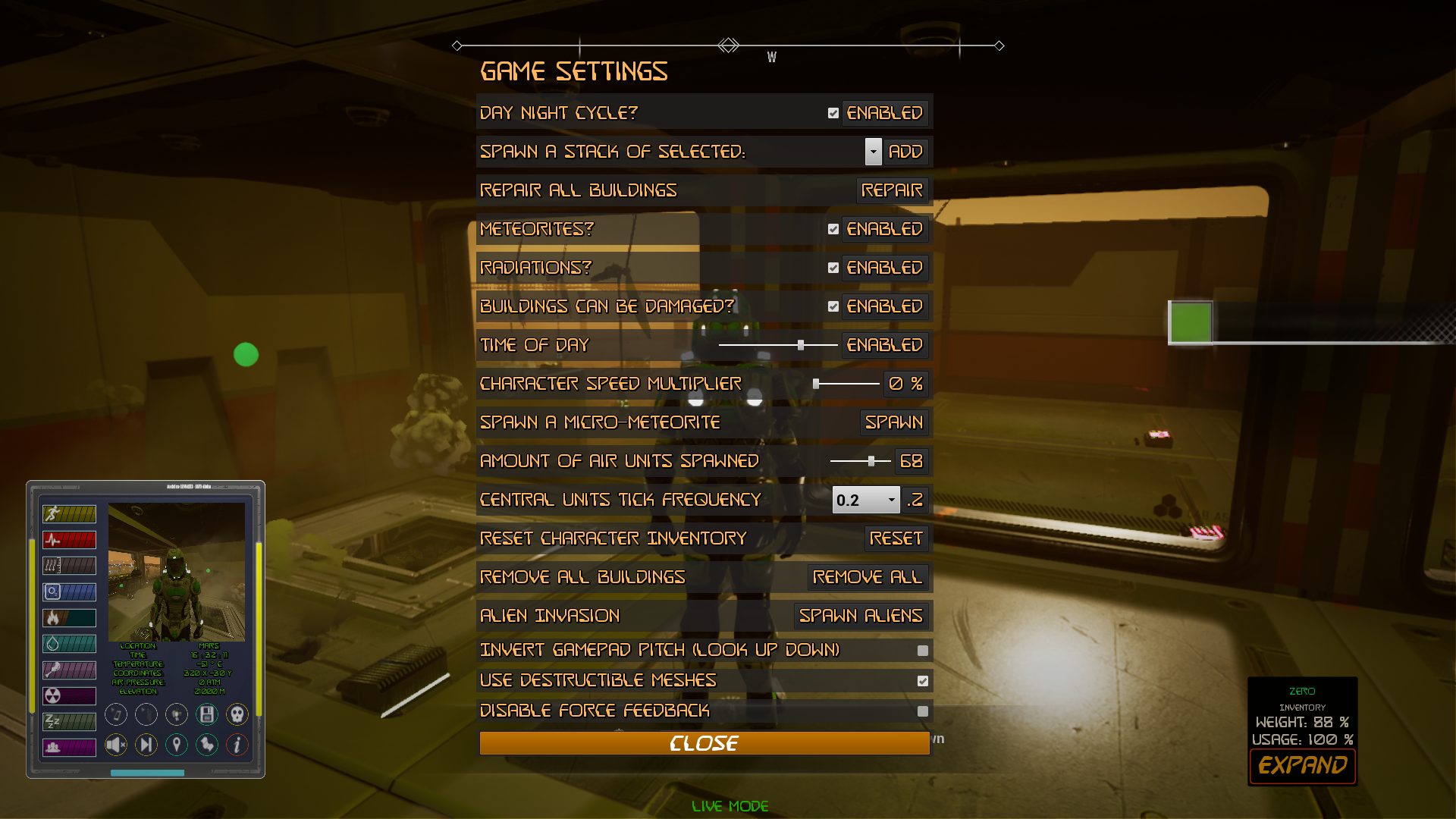
We have added the possibility to select the type of interface you prefer with an option under game settings to switch between radial menus, that are usable with a gamepad, and with this new button interface that is usable only with mouse click. We have set the default interface to be this linear
The keys to use the interface are still the same, left control to open general selector and tab to open inspect selector to check a vehicle, an item or a base part.
Inventories are still the same with panel and drag and drop icons. We abandoned the idea to make different inventories because there's not better way to quickly move an item from an inventory to another than drag and dropping it. So we will try to improve the current inventory tab.
We are also working on the menu database to make them more easy to use and with few elements displayed to avoid button crowding.
It's a preliminary version and we will probably add an hotfix in a few hours because we have a couple of issues with keybindings not showing again and a black sphere remaining visible for some seconds after loading a new map
Download size for this update is 193 mb
Update 12.0: General fixing
We have made a general fixing for many issues and we had to change a bit Mars material with some new textures. Also fixed rocks amount that was exagerated.
Due to the modifies on Mars map and to changes in the engine settings the update is quite heavy for download.
https://youtu.be/y97D9BjV-oY
We are not 100% satisfied about radial menus and we also want keyboard users to feel confortable when selecting menu choices so, in next update will add the possibility to switch between a button menu or a radial menu, according to the player preference.
Update 11.9: Creative mode and NPCs + 11.8
1) Fixed an issue in the starting menu that was preventing the game to start in 11.8 (that we removed from download for this)
2) Added more rocks and changed the rock spawning system to avoid rock disappearing. Also added more destructible rocks. Rock amount is exagerated we will hotfix soon
3) Changed some settings for navigation area generation (that is used by NPCS) to be less performance costing
Edit: 10/3: To avoid packaging again the same version without the bug on start menu (it takes a lot of time) we will update the game this evening (CET) so we can add more fixes to the game.
Edit: 10/2: Due to a bug on game start we have to delay update 11.8 to tomorrow. We are very sorry about this. We have currently downgraded the game to 11.7 that was playable. 11.8 is delayed to tomorrow morning.
1) We have added a new sandbox mode to build or inspect your bases without using the character or the jetpack to fly. It's also very useful to quickly explore the area.
https://youtu.be/A_-YA4qoGdg
With this you can build almost anything and look at it from any point of view
2) We are trying to simplify the character so we have removed crouch and prone because they aren't used at the moment so the controls that was previously used for crouch is now for creative mode.
3) We have properly set up repair robot to work correctly and also their static unit to be connected properly. Also hub for wires can connect between themselves.
4) We are checking for the astronauts NPCs and we have fixed some missing text and added some conversation animation when they are alive to make them look less boring. Anyway it's just a preliminary thing that will be followed by more updates on these AIs in next days.
4) Various bugfixings
Update 11.7: Better jumping and falling and various improvements
1) We have added a color picker to select your color and remade a bit the starting interface to create a character
2) We are continously improving radial menus because they can be difficult to use but they are needed to provide gamepad almost full support.
3) We have made a better jumping and falling system to improve character animations
https://youtu.be/GXZE5qJC97o
4) Added an external lift to check your base from an elevated point of view
5) Remade the keybindings panel to check key to press (F1 to check it)
Game Update 11.5: Performance boost
1) We have removed tessellation (from landscape only) to increase game performances a lot... (literally) the downside is that also the small dunes based on real datas are no longer present and that the update size is very large to download because it affected all maps.
But this makes room for many features that we couldn't add with all this pressure on the GPU caused by landscape tessellation, like a decent ai system to create alternatives for the gameplay, or more map features, bigger bases etc. that will never impact the performances like the tessellation on the whole landscape did.
We would like to hear your opinion on the removal of tessellation so feel free to tell us what you think. We can re-enable it but it's impossible to add a parameter to enable or disable it when you play and if the game doesn't run smoothly there's no graphic that can help... so we decided to disable it until it's less gpu demanding.
In the meanwhile we will try to find ways to improve the landscape without the tessellation
2) Fixed a bit the monorail movement but it's still a bit to tune when changing tracks and also when colliding with another cart
3) Fixed the interaction ring menu to close after a selection to avoid menus overlapping
4) Removed the patch notes from the starting Interface to avoid loading the web browser on game opening so you can still read the update notes but only clicking the button.
Update 11.4: Monorail and general fixing
1) Monorail is unlocked, you can build your tracks without many limits to join different bases at any distance
https://youtu.be/FBUVT38rPao
Tracks are auto connecting and the path is rebuilded when you reload the game or when the track is destroyed to avoid the necessity of storing thousand of datas for each track point. Once the path is loaded the game won't be impacted by the amount of tracks placed even if they are thousands because of the system it's based on.
To spawn a cart you just need to interact with a station (if the spawn area is occupied by your character or by another cart it won't spawn). Carts are not saved (for now) so you will need to build a station to spawn another one.
Station are like external foundations and can't be pressurized so the monorail can't enter the pressurized area of a base.
Track pillars should be placed considering the maximum curve angle that they can form to properly hook with another pillar or station. Also, on uneven terrains they have a maximum slope to align.
We decided to let more tracks join to create some intersections but it can create not very realistic intersections... anyway it's easier to link different track rings.
2) We remade the building placement hud to check which resources you need exactly and also changed the way items are searched that now will look at character inventory, inside the nearest central unit storage and also inside all registered base parts of that central unit.
So you can store items where you need and they are considered for the building placement.
3) We fixed the interaction selector to understand which part you are choosing by enabling an outline post process effect when you select the part in the radial menu.
4) Also added an option to rotate monorail stations or pillars if you misplaced it similar to the replace part function
5) Fixed vehicles to properly destroy when asked because they were just disappearing.
6) other minor fixes
Download size 54 mb
Update 11.2: Hotfix for reported issues and 11.3 Quick Hotfix (game only)
Game Version 11.3 quick Hotfix (Game only) (under packaging/uploading):
1) fixed icons in menus that were too small to read
2) fixed some building menu not closing after selection
3) fixed the button to select another part that wasn't working in building mode
4) Added area inspect for any interactable item in a 5 meters radius from the character to avoid looking at something to interact with
5) Added a marker to items when released on the ground to find them in case you are far
6) Fixed some inspect panel bug with generic storages
7) Reduced the damage caused to base parts by micro-meteorites by 60%
Game Version 11.2:
We are using all feedbacks to fix or change the things you are asking, due to the quantity of modifies we are gradually implementing these changes so, if you don't see the fix in this update just wait for the next because we will check for every report in these days
1) Added the possibility to replace a part. It's still experimental but it seem to work fine, we still need to allow more possibility for the replacement of foundations
2) Added a confirm button before destroying a build part or quitting game
3) Reorganized the main ring menu to be quicker to use
4) Fixed the robot (droid character). It can also mine ores but the way the drill attaches to the body is still work in progress... but it should work. We will add some other way for gathering resources with the droid.
5) Added the possibility to destroy vehicles via interaction hud
6) Made some fixing to the destruction of the base parts, the only issue is still destroying a foundation that can cause a big explosion.
7) Modified the food and hunger depletion rate to be lower
8) made the character inventory usable with a radial menu for gamepad, except for dragging items to other inventories
9) We are trying to make a unique menu system for everything so with only one key you could navigate the different choices until you find the needed one and we are still looking for the quickest way to make this work.
10) Reduced the content of the first map to be quicker to open
11) Modified the name and character selector menu
12) fixed the inventory log that wasn't working as it should
13) Increased the light emitted by the spotlight (can cause lag when there's a lot of volumetric fog)
14) Reduced fall damage
15) Changed the build hud to avoid the need to press middle mouse button to select another part to place. We are trying to regroup parts under categories like "basic parts", generators, walls etc to quickly select the part you need.
16) Also fixed the missing loading screen when loading maps
Download size (11.1 to 11.2): 67 mb
Demo updated to 11.2
Update 11.1: Hotfix for reported issues
We made some fixes after a user bug report on the game discord channel and we encourage also other users to do the same if they can.
1) We have adjusted the logic for connecting wires from Hubs to parts and we have added a connector that signals with a light if the connection is working or not. In this way you can visually understand where is better to place the wire's hub to easily hook up. We also increased a lot the speed of connections thanks to a fix that reduced the calculations for choosing the part to connect.
2) We have added a game setting option to increase the amount of air units spawned for each ventilation unit so, if you don't have FPS issues, you can increase this number to quickly pressurize a sealed room. This can be helpful if you make big rooms.
3) We made the adjustments for hud windows in Live mode persistents (but not still saveable). So, if you move the inventory on your screen to another position and switch to another tab, when you are back the inventory is in the position you moved it instead than at the original one like it was. This is something we will gradually do for all hud elements, as soon the hud is completed.
PS: download size is again 300 mb, we are sorry about this but we had to resave some assets that were giving warnings during the packaging process of the game
Update 11.0: Interface, weapon, base stats hotfixes
https://youtu.be/nes20BSOwew
1) We have changed the stats menu to be lighter and to search issues on a criteria. For example you can only display parts that are damaged or that have no connection.
2) We have changed the survival interface (live mode) to include also the weapon hud and changed some aspects of the laser drill.
3) We have changed the inventory to auto minimize to increase game performances while unused.
4) Reduced the area that destroys when a foundation is removed to the minimum (that is still a lot because it can trigger an instant depressurization damage if the area was pressurized). So we are planning to simply add an option in the interaction hud to allow replacing the part instead than demolishing it.
5) Batteries, water tanks and oxygen tanks are now properly set up and are used to stock all exceeding electricity, water or oxygen and release these when the base central unit requires it. Each battery will increase the quantity of electricity that the central unit will keep inside it's inventory of 99 units and the same will be for oxygen tanks and water tanks.