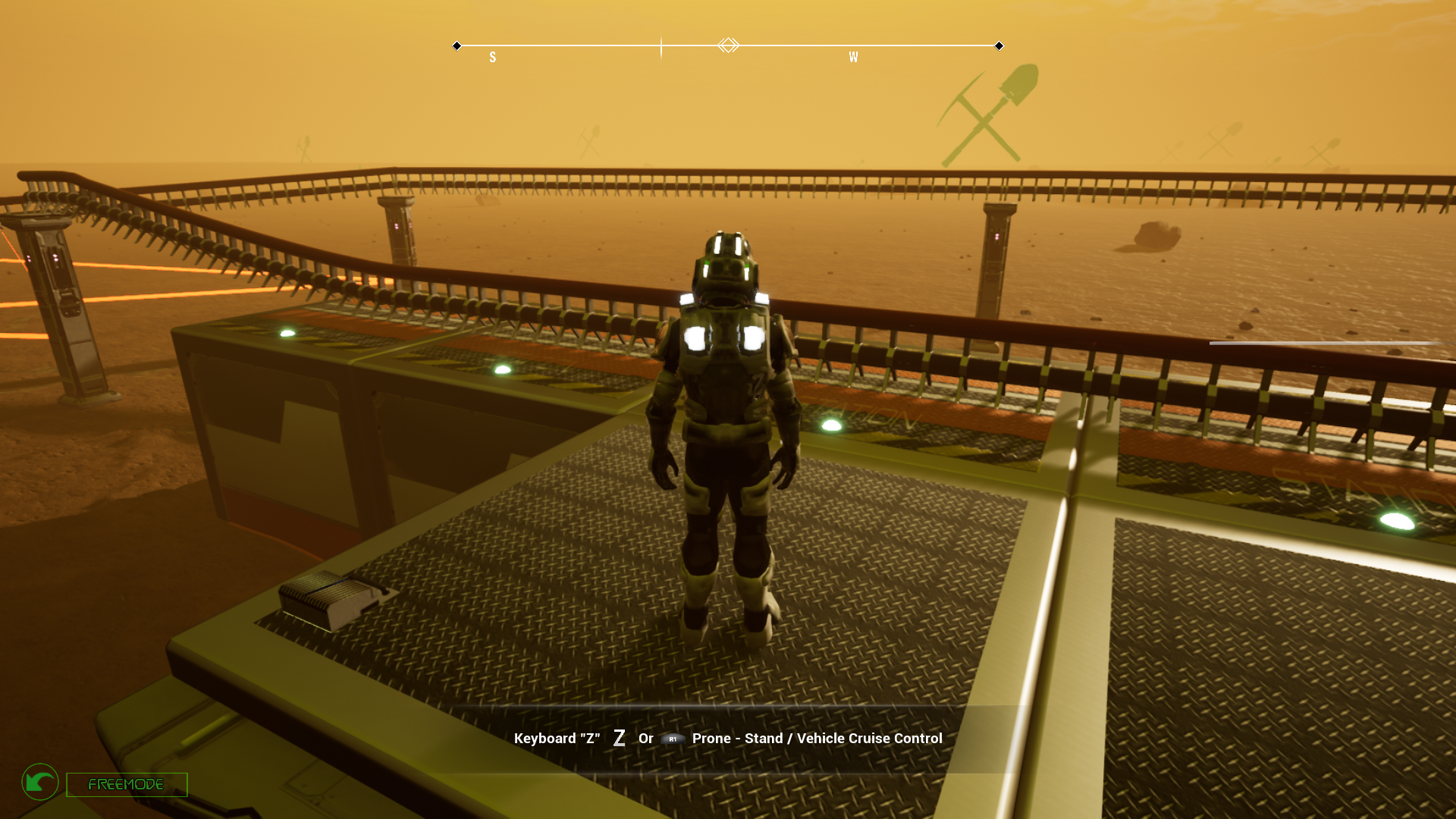
1) After reports we have fixed a bug with the demolish of foundations that were not destroying the upper build parts like interior items or walls.
2) Changed also the way parts works: now, if the electricity or water or oxygen are stored inside a build part storage (for example oxygen inside a ventilation unit storage) and are not present in central unit storage the part will use the stored items instead than stop working like it was before.
3) Changed the Central unit to use water or electricity or oxygen stored inside batteries or tanks when these are not present in the central unit inventory.
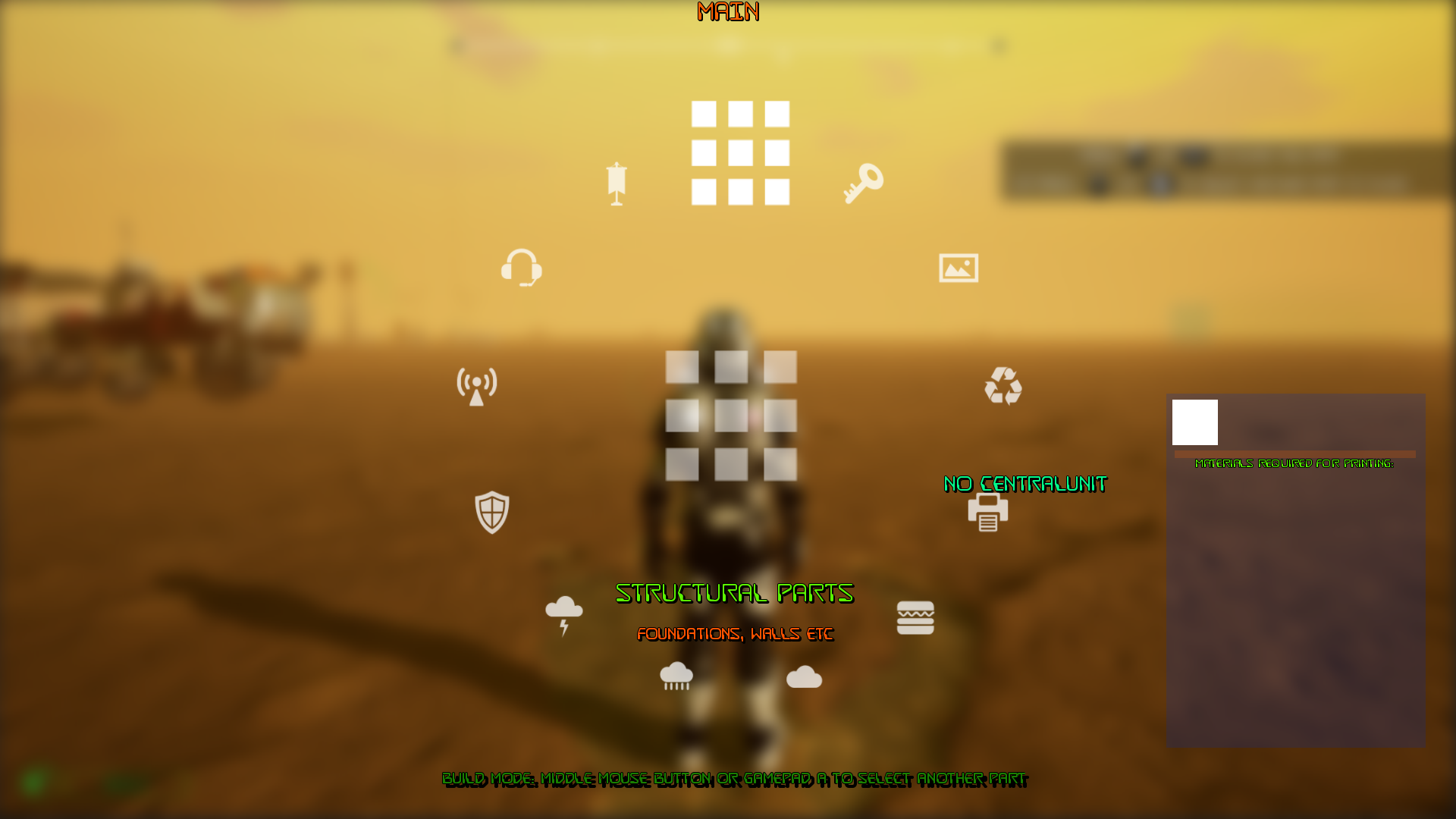
4) Changed the map panel and added a map option in the main ring menu.
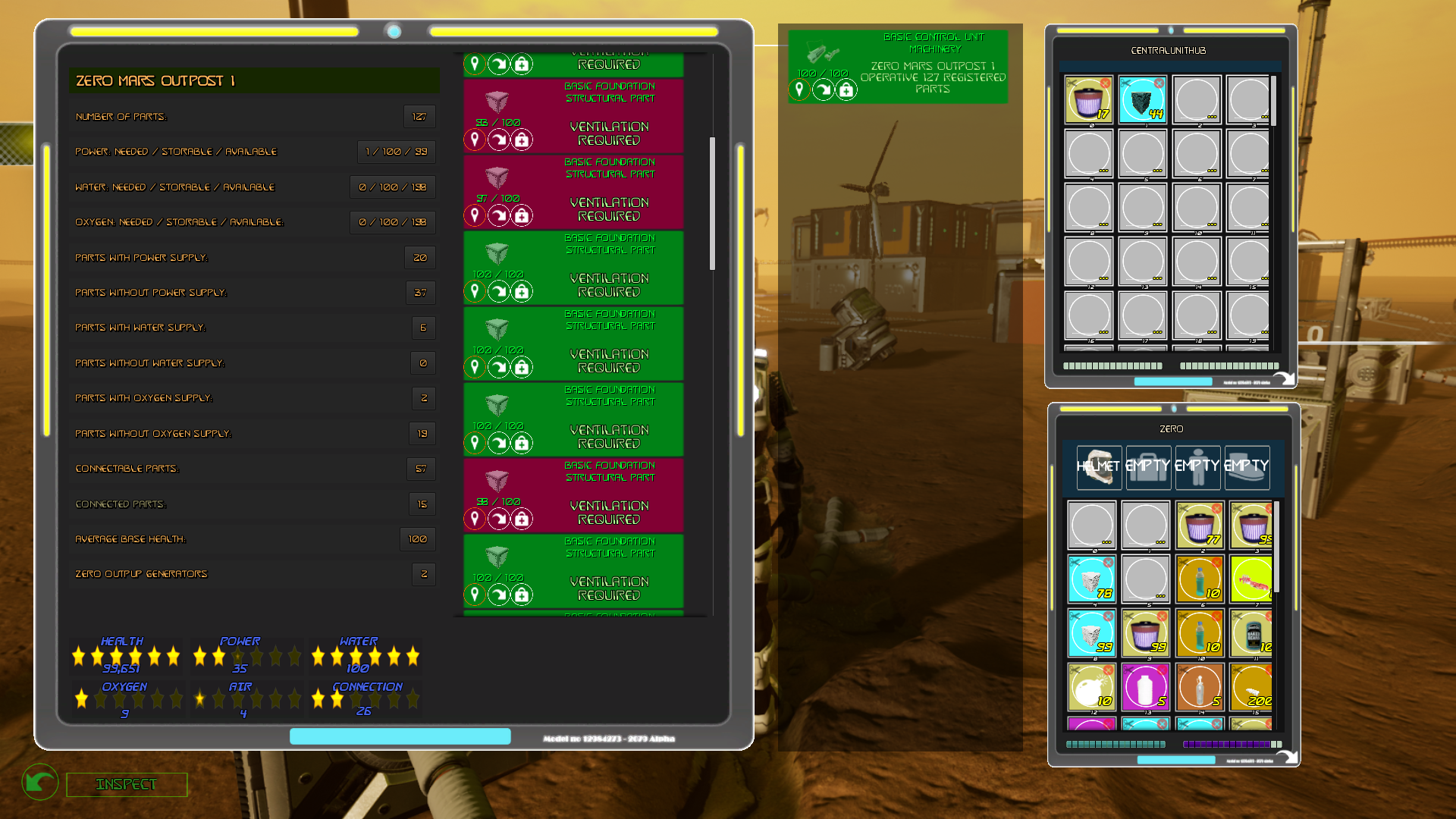
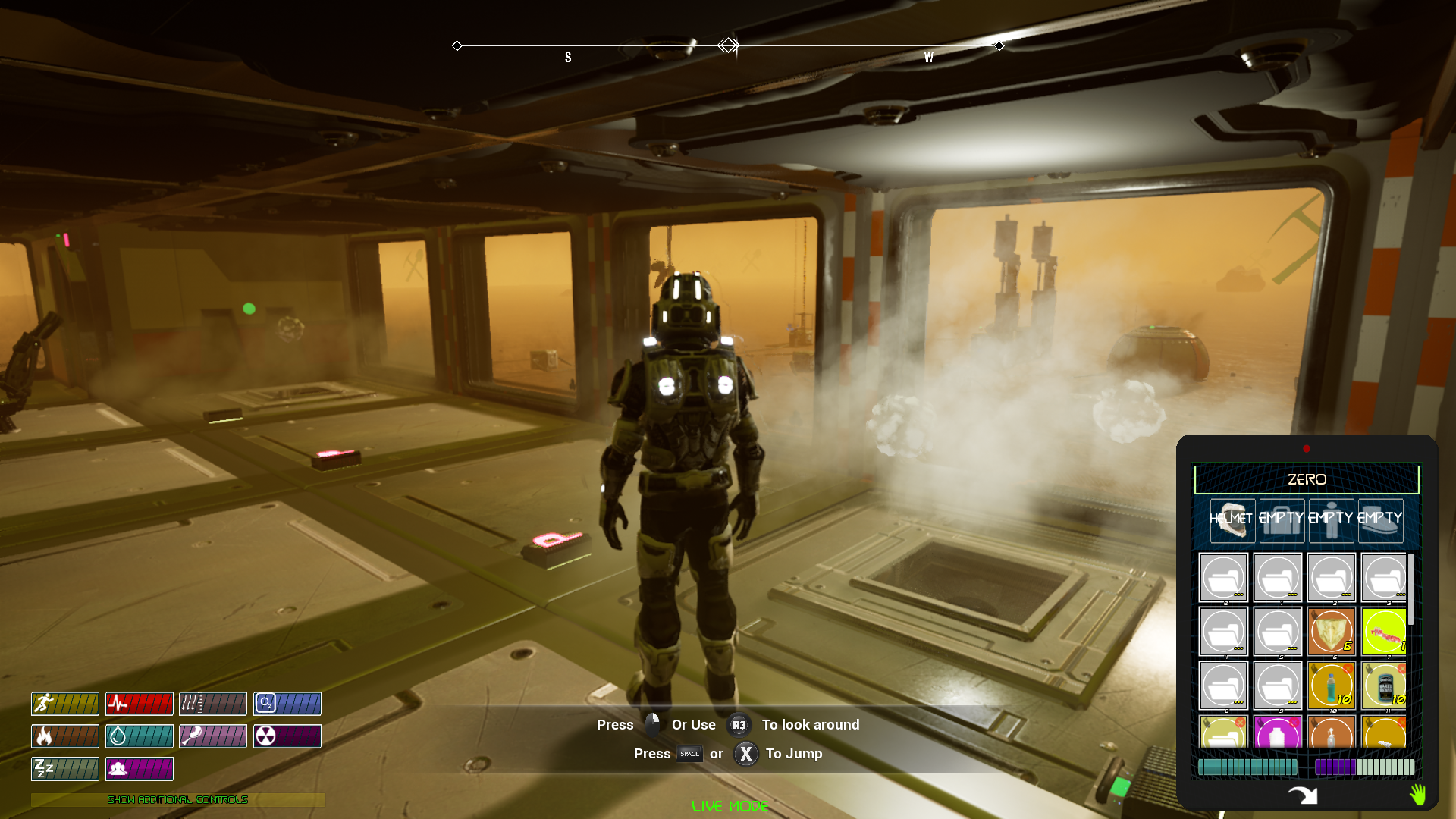
5) Changed the inspect panel to give more informations and also refreshed graphics for this hud.
We are still working to the monorail but if there are priorities like these we prefer to address urgencies before the new content...
Update 10.8: Bugfixing after reports, new items physics
1) We have changed the system that connects all external parts like solar panels etc creating wires from each external unit to the base with a new system that is more efficent and reliable. It's the same system we will use for the monorail track as soon we will unlock it.
2) We have fixed a major bug that was happening after entering and exiting vehicles and provoked fps huge drops and eventually a crash. Now you can enter and exit how many vehicles you want and they won't cause any issue.
We apologize for not having solved this earlier.
3) Also vehicles were consuming fuel when not used. This can be realistic because they need energy to mantain a safe temperature but it was not intended and it's additional work on the cpu that is not adding something fun to the game so we decided to disable this.
4) We have changed all items to simulate physics and so being affected by gravity and also, when destroying a base part containg items in the storage all the items contained will be released on the ground.
5) We are remaking the online manual you can access from the game (if you have an internet connection). As soon it's completed we will make PDF to download. You can see the manual at this link:
We have removed pictures from the page to load quickly and we are still updating it so refresh your browser by pressing F5.
7) Demo updated to current version
Update 10.7: Preliminary update before the monorail
We still can't add the monorail because we need to work on it but we have decided to release this version that features many hotfixes that were needed before adding the new build parts. As soon we are ready we will unlock also the monorail to avoid problems with savegames until we are 100% sure that it won't change.
1) Destructible build parts fix. Sometimes the destructible meshes were not fracturing due to a bug and a collision problem. Now it's fixed and much more good to see.
2) Menus overhaul. We have changed or remade many games menus to provide more informations and to be less bugged, easy to close etc. For example the build menu now shows also the type of part and info on the description to avoid not finding the grid.
3) Foundation demolish destruction area reduced: We have reduced the area that collapses when a foundation is demolished or destroyed.
4) Uniformed the interaction widget that is the hud that opens when you want to interact with something to provide more informations on the build parts, vehicles, items or storages but keeping the support for gamepad.
5) We made some changes to the gamepad that was inverting pitch in the radial menus. You can still invert gamepad pitch but not for the radial menus.
6) Changed control sensibility a bit to have less camera movement.
7) Changed game settings to be correctly displayed if changed during gameplay.
8) Fixed minor bugs for many base parts and vehicles.
9) We are cleaning the game to reduce disk size if not necessary
Version 10.5: Hotfixes
1) We have added a small map that opens when the game starts because we are trying to reduce the black screen time at the beginning and add more functionalities that will be implemented like a manuale etc.
2) We also changed the Tab button for keyboard to be the key used for inspecting things.. (Launch drone is now T). Unfortunately we can't still implement a system to make your own keybindings.
3) We are preparing a hints database better made than previous one that uses arguments to provide the right hint that a user may need in that moment. It's still work in progress and more hints have to be added. We will also use this to add a search for arguments options in next update.
4) We fixed a problem caused by SFX volume that can't be set to 0 and was causing some audios to loop in old save games where that parameter wasn't set because it didn't exist in the old savegame.
5) We have added some music to the Solar System Map and also added a button to immediately show keybindings before even starting a map.
6) We have changed radial menu sounds because they were to loud
Demo will be updated tomorrow for time reasons, sorry about that
Version 10.4: Hud overhaul, Sound controls and hotfixes
1) Fixed a bug with ik-foot placement system flickering. It was very evident in the new rotating space ship because of the movement of the floor but Now it seems fixed
2) Building menu is now splitted into categories to reduce the number of selections and to make room for many new build parts:
Sort for category:
Select the part to be built:
3) Added a camera selector menu from main radial menu:
4) Fixed radial menus graphics that wasn't clear
5) Remade the exit radial menu and the help menu
6) Changed all sounds to be controllable by a setting that is stored into character informations of the savegame. So you can now set a parameter for music volume and also for all sounds fx volume for any character created.
The sliders to control sounds are under Graphic settings:
7) Fixed a bug with demo not correctly updating and not working with latest game versions.
Version 10.3: New map for traveling to a planet and camera hotfixes
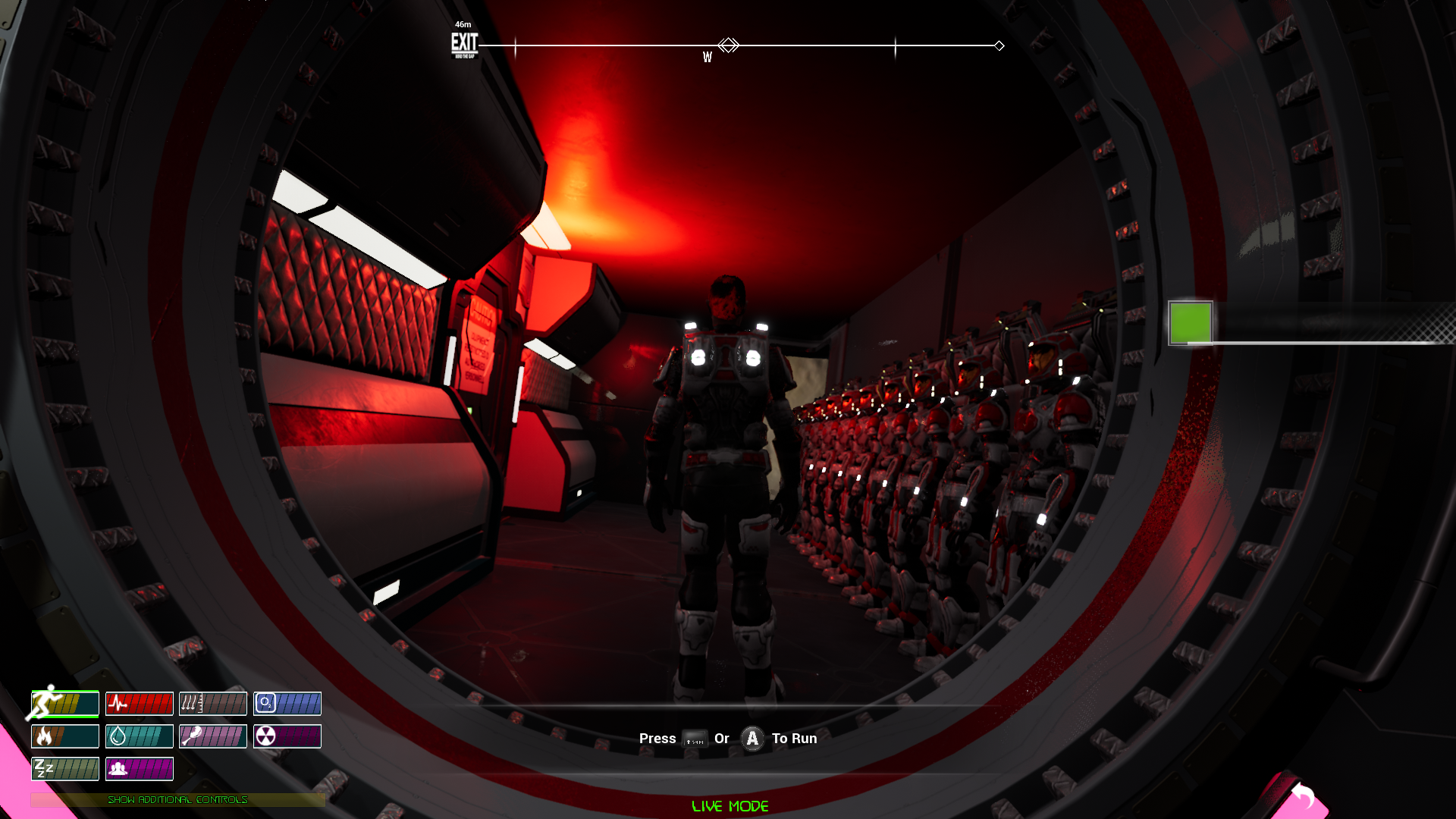
1) We have completely changed the map for traveling to a planet with a new one featuring a rotational space ship to reproduce gravity. It's made to simulate what would happen in such an environment with an artificial gravity generated by the centrifugal force
It's a map that still have to be completed with something to do other than exploring the different sectors of the ship until the arrival. We would like to use this like a hub for a tutorial map and for other maps to understand controls or to test things before starting the proper planet / moon map.
Also, there are still some glitches with the ik and with the ship rotation that we will solve with tomorrow update.
2) We have made a couple of modifies to the first person camera that is no longer 130° that was confusing but it's now a 90° camera view. We also made a modify to avoid the camera to pass through walls or obstacles. The angle of the camera is different to be more usable when using a weapond and also the camera is now attached to the head bone with a spring arm that reduces a bit the rotation speed to reduce the headbobbing (that however is still present...).
https://youtu.be/hdkq_QtUJZI
3) We have reduced the control sensibility for aiming and moving the head to be more realistic and less disorienting.
4) We have completely removed all songs that were creating copyright claims on youtube videos (see update 10.2).
Version 10.1 & 10.2: Hotfixes
1) We are changing some soundtrack songs with new ones because we have a problem with one label that keeps sending copyright claims for videos made with the game and for which we payed a license to use. This is easy for us to counter because we have the documentation but we don't want that this could happen to somebody that is just playing our game and posting the video on Youtube.
So we replaced the songs until the question will be solved.
2) Fixed some minor bugs and things we left beyond like the ability to disable force feedback under Game Settings and other minor things.
3) Now, when you run the character will automatically reset aim offset to the center except when in build mode because it's useful there. This is made to simplify controls.
4) Fixed the small test map that wasn't loading character stats for a mistake.
5) Increased the amount of rocks procedurally spawned in game (you can reduce the amount under GRAPHIC SETTINGS) and changed some scale issue (there were rocks too big)
Version 10.0: Vehicles, force feedback & Destructible meshes hotfixes
https://youtu.be/k7J8rQEaERo
1) We have deeply checked all the vehicles for issues and we solved a lot of problems related. For example:
- The status message that wasn't giving informations on the vehicle as it should now it's fixed.
- The repair system wasn't working correctly and now is fixed
- The vehicle destruction was at risk of bug in certain conditions so we made a fix and now is stable. If the vehicles is destroyed you have to wait for it to stop then exit.
- We have unified the core systems for each vehicle into a unique component that makes things easier to change or to add. (We needed this for adding new vehicles).
- Fixed some issues that were costing performances for nothing and we used a bit of this improvement to Increased the quality of the Physix simulation for the wheels so now they should be more reactive to obstacles (still some collisions for big rocks aren't very accurate and you can see some glitches when moving on rocks but we will fix also this in a few days)
- Removed the old system for checking rover's inventory that now is inside the main interaction ring menu that opens when you interact with a rover.
- Changed the damage system because some rovers were damaging too much.
- Added Force feedback for vehicles (gamepad users). At the moment there's not a command to disable it but we will add this in tomorrow's hotfix
- Modified the Drive menu to provide more informations on all the vehicles you have and on the location they are.
- Fixed the Apollo rover and the LSAM that were having issues at low frame rates because some mechanics were working on game Tick and now they uses a timer like other vehicles in game to avoid being subject to the framerate when applying a force.
- Added a better system for making the vehicles to stop simulating physics when not used to improve performances.
2) We have added animations for picking up and dropping items from inventory (there's still some glitch with legs due to the animation used but we are looking for a replacement). When you drop items from the inventory it will queue up every item and the place it according to character Yaw at the hand position. Items are not still simulating physics to avoid bugs like falling under the map etc because they are saved if you left them on the ground.
3) Added 3 new big rock types to the landscape
4) Fixed the weird physics for resources destructible meshes (that is the rocks fracture effect when using a drill).
5) Increased the refresh rate for inventories hud (there's still a bug that tends to double the items for a fraction of time when opening an inventory) and solved some issues with inventory tooltips that wasn't closing correctly causing a lot of warnings
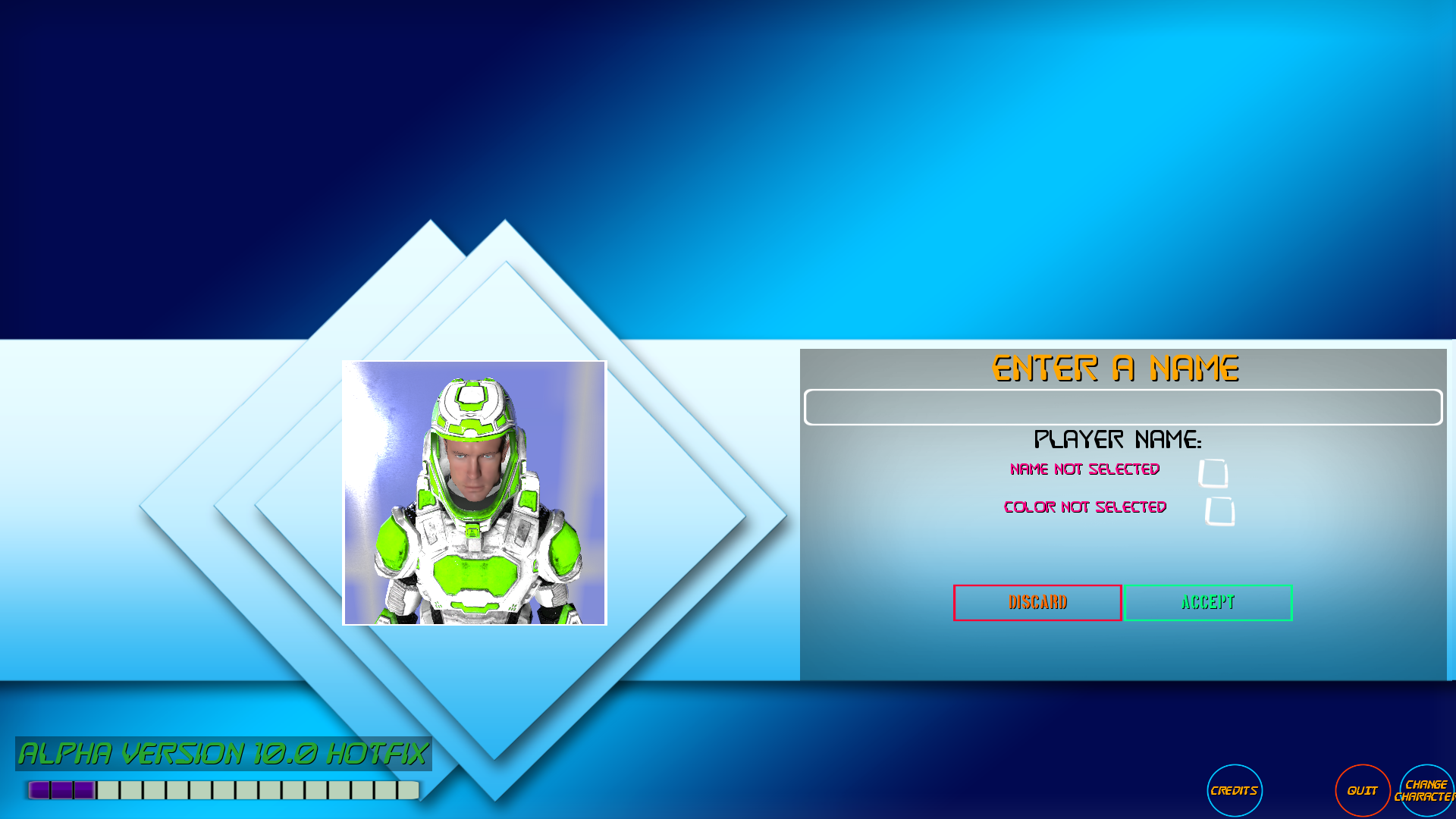
6) Fixed character suit appearing blurred in the initial screen:
Other minor fixes
Version 9.9: New foot placement system and hotfixes
1) We have changed the ik foot system (that is used for placing feet at the right height) with a new one made in c++ that have better performances and features. We still need to tune it properly so you can still see some glitches.
2) We have modified diffent systems that were causing too much work for the cpu, for example: the water drill that was continously rotating and this rotation was not even noticeable if you played nearby it but was causing a lot of work. For now we just disabled that rotation because the 3d model is just temporary and we will replace it.
3) Because we have to release the demo in a few days we made some modify also to the retail version to avoid conflitcs between savegames if you buy the game after trying the demo and also to allow us to fequently update both the game and the demo together in the same time.
4) We have introduced some female voice speech for basic messages and events that requires attention. We will gradually add more voice messages in next weeks.
Version 9.8: Base parts fixing and better tooltips
1) Changed the FX for the ventilated foundations and also for the airlock with a better one. Also modified air material to be more cloud-like using tessellation.
2) Better tooltip system: We have modified the tooltips to be more based on what the player is doing at the moment and to be centralized so it's easier to create a unique database with all the tooltips and showing only the most useful one at the time. We will keep adding tooltips as we notice that these are missing.
3) We have reduced another bit the performance hit of air particles (see 9.7 update)
4) Reduced the light emitted by the spotlight because it was glowing too much at night when there's a lot of fog.