

In the Long Run: The Game
Version 8.7: Ai and weapon fixes
1) We fixed the weapon (the portable drill) that was tedious to use now it's a bit overpowered but seems easier to use...
2) Changed the electricity icon that was bad
3) Modified the death bag of the character or AI that dies to be interactable and to made possible to take the items that are inside
4) Changed the Sun in the Moon map because it was white and anonymous and due to it's size wasn't good to see.
5) Added a spawn alien button under GAME SETTINGS. It's just like a cheat it's not part of the main game content but.... just in case.
Anyway for now the behave like astronauts but they will be changed to do something different.
https://youtu.be/fqB8TcHNN70
7) Minor fixes
Version 8.6: Ai and base part fixes
2) Cultivation unit now should properly generate raw food that will be stored in base control unit inventory and used by food dispensers. So there's no need to harvest the crop because it will be automatically harvested.
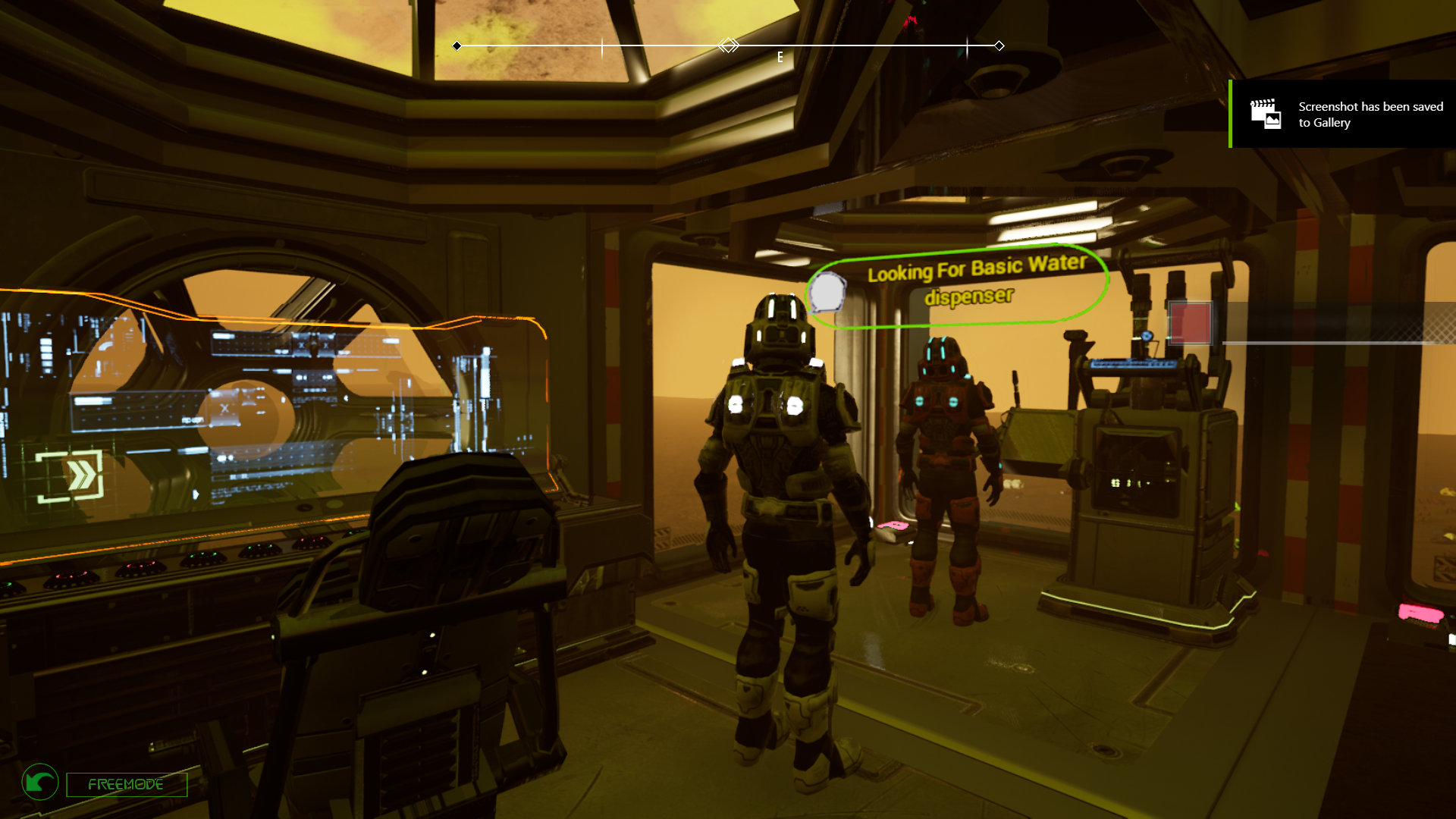
3) The AI system is still very basical but now they have a widget that showns what they need at the moment. They use the same survival system system of the character so they will look for a way to fullfill the need of food, water, oxygen etc. This is just a beginning of the AI system and it's more based on low CPU usage than on more advanced tasks.
We also remade a bit the citizens menu that now show controls for viewing with the eyes of the Ai and to check where they are etc.
With some further improvement we would like to make them able to repair the base, to gather resources etc.
4) Changed the air bubbles material to be more air - like and also solved a spawn issue that was causing the first bubble to prevent the others to spawn.
5) Changed the Inventory movement log system to be less spammer because was causing FPS drops due to the creation of a window + animation. Anyway you can disable it if you want.
6) Changed the pressurization signal to be in a corner of foundations or floors and more realistic to see.

7) Minor fixes
IMPORTANT:
We will keep updating the game as usual but, since next week, we would like to upload the updated version less frequently to reduce the overall quantity of downloads for the users with no changes for the planned game development.
Version 8.5: Bugfixing, menus, huds, better saving system
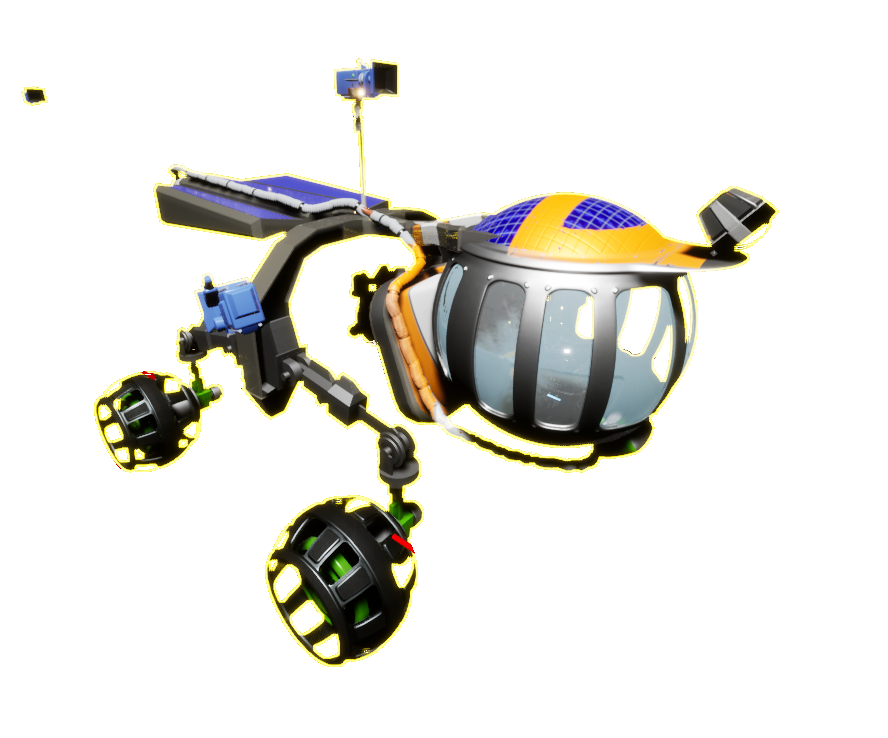
1) Fixed a bug with the menu that was missing the game settings panel and was redirecting to the save Panel that we have removed because unuseful so just click save on the radial menu and you will instantly save.
2) Added a new system on the upper left used for important notifications.
3) Various changes for the Live menu to have more quick button options for keyboard users, also fixed wrong tooltips.
4) Also fixed the problems in the Drive menu or vehicle selector
5) Changed the global character saving that now records also parameters like the last played map or total deaths or how many base parts you have placed since the main menu. At the moment It will work properly only for new Characters you create.
6) Added many missing icons and checked the old


7) Made the character color more present in vehicles or base parts.
8) other minor fixes
Version 8.4: New navigation system and fixes
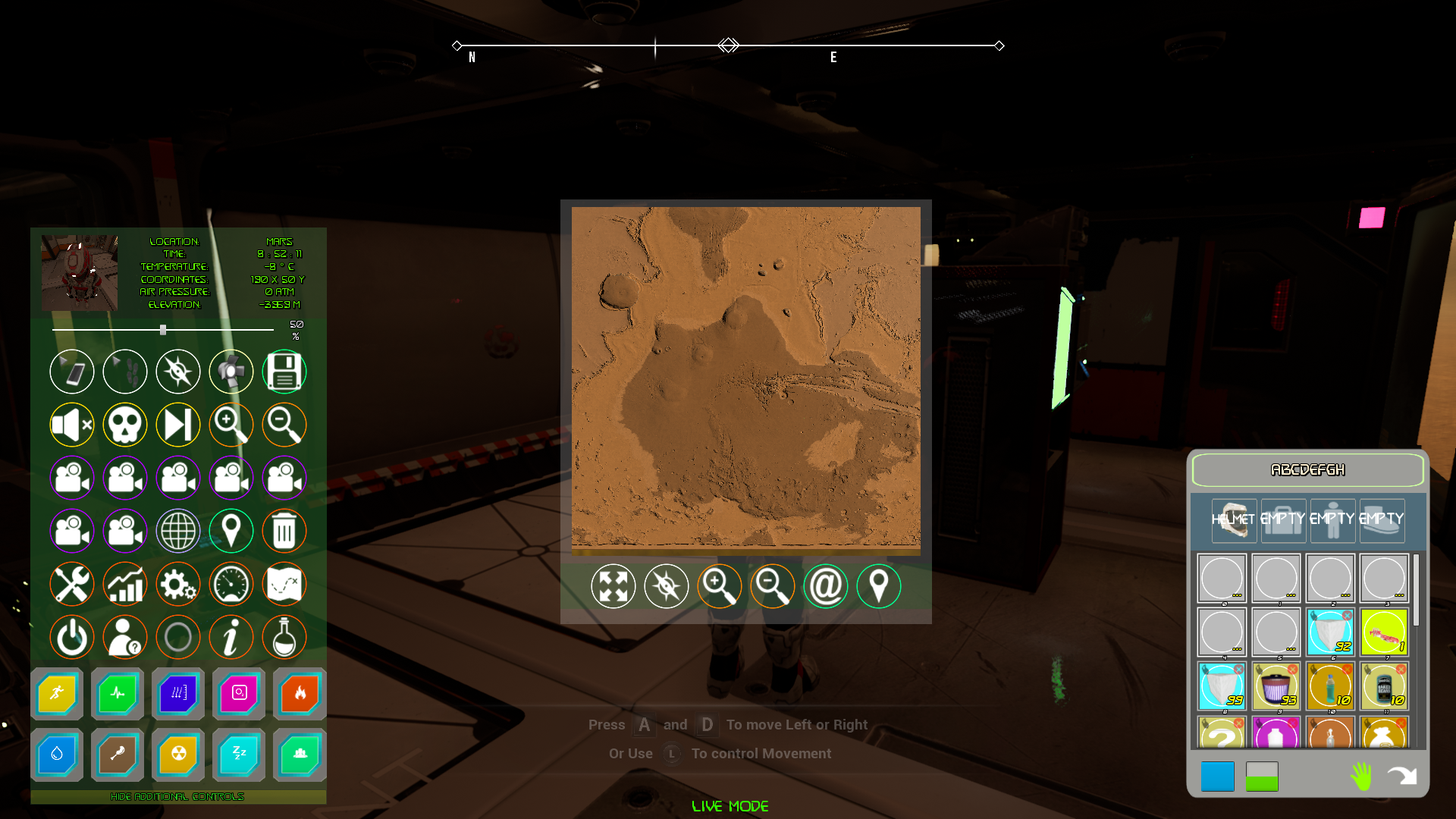
So this is the area that you can explore of mars: and east of Mons olympus there's the starting area.

Full res:

Also your position and point of interest are visibile in the map with a simple placemark system and can be expanded and zoomed in or out.
This is now 100% working for every map of the game (not dungeons or test maps)

(This picture it's just the small test map marslike so map is very flat)
Time, temperature, coordinates etc are all in the Live mode extensive info box.
2) Fixed a problem with some base parts that were not recognizing the planet correctly and for this they didn't work as they should.
3) Changed the loot notificator to be all together with base parts and vehicles in a unique widget that is visible only in Live mode.
4) Fixed the Earth as seen from the Moon
5) Fixed the Sand storm on Mars that was putting too much volumetric fog on the scene.
6) Checked the airlock and it seem to work now, just be patient.
7) Other fixes
In case you are interested we have uploaded a gameplay video of 45 minutes for the previous version 8.3 (so there are some bugs that are now fixed) with a standard base building:
https://www.youtube.com/watch?v=UJ6CEWDEHAg
We will try to do the same tomorrow with this version 8.4 to show the improvements
Version 8.3: New pressurization system
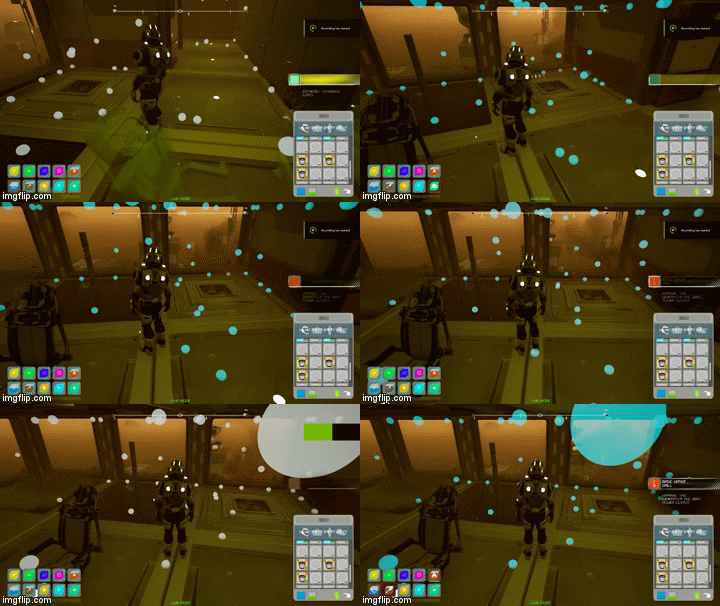
The GIF above is just for showing the basics but the system is less invasive to see.
2) Changed the system for checking the pressurization of the base with a reproduction of air particles that moves for the rooms.
It's an initial setup, it seems fun to see, it's made with physic actors that uses AI navigation so you can move the air with the character body and they could escape when there's a leak in your base but they requires some additional work.
3) Fixed a blur screen that was making hard to transfer items from build part inventory and character inventory. We skipped this in last day try to fix.
4) Fixed a bug with the grass area that wasn't pressurizing.
5) Fixed the observatory window that was leaking air..
6) Many menus can now be closed with right mouse button or gamepad y
7) Adjusted rocks despawn distance but it's not still good for us and so we will keep trying to make it work as it should.
Other fixes.
Version 8.2: Many updates and fixes
https://www.youtube.com/watch?v=N5tLPU1xxh4
2) Fixed a bug with building system with stairs. When placed, due to the fact that you couldn't build a floor over a stairs, you couldn't also place walls, because walls will check for a floor so we allowed the placement of the void ceiling floor module for the elevator over a stair:
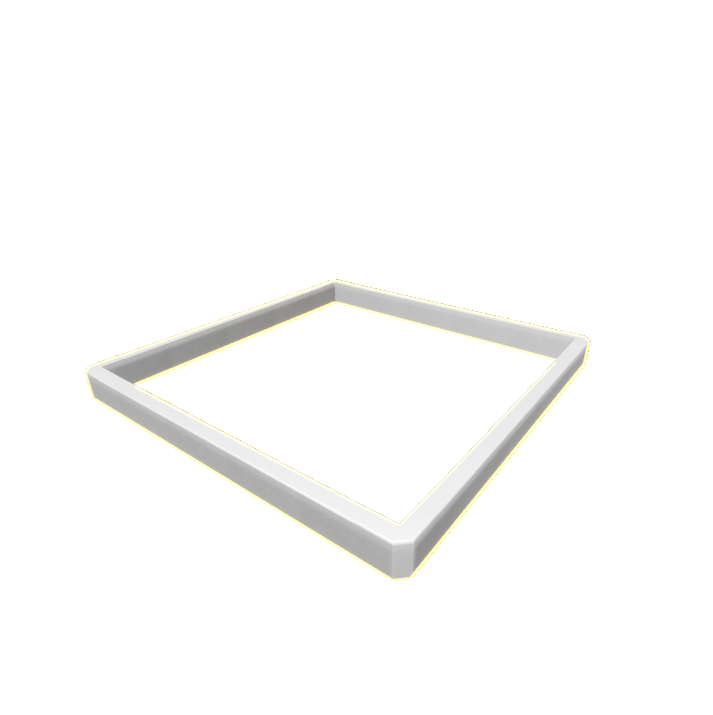
In this way you could place walls. Models of the stairs will be replaced in next updates.
3) Also changed some building placement error messages that were misleading or wrong and checked for other minor problems
4) Added a new crafting item: the storage crate. It's under crafting mode and if you craft one of these, when dropped on the ground (you don't need to use it, just drop on the terrain) you will create a storage crate that allows items to be stored (and saved). So you can left some of those crates all around and use the items inside in case of necessity.
This item will be followed by many other things you will be able to craft and leave around the worlds like flags, signs, lights etc and everything is saved and respawned when you play again with that character.
5) Added the possibility to drop items from rovers when driving so, if the storage is full of unuseful items you can free some space and keep driving.
6) Fixed the moonrover (the 6 small wheels one) that now can set the suspensions strength (angle can't be setted on this rover) to allow drilling.
7) Fixed equipment slots and inventory icons and added the possibility to quickly split item stacks in half within character inventory. Also updated the graphics of the inventory panel and the tooltips.

8) Other fixes
Version 8.1: Bugfixing
2) We have fixed the problems reported by users: The backward not working, the blur screen not going away when opening a storage inventory, the build menu that was confusing (see below) and the character name that now can be of 4 letters instead of 5. We still need to find a solution to avoid pressing "F" to recenter the aim offset.
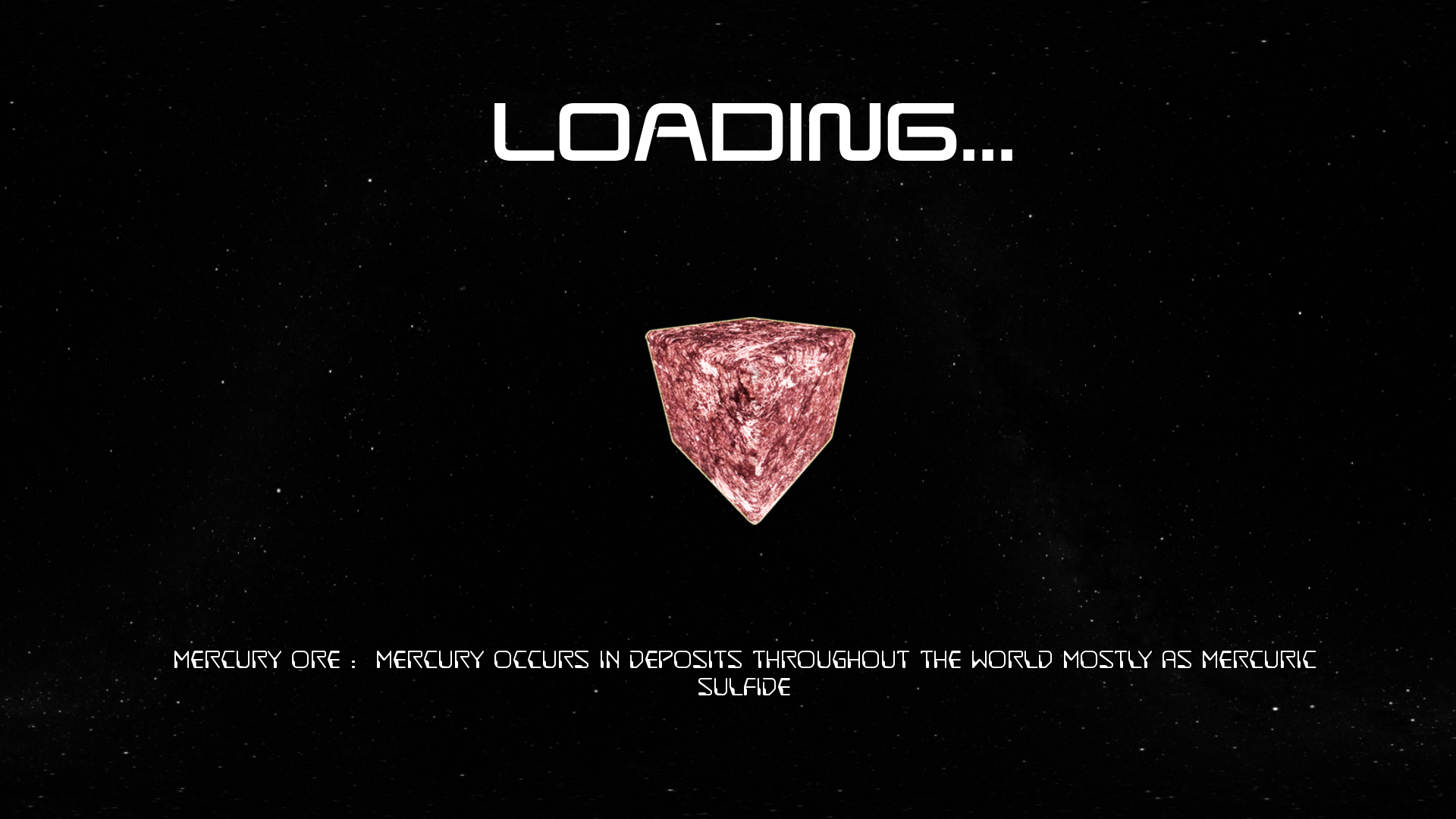
3) We have changed the loading screen to give hints on base parts, vehicles, key bindings or items so each time you load you can read something that can be useful like a sort of tutorial. (a proper tutorial Map is work in progress)
4) We have changed the volumetric fog on Mars to be closer to the real one with blue colors at dawn and dusk and brown-orange at mid-day:

Trying to reproduce the proper curve isn't quite simple but with this implementation it's now possible to set up a proper color curve.

5) We have fixed a bad texture on Mars landscape (that Was badly scaled):
7) Also made the building menu sorted by categories like it was before and with a more easy to read graphic and new high res icons:

6) We have made so that all missing icons will be displayed with a question mark (we will make those icons very soon)
7) Fixed the destruction of LSAM that was probably causing problems in case you destroyed it.
Other fixes all around...
Version 8.0: Updates and bugfixing
1) Fixed a bug with the item interaction menu that was causing the buttons to be not responding with the standard key and also to leave a blur screen that wasn't easy to remove. (as usual we are very sorry for such annoying bugs) Anyway now it works correctly:
You can drop items (they can spawn around the character) and, looking at the dropped item and pressing Interact you can choose to retake the item or to destroy it. Just for information all items (even the one you dropped on the ground) get saved and respawned at that location when game is loaded.
2) Modifies for the menu HELP>GAME SETTINGS:
A) Added the possibility to spawn the items you want in case you destroyed something for mistake or in case of a broken savegame. Consider that this can spawn anything is on the data base of the game and so there are also items that are broken or not still implemented.
B) Added a button to destroy all buildings and grids instantly (this action can't be undone).
C) We added a button to restore your character inventory to the default items (all items in will be destroyed and replaced by the items you have when you start a new map)
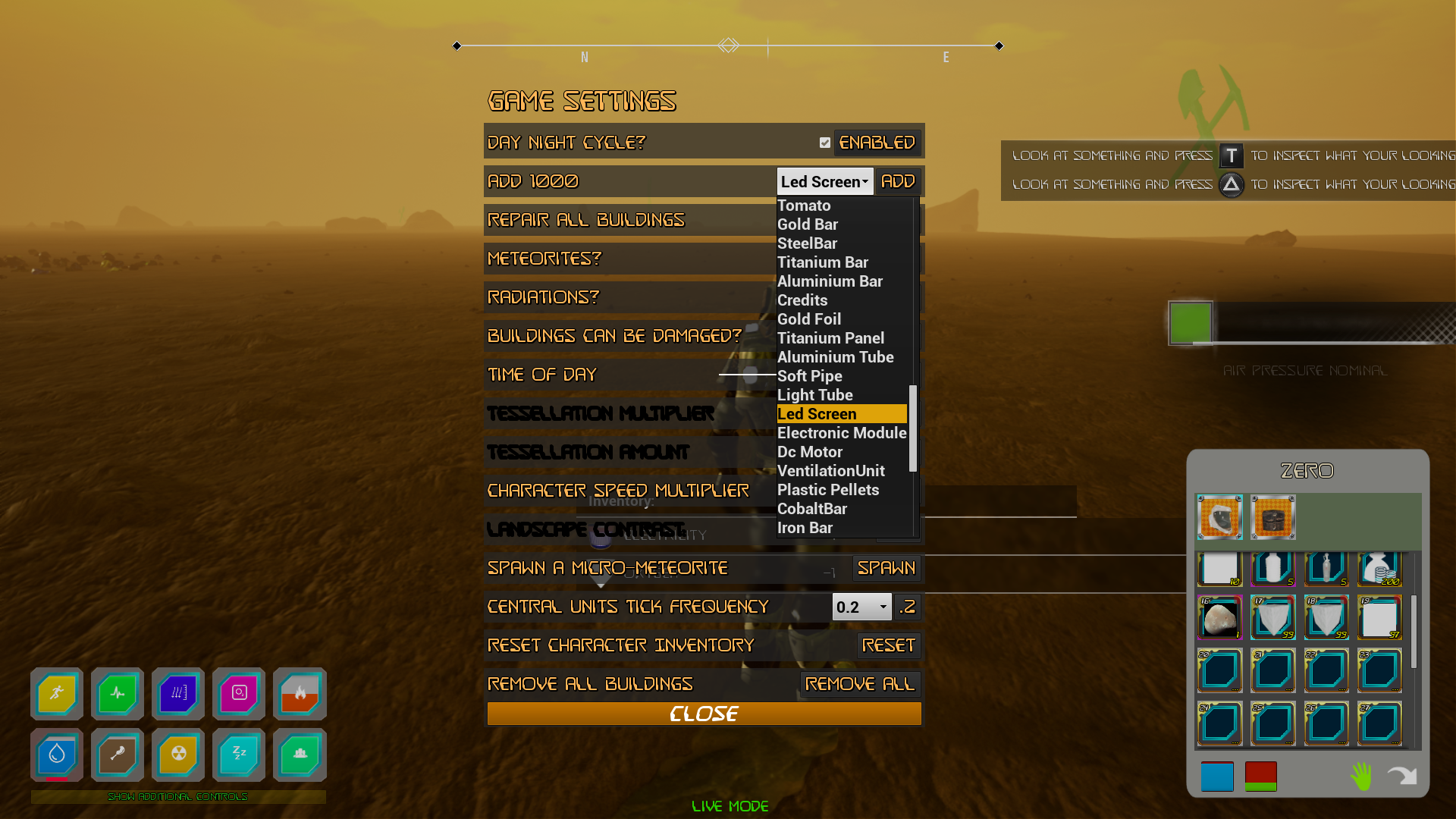
All these functions are useful in case you have a broken savegame or some items missings / corrupted base building etc but use these function carefully.
3) Fixed a bug with item spawned that were immediately removed.
4) Fixed a bug with the Missions system that was duplicating the helmet.
Anyway the system for opening instanced map is going to be updated soon because it's very alpha at the moment. We are preparing a map for the Lake discovered under the North pole of Mars to be played as dungeon (no buildings or save) just reach the the end to earn some reward.
When it's ready we will also update the Mission system that will allow the introduction of many smaller maps (higher fps) to reconstruct a planet peculiar place like a lava tunnel or an underground lake / surface feature to be explored.
5) We checked the vehicle printer unit and fixed some bugs. You will be charged for the item only if completed so, if you close the game when a vehicle is under construction you won't lose the credits. To be clearer: Buildings are saved also when under construction (if you save or if autosave do so) but vehicles are only saved when completed.
Version 7.9 Update: Laser defence System fixed and other updates
1) We have fixed the laser that destroys micro-meteorites and prevents them to damage your base or your characters and vehicles. It's a bit overpowered at the moment but works. We will set an higher fail probability in next update. For now you can test it just waiting or spawning an asteroid with the button under Help Panel > Game Settings > Spawn asteroid.
2) In the same panel: Help Panel > Game Settings > you will find a selection box for the frequency the base updates.
Increasing the value means that the base, the pressurization system and the exchanges between parts are more delayed and so your cpu will need to work less.
Decreasing the value means that the base will update faster so it will pressurize / depressurize faster and generators will work more quickly but also consumptions will be proportionally increased and your CPU will have more work.
It's usefull to set a proper value based on your system, fps and base size to optimize CPU usage.
There's also an automatic system that will increase that time (starting from what you selected) when you are far away from your base to improve game performances without shutting off an existing base.
3) We remade the Inspect menu for the base. You can select the base you want to inspect and then check every part of this base for issues. You can also add a marker to the location of the part that you want to inspect or try to teleport there (but it's not suggested to use teleport and it won't always accept the destination to avoid spawning in a wrong place. Anyway, if it happens Help Panel > Teleport to start location).
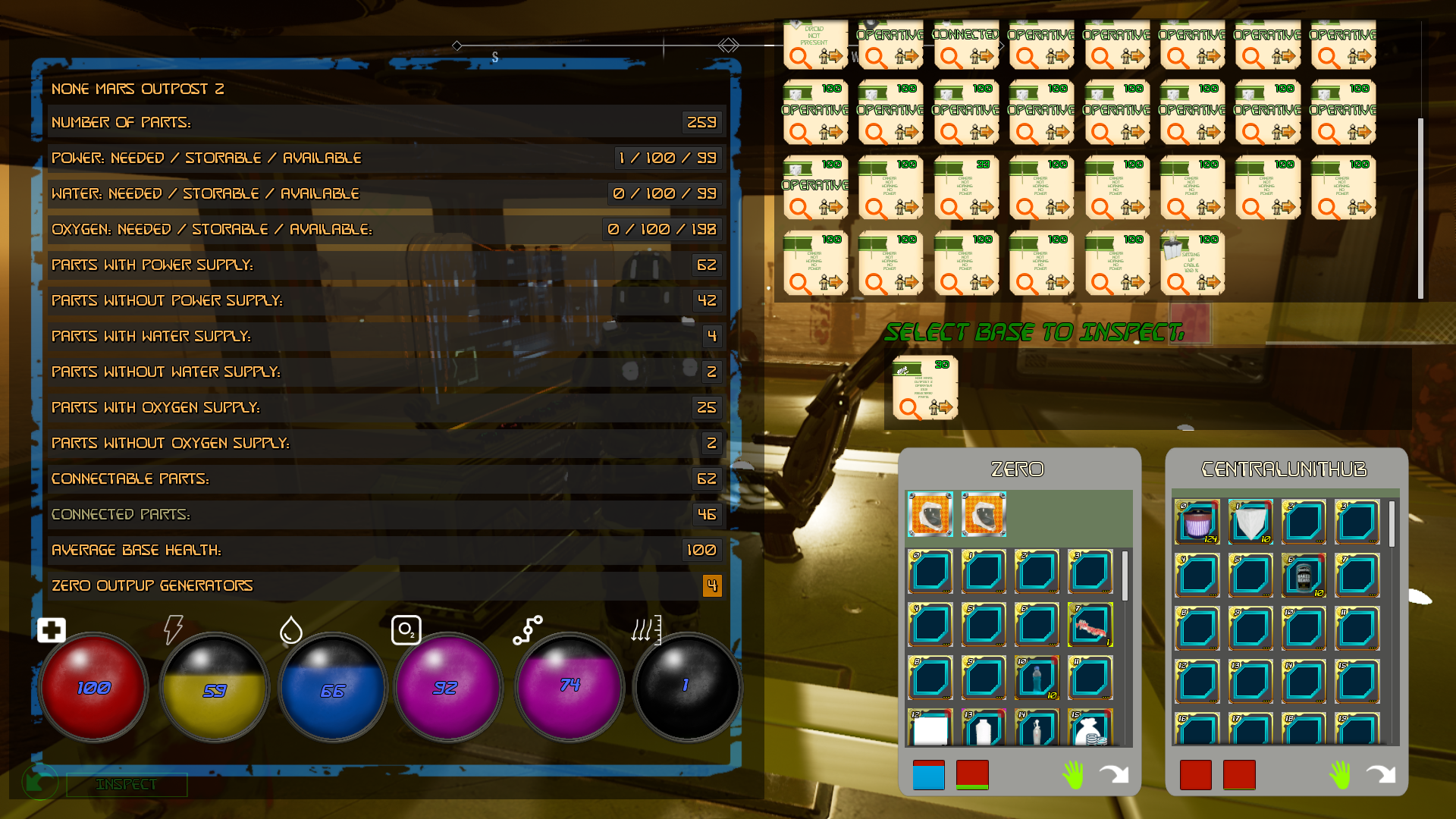
Graphically it's still work in progress but at least you can control almost any part of the base in a unique menu and so you can better plan your extra base activities after you have found the issues.
4) Other Fixes in menus, wrong tooltips, texts etc.
Version 7.8 Update: Hud and other fixes
https://www.youtube.com/watch?v=2yqDDnvLEaw
You can see that there's a tessellation control and other landscape parameters but they don't work in the packaged version for now.
And we have also changed the vehicle hud that wasn't so good looking. We so have added a minimize button to close it.
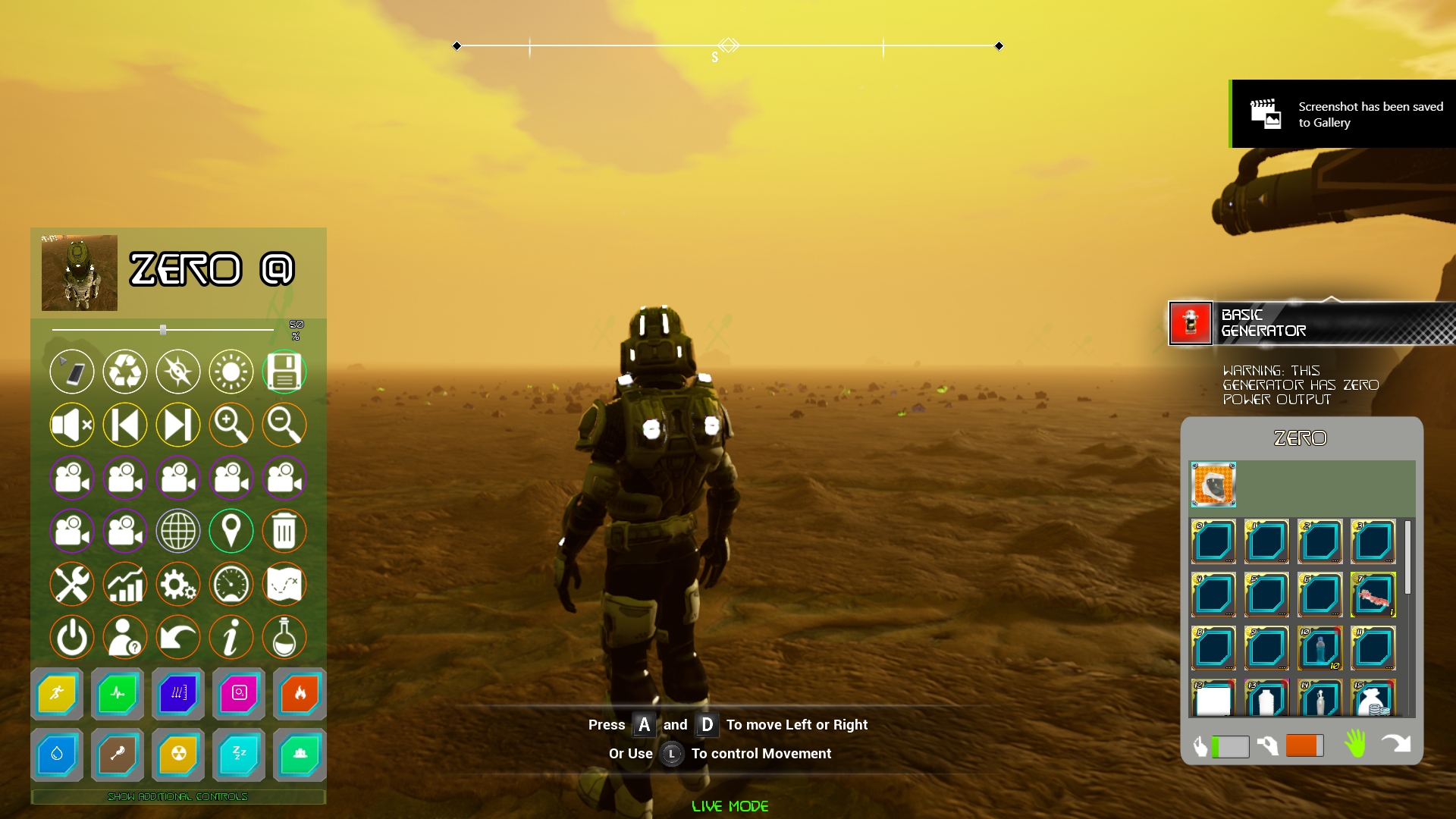
2) We have fixed a bug caused by a system that was hiding base parts when far from the camera but that was causing disasters because of a wall vanishing and the foundation not. At the moment we have not replaced the system.
3) Many minor fixes