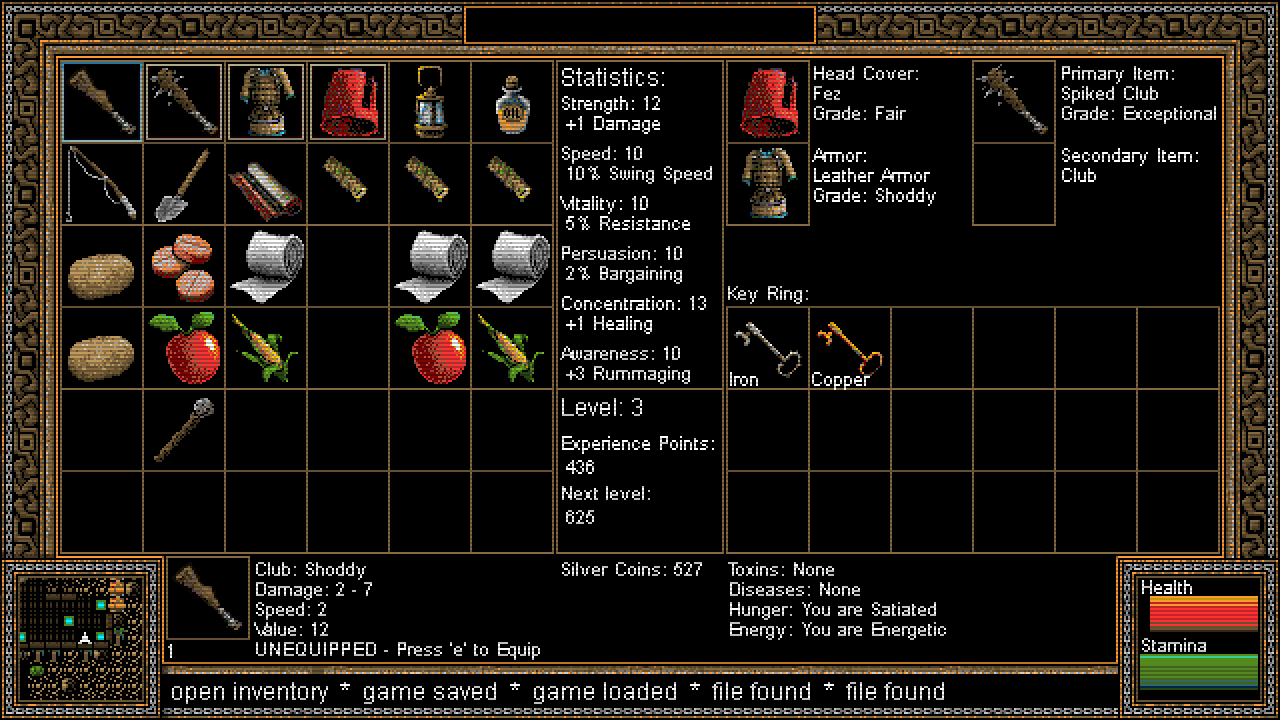
The demo version 0.3.7 has received a major update! Now your character can gain experience points and upgrade their stats.
Stats:
The stats include Strength, Speed, Vitality, Persuasion, Concentration and Awareness. Each has a unique effect on gameplay. Currently the effects are limited to the following:
Strength: Increases damage dealt to enemies and objects Speed: Increases weapon swing speed Vitality: Reduces damage dealt by enemies and effects Persuasion: Bargaining skills for better prices Concentrations: Improves healing Awareness: Improves chance of rummaging for coins and items
When you start a new game (or for existing players when you load your game) you will be assigned each stat randomly between 5 and 15 points.
Stats build slowly but will have an impact on many of the actions you perform in the game.
Experience Levels:
Experience points are gained currently when you defeat enemies. Each time you gain enough, you will raise one experience level. When this happens you will increase in one random stat by 1-3 points.
Game Demo Updated to Version 0.3.6
The Demo has been updated to version 0.3.6
Monster Save File
The game saves the state of monsters if you do a manual save. So when you reload the game, the monsters should be in the same place and state (health points, dead/alive etc...) when you load the game. The save function was saving incorrectly if you saved more than once on the same level, and was producing more and more dead monsters each time it loaded. Note, the game would clear any save file once you left a particular level, so it might not have been noticeable to most players.
Movement Bug
The game would have a problem if you loaded it while holding the strafe keys down. It was not game breaking but it would make a strange sound that did not stop until you started moving around.
Attacking While Paused
When you have the Tab Menu (that shows controls) showing, the game will pause. However it was still allowing players to swing their weapon, thus making it too easy to defeat enemies. This loophole has been closed up ... sorry cheaters! :)
Shrinking Walls
Some game objects that are free standing sprites, like rocks and trees, will shrink and pop back when you hit them with a weapon. However this was happening with level geometry like walls and buildings, which should remain fixed. I think I was able to fix all of these, but please let me know if you see it happening anywhere else.
Game Demo Updated to Version 0.3.5
The Demo has been updated to version 0.3.5
Inventory Bug
A bug in the last update allowed players to buy or sell the same item multiple times. This effected items that were not stackable, like weapons. This should be working correctly now.
Number Input
Another bug occurred if the player typed in a letter when the game prompts how many items to sell or buy. Now the game will only recognize numbers in this dialogue, and will set the number to zero if the player types anything other than a number.
Controls Menu
The Controls Menu (tab) was updated to show that space bar handles inventory management in addition to blocking. I think it works pretty intuitively, but let me know if you need more instructions on how to move inventory around...
Game Demo Updated to Version 0.3.4
The Demo has been updated to version 0.3.4
Manage Inventory
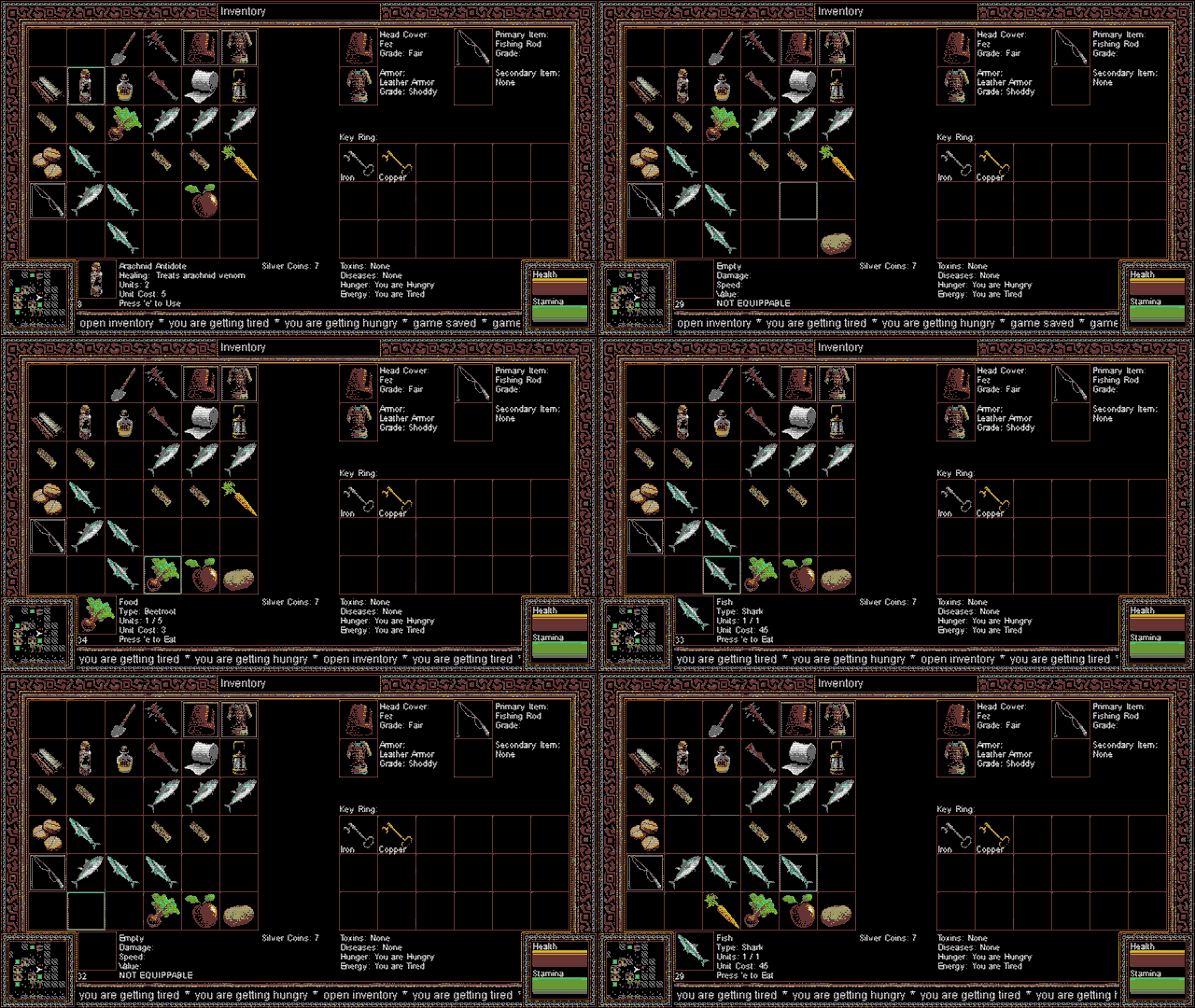
You can now move things around in your inventory and even split item stacks as needed. I plan to add some additional instructions in the controls tab, but for now just hit space bar (by default) to remove an item, and then navigate to a new slot and hit space bar again to drop it back in.
If it's a stackable item (like some foods or bandages etc...) and there is more than one in the stack, it will prompt you by asking how many you want to move.
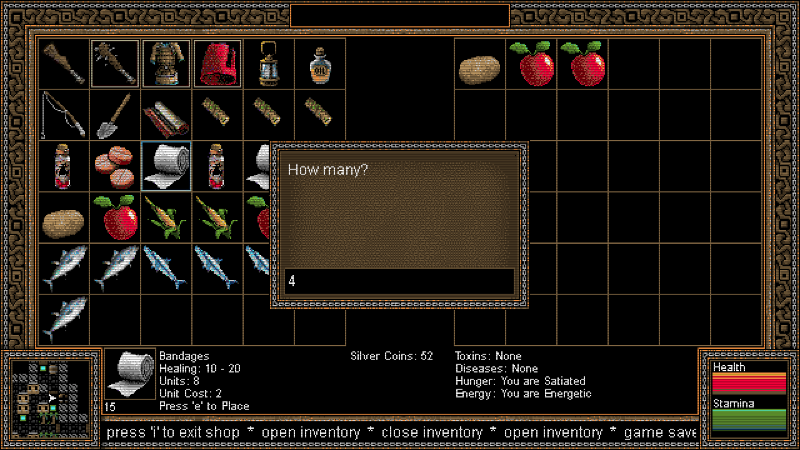
Buy and Sell Amount
Similar to splitting item stacks, now when you are buying or selling items it will prompt you how many you want to buy or sell. It also works in treasure chests. Hopefully this will give players more control of their inventory.
WARNING: The prompt will currently cause problems if you enter something other than a number. Please bear with me while I work on that, but overall it is working nicely.
Game Demo Updated to Version 0.3.3
The Demo has been updated to version 0.3.3
Full Screen
You can now activate Full Screen Mode in the options file! Just set the "fullscreen" variable to 1 and restart the game. The game should automatically start in full screen mode.
Notes About Fullscreen vs Window Modes
This game uses a widescreen (16:9) format, so if you use full screen, it will appear stretched or squished if viewed on a monitor with a different aspect ratio (like 4:3 or Ultrawide). In these cases it is advised to keep the game in Window mode (fullscreen = 0) and just adjust the following variables at the top of the options file:
video width =, 640 video height =, 360
If you change the width you also need to change the height to match. So assume we change the width to 1280. We would then have to change the height to 720 so it is proportioned correctly.
Here are a couple common screen sizes to consider:
video width =, 1280 video height =, 720
video width =, 1920 video height =, 1080
To get a custom aspect ratio just take the top number (i.e. 1920) and divide it by 16. Then take the product of that equation (120) and multiply by 9 (1080). This will give you the correct aspect ratio no matter what size you set the width.
Default Settings
Messing up the options file may result in a game that can no longer function properly. If this happens, when you first load the game you will see the instruction "Press enter to continue ... or F1 to load default settings."
Pressing F1 will re-write the options file with the default settings and then restart the game.
Game Demo Updated to Version 0.3.2
The Demo has been updated to version 0.3.2
Easy Mode
You can now activate Easy Mode in the options file! Just set the "easy Mode" variable to 1 and restart the game. Easy mode does a number of things to make the game more approachable, especially for new players.
More Silver is provided in chests and barrels/urns
Monsters have less health and do less damage
Player is less likely to contract poison and diseases
Poison, disease and tiredness will trigger less often
Bugs Fixed:
Clubs 'R Us was not buying spiked clubs
Medicine and bandage unit costs were broken
And some other minor things that don't need to be mentioned...
Game Demo Updated to Version 0.3.1
The Demo has been updated to version 0.3.1
Intro Message:
First you may notice a message that appears before the splash screen. This just lets players know that the game currently accepts only keyboard input. It also gives a brief explanation of how to use the options file.
Combat Panel:
The game now also includes a combat panel which shows the enemy's current health. Hopefully this helps players have a better picture of how they are doing in a particular fight...
Game Demo Updated to Version 0.3.0
The Demo has been updated to version 0.3.0
This addresses one main feedback from players in regard to the options file. The file was previously written in the games install folder, which prevented it from being edited. I have moved it to the game's save folder, so it should now be editable.
I have also included the option to key-bind the quest key, which is "q" by default. Also, it has been added to the controls tab (toggle with TAB key).
More changes are underway. Next I hope to tackle the balance of the second island where venomous scorpions dwell...
Demo Available!
The demo version 0.2.9 has now been made available to the public!
In preparation for Next Fest on June 19th, I though it might be good to get some playtesting done and maybe incorporate some of the feedback before this big event.
Any players out there please know this is still an early, unfinished build of the game. It also limits the players range of travel to just the first two islands at this time.
Any thoughts you have about the game, please share on the Steam Forum. I will do my best to incorporate any feedback before the game is released later this year.
Game Updated to Version 0.2.9
I have updated the default branch to the latest version. It is still a demo version of the game with limited access to game areas. Still it contains a lot of new features.
New Features:
More New Weapons
Included new music
Improved boat interactions
tweaked some of the stuff on the first two islands
The demo will go live on the 19th of June for Next Fest, so now I am focused on getting the first two islands just right.