

Jigsaw Puzzle Dreams
Hotfix 1.3.8.9.1
Of note, if you are still having issues of game crashing when creating larger puzzles on lesser hardware try turning off the bevel detail completely in the video settings.
Bug Fixes 1.3.8.9
- Refactored a lot of the multiplayer code to hopefully fix crashes that happen during multiplayer, especially on joining/leaving the game
- Fixed issue where changing room materials was not updated to clients
Hotfix 1.3.8.8
Compressed Radiant Pack DLC to smaller size since had to update anyway, will compress other DLC over time.
Hotfix 1.3.8.7
Hotfix 1.3.8.6
- Changed order of custom images from newest to oldest.
- Fixed issue where sticker info was being shown when joining multiplayer game.
- Removed preview image notification when client in multiplayer or puzzle is not loaded.
- Made connect sound on by default for new players.
- Fixed bug with puzzles in load/custom area flickering between sizes.
- Fixed crash related to client attempting to rotate a piece that was no longer in the players hand.
Mega Updates : Part 2
We hope you enjoy these new features and fixes!
New Materials Interface for Customize Room
We've created a completely new way to edit materials in your room!
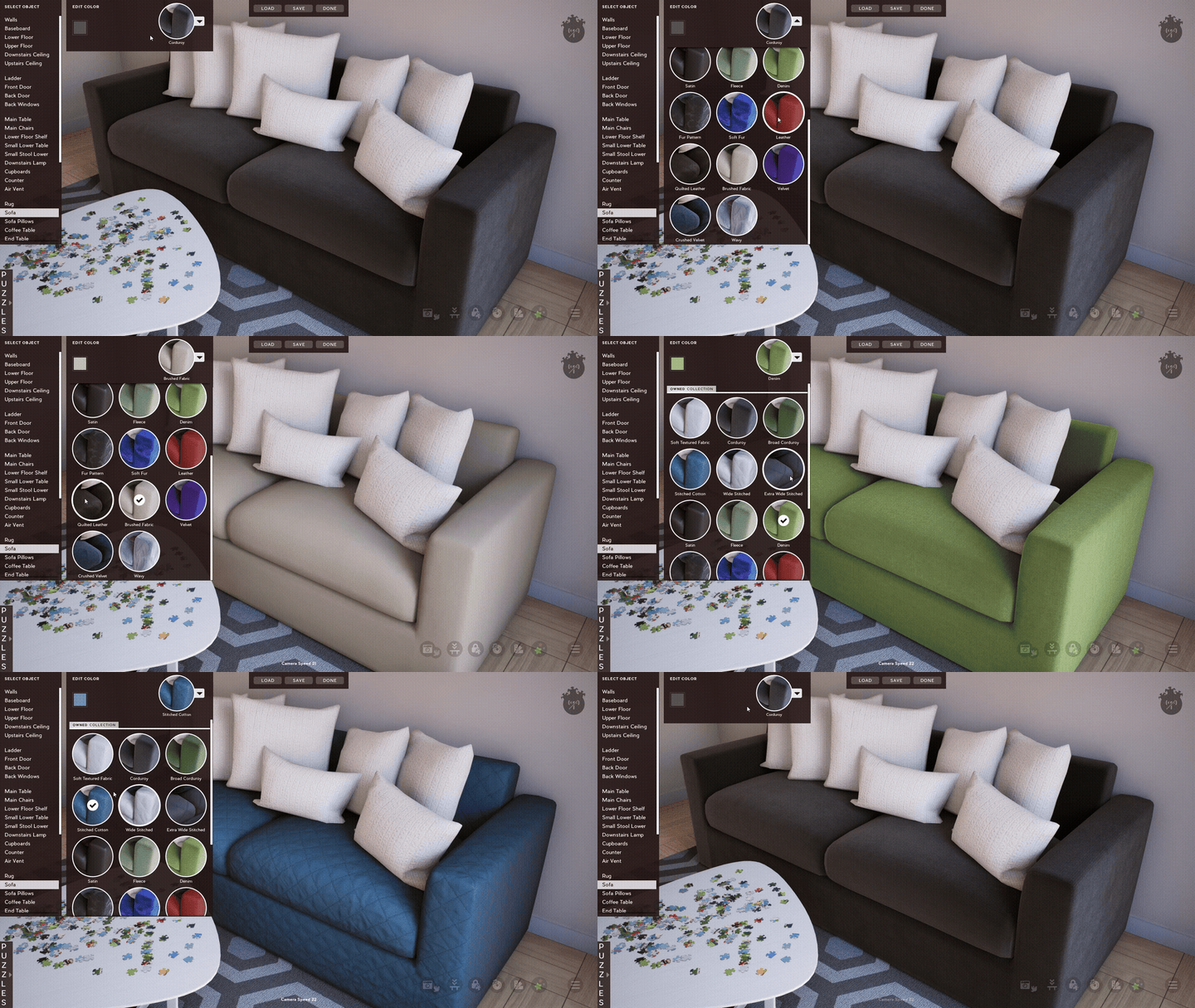
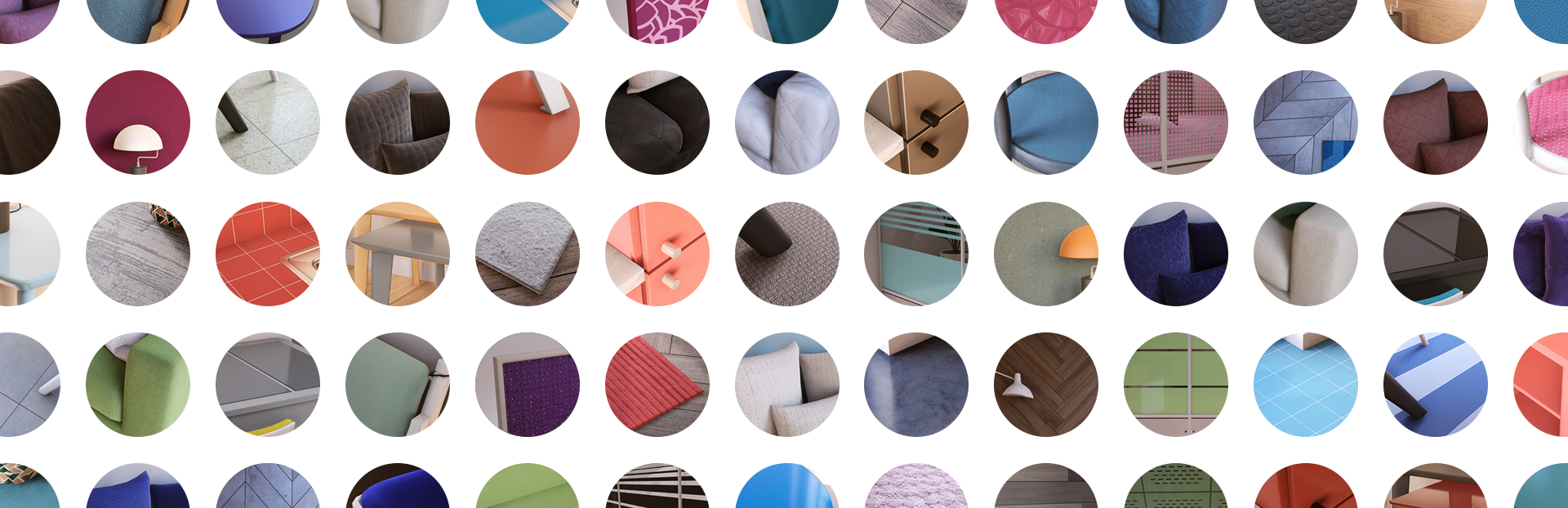
This new interface was quite the undertaking, requiring ~300 screenshots for all the thumbnails, but the effort was worth it. Having a visual representation makes it so much easier to use, and really makes the experience more fun overall.
We even included all new default color schemes for most materials to help show off the possibilities and inspire new interior designs.
Lockable Preview Image
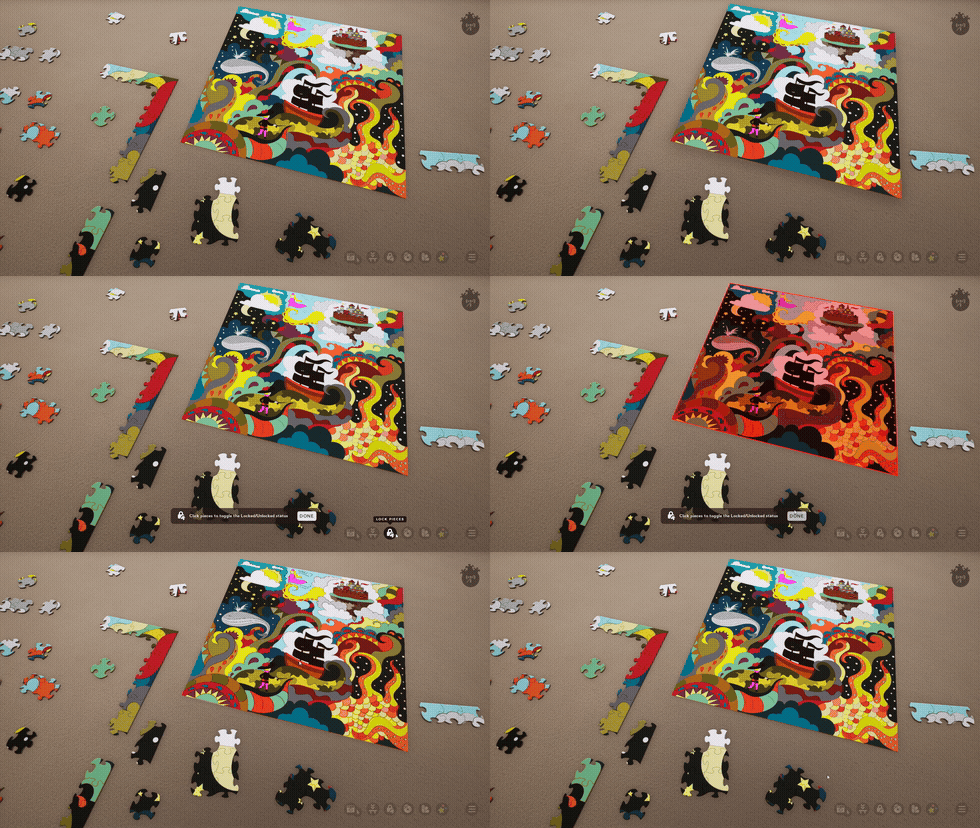
We've expanded the Locked Pieces functionality that was added in the 1.2 update to now also allow you to lock the Preview Image. This should help prevent accidental pickup and ensure the preview stays exactly where you want it.
To use this just press the Lock Pieces button in game (bottom right buttons), or press Ctrl-L. Click the preview to make it turn red (this means it's locked), then just click Done on the Lock Pieces interface.
Added Pagination to Save Lists and Custom Images
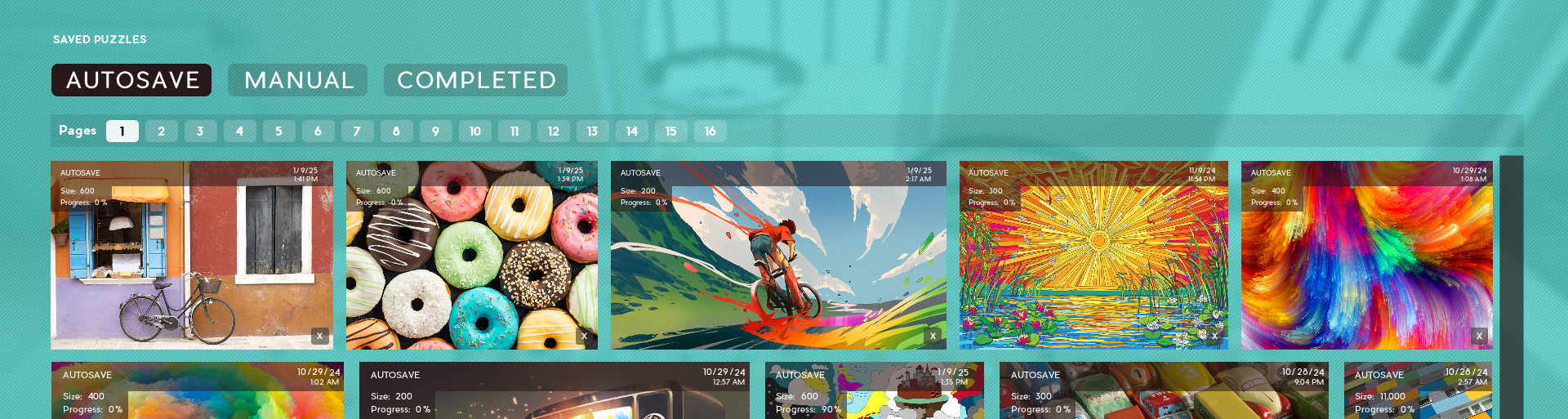
Pagination UI has now also been added to the Saved Puzzle and Custom Images sections. This will vastly improve load times when browsing these lists and overall make the experience much easier, especially for those who already have a lot of saved puzzles and custom images.
New Customization Material Options
6 new Materials options have been added for customizing your walls!
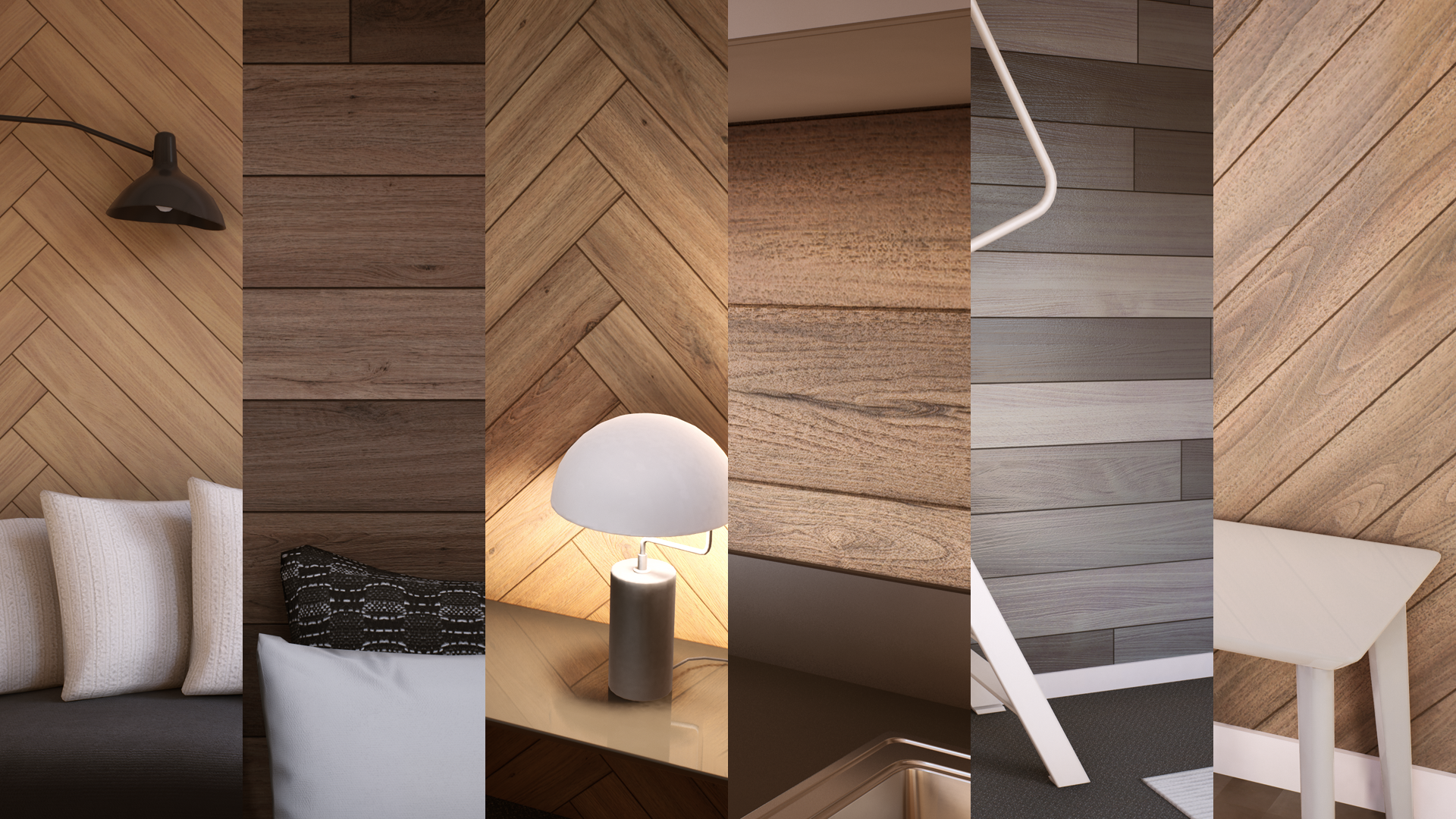
Each material is fully customizable with 4 color slots so that you can create the perfect scheme for your room.
These materials were added to the Scenic and Idyllic dlc packs as follows:
- 3 Overlay wall styles added to the Scenic Pack
- 3 Herringbone wall styles added to the Idyllic Pack
Full Patch Notes:
- New Customize Room Materials interface
- Added ability to lock the preview image
- Added 3 new wall materials to Idyllic Pack
- Added 3 new wall materials to Scenic Pack
- Created new default color schemes for most materials
- Created new names for many materials
- Added pagination to custom images and save lists
- Fixed issue causing wide thumbnails in image grid to sometimes get cut off
- Adjusted camera change notification when wall hanging list is open so they don't overlap
- Fixed the multi selection rectangle to now be visible when UI is hidden
- Fixed issue with a graphic setting not working in main settings menu after last update
- Fixed issue with normals on main chair mesh
- Fixed issue with texture coordinates on glass railing mesh
- Fixed issue where game would default to blue album on restart if no albums were selected
- Fixed lighting issues with several concrete materials
- Fixed several incorrect/missing material color options
- Fixed texture/geometry issue near back door
- Fixed issue where you could click through customize room menu
See you next time!

Mega Updates : Part 1
The Mega Updates will be broken up into two parts with this first part having more major changes, and the second part mainly a list of bug fixes and tweaks.
I'm glad it's finally done and will be great to move forward on a more solid ground with more additions in the future. Enjoy!
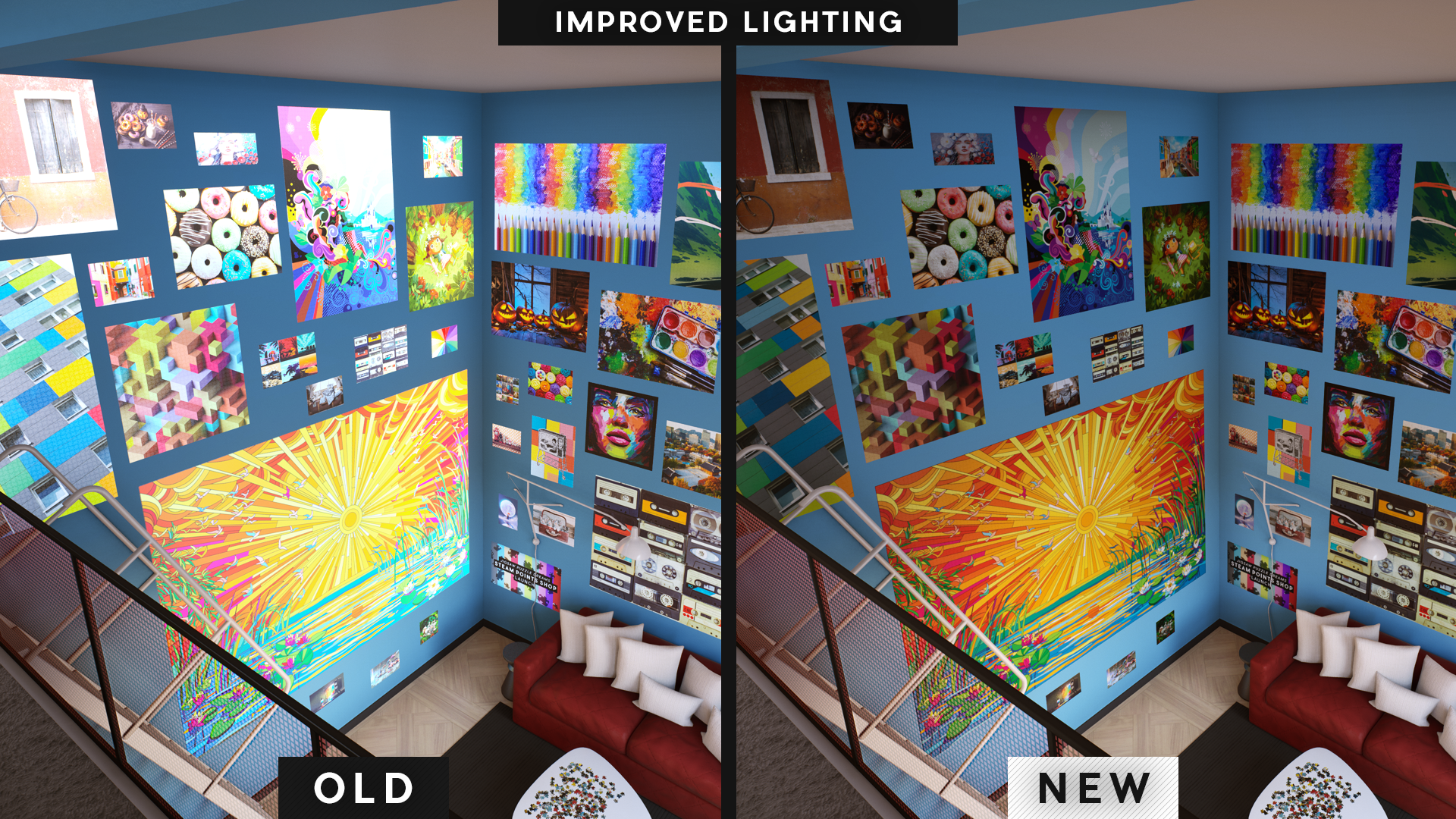
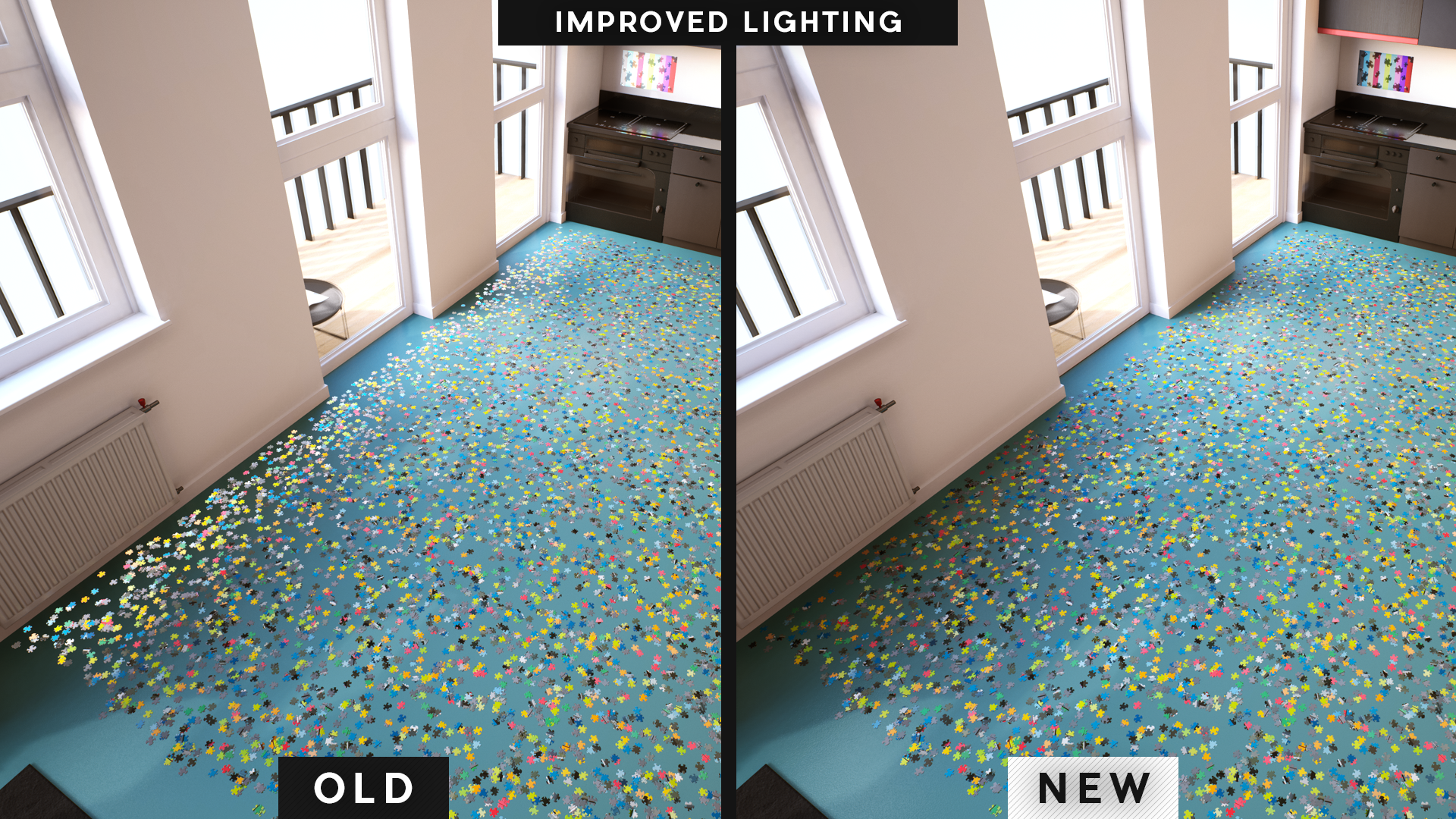
Room Lighting Updated!
After weeks spent wrestling with Unreal Engine's volumetric lighting and adding blocking volumes we've fixed most of the issues with an overhauled lighting design. Puzzles pieces now correctly match the area they are in and wall hangings no longer "glow" from outside light.
More Places to Hang Puzzles
While knee deep in wall hanging code I decided to fix another pet peeve of mine, room collision areas preventing puzzles from being placed in certain areas. You can now place puzzles on other walls, windows, railings, ceilings and more. Plus there's a new interface that changes to an icon notifying you if it can be placed or not.
Game Install Size Reduced by 2GB
When uploading Unreal Engine games to Steam one of the issues is Steam is unable to read regular compressed files to apply updates. With the number of very high resolution puzzle images we have this has always been an annoyance. However we recently found a way to compress the install in a way Steam can still read it and have reduced the install size by over 2GB!
Vastly Improved Puzzle Bevel (Mega Bevel)
While working on the upcoming Gradient Puzzle update I didn't like how the current bevel was looking on solid colors. This has been a long time coming but I finally ditched the old system and came up with a new way to generate the beveled edge for all the custom pieces.
I present The Mega Bevel!
High resolution tiled mip mapped textures are scaled to the puzzle size created fully on the GPU in a fraction of the time it took before. You don't want to know the hours spent learning new maths for this, but the end result was well worth it:
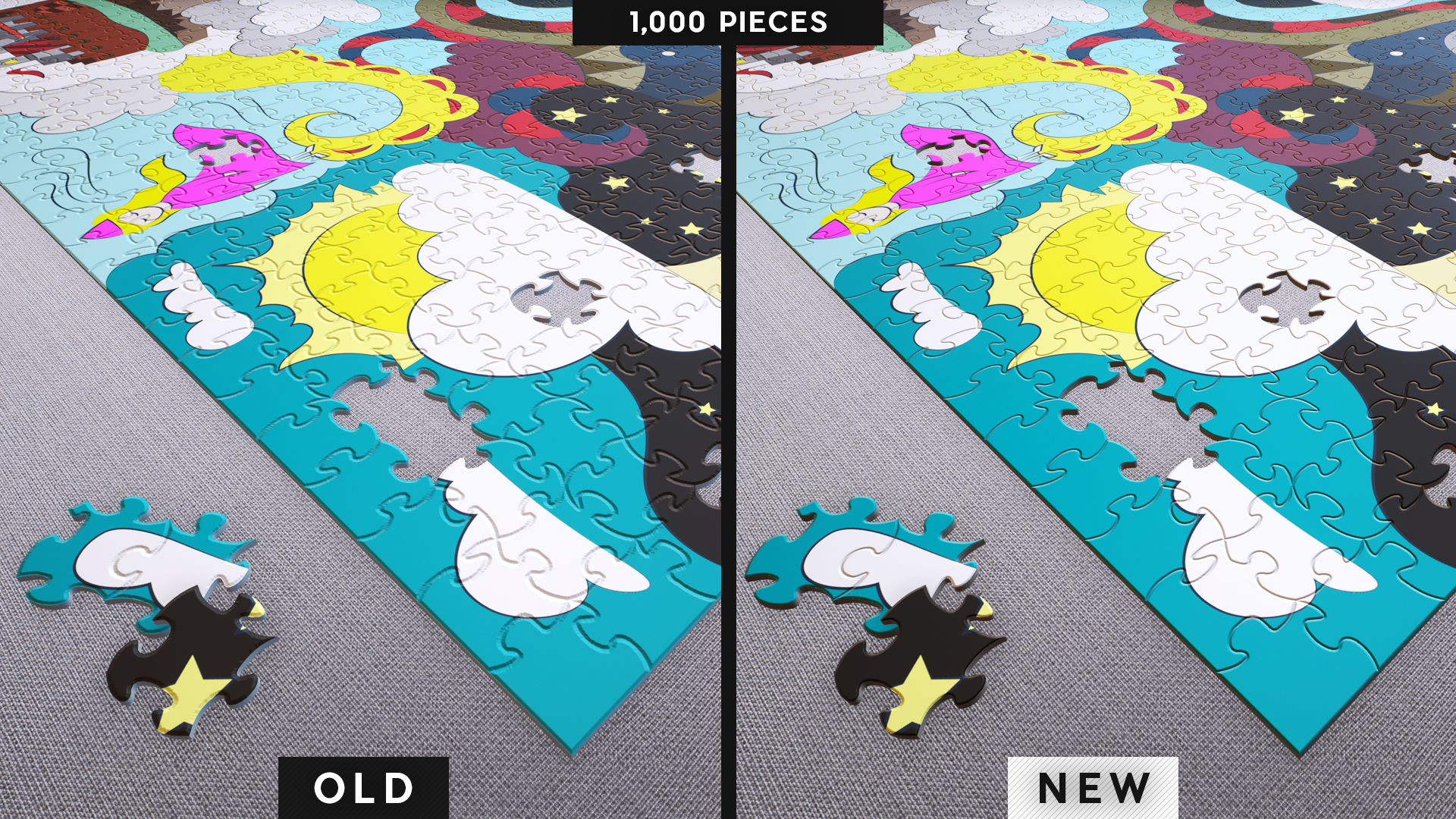
(Click images to view full)
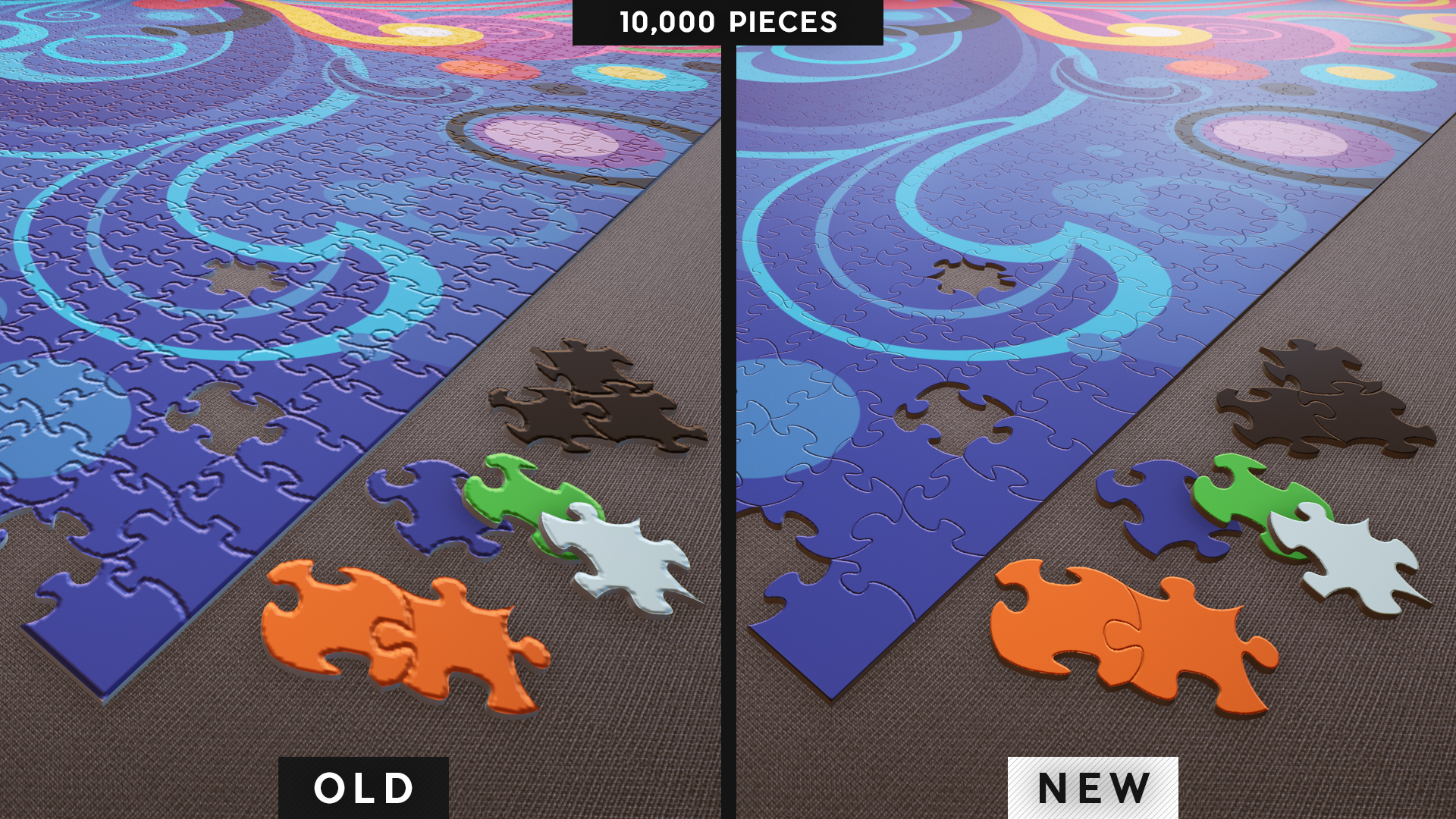
Not only does it look better, it solves a lot of issues compared to the old method, including better memory management, faster loading, and ability to hang more puzzles on the wall before your graphics card starts complaining!
Also no need to cache normal maps as these can now be generated in real time which leads us to...
Custom Puzzles on Walls Synced in Multiplayer
Now that puzzle bevels can be created without needing a long load time I decided it was time to look into another long running issue. Syncing custom and dlc puzzles on the wall in multiplayer.
Custom puzzles displayed on your wall will now be automatically downloaded for all your friends to see.
Note that puzzles need to be uploaded to the Steam Workshop for this to happen.
This feature can be disabled in the main settings area.
Added pagination to wall hangings
Not only is this much easier to navigate your completed puzzles for decorating, those with lots of completed puzzles will load into the customize room interface much much faster.
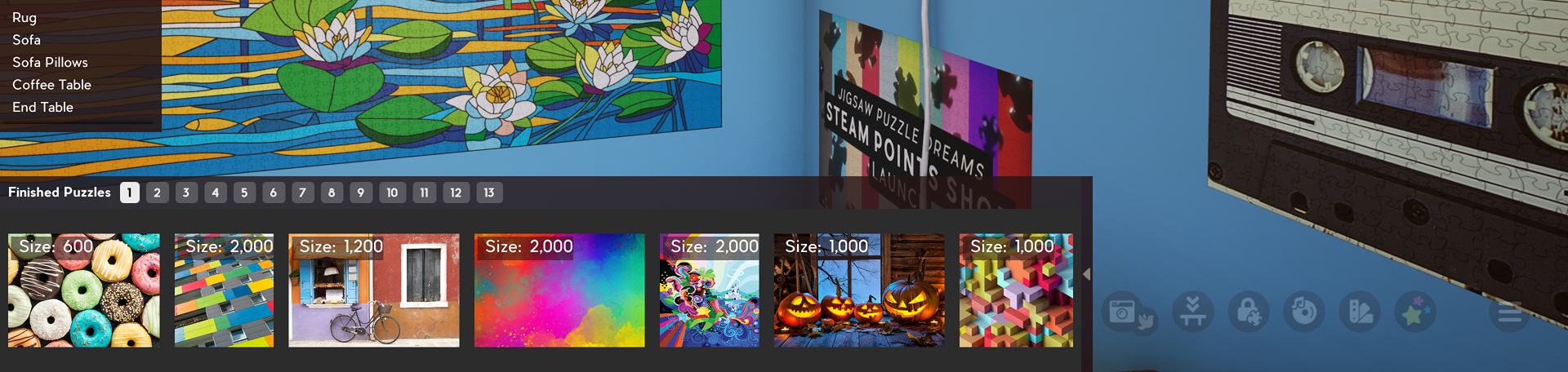
I'll be adding pagination to custom and saved puzzle areas as well in the next patch.
New Video Settings
Many new performance options have been added for the textures of the new bevel generation, as well as for the puzzles images themselves (both for active puzzles, and puzzles hung on the wall). We also added a new option to remove the puzzle bevel for those that would prefer that.
These options can be found in Settings > Video Settings
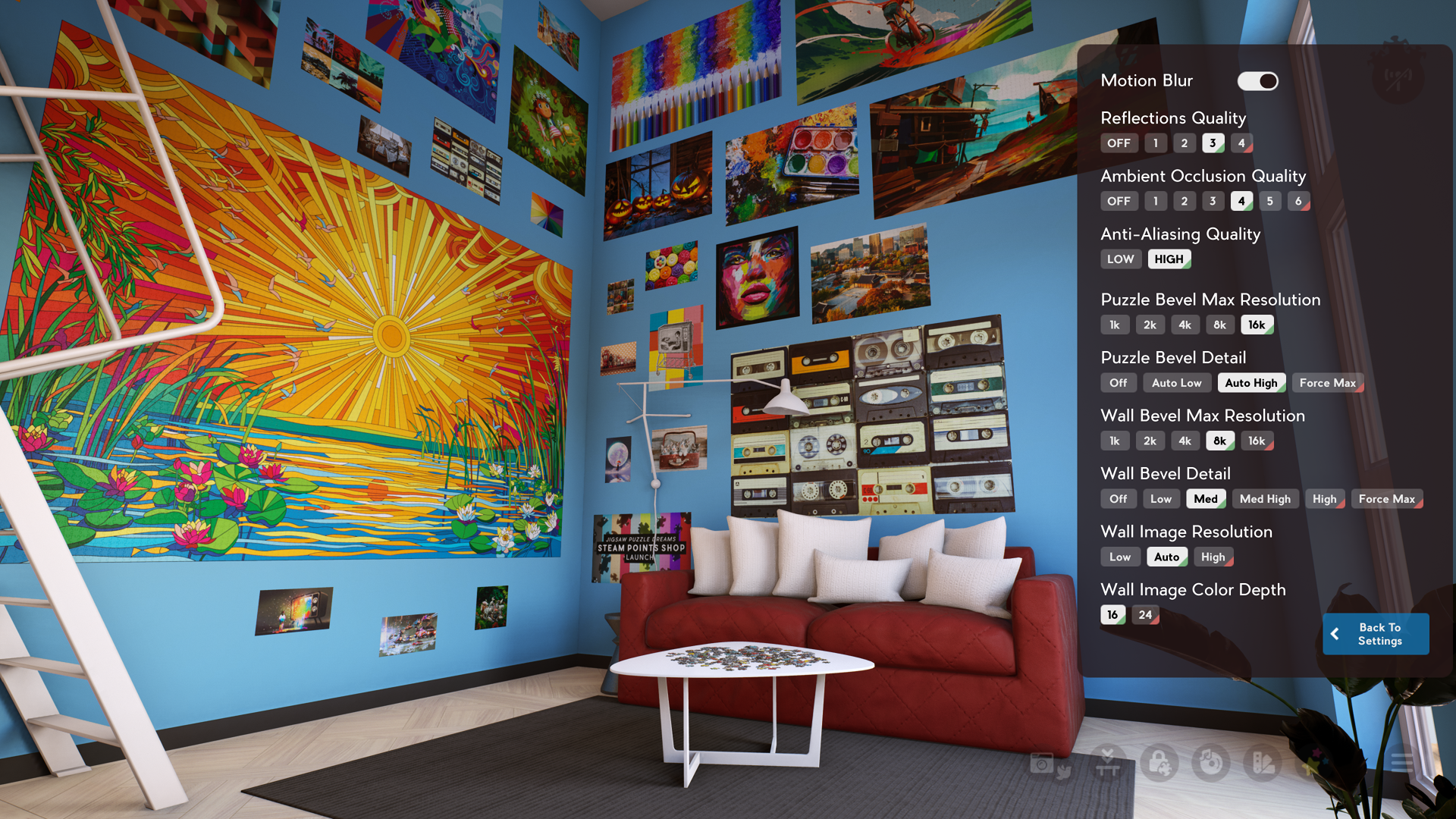
The default settings should already perform (and look better) than our previous build, however we left plenty of room to push things further for those with high end systems, or to scale things back a bit for those looking for extra performance.
Esc Key now toggles going into the room
For those booting the game up to play around with stickers and decorate your room, you now no longer need to load a puzzle to start!
Better File Management
The graphic settings have been moved to it's own file to avoid unwanted steam syncing and to make it easier to reset back to defaults. This will make for a better experience especially for those switching between different computers.
Note: This change will cause your graphic settings to be reset to defaults the first time you load this update.
Full Patch Notes:
- Room lighting updated - more accurate lighting of active puzzles and puzzles on walls, removes overly bright 'glow' that could occur
- More places in room to hang completed puzzles, and new UI to let you know if a placement is invalid
- Game install size reduced by 2GB
- Vastly improved puzzle bevel textures
- Custom Workshop puzzles on walls now sync and auto-download in multiplayer (options to disable this in Settings area)
- Added pagination to wall hanging list of completed puzzles in Customize Room UI
- New visual quality settings for puzzle images and the new puzzle bevel (in Video Settings)
- Esc key now toggles going into the room
- Better file management (graphic settings separated into it's own file, avoids syncing)
- Mystery puzzles are no longer hidden once completed
- Fixed issue when grabbing sticker at the same time as puzzle piece
- Fixed rotation issue when grabbing both sticker and puzzle piece
- Fixed sync issue when player grabs sticker while holding preview image (would get permanently stuck in the players hand!)
- Fixed bug when selecting sticker while holding wall hanging
- Fixed issue where sticker would collide with puzzle pieces (For those of you who still want to use this glitch it will still happen when holding a sticker+puzzle piece)
- Fixed lag issue when resizing preview image in multiplayer with shift+mouse wheel
- Fixed issue where sticker unlock sound would ignore volume setting (Sorry for the jump scare!)
- Fixed issue where [redacted] sticker music did not change volume once started
- Fixed issue where wall hangings would spawn in the floor
- Fixed connection issue with more than 16 players trying to join game
- Fixed issue causing uploads of very tall images to Steam Workshop to fail
- Fixed issue with preview image starting downstairs when puzzle location is upstairs
- Fixed issue where with rotation off, upstairs puzzle started with pieces rotated in the wrong direction
- Fixed issue where locked pieces mode could be activated while typing in chat box
- Esc key now cancels out of placing wall hanging
If you enjoy this game please support further updates by buying the sticker supporter pack!
Place stickers in multiplayer with friends.
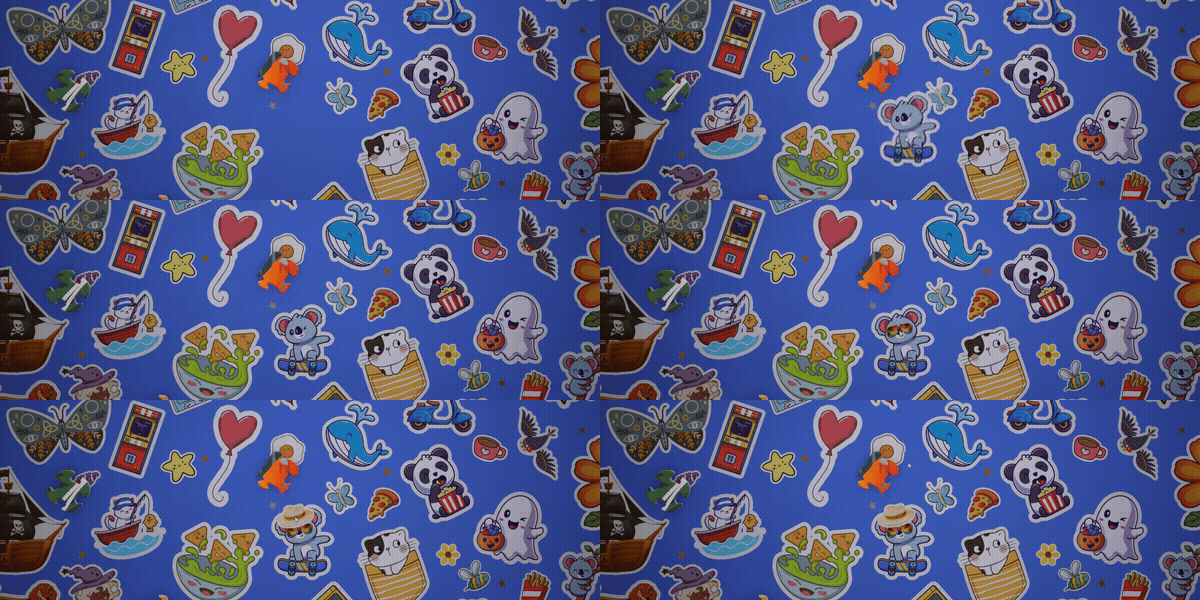
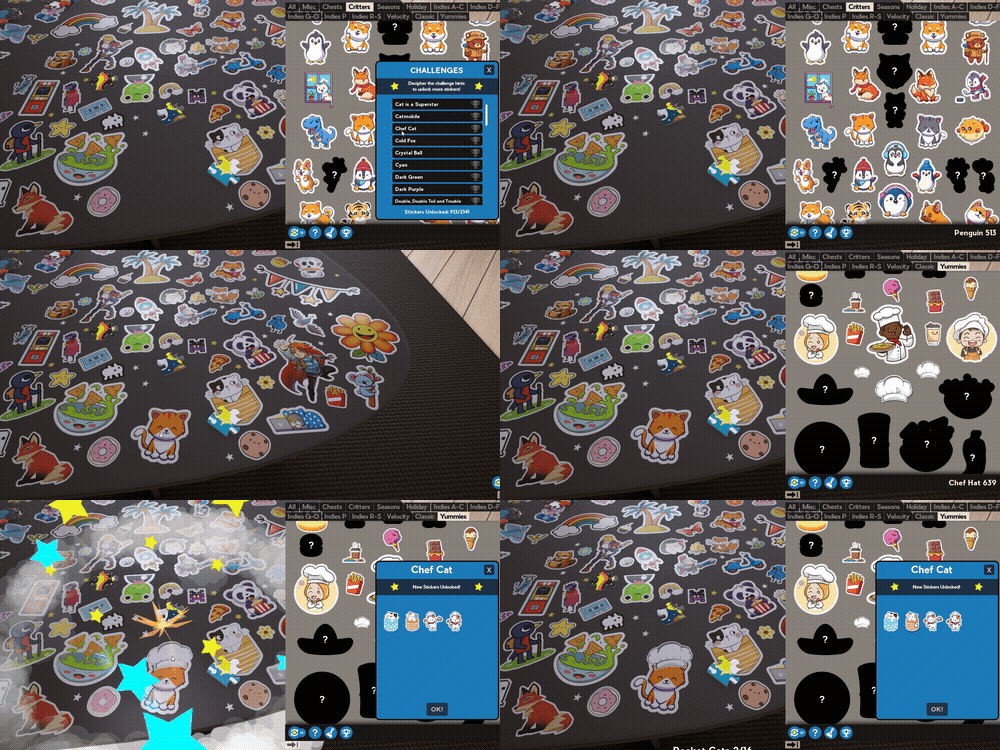
Sticker challenges with thousands more stickers to unlock.
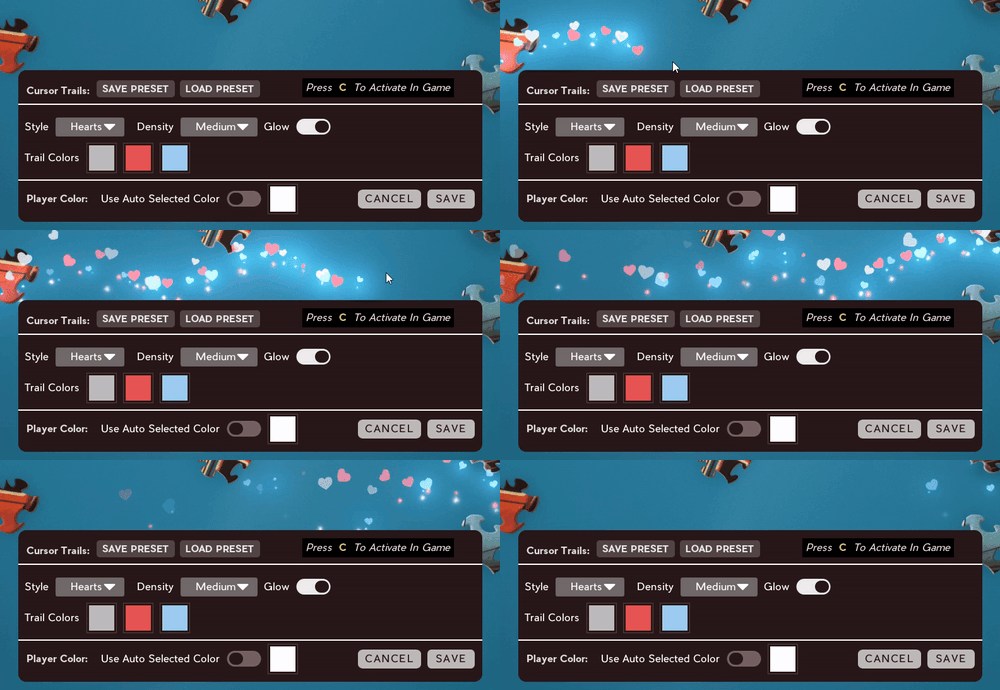
Customizable cursor trails.
and more!
https://store.steampowered.com/app/2763190/Jigsaw_Puzzle_Dreams_Stickers_Challenges_and_More/?snr=1_5_9__405
Happy Puzzling!
Community Spotlight #5
Let's get into it!
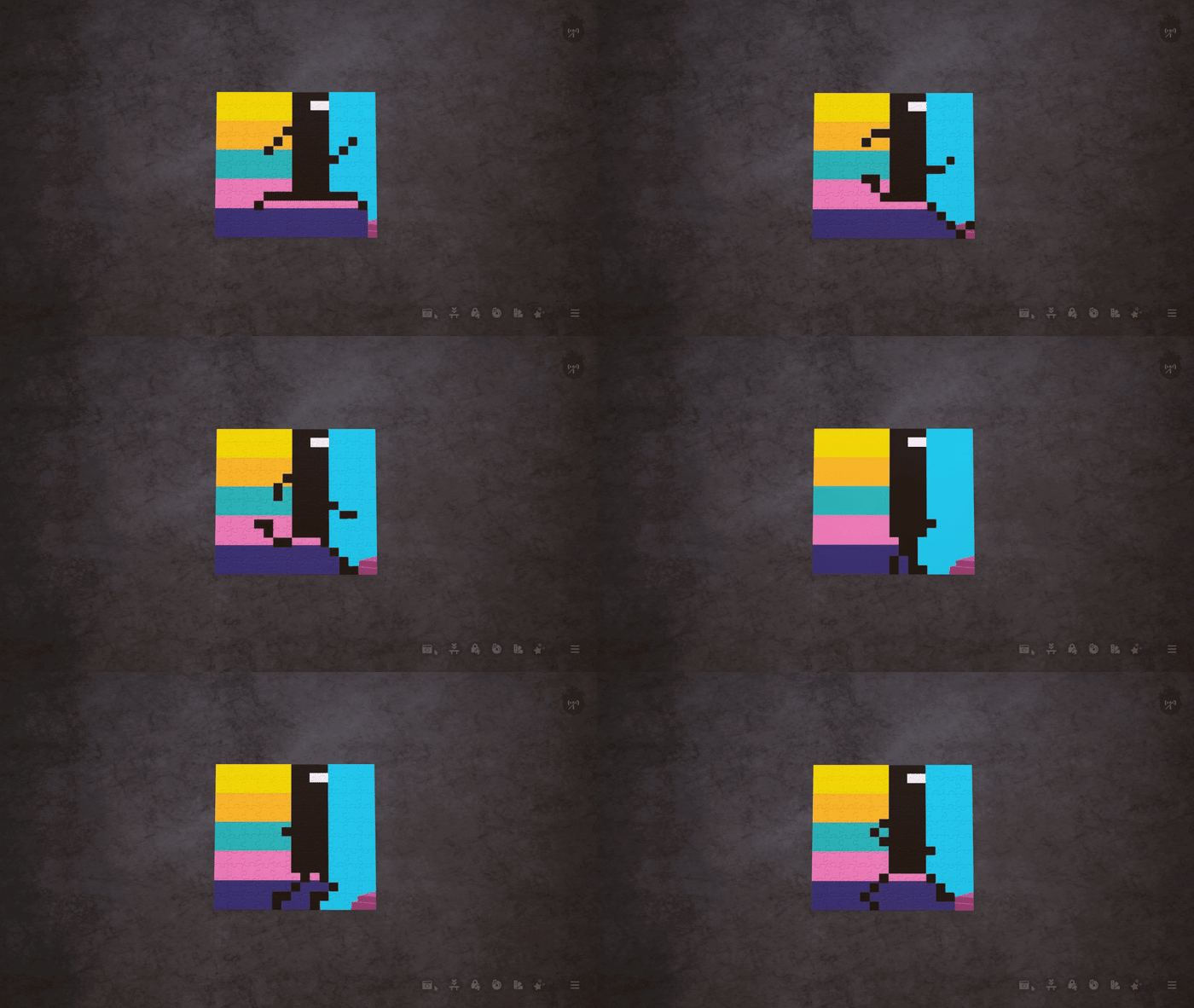
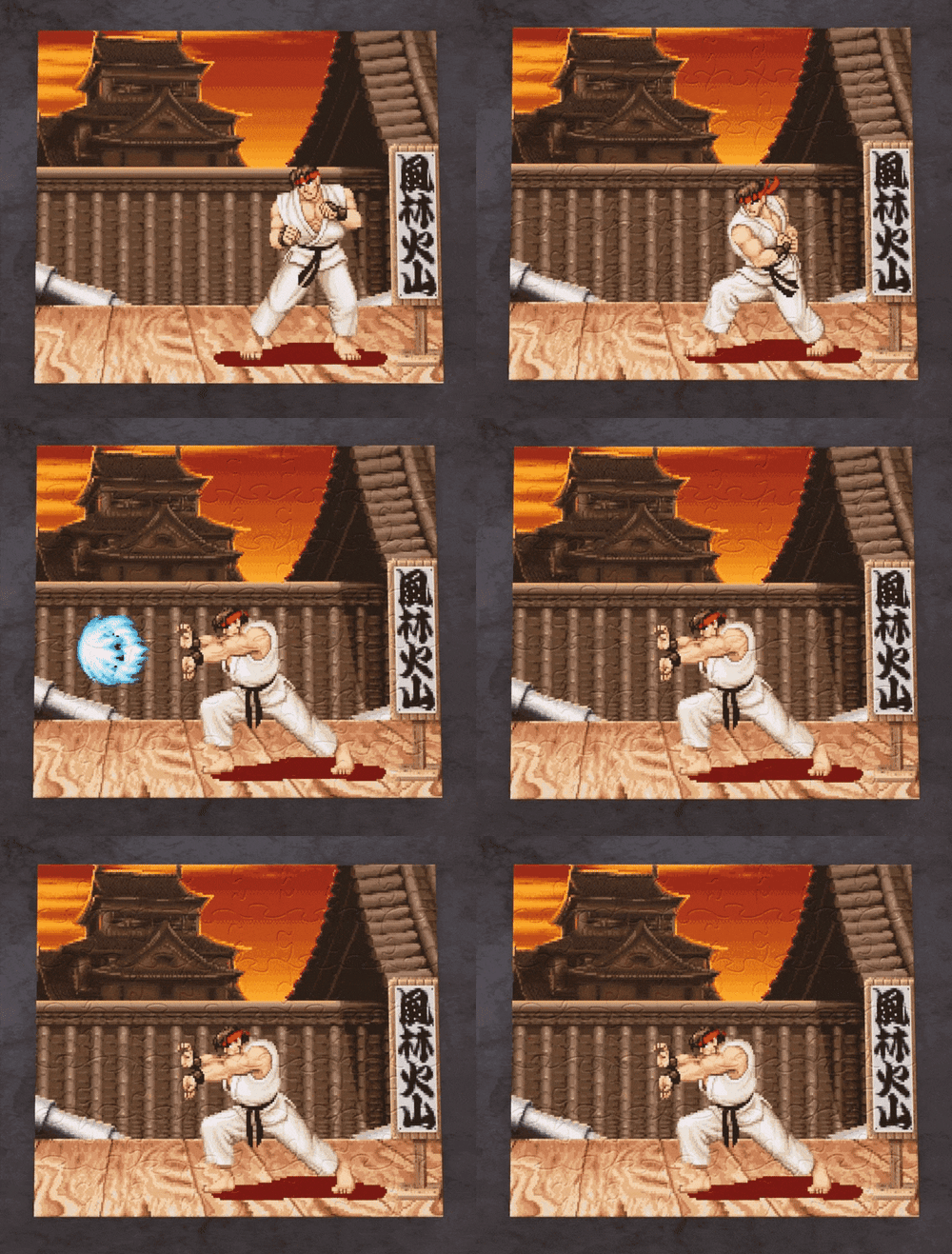
Animated Puzzles?!
Captain Black was able to achieve this incredibly cool trick by putting together a separate puzzle for each frame of animation. Super clever idea, and the results look awesome!
https://steamcommunity.com/sharedfiles/filedetails/?id=3324314996
https://steamcommunity.com/sharedfiles/filedetails/?id=3324431937
Here's a look at a series of completed puzzles they used to make an animation:
https://steamcommunity.com/sharedfiles/filedetails/?id=3324471907
Stickers!
It's been an absolute delight to see all the creative things folks have been doing with stickers since we
released Stickers & More! earlier this year.
ːhappy_pebbleːːwow_pebbleːːhappy_pebbleː
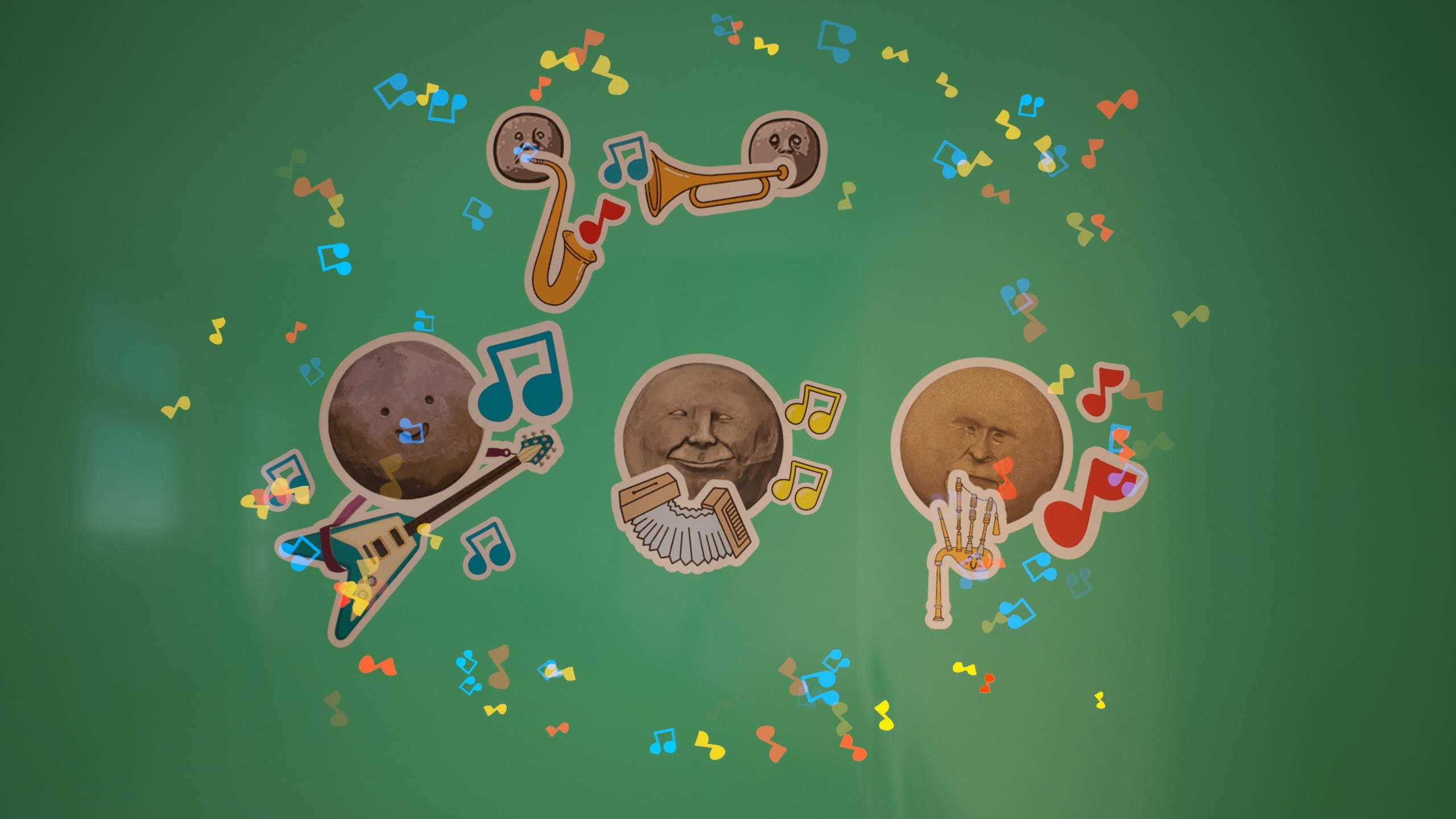
The use of musical cursor trails here is ːperfectː
https://steamcommunity.com/sharedfiles/filedetails/?id=3154694551
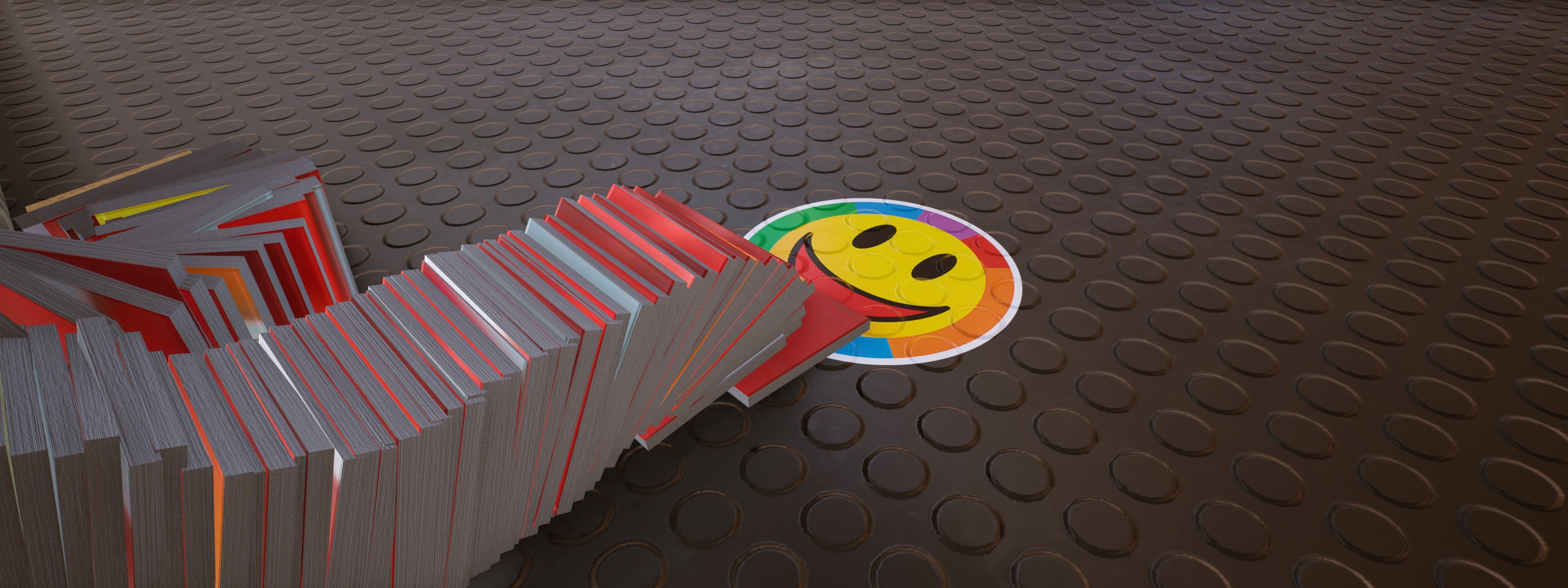
https://steamcommunity.com/sharedfiles/filedetails/?id=3275055141
ːEye_tvːːEye_tvːːEye_tvː
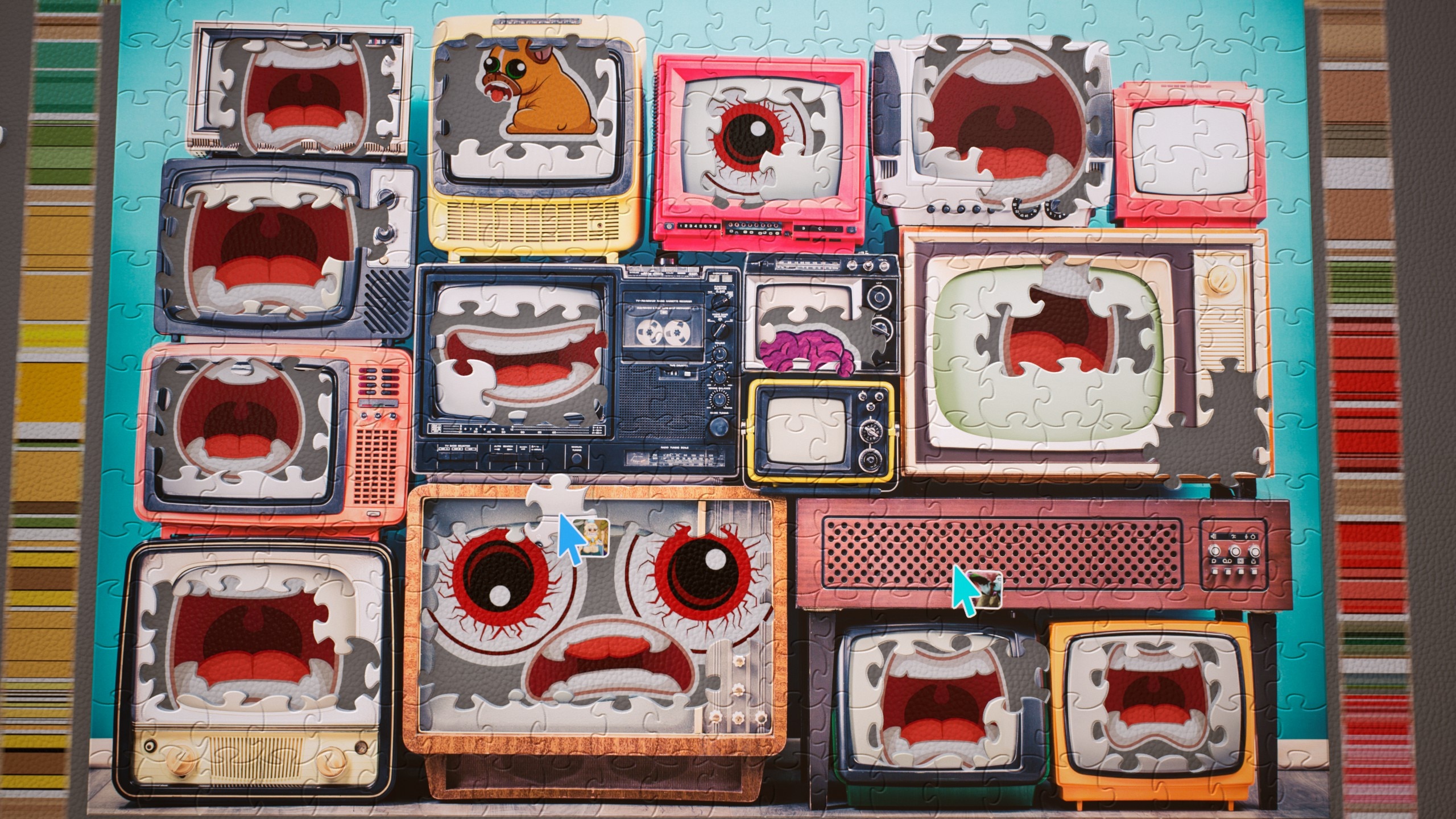
https://steamcommunity.com/sharedfiles/filedetails/?id=3305345508
ːpartydiskːːpartydiskːːpartydiskː

Shared by Dludnerad via our discord community
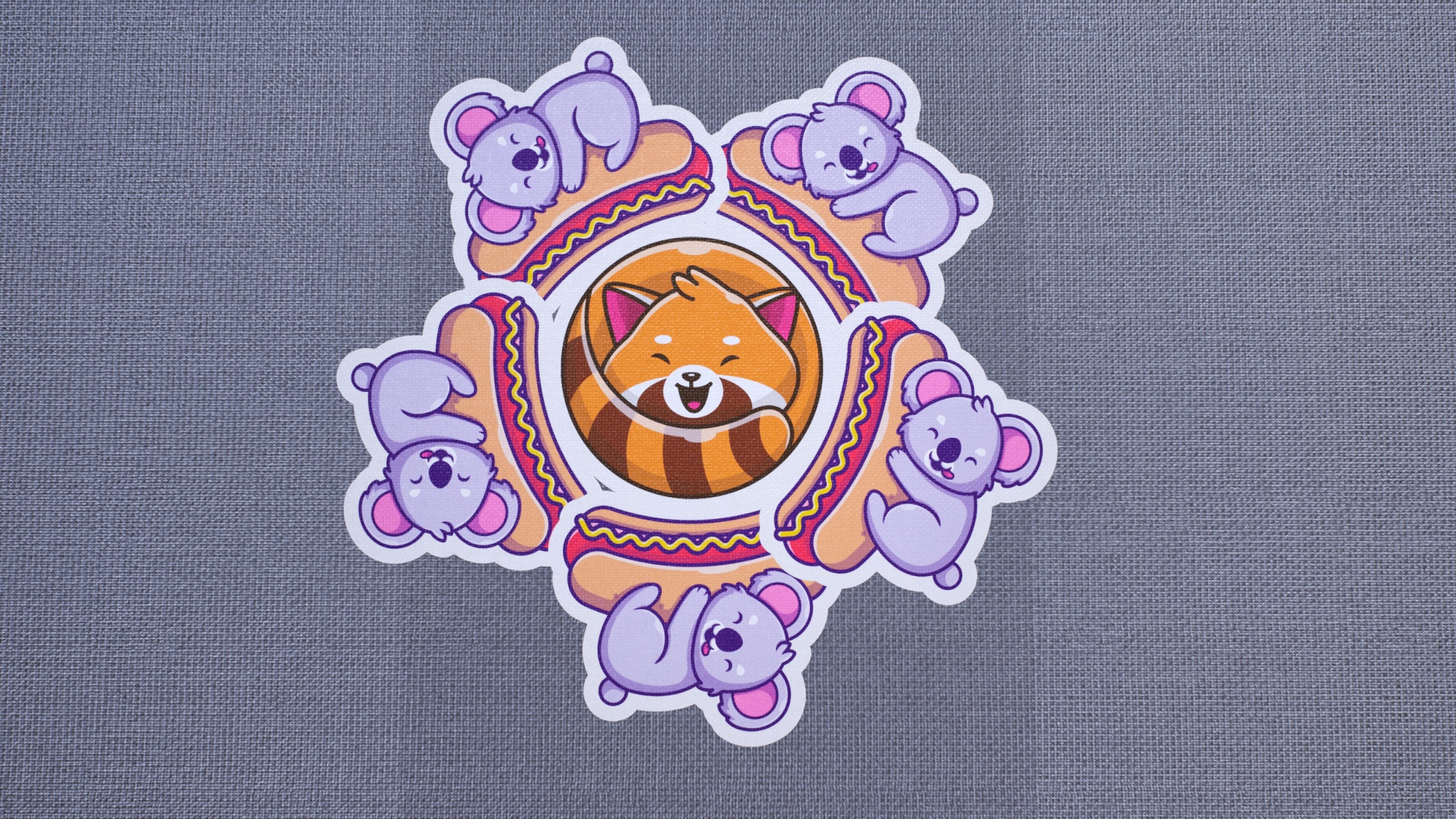
https://steamcommunity.com/sharedfiles/filedetails/?id=3208219122
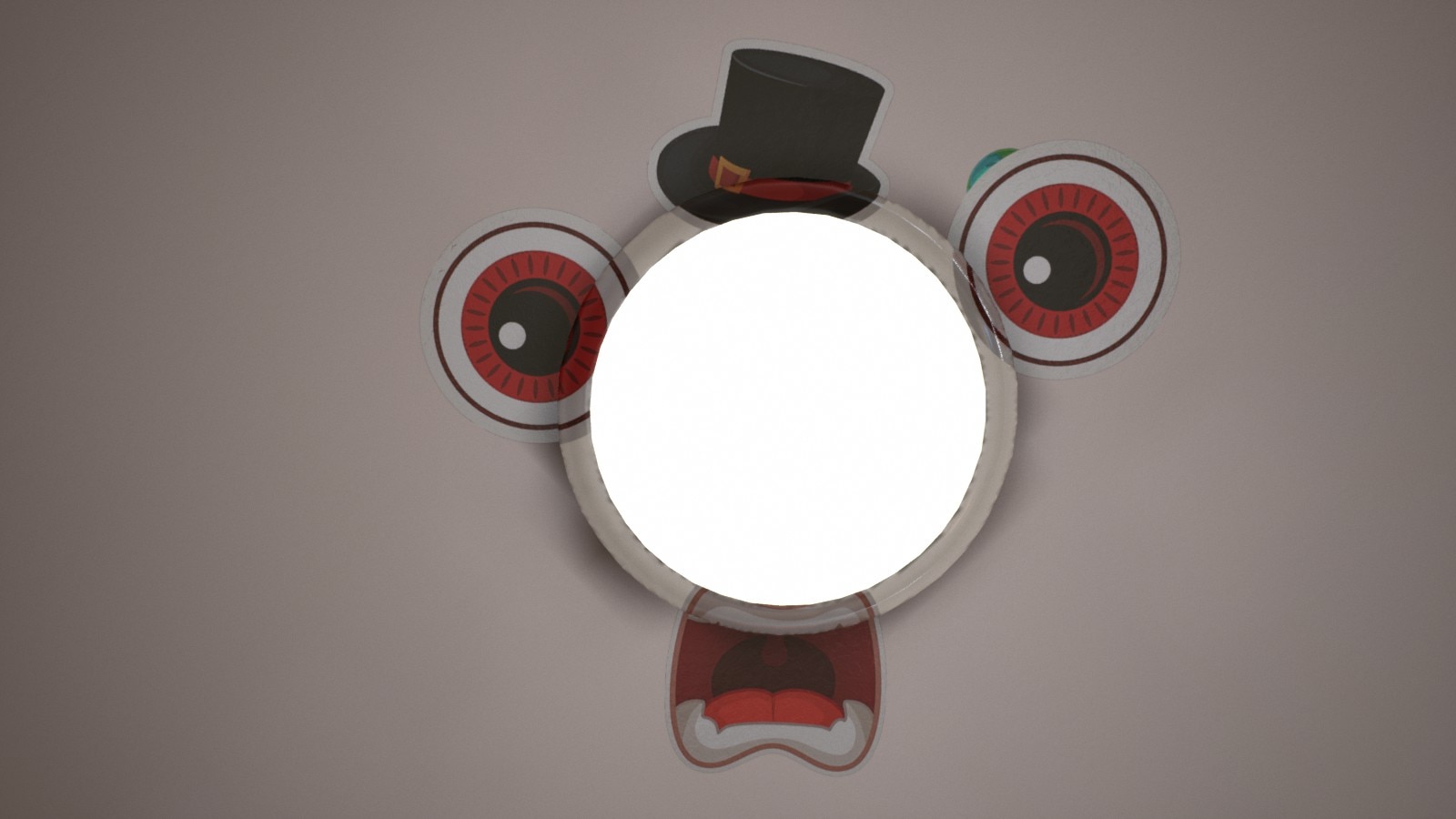
https://steamcommunity.com/sharedfiles/filedetails/?id=3173776815
Glitch Art
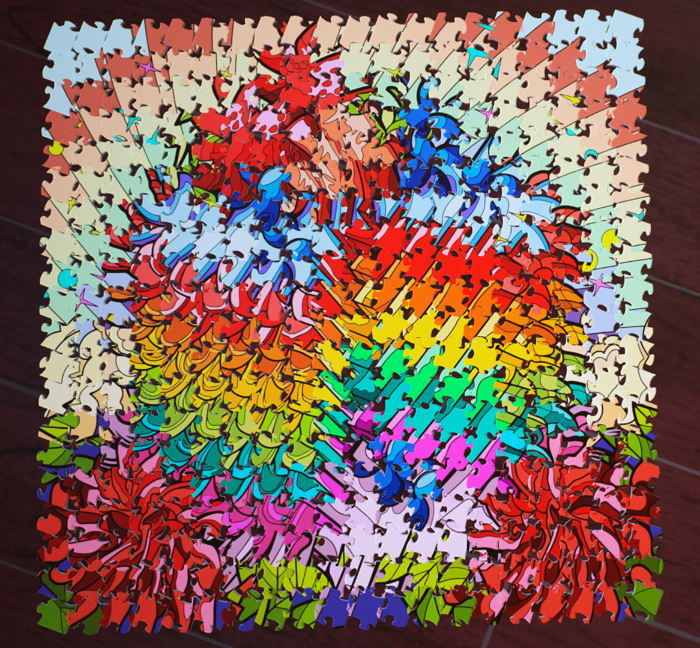
Shared by alice via our discord community
Puzzleception
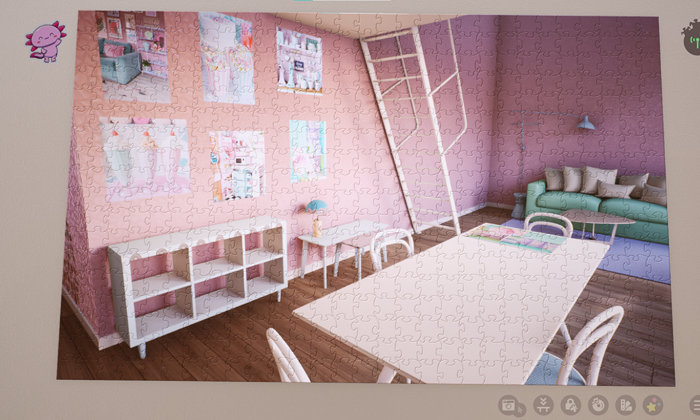
Shared by bee505 via our discord community
Cube Map
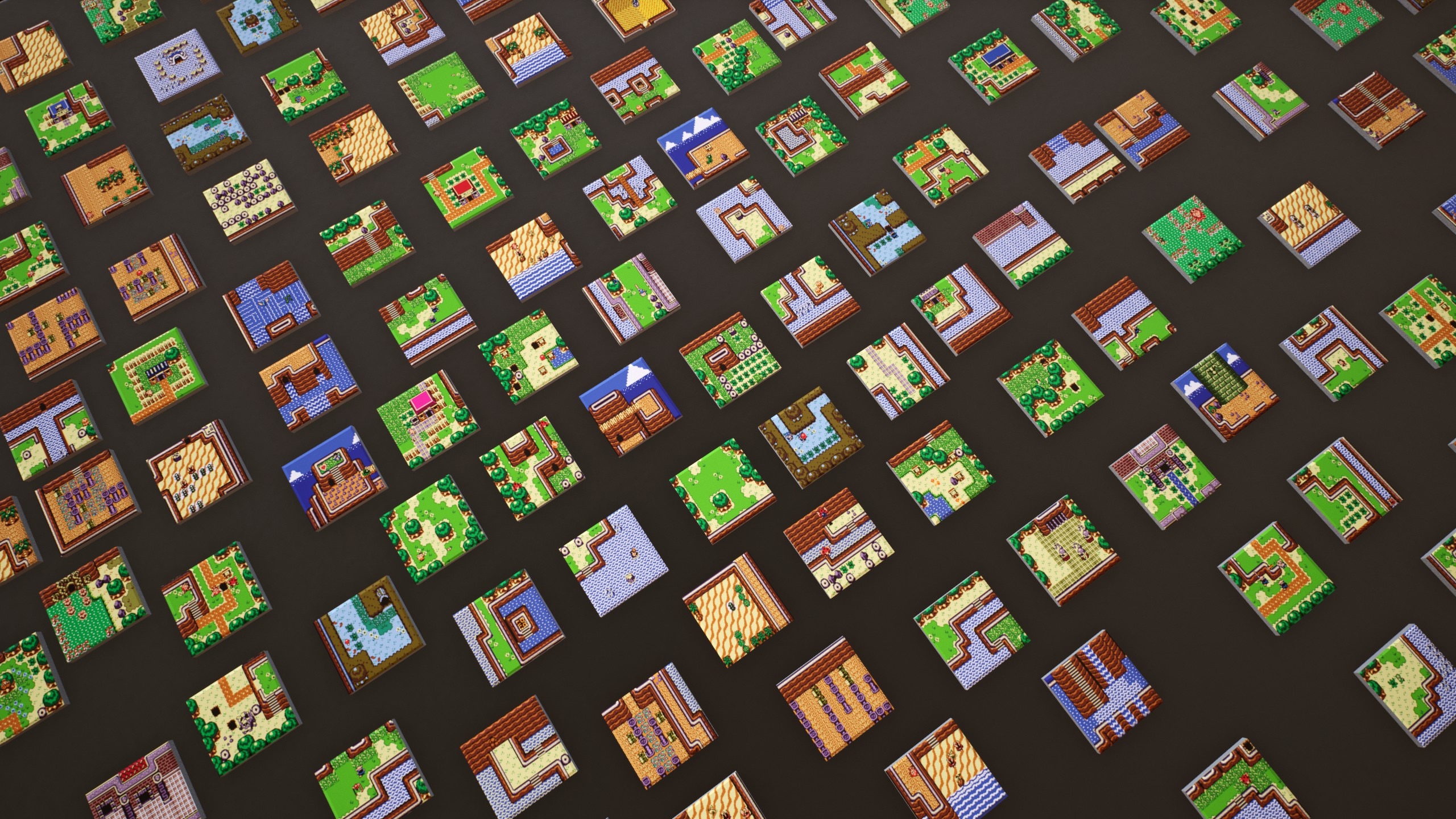
https://steamcommunity.com/sharedfiles/filedetails/?id=3252395834
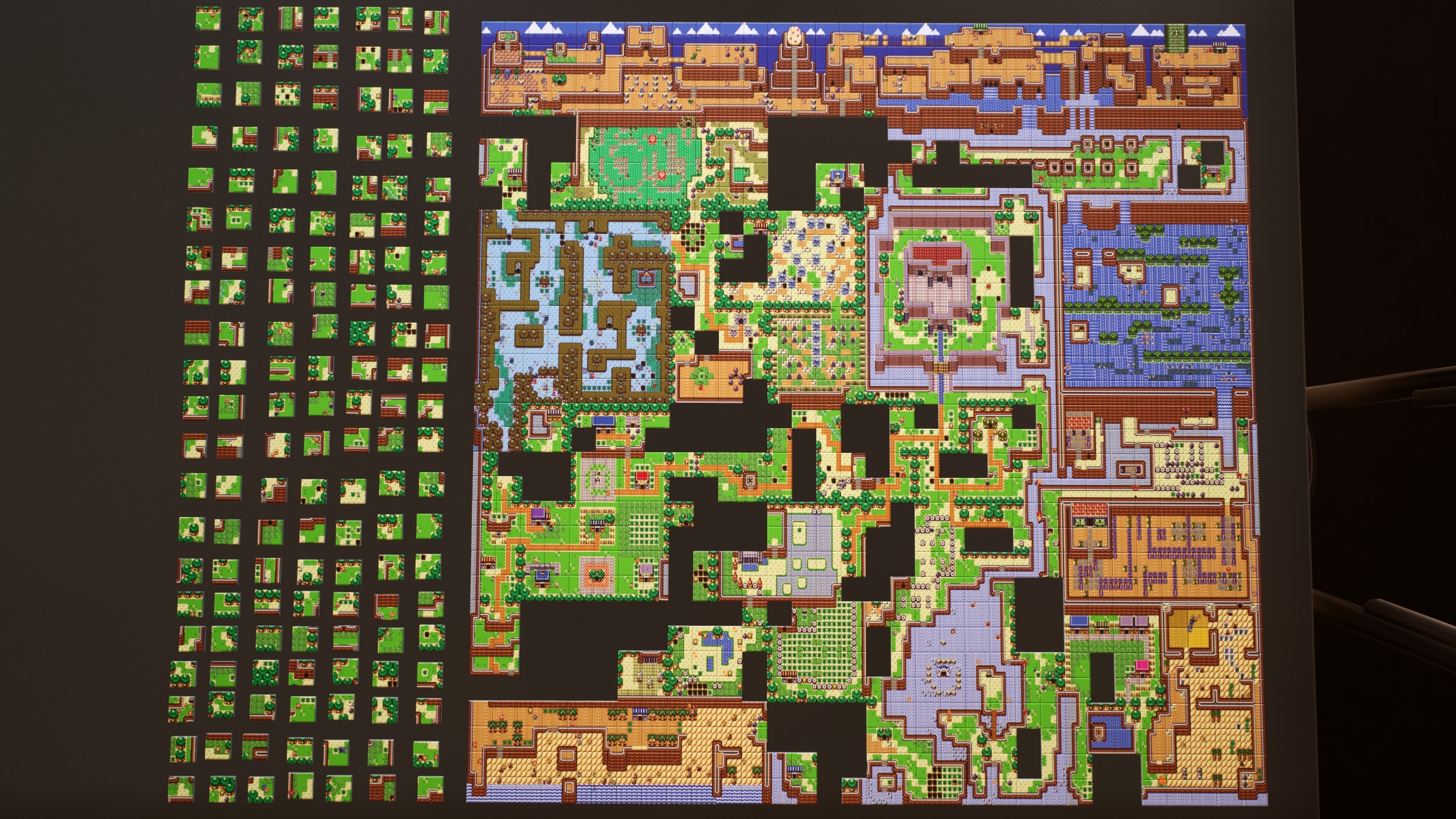
https://steamcommunity.com/sharedfiles/filedetails/?id=3252396313
Proper Puzzlin'
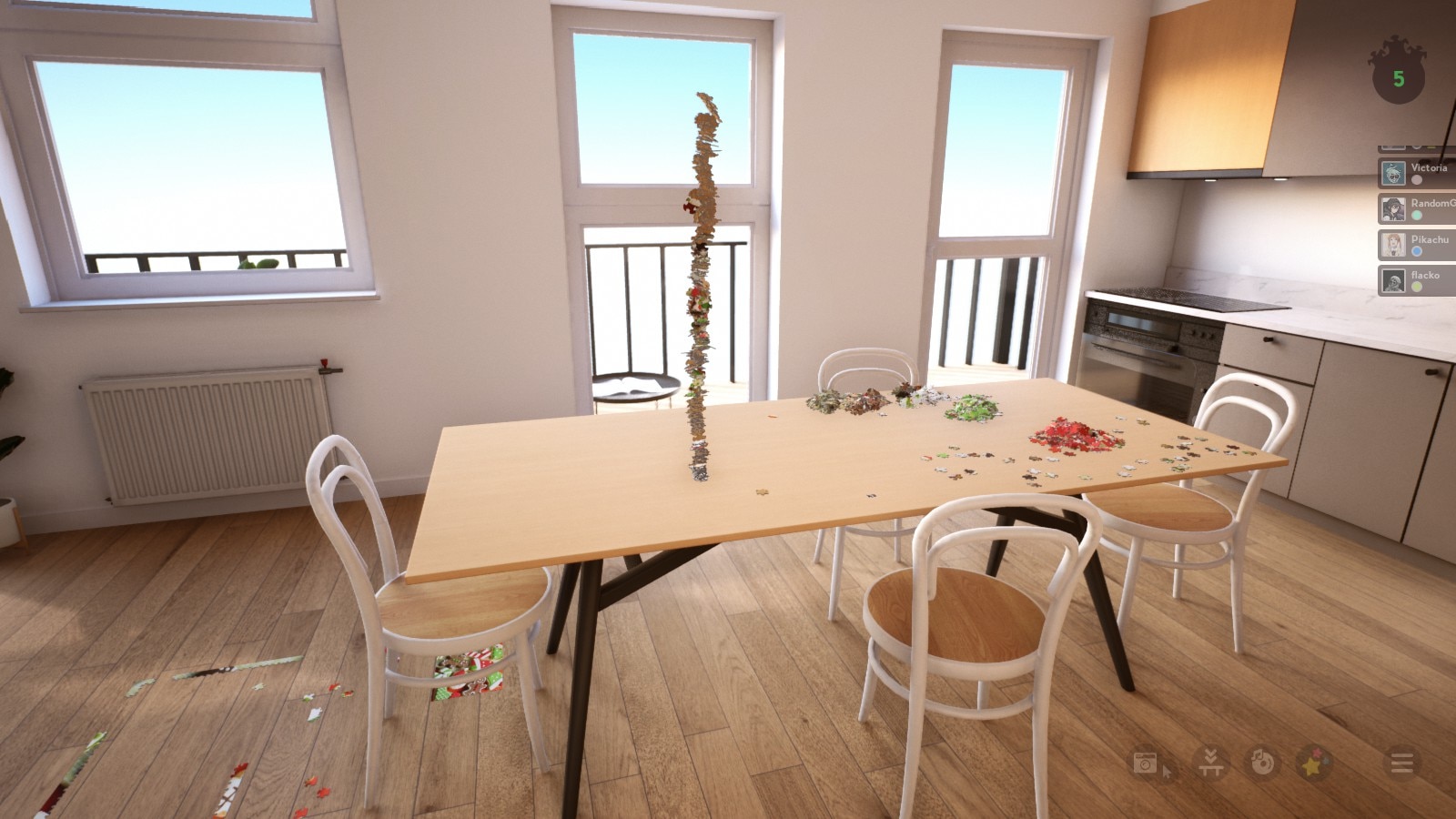
https://steamcommunity.com/sharedfiles/filedetails/?id=3254446878
New Friends
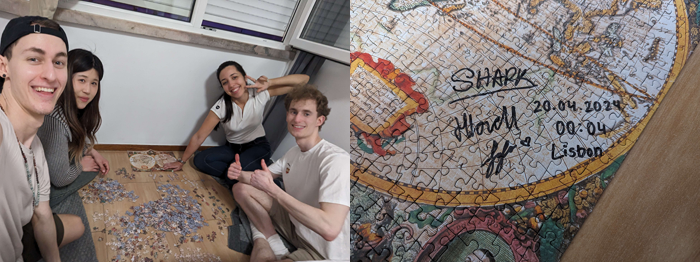
Shared by SHARK, Jojo, & 3068320080000 via our discord community
"Puzzle dreams brought us together in real life, we flew to Portugal from all over Europe zu Puzzle together"
Thanks so much to them for sharing this sweet story with us! We never would have expected that our game would inspire an IRL puzzling meet up trip. Truly awesome ːLIS_pixel_heartː
(Also once again, signing it was a perfect touch!)
Anyone looking to hang out and puzzle with some super nice folks? Be sure to join up to our discord!
There's an active Looking-For-Players channel for sharing room codes, a community driven puzzle-of-the-week, and more! Community member Dludnerad even has an open room running a 10k folks have been working through.
(be warned, it's just a little ːyellowbeatːːyellowbeatːːyellowbeatː :D )
https://steamcommunity.com/sharedfiles/filedetails/?id=3308415207
That's all for this post, but there's much more to come! You have all shared so much since the last time we did a Spotlight I couldn't fit it into one post! We also have some exiting new updates cooking up so stay tuned.
See you next time!
Hotfix 1.3.7.1
- Fixed issue with random puzzle buttons
- Fixed issue where clients could sometimes move locked puzzle
The Snap Update
New Features
- Added optional sound effects for connecting pieces together (off by default)
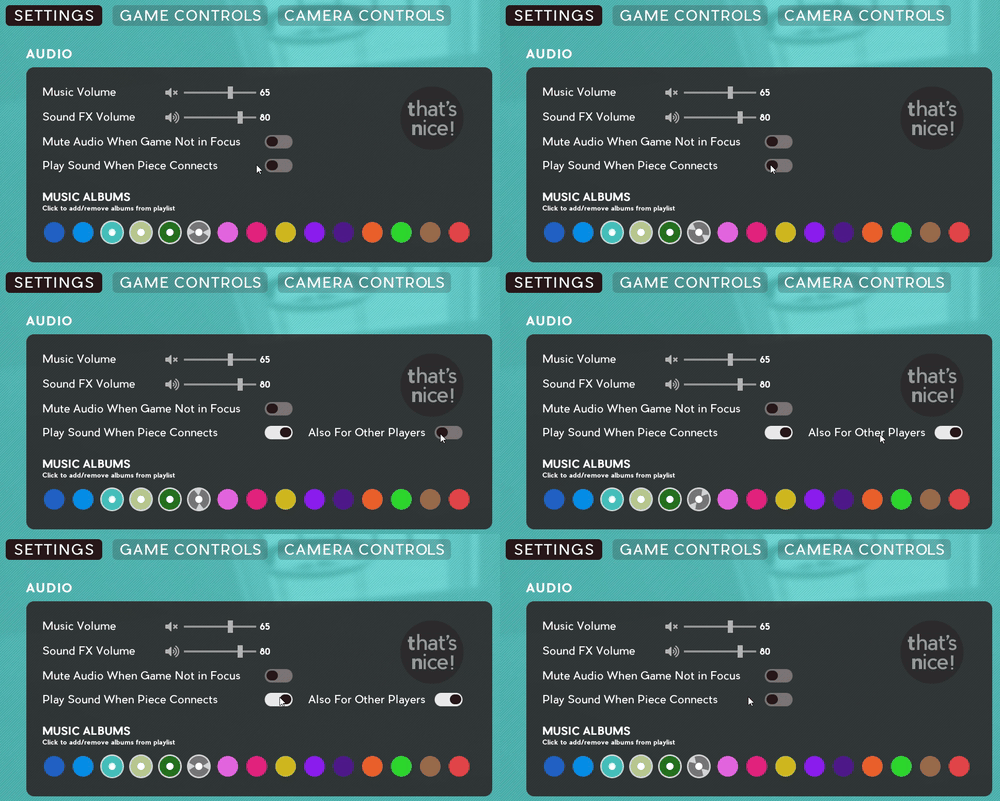
- Try out the new sounds by toggling them on in the main Settings under the Audio section
- Additionally you can toggle on the "Also for Other Players" to hear when other players make connections in multiplayer
- Note: These are off by default, so be sure to toggle them on if you'd like to give it a try!
- Try out the new sounds by toggling them on in the main Settings under the Audio section
- Added ability to save presets for Customized Cursor Trails

- You can now easily switch between your favorite created color schemes by using the new Save Preset and Load Preset buttons
- Check out these new features by clicking the Customize Cursor Trails buttons found in the main Settings area or the Multiplayer Menu
- Note: Customized Cursor Trails are included in the Stickers, Challenges, and More! pack
- You can now easily switch between your favorite created color schemes by using the new Save Preset and Load Preset buttons
Fixes/Tweaks
- Fixed crash when player steam avatars are unable to be downloaded
- Fixed issue when modifying cursor trails, trails get stuck on until activated again
- Fixed issue where disconnect key did not unlock non connected pieces
- Fixed issue where game would pause/lock up while re-downloading missing workshop images
- Fixed some stickers that were difficult to select because of overlap order
- Fixed some sticker challenges showing up too soon
- Tweaked some sticker challenge variations
- Fixed issue where a player still shows in game after leaving
Also thanks to everyone that purchased Stickers, Challenges, & More!
If you haven't yet tried it out, please do, it's like a whole new game!

This pack includes 1000s of stickers to decorate your room, hours of sticker challenges to complete, custom cursor trails, and even features tons of stickers from some of the best indie games around!
https://store.steampowered.com/app/2763190/Jigsaw_Puzzle_Dreams_Stickers_Challenges_and_More/
Happy Puzzling!
