To share your screenshots to the community make sure to use F12 when taking your shot. This will add it to your Steam Screenshot Uploader.
To see your screenshots (or share to the community hub): In the upper left corner of steam click VIEW > SCREENSHOTS. From here you can upload, or click VIEW ON DISK to open the local folder.
To share your screenshots to the community make sure to use F12 when taking your shot. This will add it to your Steam Screenshot Uploader.
To see your screenshots (or share to the community hub): In the upper left corner of steam click VIEW > SCREENSHOTS. From here you can upload, or click VIEW ON DISK to open the local folder.
To share your screenshots to the community make sure to use F12 when taking your shot. This will add it to your Steam Screenshot Uploader.
To see your screenshots (or share to the community hub): In the upper left corner of steam click VIEW > SCREENSHOTS. From here you can upload, or click VIEW ON DISK to open the local folder.
To share your screenshots to the community make sure to use F12 when taking your shot. This will add it to your Steam Screenshot Uploader.
To see them (or share to the community hub): In the upper left corner of steam click VIEW > SCREENSHOTS. From here you can upload, or click VIEW ON DISK to open the local folder.
To share your screenshots to the community. make sure to use F12 when taking your shot. This will add it to your Steam Screenhot Uploader.
To see them (or share to the community hub): In the upper left corner of steam click VIEW > SCREENSHOTS. From here you can upload, or click VIEW ON DISK to open the local folder.
To share your screenshots to the community. make sure to use F12 when taking your shot. This will add it to your Steam Screenhot Uploader.
To see them (or share to the community hub): In the upper left corner of steam click VIEW > SCREENSHOTS. From here you can upload, or click VIEW ON DISK to open the local folder.
Bugfix for player two unable to move after re-spawning in co-op mode.
COMMUNITY SHOWCASE: JOURNEY TO THE SAVAGE PLANET PHOTOMODE - FEB 5, 2021
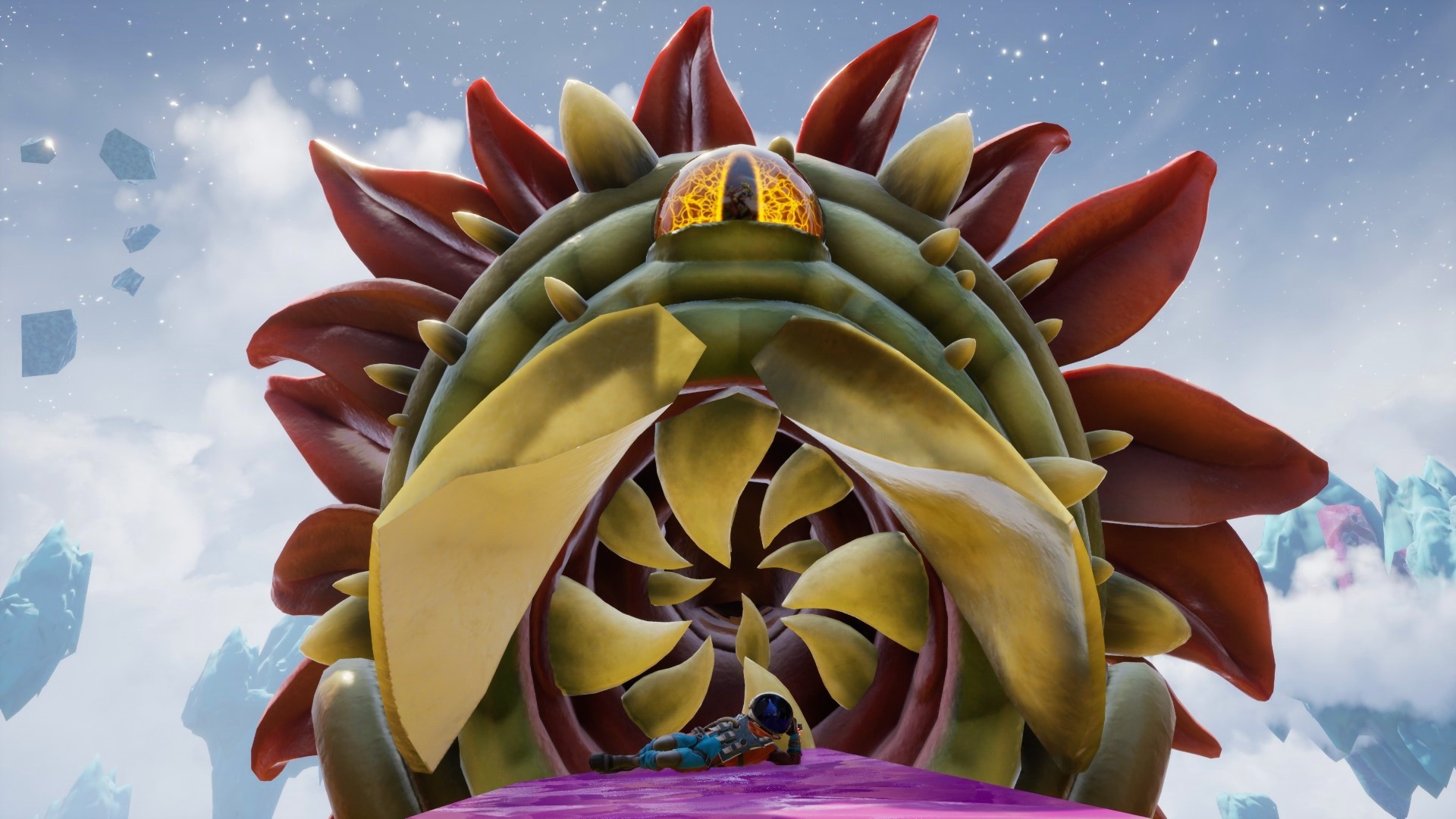
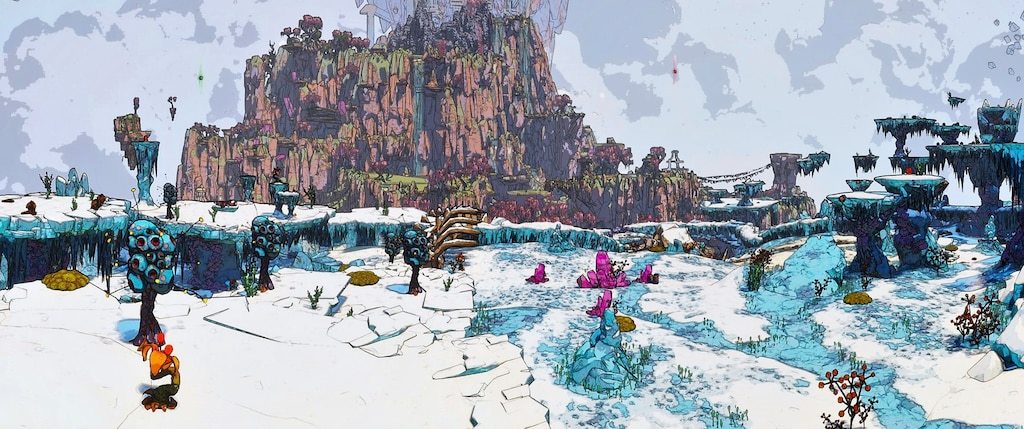
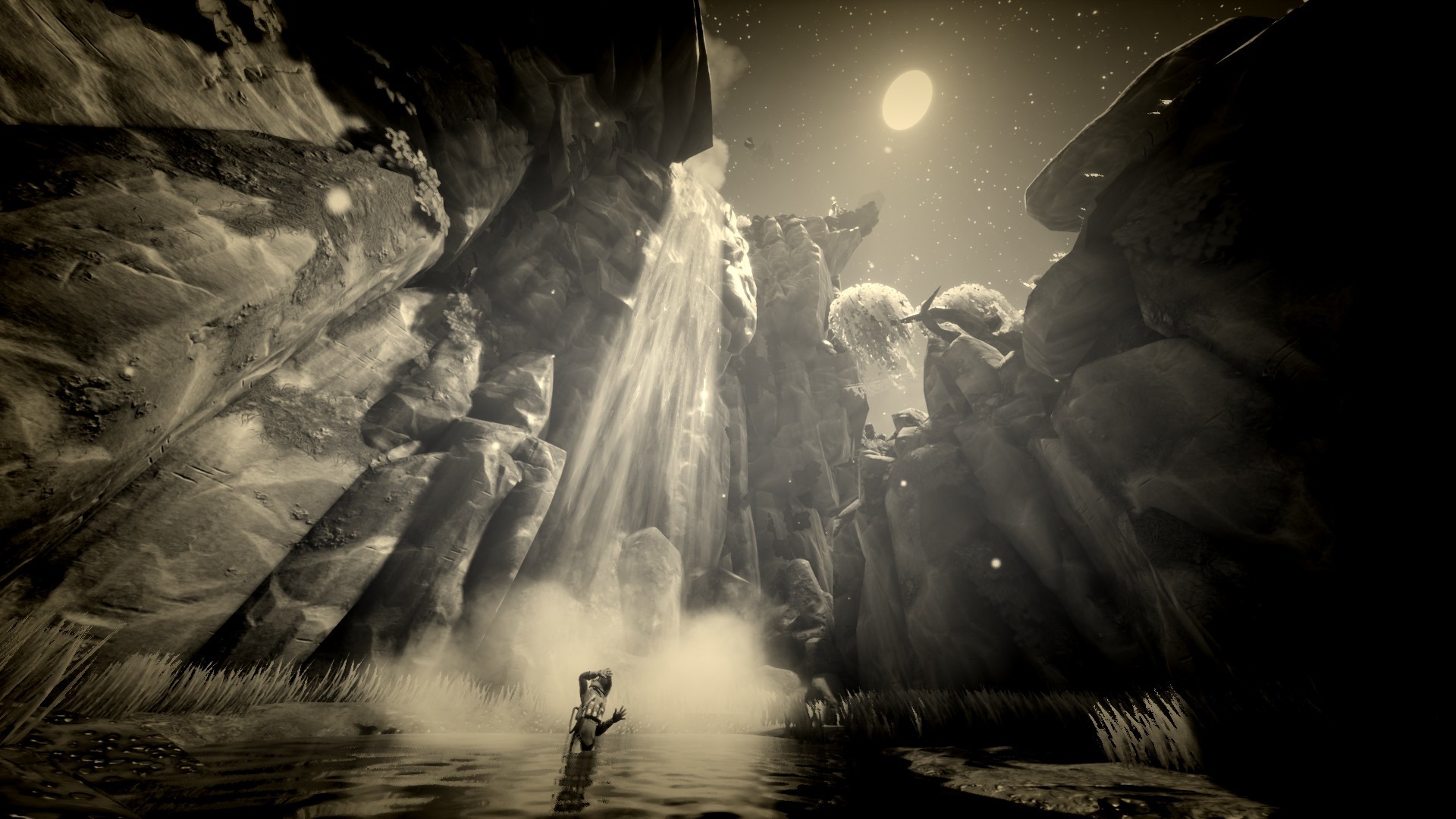
It's one thing to explore a dangerous alien planet, but if you didn't take pictures, did it really happen?
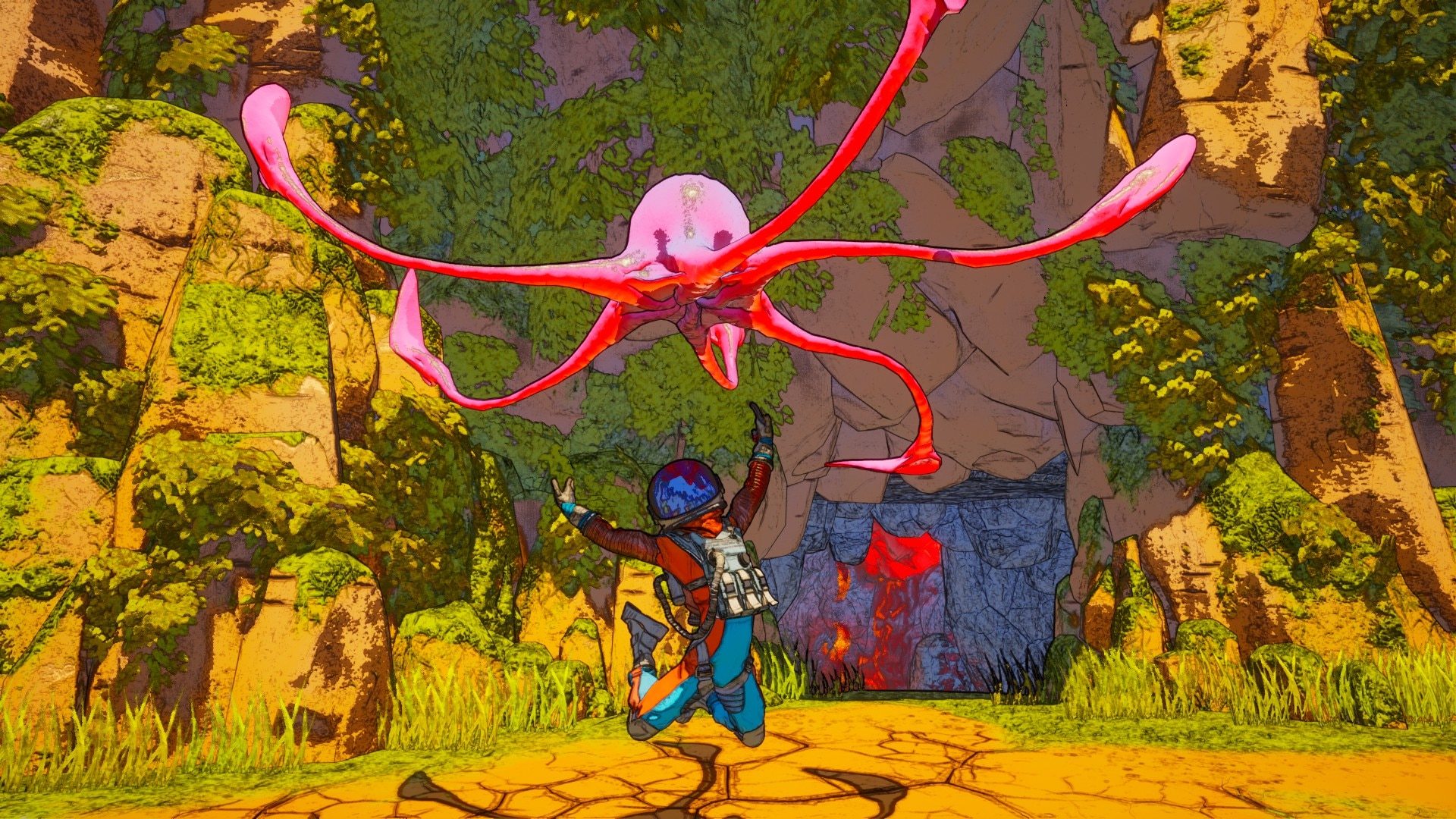
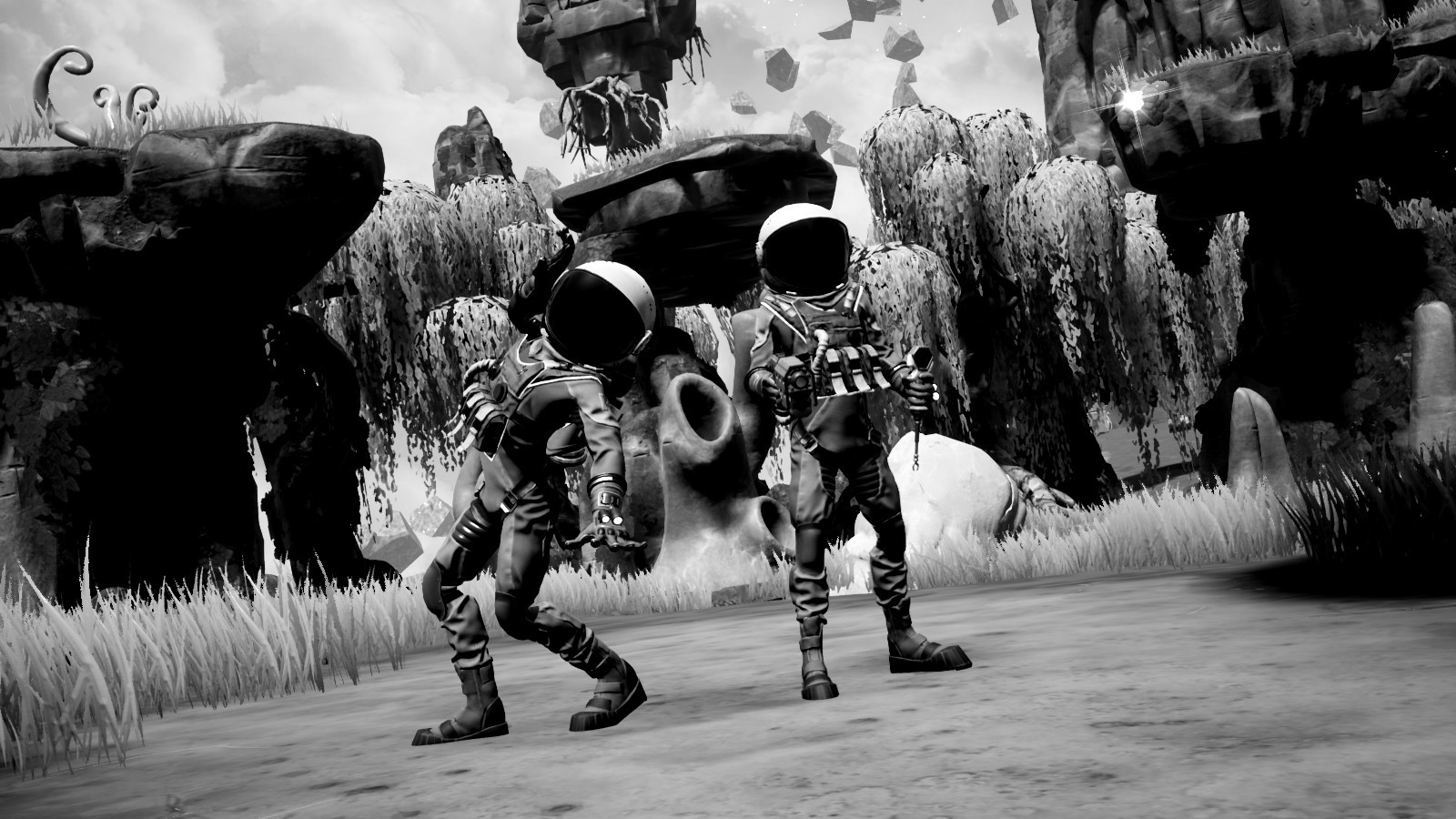
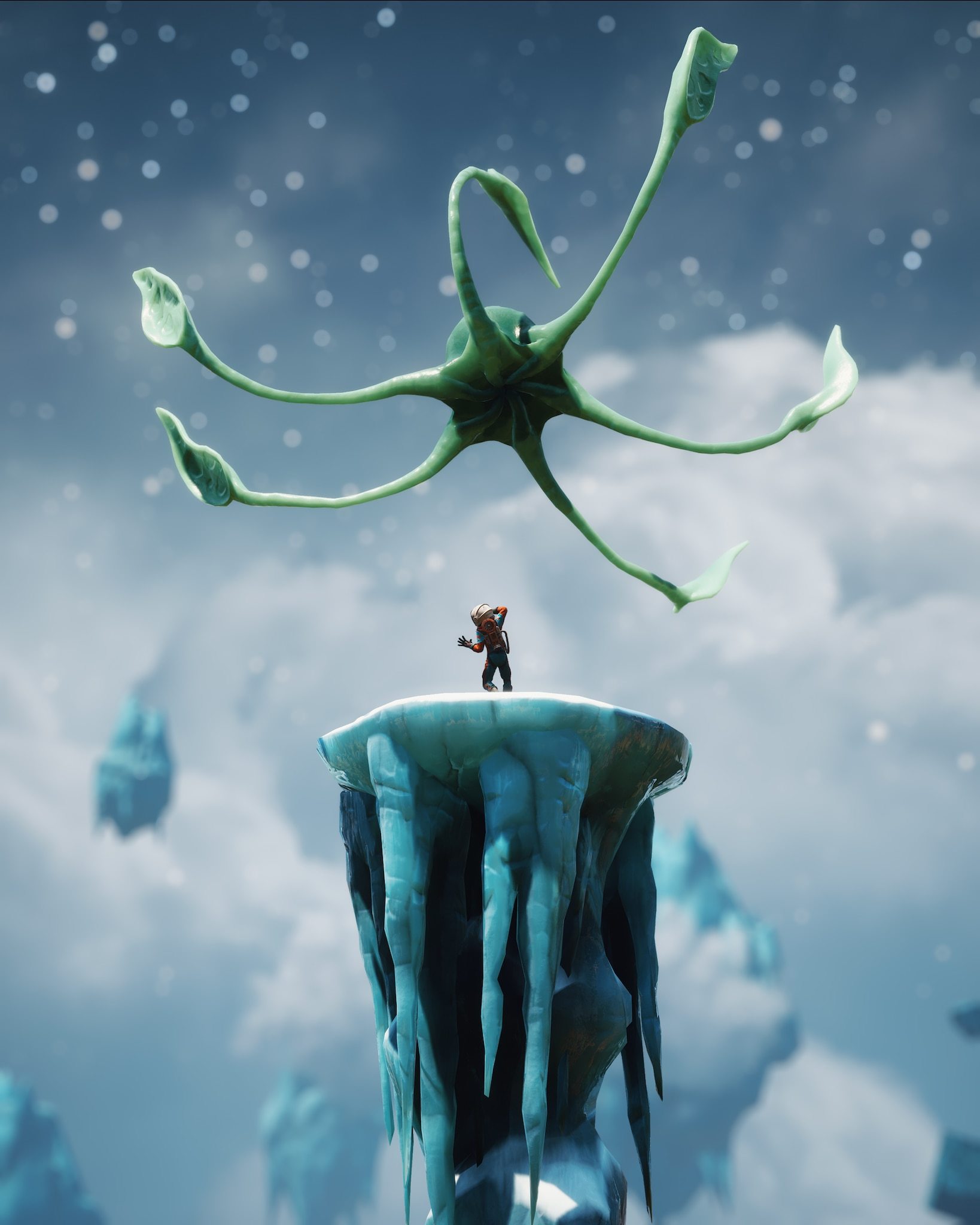
Each week we feature the best PHOTOMODE shots taken by our intrepid community members. The scenic, the silly, the adventurous, the trippy. It's all here thanks to the powers of Photomode's filters, camera controls, poses, creature poses and more.
Share your own pictures to the Community Hub Screenhots tab and we'll consider it for next week's Community Highlight!