

Junkyard Simulator
🚧DriveFix Patch – Smoother Turns, Stronger Grip🚧
[p]Massive junkyard hugs from your favorite rust whisperer —[/p][p]Junkman Adrian 😎🛠️💛[/p]
[p]Also please support us [img src="https://community.fastly.steamstatic.com/economy/emoticon/steamthumbsup"] 🙂[/p]
Tow truck mechanics evolution and fuel station update!
Tow Truck Mechanics Evolution
[p]You can now enjoy greater precision and an all-new system for loading vehicles onto the tow truck![/p][p][/p][p][img src="https://clan.akamai.steamstatic.com/images/29480609/9d53e3e6243e97d7e044202dcd8b2503e135e859.png"][/p][p]Precise positioning and setting the right distance is the first step to success![/p][p][img src="https://clan.akamai.steamstatic.com/images/29480609/c339e0808b8597067e3136f83471f34b734ff5ce.png"][TAG-40][/p][p]Don’t forget to extend the ramp! :)[/p][p][/p][p][img src="https://clan.akamai.steamstatic.com/images/29480609/6a8421b217e3aaf3973ba34cbeb74433c587f43b.png"][/p][p]Attaching the winch hook will be your next step after deploying the ramp.[/p][p] [/p][p][img src="https://clan.akamai.steamstatic.com/images/29480609/64a46c6888c44ddd224824cf18c60e6dd49af775.jpg"][/p][p]We’ve introduced a mini-game with a pretty generous margin of error. :D[/p][p][/p][p][img src="https://clan.akamai.steamstatic.com/images/29480609/a4cc6832289fdd3ba5ef72fcf54553b9039a6dd1.png"][/p][p]Alright, the vehicle is on the truck — time to go get another one! The tow truck is now equipped with a lift, so you can transport two vehicles at once![/p]
You wanted to refuel your vehicles — so here it is: a gas station just for you!
[p]You can now refuel your vehicles at the station.[/p][p](Psst... in future updates, you’ll be able to do some shopping there too — but more on that soon! :D)[/p][p][/p][p][img src="https://clan.akamai.steamstatic.com/images/29480609/45d3e0e0c071a41c5773f03186afd6c8374b346e.png"][/p][p]The fuel pump is ready for you — fill up as much as you like! :)[/p][p][/p][p][img src="https://clan.akamai.steamstatic.com/images/29480609/0af208b0bde08def0f2635aa0d8f754d27070c14.png"][TAG-90][/p][p]Mini discount game — if you’re up for it, try hitting the center of the discount bar and rack up as much as you can. If not... full price for you! :D[/p][p][/p][p][img src="https://clan.akamai.steamstatic.com/images/29480609/0e8e37a52ac02ee733d890ffe12815582c0314af.png"][/p][p]And if you forget to check your fuel level, your trusty jerry can will save the day![/p][p]You can refill it at the station and keep it for emergencies.[/p][p]There's also an option to upgrade your jerry can to 10 or even 15 liters.[/p][p][/p][p]We’re getting a ton of feedback from you — thank you so much for that!
Below are some of the latest changes and fixes — there’s actually much more going on, but we don’t log everything because, frankly, we’re rushing to keep updates coming often.[/p][p][/p][p]Thanks so much for your support and help in developing the game — you are the best Junkmen we know![/p]
Hotfix list 👇
[p] [/p][p]🛠️Disable V-Sync in PERFORMANCE mode to prevent the frame rate from being capped at 60.[/p][p][/p][p]🛠️Next to the first tablet – during raw material sell selection, the gamepad button was missing when the sale could take place.[/p][p][/p][p]🛠️Improved object popping for multiple assets – we're still working on it, but it's gradually getting better.[/p][p][/p][p]🛠️Reworked the driving system for the Pickup, SUV, trailer, and truck – further adjustments and improvements are planned, but it's already in a good state.[/p][p][/p][p]🛠️Fixed vehicle summoning: you can now summon your vehicle in most of the spots that previously seemed valid but didn’t work.[/p][p][/p][p]🛠️Adjusted video tutorial size.[/p][p][/p][p]🛠️Updated quest texts for “Collect $27k” and “Crusher” to match the new quest order.[/p][p][/p][p]🛠️Fixed incorrect quest numbers showing on widgets after quest reordering.[/p][p][/p][p]🛠️Fixed NPC not appearing on the plot near the smelter – it was stuck at the base location.[/p][p][/p][p]🛠️Fixed NPC animation not triggering properly near the smelter.[/p][p][/p][p][img src="https://clan.akamai.steamstatic.com/images/29480609/f8ed150a31f3012161773224324ffed90ed9cef0.png"][TAG-170][/p][p][/p][p]🛠️Increased NPC animation optimization distance at the smelter.[/p][p][/p][p]🛠️Improved trigger distance for Gas Station lamps.[/p][p][/p][p]🛠️Adjusted amount of EXP gained from refueling the gas canister.[/p][p][/p][p]🛠️Fixed saving EXP and upgrade progress for the gas canister.[/p][p][/p][p]🛠️Fixed EXP display for the canister tool.[/p][p][/p][p]🛠️You can now complete the conveyor belt quest by purchasing it at the Big Junkyard.[/p][p][/p][p]🛠️Fixed broken saves where the conveyor belt quest was stuck due to being bought at the Big Junkyard.[/p][p][/p][p]🛠️Tow Truck Overhaul[/p][p][/p][p][img src="https://clan.akamai.steamstatic.com/images/29480609/65e6d0696b9ff7e2d6259f7e460202c202504b60.jpg"][TAG-208][/p][p]🛠️Changed tow truck mechanics.[/p][p][/p][p]🛠️Added a new tow truck mini-game.[/p][p][/p][p]🛠️Added lever panel and 2D schematics for the tow truck.[/p][p][/p][p]🛠️Added winch-based vehicle pulling for the tow truck.[/p][p][/p][p]🛠️Added platform lowering and raising for the tow truck.[/p][p][/p][p]🛠️Added ramp lowering and raising for the tow truck.[/p][p][/p][p]🛠️Adjusted tow truck upgrade panel abilities.[/p][p][/p][p]Massive junkyard hugs from your favorite rust whisperer — [/p][p]Junkman Adrian 😎🛠️💛[/p][p][/p]
[p]
Also please support us ːsteamthumbsupː 🙂 [/p]
🚧SmartPlay Update – Less Friction, More Action🚧
We’re back with another round of fixes and improvements, all thanks to your amazing feedback! 💬🛠️ This update focuses on smoothing out rough edges, boosting comfort, and making your junkyard life just that little bit easier. From better keybinds to smarter automation – it’s all about quality of life with a big impact! 🚀♻️
Hotfix list:
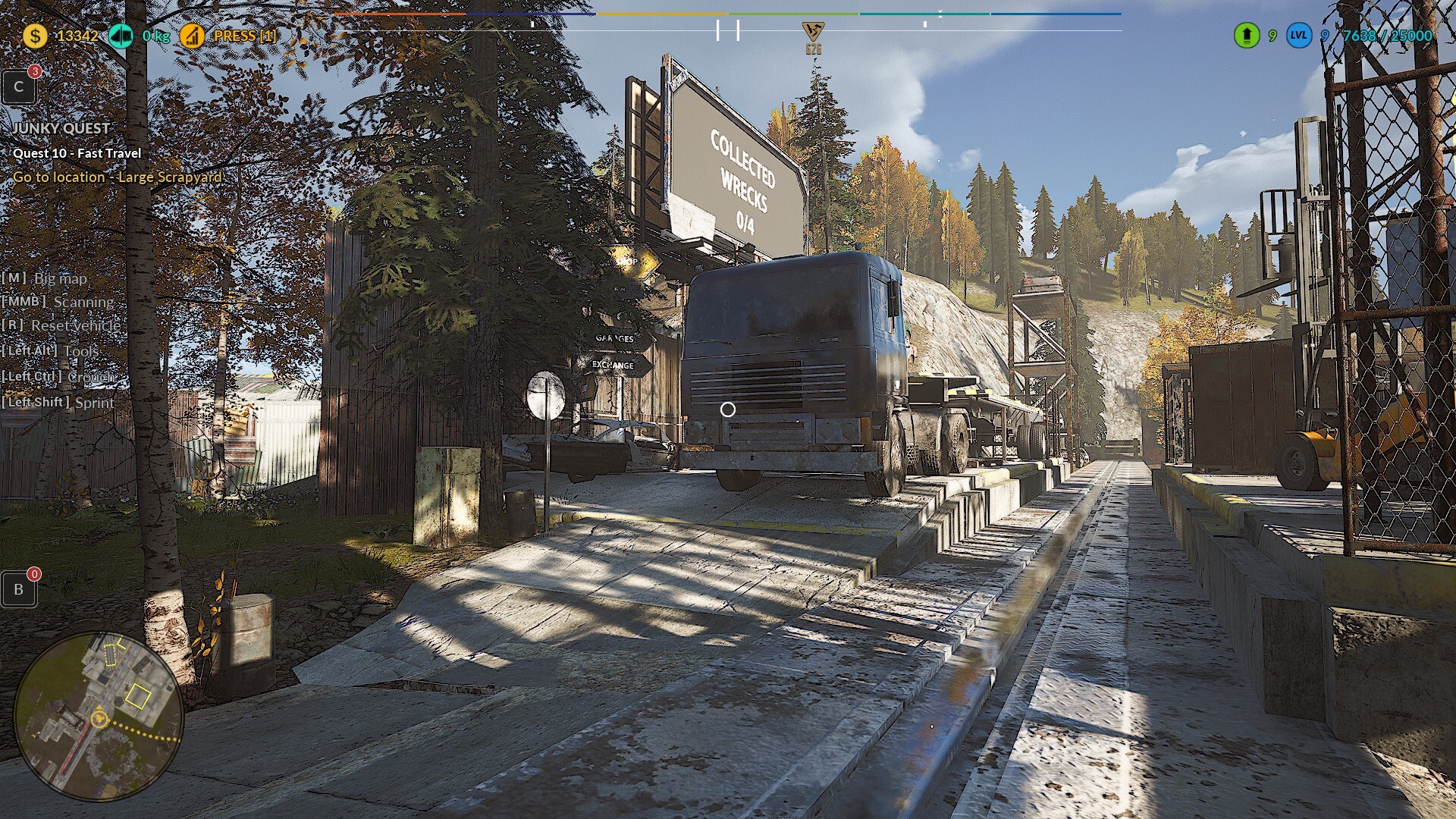
🛠️ Fixed the text color showing the amount of goods taken from a parcel Changed from Red to White
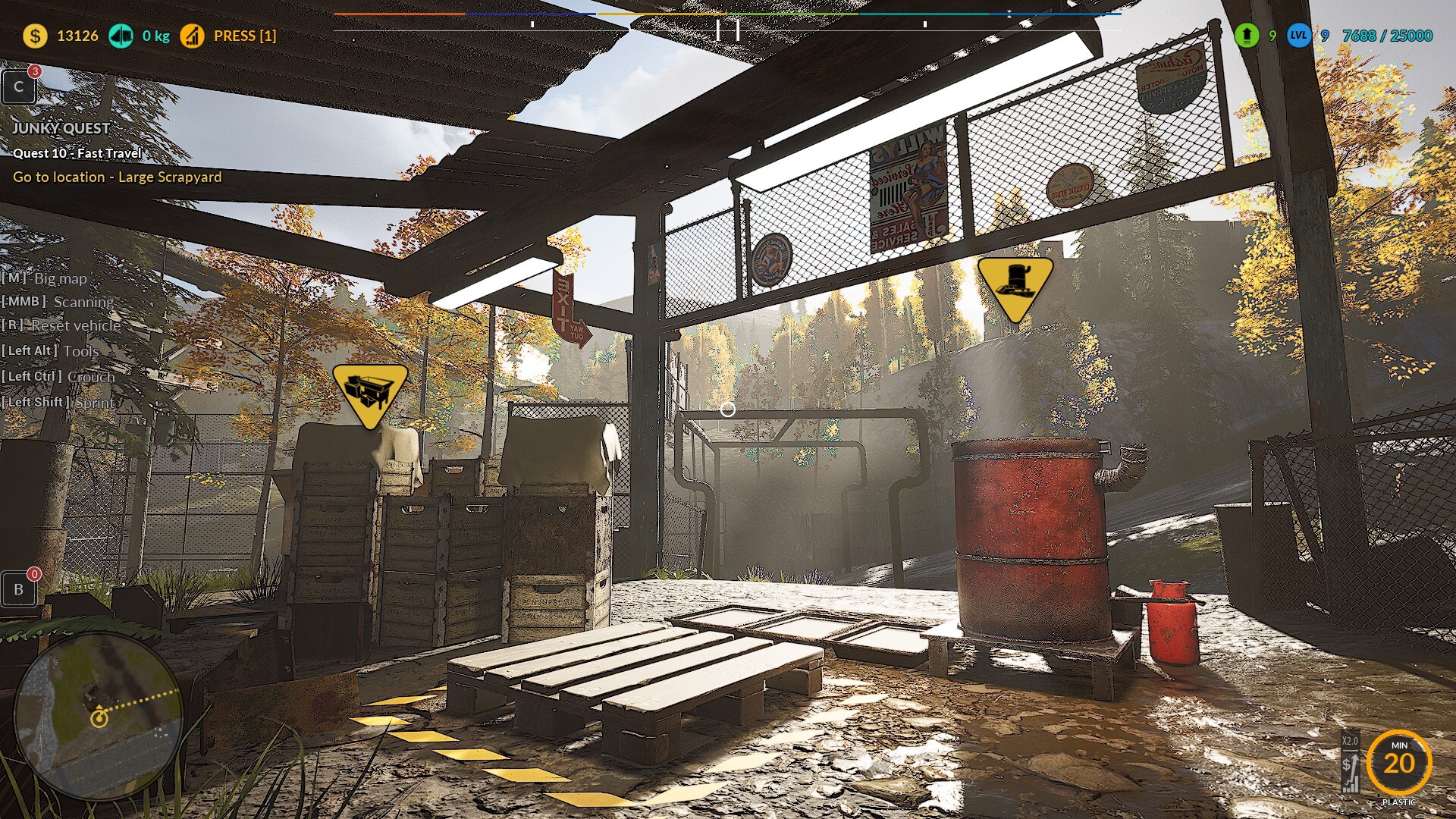
🛠️ Improved the Default button in the Keybind tab
Now one Default button applies to all mechanics, just like the Azerty button does
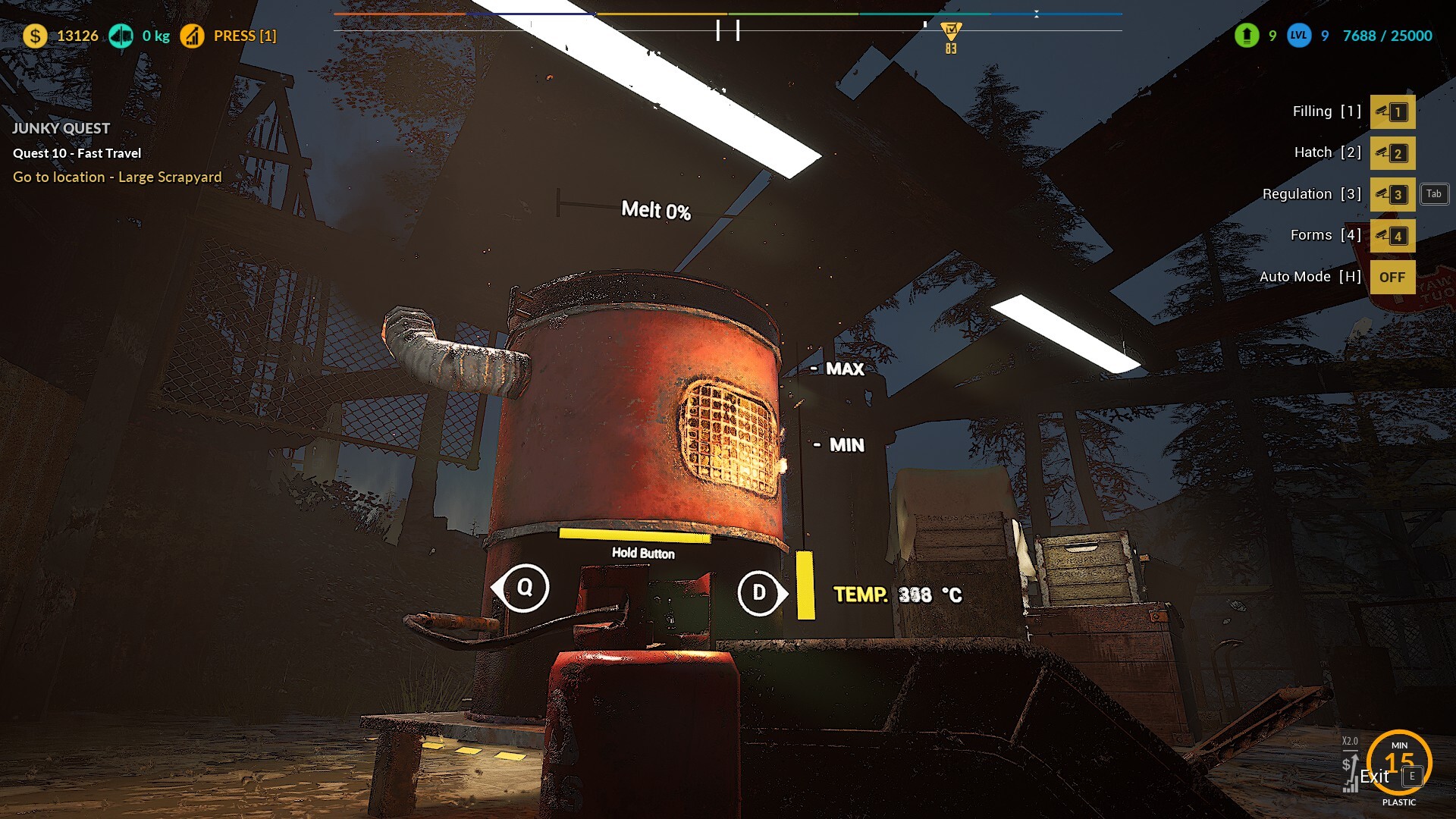
🛠️ Changed the default key for the magnet
From P to Spacebar in the Stationary Press and Loader mechanics
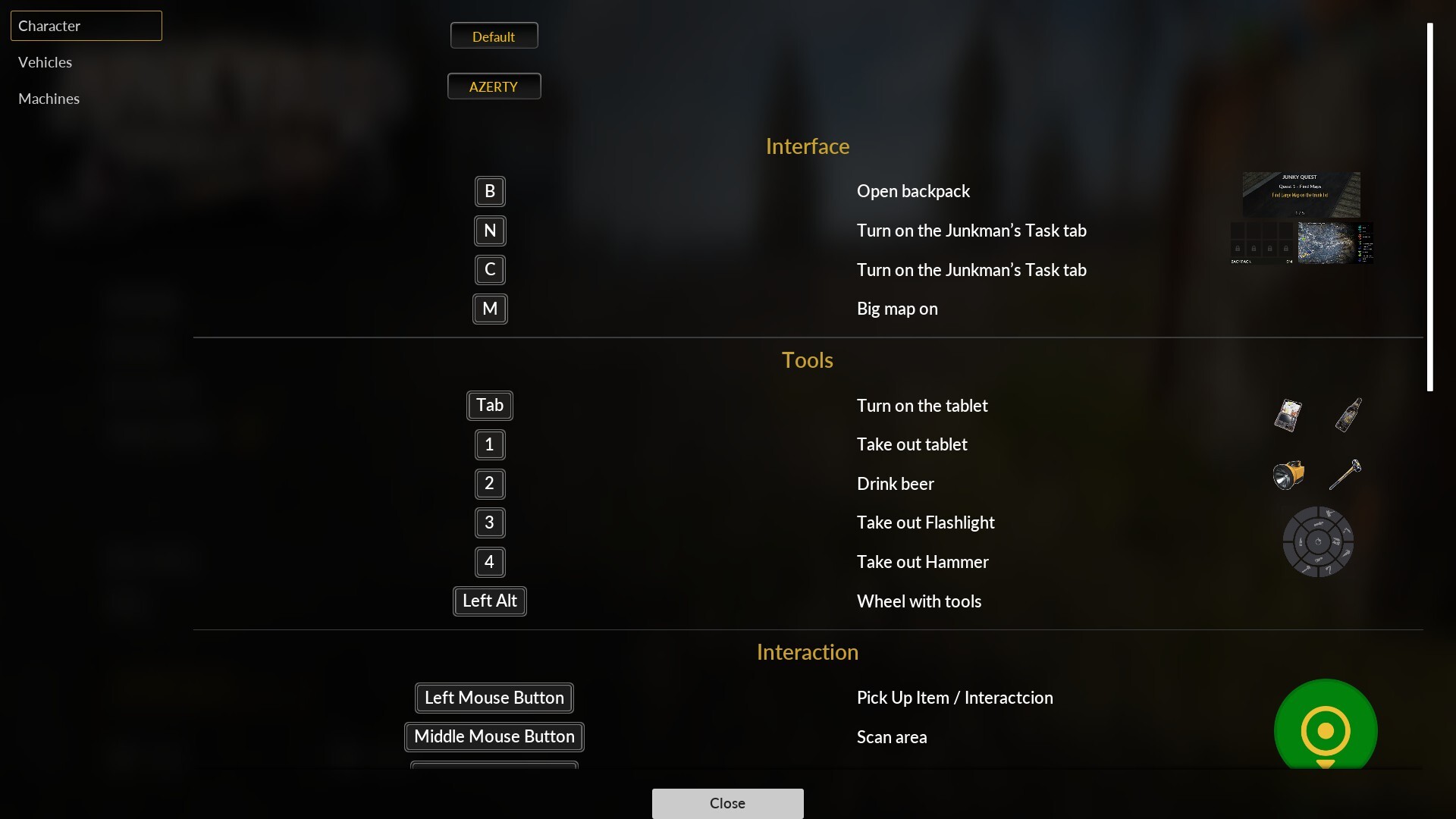
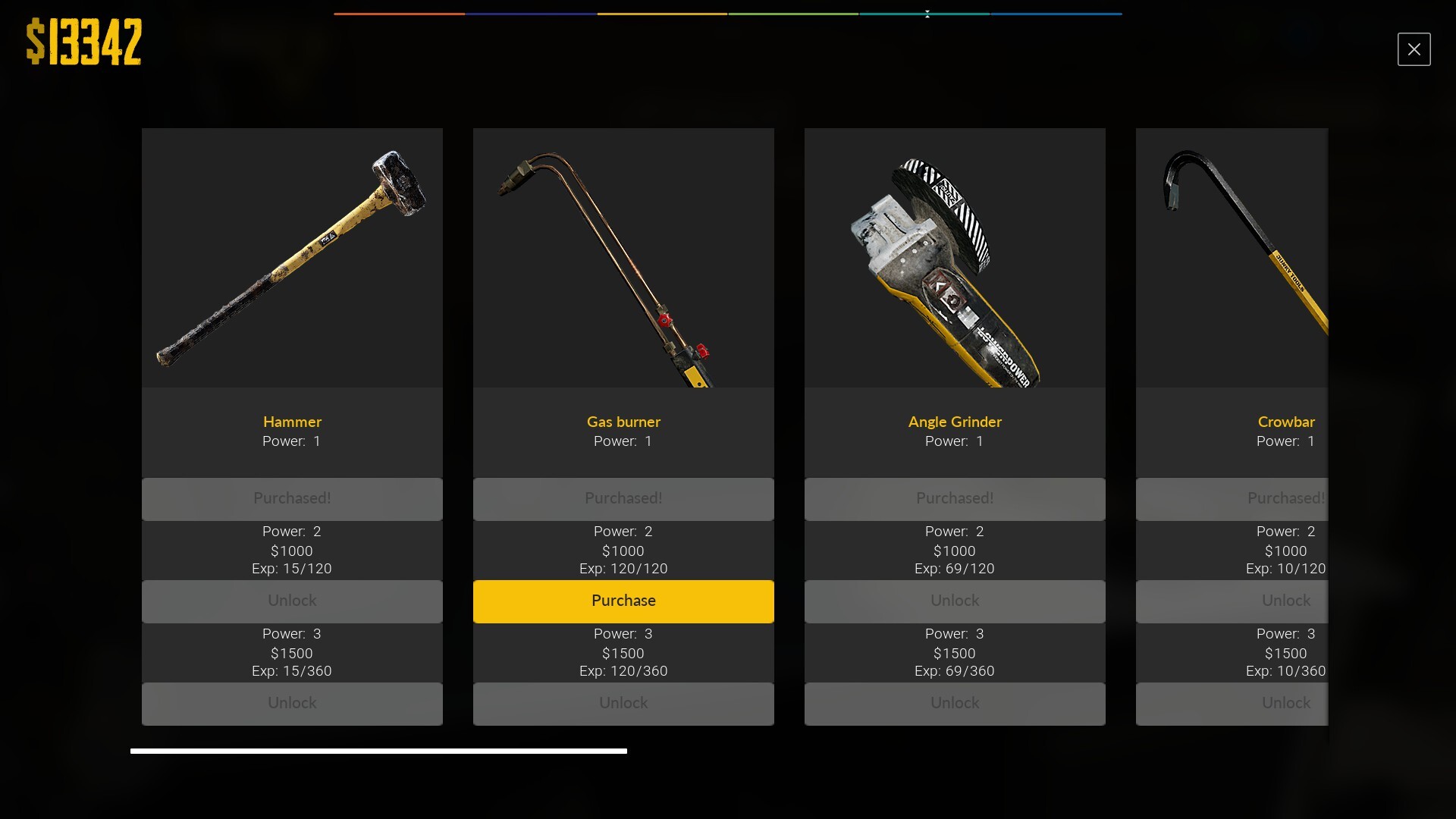
🛠️ Changed the label in the Upgrade tab from "Unavailable" to "Unlock" for all tools
"Unavailable" suggested it couldn't be unlocked, but it actually can by gaining tool experience
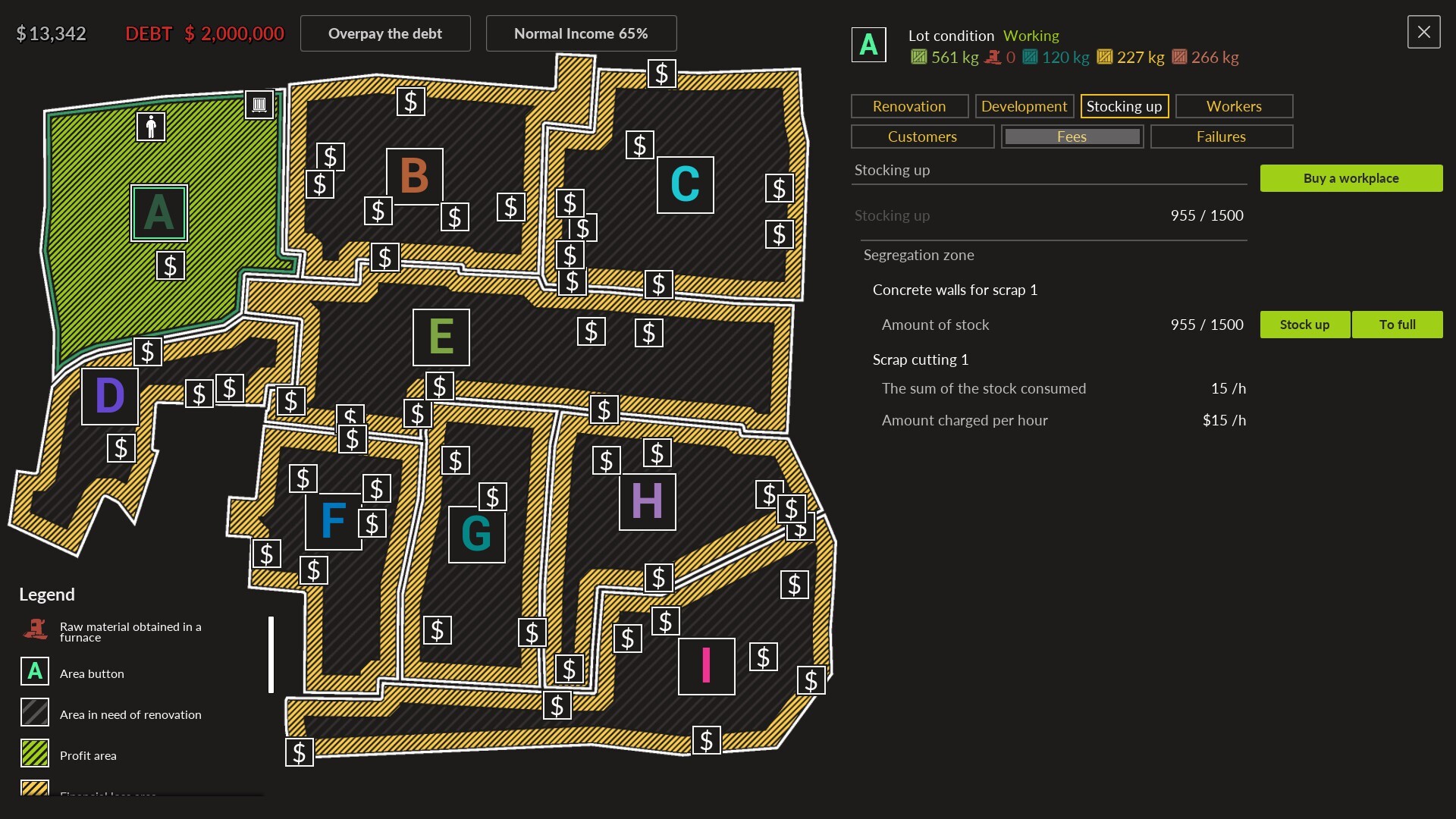
🛠️ Added info to the exit warning message
Items can be safely stored in the shed, backpack, and car trunk without risk of losing them
🛠️ Added info to the exit warning message If a quest item is lost, you can exit and restart the game — the item will return to the quest's designated location
🛠️ Reworked some of the exit warning texts for clarity
Now clearly states that you can sell items at the pawnshop, scrap market, or restore them before saving
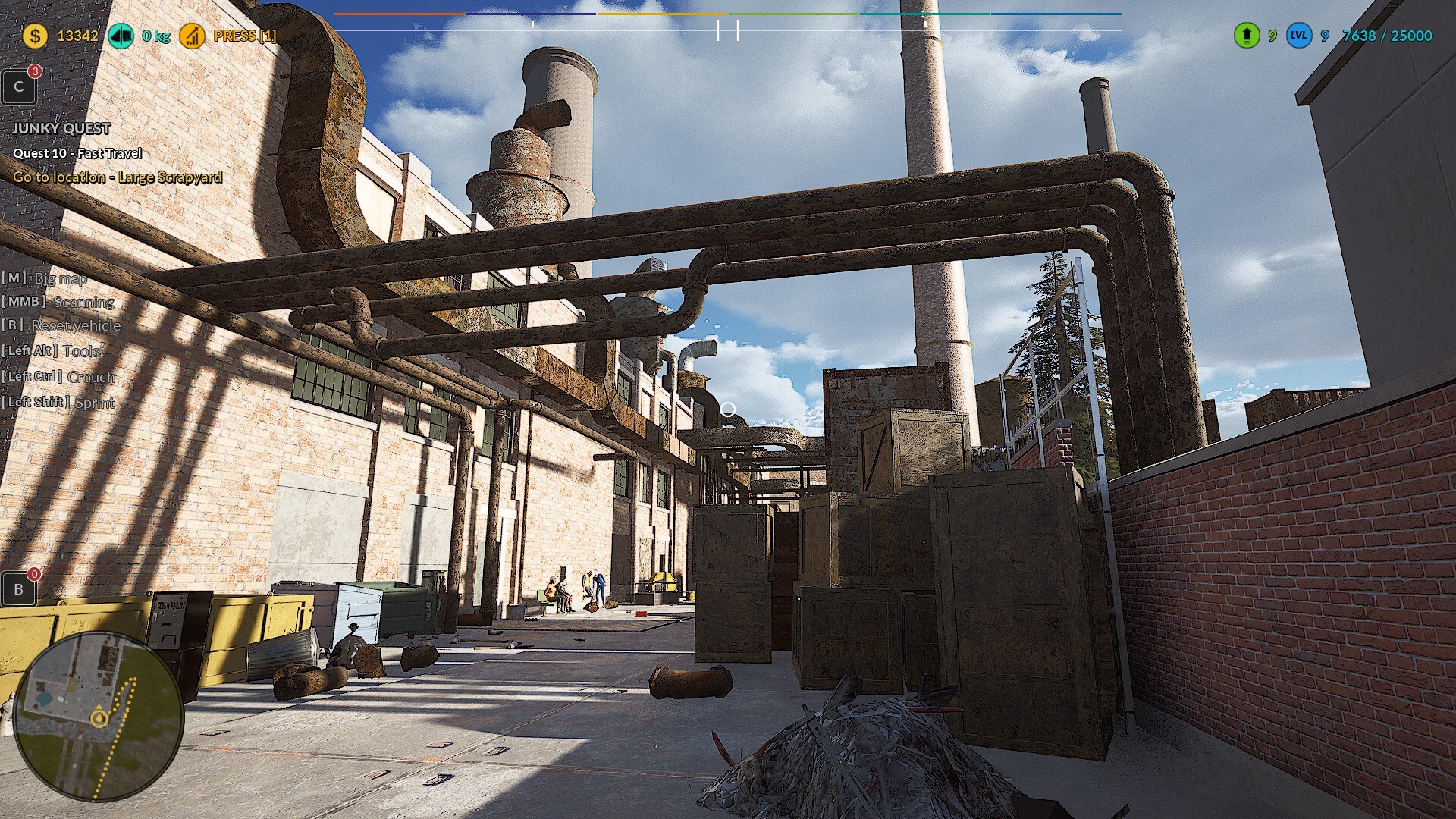
🛠️ Fixed pallet placement issue in the factory near the fast travel point. Some pallets were spawning where they overlapped with other objects
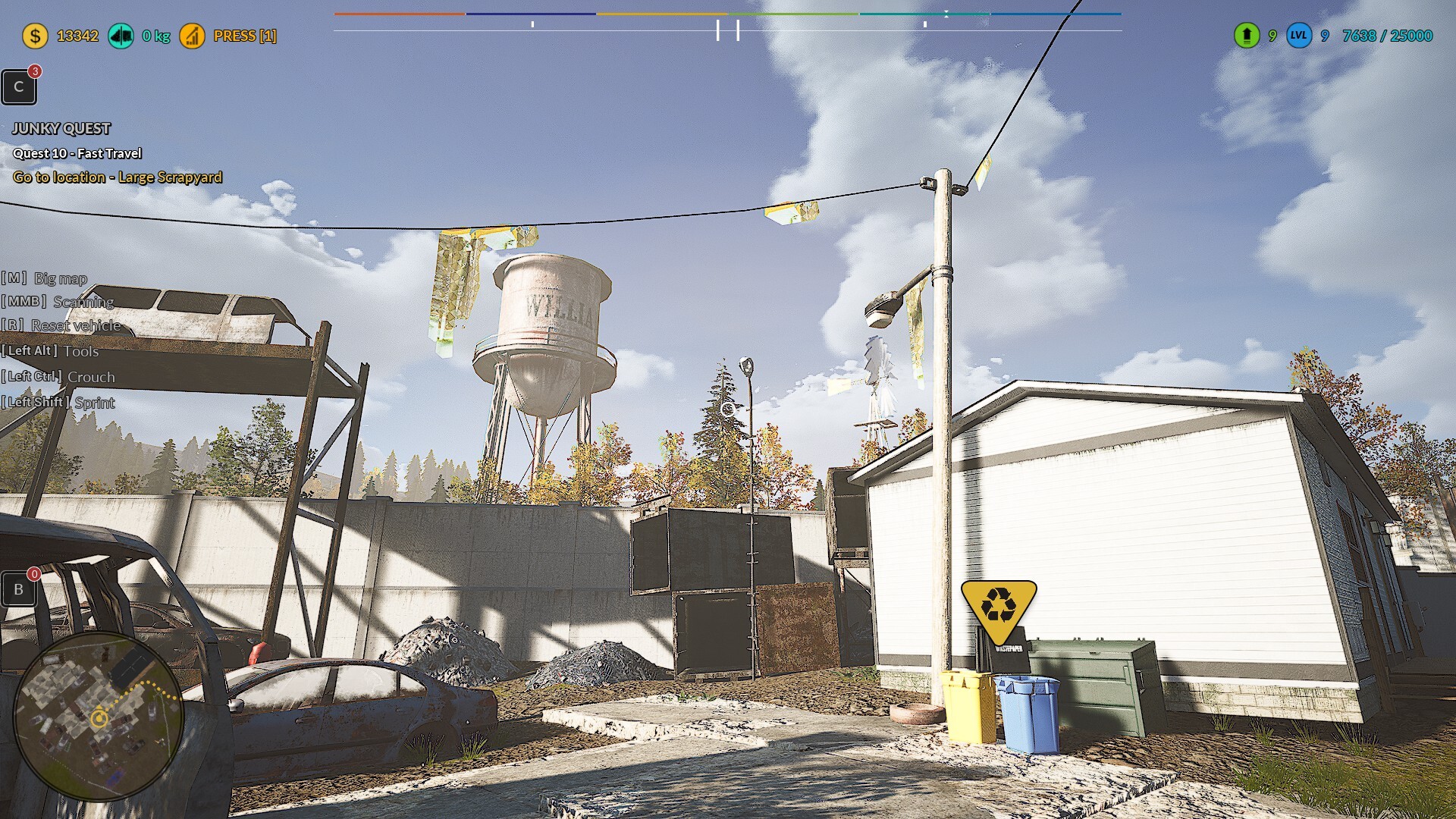
🛠️ The automation in mechanics now runs until the resource is depleted
No need to press the automation button again after every cycle
Also please support us ːsteamthumbsupː 🙂
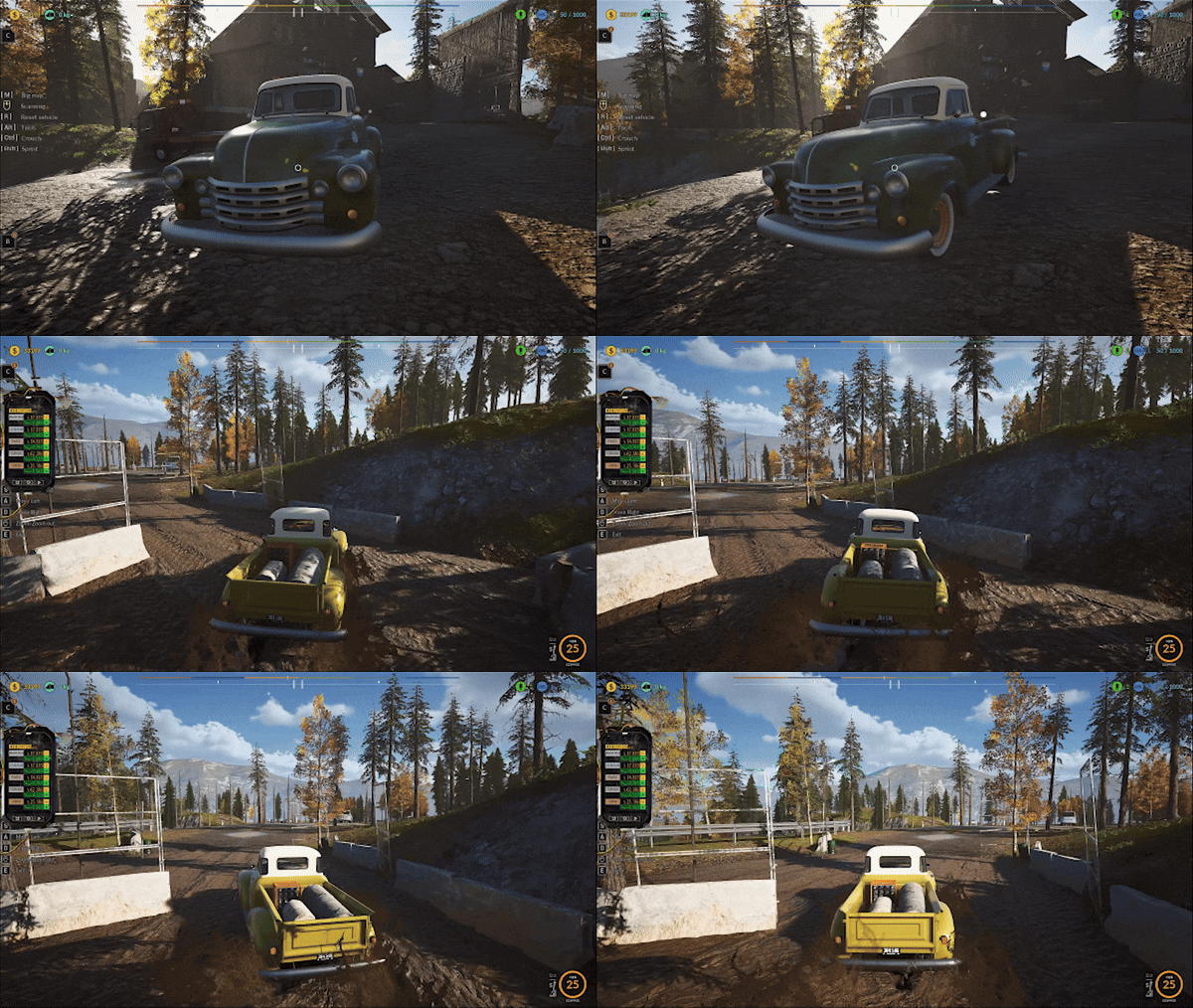
🚧Quality of Life Boost - Big Impact🚧
Thanks to your continued feedback and support, we’ve introduced a bunch of quality-of-life improvements and important fixes to streamline your junkyard operations! 🧰🚛
Hotfix list:
🛠️ Added the ability to close the confirmation message about enabling the loader using the ESC key on the keyboard and the corresponding button on the gamepad. This allows for emergency closure of the message and provides a more convenient option for players who prefer using ESC.
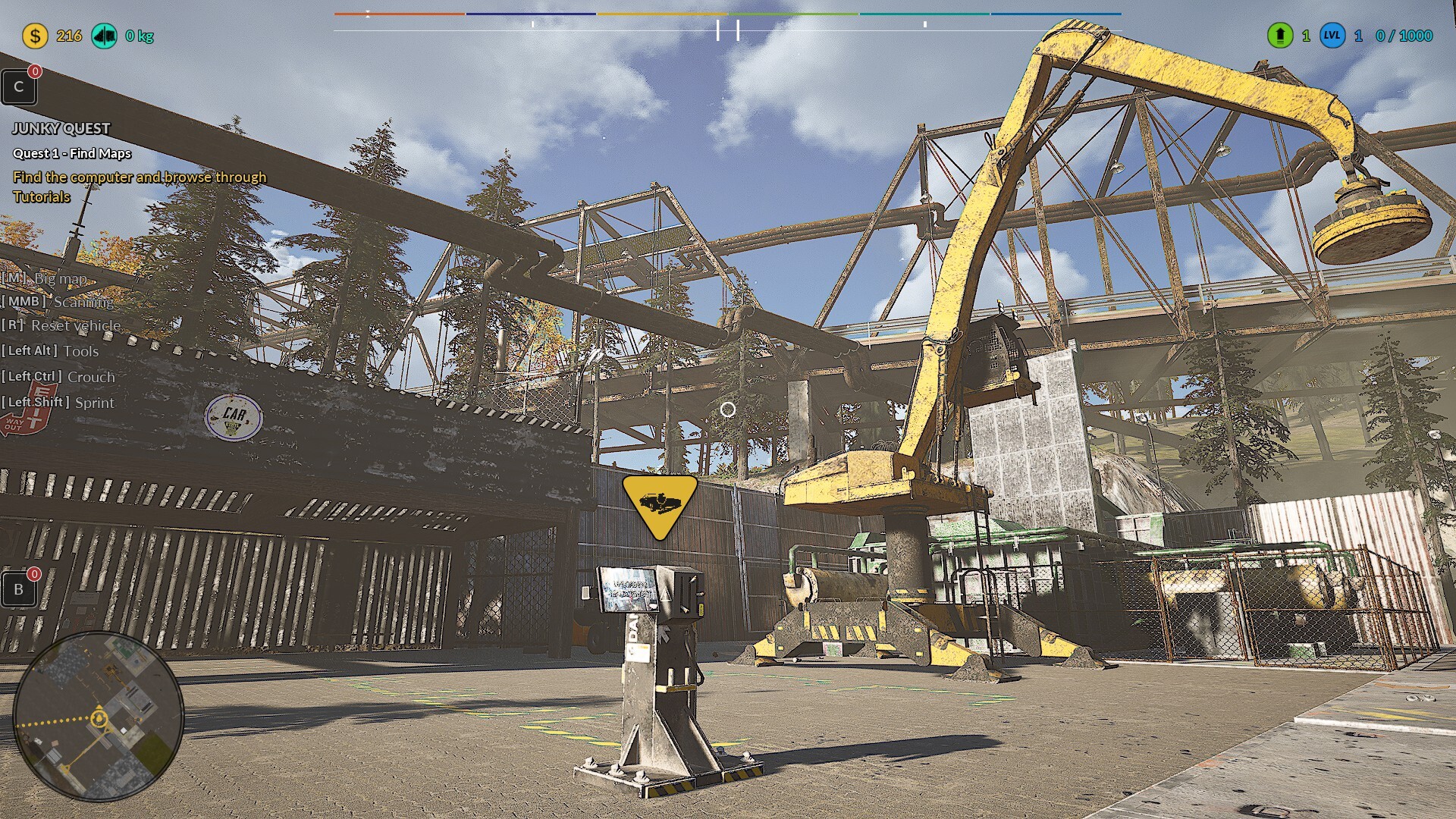
🛠️ A new feature has been introduced allowing players to close the message about vehicle wreck reset or processed scrap cube in the loader using the ESC key and the corresponding gamepad button. This enables emergency dismissal of the message and is more convenient for players who prefer using ESC.
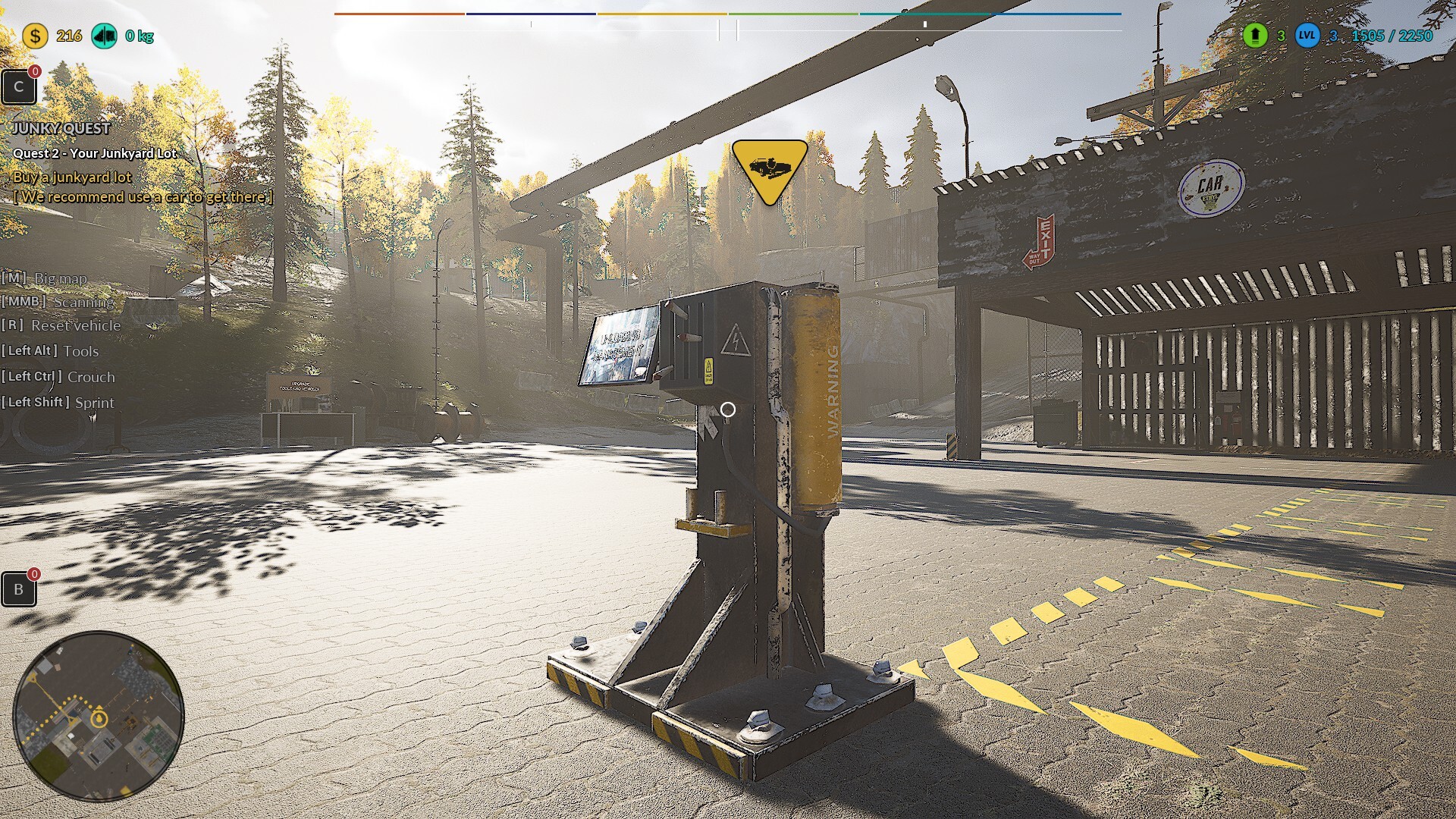
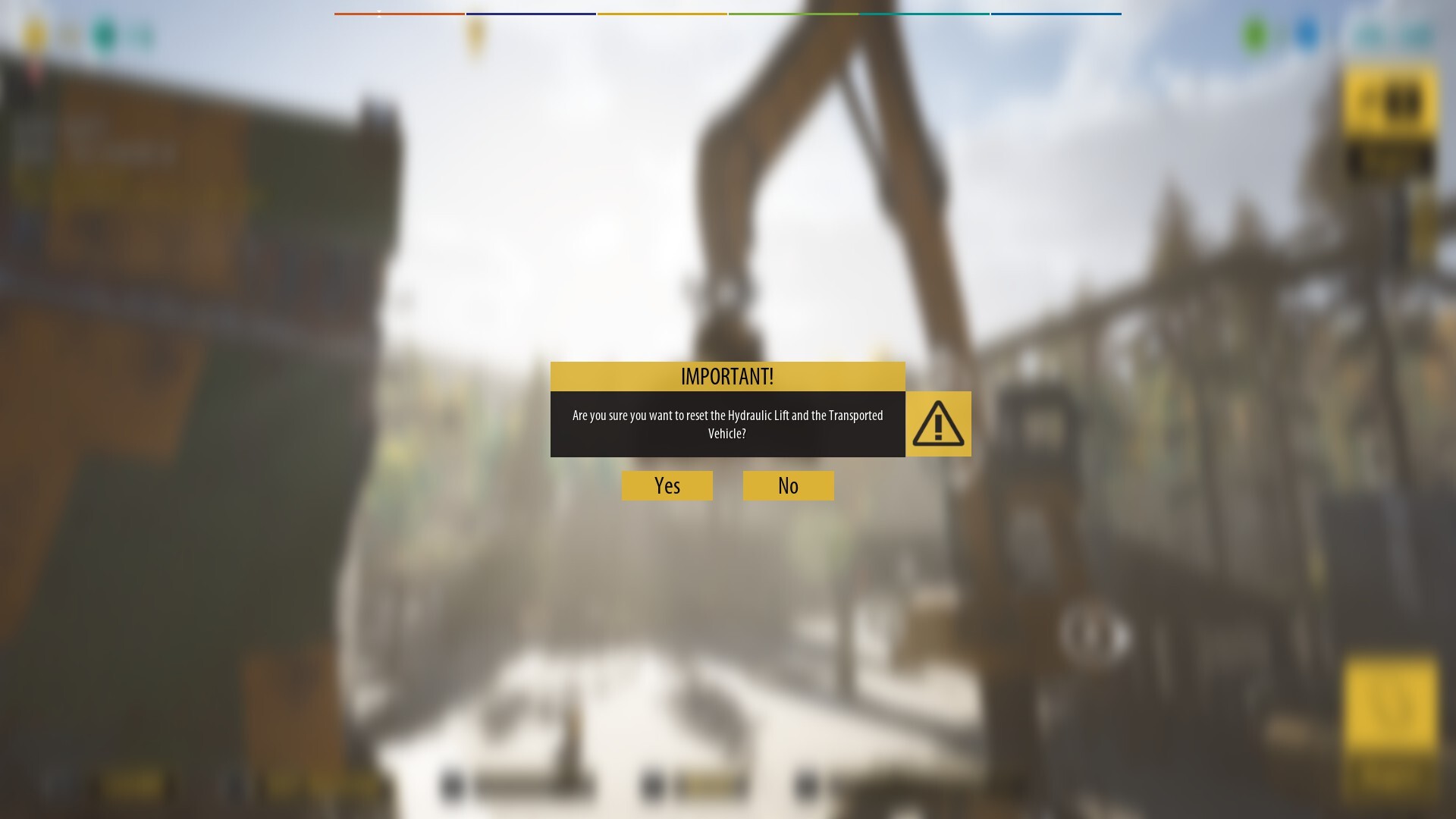
🛠️ It is now possible to close the message about the loader position reset using the ESC key and the corresponding gamepad button. This allows for emergency message closure and offers a more convenient option for ESC users.
🛠️ Interaction with the wreck unloading panel no longer requires directly looking at it. The unloading panel’s functionality has been changed to allow activation by simply approaching it, without the need to aim the camera directly at it. This change greatly improves the experience for players using lower-end PCs, where there were previously issues with interacting using the [E] key.
🛠️ Bug fix for the “Fast Travel” quest – first wreck. Fixed an issue that prevented the use of the loader during the “Fast Travel” quest when the player was transporting the first wreck onto the tow track as part of the unloading panel task. The loader now functions correctly regardless of the quest stage.
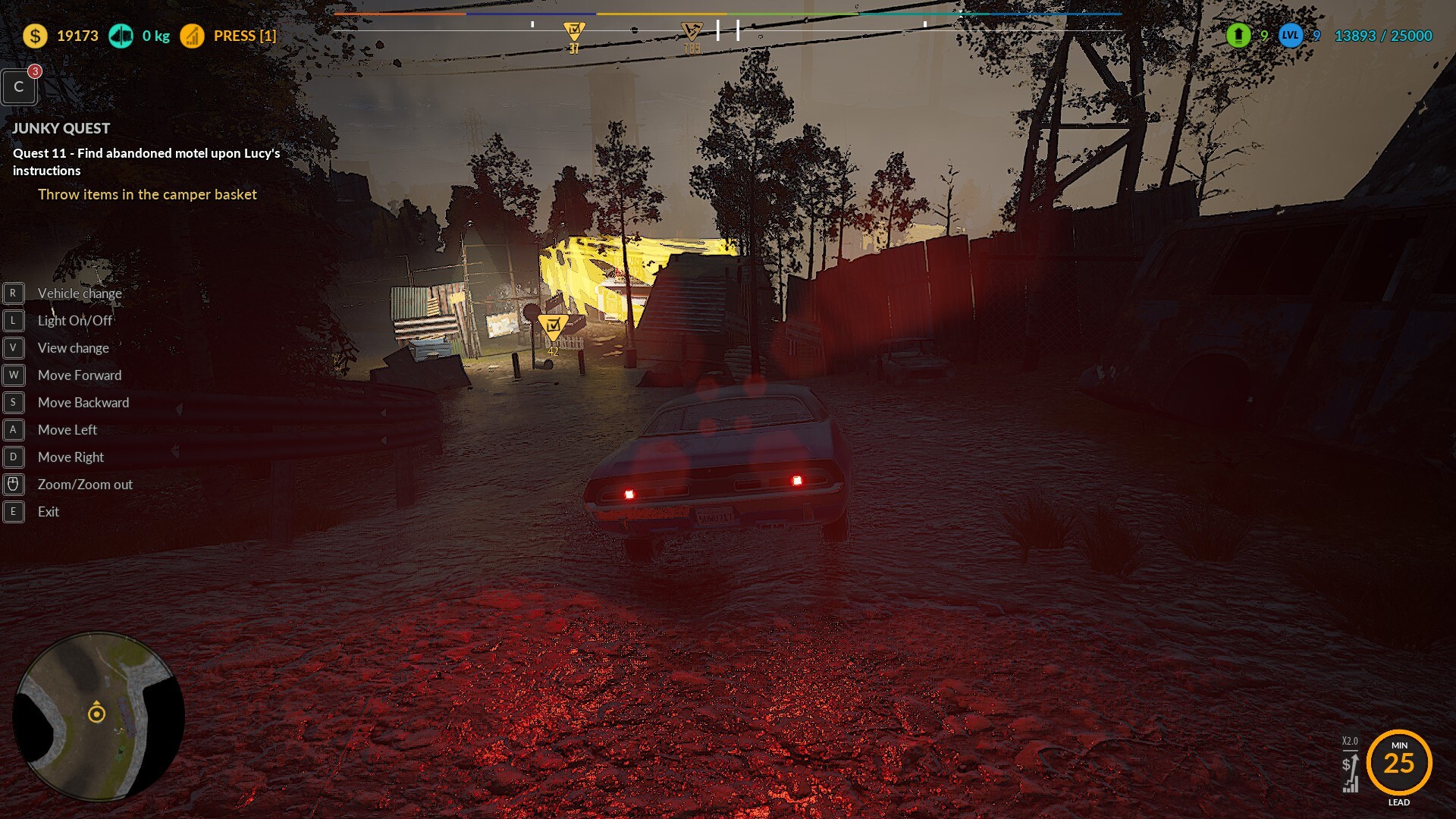
🛠️ Bug fix for the “Fast Travel” quest – second wreck. Resolved an issue where the loader could not be used when transporting the second wreck onto the tow track in the same quest.
🛠️ Fixed an issue with quest completion in the pawnshop. Corrected a bug that prevented some players from completing the quest involving selling a gold bar and statue in the pawnshop. The bug was especially easy to trigger by slightly walking away from the old lady and then returning to the conversation.
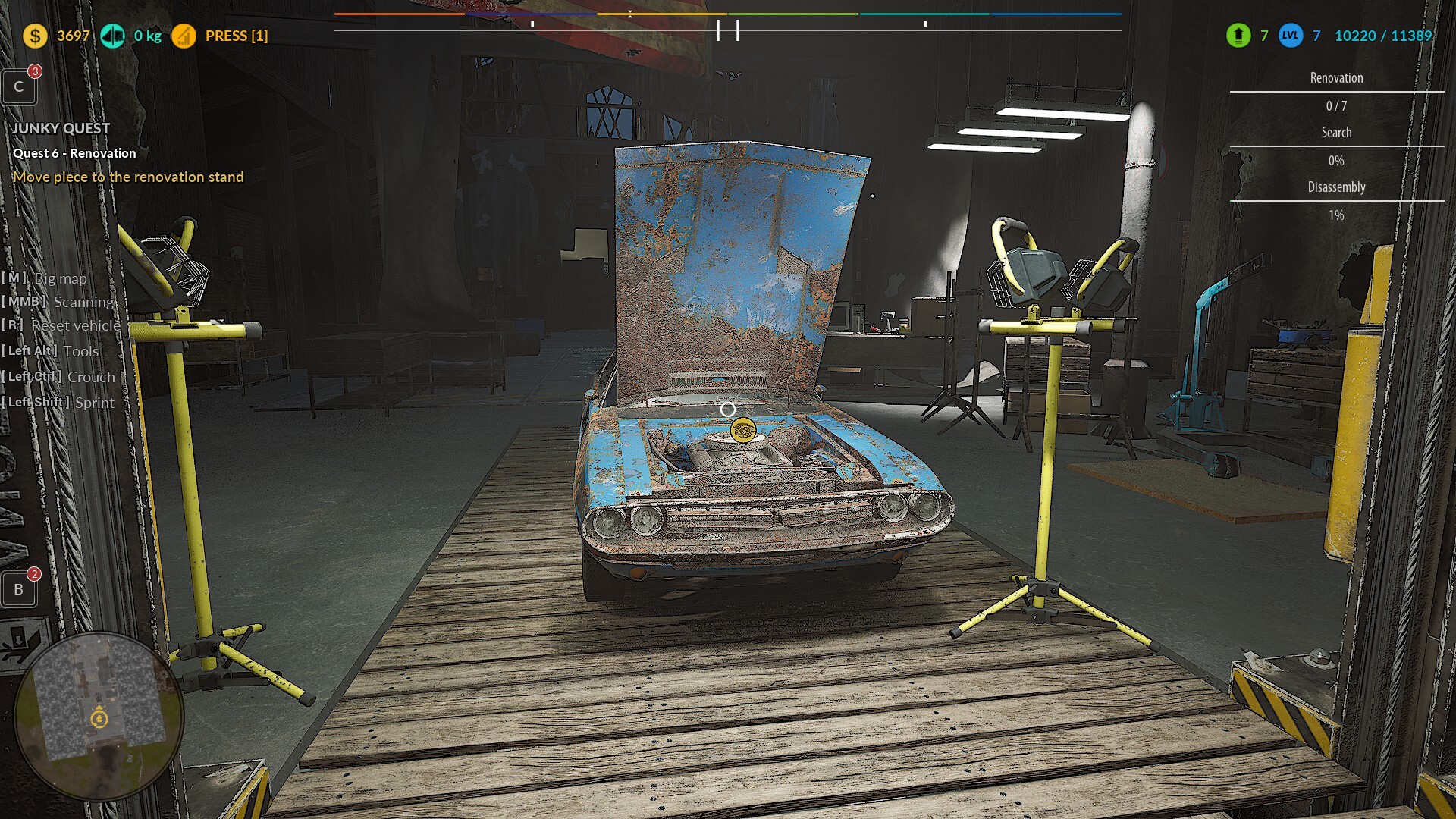
🛠️ Fixed a loading screen freeze on the your junkyard lot. Addressed a case that caused the game to freeze during the loading screen while entering the your junkyard lot for some players.
🛠️ We have optimized certain gameplay mechanics in terms of memory usage, resulting in improved performance, especially on lower-end PCs.
🛠️ Fix – after selecting PERFORMANCE, the game automatically locks the framerate cap to 60 and then reverts back to Unlimited.
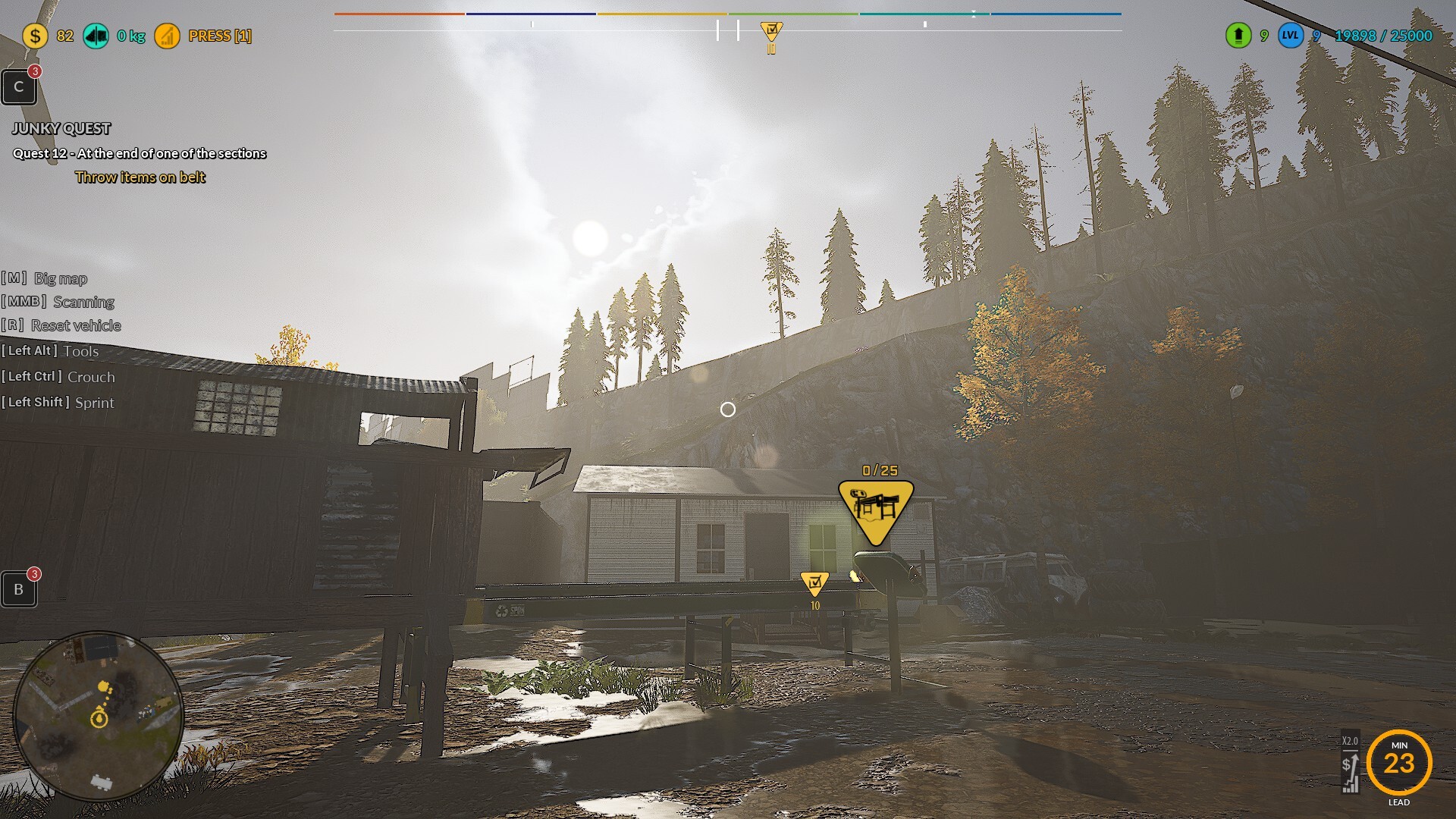
🛠️ Fix – after selecting PERFORMANCE, the game enables V-Sync, which shouldn't happen, as many players need to play without it.
🛠️ The "Collect 27k" pop-up covering the entire screen cannot be closed using a gamepad.
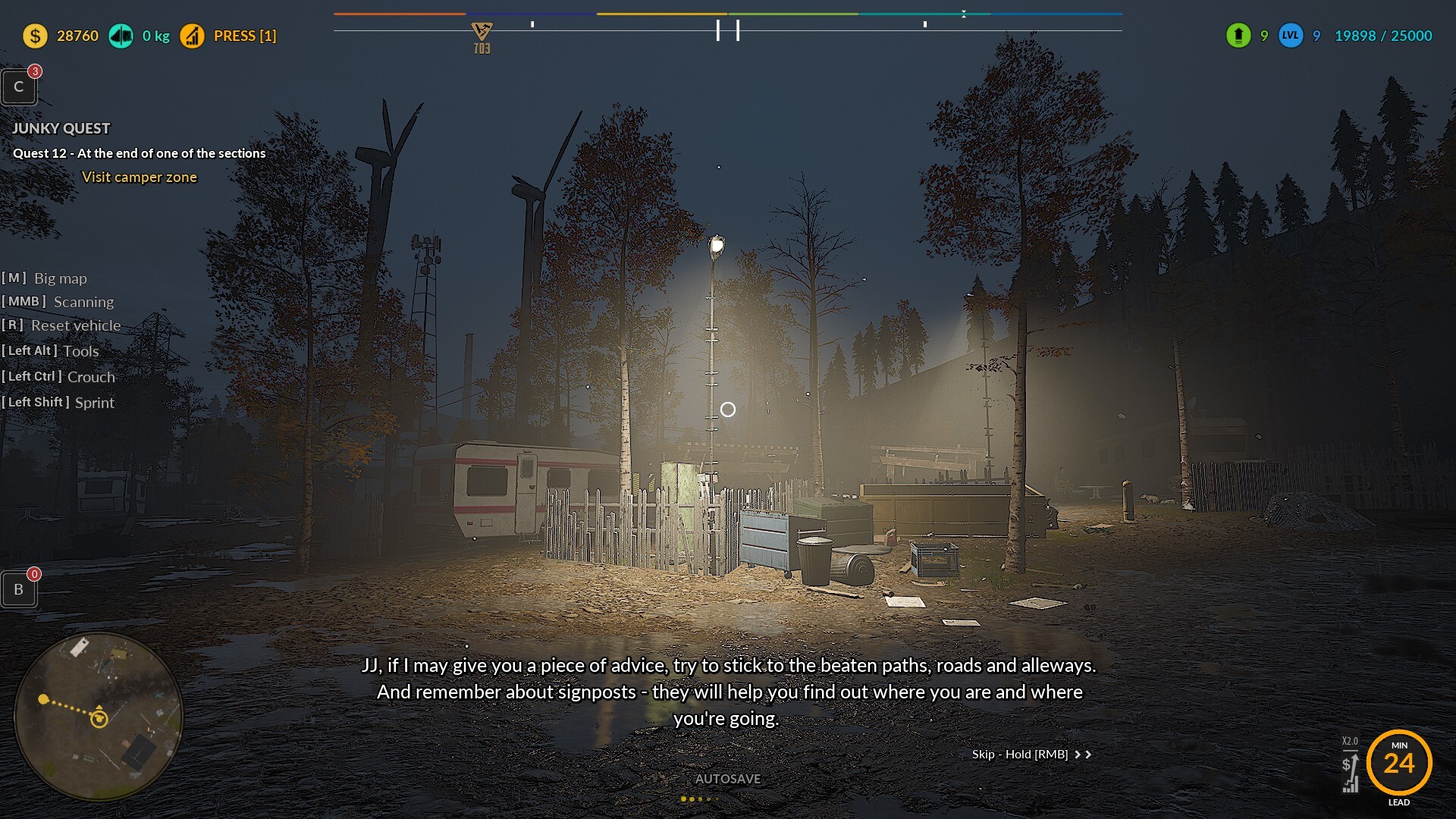
🛠️ The Challenge summary widget cannot be navigated with a gamepad.
🛠️ Fixing the issue with hints appearing for "Questa 10 - Fast Travel" from STORY MODE related to transporting wrecks to the scrapyard in SANDBOX mode.
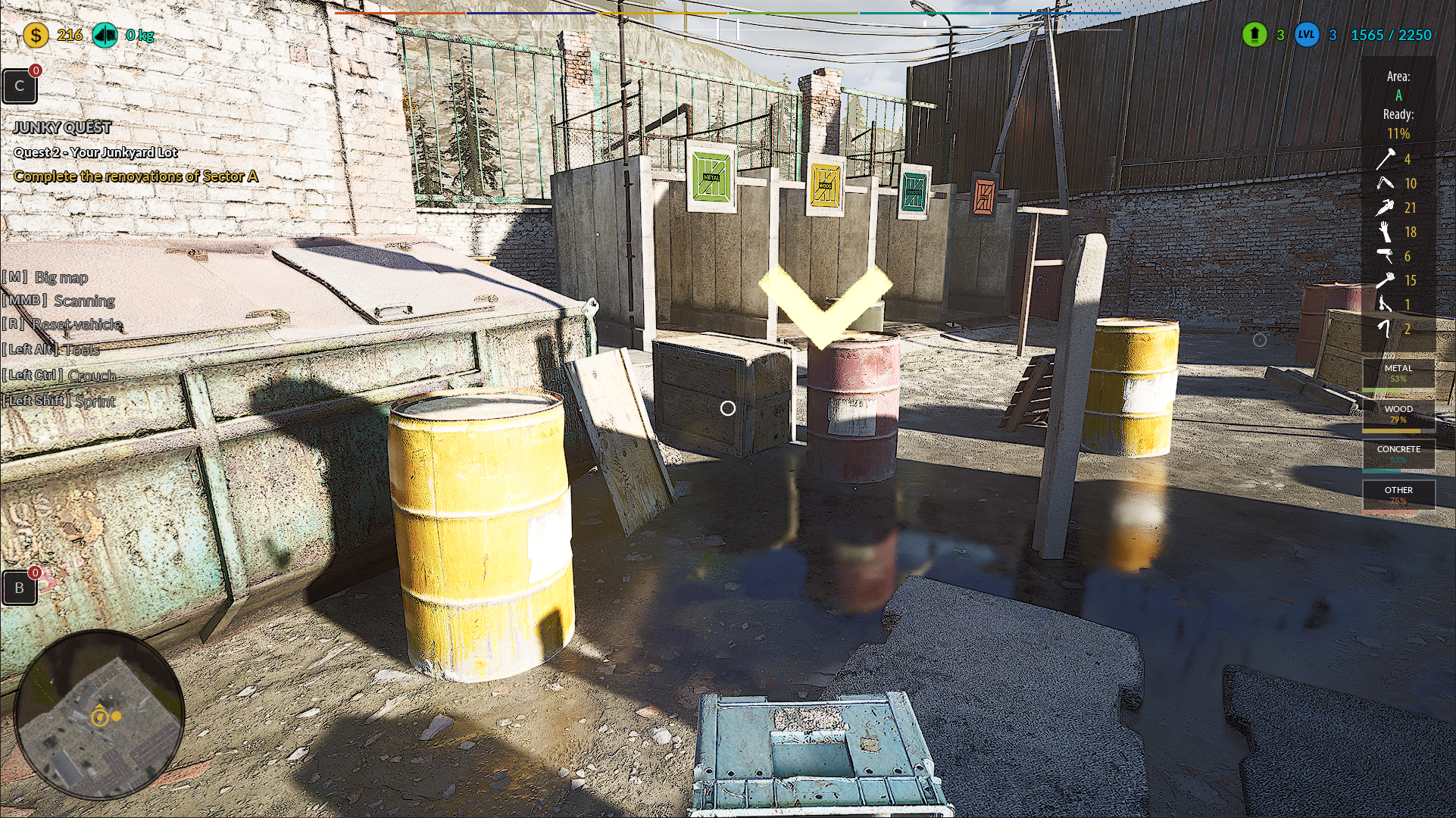
🛠️ Adding hint texts during the parcel renovation task to inform new players about the possibility of "Scanning area [MMB]" and to clarify that the renovation of parcel Area A requires processing all items.
🛠️ Correcting the location of hint arrows during the processing of the first items on the parcel and the creation of the first resource crate, as well as placing it into the resource boxes.
Also please support us ːsteamthumbsupː 🙂
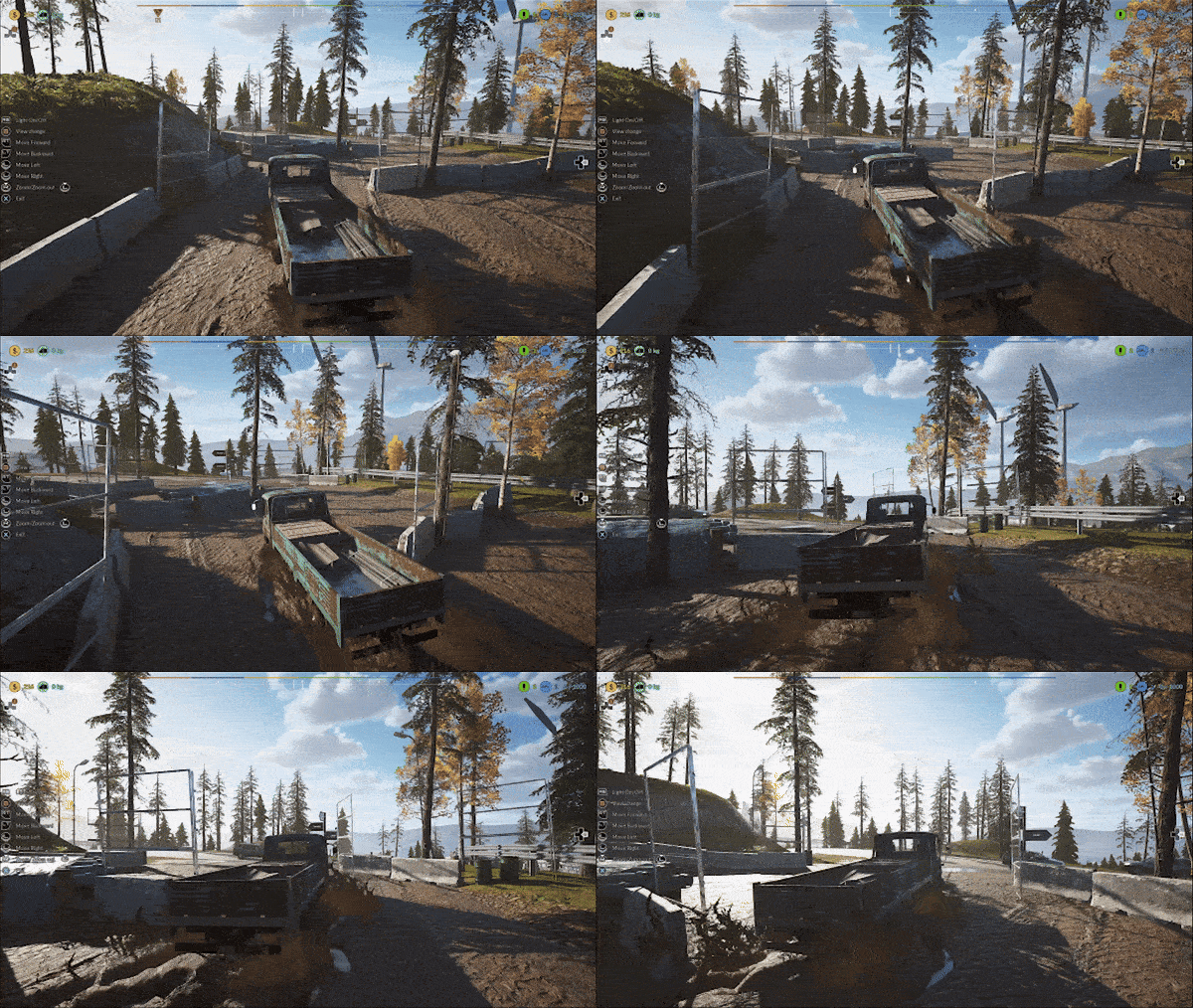
Blue car is now available to drive & many changes in the game!
Big news—Blue Car is now available to drive! 🎉 But that’s not all! Over the past weeks, we’ve been rolling out weekly updates packed with fixes, improvements, and new content. We’re working non-stop to make the game better and bring you even more exciting features!
Your support means everything to us. If you want to help us keep pushing forward, let us know your thoughts! Reviews and feedback are the fuel that drives our progress. 🔥😊
Try out the latest updates and tell us what you think! 🚀
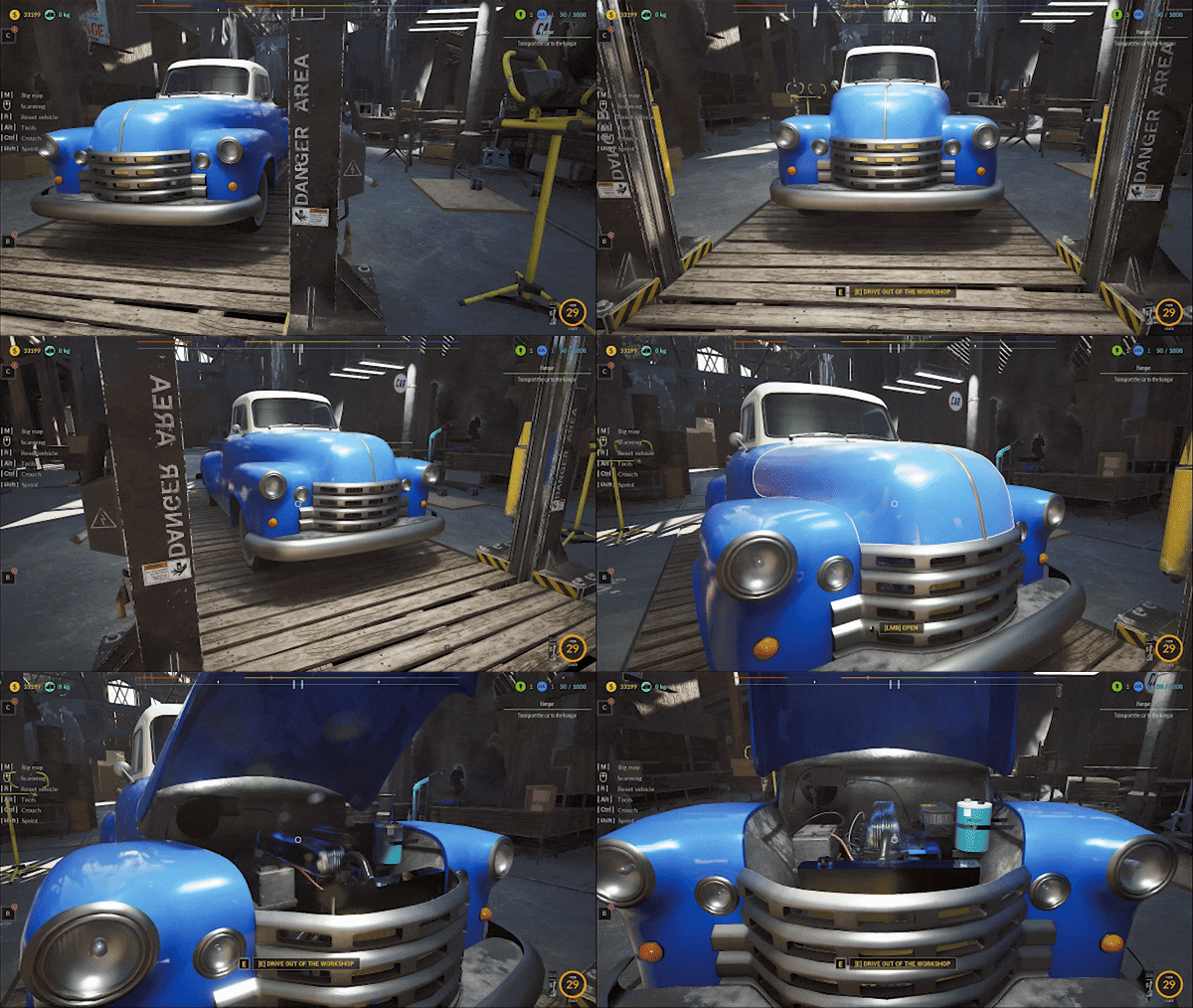
🛠️Find the Blue Car and clean it up from trash!🚗🗑️
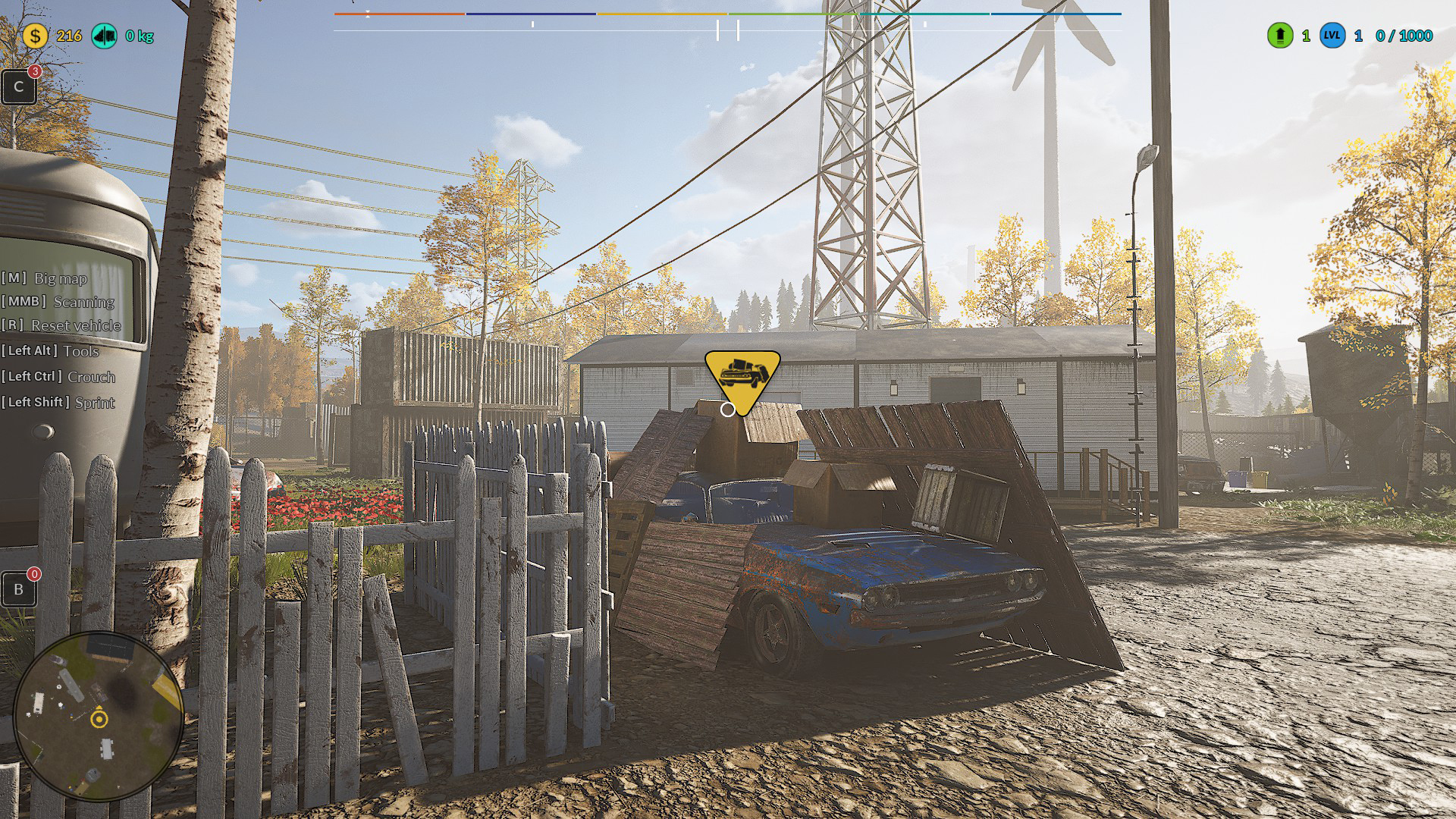
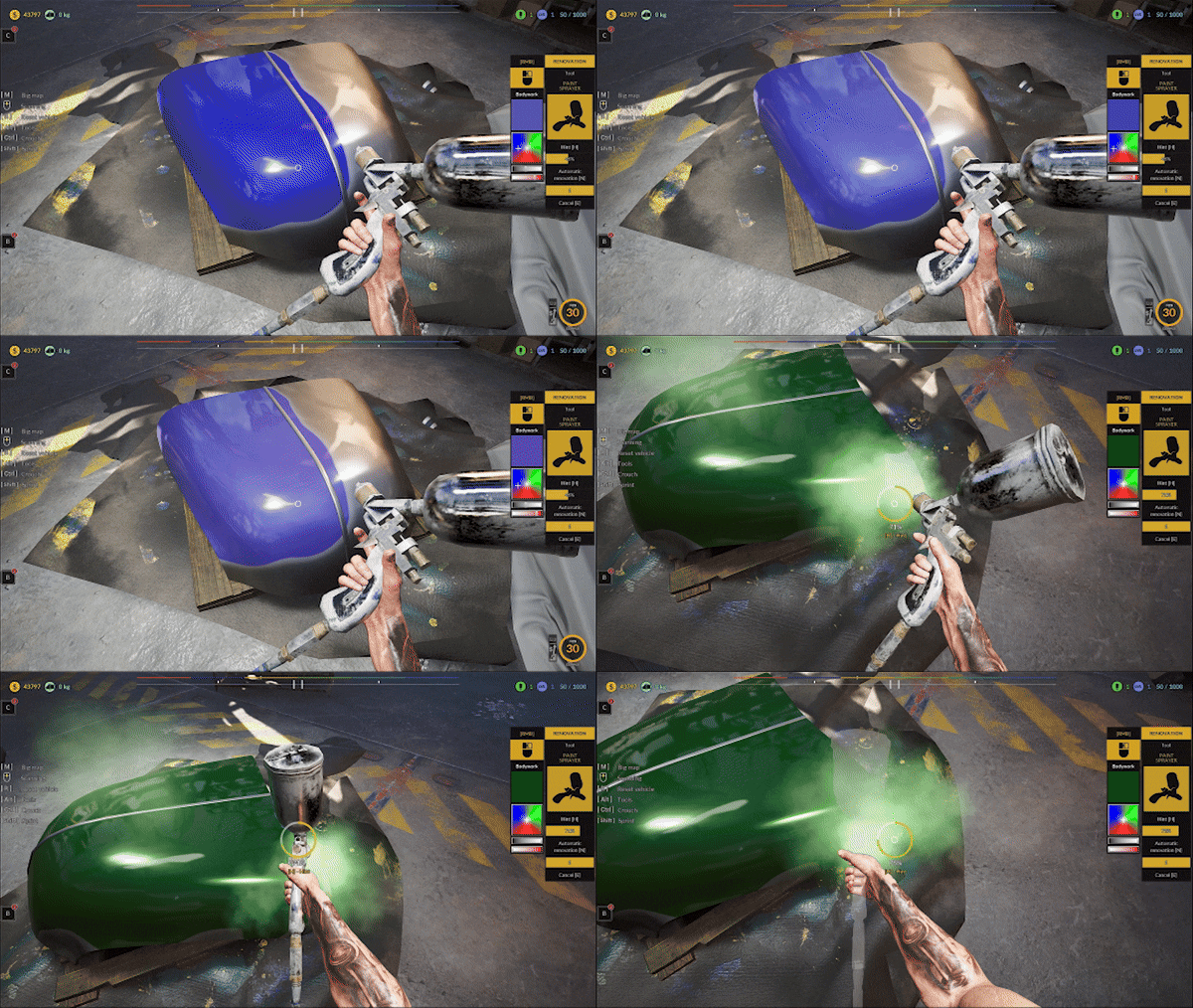
🛠️Restore the Blue Car!🔧
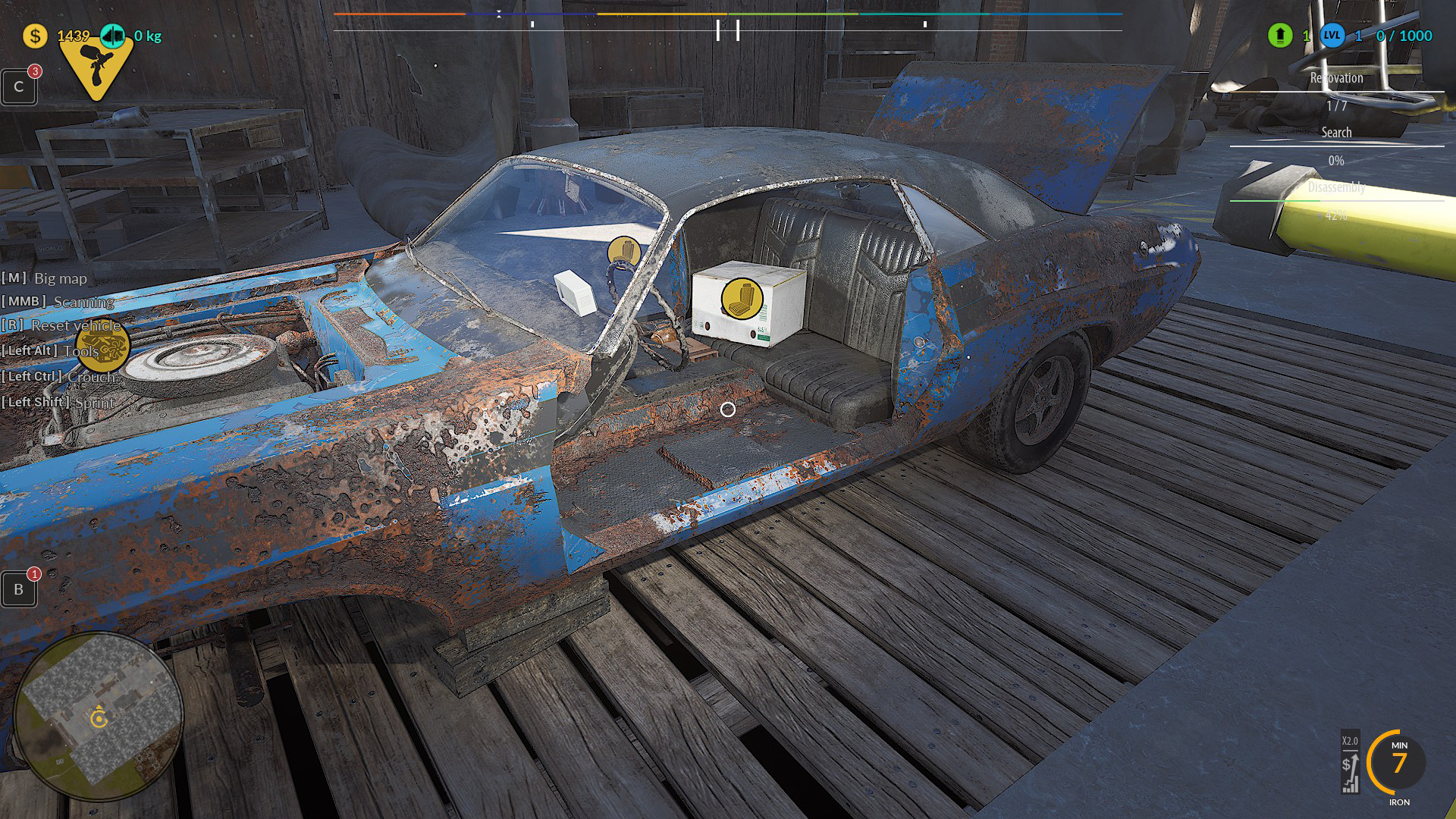
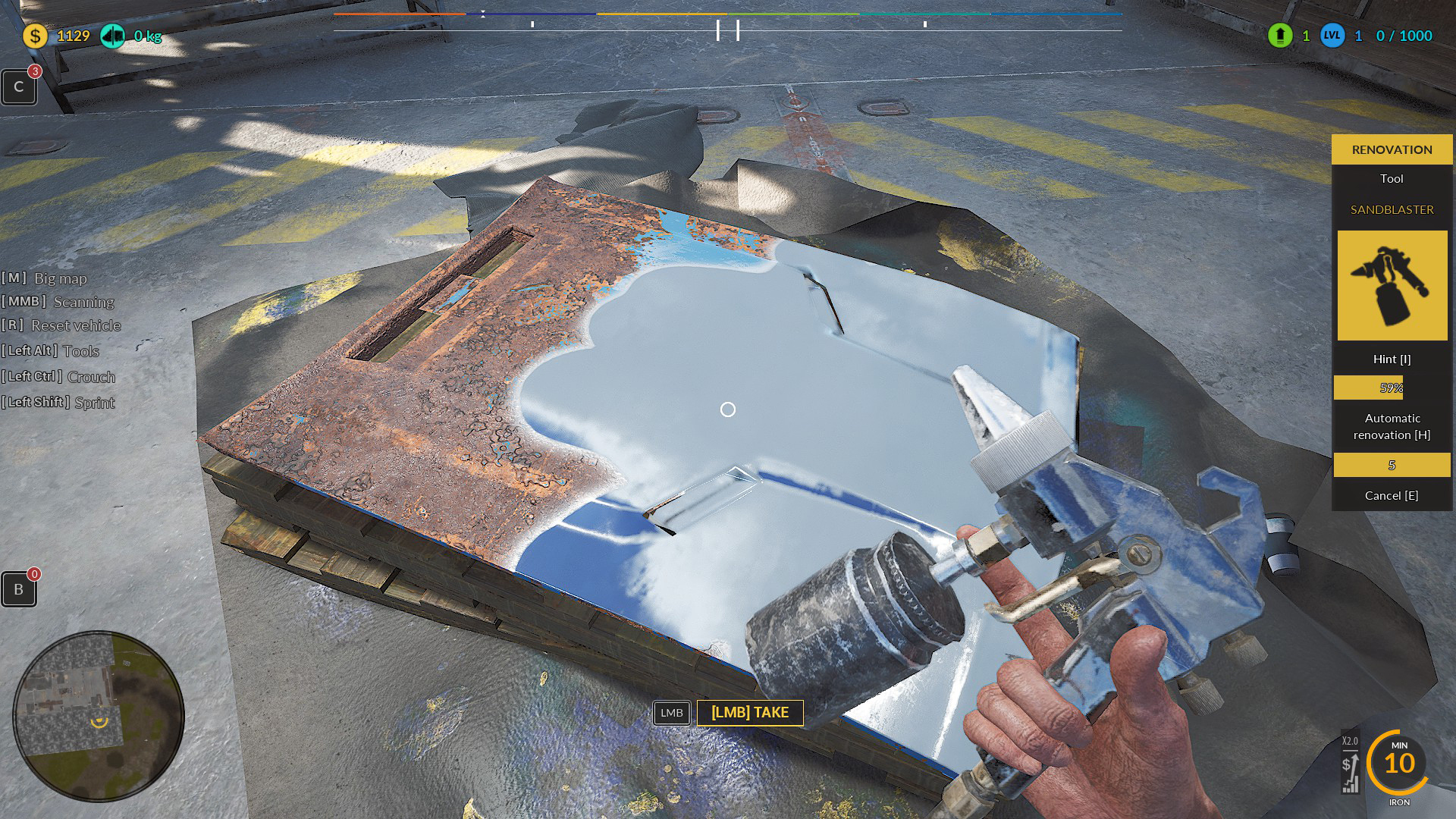
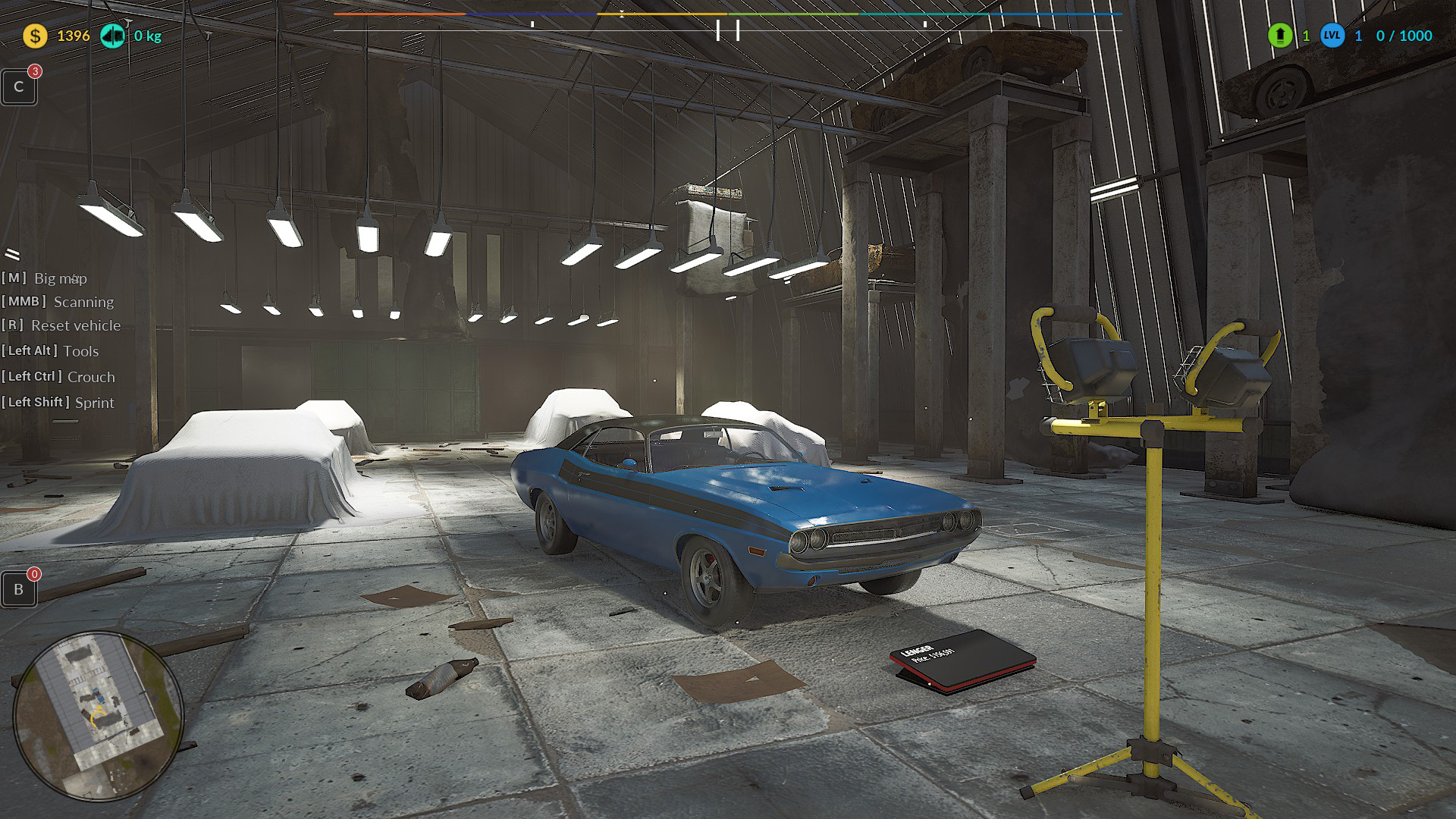
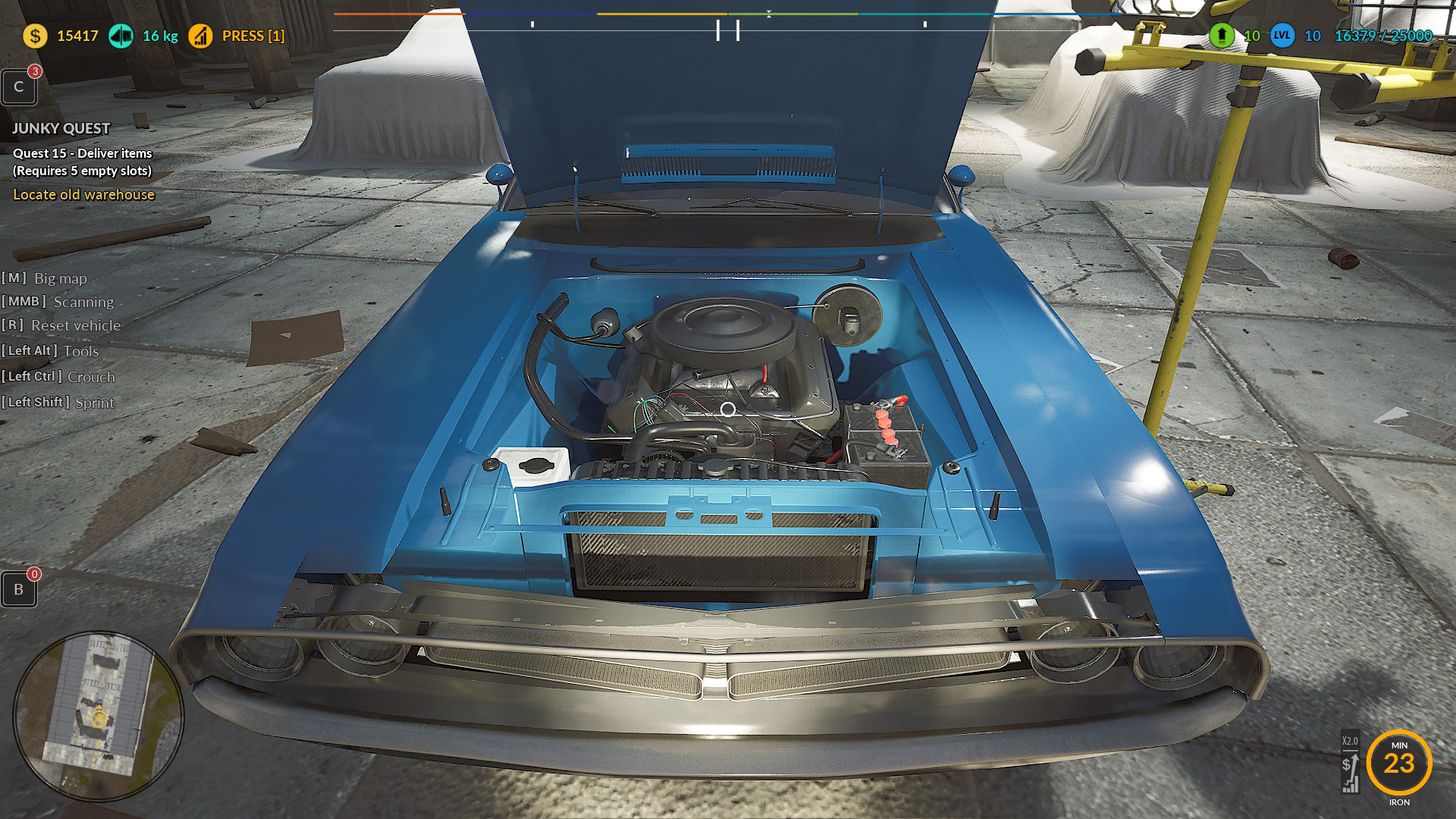
🛠️Now You can switch between the Pickup, SUV, and Blue Car anytime directly from the vehicle.
Just press R!
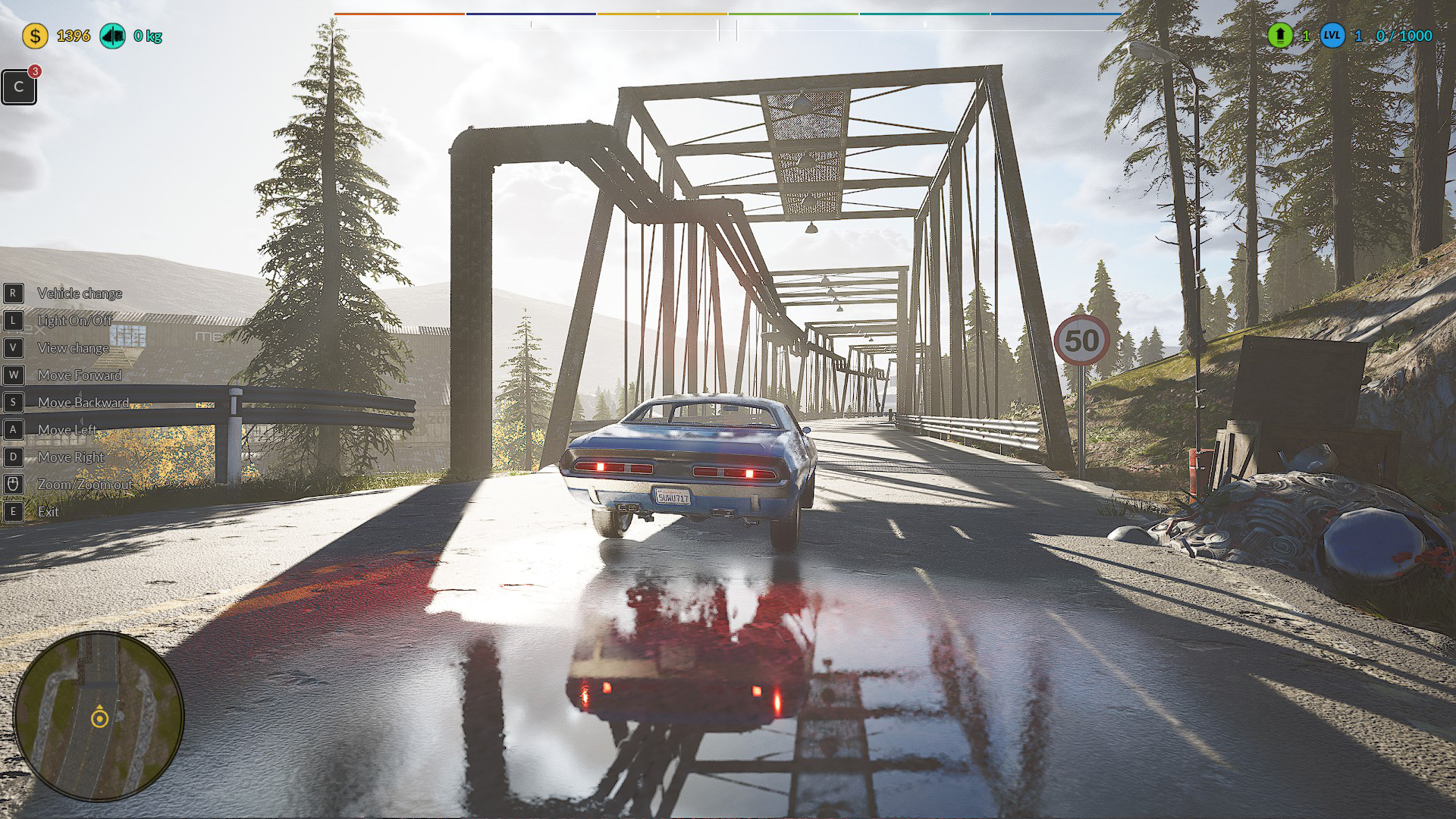
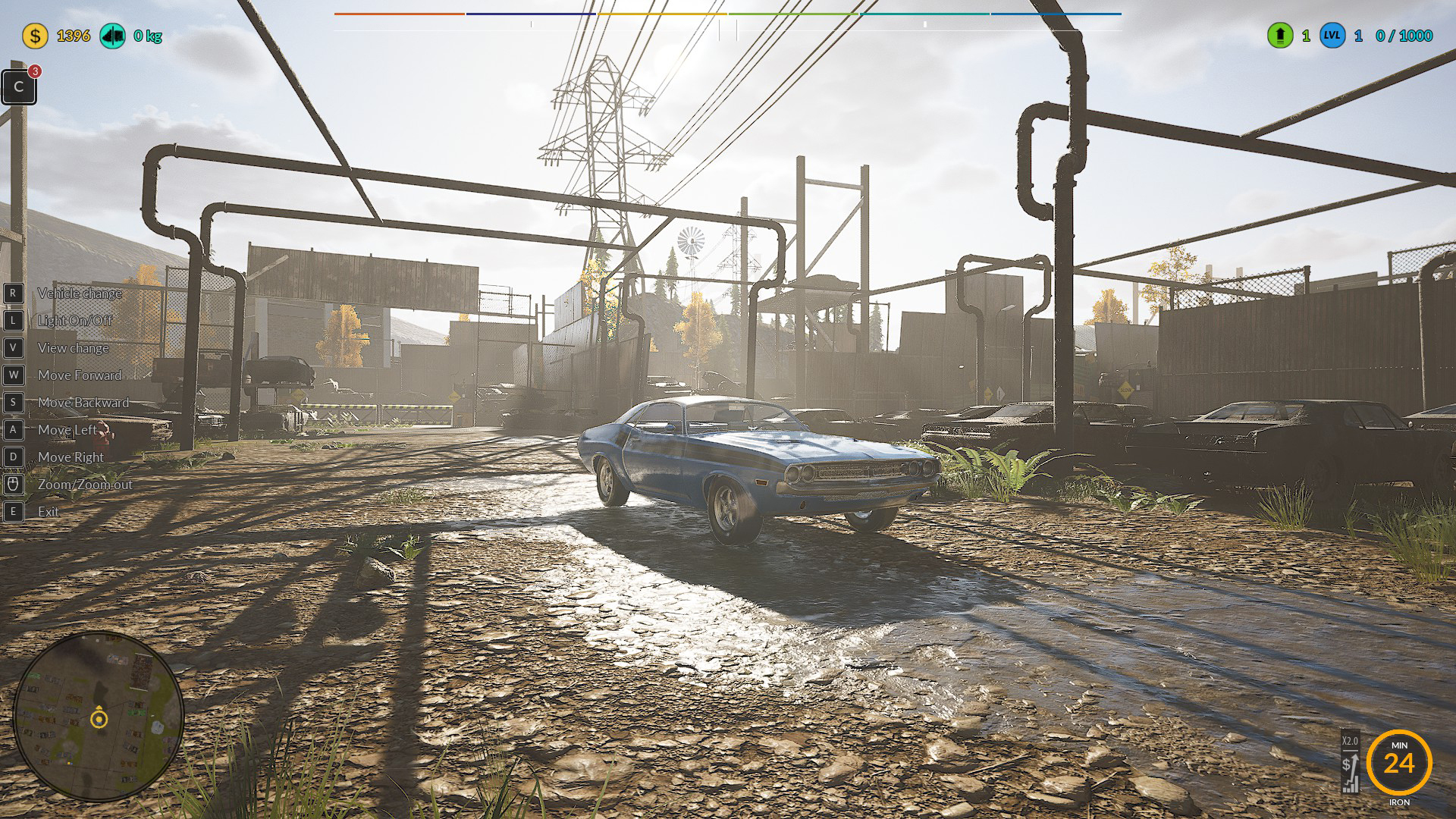
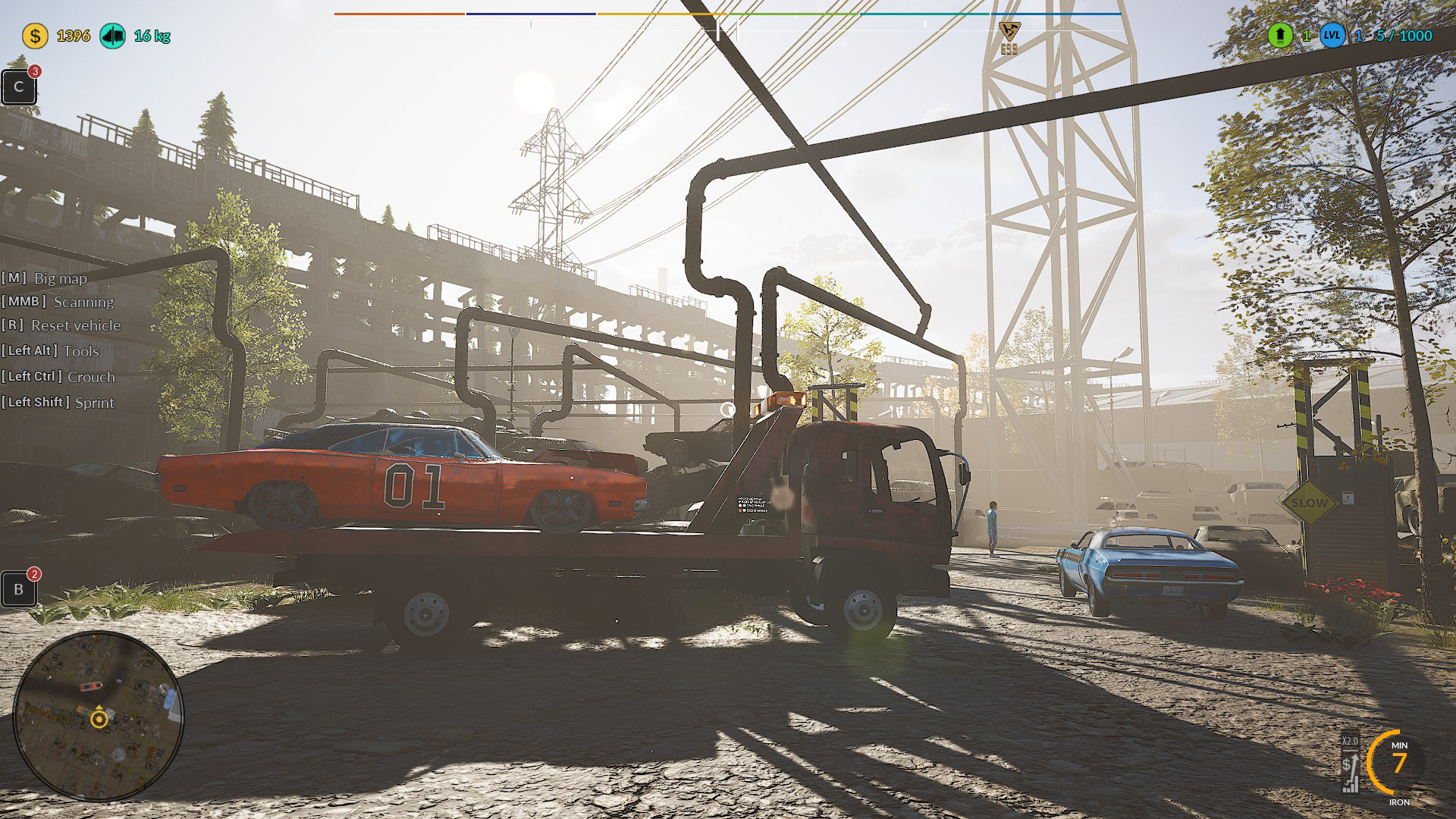
🛠️Blue Car is now available to drive right after completing the renovation. 🔧
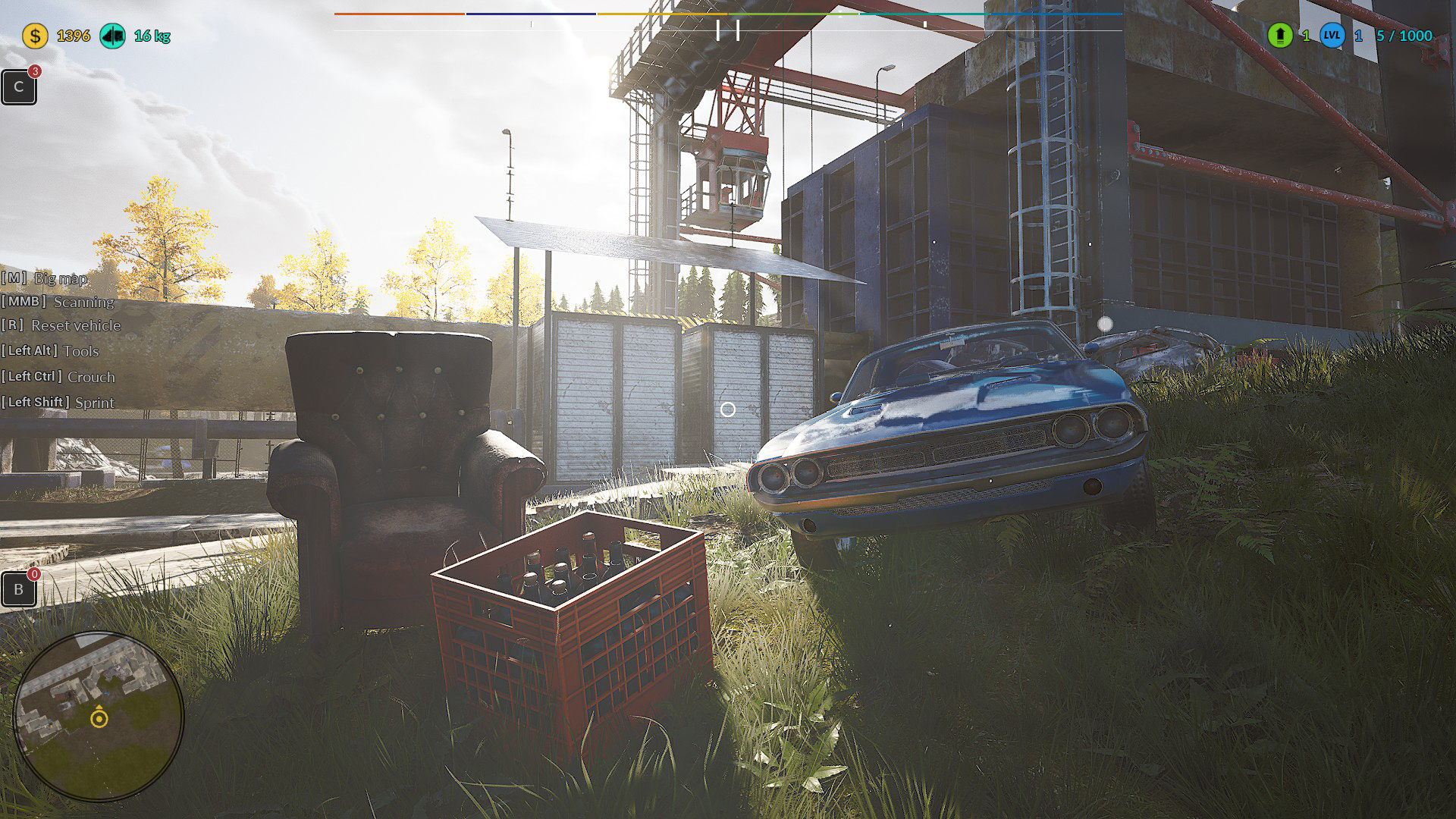
ENJOY! 🚗🔥😊
---------------------------------
Full list of changes below! 👇
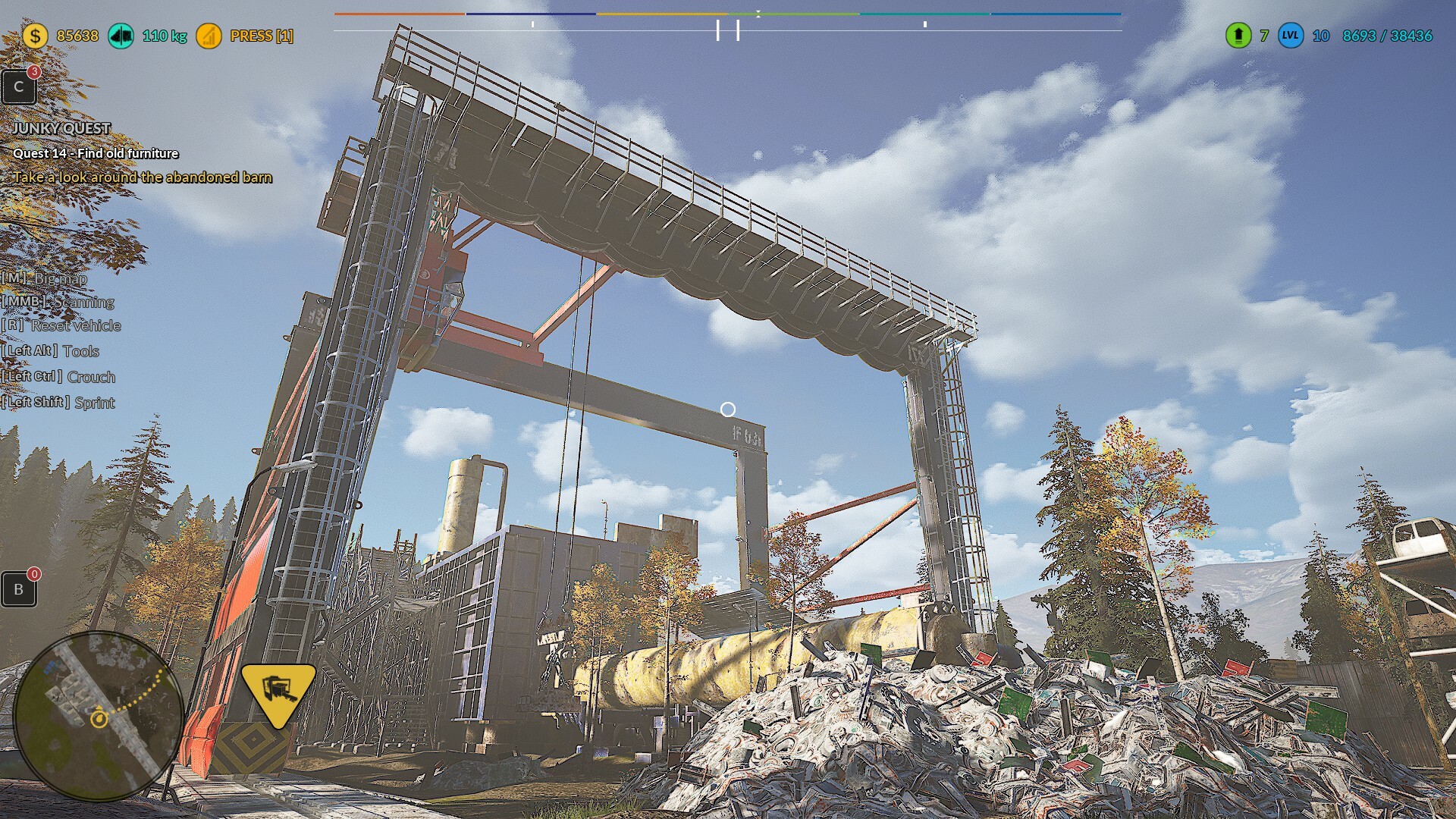
🛠️Creating a full keybind
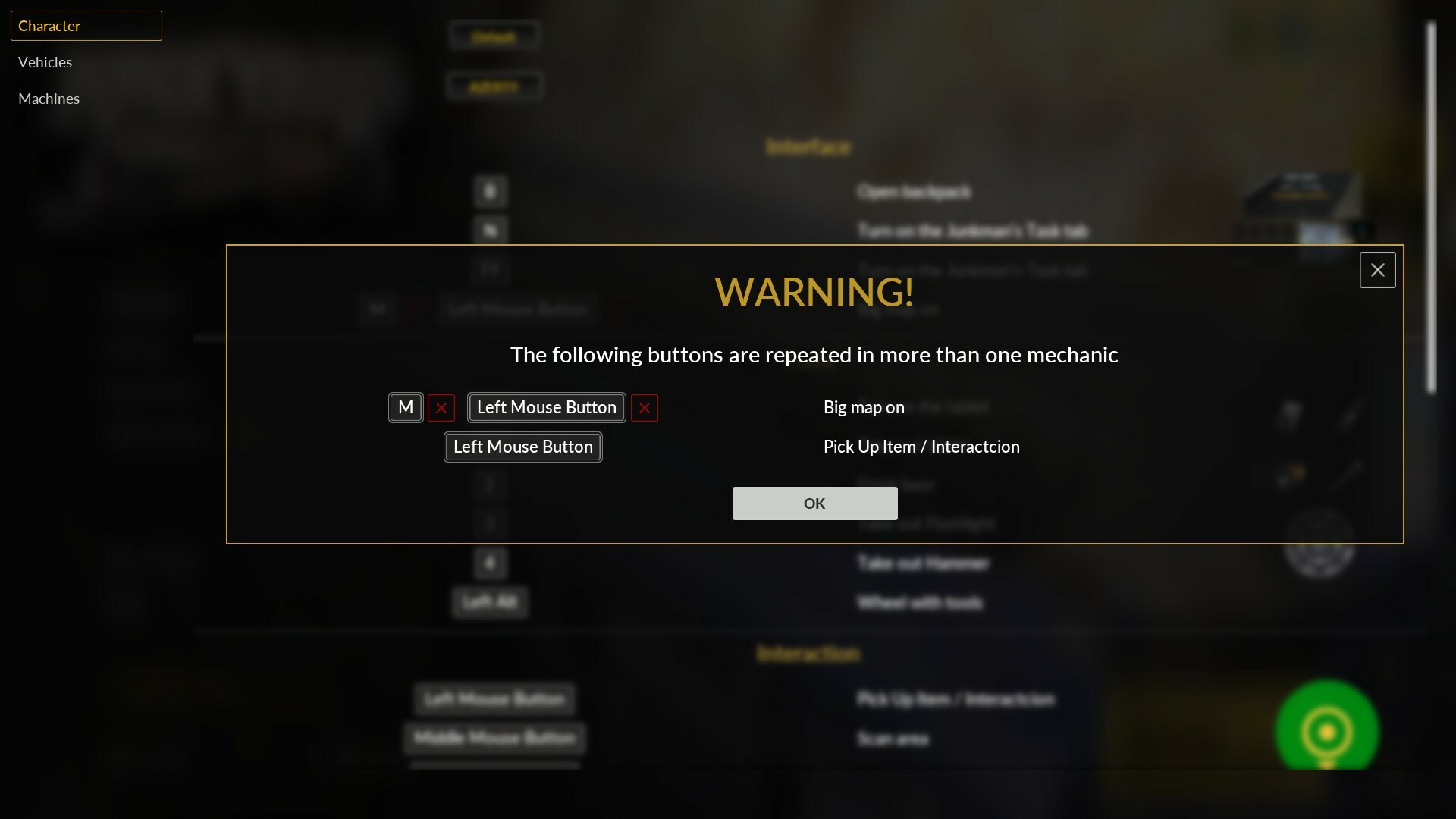
🛠️Creating a full keybind for the Mini Crusher
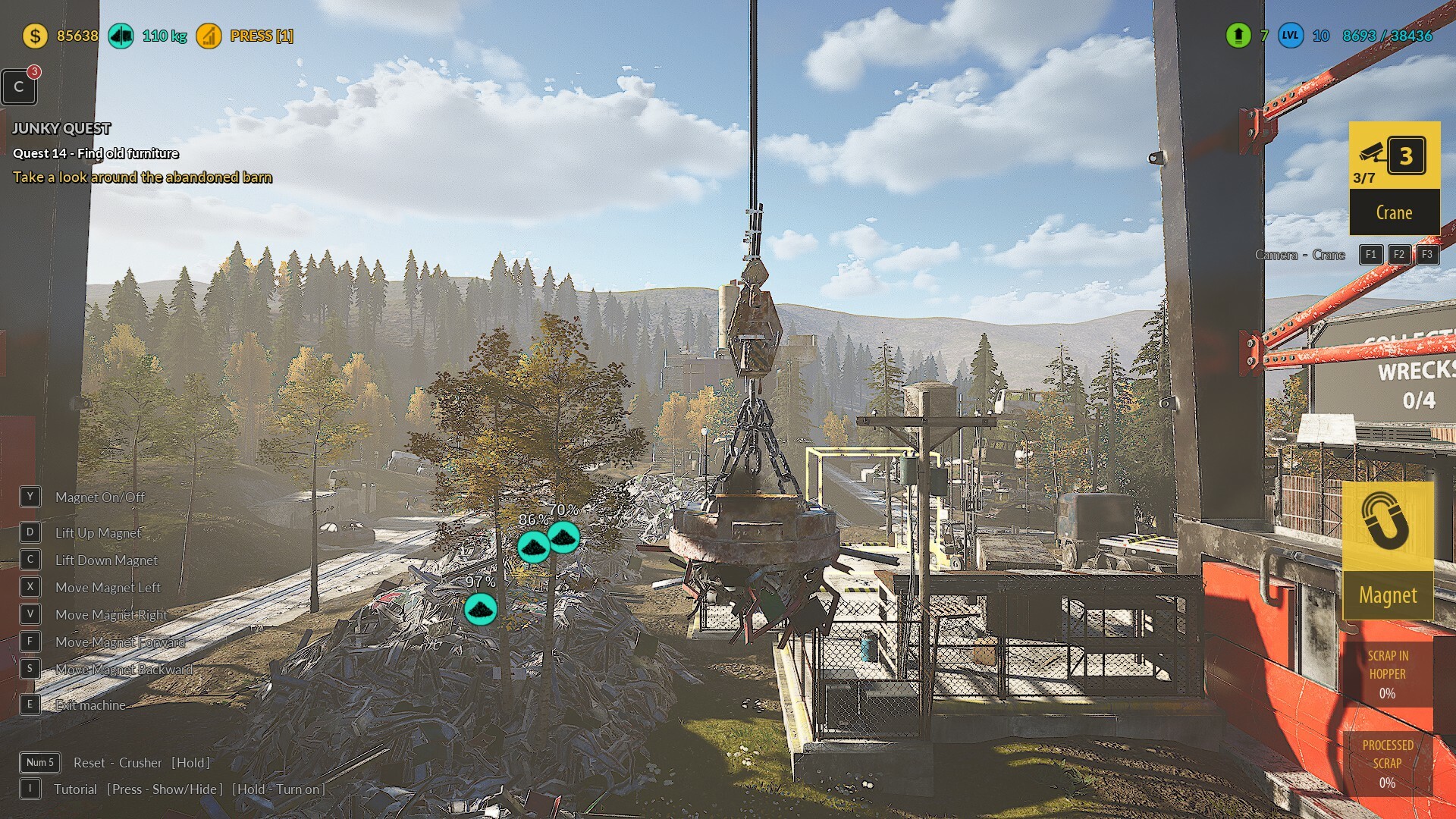
🛠️Creating a full keybind for the Vehicle mechanic
🛠️Creating a full keybind for the other mechanic
🛠️Adding the ability to remove a key if two keys are assigned to the same function
🛠️Adding hints to indicate which keys are duplicated. This allows the player to identify key conflicts while editing keybinds
🛠️Fixed the Tourer vehicle’s Rear Bumper restoration. Previously, the texture did not change during the process, despite the completion percentage increasing.
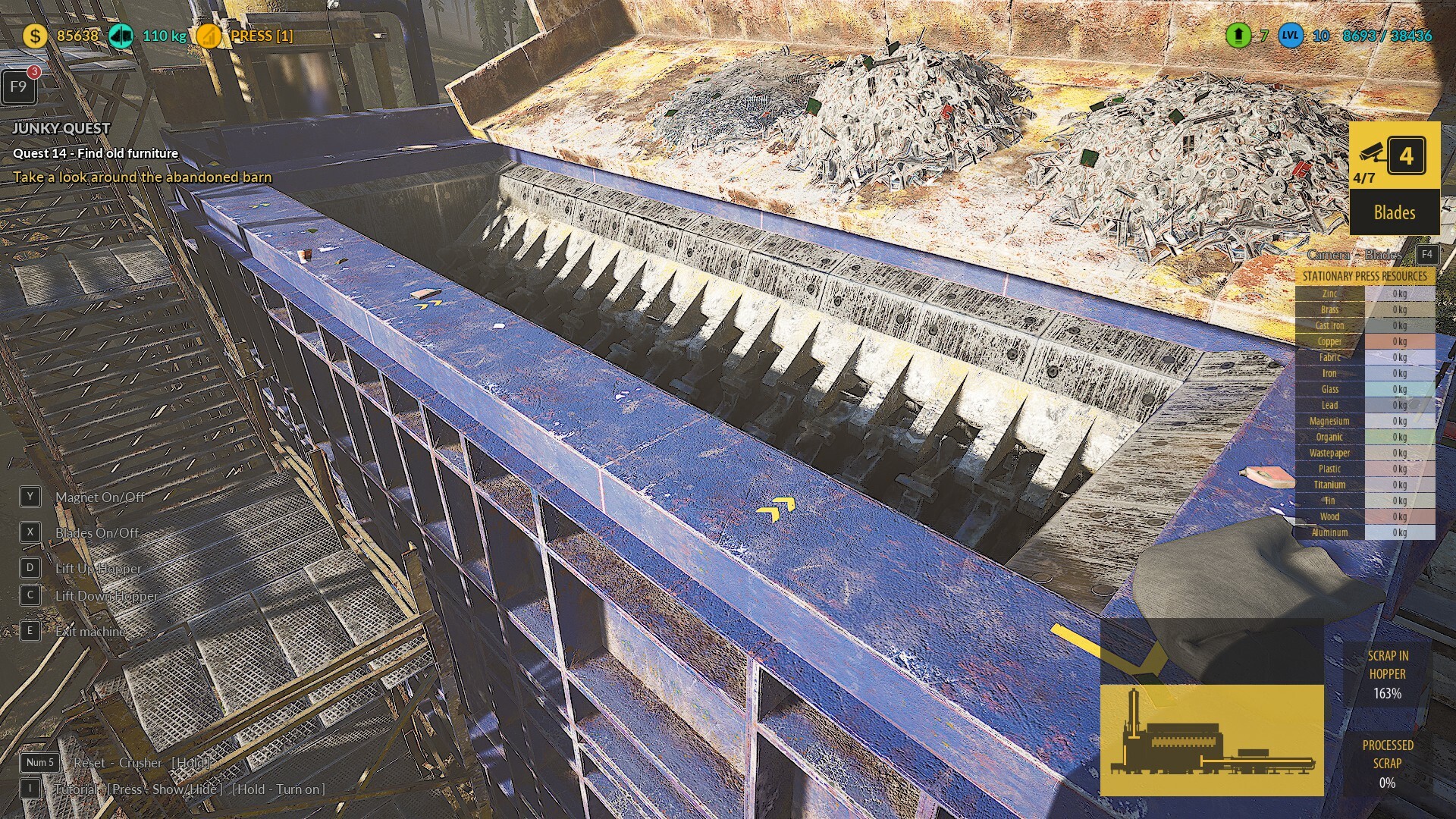
🛠️Implementing graphical improvements across the game related to keybinds. Now, all mechanics reflect the player's assigned key and display it during gameplay
🛠️Adding a reset to default keys on the first launch with full keybind to avoid issues with legacy key settings
🛠️Fixing missing translations in the Keybind tab
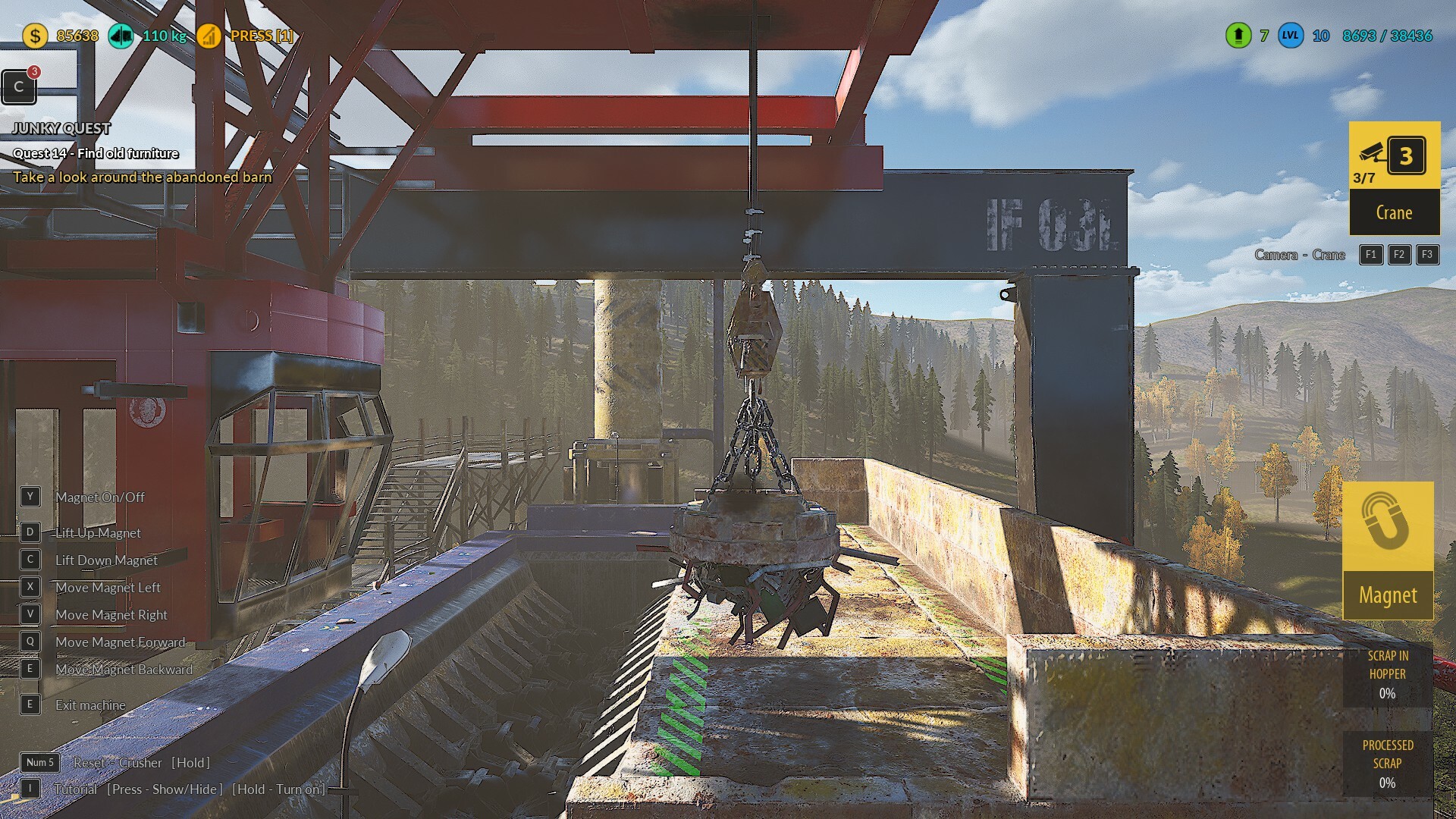
🛠️Add braking and rolling sounds when braking vehicles
🛠️Improve collision with objects while driving vehicles and refine collision sounds
🛠️Updating the content of keybind messages to make them more understandable for the player
🛠️Fixing the operation of the beacon lights on the Tow Truck
🛠️Reworking the running mechanic to support both tapping and holding. Now, both options can be assigned to different keys simultaneously without having to choose one
🛠️Adjusting the position of the destructible wall in plot A. There was an issue with hitting the wall correctly with the hammer, even when crouching
🛠️Fixing a material bug for the trunks of vehicles transported using the Baler Loader
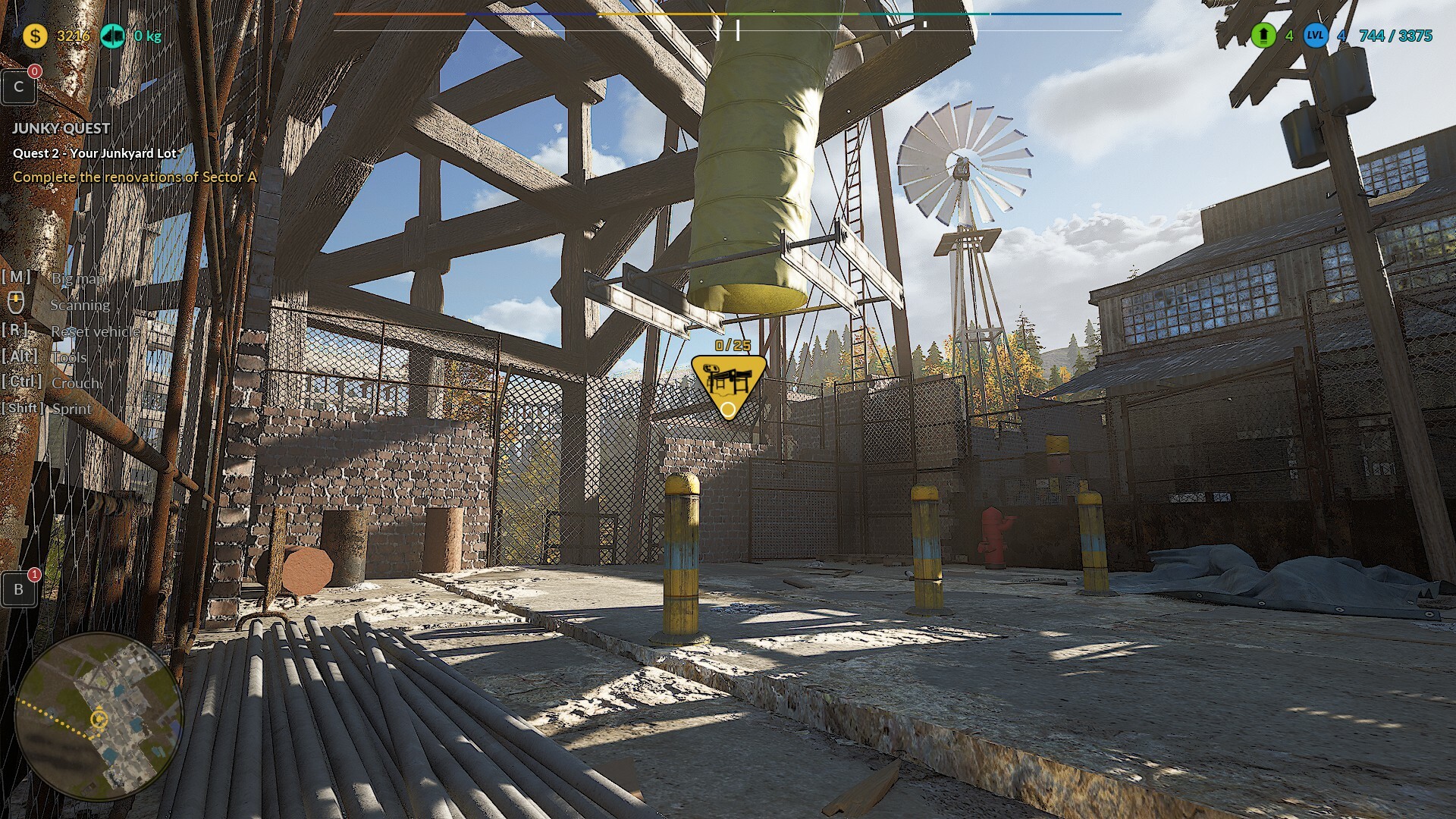
🛠️Adding a new system for displaying and selecting the camera in the Crusher and Loader mechanics. Now, players can see how many cameras are available, which one is currently selected, and the options they can choose from
🛠️Adding hints for the delivery time of the first raw material crate during the Parcel Renovation task.
🛠️Now, during gameplay, the nearest object that can be processed is indicated with an arrow.
🛠️Now, when a crate is created and placed on the ground, the arrow indicator will show that it needs to be picked up.
🛠️When holding a crate, the raw material box to which it should be delivered is indicated with an arrow.
🛠️After completing the entire process, including placing the crate into the raw material box, a message appears confirming that the mechanic has been learned.
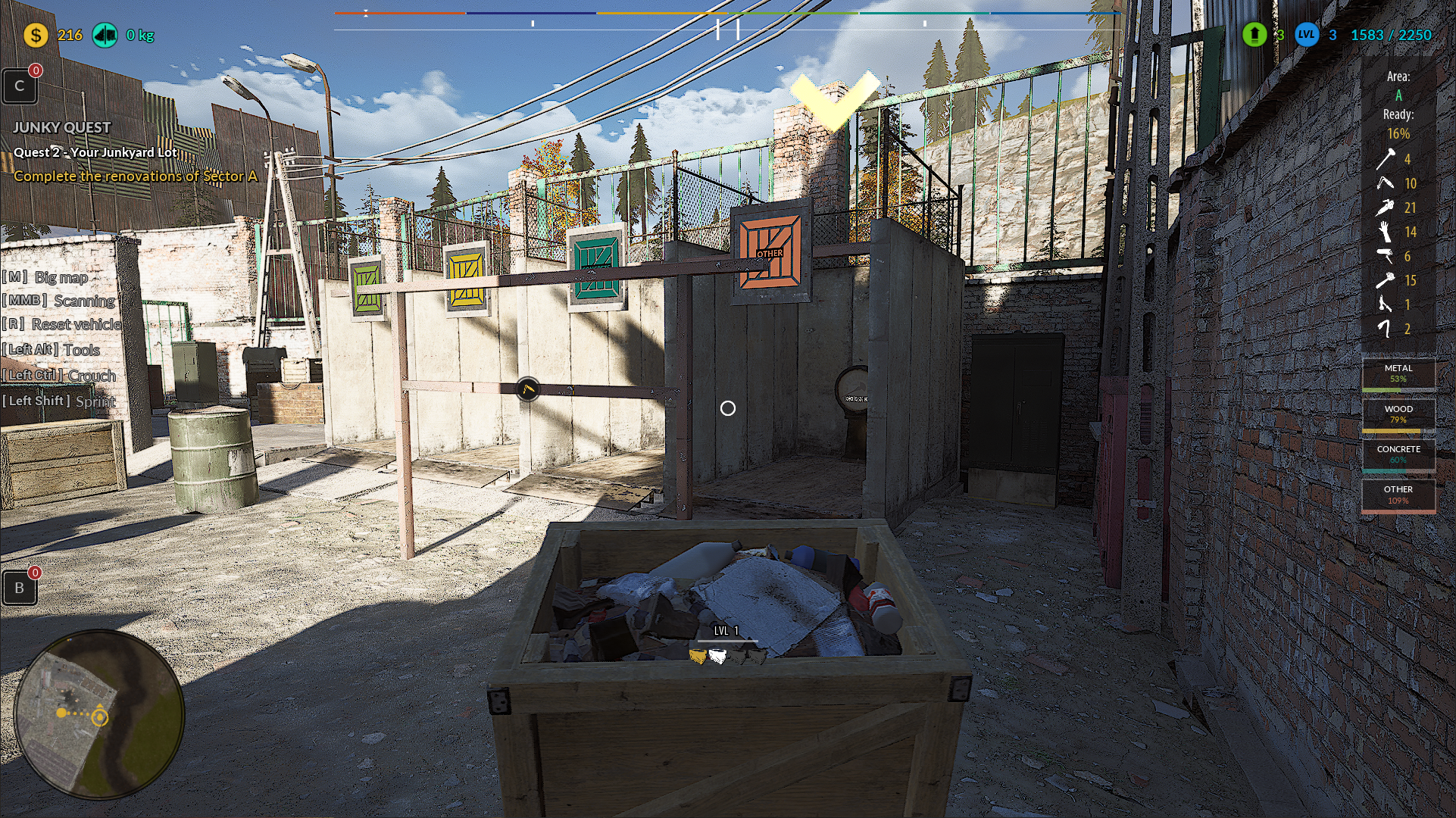
🛠️Tab highlight adjustment when using the personal parcel computer.
Now, the selected tab remains highlighted at all times, even after being selected.
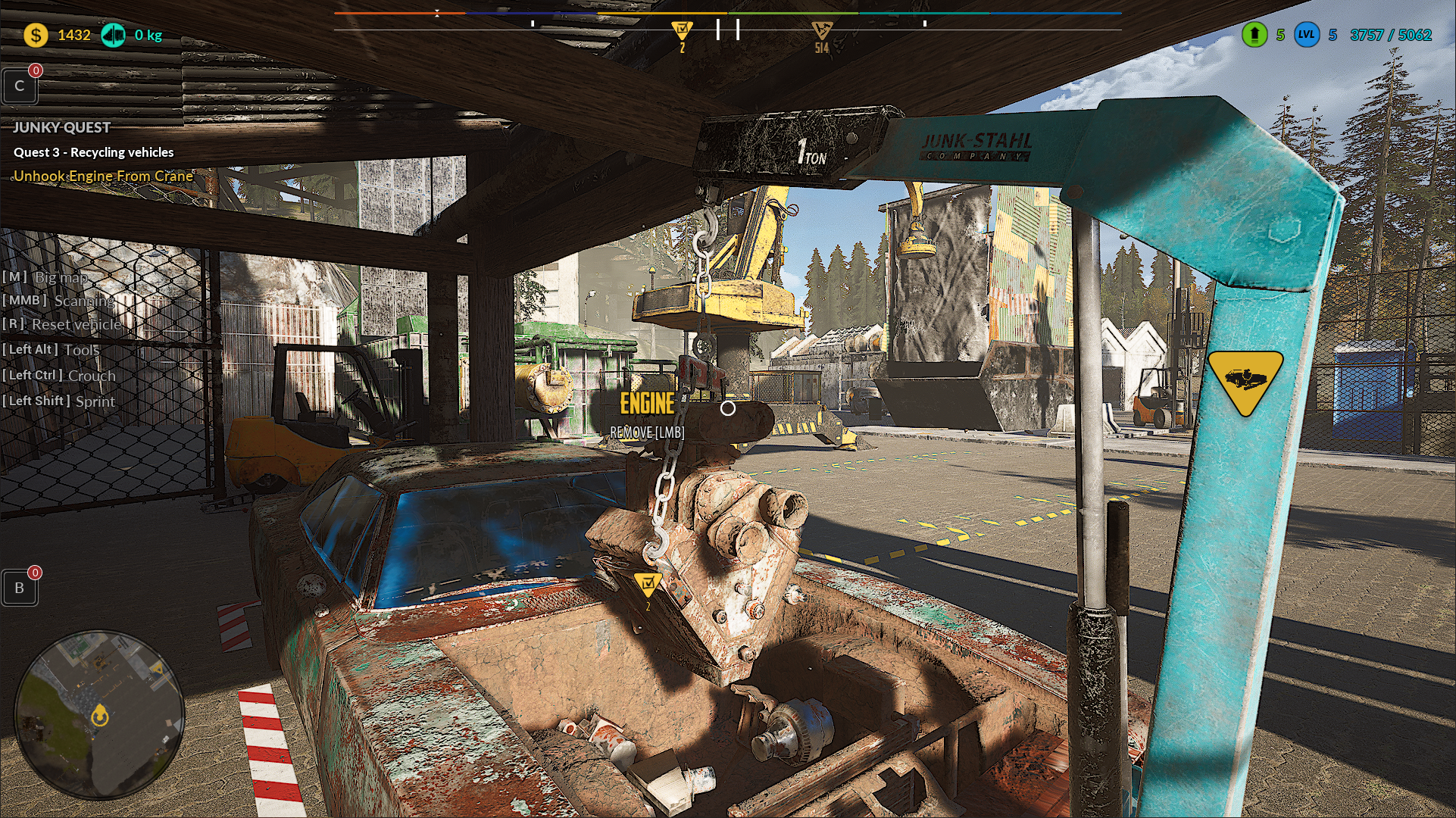
🛠️Crane mechanics change for the engine.
Now, during the engine removal task, the engine is no longer moved manually. Instead, the crane transports it to its designated location.
🛠️Fix for the LMB key display position when selecting vehicles in the tow truck mechanic.
The key icon is now perfectly centered.
🛠️Fix for a possible Fatal Error during automatic processing in the Furnace and MiniCrusher mechanics.
🛠️Fix for an invisible collision at the engine crane location when it is not yet visible at the engine removal station
🛠️Fix for a quest blockage that occurred when the player saved the game during the crane animation moving the engine.
🛠️Fix player-reported bugs – instance loading in the Pawnshop area.
🛠️Fix player-reported bugs – in the Windmill area.
🛠️Added a "Follow PlayWay" button to the main menu – we encourage those interested to check out our publisher's game suggestions and our fellow developers' projects.
🛠️Many smaller fixes to the game reported by players, for which we thank you very much! 😊
------------------------------------------------------------------------------------------------
Also please support us ːsteamthumbsupː 🙂
🚧Leveling system balance & Stability Fixes Update🚧
Thanks to your feedback, we’ve made key improvements and fixes to the game. We're continuously working on enhancing the overall experience, and our next update is well on its way! 🚀
Most of the changes are already in place, but we need a bit more time to polish everything. Thanks for your patience and support! 😊
Hotfix list:
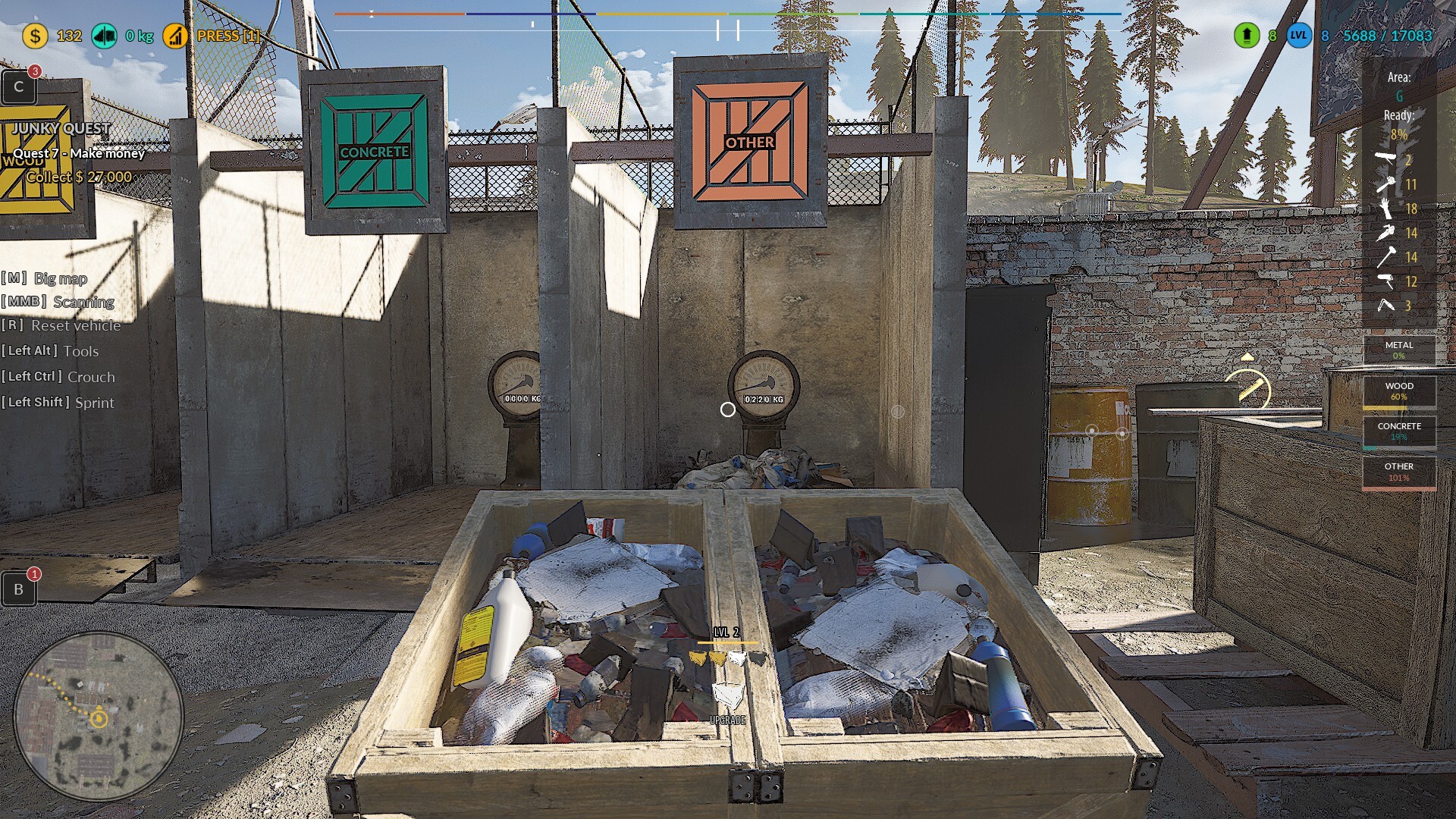
🛠️Reworking the leveling system. Now it’s easier to gain levels above Level 10, as the required XP for leveling up from Level 10 onwards is the same for all higher levels and is set at 25,000 XP.
🛠️Added a fix that, upon loading a save with a Level above 10, will properly recalculate the player's total XP and adjust the current Level accordingly, ensuring that players who leveled up under the previous system are not at a disadvantage.
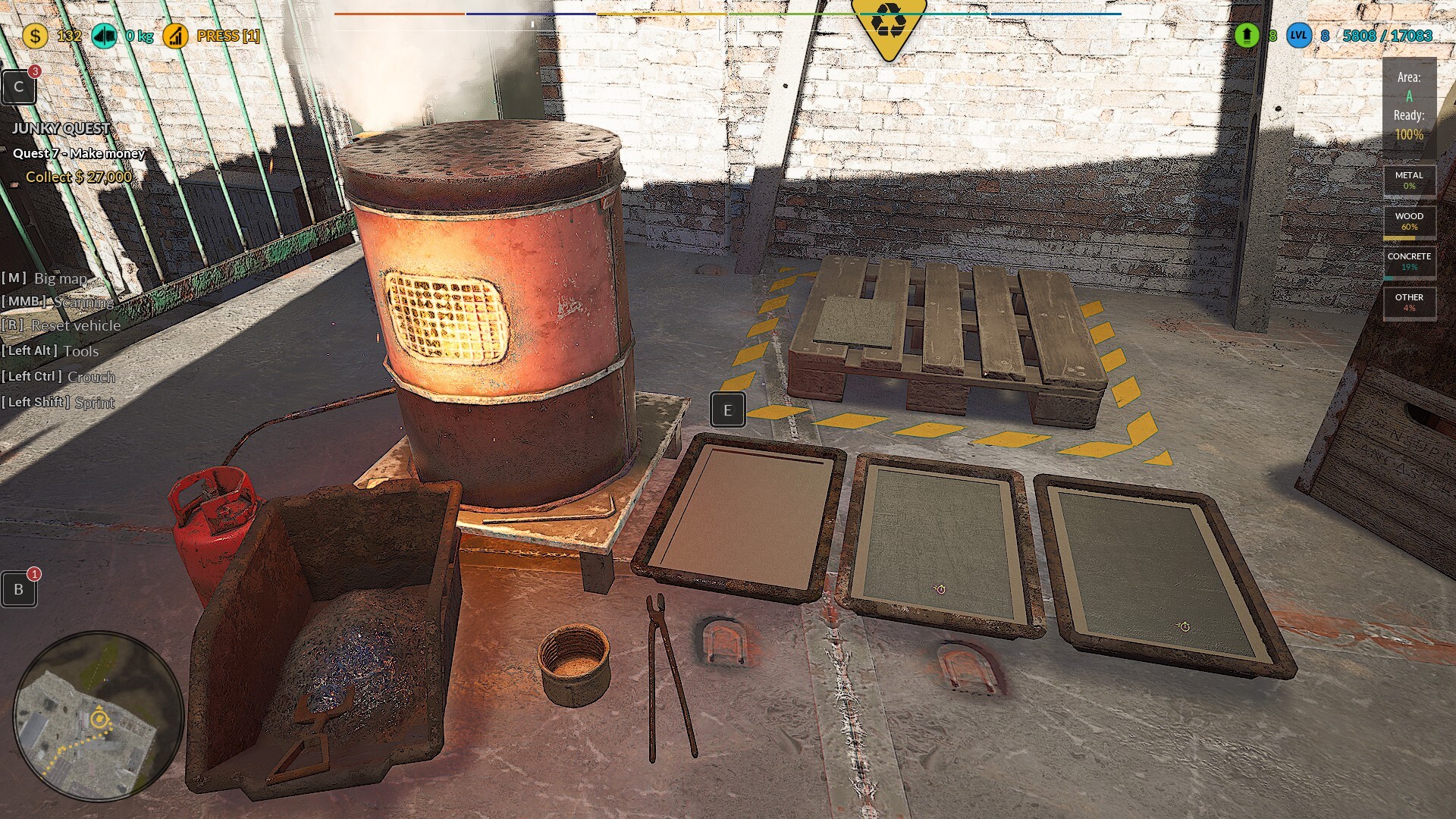
🛠️Fixed a Fatal Error when using the Furnace Machine and Mini Crusher.
🛠️Fixed tool upgrades in the Upgrade Station. Now, Level 3 upgrades cannot be purchased before Level 2 has been bought.
🛠️Improving the driving mechanics of the pickup and SUV, enhancing traction and cornering behavior.
Also please support us ːsteamthumbsupː 🙂
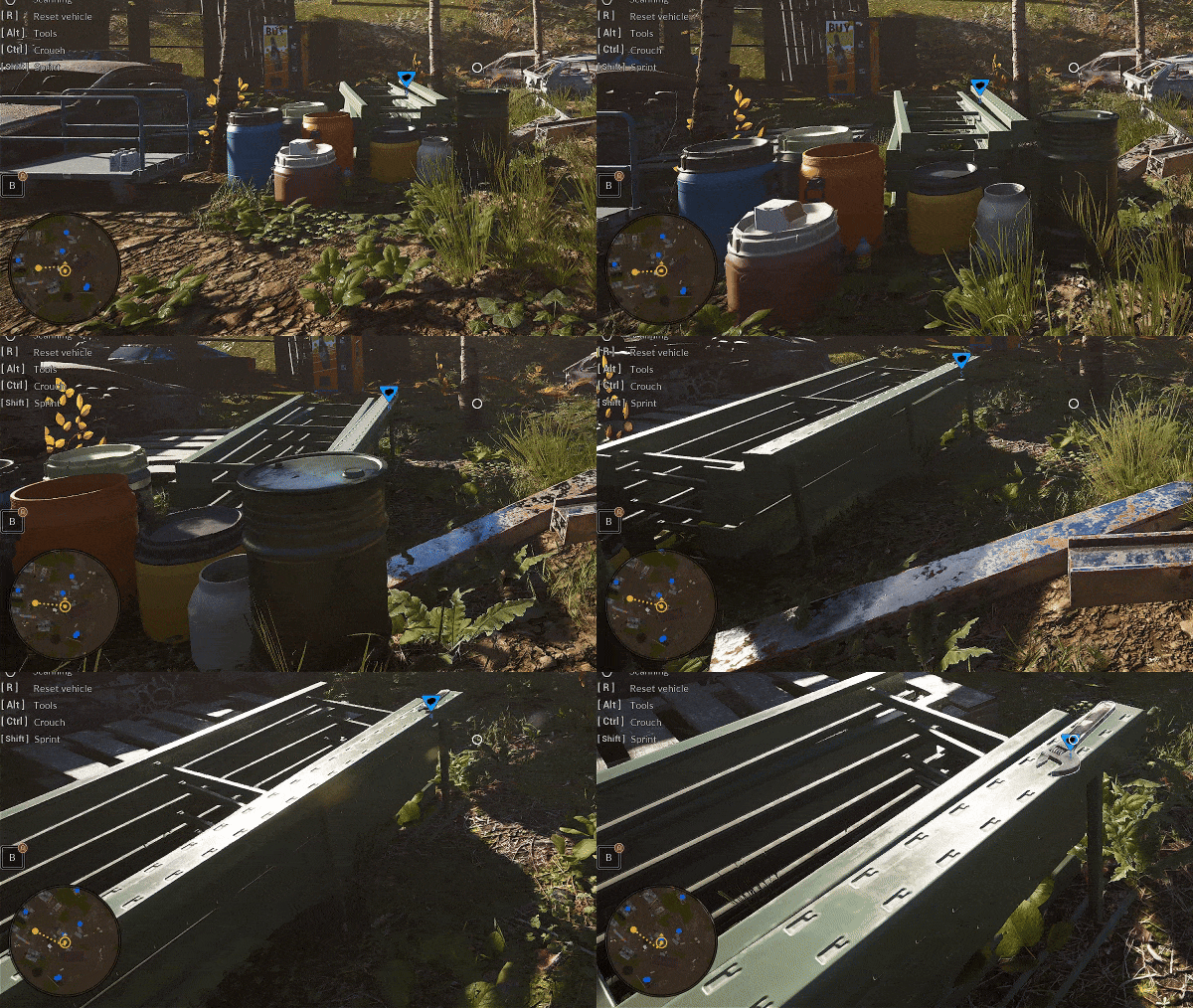
🚧Bug fixes and introduction of parcel assistance🚧
🛠️Adding hints for the delivery time of the first raw material crate during the Parcel Renovation task.
🛠️Now, during gameplay, the nearest object that can be processed is indicated with an arrow.
🛠️Now, when a crate is created and placed on the ground, the arrow indicator will show that it needs to be picked up.
🛠️When holding a crate, the raw material box to which it should be delivered is indicated with an arrow.
🛠️After completing the entire process, including placing the crate into the raw material box, a message appears confirming that the mechanic has been learned.
🛠️Tab highlight adjustment when using the personal parcel computer.
Now, the selected tab remains highlighted at all times, even after being selected.
🛠️Crane mechanics change for the engine.
Now, during the engine removal task, the engine is no longer moved manually. Instead, the crane transports it to its designated location.
🛠️Fix for the LMB key display position when selecting vehicles in the tow truck mechanic.
The key icon is now perfectly centered.
🛠️Fix for a possible Fatal Error during automatic processing in the Furnace and MiniCrusher mechanics.
🛠️Fix for an invisible collision at the engine crane location when it is not yet visible at the engine removal station
🛠️Fix for a quest blockage that occurred when the player saved the game during the crane animation moving the engine.
🛠️Fix player-reported bugs – instance loading in the Pawnshop area.
🛠️Fix player-reported bugs – in the Windmill area.
🛠️Added a "Follow PlayWay" button to the main menu – we encourage those interested to check out our publisher's game suggestions and our fellow developers' projects.
Also please support us ːsteamthumbsupː 🙂
🚧Gamepad Controller & Bug Fixes🛠️🚧
We know there have been a lot of gamepad updates lately, but we're making sure controller support works as smoothly as possible! 🎮
Thanks to your feedback, we’ve fixed key mechanics and addressed other issues as well. At this point, we haven’t received any more reports about controller issues, so we’re shifting our focus back to the next big game update. 🚀
Most fixes are in place, but we’ll need a bit more time—until Tuesday next week. We appreciate your patience and support! 😊
Hotfix list:
🛠️Fixed the issue where the cursor remained on the screen after exiting the Blue Car renovation mechanic when playing with a gamepad.
🛠️Adjusted the height of the resource processing information table in the Stationary Press to prevent it from overlapping with other UI elements.
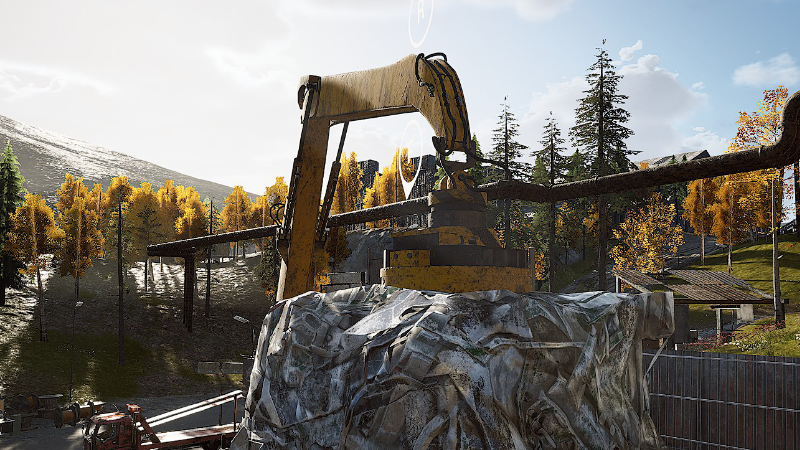
🛠️Fixed the occasional malfunction of the button used to switch between the Scrap Loader and the Car Baler when playing with a gamepad.
🛠️Resolved the issue with the camera mechanics when looking around in a vehicle located near the fast travel point in the center of the Large Junkyard.
🛠️Fixed the button that triggers automatic vehicle processing in the Scrap Loader and Car Baler when playing with a gamepad.
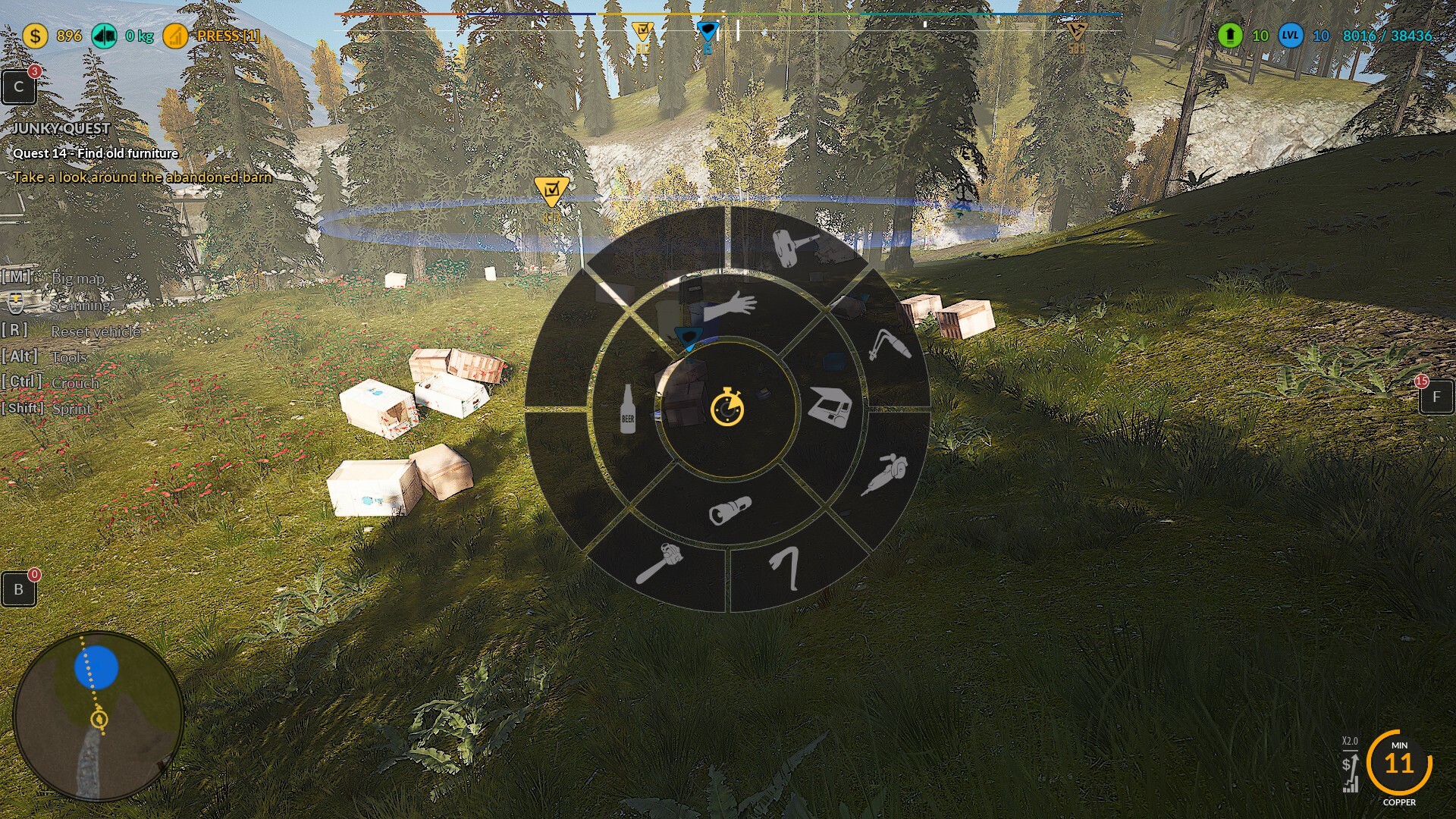
🛠️During work in the minicrusher, the culldistance at a certain angle hides the high-voltage pole.
🛠️Gamepad fixes - Crouching does not work when the blue car is on the lift.
🛠️Gamepad fixes - Exiting the vehicle restoration mechanic leaves the character in a crouching position.
🛠️Gamepad fixes - Camera zoom does not work in the vehicle restoration mechanic, and after exiting, it also breaks zooming in vehicles.
🛠️Gamepad fixes - At the start of the game and on the slot selection screen, it is impossible to scroll down with the gamepad and select any of the saves; only Story, Sandbox, and X for closing can be selected.
Also please support us ːsteamthumbsupː 🙂
🚧🛠️Gamepad controller🛠️🚧
You’re probably tired of all the gamepad updates, but as you know, the last keybind changes caused some issues with controller support. We want to make sure that even partial controller support works as smoothly as possible! 🎮
We’ve received a lot of valuable feedback from you about key mechanics not working properly, so we’re doing our best to fix everything. We believe that most issues are already resolved, but we still need a bit more time – until Tuesday next week.
So please be patient and understanding – there might be one or two more updates for the controller. Thank you for your support and for being with us! 😊🚀
Hotfix list:
🛠️Fixing the disappearance of the mouse cursor while pointing at components during disassembly when using a gamepad. Now, the cursor remains visible at all times—previously, it would disappear when not pointing at any component
🛠️Fixing the highlighting of body parts during car restoration when using a gamepad—now the player highlights parts with the RT button.
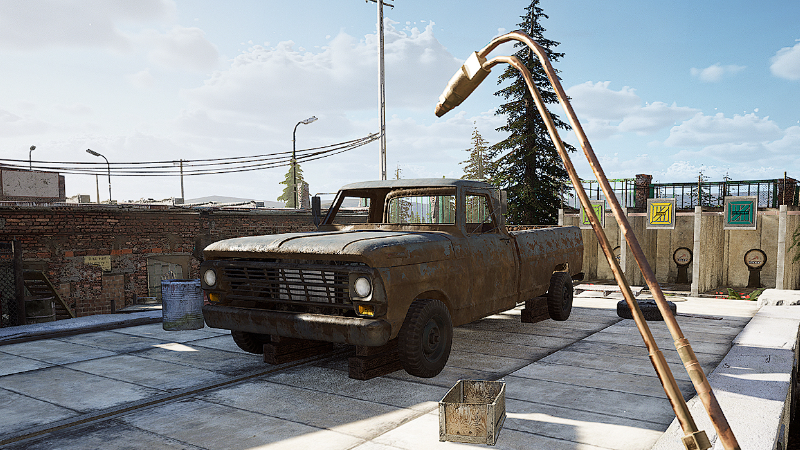
🛠️Changing the icon used for the body parts selection widget during car restoration to RT.
🛠️Fixing the ability to turn on the computer using the gamepad after completing the restoration of Blue Car and Pickup 1950.
🛠️Fixing the selection button for the vehicle sale widget in the Hangar when using a gamepad.
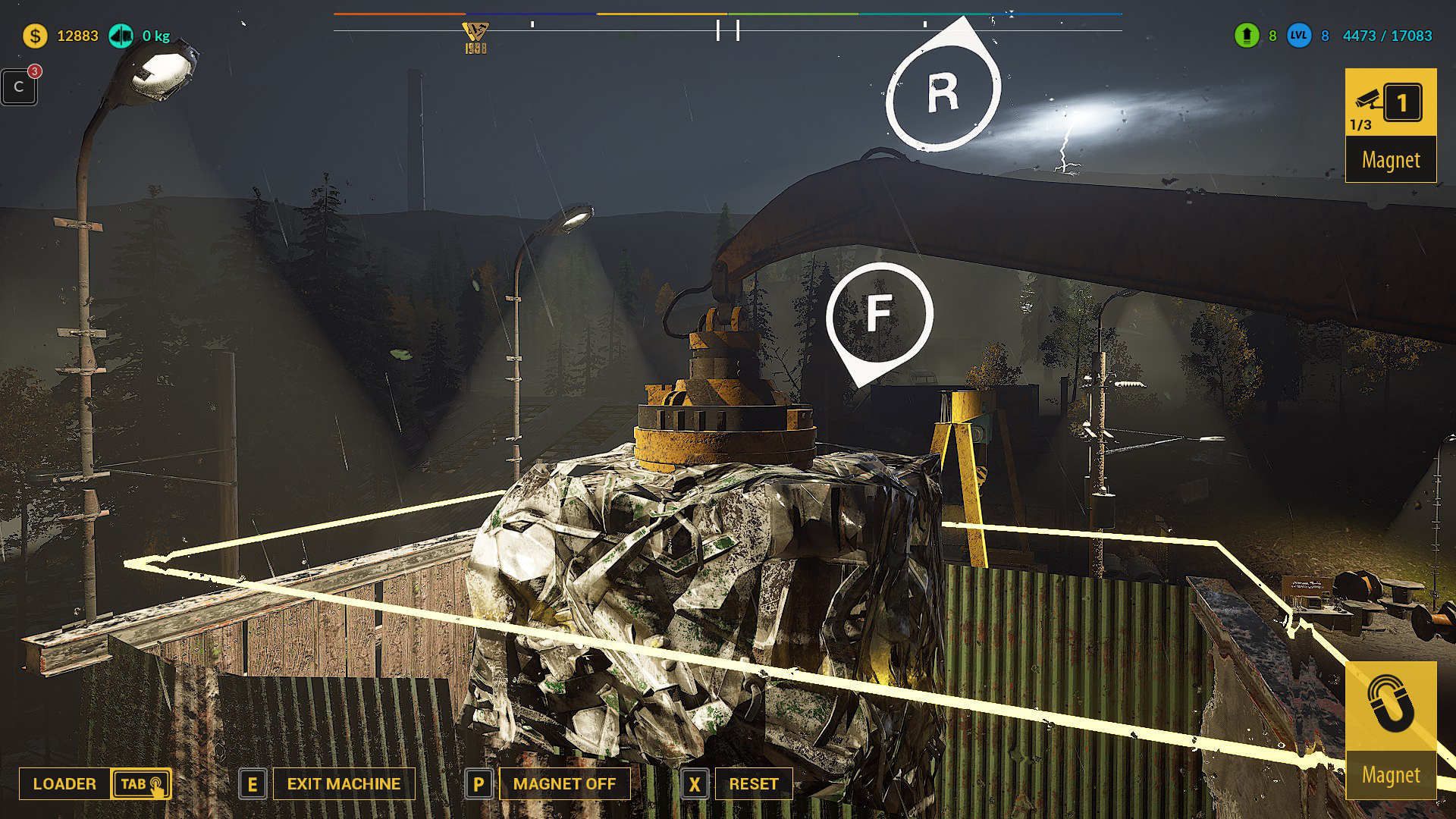
🛠️Adding an X button icon above the Conveyor Belt control panel when playing with a gamepad.
🛠️Adding an X button icon above the Scrap Market control panel when playing with a gamepad.
🛠️Fixing the ability to select a save file to load using the gamepad in the game start window.
Also please support us ːsteamthumbsupː 🙂
🚧🛠️Gamepad controller🛠️🚧
Hotfix list:
🛠️Gamepad Fixes - Cannot start Scrapper tasks
🛠️Gamepad Fixes - Sometimes the backpack cannot be closed using the gamepad
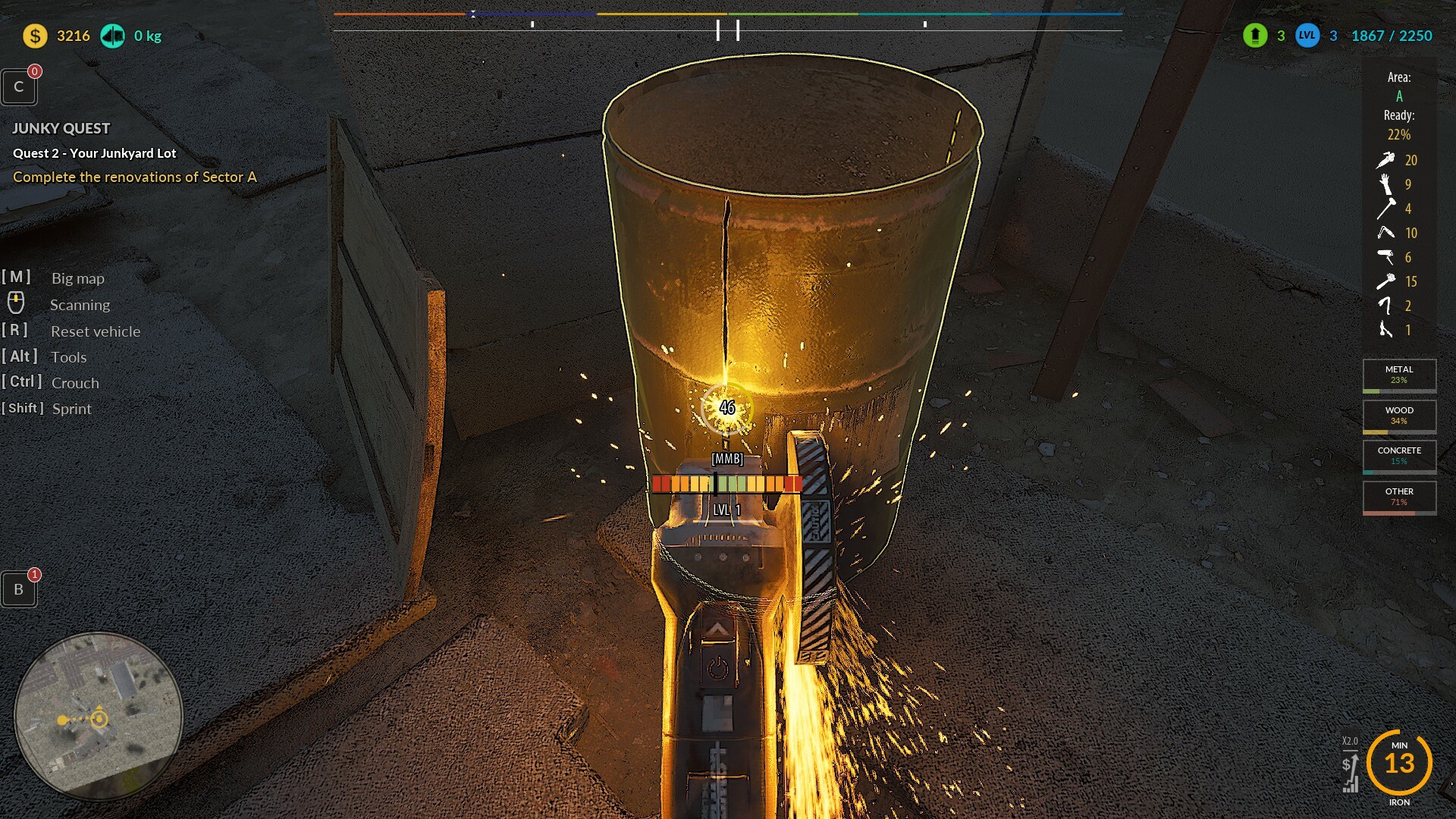
🛠️Gamepad Fixes - When accepting Scrapper jobs, there's no focus on the accept/reject button
🛠️Gamepad Fixes - On the 3D vehicle sale widget in the hangar, there's no gamepad button graphic, only "Press [E] for sell." Cannot sell a vehicle from the hangar using the gamepad – once the widget pops up, it cannot be interacted with using the controller, only with the mouse.
🛠️Gamepad Fixes - The "X" icon for the gamepad appears twice during interactions.
🛠️Fixing the ability to trigger an excessive amount of dust particles when moving the Pusher Horizontal, Pusher Vertical, and Gate in the Stationary Press mechanics while using a gamepad.
🛠️Removing the "Camera" label next to the buttons when using the Stationary Press.
🛠️Fixing the ability to sell vehicles in the hangar using a gamepad.
🛠️Adding information to the vehicle sale board about which gamepad button to press to initiate the sale.
🛠️Fixing the camera movement along with the cursor during the disassembly of Blue Car and Pickup 1950.
🛠️Fixing the ability to exit the disassembly mechanics of Blue Car and Pickup 1950 using a gamepad.
🛠️Improving the information icon that indicates which gamepad button centers the camera on a disassembly element during Blue Car and Pickup 1950 disassembly.
🛠️Fixing the occasional exit from the Blue Car and Pickup 1950 disassembly mechanics after pressing the disassembly button on the gamepad.
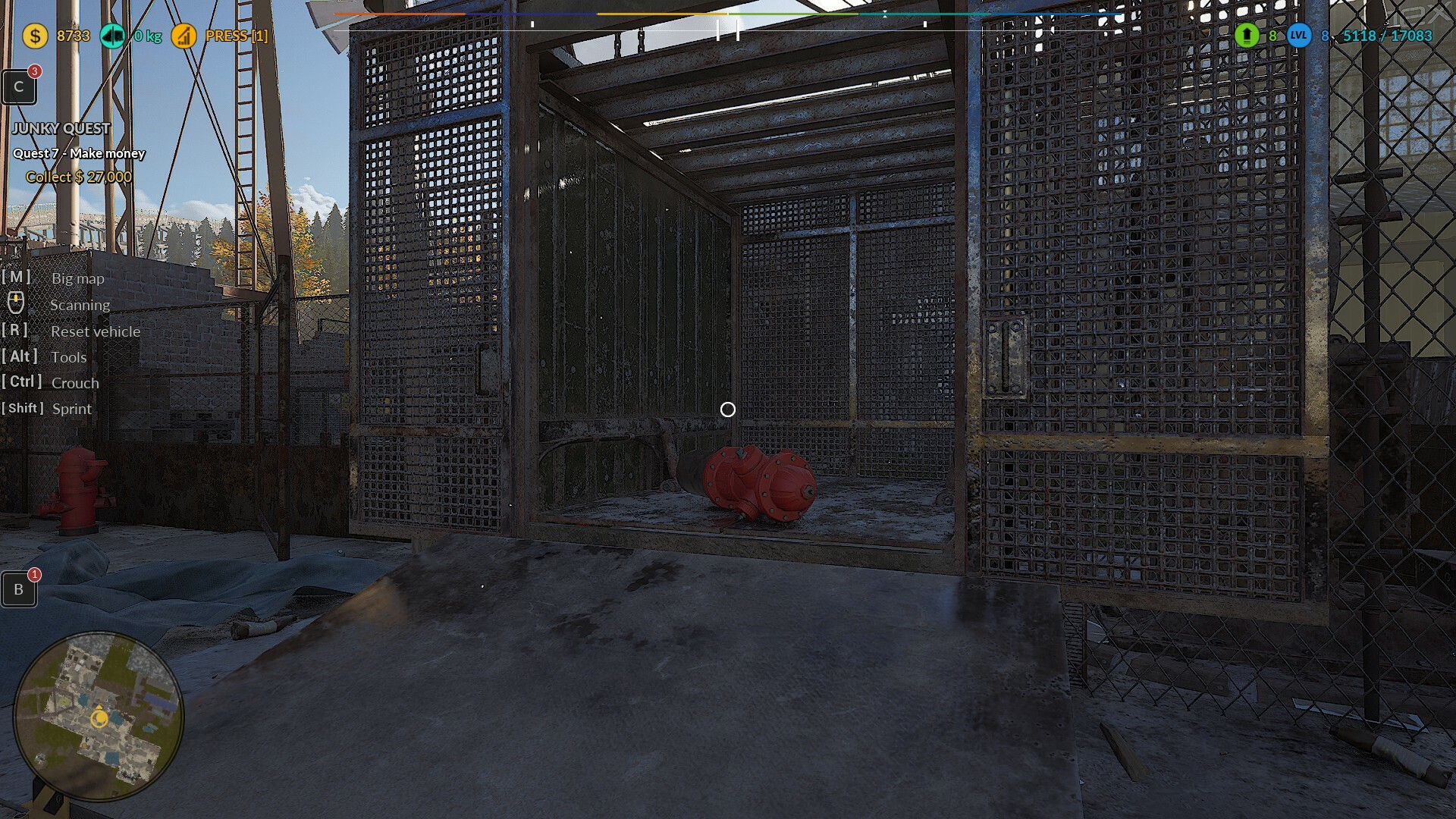
🛠️Removing the duplicated X button icon on the gamepad when placing items in the item restoration station.
🛠️Fixing the ability to trigger item auto-restoration using the gamepad in the item restoration station.
🛠️Fixing the ability to interact with the parts purchasing computer during the disassembly of Blue Car and Pickup 1950.