Genre: Puzzle, Simulator, Indie, Card & Board Game
Keep Talking and Nobody Explodes
Keep Talking and Nobody Explodes is now playable in Simplified Chinese!
We’ve been working closely with our Discord and Steam community to translate ‘Keep Talking and Nobody Explodes’ into other languages. We will be releasing them in groups, a few languages at a time. More languages are still to come, but here's what's available now:
Newly Added Languages (Steam Only):
Simplified Chinese
Languages already supported (Steam Only):
Italian
Norwegian
Portuguese-Brazil
Russian
Finnish
Dutch
Esperanto
Polish
Romanian
Spanish
Turkish
Japanese
Right now, new translations are only available on Steam. We intend to add language support to our other platforms but don't have a release date at this time. If you'd like to receive updates, you're welcome to join our mailing list.
Providing Translation Feedback for Newly Added Languages:
You can submit feedback about the translations by visiting our Steam Forum thread for instructions. People have volunteered their time to make these translations so don't forget to say thanks!
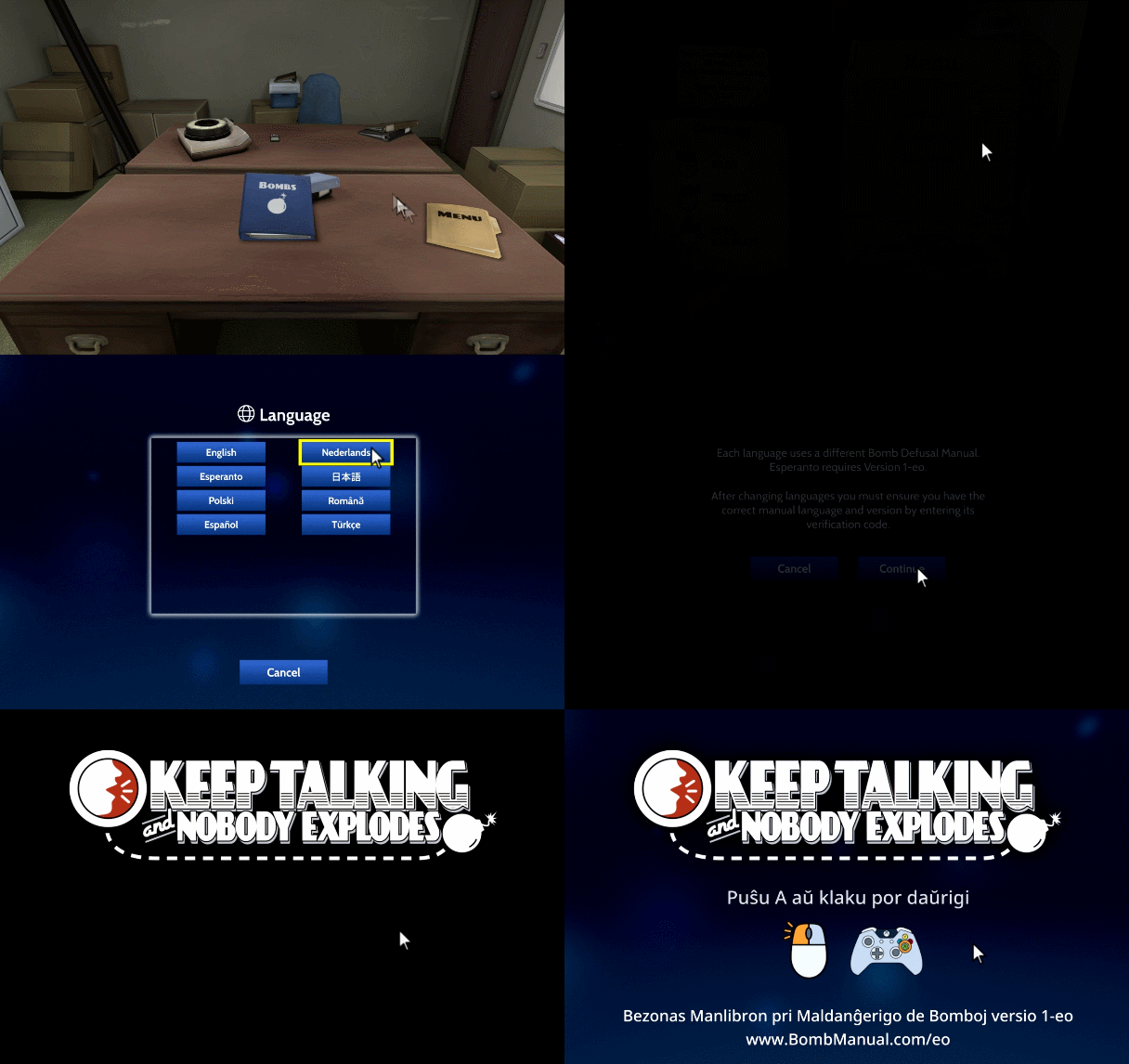
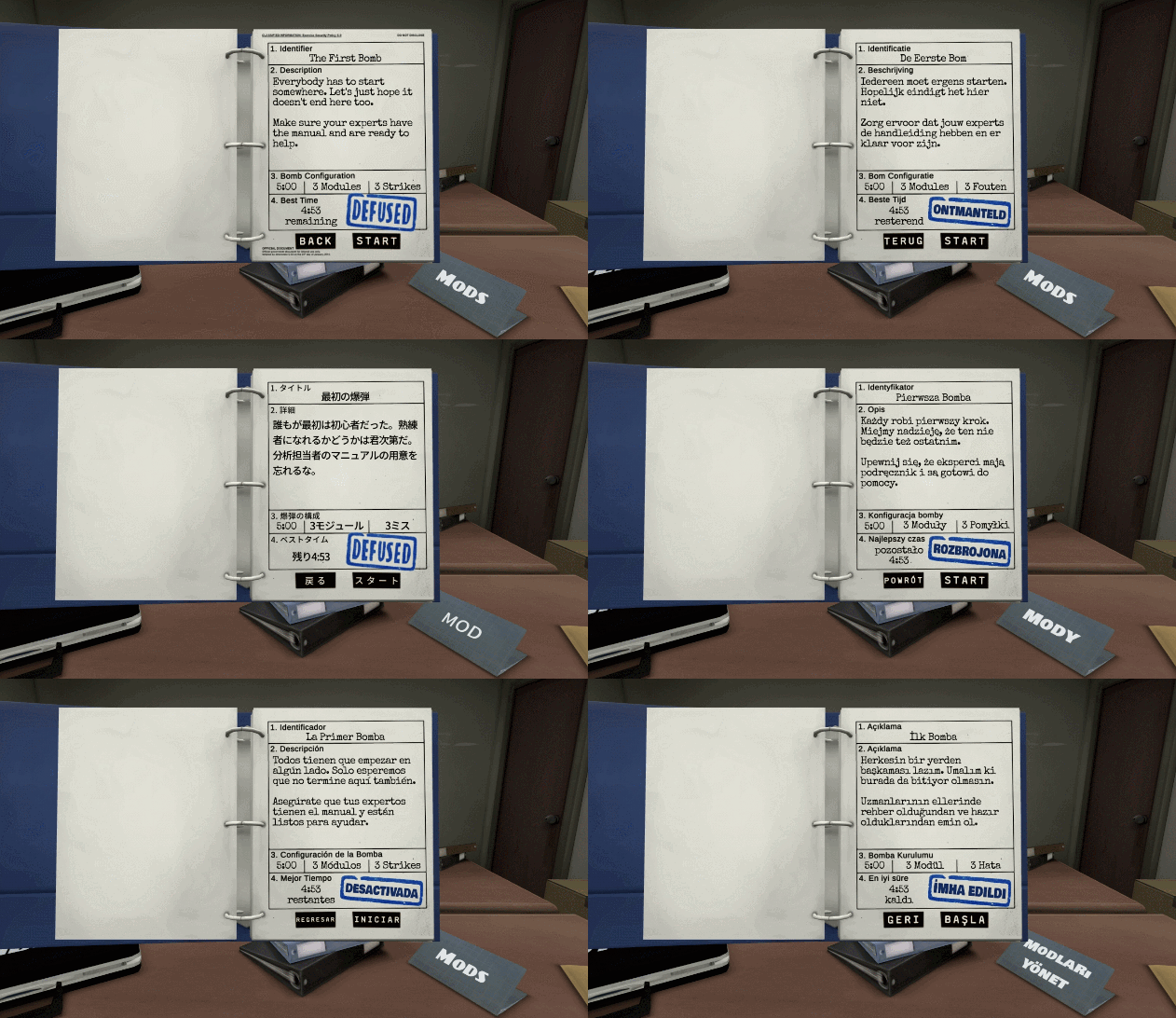
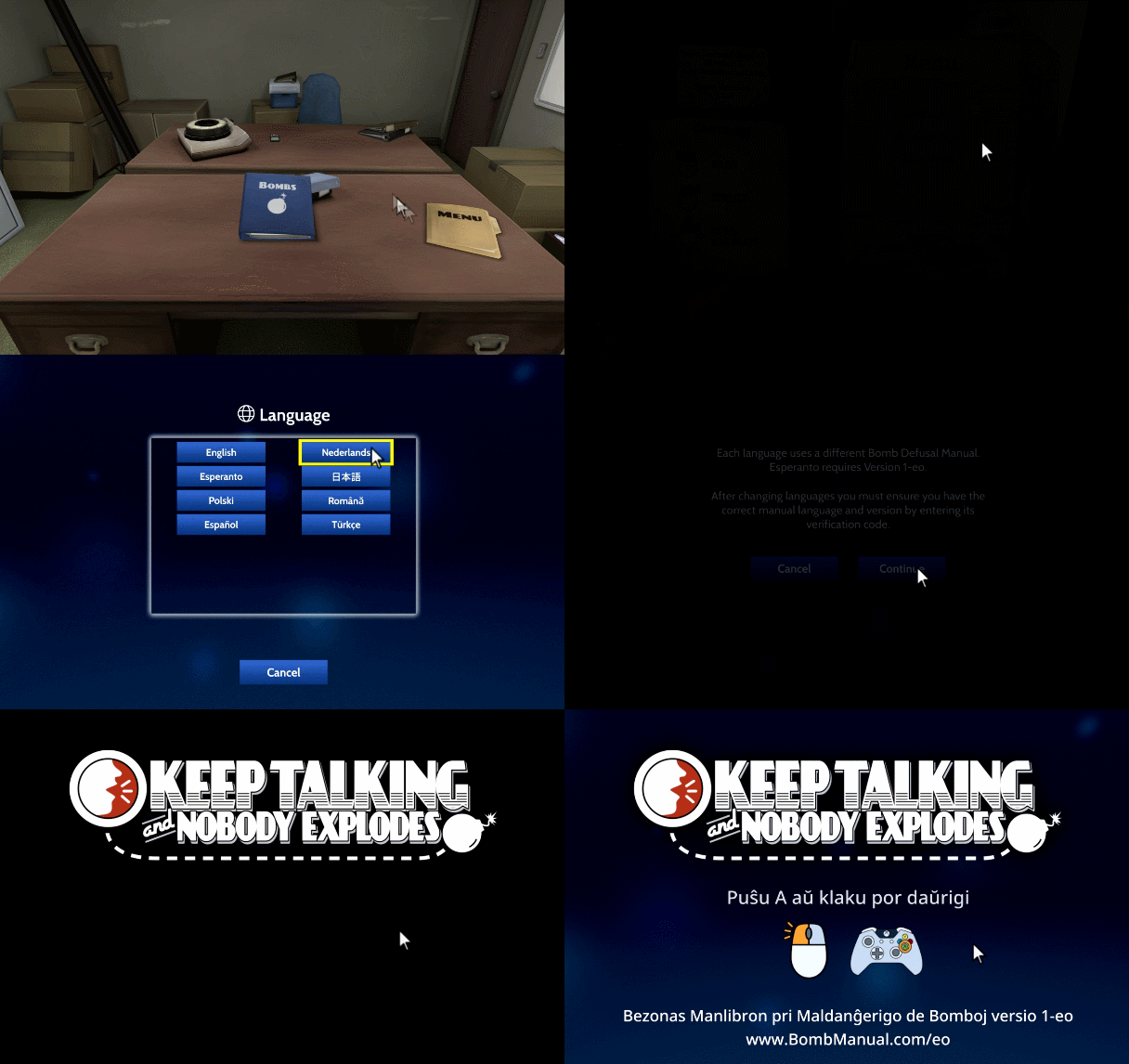
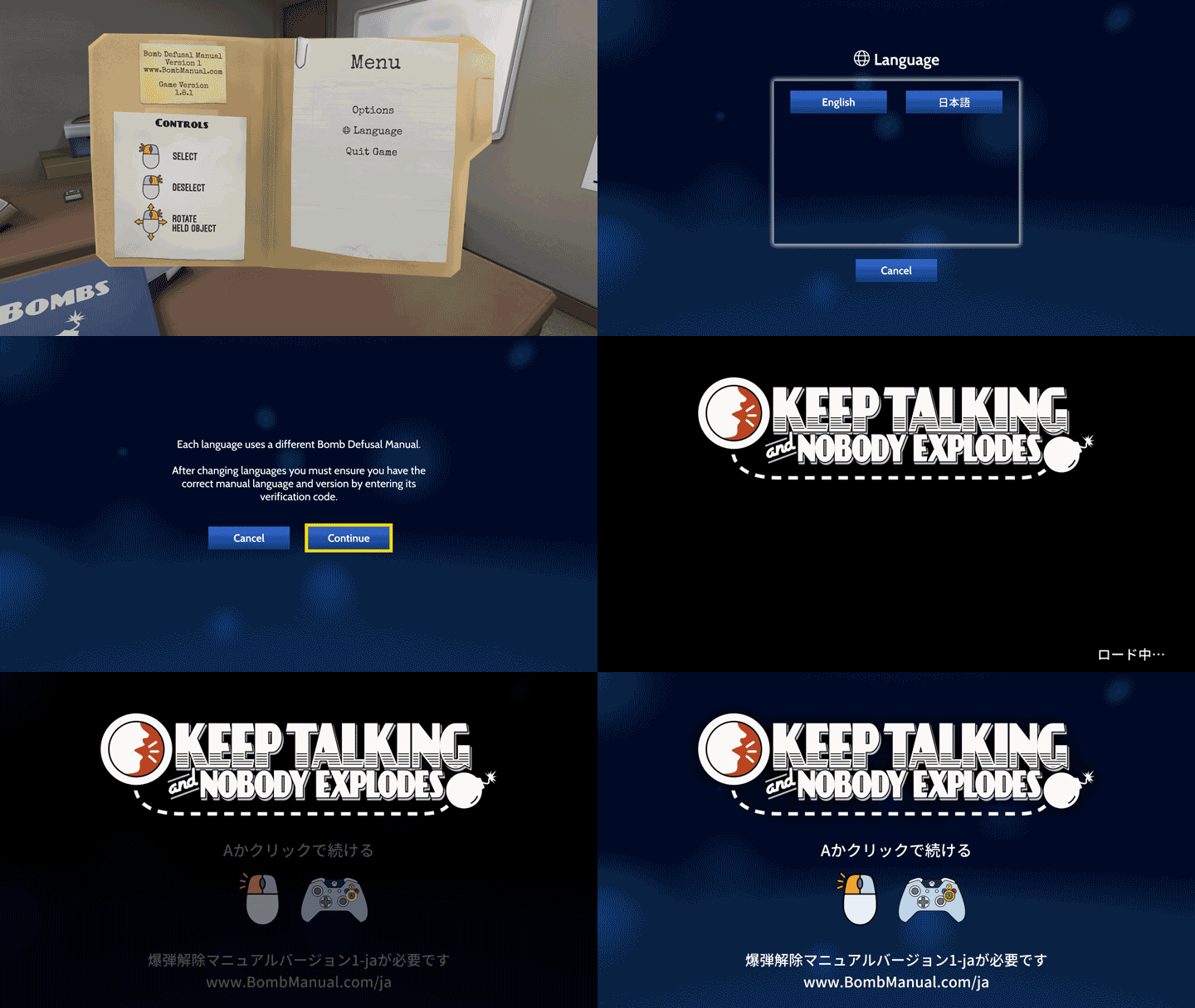
How to switch languages:
Now playable in Italian, Norwegian, Portuguese (BR), Finnish, and Russian.
We’ve been working closely with our Discord and Steam community to translate ‘Keep Talking and Nobody Explodes’ into other languages. We will be releasing them in groups, a few languages at a time. More languages are still to come, but here's what's available now:
Newly Added Languages (Steam Only):
Italian
Norwegian
Portuguese-Brazil
Russian
Finnish
Languages already supported (Steam Only):
Dutch
Esperanto
Polish
Romanian
Spanish
Turkish
Japanese
What about other languages and platforms?
Right now, new translations are only available on Steam. We intend to add new languages and support them on other platforms but don't have a release date at this time. If you'd like to receive updates, you're welcome to join our mailing list.
Providing Translation Feedback for Newly Added Languages:
You can submit feedback about the translations by visiting our Steam Forum thread for instructions. People have volunteered their time to make these translations so don't forget to say thanks!
How to switch languages:
Translation Beta Update 1.9.5
We've made updates and fixes to the Dutch and Polish Beta translations. Both include changes to the rules that require an updated manual version. You will need to grab the latest manual and enter its verification code before being able to play.
You can find the latest version of the manual here:
Did you know that Keep Talking and Nobody Explodes is now available in Dutch, Esperanto, Polish, Romanian, Spanish, and Turkish? It's true! And it's all thanks to our wonderful community. Go give them a “thanks!” on our Discord server!
We'd like to bring the game to even more languages, but we need some help. Keep Talking and Nobody Explodes is a game all about communication so language is key, and nobody knows how the game is meant to be played better than our own players.
We're currently looking for translators to help localize the game into:
Arabic
Chinese (Traditional)
Korean
Thai
Ukrainian
These languages are almost done, but you can join us in Discord to give your feedback on them now:
Chinese (Simplified)
Czech
Danish
Finnish
French
German
Hebrew
Hungarian
Italian
Norwegian
Portuguese (pt-BR)
Portuguese (pt-PT)
Russian
Swedish
Want to help out?
Head over to our Discord server and check out the #localization channel and read the pinned post. You'll find instructions for how to sign up and can discuss with other translators in the community.
Thanks, - Allen, Ben, Brian, and Taraneh
Six new languages now in beta:
We’ve been working closely with our Discord community to translate ‘Keep Talking and Nobody Explodes’ into other languages. The first six languages are now officially playable in beta: Dutch, Esperanto, Polish, Romanian, Spanish, and Turkish.
To submit feedback about the translations, visit our Steam Forum thread for instructions. Remember, people have volunteered their time to make these translations, so be kind to each other.
How to switch languages:
Beta branch: Now testing Dutch, Esperanto, Polish, Romanian, Spanish, and Turkish!
We've been working closely with our Discord community to bring more languages to Keep Talking and Nobody Explodes! You can help playtest the first wave of new languages right now in the beta branch.
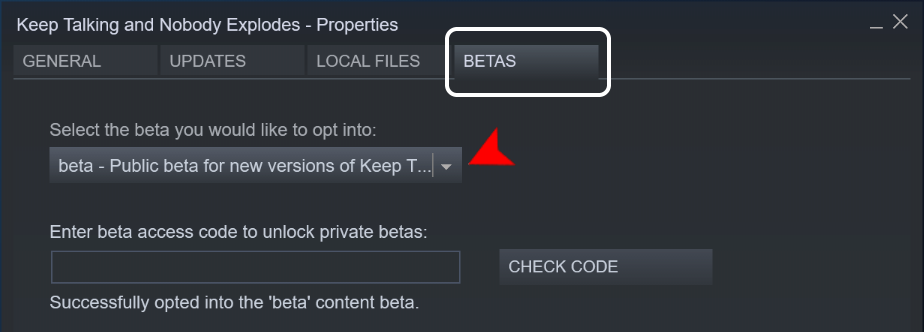
To start playing in new languages, opt in to the "beta" branch in your Steam library.
Huge thanks to MrSpekCraft, Timwi, Wojciech, xPandaEyeZ, Dead4Water, KingSlendy, hockeygoalie78, and Emre from our Discord community for all of their work bringing these languages to the game.
Mini-FAQ
I don't see any of these languages! You need to opt-in to the "beta" branch in your Steam library for Keep Talking and Nobody Explodes.
Will there be more languages available? We're working with our Discord community on several more languages right now! If you'd like to get involved and help out testing or translating, please join us at discord.gg/ktane and check out the #localization channel for more details.
I found a typo/text overlap/bug! Please let us know in the #localization channel on Discord!
How to Get the Beta
<*> Open up Steam App on your computer
<*> Go to your Library, and right-click on Keep Talking and Nobody Explodes
<*> Click on “properties”, the window should appear.
<*> Select the BETAS tab, then click the drop-down menu and select “beta”
<*> The game should begin downloading.
1.8.3 Patch Notes
Hi everybody!
We just pushed a small update to address an issue with Steam VR controllers, plus a few fixes for mods:
Fix issue where one Steam VR controller would not work correctly
Fix missing halo shaders used by some mods
Fix mod custom holdable positions when switching control types
Fix positioning of items on desk in Linux and OSX
Fix placeholder loading message being visible in the mod loading screen
Fix title screen music volume not respecting player settings
Fix issue where some mod images did not render in the browser
Fix an issue where mouse controls would not work until window was re-focused
Change log message at round start to show localized mission name for modders
- The Steel Crate Team
Now playable in Japanese!
Keep Talking and Nobody Explodes is now officially available in Japanese for Windows, Mac OS, and Linux!
We are continuing to work on localizing Keep Talking and Nobody Explodes in other languages. At this time, we do not have a definitive list of languages that will be available. If you’d like to receive game updates about new languages, you can join our mailing list here.
Patch Notes
New feature
Added Japanese language support! Visit www.bombmanual.com/ja to get the Japanese manual
Bug fixes
Add "SkipTitleScreen" option to playerSettings.xml to allow mod developers to iterate faster
Add "UseParallelModLoading" option to playerSettings.xml to allow faster mod loading
Show hours on results page if minutes >= 100, which can happen with mods
Fix mods that use multiple materials/shaders on a single renderer overwriting each material with the first material's shader.
Fix description of local mods not displaying correctly
Fix issue where motion controls would stop working correctly after a mod made changes to the Selectable structure
Fix issue where some the manual PDF included in some mods would break mod manual generation
Windows 64-bit support added!
Hey everybody!
Super quick update: we've enabled Windows 64-bit support by default, so you might see a small update being downloaded. This allows players who download lots of mods (like, lots of mods) to use more memory and have more mods active at once.
If you use Windows 32-bit, no worries! You'll still get the 32-bit version.
Linux Version Now Available
Good news! Now you'll be able to play Keep Talking and Nobody Explodes on Linux and SteamOS!
The Linux version doesn't support VR but it has all of the other game features including mod support through the Steam Workshop.
Please keep in mind that we are a small team with limited Linux knowledge. We've tested the game in Ubuntu 16.04 and SteamOS. If you are using a different distribution or have an uncommon configuration, you will probably need to rely on the Linux community for support.
Huge thanks to everybody supporting the game and special thanks to the people who helped to test the Linux beta!