

Kemono Friends: Cellien May Cry
Updated to version 1.32.2
Updated to version 1.32.1
- (Korean) Fixed an error where the ~ mark was displayed incorrectly during friends’ dialogue.
Korean traslation has fully completed!
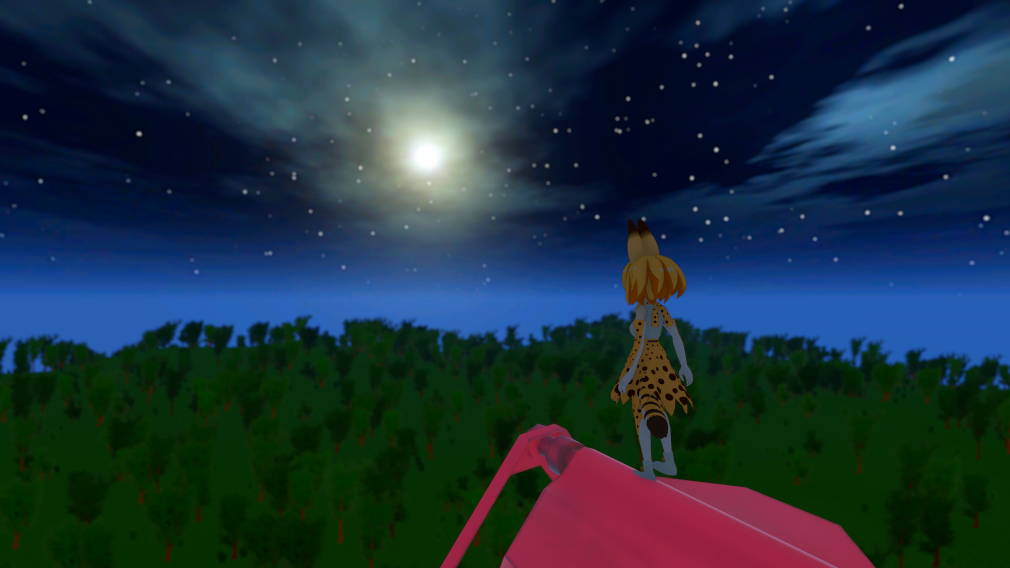
Korean players, have a great Chuseok!
Updated to version 1.31.3
Updated to version 1.31.2
- Fixed a bug where the movement speed of pile attacks would decrease if the process slows down at the moment Serval used pile attacks.
- Fixed so that the animation pause timing for Serval, Another Serval, and “Dark Serval” jump attack, pile attack, and bolt attack is the same every time.
- Fixed a bug that disables the weak point damage judgment when "Birdlien" performs a fireball attack.
- Fixed a bug that the texture of the terrain of "The Mountain" midpoint was not displayed properly.
- Fixed a bug where map chips other than balls were not displayed even when stepping on the light switch when level 4 or higher in "PARKMAN".
- Fixed a bug where the number of balls acquired may be increased by 2 if the process slows down at the moment of acquiring the ball in "PARKMAN".
- Fixed a bug where a special line would be displayed when defeating "Queen" with Another Serval in battle training "Boss Rush 1".
- Optimized preloaded shader variant collection.
- Optimized Sandstar ejection particles and gold acquisition particles.
Updated to Version 1.31.1
- Changed the load type of most sound effects to Compressed In Memory.
- Optimized performance of character scripts, effect generation, damage display, Head Look Controller, Dynamic Bone, and X Weapon Trail.
- Changed the setting of "Cloth Simulation" to "On (Serval Only)" when "Medium Quality Settings" is selected in the "Change Several Settings at Once" menu.
- Fixed a bug that the proper fall speed was not applied to Serval when entering the first floor of the earth's interior.
You can now change the language and volume on the title screen.
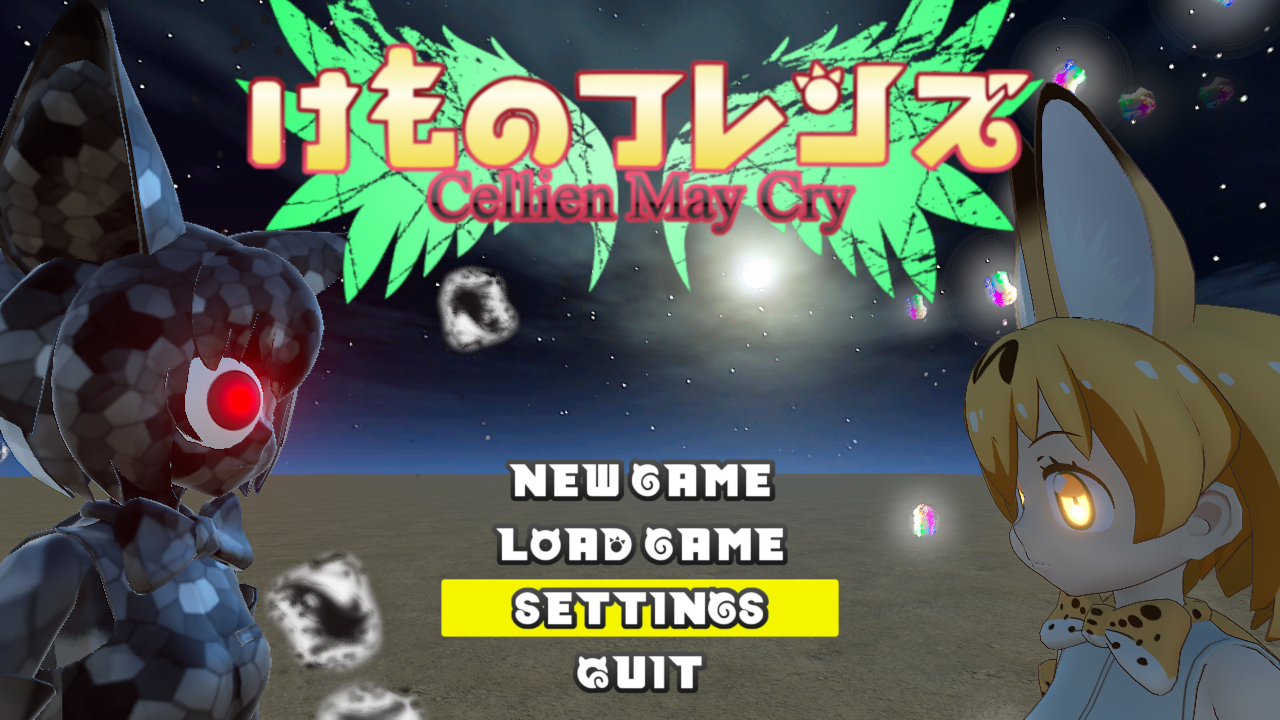


Update to Version 1.31.0
- Added a function that allows you to set the language and volume on the title screen.
- Korean language support for the key configuration screen.
- Fixed a bug that the Steam achievement unlock notification was not displayed.
- Adjusted the line break position of the character name in the conversation column.
- Unify the capitalization rules of the English version.
- Renamed "config" in English to "settings".
- Corrected the thickness of the outline of characters in the Korean version.
Updated to version 1.30.1
- Fixed a bug that options were not displayed after displaying the result for combat training.
- Fixed some config names and config descriptions in Chinese version.
Changed default settings to prevent motion sickness.
・ Limit camera turning 1 → 5
・ Camera default view 0% → 15%
For those who are a little worried about motion sickness and have already started the game, change the config as described above, or select "Reset All Configs" from "Change several settings at once" in the config. If you are very concerned about motion sickness, continue to use "Anti-Motion Sickness Settings" from "Change several settings at once".