

Keyboard Warrior: Dreamstate
Minor patch for Sep. 4
- Title Scene Audio now fades out when entering Survival Shop
Survival Update: Version 1.1
Survive!
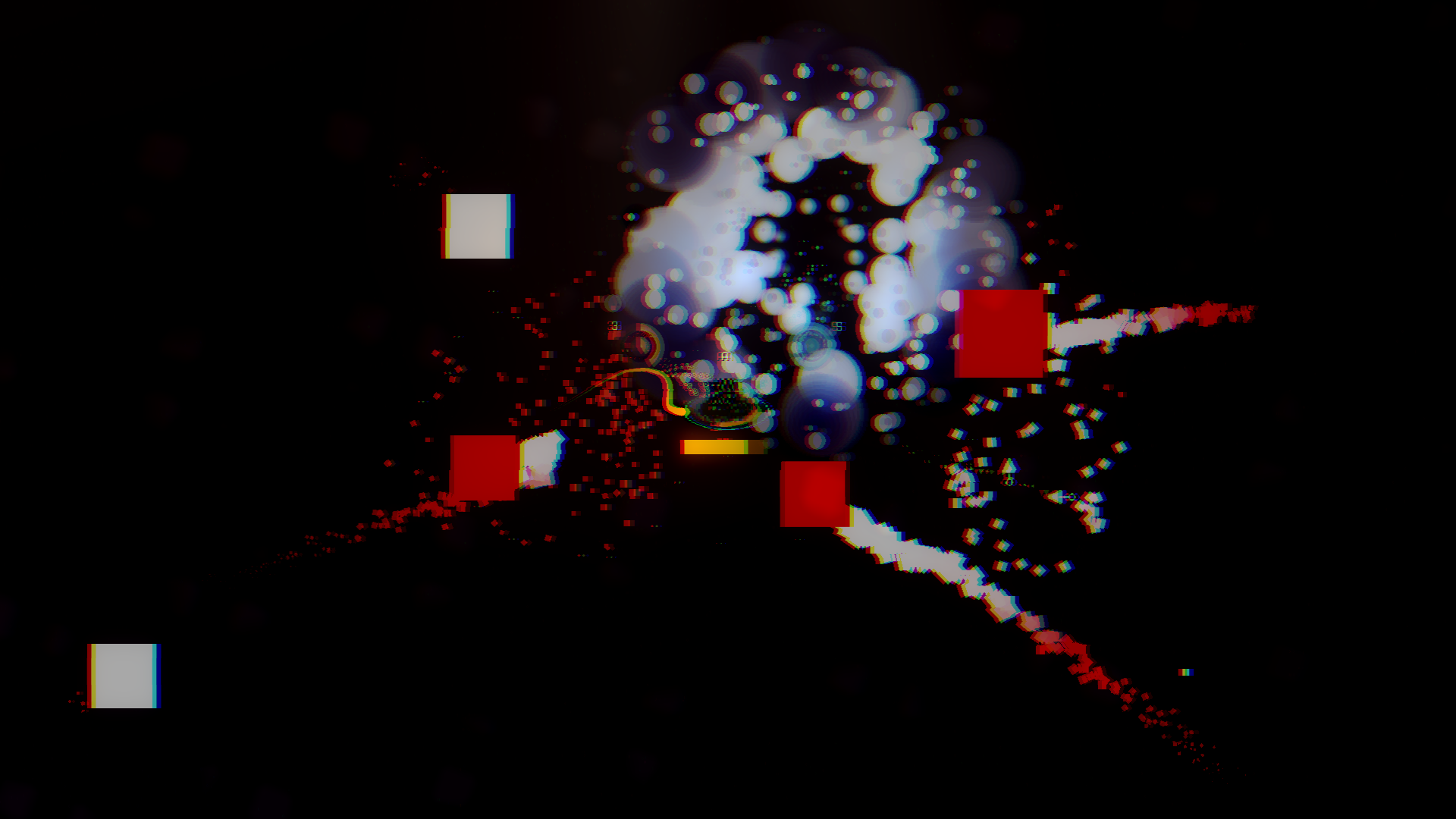
Prove yourself against an endless horde of ever-growing and toughening enemies.
Try a new twist on the ever-popular genre with the Keyboard Warrior: Dreamstate formula!
Protect yourself from an onslaught of various enemies, beat challenging special events, and use unique and adapted gameplay mechanics to launch yourself further than ever!


Earn points to unlock various new upgrades and abilities.

Choose from a variety of new and adapted randomly generated upgrades!

General Updates
New Title Scene

QOL
- Autoattack now instantly triggers upon entering an enemy hitbox (making it easier to detect small/fast-moving targets)
- Improved guardian cube SFX and visuals.
- Improved various text readability.
- Improved various text alignments.
- Speedrun and Random game modes are no longer locked behind beating the game at least once.
- Further lowered primary attack volume while Autoattack is active.
Bugfixes
- Fixed a bug where failsafes weren't being consumed properly.
- Fixed a bug where using a blackhole cursor while a blackhole was already active could potentially crash the game.
- Fixed a bug where knockback wasn't being properly applied to certain enemies from cursor specials.
- Fixed a bug where the Speedrun game mode wouldn't start.
Version 1.0.6.5
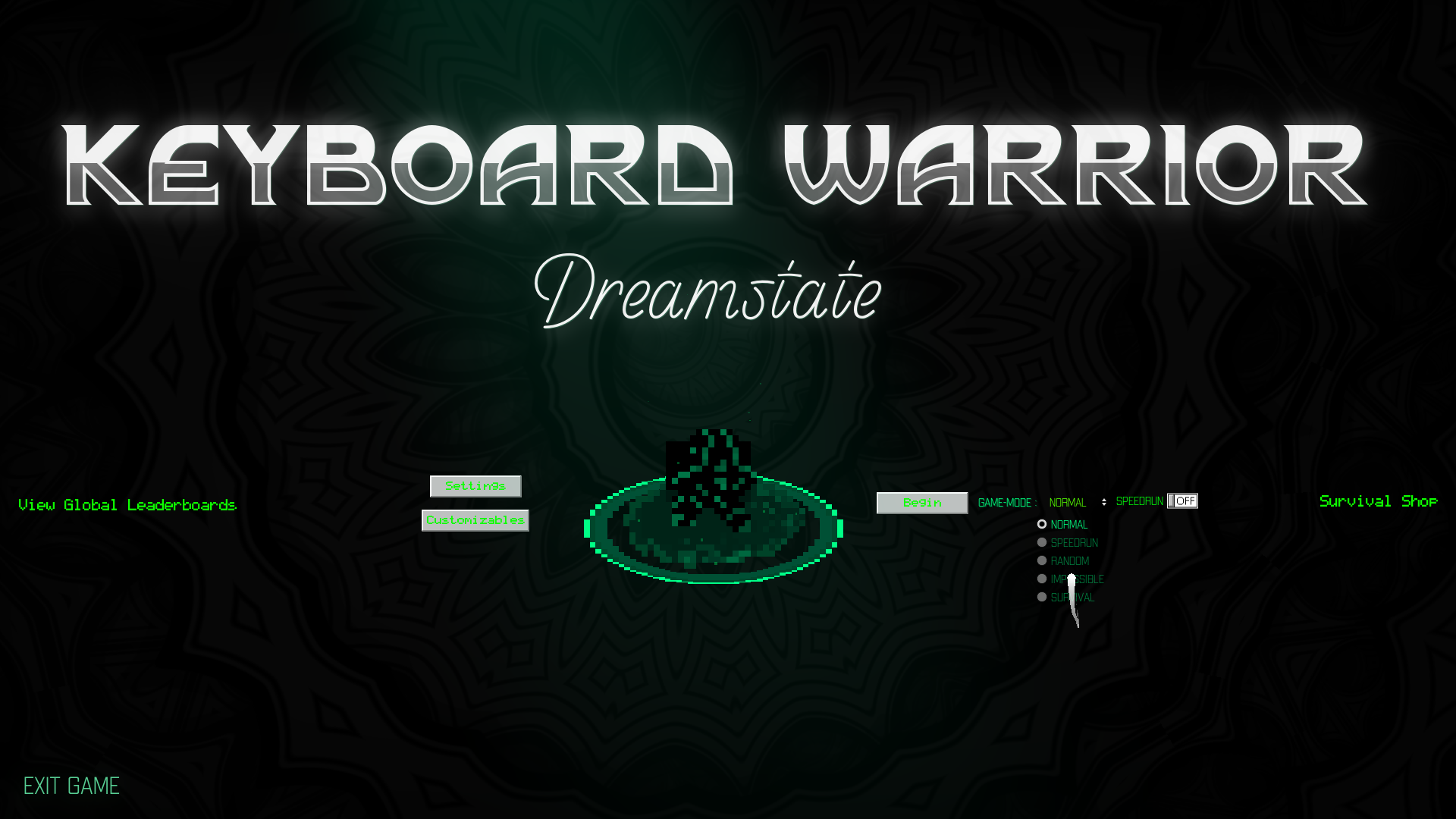
Visually redesigned the Title Scene of the Game!
Bugfixes
Fixed a bug where special booster special reduction wouldn't apply properly
Fixed a bug where special booster special reduction would apply, but not visually via the special meter
Fixed a bug where using the blackhole cursor special while another blackhole was already active would result in nothing happening (the newer blackhole will now replace the old one)
Fixed a bug where failsafes weren't properly being consumed after dying with them active
Fixed a bug where the Player's visual damage and death VFX weren't displaying as intended
Balance Changes
Blackhole cursor damage reduced from 5 to 3 (Upgraded damage reduced from 11.25 to 7.5)
General
Further reduced the volume of mouse clicks during auto-attack
Added Abilities and Utilities to the Survival Shop (Coming soon)
Added more survival backend. Including 4 new songs! (Will be added to the soundtrack when survival releases before the end of the month)
Version 1.0.6: New Level Select GUI, Exit Game button, Bugfixes, and more QOL
Huzzah!
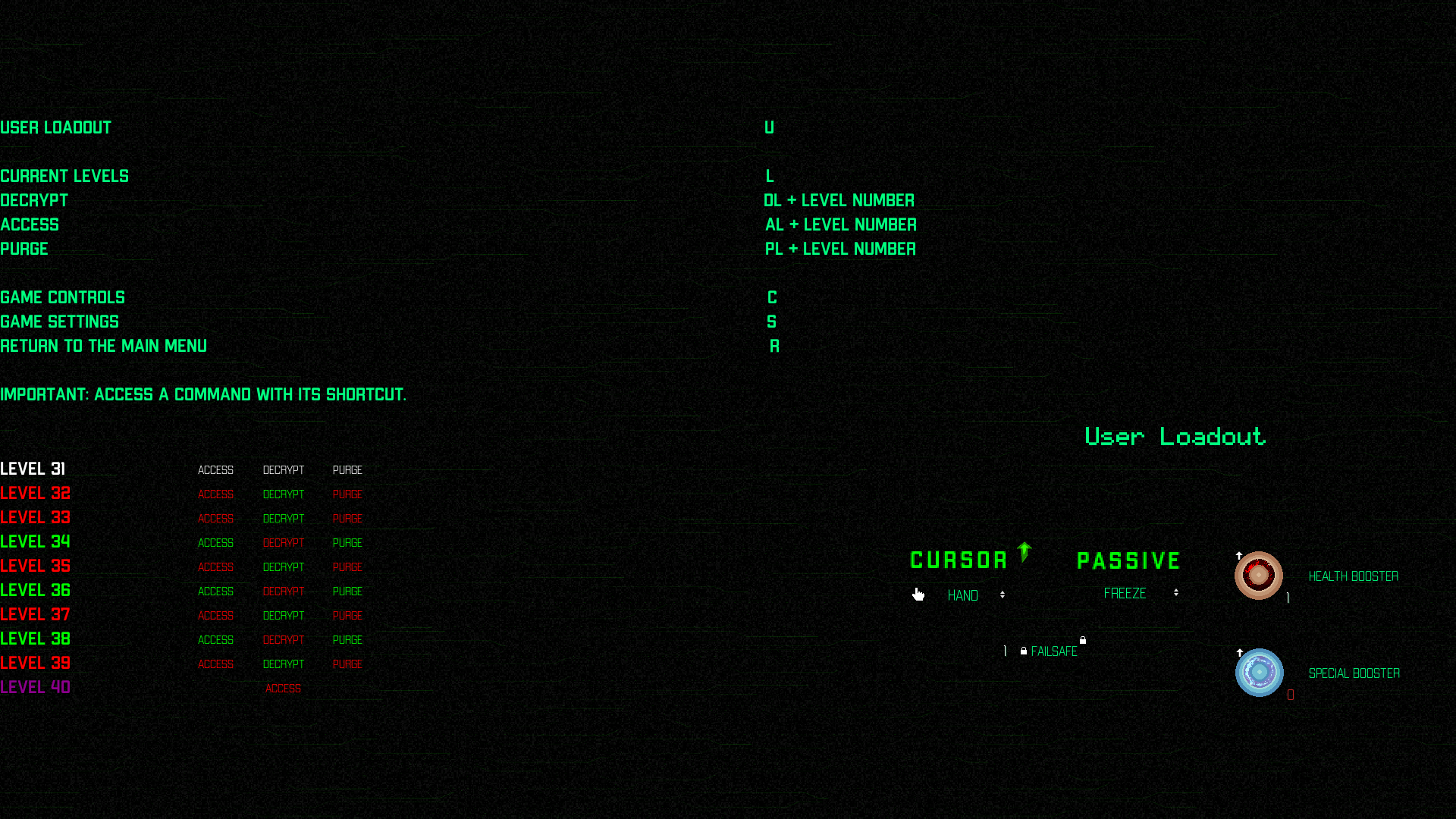
A new level select GUI has appeared (alongside a player loadout GUI) directly in the terminal!
This means you no longer need to learn keyboard commands to play the game.
(The current command system is still intact, the GUI is built on top of it)
Also, I've improved the readability of -h commands in the terminal.
Added an "exit game" button to the bottom left of the Title Scene.

Bugfixes
- Fixed a bug where the Frostbite cursor would cause the game to speed up after ending.
- Fixed a bug where certain heavy enemies (Octos, and guardian cubes) would speed up to their minimum defined speed after being damaged (instead of simply staying the same speed.)
Hotfix
Bugfixes, QOL, and laying the groundwork for Survival
- Fixed a bug where Timewarp cursor felt like it wouldn't trigger properly.
- Fixed a bug where auto-attack mode would allow players to manually click while it was active (stacking it with normal attack mode).
- The third area song has been removed and replaced (with the previous tutorial song).
- The tutorial song has been replaced with a digital wind ambiance.
- Survival shop now displays as "Coming Soon!".
- Optimized game file size by removing unnecessary audio files.
- Added behind-the-scenes backend for Survival.
Join the discord!
Bugfixes
- Fixed bug where Timewarp and Freeze cursor would speed up time after ending
- Improved hand cursor particle effects (making it clearer where the hitbox is)
- Unlocked Survival Shop for your viewing pleasure (although please note it is subject to change before release)
Version 1.0.5 - Auto-attack, Bugfixes, QOL, and sneak peek of NEW Survival Mode
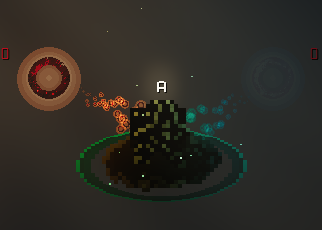
When active, an indicator will show above the player's head like so.
- Fixed the tutorial to be more concise
- Added auto-attack explanation to the tutorial
- The tutorial now starts immediately at the beginning of the game (when starting for the first time) and leads directly to the title scene
- The title scene now leads directly to the "initializing..." terminal (instead of "Do you need a refresher?", which has been removed)
- Fixed a bug where the player's primary attack would get "stuck" for one click after the sword special ended
- Added a preview of the "Survival Shop" to the Title Scene
What's Next?
Survival Mode: Survive an onslaught of enemies.

Survive an ever-growing horde of enemies. Unlocked new power-ups, defeat new enemies, and collect points to upgrade your character and progress even further!
- New enemies (Red Cube, Gravity Cube)
- New Mechanics (Pack generation, Survival Points, Survival Shop, Levels)
- New Abilities - Unlock survival specific abilities (Earthquake, Pulse, Rift, Boom, with more to come!)
- And more! (Stay tuned)
To help beta test join the discord here
The best is yet to come,
Cosmos
Minor Patch
Updated hand cursor reward to include equip instructions
Updated to Godot 3.5
This includes:
Better performance
Lower Latency
Better Audio
Better Load Times
Better Visuals
More Vibrant Colors
Additionally, the option to return to the title scene via the "R" command is now available before beating the game.
Additionally, a new Vampire Survivors like "Survival" Gamemode is in the works.
Stay tuned!