What if we told you we made one of the best Liftoff environments even better?
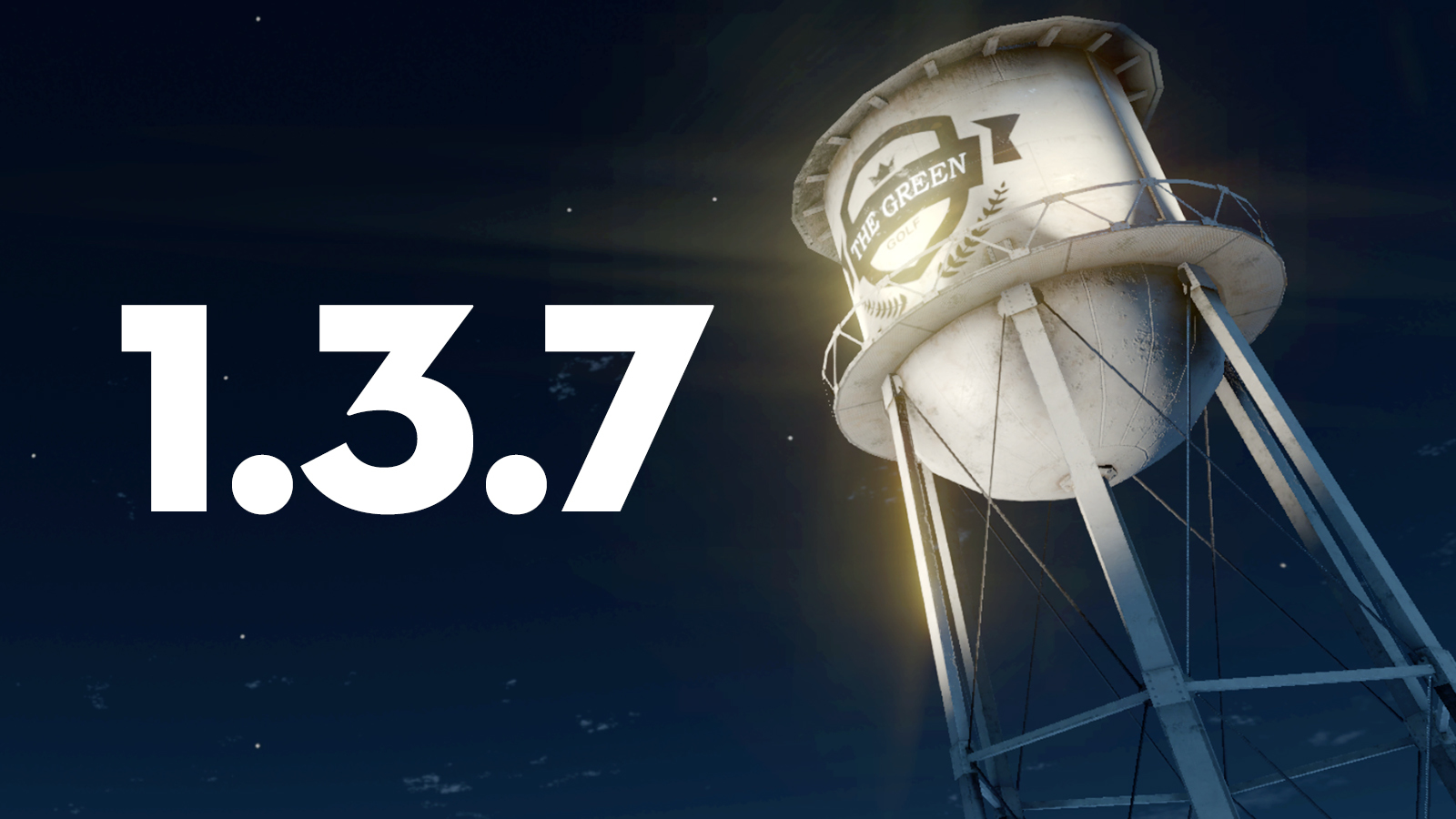
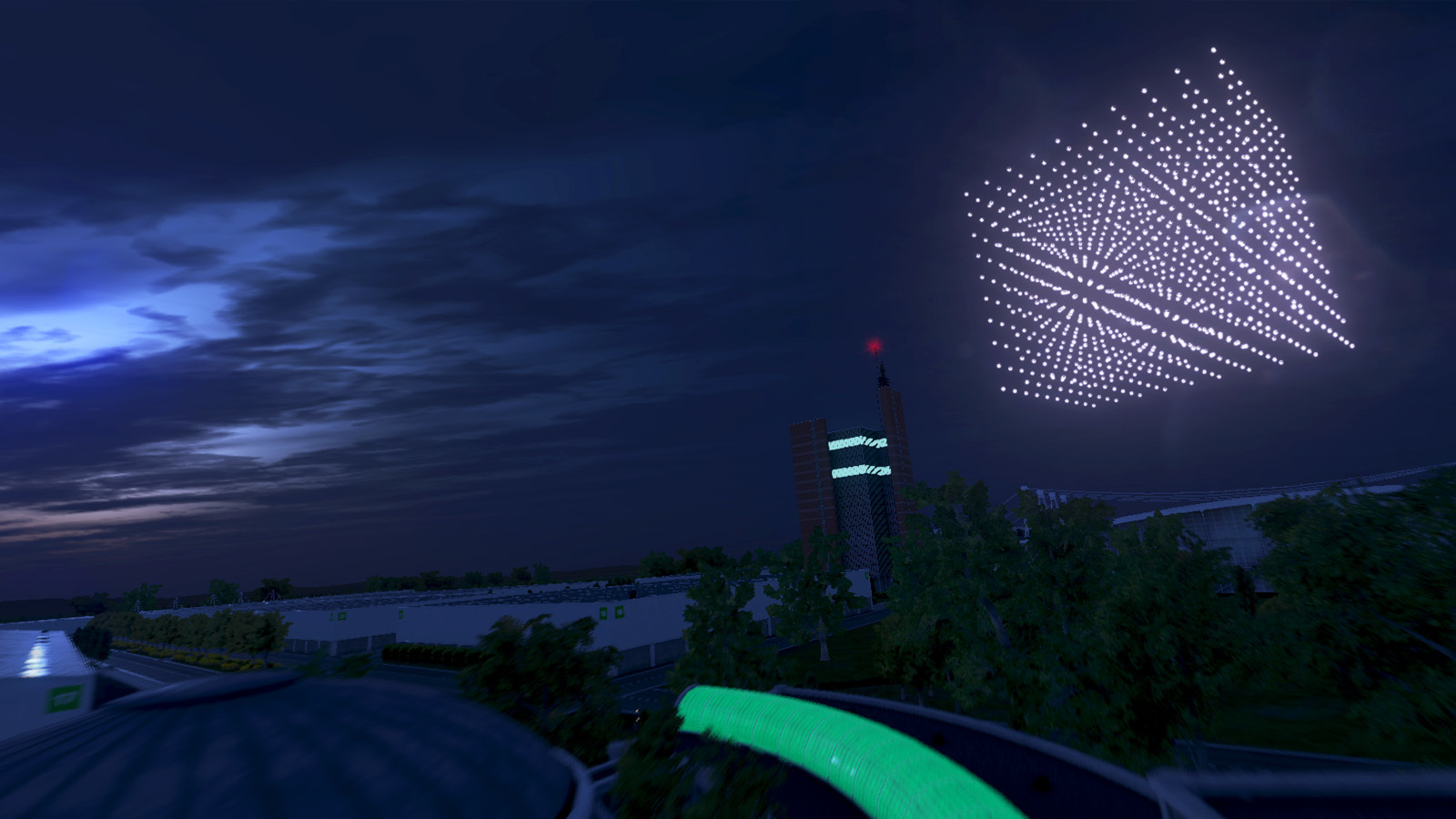
The Green got a bit of an update, adding a landmark watertower and an extensive event area, adding new layers to an already exciting environment. We can't wait to see you explore our mini-level within a level :) On top 1.3.7 brings a bunch of improvements, additions and bug fixes.
Changelist
Updated The Green: it now contains a watertower, event area and a few other details. (also updated in the Night Fever DLC!)
Updated: All tracks and races have been given a proper and unique name.
Added: 5 new Cyber-themed frame skins and 70 new propeller skins can be unlocked through Gift Boxes in the Workbench.
Fixed: RC Rates and RC Expo are now uncoupled between pitch and roll.
Fixed: Paris Drone Festival street collision issue.
Fixed: Throttle Mid would produce wrong results when setting it to a value of 100.
Fixed: The G# music block note now has the correct soundbyte.
Updated: The Ummagawd Remix frame has been assigned the Ummagawd Corp. brand.
Updated: Dropdowns with values that can't fit in the text box will now slowly scroll the name horizontally.
Added: A full-screen dropdown option has been added in the graphics menu. Players on the Windows platform can now select more options to select what best fits their needs.
LIFTOFF ESPORTS IS HERE!
17th December is a date to remember!
IUDRO - The University Drone Racing Company has been preparing for pure awesomeness! Check out the amazing IUDRO eSport Series stream announcement trailer below 😲
The Liftoff team is extremely excited about these upcoming competitions and we look forward to sharing this adventure with you all. We can't wait!
https://www.youtube.com/watch?v=uT0Nmy-ROms
Update 1.3.6 released
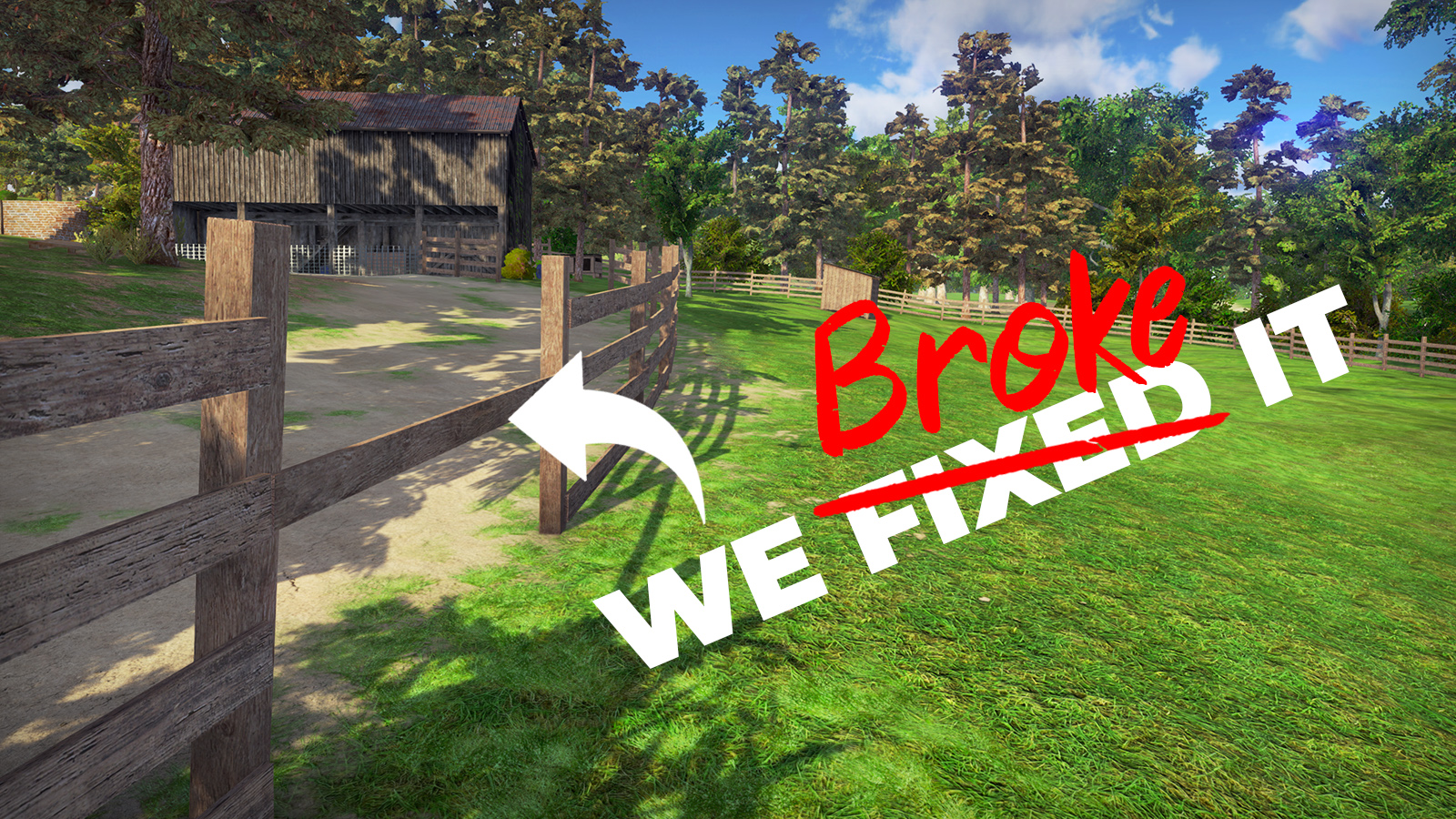
Joshua Bardwell asked the Liftoff team if we could fix his fence. We were not entirely sure what he meant by that, so we potentially fixed it by breaking it. ;)
Hopefully that can't be said of the other aspects included in this update, as we continue to work on improvements and fixes for the game. Here's what's included:
Changelist
Updated: The replay selection now shows the freestyle score instead of the time value when looking for freestyle recordings.
Updated: Score values per stunt are now also saved in the recording.
Updated: When watching a recording in which stunts were performed, the score per stunt is now shown as well.
Updated: When watching a recording, the drone LED and trail color are now set to the color as it was on the drone rather than a predefined color.
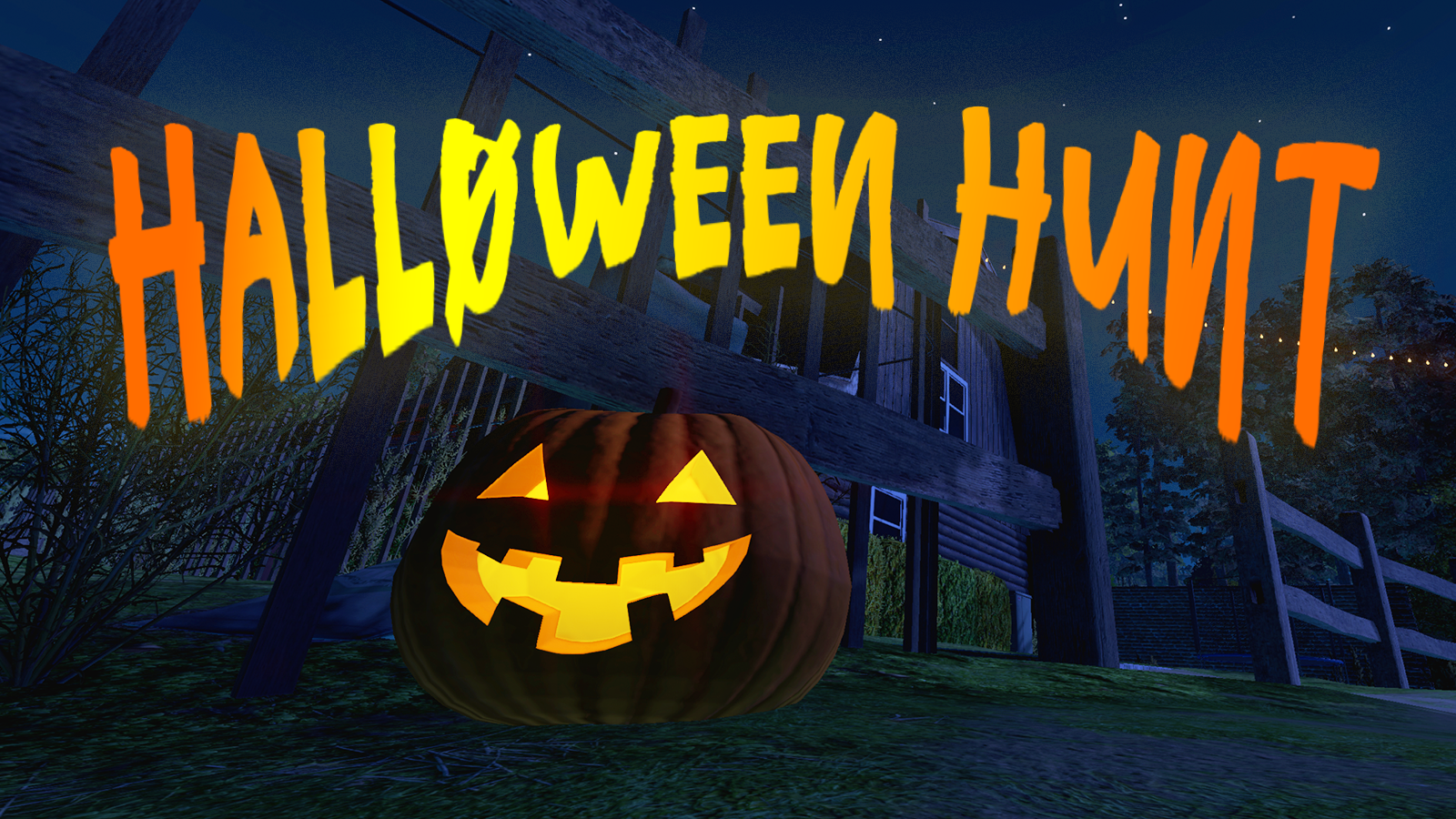
Our yearly Halloween tradition has started, 10 pumpkins can be found in each Liftoff environment! This year we are awarding 10 in-game gift boxes to 3 fans who make the most creative Halloween screenshot in Liftoff. Want to participate? Create one or more fun Liftoff screenshots, share them on Facebook and tag Liftoff in your post, alternatively upload your Halloween screenshot on the Steam Community Hub and add the tag #HalloweenHunt as a comment.
You have until the 6th of November to submit your screenshot. A free Liftoff Pro Account is required to win the in-game gifts. Have fun!
On top of that, we are releasing a small quickfix update for the game. For those worried about big downloads, its only 15mb in size ;)
Changelist
Fixed: The Liftoff dude not being visible.
Fixed: Sharing your drone didn't properly save the Steam ID to the file after leaving the Workbench. This prevented selecting the 'Fixed drone setup' game modifier in multiplayer rooms.
Fixed: In multiplayer free flight, when sending a chat message would send you to walking mode with the default keybindings.
Fixed: some missing French translations for added messages since the 1.3.0 update.
Update 1.3.4 released!
Third time's the charm, take two. After the massive 1.3 milestone update, we'd already done a lot of work patching up little oversights and glitches. Of course, as always, some stuff got overlooked or was so crazily specific it couldn't immediately be reproduced. 1.3.4 has another load of fixes and quality-of-life improvements.
Once again, thanks for every one's diligent reports! They're a lifesaver!
CHANGE LIST
Fixed multiplayer color picker not saving the selected color.
Fixed issue where player level in Multiplayer waiting room was displayed as "0".
Fixed multiplayer chat messages being stacked on each other.
Fixed black patches on terrain with OpenGL rendering on macOS.
Fixed drone swarm animation in Hannover (Night Fever variant) where it wasn't oriented properly.
Fixed battery charge indicator UI not showing when starting a Multiplayer room with the 'Force battery simulation' option turned on.
Fixed issue in the Workbench that would slow it down incredibly when selecting parts too fast.
Fixed issue with certain tracks not being able to load. Invalid track items are now silently ignored.
Fixed several track items not being placed under the same category in the Track Builder.
Fixed several checkpoint highlight effects in the Track Builder.
Fixed drone in the input calibration menu not being shown properly when entering the scene without a controller connected.
Fixed issue where drone selection screen would show an empty lineup in certain circumstances
Updated: the drone selection screen will now default to your currently selected drone, if it is found in that lineup.
Update 1.3.3 released!
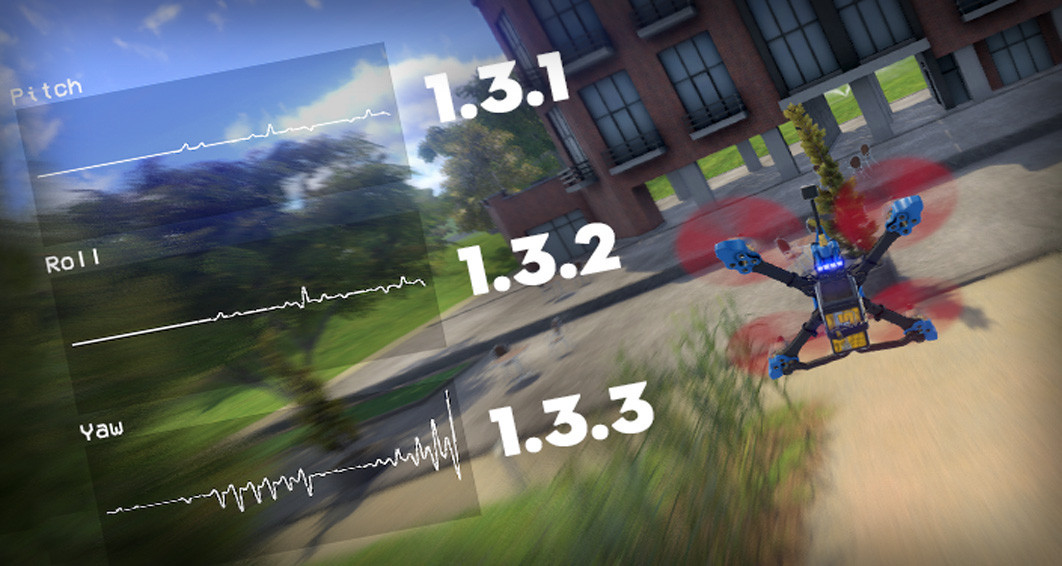
V1.3 was a massive internal update for the entire Liftoff: FPV Drone Racing project. As anyone who's ever worked in software development can testify, one huge fix tends to create three small bugs. Thanks to the many reports, support messages and forum posts we received from all you over the past few weeks, we managed to pinpoint (and fix!) a whole host of issues.
Because we wanted to return to a completely stable experience as fast as possible, we have been rolling out these fixes gradually, starting with the most pressing issues. In fact, if you've played Liftoff recently, you've already been playing 1.3.1 or 1.3.2, because we're sneaky like that. However, since we didn't want to swamp you in technical update news, we decided to bundle several of these small bug fixes into one post, along with the release of the latest 1.3.3.
Note: apart from bug fixes and some improvements, these updates also allow you to pick a more modern rendering API if your system supports it. Read all about it here.
1.3.3 UPDATE NOTES
Added Vulkan rendering mode for Windows.
Added a search bar to the level, Multiplayer leader board and Tournament selection screens, to quickly search through content.
The blackbox tuning tool is now active by default when doing a Test Flight from the Workbench.
The blackbox tuning tool has been given a facelift and is now properly visually integrated in the Drone HUD.
Updated the personal leader boards in the level selection menu for race and freestyle game modes.
Reduced standard build size from ± 17GB to ±12GB.
Reduced operational memory footprint.
Moved Night Fever content to a different folder to prevent file name issues on non-case sensitive file systems.
Fixed: level selection, Multiplayer leader board selection and Tournament selection screens are now properly populated again after having been in an environment before.
Fixed: when entering the Workbench to open gift boxes, not having any boxes now correctly sends you directly to the drone editing mode.
Fixed: the loading indicator in the Replay selection screen would sometimes remain visible, even if it wasn't loading anymore.
Fixed: scroll speed in many dropdowns on Windows and Linux has been sped up and should be usable now.
1.3.2 UPDATE NOTES
Resolved multiplayer stuttering issues (a default drone is now visualized when another player joins in the game. Assets of other drones are only loaded once you reset yours.)
Correct representation of actual room environment variant (We were wondering why Night Fever was suddenly SO popular.)
Internal rework of Multiplayer in-game activity. It should better represent the other players' statuses.
Updated the loading status bar to include a new state and added actual loading progress of each individual step.
Fixed: Multiplayer Free Flight walking spawn positions are now properly patched through to other players.
Fixed: the player's level was visually cut off in the Tournament selection menu.
Fixed: Couldn't take off in multiplayer race.
Fixed: Night Fever label being visible in the replay selection menu when it shouldn't be.
Fixed: Screen flashing during loading.
1.3.1 UPDATE NOTES
Custom music player preference is now toggled off by default.
Added some extra information in the game log file. Knowing which version of the game is running should make support requests easier.
Fixed: removed a floating grey box in the level selection screen.
Fixed: the player's level was visually cut off in the level selection menu.
Fixed: Incorrect depth of field effect while flying in third person.
Fixed: third person camera smoothness.
Fixed: black screen issue in multiplayer when spectating a player that quit to the main menu.
Fixed: Night Fever toggle being visible in the multiplayer room creation when the player didn't have access to Night Fever content.
Milestone Update 1.3.0 released!
Thanks to our vibrant community, Liftoff FPV Drone Racing has been a continuously developing project. Since its first release in 2015, we've been expanding, updating and fine-tuning the game to your liking. All this time, we've managed to work on the car while doing top speed on the highway. Obviously, there was bound to be a point where we needed to make a pitstop, change the oil, replace the tires, and give the whole thing a good inspection.
The 1.3 update is all about that. Though it may not always be visible at first glance, the technological foundations of the game have been majorly updated: to better fit modern hardware, to improve the experience for everyone wherever possible, and - importantly - to once again be ready for future improvements!
Below is the epic story of this update, but if you just want to know what to expect, feel free to skip to the change list below.
Waiting for the right moment
As you may know by now, Liftoff runs on the Unity game engine. When development started in 2015, we used the most recent version of the engine available at that time. As time went by, and the game become much bigger than initially anticipated, we still occasionally updated the engine as new releases became available.
However, in 2017, the Unity engine changed aspects of how physics were handled. Considering physics play a key role in Liftoff, and initial tests with this new version made the game unplayable, this was unacceptable. We decided to hold off on updating to a new version, preferring to keep delivering a steady stream of content updates for the community instead. Essentially the game engine was frozen in a version from late 2016.
Little did we know that with each new piece of content added, be it a new drone part or a whole new environment, the project was inching closer to a hidden limit of the game engine. We suddenly hit a tipping point where we could no longer pack more content in the way we had been doing it since the beginning of the project. It started with a few disco-like menu backgrounds and, when pushed further, devolved in a complete mess of texture corruption and unreadable menus.
The only way was forward. We had no choice but to bite the bullet, update the game engine (at that point, by several major versions) and immediately tackle two major challenges: preserving the original flight behavior and finding a solution for our content packing problem. The former turned out to be less problematic than originally feared. The latter was a more complex challenge where we had rethink the way we handled content (drone parts, environments, tracks and many other things) from the ground up.
What does not kill you
Rejoice! Even if driven by necessity, our update work comes with some massive advantages across the board.
First off, we have adopted a new fine-grained system that allows us to precisely control what is loaded in at any time, to optimize the memory usage. A less big memory footprint means that the game should load faster and, especially in some of the more intense scenes, may now work on weaker systems that formerly ran out of memory and crashed. Additionally, we can now compartmentalize content to make future updates faster and smaller to download.
Updating the engine also gave us access to up-to-date rendering techniques (especially on Linux and macOS) that should increase performance. It also allowed us to finally provide a fix for some low-level problems, such as a crash on Windows due to Citrix Workspace being installed on the system.
Finally, a Liftoff update wouldn't be a Liftoff update without a slew of fixes, changes and quality-of-life improvements. Read all about it below!
What's next
With all that out of way, we're looking forward to once again serving you a steady stream of updates. We already have some things in the works, so stay tuned!
v1.3 Change list
Engine update from version 5.6 to 2018.4. Oof.
Major code reworks of some essential Liftoff systems to increase stability and optimize memory usage.
Content management systems update: optimized loading and memory usage: - Tracks now only load those track items actually needed by the track, instead of all of them. - Drone setups now load faster and memory usage is optimized. - Race AI opponents are now generated locally instead of downloaded from the Liftoff Pro service.
Updated physics to 4.0, as previously featured on the Experimental Branch. - Updated drag model to be more accurate based on the exact setup of the drone. - Some skins now have an impact on the drag behavior. This is visualized with an icon next to the skin in the Workbench. - More about what's included in Physics 4.0 and how it affects the flight behavior of your drone can be found here and here.
Added Replay feature. Save your flights and watch them whenever you want: - In Free Flight and Infinite Race, after a drone reset, your flight recording can be saved in the Pause menu. - In Race and Freestyle, you can save your recording in the finish screen or afterwards in the Pause menu.
Added Russian Woodpecker Night Fever environment variant (for owners of the Night Fever DLC pack).
Updated the Minus Two environment to make it perform significantly better.
Added third person spectator option to multiplayer.
Added Metal rendering support on Mac.
Added Vulkan rendering support on Linux.
Updated the loading screen to show what's happening in the background and changed the loading background image depending on which level is being loaded.
First/Third person camera mode is now saved and applied on every time a flight session is started.
Added action in the button setup menu to skip the current music track.
Added a lap counter in regular race below the race timer.
Added some highlight colors to selectable UI elements.
Added best race lap during multiplayer race next to the player avatar icon like it is in infinite race.
Added a system info log at during start so the Liftoff team can quickly discover any hardware issues during support requests.
Added caching of assets related to the player's drone throughout the game to speed up loading times.
Added a shortcut to the Workbench panel in the Main Menu to quickly jump to opening any gift boxes you have instead of going through the drone selection menu first.
Updated the drone HUD to allocate less memory, reducing frame hitches.
Updated the drone HUD horizon line to be restricted to the side-bars.
Updated the 'Test Flight' option in the Workbench to use the Quick Play setup panel.
Updated several game options so that they can be toggled on/off without needing to reload the current level.
Updated multiplayer race drone controls after finish. Your drone now remains controllable for a few extra seconds before switching in spectator mode.
Updated part selection controls in the drone Workbench. The scrollbar now navigates along with the selected part.
Updated the loading labels for the drones in the drone selection to have crisper text rendering.
Updated the multiplayer chat window to always be visible during a multiplayer race.
Updated the multiplayer player labels on the right to be always visible. The currently spectated player will now be shown in bold.
Updated the multiplayer drone background loading. Performance spikes when a player joins the room should be eliminated. Slight frame spikes may still occur during the Free Flight and Infinite Race game modes when another player joins in the level flying, as assets are loaded in the background.
Updated several tracks to feature some more track items.
Updated the custom music feature to be more clear about what kind of songs it supports as well as where to locate the files.
Updated the difficulty of the A.I. opponents to be more challenging when no previous race time was recorded for that race.
Updated the level selection to show a toggle for Night Fever environments instead of a dropdown.
Fixed Citrix Workspace crash on Windows platforms.
Fixed issue in the HangarC03 environment where the floor tile would drop out from under you.
Fixed bugs in multiplayer regarding spectating other players after multiple drone resets.
Fixed issue with a floating antenna on the Armattan Gecko frame.
Fixed the community panel in the main menu to always rotate away when entering the menu.
Fixed a broken skybox in the Liftoff Arena environment.
Fixed the weight of the Action Cam to better match that of a Go Pro 4.
Fixed issues with erroneous 'Not all skins for this drone setup are available' label in the drone selection.
Fixed the track lines in Bardwell's Yard Race 03.
Fixed bug that would adjust the FOV when pausing Liftoff.
Fixed bug that would cause a black screen after a freestyle sessions was finished, when a drone was being reset in the background.
Fixed bug in the level selection that would be caused by selecting using the keyboard.
Fixed issues with some parts being scaled to 0 in combination with some frames.
Fixed several instances of multiplayer spectator weirdness (drone HUD turning on for a brief moment when switching players, etc.)
Fixed issue where spectating a player in multiplayer infinite race before arming the drone wouldn't allow that player to start the race again.
Fixed unnecessary quick black screen fade in the main menu when starting the game while the drone is being loaded.
Fixed Ambient Occlusion not being applied properly when it was turned off when entering a level, then turning it on in the graphics settings.
Removed the FatShark goggle animation.
Physics 4.0+ available!
The release of Physics 4.0 on the Experimental Branch was a massive success. You have tried our improvements and shared valuable feedback with us. You all seem to have a great time with the physics improvements! We couldn't be happier with the result.
Nonetheless the team at LuGus Studios saw room for improvements, thanks to some suggestions from dedicated testers. Those improvements are added today in the form of Liftoff Physics 4.0+, an iteration on the previous physics 4.0 with a strong focus on the "lift" factor, adding yet another layer to the most detailed FPV simulator system on the market. Read all about it in our dedicated development blog here.
Test results needed!
Just like before, the new physics update is first available to test on the Experimental Branch. We will be looking for community feedback once more before we push this update to the main version of the game. We don't plan any further updates for Physics 4.0 anymore if the feedback on this iteration is positive. Thanks in advance! Read all about getting access the Experimental Branch.
Let us know!
Your feedback is crucial and helps us to move forwards with the improvements of Liftoff.
Does Physics 4.0+ feel better than Physics 4.0?
Are our latest changes an improvement to what was available in Liftoff these past few years?
Do you feel something is still missing?
Please let us know!
**Update (5th of June)**
Thanks to your feedback we have further improved the Physics4.0+ update by tweaking some of its values.
Drag scaling has been slightly reduced to be closer to Physics 4.0 in order for the drone to carry more momentum when throttle is cut;
Lift effect has been tuned down drastically as in some condition, it was resulting in making the drones feel "too heavy" and participated in shifting velocity direction too fast when throttle was cut;
Overall, the physics should feel like a comfortable mix of Physics 4.0 and Physics 4.0+ effects.
As always feedback is much appreciated, and has helped us make these further improvements. We have looked at your concerns regarding the previous P4.0+ update and hope these tweaks introduce everything you loved about P4.0, with the added improvements of P4.0+
Liftoff Kwad Box!
As you read this, this month's Kwad Boxes are being packed and will be shipping to subscribers shortly. Liftoff fans should be excited about this one as this edition contains all kinds of Liftoff goodies, including some exclusive in-game rewards. Though we don't want to soil the secret just yet, we can't wait to show you all some behind-the-scenes unboxing pictures, soon as our box arrives at the studio. No point denying it: the team at LuGus Studios is super excited about this.
WHAT IS KWAD BOX?
Kwad Box is a monthly goodie box sent out monthly to subscribers, filled with miniquad goodness! It's a fantastic project that has excited FPV pilots for years. The idea behind Kwad Box comes from Daniel Sandoval (Xhover) and Chad Kapper (Rotor Riot), who have partnered in a way that utilizes both companies' strengths to make Kwad Box an exciting experience for the customer. Here's how to get a Kwad Box subscription.
WHAT'S IN THE BOX?
Ah, we're not supposed to tell... But here's a quick teaser of the exclusive in-game gift ;)
I MISSED OUT! :(
Since the Liftoff boxes are being sent out now, existing Kwad Box subscribers will receive the box in the next few days. Luckily, for those of you not yet subscribed, there's an opportunity to win one of the remaining Liftoff Kwad Boxes. We'll send the Liftoff Kwad Boxes seen below as a prize to two random players who conquer a place in the top 20 of the latest Liftoff Pro League tournament. This is your chance to win the cool surprise box full of Liftoff goodies.
The "Kwad Box Race" can be found in the Liftoff Pro League and is active from April 31st to May 20th. Good luck!
Zoroe's Freestyle challenge!
Enjoying freestyling the newly pimped Bando City? We have an exciting challenge for you!
Zoroe is organising a freestyle video contest that can earn you a place in the spotlight! Create an awesome freestyle video featuring some of Zoroe's awesome graffiti art in Bando City. The best submissions will be featured in his next video and will be rewarded with the Night Fever DLC!
To enter the challenge, create an awesome freestyle video and edit it however you want. Most of all we want to see you have fun with it! Upload the result on YouTube and send a link to your video to OCDhobby@gmail.com
For more details, make sure to check our Zoroe's video below.