

Locomancer
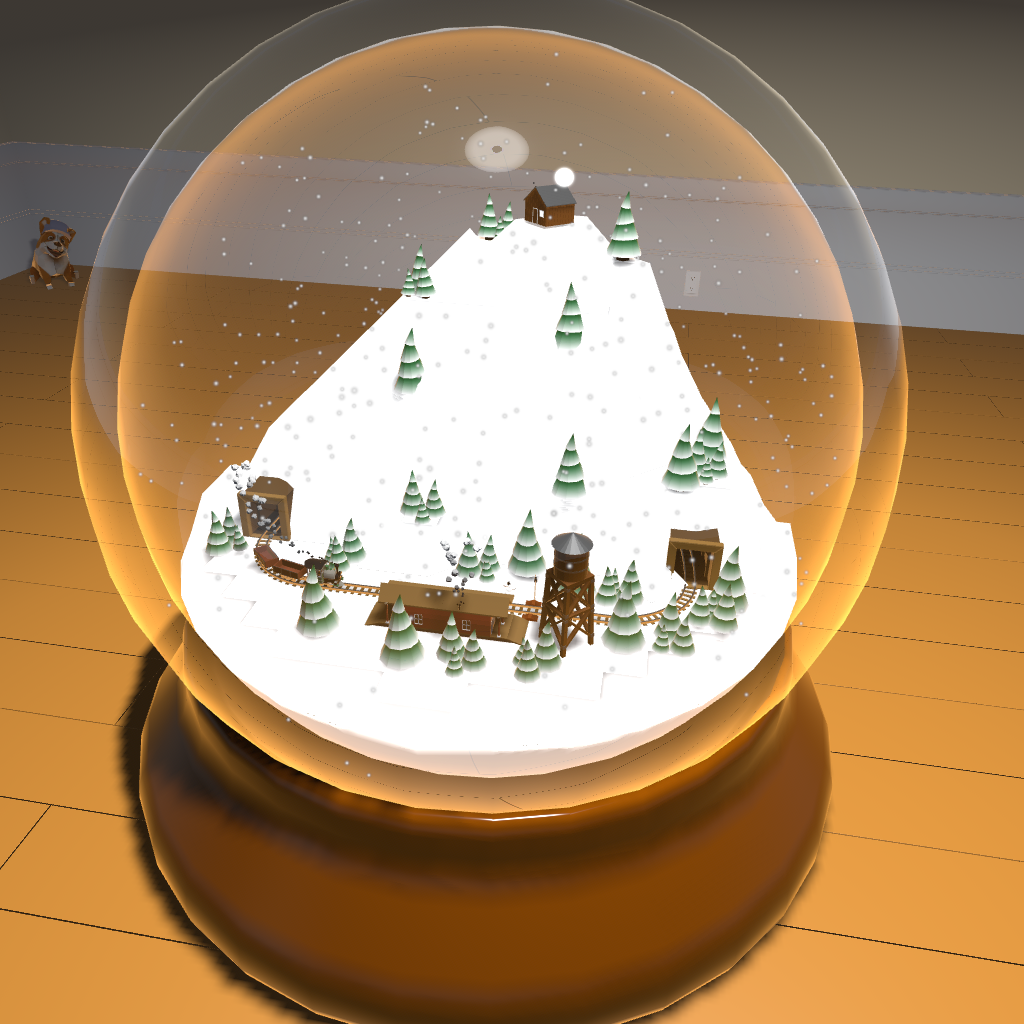
Update to add holiday start scene
Small update to fix tunnel bug
Small Update
Oh hi, Mark!
Locomancer now has TWO whole rooms to build in! I know, it's a little excessive, but I figured a little extra space couldn't hurt. The new room is under the sea themed...definitely not aping the style of a certain other submarine game. I actually built the room last December, but only just got around to adding the bits necessary for switching rooms.
You select a room with a big lever and then teleport to it by entering its door. You can return to the start screen by opening and entering the door in each room.
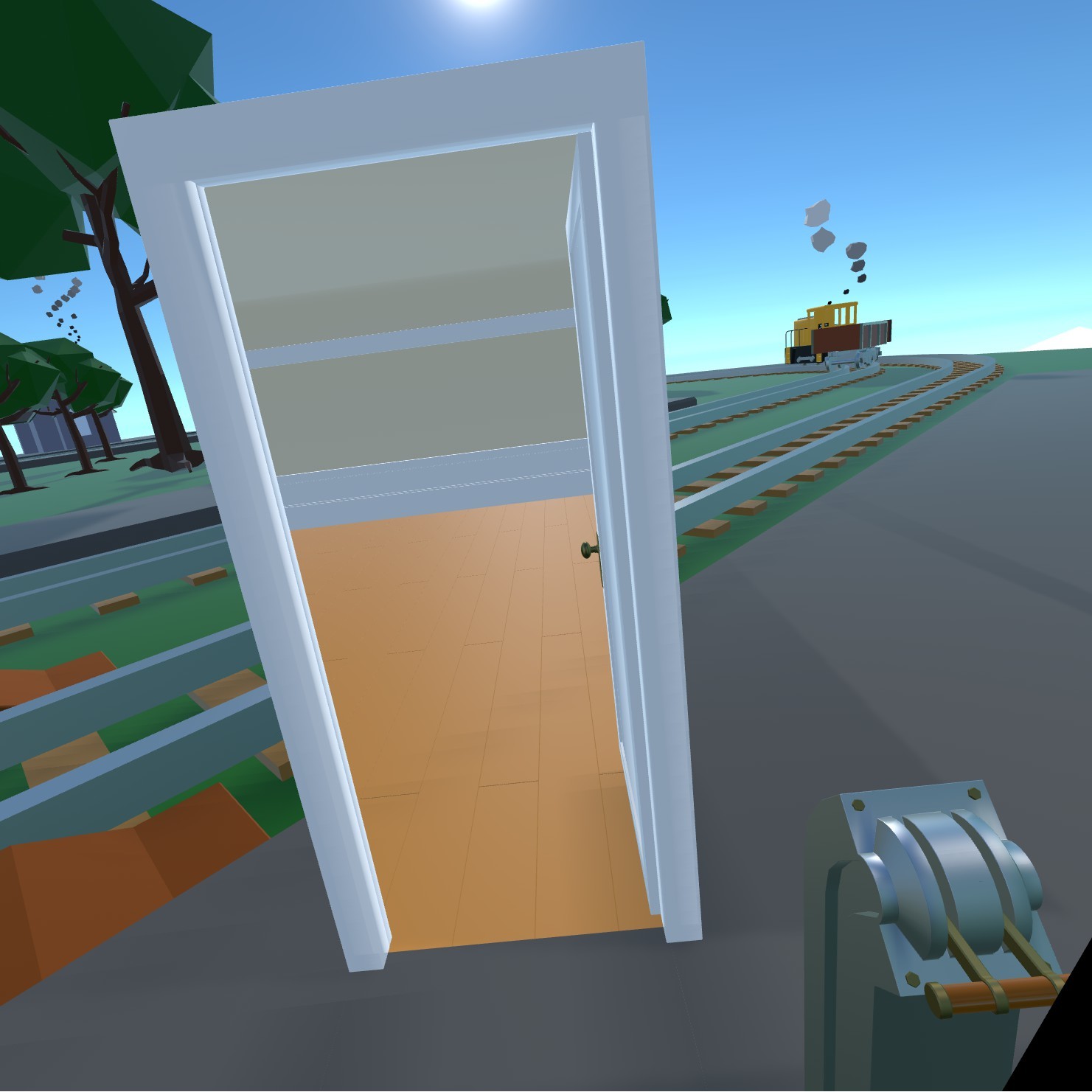
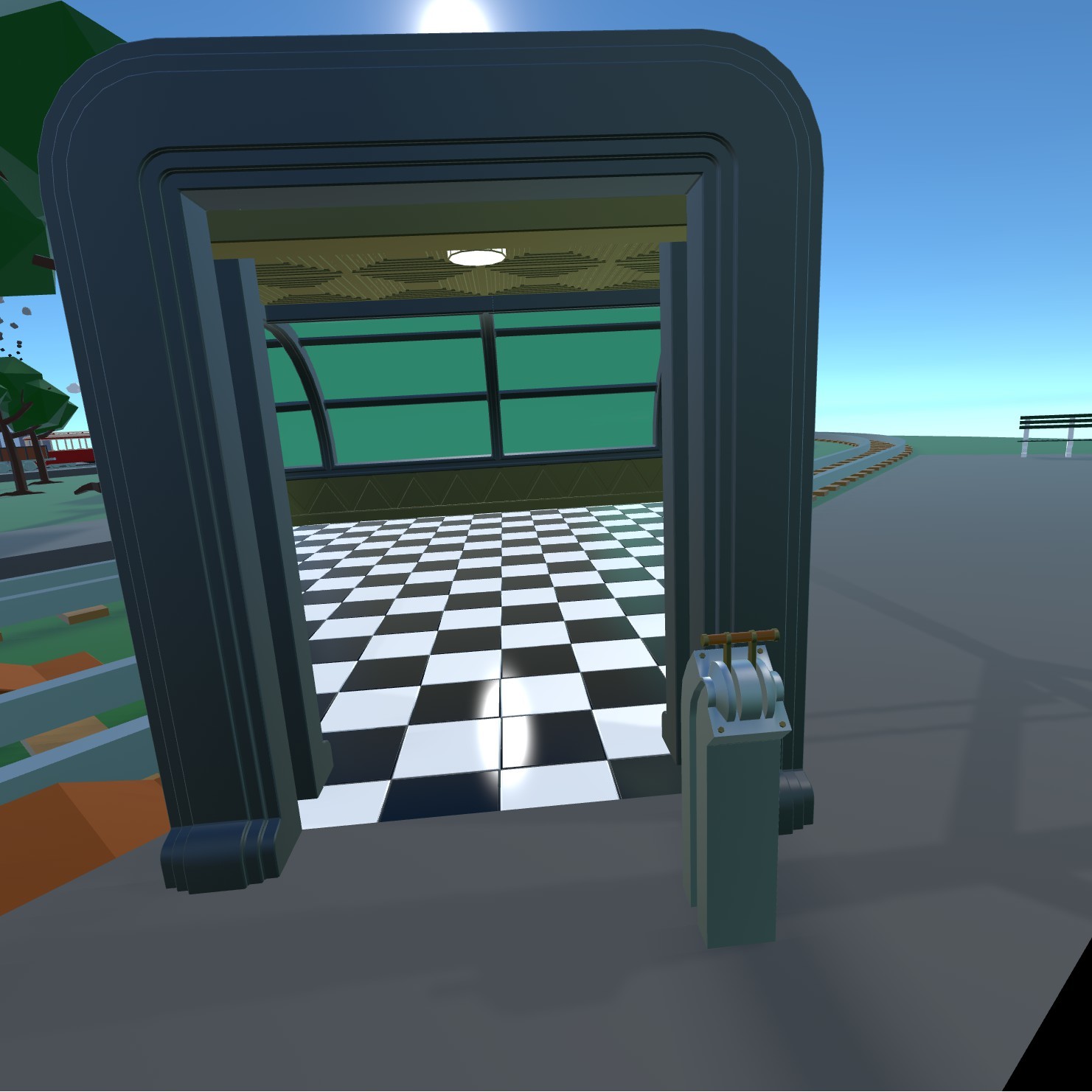
The underwater room has some nice atmospheric fog.
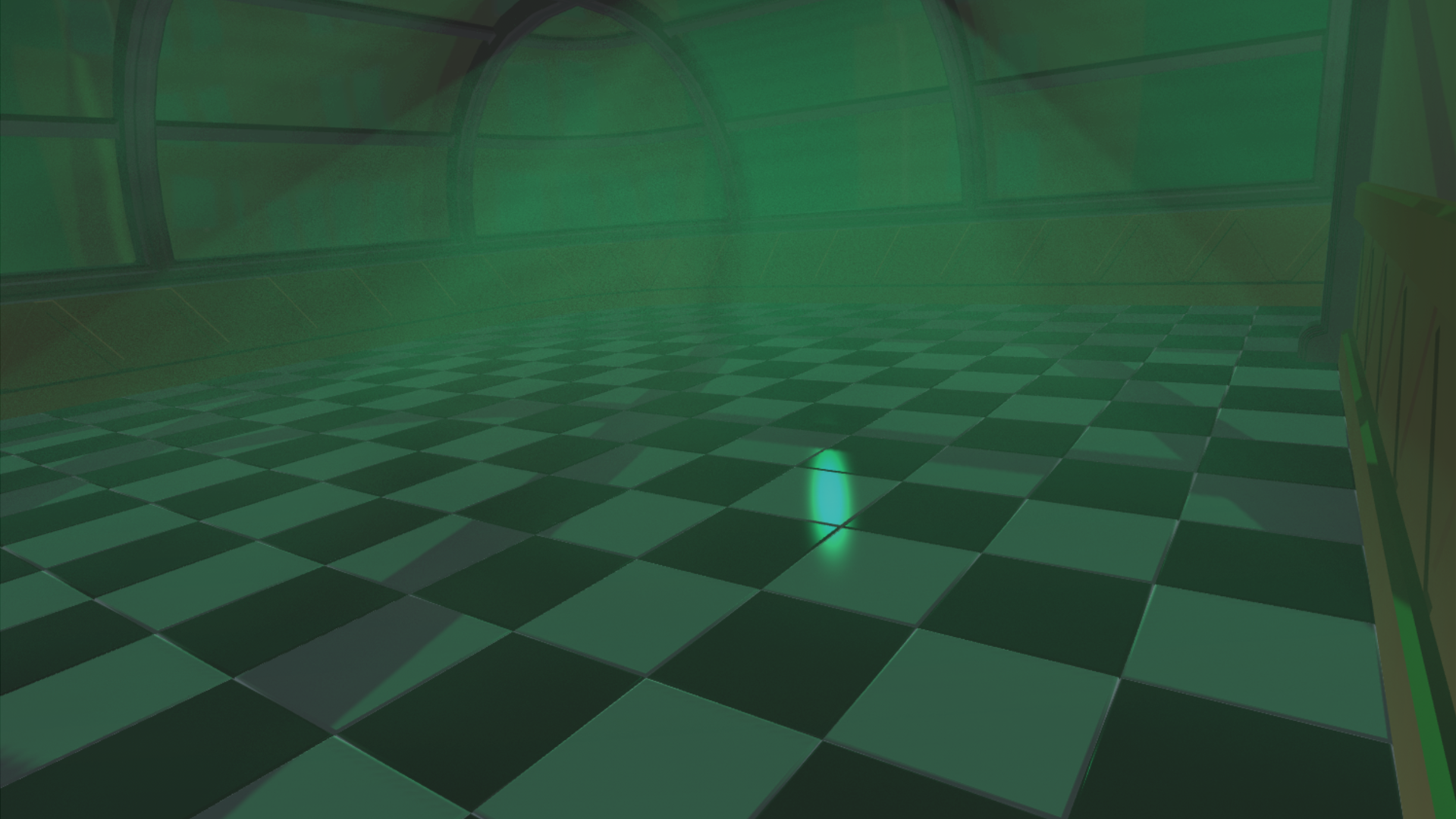
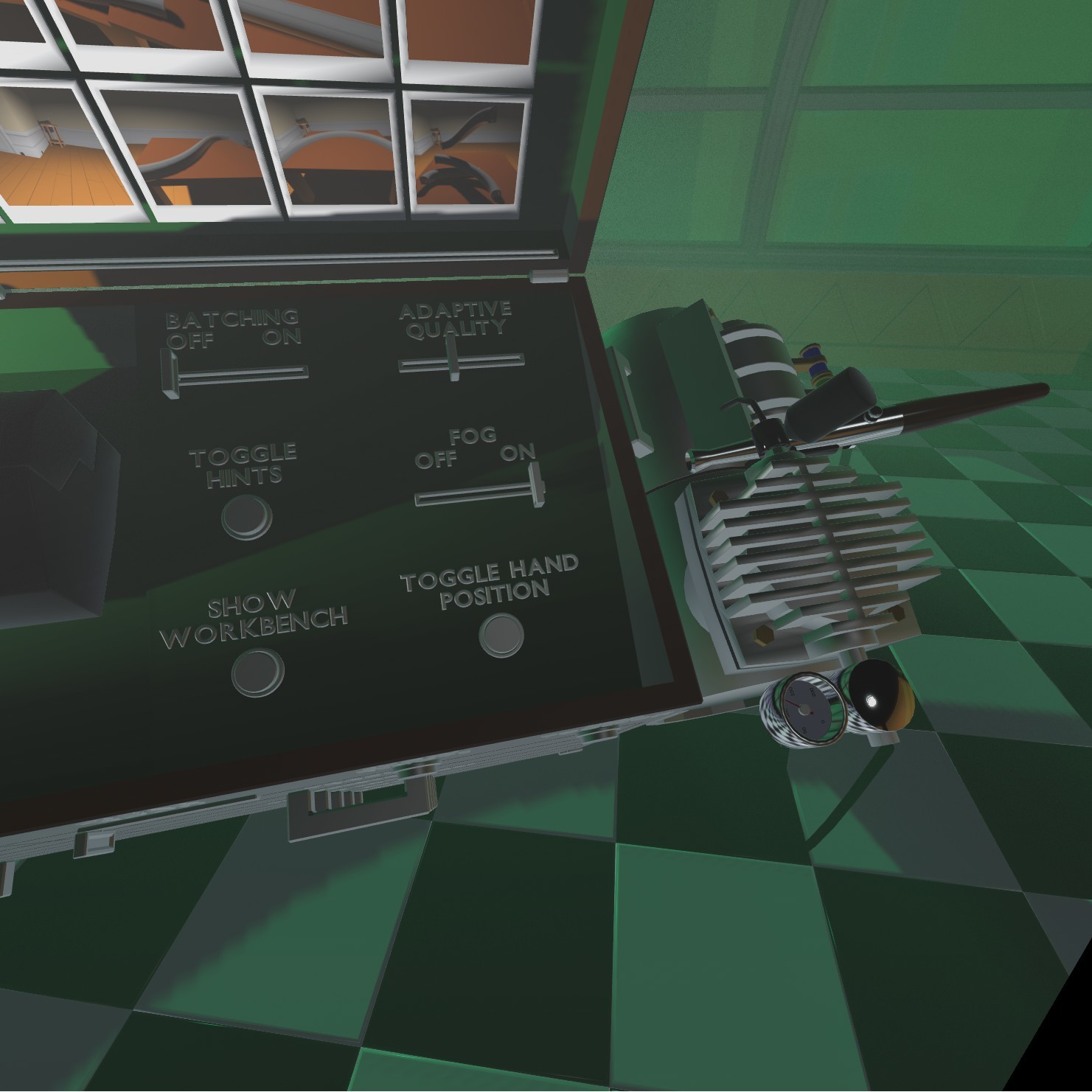
Not every machine is going to be able to handle it, so I added a toggle inside the toolbox.
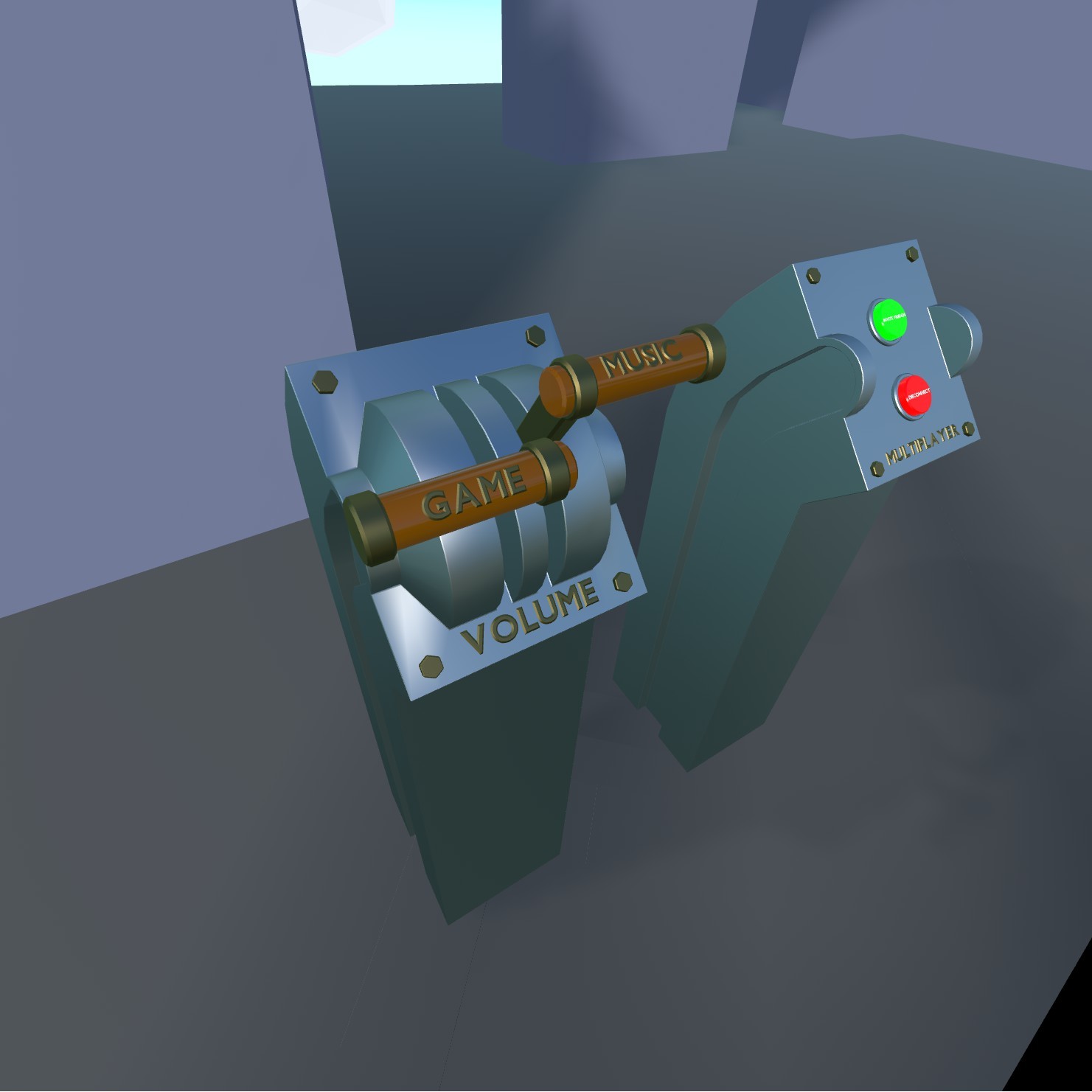
You can now adjust the game and music volume on the start screen using these levers.
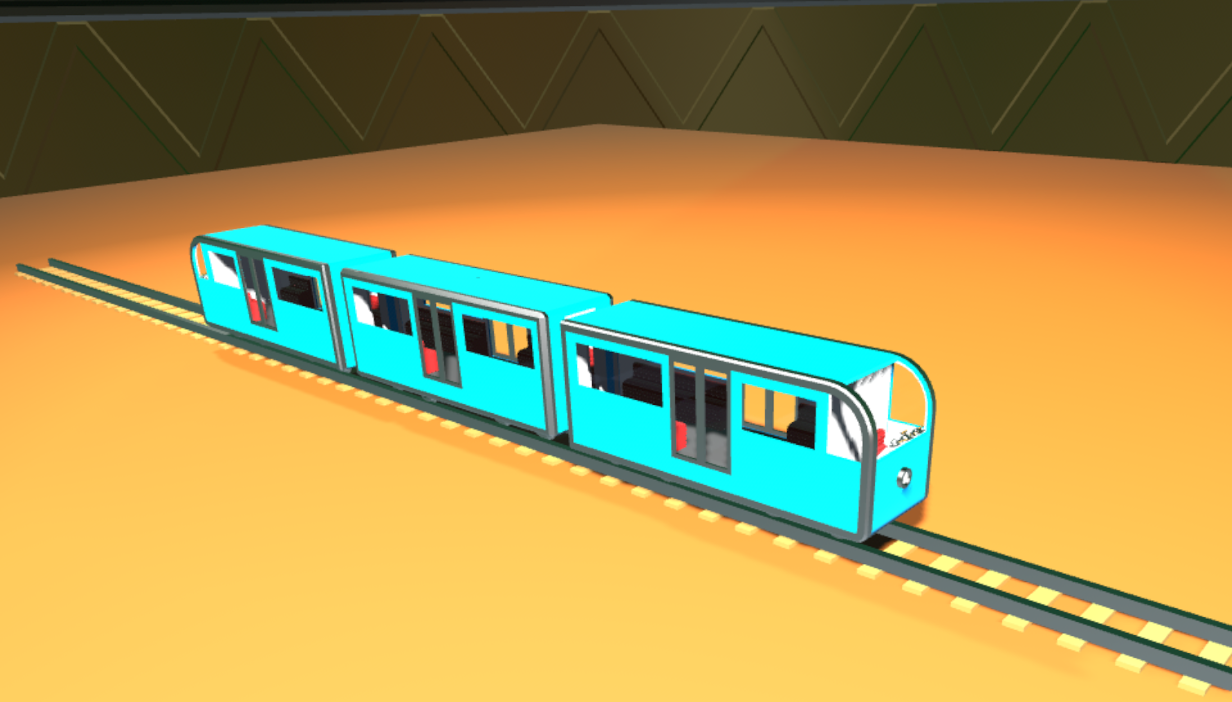
I also added a new style of EMU.
Last, but not least, Locomancer officially supports Linux! I've been releasing builds for Linux for a while now, but hadn't made it official because there was a scene transition bug that prevented the Linux build from having the start screen. With the new multi-room setup it can finally support it without horrible GPU hangs, nice!
While testing I did notice and odd degradation in performance despite the game not using more RAM/CPU/GPU, but I don't know if that's just my machine or not. Let me know if you run into this issue.
The Light at the End of the Tunnel may be an Oncoming Train
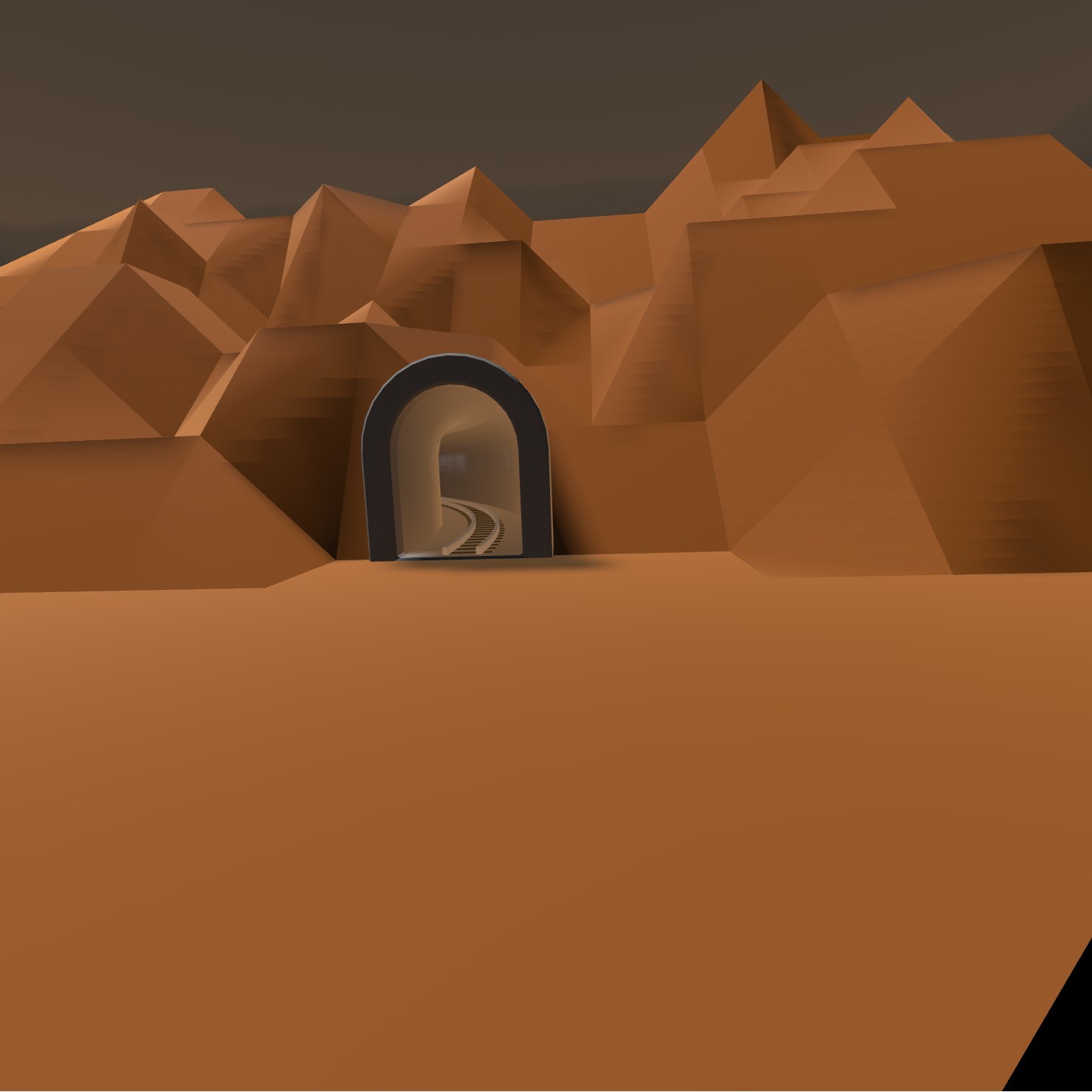
There have been a few static tunnels in the game for a while, but none of them were all that useful. This update builds on the flexible track from the last one to bring you flexible tunnels. These tunnels bend, twist, and cut holes through terrain.
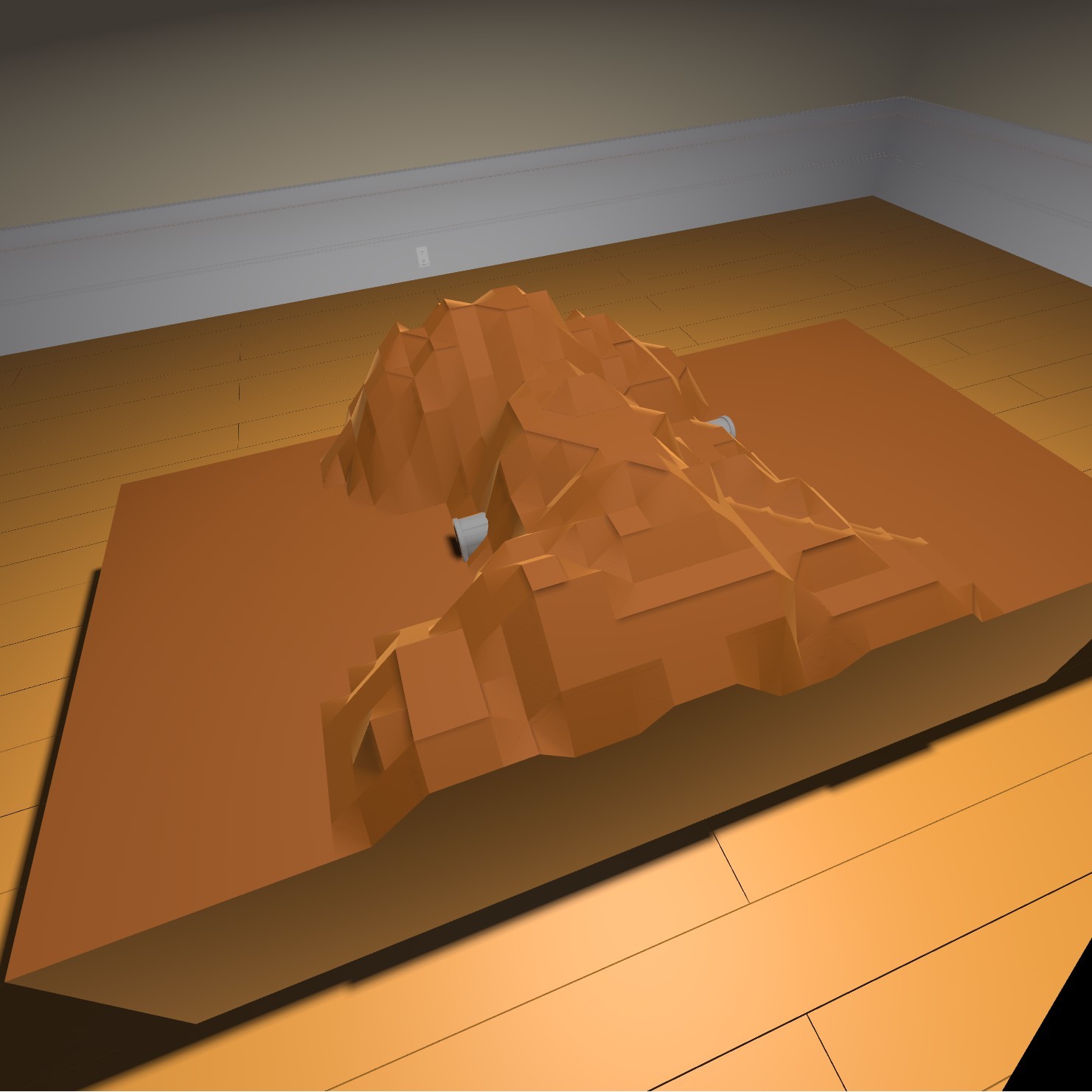
They snap to tables but can also be placed on their own in a room.
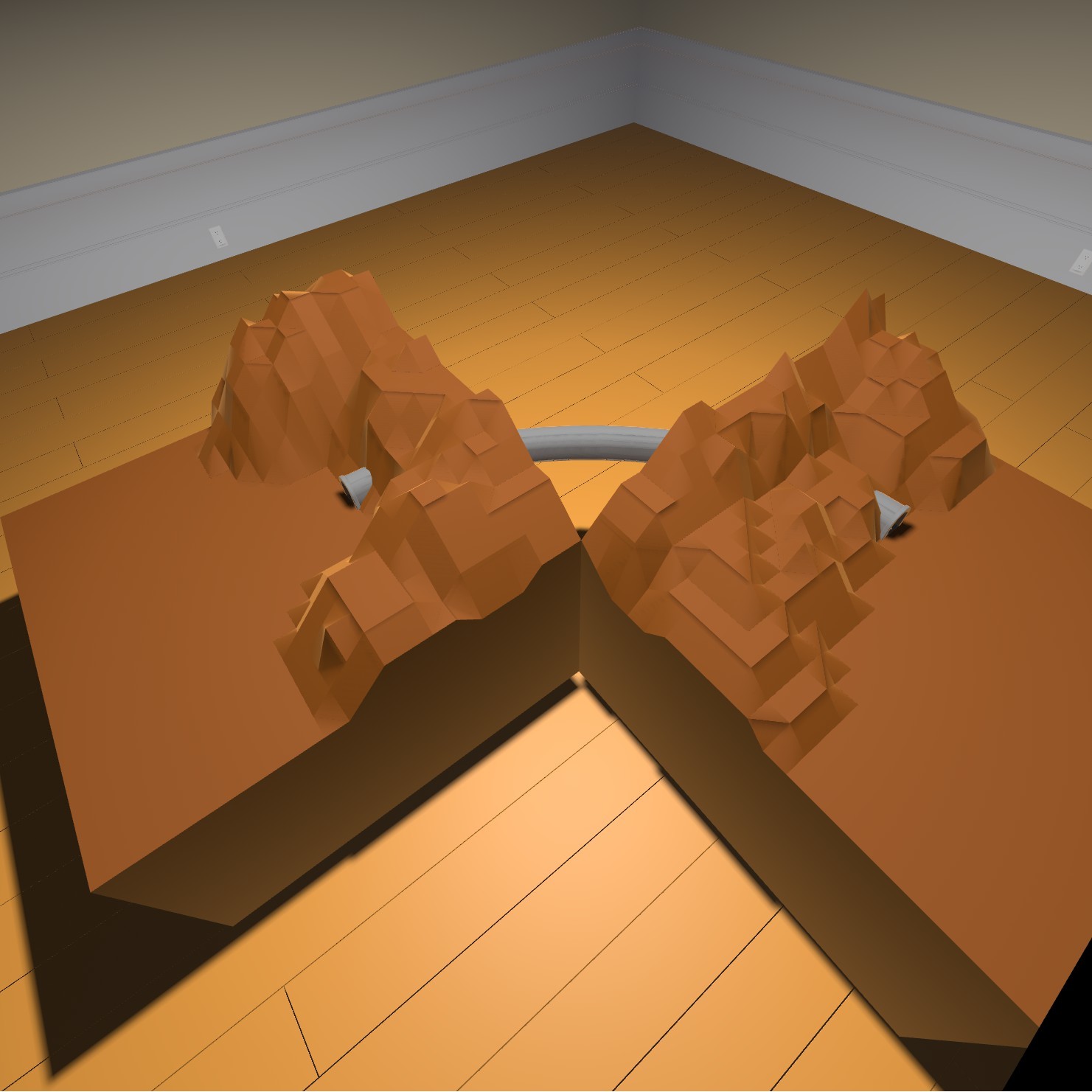
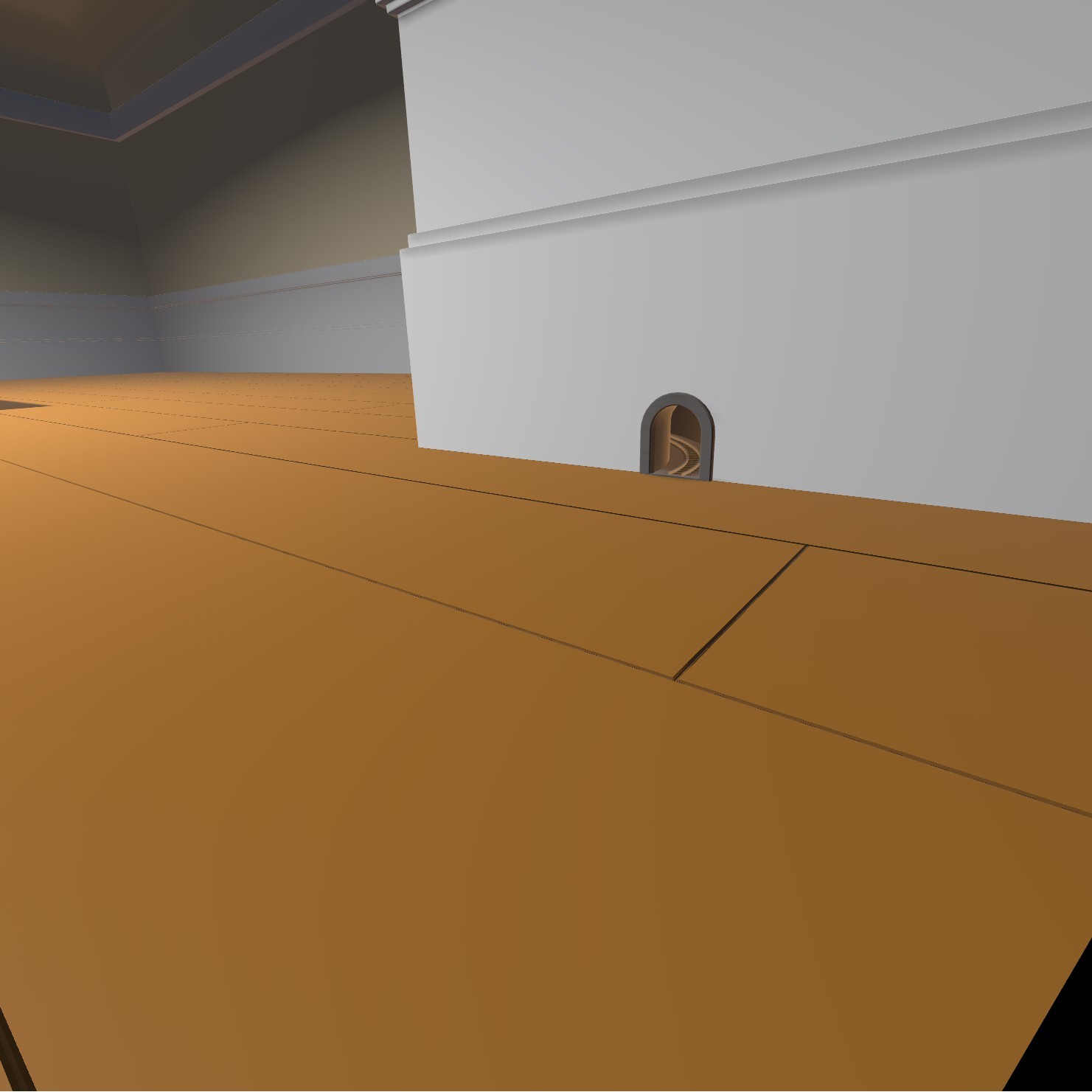
They can even go through the room walls!
There are 4 variations that can be found in the Track Extensions drawer.
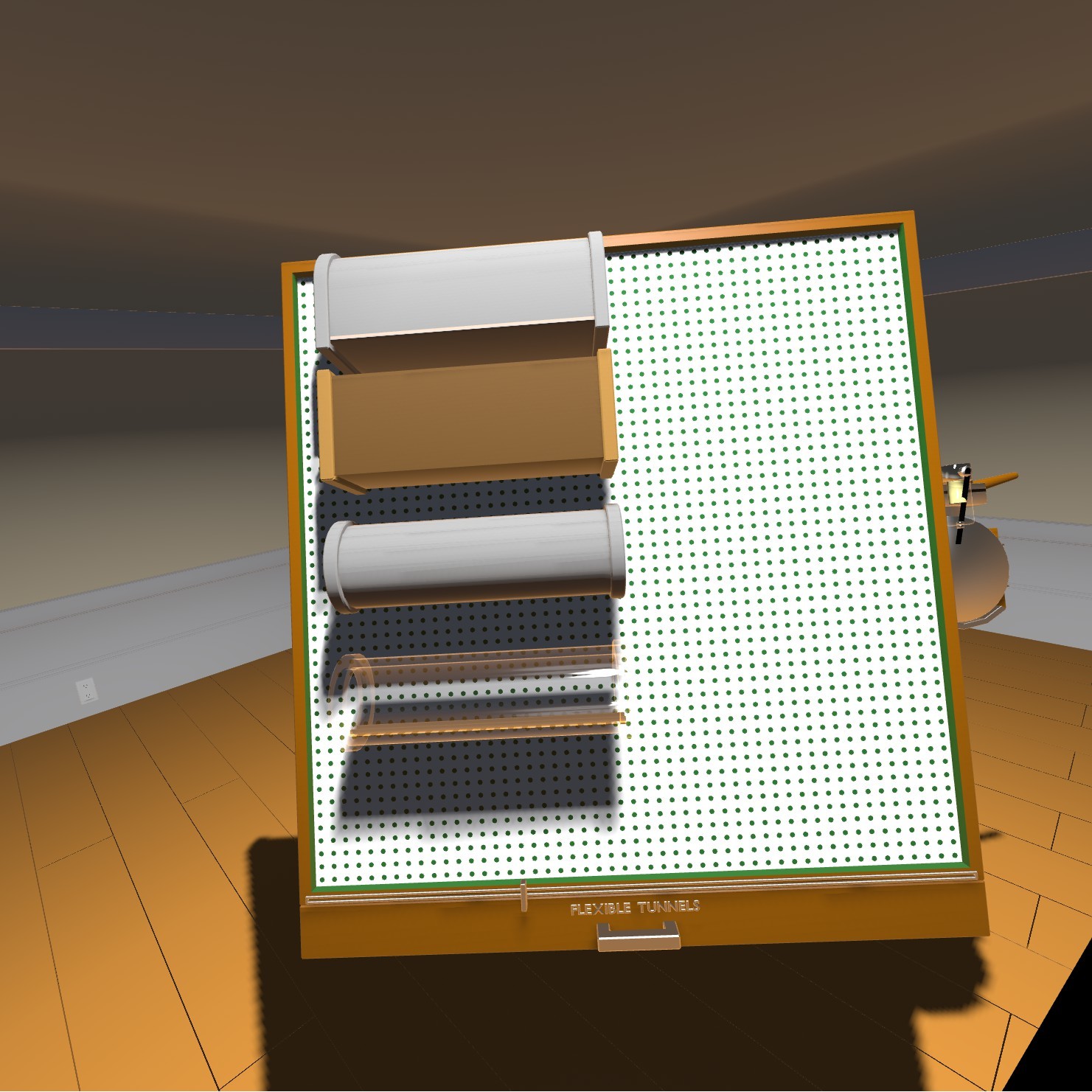
A known issue is that the ends of tunnels appear white when looking through them from certain positions. This is a result of the way they are implemented and cannot easily be fixed.
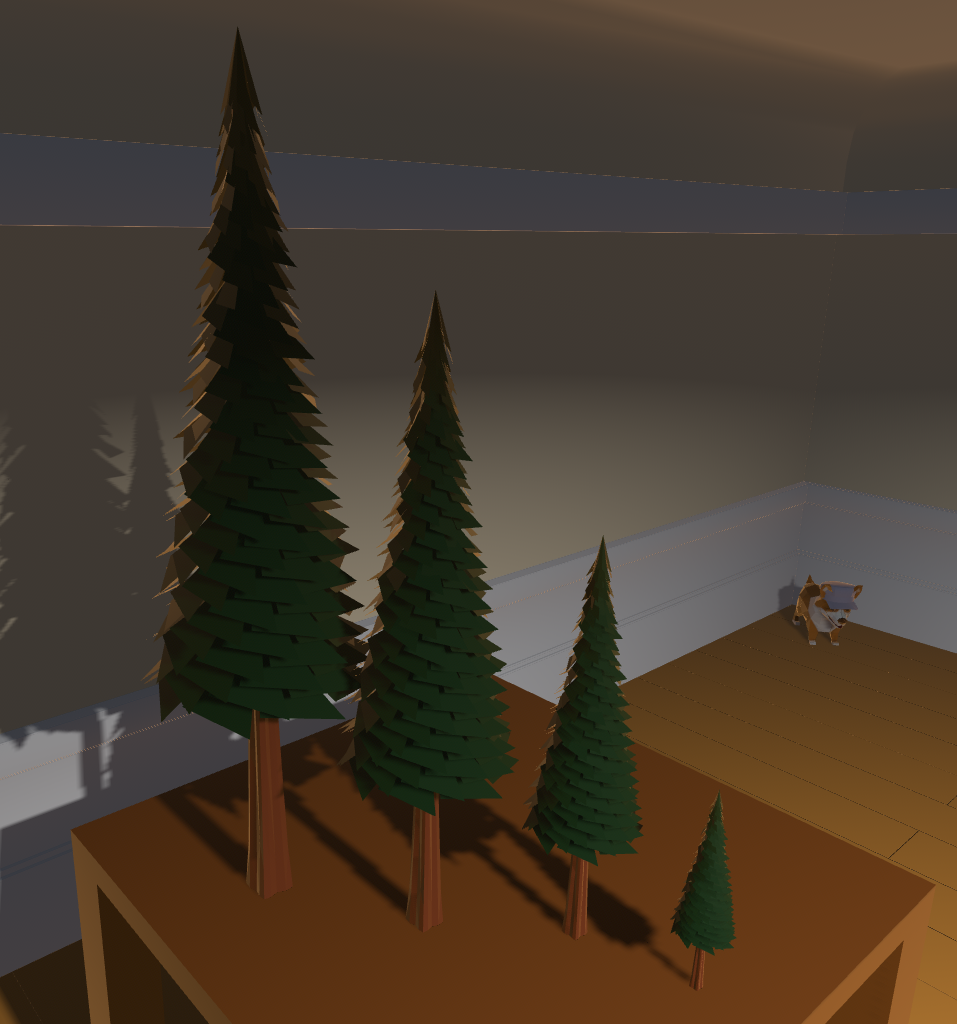
This update also adds 4 sizes of redwood tree.
It's About Time
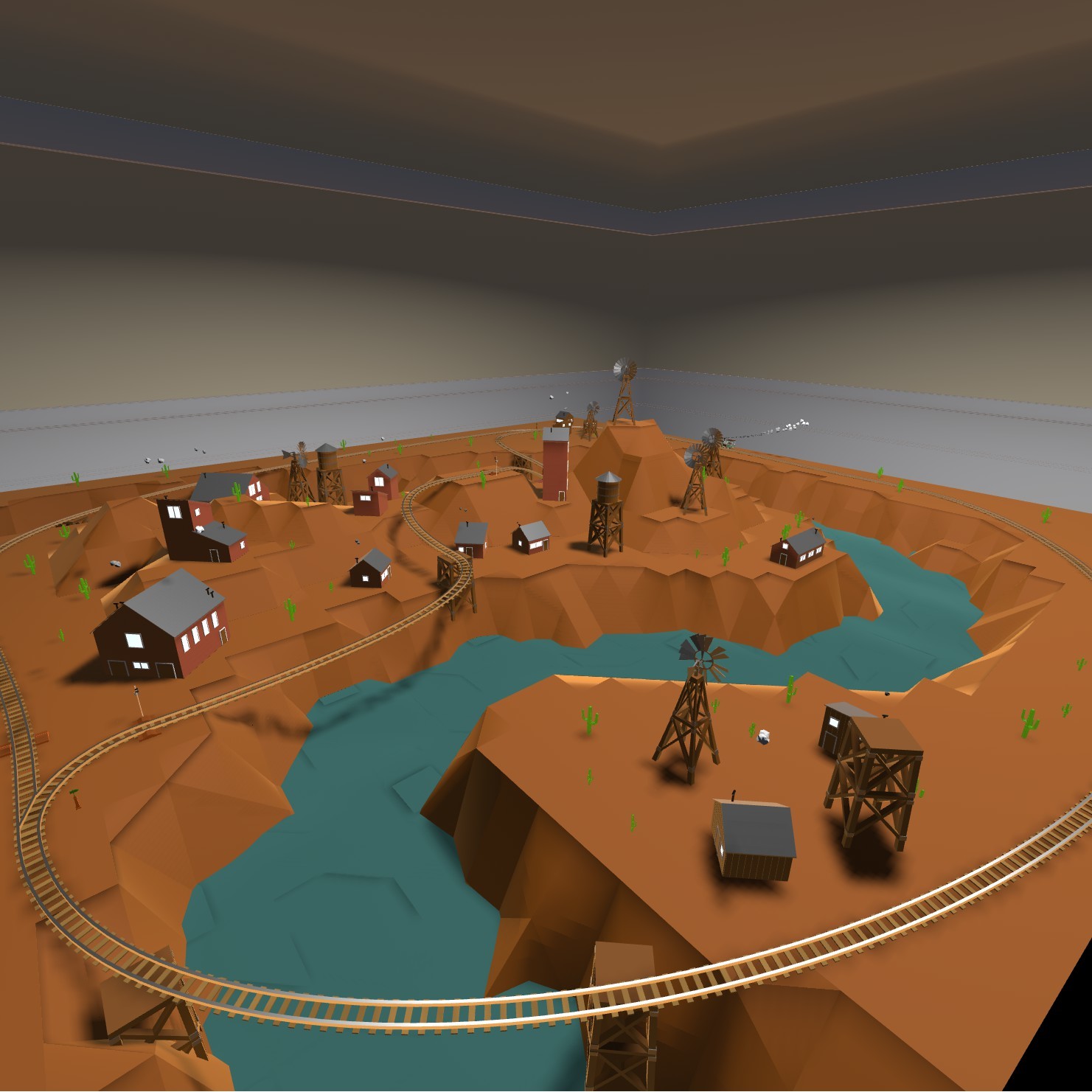
After two years of saying I wanted to, I've finally gotten around to adding deformable terrain.
Along with the terrain I've implemented flexible track that allows you to more easily built on the new terrain or just make interesting curves you couldn't before. This track can be manipulated by grabbing it by the endpoints and moving them around.
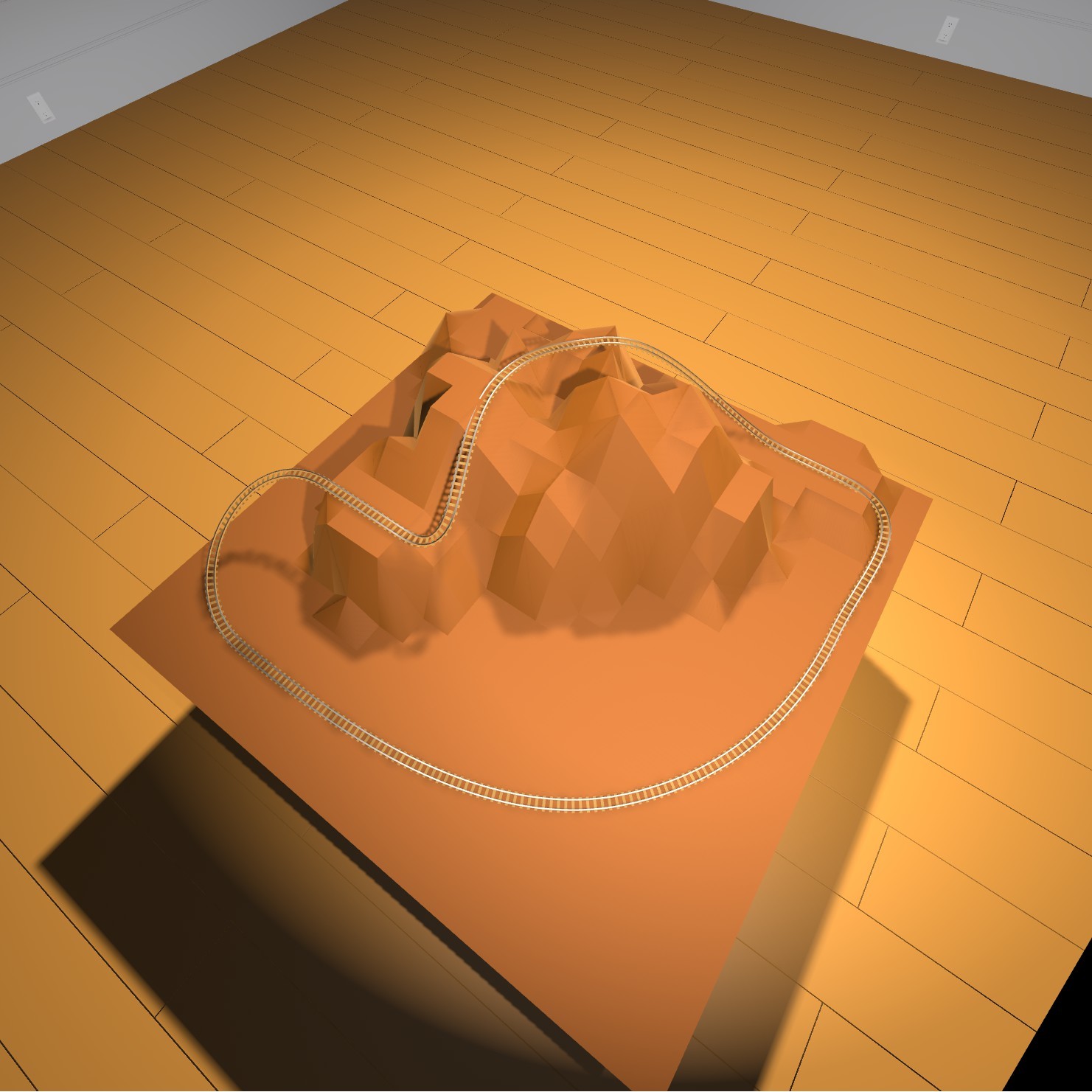
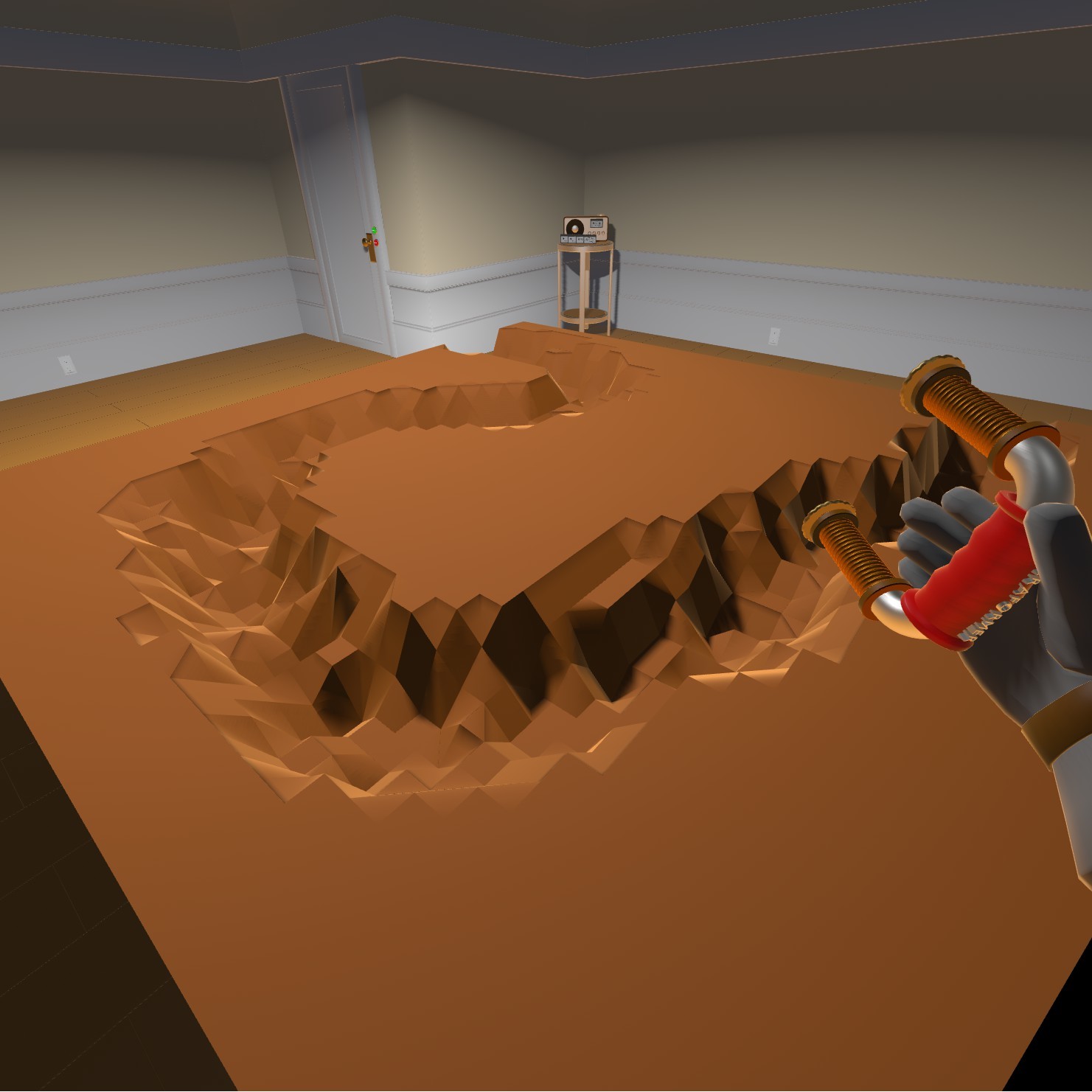
The deformable terrain comes in the form of a new table that once placed can be edited with the new terraforming tool.
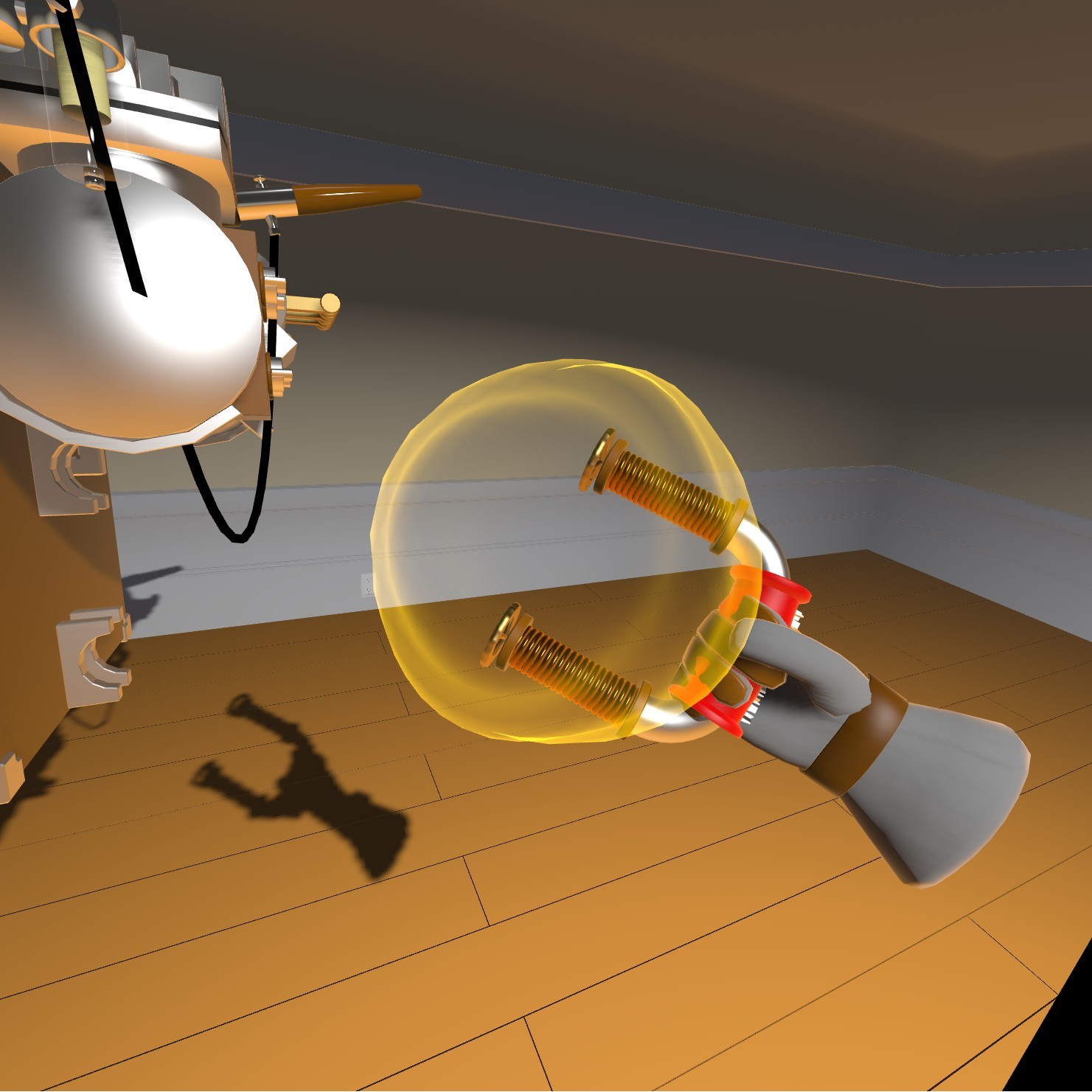
When held near a deformable table, editable points will be highlighted within the tools radius.
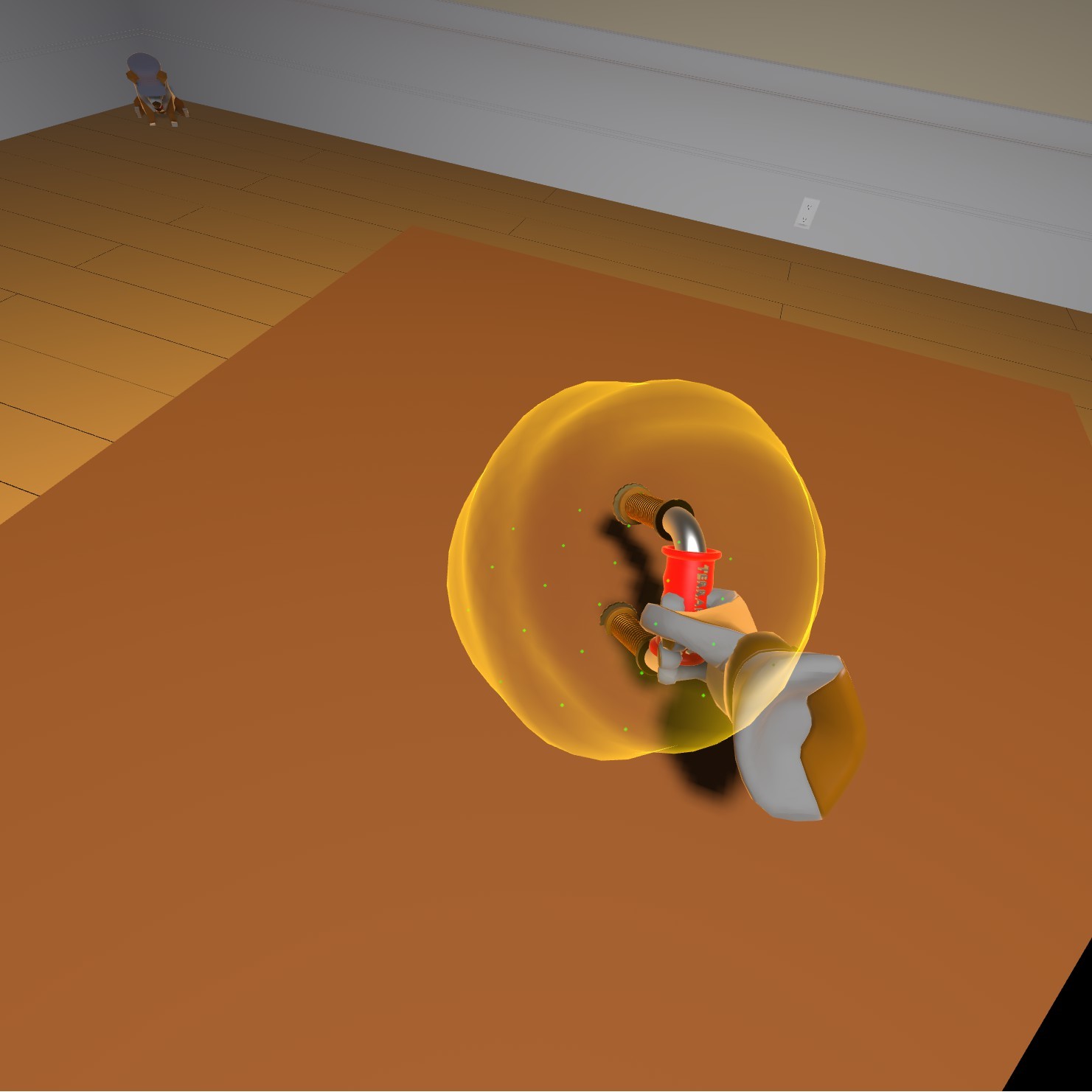
Pressing and holding the trackpad (or A button on Oculus/WMR) will let you raise and lower the highlighted area.
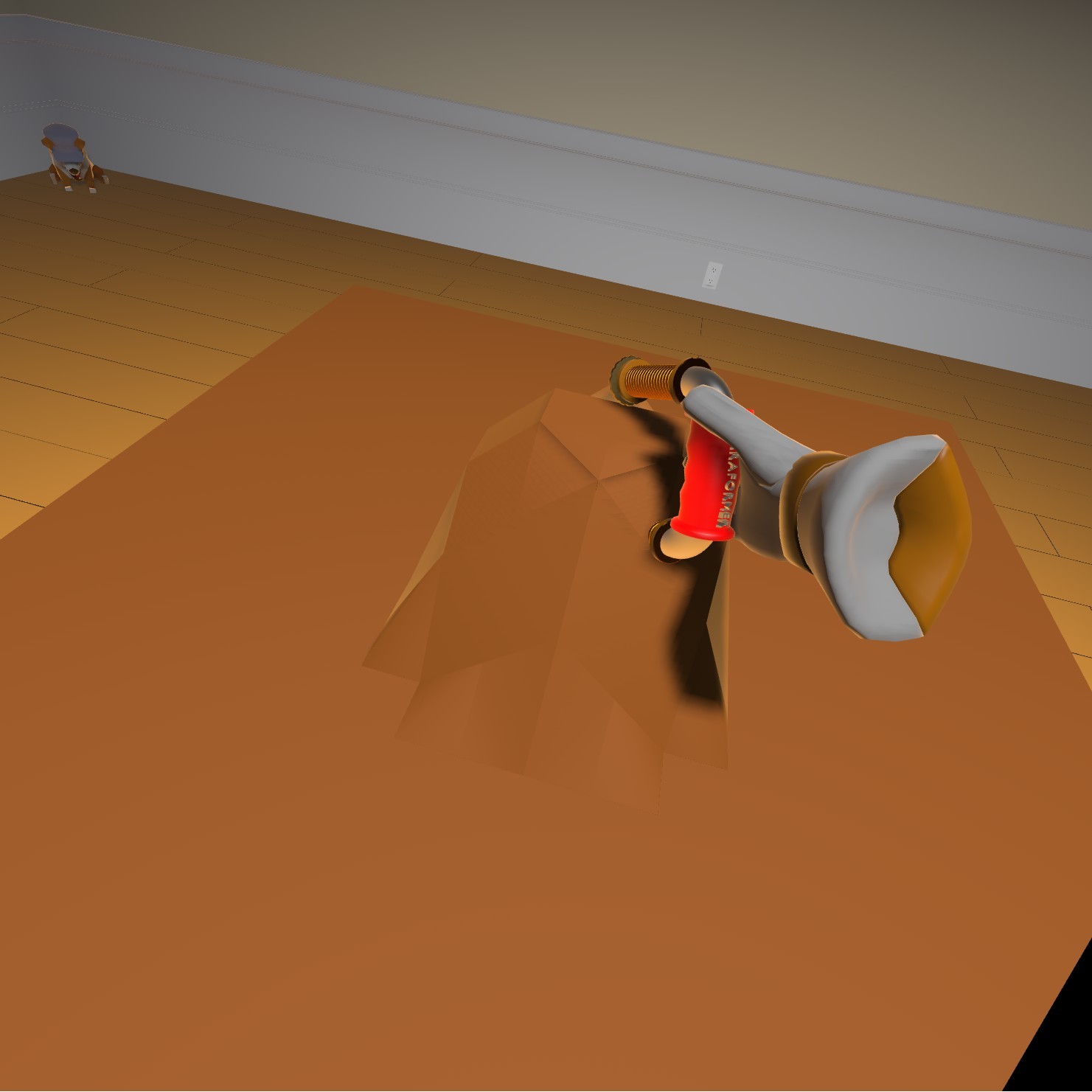
You can adjust the range and falloff of the selected area with the dials on the end of the Terraformer's prongs.
You can also paint this new terrain multiple colors allowing you to create snow topped mountains and green valleys.
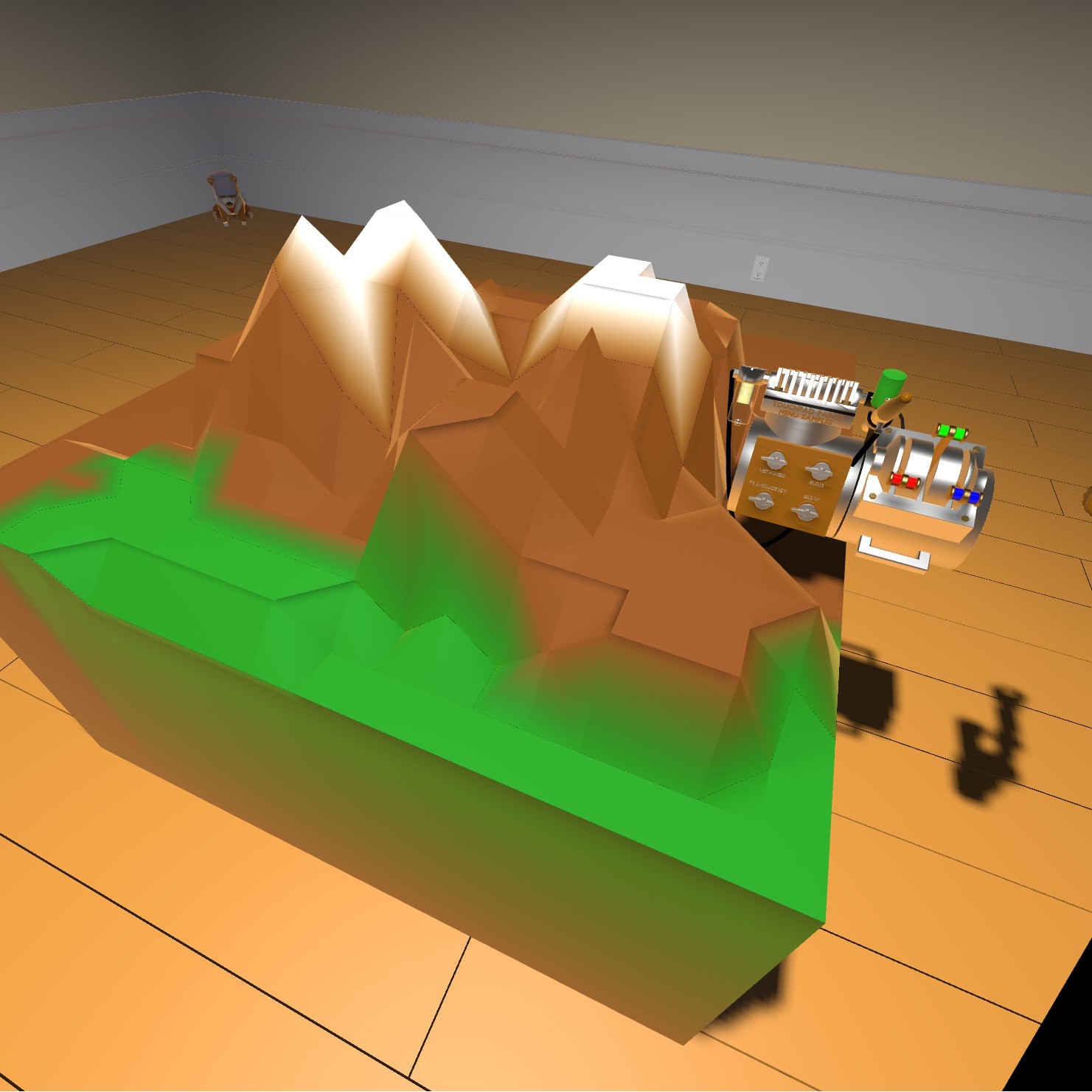
In addition to these new flexible features, I've added two new locomotives:
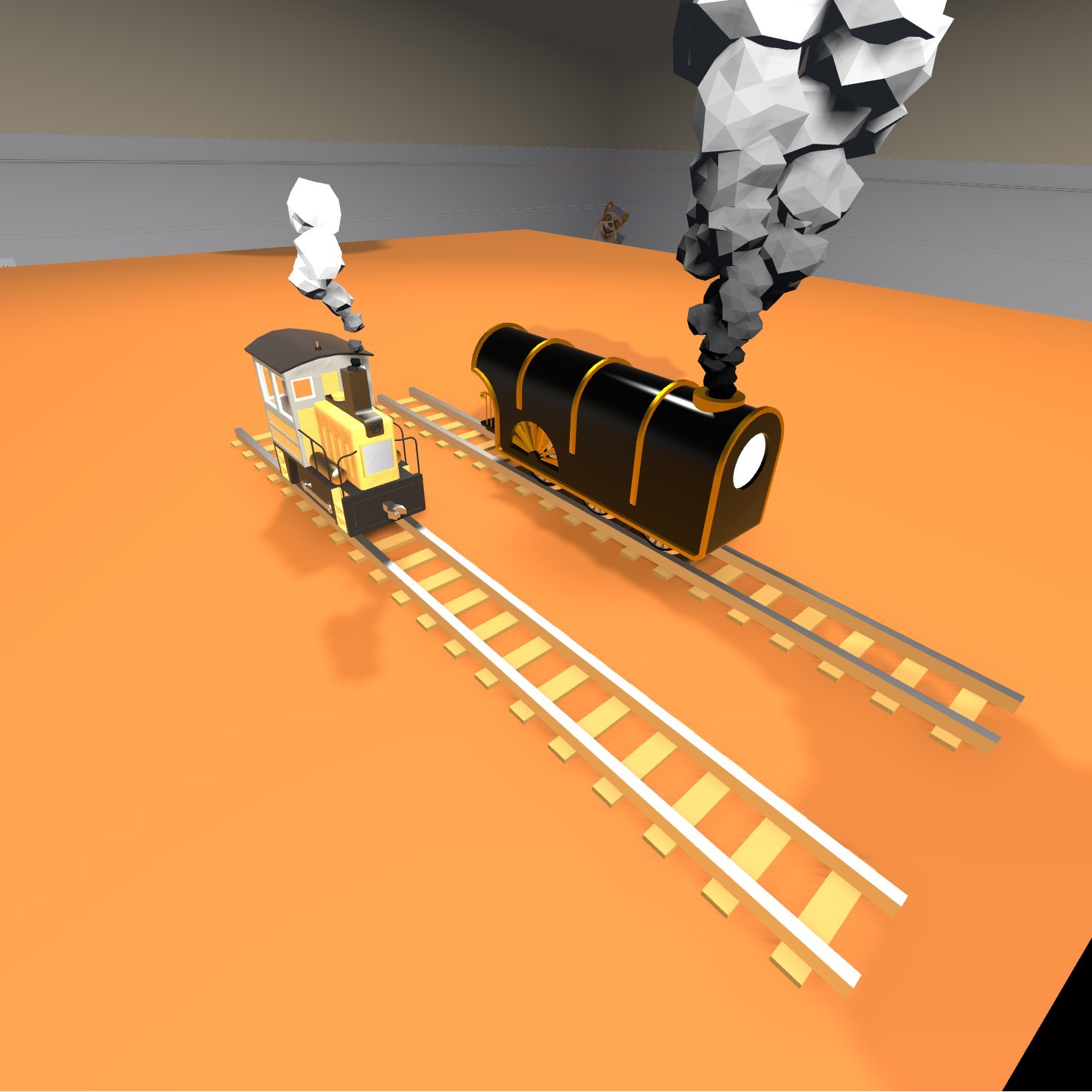
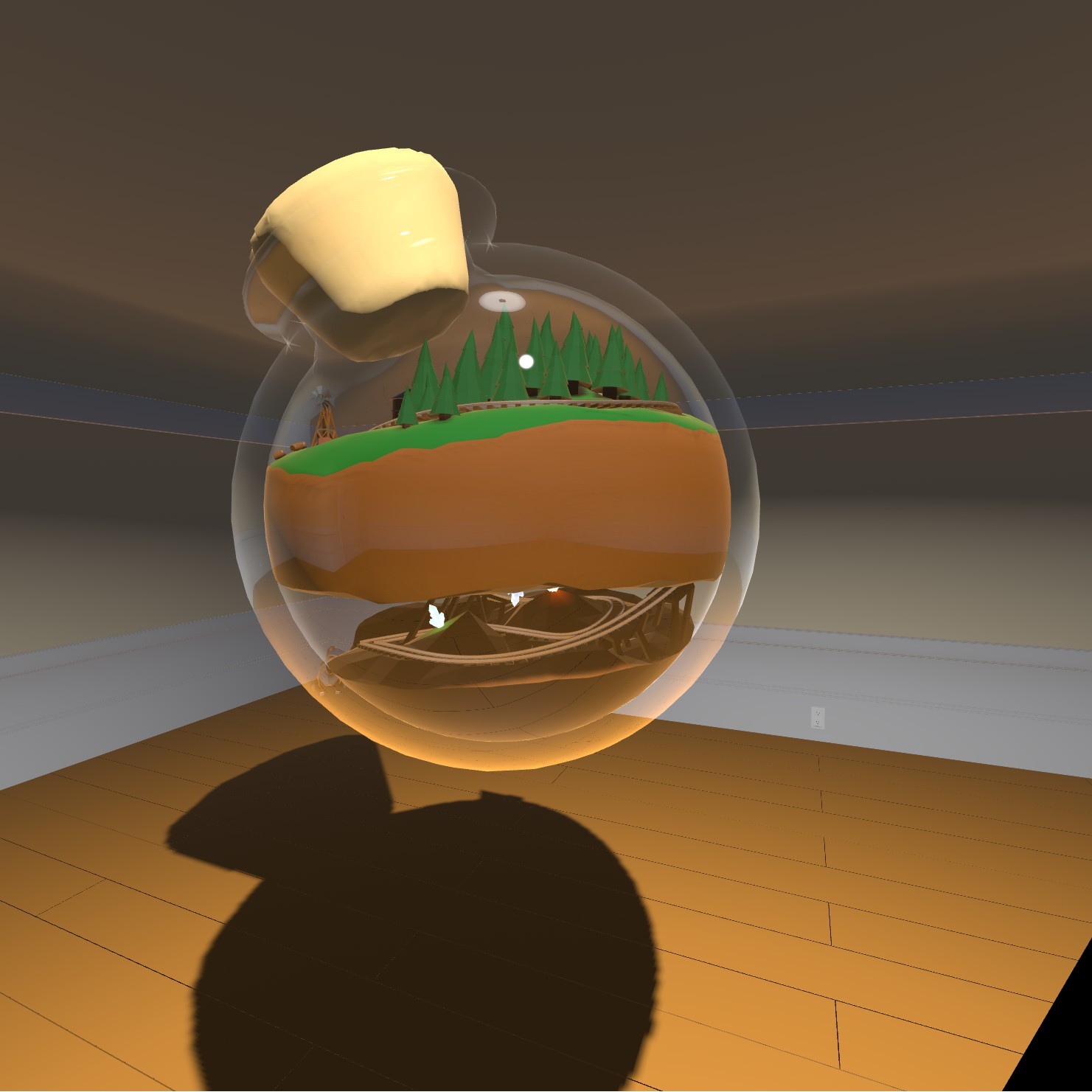
As well as a light control signal block, a double-wide crossing guard, and a little trainarium.
Changes:
- Added deformable terrain and Terraformer tool
- Added flexible track
- Added Deco loco
- Added Punter loco
- Added light control signal block
- Added double-wide RR crossing guard
- Added bell to RR crossing guard
- Stopped bell and horn signal blocks pausing control sequences
- Added trainarium
- Rearranged locomotive inventory drawer
Known bug: Terraformer sometimes loses ability to terraform (I know, it had one job)
Linux build coming soon.
https://steamcommunity.com/sharedfiles/filedetails/?id=1430077455
The Automation Update
Signal boxes and blocks are the solution that I came up with. Signal blocks can be attached to a signal box to create a sequence of actions that will be performed by locomotives when they pass through that signal box.
Each block performs a single action which can be adjusted by turning their dials to the desired setting. If you have a sequence that you want to use in multiple places you can copy the stack or the signal box it's connected to.
The available blocks are:
- Brake for setting the brake.
- Throttle for setting speed.
- Bell for ringing the bell (if there is one).
- Whistle for blowing the whistle or horn.
- Switch direction for changing directions at switches.
- Doors for opening/closing the left, right, middle, or all three sets of doors.
- Decouple for decoupling the front or back coupling.
- Wait for pausing between actions.
The signal box and blocks can be found in the misc drawer of the toolbox.
I've uploaded a small example layout to the workshop:
http://steamcommunity.com/sharedfiles/filedetails/?id=1324893272
Bug Fixes
- Fixed paint tool, save camera, and fire extinguisher disappearing
- Fixed switch direction dial on control panel locking hand when no train is selected.
- Hid character model and grid when saving tool bench thumbnails
There's some new content in there as well, but I need to create some example layouts/a video before I can talk about it.
Happy Birthday Locomancer!
Thank you to everyone who has supported/played the game over the last year, it really means a lot to me!
Bug Fixes + Better Workshop Camera
You can now position the workshop camera before exporting to frame your model how you'd like it to look in the thumbnail.
I fixed a coloring bug when importing obj models and another bug related to fbx models.
I fixed some multiplayer bugs that caused syncing issues between players.