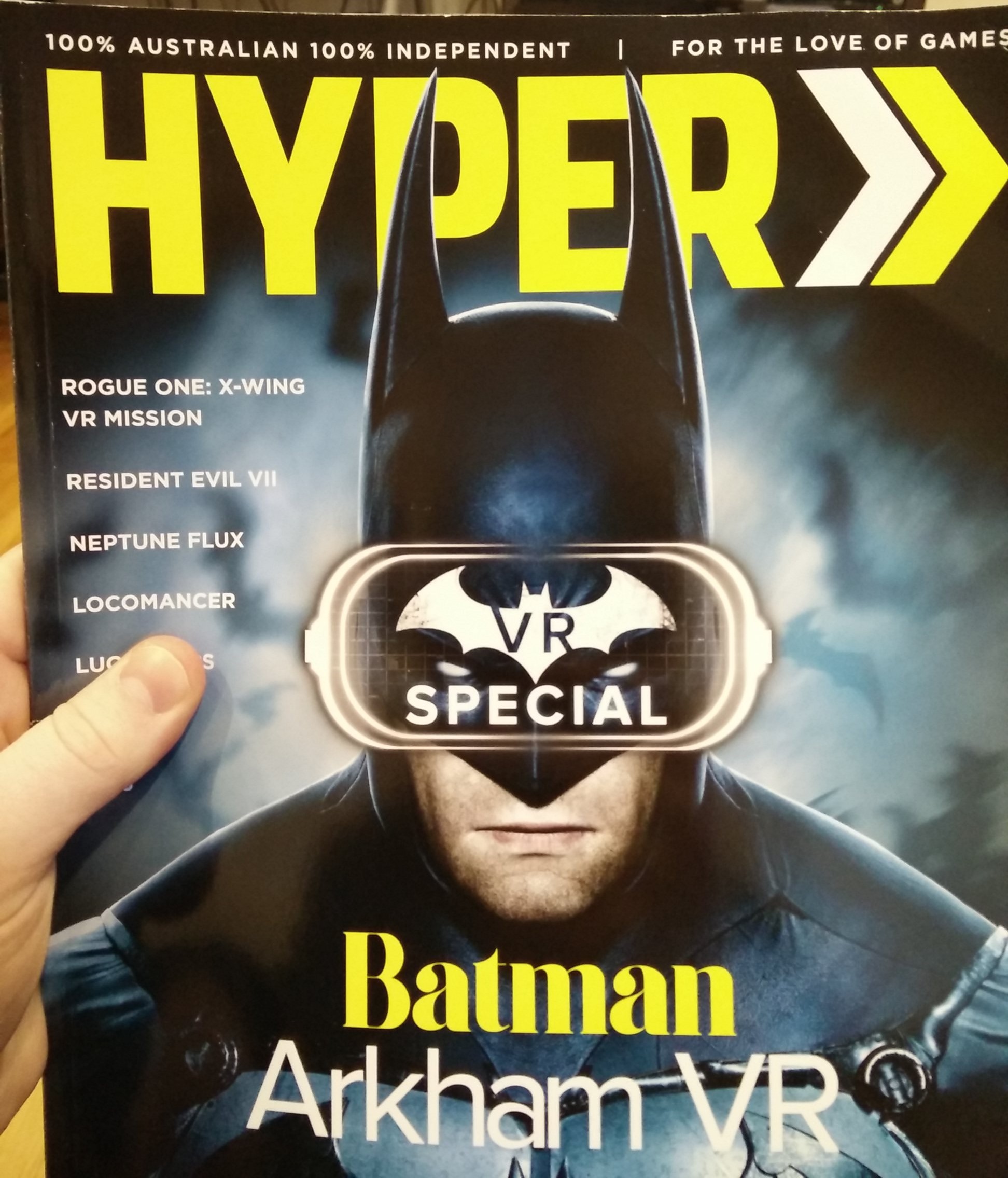
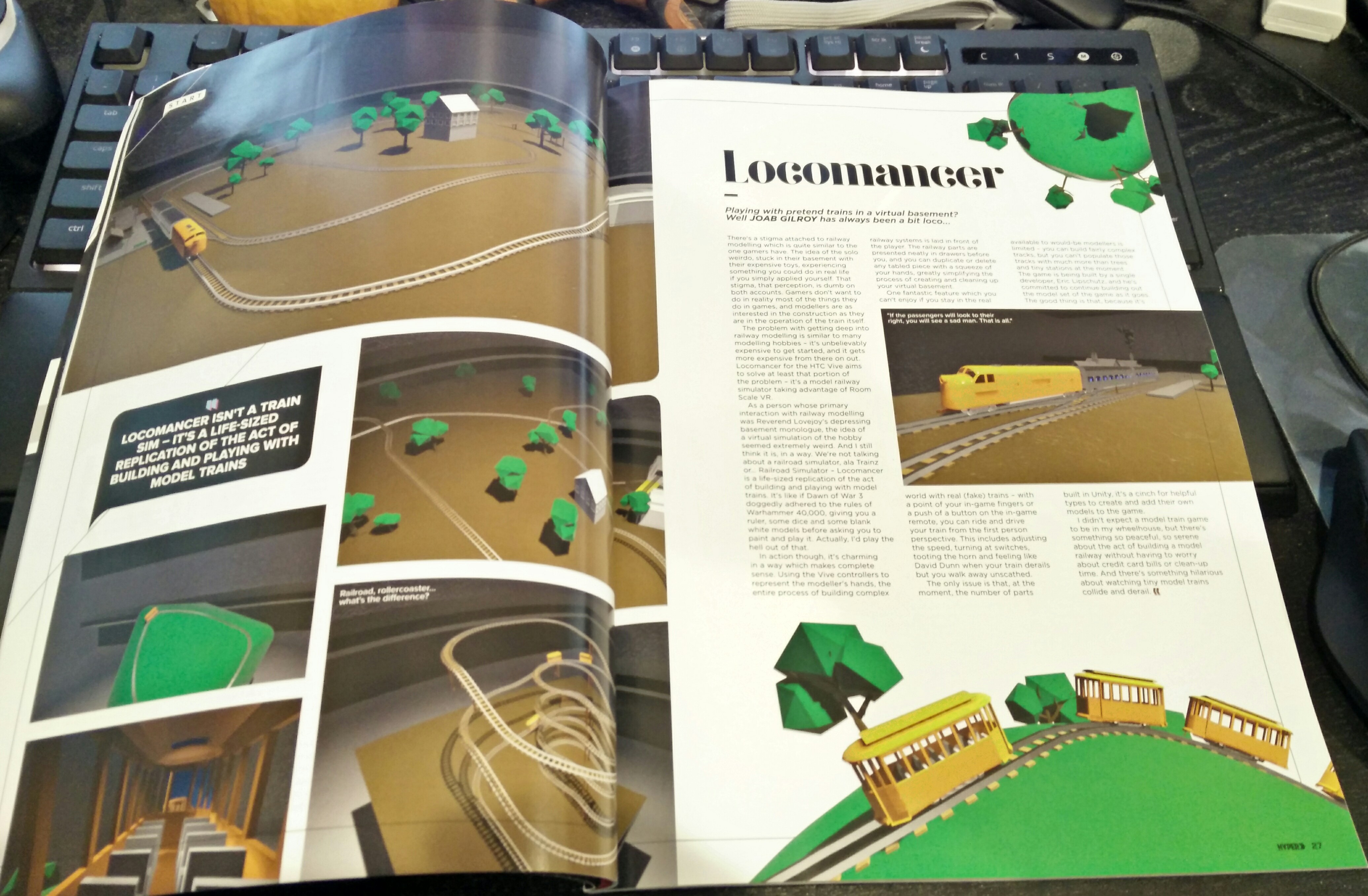
I found out about this by chance a few weeks ago and reached out to the editor to get a copy. The first one was sacrificed to the mail gods, but the second one arrived today.
Needless to say, I'm stoked that my first big solo project made it into a physical magazine.
The Holiday Special Update
https://www.youtube.com/watch?v=APTOKf6d9jc
Powered engines will now catch on fire if they collide at high speed
Powered engines will now explode if they collide at a higher speed
Cars will decouple if they derail
Vegetation and some wooden items can catch on fire when left near a fire for too long
Explosions will immediately ignite flammables
Added explosive barrel
Added fire extinguisher that can be used to put out fires
Added ability to teleport by holding the trigger and grip button and then releasing the grip button (I know this is awkward)
Added rolling wheel sound (took long enough)
Added snow covered trees
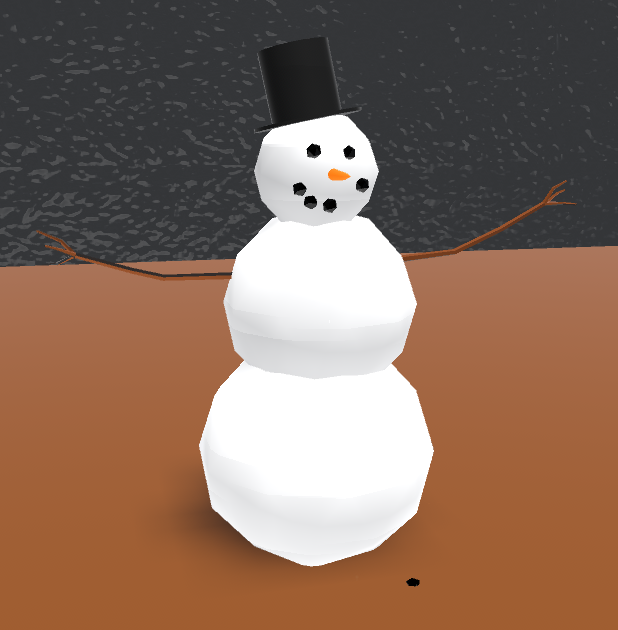
Added snowman
Added new props category to inventory, items in this section will be saved independently of tables
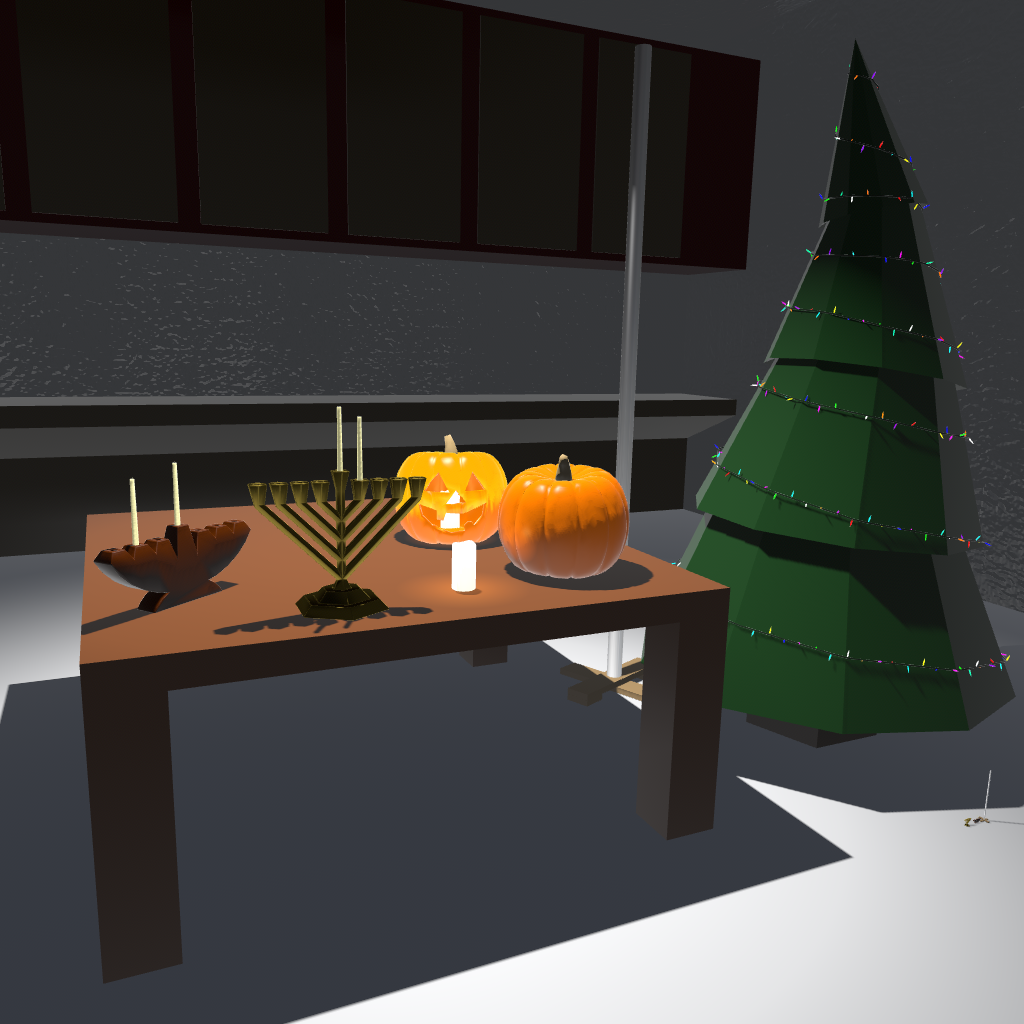
Added Christmas tree, menorah, kinara, yule log, and festivus pole
Added strikeable match
Made water buoyant so that objects don't just sit on its surface (also extinguishes fire)
Added boombox and three tapes with various music (see licenses file in game directory for sources)
Added super sampling dial to toolbox that lets you set the minimum adaptive resolution (bit of a misnomer, but I think people are more familiar with super sampling)
Updated the loading skybox for winter
Updated start scene for winter
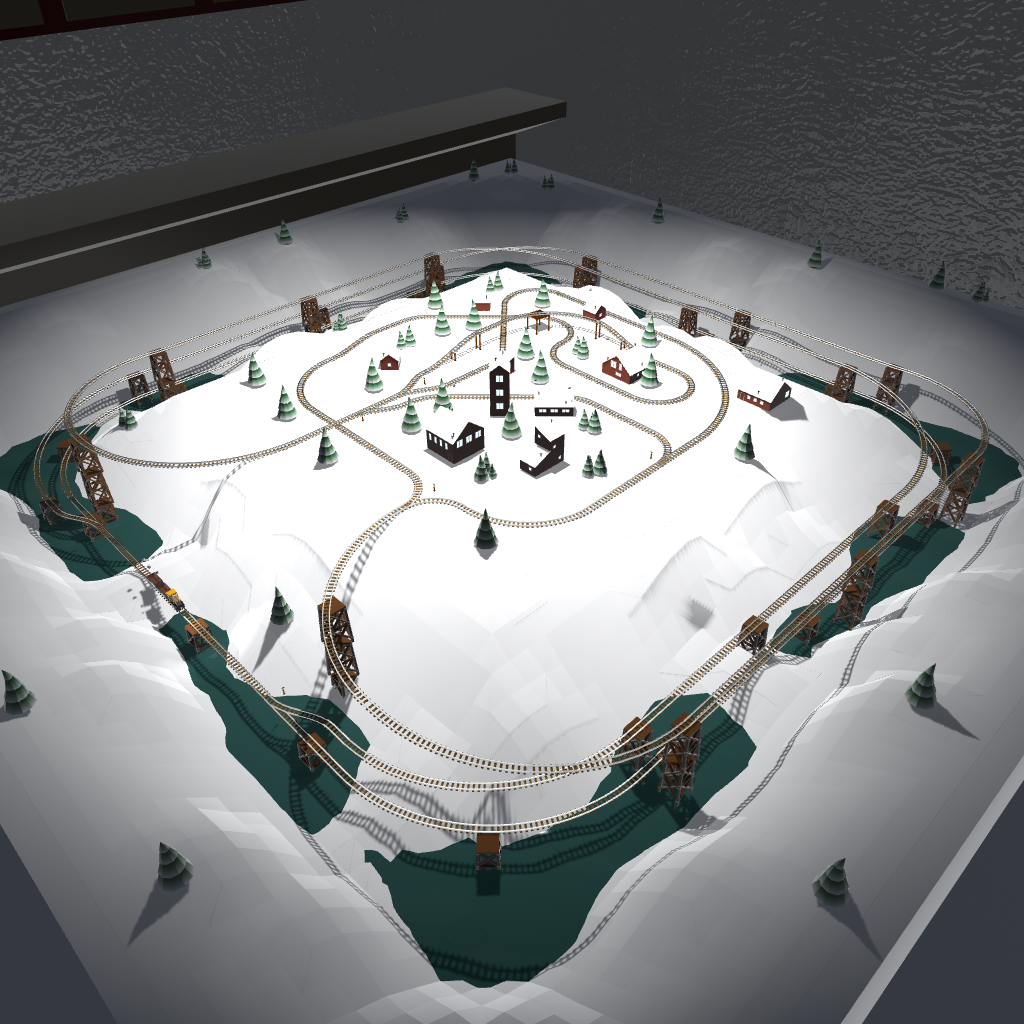
Built a new winter themed example layout (seen in video above)
Share end enjoy!
Shunters and Coupling Tweaks
Today's update is another small one, but delivers some fun stuff and sets us up for a feature I'm looking forward to down the line.
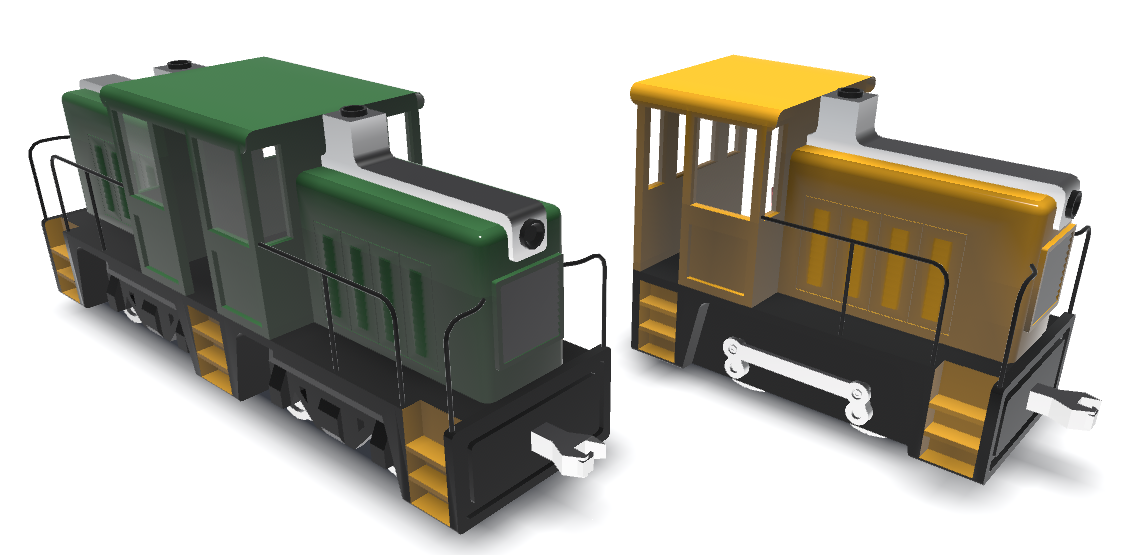
The biggest change is the addition of two new diesel shunter/switcher locomotives:
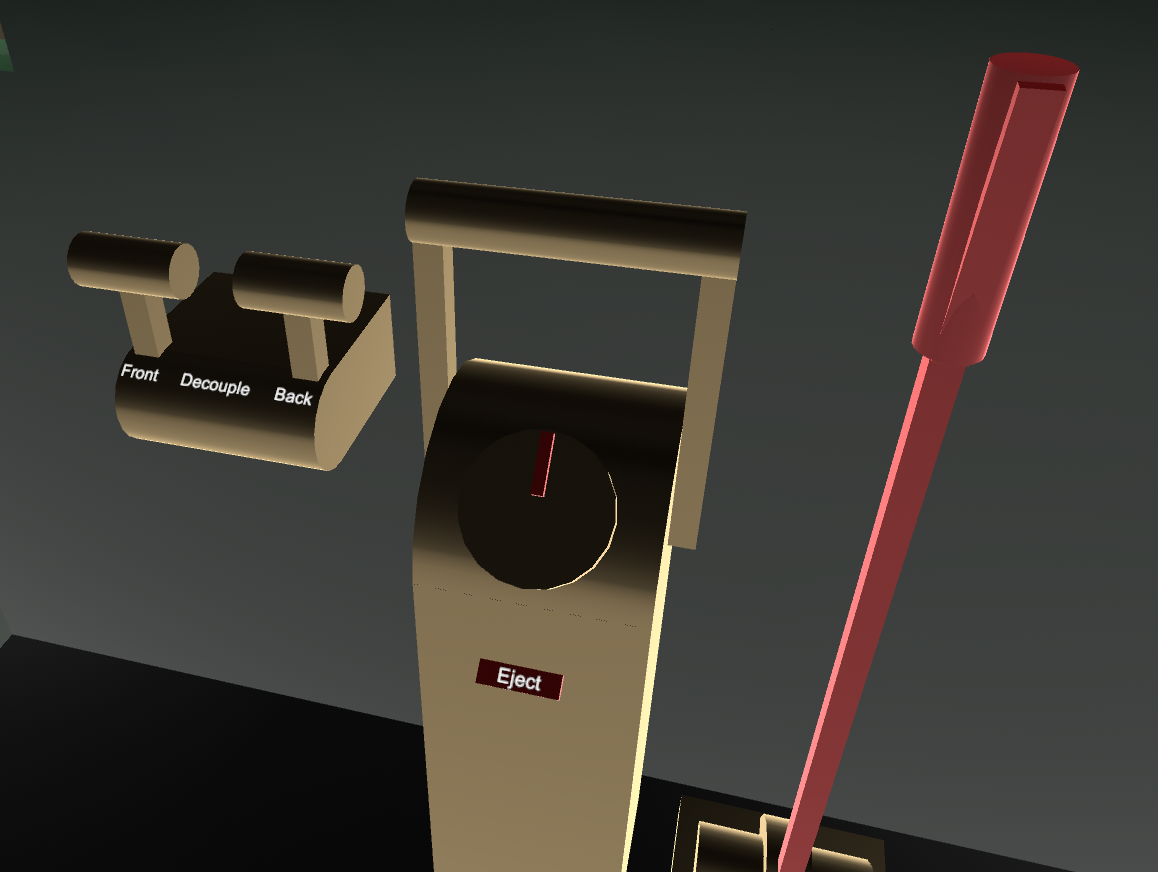
In addition to that, it's now possible to decouple the first and last cars in a train using the decouple controls:
Note that it is the first/last car so if you have a train of multiple cars you will need to pull these levers multiple times to decouple all of the cars from your locomotive.
And here's a preview of that upcoming feature that I mentioned:
https://www.youtube.com/watch?v=lBQF5VXc4Wg
The final version will likely be more subtle.
All A-BART
This update was suppose to be more of a content update, but I got sidetracked (npi) by technical stuff.
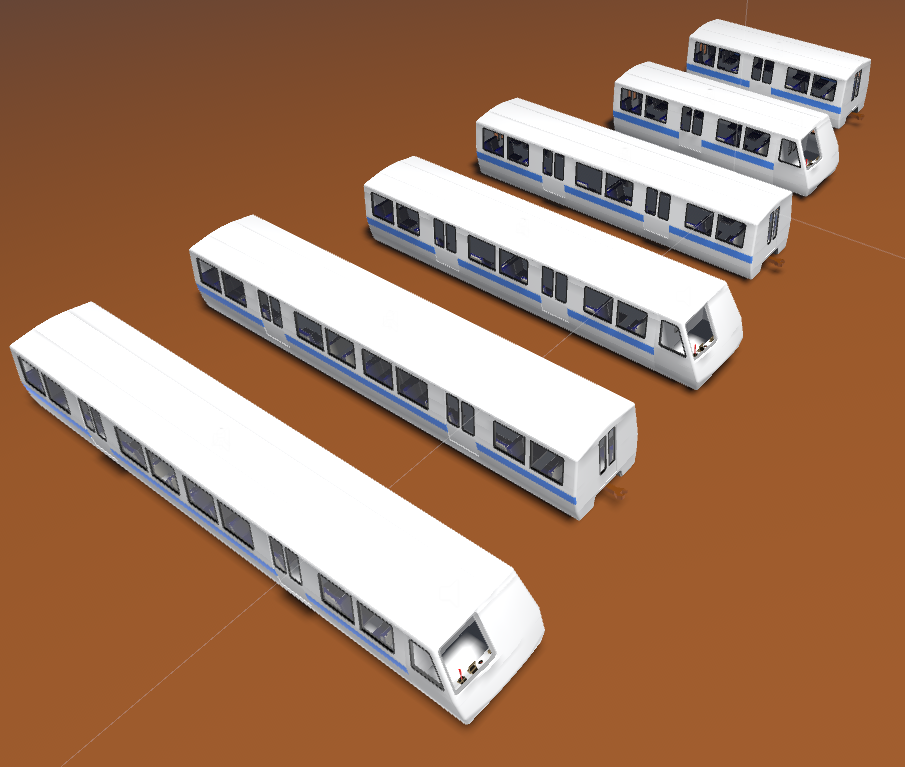
The stuff that most people will be interested in is the addition of BART cars in three sizes and multiple-unit support. MU support means you can couple multiple engines in the same train and changing the throttle or brake force in one will change it for all of them.
Then I got distracted implementing batching support which has the potential to improve performance in certain situations, but has yet to be proven. You can toggle batching from the toolbox. I'd love to hear if it makes the game run smoother for anyone.
Added multiple-unit train support
Added 3 sizes of cabbed and non-cabbed BART cars
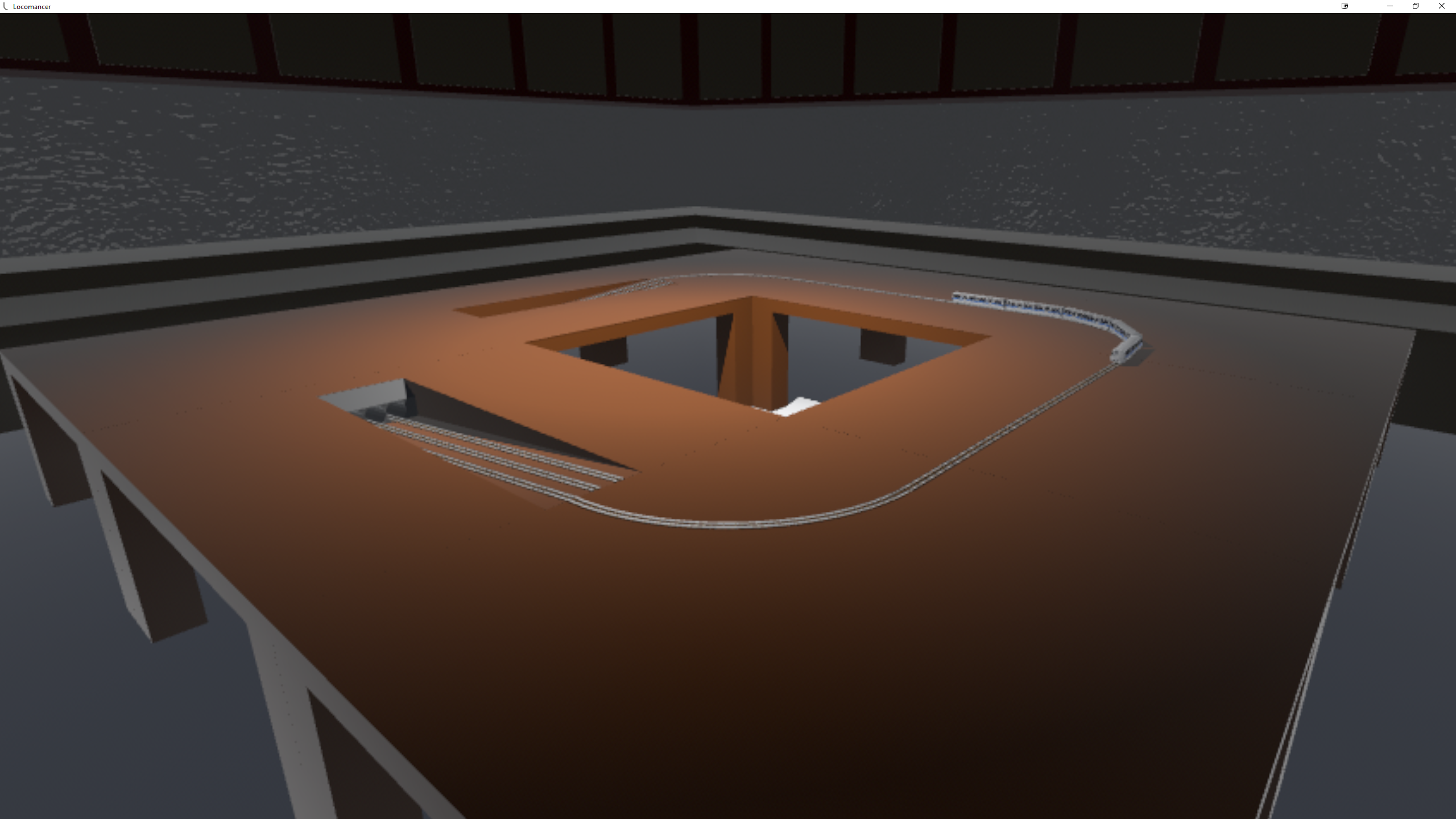
Added table with tunnel entrances so that trains can actually get underground
Adjusted height of passenger car
Added handles to boxcar doors and removed open lever (you can just pull them open now)
Fixed up some holes in the trolley mesh
Added toolbox hide button to toolbox (press the menu button to bring it back)
Added support for static and dynamic batching to reduce draw calls
Fixed pinch to zoom scaling to the wrong position when the room is rotated
Minor Fixes
Added antialiasing to polaroids
Fixed the powered minecart spawning with non-zero speed
Fixed airbrush paint sampling getting the wrong paint values
Fixed couplings not always detecting connected locos (connected loco controls brakes)
Also made couplings less springy
Made the turntable paintable
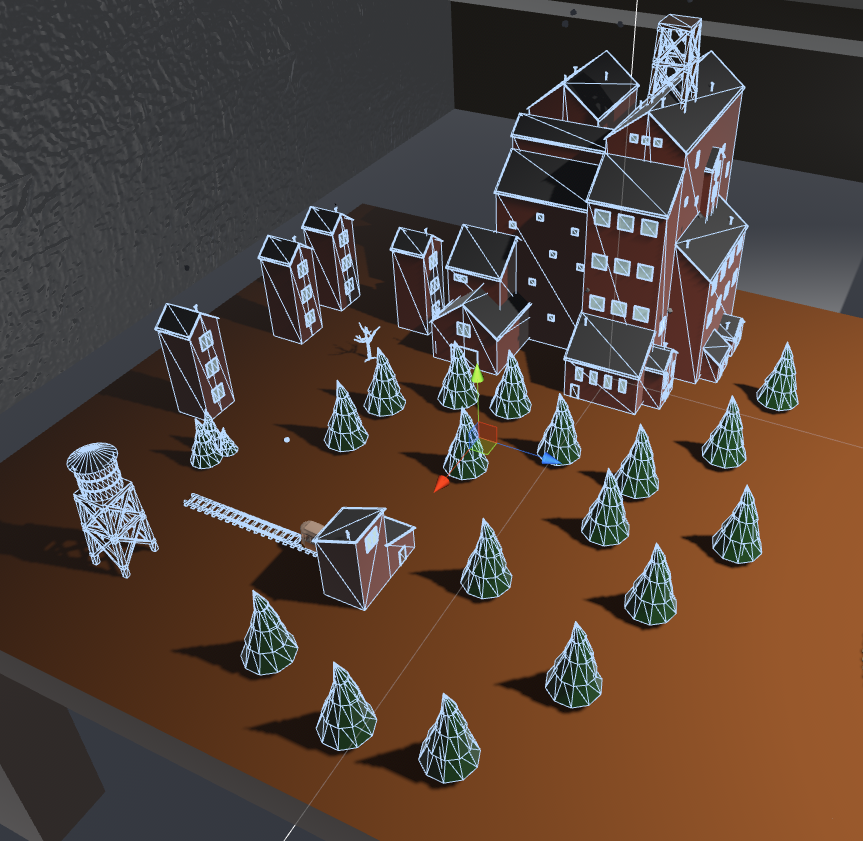
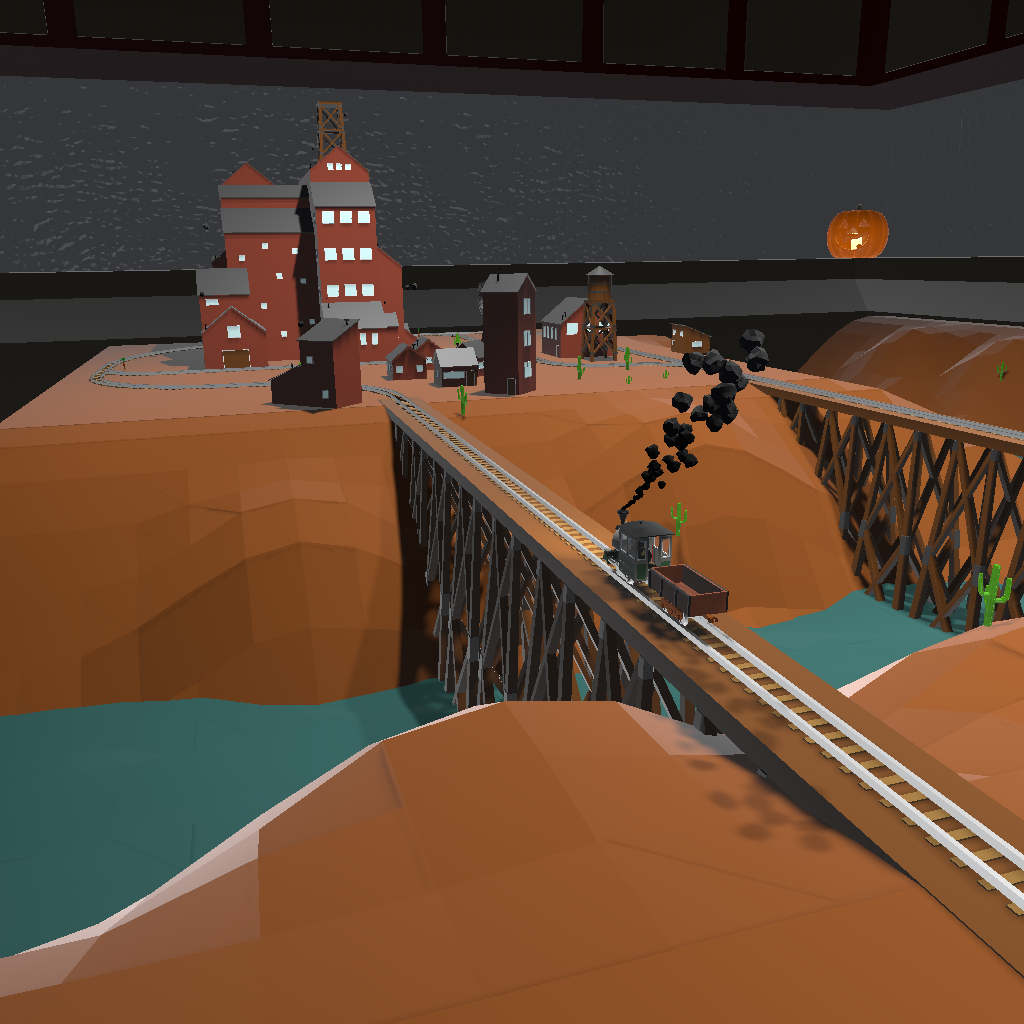
Welcome to Olde Towne
I took a break from code the last few days and finally got around to modeling a mining town.
https://www.youtube.com/watch?v=yY4O-oG1NG0
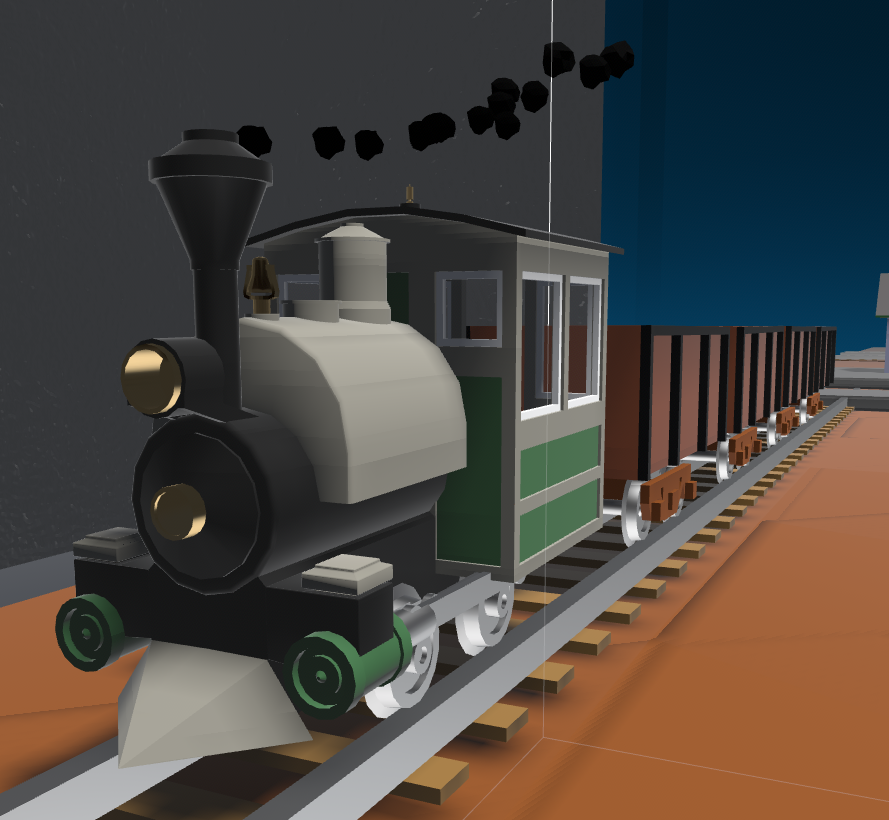
I also modeled a new locomotive:
It comes in a short two axled version as well as a longer 3 axled one.
Finally I added some experimental placeable water that behaves similar to tables. Lot's of water may have an adverse effect on performance.
The Bob Ross Update
https://www.youtube.com/watch?v=idW7NSWSnn8
The major change in this update is the addition of the ability to paint objects. Using the airbrush you can change the color, glossiness, metalness, and translucency of most (but not all) placeable objects. Paint is saved along with everything else.
To change the current paint properties of the airbrush, grab and move the four sliders on the sides and back. The side sliders can be moved up and down as well as forward and back. The current paint can be previewed as a small jar on the top of the airbrush.
Once you are happy with the paint, you can apply it by pointing the airbrush at an object and pressing the touchpad. You can also sample existing paints by pointing and pressing the menu button.
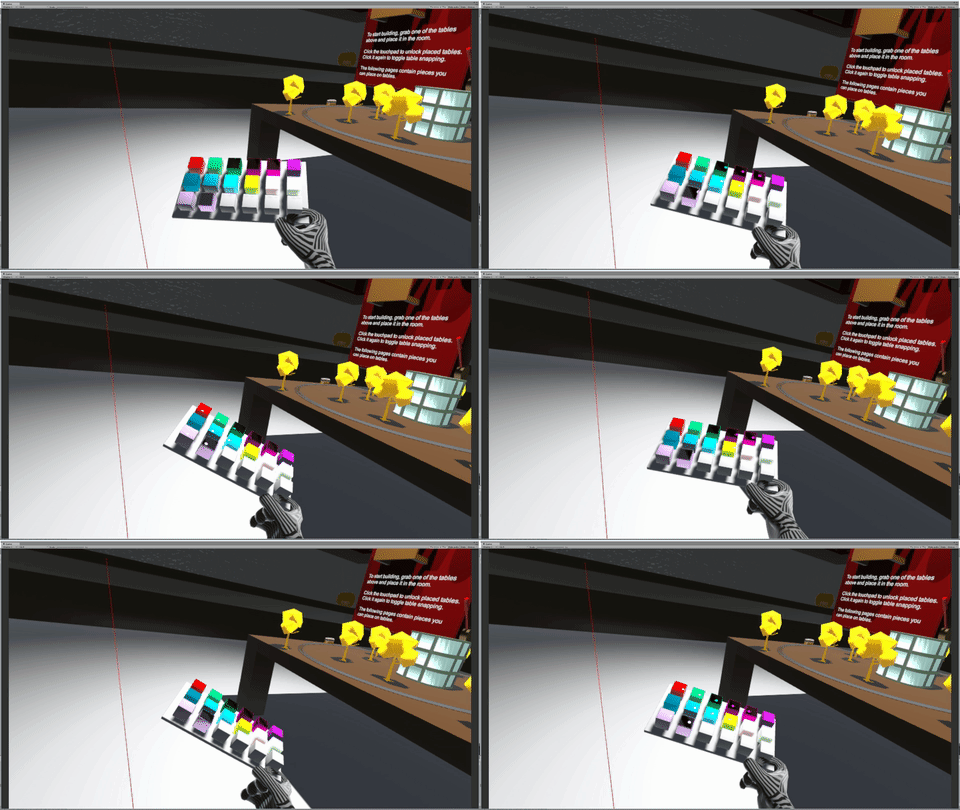
In the misc section there is a new color palette that can be placed in the room and used to store paints by painting one of its 18 cubes. You can then sample these back later. You can place as many as you need (performance permitting).
Added the airbrush which allows you to paint objects in a variety of colors and materials.
Added paint support to majority of placeable objects.
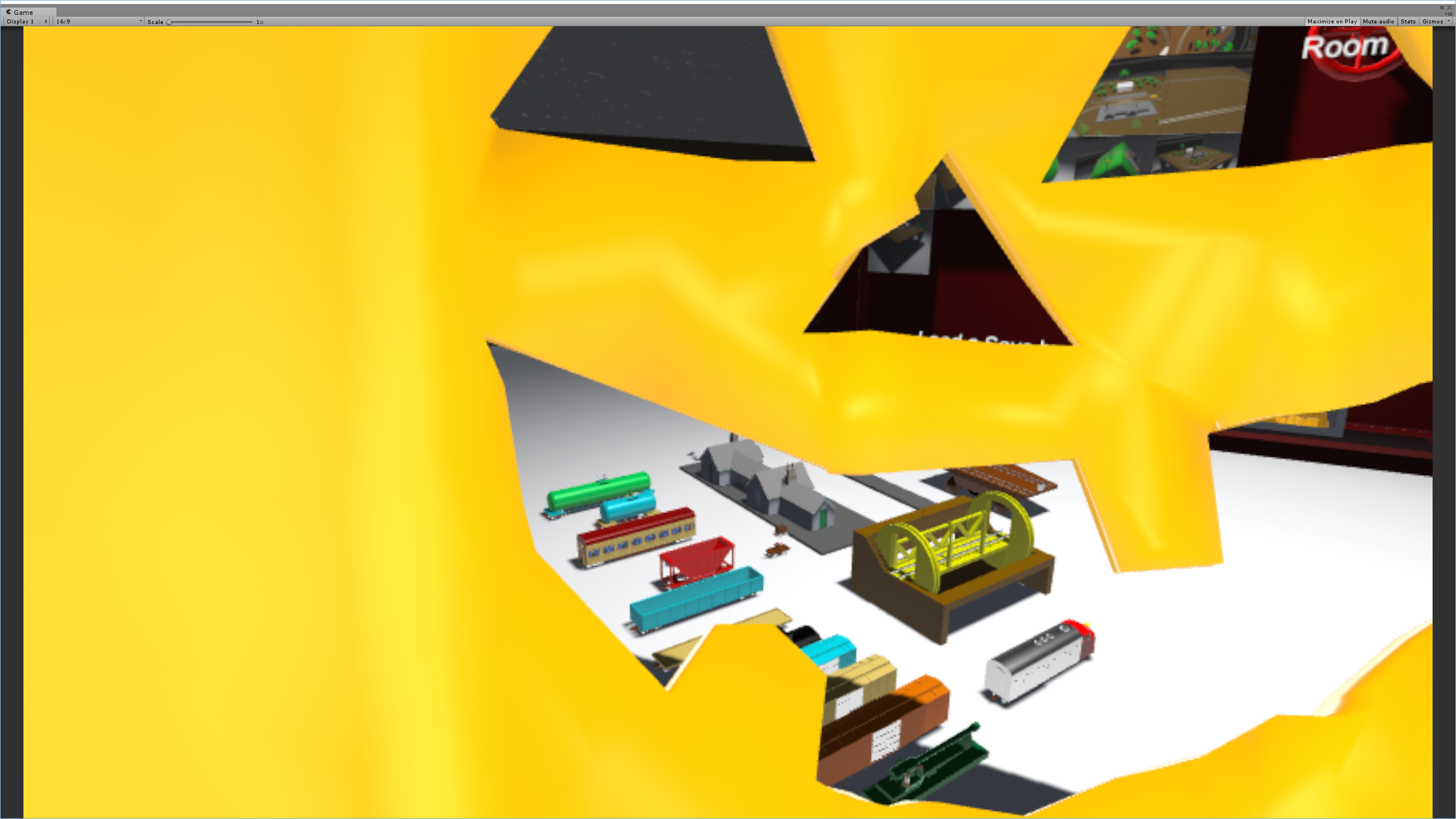
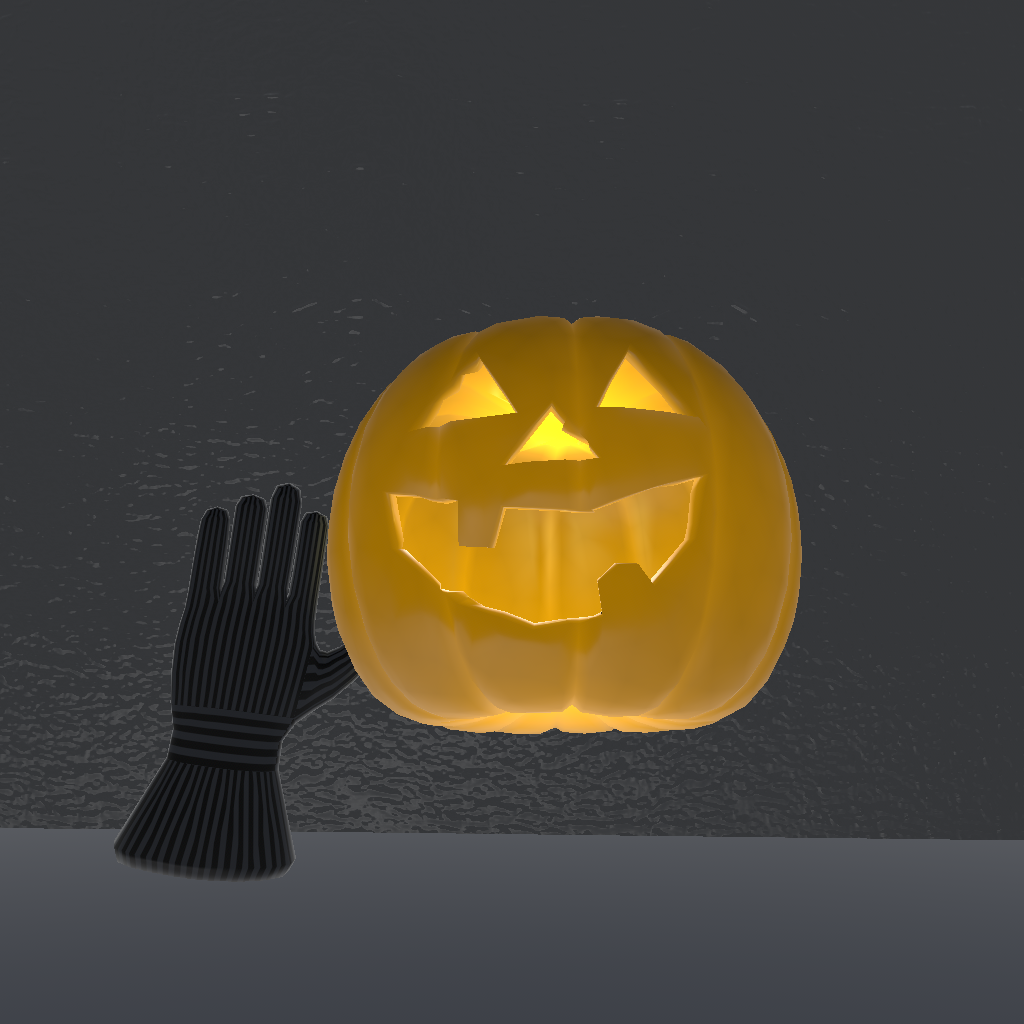
Added Jack O Lantern to workshop. Can also be placed on head if so desired.
Added new model for remote control.
Removed ride preview when already in a rideable.
Experimental Changelog
The major change in this update is the addition of the ability to paint objects. Using the airbrush you can change the color, glossiness, metalness, and translucency of most (but not all) placeable objects. Some sub-pieces are not yet paintable, but will be in the future. Paint is saved along with everything else.
To change the current paint properties of the airbrush, grab and move the four sliders on the sides and back. The side sliders can be moved up and down as well as forward and back. The current paint can be previewed as a small jar on the top of the airbrush.
Once you are happy with the paint, you can apply it by pointing the airbrush at an object and pressing the touchpad. You can also sample existing paints by pointing and pressing the menu button.
In the misc section there is a new color palette that can be placed in the room and used to store paints by painting one of its 18 cubes. You can then sample these back later. You can place as many as you need (performance permitting).
Added the airbrush which allows you to paint objects in a variety of colors and materials.
Added paint support to majority of placeable objects.
Added Jack O Lantern to workshop. Can also be placed on head if so desired.
Added new model for remote control.
Removed ride preview when already in a rideable.
The Elevation Update
Some new features are now live. These include new inclined rails and the ability to change the scale of the play space.
Added an even larger turn.
Added multiple inclined curves.
Added multiple straight inclines.
Added powered and unpowered minecarts.
Added loop that powered minecart can go around.
Adjusted width of wheel models.
Added signal to bumpers that allow toggling them between stopping trains and reversing them.
Improved save format.
Added dials to adjust build and ride scales and room rotation.
Preferences in the toolbox are now saved.
Toolbox is now rotated relative to the summoning controller as opposed to facing the headset.
Replaced empty save file with clear wheel that will remove everything when spun all the way around.
Trees no longer snap to the grid.
Increased explosion force.
Turntable behaves like artillery car and can turn an engine 180.
Artillery car's rotation and elevation are now saved.
Added some placeholder background music.
Reduced truck/bogie wobble on some cars.
Added ability to change current scale by holding both grips and moving controllers together or apart.
Scaling now occurs relative to the HMD to reduce potential motion sickness.
The HMD is now centered when boarding a rideable.
Added a scale preview when targeting a rideable.
Added a questionably useful freight elevator capable of carrying locos/cars up inclines.
https://www.youtube.com/watch?v=UQiswHub1Xw
https://www.youtube.com/watch?v=bpsVJaOl000
https://www.youtube.com/watch?v=EqcI-ITVix0
Experimental Changelog
Added an even larger turn.
Added multiple inclined curves.
Added multiple straight inclines.
Added powered and unpowered minecarts.
Added loop that powered minecart can go around.
Adjusted width of wheel models.
Added signal to bumpers that allow toggling them between stopping trains and reversing them.
Improved save format.
Added dials to adjust build and ride scales and room rotation.
Preferences in the toolbox are now saved.
Toolbox is now rotated relative to the summoning controller as opposed to facing the headset.
Replaced empty save file with clear wheel that will remove everything when spun all the way around.
Trees no longer snap to the grid.
Increased explosion force.
Turntable behaves like artillery car and can turn an engine 180.
Artillery car's rotation and elevation are now saved.
Added some placeholder background music.
Additional changes (9/26/16):
Reduced truck/bogie wobble on some cars.
Added ability to change current scale by holding both grips and moving controllers together or apart.
Scaling now occurs relative to the HMD to reduce potential motion sickness.
The HMD is now centered when boarding a rideable.
Added a scale preview when targeting a rideable.
Added a questionably useful freight elevator capable of carrying locos/cars up inclines.