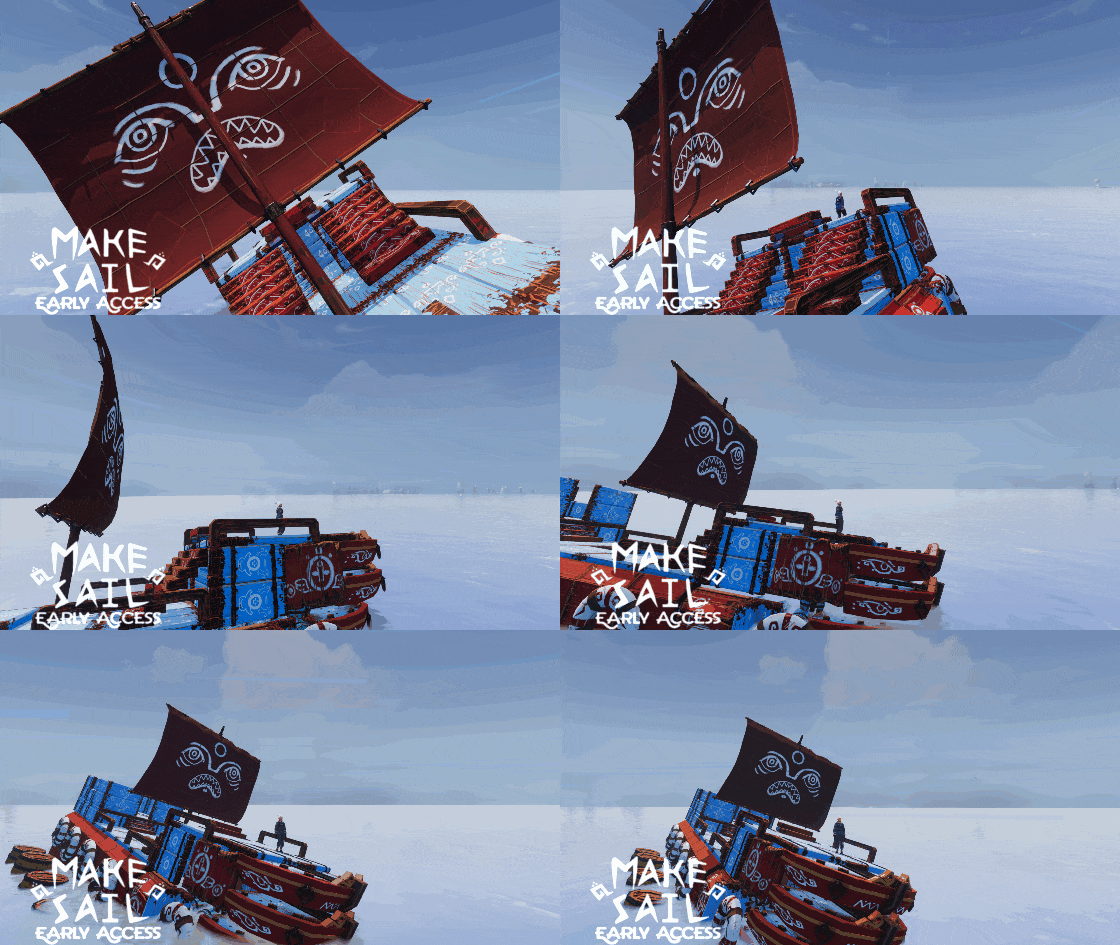
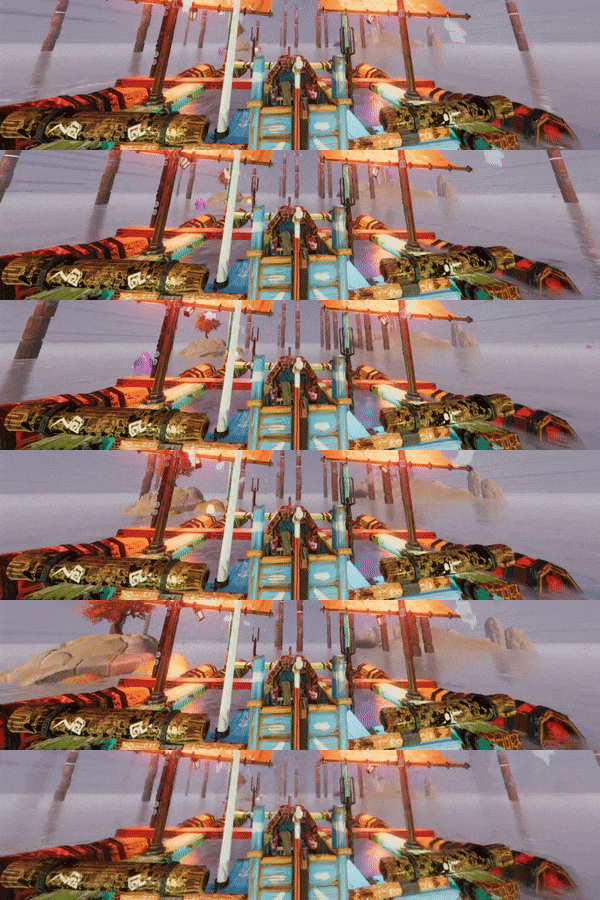
Simulating water physics is a big part of what makes Make Sail unique, and if your boat gets big, it's also a big part of what makes Make Sail slow.
This update has been a long time in the making but I've finally finished it: A full rewrite of the water physics core logic.
The new physics are much, much faster. And takes much better advantage of multi-threading.
You probably won't see much difference for small boats but, for complex boats with several hundred pieces, this update can more than double the frame rate.
If water physics is what makes your heart sing, you might want to check out this water toy I made to demonstrate this big improvement.
This is a demo of the new tech now powering Make Sail!
Gratitude!
This update is also celebrating our crowdfunding campaign backers with a musical overture accessible from the title screen and their suggestions in the boat name generator. For the whole story about our glorious book and posters, see here!
Full changelog:
Significant CPU usage reduction for complex boats
Musical overture
1000s of new boat name generator combinations
Improved: Better darkness when inside in the storm
Fixed: blueprint collection goals may not be visible
Fixed: islands and boats named after twitch chat users may have extra "'s"
Fixed: some world names were too long to show on the continue button
The Winds Have Changed
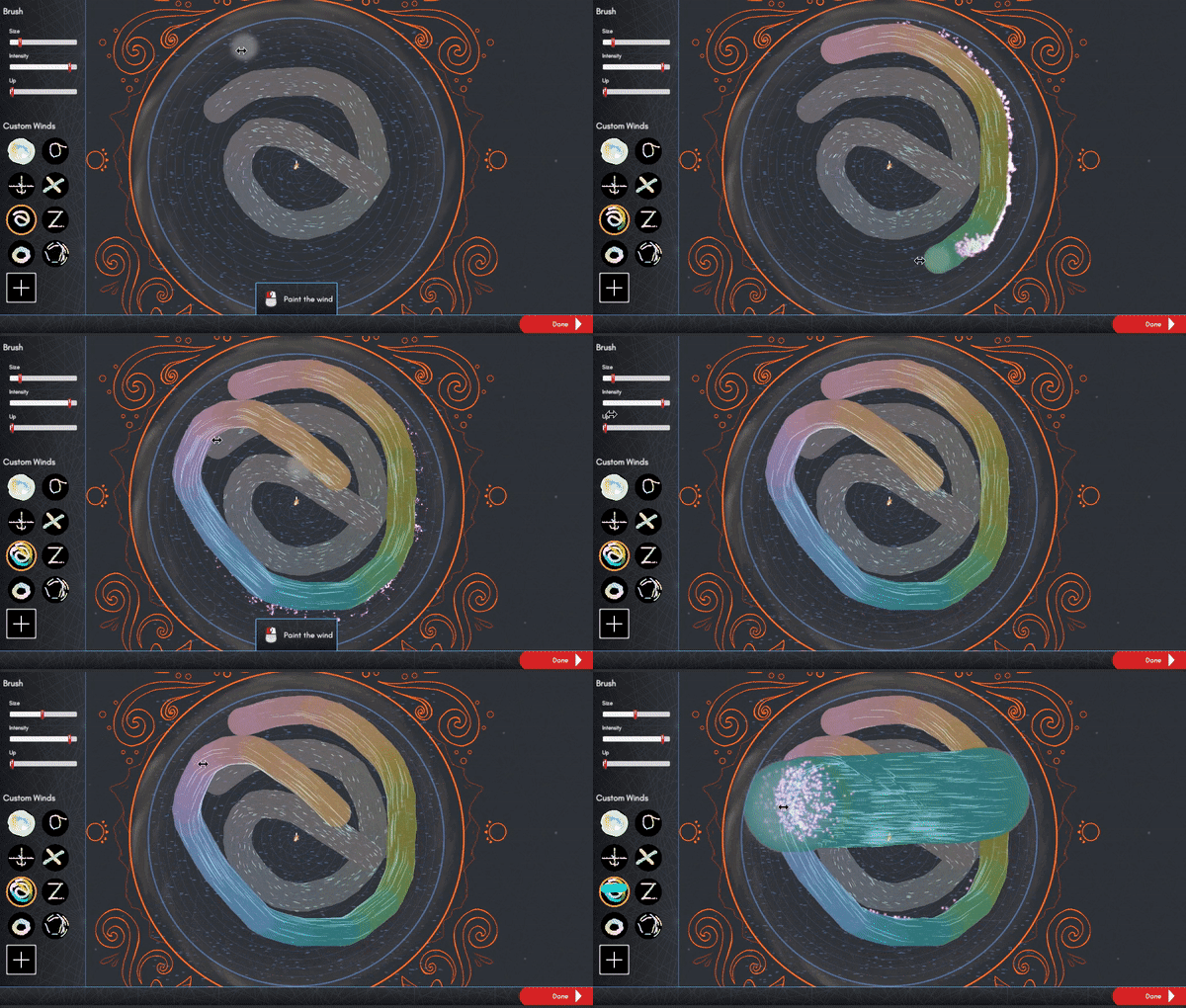
There's a beautiful new tool to paint your own wind patterns and lots of bug fixes, but the real heart of this update are the new progressively changing wind patterns designed to solve a big problem.
New wind patterns are unlocked as you play to reduce repetitious traversals and create challenging new situations and opportunities.
Every time you expand the ring or need to return from the edge to the center, the wind changes to a carefully selected pattern designed to enhance your trip.
At first, the new patterns will expedite your journey, pulling you in faster or providing quick paths out to the edge. Later the winds can speed you along but also require a bit more mastery to handle. Near the end of the game, the wind can be downright antagonistic.
[previewyoutube="8oVuIT9cKEk;full"]
The wind is much more of a living character and a participant in your experience. I think the result makes for a more engaging adventure with more opportunities to make clever plans and test your creations.
Do you need to start the game over? No: wind patterns will unlock on your existing save. But I recommend it to experience the new challenges and joyful quick return winds.
If you're most excited about painting your own wind patterns, jump right in to it in creative mode or turn on cheats in the adventure.
Full change list:
New feature: Wind discs! The tower changes the wind patterns frequently and gives you patterns on disc you can choose from yourself.
New feature: Paint your own wind. Unlocked in creative and late in adventure mode.
New feature: Wind maps are image files than can also be edited outside of the game.
New feature: Layers menu on map. Show and hide islands, obstacles and jellyfish.
Fix: Prevented a ghost piece from being left when undoing a placement with symmetry turned on.
Fix: Solved multiple problems which could cause energy sails not to return to inventory while building.
Fix: The graph checkboxes were broken in creative mode.
Fix: Better handling the deletion of the save folder.
Fix: Boat widgets turn off when jumping straight from boat to land.
Fix: Wind on map no longer pops through the clouds sometimes.
Fix: Blueprint map markers are now always above the clouds.
Fix: Slight visual improvement when panning map to extremes.
Fix: Improved text layout for longer popup messages
Fix: Prevented map clouds from being pitch black at night.
Fix: Fixed a typo on the end-game screen.
Fix: Wind multiplier slider in creative mode would not reset after exiting and re-entering creative mode.
Removed: Collection menu. It was broken and did not bring me joy.
Teaser: The Wind Update!
Teaser: The Wind Update!
Lest you think I've fallen asleep over here, I will now tease you with thrilling tidbits about the next update in the works: The Wind Update!
Make Sail's wind has long been over-engineered. Meaning, I wrote way more complex behaviors for it than the game ever used.
For the last few months, I've been adding features that finally use all that raw vector-math-a-licious power.
Several big changes are coming, here's a sneak peek:
For advanced players, there's gonna be so much more than just circular wind.
And then there's this
I'm shaking the bugs out and sprinkling on fun. While you're waiting, hoot at me in the discord.
Love,
Ziba
Creative Mode is Here!
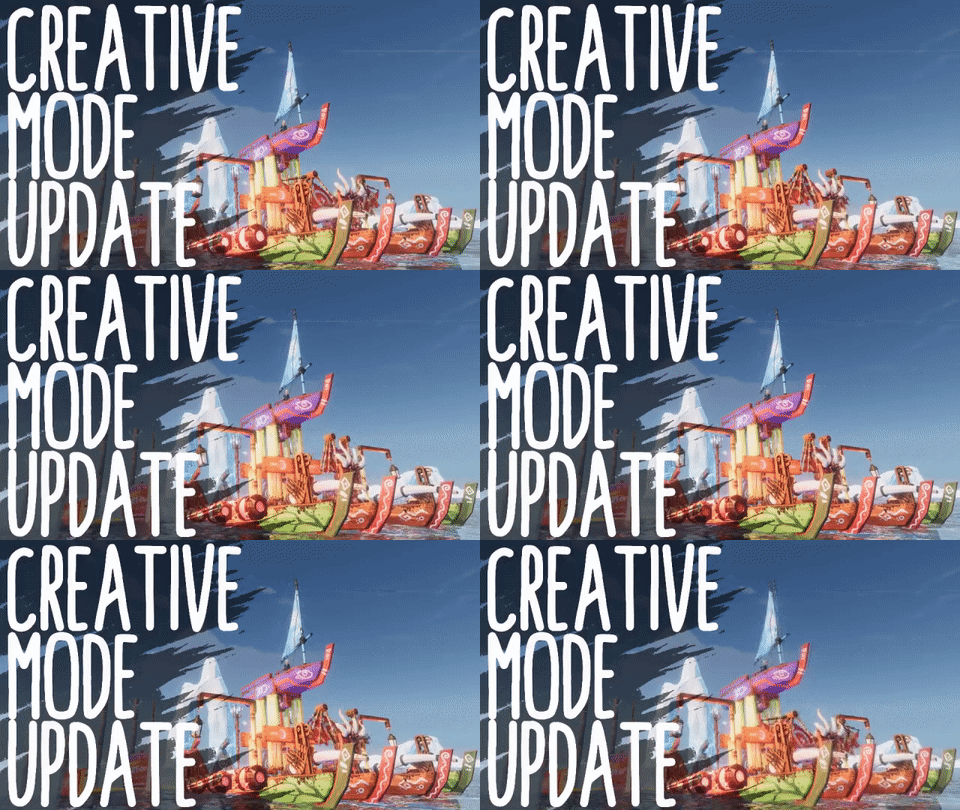
Today we release our biggest update yet: Creative Mode!
Creative Mode
Make Sail is was already a game about your ideas and your creations. Now, there's a whole set of new toys for you to play with!
Creative Mode is a new option right from the start menu. Its an open ocean where you can build with unlimited amounts of every piece.
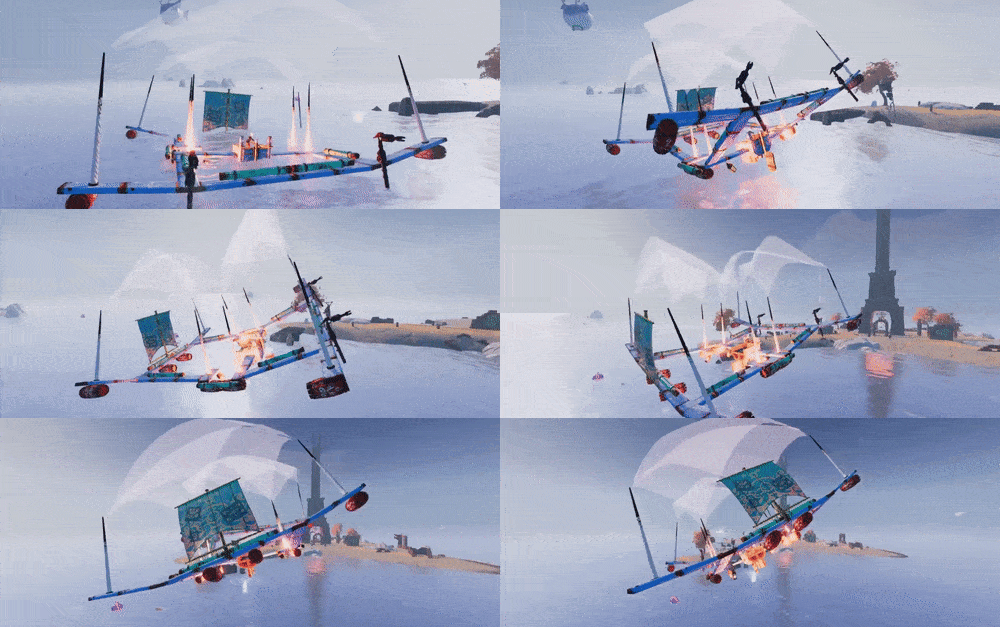
Want 30 wooden birds, a 40 foot tall sail made of shimmering energy and enough jets to get serious airtime? Doooo iiiit.
But what's really new is the creative control panel!
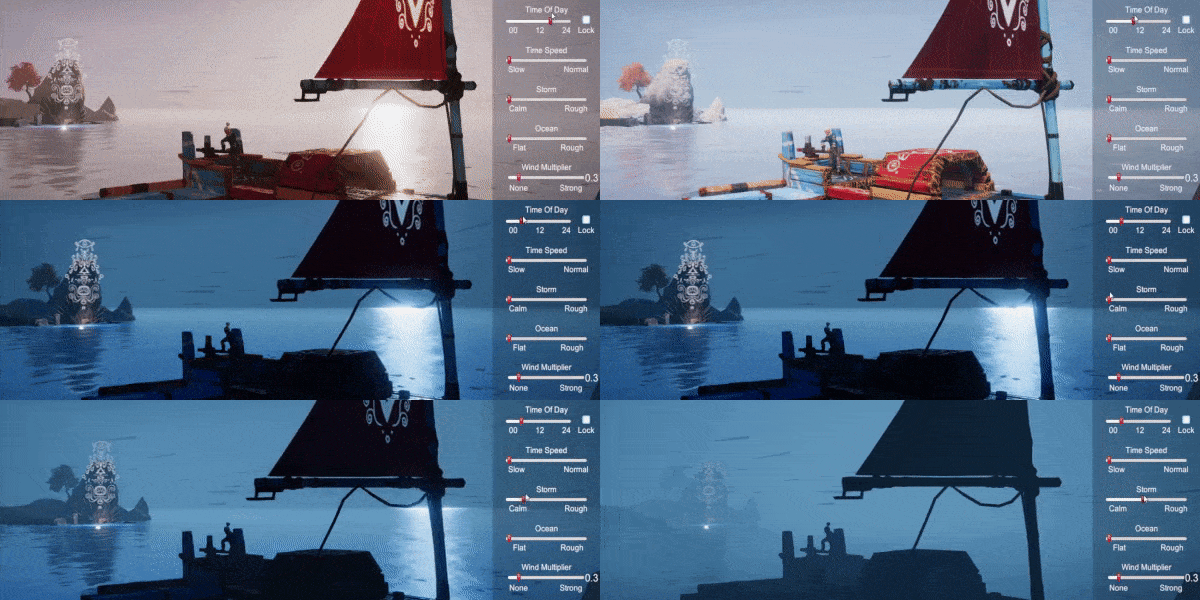
Press C while any time in Creative Mode and now you can control:
Ocean wave intensity!
Wind strength!
Storm effects!
The very pace of time!
And quick access to the cheats!
Story Mode Totems!
Fans of progression, we've got a big new feature for you too. We didn't want all those new pieces to only be accessible in Creative Mode. So we've carefully scattered hundreds of totems throughout the sea. Each totem you knock over will grant you one piece.
Just be careful not to sink yourself in the attempt!
Full Changelog
Thanks for being with us on our Early Access journey as we celebrate today's milestone of a release!
Creative mode!
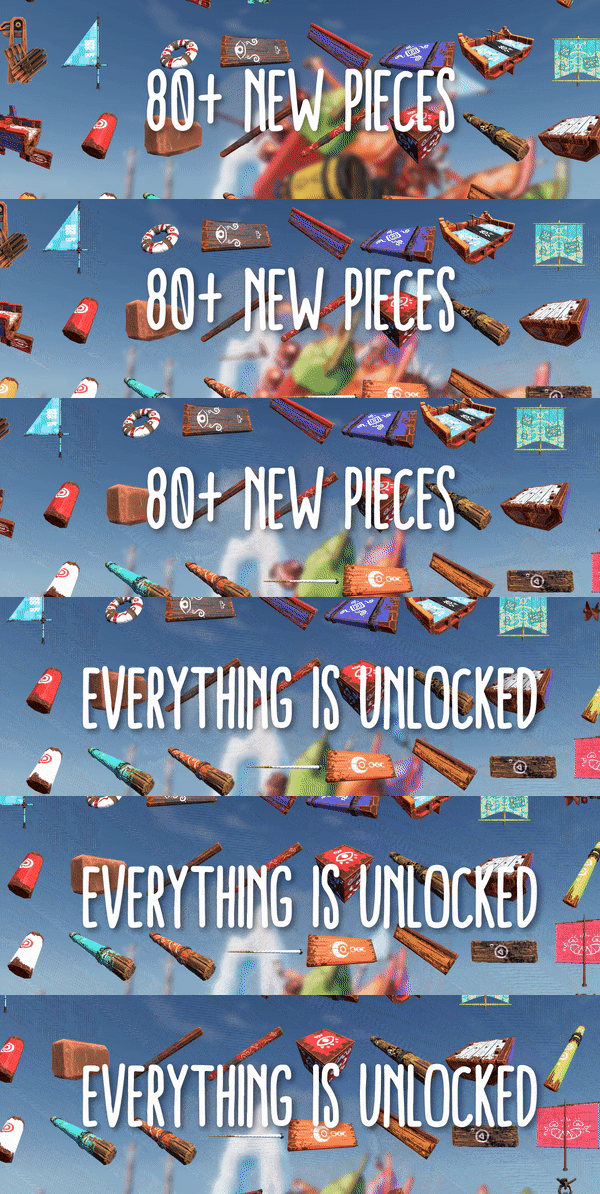
80+ new piece styles
Totems spread throughout the world (new saves only)
Totems give pieces when knocked over
Symmetry and clone build tools now substitute similar pieces when possible
New UI options: toggle minimap, point of sail, speedometer, goals, input tips
New cheat: slow time slider
New graphics option: toggle speed based FOV change
Fixed blueprint snapshot creator
Fixed bug pressing undo while mirroring a piece
Build stations use slightly less CPU
Screenshot button (F4) now works in build mode
Improved inventory display count
Removed motionblur
Multi-Sail Controls!
Mail SailS
Here at Popcannibal, we're committed to empowering you to make bold and questionable nautical designs in the safety of your own home.
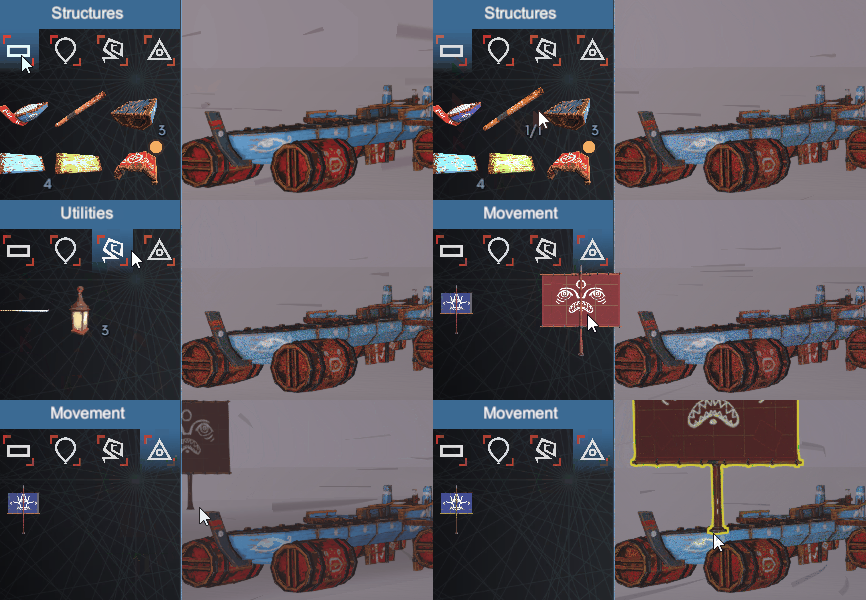
Previously there were some limitations regarding how many sails you could operate at once. And no way to operate both square and triangle sails on the same boat. Now, if you have square and triangle sails, the control tips will inform you that you can hold shift to operate the square sails as you normally would.
So, please, stick 32 sails on your boat and aim for the moon. (If you do reach the moon, please file a bug report, that's not really possible).
More seriously, even just a pair of a single triangle and a square sail are a very capable combo that lets you steer sharply, but raise the halyard and really take off downwind when you need it.
Also, triangle sails can now freely rotate just shy of 180 degrees. This will let you sail sail at new angles and make slowing to a halt much easier.
Plus: bugfixes!
Full Release Notes
Control multiple triangle sails
Control square and triangle sails independently (hold shift)
Triangle sails can swing much wider
Better default rotation for several pieces
Jellyfish magnet prototype (cheats required)
Fix: Symmetry tool failed for some pieces
Fix: Walrus tusk less weird
Symmetry Mode!
Why click twice when once will do?
Building just keeps on getting better! Press the spacebar while building to toggle symmetric building on the forward axis of your boat.
Symmetry can work in combination with cloning (hold alt) and grabbing groups (long press mouse). Duplicate complex chunks, rotate them and mirror them in one swift motion!
Less bad weirdness, more good weirdness
Boats shouldn't fall from the sky when you're trying to edit them. So we stopped doing that. Oceans should be full of bouncing jellyfish full of energy, so we're doing lots more of that.
Preview the next update now!
Creative mode isn't done, but it's available for troublemakers like you to poke at. Just hop in to the discord and we'll set you up. We'd love your feedback!
Full change list
Symmetry Mode! Build boats twice as fast! Press spacebar to toggle while building.
Tutorial entry for symmetry mode.
Note: symmetry mode does not duplicate energy sails.
Generally improved build snapping consistency. Should reduce surprise deconstructions.
Improved the symmetry of many build in boat blueprints.
Fixed: Jellyfish spawn bug. Way more jellyfish now.
Fixed: Errors when cloning and rotating some complex pieces like Trireme Sails.
Fixed: That stupid bug where the boat would fall from the sky upon entering build mode. I got you, stupid bug.
Fixed: Deleted energy sails were producing save file and log garbage.
Fixed: Energy sail build cursor image.
Fixed: Highlighted pieces not unhighlighting when exiting building.
Fixed: First grabbed piece sometimes didn't want to snap.
Fixed: Shifted some islands to make it harder to get stuck under them.
Upgraded to Unity 2017.4.8
Improved Build "Feel"
Better Boat Building Buttons, Baby!
Menus can't just look good, they have to feel good. They should to invite you into their GUI embrace with a tender whisper: Together we will enact your will with ease and clarity.
Today's update brings Make Sail's build menu a few steps closer to realizing this soothing and unnervingly sensual ambition.
Learn tricks, get pieces
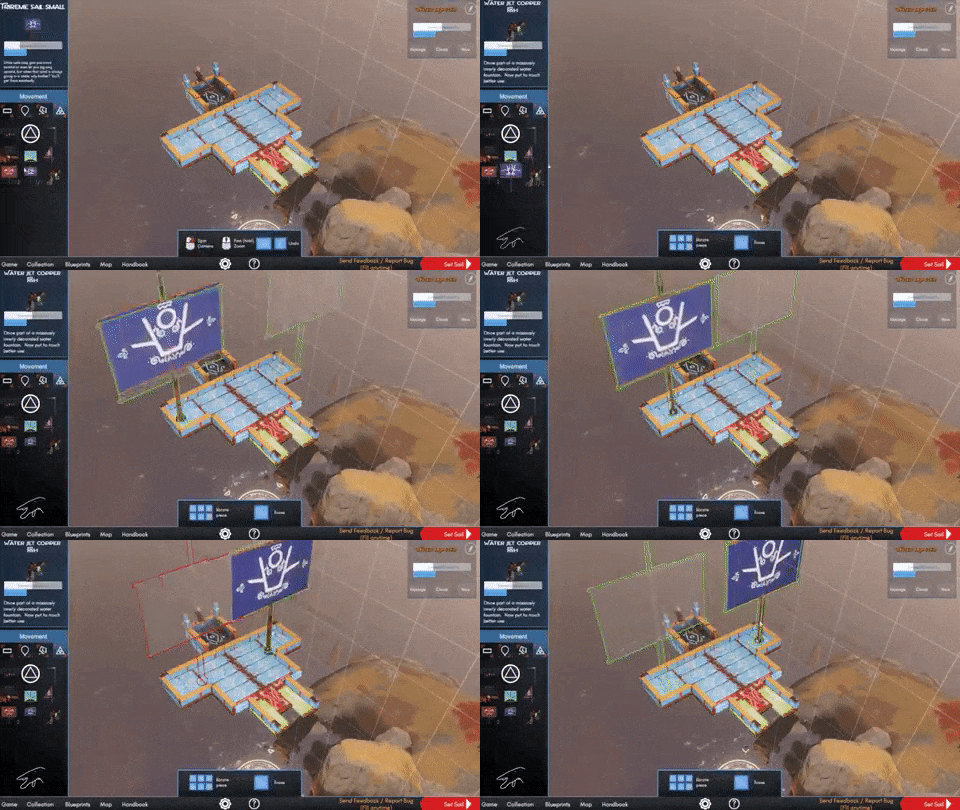
In addition to improved visual feedback for a range of actions, there's a new tutorial. Earn unique pieces while learning advanced maneuvers like cloning whole groups of pieces!
What's next?
We're not done improving building! More convenience and power is already in the works. Plus more gameplay elements and other surprises. I'm not naming dates, but I will say that creative mode is coming along nicely.
Thanks for joining us on our journey through the blue oceans of Early Access! Stay tuned!
Full change list
New optional build tutorial: Learn advanced tricks and win unique pieces
New cheat: Super Glue. Really strong boat connections.
Inventory icons grouped together by piece type to save space
Inventory icons show number of how many available
Inventory icons show number of how many obtained on mouse over
Inventory icons bounce on hover
Inventory icons have attention badge to indicate new types
Inventory tray can be dragged and scrolled without affecting the build area
Inventory category icons now highlight the selected category
Grabbed pieces represented as icons when held over the inventory menu
Pieces can be removed from the boat by dragging them over the inventory
Fixed: Ctrl-z could cause boat position to jump
Fixed: Multi-part pieces (like sails) were highlighting incorrectly
Fixed: Moldy plank and Long Squid plank were jittery
Fixed: Grabbed pieces could auto release when dragged from inventory
Updated suggested key background image to be a soothing blue
Improved lighting when building during twilight or fog
Improved predictability of piece placement when dragging on and off a boat
Prevented pieces from being placed too high or low
Disabled underwater camera when building to allow better visibility looking up from far below
New creature: Giant Turtles
Giant Sea Turtles
At 5,000kg, our majestic sea turtle weights about as much as the tongues of two blue whales. (Or one t-rex for those of you who prefer traditional measurements)
They instinctively swim upwind, so consider attempting to climb aboard for a ride. Maybe even land your boat on one if you're feeling fancy.
Each turtle carries an exclusive piece: the Sea Turtle Square Sail. Our first stack-able sail. Guaranteed to get you into trouble faster.
Other updates Lots of AI work this month. All creatures have more vertical variation to their flight patterns. They're also a touch easier to stand on if you can get there in the first place. They know your innermost feelings but are too polite to bring them up.
You can also now press escape or r to move back to build mode from placement mode, in case you forgot to add cup-holders or something.
Full Changelog
Turtle Islands
Turtle Sails (exclusively found on turtle islands)
Improved sail behaviors when sideways, upside down, or propped open
Option to return to build mode from place boat mode
Fixed error which could cause boat name menu to appear at wrong times
Clarified the below-minimum-specification warning menu
Fixed issue which caused player to slide off some rotating pieces
Via twitch, the "storm" trigger no longer requires accent marks in Vietnamese: "bao tap"
(because that's the feature everyone's been waiting for)
Updated to Unity 2017.4.5
Center of Mass
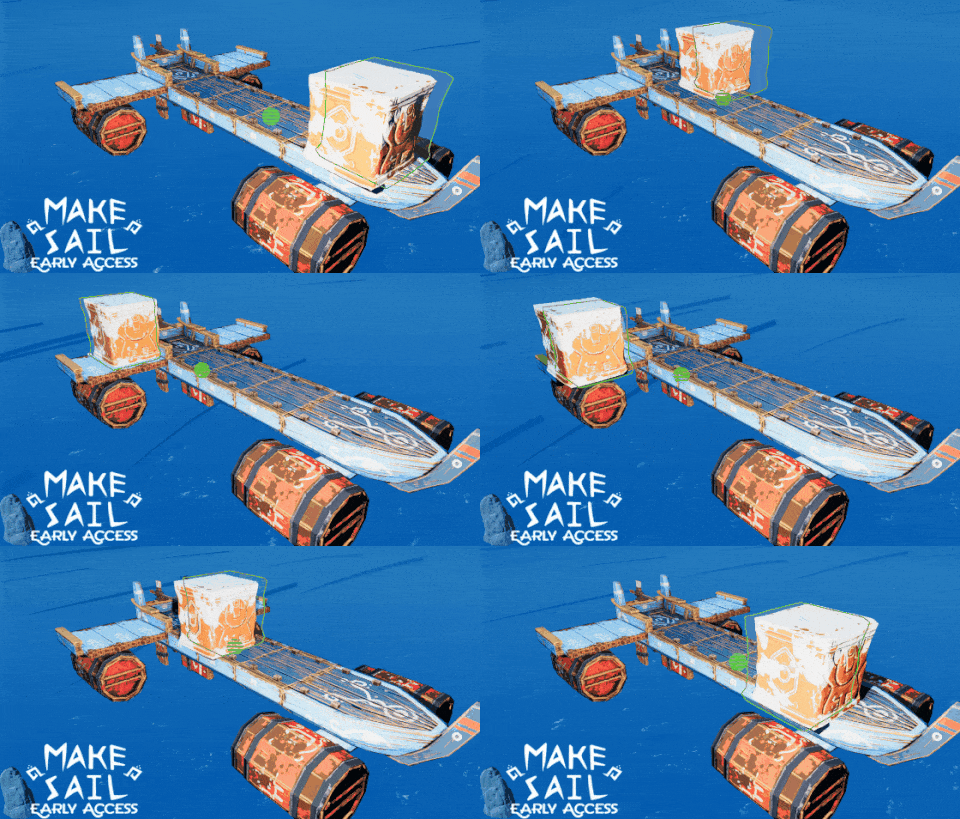
By request: a center of mass indicator! For all you boat crafters working to achieve greater design perfection, we now have a little green dot showing the center of mass.
If your hand was giant and inside the game, this is the point where you could balance the boat on your finger tip.
So now you can know, without even having to put your boat in the water, that the 5 meter tower of stone you piled on the nose of your boat will indeed be a problem.
Full Changelog
Center of mass indicator. Turn on in build settings.
Never drown cheat.
Simpler inventory display when using all inventory cheat.
Fixed a bug which could cause boats not to be visible when building.
Fixed duplication bug on some pieces. (Thanks Nixae)
Fixed jitter on the ropes atop gas buoys.
Smarter Creatures, Smarter Updates
A bunch of little fixes and....
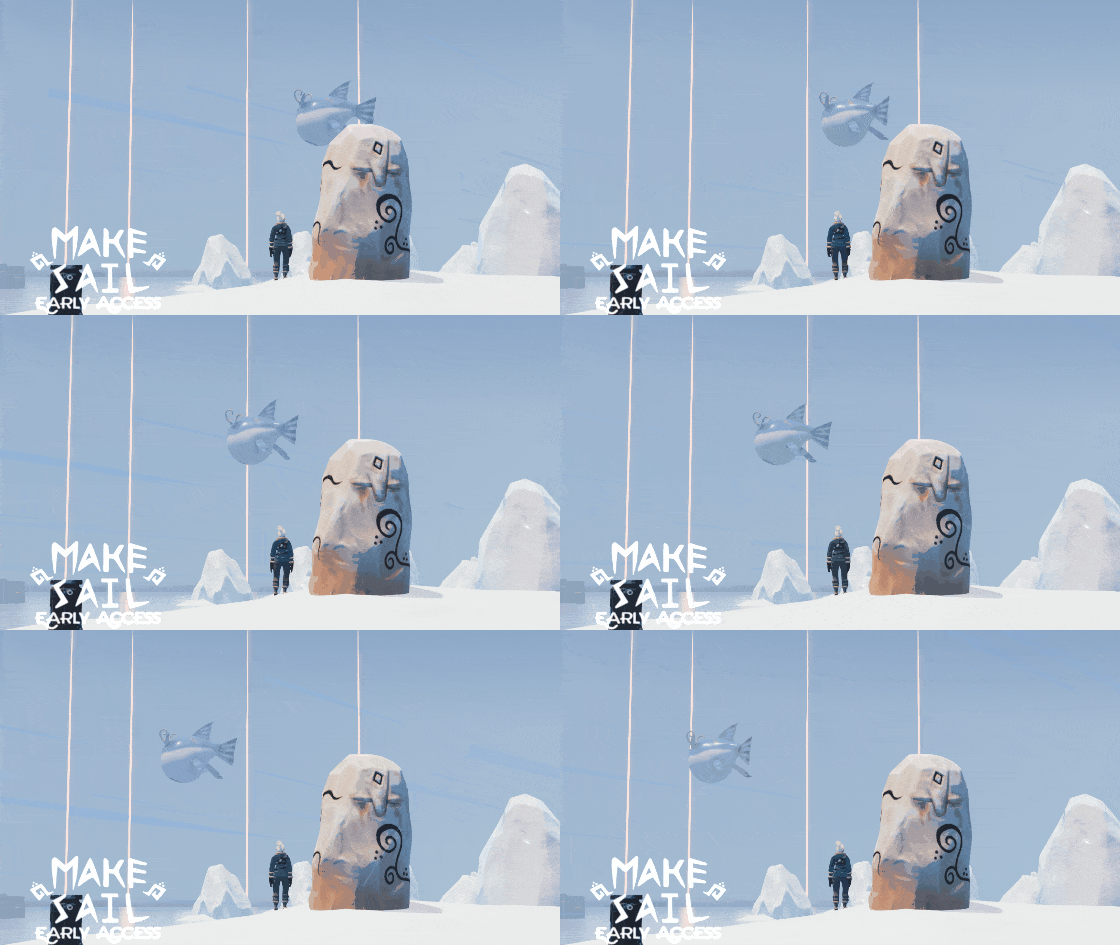
Smarter Creatures It used to be that creatures stopped thinking as soon as they went out of view. Now creatures have thoughts, paths and actions that persist at all times and are part of your save game. You may notice some improved behaviors now, but the big pay off will be with new creatures and events that are in the works.
Smarter Updates Half the fun of early access is being connected to the developers and following our growth. (Or so I like to flatter myself). So we've added a video preview and countdown to the title screen where you can see what's coming next and when it's happening!
Of course, you can still just ask us what's next and make requests in our discord.
Full Changelog
Video news capsule on title screen with countdown to new features.
Smarter creatures. Their movements and memory simulate no matter their distance from the player.
Raptors are more fearful of scarecrows.
Fixed errors caused by double clicking to enter build stations. Thanks Matzebrei85.
Fixed gif preview disappearing after switching focus and returning to game.
Reduced peak RAM use by 50MB.
Removed multiple causes of stutters.
Removed mysterious light glowing underground on center island.
Inverted camera zoom during building to match other modes
Fixed a case where extraneous pieces could be left in the world.
Lots of under-the-hood preparations for future updates.