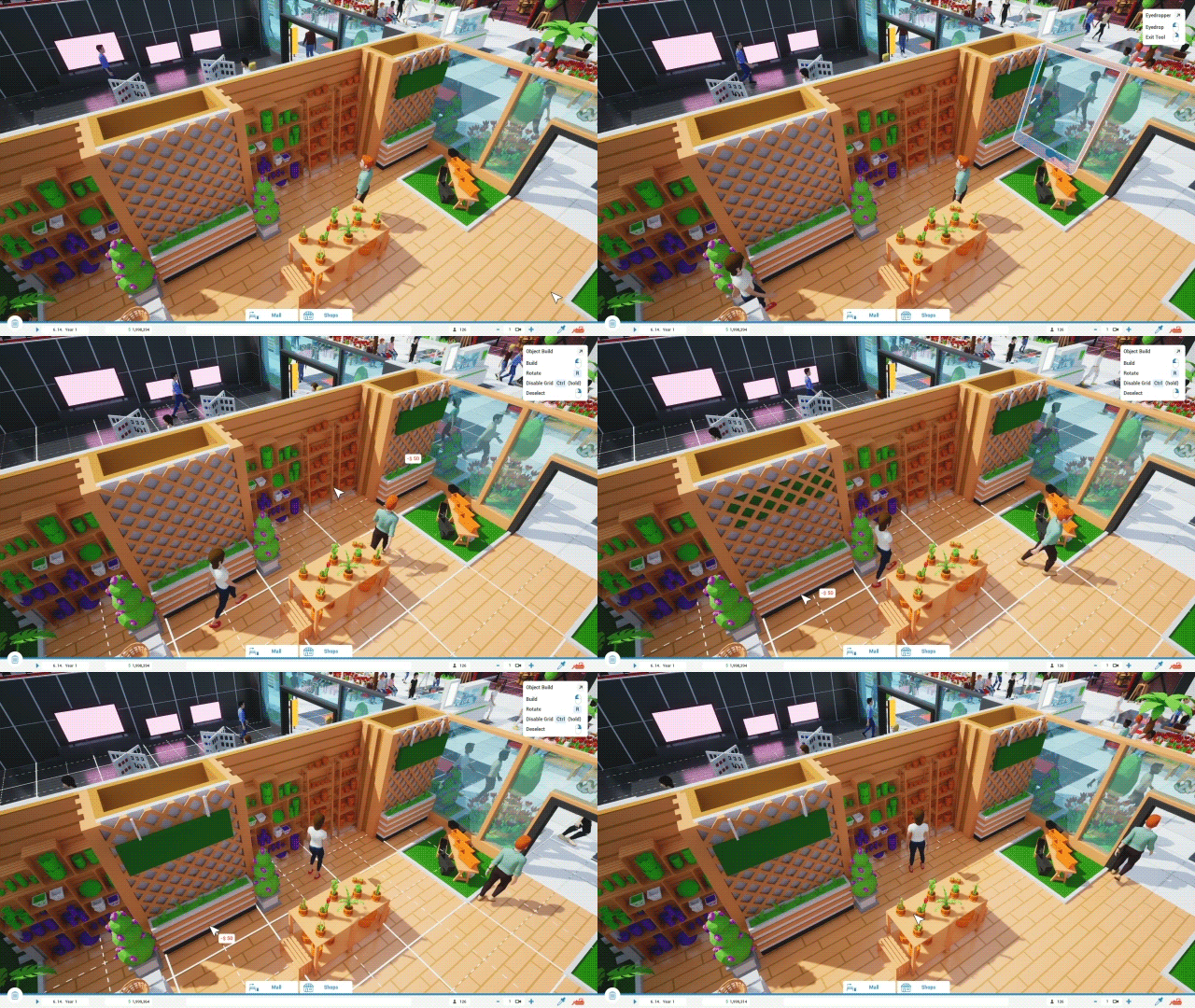
Fixed: It is possible to enter shop construction during object Build and Move modes, producing unpredictable situations.
Hotfix 0.3.6.1
Patch Notes
Bug Fixes
Fixed: Copying and Pasting Material Cards crashes the game.
Fixed: Pasting Entrance and Window designs sometimes makes some materials stuck.
Update 0.3.6 - Big CPU, RAM & Load Times Optimizations
Hello everyone! 👋
In the age of frame generation and upscaling techniques, why not treat ourselves with some real frames and sharper graphics for once?
Thanks to the changes to the material system behind the curtains, I was able to improve massive CPU bottleneck for both DirectX 11 & 12! Besides that, the game now also uses up to 50% less RAM while using DirectX 11! The same thing is true for load times, which have now been decreased by 30% while using DirectX 11.
Up to 115% higher FPS in DX11, and up to 28% higher FPS in DX12 🚀
(while being CPU bottlenecked)
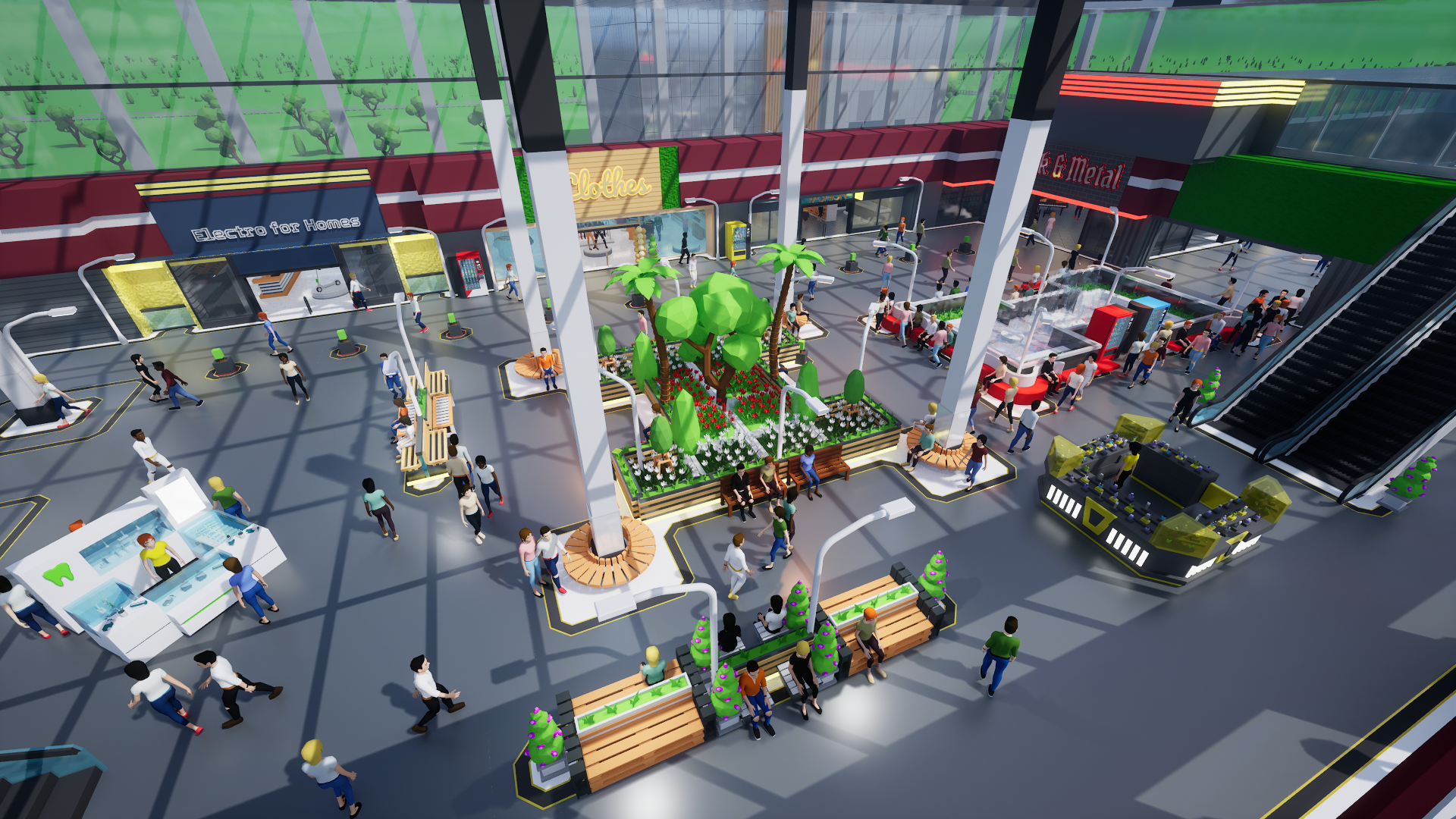
Simulation games tend to be pretty CPU heavy, and that's no different for Mall Craze as well. While the game can run well with an empty map, the game quickly becomes demanding on your processor once you've build a larger mall with hundreds of customers.
At that point, no matter how much you lower the graphical settings, the FPS stays the same. Congratulations! You've now hit a CPU bottleneck, and there's not much you can do about it, besides maybe turning off other programs that are running on your PC.☹️
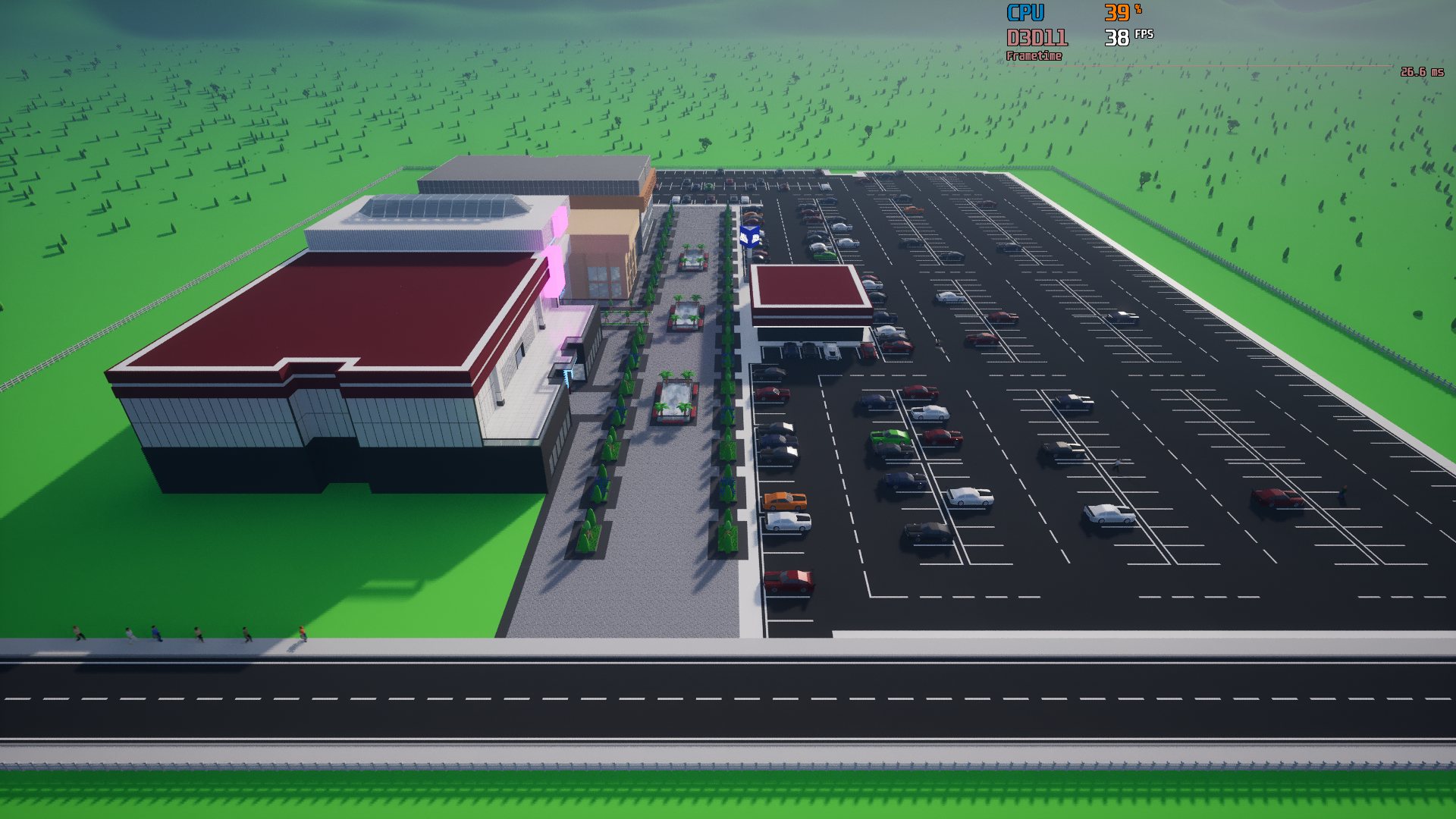
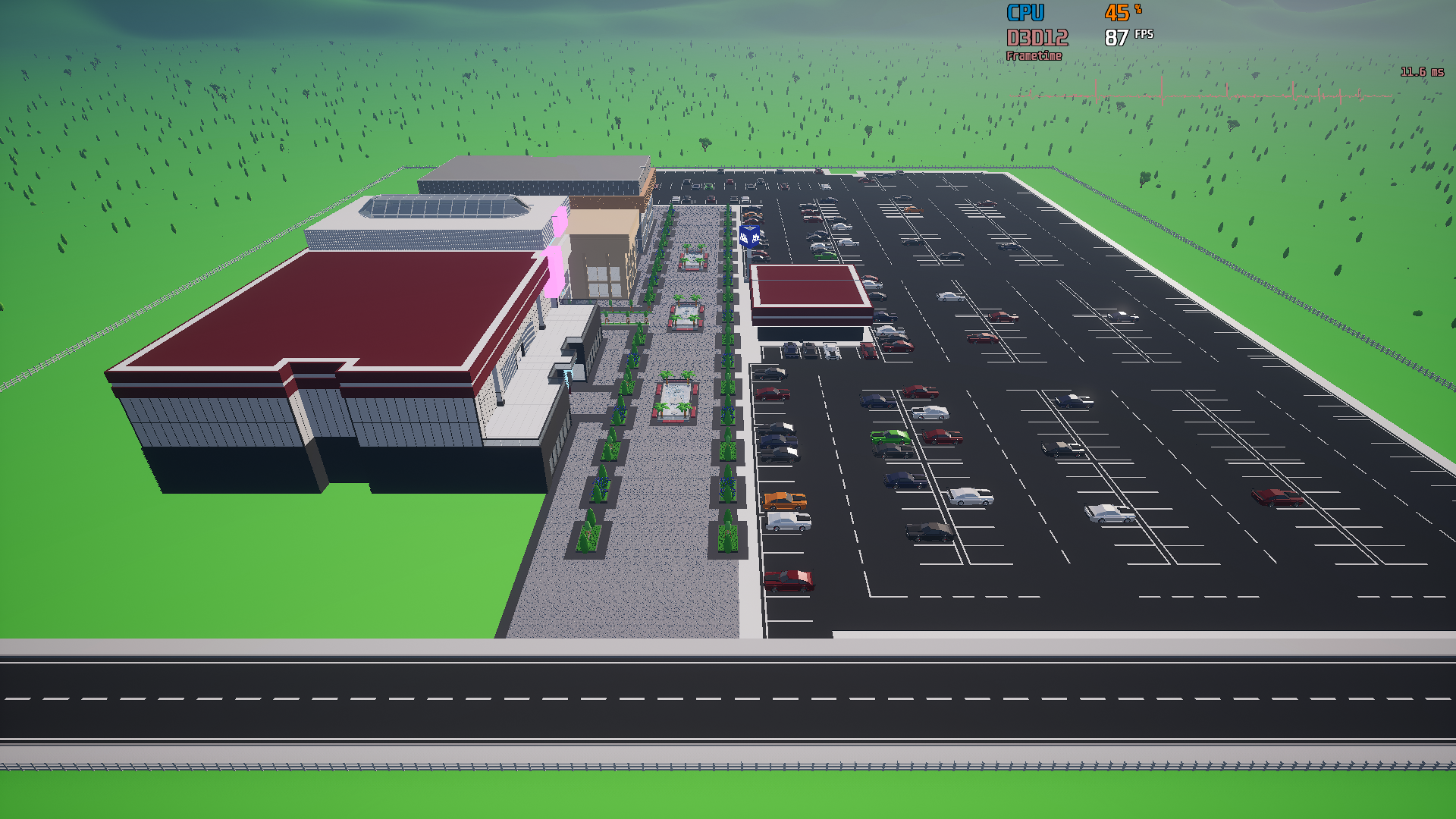
Let's see how the CPU bottleneck looks in practice:
As you can see, no matter how much I absolutely destroy the graphics, the performance stays the same...
Coming up with the solution 🔧
(technical info that you can skip if you want)
By far the biggest contributor to this problem was the customization system - namely the amount of dynamic materials the objects have, and thus the increase of draw calls that your processor needs to send to your graphics card. There weren't many solutions to this problem that I knew of.
That was until I started experimenting with Custom Primitive Data, where I started to see a potential for huge decrease in draw calls. The problem was that I could only fit 4 materials into the CPD, and there are many objects, products and designs that have more than that. That's when I came up with a sort of hybrid material system, where objects with 4 and less materials use CPD that reduce draw calls thanks to instancing, and objects with more than 4 materials use dynamic materials. Behind the curtain, the customization code got a bit more complicated, but in the end, the results are worth it!
The number of draw calls in the 80's Dream map went from 44 000 to 2 000! (end of technical info)
Results: 📄
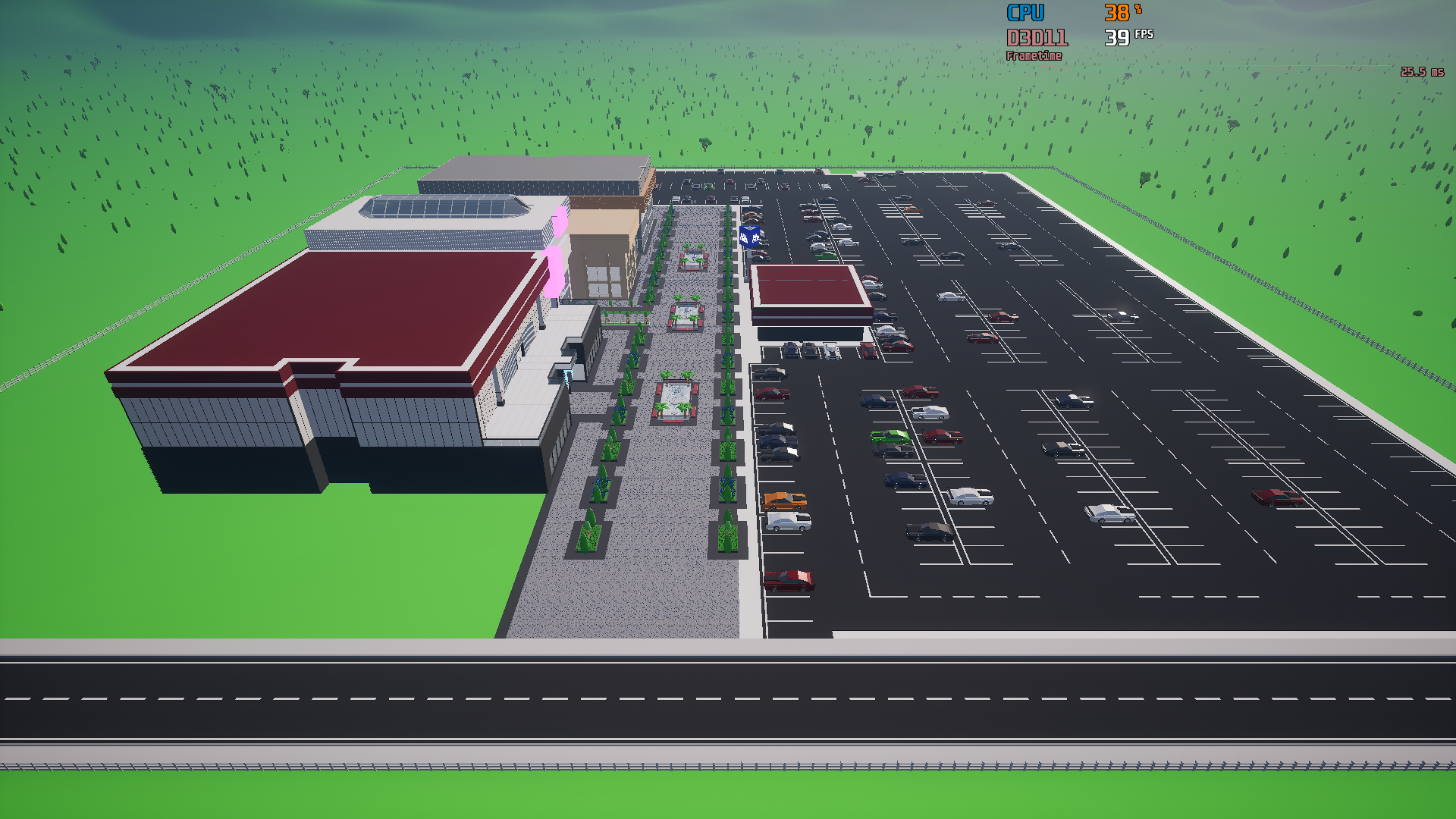
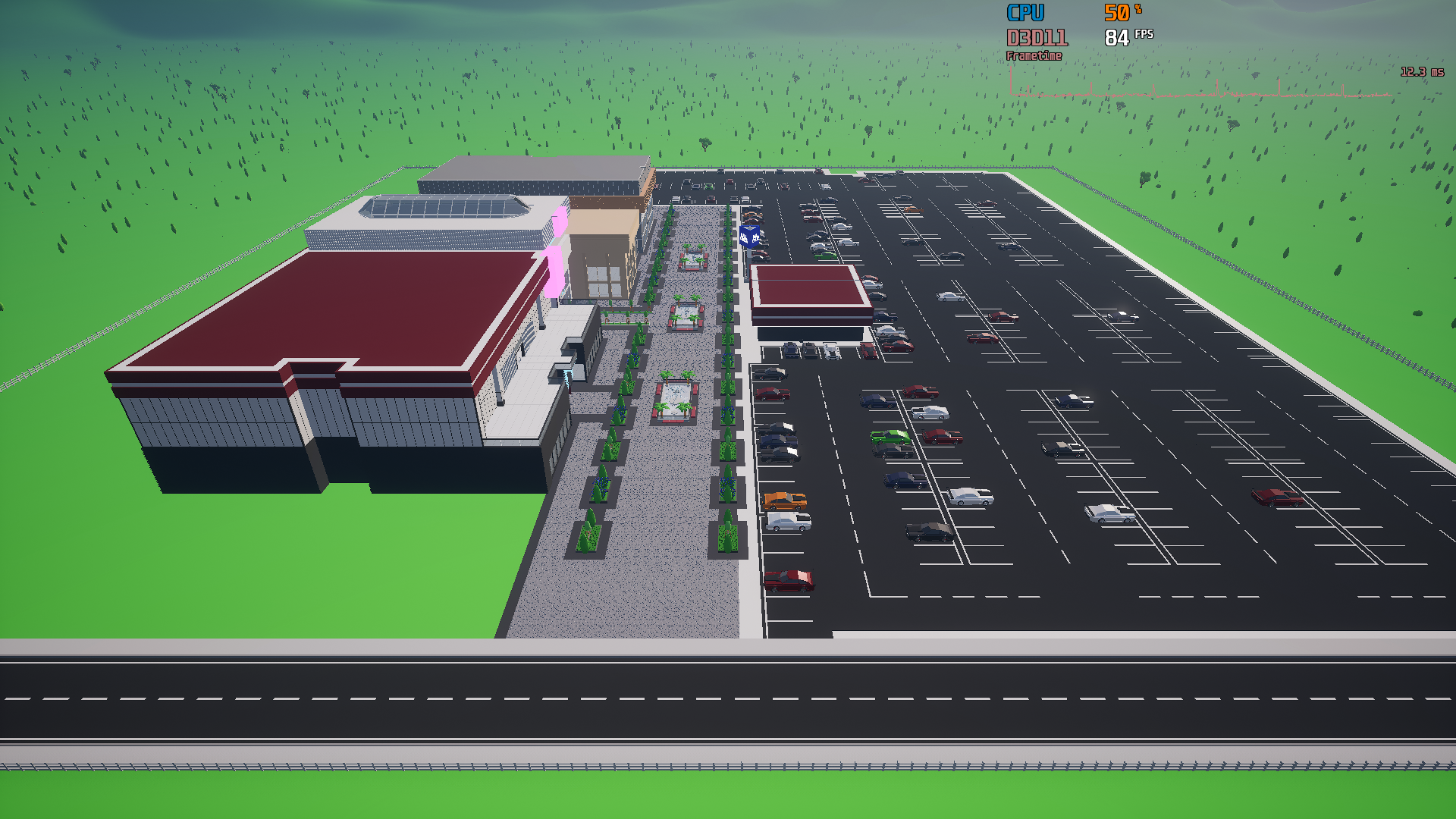
For 80's Dream map, while using DirectX 11, the CPU bottleneck has been improved by 115%, increasing the FPS from 39 to 84! 📈
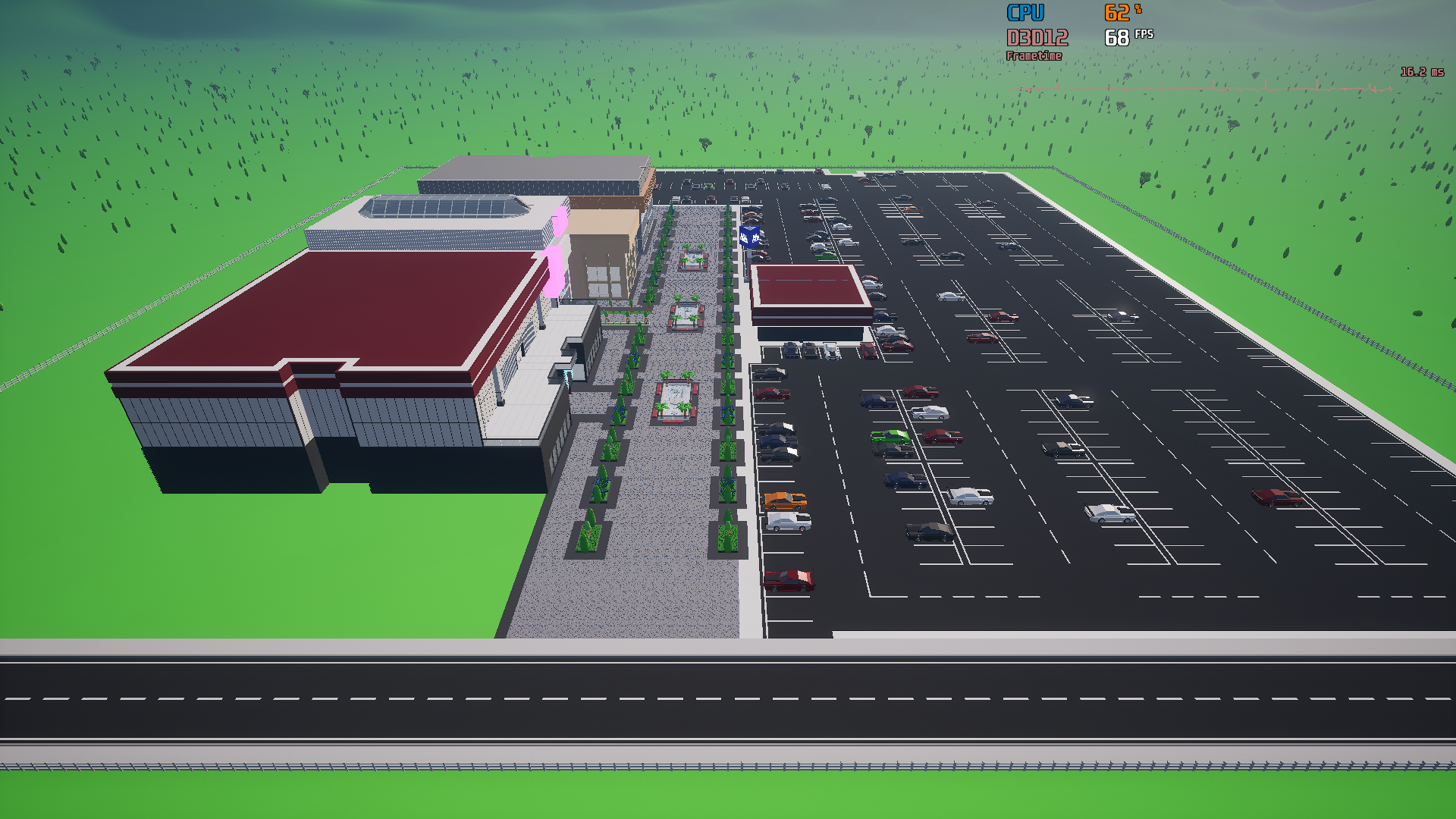
Similar thing can be said for DirectX 12 as well, where the CPU bottleneck has been improved by 28%, increasing the FPS from 68 to 87! 📈
Of course, your results may vary! These tests were performed on a Ryzen 5600 with Radeon RX590.
As I mentioned at the beginning, besides these increases, the RAM usage in DirectX 11 has been decreased by up to 50%, and the same thing can be said for load times, which were decreased by 30% in DirectX 11.
Who's going to profit from these improvements?
Everyone who likes to build medium to large malls, and everyone with an older CPU!
Sharper graphics for everyone!⭐
Even in the previous versions of Mall Craze, DirectX 11 has always been the RHI with a superior image sharpness. Mall Craze uses Unreal Engine's TSR as the anti-aliasing method, which produces less artifacts and blur in motion when using DX 11 with Shader Model 5. The problem has always been the performance of DX 11, which in CPU bottleneck situations was far worse in comparison to DX 12 (43% worse), making it good only as a fall-back solution for people who experience instability and crashes with DX 12.
Given how much has DirectX 11 been improved with this update in terms of FPS, RAM usage and load times, it is now comparable to DirectX 12 (within 4%)! This makes it not only a good fall-back RHI for some people, but also a good "daily driver" for everyone! Because of this, DirectX 11 will now be the default RHI for new players.
For those who already played the game, you'll have to change to DirectX 11 manually in the graphics settings if you want to experiment with it.
Lowering the minimum requirements for the game
Thanks to all these improvements, the minimum requirements for the game are now lowered for all 3 main components:
CPU
GPU
RAM
Thank you everyone for your support, and I will see you in the next update! ❤️ - Milan, developer
Full Patch Notes 🔧
Additions & Improvements
Up to 115% higher FPS in DX 11 while being CPU bottlenecked (depends on mall size).
Up to 28% higher FPS in DX 12 while being CPU bottlenecked (depends on mall size).
Up to 50% lower RAM usage in DX 11 (depends on mall size).
Update 0.3.5 - Czech Localization & Plans for Other Languages
Hello everyone! 👋
I was looking for a small gift that I could give you in this holiday season, and I think I found something!
Localizations are slowly coming to Mall Craze! ✏️
The first one being Czech today, as that's my mother tongue, making it the easiest one to start with, and to make sure that everything works well.
Other languages will be added in future updates. Most likely in the form of community translations. If you're interested in helping with this cause, please join the Discord server where most of the work will be organized.
Merry Christmas everyone, and I will see you in the next update! 🎄🎁 - Milan, developer
Full Patch Notes 🔧
Additions & Improvements
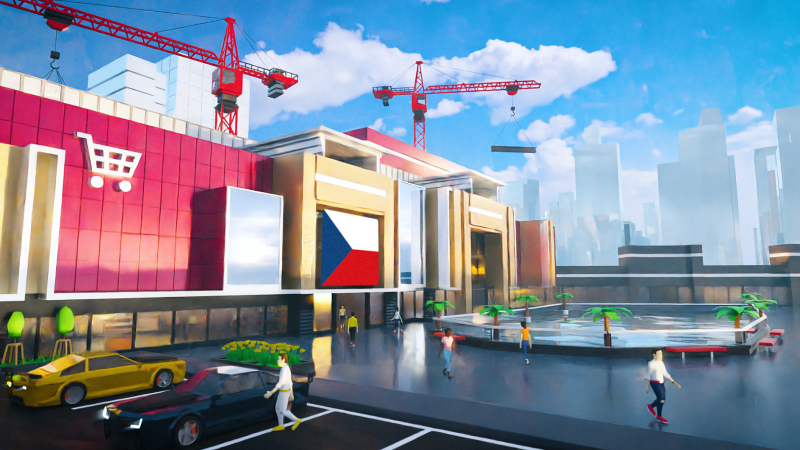
Czech localization added.
Small Changes
Some texts in the UI edited for easier localization.
Update 0.3.4 - New Kiosk and Plans for Food Court!
Hello everyone! 👋
A new update is here - version 0.3.4!
When your customers visit your mall, I bet that they get really hungry after a while, and even though vending machines for some quick snack are already in the game, it is time to start working on a proper Food Court!
Starting with this one, the next couple of content updates will focus more on adding the Food Court mechanics. The truth is, I was planning to have some of those features ready for this update, but I've hit a couple of roadblocks along the way. This is also the main reason for almost 2 month period between this and the last update, as I was mostly figuring stuff out.
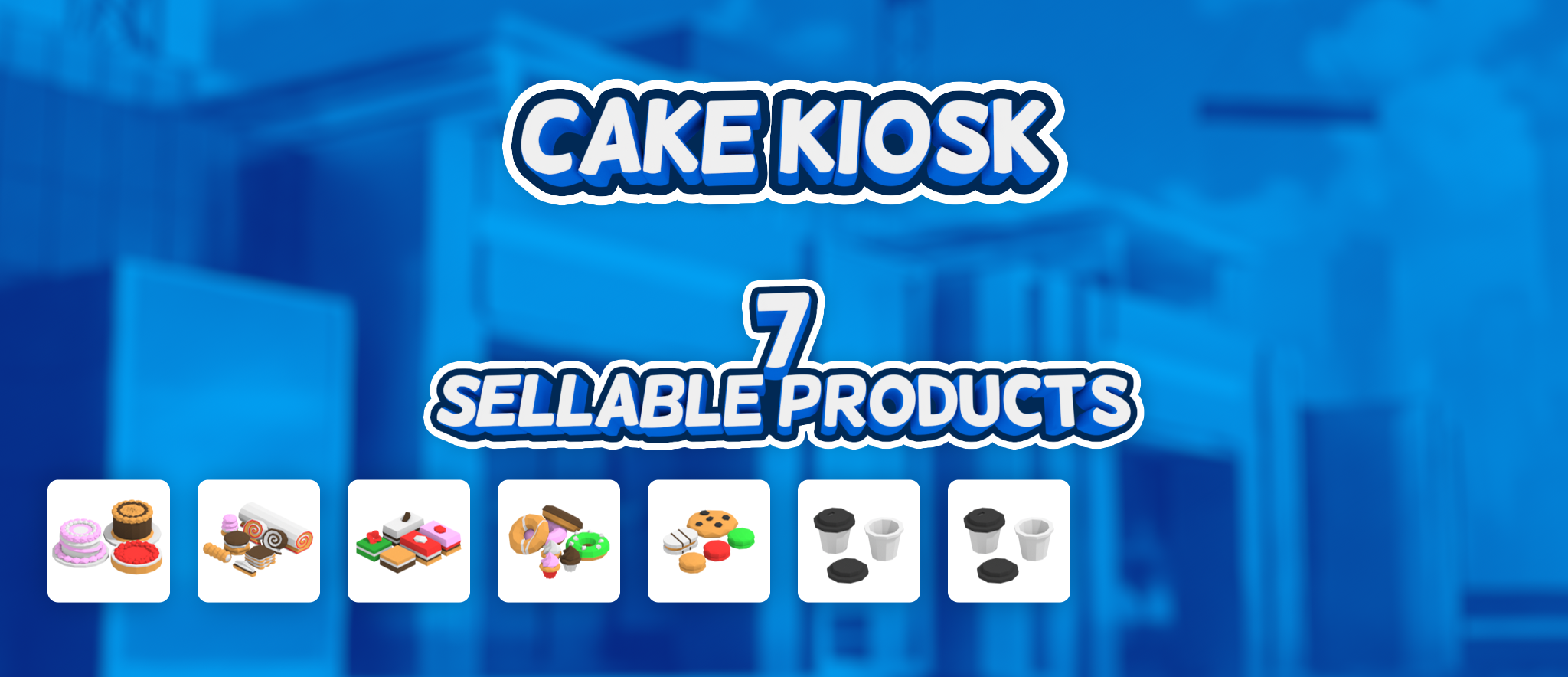
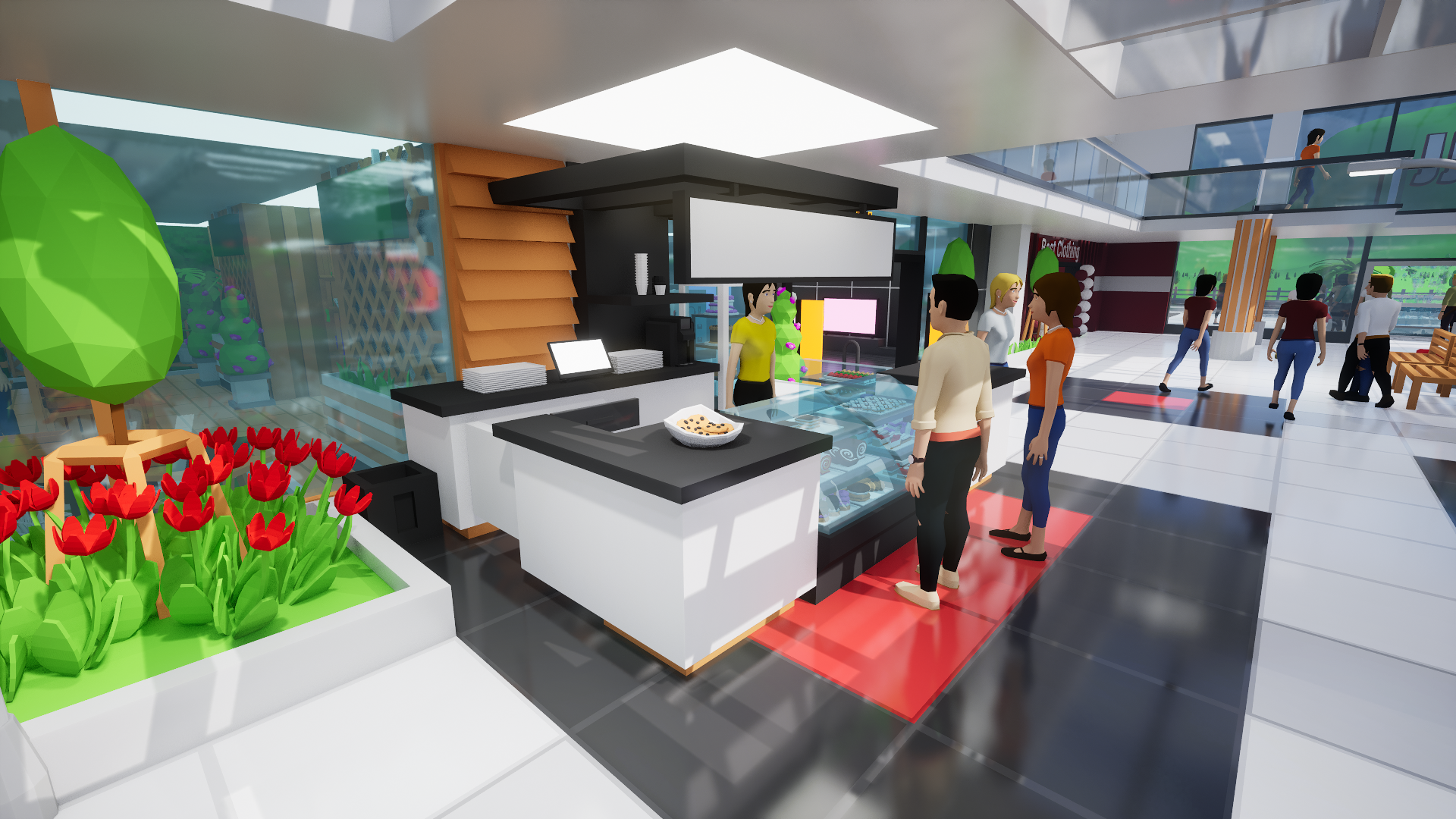
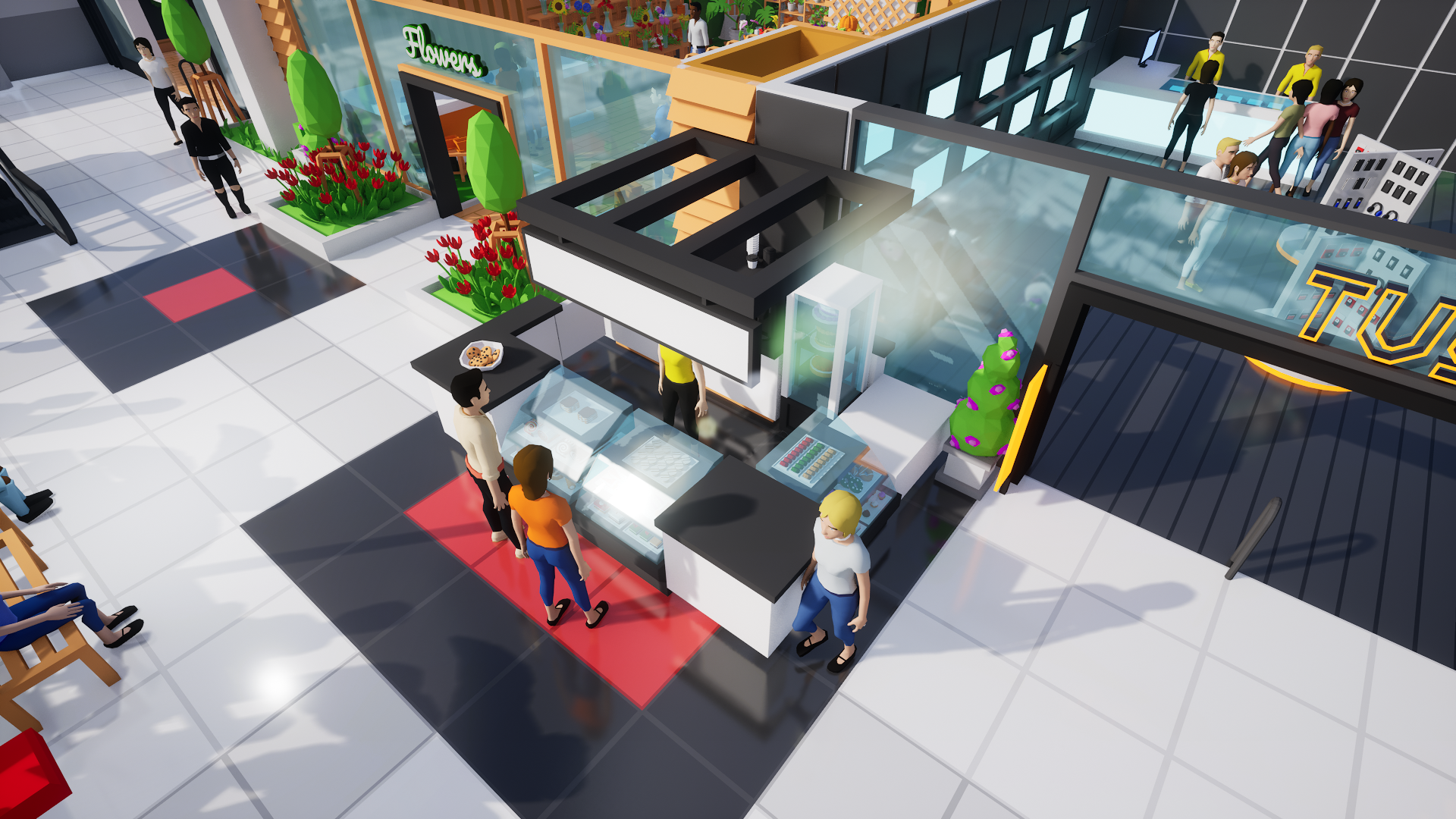
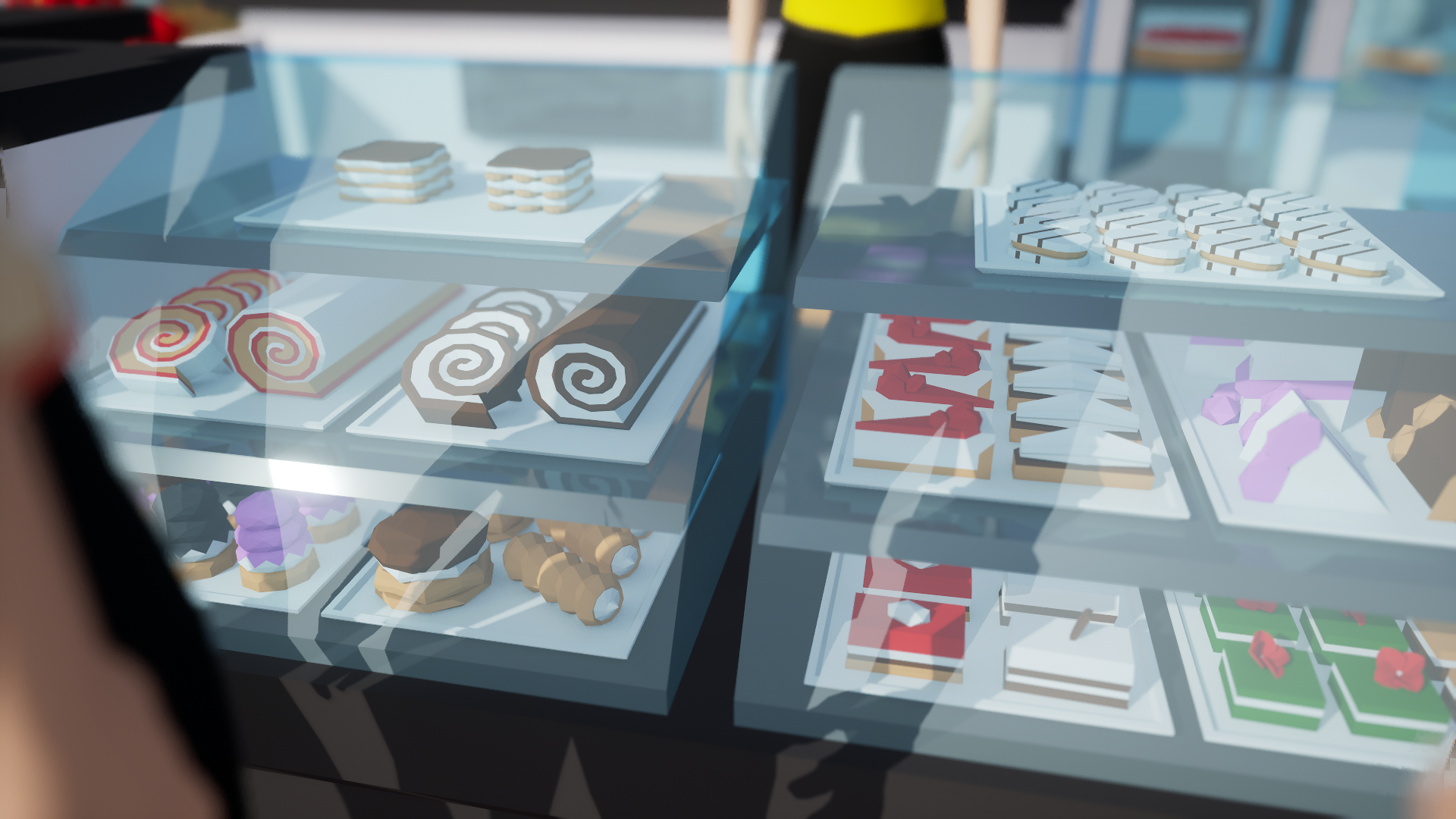
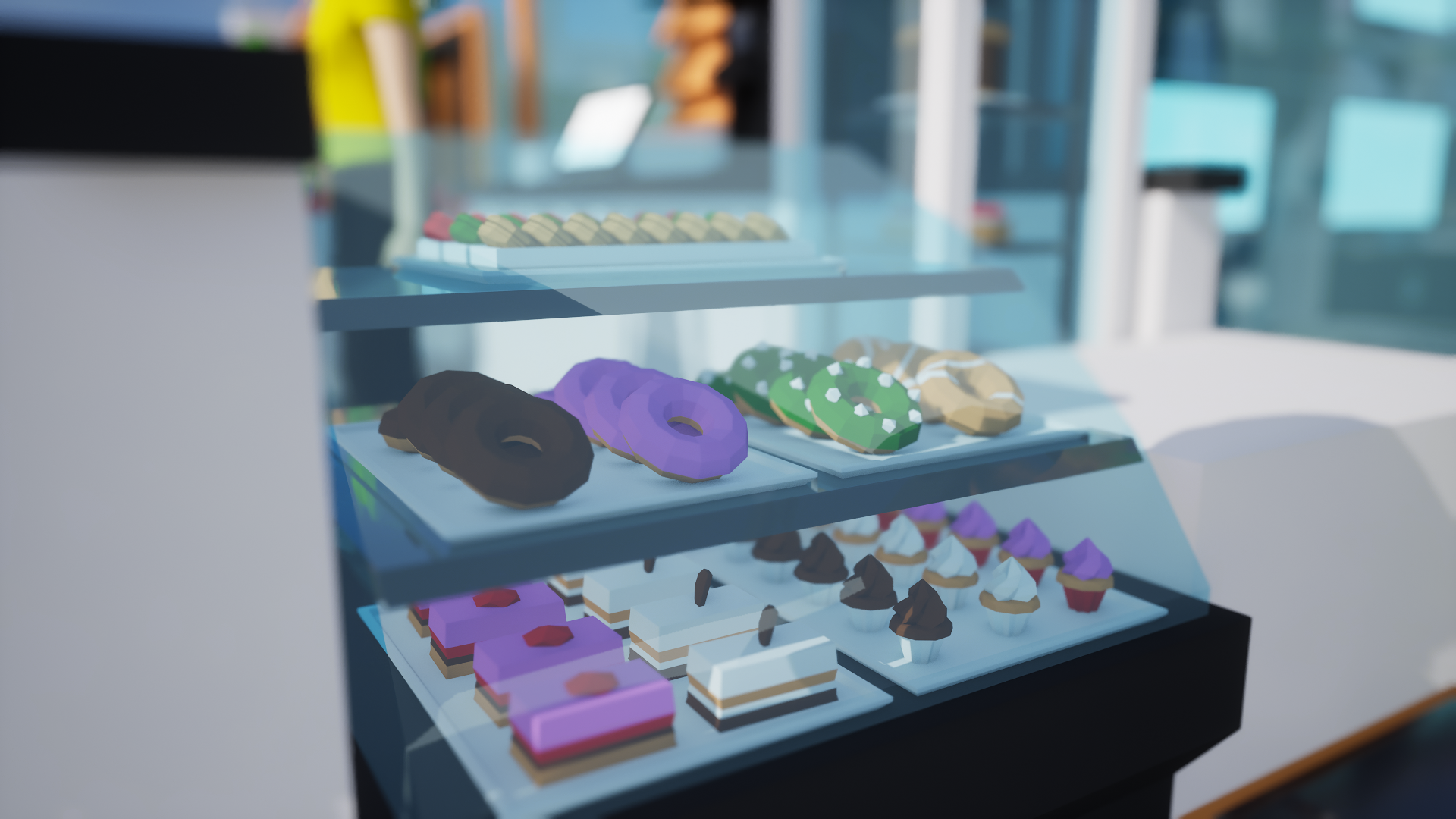
In the meantime, I also started working on a new kiosk - the Cake Kiosk, which will serve as a nice transition and introduction into the Food Court updates.
And what exactly will these following updates include? In no particular order:
customers sitting and eating
hunger and thirst influencing shopping behaviour
more food oriented kiosks, vending machines, and shops (I've heard they also call them restaurants 🙂)
what goes in must eventually come out -> toilets
Now, let's take a look at the new Cake Kiosk!
Cake Kiosk 🍰
Thank you everyone for your support and for all the feedback and ideas that you share with me here on Steam or on Discord. It really helps a lot!
Thanks again, and I will see you in the next update! - Milan, Developer
A new update is here - version 0.3.3! It brings with itself two new features: time speed control and autosaves.
Let’s take a closer look!
Time Control - Part 2 ⏳
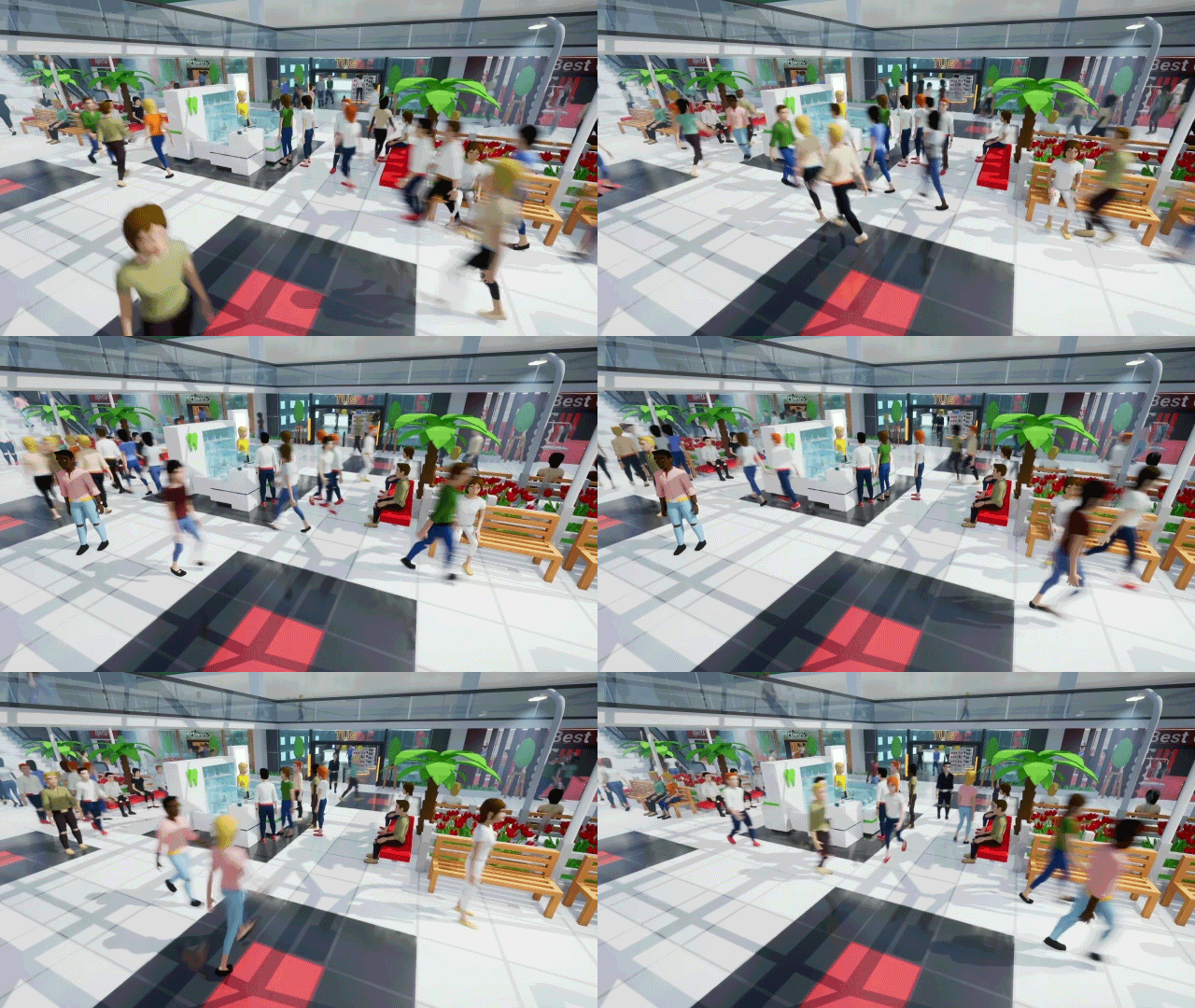
This update completes the time control feature introduced in the previous version, which added the ability to pause time. Update 0.3.3 expands on this by introducing speed control, allowing your customers to zip through your mall at up to 6x the normal speed!
The following GIF is not sped up in post-production:
Watching customers zoom through the mall makes my brain produce happy chemicals. ːsteamhappyː
Autosaves 💾
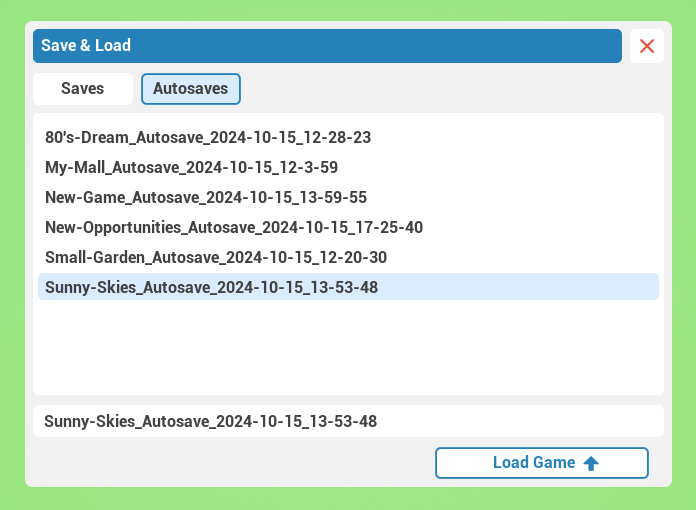
You can now set how often you'd like your game to autosave, with the interval ranging from 5 to 30 minutes. To keep the folder from growing too large, the autosave folder has a cap of 20 save files.
The other small changes na big fixes are listed in the full patch notes below.
Thank you, everyone, for your support, and I will see you in the next update! ❤️ - Milan, Developer
Full Patch Notes
Additions & Improvements
Time Control: 3x and 6x speeds added.
Autosave added:
Save & Load UI: autosave tab added.
Settings UI: autosave interval settings added.
Autosave cap: 20 files.
Small Changes
Shop Construction UI now has confirmation pop up window when cancelling construction.
Contents of confirmation pop up inside Shop UI now changes based on shop class (kiosks, vending machines, ...).
Save function is now disabled during shop construction (was causing save file issues).
Demo updated from version 0.2.5 to version 0.3.3.
Bug Fixes
Fixed: Eyedrop, and subsequent construction of floor during Shop Construction causes glitches (eyedrop of floor is now disabled during Shop Construction).
Fixed: Customers sometimes unnecessarily resetting to spawner after savefile load, even when standing on navigable area.
Fixed: Controls UI & grid overlay not hiding when deleting objects during object Move mode.
It is time for another update - version 0.3.2! It may seem odd to emphasize time in bold, but in just a few seconds, you'll see that this update is all about time.
Let's jump in!
Time Control - Part 1 ⏳
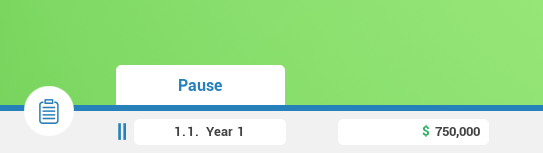
In this update, I’ve decided to tackle some Quality of Life (QoL) improvements you've been requesting for a while now, and I felt that the time was right to address them. There are two new main features coming with this update. The first is Time Control, specifically the first part of it — Pause.
There were two ways that I could've approached this. The first was a traditional pause that completely freezes the game, while the second was a time pause that lets you continue building, customizing, and managing your mall. The second option was the better choice since it aligns with how many other games in the genre work.
The only thing left now is the ability to speed up time, which will be addressed in the future as well!
Object Eyedropper Tool
While not directly tied to time control, this new tool is also related to time—it saves a lot of it! With the Eyedropper Tool, you can easily duplicate objects without much hassle. Previously, if you wanted to create the same object that's already in you mall, you had to search for it in the construction menu, build it, then enter the Material Designer of the original object, and with the Paint Tool paint the new object. Quite a journey!
With the Eyedropper Tool, you just eyedrop the original object, and now you can build as many identical copies of the object as you want, including materials.
Stuck Customers
While working on Time Control, I also took the opportunity to fix an issue with customers getting stuck on grass and escalators. Moments of euphoria from making progress quickly turned into despair while debugging and fixing these problems :)
Hopefully, most of the edge cases have now been taken care of, and if you ever notice your customers zooming across the map back to the spawner, that’s because they were stuck somewhere and couldn’t navigate back to a walkable area.
Shadows Performance Optimized
In update 0.2.4, I reverted back to Shader Model 5 from Shader Model 6. The technical details are not important, but this switch resulted in great improvements in stability for many people. What I haven't noticed until recently is that this change indroduced some micro stutters and decrease in preformance with large malls - namely 80's Dream and Sunny Skies.
I've made some adjustments, and the performance should now be a lot smoother for huge malls with shadows enabled, especially during camera movement. Depending on the situation and your system, you might see a 10-30% boost in performance.
Thank you, everyone, for your support, and I will see you in the next update! ❤️ - Milan, Developer
Full Patch Notes 🔧
Additions & Improvements
Time control added: Pause Time.
Eyedropper Tool added.
Shadows performance optimized (10 - 30% FPS uplift based on different situations and settings).
Small Changes
Customers get teleported to spawn when stuck on grass or unable to move.
Right mouse button is now used to exit Paint Tool (instead of UI button).
Custom cursors added for Paint and Eyedropper Tools.
Controls UI: right mouse button keybind added for Paint Tool.
Hello everyone! Today I’d like to share with you a quick overview of the first year since the game has released into Early Access. This year has seen steady progress for Mall Craze, and I'm really grateful for the support you've shown along the way.
Whether you've been here since day one or you just recently stumbled upon the game, I welcome you here! We’ve got a lot to cover, so let’s dive in! 🎬
Update 0.3.1 is here! Wait... a new one already? Just one week after a major update?
Yes! 🎵
There’s been one part of the game that I haven’t touched since launch, and that was the soundtrack. Throughout the year, I’ve always wanted to create more music for the game, but somehow I never found the right time to just sit down and compose. The days following the 0.3.0 release felt like the perfect time to do just that, and that’s exactly what I did.
The Mall Craze soundtrack is now 3.5x bigger than before! Which... wasn’t actually that hard to achieve, considering there were only 2 songs in the game previously... Let’s just say the music was a bit repetitive.
I hope you’ll enjoy the 5 new tracks, and that they will help you with building, customizing, and running your mall!
Thank you all for your support, and I’ll see you in the next update! - Milan, developer
The second major update to Mall Craze is here! It brings a completely new shop, improvements to Build mode, and lots of other changes and additions!
Let's see what's in store for us today:
Primary Changes
Flower Shop 💐
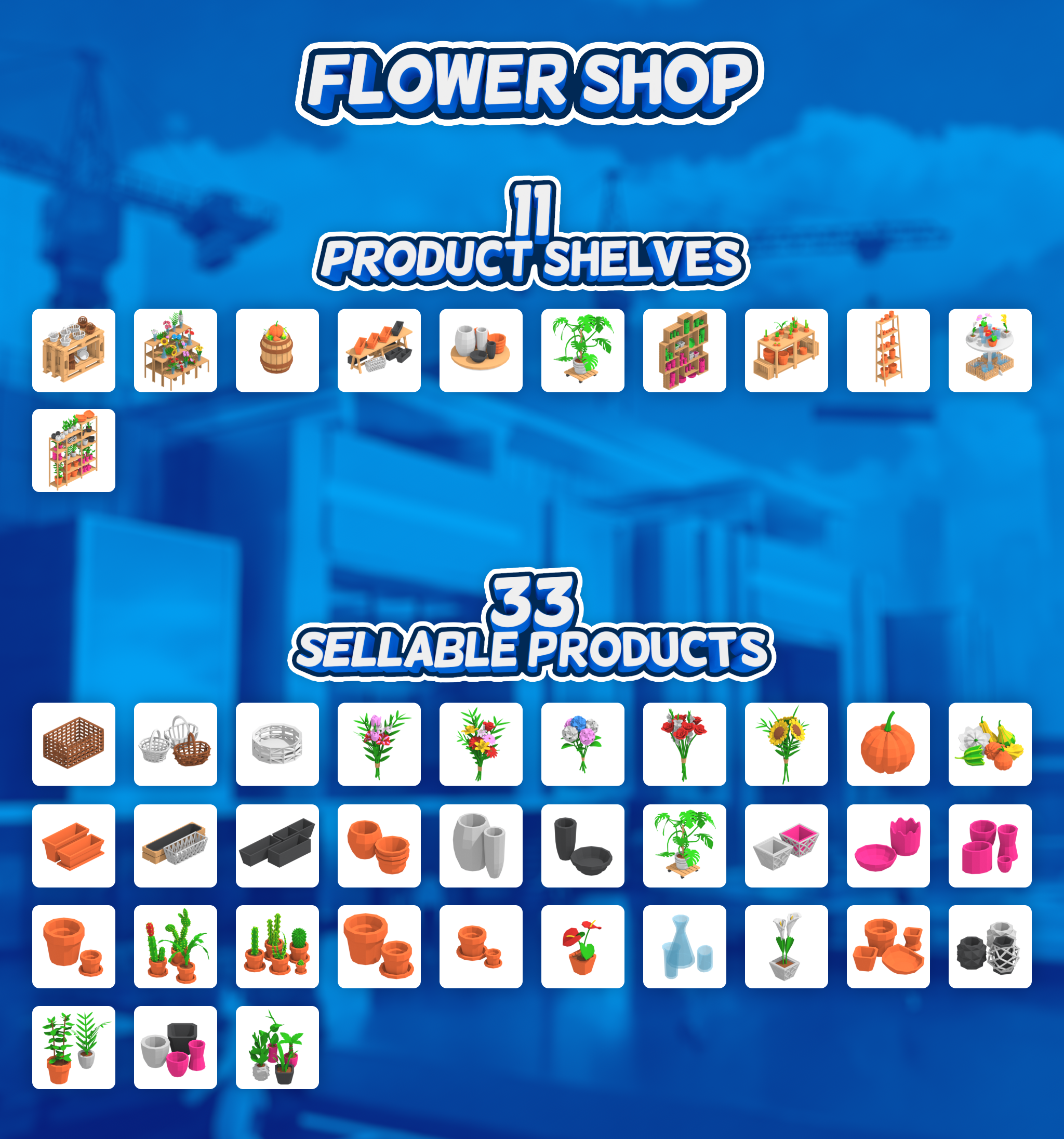
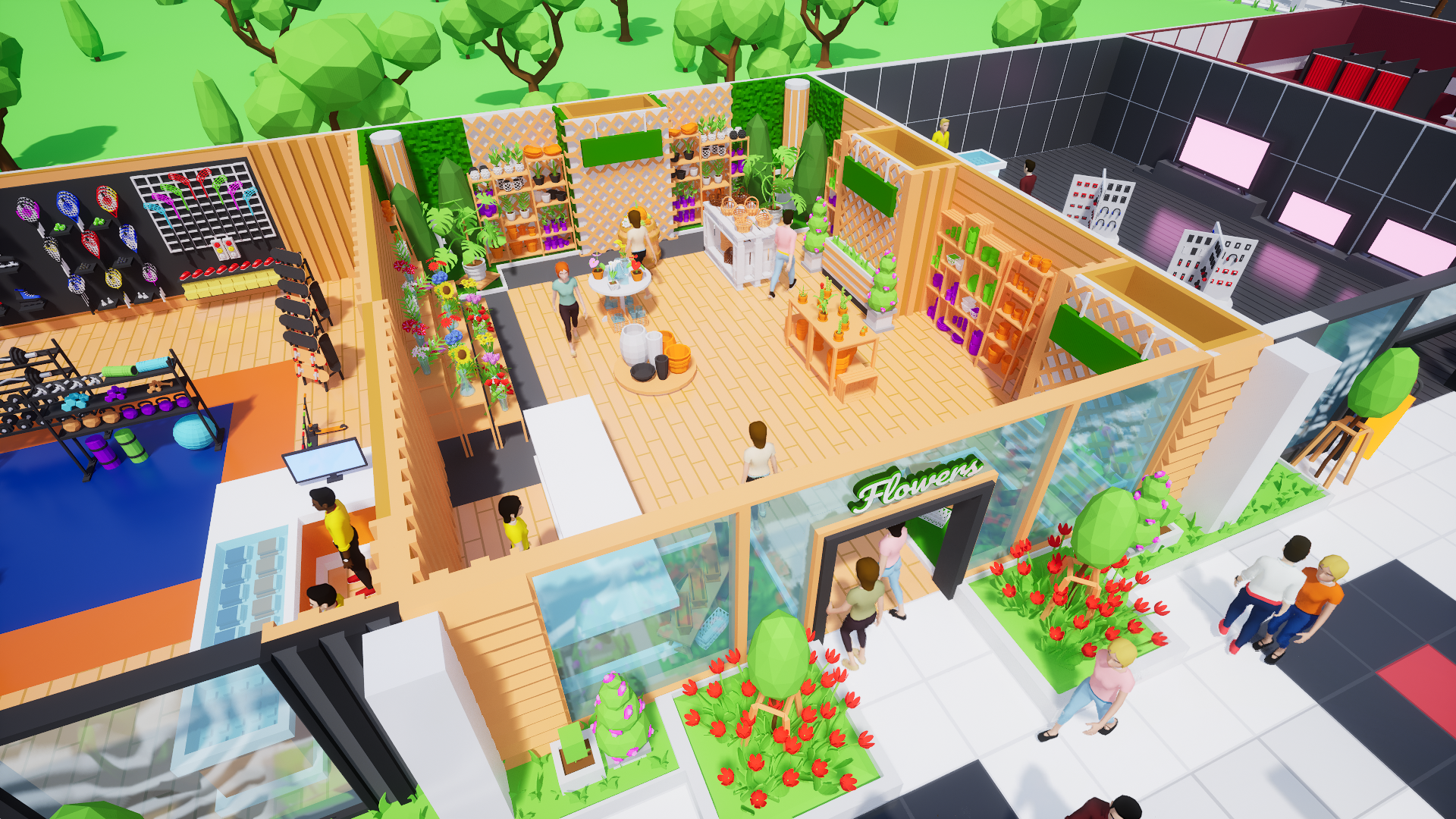
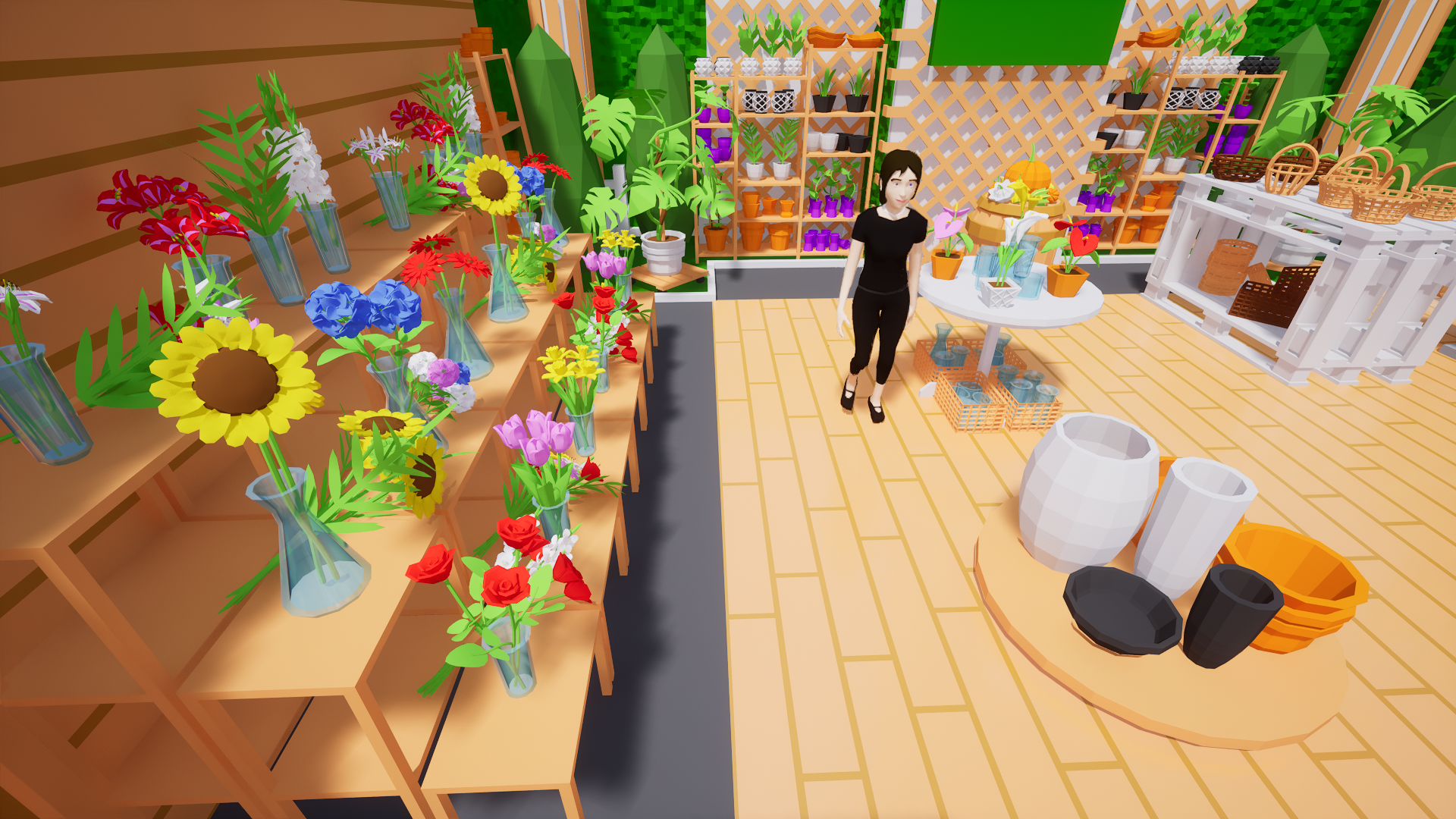
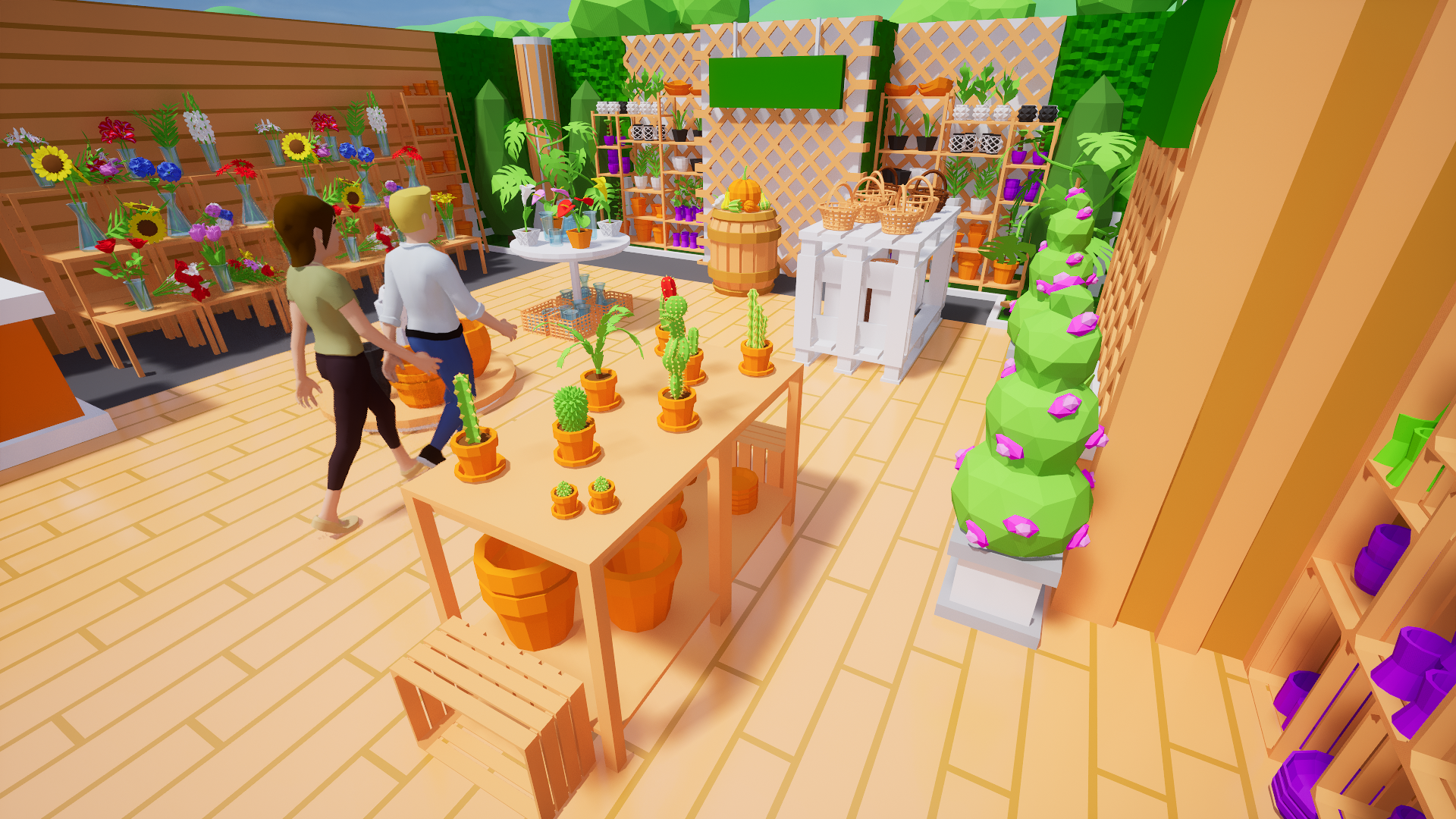
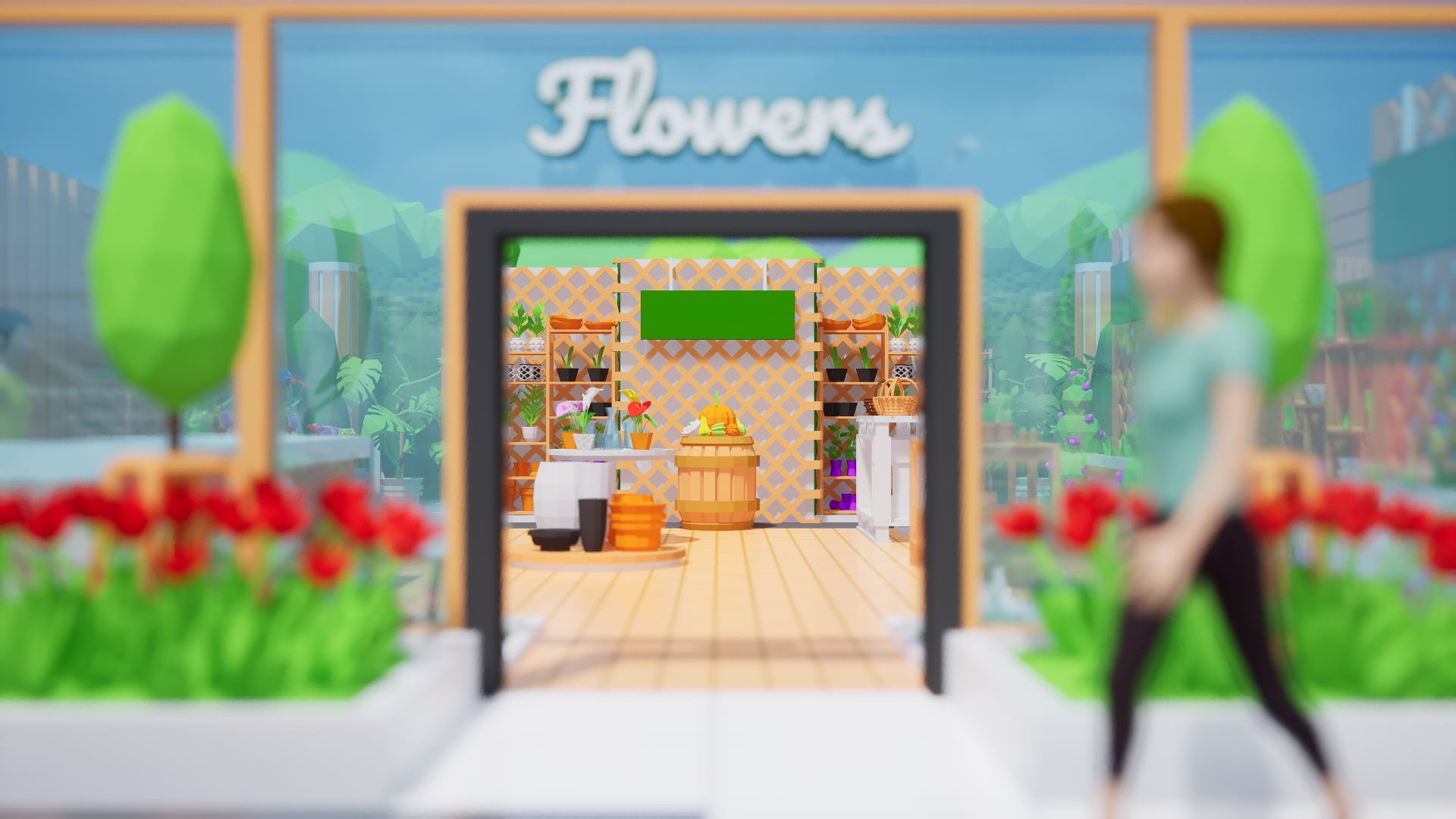
I'm happy to share that another big shop is now in the game: the Flower Shop! It consists of 11 placeable product shelves, which together contain 33 sellable products. These include colorful bouquets, cute tabletop plants, decorative pumpkins, a variety of plant pots with unique styles, and much more.
If you're looking to add some greenery and life to your mall, this shop will definitely do the trick!
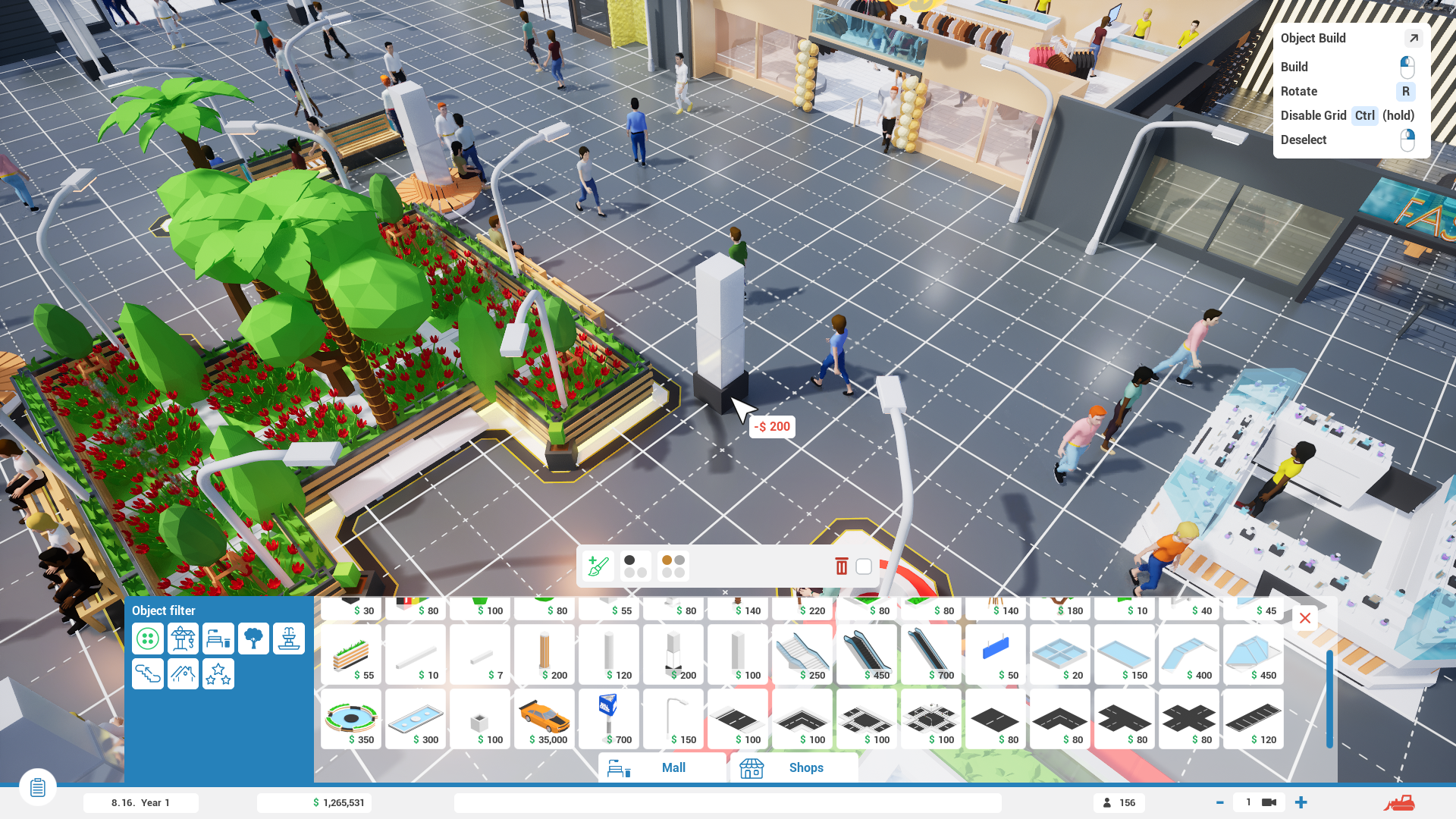
Build & Move Mode Grid Overlay 🚧
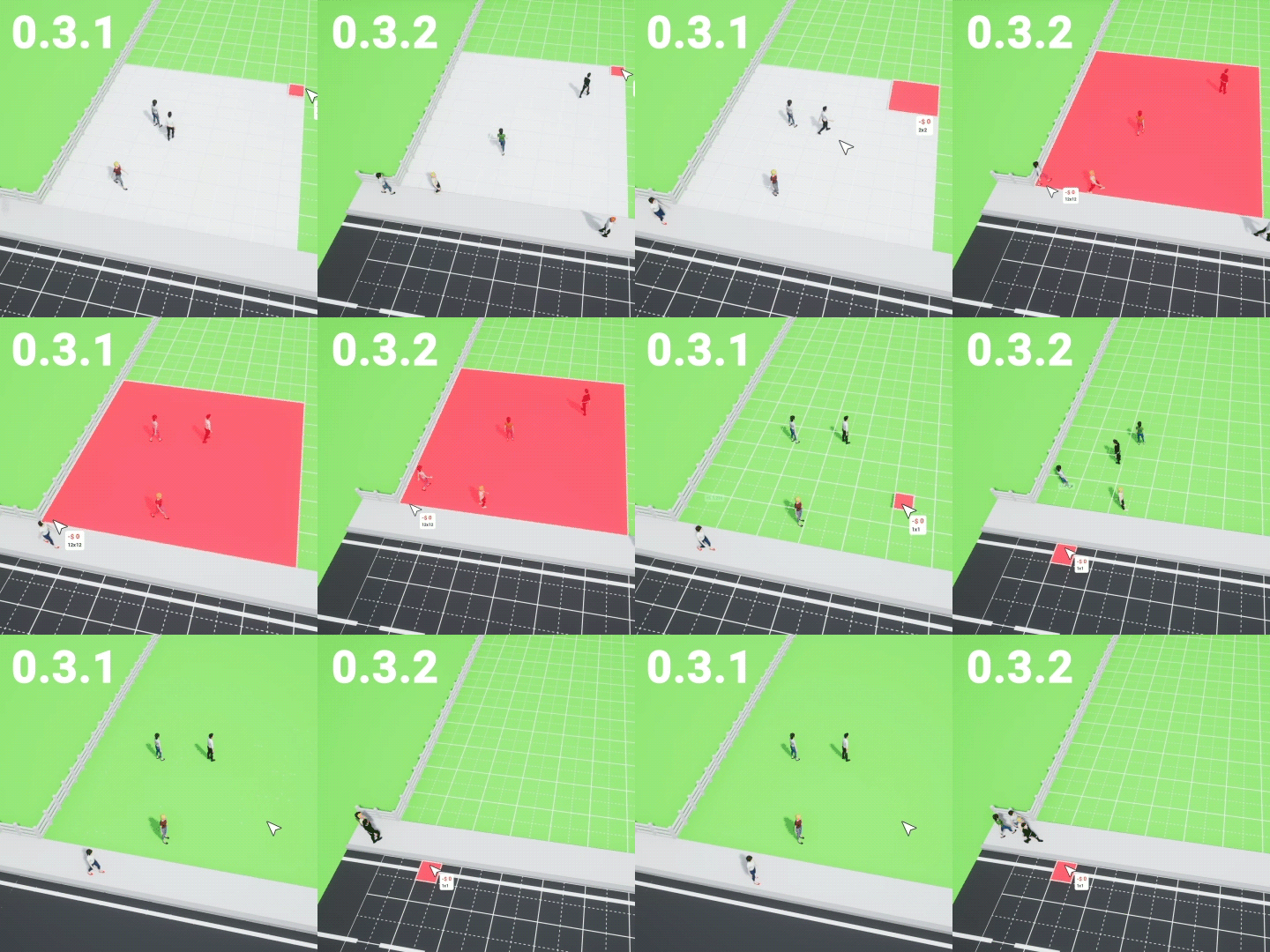
Although objects in Mall Craze snap to a grid of various sizes (mostly 50cm and 25cm, which can be temporarily turned off for most things), there was previously no visual indication of this. Grid placement naturally leads to a desire to build things precisely and symmetrically, which could sometimes be difficult, given that, until now, there was no visual representation of this grid, as I stated above.
Update 0.3.0 addresses this by introducing a grid overlay that will be visible during Build & Move mode. A positive side effect of this is that it will now be easier to tell whether you're currently in Build or Move object mode.
Secondary Changes
Starting Cash Slider for Pre-Made Malls 💵
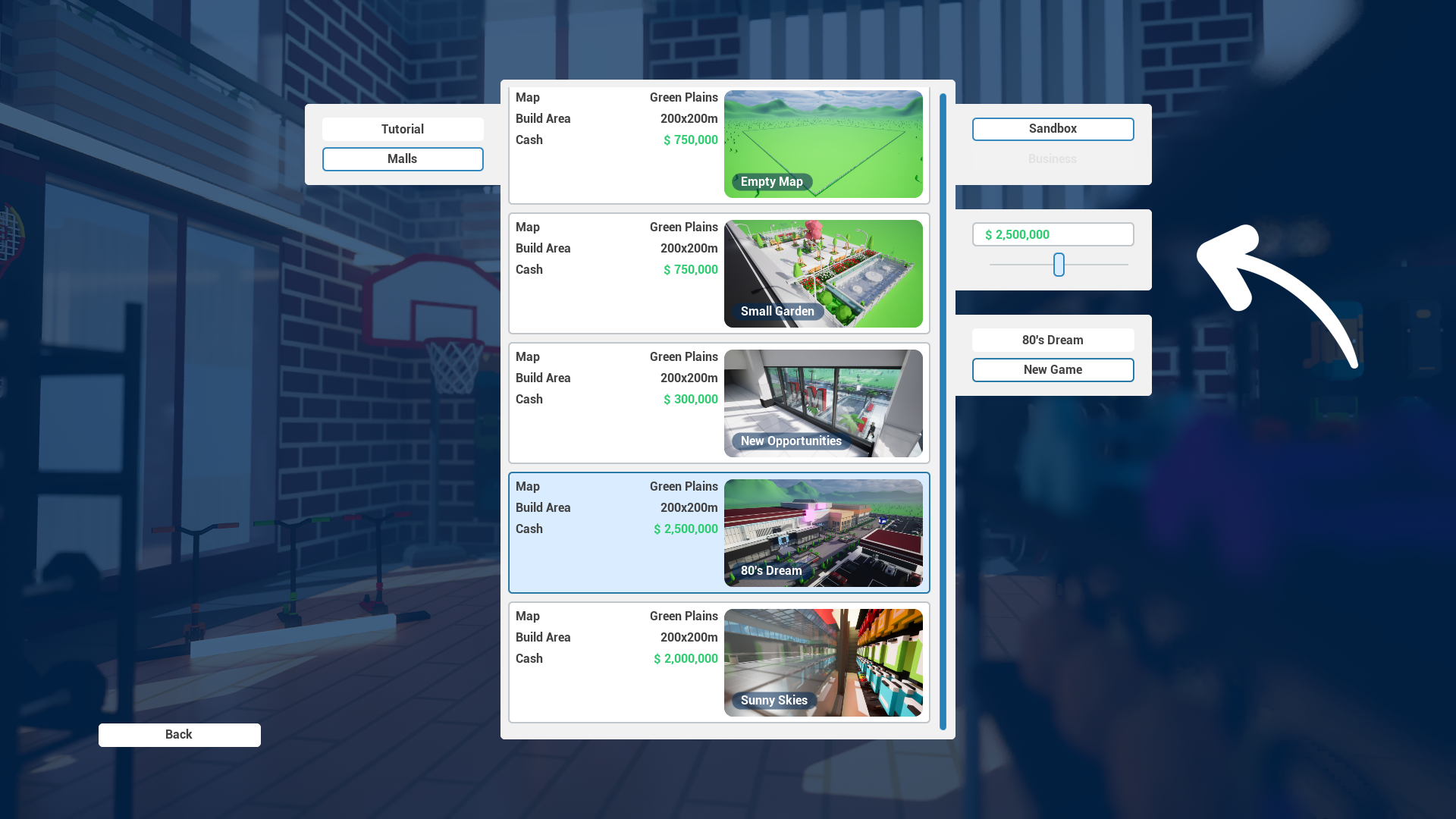
To extend the sandbox options for pre-made malls, I've added a cash slider that will allow you to choose the level of challenge you'll face when starting a new mall. The slider has a range of $50,000 to $5,000,000.
New Customers Overview List
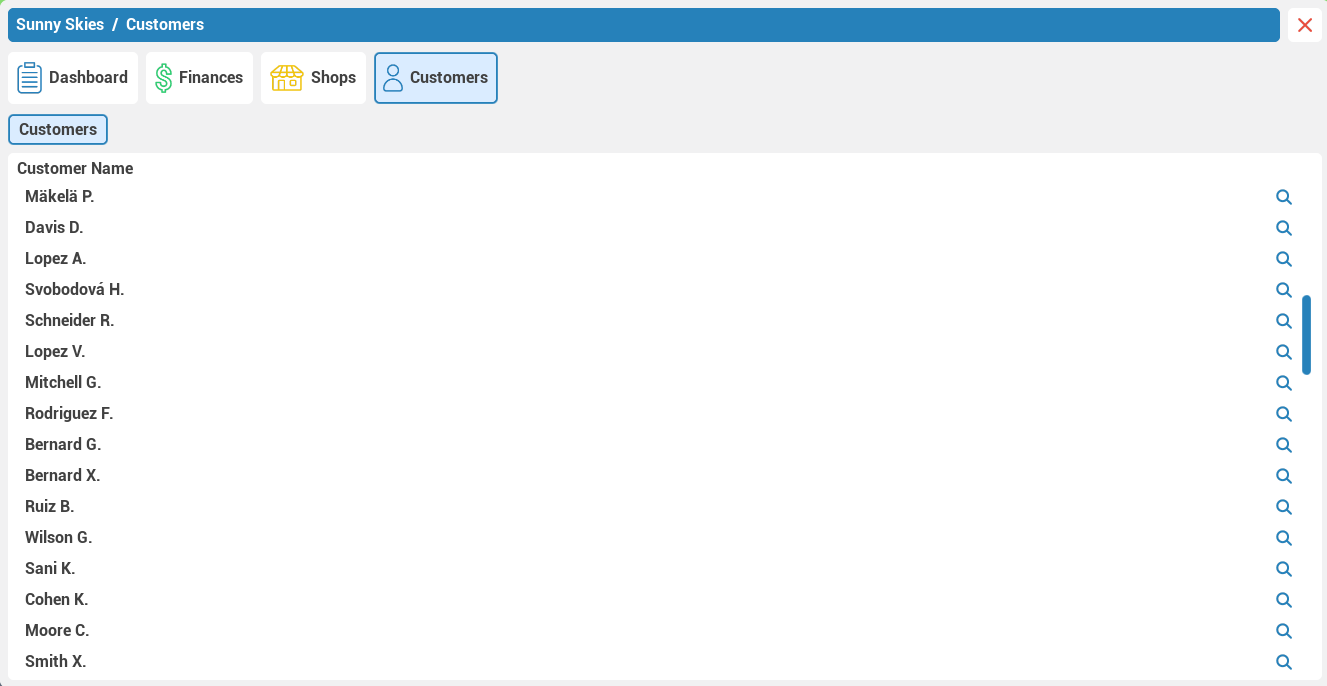
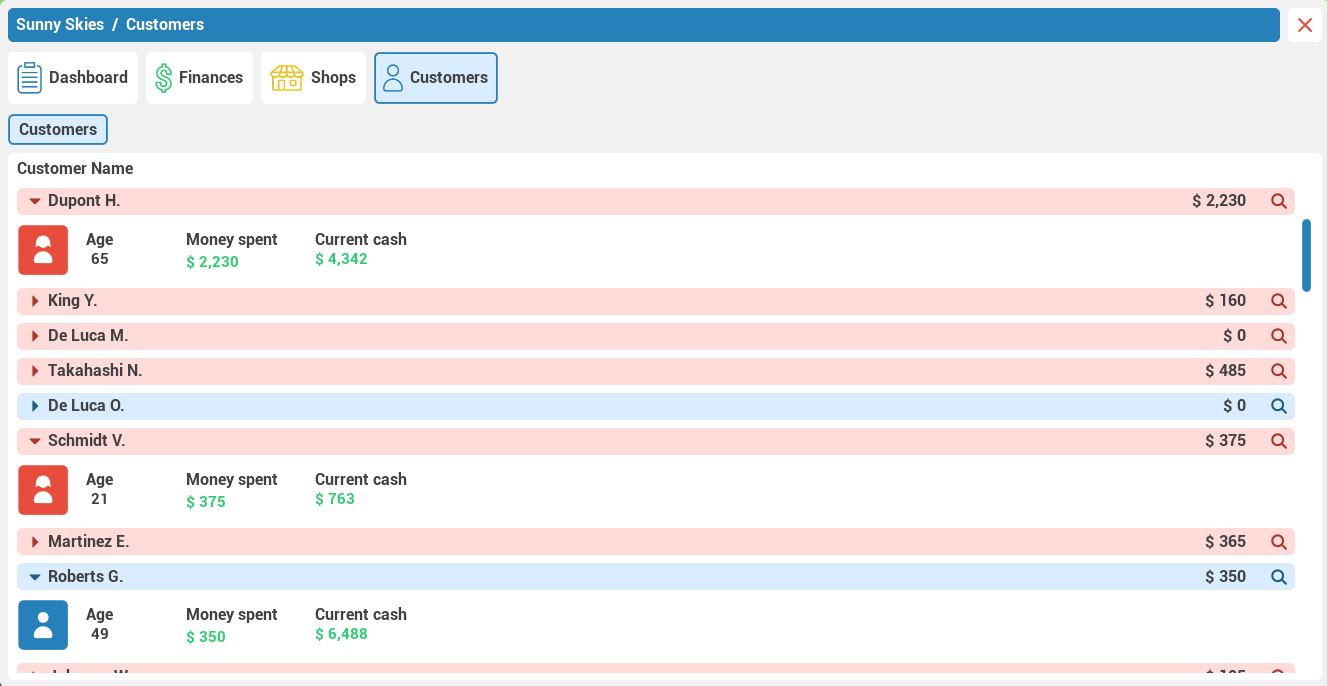
It's time to yet again start introducing deeper simulation and management options. Update 0.3.0 does so with the improved customers overview list inside the Mall Management window. Below, you can see the comparison between the old and new versions.
0.2.7 0.3.0
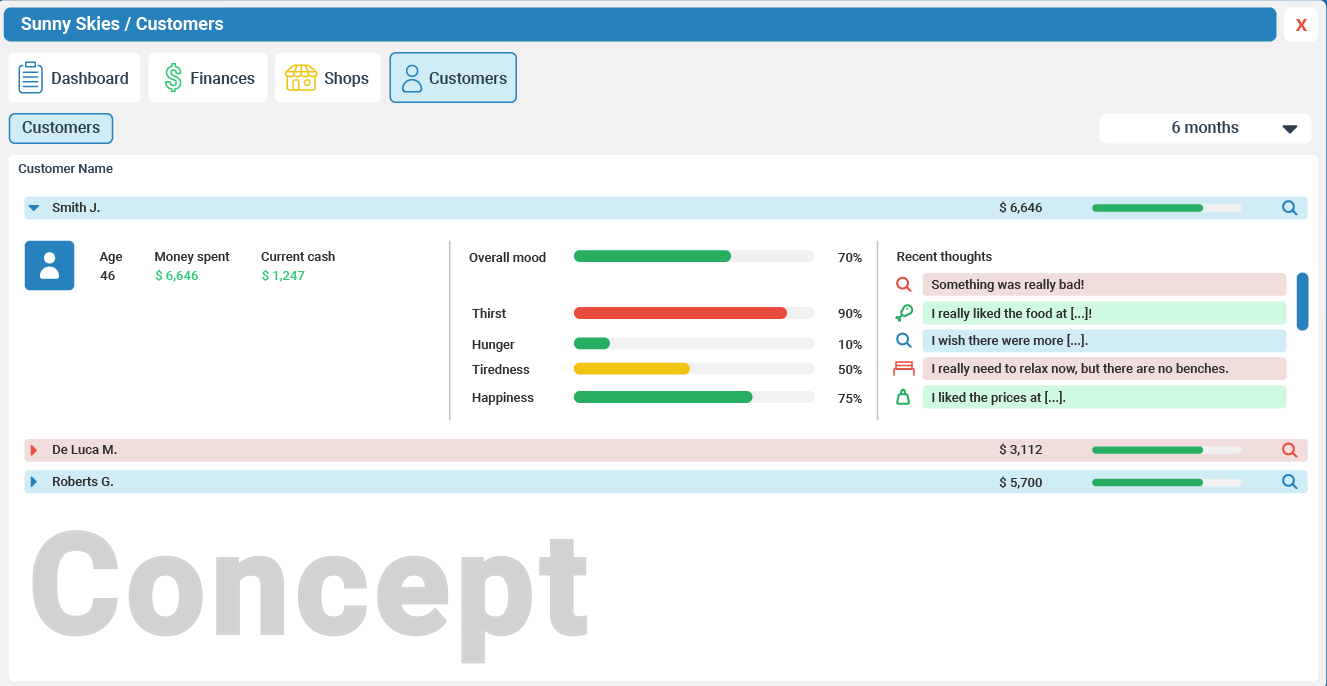
Currently, only age, money spent, and current cash are the three new pieces of information provided, but the new UI is ready to host a lot of other useful information in the future.
Concept
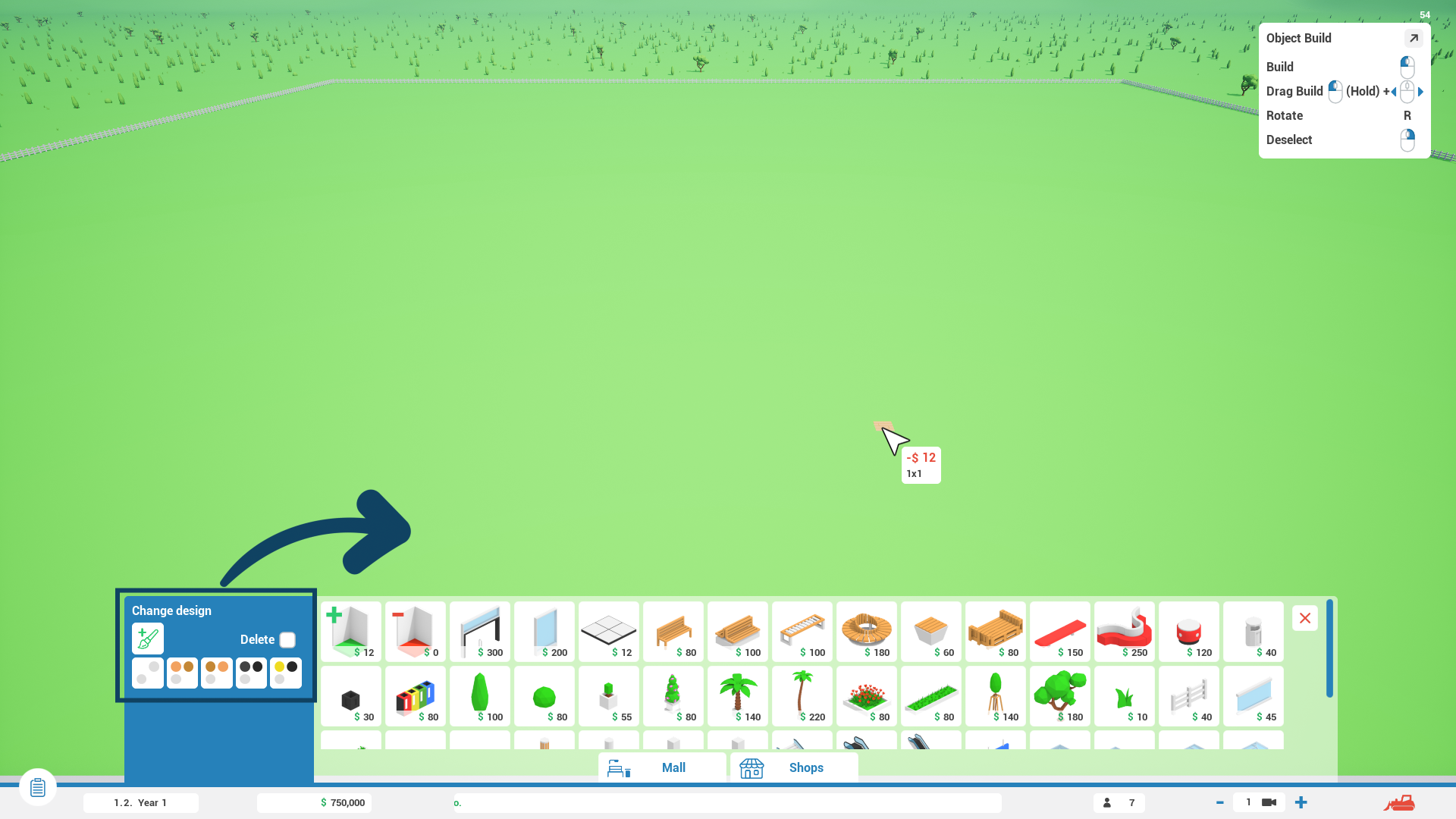
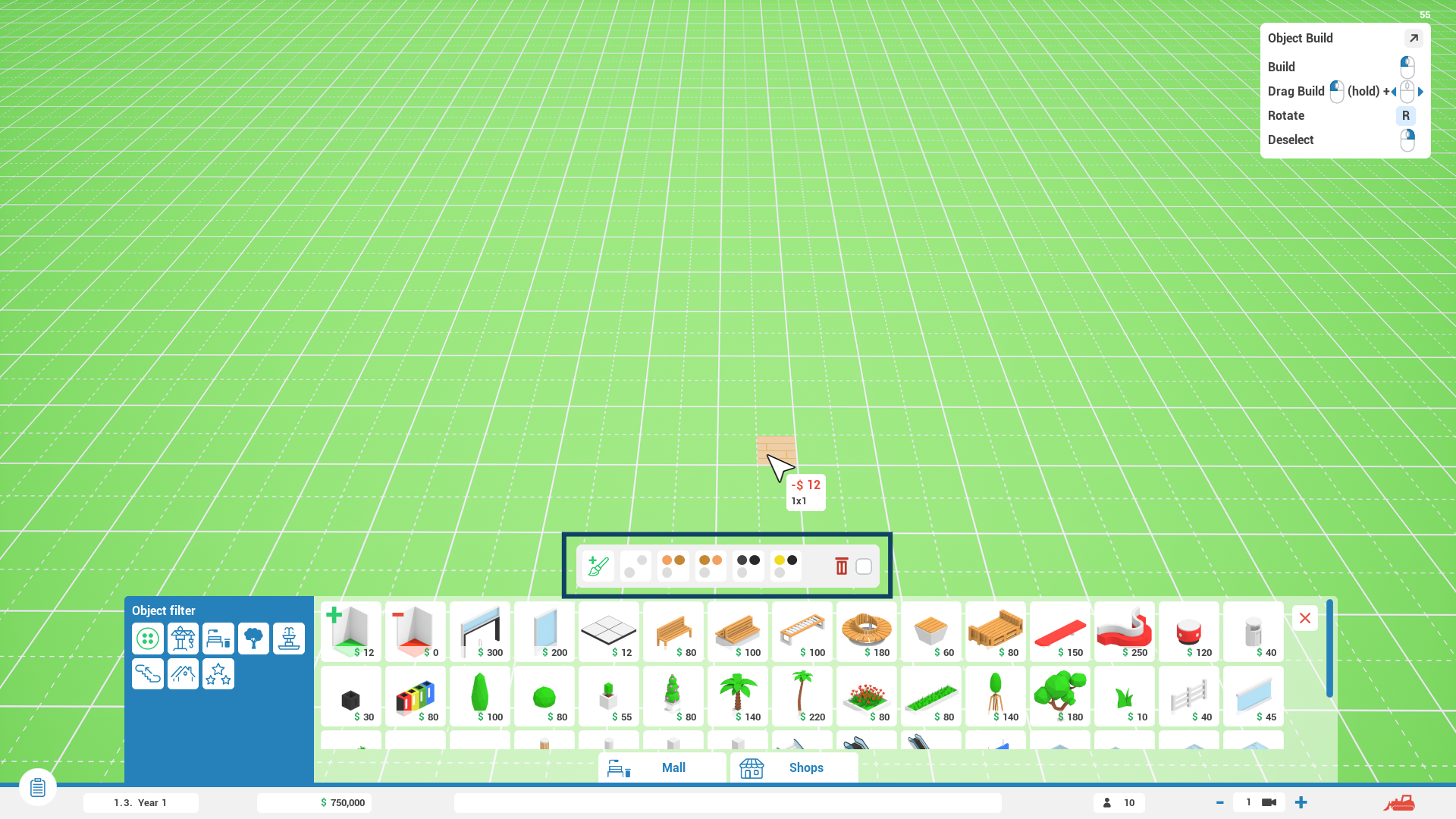
Construction Design UI Moved 🎨
Although there’s an option in-game to change the design of an object that's currently being built, it was hard to find, and many people were therefore unable to easily change the design of a floor, for example. And no wonder—it was tricky to find. When you selected an object to build from the Mall or Shop construction menu, the left blue area switched from Object Categories to the Construction Design panel. To make the Construction Design panel more visible and easier to navigate, it’s now been given its own small pop-up window above the construction menu.
0.2.7 0.3.0
Other Changes
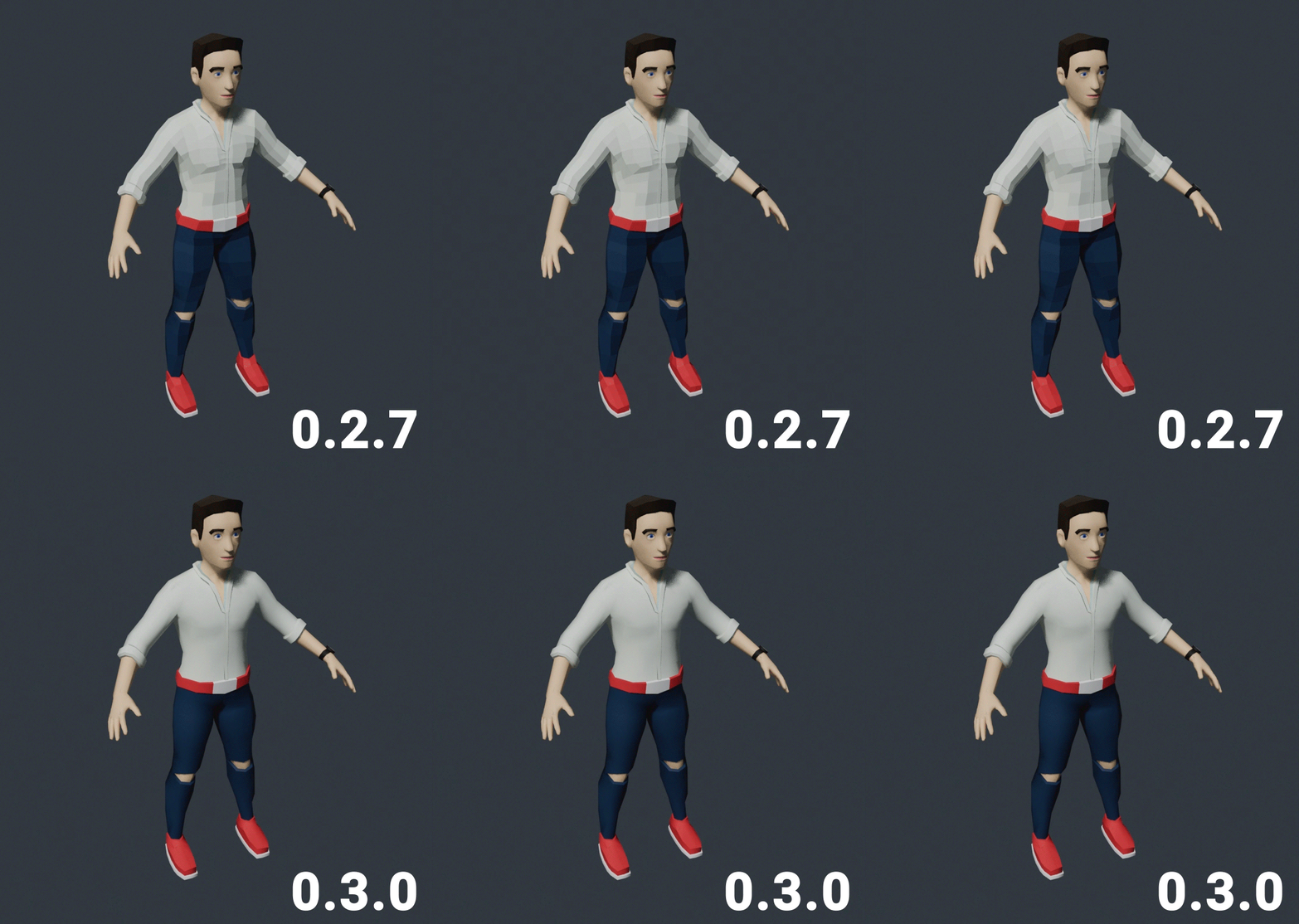
New Character Mesh Shading
The character design of Mall Craze has evolved many times over its development, and today it takes another small step forward. The low-poly design of in-game 3D models works great for inanimate objects, but it showed its shortcomings on the character models. Here’s the comparison between the 0.2.7 and 0.3.0 shading:
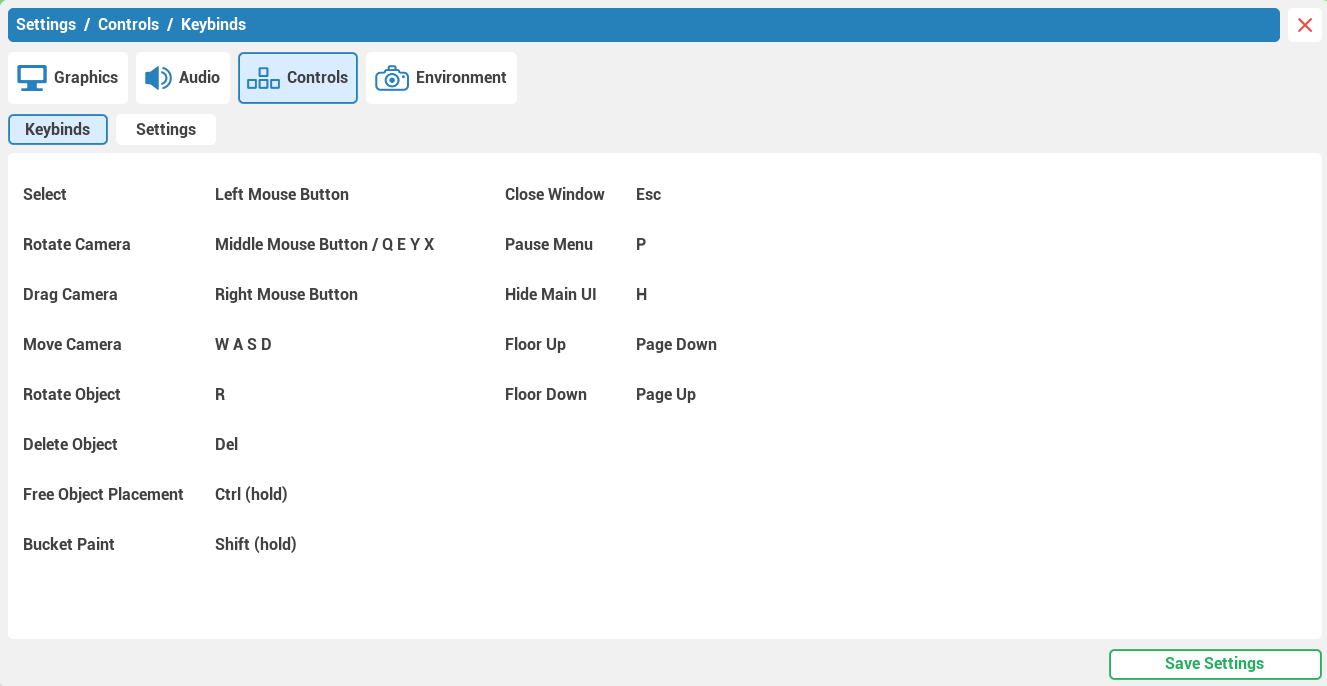
Controls Visualization Improved
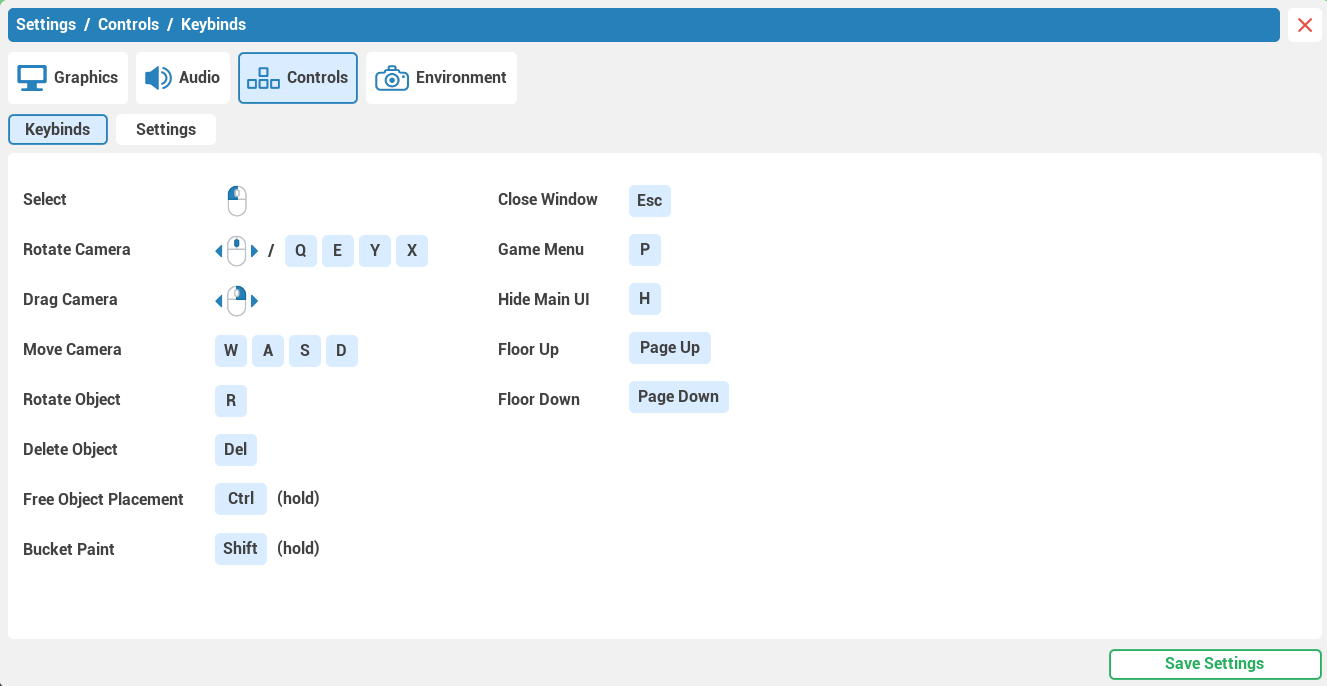
I've made it easier to view keybindings inside the Settings menu.
0.2.7 0.3.0
Renaming of Various Elements
In the name of simplicity and better understanding, I’ve decided to rename a few aspects of the UI, such as renaming the material parameter “Emission” to “Luminance.” The full list can be found below in the Full Patch Notes under the Small Changes category.
"How can I support Mall Craze?"
I occasionally get questions about how you can support the game even further, given that there are no DLCs or microtransactions. The best way to help is by sharing Mall Craze with others—friends, your favorite YouTuber or streamer, etc. If you like the game, writing a review here on Steam naturally also helps a lot ❤️.
What's Coming in Updates 0.3.x 👀
The main focus for the next couple of updates will be adding new content, along with additional management features. The next big milestone for management is adding the Business game mode (name may change). Business mode will introduce progression in the form of Research. To have something to research, we need more content. New content will therefore come in the form of new shops, kiosks, vending machines, scenery, object designs, and so on.
Thank you, everyone, for your support, and I will see you in the next update! - Milan, developer