Hey there, ladies and gentlemen! I'm proud (and a little ashamed) to announce that you can now use opentrack, or any other head-tracking solution that uses UDP over network; SmoothTrack for example, for look!
This was a very early-requested feature, but one for which I didn't believe I had the equipment for, and so shelved as a project for future-me.
It turned out to be, as Hoist2Crew predicted, rather an easy update to implement. Thanks to George_Smiley for the offer to send me the necessary equipment; I finally did the research to determine if that was actually necessary, and it turned out it wasn't. I used SmoothTrack on my iPhone to do the head tracking, and opentrack to send the data to Unity and implement it in the camera look control. It actually turned out opentrack could be bypassed; SmoothTrack can send the UDP direct via the computer IP and port 4243. Opentrack has much better pre-smoothing, however, so keep that in mind.
Opentrack instructions: Assuming you already have the input side set up, set Output to 'UDP over Network', and in the Output settings set the port to 4243, and the IP address to your IP address.
SmoothTrack (solo) instructions: Set Server IP to your IP address, and Server Port to 4243. To use SmoothTrack with opentrack, just follow the instructions within SmoothTrack.
Smoothtrack will need -90 degrees in roll correction, either in the app, or in opentrack.
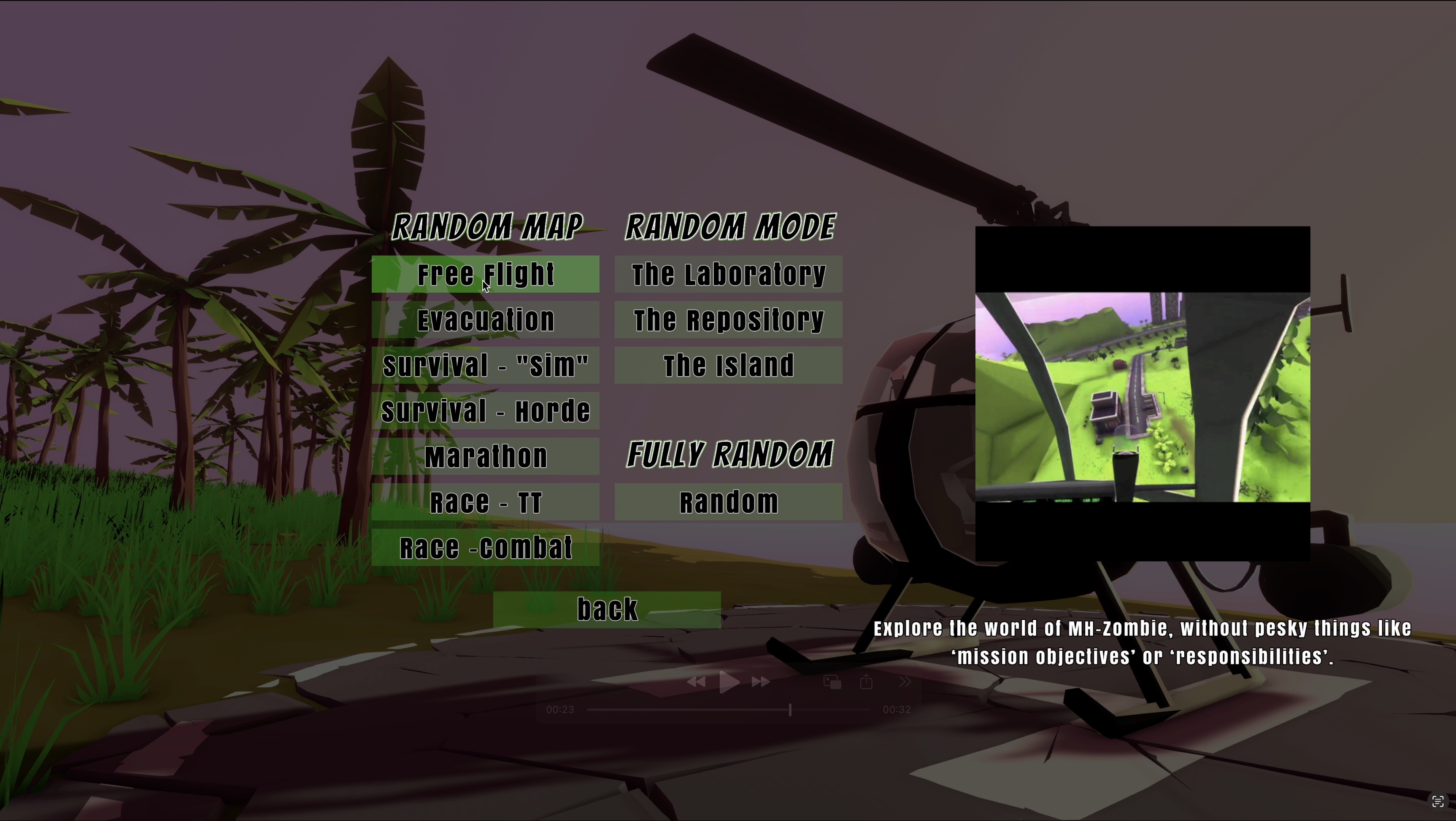
I also added a random mission generation menu for the hasty among you who just want to fly NOW!
Change log:
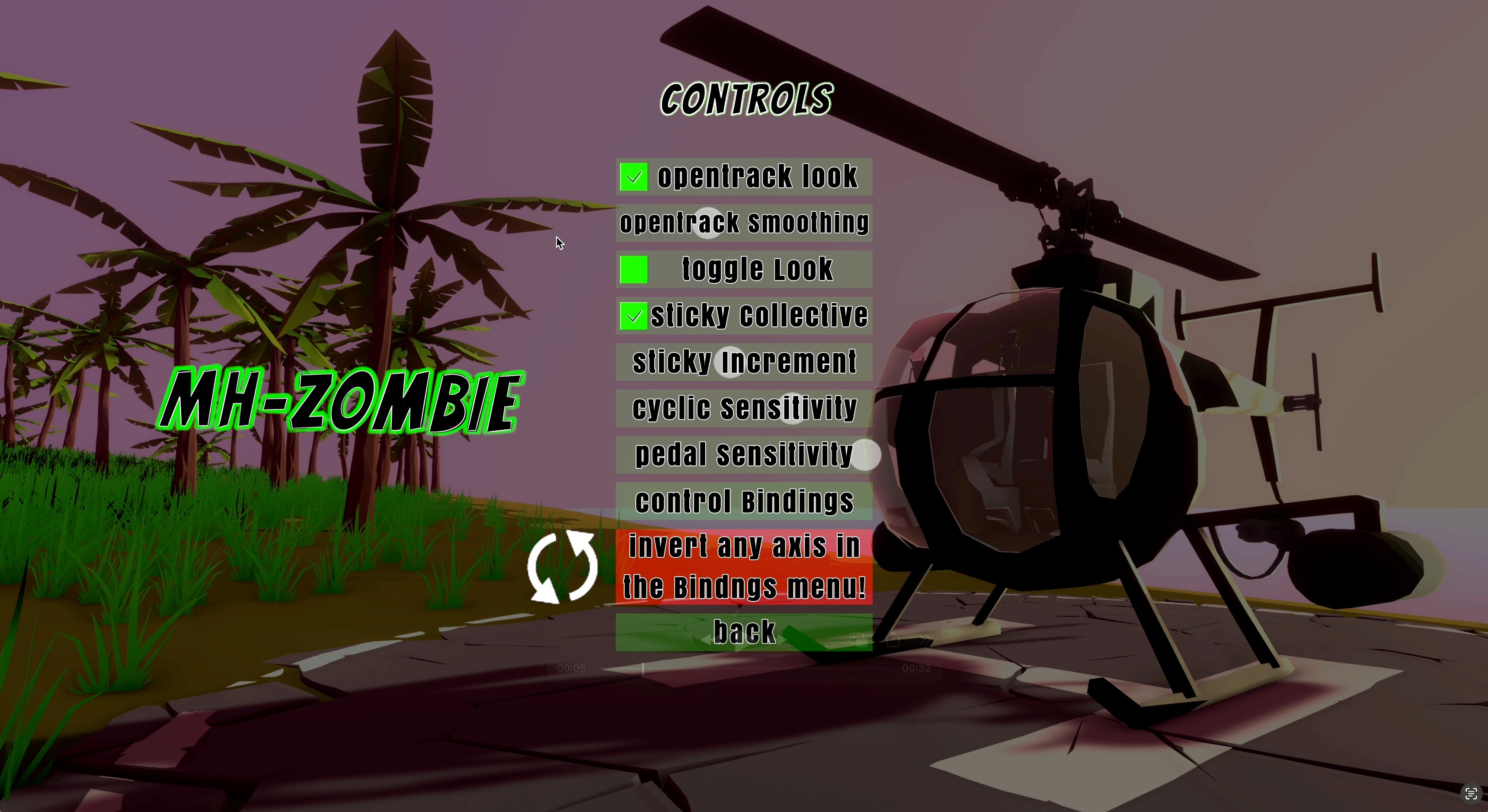
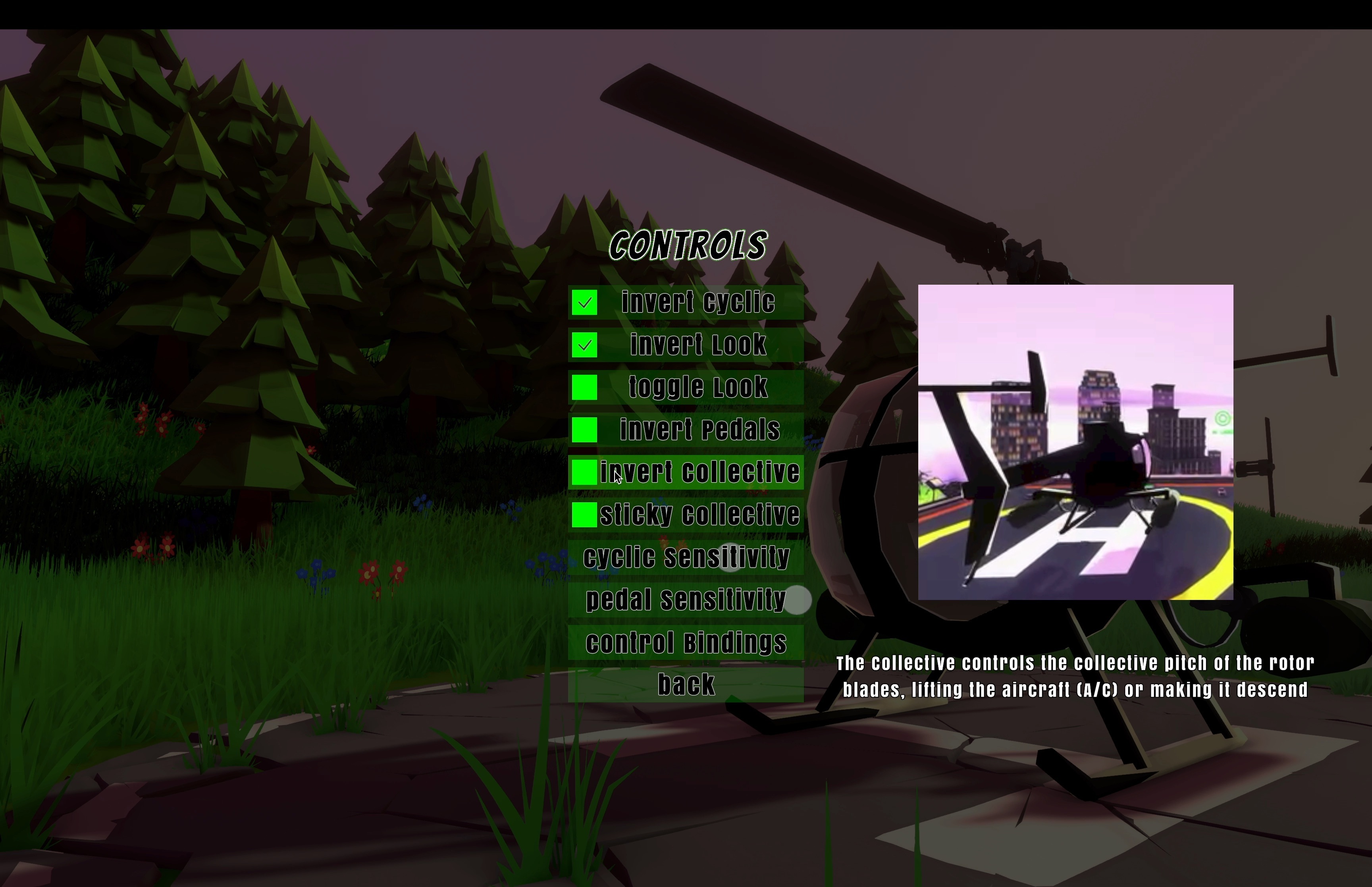
o UDP head tracking checkbox added to Controls menu o Look smoothing slider added to Controls menu (disabled when UDP head tracking isn't enabled). At furthest left point on the slider, smoothing is entirely disabled. o New random mission menu with random map, random mission, and fully random button series. o Control menu axis invert buttons removed; message telling the player they can invert axis' in the rebind menu added (look for the circle arrows on the right side of the axis buttons in the rebind menu). o Fixed pedal behavior in Tutorial mode. o Tutorial mode will skip Free-Look if Head Tracking is enabled. o Sticky Collective increment size slider added; disabled if Sticky Collective isn't enabled. o Tutorial mission text added to Tutorial and Free Flight modes (not explicitly shown to the player, but findable in the mission menu). o Tooltip video encoding fixed for MacOS. o Some menu buttons weren't overflowing (top button returning to bottom button for example). This has been fixed. o Increased translating tendency force.
As always, many thanks for your support, keeping me on my toes, and your patience! As I continue to work on the next two games, I will continue to add the last few features I feel this game (and you all) deserve!
-Joe
Another quick patch: AI (usually) won't walk into the aircraft anymore + 1 other
Hey team,
Added a navigation obstacle to the aircraft, so AI (usually) won't walk into the helicopter anymore. It's been a day 1 issue that I never managed to fix because I wasn't looking at the problem right. There may still be rare instances of them bumping into you, because I had to compromise between making them walk around, and making it possible to still run them over and be attacked at short range by them. Also fixed the invincibility cheat, which was calling you a cheater but not actually doing anything of benefit.
Hey guys; if you haven’t bit the bullet and grabbed MH-Zombie yet, or you would like to gift or suggest it to a friend, it’s on sale for half price tomorrow for the Planes, Trains, and Automobiles sale!
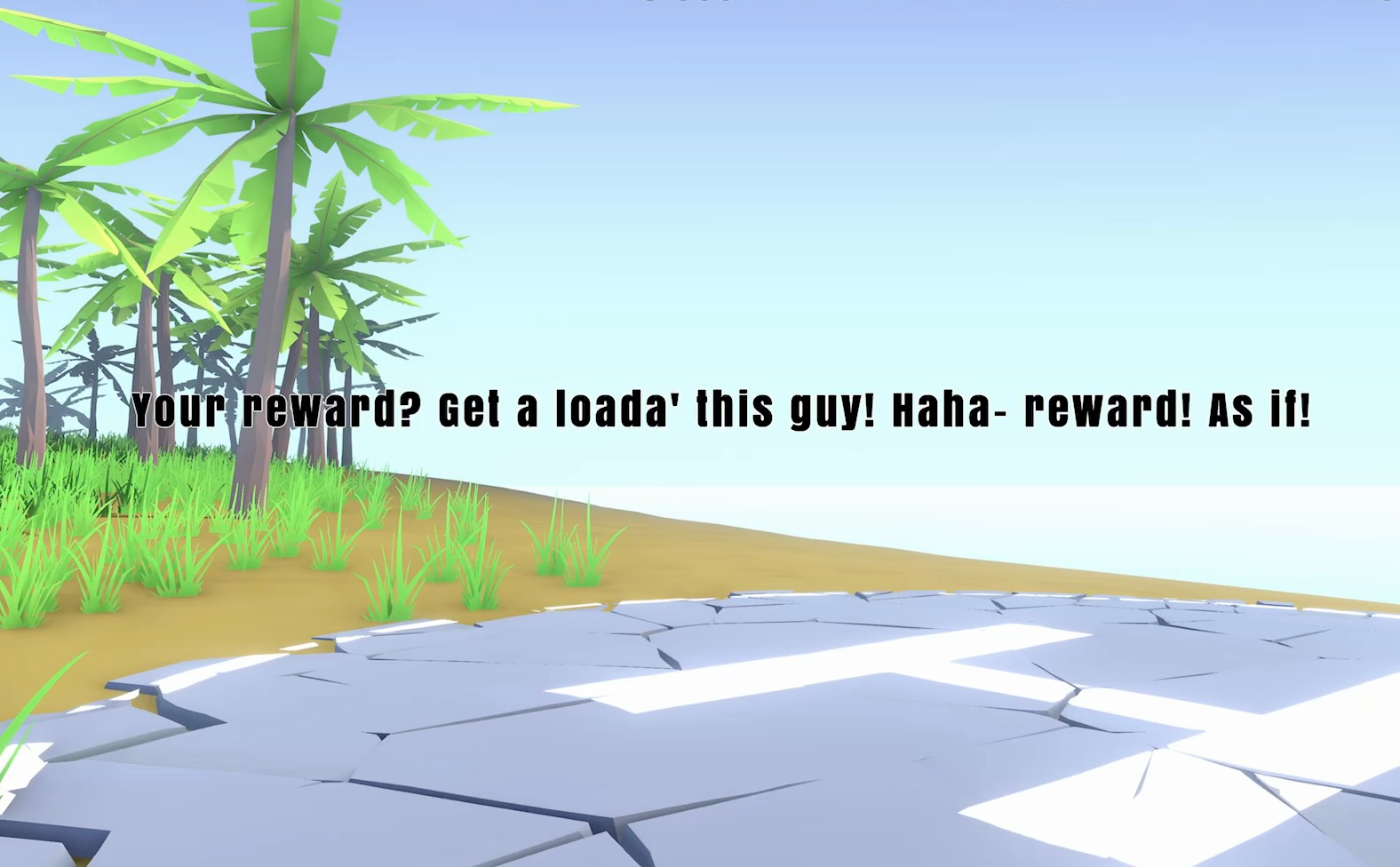
Also, a quick update to add the latest version of the Rewired Input software, fix some music issues, add the trees back to the Win and Game Over scenes, and add the 'Reward' message back to the Win scene, with a twist.
Changelog:
o Rewired Input updated to v.1.1.57.2 o Game Over / Win scenes 'Music' object re-activated o Game Over / Win scenes updated with Start Scene geometry o 'Reward' message added back to Win Scene
As always, thanks for everything! I've started outlining the next game; I'm planning on using an out-of-the-box solution to provide most of the necessary programming components for it, while importing the flight characteristics from MH-Zombie to make it a faster development cycle while still maintaining the mechanics I've built here. When I have a presentable build I'll build a Steam page and let you all know about it!
-Joe
Tooltips, Missing effect in the modified Start Scene!
Hey there, Gun Pilots!
I've got another fairly simple update for you here. Fixed a few small bugs, added tooltips to the play options, controls, inertial look, and start menu.
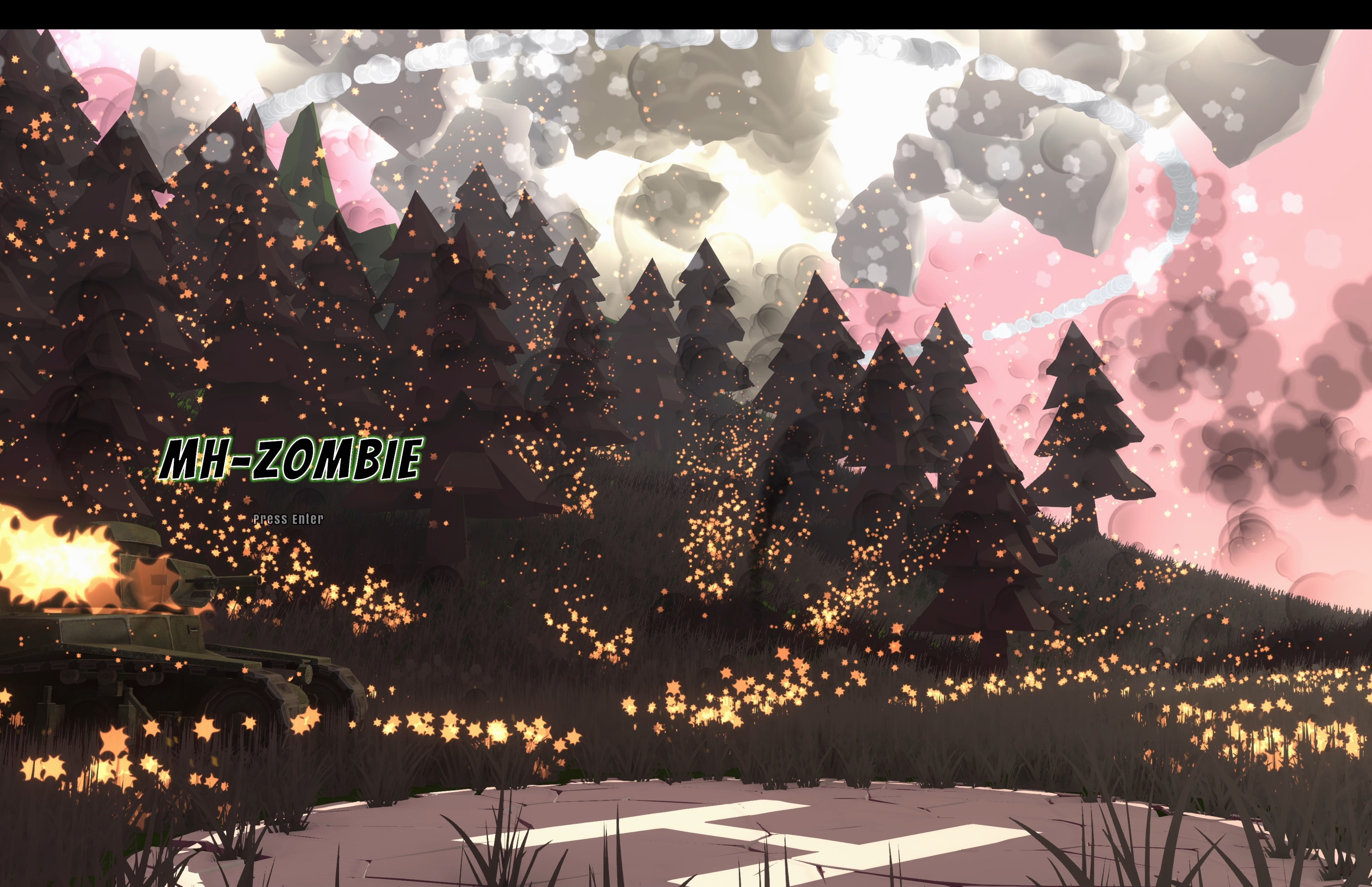
And added the missing element in the new start scene: smoke and fire in the trees.
There's a few other small changes in there as well; additional UI updates based on recommendations from professional UI designer @Hodaeg. The tooltips were his idea as well, and they were honestly a long time in coming, given the fact that my own brother had no idea what the Marathon Mode was haha...
The start menu tooltip switches between reminders that you can get the mobile version of MH-Zombie, and that you can get MH-Zombie merch on Redbubble. I made it to be as unobtrusive as possible; it's in the in-between menu after you first hit start, and goes away after navigating further until you load a level and then come back to the start menu.
I'm planning on starting the next game now, but I will continue to make updates and improvements to MH-Zombie. Thanks for everything; I'm excited to see how you all help improve the next title as well!
-Raulboy
New Start Menu scene; toggle look fix; badges fix!
Hey there, Team MH-Zombie!
Apologies for the late fix for the toggle look option, which has been executing the look function every frame the button is held down, making for a bit of a wild experience for all but the quickest of toggle-look users.
I redid the start menu as a way to update the store capsule images, and I went a bit overboard and lost track of time. I'm also really attached to the old start menu, so on first start it's still there. Go back to the start menu from the game though, and you'll get the new setup. There's still one important element missing from the new scene, but I have to figure out how to implement it. PM me what you think the missing element is, (and how to implement it if you're savvy), and if you're right I'll send you a free MH-Zombie sticker! (to the first 100; in the unlikely event more than a couple of you even bother haha)
Changelog:
o New start menu scene upon returning to the start menu o Updated Nuclear Bomb looks much more terrifying (imo) o Fixed toggle-look executing every frame held down o Fixed issue with badges spawning further and further apart o Fixed (invisible) issue with enemy perimeter event triggers o New rocket model actually looks like the 2.75" FFAR it's supposed to represent o Invert Pedals option added for those with wonky HOTAS setups o Removed the 2nd level LOD for the Nuclear Powerplant chimneys- tried to fix the smoothing and the lighting biffed it so I'll fix it when I make texture atlases for everything.
Much-Requested additional volume controls, LOD bias slider, and more!
Hey team,
I spent the last couple weeks integrating requests/suggestions and bugfixing; I hope you enjoy the results!
Changelog:
o Added Master and Aircraft volume controls to complement the Music volume control. o Added a Level of Detail Bias slider to the quality menu. o Aircraft health display turns red below 31. o Aircraft sparks and smokes based on level of damage; full-time red tint removed. o Field of View added to start menu options; start menu options reorganized. o Engine pitch changes with power level. o Appropriate sliders indicate level while not selected. o Auto-level velocity changed to read "disable at xxKTS". o Civilians approach the right side of the helicopter, at a greater distance. o Most menu buttons wrap vertically; badge and remapping menus being notable exceptions due to logical complexity.
Bugfixes:
o Framerate no longer defaults to 60fps in spite Quality settings changes. o Objective and FARP landing logic updated to significantly reduce the occurrence of negative landing detection. o Sliders reset correctly no matter their selection state when disabled. o General menu cleanup
Thanks for everything, and as always don't hesitate to let me know if you have any issues or recommendations!
-Joe
Improved HOTAS and rebinding support, Objective Labels, Reticle Improvements!
[Edit: quick quality menu buttons fix, and objective labels scaling issue fix also added]
Hey there team! I've completed integrating Rewired into MH-Zombie, making it much more compatible with all your crazy controller/HOTAS setups (looking at you, binding-the-pedals-to-the-mouse guy, and you, dual-VKB Gladiator guy), and made a few additional quality of life improvements, to include labeled objectives on easy and medium difficulty modes.
Changelog:
o Rewired Integration- Mouse hidden when gamepad connected. Tutorial omits unconnected controls.
o Civilian evacuation collider logic updated to ensure it follows the body for injured civilians that get inadvertently (or advertently) moved by the player.
o Timer turns red when badge time exceeded for Race and Evacuation modes.
o Objective label system integrated into all modes for easy and medium difficulties.
o Buttered-it-in tweaked (again) to reduce frequency of erroneous award.
o Reticle logic fixed for 3rd person when looking above the horizon.
o Cyan reticle option.
o Advanced (free-floating) camera now has a reticle by default, with the option to turn it off.
o Missiles use the correct gtl for seat.
o General terrain beautification; increased detail and detail objects, particularly around bodies of water.
o Distance badge score multiplier in Horde mode now scales with distance; the further beyond the minimum distance, the higher the multiplier.
o Slight increase to the minigun's effective radius.
o Switch Weapon can now be assigned to an axis, allowing you to cycle both up and down through the available weapons.
I hope you enjoy it as much as I enjoyed testing it, and thank you for everything! MH-Zombie is now the #2 listing under "Helicopter Simulator" when sorted by player rating, and I really do appreciate all your support, suggestions, and requests which have kept me improving this game well beyond my initial dream for the game.
-Joe
Improved HOTAS and rebinding support, Objective Labels, Reticle Improvements!
Hey there team! I've completed integrating Rewired into MH-Zombie, making it much more compatible with all your crazy controller/HOTAS setups (looking at you, binding-the-pedals-to-the-mouse guy), and made a few additional quality of life improvements, to include labeled objectives on easy and medium difficulty modes. I have a few very small bugs to work out, but if you would like to give it a go before the full release, you can join the beta by selecting the 'gear' icon, selecting 'properties', then 'Betas', and entering this code: MHZRewiredBeta2024
I hope you enjoy it as much as I enjoyed testing it, and thank you for everything!
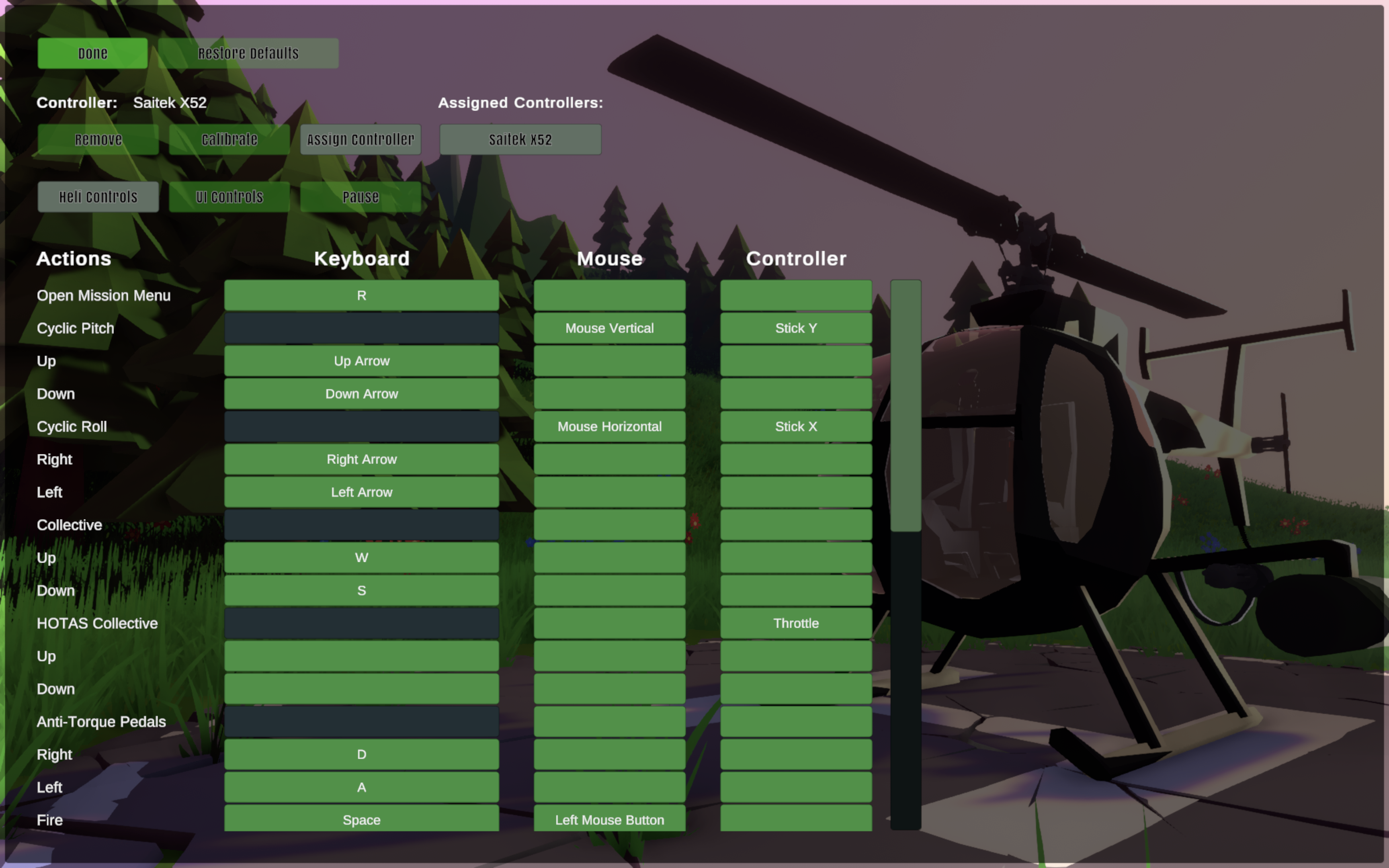
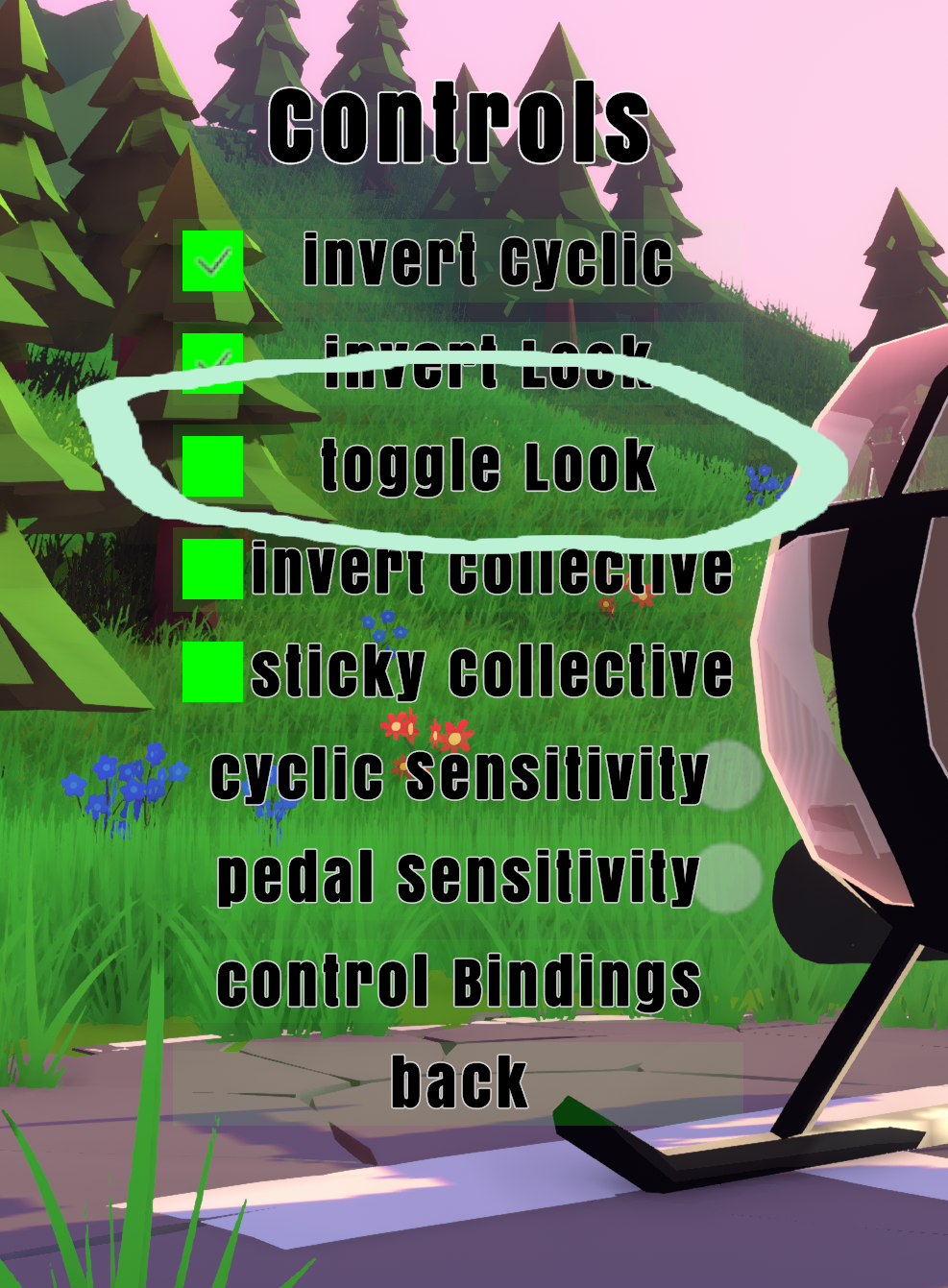
I was notified last week that rebinding the gamepad pedals to a new single axis broke them (positive/negative axes worked). After a week of trying to get the system to recognize the difference between up and down on an axis, I just made separate buttons for a single axis and for positive/negative axes. I also did that for the collective, and added a Free-Look toggle option in the controls menu.
The Free-Look toggle also leaves the cyclic on so you can maneuver and look at the same time. That does mean that you'll need to re-bind free-look away from the cyclic.
Also, a little tip: you can use the gamepad bindings for the joystick, so if you want to use a positive/negative setup on the joystick for pedals or collective, just bind the gamepad pedals or collective to your desired input.
I've purchased Rewired, a self-contained input tool that can increase accessory compatibility (Gladiator VKB sticks for example). I'm still working through the extensive documentation to plan out the change and figure out what changes the game will need, and I can't make any promises that I'll actually be able to integrate it, but rest assured I will try my best.
Thanks again for your support!
-Joe
CHANGELOG:
o Separate buttons for single-axis and positive/negative axis binding for Pedals and Collective, that remove the opposite binding to ensure no conflict.
o Free-Look toggle option in the controls menu; selecting will make free-look stay on when selected, until re-selected. Cyclic is left on in this scenario, enabling maneuvering flight while looking around.
Sticky Collective, Windowed mode, 'nonuke' fix!
Hey all!
Quick update to fix the 'No nuke' code and add a few requested features! I've been meaning to add that sticky collective for ages and just kept forgetting.
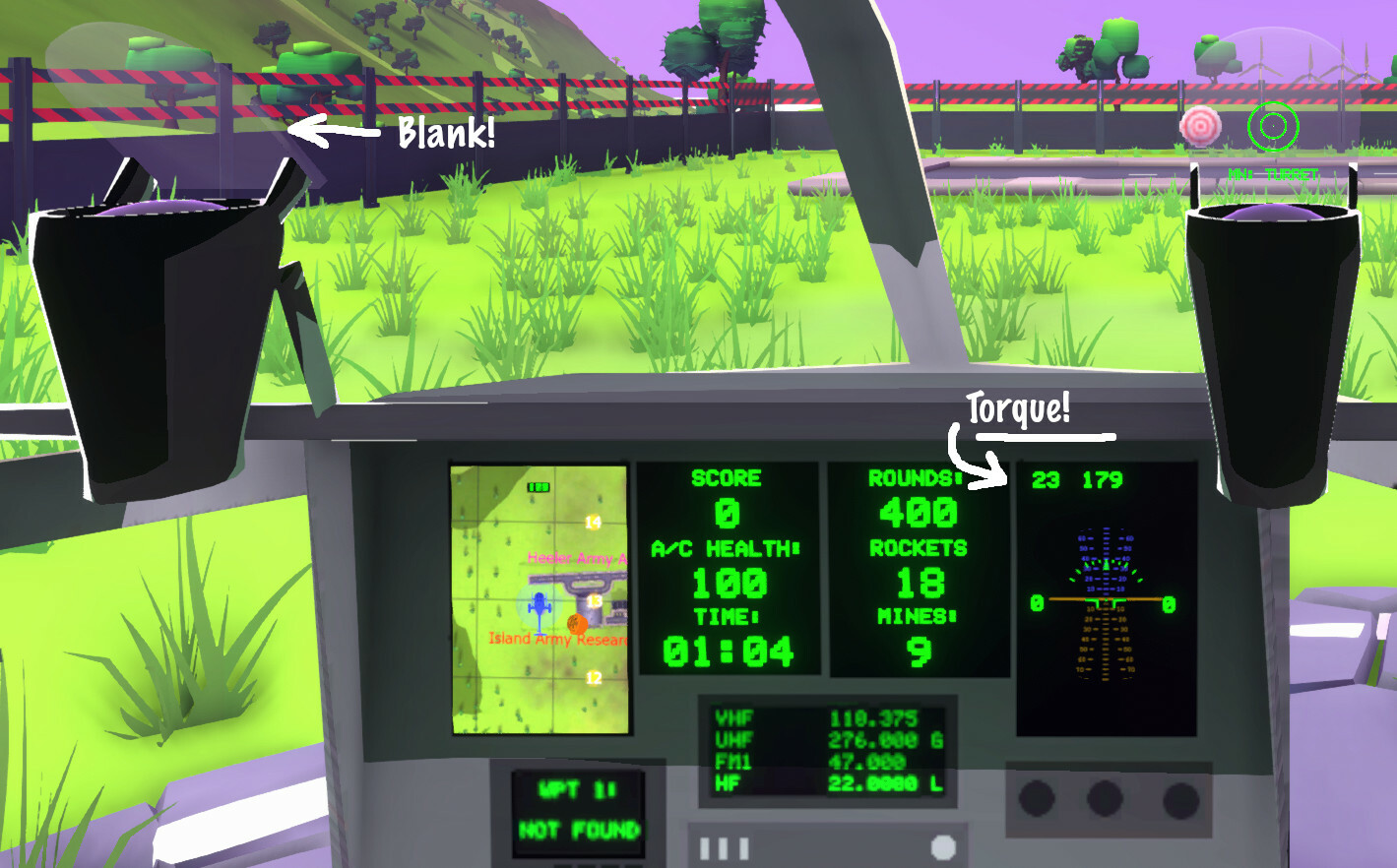
o Remove reticle from passenger and back-side of HUD to mirror IRL HUD behavior. o Add sticky (incremented) collective option, and torque value display on flight page. o Fix ‘nonuke’ code (wrong collider was deleted). o Add 'windowed mode' option under resolution in the quality settings; move resolution and windowed/fullscreen mode buttons to own menu.