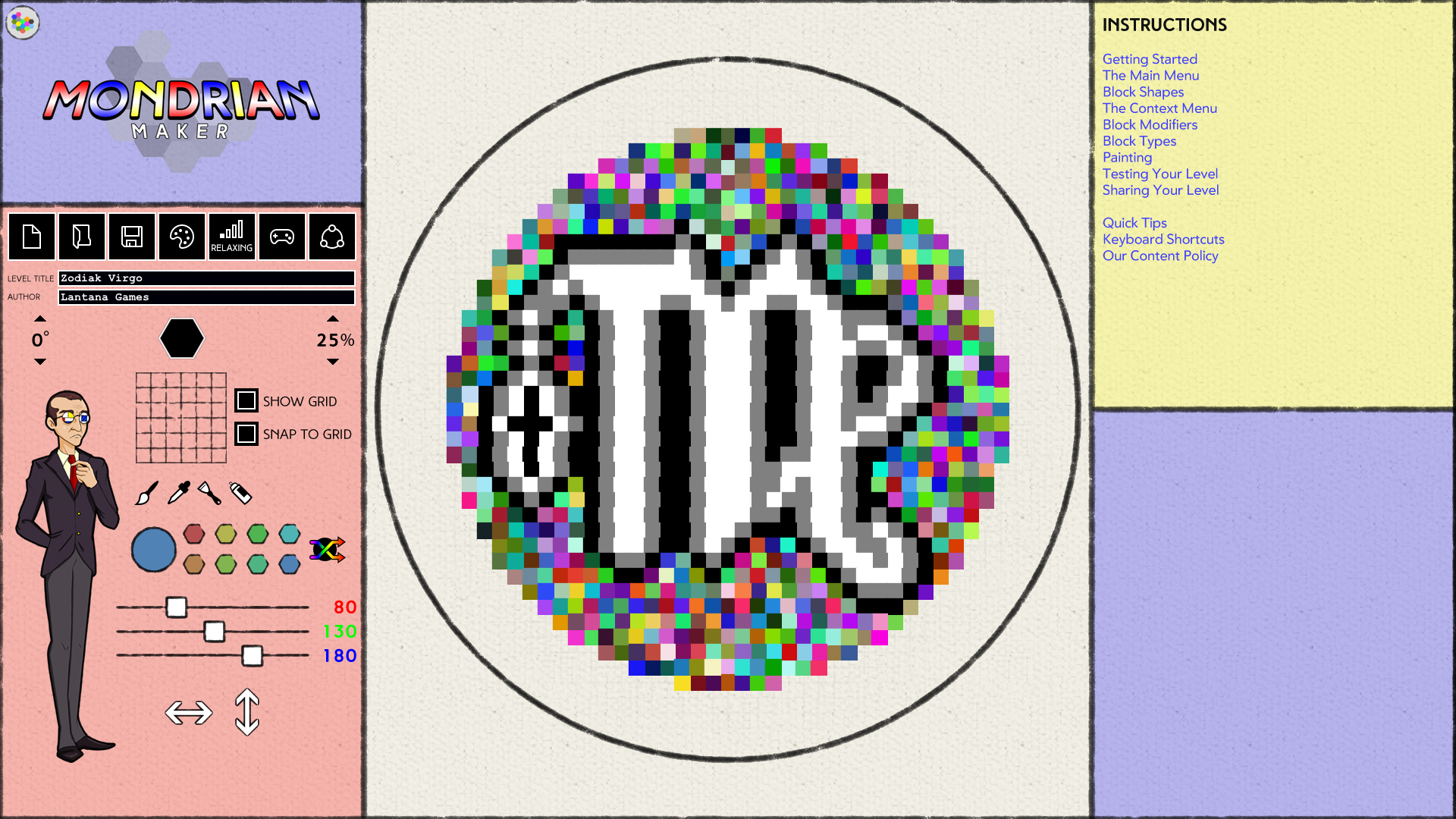
Hello to everybody joining us from Steam Scream Fest! With the Lifetime Pass for Mondrian - Plastic Reality being 25% off, we'd like to extend a cordial invitation to our annual Pumpkin Patch Gala, where you can create Jack O'Lanterns in our level editor, Mondrian Maker, and submit them on Steam Workshop or Discord for a chance at fun prizes.
If you'd like a shot at a couple thousand Steam Points and seeing your creation in our in-game Museum exhibit next year, visit the full Art Hallow's Eve post for all the details!
Spooky Gem Hunt
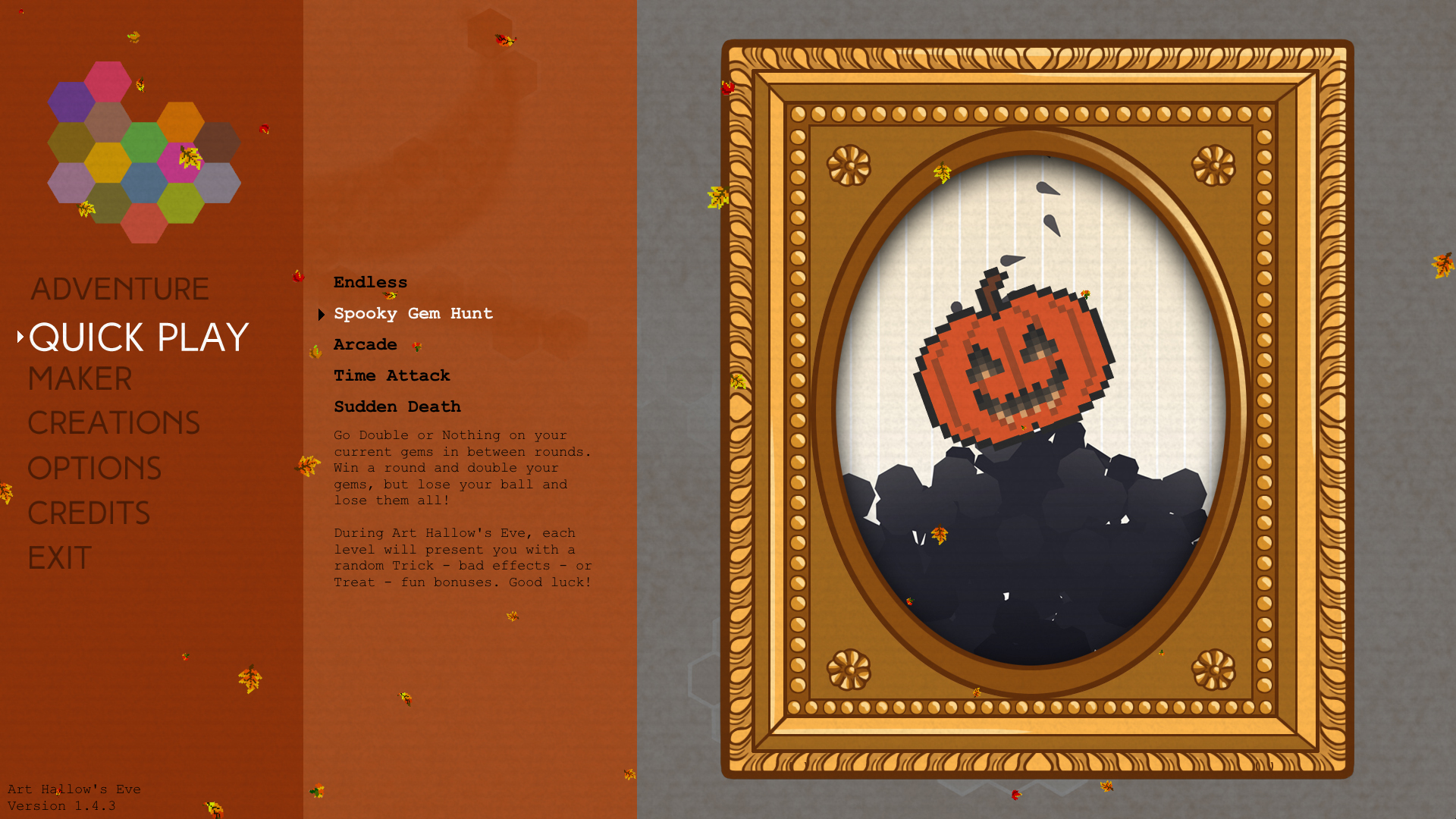
The Halloween celebrations don't end with the art contest though. One of our oldest game modes, Gem Hunt, which dates back to Mondrian - Abstraction in Beauty, has been modified this month into Spooky Gem Hunt! Normally this game mode is based on going Double or Nothing on your collected Gems in between each round. For the next week though, you go Trick or Treating between each round, and the game will give you a random bonus or spooky effect. Use your collected Gems to build up your Art Museum in Adventure Mode, now with brand new "Hangar" cosmetics as part of the latest Art Hallow's Eve update.
Get the Game!
Mondrian - Plastic Reality is currently 25% off for the Steam Scream Fest, but if you'd like to try it and the Mondrian Maker editor out first, you can download the Free Admission demo. Both are available for PC on the game's Steam page.
Free Admission players are also welcome to participate in our Pumpkin Patch Gala. After your creations have uploaded to your Steam profiles, just post the links on our Discord in the #gala-submission channel.
Looking forward to seeing what your Jack O'Lanterns! Thank you for playing, and Happy Halloween, Art Hallow's Eve, and Scream Fest!
- Danny
A Small Update - Version 1.4.4
Hi everyone! We've pushed a small update today with some bug fixes and improvements. Please make sure you update to the latest version to enjoy the best experience.
Features
Museum: Added Difficulty tooltips to the level selection lightboxes
Changes
Main Menu: Updated Difficulty tooltips to be more descriptive
Maker: Updated block selection tooltip to include Stamp Mode shortcut
Bug Fixes
Maker: Fixed issues with Phase Time down arrows not responding
Thank you for playing and have fun! - Danny
Visit Us at BostonFIG Fest Next Saturday
Mark your calendars! We're coming home to BostonFIG next Saturday, October 15. The event is free, virtual, and will take place on Gather.town. Come say hi to learn all about the latest updates to Mondrian, the ongoing Pumpkin Patch Gala, and our plans for the future of the game.
And don't forget to vote for us for the Audience Choice Figgie award!
BostonFIG Fest is a celebration of independent game development worldwide. The Fest showcases digital and tabletop games, with our showcase games selected from hundreds of submissions from independent game developers. Fest attendees have the chance to play digital games, tabletop games, and immersive experience games in a casual environment, for a very affordable ticket price.
Art Hallow's Eve is here! Be a part of our Pumpkin Patch Gala.
It's a Pumpkin Carving Jamboree!
Happy Halloween and Spooky Month, everybody! This year, we're excited to step things up for our annual "Art Hallow's Eve" celebration. For those of you who are new here, every October we open up a Pumpkin Patch Gala, where you can use Mondrian's level editor, Mondrian Maker, to create a Jack O'Lantern level and compete for fun prizes! Everyone is invited to participate, whether you're using the Free Admission demo or you're a Lifetime Pass owner. The contest will run from now until November 1.
Never used Mondrian Maker before? No problem! We put together a video tutorial last year on how to make a Jack O'Lantern. Give it a few minutes to get up to speed.
You are of course welcome to submit other spooky levels to the Gala, but we will only be judging Jack O'Lanterns. Similarly, we will only be judging pumpkin-based Jack O'Lanterns as we lack the expertise to be critical of other squash, including but not limited to butternut, acorn, delicata, kabocha, and hubbard.
The prizes for the Gala include:
First Place:
Gold Thumbnail Frame and Gold Frame tag on Steam Workshop
8400 Steam Points
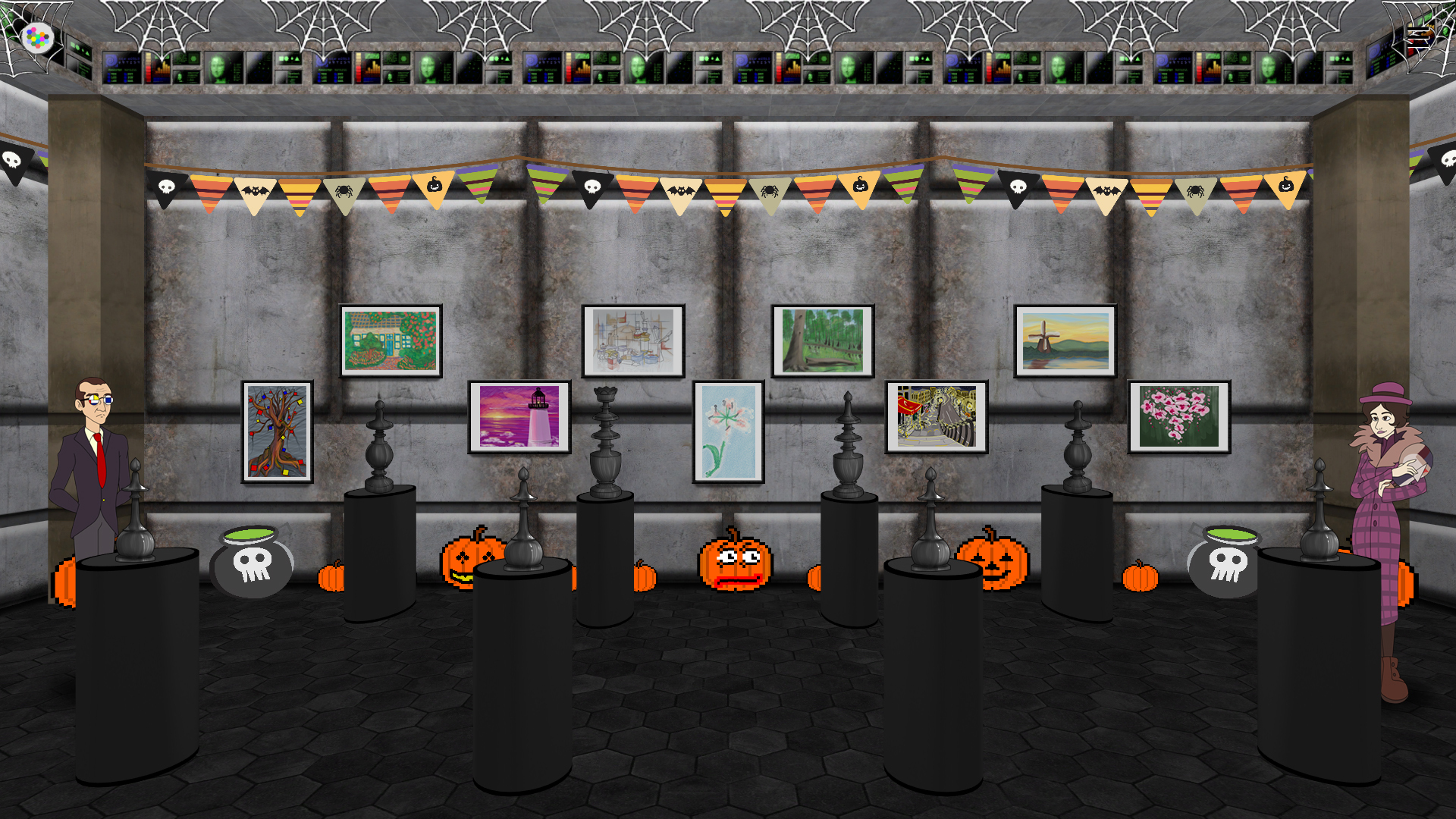
Your pumpkin's inclusion in next year's in-game Pumpkin Patch exhibit
Your name immortalized on the Mondrian Museum site
Special Discord role
Second Place:
Silver Thumbnail Frame and Silver Frame tag on Steam Workshop
3600 Steam Points
Your pumpkin's inclusion in next year's in-game Pumpkin Patch exhibit
Your name immortalized on the Mondrian Museum site
Special Discord role
Third Place:
Bronze Thumbnail Frame and Bronze Frame tag on Steam Workshop
1200 Steam Points
Your pumpkin's inclusion in next year's in-game Pumpkin Patch exhibit
Your name immortalized on the Mondrian Museum site
Special Discord role
All entries will receive a custom Wooden frame, and an "Art Hallows Eve 2022" POAP token upon submission.
Surprise! Gem Hunt just got Spooky
Keen eyes may notice that Gem Hunt mode is now "Spooky Gem Hunt." For the duration of the Art Hallow's Eve event, this mode's "Double or Nothing" selection will read "Trick or Treat." When you play a level, you'll get one of a handful of bonuses or scares. These bonuses will REALLY help you rack up those Gems, and the scares... well, just get ready. We obviously won't spoil what they are, but we think you'll have a lot of fun with them! These bonuses, combined with the Double or Nothing nature of Gem Hunt, will lead to some SERIOUS Gem boosts, so if you've had your eye on that expensive wallpaper for your Museum, now's the time to go for it.
More Surprises
We plan to have even more surprises during the month, so expect to see some more Events and other updates during the month. We want to see everything spooky you can creatively muster, and to have an absolutely epic October.
Good luck, have fun, happy Art Hallow's Eve, and thank you for playing! - Danny
Mondrian 1.4.3 Available Now
What's New
Hello everyone! The latest update for Mondrian, 1.4.3, is now available. Yes, we're overhauling the numbering system as it no longer felt like it was representing the true state of things. Instead of a Season.Episode.Update.Fixes system, it is now Season.Movement.Update, which reflects the state of the Steam Workshop tags as well. All previous patch notes are being updated to match this new system too.
So, the fun stuff. We're easing into this year's Art Hallow's Eve celebration with the inclusion of new Museum cosmetics which pay homage to the grandfather of spooky games. The Hangar wall, floor, columns, and ceilings (two of them) are now available in the Museum's cosmetics inventory.
We're also introducing a brand new feature in the Museum which allows you to paint certain cosmetics any of 18 colors (the 12 primary colors + 6 shades of gray). Currently this feature exists on the Drywall and Painted Brick Wall, and it will be coming to other cosmetics in the very near future.
You will also notice some minor changes throughout the game. We've paid a lot of attention on this update to improving the experience on Steam Deck, like introducing an animated Loading glyph, delaying the start of the point ticker in the Gem Chest, and increasing some text sizes on the Main Menu. Steam Deck players also have a more dedicated control scheme, with the left thumbpad now controlling the cursor with lower sensitivity, easing the experience in Mondrian Maker in particular. If you are playing the game on Steam Deck, please continue to send us you're feedback and we'll continue to make the experience even better!
Full Patch Notes
Features
Global: The Loading glyph is now animated!
Splash Screen: Added Loading glyph when starting the game and going to the Main Menu.
Game: Added Loading glyph when leaving the Game scene.
Museum: You will notice some icons in the Construction menu now feature paint splatter icons in the corner. This means these items can be painted! When you select them, you’ll then be prompted to select any of 18 colors (6 shades of gray and 12 primaries). After construction, these items will be painted in the color you selected. Painted Cosmetics are currently available for the Drywall and Painted Brick walls. This feature will be coming to even more cosmetics in the near future.
Museum: Added new Hangar cosmetics for Art Hallow’s Eve. These are homages to a level of the same name from the grandfather of spooky games. They include a new Wall, Floor, Columns, and TWO ceilings!
Changes
Global: Adjusted version numbers for all historical and future versions of the game from 1.0 onward. The first number will now refer to a Season, the second a Movement (as denoted in Steam Workshop tags), and the third a minor update within a Movement.
Main Menu: Increased font size on tooltips to improve readability on Steam Deck
Game: There is now a quarter-second delay when a level ends to finish the fade-out. This helps smooth out the experience on Steam Decks in particular.
Gem Chest: Point counter sound effects will no longer play before the fade-in has completed
Gem Chest: Added a slight visual and audio fade-in for the point counter
Gem Chest: The “Loading” glyph will now properly display in the lower-right hand corner when entering and exiting the screen
Bug Fixes
Splash Screen: Fixed a bug which prevented Data files from copying over correctly.
Game: Fixed Bonus Banners not finishing their scale-out animation.
Museum: Fixed the mouse cursor flickering when controllers are attached.
Museum: Fixed inventory items not displaying names or prices while using a controller.
Studio: Fixed Gesso color not loading as black when opening Mondrian Studio in Night Mode
Steam: Fixed a bug which caused the “You Dig on Multiverses” achievement to unlock too easily. If you already unlocked it, congratulations!
Art Hallow's Eve
This year, we are trying something a little different with Art Hallow's Eve. The event is set to begin automatically right at the start of October, rather than us needing to force another update. You will need an internet connection to access the event, but when you do, you'll be able to join in on our annual Pumpkin Patch Gala, AND check out the brand new "Spooky Gem Hunt" mode that will run exclusively for the duration of the month. The Main Menu and Museum will of course get their annual makeovers, but the pumpkins in the Museum will be last year's Gala entries. This is a new tradition we will be continuing going forward, meaning if you submit a pumpkin to the Gala this year, it will appear in the Museum next year!
Art Hallow's Eve will begin this Saturday, October 1. Keep your eyes peeled for another post on everything happening during the event and a bit more info on Spooky Gem Hunt and the Pumpkin Patch Gala.
In the meantime, enjoy the update, happy second anniversary, and thank you for playing! - Danny
A Gala of Shameless Self-Promotion
Calling all Mondrian Makers! A Gala of Shameless Self-Promotion is now live. Unlike our previous Gala contests, we will not be judging your creations on gameplay or artistic merit. This time we’re embracing the ways of the new millennium and we’re challenging you to acquire the one thing that obviously really matters in this world: Likes.
The Basics
Make any creation in Mondrian Maker, with a thumbnail in Mondrian Studio, and upload them to Steam Workshop before September 2 Share your creation across your social media accounts Gather as many Likes as you can! Top 3 most Liked creations get custom frames and Steam Points.
In-Depth
The rules of the Gala are simple:
You can make any creation you like! It can be an abstract, a pixel art, or something we’ve never even seen before. You can Paint it or use the Dynamic Color Harmonies to your advantage. You can use the included Background Artworks or bring in your own. It’s completely up to you!
Your Creation, Thumbnail, and associated social posts must be Publicly visible.
Once your creation is complete, upload it to Steam Workshop from Mondrian Maker and make sure “Gala Entry” is set in the Share window.
Share the Thumbnail, use the hashtag #makeAMondrian, and include a link to your creation on the Social Media of your choice: Twitter, Facebook, Instagram, Youtube, TikTok, Minds, Gab, reddit, imgur, it honestly does not matter.
After you’ve posted everywhere you want to, add the direct links to the social posts in your Steam Workshop creation’s description. Then start gathering those Likes!
Gala submissions will close at the end of the week (September 2), after which it’ll be time to count up those Likes! These include:
Likes from each, individual social media post you’ve added to your creation’s Steam Workshop description
Favorites your Creation has earned on Steam Workshop (the Star button, as this number is publicly visible)
Awards your Creation has earned on Steam Workshop (total number, not their value)
For the purposes of simplicity, all reactions, whether Likes, Loves, Cares, etc. will be treated equivalently, one point each. The Top 3 creations with the most Likes at the time of counting will receive a prize pack. As usual, there will be some fun prizes involved!
First Place: Custom Gold Thumbnail Frame, 4800 Steam Points, Mondrian Series Bundle Steam Keys
This contest is open to both Free Admission and premium Lifetime Pass players, meaning you do not need to purchase Mondrian – Plastic Reality to participate, just to download the demo on Steam. All entries will receive a custom Wood Frame thumbnail in their Developer Comments on Steam Workshop and you are welcome to add this as an extra image on your Creation’s page. General Rules of Gala Submissions still apply, so please click here for more details.
Prizes will be delivered to winners early next week. We’re very excited to see what you can cook up, and as always, thank you for playing.
– Danny
Another Small Update - 1.0.12f2
Hi all! We've pushed another small update today which cleans up some more bugs. Please make sure to update for the smoothest experience!
Bug Fixes
Game: Fixed Gems bouncing off holes in the wall when Gem Shields are active
Game: Added a check to stop all sound effects from playing when the level has faded out, to stop them looping into the next level
Gem Chest: Fixed Point Tick sound effect playing when leaving the screen
Gem Chest: Fixed sound effects looping when refilling lives in Arcade mode
Gem Chest: Fixed too many lives being added in Arcade mode
Museum: Restored a missing Story segment
Maker: Fixed Stars not being a selectable shape
Small Update - 1.0.12f1
Good morning everyone! Today, we are pushing a small update to fix a couple critical bugs. Here are the notes:
Features
Maker: Any controller button can now be pressed to close notifications
Changes
Game: Reincreased Wall Lock time by 50% on ball hits
Bug Fixes
Game: Fixed Endless, Gem Hunt, and Arcade modes not transitioning to the Gem Chest
Maker: Fixed tall Thumbnails overlapping the Open Level button
This update applies to both Lifetime Pass and Free Admission players. Please make sure to download this update for the smoothest possible experience.
Thank you for playing and have fun! - Danny
“Art is for Everybody” Update Out Now
Mondrian - Plastic Reality version 1.0.12 is now available, with a brand new Movement we’re calling “Art is for Everybody.” At Lantana Games, we truly believe anybody can create, and this update is the embodiment of that mantra, with one of the biggest updates to Mondrian Maker yet, a brand new game mode, and loads of optimizations and bug fixes. Let’s dig in and see what’s new!
Mondrian Maker Improvements
Back in March, we promised that we would put a lot of effort into improving controller functionality across the game for the sake of Steam Deck players and re-earning that “Full Controller Support” badge. We’ve made some enormous strides with this update! Many of the functions that previously had only mouse or, even worse, only keyboard controls in Mondrian Maker, now have redundant controls across mouse, keyboard, and controller, like nudging and modifier properties (D-Pads can be used, and the UI arrow buttons are finally clickable).
Some other changes should also speed up creation. For instance, the Trash Can under the Modifier Context Menu now clears all modifier data instead of deleting the block. The Varnish can is now a much safer, two-step process, first un-varnishing painted colors without removing their paint. We’ve added a dedicated control for instantly toggling the Shuffle Colors button between Painted and Dynamic (Z on keyboard or Top Face Button on a controller). Tooltips and the Mini Manual have been updated to reflect all the changes, and will keep being updated as more additions and fixes come in over the coming weeks.
While we’re far from done with Mondrian Maker updates, we are curious to see what our Steam Deck players in particular think of these updates. It should now be possible to access every function of the editor, whether through the touchscreen, touchpad, controller sticks and buttons, or a combination thereof. Please send us your feedback and we will keep plugging away!
Say Hello to Sudden Death
Surprise, it’s another new Quick Play Mode! “Sudden Death” combines aspects of Time Trial, Gem Hunt, and the old boss levels from Abstraction in Beauty into quite a challenge. Players must survive for as many levels as they can, without a Wall to protect them. Of course, this also means no Wall Locks or Gem Shields. The moment you lose the ball it’s Game Over, and you are scored based on the number of levels you pass. Like Time Trial mode, there’s no Gem Chest screen until you win, but there ARE local and online leaderboards, plus new Achievements to bring the grand total to… well, you can guess.
Full Patch Notes
Features
Game: Added “Sudden Death” Quick Play Mode! In this mode, the Wall is missing, and you’re scored based on the number of Levels you survive. New Local and Steam Leaderboards have been added for each Difficulty in this mode, as well as 7 new achievements:
Survivalist Apprentice: Survive for 5 Rounds on Sudden Death
Survivalist Professional: Survive for 10 Rounds on Sudden Death
Survivalist Artisan: Survive for 20 Rounds on Sudden Death
Endurance Wizard, Relaxing: Get a Top 10 High Score on Sudden Death Relaxing
Endurance Wizard, Easy: Get a Top 10 High Score on Sudden Death Easy
Endurance Wizard, Medium: Get a Top 10 High Score on Sudden Death Medium
Endurance Wizard, Hard: Get a Top 10 High Score on Sudden Death Hard
Maker: Lots of redundant controls have been added for accessibility, particularly on Steam Deck. These include:
You can now use the mouse to Nudge Blocks by left-clicking on the Nudge Arrows
You can now use a controller D-Pad to nudge blocks or the level entirely
You can now use the mouse to apply Shifting Modifiers by left-clicking on the Shift Arrows
You can now use a controller D-Pad to adjust a block’s modifier properties like Phase Time and Shift Arrows
You can now press Shift or use a controller’s Left Face Button (X on Xbox Controller) to flip the Phase Switch
You can now exit Mondrian Maker with a controller by moving the cursor to the Exit button, or by pressing the View button
Maker: Added Z and a controller’s Top Face Button (Y on an Xbox Controller) as a shortcut for the Color Shuffle button. The Mini Manual has been updated to reflect this.
Changes
Game: Cut default Wall Lock time in half. This means hitting a Wall Lock will now add 3 seconds of Lock Time on Fast, 4.5 seconds of Lock Time on Medium, and 9 seconds of Lock Time on Slow.
Game: Cut bombed Wall Lock time by 75%. This means bombs hitting Wall Locks with explosions will now add 1.5 seconds of Lock Time on Fast, 2.75 seconds of Lock Time on Medium, and 4.5 seconds of Lock Time on Slow.
Gem Chest: Optimized various functions
Maker: The “Trash” button in the Block Context Menu now clears all Mod data instead of deleting the block. Tooltips have been updated to reflect this change.
Maker: Cleaned up and optimized Hand Cursor code.
Maker: Thumbnails downloaded from Steam Workshop will now show in the Save, Load, Play, and Share menus. Note that this will only work for thumbnails just ending in “_preview.” Methods of automatically cleaning up thumbnail names with “_preview2,” “_preview3” etc. will be explored in a later update.
Maker: Updated the Context Menu, Block Modifiers, Quick Tips, Sharing, and Content Policy pages of the Mini Manual
Maker: Removing Varnish is now a two-step process. Right click the Varnish Can once to remove the protective Varnishing from all blocks, or right click it TWICE to remove the Varnish AND Painted Colors from all blocks. Tooltips have been updated to reflect this change.
Maker: Clicking the Color Shuffle button or using one of the new Color Shuffle shortcuts, while carrying a block, will now change that block’s color back and forth between Painted and Unpainted colors.
Bug Fixes
Game: Fixed a bug that would cause Phase Block Hit and Shifting Block Hit achievement stats to add up too quickly.
Studio: Fixed Background Color resetting when switching from the Color Palette tab to the Visual Effects tab after a color refill.
Studio: Fixed Grayscale versions of backgrounds not initially loading if spelled “Grey.”
Maker: Fixed mouse movement on the cursor getting stuck if controller input was detected first.
Maker: The scrollbar will no longer scroll itself outside the bounds of the Save/Load window when using the mouse wheel.
Maker: Fixed thumbnails being too tall in the Save/Load/Play window if they weren’t saved at a 1:1 ratio.
Maker: Fixed a bug that prevented the Save and Load windows from working properly after Importing or Exporting a level.
Maker: Fixed pre-painted blocks having the Palette Button color rather than their painted color
Maker: Thumbnails in the Save/Load window will now properly appear behind notifications
Upcoming Events
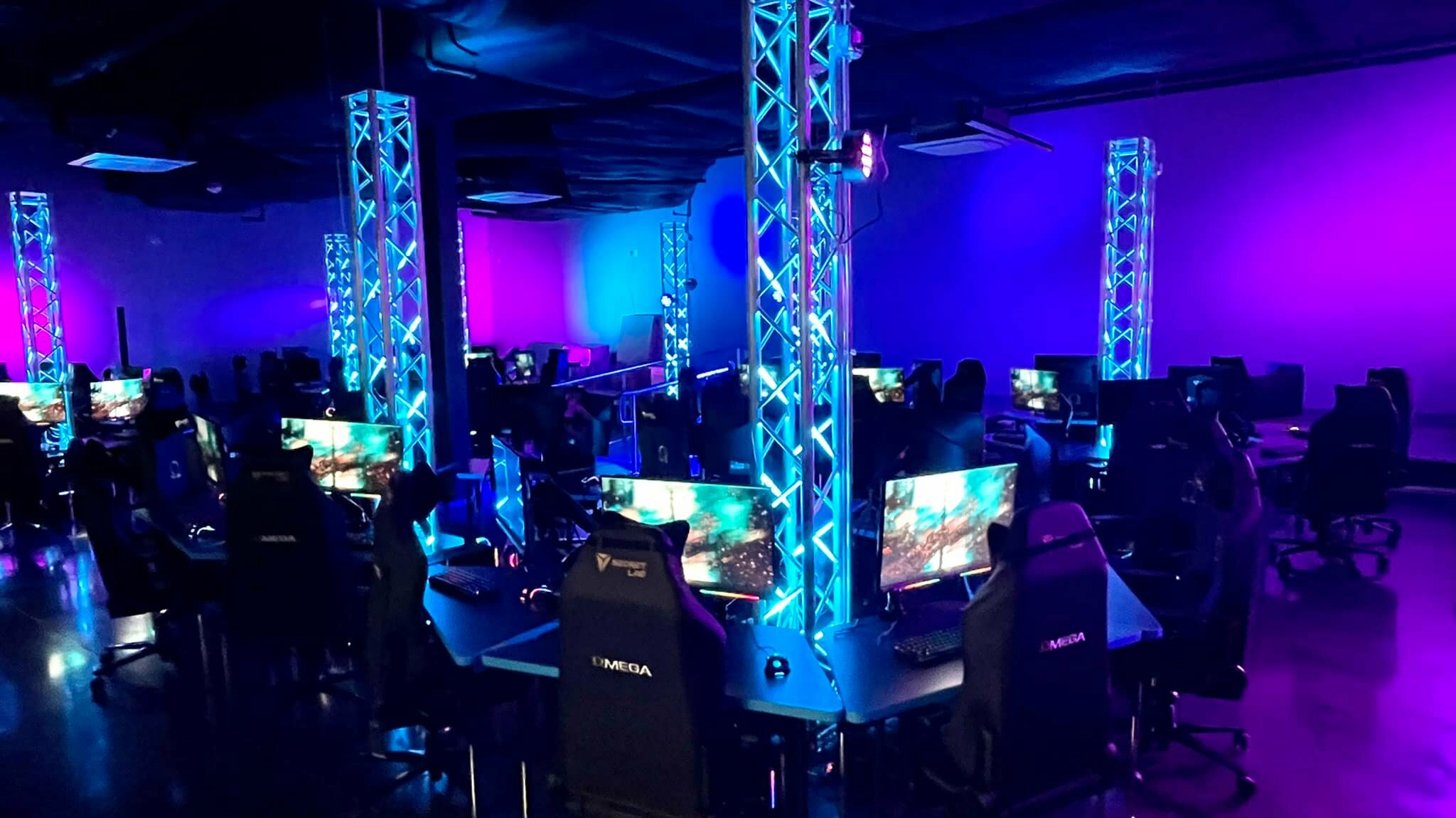
As this is the start of the “Art is for Everybody” Movement, it’s time to really see what our community can do. It all starts with the second Mondrian Custom Tournament and design camp, in cooperation with Art Chops and Virtual Reload, hosted at The Esports Cave in Leander, TX. The camp runs from August 1-12, and features a full curriculum on learning Mondrian Maker, Mondrian Studio, and the game, in preparation for a Time Trial tournament, streamed live on Twitch on the last day. Competitors will once again be playing for fun prizes, with their creations immortalized on Steam Workshop. The camp is open to all young artists in the Greater Austin area, with one and two week options available. Visit the Eventbrite to learn more.
After the camp, we will be opening up a series of Galas which will be accessible for both Lifetime Pass and Free Admission creators. These Galas will be themed around subject AND input, meaning we are planning optional challenges to submit entries made using Controller, Touchscreen, and even Steam Deck. Keep an eye out for these! Closing Out The rest of the Summer is shaping up to be crazy. On top of that, we know the game’s second Anniversary and the Season of Creativity is sneaking up, so there’s a lot coming down the pike! Stay tuned because this ride is just getting started.
As always, thank you for playing. - Danny
Announcing Mondrian Custom Tournaments!
On June 17, Virtual Reload and Wired Minds hosted the first ever Mondrian Custom Tournament. The goal was simple: run a week-long Summer Camp based around Mondrian - Plastic Reality, where campers would create their own levels. The week would culminate in a Time Attack tournament where only their levels were played. The results were amazing. Nine campers learned Mondrian Maker and Studio in just a few days, and brought their A-Game to the tournament, streamed on Twitch at the end of the week.
You can watch the full stream of the tournament below. Keep in mind it's three hours long! So grab a cup of coffee and get ready to see some top level play from some of the most creative young minds in our community.
Latest Patch Notes
Plenty of feedback came in from the camp, which has led to some important game updates and optimizations. Here are the 1.0.11f8 patch notes:
Changes
Game: Made a minor change to Bomb Chain behavior. Now instead of the chain going off all at once, blocks will pop in sequence based on their distance to the center of the explosion. This has both optimization and gameplay benefits. With less happening at once, Bomb Chains are less likely to slow down the game. With Gems now also coming out in sequence rather than all at once, this makes grabbing the rewards from Bomb Chains much easier!
Game: Added a limiter to block pops, which prevents too many particles from spawning at once.
Game: Reduced antialiasing quality on Gems when more than 20 are visible on screen.
Game: Adjusted animation speeds on Block Pops.
Game: Darkened the limiter in Time Attack mode.
Studio: You can now use the suffix “Gray” or “Grey” in the Grayscale version of your backgrounds.
Hosting Your Own Tournament
If you're interested in hosting a tournament, we've created a convenient Google Form you can fill out with your contact info and your vision of how you'd like your tournament to go. "Artist Collective Licenses" for Mondrian - Plastic Reality are also now available. You can use these to buy multiple copies of the game for your cafe, classroom, or camp (make sure to register with the Steam PC Cafe program). We will be happy to provide direct training (usually remote, in some cases on-site) in the game's toolsets to your tournament participants.
The core of the Mondrian Custom Tournament format is the allowance of letting you run it however you want. Single Elimination, Double Elimination, Round Robin, number of contestants, host, ads, streaming platform, merch, prizes, it's all up to you! We learned a lot from the first tournament, and still want you to have control over the content and delivery of your event, so we can only make some recommendations:
2-3 levels per participant, generally 12 levels minimum works best
Make sure all levels are downloaded prior to the beginning of the event, only the levels you want to play are in the active Levels folder, and no content subscriptions are active on Steam Workshop (in other words, unsubscribe from everything before opening the game or it will download again)
Custom Background Images can add even more branding or give participants more ways to share their creative skills with your audience.
Fill out the form above if you think a Mondrian Custom Tournament would be right up your alley, and we'll be happy to work alongside you to build it, offer training, and make it as good as can be!
As always, thank you for playing! Hope to see you at the next tournament. - Danny