Adjusted the navigation for zombies entering the water
Optimize animal generation
Bug fix:
Repairing automatic save has a chance of crashing
Repair the bandit camp, the door to rescue the NPC cannot be opened
Fix numerous errors on maps
Mini Update Description
Bug fix:
Fix the inability to use the right-click equipment menu
Repairing the use of weapons can sometimes result in inability to switch
Fix game settings before default loading, terrain will disappear
Repair loading has a chance of causing a crash
Repair car generation points
Fix numerous errors on maps
0.0.6.0 version update instructions
New:
Upgrade Engine Version(If the terrain disappears after the update, please reset the image quality)
Upgrade DLLS3.5
New storage system: Sorry, the previous version of the save cannot be used. If you want to continue playing the previous save, you can switch the game branch to version 0.05.1 (the dedicated server is also version 0.05.1)
We strongly recommend opening a new archive game
Add a highlighted stroke display for the selected building
The shoulder light can now be disassembled
Added territory table protection range, corpse tide will not refresh within the territory table protection range
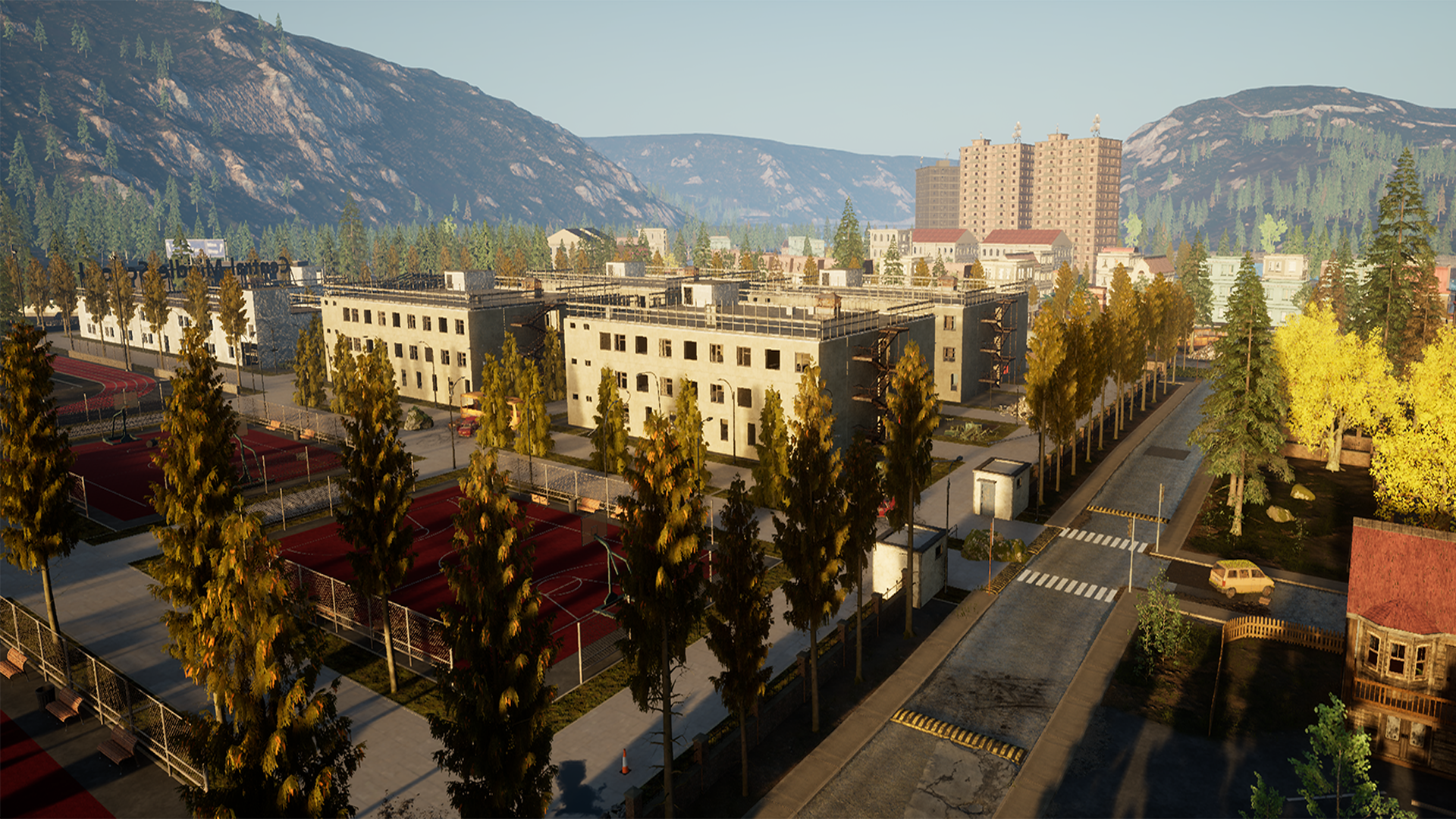
A brand new 64 square kilometer map (we will add more new points and gameplay to this map in the future)
Optimize the dedicated server configuration so that the server configuration will not be overwritten after updating (and there is a new dedicated server deployment instruction)
After the zombie is picked up, the corpse will not disappear now
Bug fix:
Fix the difficulty setting error in client display under dedicated server
Fixed sound effect error when shooting by bandits
Fix unlocking sound effect error
Deployment instructions for Windows Server dedicated servers
Dedicated servers use SteamCMD to complete deployment
3. After logging in, enter the app_update 2329680 validate deployment server, waiting for deployment to complete
4. Create a server configuration file
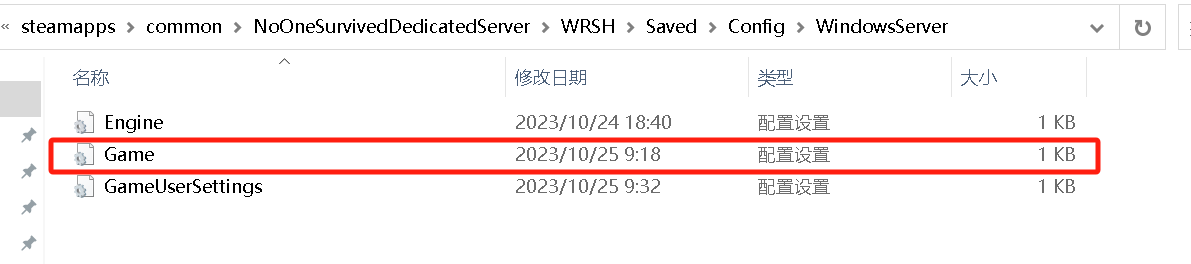
Create the Game.ini file (this is a text file) under .\steamapps\common\NoOneSurvivedServer\WRSH\Saved\Config\WindowsServer\ or download it here
Server parameter configuration instructions: [ServerSetting] SaveName:The name of the archive, which is also the default archive to be loaded. ServerName:Indicates the name of the searched server OpenMap:Map01 is a large map Map02 is a small map NeedPassword:True means the server requires a password, False means no password is required Password:Password required to enter the server MaxPlayers:Maximum number of people in the server (2-50) NumOfZombieSpawn:The number of zombies generated in one wave of zombies (25-100) Region:Server region setting, All means no registration area, AF means Africa, AS means Asia, EU means Europe, NA means North America, OC means Oceania, SA means South America. AdminPassword:Server administrator password
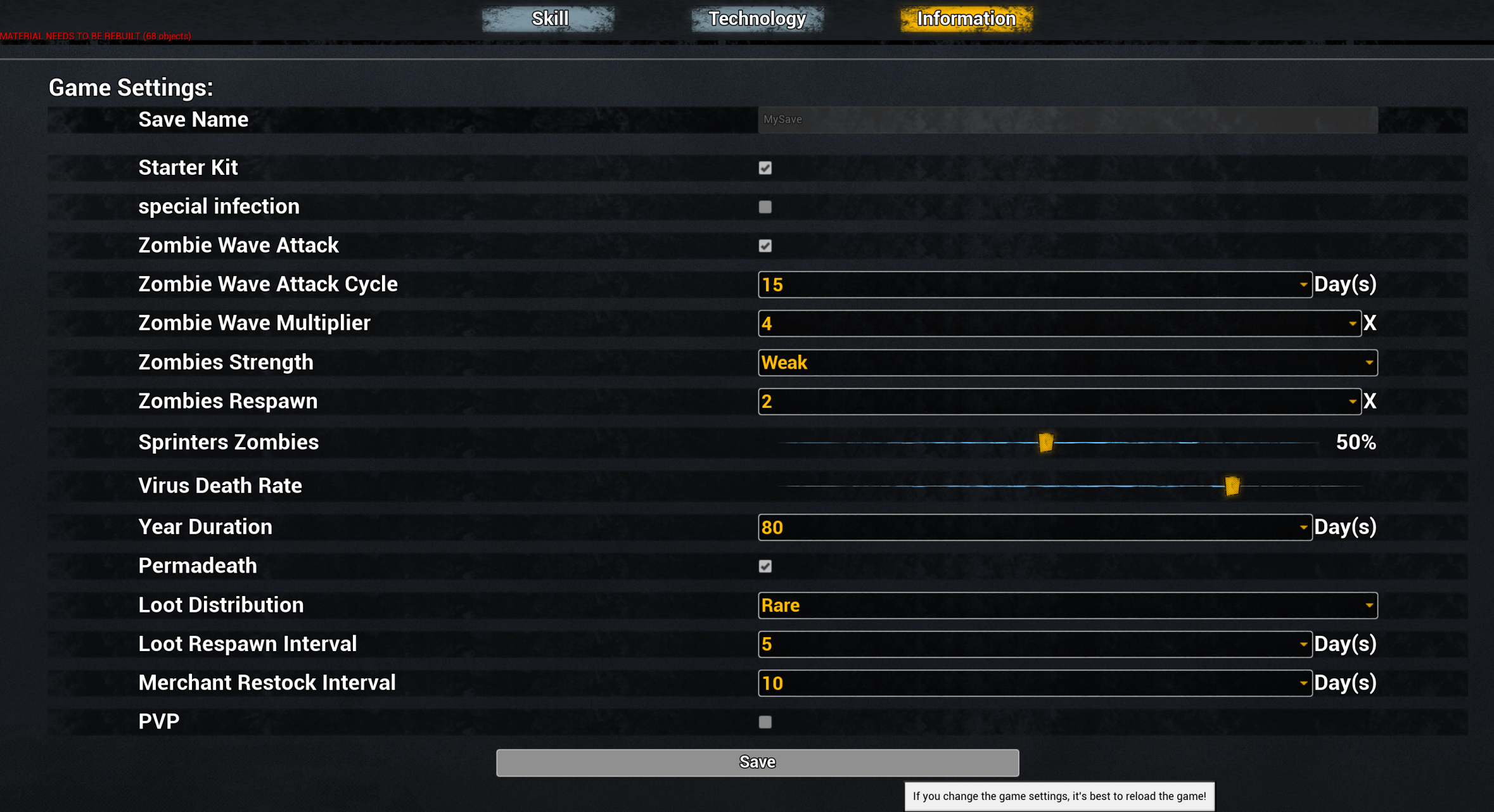
[GameSettings] ZombieAttack:Whether to turn on zombie tide GiftBagForNovices:Whether to open the novice gift package ZombieAttackDay:Zombie Tide Attack Day (1-30) AttackZombieNum:Attack zombie tide size (1-5) ZombieNum:Number of lost spawns on the map (1-3) RunZombiePercent:Percentage of running corpses (0.0-1.0) ZombieStreng:Zombie strength (0-3) YearDay:A year's time PermanentDead:Whether to enable permanent death MaterialNum:Material quantity (0-3) ItemSpawn:Material refresh date VirusFatalityRate:Virus fatality rate (0.0-1.0) NPCItemSpawn:Merchant item refresh date PVP:False means PVE mode, True means PVP mode
5. Start the server through .\steamapps\common\NoOneSurvivedServer\StartServer.bat
When the server window displays ServerCreate, it means the server has started successfully.
6. The update server can start the update through UpdateServer.bat
7. It is recommended to open all UDP and TCP ports of the server
Server configuration recommendations: For a 64 square kilometer map, at least 8G of memory is recommended, 16G is best For a map of 16 square kilometers, at least 4G memory is recommended, 8G is best
If the memory is not enough, you can increase the virtual memory
It is recommended that the minimum version of the server is Windows 2016 Server or above. Otherwise, a function will report an error, but it will not affect the operation of the server.
Written to Chinese players regarding online acceleration issues
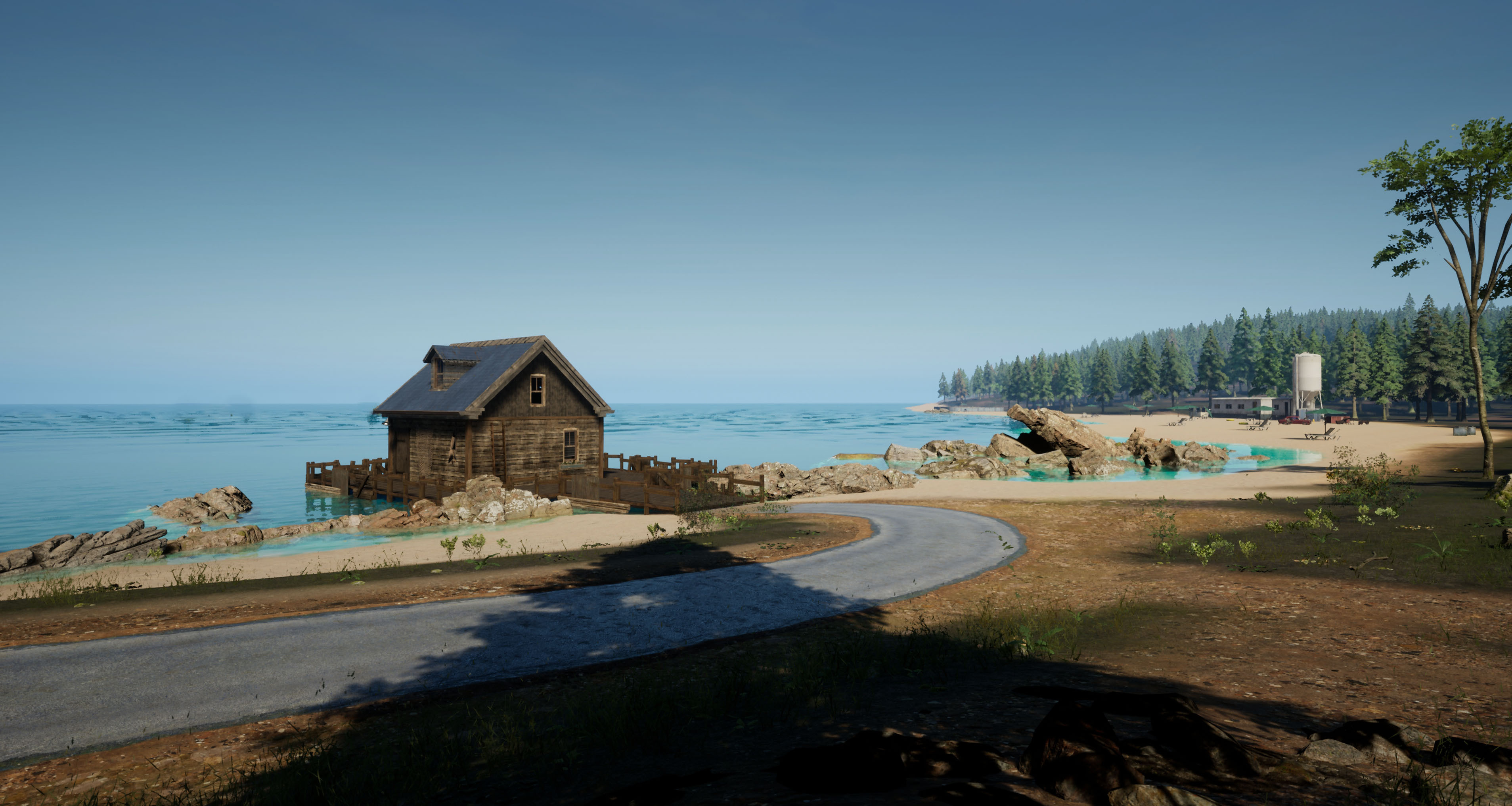
Hello everyone, we are currently working on a new map. The new map has a 64 square meter axiom, which is four times the size of the previous map.
We need more time to make the map, thank you very much for playing our game!
Here are some screenshots of new maps:
0.0.5.1Update Description
Thank you for your continuous attention. This is a small update. Next, our focus will be on the production of the new map, which covers 64 square kilometers.
Bug fix:
Repairing NPCs can be saved multiple times
Repairs can be assigned to NPC Gateline and M249 in the management center panel, but NPC cannot be used
Repairing NPC will enter the unfinished house
Fix that production preferences will be changed when switching to NPC management center
0.0.5.0 Update Description
Optimization:
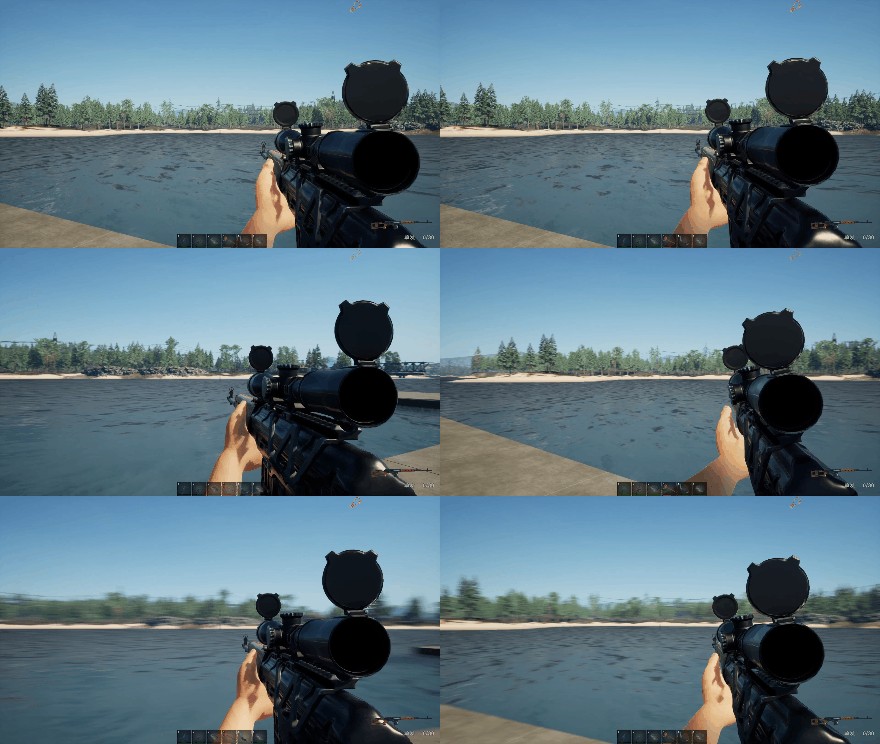
Optimized weapon shaking in first person mode, now the details of shaking are more rich and realistic
Move the livestock farm that built the selection bar to the synthesis bar
Adding NPC to walk in the snow will leave traces
Optimize the compatibility of NPC houses with other construction modules
Bug fix:
Restoration will not remove animals when dismantling NPC livestock farms
Repairing NPC house cannot continue adding materials after reading the archive
0.04.9 Update Description
New:
The area that has been cleared now will have fewer zombies, and the number of zombies will gradually increase over time
Add separate mouse sensitivity control for first person
When the UI is closed, forcibly unselect the item (you can drag the backpack UI)
Add two bandit camps
The console can now change game settings in the game (it is recommended to reload the game after the changes are completed)
Added friendly NPC: (only available in PVE mode)
After building the management center, bandit camps will have NPCs that can be saved
Build corresponding facilities, NPC can help players produce basic resources
Building supporting facilities for NPCs can improve their production efficiency
Allocating weapons to NPCs can help players guard the corpse tide
There are a total of 5 NPCs that can be rescued
Optimization:
Reduce the recoil force of the first person lower back shot
Change the log to stackable, with a maximum stackability of 5, reducing the weight of the log to 2.5
Modify the collision volume of fat zombies, now fat zombies can enter some narrow doors
Reduce fabric grid occupancy
Enhanced brightness of shoulder lights
As time goes by, the maximum number of corpses increases
Bug fix:
Fix and unlock technology tree achievements, only effective on the client side
Repairing the ground spike trap will cause the zombie to remain in front of the trap
Fix aiming in first person mode, sometimes losing focus
Fix that when the client is in a car, the vehicle entering the water will make the character unable to control it
Fixed sometimes inability to send messages in multiplayer games
Fix the situation where the workbench is being used on the client and if it is removed, the character will be stuck
0.0.4.8 Update Description
New:
Add achievement system (some achievements can only be activated when the local machine is a host)
Add sound effects for first person weapon switching
In PVP mode, the map can now be used
Right click in the Third-person pronoun to precisely aim
Associate Fov adjustment (the first person's Fov can now be adjusted in the settings interface)
Add usage permission restrictions for functional buildings
Optimization:
Optimize first person bow and arrow shooting effects (added screen vibration)
Optimizing the recoil of first-person handguns
Optimize for excessive first person lens shake when using certain workbenches
Optimize some firearms shooting animations and running animations
Adjust the angle of view shaking amplitude during first person ammunition changing, jumping, and squatting
Optimize the adjustment of special effects for cracking down on tree smoke
Bug fix:
Repairing the death of farmed animals, no death animation will be played on the client
Fix the issue of the pot disappearing (finally found a way to reproduce this bug)
Fix ballistic deviation under mechanical aiming
Fix ballistic offset in client mode
When repairing and filling combustion materials, regardless of the remaining combustion time, all materials will be consumed
Fixed the possibility of getting stuck while searching for supplies and playing the search animation continuously
When repairing dragging backpack items, close the backpack and the UI of the dragged item will always exist
Fixed the inability to enter the military base gate (caused by the addition of first person expansion of character collision volume)
Fix throwing spear, no throwing animation will play when there is no physical strength
Fixed the character rendering error when the client entered the car in the first person mode