

On Target VR Darts
v1.2.5a
v1.2.5 Steam + v1.0.2 Oculus (March 25, 2021)
v1.2.5 (March 25, 2021):
- Optimized geometry and lighting in all scenes. Much better performance on all headsets
- Set Dart Lights default setting to 1 with new lighting
- Updated headset 'Preset' menus in 'Settings'
Oculus Changelog:
v1.0.2 (March 25, 2021):
- Optimized geometry and lighting in all scenes. Much better performance on all headsets
- Major bug fix: Removed double Anti-aliasing settings in all builds. This was causing a significant delay, affecting throwing.
- Set Dart Lights default setting to 1 with new lighting
Major Bug Fix: v1.2.4 (March 24, 2021)
- Major Bug Fix: SMAA was being used on top of MSAA causing all SteamVR throwing and controller motions to be delayed, resulting in poor throwing accuracy
- Optimized the Lobby scene performance, graphics and lighting
- Optimized the Tavern scene performance, graphics and lighting
- Modified 'Settings > Preset' values for Oculus, Index and Vive controllers
- Clicking 'Settings > Reset Preferences' now defaults to Oculus settings
v1.2.3 SteamVR + v1.0.1 Oculus build
To launch the Oculus install:
Go to your Steam Desktop library, find On Target VR Darts, click PLAY and choose "Launch On Target VR Darts in Oculus VR Mode".
To launch the SteamVR install:
Launch the game in SteamVR Home from your headset, or choose "Launch On Target VR Darts in Steam VR Mode" from the Steam Library.
Player preferences are unified, so you can try both builds to see which one you prefer.
* Oculus VR Mode will not work for Vive, Index and Other headsets.
Changelog:
v1.2.3 SteamVR:
- Tweaked Oculus Aim Assist settings
v1.0.1 Oculus:
- Simplified Aim Assist and Main Settings menus
- Updated Aim Assist targets making it easier to hit targets
- Made 'Nearest' the default assist mode
- Maximized the Assist Amount for easier throwing and scoring
- Removed rule that Aim Amount above 0.5 would not count for Leaderboards
- All settings count for Leaderboards now
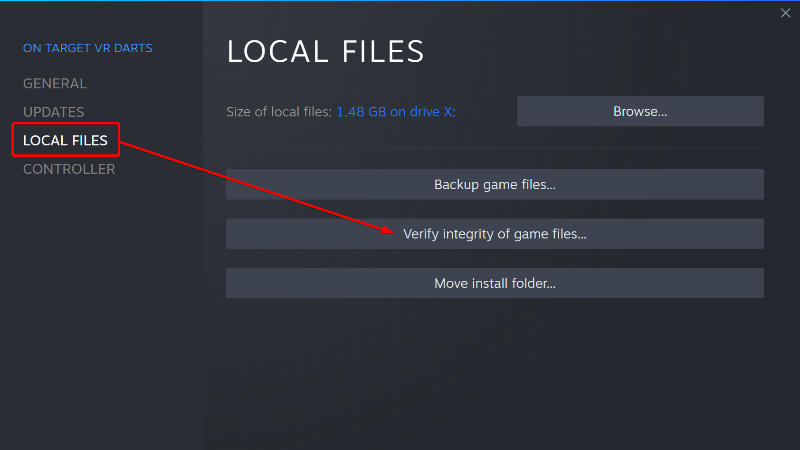
Stuck on Loading Screen bug fix...
This should fix the hanging loading screen and allow you to enter the game properly.
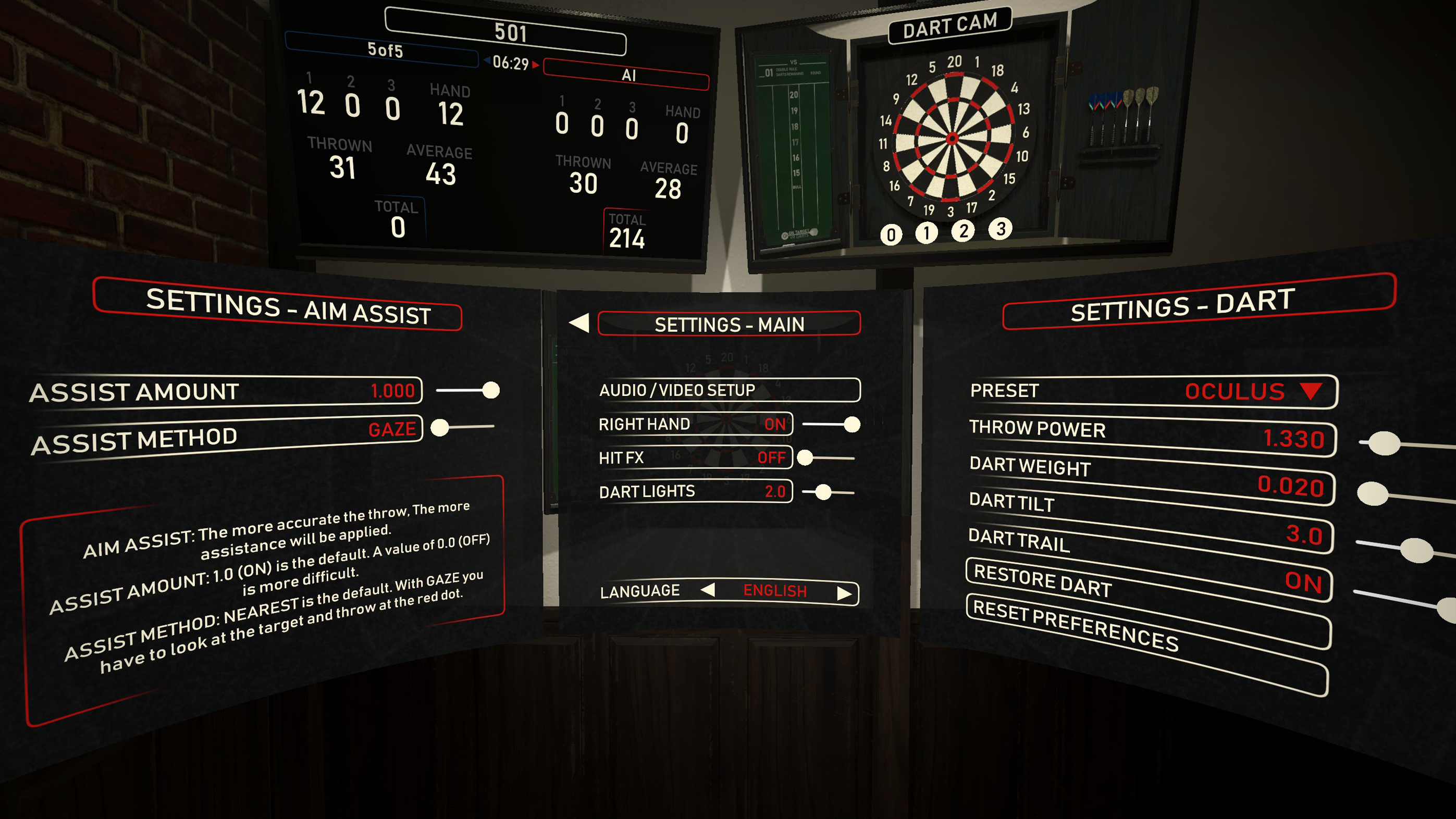
Aim Assist Update - v1.2.2
We've left Aim Assist on full (1.0) as well as switched the default Aim Assist mode to NEAREST. This method basically rewards the player for accurate throws, but still provides assistance with a throw that is lacking velocity and accuracy.
The GAZE method allows the player to visualize their target with a red dot graphic on the board that moves depending on where you look with your headset. The trick is keeping your head steady while throwing at the target. Both methods and all settings now qualify for Leaderboard scores.
The Aim Assist slider can also be reduced to blend your natural throw with some assistance, or turned off completely for no assistance and a much more challenging experience.
The best way to reset to the new defaults, is to click RESET PREFERENCES in the right side Settings menu.
Changelog:
- Added a dropdown menu for optimal controller presets (Oculus, Index and Vive)
- Simplified Aim Assist and Main Settings menus
- Updated Aim Assist targets making it easier to hit targets
- Made 'Nearest' the default assist mode
- Maximized the Assist Amount for easier throwing and scoring
- Removed rule that Aim Amount above 0.5 would not count for Leaderboards
- All settings count for Leaderboards now
- Added exterior buildings in the Tavern scene with updated lighting
- Removed Axe Throwing and Archery from Lobby scene
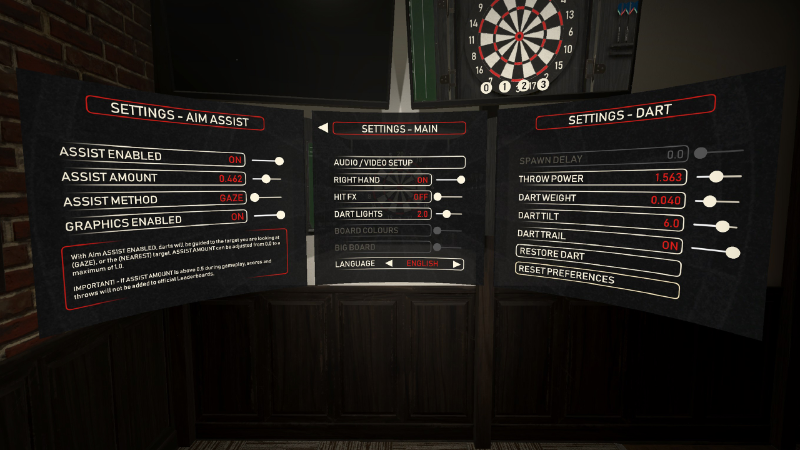
Hotfix v1.2.1
- Index controller hand pose and throw settings fix
Update v1.2.0 (March 10, 2021)
- Added Aim Assist menu functions for all builds
- Updated to a unified throwing mechanic for Oculus and SteamVR SDK's
- Steam version updated to 1.2.0
- Full port from SteamVR SDK to Oculus SDK complete, live on the Oculus Store as well as Steam
- We'll be adding the Oculus 1.0.0 version to Steam for the option to install either build
- Added Stats, Achievements and Leaderboards for Oculus build
- Added a Terminology menu
- Various updates and bug fixes
- Updated media on both stores
For anyone experiencing the "heavy dart" bug from the last couple updates, this update should fix the issue.
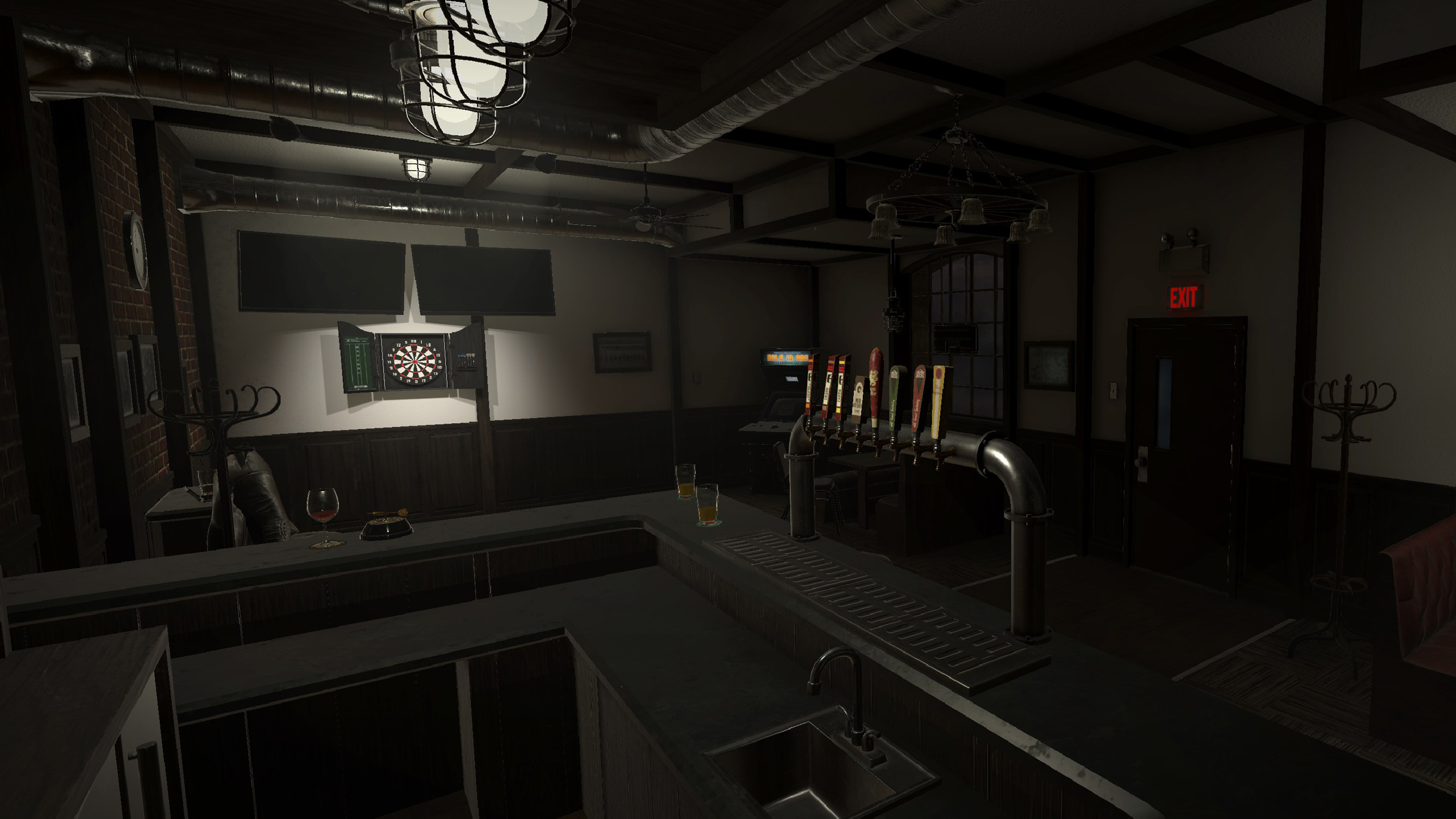
Roadmap Update
Steam build 1.2.0 is ready with the new Aim Assist feature, currently in final testing. Oculus PC build 1.0.0 is ported over from Steam with Aim Assist, also in final testing. Oculus App Lab build 1.0.0 is also ported to Android with a few bugs left to iron out. We're aiming for March 10 for Steam and Oculus, and mid to late March for Oculus App Lab.
On Target VR Darts - Development Roadmap
- Update On Target VR Darts (1.2.0) on Steam Store with SteamVR and Oculus builds
- Release On Target VR Darts (1.0) to Oculus Store as Full Release (Currently live in Early Access)
- Release On Target VR Darts (1.0) to Oculus App Lab for Quest 1/2 as Full Release
- Cricket Game Mode
- Add Multiplayer
- Add Single and Multiplayer Tournament Modes
Update v1.1.3 - January 21, 2021
- Bug fixes and small updates
- Added 'Restore Dart' setting to set dart custom values to default
- Added 'Reset Preferences' setting to reset all settings to default
- Removed inner teleport box
- Lobby buttons fixed