Contest Announcement - Two New Judges join the Team!
Hi all,
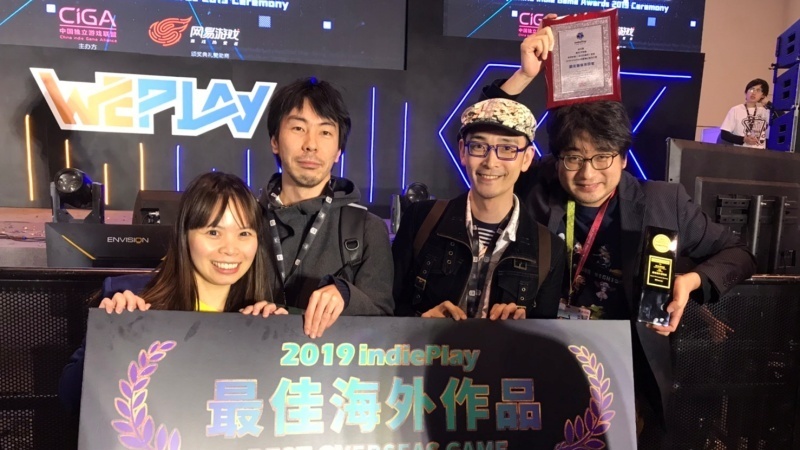
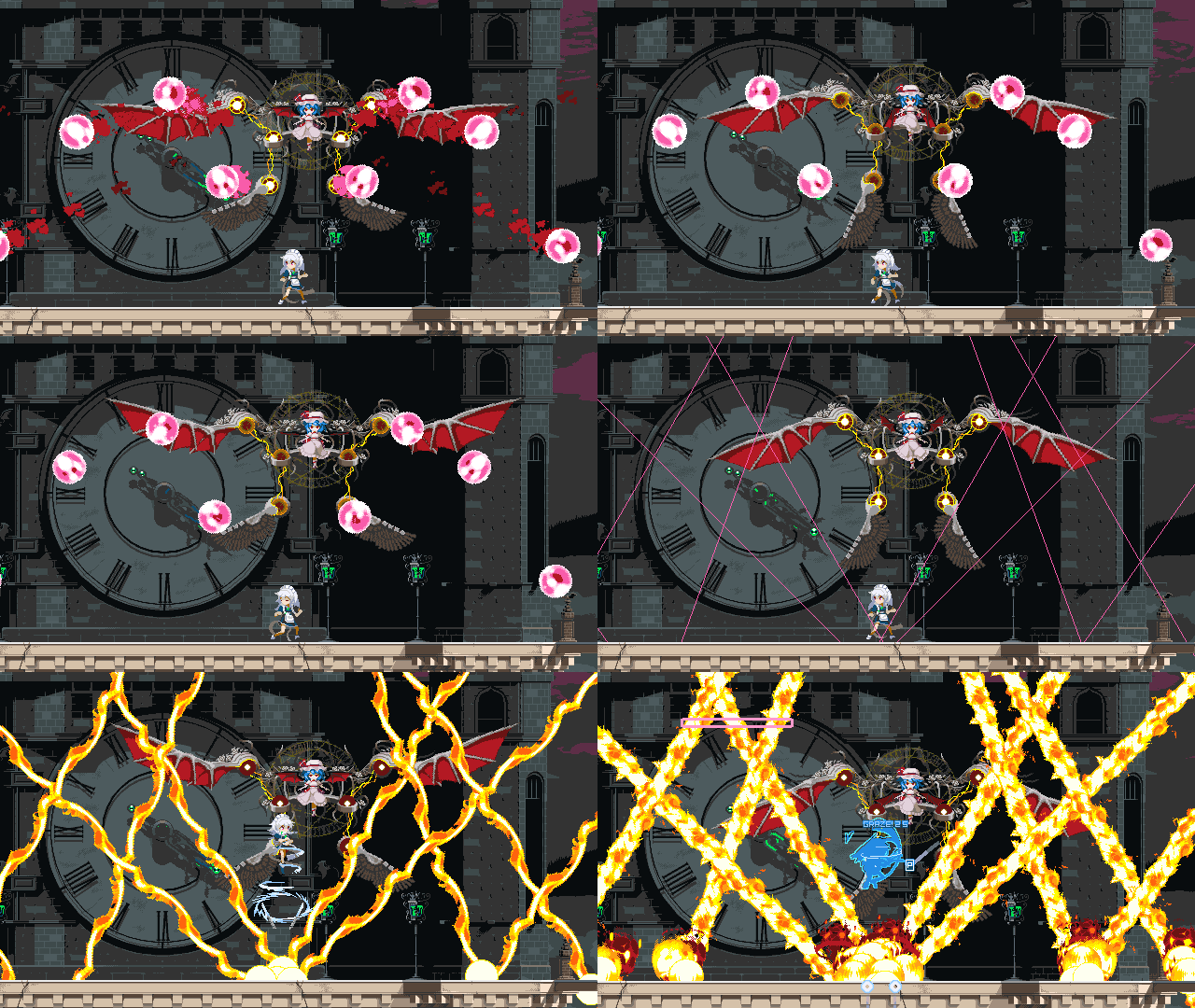
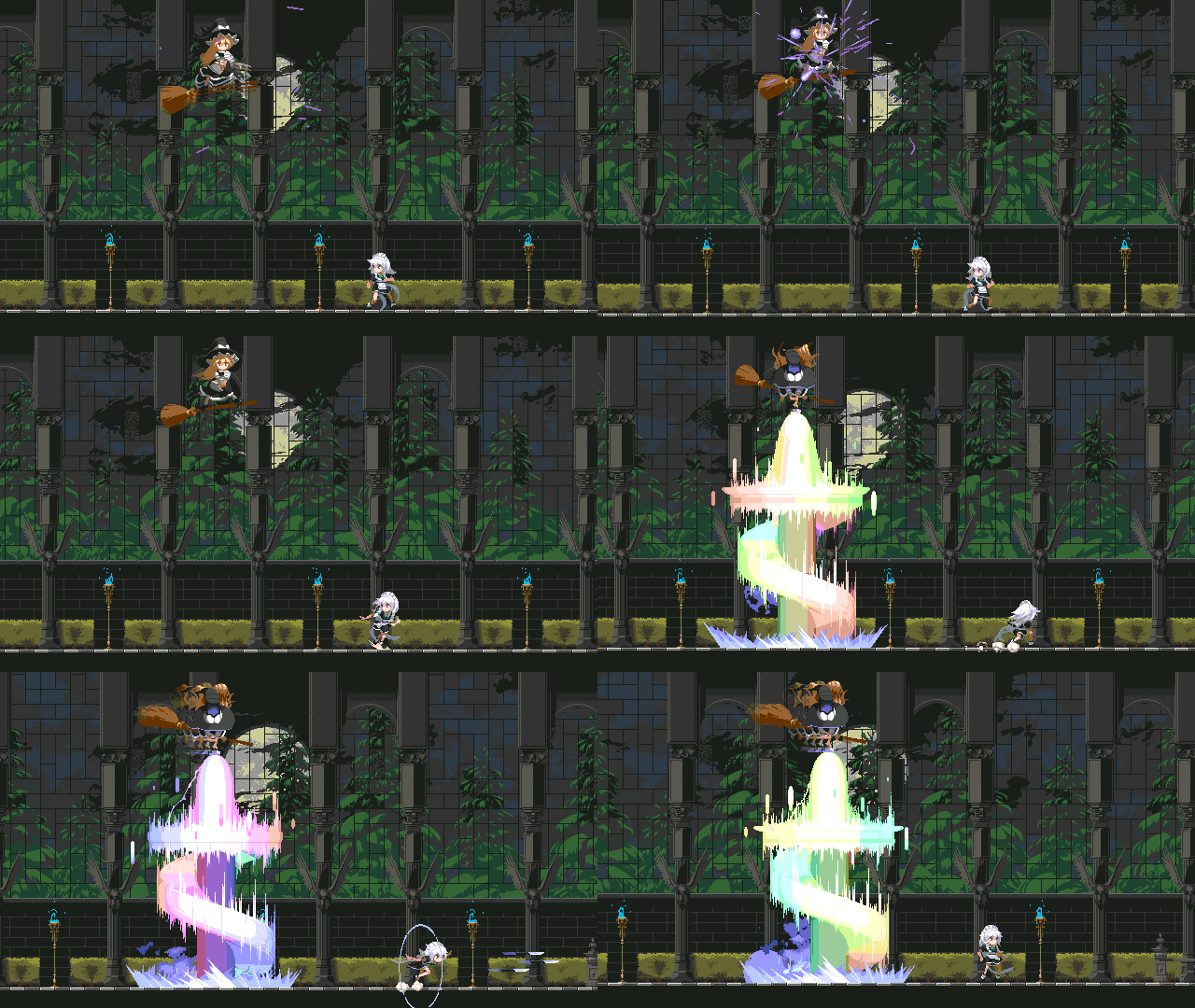
We are very excited to announce that two new judges will join the team for our contest; Rafael Grassetti, art director of God of War and Koji "IGA" Igarashi from the Castlevania series!
Thank you very much for using Pixel Game Maker MV. Version 1.0.3.2 has just been released.
Additions
Added the option to not display the logo of Pixel Game Maker MV in a built game
Added the sample project "Character select"
How to switch to Branches 1. Open "Properties" for Pixel Game Maker MV in your Steam Library. 2. Select the Beta tab and select the target version and close Properties.
How to switch to Default Please execute the following process to revert from other versions to the current release. 1. Open "Properties" for Pixel Game Maker MV in your Steam Library. 2. Select "None - don't participate in any Beta programs" and close Properties.
Version 1.0.3.1 Update, Kero Blaster resources and Contest announcement
"Hi All,
Thank you very much for using Pixel Game Maker MV. Version 1.0.3.1 has just been released and we have some additional news for you!
We are taking a New Year holiday break from 12/28 to 1/5. We will be fresh and raring to go when we come back on 1/6. It is also the time to remind you that our Game Development Challenge, with a reward of 1 million yen and the chance to see your game on Switch, is ending in March!
We are proud to announce two judges for the contest.
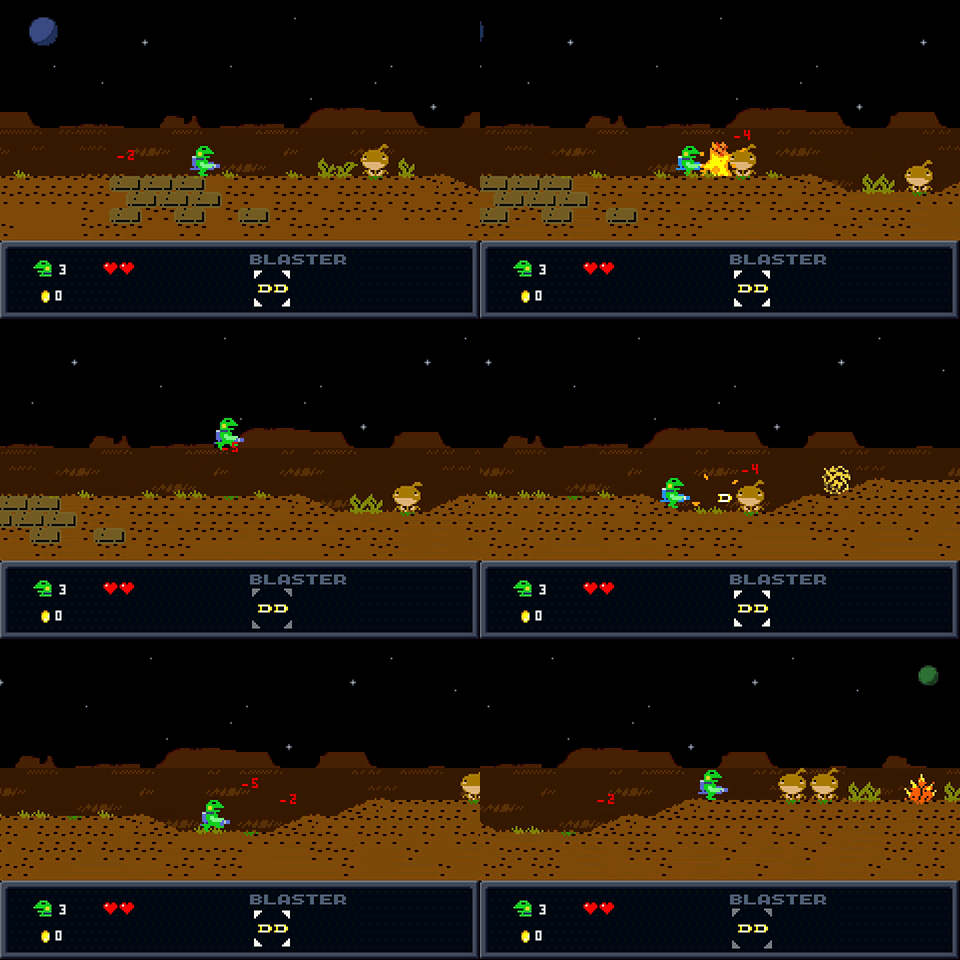
Daisuke ""Pixel"" Amaya, the developer of Cave Story and Kero Blaster.
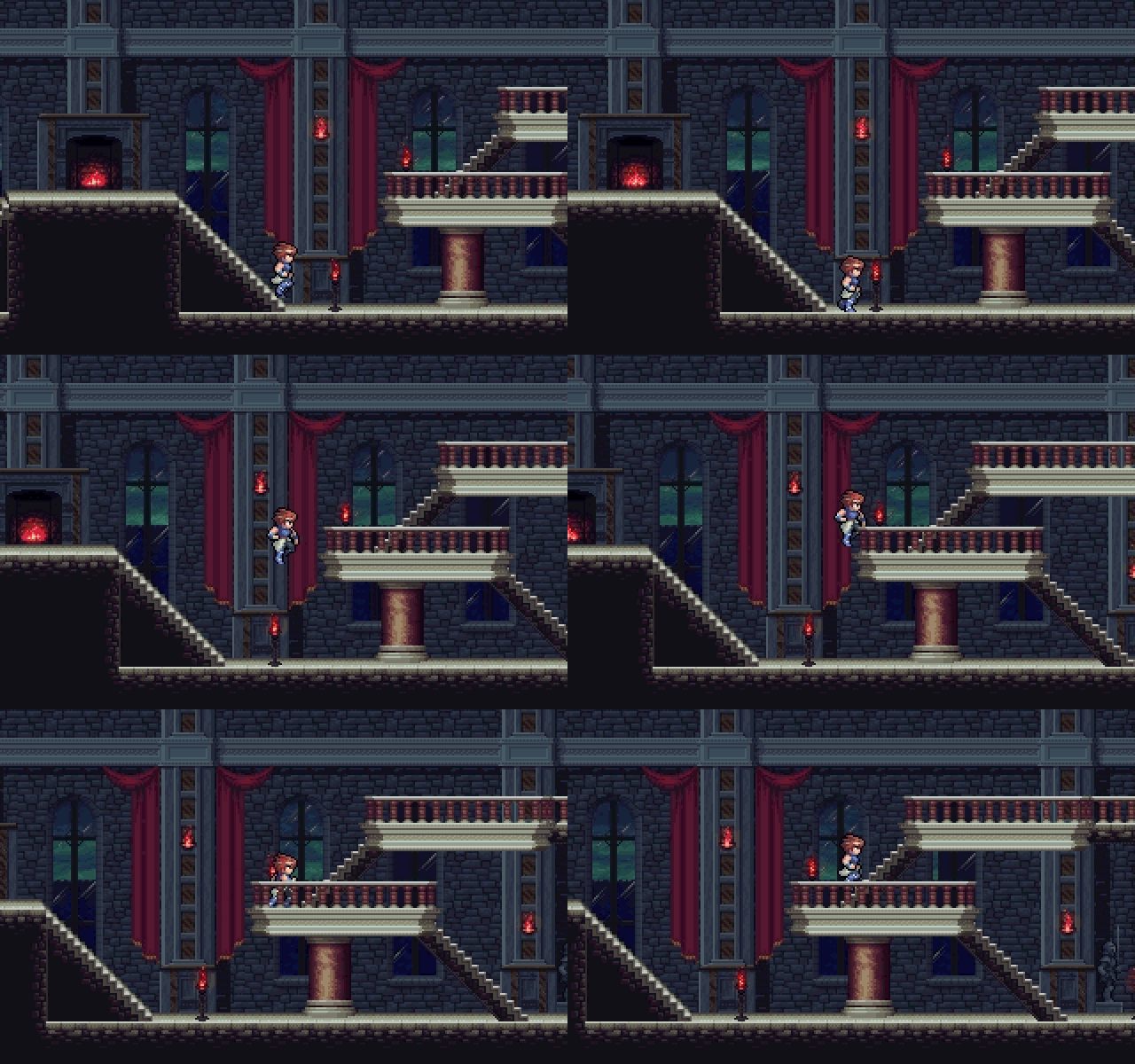
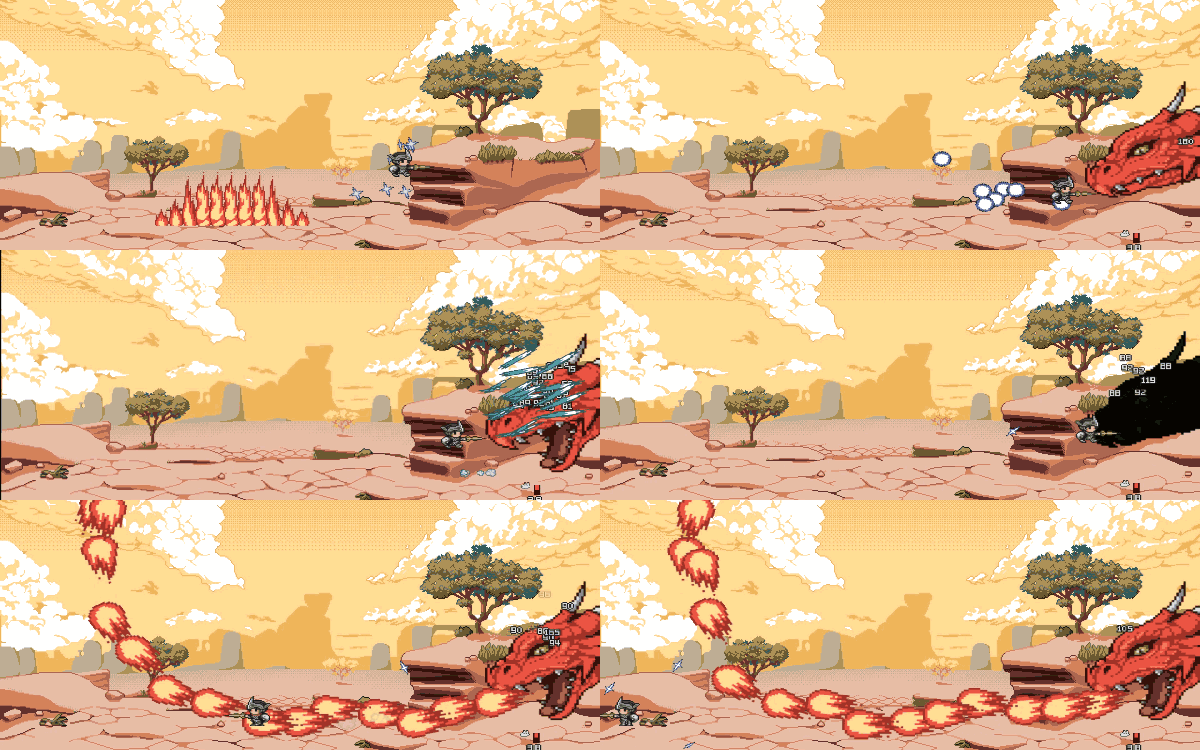
To celebrate it, we are adding the sample project of Kero Blaster reproduced in PGMMV! Please check how we have re-created the game in the engine, and have fun with the resources provided!
PGMMV is now 40% off! It is the biggest discount ever made on this title, and right on time for the winter holidays!
Happy holidays and a lovely New Year too!. We are looking forward to see the games you are making in 2020!
Version 1.0.3.1 Update
Additions
Added the sample project Kero Blaster
Added "*Sample games with recording materials for which paid use forbidden" in the Terms of Use
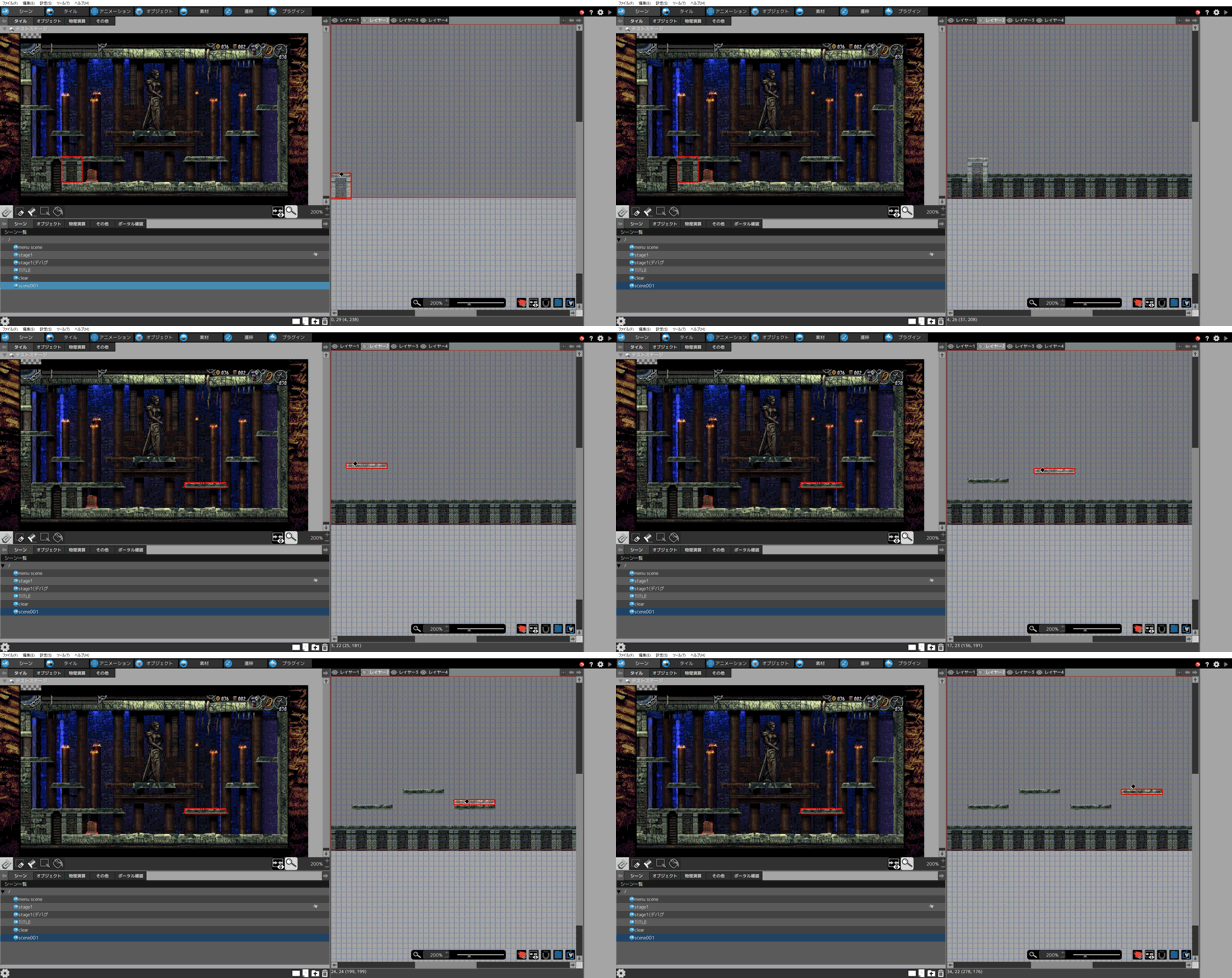
LA-MULANA2 SAMPLE
Bug Fixes (Player)
Fixed a bug that caused the text to be partially hidden when shaking the Scene
Fixed a bug that caused the Detection to be deleted after "Change Object"
Fixed a bug that caused a crash when saving and loading with a Child Object in a different Layer than its Parent Object
Fixed a bug that overwrite the variable "No. of Same Instances Placed in Scene" when displayed in the Menu Scene
Fixed a bug that caused the variable "No. of Same Instances Placed in Scene" to decrease when "Move Layer" is executed
Fixed a bug that disabled the limit of Bullets fired in the Scene.
Fixed a bug that caused a crash when a Gimmick Tile touches an Attack Detection
Fixed a bug that caused the variable "Display Direction" to not update
Fixed a bug that caused the Objects not to move as expected when Game Speed is at 0
Bug Fixes (Editor)
Fixed a bug that caused multithreading to not be cancelable from the project settings.
How to switch to Branches 1. Open "Properties" for Pixel Game Maker MV in your Steam Library. 2. Select the Beta tab and select the target version and close Properties.
How to switch to Default Please execute the following process to revert from other versions to the current release. 1. Open "Properties" for Pixel Game Maker MV in your Steam Library. 2. Select "None - don't participate in any Beta programs" and close Properties.
Thank you very much for using Pixel Game Maker MV. Version 1.0.3.0 has just been released."
Additions
Added "Release Lock" to Runtime Action
Added function that when new text is added by "Show Scrolling Text" and "Show Text" is named after the first 10 characters entered when added to Text resources
Added the functionality to adjust anti-aliasing of TTF fonts
Added the possibility to change the background color of Menu Scene (*Not reflected in-game)
Added Transparency to "Apply Filter Effects On Object"
Added the display of Variable and Switch's memo on-cursor
Adjusted the behavior of the Child Object "Keep track of the parent object at regular interval", added a "Tracking Accuracy" setting
Added adjustment items related to Wall Detection in the Project Settings
Added the option ”Disable Screen Shake” to the Game's menu
The Runtime action "Shake Scene" is disabled
Added a plug-in to get the Language selected during the game
Bug Fixes (Player)
Fixed a bug that could cause the variable " Display Direction" to not be updated
Fixed a bug that could cause a difference in the display of Physics Objects between the Editor and the Player
Fixed a bug that could cause a crash when an object is created without motion settings
Fixed a bug that caused objects with the setting "Not Pushed Back by Other Objects" to have unexpected behavior when on a slope
Fixed a bug that could cause a crash when the loop set on a music is too short
Fixed the behavior of "Set Duration Until Target Position (Seconds)" if using "Use Basic Move Parameter of Target Object" in "Move Object"
Even when "Set Duration Until Target Position (Seconds)" is set, the movement can be changed by a jump or a directional move
Fixed a bug that caused deleted text to be late by 1F
Fixed a bug that caused actions like "Fire Bullet" and "Generate Object" to function, even when the action is switched, if the animation is the same before the transfer
Fixed a bug that caused bitmap to be used when setting a specific size of TTF
Fixed a bug that caused the display direction to reset by the Runtime Action "Move Towards Display Direction"
Fixed a bug that caused gauges to not be displayed as intended
Fixed a bug that caused controller ID to be reset even when changed to "-1"
Fixed a bug in the behavior of manipulated objects when they push each other
Changed the condition "Change Switch, Variable" to "When a player who has not touched the portal touches" in the Portal Condition Settings "Setting When Touched by Player"
Fixed a bug that caused characters controlled by keyboard to be controlled by both keyboard and controllers
Fixed a bug in the Invincibility Related Settings
If Invincibility Switch was not set, the object was constantly invincible
The Invincibility Related Settings will be enabled when the Object's Invincibility Switch is ON or when the Object touches an Attack Detection box
Fixed a bug that caused an increased processing load then "Shake Scene" is executed while displaying a lot of text in the scene
Adjusted in addition to the previous version update
Fixed a bug that could cause a crash when a "Move Object" Runtime action is executed for an Object in a Menu Scene
Fixed a bug that caused the Wall Detection of Objects in Menu Scene to not be displayed in debug mode
Fixed a bug that caused the tracking by Child object to not work as expected when the Parent Object changes by "Change Object"
Fixed a bug that caused some webm files to not be read correctly
Fixed a bug that caused Bullets which are set on tracking to move to the target coordinates at the time of firing
Fixed a bug that caused child objects to be deleted when moving through a portal after loading the file
Fixed a bug that caused the jump to continue to rise after restarting the game, when stopped and displaying text
Fixed a bug that caused the movement of an Object set with the Runtime Action "Move Object" to continue even if the game speed is set to 0%
Adjustment (Player)
Adjusted the behavior of Scroll and Show All Players and of Increase or Decrease Display to Show all Players
Adjusted so as the priority of the camera is set in the order of players from 1 to 4 and adjusted so as to avoid the camera to move unexpectedly when the other players go out of the camera
Adjusted the Portal Transfer to transfer Child Objects generated by Child Objects too
Adjusted the behavior when the same SE is played simultaneously in a large number
Fixed a bug that could cause a crash when moving a layer and referencing an invalid layer
Bug Fixes (Editor)
Fixed bugs in the sample games
Fixed a bug that could cause thumbnail to not display the frame settings changes in "Display Direction"
Fixed a bug that caused items not to be displayed when quotations marks are used in the names of switch and variables
Fixed a bug that could cause the information of the selected item not to be updated after a drag and drop in a list
Fixed a bug that could cause a crash when playing a sound
Fixed a bug that caused the object not to display when copy and pasting an action enabling Runtime Action Changeable Event After Placement in Scene
When a project is loaded, if there is a similar detection, it will be corrected automatically
Fixed a bug that caused an object enlarged at the size of the scene to be positioned with a slight offset or moving in a different direction
Fixed a bug that caused the specified layer by an action to shift when layers are added or the order changed in a scene
How to switch to Branches 1. Open "Properties" for Pixel Game Maker MV in your Steam Library. 2. Select the Beta tab and select the target version and close Properties.
How to switch to Default Please execute the following process to revert from other versions to the current release. 1. Open "Properties" for Pixel Game Maker MV in your Steam Library. 2. Select "None - don't participate in any Beta programs" and close Properties.
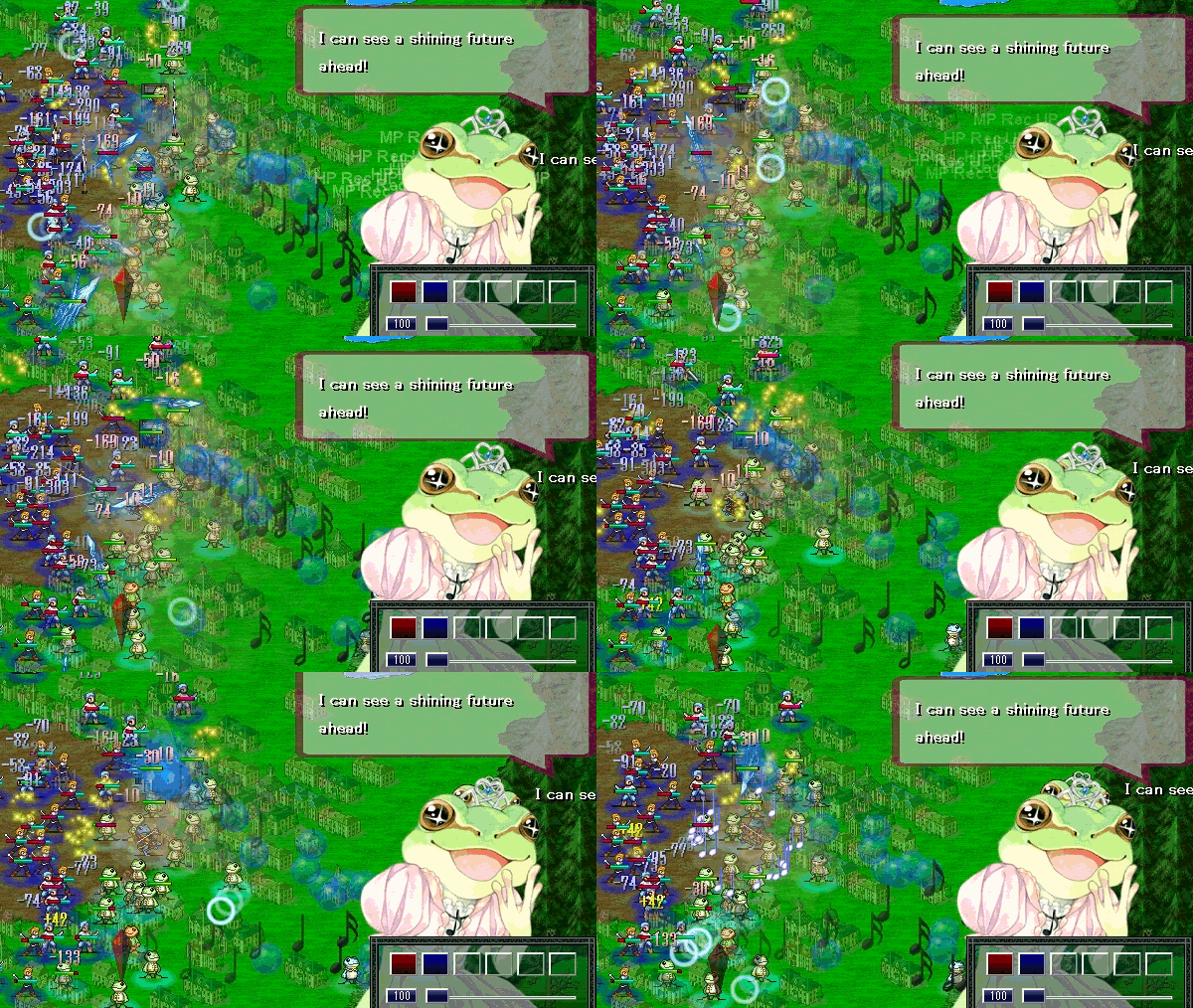
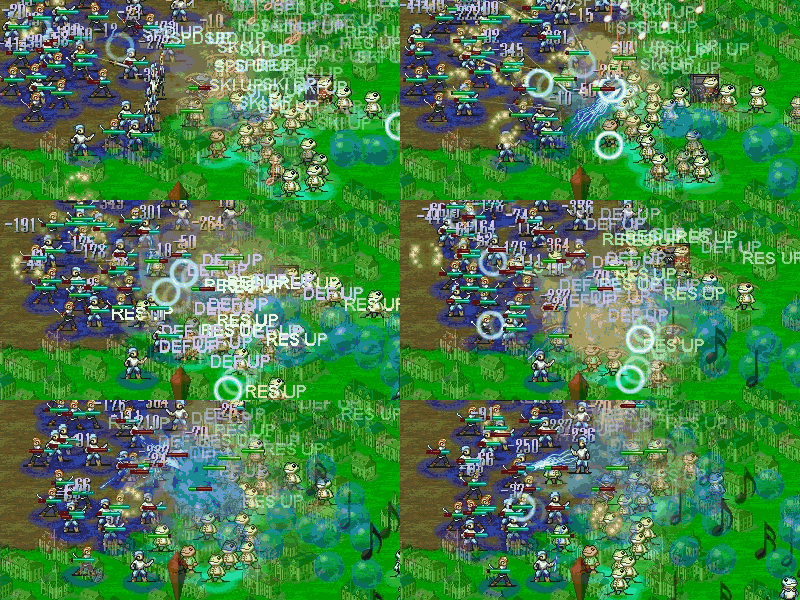
Sporting 12 factions, over 100 beautifully illustrated character units along with a deep, fleshed out story, RTS game Lost Technology has had an update adding the following:
■Patch Notes
Skills added for Demokrishia. "Dark Sphere", "The Queen's Whip" and "Demon Lord's Spirit".
Skill added for Bandicoot. "Demon Apocalypse".
Skill added for Lithua. "Hit and Run".
Skill added for Aleotti. "A Capella".
Skill added for Clifford. "Dive Bomb".
Added seals depicting place names to the world map.
Unique class for Neutral and Erie has been changed to "Tribe"
Fixed the gunpowder smoke effect of the Musket skill.
Fixed several performance issues.
Available at 50% off from today in the Weekly Sale. This is a great opportunity to pick up a great game at a great price.
To help support the English localization of Lost Technology we have created the Supporter's Edition Bundle, which includes the Donation Soundtrack.
There are even titles under 5 bucks, which is perfect if you have some pocket change leftover.
Bright Memory(Early Access)
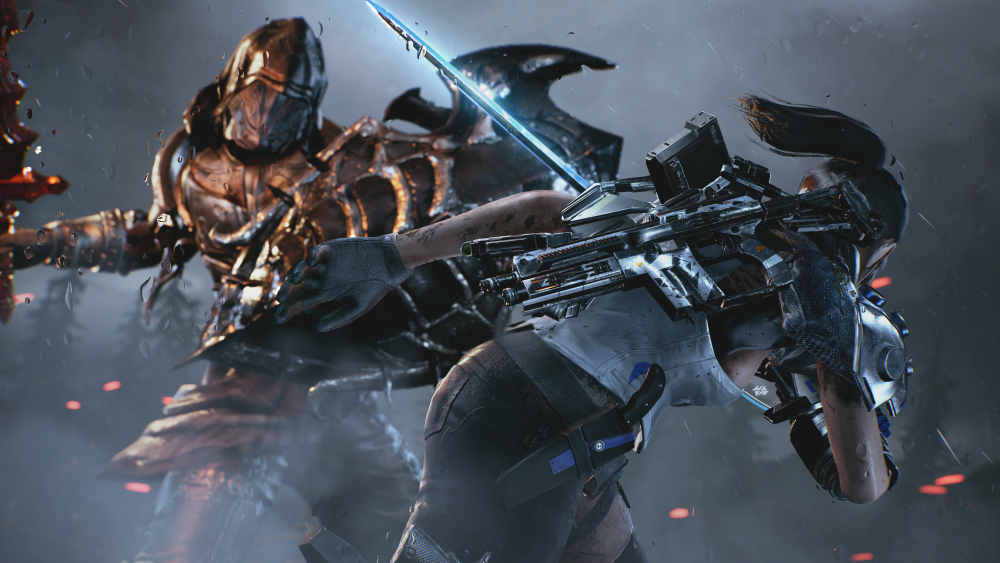
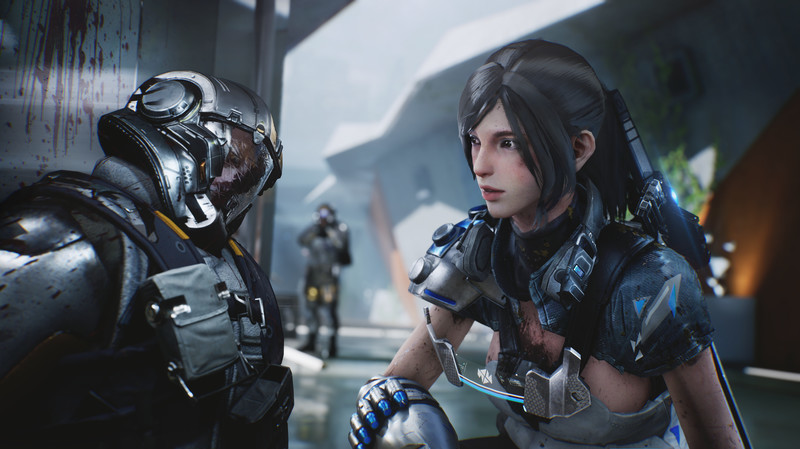
Bright Memory is a lightning-fast fusion of the FPS and action genres, created by one-man development studio FQYD using Unreal Engine. Combine a wide variety of skills and abilities to unleash dazzling combo attacks.
https://store.steampowered.com/app/955050/Bright_MemoryEarly_Access/
WITCH-BOT MEGLILO
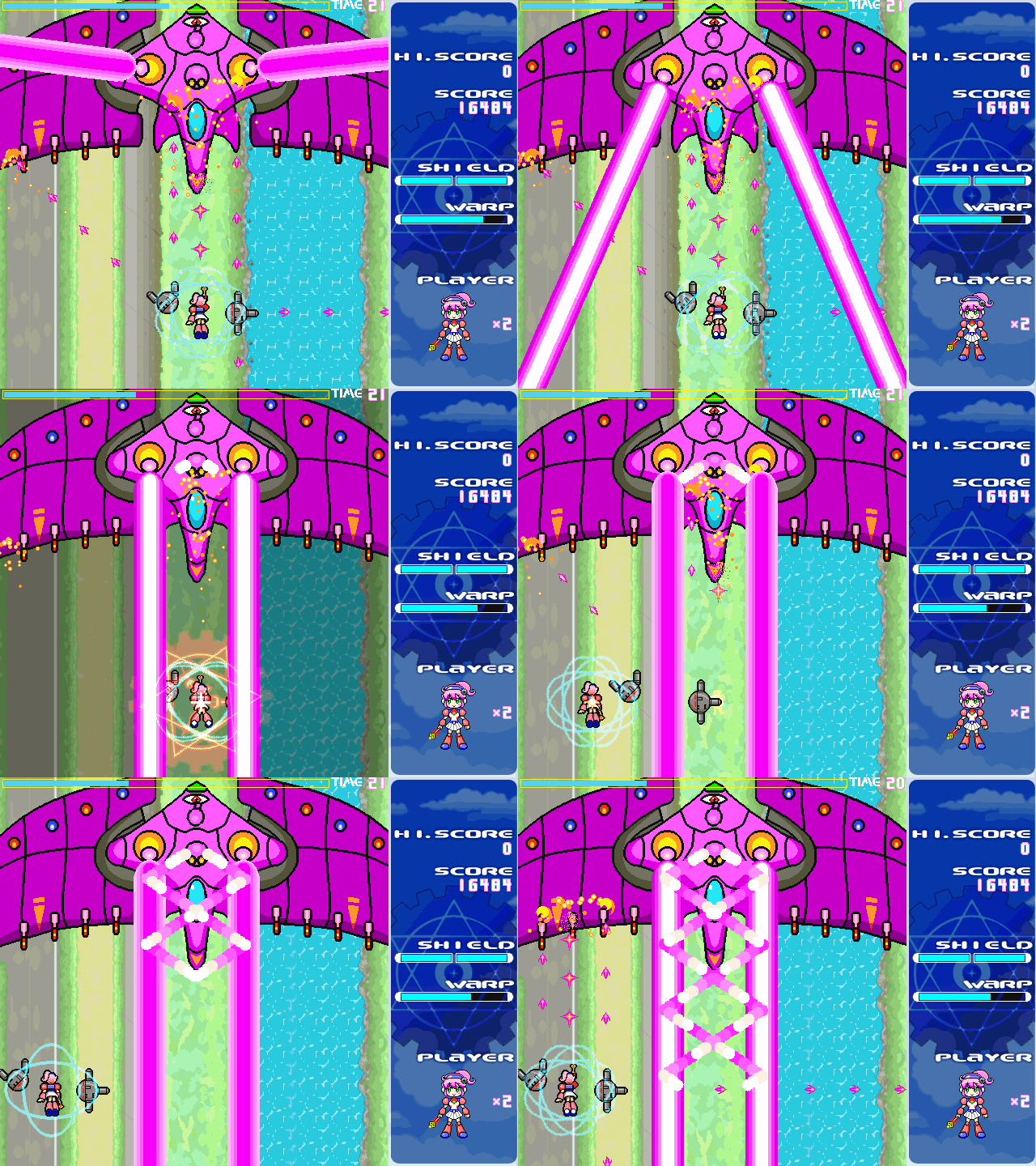
Stop time and project yourself through space with “Time-stop warp” magic, pass through physical obstacles, dodge incoming bullets and shoot down your enemies! A satisfying shooter, filled with dark humor!
https://store.steampowered.com/app/437020/WITCHBOT_MEGLILO/
Warning : NSFW.
The Crooked Man
There was a crooked man, and he walked a crooked mile...
This is the first title in the series known as The Strange Man, developed by Uri Games.
Experience the myriad horrors awaiting David as he moves into his new house.
https://store.steampowered.com/app/736570/The_Crooked_Man/
The Steam Autumn Sale is here and Pixel Game Maker is available at it's biggest discount yet at 35% off!
Furthermore, on the 17th of November we held a 4 Hour RTA Game Development Jam where as the name suggest games had to be made in 4 hours.
You can now download one of the titles to try. It is surprisingly well polished for something that only took 4 hours to create! DLPage
Currently accepting applications for the Game Development Challenge! Grand Prize 1000000yen! Why don't you try joining the Game Development Challenge to test your skills in game development?