International Best Seller Gensokyo Night Festival on Sale! Don't miss out on this year's Autumn Sale!
Dear Fans,
The Steam Autumn Sale is here!
PLAYISM is going all in this year with some of our major titles on sale!
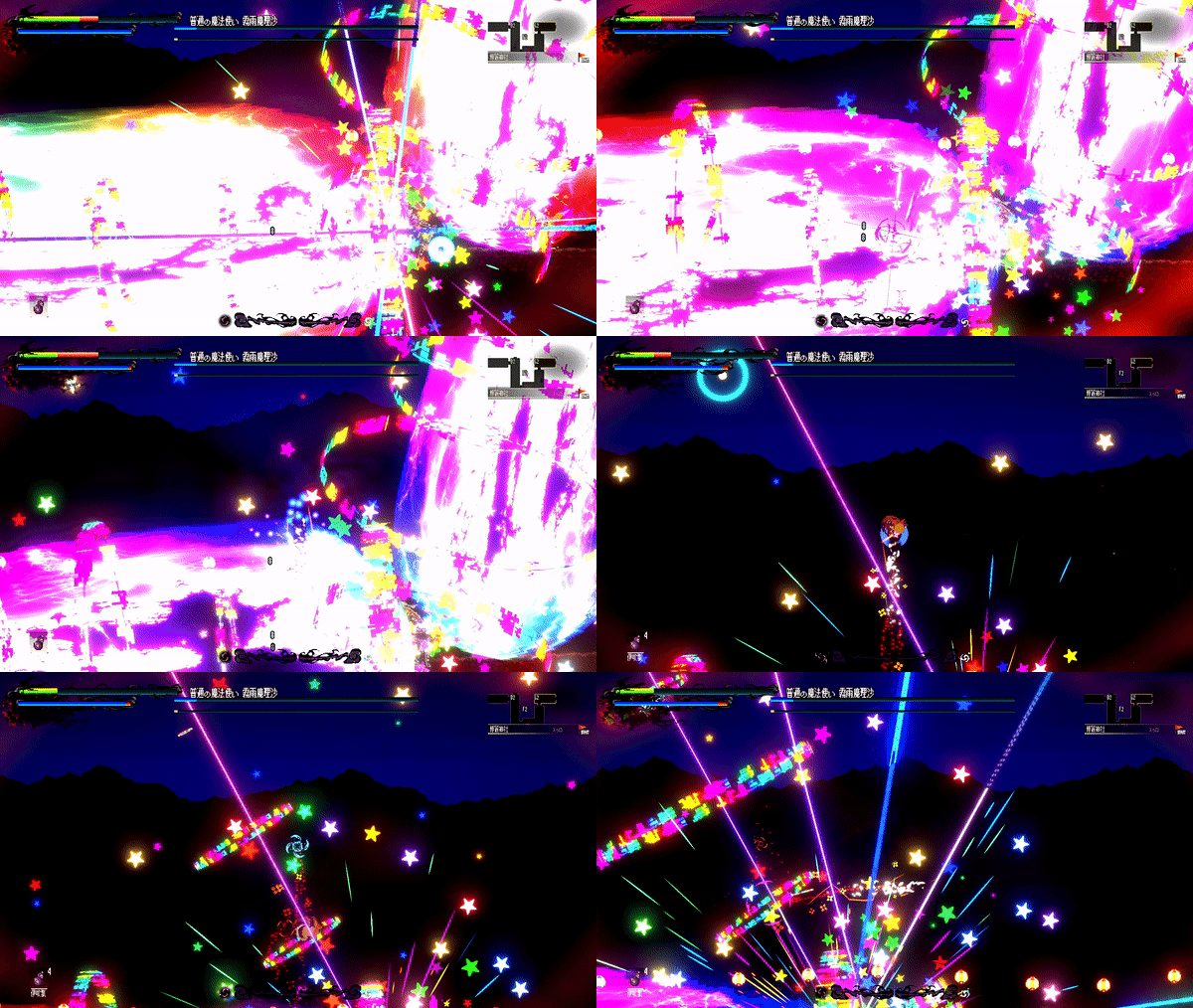
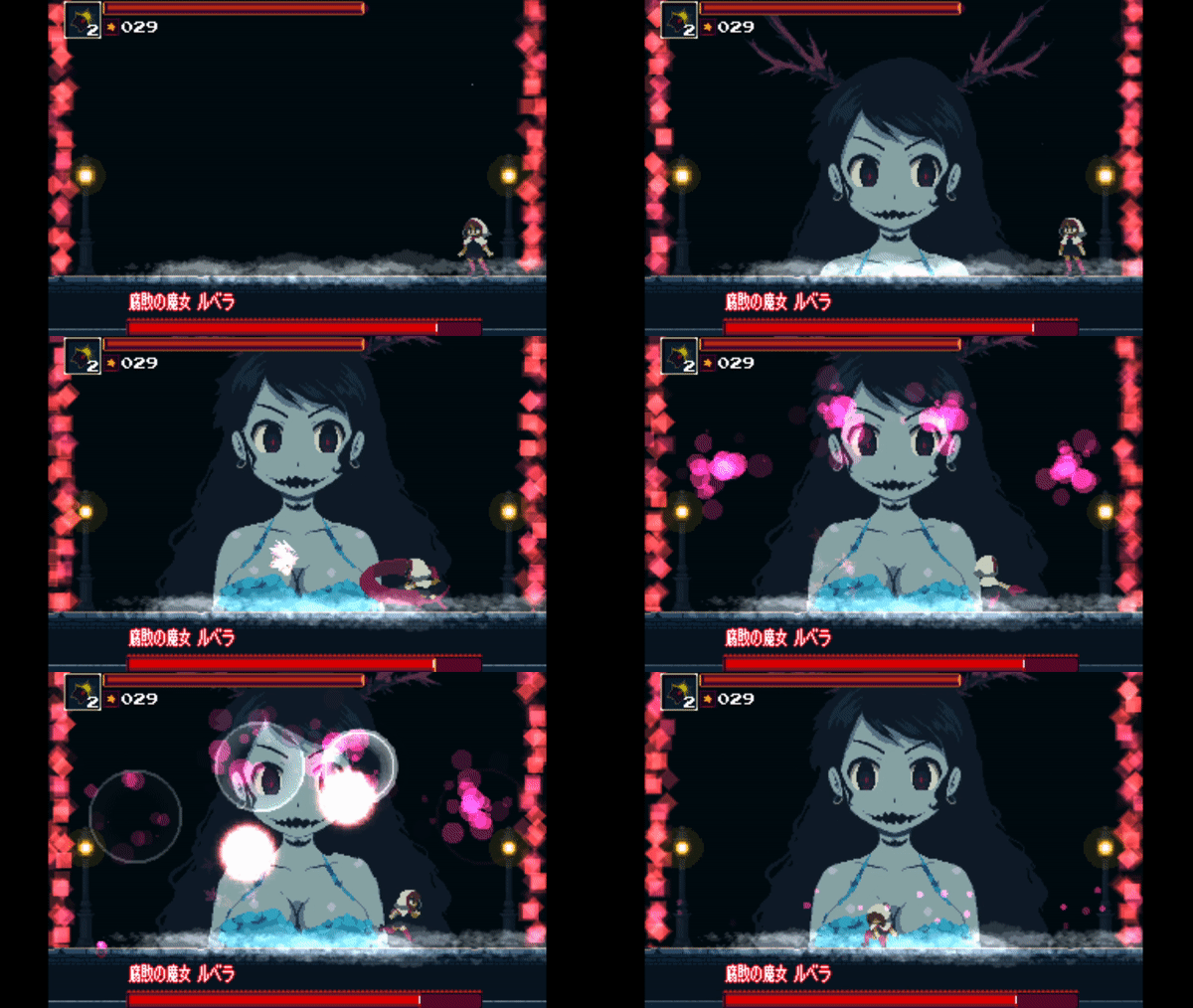
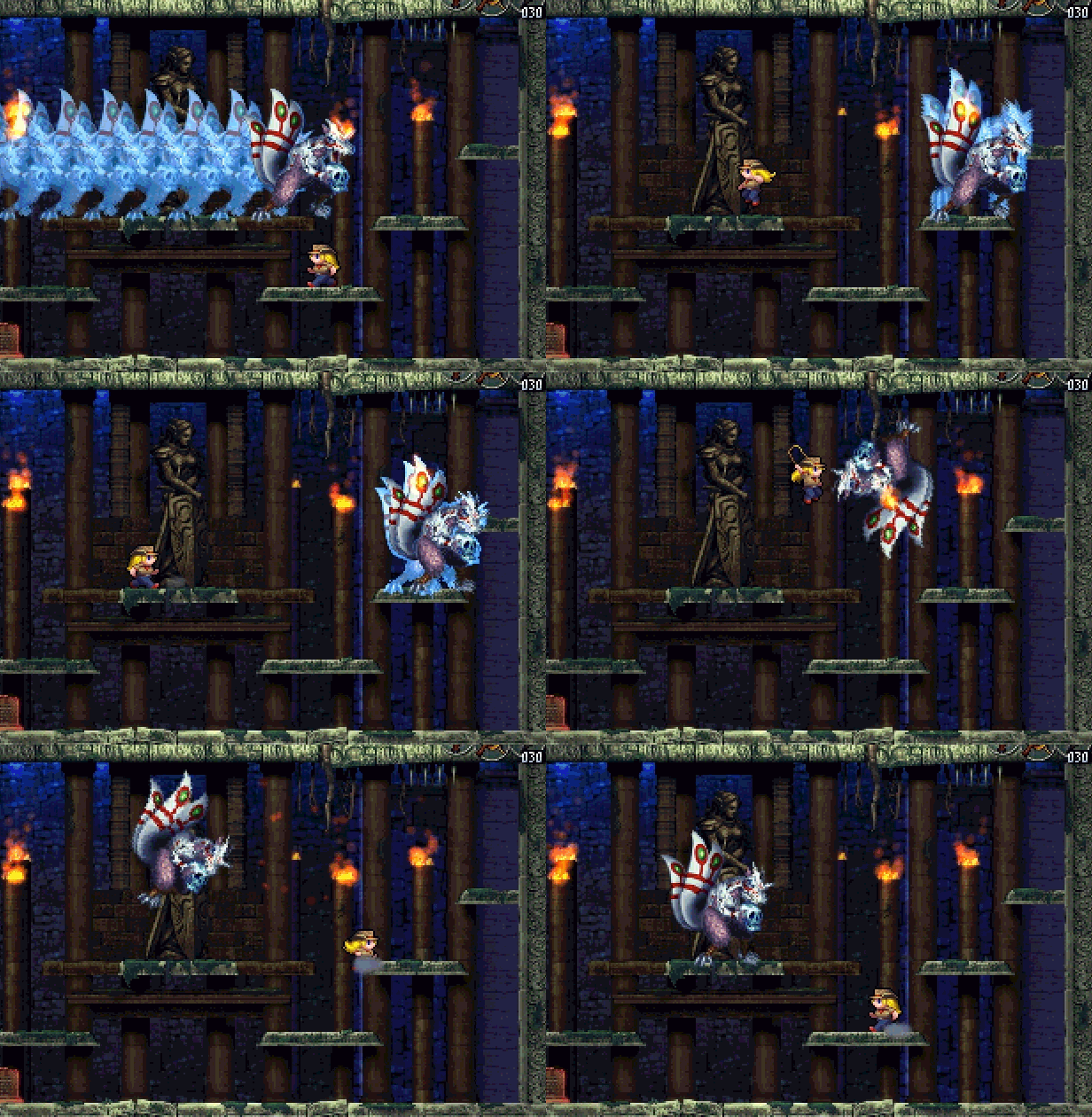
Freshly released on October 14th this year, Gensokyo Night Festival is available for 20% off in it's first major sale since launch.
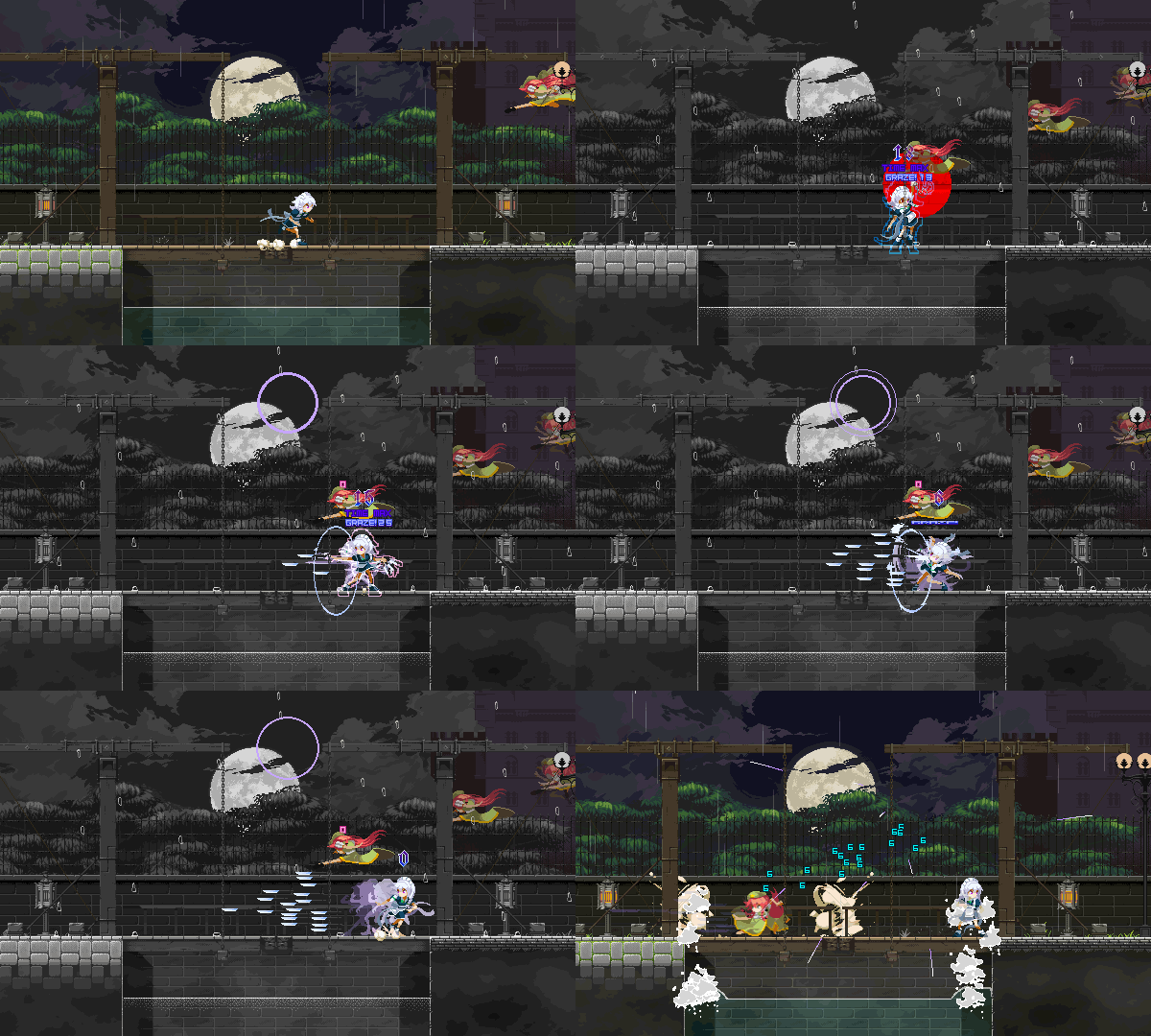
Cute pixel art and flashy combos come together in this 2D action game. If you had your eye on this title now is your chance to grab it!
https://store.steampowered.com/app/1122050/
The Touhou Luna Nights soundtrack that was released at the same time is also on sale! The best Touhou remixes for your listening pleasure. Purchase this with the game itself, considered one the best in the Metroidvania genre for an even better deal!
https://store.steampowered.com/bundle/12152/Touhou_Luna_Nights_Bundle/
Below are some other choice picks to be found in this sale.
Loved the world over, 3 miwashiba titles:
LiEat LiEat is the classic story of a vagabond traversing a strange and mysterious world together with a dragon protégé, buying and selling secrets, while also attempting to uncover the truth about themselves.
https://store.steampowered.com/app/373770/LiEat/
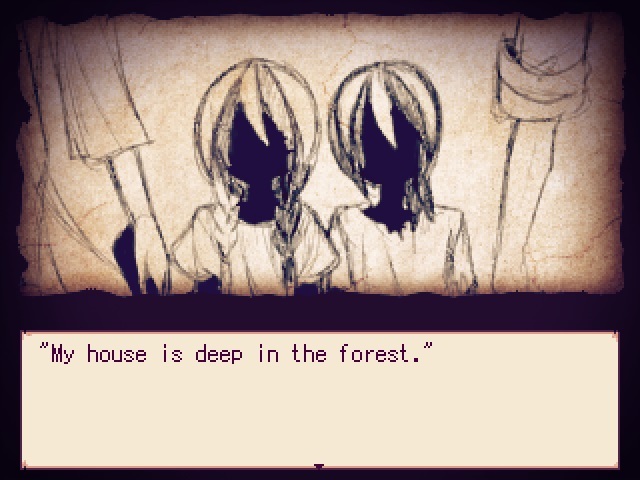
Alicemare Alicemare is an adventure game blending elements of exploration, storybooks and fairytales, and just a hint of horror.
https://store.steampowered.com/widget/524850/
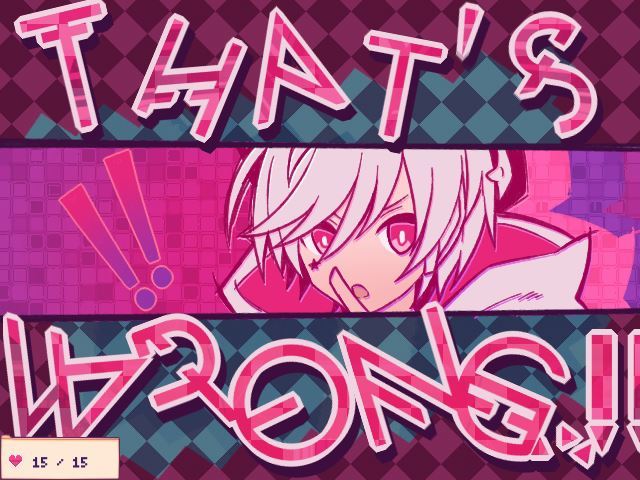
1bitheart In this unique and endearing adventure game, take on the role of Nanashi, a lonely, agoraphobic boy, as you solve a slew of mysteries around town while also making friends.
https://store.steampowered.com/app/618720/1bitHeart/
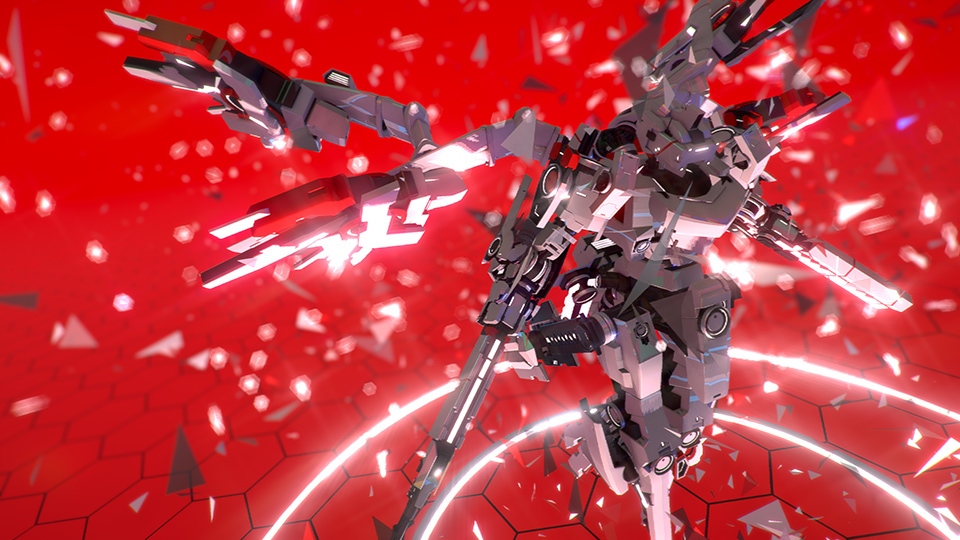
Break Arts II Faster than anyone. Stronger than anyone. And more stunning. Customize your robot for “cyber battle racing” in a game that offers all the thrills of racing, battle, and customization. Online, Offline, Time-Attack... which mode will you dominate?!
https://store.steampowered.com/app/547360/BREAK_ARTS_II/
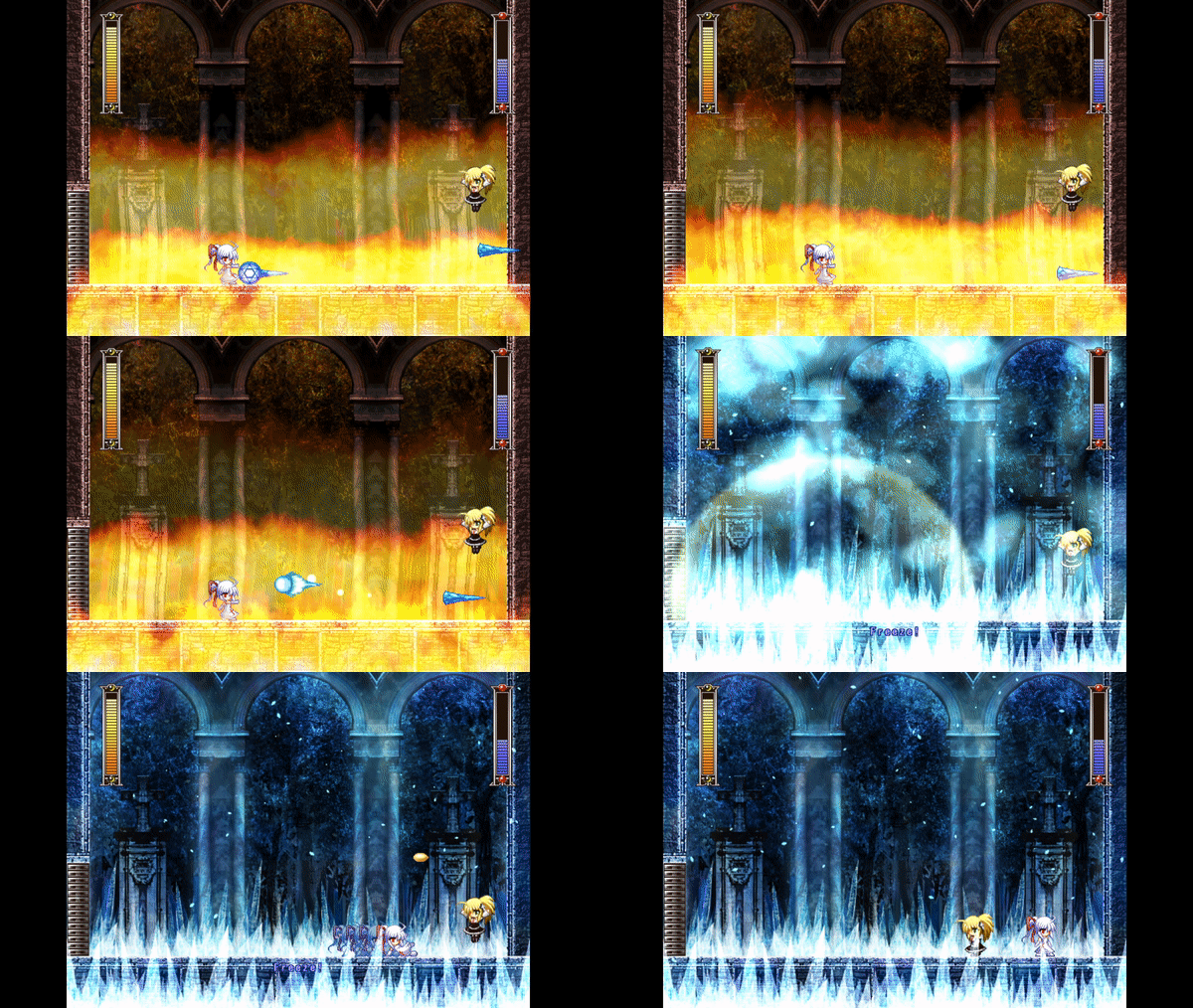
Rosenkreuzstilette Rosenkreuzstilette is a mega-action-platformer game in which you step into the shoes of Spiritia Rosenberg, a virtuous young woman caught on the wrong side of a revolution instigated by her closest friends.
https://store.steampowered.com/app/564150/Rosenkreuzstilette/
Huge Discount on Pixel Game Maker MV!
Currently accepting applications for the Game Development Challenge! Grand Prize 1000000yen!
Why don't you try joining the Game Development Challenge to test your skills in game development?
https://store.steampowered.com/app/837510/
There are plenty of other great titles available, so peruse the selection to your heart's content.
Thank you very much for using Pixel Game Maker MV. Version 1.0.2.0 has just been released.
Additions
Added tutorial and help in Simplified Chinese
Added a Text Search function
Added new settings to "Load a File" in Other Runtime Actions
Added Background to "Change Scrolling Speed" in the Scene Settings
In addition, the background setting "Scroll Speed / Direction" has been changed to "Auto Scroll Speed / Direction"
Added an "Update" option on the right click menu of Resources to update several resources at the same time
Added the functionality that when the Object Variable "Animation Frame" is "-2", the animation is stopped at the frame currently being played
After stopping at "-2", the Variable automatically changes to the value of the frame it is stopped at
Bug Fixes (Player)
Fixed a bug that could cause "Template Move Settings" to not work as expected after an action involving moving
Fixed a bug that could prevent Particles from being generated by an Object when moving to another Layer
Fixed a bug that could display the same Object several times just after using a Portal Transfer
Fixed a bug that could cause a discrepancy between a Child Object and Parent Object's angle
Fixed a bug that caused items to be pasted in reverse order when multiple items were selected, copied and pasted in a list
Fixed a bug that caused items to be added in reverse order when loading several Resources
Fixed a bug that caused an offset in the Overlaps detection
Fixed a bug that could cause fonts to display improperly
Fixed a bug that could cause the game to slow down when there is a lot of text and that the screen shakes
Fixed a bug that could cause a reduction of the Move Distance when setting a "Set Direction and Move" after a Template Move
Fixed a bug that could cause Condition Links to not function as expected when the angle of the Object changes
Fixed a bug that caused the Wall Detection to behave unexpectedly while jumping
Fixed a bug that could cause bullets to accumulate if the firing Object is destroyed before the Connection Point is validated
Fixed a bug that caused the landing of a jump from a slope to behave unexpectedly
Fixed a bug that caused an incorrect value being assigned to the Common Variable"Mouse Coordinate X/Y" when zooming in/out with the "Change Camera Display Area"Other Runtime Action
Fixed a bug that caused the Plug-in "Get Object Coordinates from Game Screen" to cause offset in the coordinates when changing the speed of the Layer scrolling
Fixed a bug that could cause the improper display of an Object using Sprite Studio data
Fixed a bug that caused the screen to blacken when loading a file and moving to another scene
Fixed a bug that could cause an offset of the detection of "Distance with Other Objects" when the Layer's Scrolling Speed changes
Fixed a bug that could cause a crash when using the Mini Map Plugin
Fixed a bug that caused the animation to not work as expected when set to 0% on "Change Game Speed" or on "Slow Time on Hit Settings"
Fixed a bug that prevented the Object, when jumping with an action and the game speed is changed to 0% with "Change Game Speed" or "Slow Time on Hit Settings", to stop rising at the moment of the release.
Fixed a bug that prevented the animation starting from the next frame when stopping an animation using "Animation frame", and instead running the next Keyframe
Fixed a bug that caused "No. of Same Instance Placed in Scene" to not increase when an object is generated by the condition of "Camera Comes Near"
Fixed a bug that caused the Particles to not display as expected in a scene when executing the Runtime Action "Disable Object"
Adjustment (Player)
Adjusted below actions so as to stop the count of the Variable used as Timer used by an Object when the Object is stopped
Change Game Speed
Disable Layer Motion
Disable Object
Show Text
Display Image
Play Video
Adjusted the Language Settings in the Project Settings so the main language selected is displayed during test play.
This will not affect built games, the game will select the language of the OS
Fixed a bug that caused a partial display of the screen when using Portal Transfer
Changed the Portal Transfer so that, after a Portal Transfer, if there is another Portal on the position, to transfer on that Portal when conditions are met
Bug Fixes (Editor)
Fixed a bug that caused a crash when copy-pasting a Condition Link made with a Plug-in
"How to switch to Branches" 1. Open "Properties" for Pixel Game Maker MV in your Steam Library. 2. Select the Beta tab and select the target version and close Properties.
"How to switch to Default" Please execute the following process to revert from other versions to the current release. 1. Open "Properties" for Pixel Game Maker MV in your Steam Library. 2. Select "None - don't participate in any Beta programs" and close Properties.
Thank you very much for using Pixel Game Maker MV. Version 0.1.0.1.0 has just been released.
Additions
Added the functionality to assign fonts per language in the Fonts tab (Resources) When an existing project is loaded, all languages are assigned the same font
Added the ability to move an object using coordinates from within the current screen during gameplay via the "Move Object" Runtime Action
Added the “Get Object Coordinates from Game Screen” plugin to the list of official plugins When a plug-in is installed, an action with the same name is added to “Other Runtime Actions”
Added the capability to copy-paste ”Other Condition Settings” by adding the right-click menu for the Screen Flow function
The scroll position of the Scene Editor screen is now maintained per scene
In Display and parent-child relationship → Received Damage as Child Object → “Parent Object HP Changes”, the actual behavior was different. The revised text is “Change Target Parent Object”
Added the checkbox ”Apply Damage Rate to Parent" to decrease the damage received by the Child Object
Added a Beat 'em up example to the Sample projects
When opening the software, the logo displayed when starting the editor has been updated to provide information about the Pixel Game Maker MV Game Development Challenge. It can be clicked to open the Challenge website
Increased the maximum amount of “Undo” operations possible
Bug Fixes (Player)
Fixed a bug that caused the Action Program and Transition Link Condition "Change Switch/Variable" to behave in an unexpected manner when the target "All" is used
The "All" setting will now determine whether any of the targets have had a switch or variable change that satisfies the configured condition
Fixed a bug that caused Objects with a modified animation scale or center to have differing positions between Scene layout and test play
Fixed a bug that caused the Link Conditions to not work as expected when the "Data of Common Variables and Switches" debug menu is opened
Fixed a bug that caused Gimmick Tile and Portal switches to respond poorly to touching Objects
Fixed a bug that prevented the Opacity setting from working as expected when using the "Sequence for Overlaps" settings
Fixed a bug that caused the "Generate Object" to not work when performed via the "Object Settings After Destruction" function
Fixed a bug that prevented Objects from climbing Slopes when "Don't Drop Levels" is enabled for "Template Move Settings"
Fixed a bug that could prevent the BGM from playing after repeated Save/Load operations
Fixed a bug that caused Physics Objects that had been added by the Physics Calculation Related Settings to be affected by display scale changes
Fixed a bug that could prevent Objects from interacting with Physics Objects after changing Layers via Portal
Fixed a bug that prevented the Physics Influence settings for an Object from being changed by a Switch
Fixed a bug that caused Afterimages to not be displayed when the Interval value was too short
Fixed a bug that caused the Camera to ignore its initial position when moving the Camera via Course while auto scrolling is enabled for the Scene
Fixed a bug that caused Tiles with an Opacity value of less than 255 to turn white during Transitions
Fixed a bug that could cause a crash or a significant offset when an Object with added Physics Calculation Parts moves to another layer
Fixed a bug that caused the Object not changing directions when touching an upper or lower Wall
Fixed a bug that prevented the "Animation frame" Variable from functioning as intended
Fixed a bug that would cause Objects moving with the "Random" parameter for "Template Move Settings" to stop moving after colliding with a Wall
Fixed a bug that caused the F5 reset to restart the game with the incorrect settings
Fixed a bug that caused the "Shoot at the Selected On-Screen Object Group(s)" parameter for "Bullet Settings" to prioritize the newer Objects when several Objects/Groups are selected
The closest Objects will now be targeted
Fixed a bug that would cause text display corruption when using the "Shake Scene" Runtime Action
Fixed a bug that could cause Tile Groups and Objects that should not touch to be treated as touching
Fixed a bug that caused the Bullets to stop spawning after disabling then re-enabling Layer motion in some cases "
Fixed a bug that could result in Objects becoming offset due to an improperly detected animation Origin when the animation's Origin and Center are not the same point or an Offset has been used to adjust the animation
Any Runtime Actions that rely on parameters such as “Center of This Object” (including “Generate Object” and “Move Object”) are affected by this fix.
"
Fixed a bug that could cause the camera to become offset when an Object moves to another layer
Fixed a bug that could cause a Gimmick Tile using the "When Object Overlaps Tile" setting to function even when the Layer it is placed in is disabled
Fixed a problem that caused an Object to be able to be moved if it is riding on top of another Object even when the "Not Pushed Back by Other Objects" setting is enabled
Fixed a bug that could cause Bullets to be fired in a group if the Connection Point used to fire those Bullets is only enabled during the animation
Fixed a bug that could cause a crash when using Disable Layer Motion while displaying an effect using a Gimmick Tile
Fixed a bug that could cause "Move Toward Display Direction" to function in unexpected ways when a Tile is touched
Fixed a bug that could cause a Scene to crash when an Animation without a Motion is placed in that Scene
Fixed a bug that prevents the Enlarge Display setting to not offer the x5~8 parameters when playing a game
Fixed a bug that prevents Objects from changing Actions until the "Move Object" action is completed, even if a valid Link Condition allows Action change
Fixed a bug that could prevent an Object from being pushed if it is moving fast/has a lot of inertia
Fixed a bug that could cause small Offset values from not displaying correctly during testplay when using Interpolation
Fixed a bug that caused the "Bound" parameter for "Template Move Settings" to not work when the Object hits a wall
Fixed a bug that could prevent Overlap settings from being rendered properly if a partially transparent Tile is placed in a foreground Layer
Fixed a bug that caused SpriteStudio data to behave differently when previewed and during gameplay
Fixed a bug that caused Afterimages to not work as expected after increasing the game's speed
Fixed a bug that caused the Gimmick Tile "When Tile's Attack Detection is Touched" setting from not working when attacks are received from certain directions
Fixed a bug that caused the Parent Object's Offset to be ignored when a Child Object is following the Parent Object
Fixed a bug that could cause pixel information to be lost in some cases when a Scene Layer's Scroll Speed is not at 100%
Fixed a bug that caused Object Effects to remain visible even if the Scene changes or is otherwise hidden
Fixed a bug that caused Objects to always be displayed in the foreground when using a Portal
Fixed a bug that could prevent a Tile from being detected as a part of the correct Tile Group if that Tile was changed as a result of using the "Change tile" function for Gimmick Tiles
Fixed a bug that prevented Bullets from being generated with the correct orientation for Objects using animations created using the "Rotate and Auto-generate" setting
Fixed a bug that caused Objects moved with "Move Object" to have an incorrect Origin point
Fixed a bug that could cause a crash when the "Data of Common Variables and Switches" debug menu is opened
Fixed a bug that could cause a crash when opening the Operation settings (keymap) for built games
Fixed a bug that caused the Objects generated by Gimmick Tiles to behave in an unexpected manner
Adjustments (Player)
Adjusted movement handling for Objects to reduce the chances of getting caught on a Slope
Revised Portal movement to prevent duplicating an Action that was being performed when Portal movement was initiated
Changed looping Effects and Particles generated by an Object so that they do not disappear after using a Portal
Revised behavior of the "Stick to Parent Object" setting to reduce occurences of collision detection issues for the Child Object
The Player Detection Object variable is now limited to the values 0~4.
Improved performance of the "Other Runtime Actions" and "Other Condition Settings" window
Bug Fixes and Changes (Editor)
Fixed a bug that caused a behavorial difference between the layout view and test play when the "Keep Aspect Ratio and Enlarge" is checked for Backgrounds in the Scene Settings
Fixed a bug that caused unusual scroll behavior in some situations when selecting items in a list with Ctrl+click
Fixed a bug that could prevent the addition of a Keyframe for Effect Animations
Fixed some assorted UI issues
Fixed several bugs that could result in a crash
Fixed a bug that caused the Tile's Animation Preview to take a longer time than the actual time
Fixed a bug that could cause a crash when adding many Tilesets to a Scene
Projects without configured Language Settings will be assigned the OS language when they are next loaded
Fixed a bug that caused an error with the "Load" or "Update" buttons when a Resource is deleted from the Project folder and not from the Editor
Fixed a bug that could cause settings for a different animation to be displayed
Fixed a bug that could prevent large Projects from being opened
Revised the "Show Message" Plug-in to continuously displayed messages without opening/closing the text window when executing multiple Show Message actions within the same Runtime Action
To update an existing project using this plug-in, click the "Update" button on the Plug-in tab and the plug-in will update to the new version
"How to switch to Branches" 1. Open "Properties" for Pixel Game Maker MV in your Steam Library. 2. Select the Beta tab and select the target version and close Properties.
"How to switch to Default" Please execute the following process to revert from other versions to the current release. 1. Open "Properties" for Pixel Game Maker MV in your Steam Library. 2. Select "None - don't participate in any Beta programs" and close Properties.
Pixel Game Maker MV Game Development Challenge Opens!
Dear all,
The Pixel Game Maker MV Game Development Challenge has begun, and will accept submissions until March 31, 2020!
The theme and genre are completely open. The winning game will be published by Kadokawa on Nintendo Switch.
Please check the details on the contest's page:
https://itch.io/jam/pixel-game-maker-mv-game-development-challenge *Games must be created with a 1280*720 resolution.
The winner of the Grand Prize will win 1 million Japanese yen! We are looking forward to receiving your applications!!
Details announced for the Pixel Game Maker MV Game Development Challenge!
Greetings everyone!
The details of the previously announced Pixel Game Maker MV Game Development Challenge have been revealed. The Grand Prize is 1 million Japanese yen!
There also will be a public vote, among other things. Check the details here:
We look forward to receiving your applications!
Additionally, we have just released version 1.0.0.1 to coincide with the contest announcement!
◆Editor Updates
Added 2 additional resolution options when creating a new Project: Game Development Challenge (1280x720) & Game Development Challenge (640x360)
Projects for the Game Development Challenge must use one of these two settings
Projects using the 640x360 option must also use the 2x Enlarged Display setting
"How to switch to Branches" 1. Open "Properties" for Pixel Game Maker MV in your Steam Library. 2. Select the Beta tab and select the target version and close Properties.
"How to switch to Default" Please execute the following process to revert from other versions to the current release. 1. Open "Properties" for Pixel Game Maker MV in your Steam Library. 2. Select "None - don't participate in any Beta programs" and close Properties.
Our apologies for the extra day of wait: The 30-day trial is now available for download!
To clarify, this 30-day trial will give you full access to develop your own game in Pixel Game Maker MV. The only limitation on what you can do (besides the 30-day thing) is that you can't build a game for stand-alone use.
We hope you will give it a try, and take your first steps towards becoming an amazing game creator!
Additionally, we are running a 30% sale from now until October 3rd to celebrate the release of version 1.0.0 yesterday, so if you enjoy your time with the trial don't miss this opportunity.
Stay tuned for more updates and news, and thanks for your support!
Out of Early Access! Pixel Game Maker MV 1.0.0 Update!
Hello Everyone!
We are proud to announce the release of the v1.0.0 of Pixel Game Maker MV!
We received a lot of constructive feedback during the Early Access, and it helped us to improve the software greatly.
In addition to our coming out of the Early Access period, we are also about to release a 30-day trial version of Pixel Game Maker MV!
Also, don't forget about the upcoming Pixel Game Maker MV Game Development Challenge! The contest will start on October 3rd, and the winner will have their submission released on the Nintendo Switch. Any combination of art style and genre are welcome!
For more info, please visit our Itch.io page from October 3rd.
Please give it a try! We are looking forward to seeing your projects!
October 3rd will also see a physical release of Pixel Game Maker MV in Japan, but Steam users shall not be forgotten! To celebrate the launch, Pixel Game Maker is now 30% off!
Finally, 1.0.0 is not the final update for Pixel Game Maker MV!
We spent our time in Early Access focused on building a stable platform, and we feel that we have finally achieved that goal.
Going forward, our focus will be on addressing user requests for quality of life and functional enhancements, such as UI refinements or the addition of functionality like a database system.
Please stay excited for these future updates as we continue onwards!
Thank you for your support of Pixel Game Maker MV!
■Updates
Additions
Updated the End User License Agreement
Added the Steel Sword Story (Demo) and La Mulana 2 sample projects
Bug Fixes (Player)
Fixed a bug that could cause Objects to be detected as being incorrectly in the air when on a Slope
"How to switch to Branches"
1. Open "Properties" for Pixel Game Maker MV in your Steam Library.
2. Select the Beta tab and select the target version and close Properties.
"How to switch to Default"
Please execute the following process to revert from other versions to the current release.
1. Open "Properties" for Pixel Game Maker MV in your Steam Library.
2. Select "None - don't participate in any Beta programs" and close Properties.
We are proud to announce the release of the v1.0.0 of Pixel Game Maker MV! We received a lot of constructive feedback during the Early Access, and it helped us to improve the software greatly.
In addition to our coming out of the Early Access period, we are also about to release a 30-day trial version of Pixel Game Maker MV!
Also, don't forget about the upcoming Pixel Game Maker MV Game Development Challenge! The contest will start on October 3rd, and the winner will have their submission released on the Nintendo Switch. Any combination of art style and genre are welcome! For more info, please visit our Itch.io page from October 3rd: https://itch.io/jam/pixel-game-maker-mv-game-development-challenge
Please give it a try! We are looking forward to seeing your projects!
October 3rd will also see a physical release of Pixel Game Maker MV in Japan, but Steam users shall not be forgotten! To celebrate the launch, Pixel Game Maker is now 30% off!
Finally, 1.0.0 is not the final update for Pixel Game Maker MV! We spent our time in Early Access focused on building a stable platform, and we feel that we have finally achieved that goal. Going forward, our focus will be on addressing user requests for quality of life and functional enhancements, such as UI refinements or the addition of functionality like a database system. Please stay excited for these future updates as we continue onwards!
Thank you for your support of Pixel Game Maker MV!
■Updates
Additions
Updated the End User License Agreement
Added the Steel Sword Story (Demo) and La Mulana 2 sample projects
Bug Fixes (Player)
Fixed a bug that could cause Objects to be detected as being incorrectly in the air when on a Slope
"How to switch to Branches" 1. Open "Properties" for Pixel Game Maker MV in your Steam Library. 2. Select the Beta tab and select the target version and close Properties.
"How to switch to Default" Please execute the following process to revert from other versions to the current release. 1. Open "Properties" for Pixel Game Maker MV in your Steam Library. 2. Select "None - don't participate in any Beta programs" and close Properties.