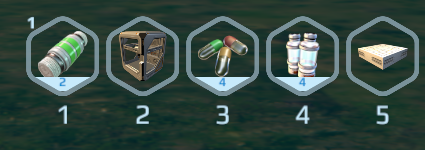
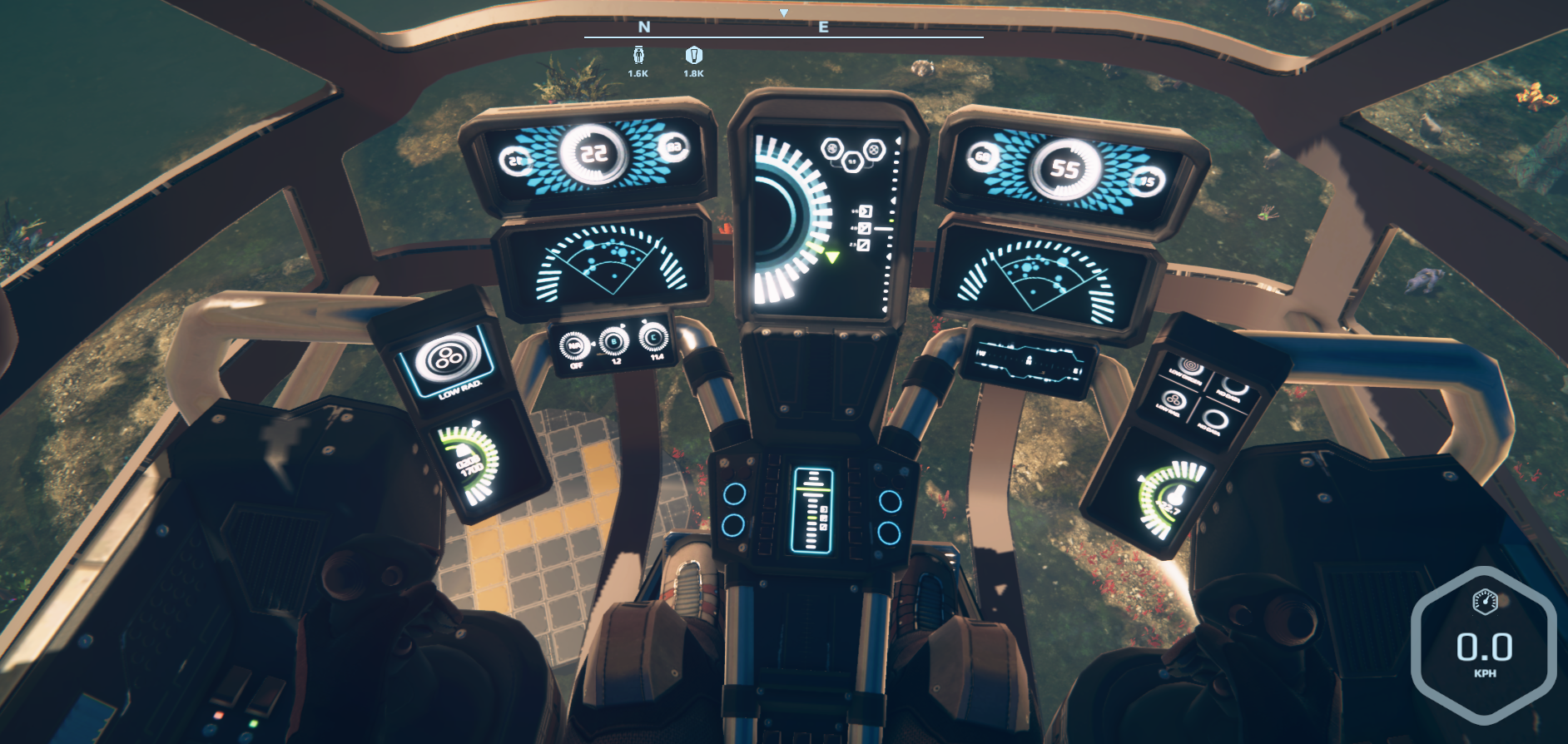
After long discussions inside the team and with some of you on the forums, we have decided that we do not longer need two different hot bar types. So we removed that short four slot hot bar from the game and you can use building hot bars to carry survival items as well. Hope that will bring more convenience than confusion.
We have also introduced the "blueprint" console command that our Kickstarter Wreck Designer backers will be able to use to send us their creations that we will soon add into the game as new shipwrecks.
The next step with blueprints will be loading them and making some user interface to use it directly from the game not just in console.
Here is the complete list of changes:
removed survival bar, building bars now can contain survival items
console - added command helps and new command for kickstarter backers for saving their wreck designs
modified tool/weapon behavior - removed autohiding and other tweaks
modified vehicle building help screen
fixed automatic miners - no more vanishing of potencial resources
fixed unintended reset of building block rotation
fixed some bugs in hover blades
disabled jetpack controls during renaming blocks in radial menu
removed easter eggs from nests
0.8.11.1 Hotfix
Hello Nomads,
There was an error in last release that caused application to freeze during load if there were machines making some items. This release fixes it.
Also there is one small change in Hot Bar item count appearance.
0.8.11 Build Vision Rework
Hello Nomads,
In this update we have made some fundamental changes in how Build Vision is used and some other tweaks in building. Maybe you will need some time to get used to. Many things work differently now but we hope it will save you some repetitive clicking. Let us know what you thing about changes on our forum.
The complete list of changes continues.
Build Vision / Hot Bar / Radial Menu Changes:
unlinked Build Vision from building, so you can build without the need to enable Build Vision
added "layers" to Build Vision - you can choose what kind of gizmos you want to see by holding TAB key
Radial Menu is accessible without Build Vision - BV is automatically temporarily enabled when needed
Build Vision does no longer switch Hot Bars - you can switch it by whipping out a weapon (Q key switches to survival bar) or selecting block (B key switches to building bar)
Hot Bar remembers your rotation of each block - you can reset it to original state by selecting equipped block again
Minor Changes / Bugfixes:
you can gather some loot from Nests, special Easter Eggs are here for a limited time!
to reflect recent changes tutorial and hints have been modified a little bit
Bio Generator is now earlier in the Tech Tree - you build generator first and appliances later
when you build a Battery, it is fully charged from the start (now also in the survival mode)
smoothened camera movement in first person view - should eliminate head bobbing sickness
modified Green House recipes to yield more crop
Biohazard Treatment, Escape Pod and Stasis Chamber now cures radiation
Medium Medbay recipes has been accelerated to be faster than in Compact Medbay
Emergency Printer no longer needs electricity after rebuilt
jetpack hover status is now saved with your game
it is no longer possible to change jetpack hover mode when game is paused
fixed some bugs related to swimming when game is paused or inventory dialog displayed
jetpack does not burn again if you exit vehicle that you've entered with jetpack enabled
fixed fast oscillation of circuits with solar panels (caused low CPU performance in some special cases)
fixed physics freeze of distant objects in some cases
fixed problems with air blades that caused air crafts unusable after save/load
0.8.10.1 Hotfix
Hello Nomads,
We've just released a fix that addresses issues with physics freeze causing uncontrollable hover crafts and similar problems.
0.8.10 Hotbar tweaks
Hello Nomads,
We have started this update with a serie of building interface improvements. You can now use 10 hotbars with blocks. Switch between them with shift + number. If you prefer one-time use of a given block, click with shift in build catalog and you can build without using a hotbar. You can also use text filter in block catalog.
In this release we have done some changes in the way how your buildings and vehicles are treated. This should fix troubles like vehicles merging with buildings during save/load as well as disappearing of big bridges while you still stand on it. Those changes are still in evaluation, so let us know if you find some issues with it.
Last but not least, we have added three long awaited block types with conveyor ports.
The full list of changes follows.
New features:
ten "pages" in building hotbar, use shift+0..9 to switch them
shift+click in block catalog equips block without using hotbar
filter by name in the block catalog
weather in advanced survival settings
New blocks:
ceiling/floor block with conveyor port
interior wall with conveyor port
six way conveyor
Bugfixes:
not unloading big bridges while walking away from its origin
physics freeze of distant vehicles to overcome some bugs on unloading
saving vehicle movement speed
saving unfinished work of printers
fixed ghostblock jitter
fixed occasional missing drop pod and other wreckage
fixed randomly vanishing electricity connections
fixed center of mass indicator misbehavior
fixed jetpack hover mode (didn't descend at max height)
item dispenser disables on entering vehicle
0.8.9.1 Daytime Hotfix
Hello Nomads,
Sorry for the bug in custom setting of daytime slowdown multiplier. It caused stopping of the sky and the whole universe in older custom saves. This hotfix should resolve it.
0.8.9 Deuterium Generators
Hello Nomads,
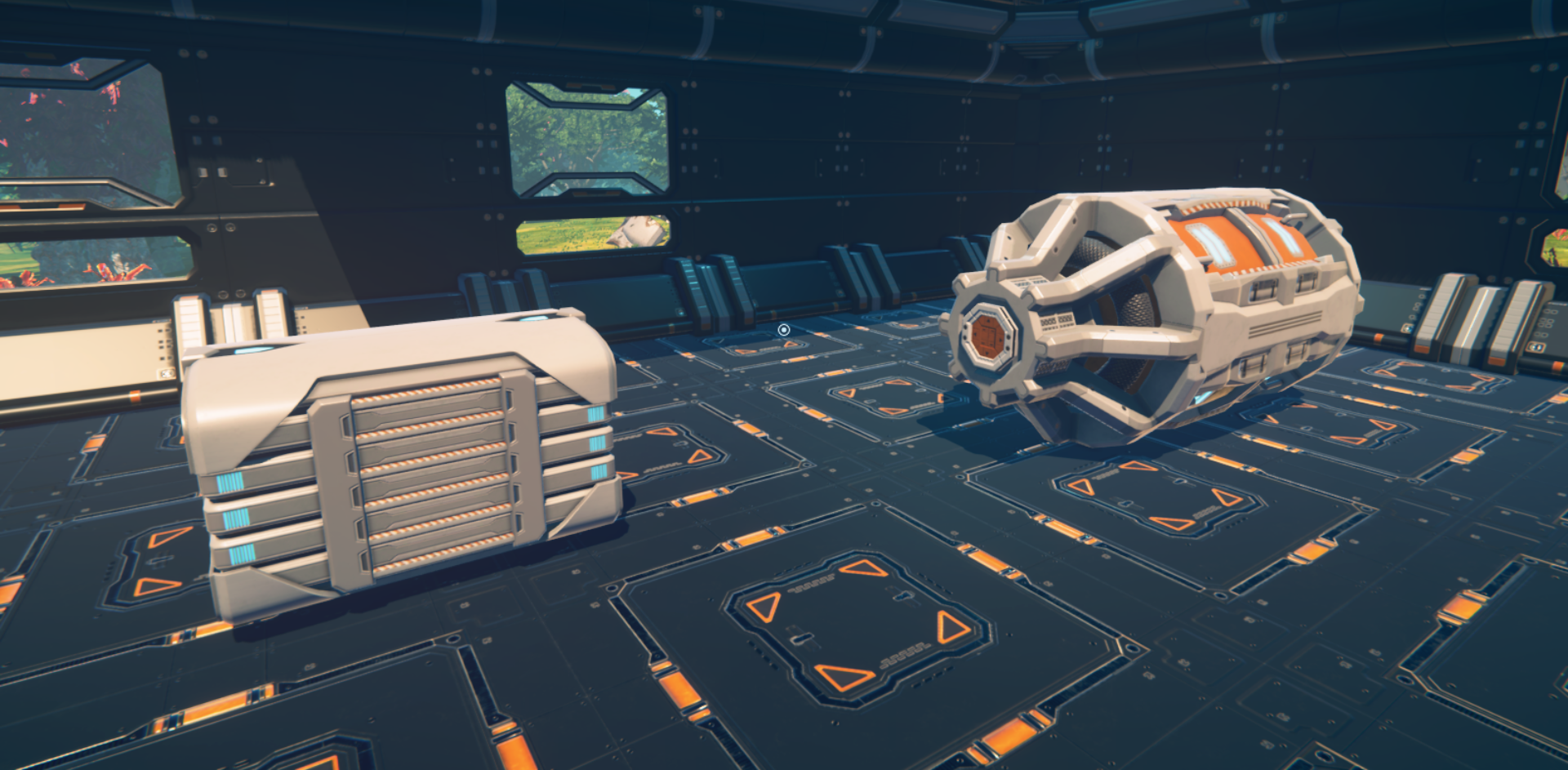
New update is out with two new blocks - Deuterium Generator and Small Deuterium generator. The first one is good for your bases, the latter for energy-intensive vehicles.
We have also improved the Build Vision. It now indicates the center of mass and total mass of each grid, so you will be able to design more stable air crafts.
Last but not least, you can now turn on/off your machines directly from their inventory, using little button in the top-right corner, without bothering with radial menu.
Here is the full list of changes:
added Deuterium Generator and Small Deuterium Generator
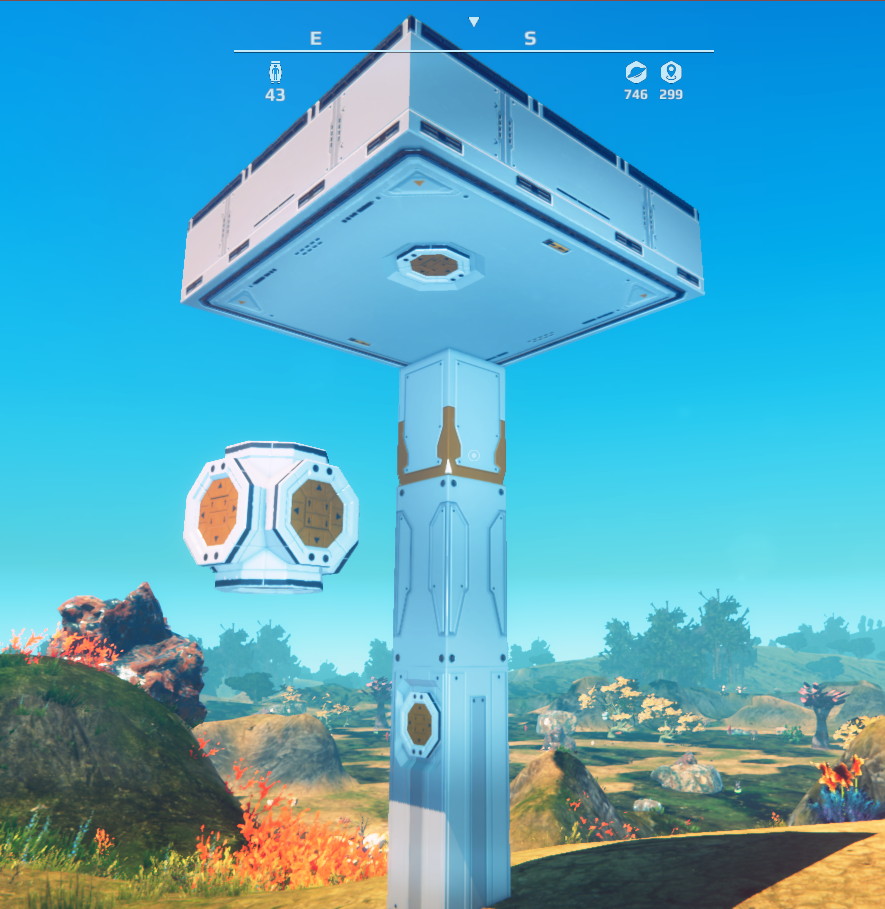
added indication of mass distribution to Build Vision
added option to alter the duration of daytime
added switch button into block "Use" GUIs
optimized first generation of the world (generating wrecks phase)
optimized game saving/loading, mainly on non-SSD drives
modified console to pause the game
fixed physics glitch when descending into water with jetpack in hover mode
fixed building positions on block "Reinforced Wall Ext/Int Conveyor Joint"
fixed planet map update after beacon rename
0.8.8 Connecting Conveyors
Hello Nomads,
In today's release we present new block for connecting conveyor systems. If you cannot fit pipes from different grids, just bring them close and put Conveyor Connector on each end.
We have also added two different shapes of solar panels and one new type of cockpit. The new cockpit is made mostly of glass so you will have better view, especially under your feet.
Last but not least, we have unlocked 3 new languages in menu. It's not 100% completed, but very near to finish.
Here is the complete list of changes:
new block Conveyor Connector - to join conveyors from different grids
new block Glassed Cockpit - for better maneuvering of your air crafts
new blocks Flat Solar Panels and Sloped Solar Panels
new "beta" languages: Russian, Portuguese (Brazil), Czech
optimized mass recalculation
fixed conveyors recalculation when grids are split
fixed vanishing buildings when last part of terrain chunk is deleted
0.8.7.1 Bugfix
Hello Nomads,
Today we have just a small update, consisting mainly of fixing error in block colorization and some other minor tweaks.
Full list of changes:
fixed missing materials (air blades that become pink suddenly)
increased maximum distance of the camera in 3rd person view
radial menu / inventory "Open" disambiguation
fixed recalculation of remaining power in generators after load
inverted display of selected color in color picker
0.8.7.0 Colorful Blocks
Hello Nomads,
This update brings one longely awaited feature - block coloring.
While using multitool, you can pick a color from our palette using middle mouse button (you can change it in options, of course) and then set this color to existing blocks using primary multitool action (left mouse button). Newly built blocks are colored automatically.