This update is for the (millions) of Poi fans still out there who enjoy PC gaming with a PlayStation controller.
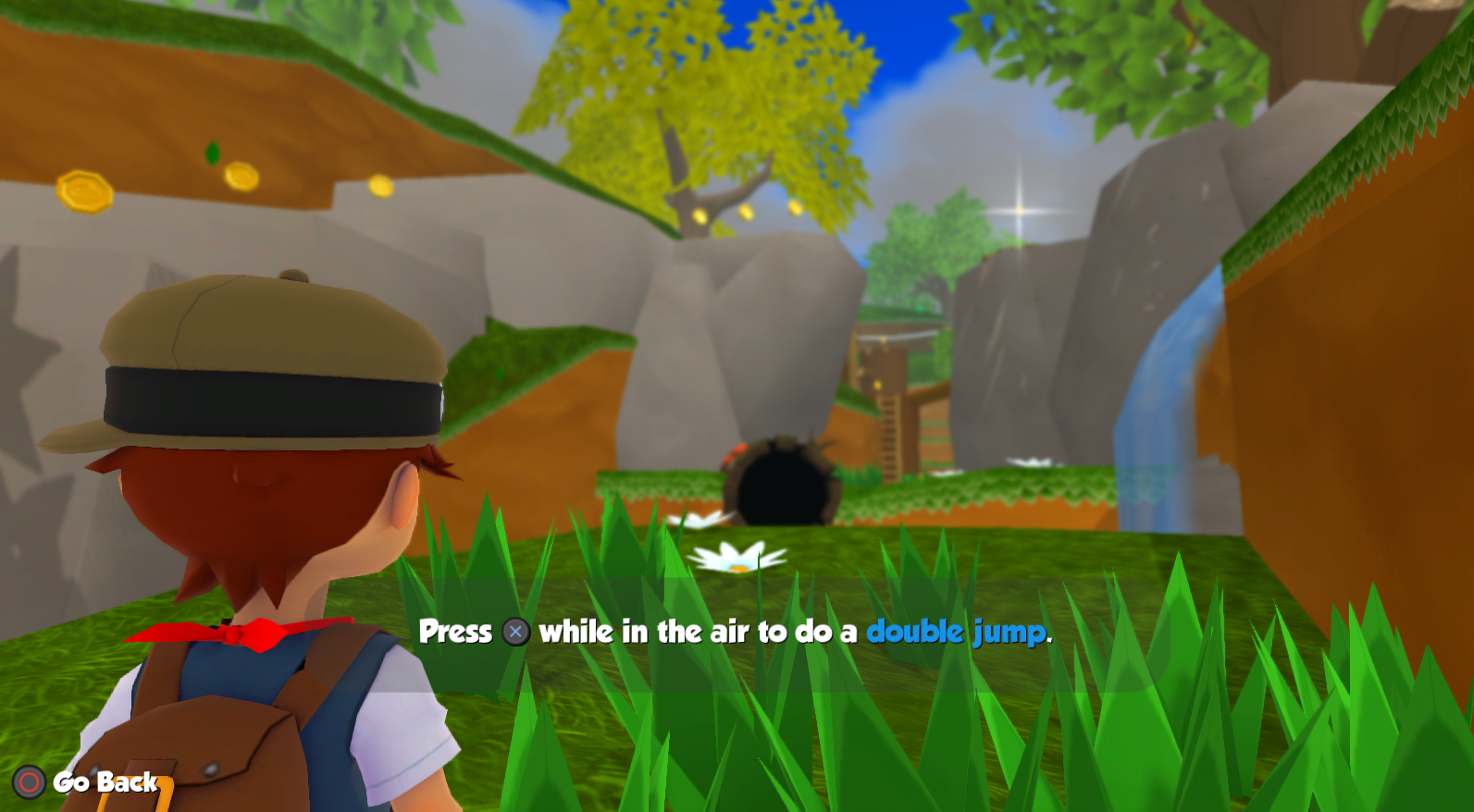
We've updated the UI to dynamically switch between Xbox or PlayStation icons depending on what controller is connected. The game now also natively supports DualSense controllers, however we recommend keeping Steam Input enabled (the default option) for best compatibility.
Happy gaming!
❤️ Paul & Ben
Oh, and the Nintendo Switch Pro Controller icons are supported now too, heh hoo!
New 3D Diorama Viewer
Today we're thrilled to announce a mini content update!
As a bonus for finishing the game, you'll unlock a new Dioramas option under the Extras menu on the Title Screen.
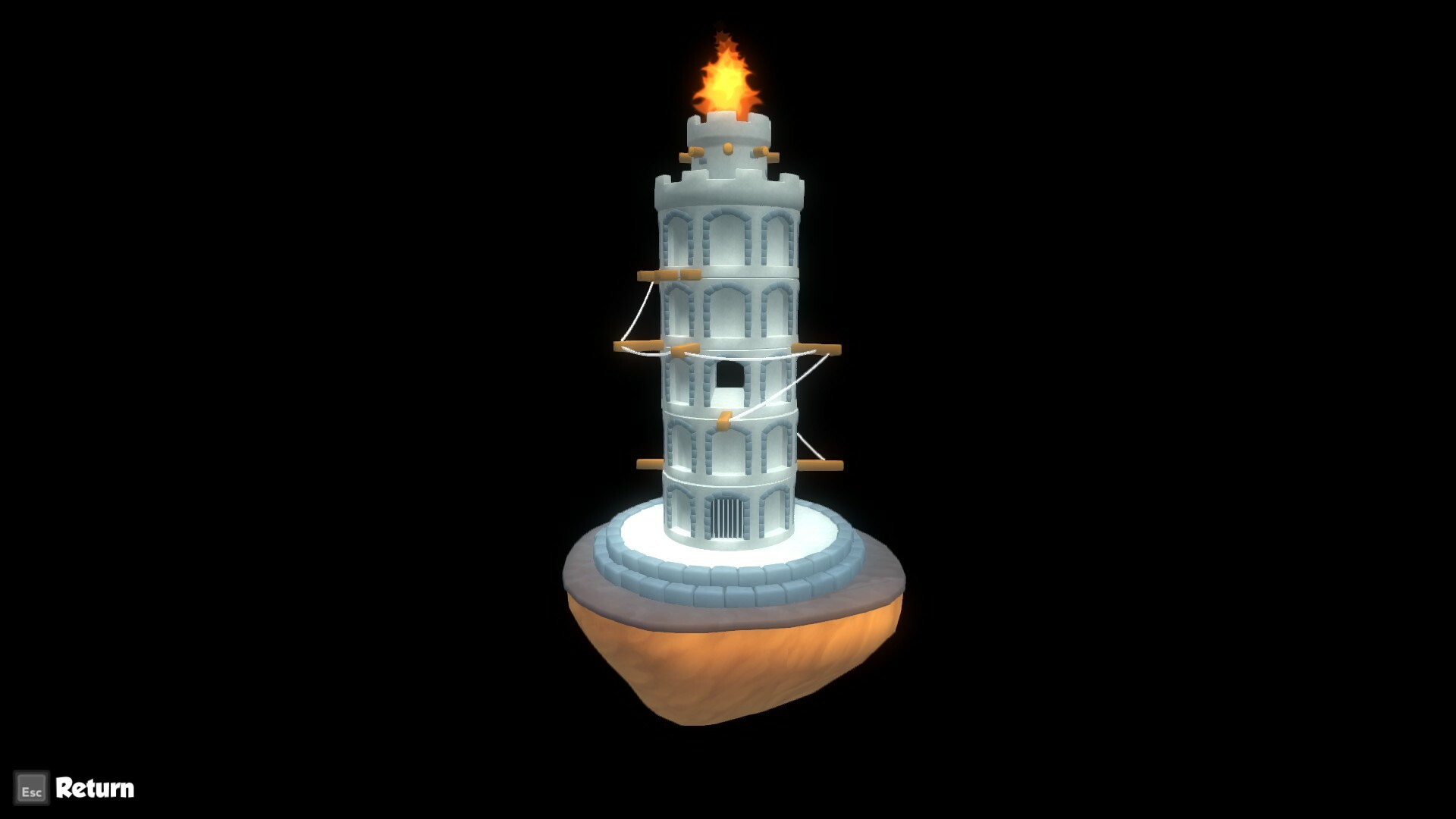
On the Dioramas screen you'll be able to preview many of the 3D models found throughout the game.
Did you find any easter eggs? Let us know what other characters, models or props you'd like to see!
All the best,
❤ Paul & Ben
Bug Fix Patch Release
There were a couple issues introduced with the last release that should now be fixed:
The tower should appear properly in Sinking Sands Heart of The Sandpit
The snowballs should appear properly in the Snowball Scramble Challenge Level
Be sure that Steam has updated the game and verify the correct build number (6489066) in the in-game options menu.
Thanks to ToriMakara, creepercraftsix, bitweeder (and others) for reporting these issues! And please let us know if you spot anything else, as we're a small team and our resources are limited, so we appreciate all the help from the community.
Thanks,
Paul & Ben
Ultrawide Monitor Support Added
Hi All!
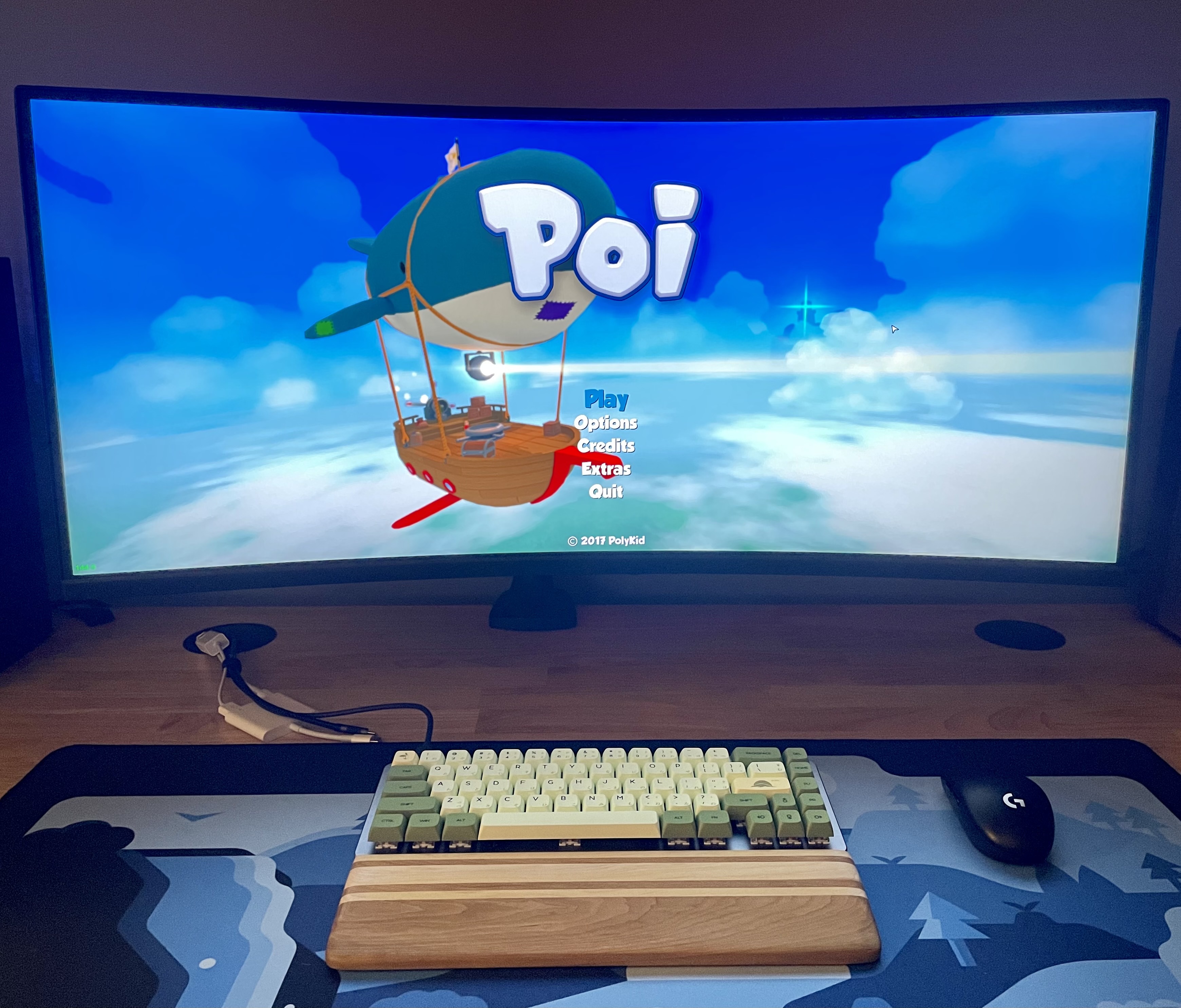
We have a small but noteworthy update today which adds native ultrawide monitor support (21:9 and above) for folks out there gaming on fancy monitors. To enable an ultrawide resolution, simply navigate to the in-game options screen and select your monitor's resolution from the dropdown. Poi now looks and runs great at 3440x1440@144hz and up!
We also fixed some legacy UI animation bugs when running the game at higher frame rates and made some minor UI improvements to the options screen.
Oh, and some of you may have noticed we recently transitioned the Official Poi Soundtrack DLC to Steam's new OST type, so for those of you who own the soundtrack or the Deluxe Edition of Poi, the soundtrack should show up in your Steam Library now.
And last but not least, THANK YOU and everyone else for supporting our small dev team over the years.
❤ Paul and Ben from PolyKid
P.S. We created these game builds (Windows, macOS and Linux) with a slightly newer version of Unity and from a clean machine, so if you encounter any new bugs or unexpected behavior please let us know.
P.P.S. Here's a bonus picture of Poi running on a 34" curved ultrawide.
If you have an ultrawide monitor, we'd love to see pictures of your setup running Poi!
Art Book, Music Player and Achievements, Oh My!
Greetings, Poi-ers!
We're rolling out an update today that adds three new features to the game:
A digital art book
A music player
An achievements screen
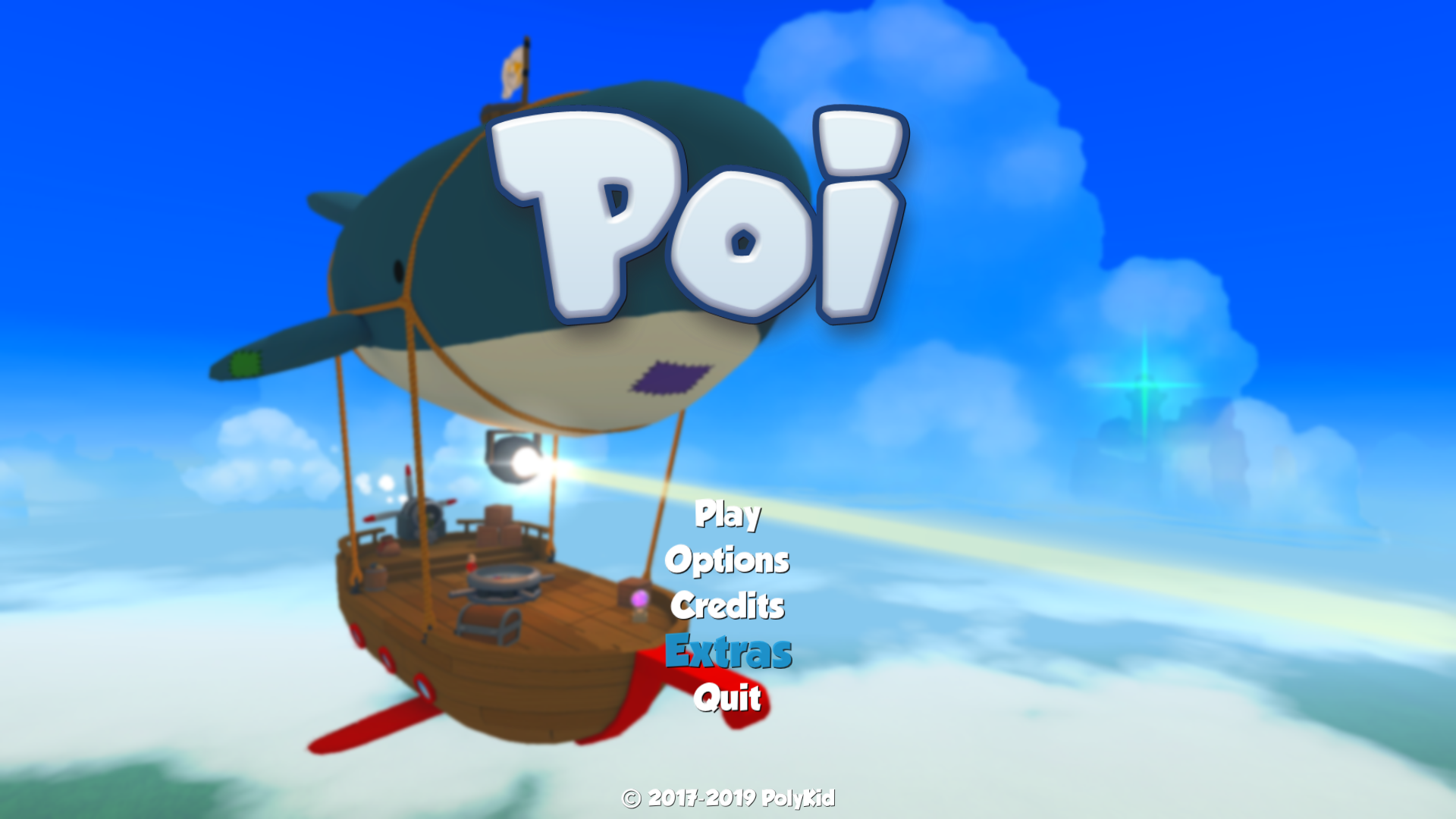
All three features can be accessed from a new "Extras" menu option on the main menu.
Note: New players will see the menu option appear after collecting their first medallion, and for players who have already beat the game, all music tracks will automatically be unlocked.
Art Book
The digital art book contains several pages of unreleased and promotional art that unlock based on your total medallion count.
Music Player
The music player lets you listen to all the tracks in the game. Each track unlocks the first time you hear it.
Achievements Screen
The in-game achievements screen shows your overall achievement progress with crisp, high resolution graphics.
And finally, a big thanks to everyone for being a part of the Poi community all this time.
Paul & Ben from PolyKid
macOS Catalina Support
Hello Poi Fans!
We're releasing an update today to support macOS Catalina.
As you may have heard, 32bit applications no longer work on Catalina, so this update includes a 64bit version of Poi for macOS.
Happy gaming,
Paul & Ben from PolyKid
Summer Update + LIVE on PS4 and Xbox One!
Hey All!
We're proud to announce that Poi is available now on PlayStation 4 and Xbox One!
Poi is part of the official games list for SGDQ 2017! It will be speedrun by 097Aceofspades on the 4th of July at 3:35 AM PST along with a few other folks providing commentary: Konasumi, Mildew, Shockwve, Amyrlinn and Keverage. Check out the full schedule here.
We're also got a new Steam build this week with lots of various improvements. It's been a while, so let's dive right in.
User Feedback and Bug Fixes
Added the medallion level select screen to the Forest and Snow Worlds in the Hub
Disabled several auto-camera view zones to give players more control over the camera
Added a "Game Saved" indicator icon to the HUD
Faster startup load time
Disabled depth of field while in telescope/photo camera mode
Updated controller icons and buttons
Updated god rays visual effect
Modified the way steering the Airship works to eliminate rare stuck bug
Increased resolution quality of various UI elements
Moleiseum intro doesn't play repeatedly
DualShock4 (PS4) controller lightbar support added (experimental; driver/OS dependent)
Fixed a bug with the girl's ledge grab hands offset
Fixed a rendering bug in New Game+ mode when the player dies
Fixed a bug when beating New Game+ that messaged New Game+ was unlocked again incorrectly
Fixed a bug with hats not resetting when changing save profiles
Fixed a Bucket Head in Sinking Sands that would occasionally get stuck under the ground
Fixed a bug where the Explorer Book key was using the Backspace icon instead of the Tab icon
Updated grass model
Fixed an occasional freeze bug when restarting mini games
Added the Unity logo to the credits page
Improved Performance
We've also done a substantial performance pass for this build. Most of the improvements apply regardless of the selected quality, but some will be more noticeable when selecting low, medium, or high from the options menu.
Be sure to give us your feedback on the fourms, and as always thanks for your continued support! <3
July 21st (Minor Build Update)
Fixed a rare bug that would cause unresponsive player movement upon death.
UI tooltips that appear above the player's head are no longer blurry due to the depth of field effect.
- Paul and Ben
Bug Patch #2
Hey all,
This week we've got another small Friday update (build #1639667) with a few changes.
Bug Fixes and Improvements
Added an option to toggle VSync from the options menu (this might help the performance/stuttering issues some of you have still been reporting).
Fixed a bug with mouse acceleration introduced from Bug Patch #1
Fixed a bug when using Alt+Enter (Cmd+F on Mac) to enter full screen mode where the UI/HUD would disappear.
Updated our Steamworks SDK (this should be a transparent change, but if you see any issues with achievements or leaderboards, let us know).
Set Target Frame Rate
We've also added an in-game console command to help those with performance issues. You can set the target frame rate (from 30-120). For example, if your machine is less powerful it might be a better experience to clamp the frame rate to 30.
Open Poi and hit the tilde (~) key (left of the 1 key).
Type: "targetfps [num]" (no quotes and replace [num] with the desired fps). For example: targetfps 30
Hit (~) again to close the console.
You can also use the "fps" console command to display the frame rate in the lower left corner of the screen to verify.
We're continuing to work on bugs, performance and other things so please keep the feedback coming.
Happy weekend!
-The PolyKid Team
Bug Patch #1 & Launch Discount Reminder
Hey all,
Hope you had a good weekend! We've got a patch today that addresses some of the most common issues we've been seeing.
Bug Fixes and Improvements
Various performance and stuttering improvements that some people were getting (even with high end machines). Please let us know if you are still seeing these problems in our forums.
Fixed some instances where NPC animations weren't playing
Fixed a bug where sometimes the Explorer Book wouldn't show Snowland even though level progress had been made.
Fixed various rendering issues with New Game +
Fixed the Batula player effect in New Game +
Updated some localization inconsistencies & errors (fixed missing French characters)
Fixed inverted input for Linux
Enabled rotation using the left stick in first person view
Increased compass efficiency for Rocket Blastoff
Fixed a rare case where player would get locked out of the Lord Buckethead battle
Fixed an issue where Mr. Steins would sometimes not be activated
Fixed some lighting on the Final Boss
Fixed platforming bugs in Crystal Caverns
Updated controller input to support more devices
Fixed double inputs when using the Nvidia SHIELD controller
And an additional reminder that the 15% launch discount ends this Wednesday, February 8th! It's a great deal, so take advantage of it!
We're continuing to monitor the forums and reviews and are addressing other bugs. As always, we appreciate all the feedback! We may have another patch out later this week, so stay tuned.
-PolyKid
Release Week Roundup
Hello, Everyone!
We've been overwhelmed with the positive response to the official Poi launch this week, so first a big THANK YOU is in tall order!
We'll continue to support the game through release, so today we've got a mini update (build #1609702) to tide you over through the weekend.
And don't forget to take advantage of our 15% launch discount! Now is the perfect time to dive right into the action. If you enjoy the game, please consider writing an honest review (we read them all).
New Costume!
We've added another hidden costume somewhere in the world... can you find it? We also moved the 100% costume to make room and to fix the Costume Quest achievement being awarded too early.
User Suggestions and Bug Fixes
Changed the Explorer Book key from Backspace to Tab
Fixed a bug with the Costume Quest achievement unlocking too early
Fixed a bug where the final boss projectiles would move too fast and off screen
Fixed a bug where the player avatar always defaulted to the boy after quitting to desktop
Fixed a bug where music and sound effect volume wasn't persisting across sessions
Fixed a bug with the Camera Item in New Game+
Removed the Heart Item from the Shop in New Game+
Fixed a bug where some Early Access save files couldn't progress past The Mysterious Gate
Fixed a bug where the Bat confusion effect wasn't getting removed during level transitions
Fixed a possible bug with the boss checkpoint in Mount Magma
Fixed a bug when starting the game set to Brazilian Portuguese
Fixed a German typo from "Deutsche" to "Deutsch"
We've also been getting some early press this week!