

Project Arrhythmia
Soundtrack out now!
https://store.steampowered.com/app/802980/Project_Arrhythmia__Soundtrack/
Level / Art Competitions

Featured Art: https://twitter.com/sakanfish
Click the links below to find out more! Good luck everyone :D
Level Competition
https://forms.gle/QHj921Uae7sGqLjL7
Art Competition
https://forms.gle/TFEjxuZmnH2P8Jyn9
Character Reference
https://docs.google.com/document/d/1PkrXZsoscLQLR_QJCIh7cJSA0xr1nFKYk-oWSyRBKaM/edit?usp=sharing
I'm back!
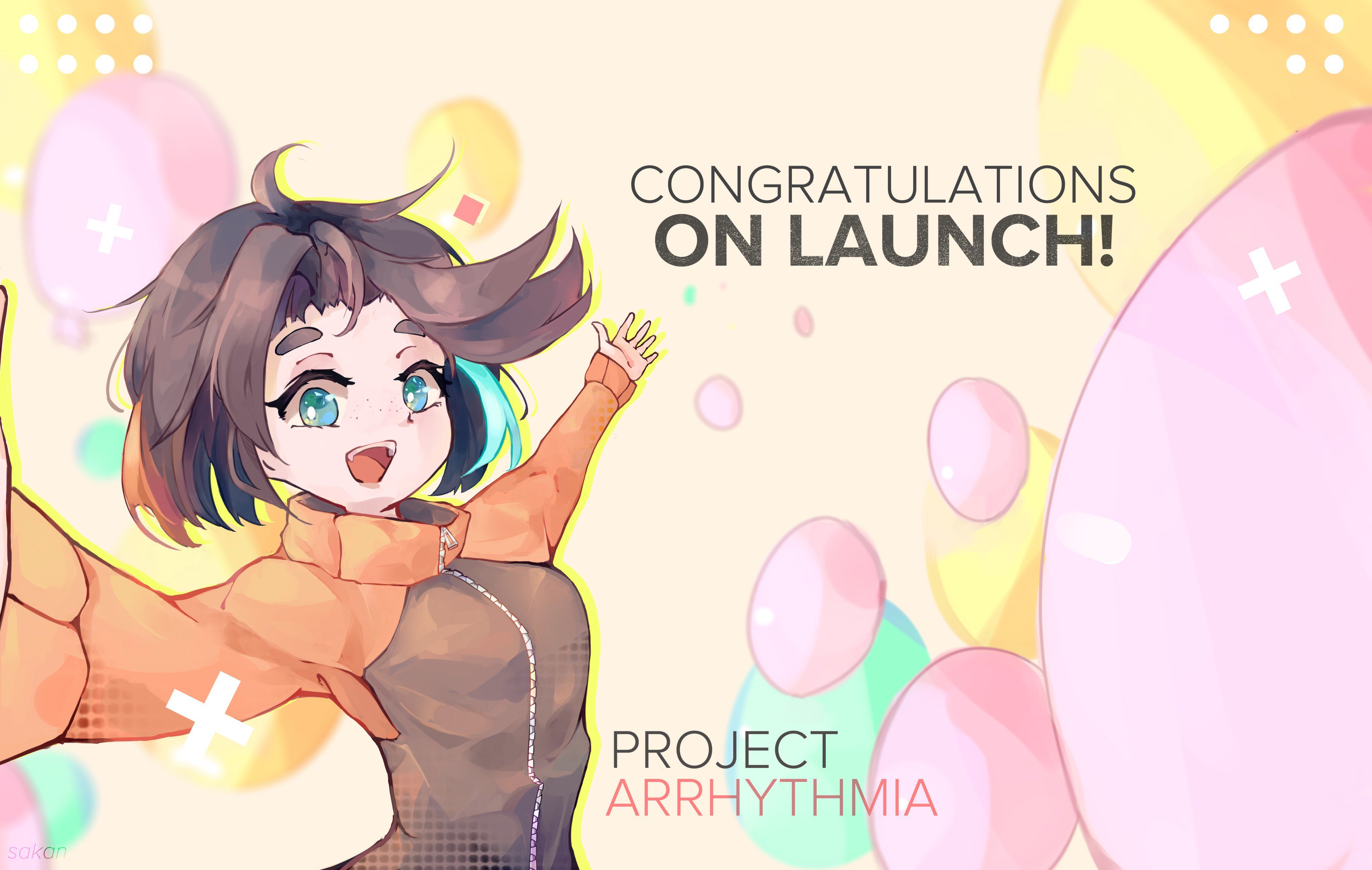
Featured Art: https://twitter.com/sakanfish
I took a few weeks off to recuperate and now I'm finally back! Thanks for remaining patient! I plan to keep y'all updated on the update schedule for the game via here and discord so stay tuned, should have more to show y'all in the next few days!
Quick Development Update!

I will be taking a short break from Project Arrhythmia. I know this isn't the best of news for y'all cause it means no updates for a while but, I would like to do this now before I burn out completely. So till next Friday I will be completely stopping work on the game. I hope I can come back stronger soon and be more reliable I still will be checking in on the discord server but mostly to talk to y'all as friends rather than as the developer of the game. This means the OST release will be delayed from this friday to the 5th of July. Feel free to DM me as usual or talk in one of the channels if you have any last minute questions or updates you want.
Things to look forward to...
- Level Contest
- OST Release
- SVG custom objects
- New death / Hit animations
- New Effects
- Bug fixes
Discord: discord.gg/projectarrhythmia
PS: Completely forgot to update stuff for pride month but it's up now lmao. Happy Pride!
How do I play this game!?
- Avoid everything that's in the foreground of the level
- Move with Left joystick / WASD / Arrow Keys
- Boost with A Button / Space Key
Boost helps you avoid objects since it gives you a slight speed boost and temporary invincibility.
Hope that helps!
A quick look back and thanks!

As the clock ticks down to launch I just wanted to make one last post looking back. I started Project Arrhythmia over 6 years ago, at the time I was only a high school student. If you would have told me that I'd be launching on Steam with an amazing community, tons of user made levels, wonderful fanart and so much more I would have never believed you. Yet here we are! We made this game what it is together and I really cannot say how much I appreciate the people that stayed around. I hope you enjoy the game as much as I enjoyed making it with all of you.
- Lily
Are you ready! Only 3 more days!
That's right the game will be out this Friday at 6pm CST (June 14th)! Are you excited!? I certainly am! A few things to note...
- OST DLC will launch on the 21st
- Badges / Cards / etc will launch on the 21st
Also a new level editor competition will be announced soon after launch so keep an eye out! Really excited to bring you a lot of updates after launch and I really hope you enjoy the game!
Don't forget to join the discord!
2019 Onwards!
Wow! What a year!
If you would have told me early 2018 I'd end this year with such an amazing community I wouldn't have believed you. With a community now over 300+ strong on discord [join here] I'm simply floored. You are all so incredibly talented and nice to talk to I could not ask for a better community! So let's take a look back and see how much has changed this year...
Updates
This year we started on version 3.0.0 of the game...we are now nearly at 3.9.0, there have been hundreds of changes / features added / bugs fixed. While there's still a lot to do its pretty incredible how much the game has progressed in just one year. Heck the arcade didn't even really exist before this year lol.
Art Creation
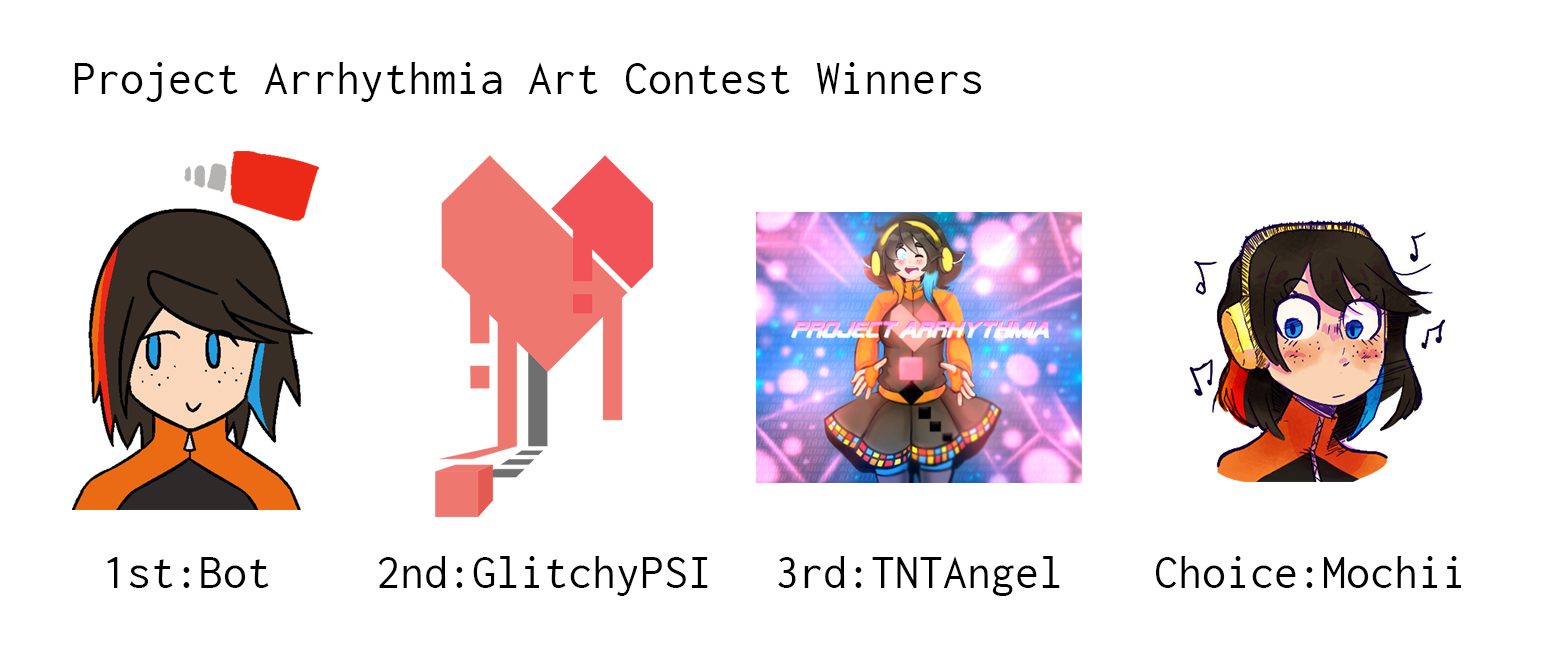
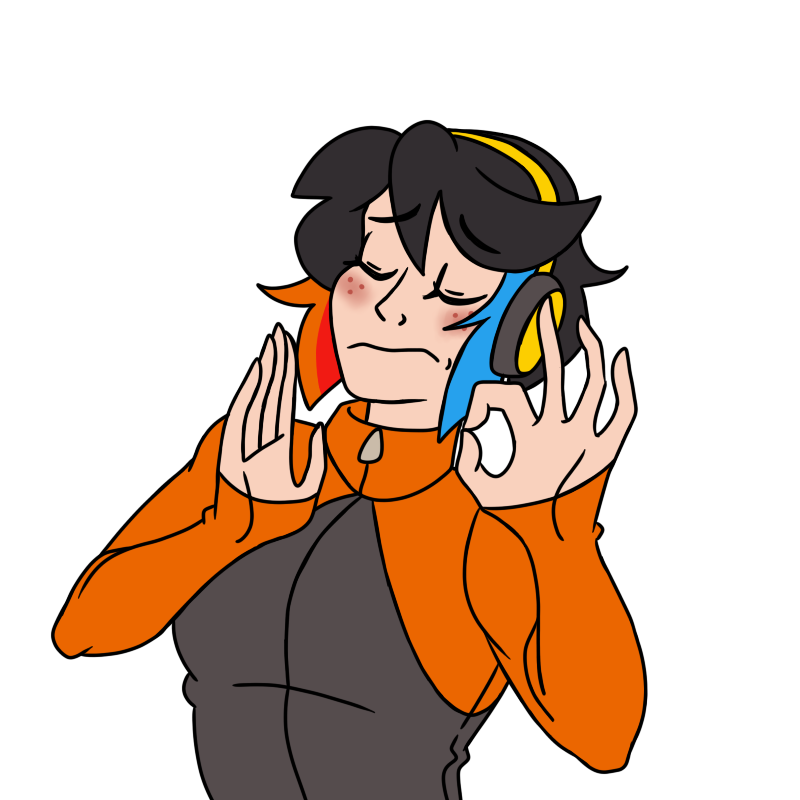
We held a successful art competition which had so many amazing entries! Though y'all have certainly made some amazing art outside the competition as well! (Seriously thank you to everyone who made art I only was able to post a few here but trust me when I say I loved everything posted!)
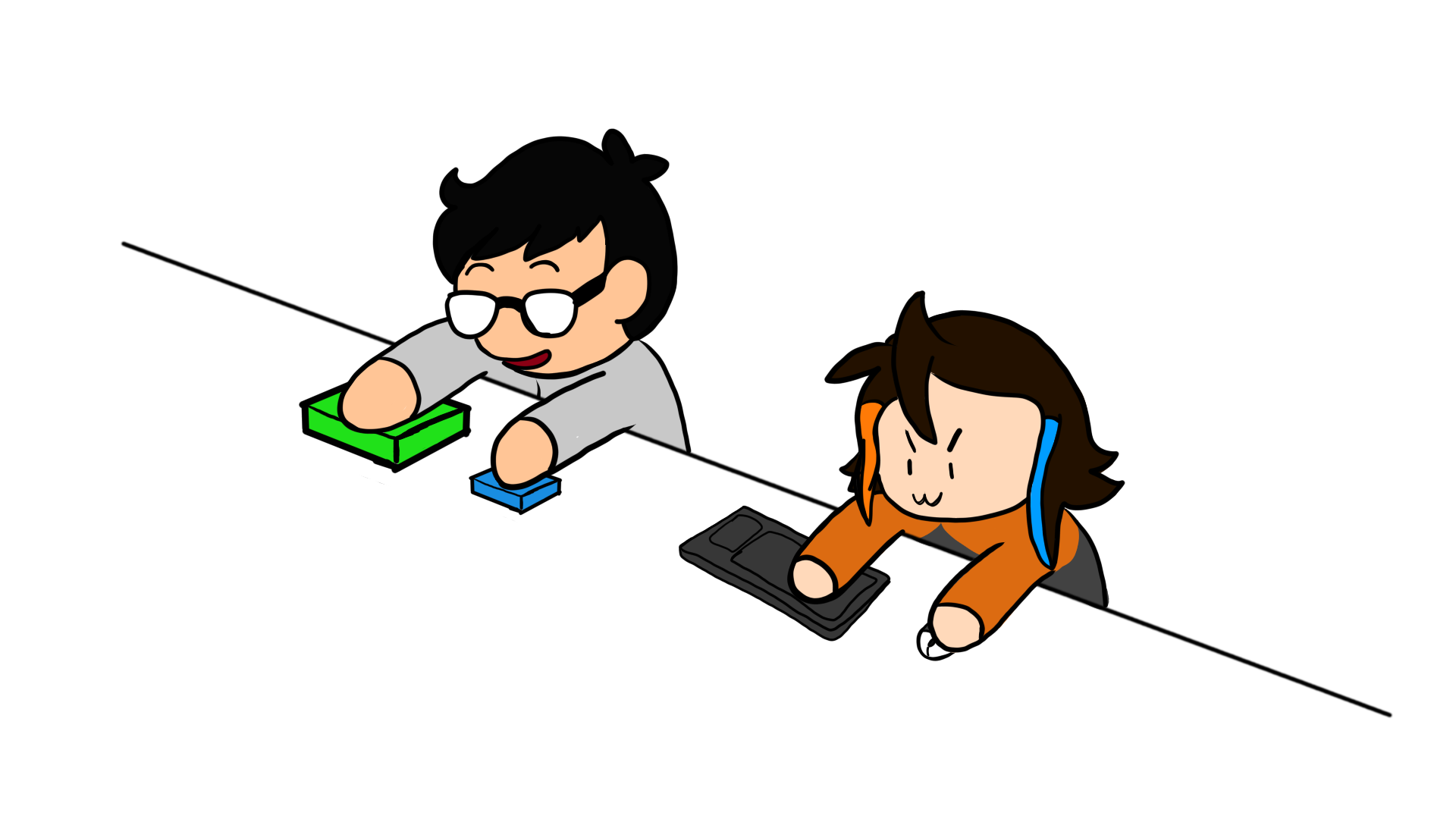


...including some horrifying emotes...

Level Creation
We had several amazing levels made! Here's just a few of the recent ones. Trust me the workshop has many more! Ya'll constantly are innovating on the editor doing things I simply never through of and it's amazing to me what y'all are creating.
https://youtu.be/B8TsI4HXc9A
https://youtu.be/p3wKheiV3as
https://youtu.be/IWzmLLwZpgM
So for all this and more thank you! I look forward to giving you all the amazing finished game y'all are expecting come this 2019.
- Limes
3.8 (BETA) - Better Editor / New UI / Online Multiplayer / Much More
UPDATE TIME WOOHOO!!!

TL:DR
- New Object Types
- Parsec Online Co-Op
- Better Editor
- Reworked UI
- Optimizations
- Quality of Life Editor Updates
- Far More STABLE
Wanna join the BETA? Pre-Order to get instant access at 20% off the final price!

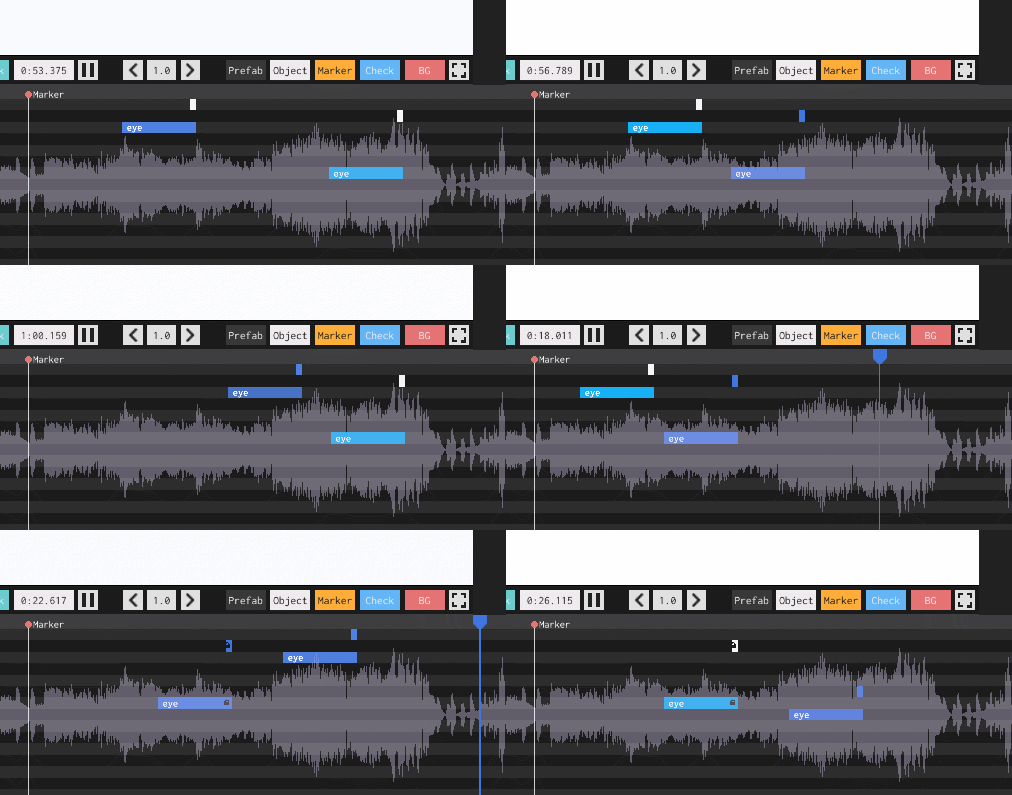
New Level made by Beta Tester
https://www.youtube.com/watch?v=5qspUwnUSY4
Full Breakdown (So many I didn't even split them apart...over 150)
- Fixed prefab dialog overpowering marker dialog
- Fixed issue with timeout for arcade loader
- Added offset option for selected prefab
- Optimization for drag to select
- Added ability to scroll over object values to quickly change them
- Changed default timeline zoom
- Fixed invalid collision on some object shapes
- Added autosave functionality
- Works by saving up to 3 copies of your beatmap every 10 minutes then these files can then be used to replace the level.lsb file in the case of corruption or forgetting to save
- Dramatically decreased time it takes to load in arcade levels on startup
- Fixed bug when exiting input select
- Fixed various issues with different controllers disconnecting and reconnecting
- Added quick elements for the GUI
- Fixed issue with objects having physics....
- Updated first boot screen
- Fixed colors for text objects
- Removed collision on text
- Changed font on text objects
- Text now properly displays instead of getting wrapped
- Save popups better shown
- Turned down main menu music
- Changed all interface fonts to be consistent
- Changed bpm slider to 50-300 and now can have non-whole numbers
- Added GUI color for themes that controls the player trail color and the timeline color (Use "gui" to change the GUI color)
- Added drag to multiselect
- Fixed issue with placeholder button getting shown in editor
- Fixed issue with arcade levels not loading prefab objects
- Added timeline object locking with Ctrl + L
- Smoothed timeline calculations
- Fixed issue with prefab not getting put on current layer
- Fixed issue with multi-delete
- Fixed issue with prefab delete
- Fixed dotted line render issue
- Added new shape options
- Added collapse as an option for objects created from expanding a prefab
- Better handling of left part of the object editor
- Added expand option to prefabs to edit specific instances
- Added delete prefab options for internal / external
- Added methods to control deleting of files
- New Prefab system
- Timeline bug fixes
- Overhauled timeline renderer to work with prefabs
- Fixed type loading issue
- Reworked gui for prefabs to make new system more clear
- Clear popups on dropdown select fixed
- Removed rumble for controllers (temp)
- Fixed circ / expo / quad eases inout
- Fixed layer slider
- Multi-object bin movement
- Fixed snapping on pasting / dragging event keyframes
- Fixed player color switching
- Added custom themes
- Fixed layer rendering issues
- Fixed layer keycode issues
- Consolidated layer rendering code
- Fixed marker dialog persistence
- Reverted iframe fix
- Updated tweening engine
- Added optimization for tweening engine
- Fixed graphical optimization
- Tried fixing iframe issue again.....
- Made death rewind animation better
- Optimized Backgrounds
- Added an extra layer
- Fixed marker positioning on timeline
- Added marker dialog to change colors
- Added marker names
- Added marker descriptions
- Added marker keycodes to jump between them ctrl+alt+left/right
- Made longer names possible for objects
- Various other small improvements
- Fixed issue with difficulty display
- Fixed issue with description display
- Fixed oval collision
- Fixed player hit i-frames issue
- Worked further on optimizations
- Updated story level
- Beatmap updater works (which means backwards compatibility)
- Multi-threaded saving in editor so no performance hit
- Small optimizations to reduce file size of levels
- Fixed issue with dragging timeline breaking main timeline
- Fixed a mega bug ;P (scaling fix)
- Fixed prefabs not carrying over shapes
- Fixed weird rounding issues in some cases
- Fixed issue with objects not deleting properly
- Added new object keyframe eases Quad / Circ / Expo
- Fixed render bug with objects
- Added names to timeline objects
- Added different rendering style for helper objects in the timeline
- Fixed issue with prefab tooltip
- Fixed issue with event keyframe times not updating
- Added object timeline zoom / position persistence for each object
- Fixed color overflow
- Fixed issue with colors not appearing / loading correctly at all times in editor
- Added black to donuts theme
- Changed rewind sound / time
- Fixed onfocus issue unpausing
- Fixed cut issue with keyframes
- Fixed not being able to have spaces in new level name
- Fixed colors not loading issue
- Added randomization to scale / rotation
- Fixed issue with random being used more then once not working
- Fixed issue with keyframe order not updating properly when placing down keyframes
- Fixed issue with size of timeline objects not updating correctly
- Game auto pauses when defocused
- Fixed menu buttons
- Fixed cursor issue slightly
- Decreased editor load time on startup (by changing default song (also now a slight easter egg))
- Parent popup now autofocuses when clicked to search quicker
- Parent popup text is persistent
- Fixed issues with invalid parent options showing up in popup
- Added black and white objects to almost all current themes
- Fixed parent z-depth error
- Fixed issue with objects at time 0 on the master timeline
- Event Keyframes now work like object ones were they inherent the properties of the one placed right before it
- Fixed lens arrows being two precise
- Made the resolution of the timeline increase based on length of song leading to a higher fidelity timeline
- fixed scrolling being weird sometimes on main timeline with mousewheel for zoom
- Removed snapping for event keyframes (temp fix)
- Removed erroneous update object call (optimization)
- Fixed issue with event keyframe delete shortcut not working
- Optimized multi-delete of event keyframes
- Removed cloning of rotation events when adding a new one
- Fixed issue with save as dialog
- Fixed issue with keyframes being dragged and not updating timeline
- Fixed issue with start time not always updating object
- Small object optimization
- Fixed issue with keyframe not being clone of prior one when added...making it more tedious then needed
- Fixed issue with parents and children depths
- Fixed issue with levels bleeding and crashing editor
- Fixed issue with editor crashing on reload
- Added sub-images to the discord presence
- Tweaked player to feel a bit more response and to look a bit better
- Fixed [escape] not working as valid back button in arcade song preview
- Fixed speed of drawing when many spaces are in the text
- Removed creepypasta
- Added thumbnail images to arcade buttons
- Fixed number of levels loading per page in arcade
- Changed text loading cursor
- Added mip-mapping to arcade thumbnails
- Fixed arcade image loading / display
- Added ability to skip level loading with escape while arcade is loading in intro
- Fixed shake event issues
- Fixed theme event issues
- Fixed text shape issues
- Fixed level loading issues (nulled everything without re-init)
- Fixed issue with parents getting killed when their children are duplicated [LMAO]
- First iteration of text objects
- Fixed circle / triangle / rect depth issues
- Added Triangles / Rects / Circles as shapes options
- Fixed Object Snap with rotation
- Added beta warning Screen on startup
- Added Arcade reload to config submenu
- Fixed shake and made it more normal
- Fixed object jerk on creation in some cases
- Fixed issues with editor arrows for random position
- Added discord link to main menu
Update 3.7.0 (BETA)
- New event types
- Better editor
- Better arcade
- Optimizations
Check out some awesome in progress levels by some fans on discord!
https://www.youtube.com/watch?v=wcRDu9pj0VU
https://www.youtube.com/watch?v=vk8NIdBRnyc
https://www.youtube.com/watch?v=h74Fvo6Mtq0
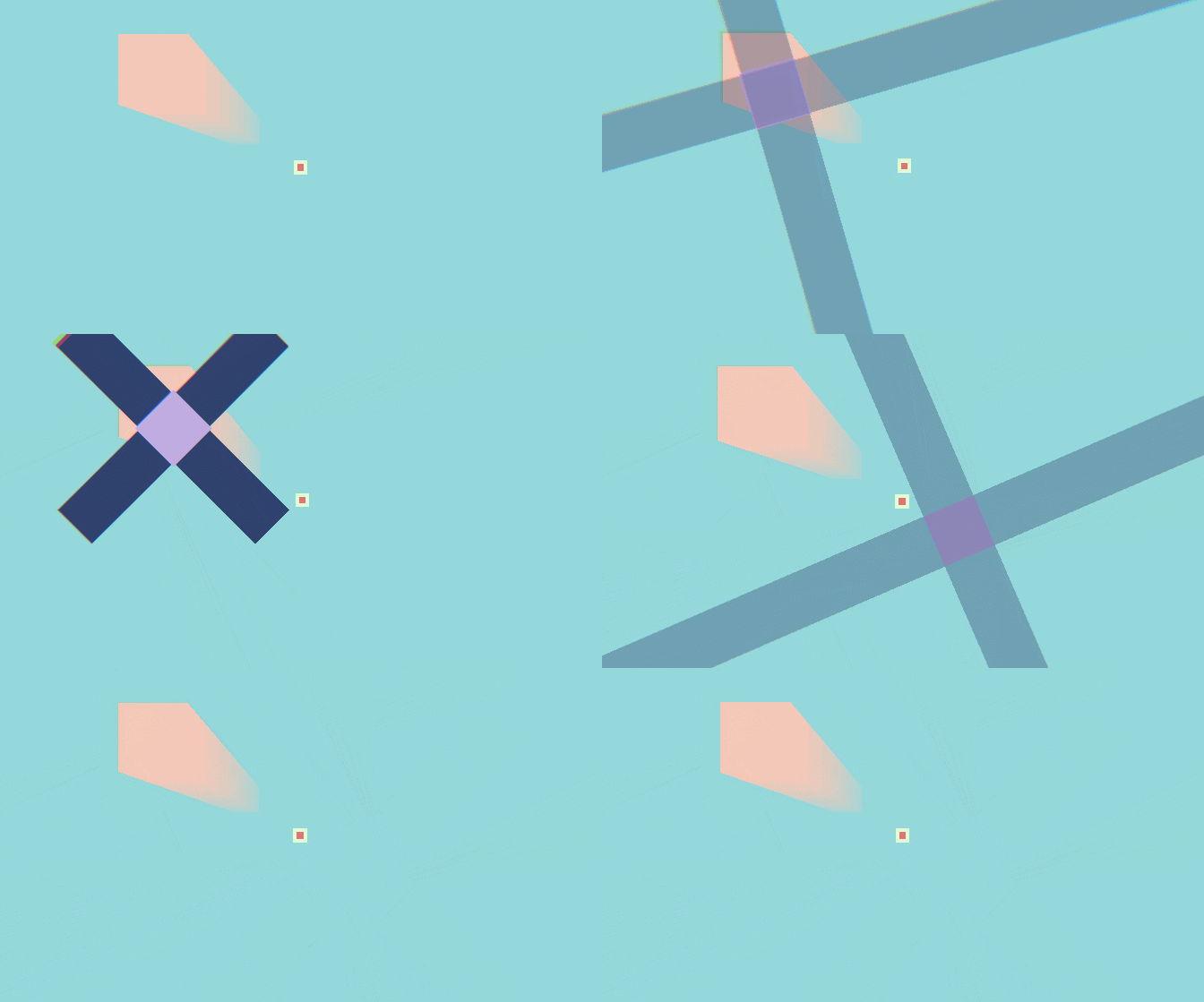
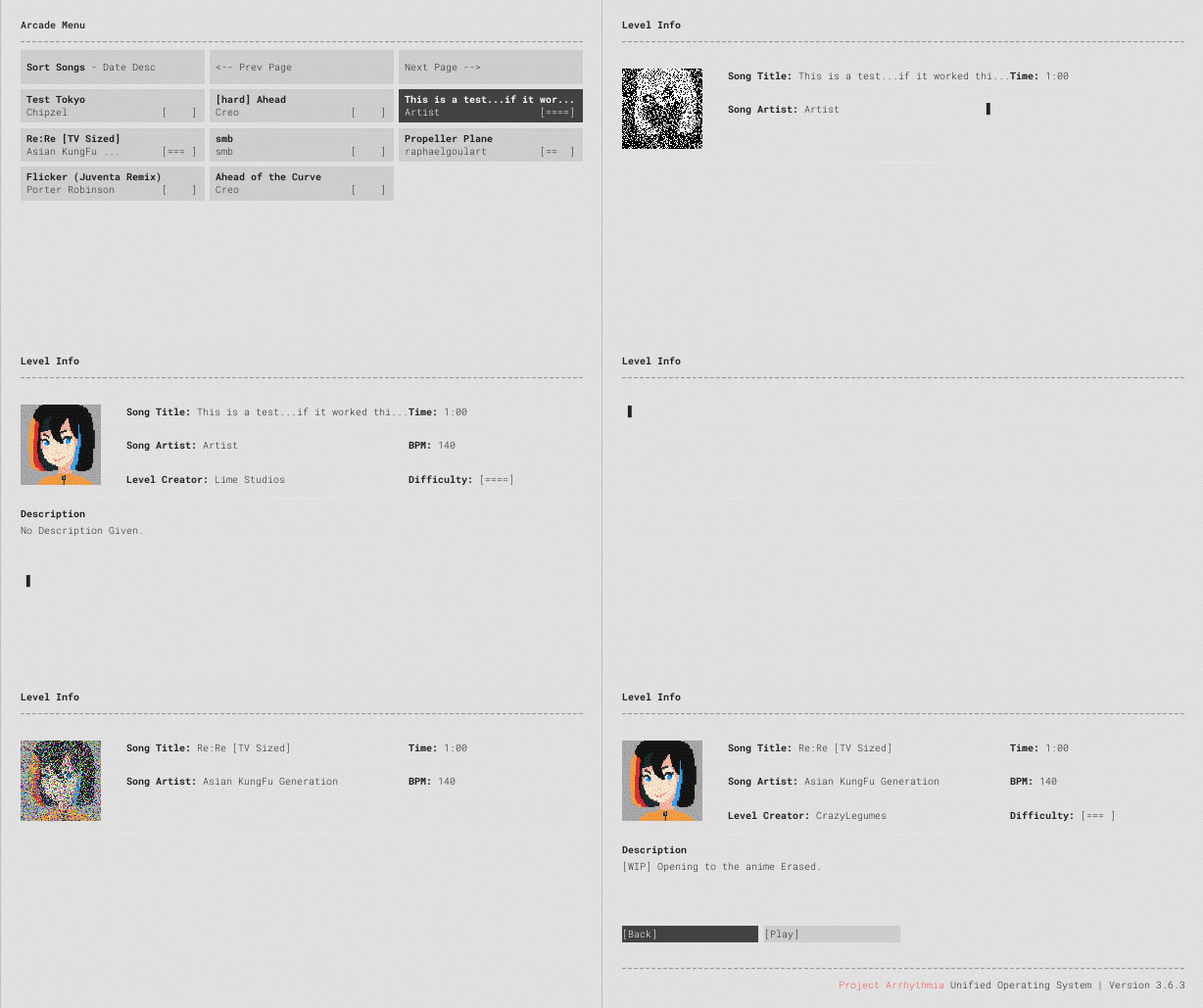
Full Breakdown
Features
- Completely overhauled Arcade Menu
- Added new ease type of instant
- Completely redid the editor to render at x2 scale to allow for better and crisper text
- Level open dialog redone to show more info
- Editor now has far more bins
- Events have been moved to their own separate layer
- Zooming in editor handled much better / smoother
- Added several new event type
- New levels have backgrounds auto-generated for them
- Added help dropdown for editor which includes discord and youtube link
- Object / Event Keyframe copying / pasting / multi-select / dragging
- Added beta warning Screen on startup
- Added Arcade reload to config submenu
- Added discord link to main menu
Changes
- Fixed shake and made it more normal
- Changed arrows to tap instead of hold for timeline movement (also pauses song)
- Added ability to quit the game during steam arcade level loading
- Changed editor bar to include markers and not events
- Discord now better tells what you're doing in the game
- Arcade now only loads once at the start of the game
- Made terminal clicks more noticeable adding a lot to feel of the menu
- Arcade now streams the audio to allow for better RAM usage as well as quicker load times
- Updated to Unity 2018.2
- Added start of versioning control and update methods
Fixed Bugs
- Checkpoints behave correctly in editor preview mode now
- Fixed issue with discord integration
- Fixed spawn visual glitch bug for position / rotation
- Fixed scrolling in many dropdowns and lists in the editor
- Fixed crash that would happen after playing an arcade / story level then opening editor
- Fixed reversing not working with events always
- Fixed level loading issue with zero objects
- Fixed drag issue where objects would unselect after drag
- Fixed issue with dragging objects not updating in preview
- Fixed deleted keyframes not updating preview
NOTES
Any levels made after 3.6 release will work with this update. However, events previously in the level will not.