

Puzzledorf
v3.0.12 - Snow fixes and other
- Snow had stopped falling on snow levels: now fixed
- There was a bug that sometimes if you pressed R, the character turned Red: now fixed
- There was a bug where the character turned semi transparent sometimes in the "Movement Speed" menu: now fixed.
v3.0.11 - Fixed music cycling bug
v3.0.10 - Credits fixes, Icon Changes
There have been changes to how the credits work, various bug fixes and the icons for L and R on the game controllers have now been updated to L1 and R1.
Full Notes
- There was a bug where sometimes the credits wouldn't responded to "pressing any key" and instead waited for the music to finish. This is now fixed
- Credits have been added back as a selectable option on the main menu
- Credits will no longer be triggered by finishing puzzle modes. Finishing all Puzzle Modes will show a brief message you are entering the next puzzle mode, then play will continue (except for Christmas Puzzles, which sill simply thank you for playing, then go back to the main menu)
- L and R have been changed to L1 and R1 for all controller UI icons
- Other minor fixes and optimizations
v3.0.9 - New Demo Level Added, Bug Fixes
- 1 more level added to the demo - Classic World 2, level 2
- The new, updated UI has also been added to the demo (previously just in the full release)
- Fixed some issues with the PS5 DualSense controller not behaving properly in some situations on certain distributions of Linux
- Fixed issue where "Undo" was not working on PS5 controllers
- Other minor fixes and optimizations
v3.0.8 - In-game UI Layout Updated
v3.0.8 - UI Layout Update
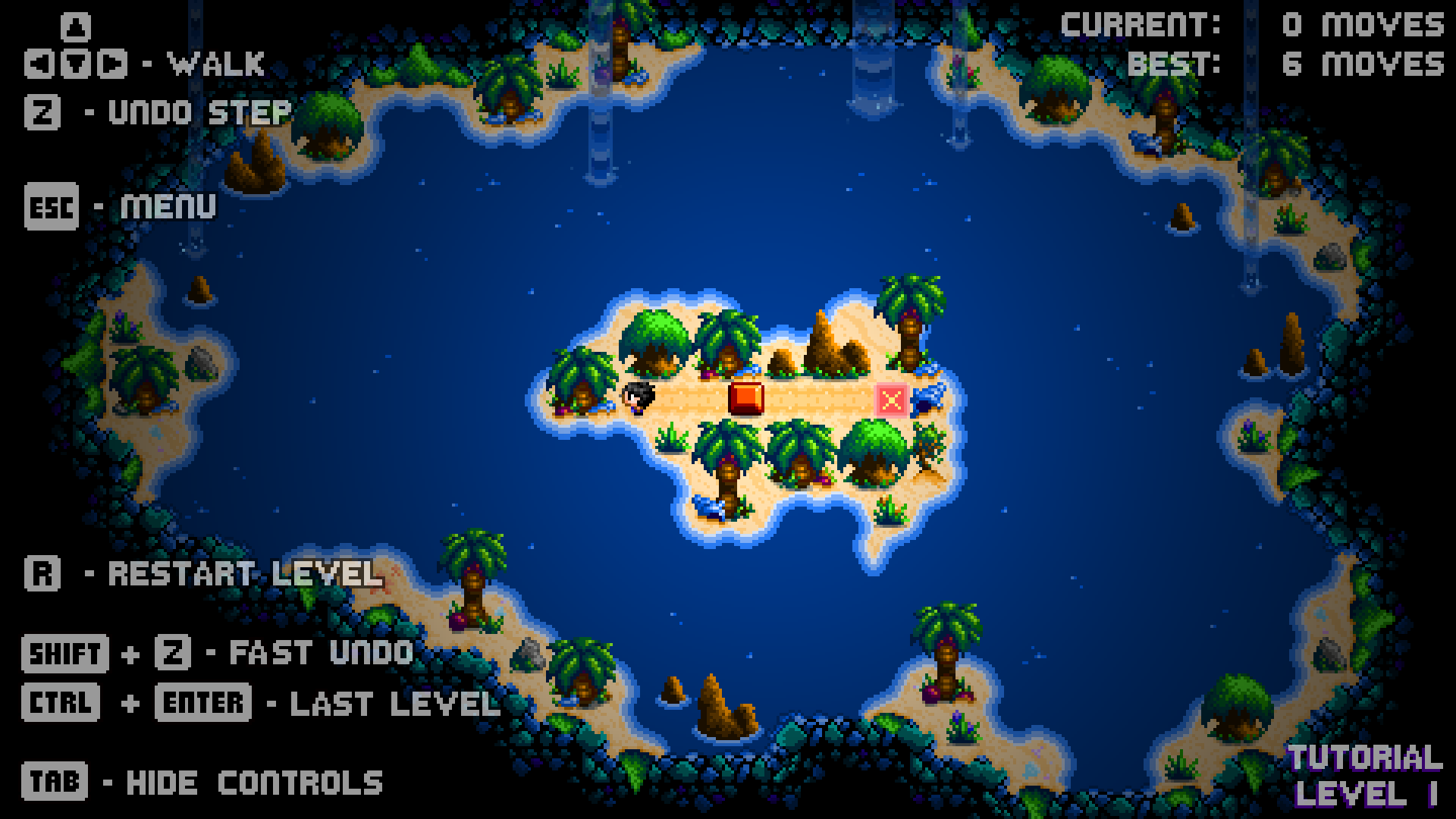
It has been noted that some players were not seeing the "Undo" function and just using "Restart" every time they made a mistake, restarting the entire level, which led to some frustration.
The in-game UI has now been updated to try and make things clearer, as follows:
- Reworded "Undo" to "Undo Step", to show that it is just one step / move that is being undone
- Reworded "Restart" to "Restart Level", to show that the entire level will be restarted
- Changed positioning of "Undo Step" and "Restart Level", with "Undo Step" at the top near the movement arrows, in the hope more players will clearly see and use the "Undo Step" feature and not confuse it with "Restart Level".
Hopefully this makes the controls clearer to more players and improves the overall experience.
v3.0.7 - Any Key Fix
v3.0.6 - Further Controller Support Improvements
Further improvements made to controller support.
- New PS5 and PS4 controller icons. PS3 Still uses PS4 icons, will update that in the future.
- Updating PS controller compatibility caused inadvertent issues with some other controller compatibilities, this now appears to be fixed - the game should now be back to having a very wide range of controller support, however, many gamepads will use generic icons, except for Xbox, PS and Atari VCS controllers.
- The game better recognizes now if multiple controllers of different types are plugged in, responding between the different inputs and changing UI icons accordingly
v3.0.5 - Controller Support - Updated
- Full Xbox One and Xbox 360 controller support (using Xbox One Icons only at this time)
- Full PS4 and PS5 controller support (using PS4 Icons only at this time. PS2 and PS3 controllers should also work, but with PS4 icons)
Will work on updating icons more in a future update but this now adds improved support for XBox and Playstation controllers.
Steam Deck + Cross-Platform Cloud Saves
In addition, the Steam Demo has now been downloaded over 3,500 times! Thanks to everyone for their support! If you are enjoying the game, please remember to leave a review, as this helps the store algorithm. Happy puzzling! You can read the full press release here.
If you have any issues with Mac or Linux save files since the changes, please see this post for technical help.
v3.0.4: Music Bug Fixes
There was a bug in both the the demo and the full game where the music theme for each world would play on loop, rather than switch to the alternate track, and then back. That is now fixed.