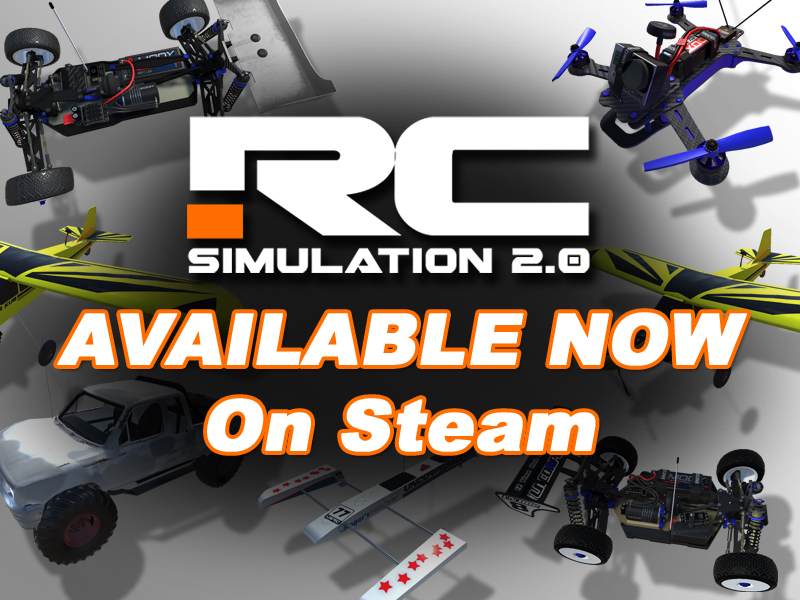
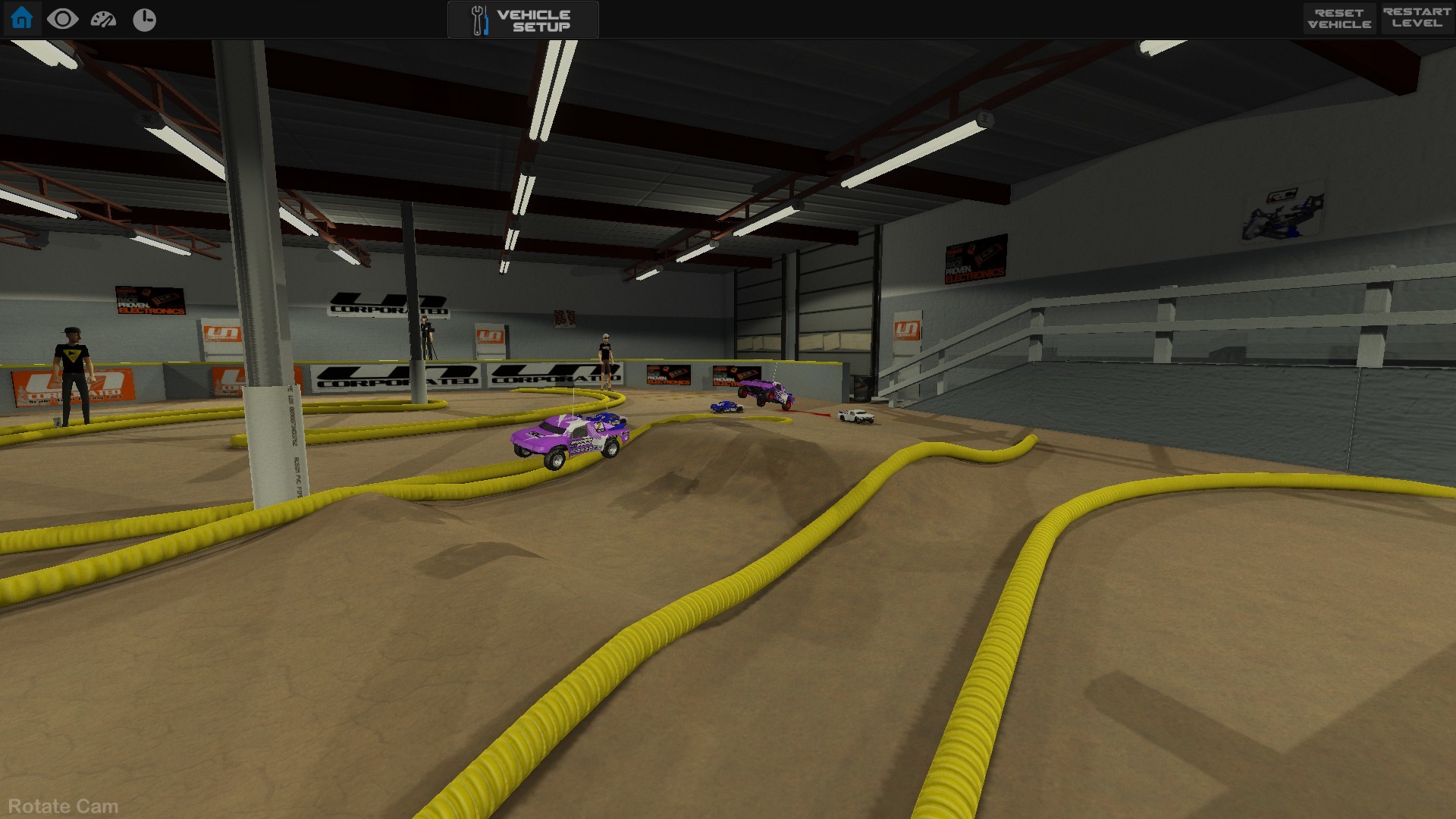
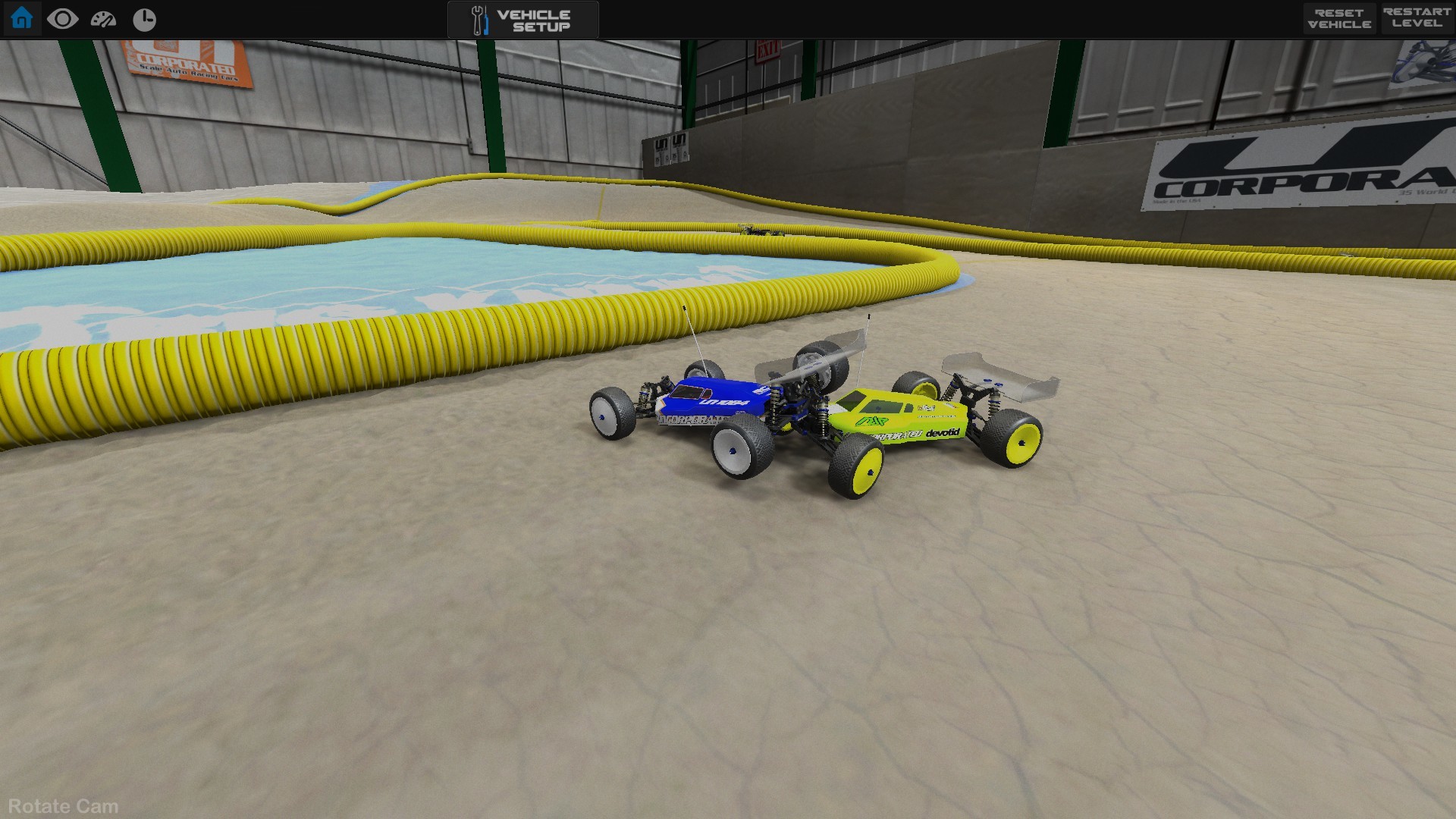
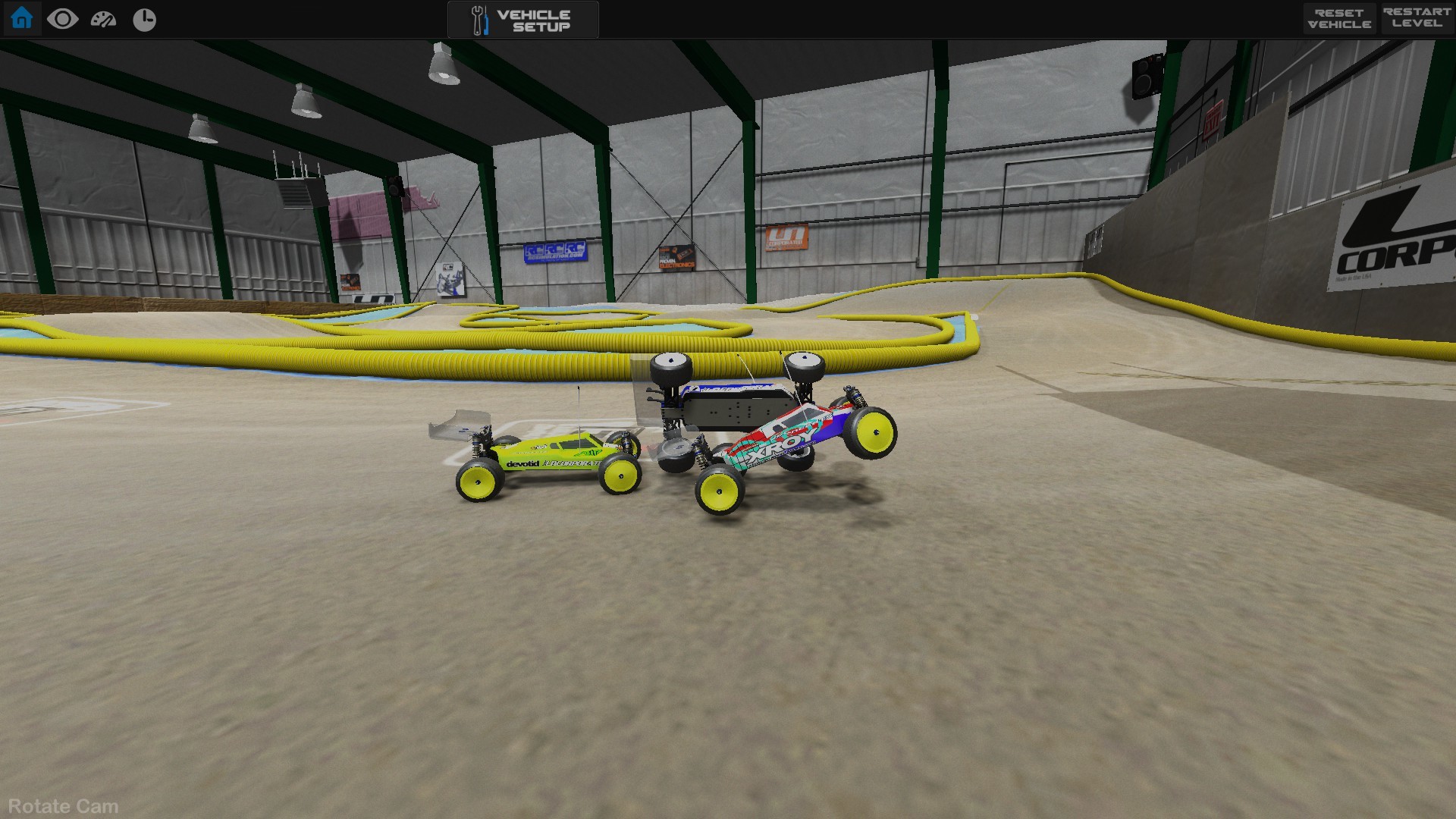
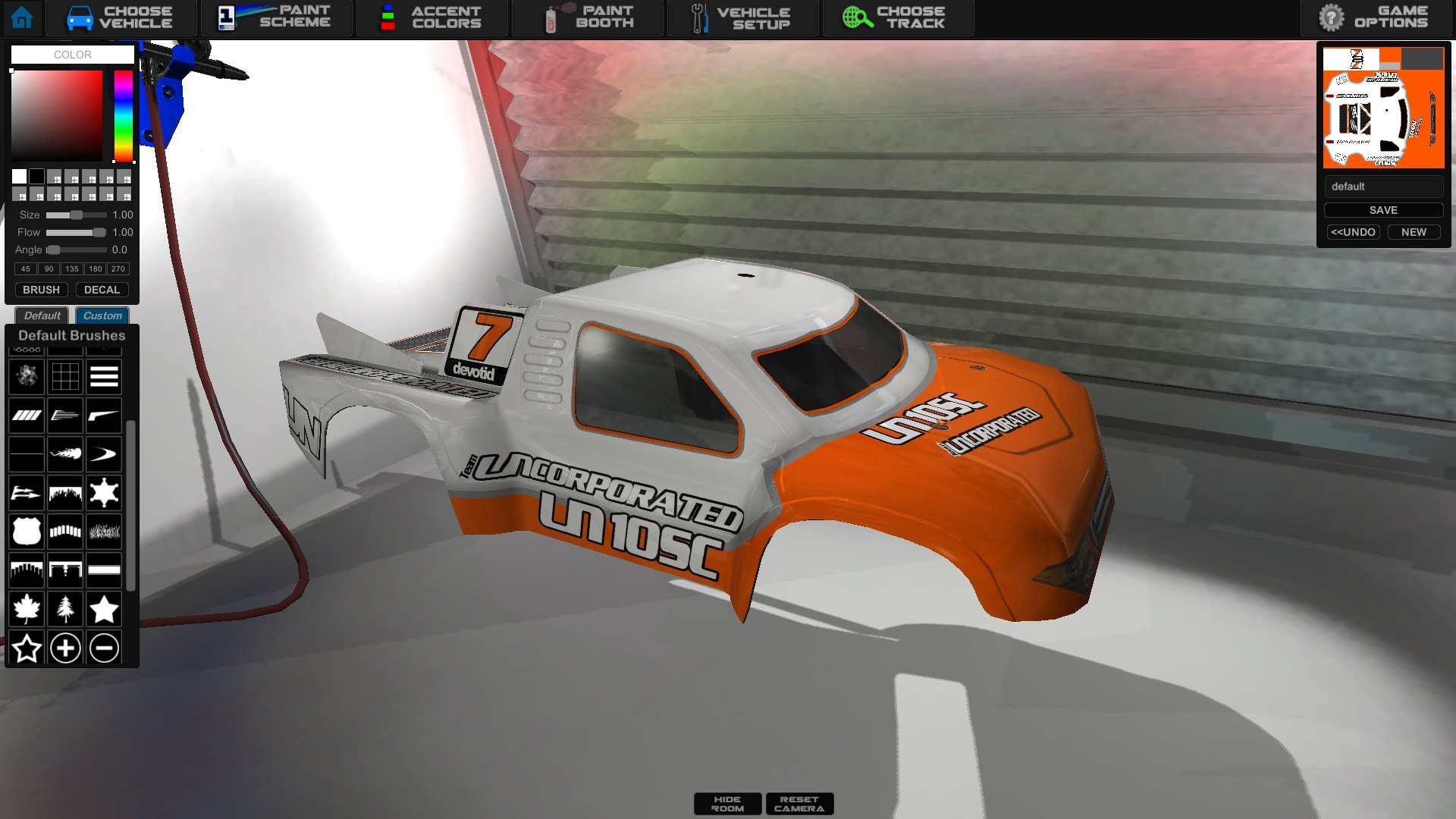
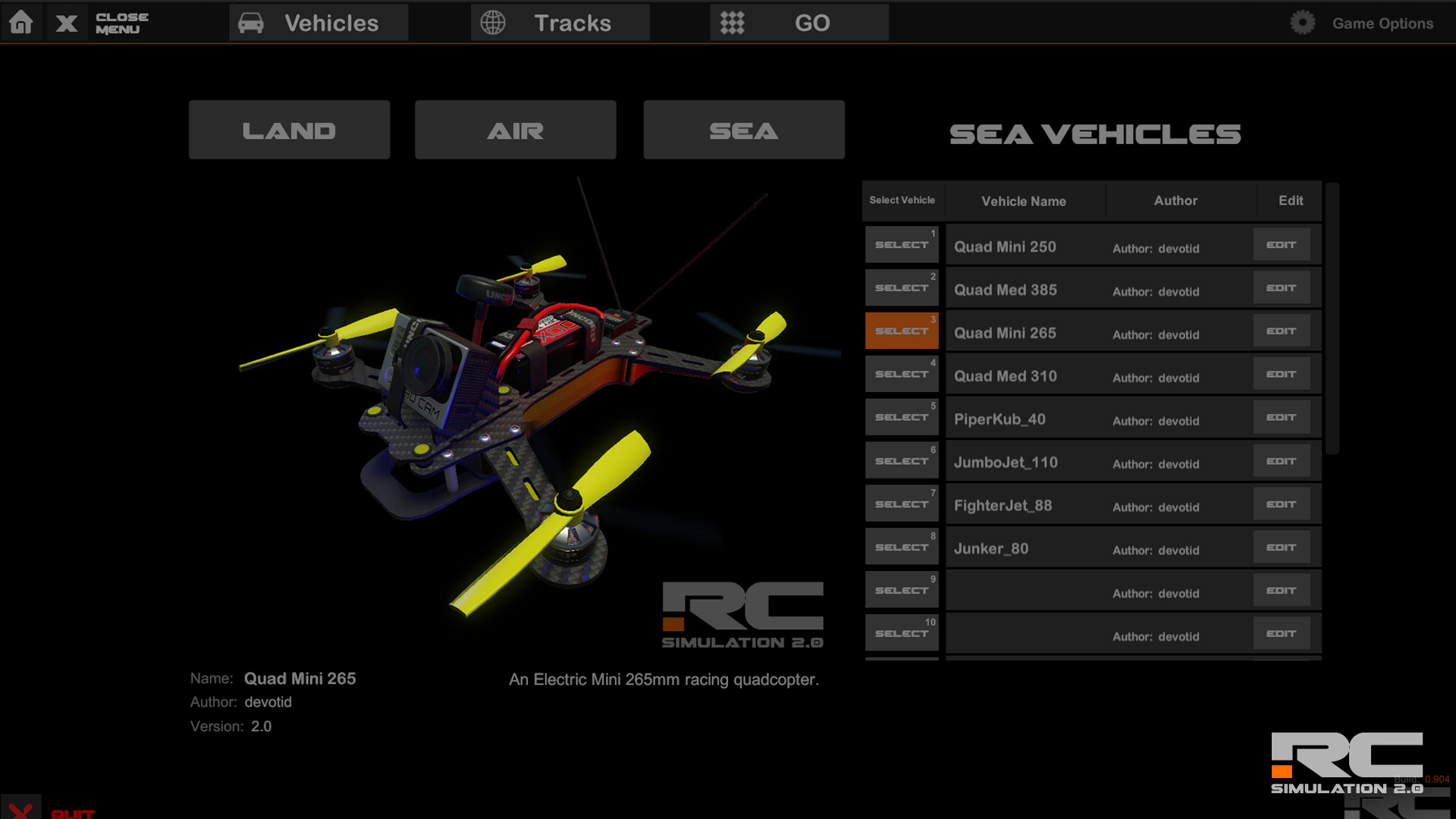
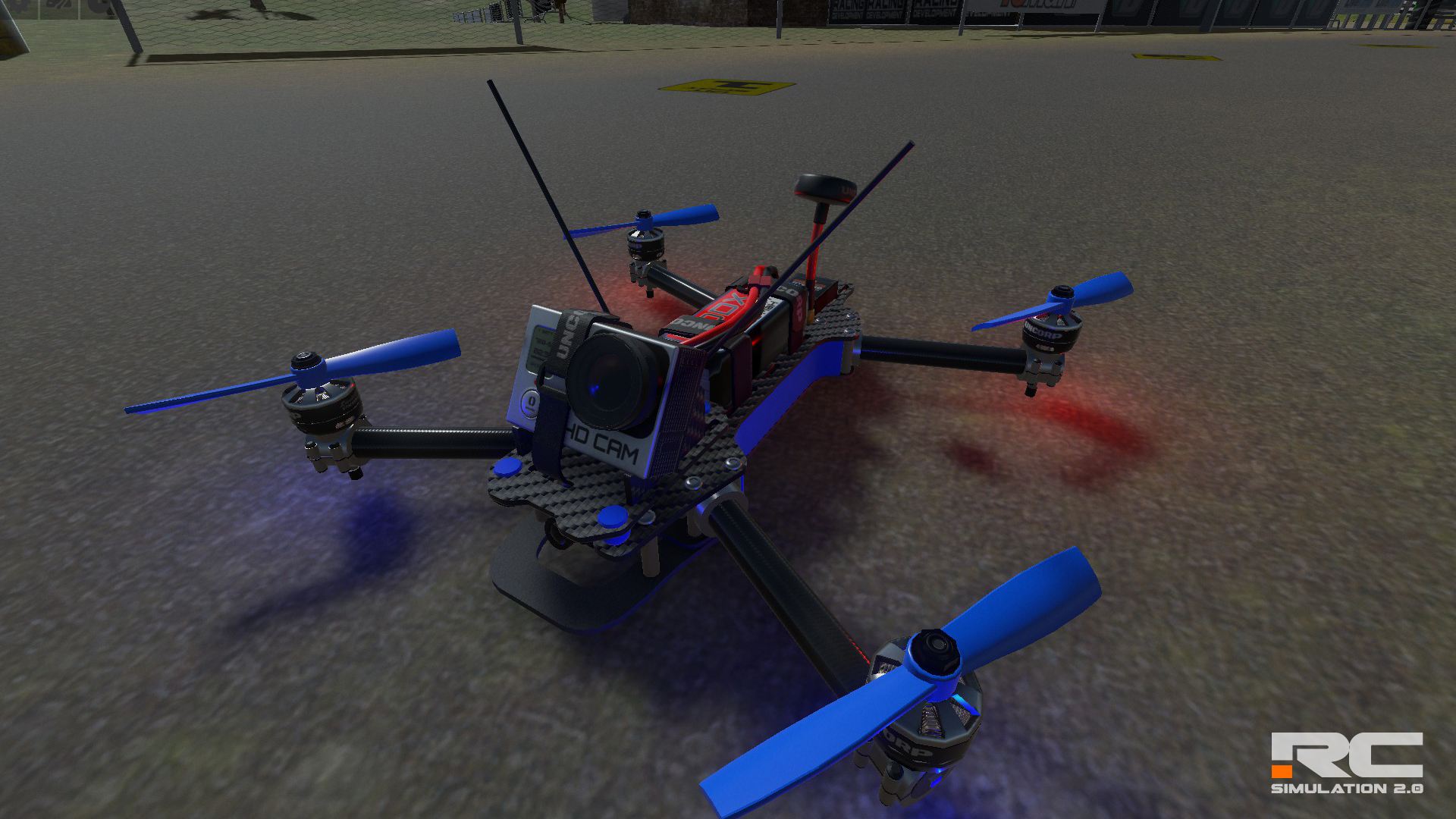
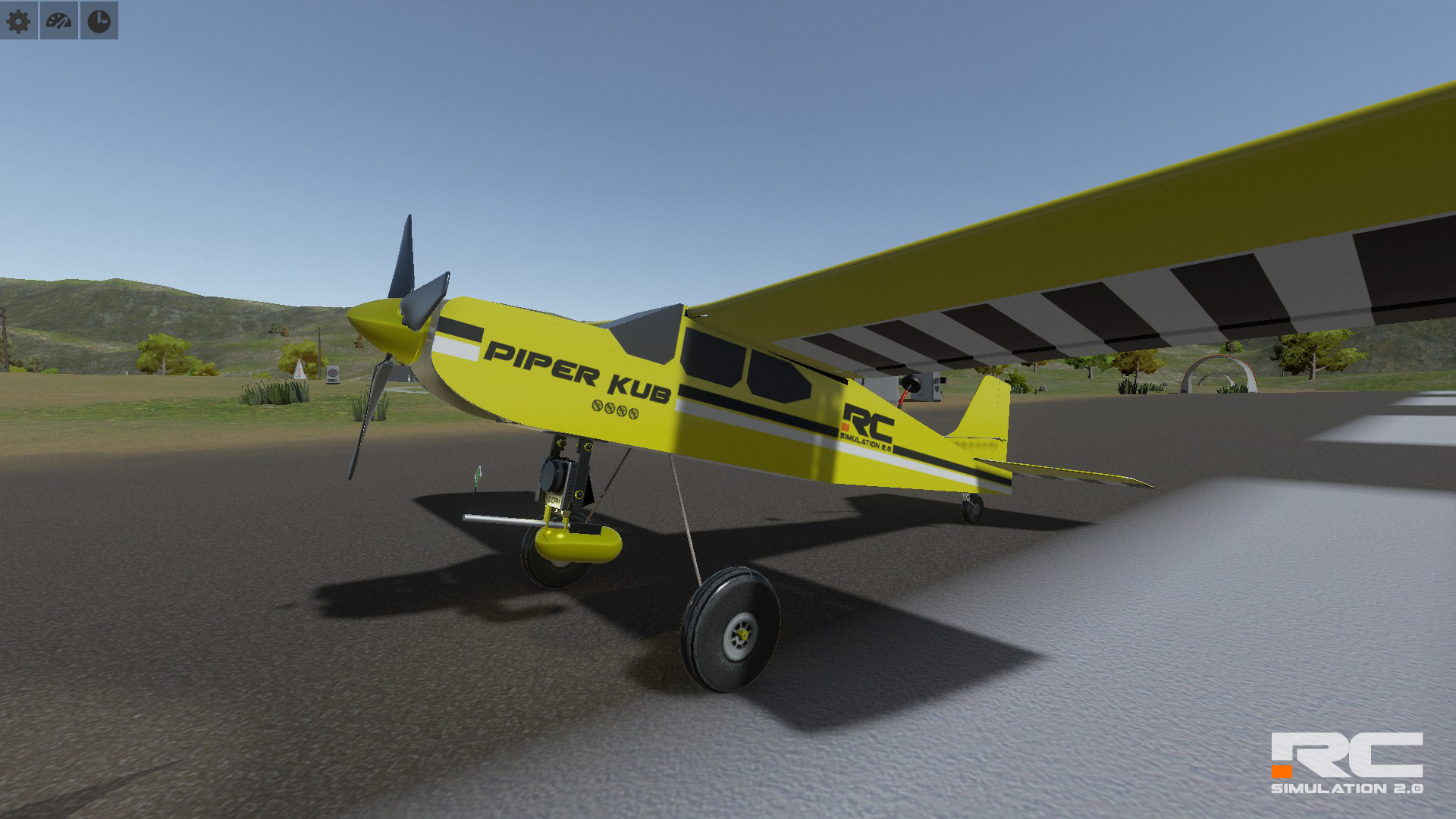
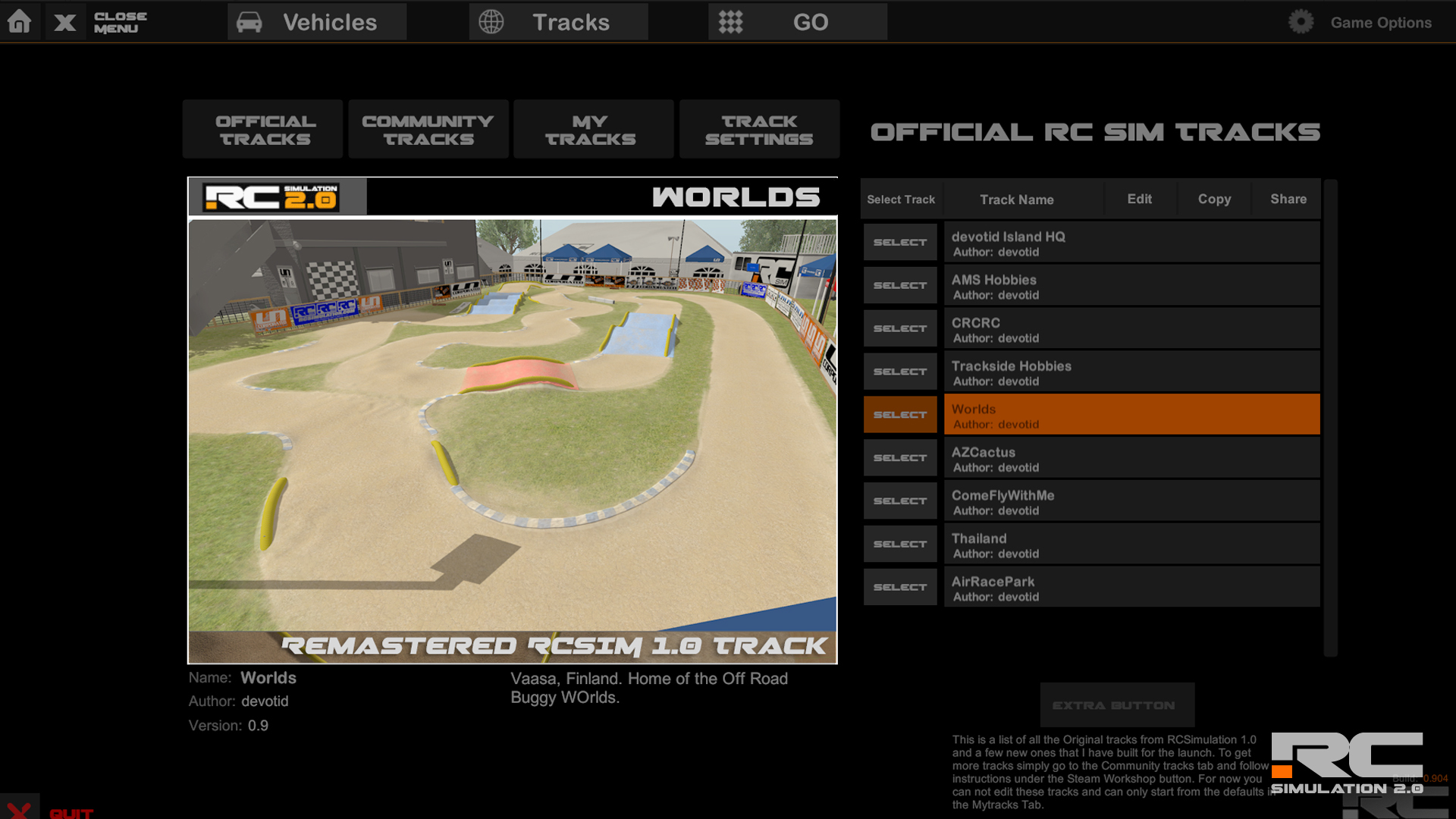
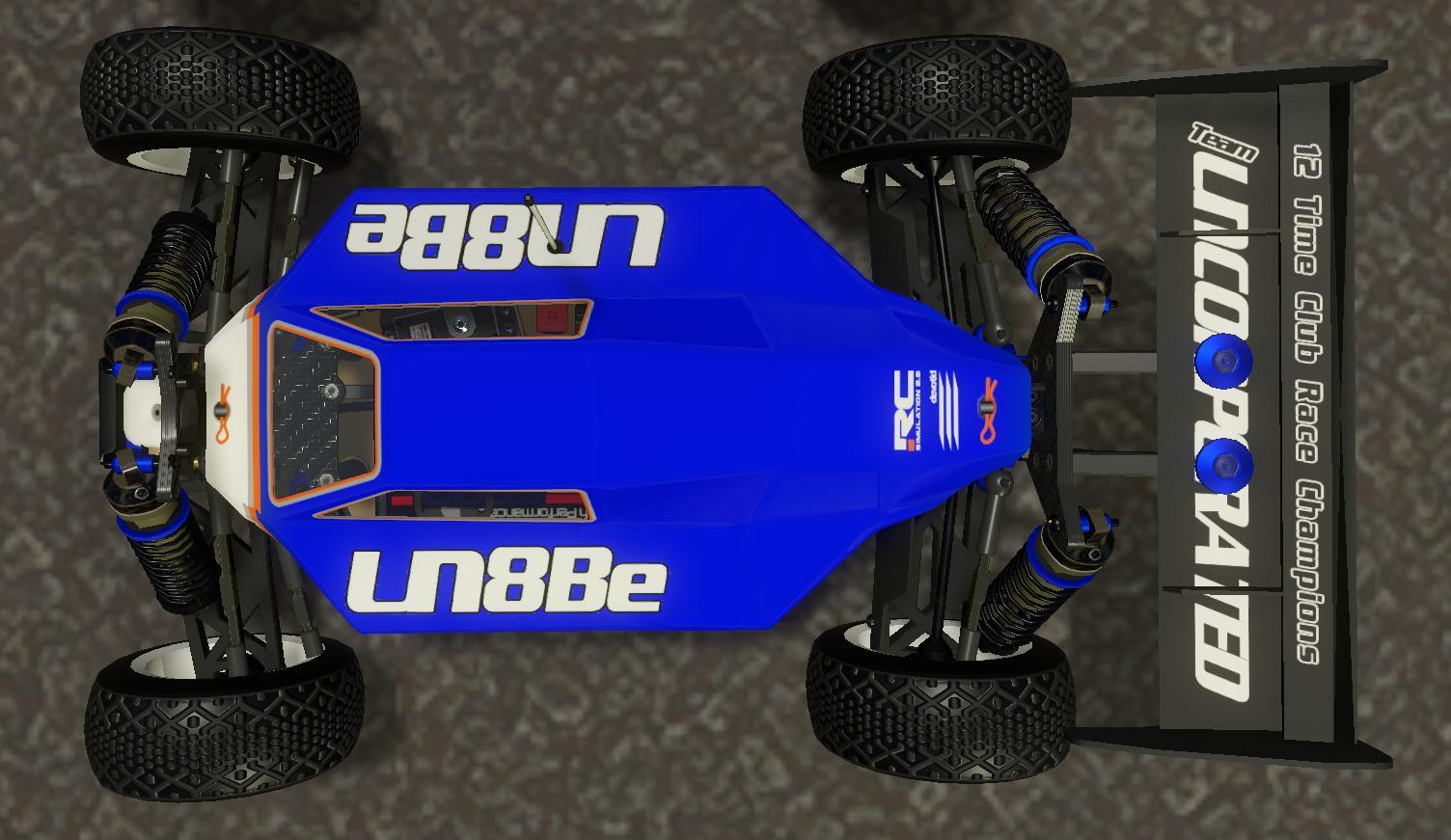
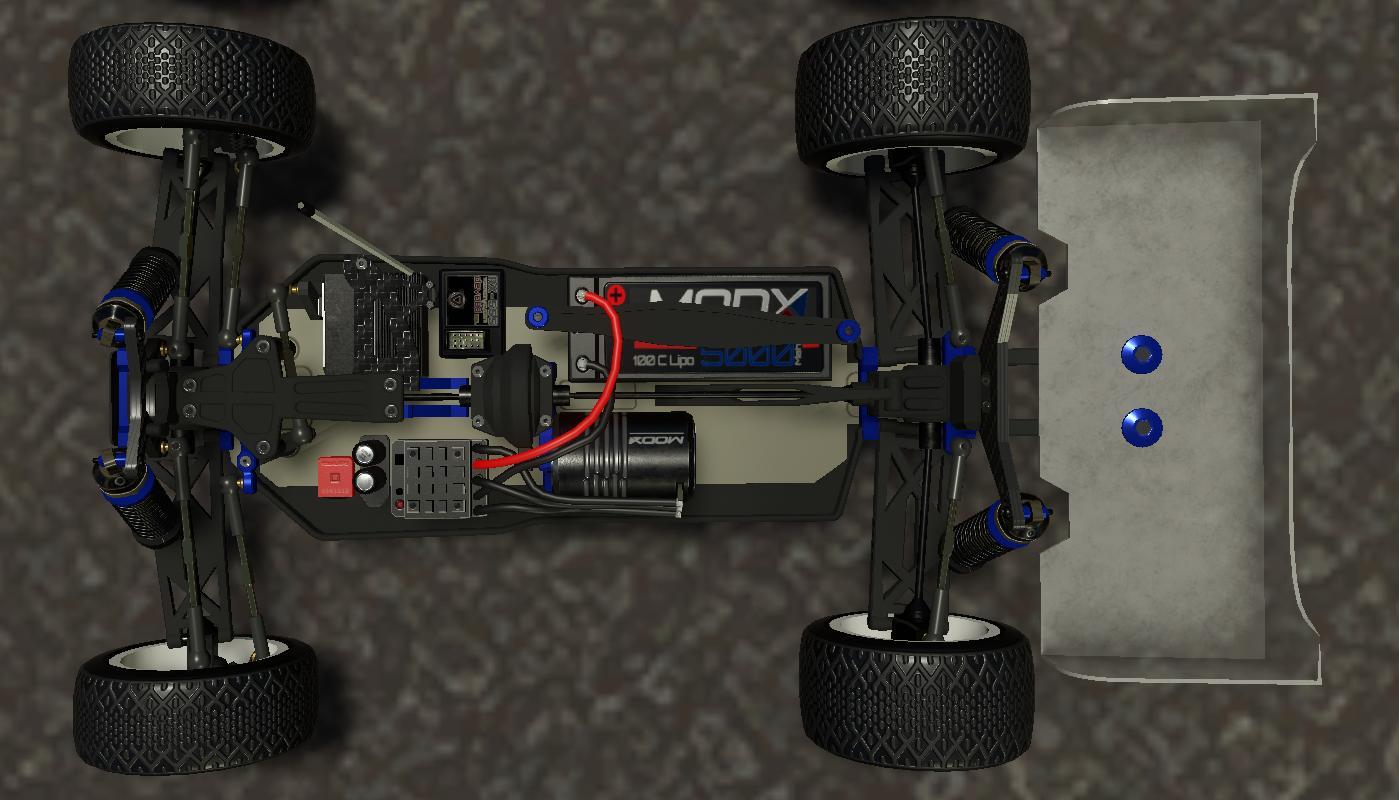
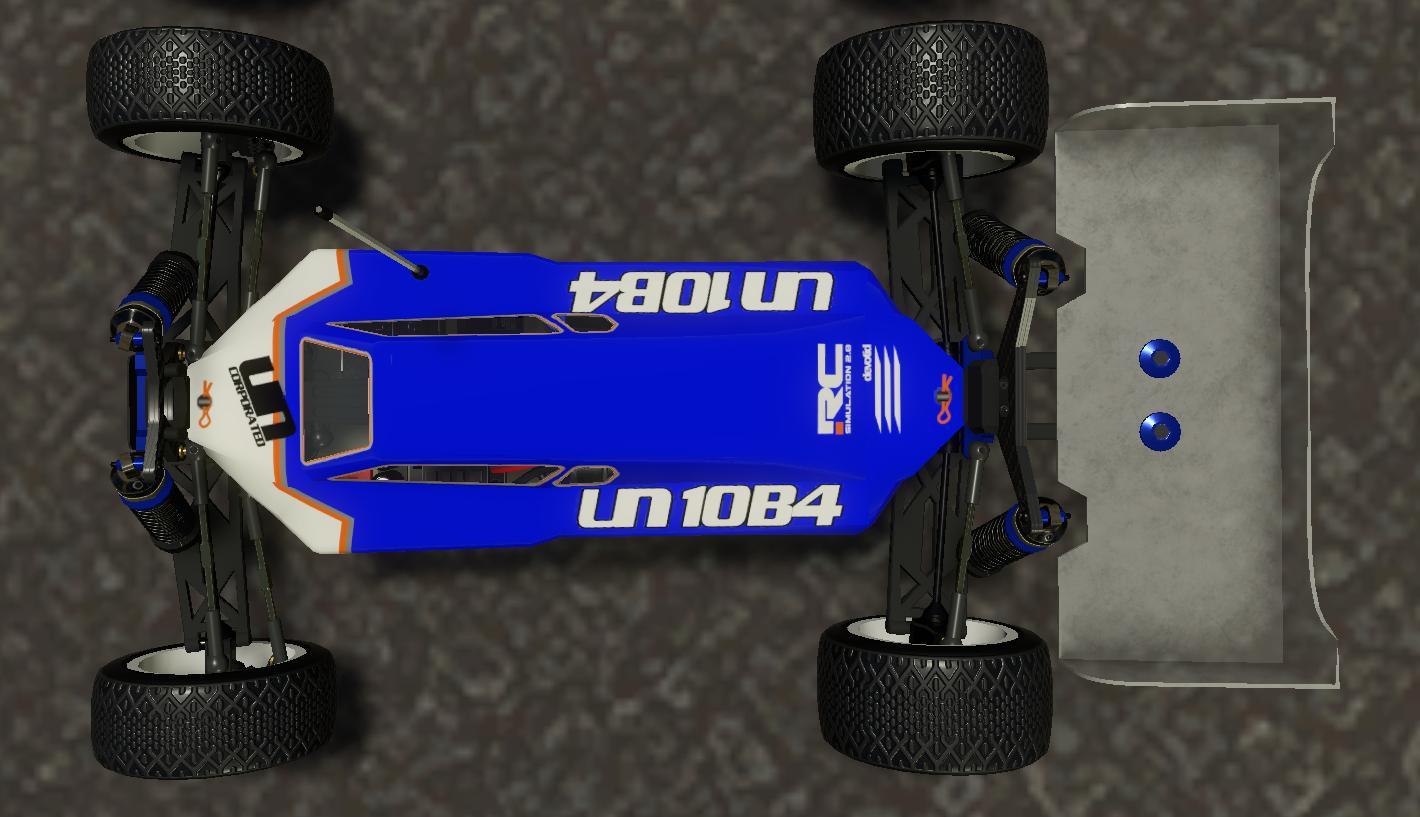
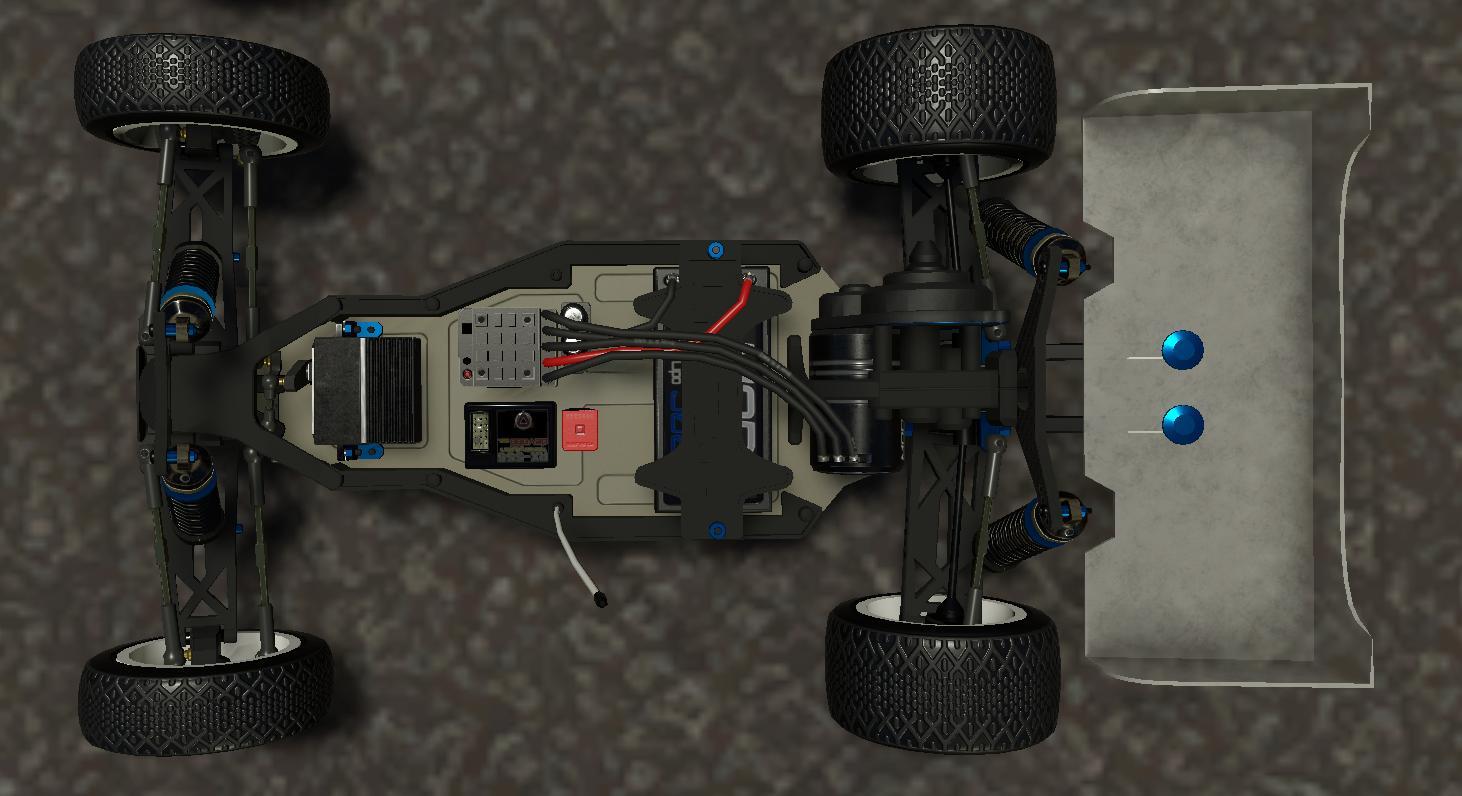
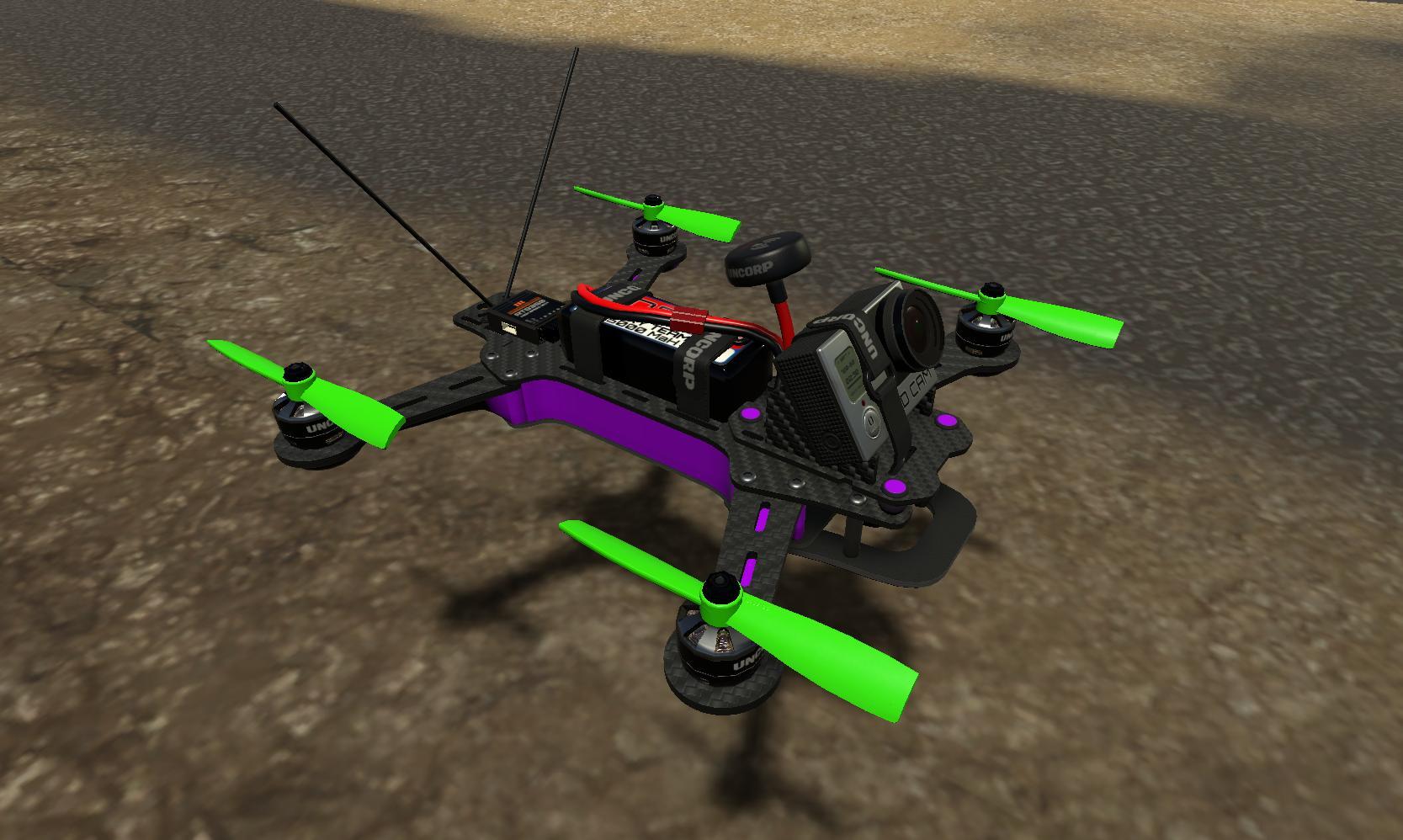
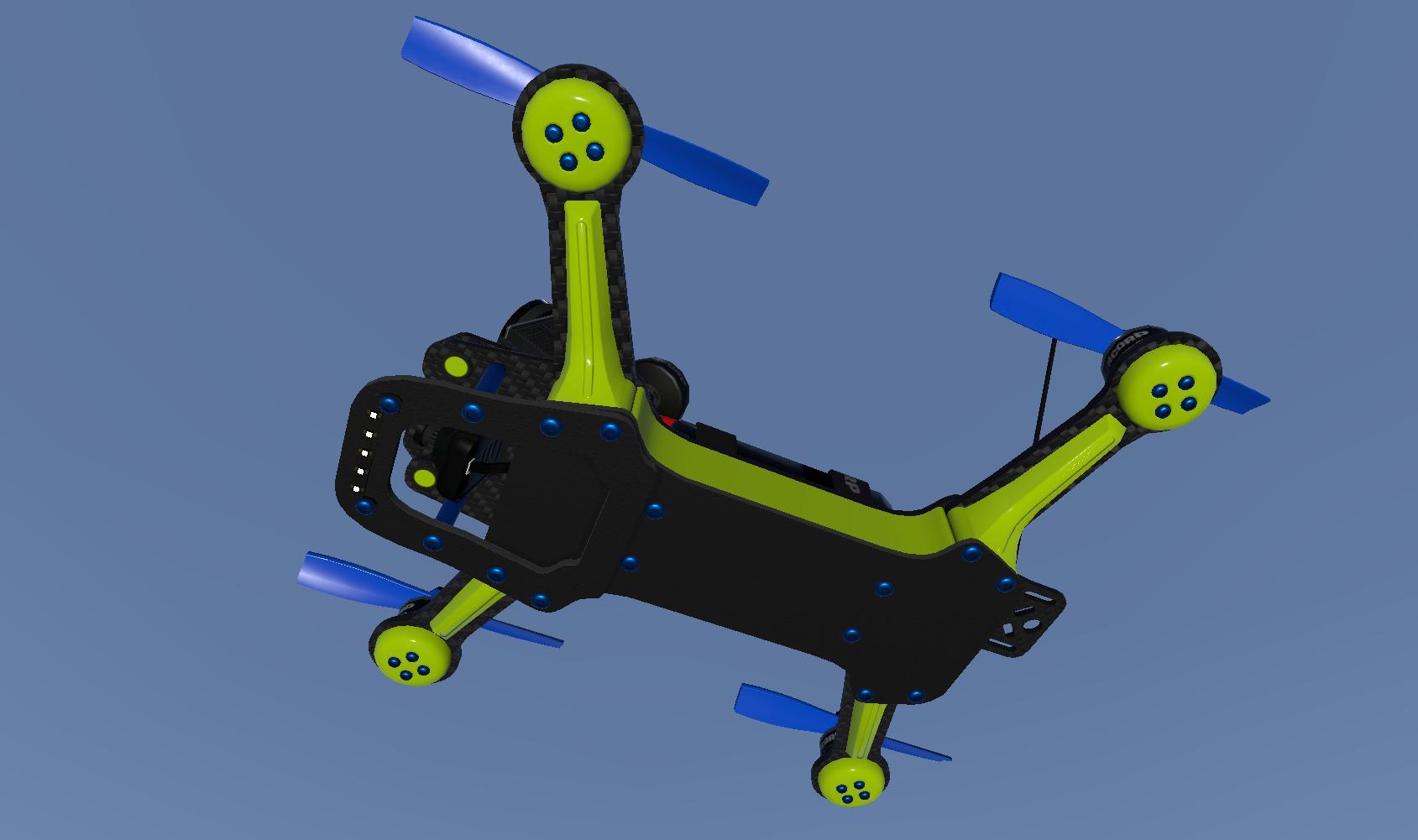
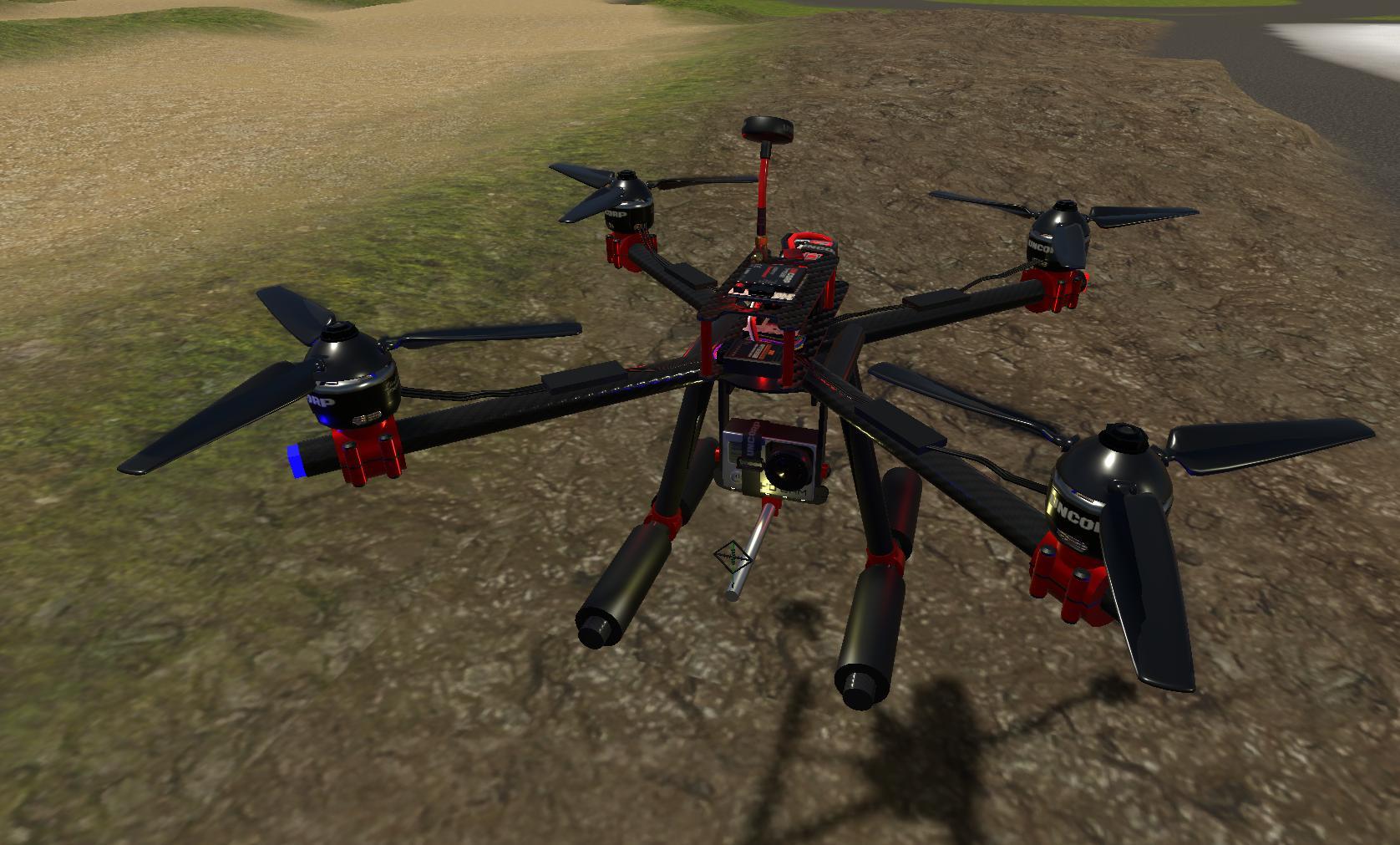
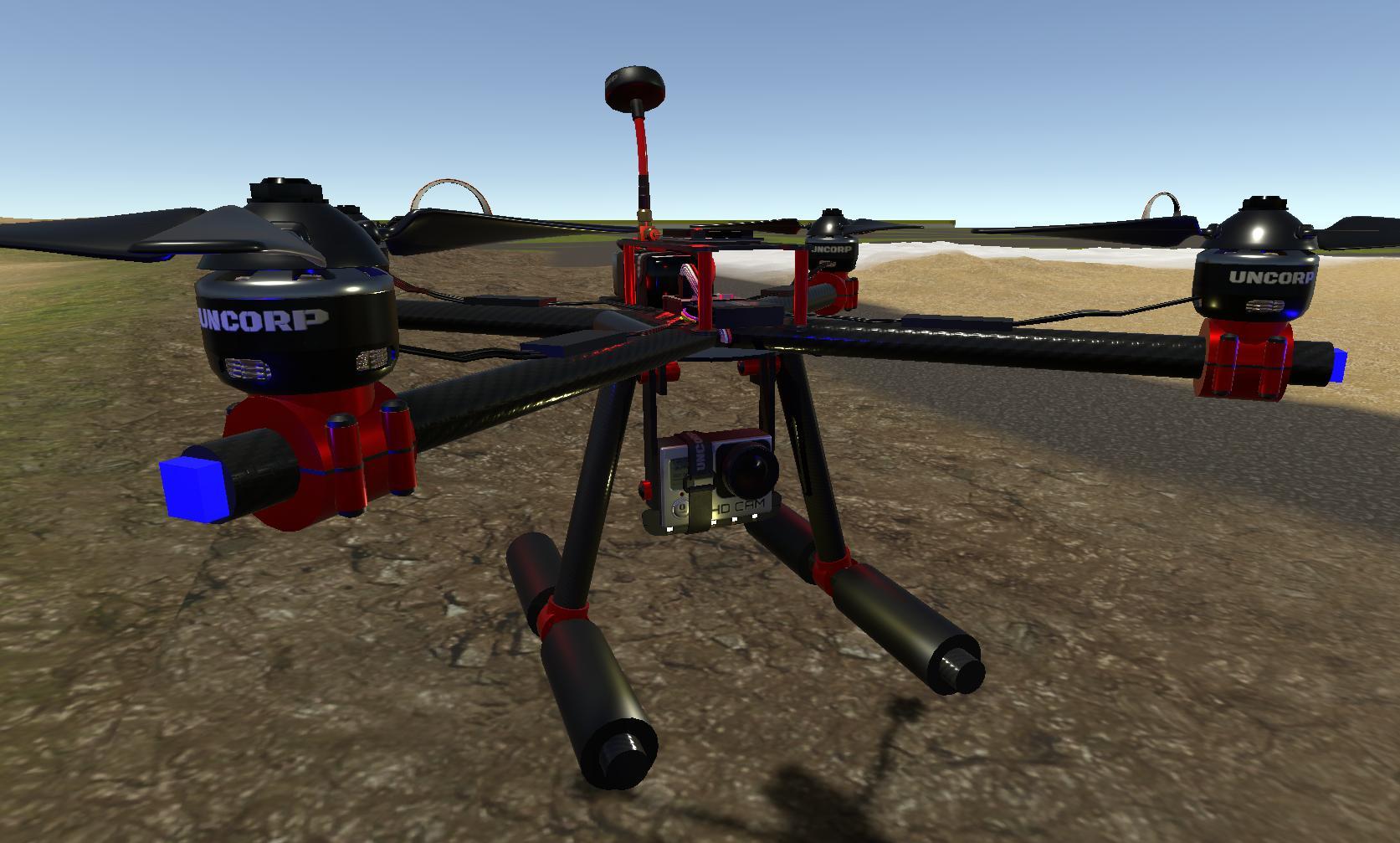
Thanks to all of the wonderful supporters of RC Sim 2.0 Early Access!
I have been cranking away on the core game for about 3-4 years now and am VERY happy to be bringing the game out of early access. Dont worry the updates or development is not finished....:) I just felt that all the boxes have been ticked from the early access plan and have been moving the game toward Full Release for a couple months now.
I am still building the "Race Weekend" feature and a couple new simple leader boards for the default tracks. This is taking me a bit more time then I had planned. As a one man band it takes me a lot of time to add features. I will keep everyone updated throughout the process and prob be looking for some more beta testers in the future so look out for it in the discussion area.
But mainly I just wanted to say a HUGE Thank you to all the folks who have helped, tested, reviewed and supported me and my wonderful wife Jacqueline over the last few years.... We are forever grateful and will be working hard everyday to bring you the best possible game we can.
devotid
Update: (V .906) New AI Bots, Proving Grounds default track and More!
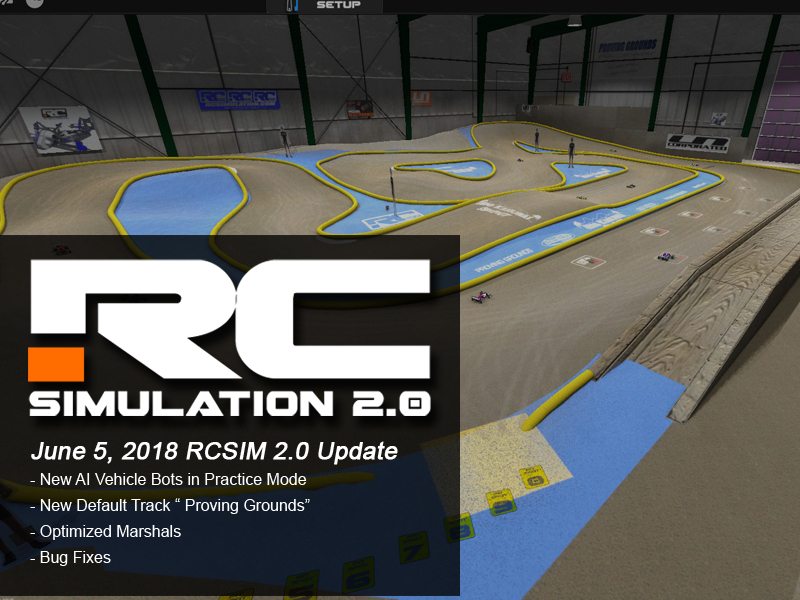
Update June 5th, 2018 (Build # .906) AI_Bots for Practice, Proving Grounds Default Track
AI BOTS:
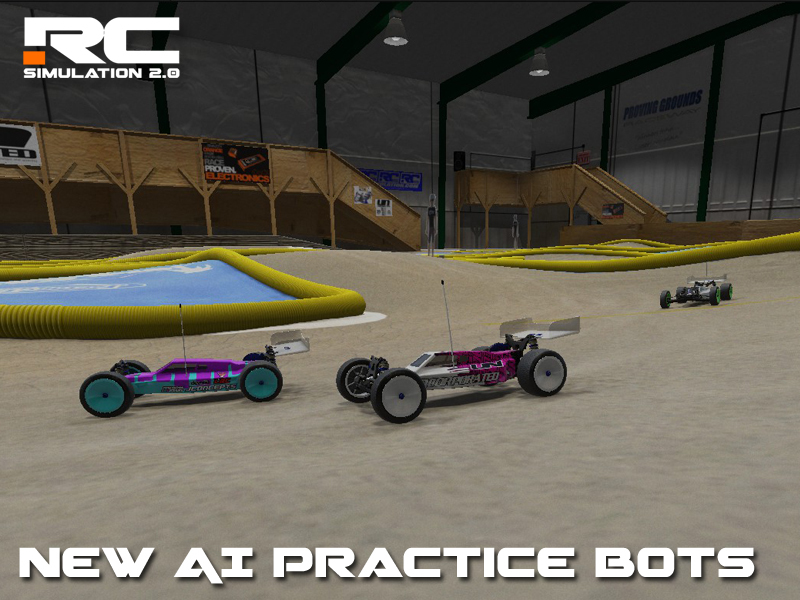
- Added Version 0.88 AI bots to all the Default Tracks for the Practice Mode. This will give the practice mode a little more action. For now you can select 1-9 bots and also the ability to change their speed from 20%-100%. (this will change in the future as I am still building the race weekend system which will use a little different method of calculating the speed of your opponents.)
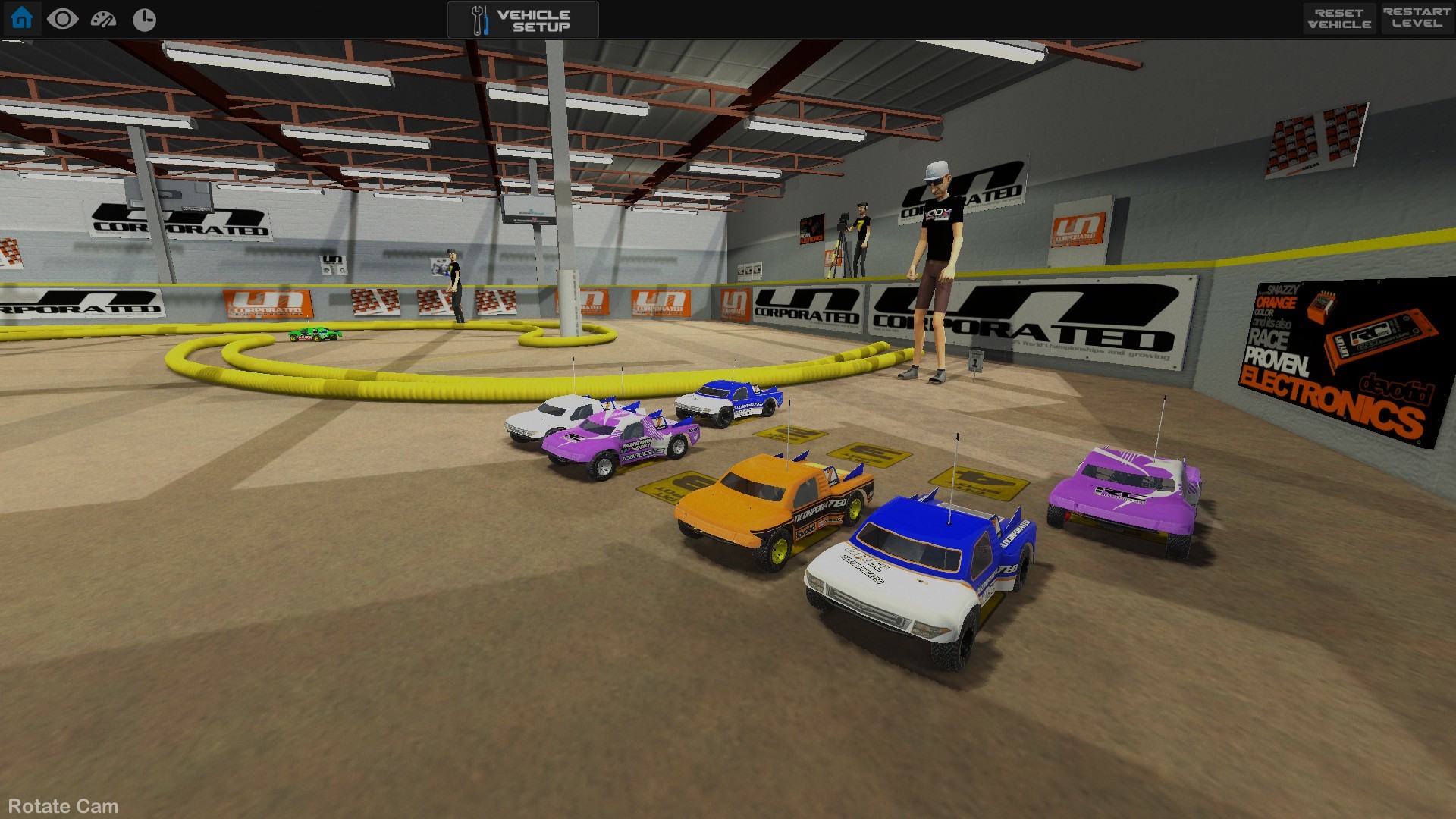
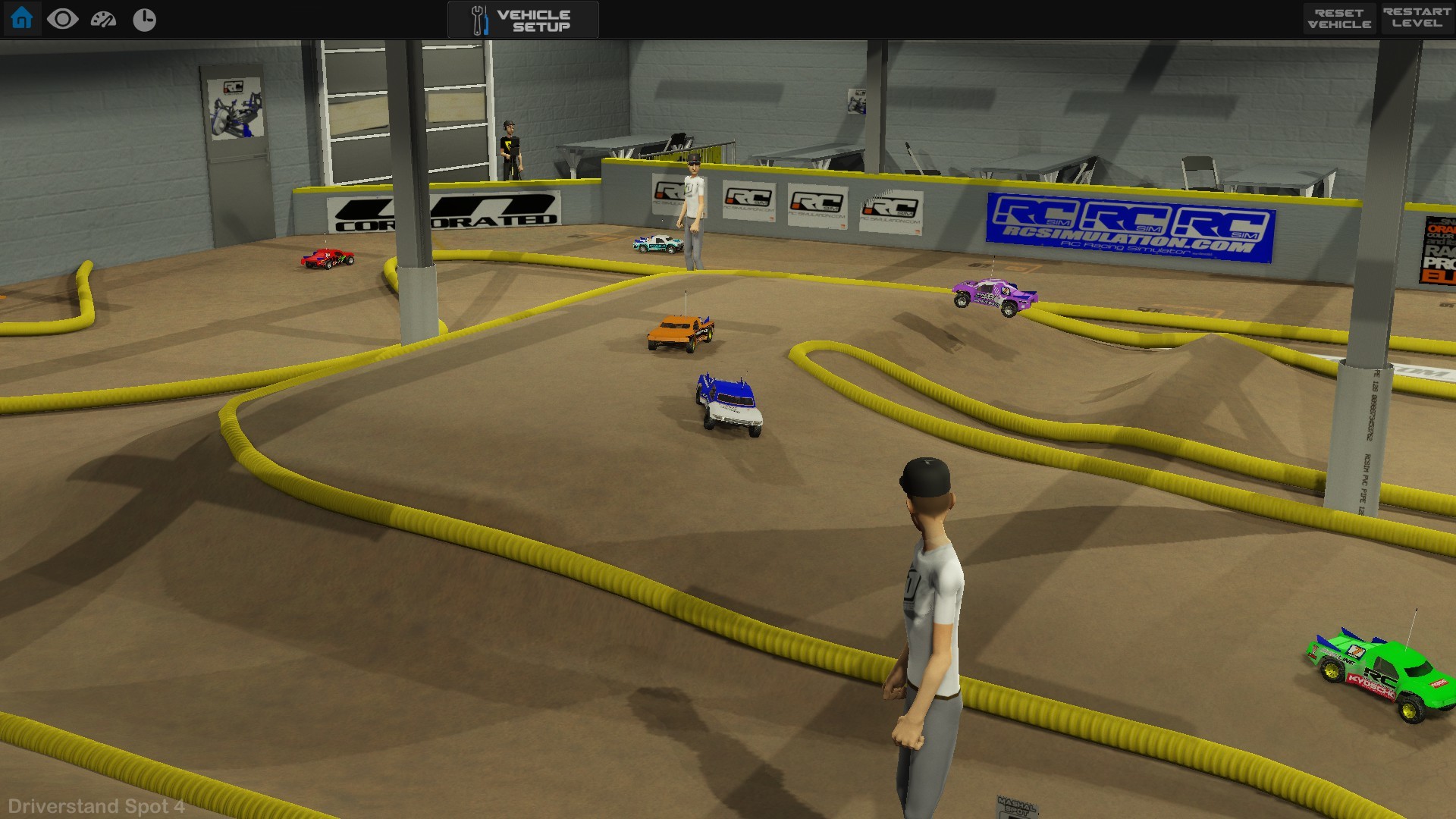
- AI Opponents in the practice mode will load a random Paint scheme from that vehicles available paints and it will also choose a random wheel color to match the paint scheme of the vehicle. This will also give painters a nice way to see their designs in action. So If you want to see some paint variations make sure to try out the Paint booth. Any of the Paints that you save for each vehicle will be randomly chosen for the AI bots.
NEW OPTIMIZED MARSHALS:
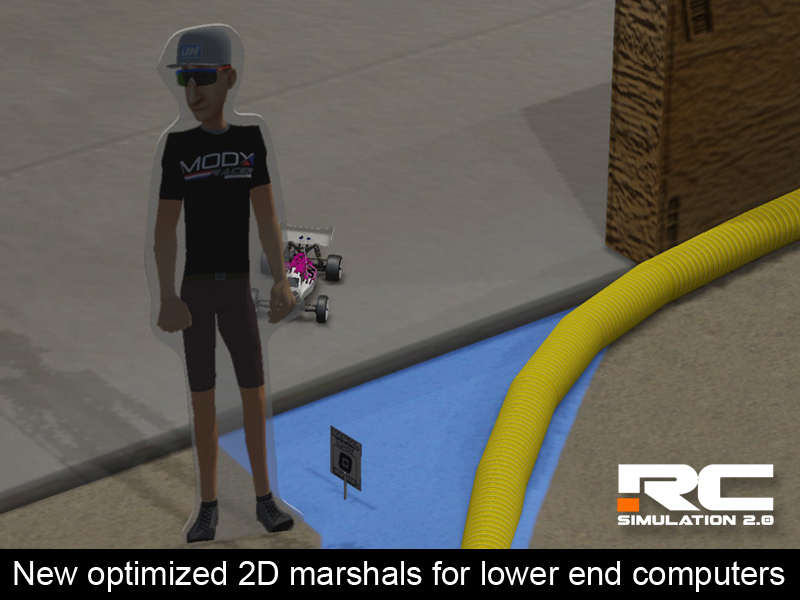
- Added new optimized marshals for folks having trouble with FPS. This will replace the animated marshals on all the tracks with a 2D version of Larry to help you out when you crash. He will work the same way that Larry currently works but should save about 30% on FPS across most computers. Go to video settings to turn this feature on and off.
TRACKS:
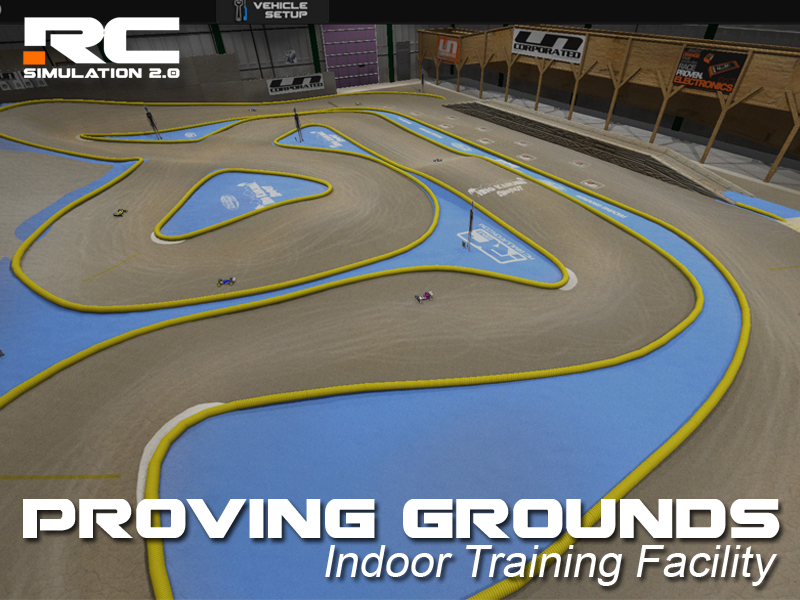
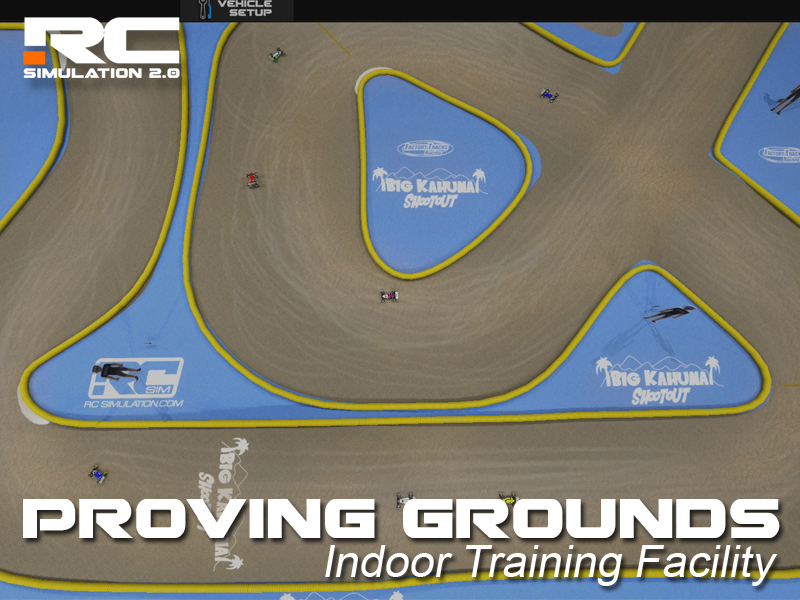
- New Default Track: Proving Grounds Raceway in Grand Rapids, MI. The "Big Kahuna" Race was a race a couple years back to honor a great man in the Michigan RC Area. I still have some of the infield blue paint on some of my old chassis parts laying around my RC room. This indoor Private facility is a racers paradise. AC, Great clay, AAA Driverstand with Wheelchair access.... You name it PG has it.
- Added all new baked lighting to all the indoor default tracks. You can no longer adjust the time of day lighting on the INDOOR Default tracks. This was done to create a much better frame rate on all the default tracks.
- Also added new light probes to all the indoor default tracks. This will increase the frame rate on all the indoor defaults tracks as the lighting for dynamic objects and the static objects are now separate.
VEHICLE PAINTER:
- Fixed the painter save menu so you can ONLY enter Alphanumeric characters when saving a paint scheme in the vehicle painter. This will stop some of the paints not being able to be saved.
- Fixed a bug in the vehicle painter menu when you could not click on some of the vehicles paint schemes in the list of your personal paints. There was another invisible menu on top of it.
NOTES:
- If your paint jobs or setups don't show up in the painter area be sure to "verify integrity of game files" in the Steam Client. This will add or replace any files that are wrong or not used in the new version. You should only have to do this if having a problem loading your paints or workshop tracks.
Thanks again for all of you support and I look forward to the next update!
devotid
Development Update April 16th: TEASER VIDEO of AI Practice Bots and Collision tests.
Whats up fellow RC Enthusiasts! I am here with some update news, videos and pics of the new AI bots coming to RC Sim in the next update. I have been making some big changes behind the scenes and am getting excited to bring you the next iteration of RC SIMulation 2.0 in 2018..... but for now just a teaser.
I have been working hard on the new default track layouts and the new AI racing bots. So I just wanted to take a break to show all of the users what is coming to RC Sim in 2018.
Here is a quick teaser video showing 9 AI bots cruising around the some of the new default tracks. Each AI Racing Bot will have around 5-6 different "driver traits" to adjust. This should make the AI racing adjustable for all levels of drivers. These AI Bots are driving the same car that you are with the same physics. No cooked animations. They will react and race each other for position depending on their driver traits.
https://youtu.be/3QO4wuyrYHQ
The next game update will contain a new practice system that will allow users to turn some laps with some general traffic and make the default tracks not feel so alone. For now whatever land vehicle that you load, you will have the option to practice alone or with up to 9 AI Bots. After the game knows how many bots that you are going to load it will look into the users custom paints folder of said vehicle and it will pick a random paint scheme for the vehicle. The accent color and wheel colors of the AI bots will also be generated from the paint scheme color of the AI Vehicle. This should make the bots appear more life like and also gives painters a way to see their creations in action.
After the release of the practice bots and the new lighting system for all default tracks I will then be mainly working on the new racing system with practice, qualifiers and main events.
I have also been playing with a new camera system as I am still not happy with the way it works now. I am still deciding on changing or removing the ability to walk around the track and see in the FPV camera (the one that shows your hands) as it can be confusing for new users on how to use the current camera system.
As always, Thank you for all the support of RC Sim!
devotid
Vehicle PAINT BOOTH Update!
(Build Version # .905) November 15th, 2017
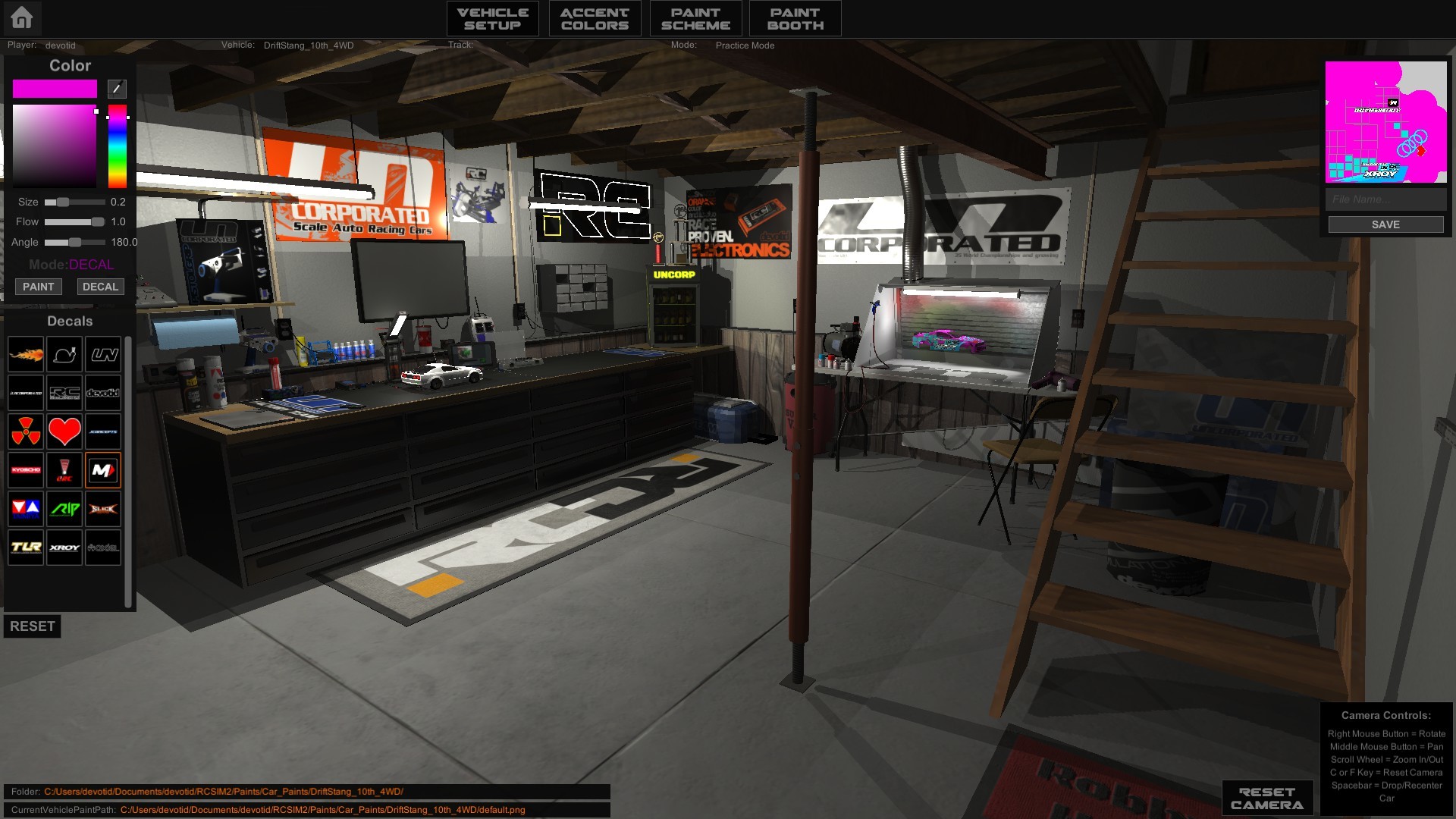
This one is one of my favorite updates so far. I have been wanting to build an in-game vehicle painter for years. I really wanted for users to be able to paint the bodies right in the game and not have to use an external image editor. (You can still use PS, Gimp etc by just saving the .png file in the correct folder in your Documents/devotid/RCSIM2/Paints/.... folder.) The paint booth still has some small little things that I want to add but I thought I would put it in more hands to test it out and to see if I am heading in the right direction.
Please let me know what you think of it and feel free to add any ideas that you think would be helpful.
- New "HOME BASE WORKBENCH" Default Scene for the new vehicle customizing area. You will now be defaulted to this room any time that you want to change vehicles. This will give you a room to get everything ready to go before going to the track. It is pretty much the main menu now.
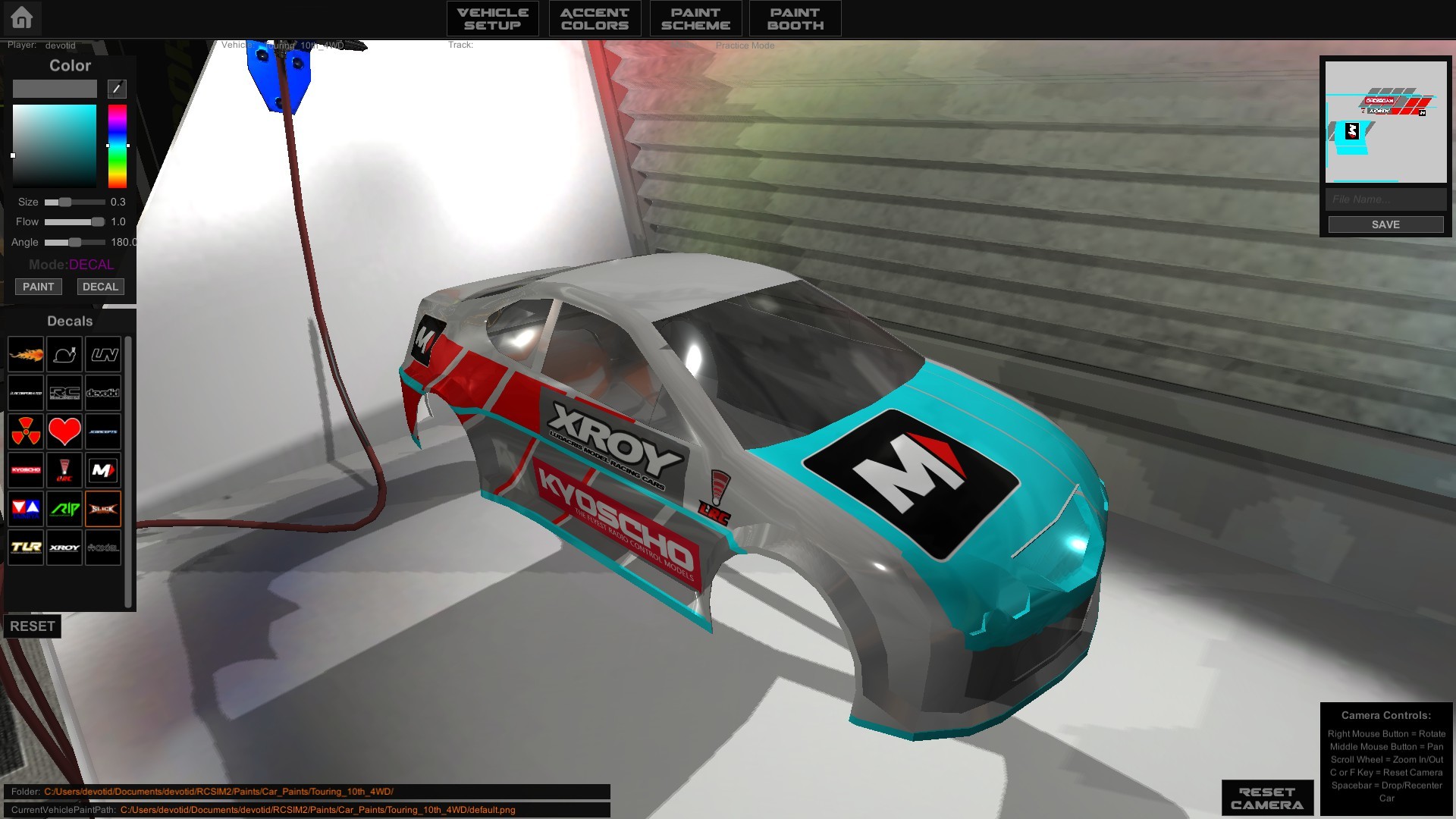
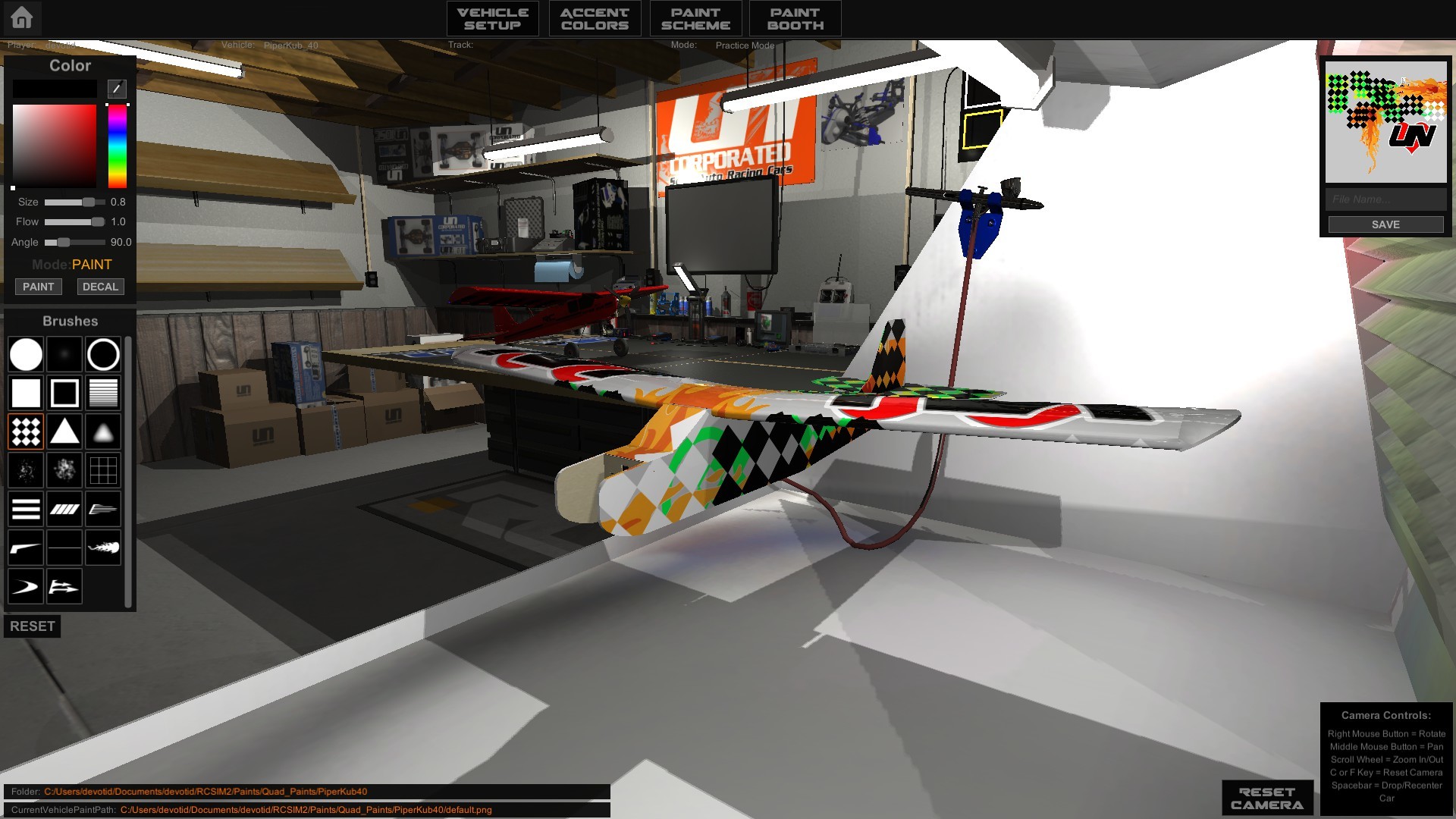
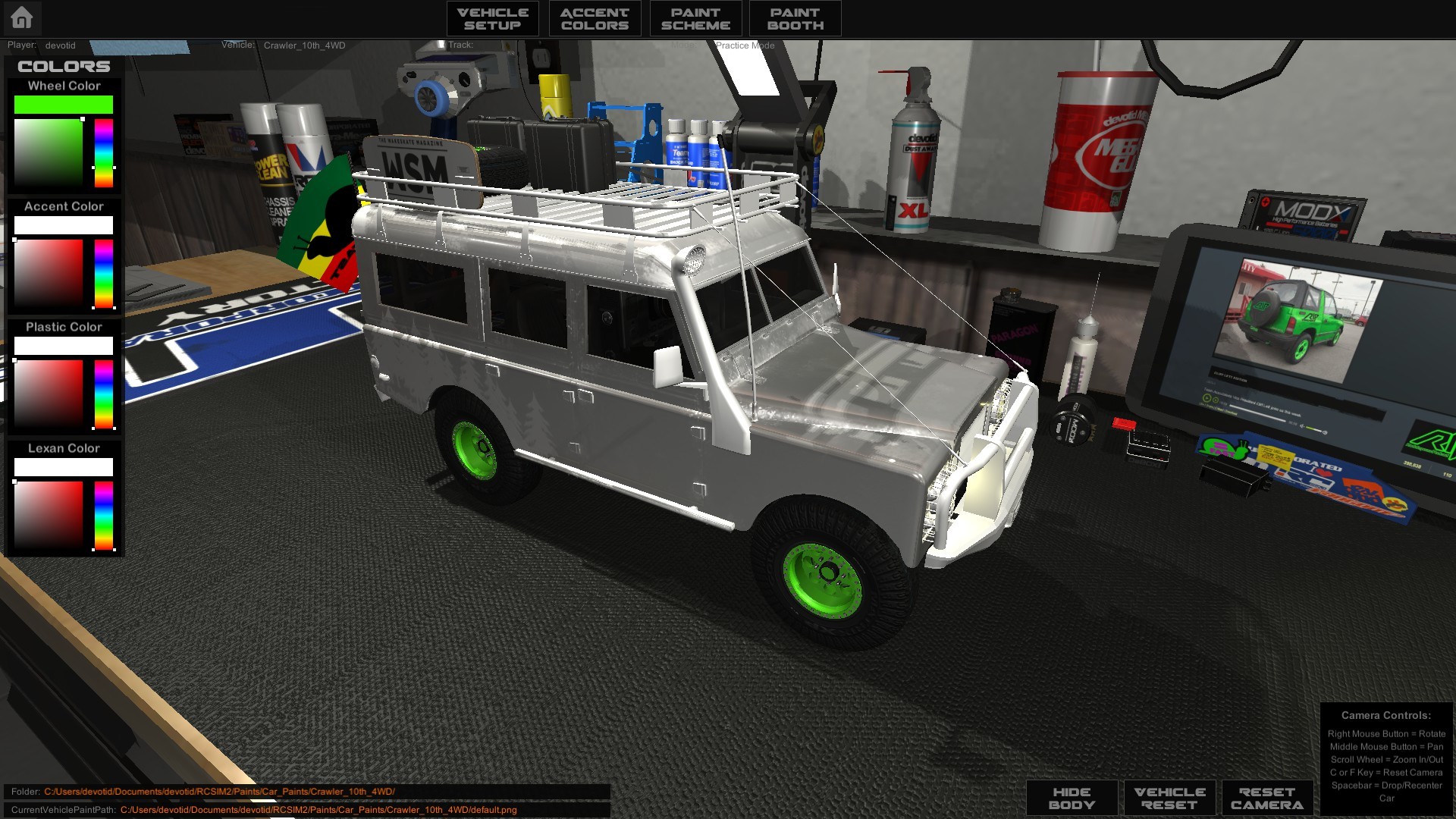
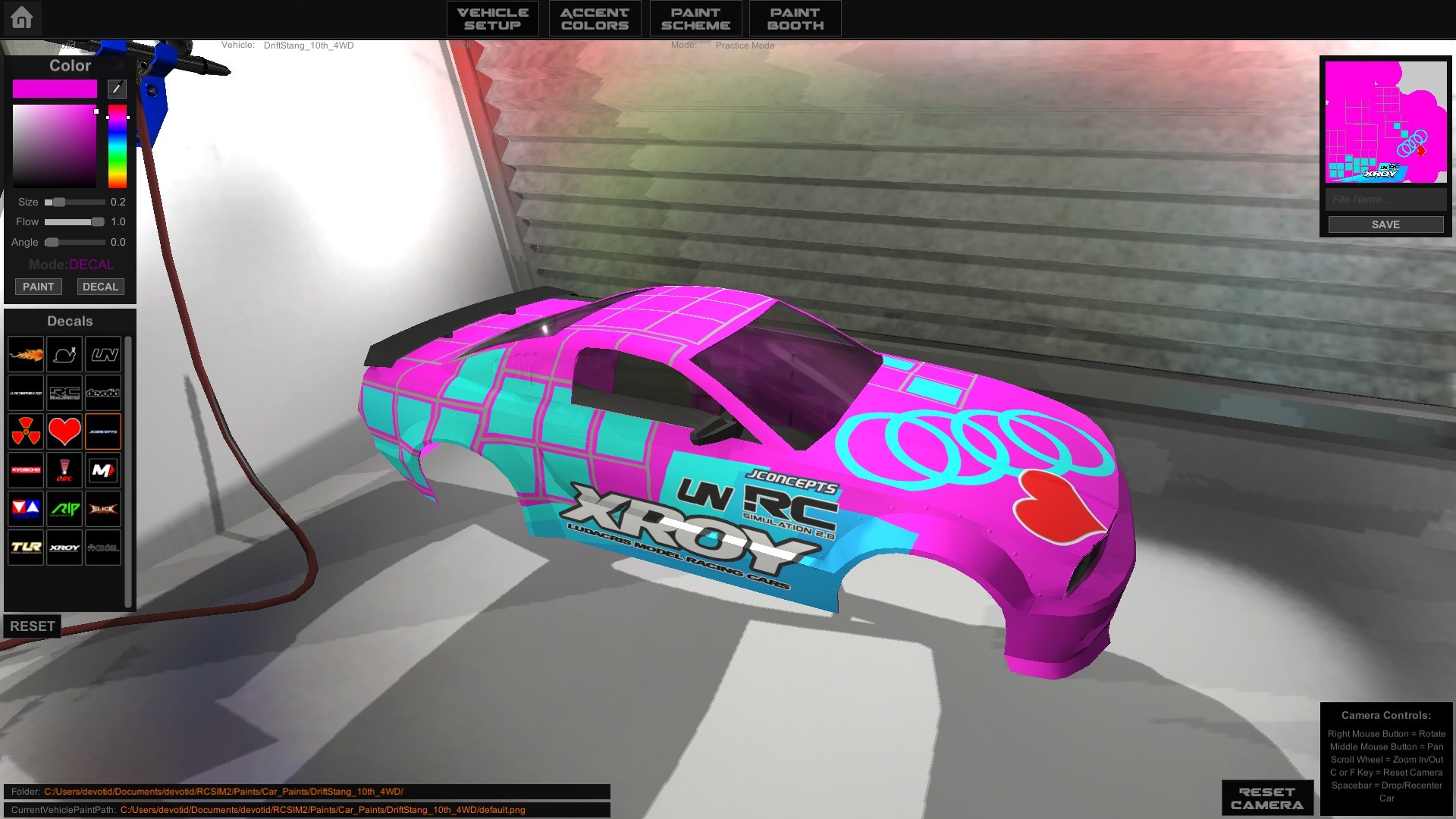
- Brand New "Paint Booth" area with ability to airbrush your own custom paint job right in the game and save them as PNG files to be loaded or shared later. So far there is over a 100 different brushes and decals to choose from. You can even add you own brushes and decals to the ingame painter in one easy step. You do this by just putting your own custom .PNG files into Documents/devotid/RCSIM2/Paints/Paintbooth_Brushes or Paintbooth_Decals folders and then they will show up in the "Custom" (Blue) tab of the appropriate folder.
The Brushes are to be saved as White only .pngs (so you can change the color to paint with) and must be on a transparent background. The best size I have found to not bog down the computer and still look great is around 512-1024 pixels in size. They do NOT have to be square. I have not needed to make an image over 1024 in size. Most of the brushes and decals are about 512x512. There should be NO alpha layer on these images.
The Decals are saved in the same way but can contain borders, Shadows, colors....etc. The sizes are going to be the same as the Brushes. These are going to be mainly used for decals but you can do anything you want with each of them. Feel free to experiment and let us see the results!!!!
- New loadable custom Paint scheme for all vehicles. If you like to Photoshop your own liverys (paint schemes) you can now save them as a 2048x2048 .PNG file into the proper folder in your MyDocuments/devotid/RCSIM2/Paints/Car_Paints/"VEHICLENAMEHERE"/. There is a folder for every vehicle and two default files in each folder (default.png and a defaultBLANK.png). Do not replace or move the default paint schemes for each vehicle. If you would like to make changes to the default.png just make a copy and then make changes to the copy. The game will overwrite each default.png and defaultBLANK.png in each vehicle folder at the games launch. This is a way for me to update the default paint jobs in the future. The game will just list all of the .PNG paint schemes in a menu in the Paint Scheme menu. I have made all of the PSD Wireframe Files available for download at this link:
These Layered PSD wireframes will be used in Photoshop or whatever image editing program that you prefer and then outputed to a 2048x2048 PNG for use in game. You MUST save them as PNG's because PSD files and JPEGS will NOT work in game.
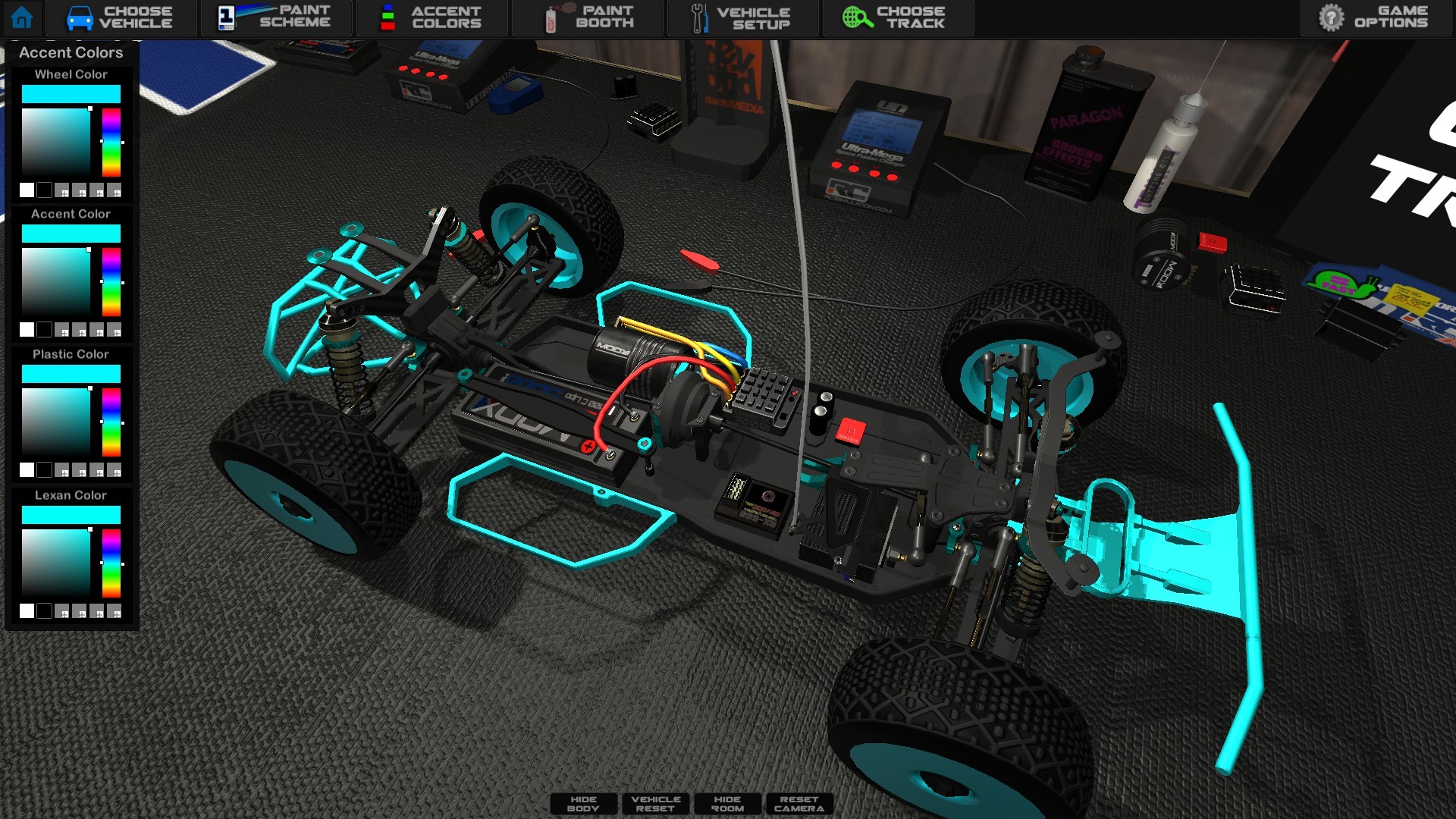
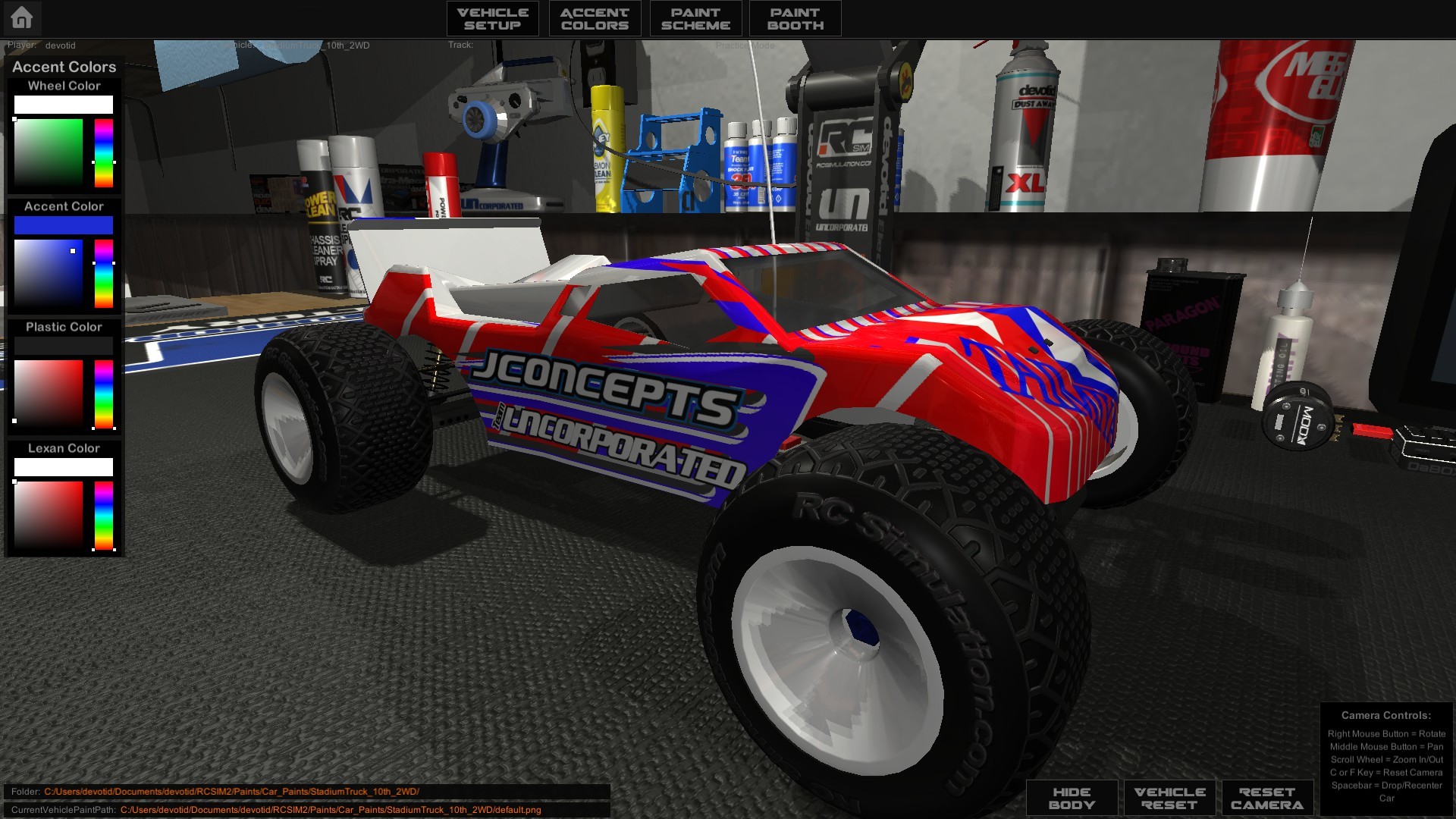
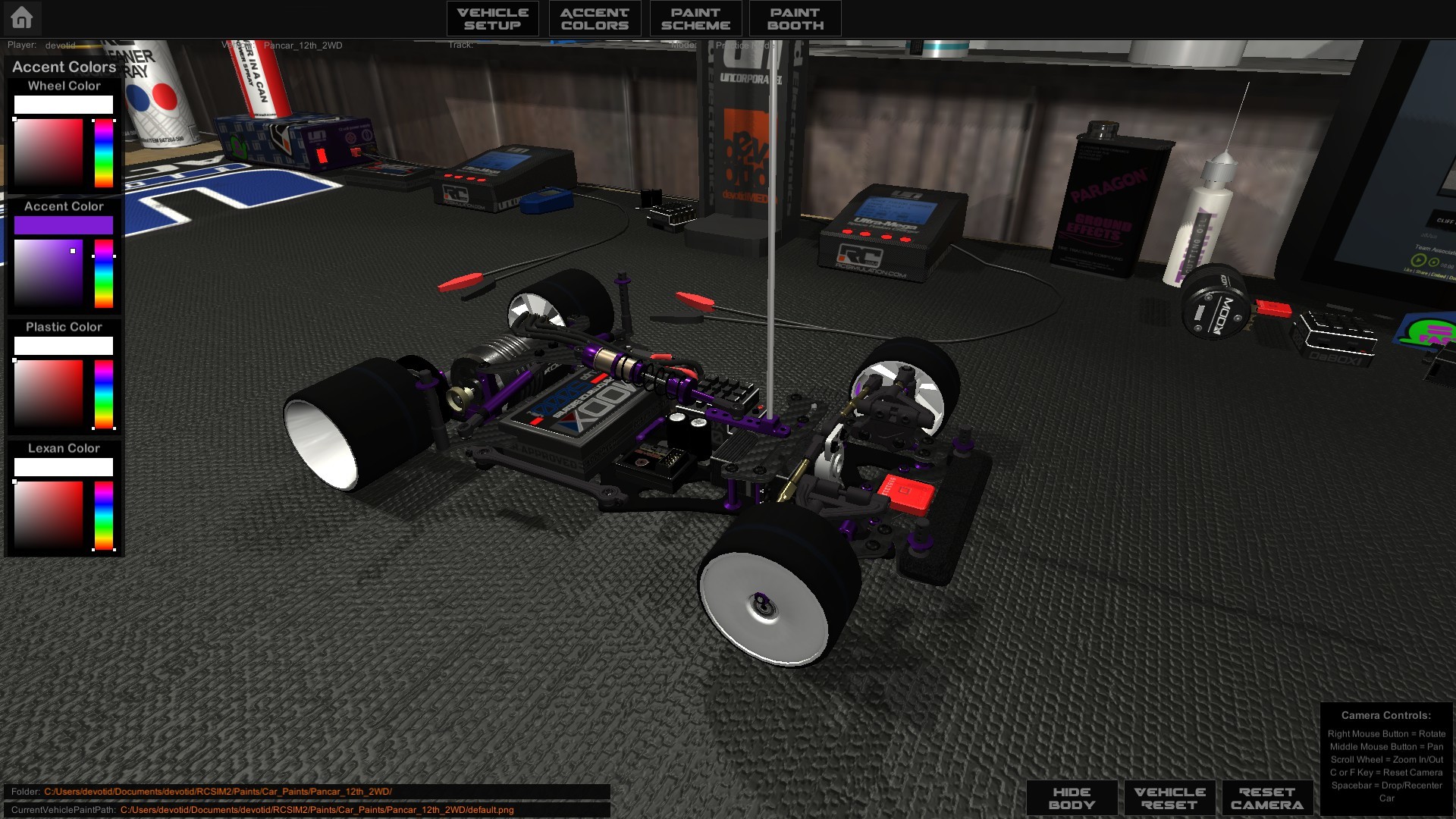
- New Accent color system (Turnbuckle colors, wheel colors, Annodized aluminum colors, etc...) This gives the user the ability to match up the accent colors of a vehicle to its current paint job. I also put 4 small color presets next to the Black and White presets that you can set to your favorite most used colors. To "Save" the color of the preset just hit the small tiny square in the corner of the color preset.
- New Crawler suspension with a live front and rear axle just like the Squatch and Monster Truck. Also updated the Center of Gravity on all the Crawlers.
- New transmission model on the crawlers as well. They feature better throttle response from a standstill which is better for the more precise and subtle movements of crawling.
- New Canopys (Lexan Covers) for all the Quadcopters. I love quadcopters with canopys on them. The canopy will help with being able to fly line-of-sight a little easier. Another reason I wanted to add the canopys to the quads is it will give the drone pilots something to paint and customize in the new Paint Booth area. If you dont like canopy's you can always just push the B-Key on your keyboard and turn them off.
- New Camera Menu that is easier to use and to identify which camera mode you are in. This is still a work in progress and will most likely change as I start working on the AI racing cars. I am still trying to streamline and clean up all the menus in game. Please let me know if anything is confusing or could be more clear. :)
- Removed a bunch of un-needed stuff from the menus in an attempt to make the whole package easier to use. Please let me know if there is any confusion and I will try to make it easier to understand.
- The Land Vehicles setups are now saved in your "Documents" folder under unique folder names for each Land vehicle. They used to be not visable in a "Hidden Windows" folder but now are available to copy and share with friends. Shareable setups are only available for the Land Vehicles for now. Air and Sea Vehicles do not have shareable txt files as I am still working on the setup system for them.
- Added a bit of smoothing to the steering and Throttle when you are driving with keys on the keyboard. The best way to play RCSIM is with a controller but for those of you who chose to use the keys this should make it a bit less "instant". This will not affect controller axis in any way as they are purely linear.
General Bug Fixes:
- Fixed a bug were the camera would load in Larrys Head and you could not see anything
- Fixed a bug were the camera would load in the wrong Driverstand spot and you could not seee your vehicle. (the spawn points on the custom tracks is purely up to the creator so I am only speaking about default tracks.)
- Fixed a crashing bug on Linux builds at startup
- Fixed the Menu scaler system so its a bit easier to use and the game will now instantly save your settings.
Well thats it for now.... Please feel free to share your screenshots of all your custom paints as I would love to see all the cool creations!
As Always. Thank you very much for the support and happy RC'ing!
Kevin
devotid
V905 TEASER Video of New Vehicle Painter Area
I have been working hard on the the new Vehicle PAINT BOOTH and Customizing Area and thought I would make a video showing some of the new features that are coming in the next update.
Painting lexan bodies has been one of my favorite parts about this hobby for a long time. I have always wanted to build a ingame livery painting system that was simple to use and would allow people to fully customize their body to their taste. Complete with adding decals of their favorite "sponsors and teams". I also wanted to make it simple for the "Photoshop" painters to just be able to save a png file to a vehicles "Paint" folder and have the ability to pick it in game from a list. You will see in the video below how you will be able to do that when the next update is out. :)
The video is about 9:00 minutes long and shows the new ingame paint booth and car customizing area.
https://youtu.be/VA-MXDhv3N8
The new ingame paint booth will feature a list of brushes, masks, stickers and more to create an infinite amounts of paint schemes and save them to your computer. No longer do you have to use photo editing software to make your own custom paint schemes. You can now create them in the easy to use paint booth. It is still in a beta phase and missing a couple features but is a blast to use and paint with.
--- IF YOU ARE A PHOTOSHOP PAINTER ---
After the update is out...you will be able to download all 26 different PSD wireframe files to open in a photo editor of your choice and just save them as a 2048x2048 png file in the appropriate folder. (Each vehicle will have a folder that will be in your Documents/devotid/RCSIM2/Paints/Car_Paints/VEHICLENAMEHERE/ folder.)
The game will then display each photoshop created png file in the list of available paints in the Scheme area for you to chose from just like the ingame created paints.. You can even share them with your friends and as long as they put them in the correct folder they can use them in their game. In the future I will be building some kind of sharing system. But thats after the AI and new racing systems.... ;)
Things That I am still working on for the Vehicle Editor:
- Ability to CNTR-Z and CNTRL-Y to UNDO and REDO in the painter.
- Short keys for quicker adjustments of Rotations and Brush sizes.
- Ability to add your own custom brushes and decals to the ingame tools (PNG Format)
I should be done with phase 1 of this vehicle painter in about 2-3 weeks. That will get it out in more hands which will allow me to get some more feedback from all of you. It is still ever changing like all things here in RCSIM2 but I want to let you all know what is coming.
Thank you for your support!
devotid :)
HUGE Update! New 3D Models, Physics, Menus and many optimizations.
Update September 27th, 2017 (Build Version # .904)
New HUGE update! New 3D Models, Physics, Menus and many optimizations.
https://www.youtube.com/watch?v=L2QoioMpQnI
LAND VEHICLES Updates:
- All new models with much higher quality, complete with animated moving suspension systems and steering servos.
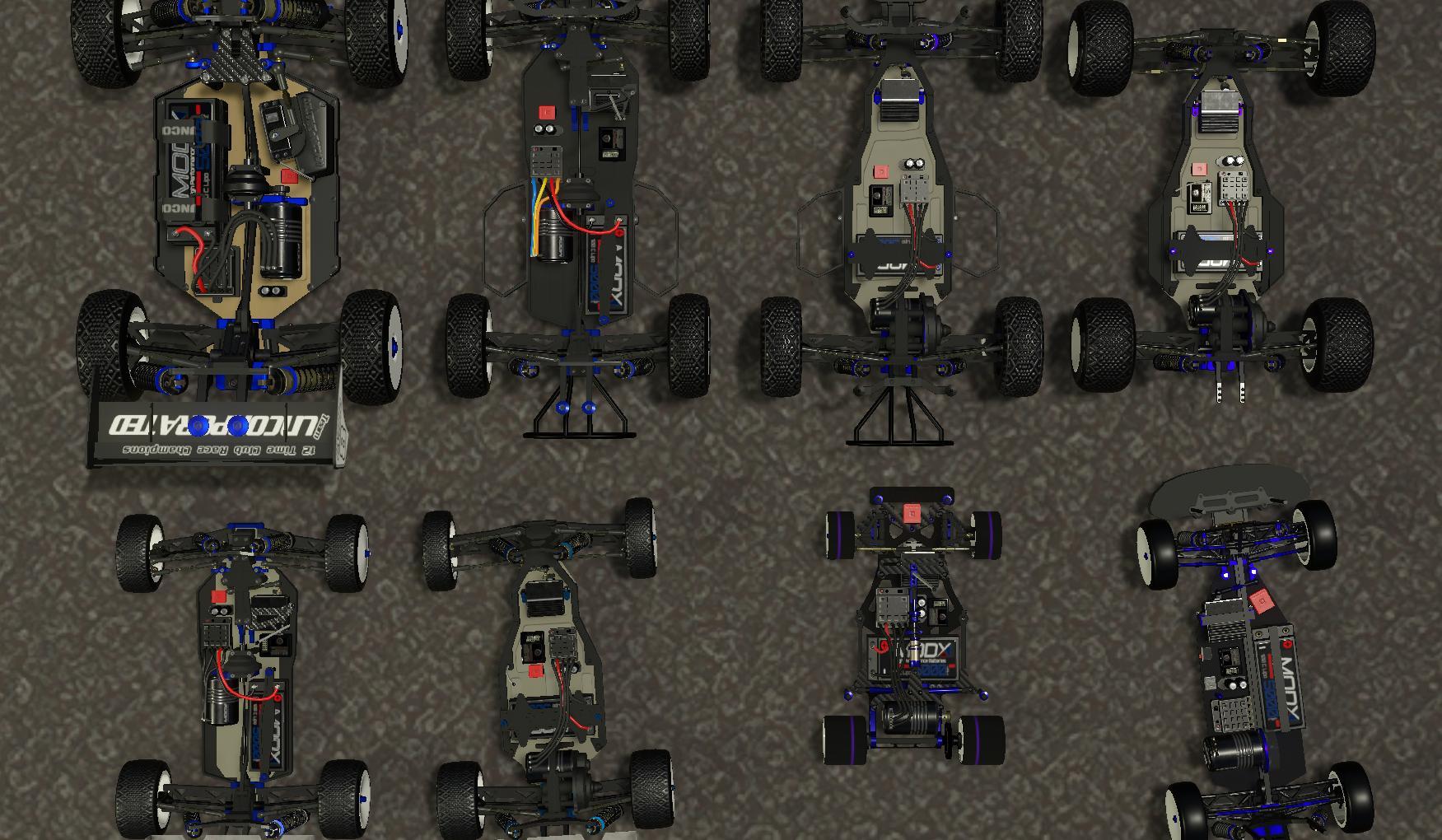
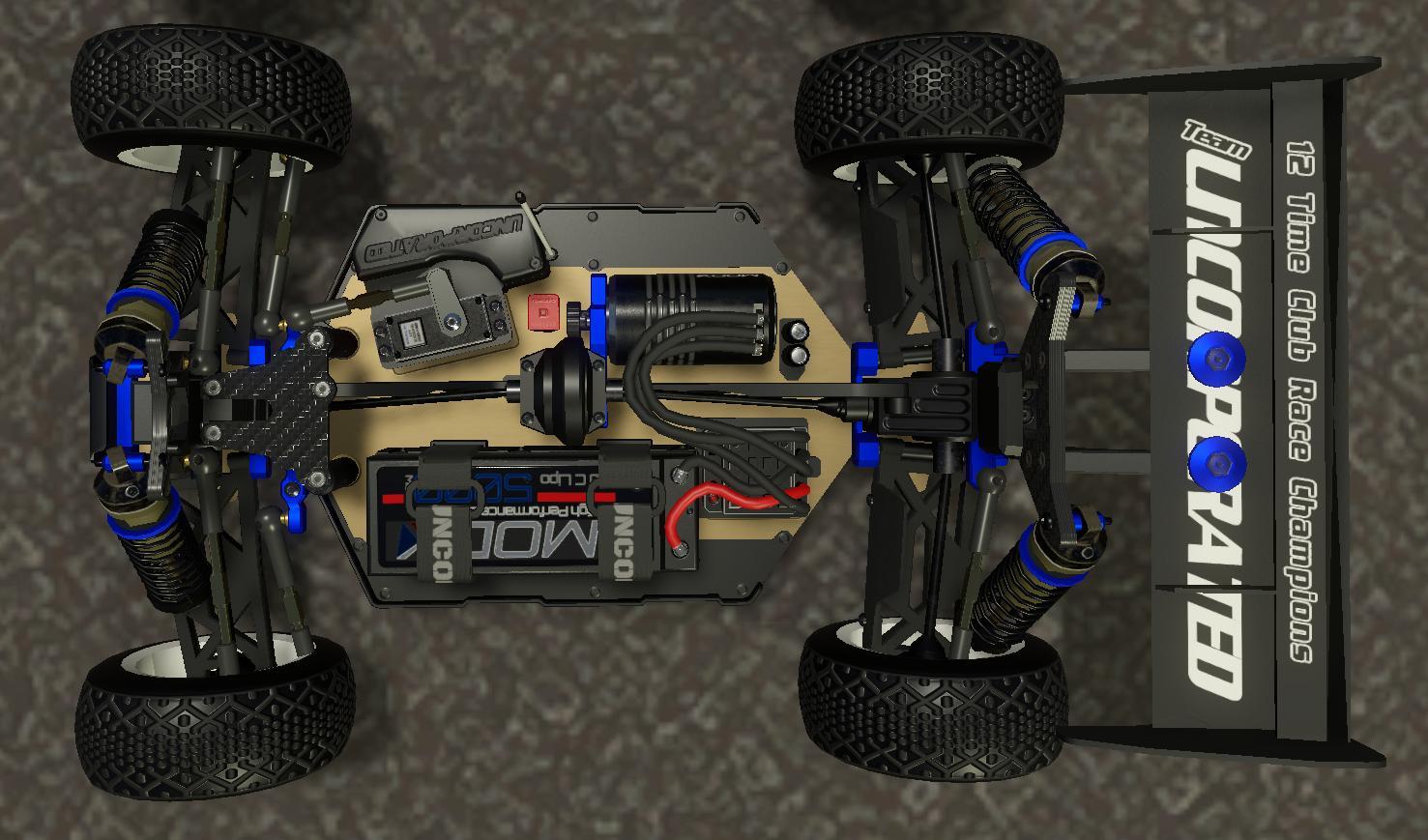
- New modeled electronics in all cars.
- Removed and replaced the wheel "dirt particles" for each land vehicles.
- All new "flight" physics for land vehicles (ie; jumping and doing "whips")
- All new vehicle collision colliders and COGs.
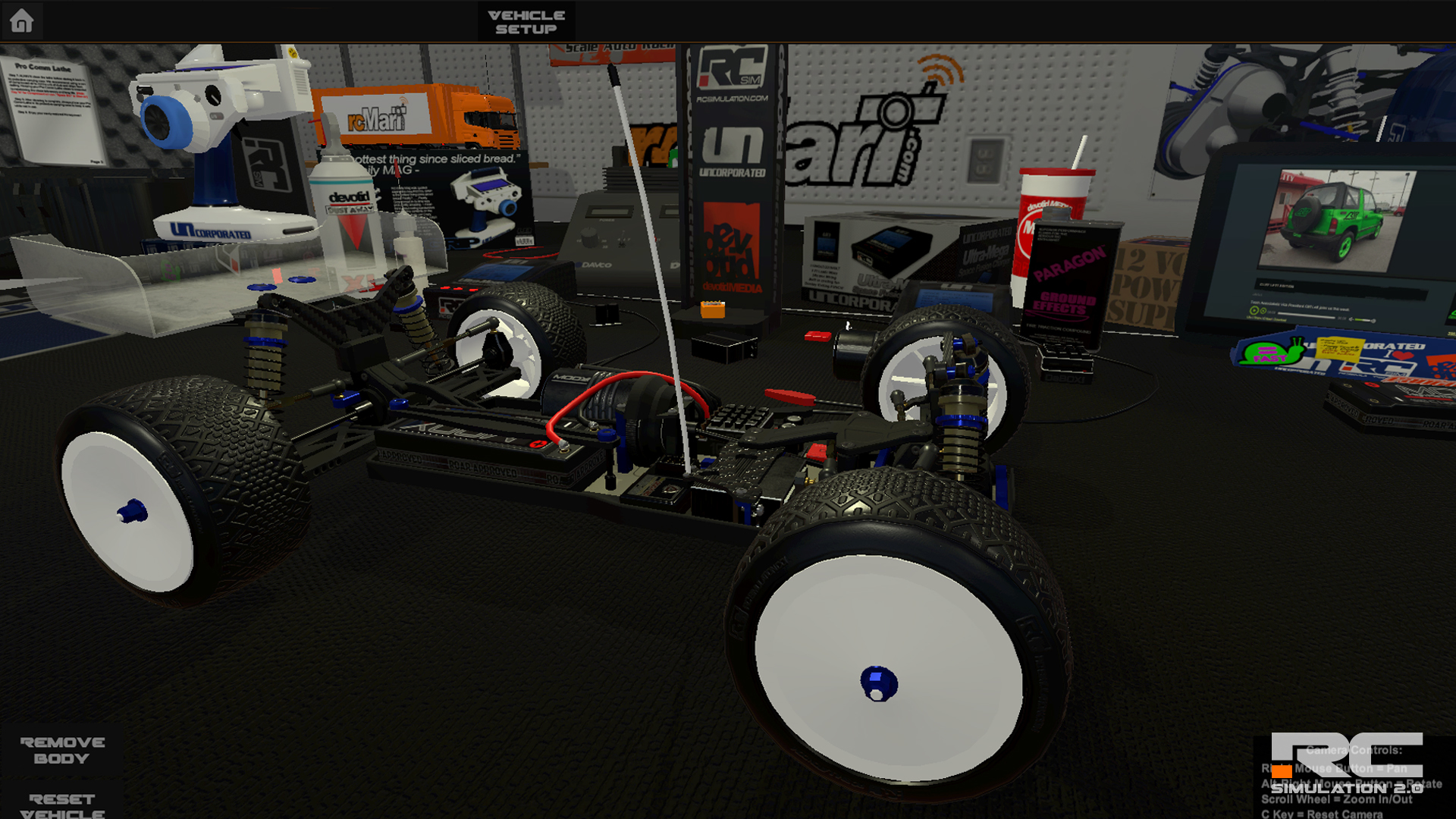
- You can now remove the body on most all land vehicles by pressing the B Key on the Keyboard. Press it again to turn it back on.
AIR VEHICLE Updates:
- New high quality models on all quadcopters.
- Quads will now save their flight mode when you change on the fly. Before the game would reset the flight mode each time you would hit the marshal/reset vehicle button.
PLANE VEHICLE Updates:
- New Flight Physics for all planes. There was some Wing Colliders from the "breakable wings" that were not being included in the aero and force physics and making the planes fly like hotdogs. (ie; not much lift at all) They now will "level off" much better and work like an actual plane.
- Updated the Cameras and Detail objects on all of the planes.
TRACK MARSHAL Updates:
- New Track Marshals with the ability to choose your "set down" position. After you hit the Marshal key you will be able to choose were the marshal puts you back down on the ground. This will help with the marshals not putting you in a good spot. You can now rotate the marshal with your Steering axis and he will drop you in that spot after 2 Seconds. This is only for the Land Vehicles. When you hit the marshhal key now with Boats, Quads or planes your vehicle will be auto reset to the initial Starting/Spawn spot. Most of the time when you are flying or boating and you call a marshal...odds are the vehicle is broken. ;)
- Marshals will now "teleport" to very long distances within 2 seconds to flip yout land vehicle over anywhere on the map now. This will help with waiting all day for him to com flip you over.
- If there are no marshals in a track and you hit the marshal button.... The car will just be reset to the original spawn position. It is basically just like hitting the car reset button.
MAP Updates:
- All new default "surrounding world" on all tracks. The world is 4x times as big as the old one and allows much more flying and exploring room.
- Updated all lighting and lighting effects for better framerates. The shadow distances were way too large on a couple of the lamp posts and flouro lights in the track editors and have been changed accordingly.
- Updated the light house game object with new lighting.
- updated all the neon tubes for building flying courses. They should be much less CPU intensive now.
- Optimized the water objects for faster rendering
CAMERA Updates:
- New Optimised First Person Larry "Explore Camera" with Rigidbody and ability to interact with Dynamic (Moveable) game objects. If you would like an inverted "look axis" just go into the controller input menu and click the small box next to the X Look X axis box. Make sure you are in the explore menu.
VEHICLE EDITOR Updates:
- Added reflections and new lighting to the Vehicle Editor "Workbench" for a little more optimizing. This is going to be where the vehicle customizing will take place. More news on that in a future update.
- You can now reset the car to the workbench just by hitting the Marshal button. Before you had to manually click the onscreen Reload/Drop Button. This will make checking setups a bit easier.
- You can also remove the body of any land vehicle when in the editor workbench area by hitting the onscreen button or by pressing the B Key on the keyboard.
Now I am going to be working on completing the AI Bots to race against and the new vehicle customizing area. I hope you enjoy this update. I really had a wonderful time modeling each vehicle.
Thank you very much for supporting RC Simulation and please if you enjoy the game... please leave us a review or tell a friend who loves RC.
Kevin
devotid
More teaser Pics of the New Models coming in the next update. WORK IN PROGRESS
I thought I would post another small announcement with some more TEASER PICS of the new 3D Models and updated graphics that are coming to RC SIM 2.0's next update.
I have been RE-modeling them and learning to texture much better. (Thanks to Substance Painter 2.0) The ability to paint on more details is really addicting and fulfilling. So far I have done about 70 percent of the vehicles and I am currently working on the new interactive Vehicle selection menus, Some AI competitors to race against and a couple other things for the Crawler scene. Lots to come. :)
LAND VEHICLES
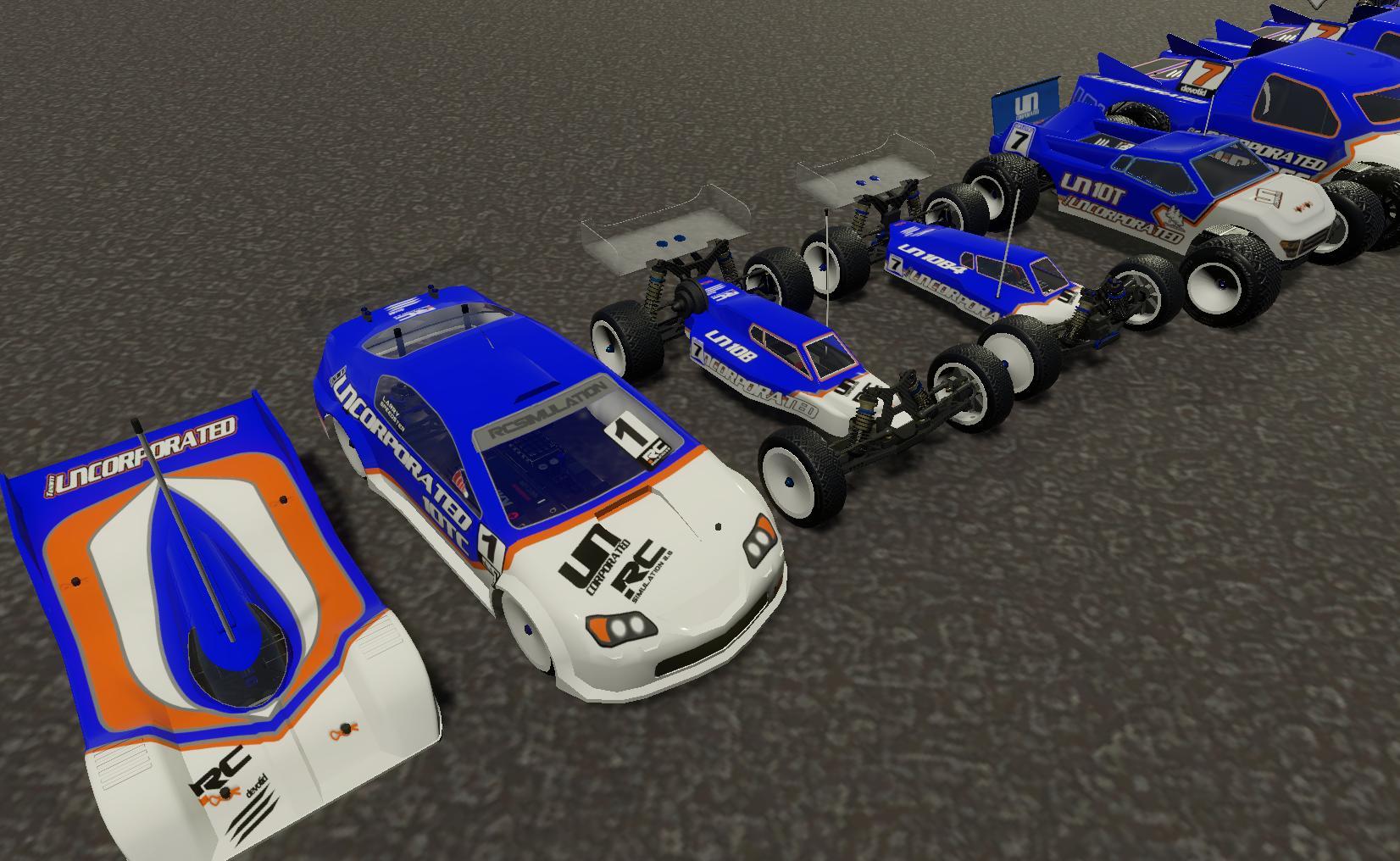
All cars will have the ability to change the Wheel Color, Screw/Hardware Color and also the ability to paint your own custom paint scheme. (Using a 3rd Party program like Photoshop or Gimp and saved as a PNG file.) More news on that when its ready. I will release a Steam Guide with instructions and a .PSD Photoshop Wire frame for each vehicle when the update is out to assist in painting your own custom body.
Along with the ability to customize the look of the vehicles to your style, all vehicles feature new Animated Suspensions, Tie rod links, Shocks, Springs and Servos to really bring the new vehicles to life.
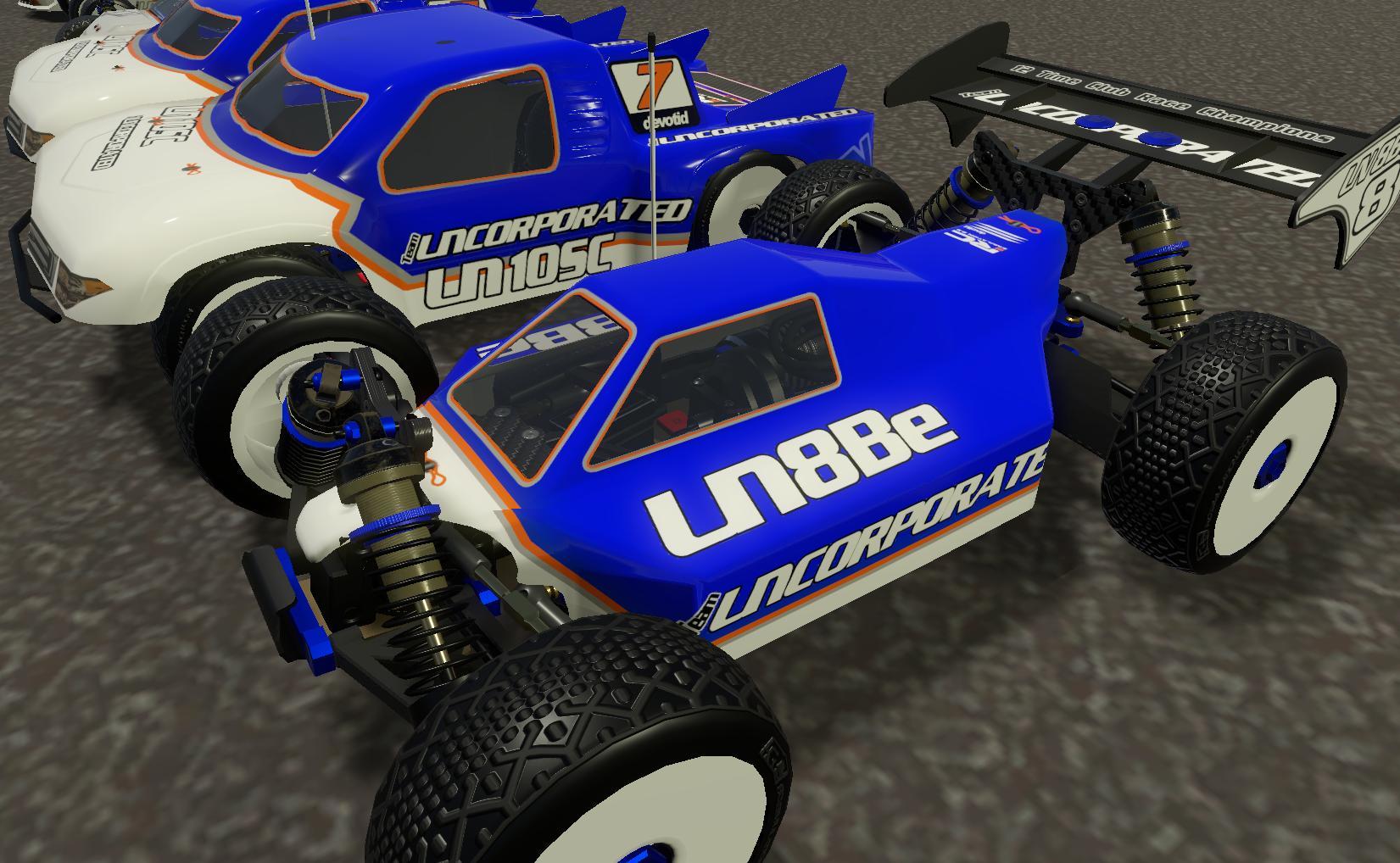
- 1/8th Scale Off Road Buggy:
- 1/10th 4WD Buggy:
- 1/10 2WD Buggy:
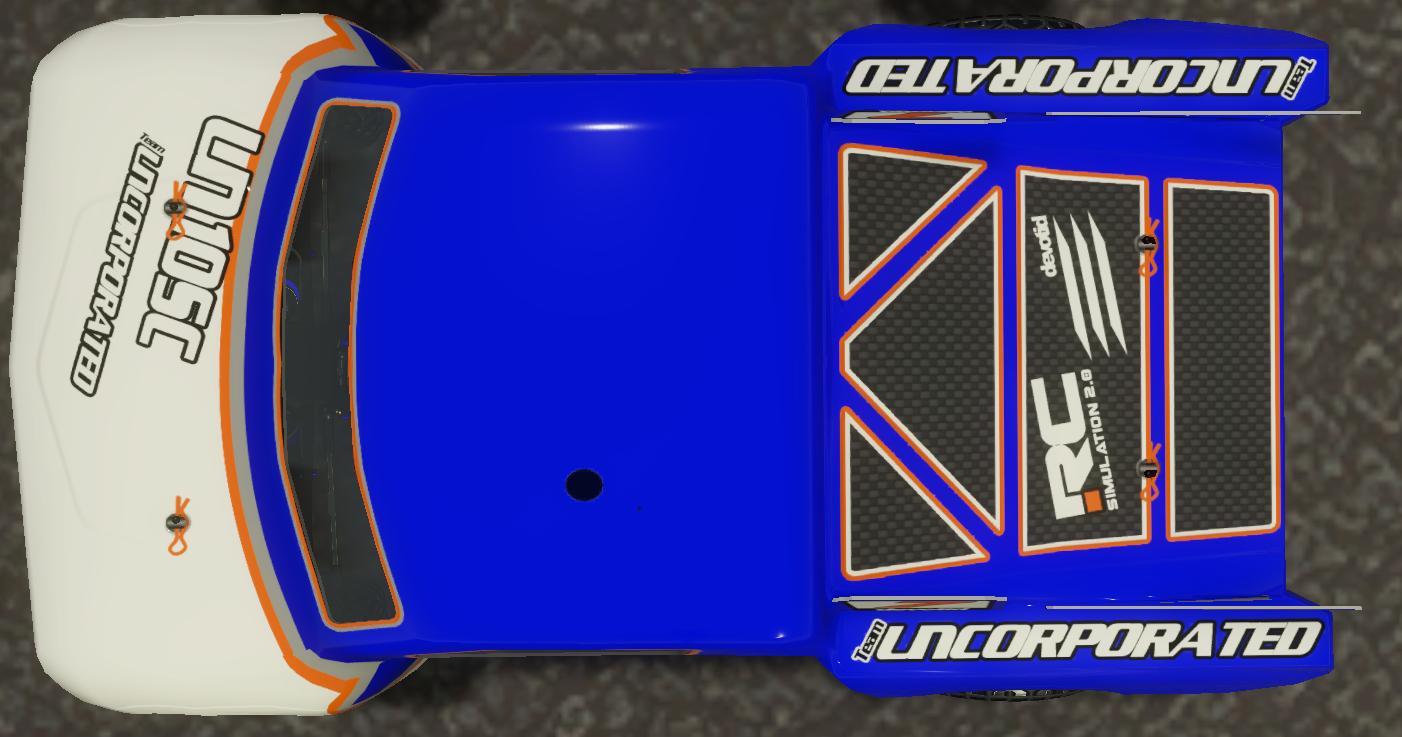
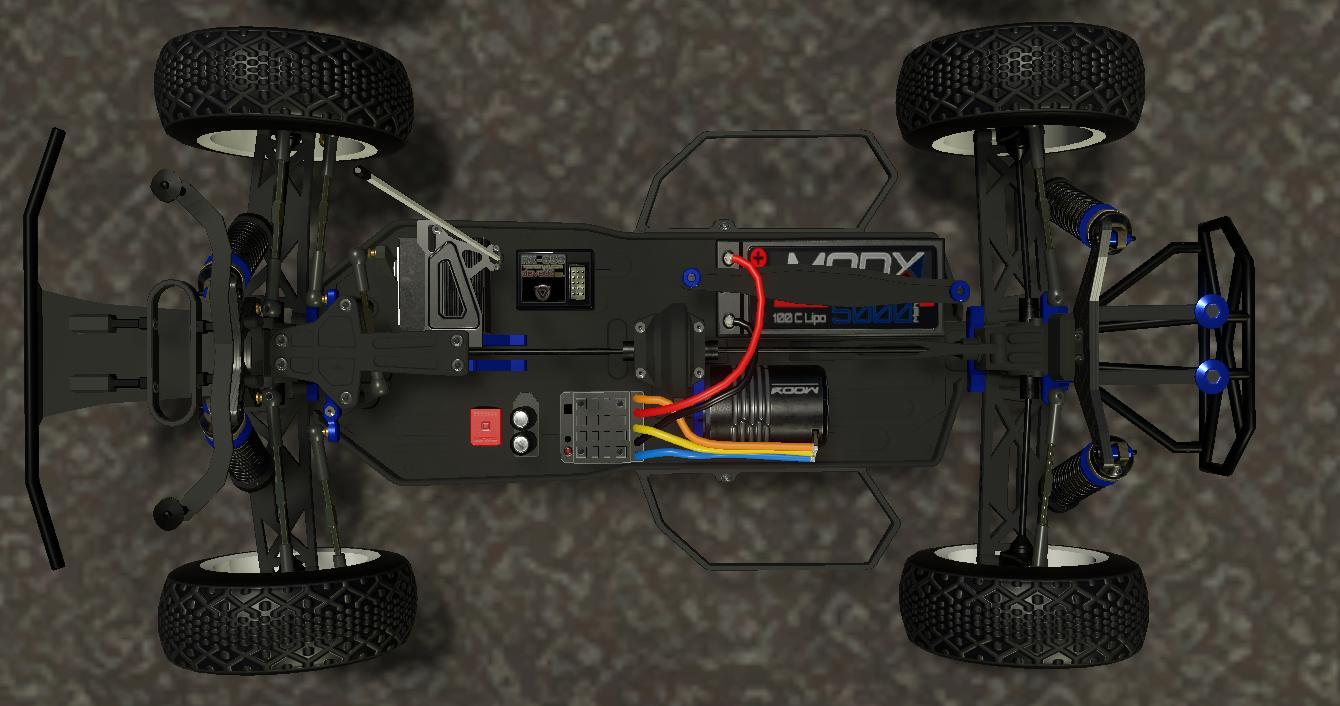
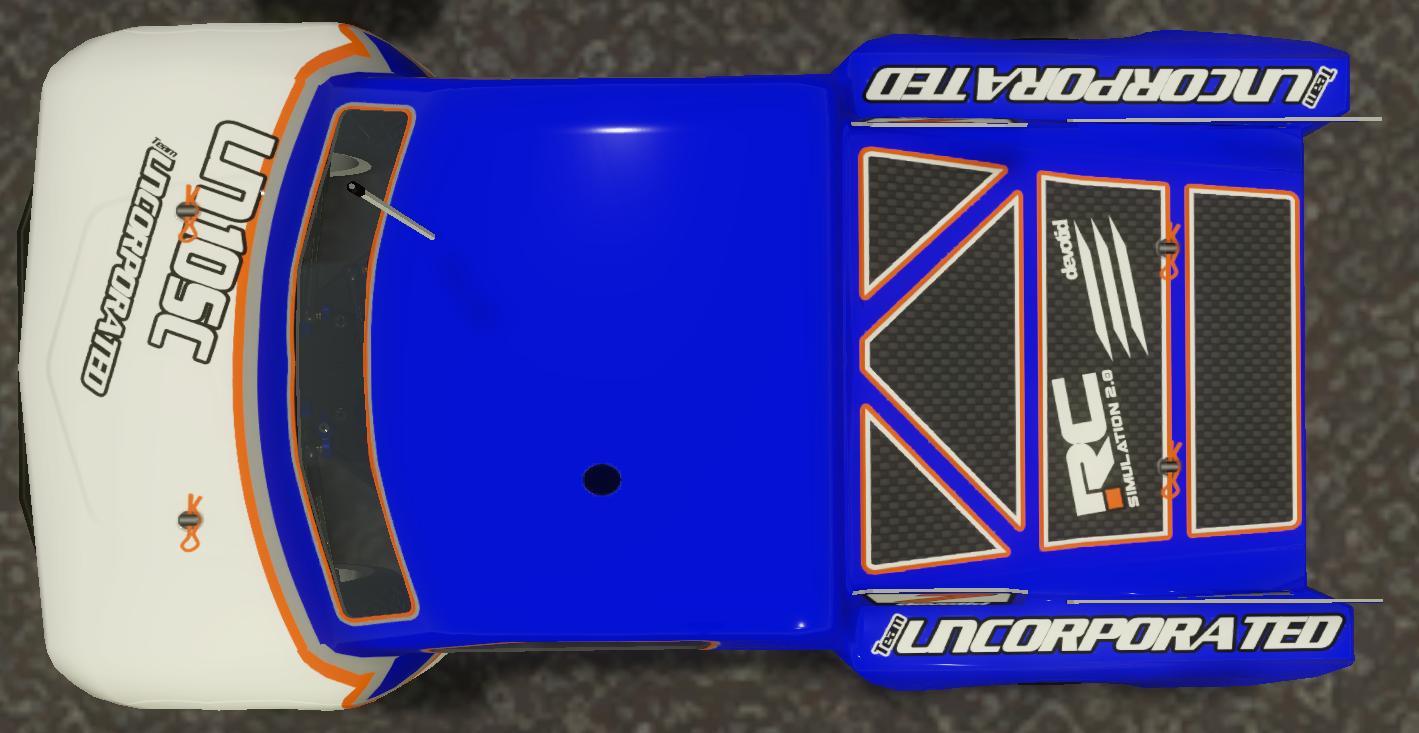
- 1/10 2WD Stadium Truck:
- 1/10th 2WD Short Course:
- 1/10th 4WD Short Course:
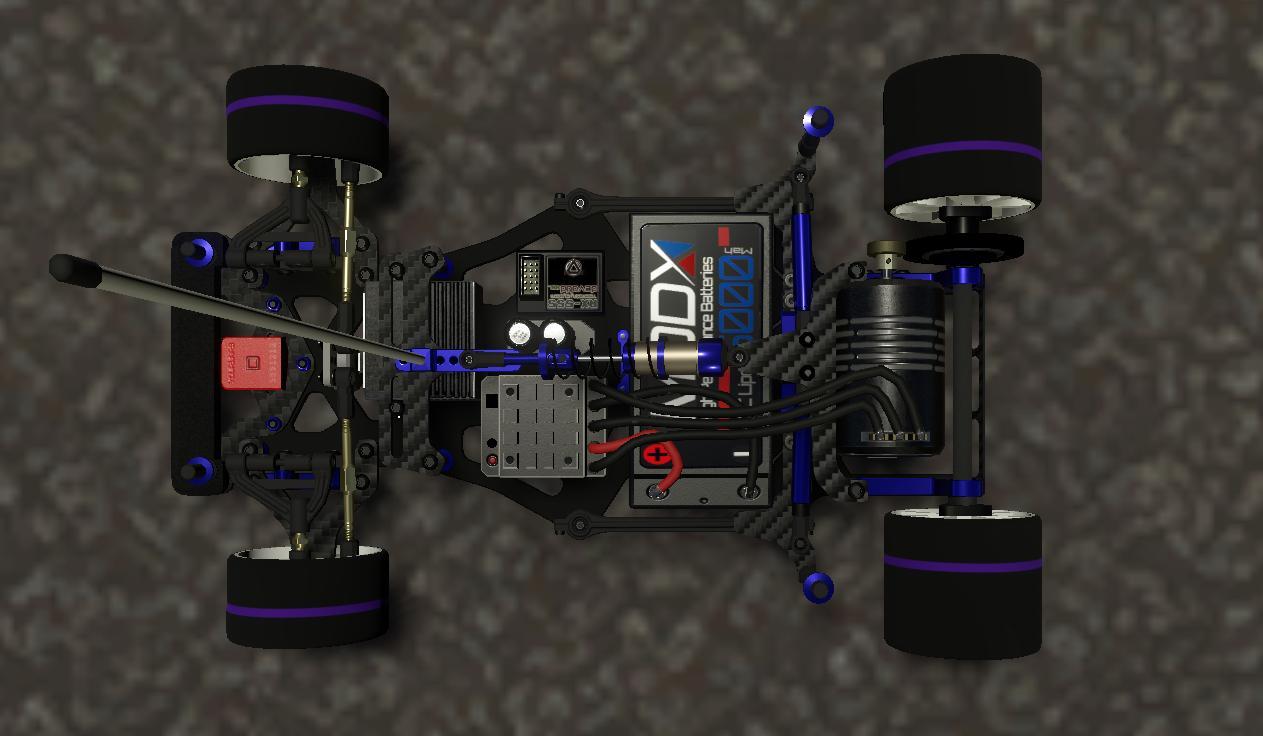
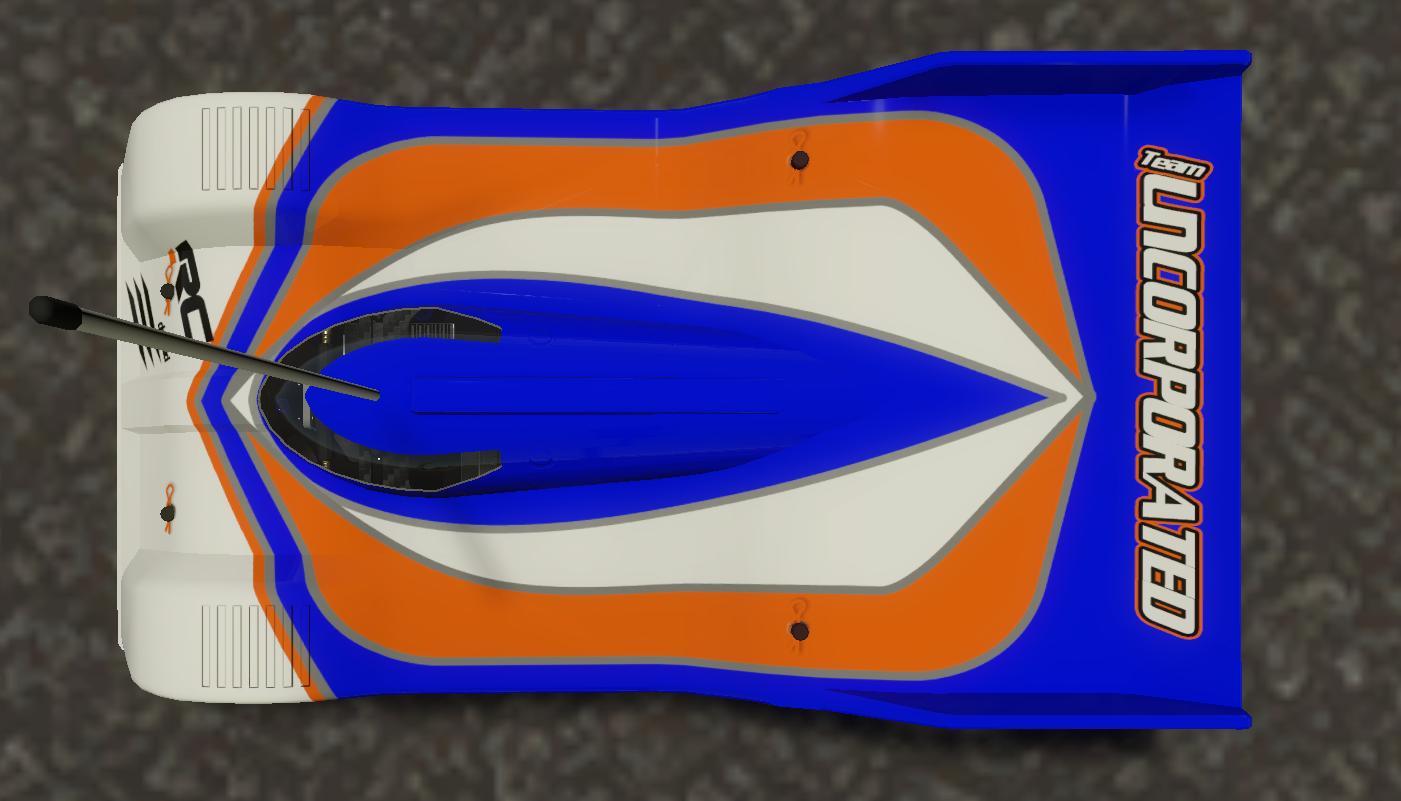
- 1/12th On Road Pan Car:
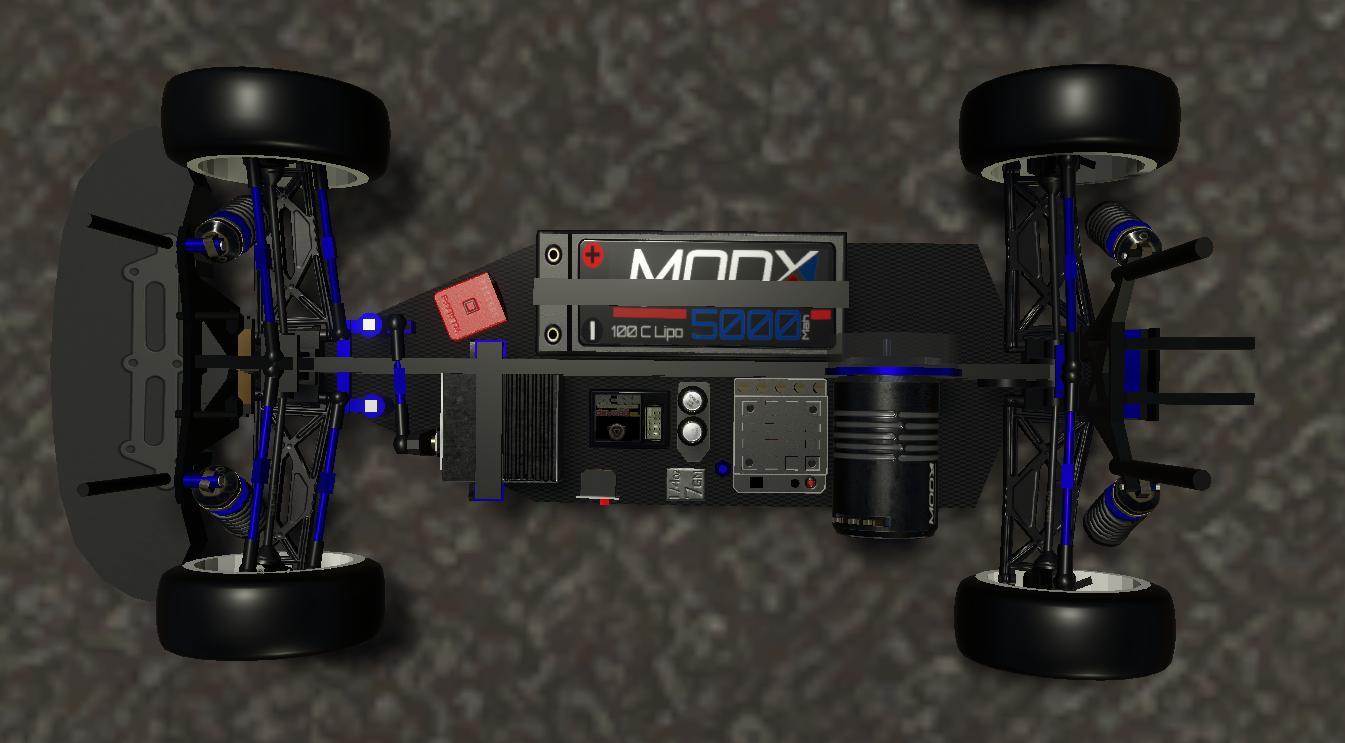
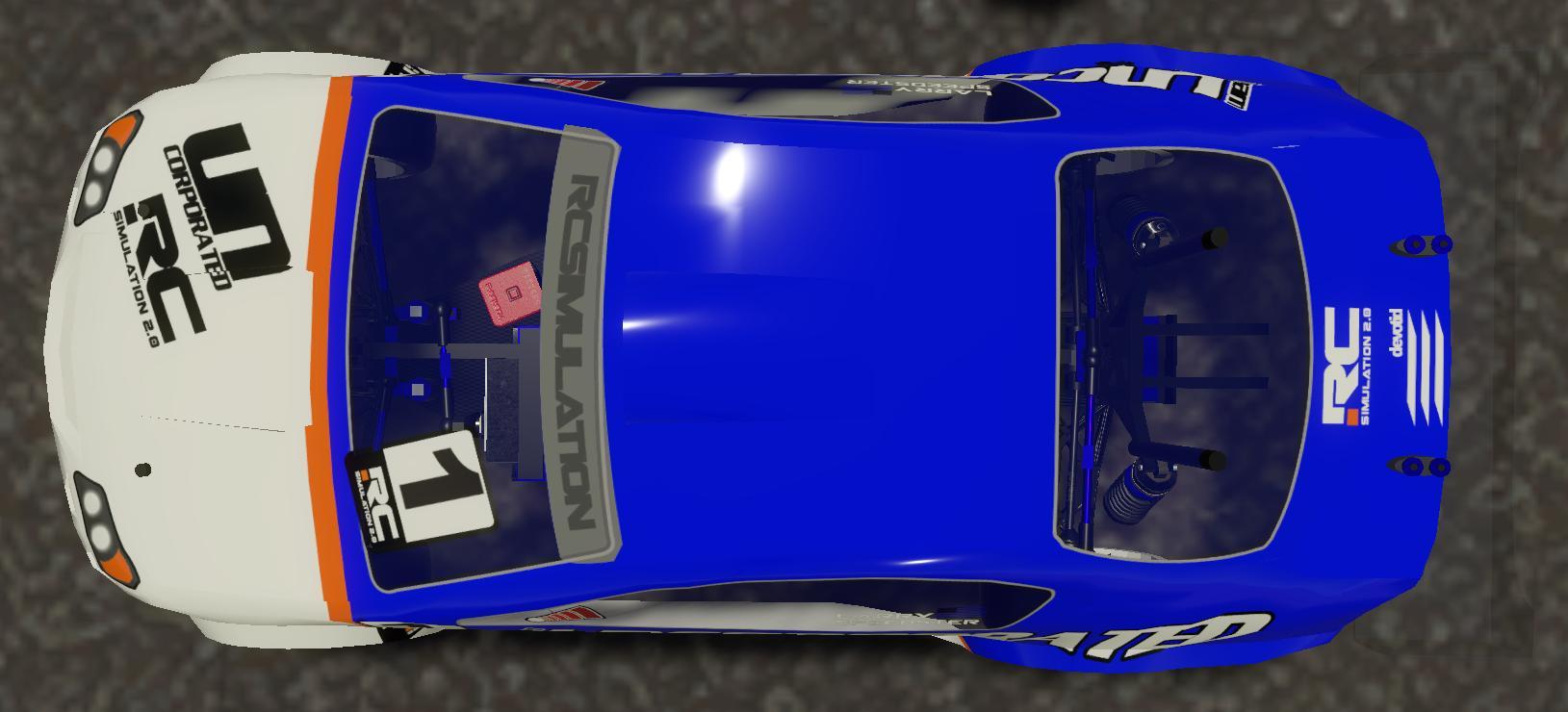
- 1/10th 4WD Touring Car:
QUADCOPTERS
Here are a few pics of the new Quadcopters that are coming to the next update.
All the quads will have the ability to change the Screw/Hardware Color, Blades/Props Color and Accent Plastic Color. The color combinations will be fun to play with once I finish the new vehicle selection Menu. I am working to make it much more interactive and customizable... but this is just about teaser pics. ;)
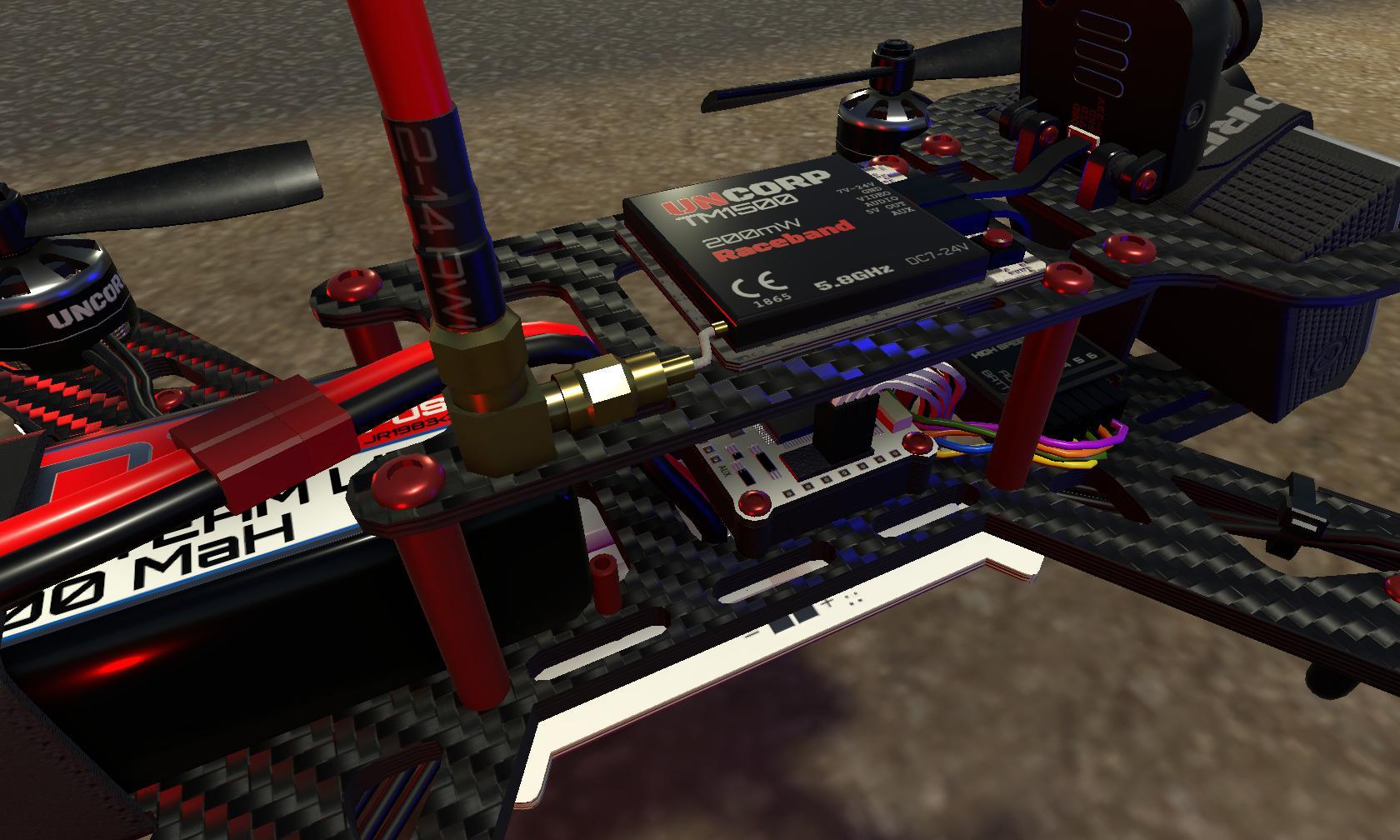
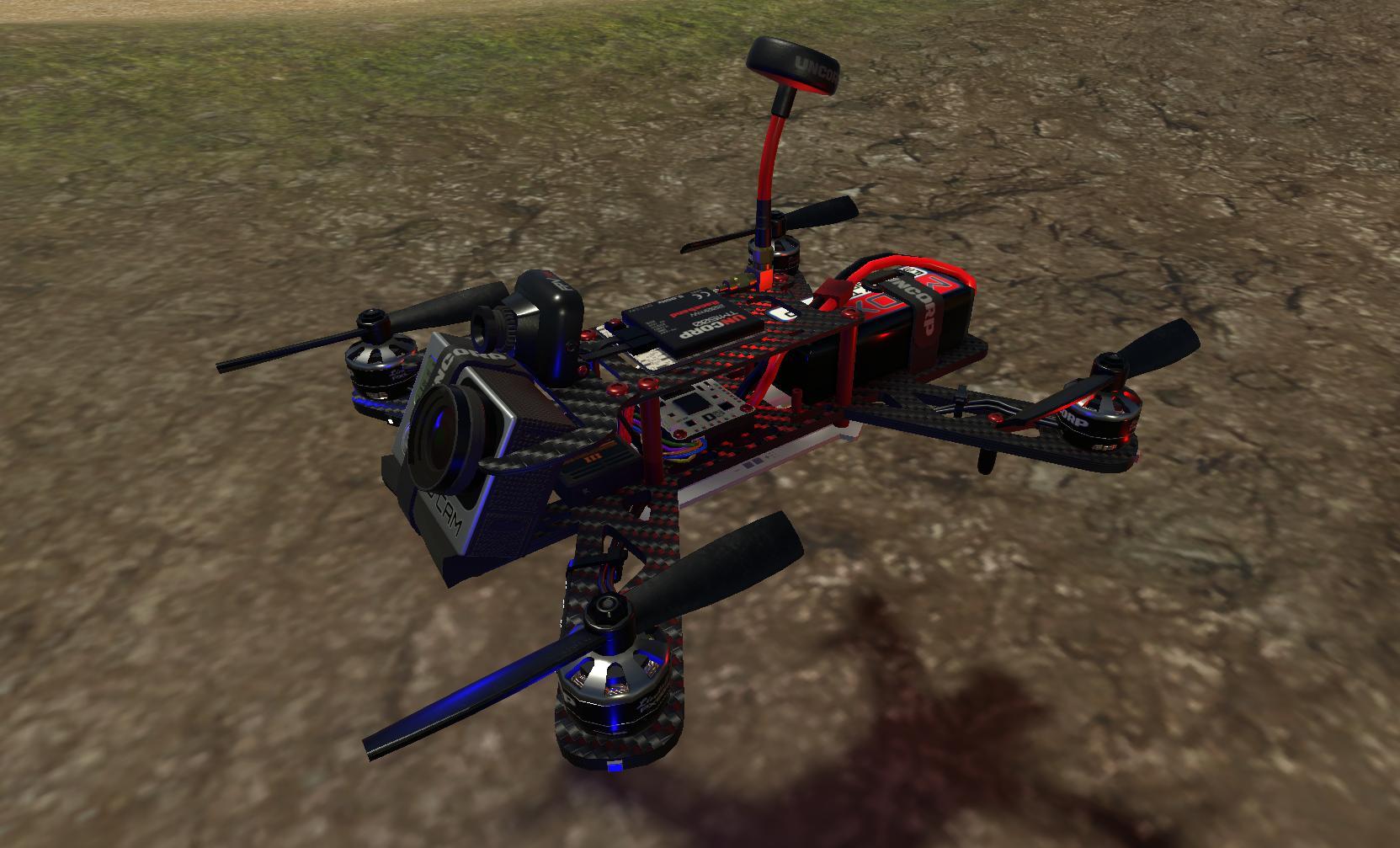
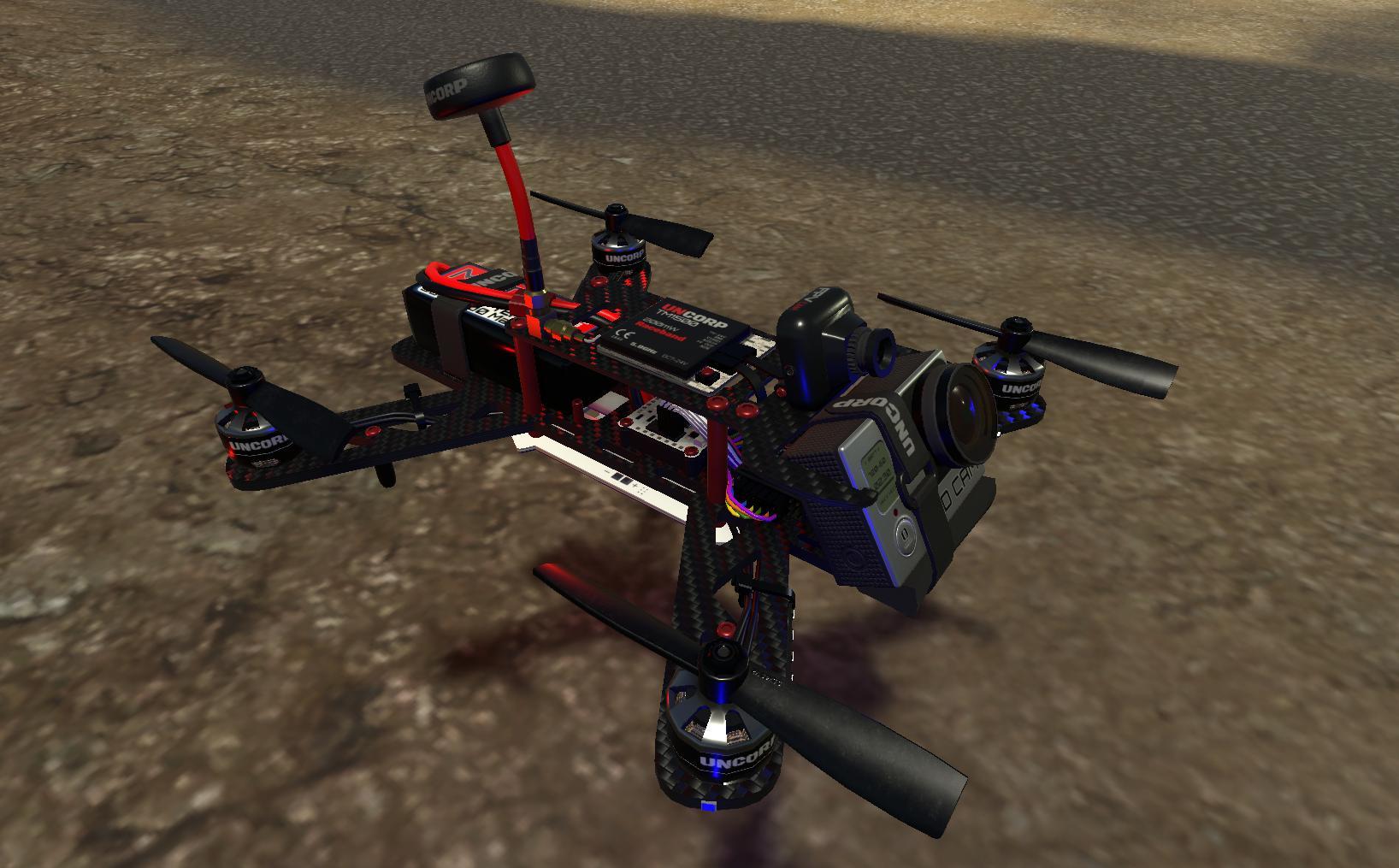
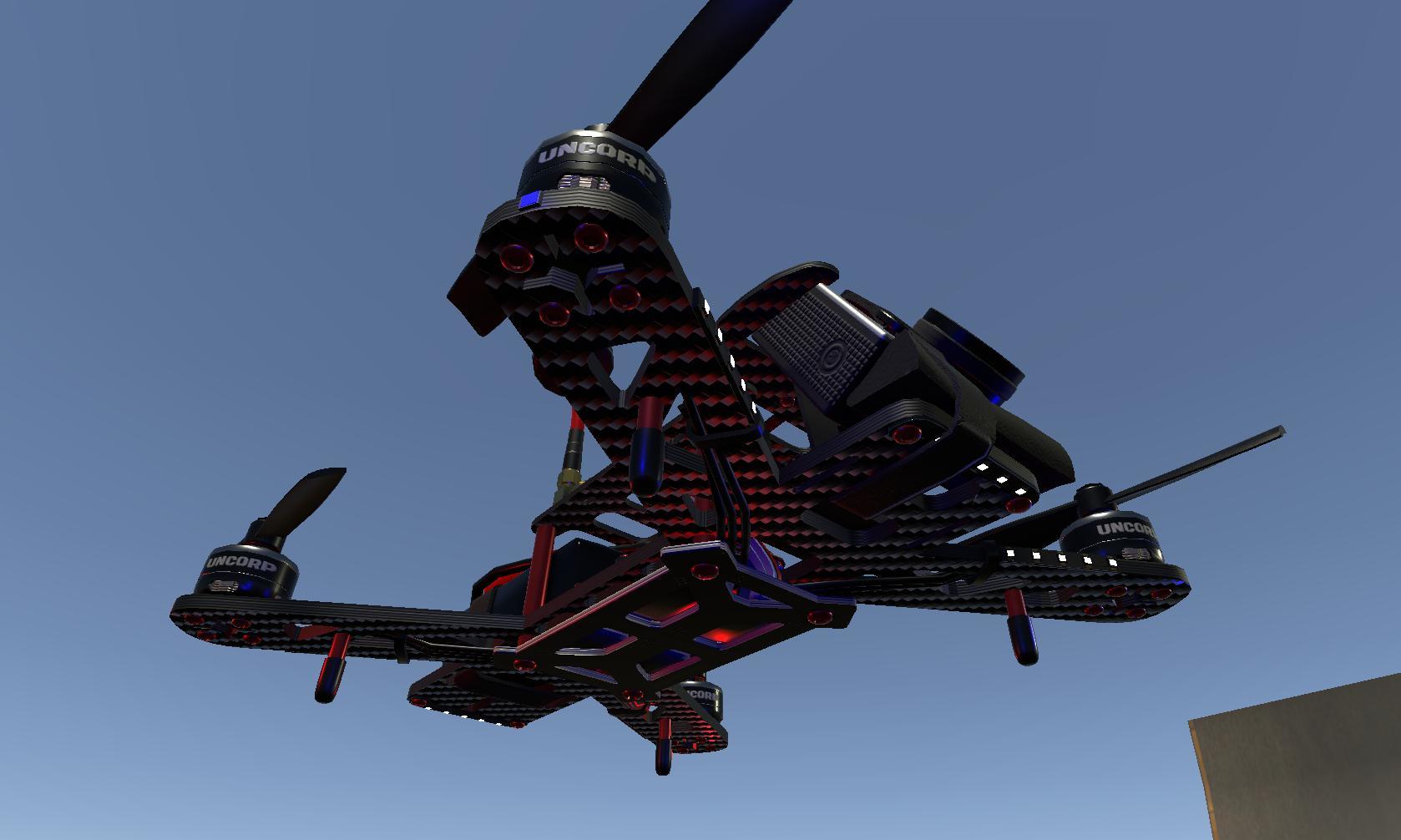
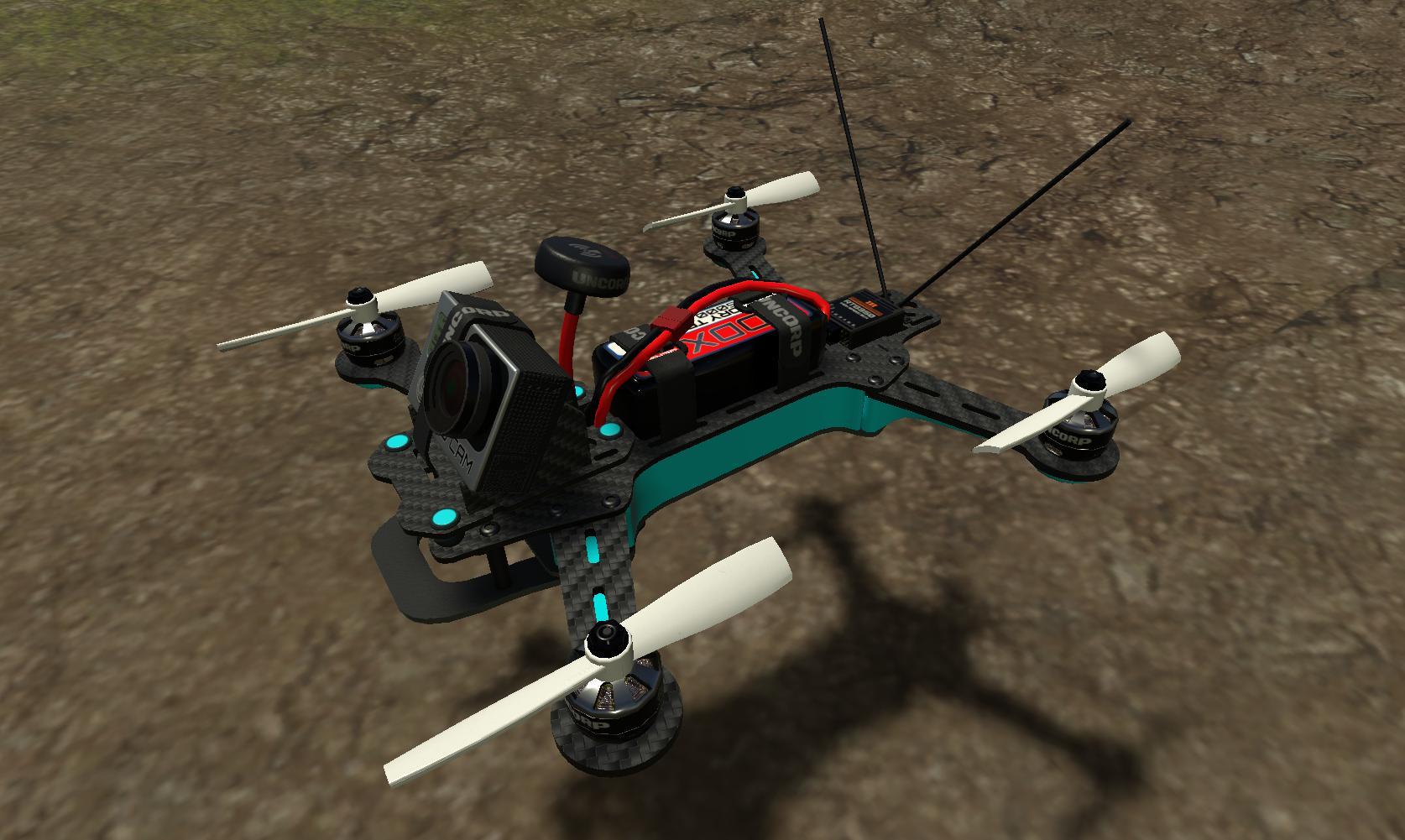
- Quad 250mm Racing:
- Quad 265mm Racing: With a couple different color Combos:
- Quad 385mm Utility/ Camera Working Quadcopter:
RC Simulation 2.0 - Future Road Map and Work In Progress Pics and Video -
First Off..... WELCOME all the new users and Thank you for supporting RC Sim 2.0
I just wanted to touch base with all of the community and show a little bit of what is to come for the future of RC Sim 2.0. I have been making a bunch of big changes behind the scenes over the last few months. I have been looking at the numbers of Multiplayer, Levels played, average time played and other stats and have come to the conclusion that we simply dont have enough players to have a good multiplayer experience. Soooooo, Since we are still in Early Access I have decided to build a more local gaming experience with some AI Cars (computer opponents) and some other RC related challenges.
Meanwhile, while you are waiting..... Here are some new models and animated suspension videos to give you a taste of the level of detail that I want to bring to the entire game. Let me know what ya think in the comments below.
Things I am planning and brainstorming on doing to the game: (Subject to change). We will be starting with the land vehicles and then moving to Air followed by the Sea Vehicles. Finishing them off with new setup menus and the ability to add some AI bots to have fun with.
LAND VEHICLES:
- New High poly models for most of the vehicles. (I am redoing them one at a time as you can see with the three cars below)
- New Physics and tire models tweaks.
- Animated individual suspension components and servo Linkages on applicable vehicles.
- Custom Paintable Lexan Bodies and the ability to share them with friends.
- Changeable accent colors on chassis's with aluminum parts, Wheel colors and other custom parts.
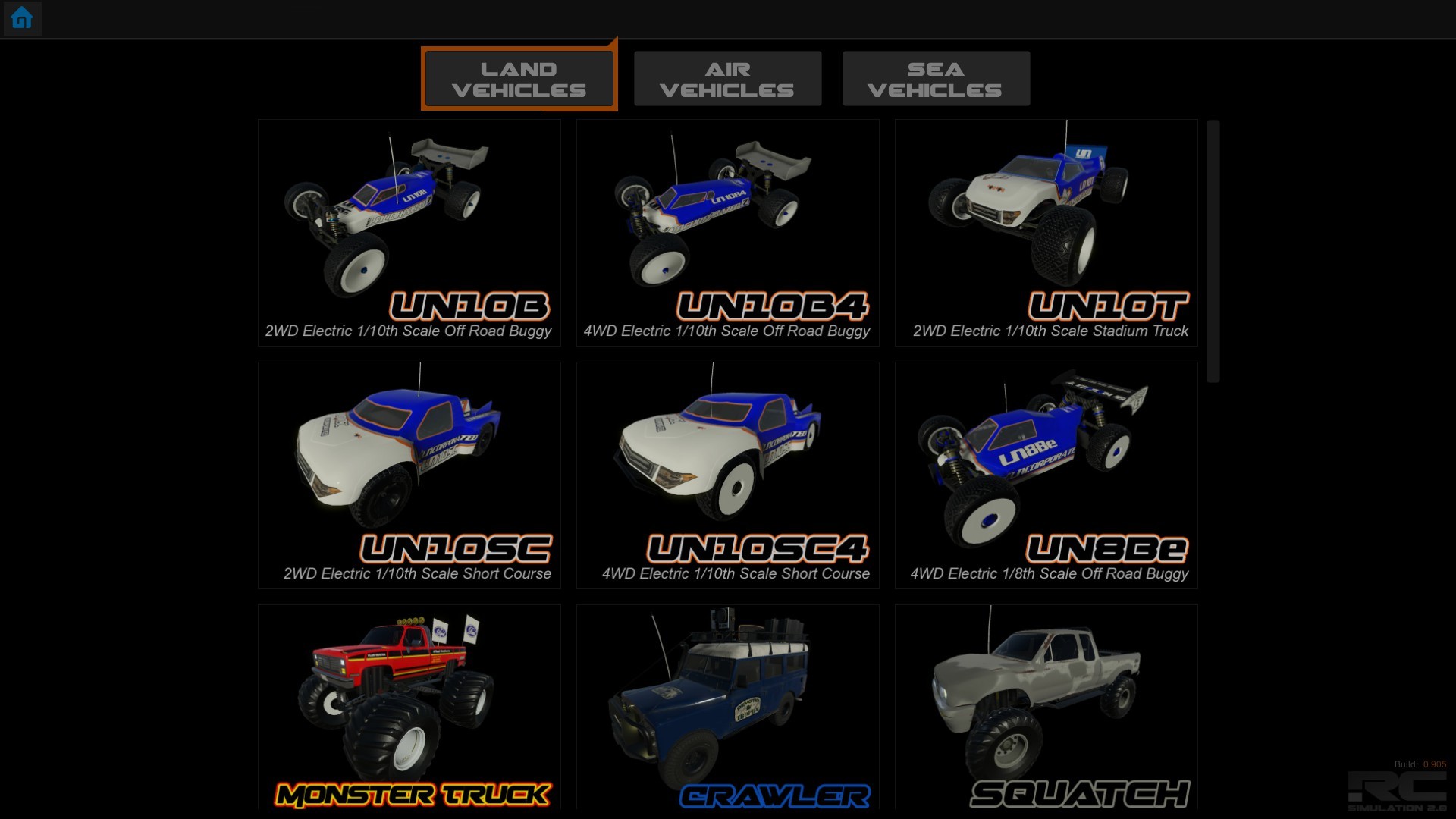
- New Menu system for loading tracks and cars. (Current one is confusing and non user friendly)
- AI Bots to race against or just practice and cruise around with.
- Some other fun RC surprises for the land vehicles...... ;)
AGAIN... THESE CHANGES ARE NOT INCLUDED IN RC SIM YET.
These new vehicles will be in a future update along with a bunch of other changes. This is just a "Teaser" to show the community that I am working on some new exciting things.
I will try to post more announcements in the future. Its just really hard to do as a one man developer but I will try and post more info.
As always...... THANK YOU FOR ALL YOUR SUPPORT!
Kevin :SlowisFast:
Quick Video Showing the new cars in action at my blah "test facility".
https://youtu.be/s6wLjDN6bMc
New 2WD Off Road Buggy. Coming Soon.....
My first RC Car was a 2WD Tamiya Falcon that I got for Christmas of 1989. My father took me to Rogers Hobby Center (were I still shop today) and let me pick it out. We built it on the kitchen table over a weekends time and as soon as the paint was dry I was thrashing it in the open parking lot next door. I wore that car completely out. Bald tires, many many trips to the hobby store for dog bones, leaking shocks, ball cups always popping off..... haha. But boy was it fun. It was THE car that started my life long hobby. I still have it tucked away in the attic somewhere and am saving it for a Vintage class. What was your first RC Car?
I have always loved the 2wd Buggy class for its agility and speed on so many different surfaces. I have been racing 2wd buggy as long as I can remember. Know that I think of it..... I have never been to an off road rc race in 30 years and not entered a 2WD buggy in at least one class.
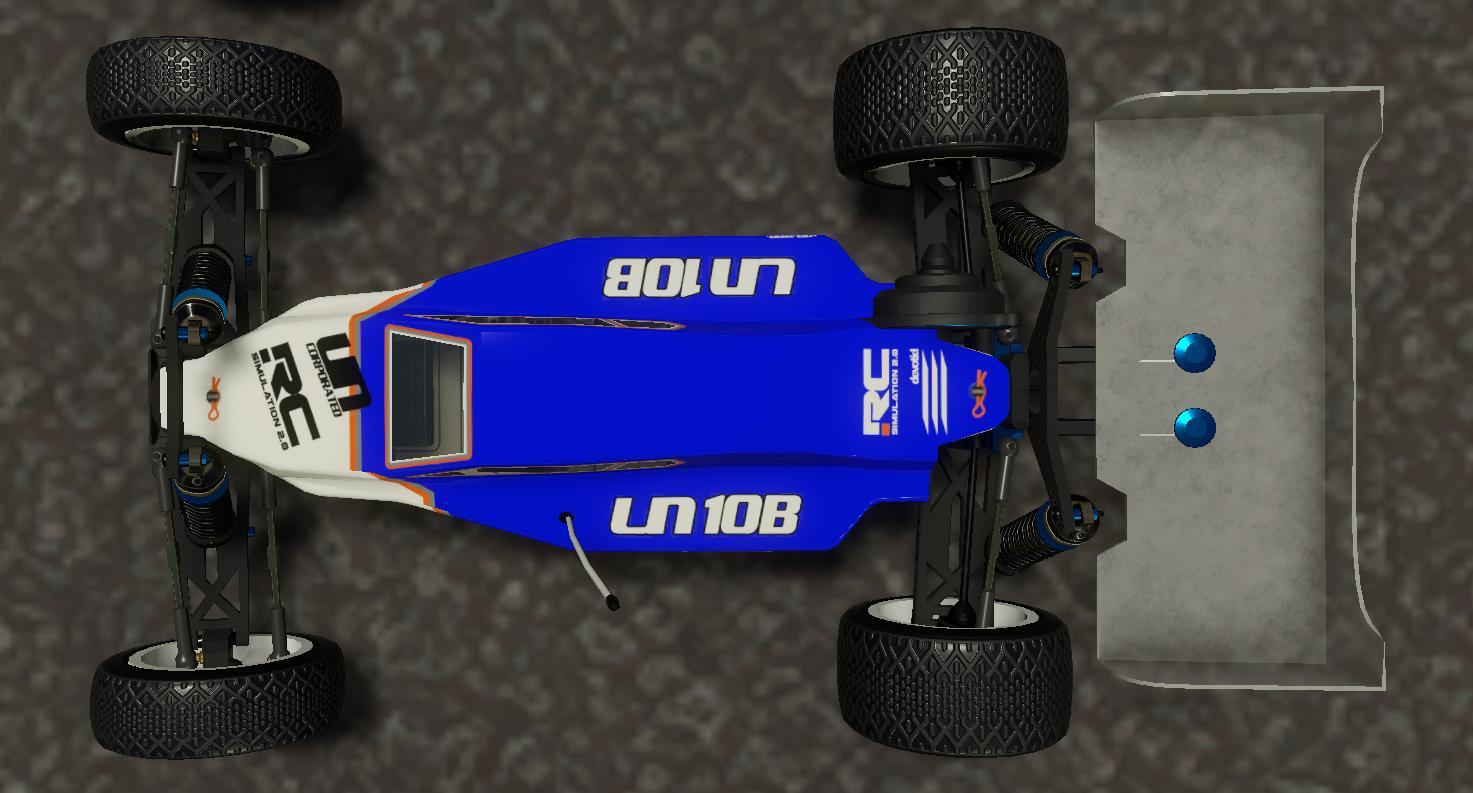
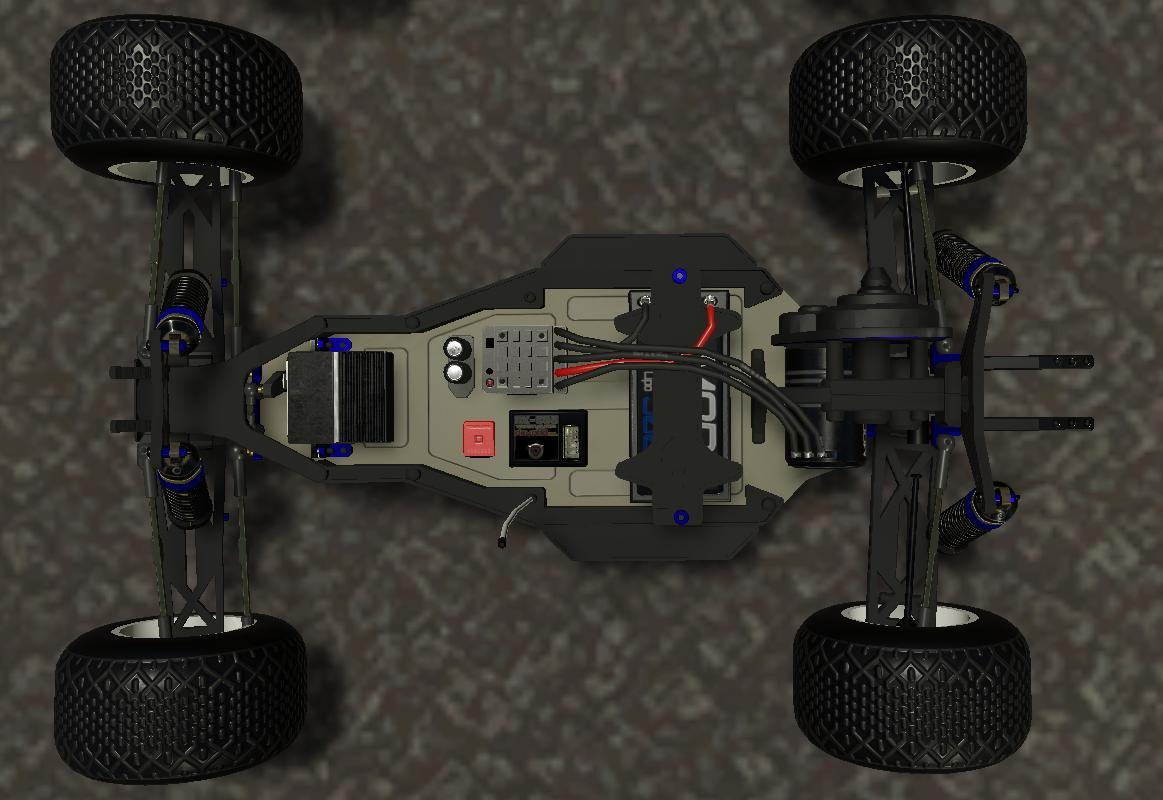
The new Uncorporated 10B buggy features all the moving steering parts and independent suspension animations for each wheel now. I have been learning a ton of new modeling skills over the last year and plan on making RC Sim look much nicer in future updates. I have also acquired some new texturing software and am finally not just doing all of my textures in Photoshop. My new workflow is much faster and should allow me to move through the models a little quicker and update them to look much more detailed and immersive.
New 2WD Off Road Stadium Truck. Coming Soon.....
The first truck I ever owned was a RC10GT. It was a nitro truck with a terrible duratrax .12 engine and a crap sliding carb. It ran really inconsistently and I had a real tough time with it. Engines were not very good back then.... Or I was just bad at tuning them. lol. I remember I loaned it to a friend to race at CRCRC in Columbus, OH in 1995. It was one of the first indoor off road races in the country held at a HUGE horse stable the size of a super walmart. The truck had a bad showing and didnt finish a single round in 4 days of practice or qualifying. It would just break or flame out. I think my friend spent close to a $1000 bucks on food and hotels that week too......so a car battery fell on top of it about 6 times in a row after konking out in a qualifier for the last time. It never ran again. I still see that guy all the time at my local tracks and we giggle about that one.
Fast forward 10 years later and I built a fresh RC10T4. That thing was AWESOME. I was hooked again and have owned trucks as a backup class ever since. Its a wonderful class to run at a big race to get some extra track time and the racing is always superb. In 2013, I went to the Cactus Classic in Scotsdale AZ and ran the whole event on one set of JConcepts Blue Barcode tires. This was before way before the days of "Sugaring the track" and you could get away with that.
Seeing that most all 2WD Stadium trucks of today's generation are just bigger versions of a buggy with longer A-arms and larger tires, they tend to handle very similar to a Buggy. Stadium trucks feature larger tires that absorb the bumps which also make them a bit easier to drive on a rough track....and being from Michigan ROUGH TRACKS ARE EVERYWHERE!! lol.
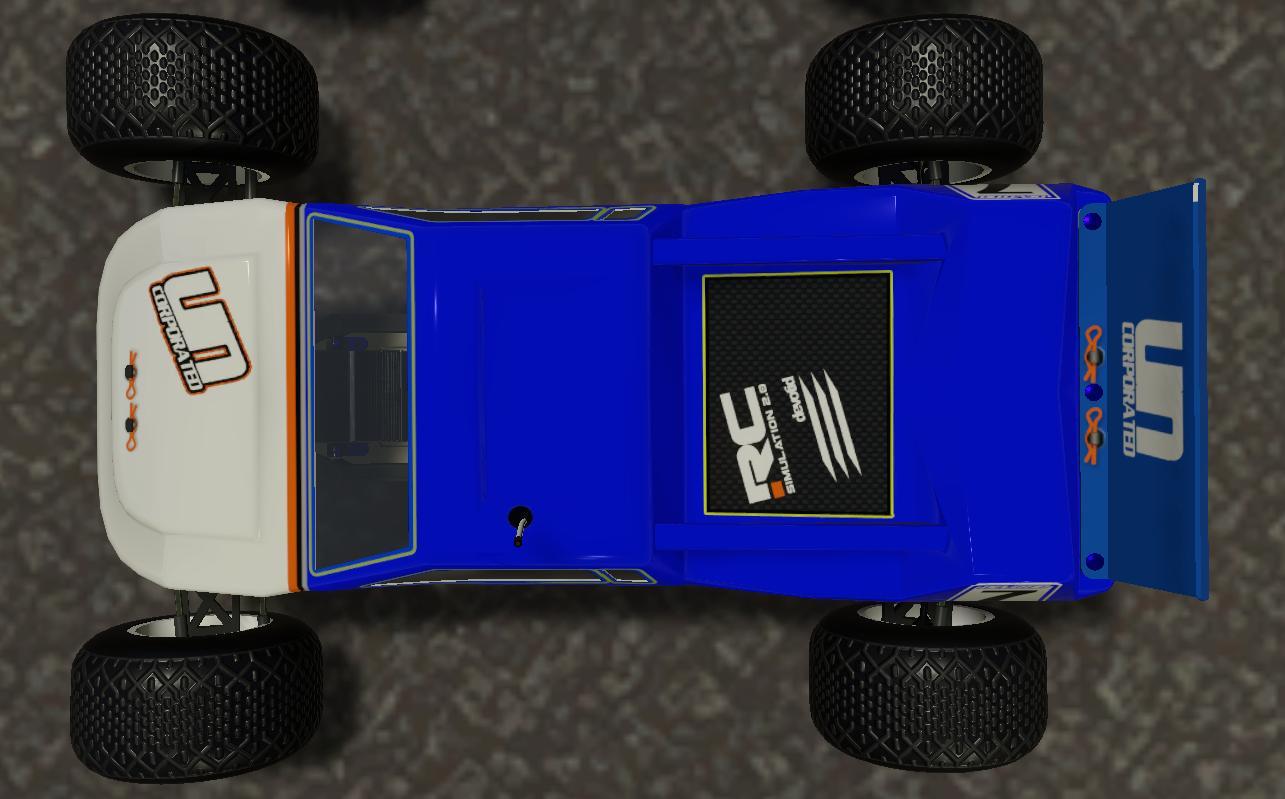
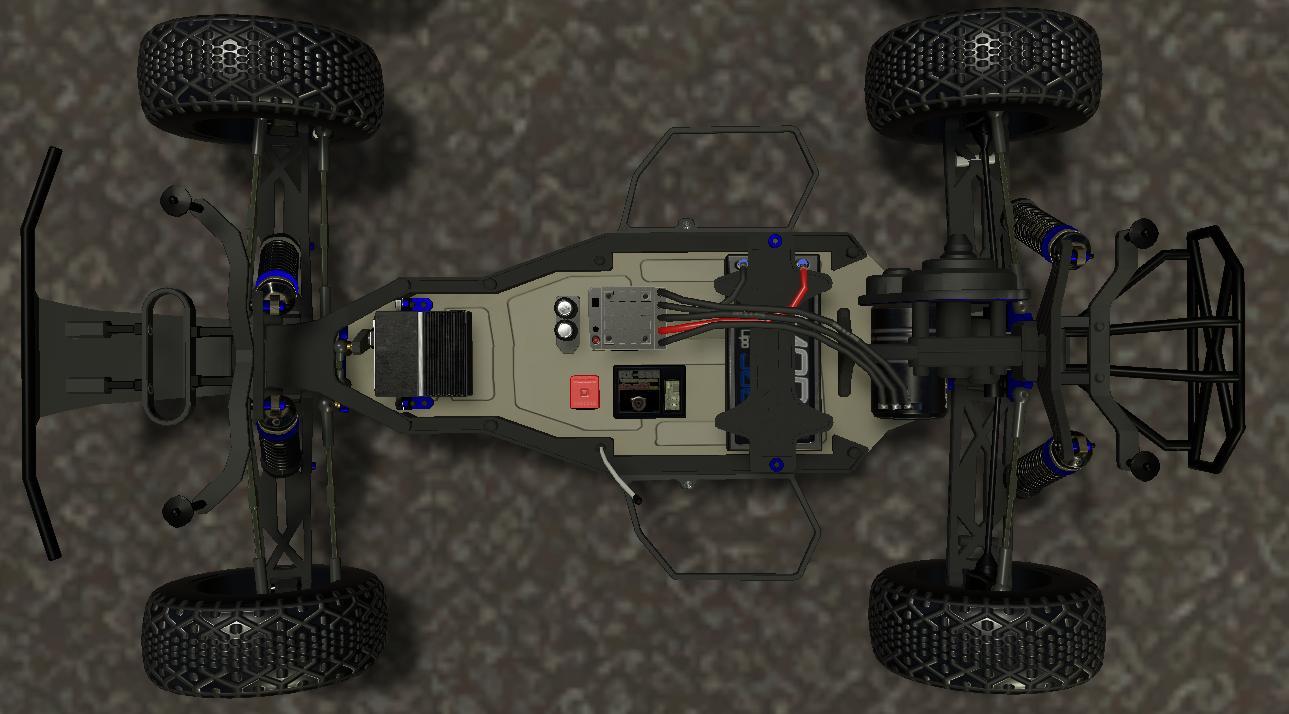
Being a JConcepts Team Driver for over 5 years now..... I just had to update the Truck with a new lexan lid styled after the new T5 Finisher series of JConcepts Stadium Truck Bodies. I simply LOVE these bodies and have been known to retire them to the "garage shelf" quite early just to keep them with extra shine. ;)
New 1/12th scale pancar. Coming Soon.....
I LOVE 1/12th scale on road. The precision. The speed. The High Tech materials. The small cramped pit spaces. The wonderful smell of tire dope in the morning. ahhhhh tire dope. Oh and dont forget the tire trueing. I think I am the only one that still LOVES trueing up a new set of tires.
I got into "running the rug" back in 1993 at USA Raceways in Bridgeport , MI at a track that was maybe 60' x 30' in dimensions. It was a small tight layout every weekend and it was like fighting in a phone booth. I LOVED IT. Most of my driving skill today comes from running in those tight close lanes. My parents would drop me off every Saturday morning and the track would have a double header race. Dave the owner would run once in the morning and another Race at night. I wish more tracks would do something like this and have less time in between races.... But again, that's another story.
The class to run back then was 1/12th scale Brushed Stock. 27 turn brushed motors locked at 24 degrees of timing. They would get 40 entries in both the morning and evening races in the winter seasons. Some of the fastest drivers in the world would show up in early November each year to practice for "The Indoor Champs" that took place every year on Thanksgiving at a Holiday Inn in Independence, OH.
The new 12th scale pancar in RC Sim 2.0 will be equipped with changeable wheel colors, Aluminum accent color choices and also features animated suspensions, Linkages and wiring. The car does best on flat Ozite carpet (The gray carpet in the track editor) and also on Asphalt. I am still finishing up the physics but so far it is my new favorite car. The grip level, lack of suspension travel and the low center of gravity make them really snappy and fun to drive.
SIDE NOTE: I realize that not everybody is Joel Johnson, (google the dude if you dont know who he is.) so I am working on some driving aids to make driving these ridiculously fast vehicles with a non RC Remote a bit easier. This will give the user the ability to turn them on and off for a more arcade-ish fun experience. More news on that later....
Big Update! New Track, Undo/Redo Buttons, Camera Controls, Boat Physics, Controller support and More!
Update January 28, 2017 (Build Version # .903)
New Default Track, New Track Editor UNDO & REDO buttons, Track Editor Camera controls, Full controller support, New Boat physics, Menu updates, New First Person View and Explore cameras and much more!
I am still working on a new "tutorial level" in game and some youtube tutorials to help new users get up to speed with the new track editor controls and custom controller support but I did not want to wait any longer on releasing these new features.
As always. THANK YOU VERY MUCH for your support of RC SIM 2.0 and I look forward to the next update.... I have some surprises in store for everyone. ;)
devotid.
New Default Track: - Cactus Outdoor Race Track. Outdoor Hard Clay track in Arizona, USA. Originally from RC Sim 1.0 and redone for RC Sim 2.0
Menu Updates: - Added the ability to control much more of the menus with joysticks so you can sit on the couch and play. ;) You will still need a mouse and keyboard for some of the track editor stuff but I dont think to many people are trying to edit a track with a joystick controller yet.
- Added a new simple opening "table scene" when you are starting the game. It just fills the background of the main menu before you pick a car or track.
- Added a updated tool that will save the quality settings from game to game. This was not working before. X|
Track Editor Updates: - Added a UNDO and REDO button in the Track Editor! No more Smashing the screen when you make a small mistake. :)
- Added a Camera Axis "GIZMO" in the track editor screen to switch viewing angles. You can click on any axis on it and go to Top View, Side View...etc. This can be useful for overhead painting and viewing things when lining them up in rows or straight lines.
- Rebuilt the Track Editors camera controller to be simpler to move around. You can now Right click and "move" the camera to look around. You can hold Alt to rotate the camera around an object or point in space. You can press the middle mouse button to Pan around. (Hold shift to 10x Pan speed). The center Mouse wheel is still zoom.
- Rebuilt the "Focus on object" feature to better center the camera and update the zoom as well. "F"Key by default. You can also zoom on the terrain when you dont have an in scene object selected by hitting the F Key. This is another way to jump around quickly in the scene.
- Added a "Find Object" button. Whatever object you have selected in the track editor menu it will find each instance of that and cycle through them. This will help you find objects in the map much easier. It can also be used for finding tough to see objects.
- Added a button in the Extra Tools menu that will Show or Hide the surrounding terrain so you can adjust the track to work better with the generic surrounding terrain.
- Fixed some small bugs that would move the camera around or turn on the layout Grid when typing in the Save Custom Track Menu.
- Added the Names, Traction Levels, Rolling Friction and the Static Friction to the Texture Images in the Track editor. This will make it easier to tell what textures do what and make it easier to choose the right texture for the job.
Camera Control Updates: - Rebuilt the First Person View and Explore Cameras to make exploring and walking around much easier with a "Dual analog" joystick (Ex: XBOX360 Controller). It is now possible to walk and look around with a joystick. You can still use the mouse and keyboard if you like. The game will auto detect if you are using a joystick or the mouse and auto adapt the settings. You can invert any axis in the input settings menu if you prefer the non inverted look Y Axis.
- You can now adjust the Field of View on the FPV and Explore Cam by hitting the Bracket [] Keys. It is clamped from 10 Degrees to 100 Degrees. You can see the number in the Camera Menu when it is open.
- Added a "Previous" and "Next" camera button on the controller and keyboard mapping. As a default you can use the Start and the Select key to cycle through the available cameras on the Joystick. You can also asign these to any key or axis as well if you have a custom setup.
- You can now move the "Rotate Camera" (F5) with the right stick of your controller as default. This is nice for crawling and moving the camera as you drive. Before this update you had to reach over and use the mouse. As with any action... you can assign it to any key or button you would like. You can still move it with the mouse as well. This will make crawling and looking around the vehicle a little easier as you dont have to let go of the joystick to adjust the viewing angle.
- Ingame Camera Controller will now remember the specific driverstand camera that you are using and will go back to it when you load the track again. Before it would default to spot 1 each time.
- Added a small gui/notification in the lower left corner of the playing scene to tell which camera mode is active. Will auto fade out after 5 seconds.
Boat Updates: - New physics on all boats.
- Boats will now roll on their X Axis a little (left and right) from the prop thrust while turning. This will make turning much more realistic. As always I am always learning and working on the boat physics and will continue to tweak them.
- Added a new water "surface tension" model to simulate the boat coming on plane and being more agile and "planted" at higher speeds. You will notice the boat sinking a bit more now when the speeds are lower.
- Redid the water spray particle system and stopped the flickering. They should be a bit more optimized as well on more low end computers.
2 New RC Fighter Planes, New Default Track and more!
November 11th, 2016 (Build Version # .902)
- Fixed a loading bug with the 1/10th 4wd Buggy and the 1/10th Stadium Truck. They were not receiving any inputs on some platforms. They should be fine on all platforms now.
- New Follow camera damping. Follow camera will now work a little better at smoothing the height and also the rotation. It makes it much easier to follow the car through bumpy and jump sections. You can still adjust the follow distance and the height in the camera menu.
As always... Your game will auto update whenever you start your steam client.
Thank you for supporting RC Simulation 2.0 and Happy RC'ing!
devotid
Youtube Video of new track and planes.
https://www.youtube.com/watch?v=lfS-2gcQeHA
- NEW PLANE: FighterJet_88 A 1/4 scale large and VERY Fast ducted fan jet fighter. This thing makes a ton of noise as it shreds the sky and defends your back yard from pesky squirrels. Also comes equipped with a paintball marker on the front.
- NEW PLANE: Junker_80 A fun low-wing plane that is more agile than a trainer but not too hard to fly. Plenty of power to complete any tricks and get away from enemies. Equipped with a Paintball marker under the nose mounted to the on board movable camera.
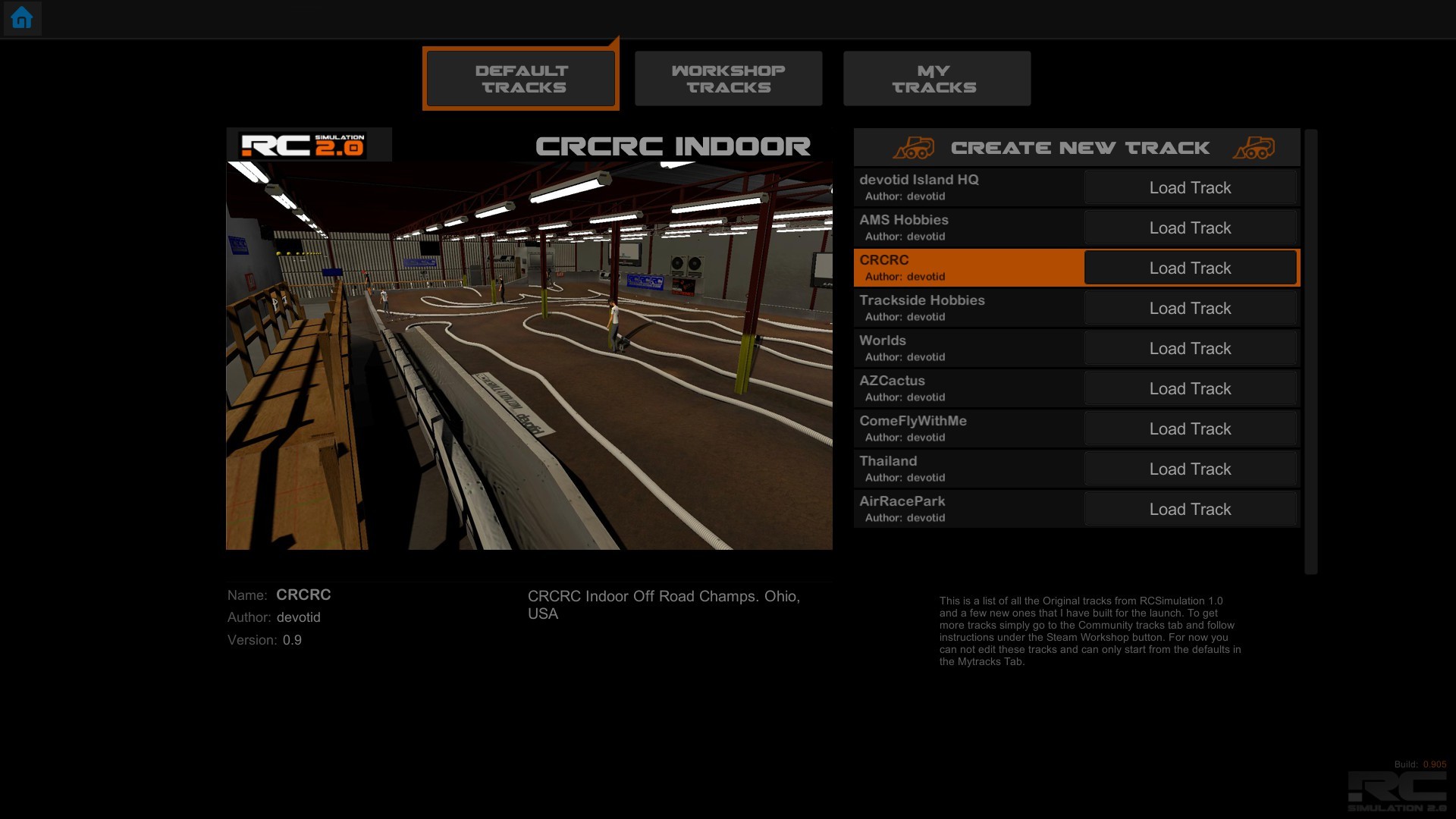
- NEW DEFAULT TRACK: CRCRC Indoor clay off road in Ohio, USA. This track is a staple to all the Midwest racers in the US. The best in the world gather here every January to claim the Heartlands most prestigious podium.