Continuing from the previous update with another large patch that focues on Project Gemini, Virtual Reality, and rendering across all space programs.
Note: If you are experiencing issues with this build you can roll back to the previous using the Steam Betas Tab accessible from the Steam client (games properties).
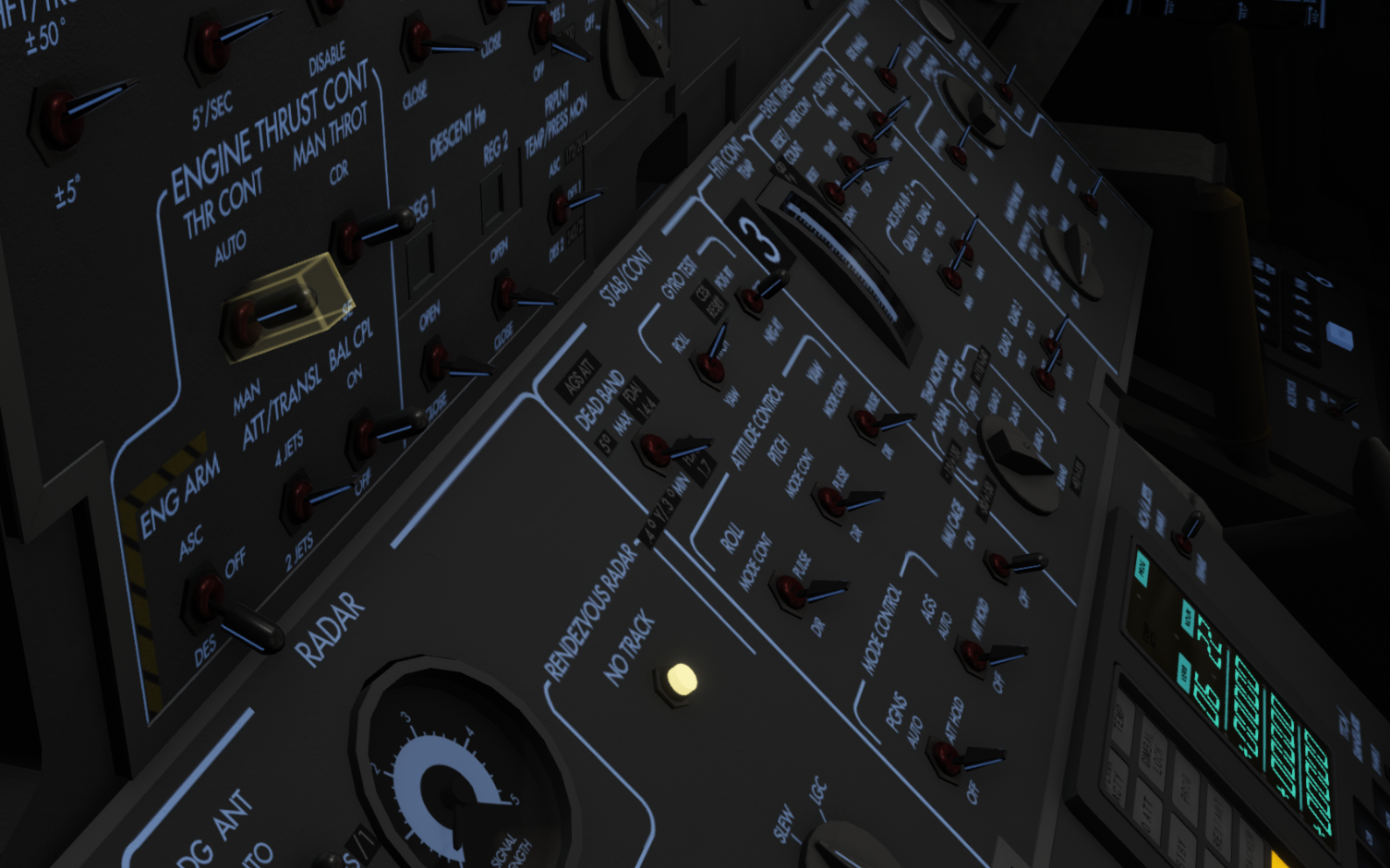
Virtual Reality This updates contains a lot of minor logic changes and rewires in the general Virtual Reality logic layer. This is all to shape and tune the current VR implementation. This should fix the VR input Action mappings in Apollo missions being disabled on-load. This also fixes an issue where loading previously saved Input Action Mappings.
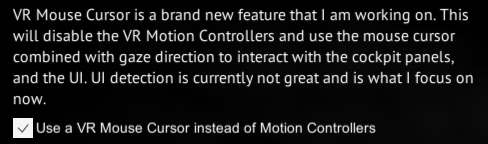
A new test implementation of what could be the basis of a VR Keyboard/Mouse/Gaze based cursor has also been implemented into this patch. The goal of this is to start a development path where you can use your Virtual Reality headset to render the game but still interact with the panels and UI using the mouse and keyboard. Keep in mind that this is the first test implementation of this. Over the next patches I will iterate on this, as well as writing the logic that hides/disables the controllers if this mode is enabled. For now, the main purpose is to see how this initial implementation behaves.
Mercury and Gemini Academy Overhaul A huge update has been rolled out to the Mercury and Gemini Academy. It aims to improve the academy flow and adds a lot of new learnings to the academy. It is also now much better at showing you where things are and waiting for you to find things. I also walk you through the ascent before you get to try it yourself. This builds up a good basis of what to expect during your first ascent in a rocket, before doing it yourself.
It is also important to share that the academy tries to teach you the basics and what you really need to know to enjoy flying and operating a craft to the best of my ability. However, I might not be the greatest instructor/teacher.
It is important to remember that the astronauts in-real-life also had to try a maneuver or learn a system more than once before understanding them fully, so if you feel overwhelmed after your first or second execution of a mission, keep in mind that some of this is brutally advanced and that it is OK to not get it all at once.
This means that it might help to run through an academy lesson twice (it is what I recommend in the academy instructions too). First to get a good overview of the system, and then again to understand it with that overview as a base. The community over at the official Reentry - A Space Flight Simulator Discord server tries to help and answer all questions you might have.
Thank you all for some really good feedback on the academy so far!
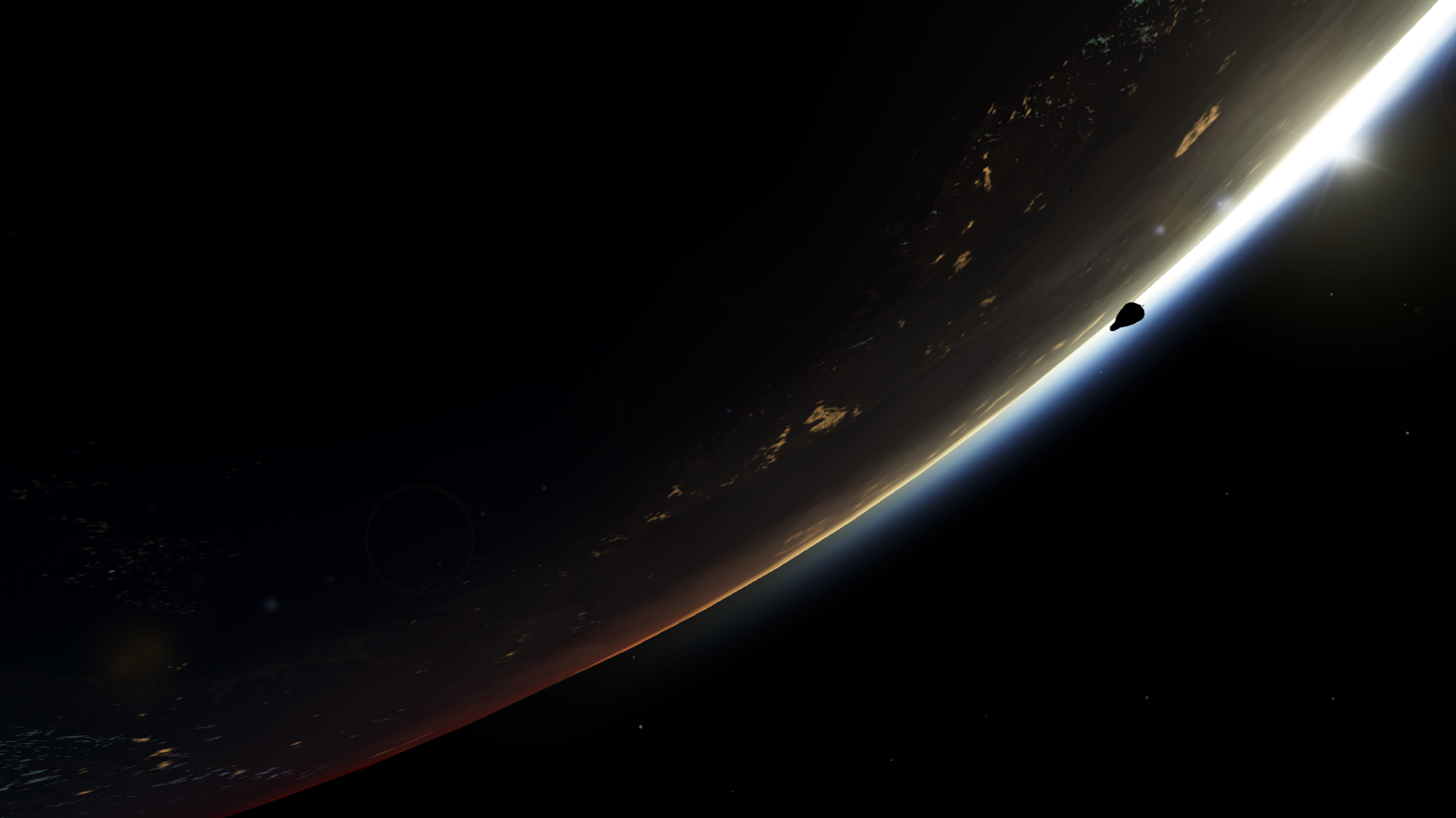
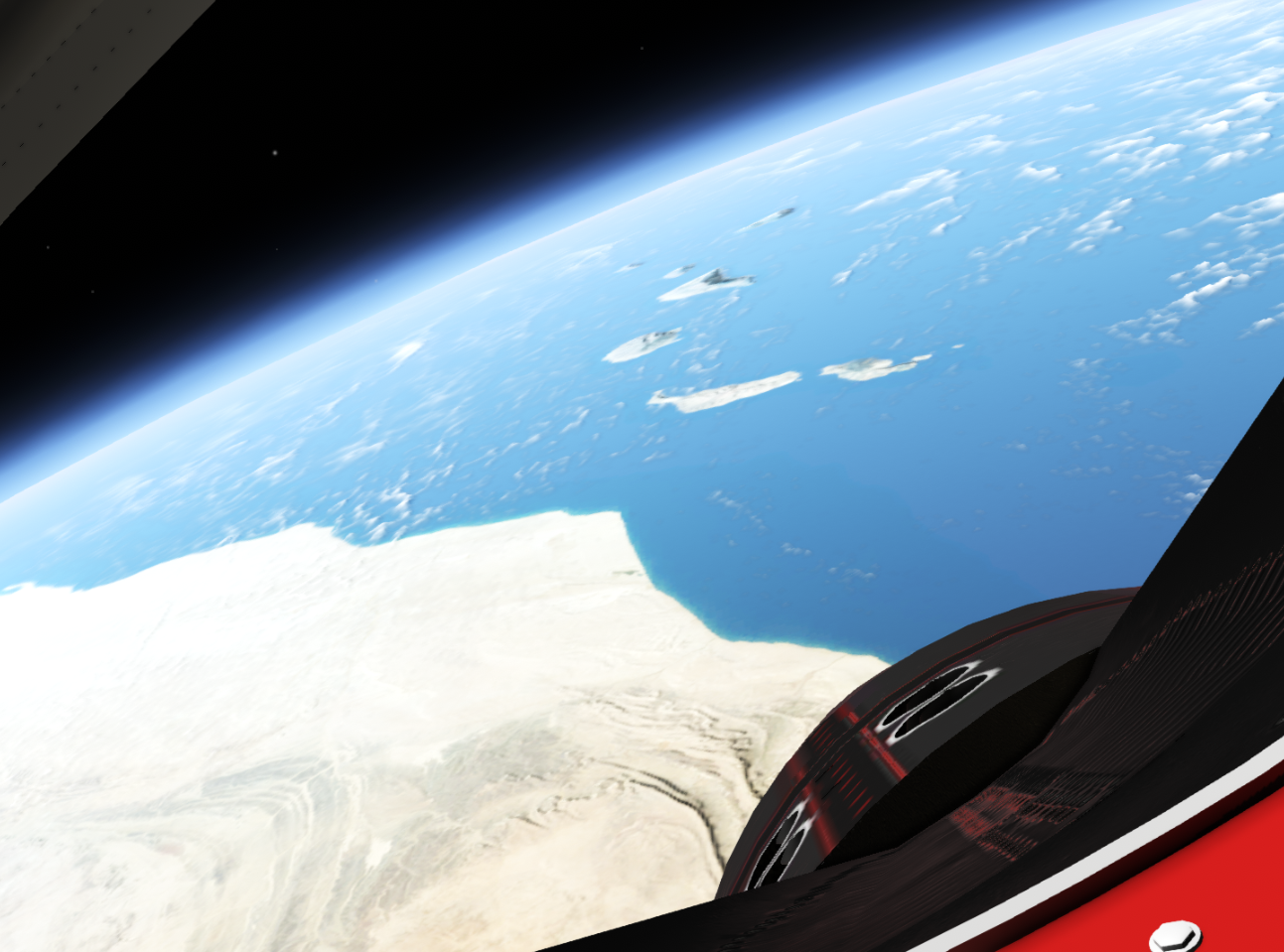
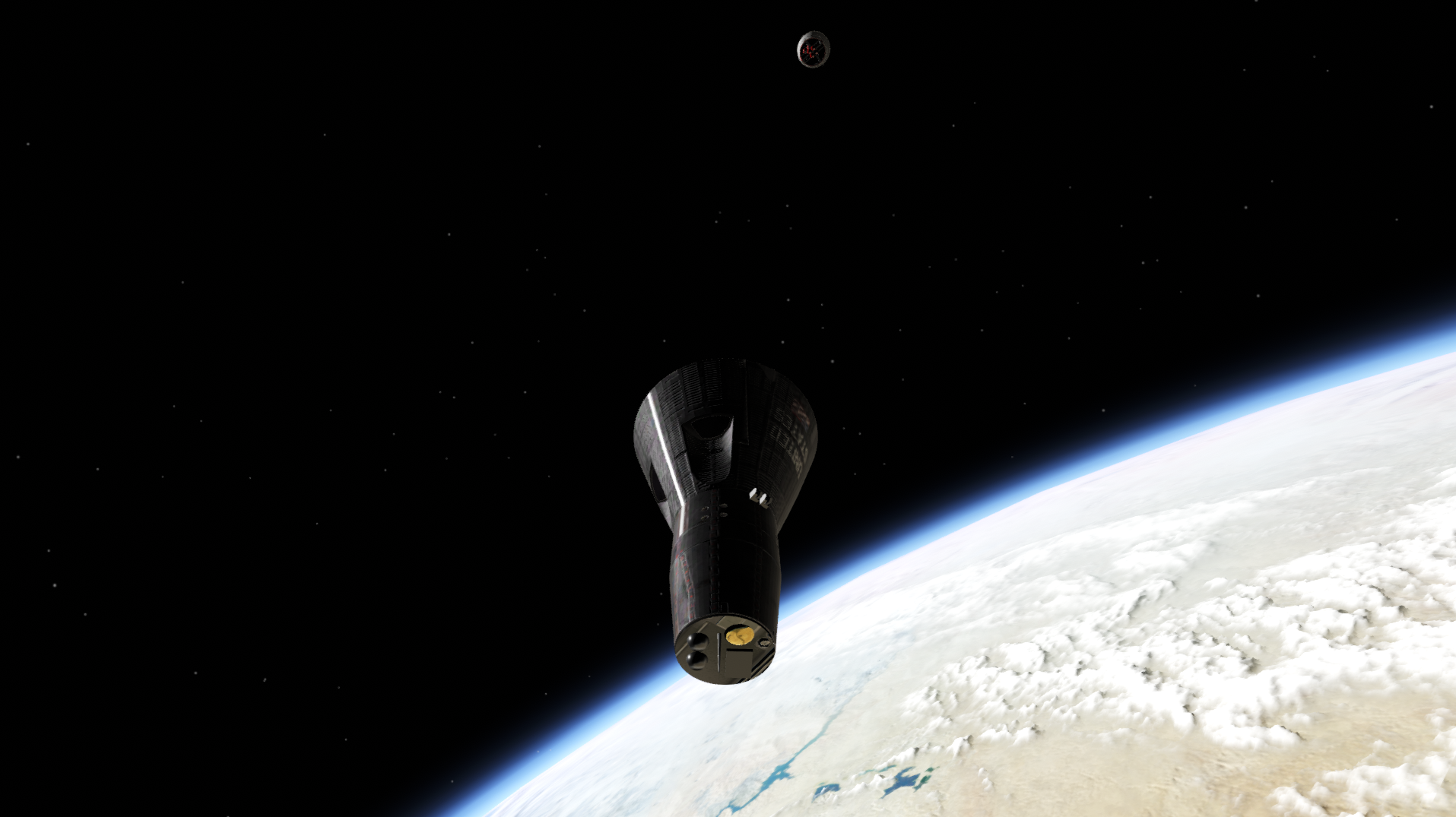
Orbit atmosphere rendering, color banding, and clouds I have spent a lot of time writing shaders in this update. A shader is basically a small program that runs on the GPU, instructing it how to process vertices and pixels for example. This update improves the rendering logic and shaders used to draw the atmosphere in space, and somewhat more realistically renders density.
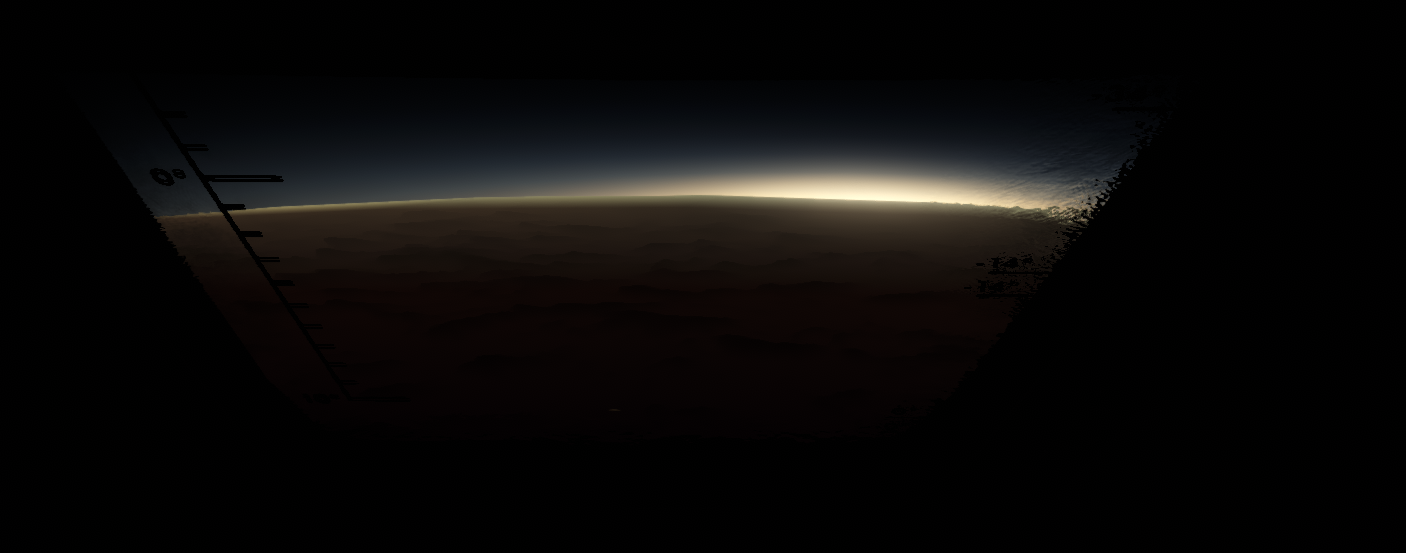
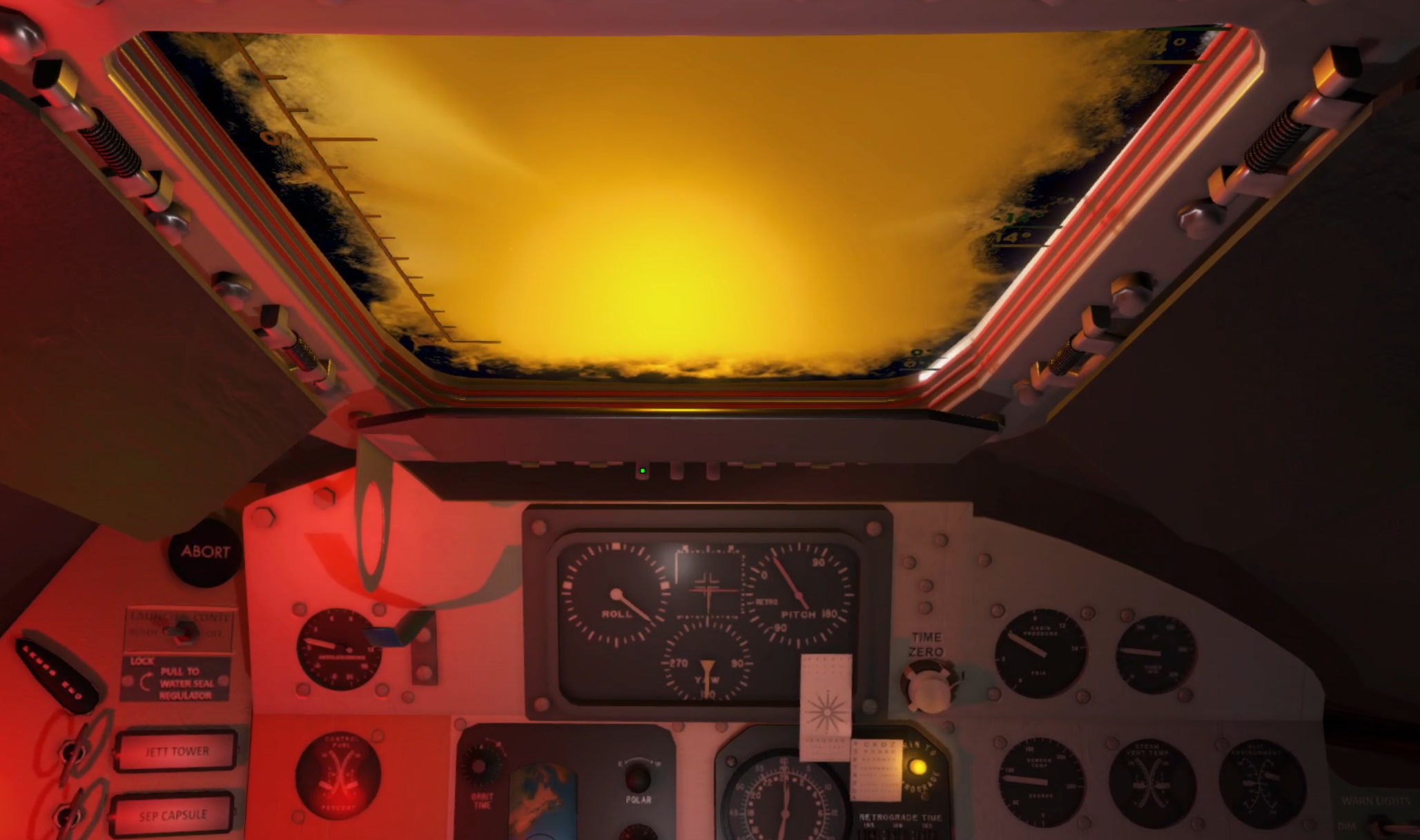
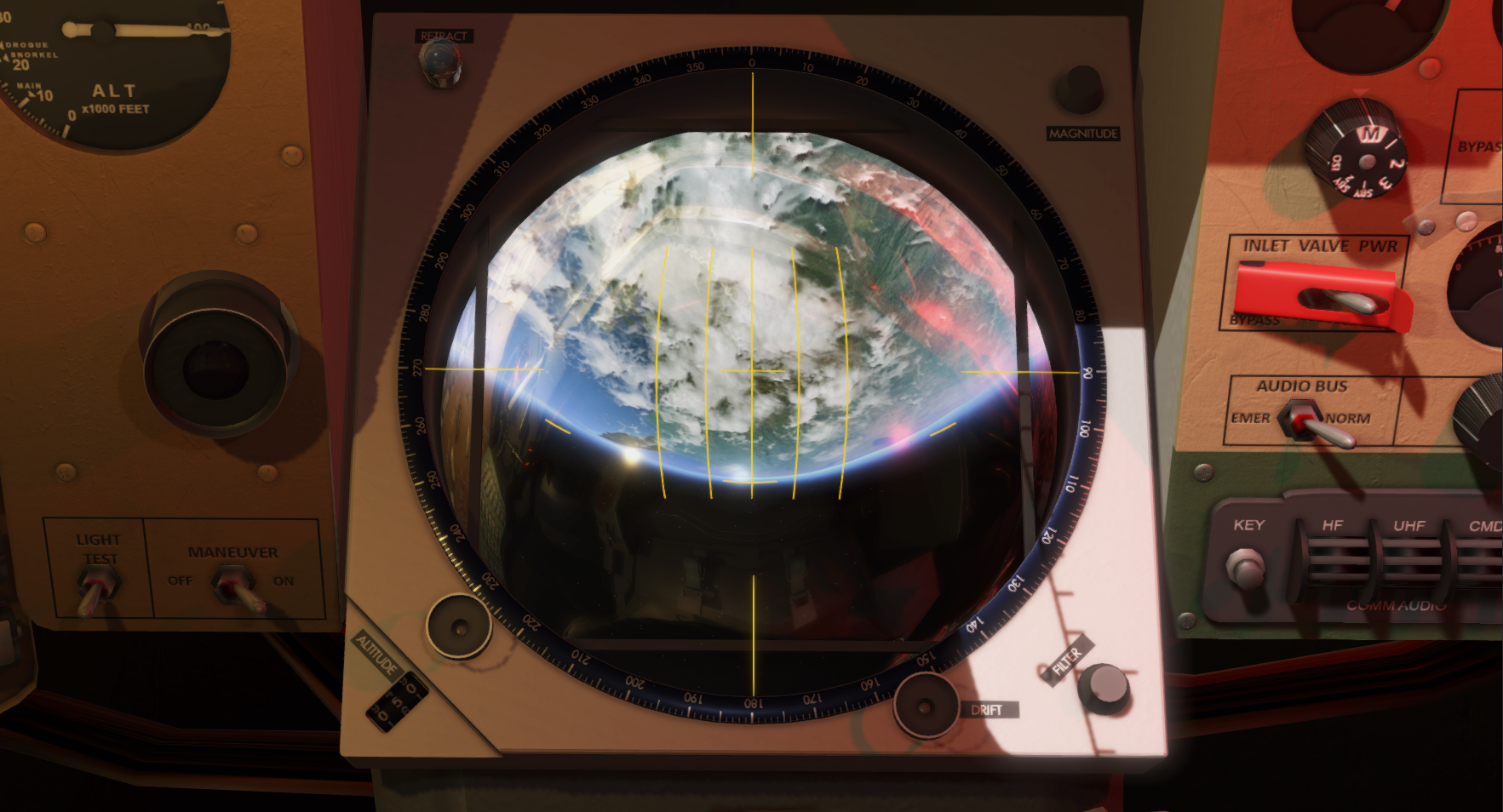
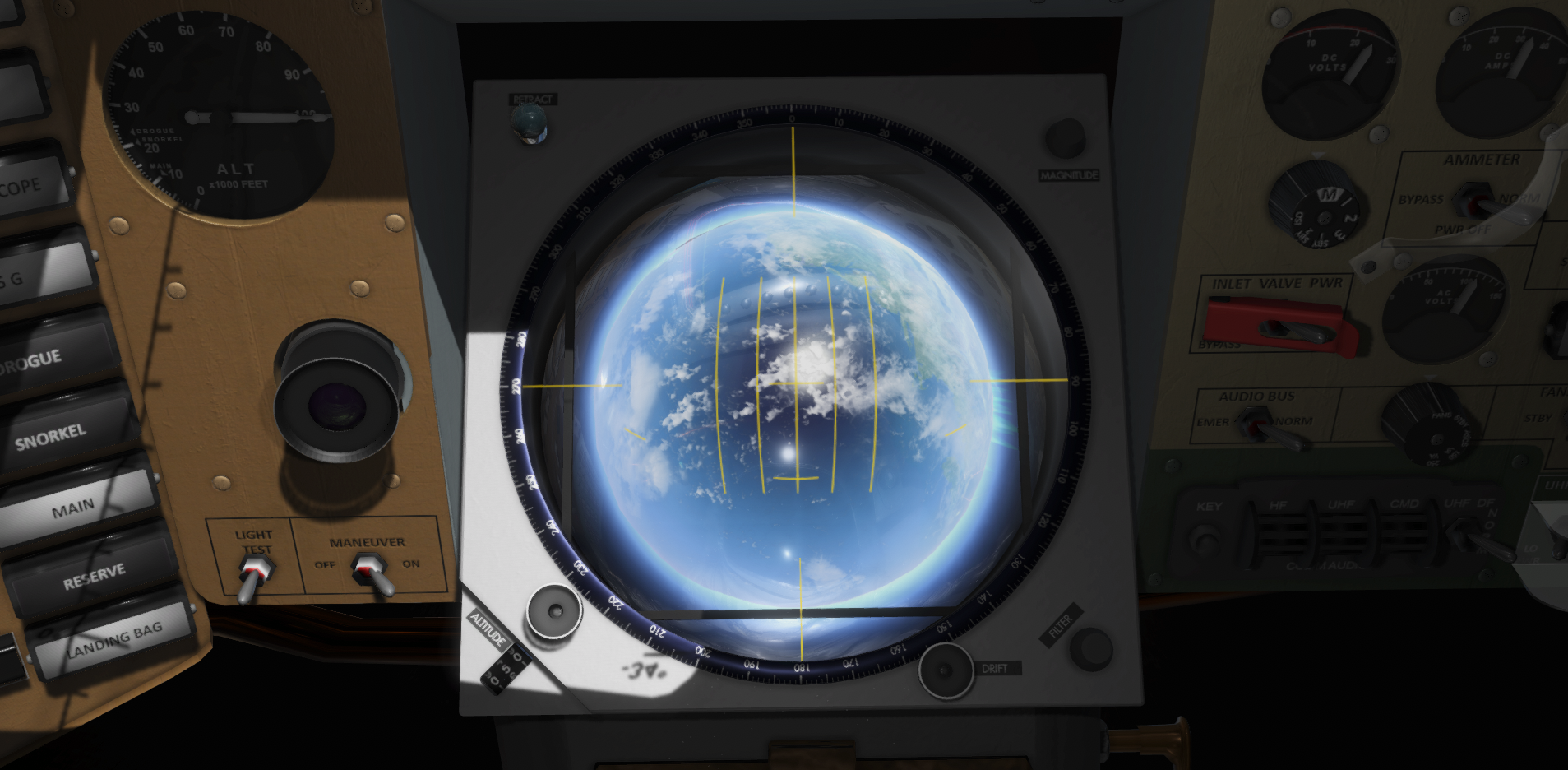
Sunset/Sunrise from a dark Mercury cockpit
Twilight line (with color banding issues, corrected below)
The most important aspect of this change is that I now have better control of the atmosphere rendering, making it easier tune this going forward.
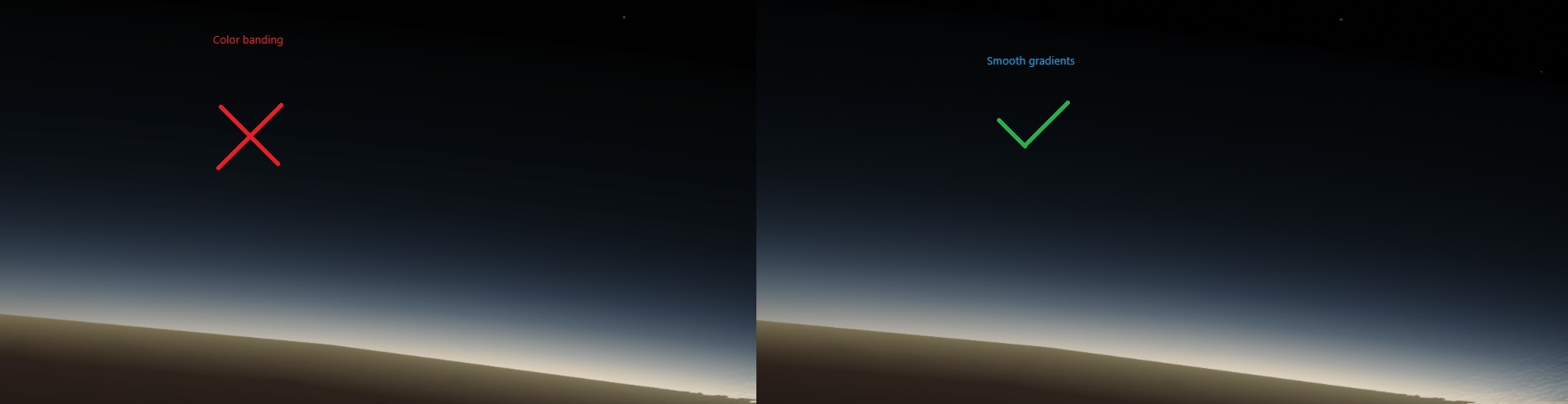
I have also corrected camera and HDR logic to remove visible color banding both through internal cockpit view and external view (was especially visible in Mercury and Gemini). You can see the compassion below.
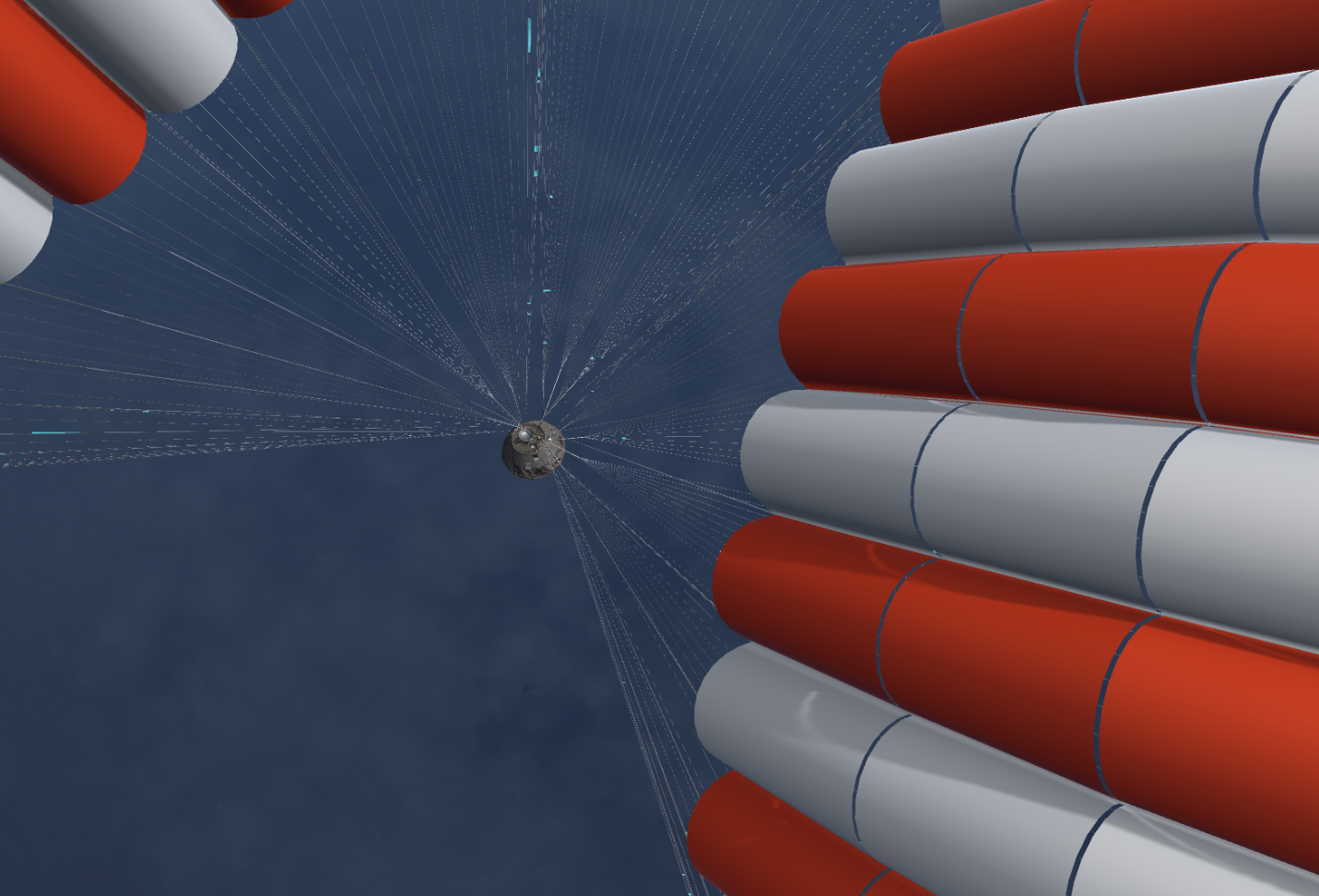
I made some improvements to the experimental 3D cloud rendering. It increases the sampling iterations and changes the shader to remove visible "slices" used to render the illusion of clouds while in orbit.
Note: The aim of this game is to get volumetric clouds, especially during ascent as the rocket flies through clouds, but my skills are not there, yet.
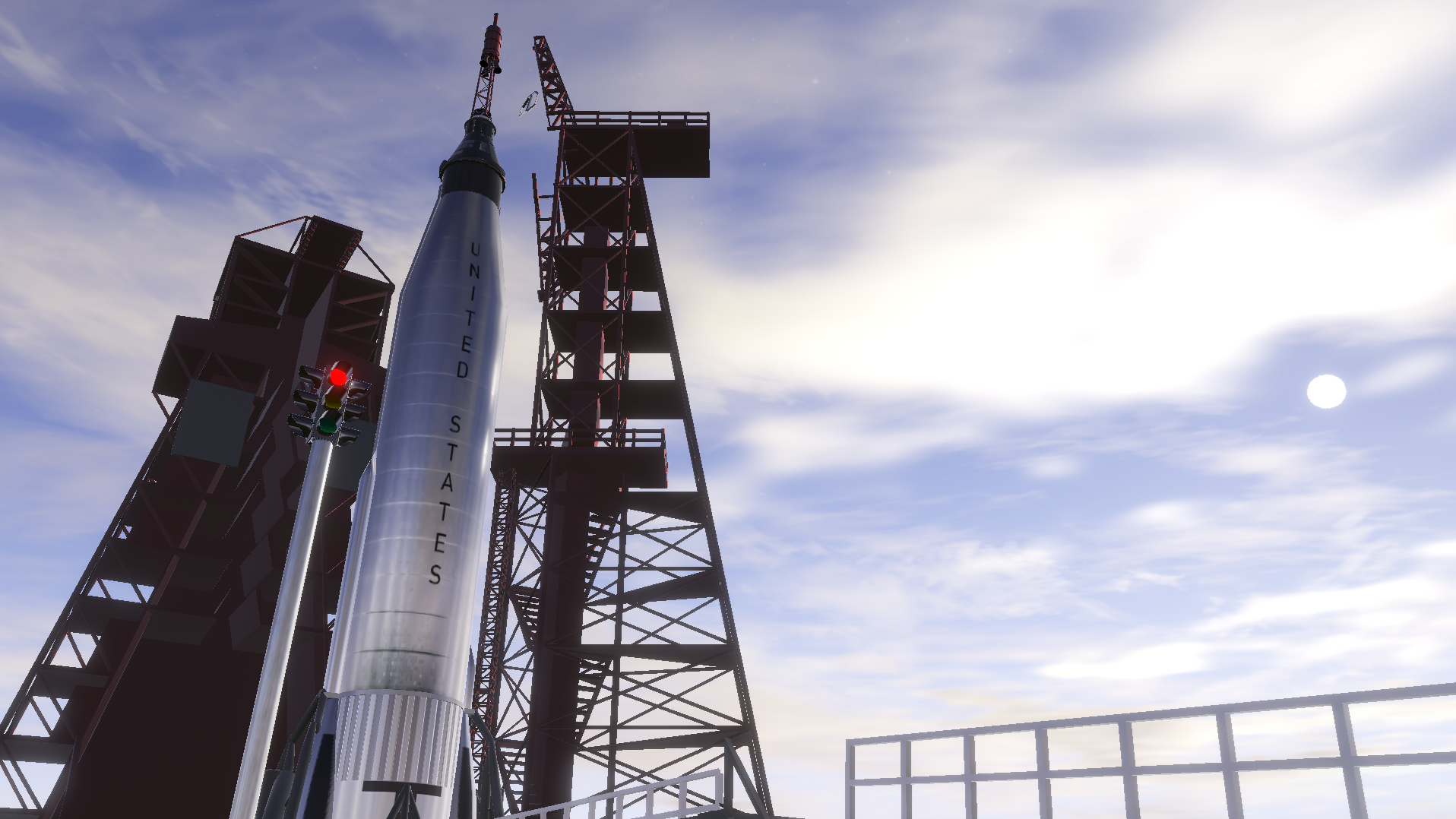
Launch Pad external view fixes I have also taken some of this shader work to rewrite and restructure the old placeholder logic to improve and make it easier to work with the external view while on the launch pad.
This is a very complex place where I have to try and render Earth from inside the atmosphere for all times of the day, support an ascent through the atmosphere into orbit, while being able to render details on Earth with very limited precision (Unity is floating point based). This update cleans up the logical infrastructure, making it easier to improve this in one place going forward.
What you will see in this update are fixes that removes a lot (but not all) strange artifacts, clipping issues, z-fighting issues etc. that typically was visible on the pad before. It also changes my architecture for external view pad rendering, making the visual quality issue mostly a 3D modelling problem.
Going forward I will try to improve the launch pad and pad environment models of Mercury and Gemini.
Gemini internal logic updates Multiple updates and tuning has been implemented into the Gemini electrical system, the environmental control systems, and the horizon scanners.
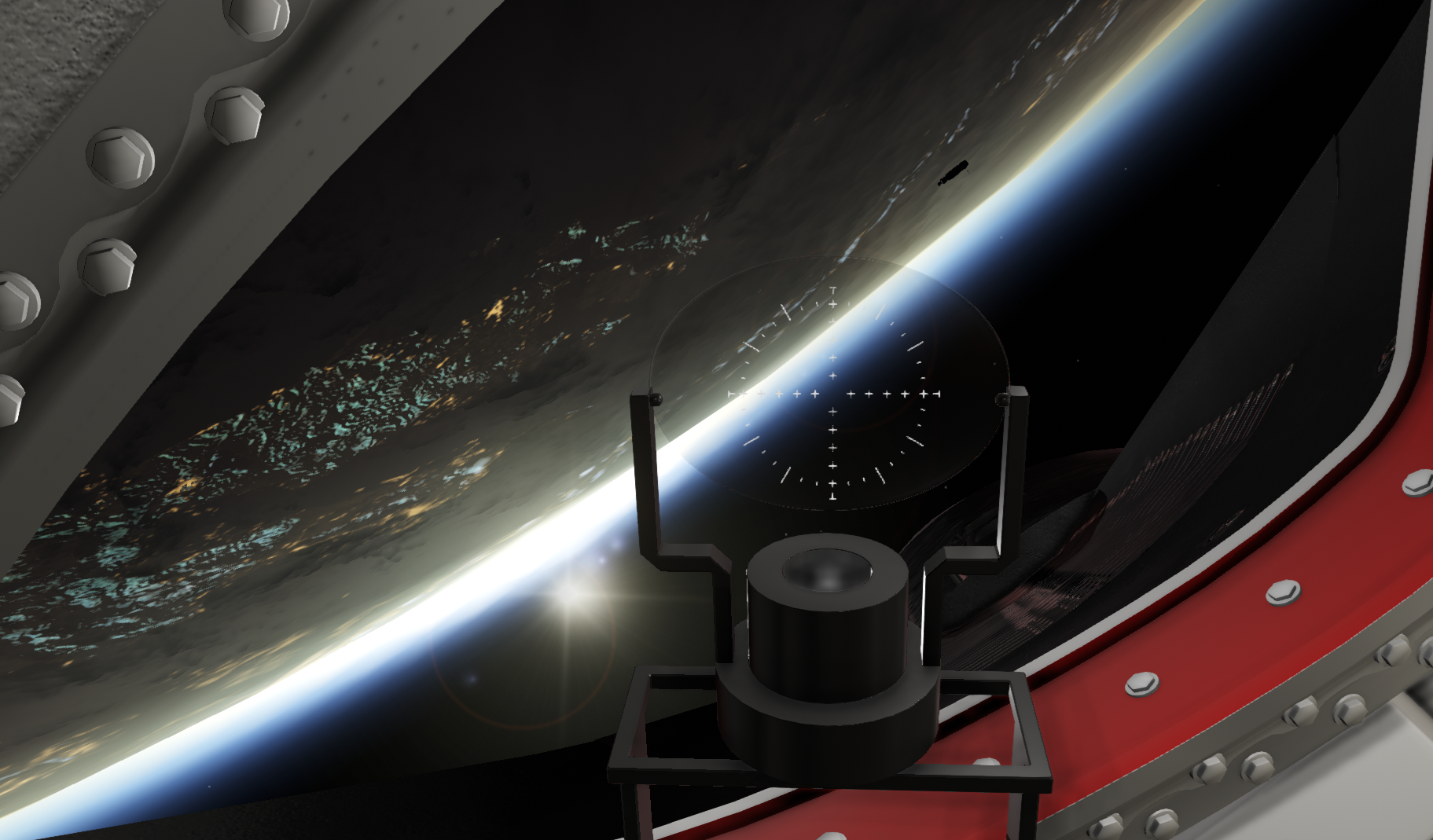
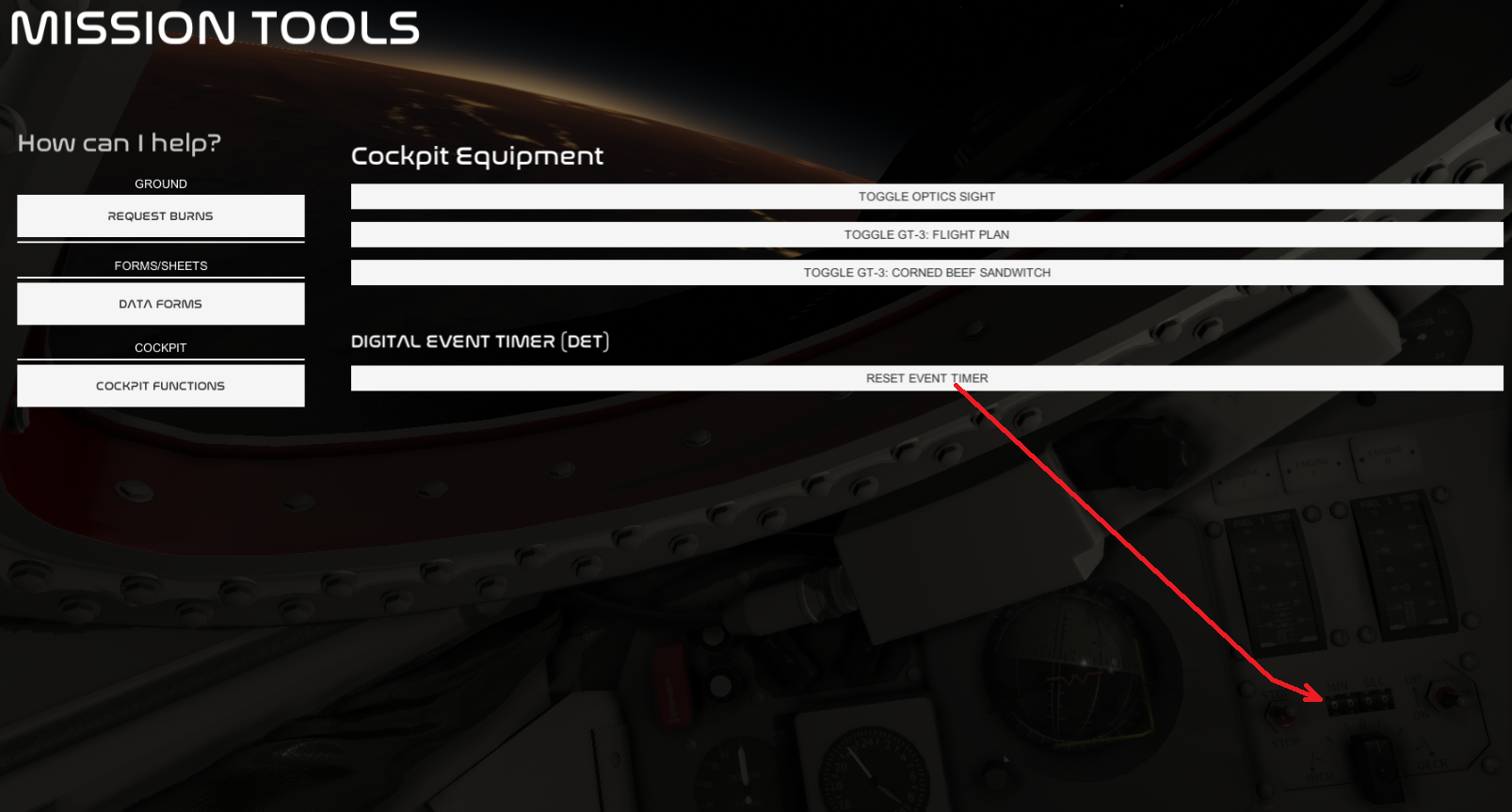
Gemini Rendezvous Optics Sight A "Cockpit Functions" menu has been added to the Gemini MISSION TOOLS UI. This will let you toggle a rendezvous optics sight (like a COAS) used during rendezvous. The optics sight can be used to center the flashing light of Agenda during coasting towards it after a rendezvous burn, and during final approach. It is not used for docking as Agena did not have a docking target for it.
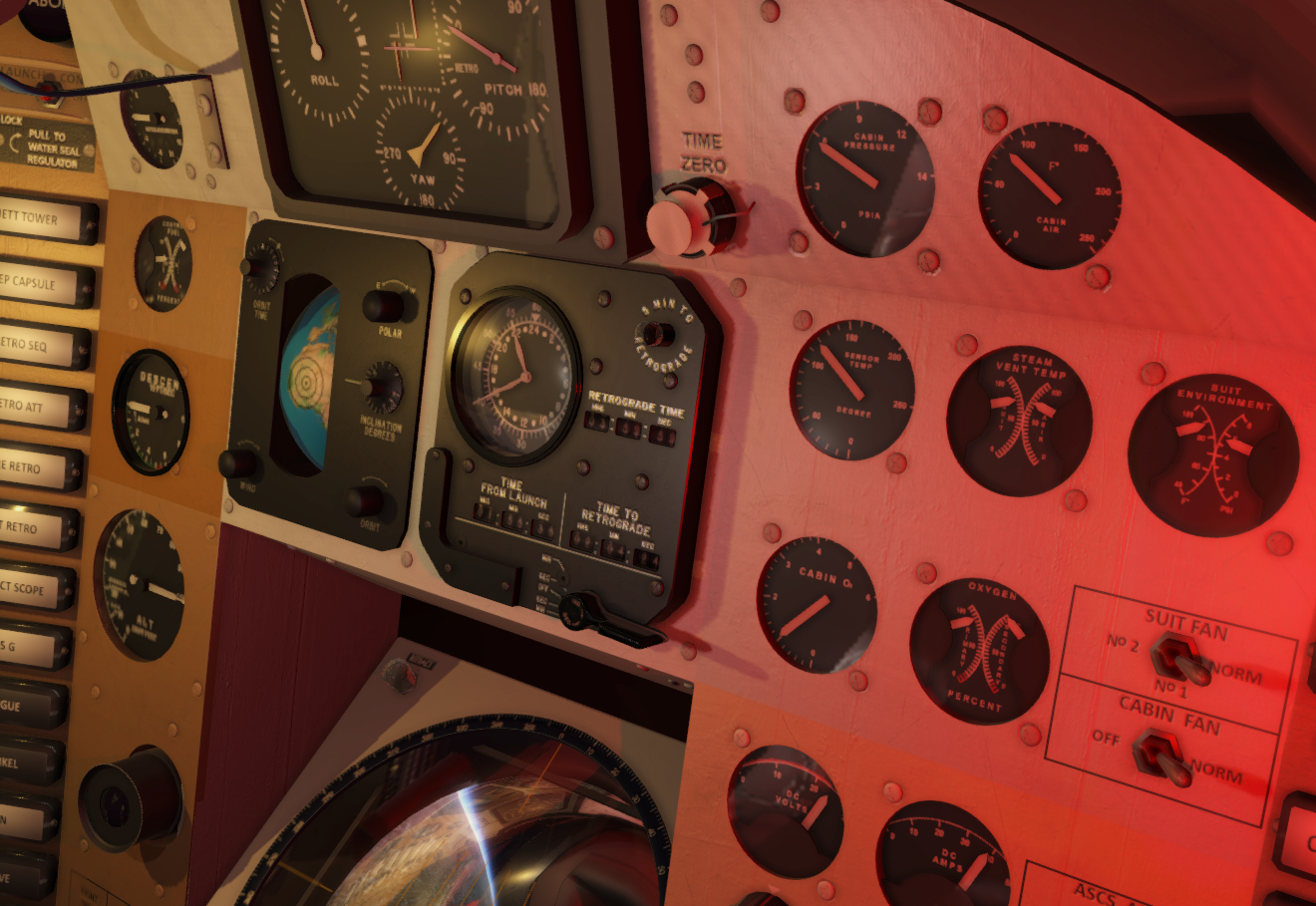
Gemini: Reset Event Timer to 00:00 I added a QOL feature that will let you reset the digital event timer in Gemini to 00:00. This is to avoid having to spend time with the event timer time-set knob just to reset the timer. Stop the digital event timer (DET) and then use the UI to reset it before setting it with the time-set knob.
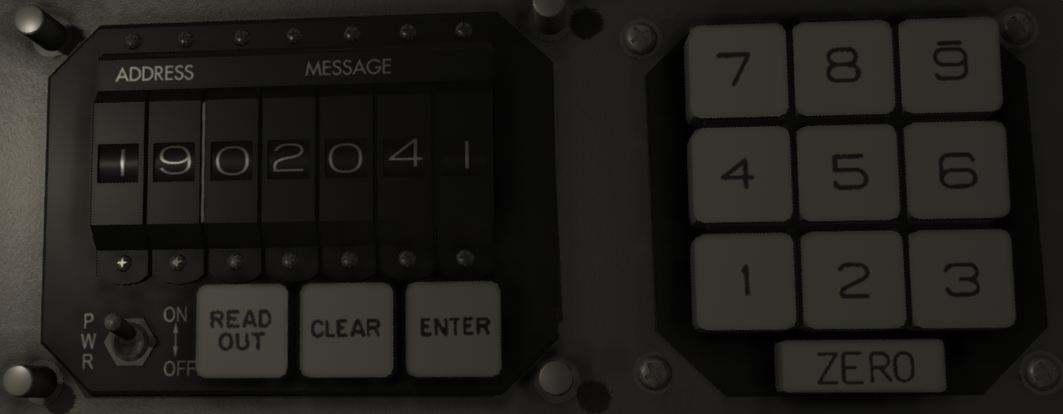
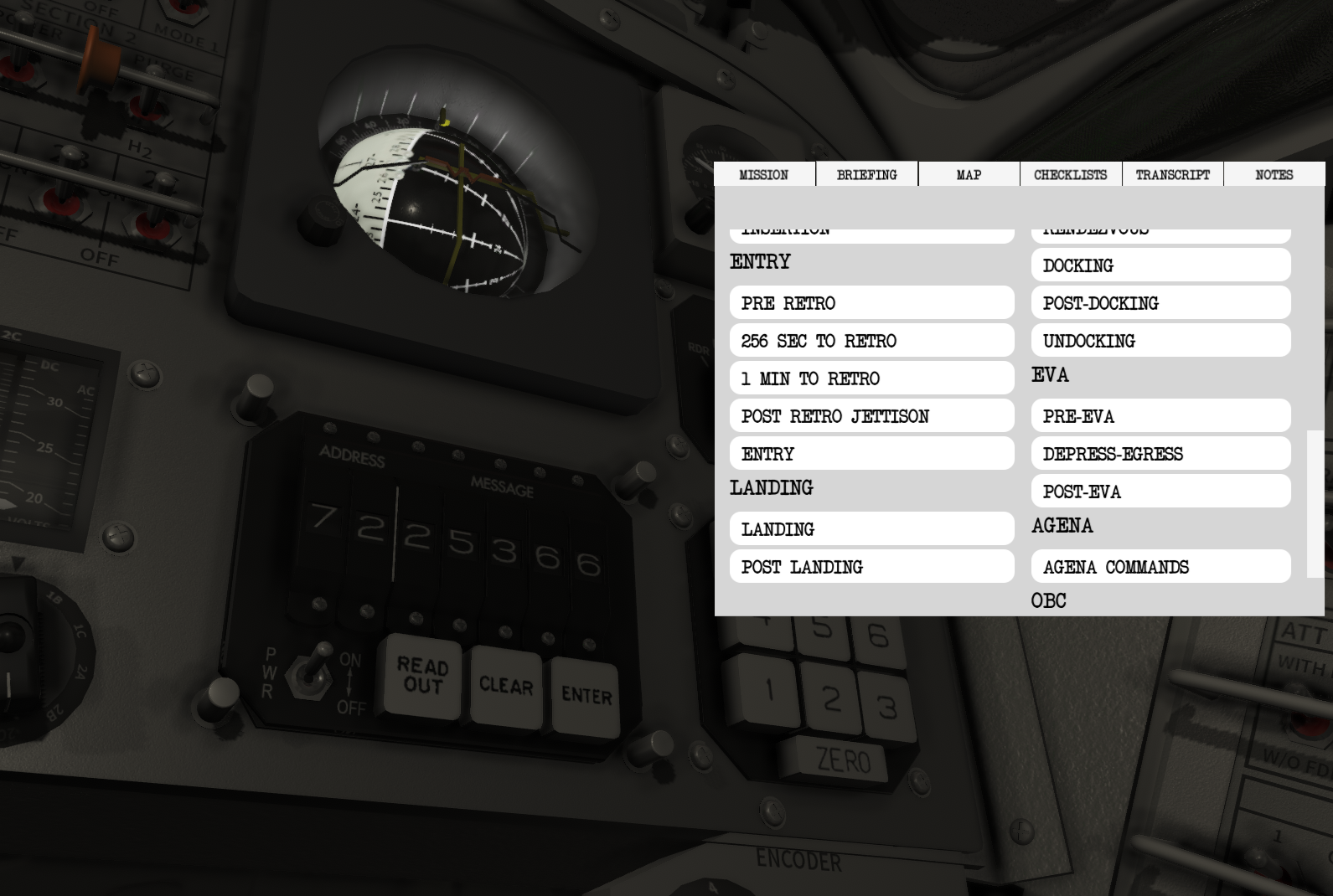
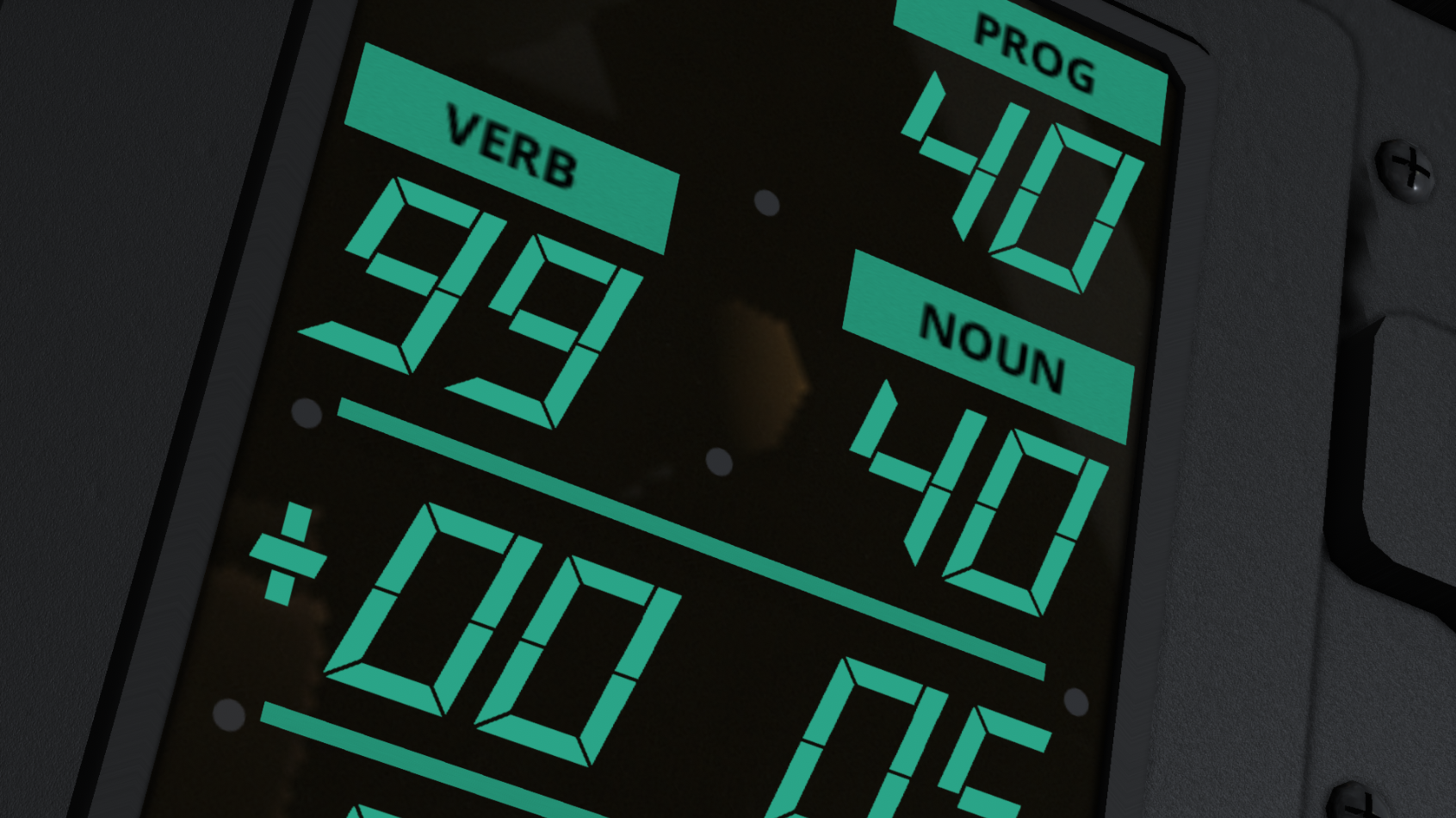
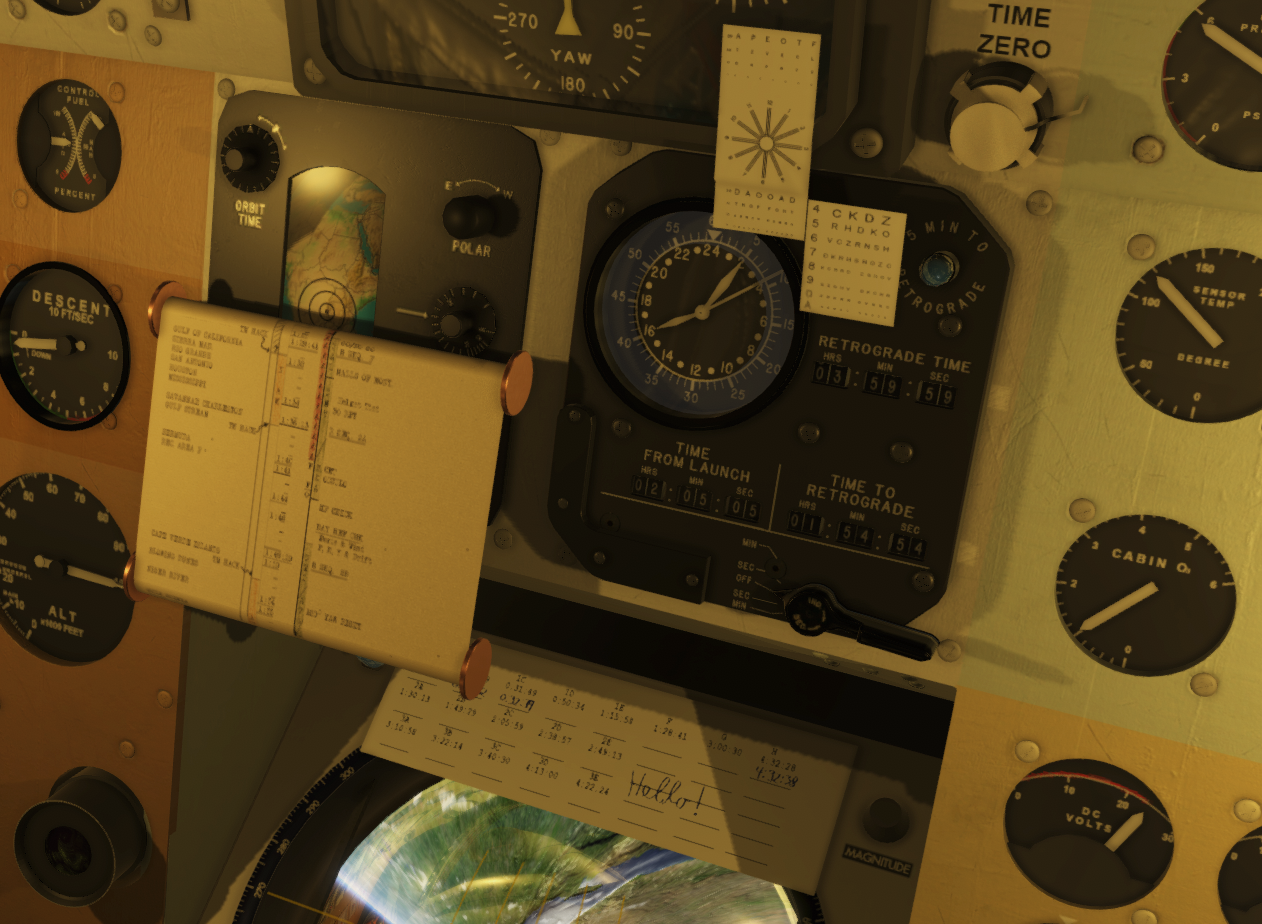
Gemini: CORE 19 (Tr, time to retro) shows time as MMM:SS I have modified the output formatting of CORE 19 to instead of showing total seconds left to retrograde, it shows minutes and seconds. The Gemini OBC displays data through 5 digits. If you input 19 and press READ OUT 20 minutes before retrograde, the message will show 02000. This can be read as 020 minutes and 00 seconds, 020:00. Depressing READ OUT on Core 19 shows time as 000:00. On the image above the message 02041 is shown, meaning 20 minutes and 41 seconds until retrograde.
Note: It will take some time to roll this out in the games content. I have so far updated the academy lessons to cover this, as well as the checklists. However, there still might be some references to it being in seconds somewhere.
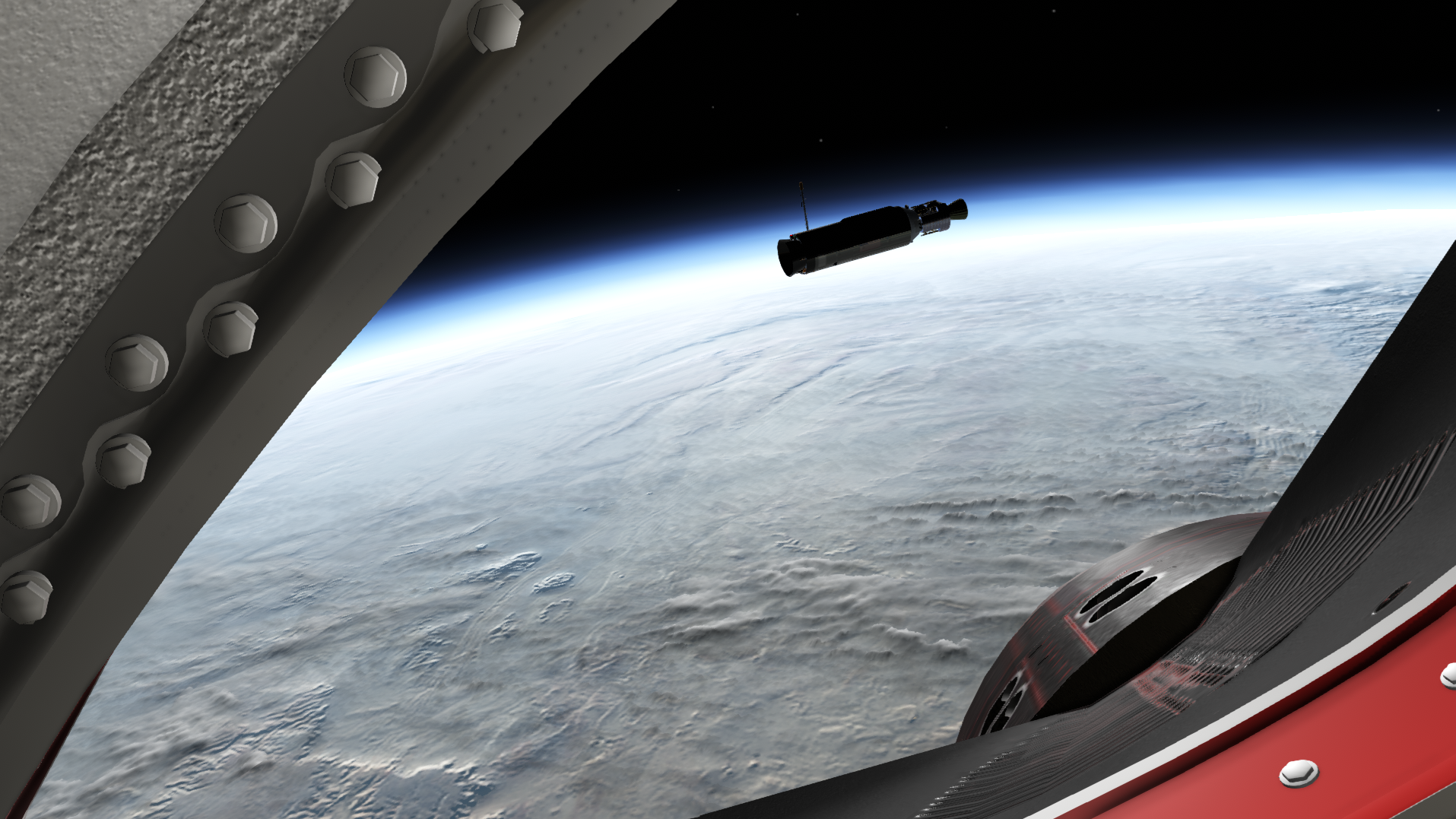
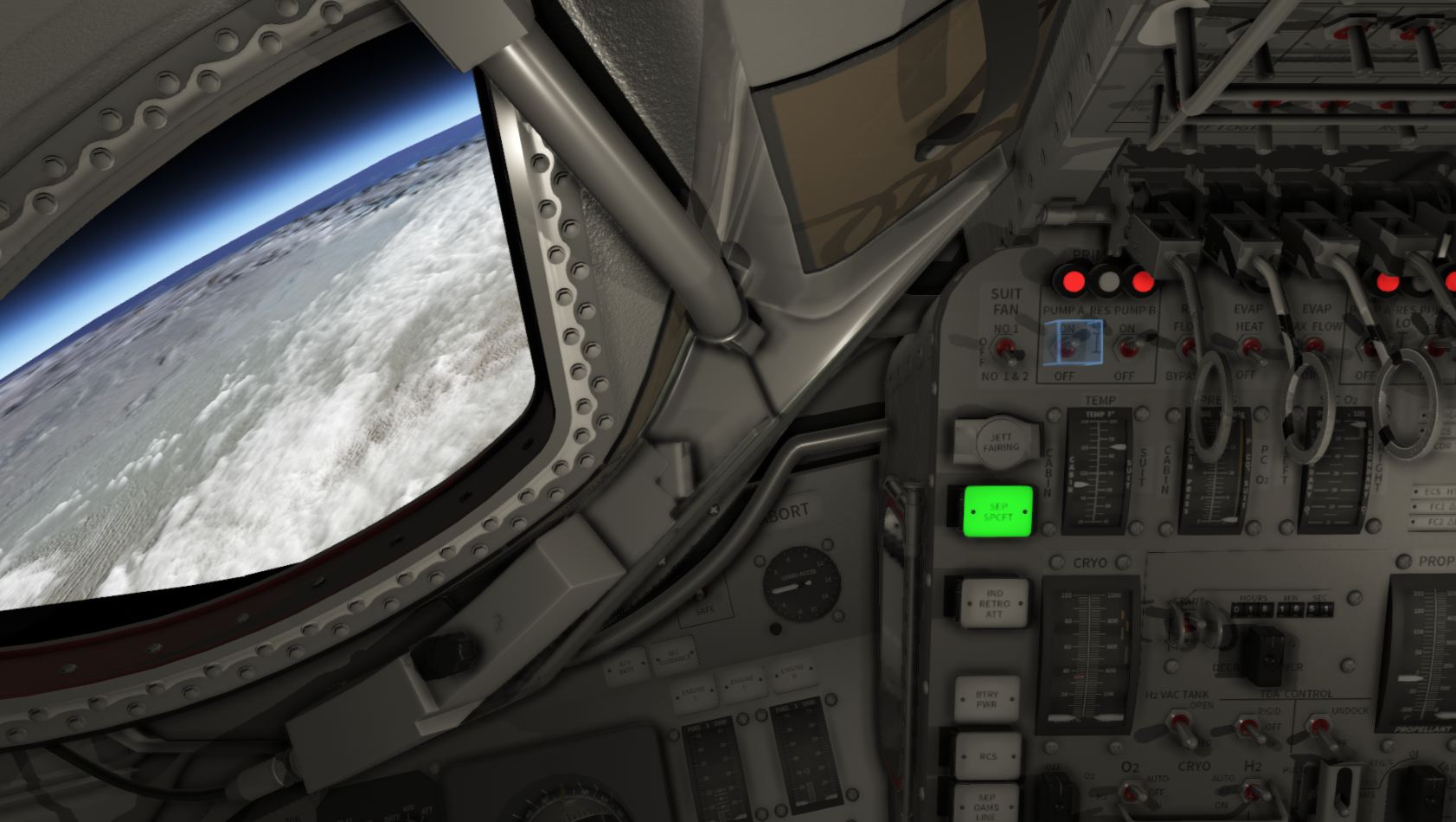
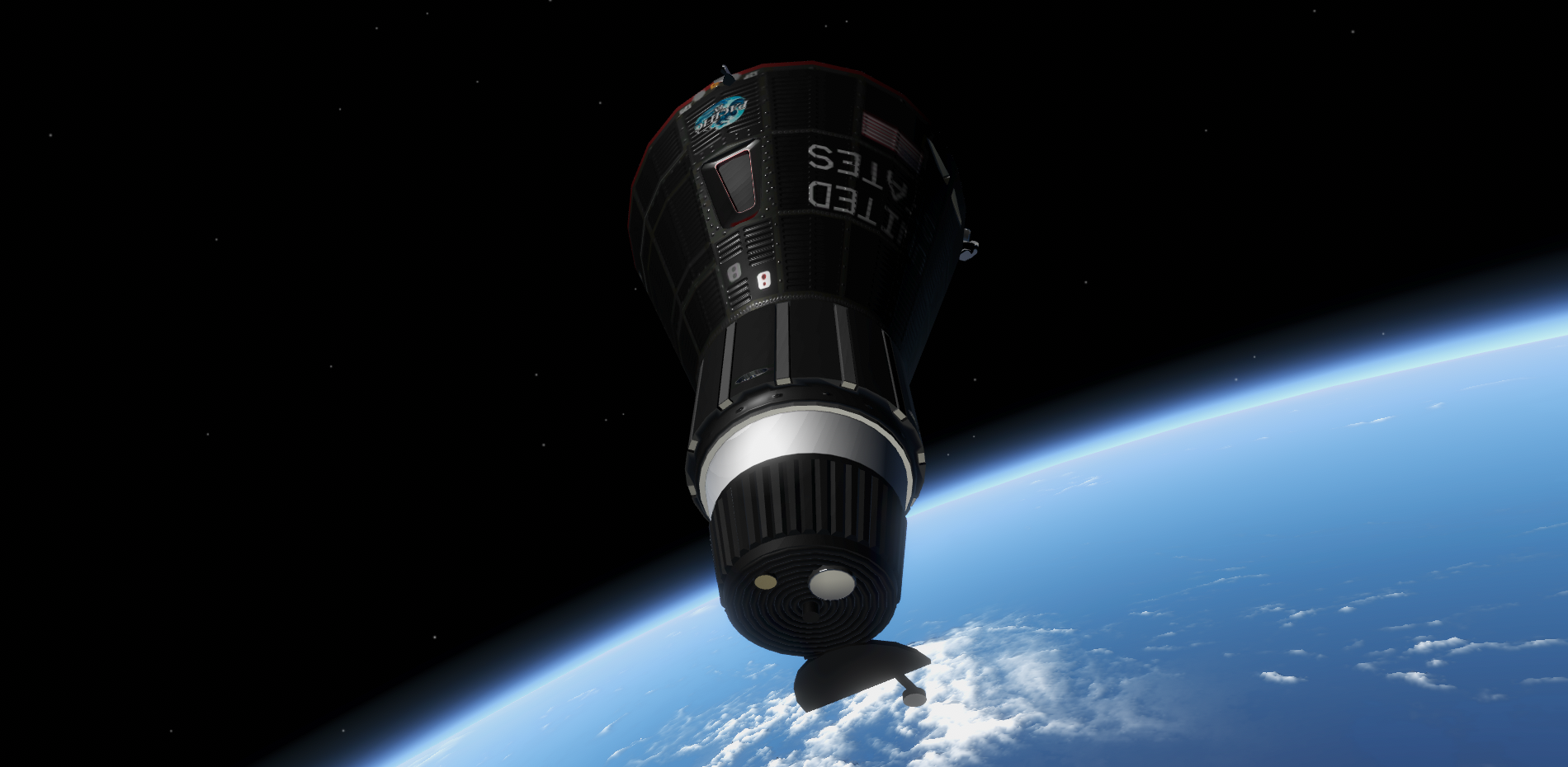
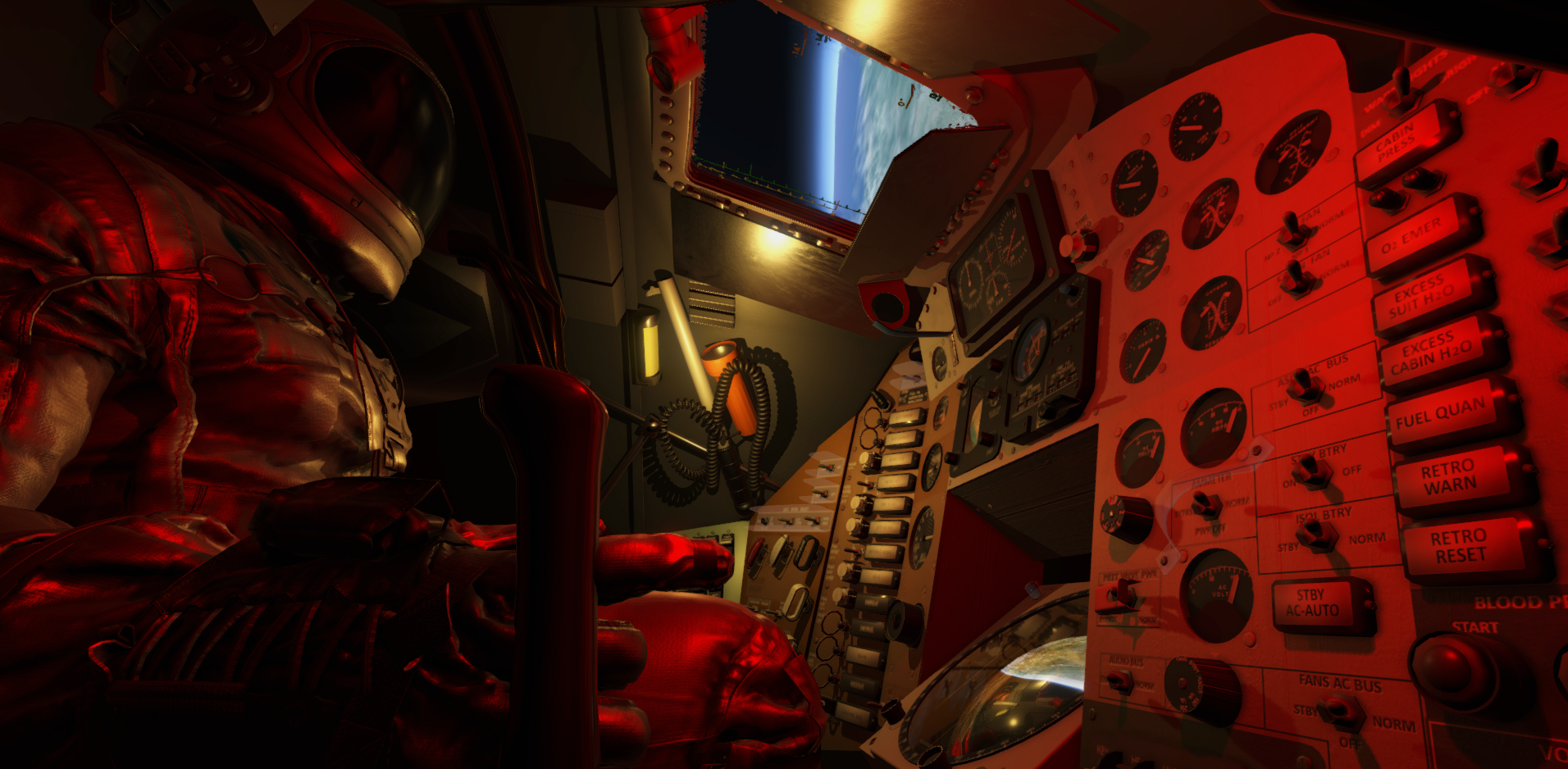
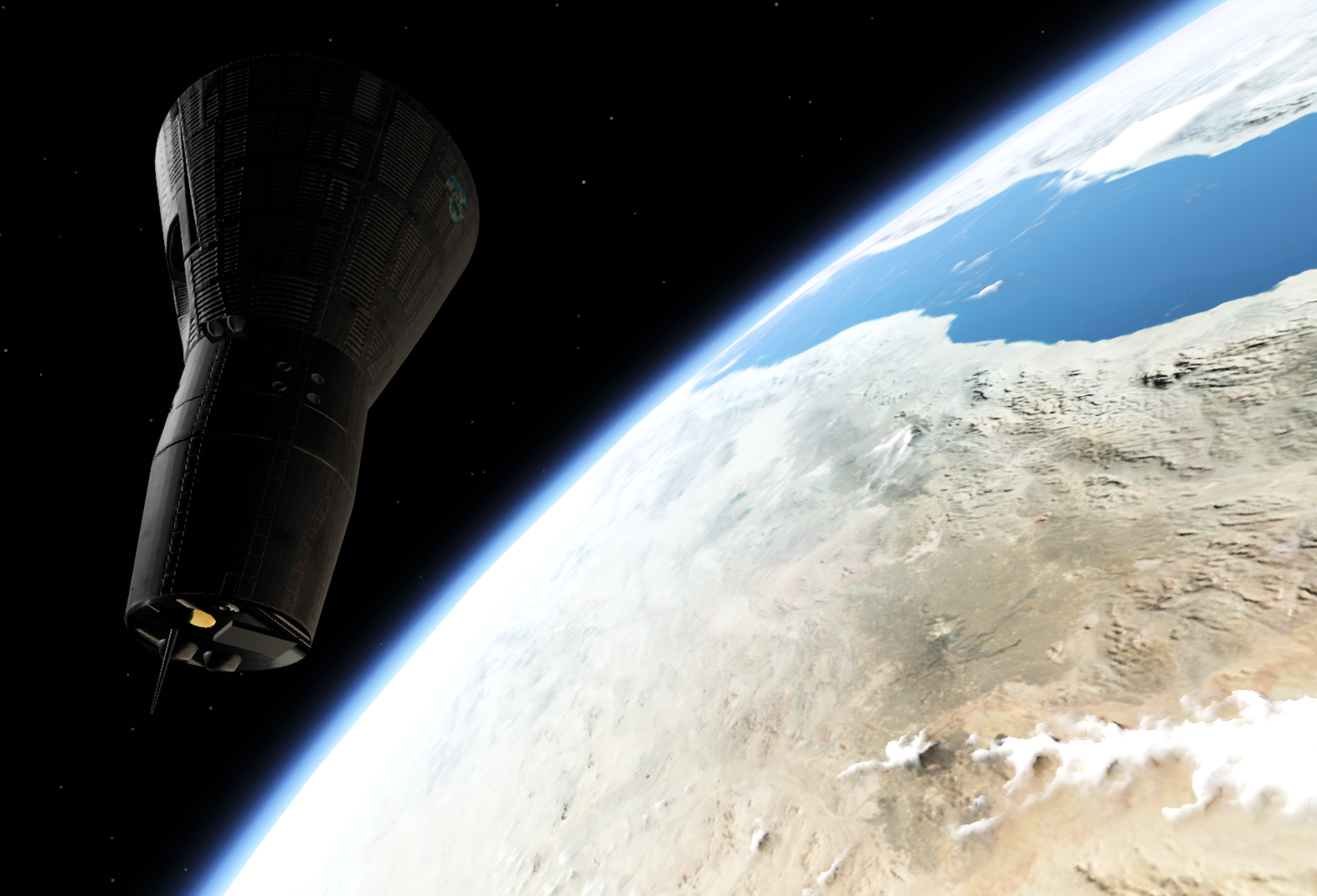
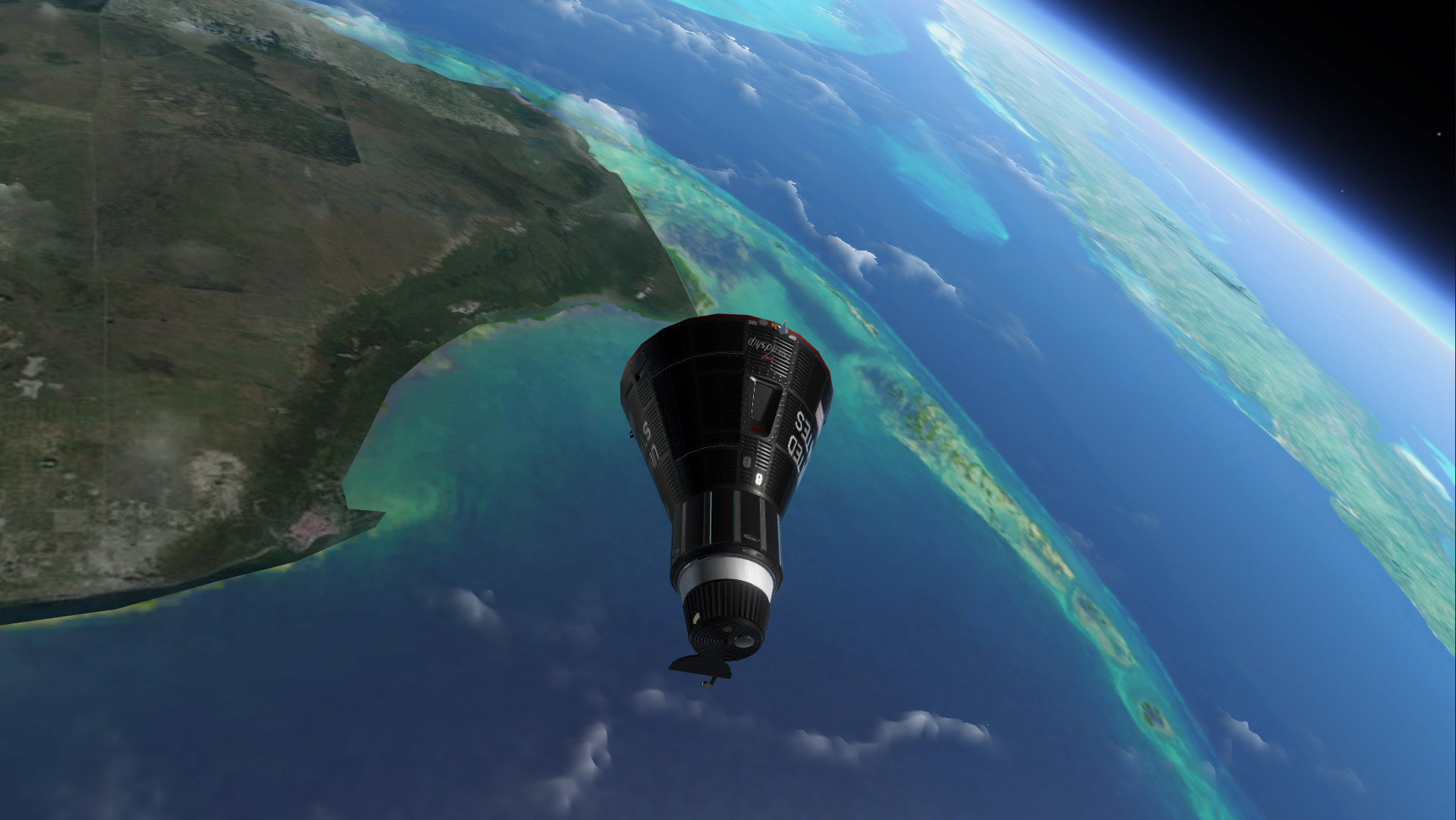
Gemini: External illumination while in cockpit I have made the light and reflection logic much more realistic while maneuvering the Gemini craft through the cockpit views. I have re-enabled the external reflection probes used to render earth shine and reflection on objects visible through the windows. The earlier builds had this disabled, making objects look flat and not properly illuminated while in the cockpit seats (external view had them enabled). I have tried to correct the reflection probe flickering whenever I have discovered them and will continue to iterate on it.
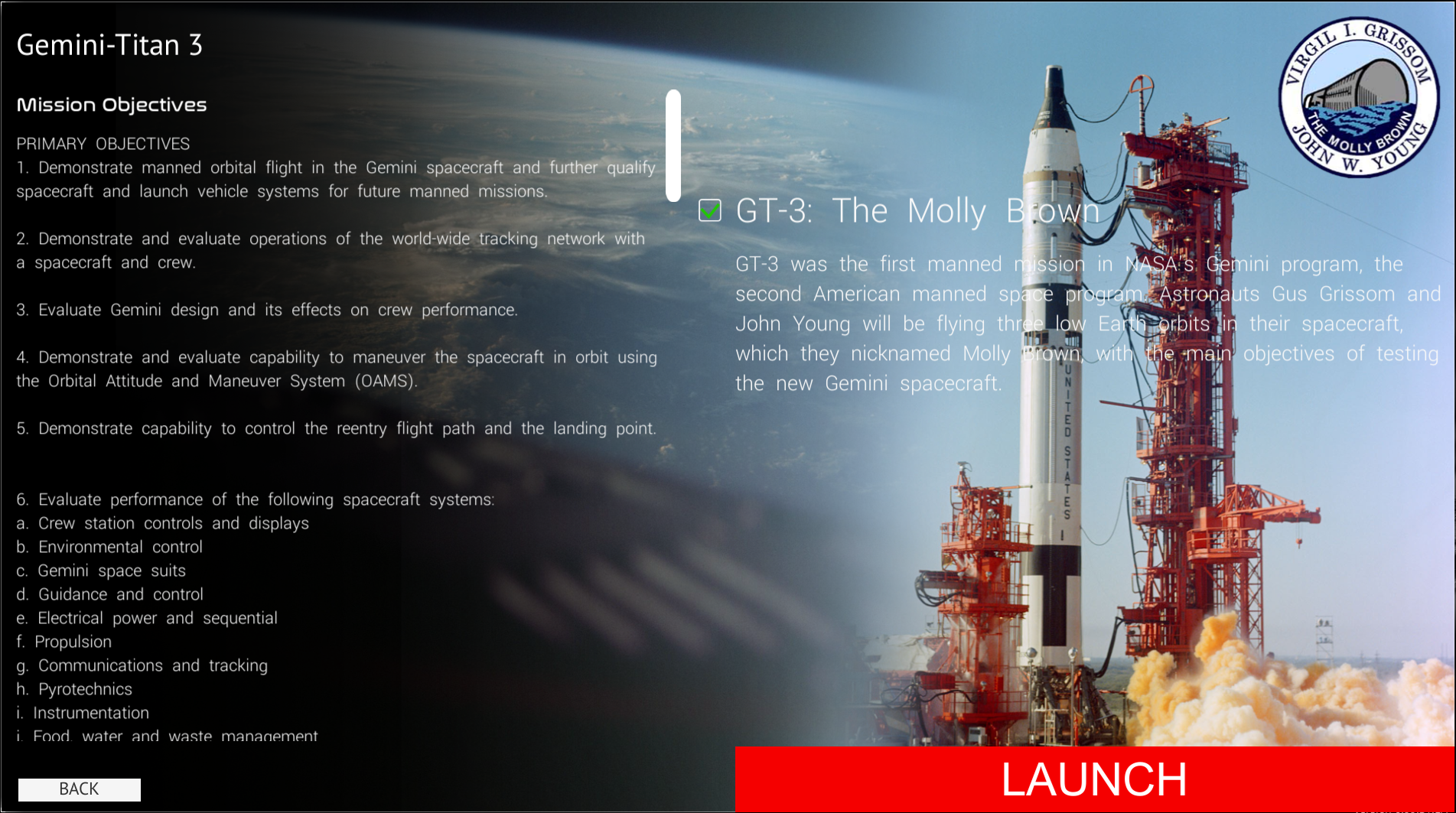
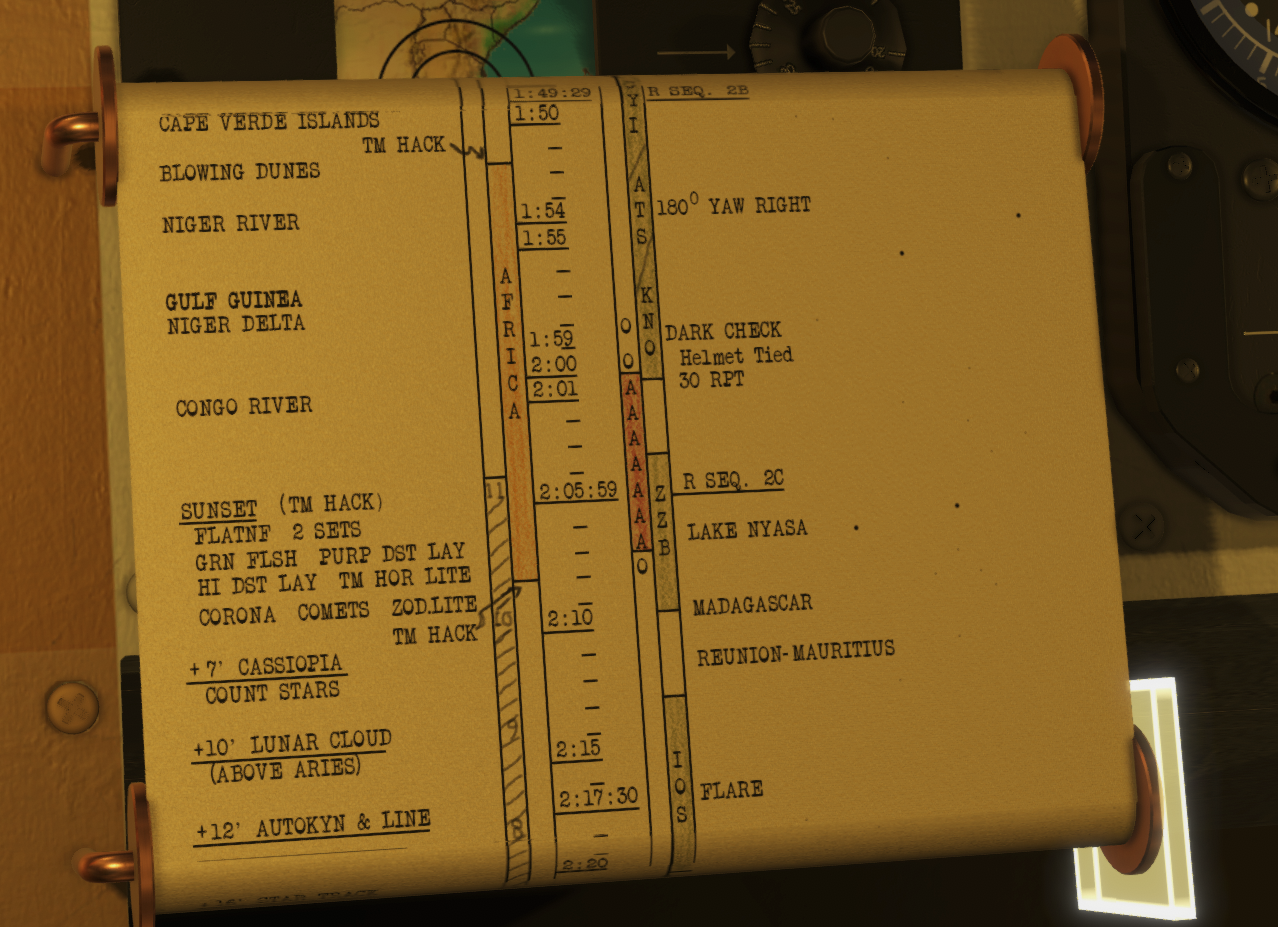
Historic Mission: Gemini-Titan 3 I have added a new historic mission to the game that puts you in the cockpit of Gemini-Titan 3. This mission did not have all audio available but I have tried to create a fun and interactive re-creation of the mission to the best of my effort and limitations of the sim.
I have also added some GT-3 mission specific cockpit toggles (MISSION TOOLS -> COCKPIT FUNCTIONS) that lets you toggle a Gemini-Titan 3 interactable flight plan:
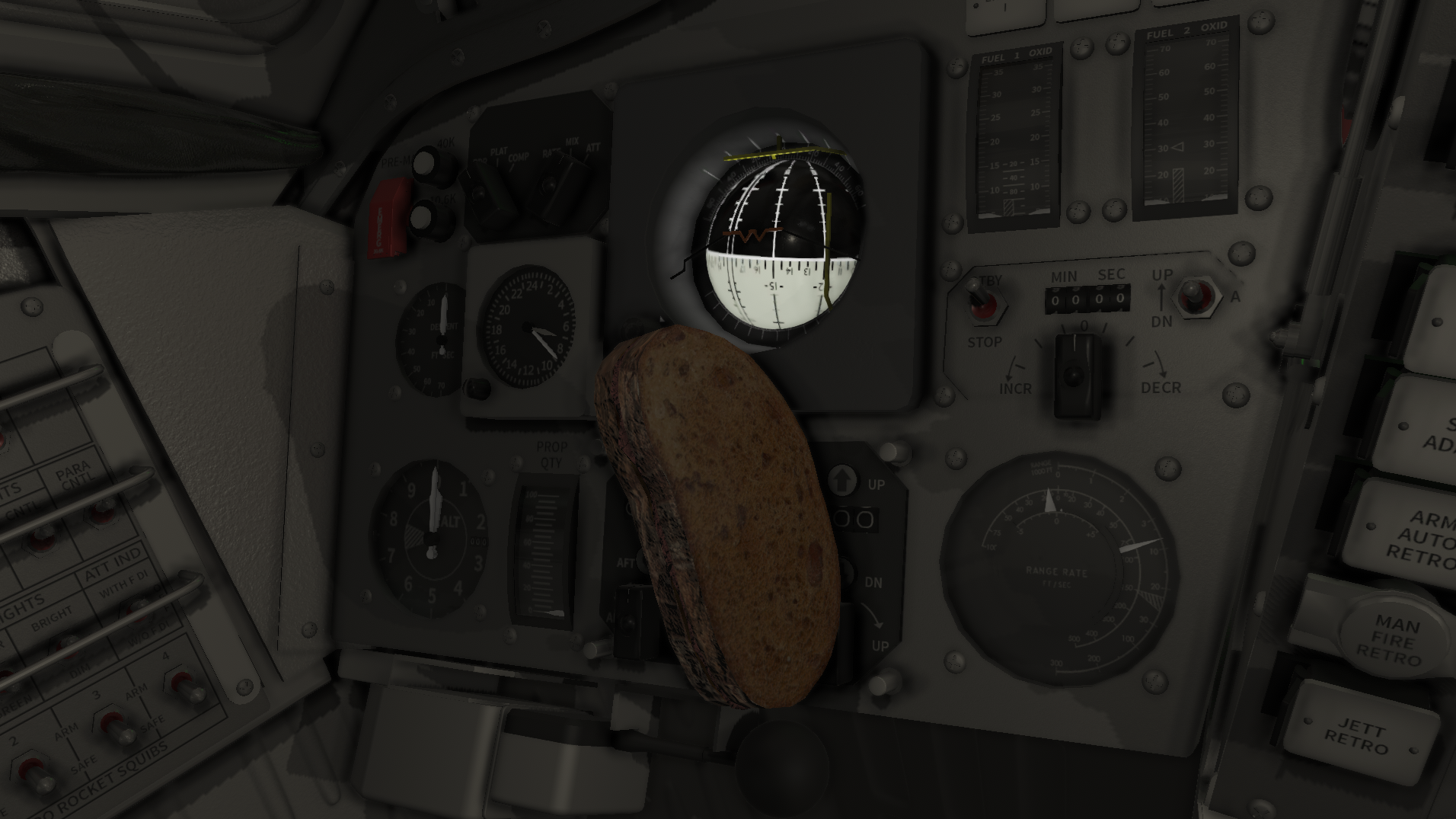
And the famous Corn Beef Sandwich Young brought with him:
Patch notes:
VR: Fixed Apollo Input Actions being disabled on load
VR : First test implementation to start gathering data and experience reports of a VR Mouse cursor to allow using the mouse to interact with UI and cockpit during VR sessions.
Mercury: Full revamp of the Mercury Academy
Gemini: Full revamp of the Gemini Academy
Updates to the Earth Atmosphere Renderer
Increased cloud layer sampling to avoid the floating sliced used to build the cloud height
Removed HDR/FP16 color banding
Historic Mission: Gemini-Titan 3 - Molly Brown
Corrections to the Insignia Graphics on Gemini and Apollo.
Gemini: Added a Mission Tools function to reset the event timer to zero.
Updates to Gemini internal electrical system, environmental control systems, horizon scanners.
Gemini: Added the "Optical Sight"/COAS
Gemini: Updates to reflection probe logic to allow the external probes to function while in the cockpit (as it works in the other programs) - let me know if you experience heavy flickering
Gemini: Updated the model and materials of the external parts visible through the CDR/PLT window
Gemini: Material updates and shader updates to Agena rendering
Updates to the Gemini Mission Editor
Gemini EVA: left/right trigger correction
Fixes to the Apollo 13 historical mission
Gemini OBC, Core 19, Time to Retro shows time in minutes:seconds (MMM:SS) instead of total seconds. You can override the missions Time to retro time stamp using the UI buttons, through mission control or insert total seconds to retrograde directly into Core 19.
Update 0.99.30 is out! - New Historical Missions, Mercury Updates, Bug Fixes
This patch includes several quality-of-life improvements, such as enhancements to the Mission Pad and input binding, along with fixes for critical issues. Additionally, I've introduced new missions, offering around 5-6 hours of gameplay, to Project Mercury.
As Project Mercury is often the first spacecraft players meet in Reentry, I have focused on refining the cockpit logic and visuals to enhance both mission execution and overall immersion. I've also added a set of historic missions (accurate to the best of my ability and limitations of the game), designed to build on the skills you’ve developed in the Academy and Campaigns, allowing you to experience realistic recreations of the first Mercury missions.
Physical Cockpit Switch sound logic fixes I have updated the sound effect logic around interacting with switches, selectors, fuses, circuit breakers, etc. to prevent the sound effect to play if you interact with a control that is already at the position you try to move it to. In other words, if you try to move a switch in a direction its not possible to move it, it will no longer play the switch sound effect.
Gemini Atmospheric Entry updates I have updated some of the logic related to Gemini reentry. The logic affects the entry attitude checks, drag equation, and staging checks for reentry.
Mission Pad stores location of the main checklist overview page When using the mission pads checklists tab, you would typically scroll down the list to search for specific checklists. When selecting one or hiding the checklist tab, it would previously move the scroll view of the checklist overview to the top when returning to the checklists selection. This update stores the scroll position of the checklists selector for all programs.
Mercury Horizon Scanner/Gyro ray casting corrections I have updated the logic of the Mercury Horizon Scanners to better detect the atmosphere and update the platform. This will lead to a more stable scanner, and also corrects a bug that would prevent the scanner logic to function for the rest of the mission if you set time scale to 0x (pause the game).
Apollo ELS landing logic updates and improved logging I have improved the logic of the Apollo ELS and added more logging. I am getting reports from players who experience that the chutes of the Command Module, in some cases, does not deploy even if the ELS is configured correctly.
The ELS requires the SECS logic/pyros to be on and armed, the ELS to be powered and on (logic), and the ELS configured for auto deploy.
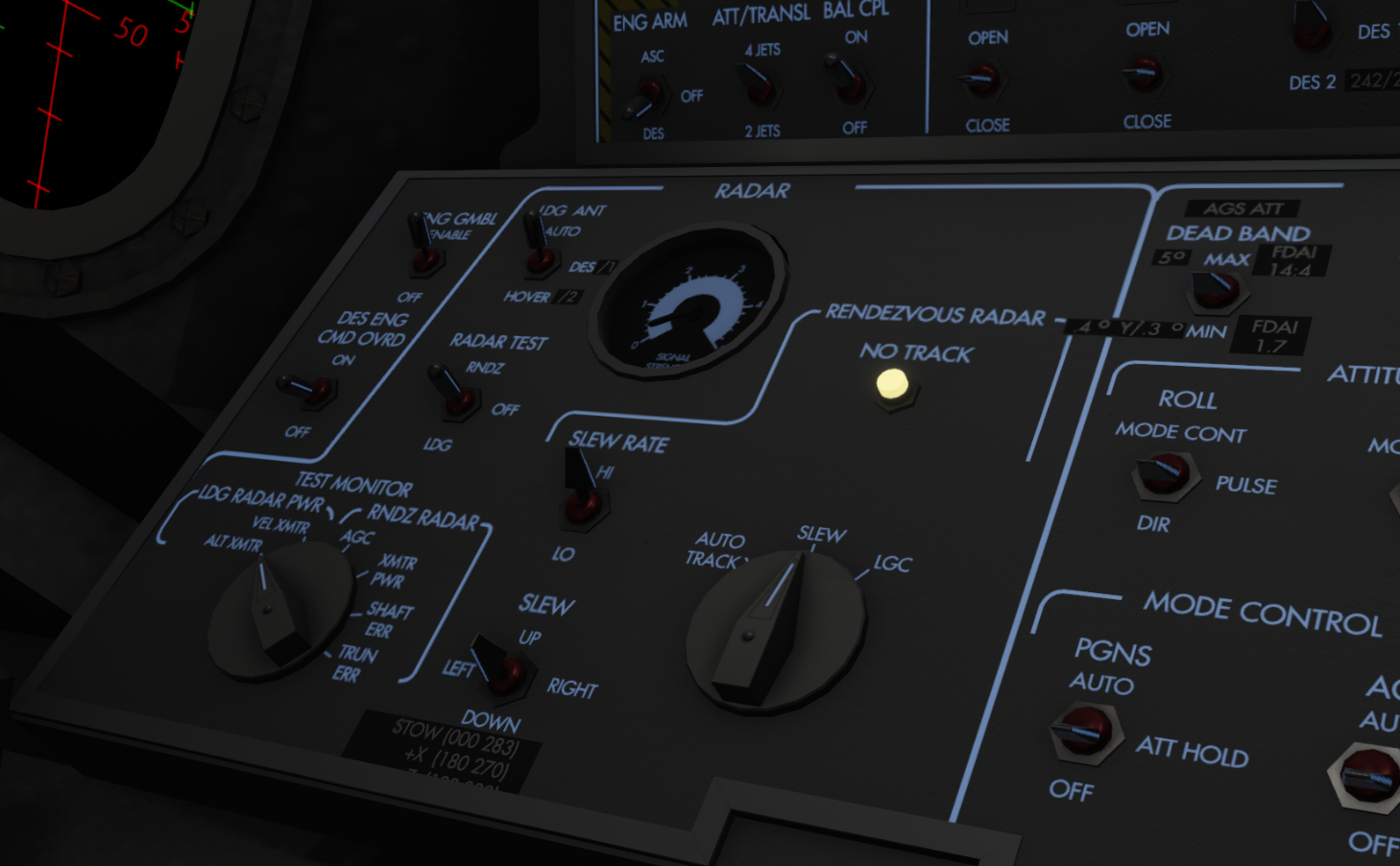
Lunar Module Rendezvous Radar tracking updates The RR of the Lunar Module has received some minor updates to improve its capability to automatically track the command module once tracking is established.
Huge update to Apollo checklists A lot of Apollo CSM/LM checklist updates and QOL fixes related to procedures (thanks darkstar & co) has been added to this patch. This will improve the execution of checklists, adds the RUN feature to additional checklists, and corrects many mistakes.
Lunar Module Manual Control prevents X-axis jets for firing I have corrected and issue where the LM I/K manual throttle control impacts +/- X jets, preventing you from translating up or down when manual throttle control is selected. The Throttle/Jets lever is, as previously, used to switch between this but the MAN/AUTO switch will no longer influence the configuration.
The dreaded Apollo/Lunar Guidance Computer PRO logic fixes I have updated all the programs requiring the PRO button to ignore multiple presses to PRO during V99, and ignores PRO before P15 (you are not supposed to press PRO before SIVB ignition during a TLI burn. However, if you did, it would cancel the burn). I have also updated logic to abort a burn during V99 by pressing ENTR.
Mercury ECS updates I have made updates to the Mercury ECS system with regard to temperature control and thermal logic. I have also used this to improve and prevent fires that was not supposed to happen for example during long holds, as some has reported.
Mercury atmospheric drag model changes I have revisited some of the atmospheric drag models to improve Mercury entry and make it more realistic compared to the timeline of the real missions.
Project Mercury Cockpit Updates One of the cockpits that has been lagging a bit behind is the Mercury Cockpit. This update corrects and improves some major elements of the cockpit and adds some more graphical details as well. The next few sections will cover the main aspects of the Mercury cockpit update.
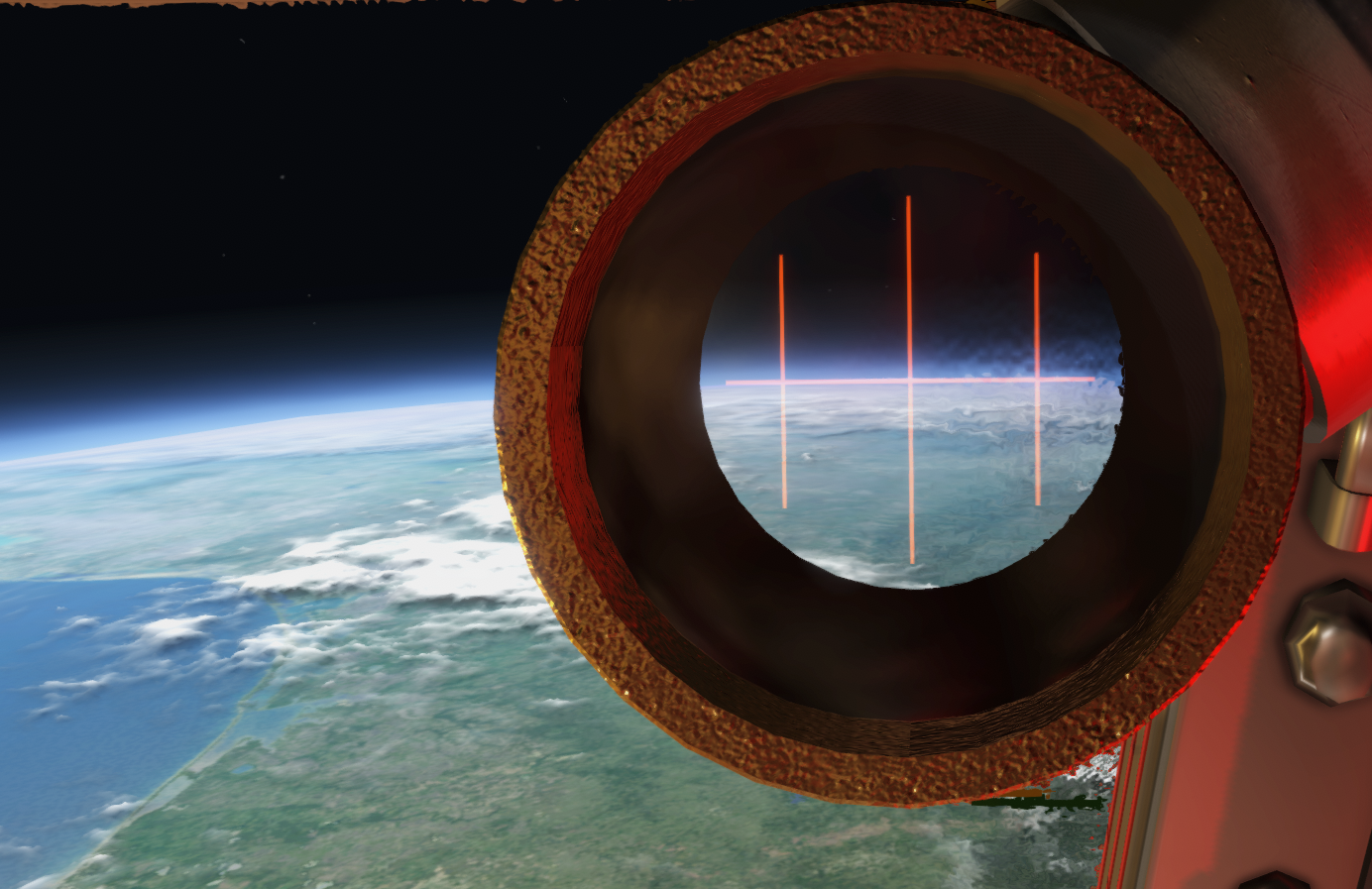
Project Mercury Cockpit Update: Periscope adjustments I have updated the Periscope logic in the Mercury capsule to allow you to better used it to find and maintain retrograde orientation, and correct Yaw or Roll errors by looking through the scope. I have also corrected an old issue where the scope would have a small angular offset compared to the real craft.
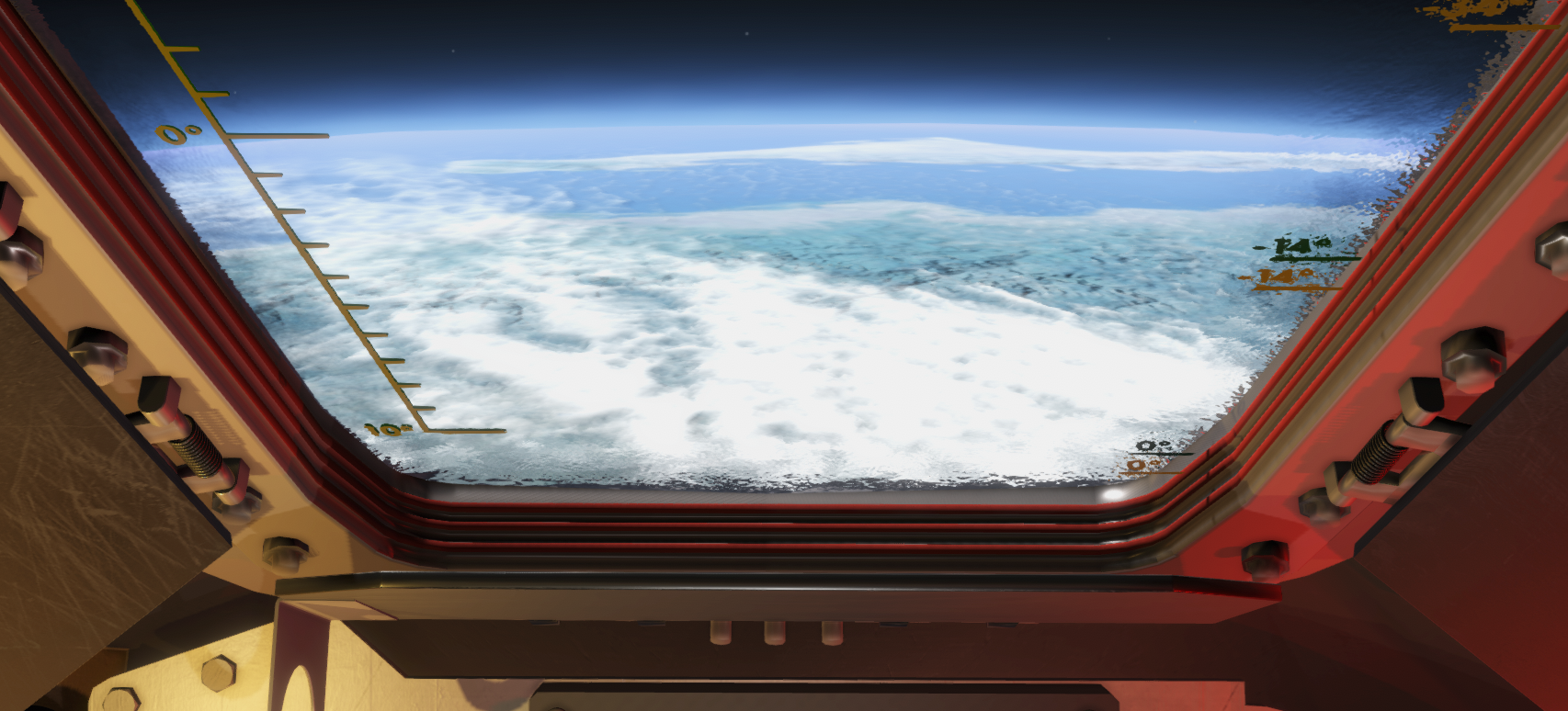
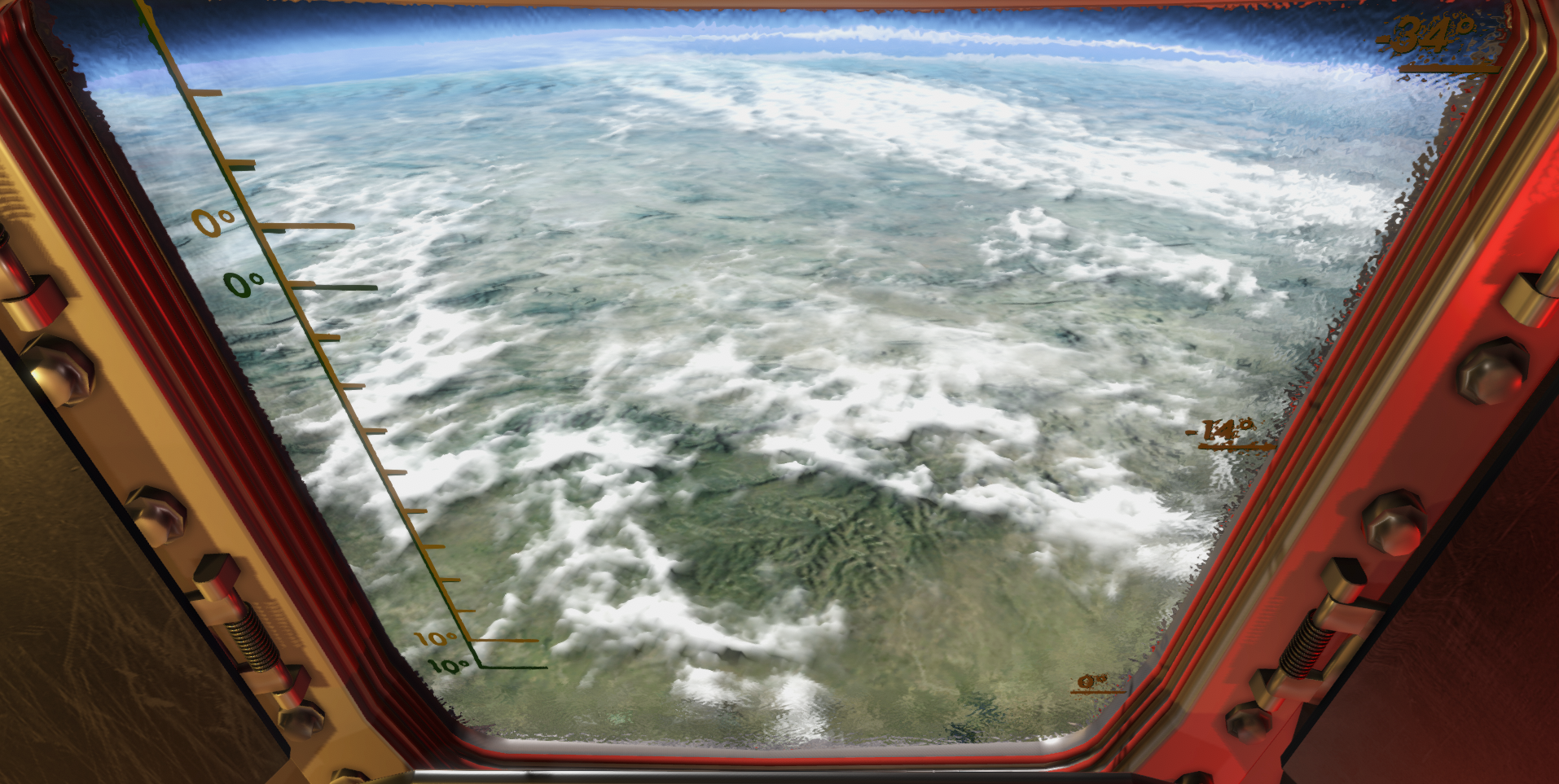
Project Mercury Cockpit Update: Window Mark updates I have fixed the window marks on the Mercury Capsule. It has two modes. One are in seated mode and one are a mode where the astronaut would lean forward to look in the retrograde direction.
Two sets of marks has been added so you can use the window reference to align with the horizon during day and night horizon checks, and to align the horizon to -14 and -34 degrees.
The updates to the periscope and the window marks will help you align with all the critical attitudes used during a Mercury mission.
In seated position, the window marks on the left are used:
In retro position (lean forward, look up), the window marks on the right are used:
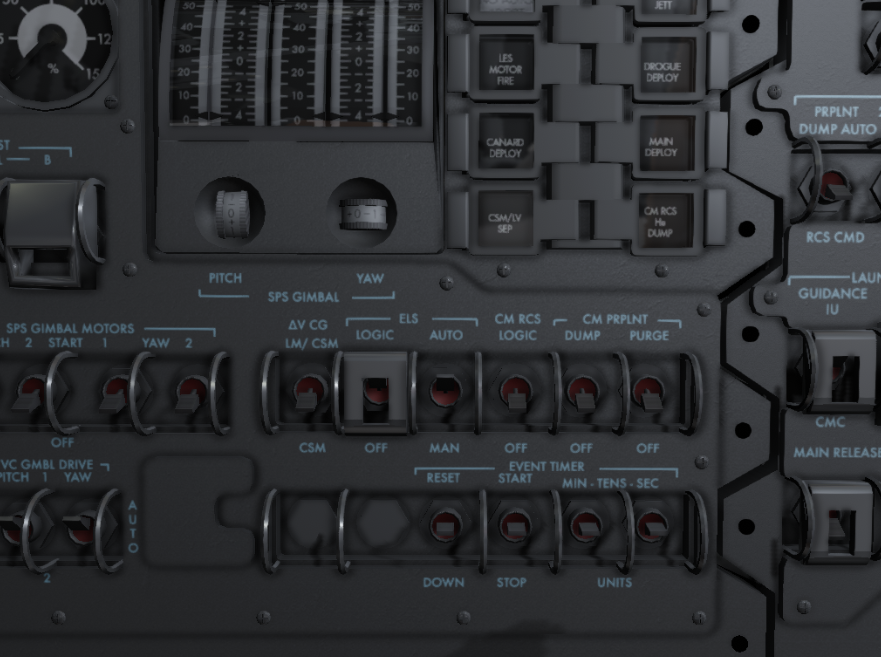
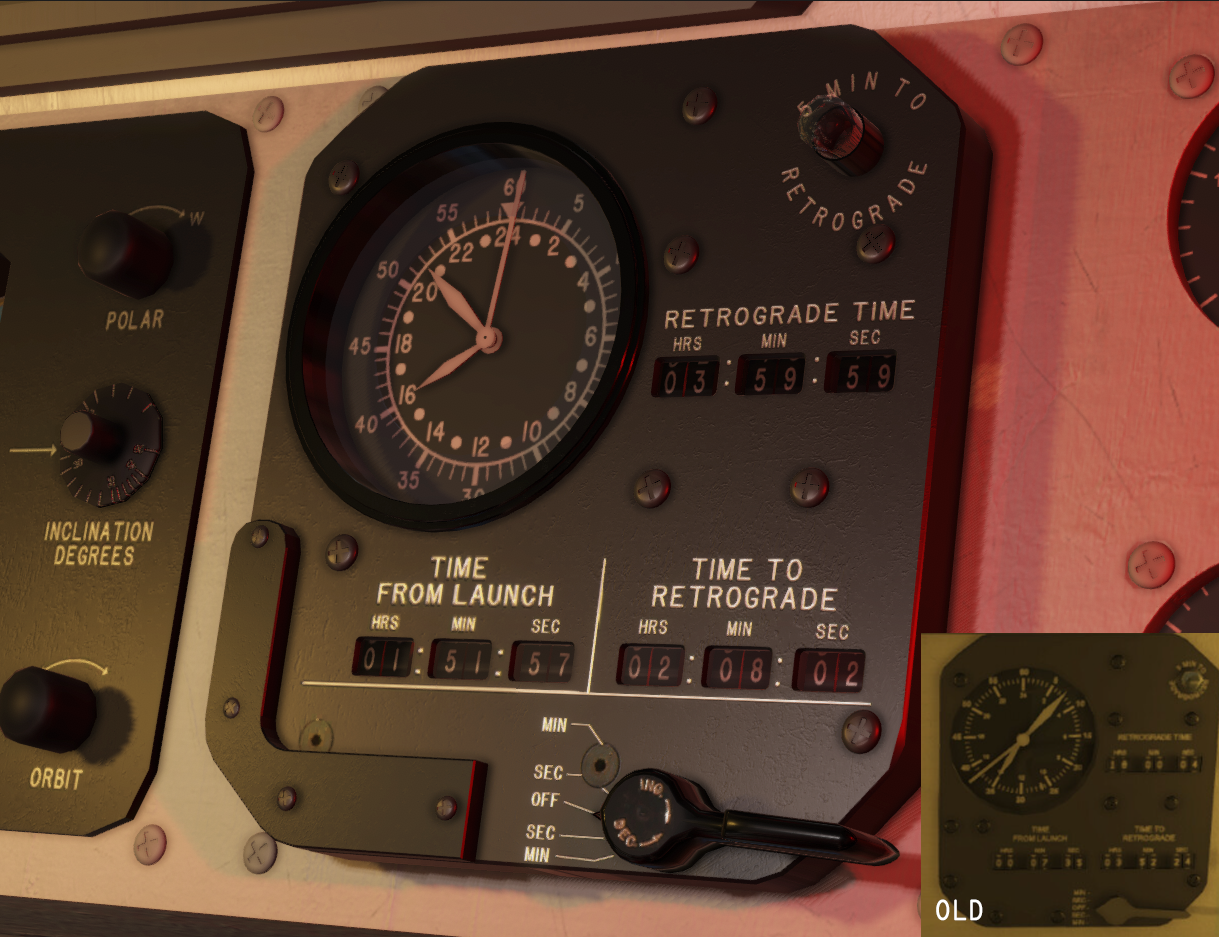
Project Mercury Cockpit Update: Satellite Clock The main tool for setting and adjusting the retrograde time, checking the current time and mission elapsed time is the Satellite clock located on the center panel. I have re-modelled the entire clock and its components, and corrected logical issues behind it. The retrograde timestamp is now in MET/GET, and should render the set retrograde time correctly. The selector below it can be used to increase or decrease the time. The clock graphics, marks and time handles has been re-implemented for a more realistic and accurate clock. You can use this to time activities and retro burns.
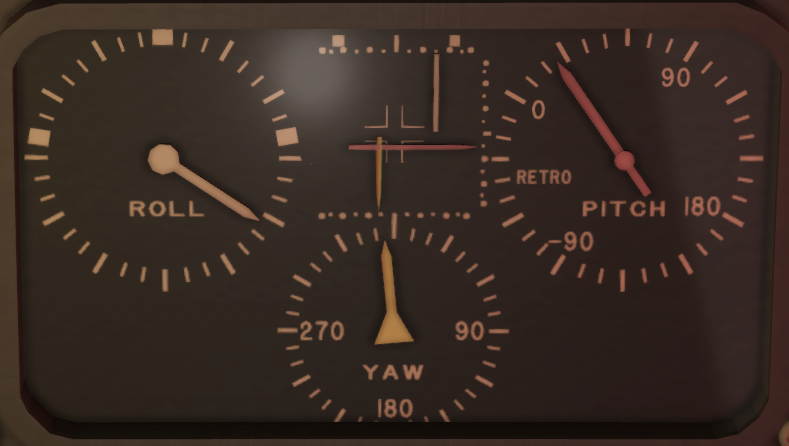
Project Mercury Cockpit Update: Attitude Indicators The attitude indicator graphics has been updated with more marks such as retrograde attitude, and better ticks on the rate indicators. Each mark represents about 1 degree of angular motion. This can now be used to more accurately achieve rates such as 4 deg/sec or 1 deg/sec, etc.
Project Mercury Cockpit Update: Navigation Reticle I have started to add a navigation reticle used to align the craft with the retrograde burn attitude. This scope was used in some Mercury Missions and is currently in its experimental phase and is installed on the right side of the window during development, but will later be moved as I make it more complete. However, it should now do the job it is designed for.
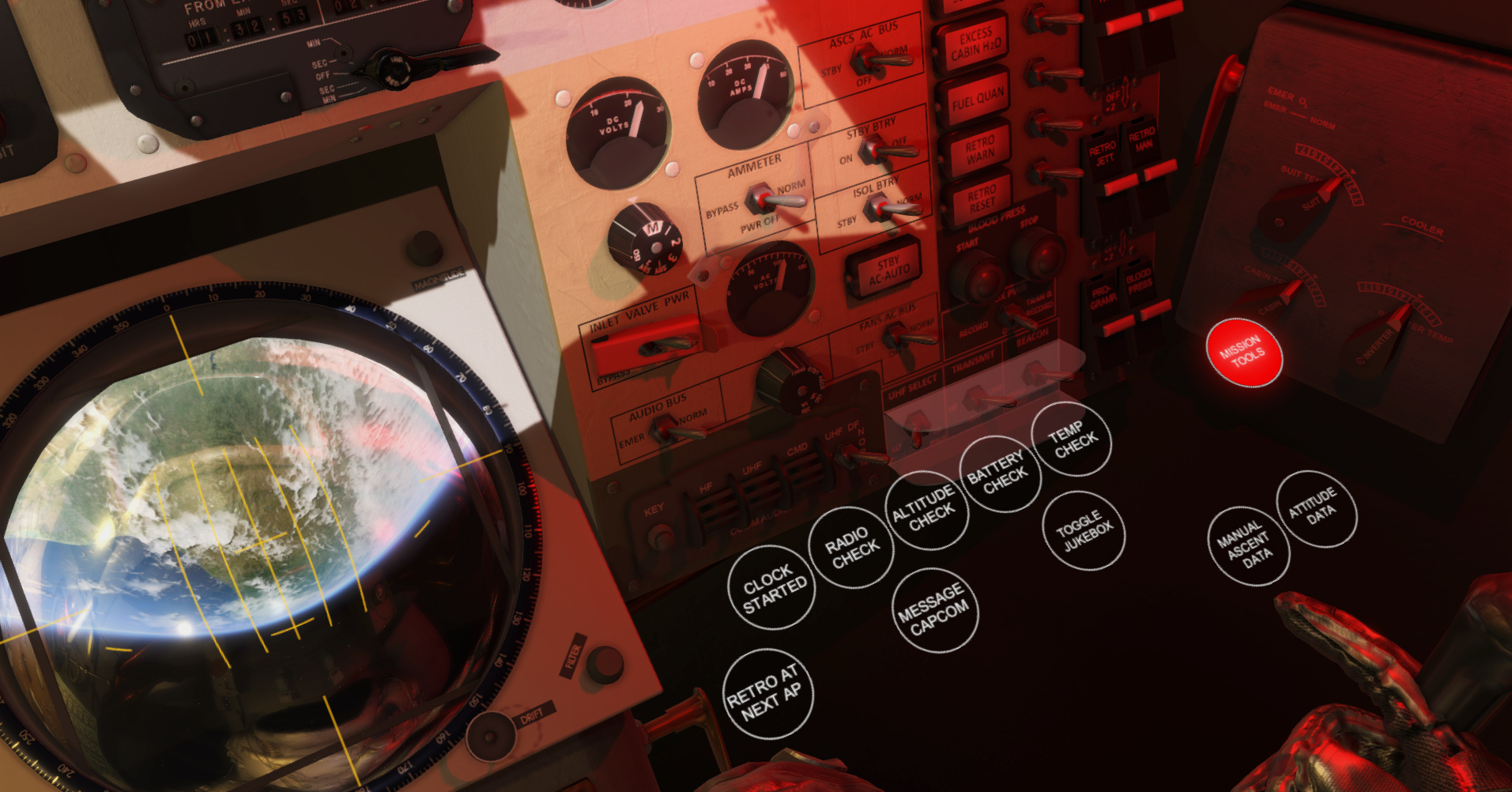
Project Mercury: Mission Tools I have added a Mission Tools function bubble that you can use to open PADs forms (similar to what you have in Gemini and Apollo) and install (toggle) equipment used during missions. This will expand with more realistic on-board equipment used during Mercury missions.
The Mission Tools menu will then show and let you toggle various tools. A mission file can also automatically pre-toggle some of these based on mission needs.
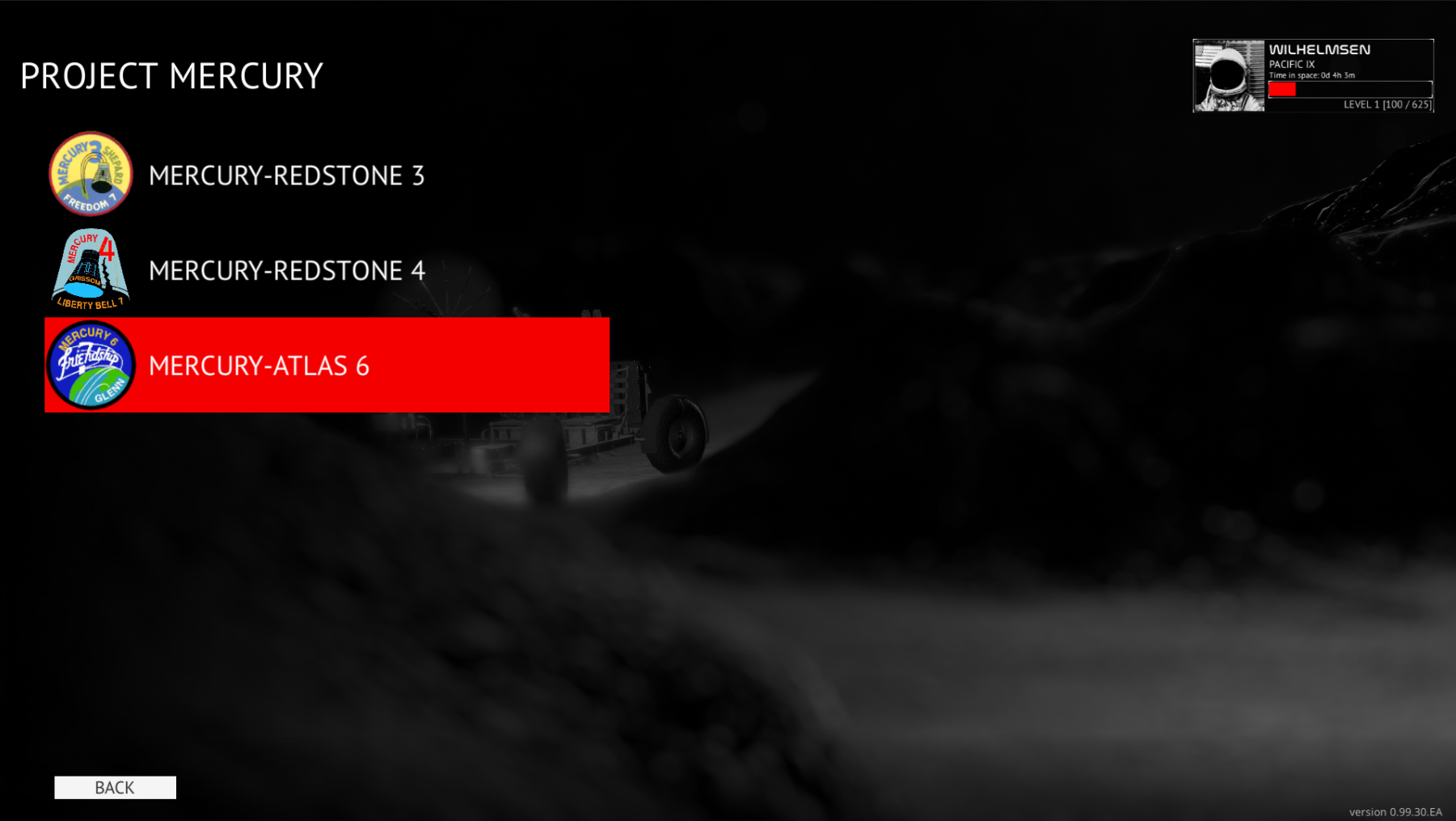
Historic Missions I have added a new mission mode: Historic Mission (for those who has been here for a while, brough back). This section will contain the most realistic recreation of the real missions the game offers. Since these are not part of the main fictional (but based on true events) campaign, I have given the a custom section under each programs MISSIONS menu, for example Main Menu -> Missions -> Project Mercury -> Historic Mission.
The main idea of these missions is to keep up with the timeline and follow the in-game steps. The challenge is to keep up with the flow of the mission and experience the mission yourself. You might need to practice a few times to get everything right but I do hope you will enjoy these missions.
This update moves the Apollo 13 campaign into the Historic Mission section of Apollo, and adds 3 new historic missions to Mercury.
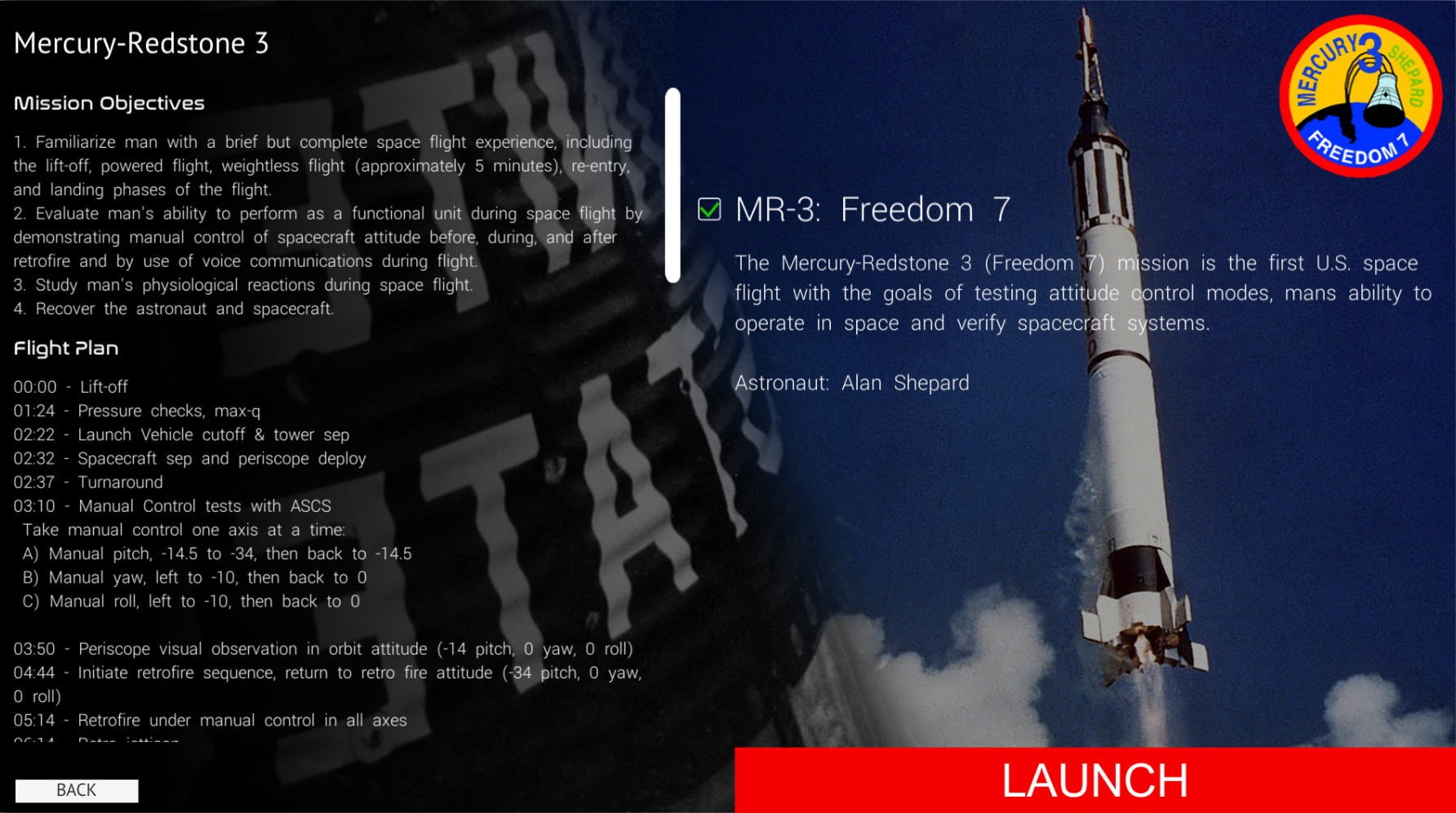
New mission: Mercury-Redstone 3 The Mercury-Redstone 3 was the first U.S. manned mission, where Alan Shepard became the first American in space. In this mission you will get to experience the flight with realistic voice comms and procedures. The mission will take you through this historical mission where you have to keep up with the busy schedule of these short sub-orbital missions.
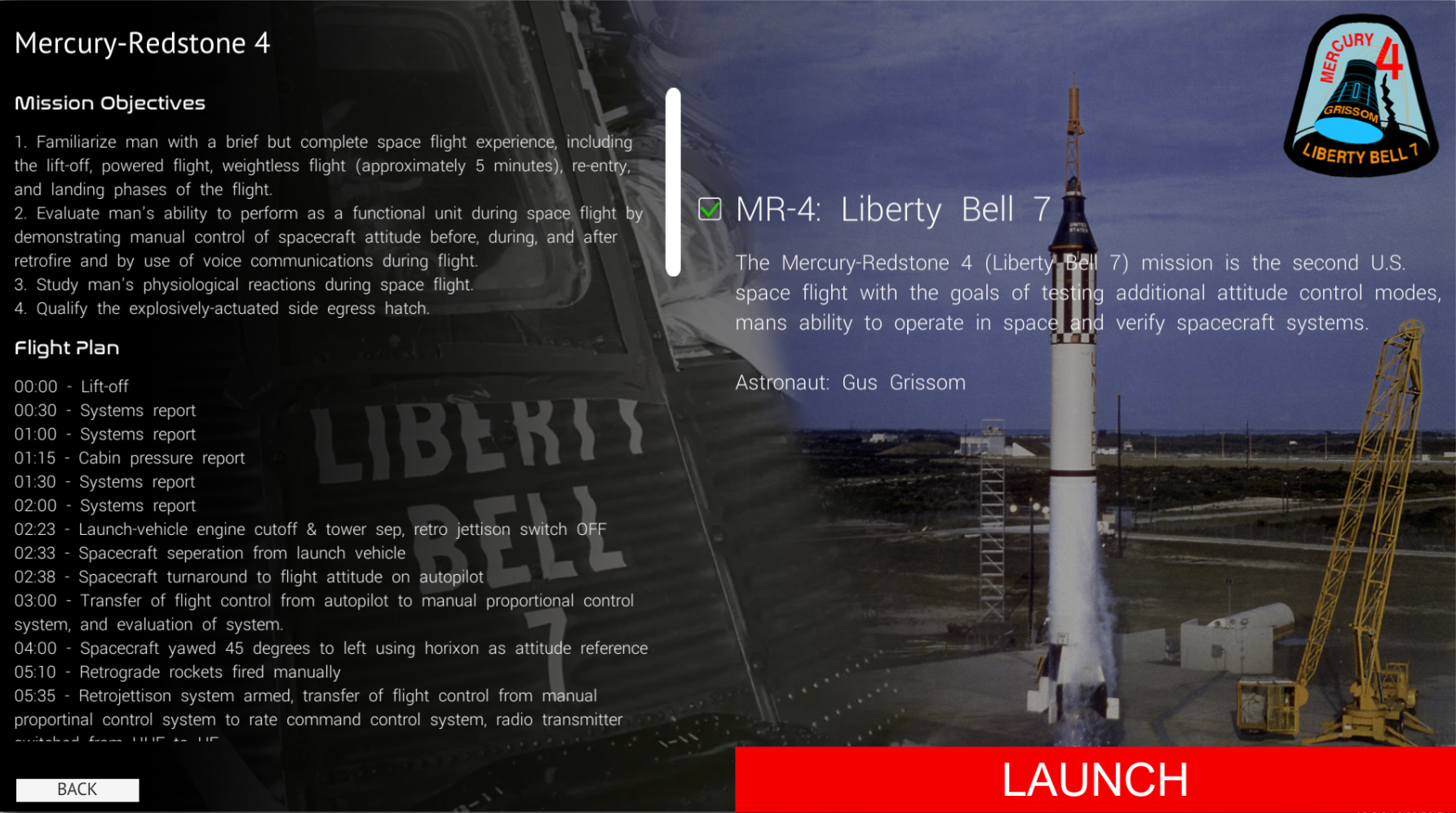
New mission: Mercury-Redstone 4 The Mercury-Redstone 4 was the second U.S. manned mission, where Gus Grissom was the astronaut. This is a similar mission to Mercury-Redstone 3, but with different control mode tests in space.
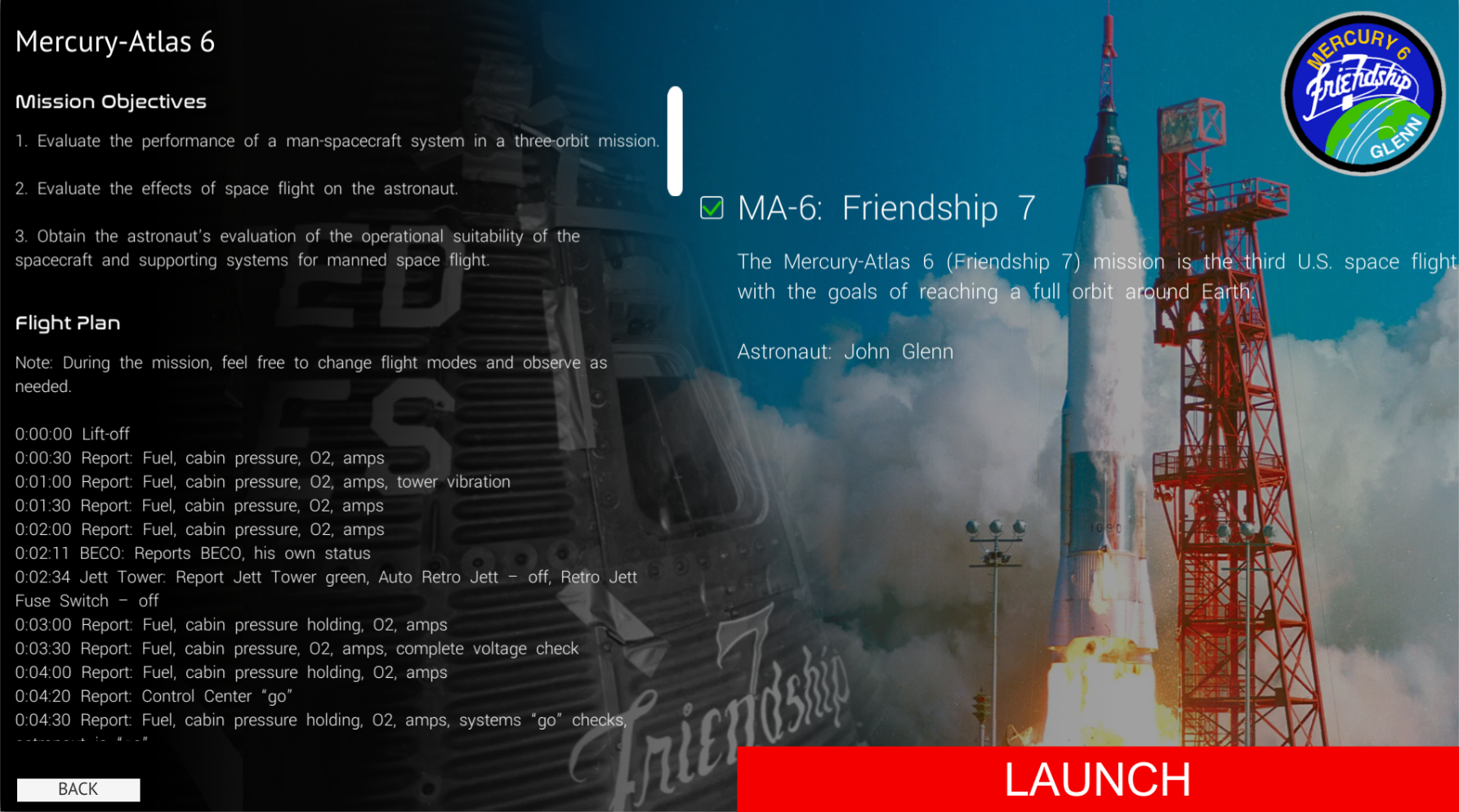
New mission: Mercury-Atlas 6 The Mercury-Atlas 6 was the third U.S. manned mission and the first to go in orbit around Earth with astronaut John Glenn as the commander. This is my first attempt at creating a long-haul mission in one go, compared to the other longer missions that has been split up into multiple scenarios.
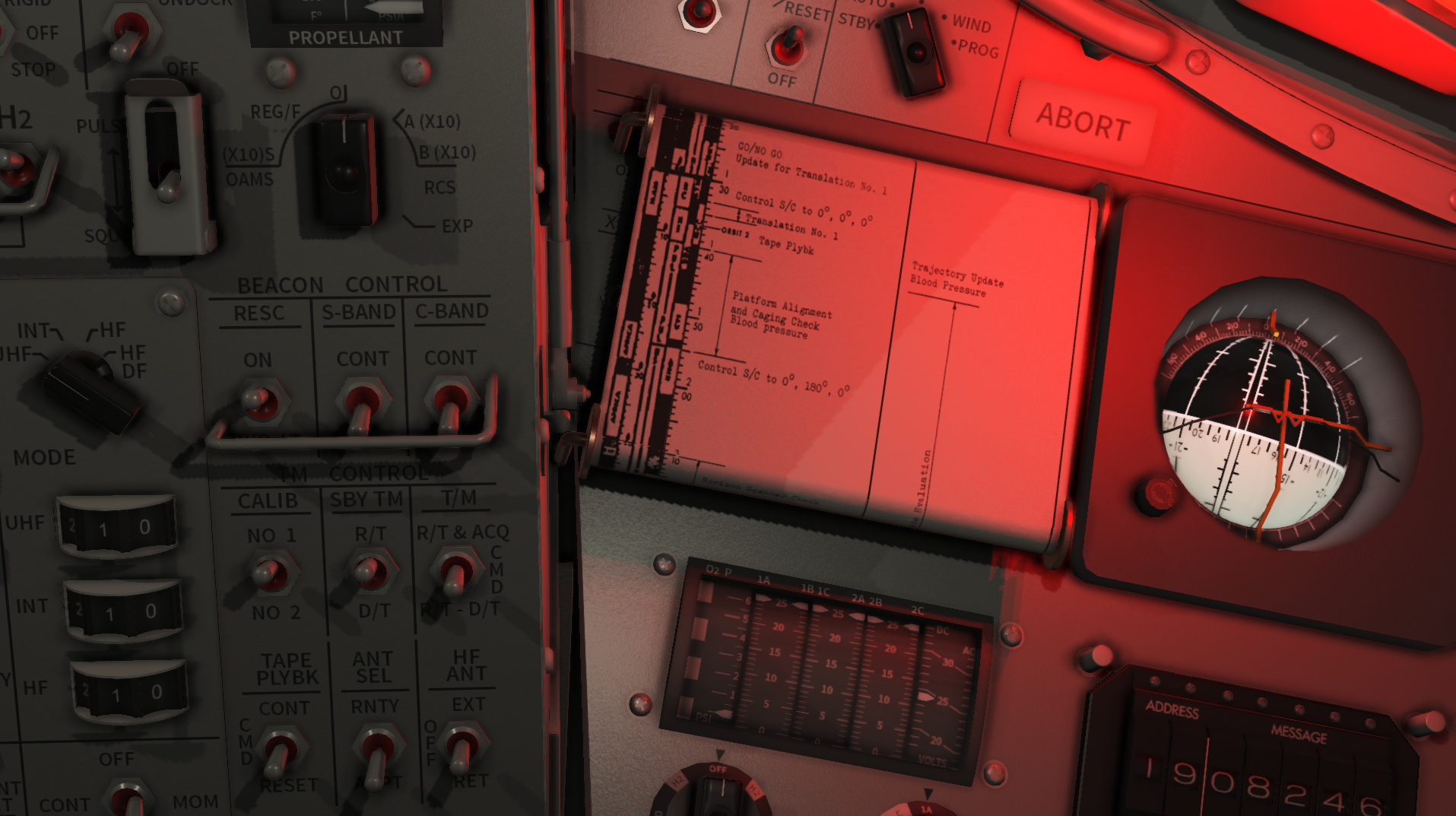
I have added multiple elements used during the Mercury-Atlas 6 mission. You will frequently visit the Retrograde Sequence time pad. You can draw on this from the new MISSION TOOLS menu (just like you use a PAD in other missions), and the results will be available on the sheet taped to the periscope. The visual tests are also there (I have tried my best to recreate the visual graphics), and a functional and interactive flight plan scroll can be toggled and used during the mission.
The flight plan scroll thumb wheels can be left/right clicked to adjust the position of the scroll. The upper thumb know scrolls faster than the lower. I have recreated this entire flight plan using photoshop and drawing elements manually as it was done in real life. The reference has been the Nate D Sanders/NASA / collectSPACE flight plan photos.
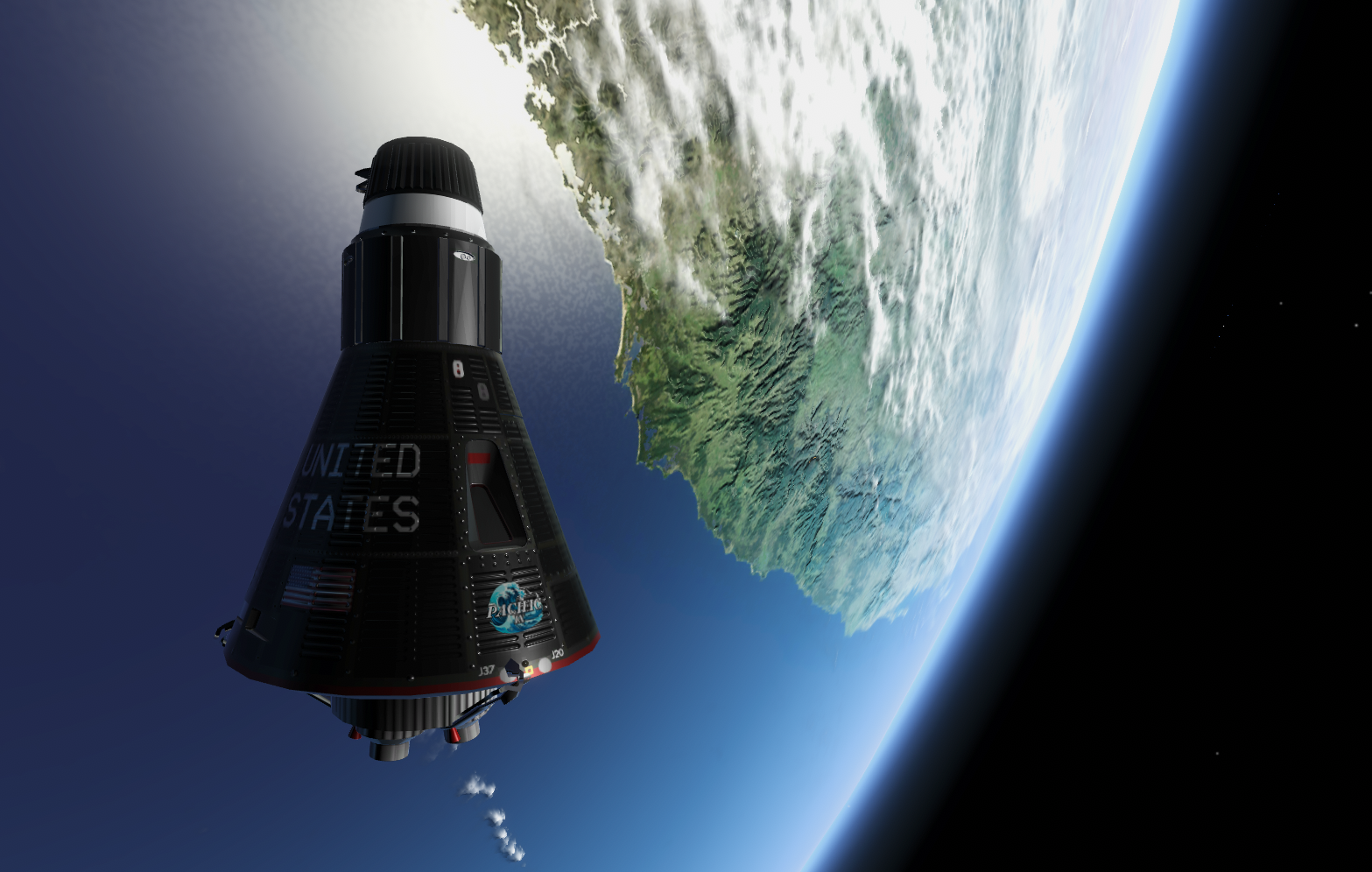
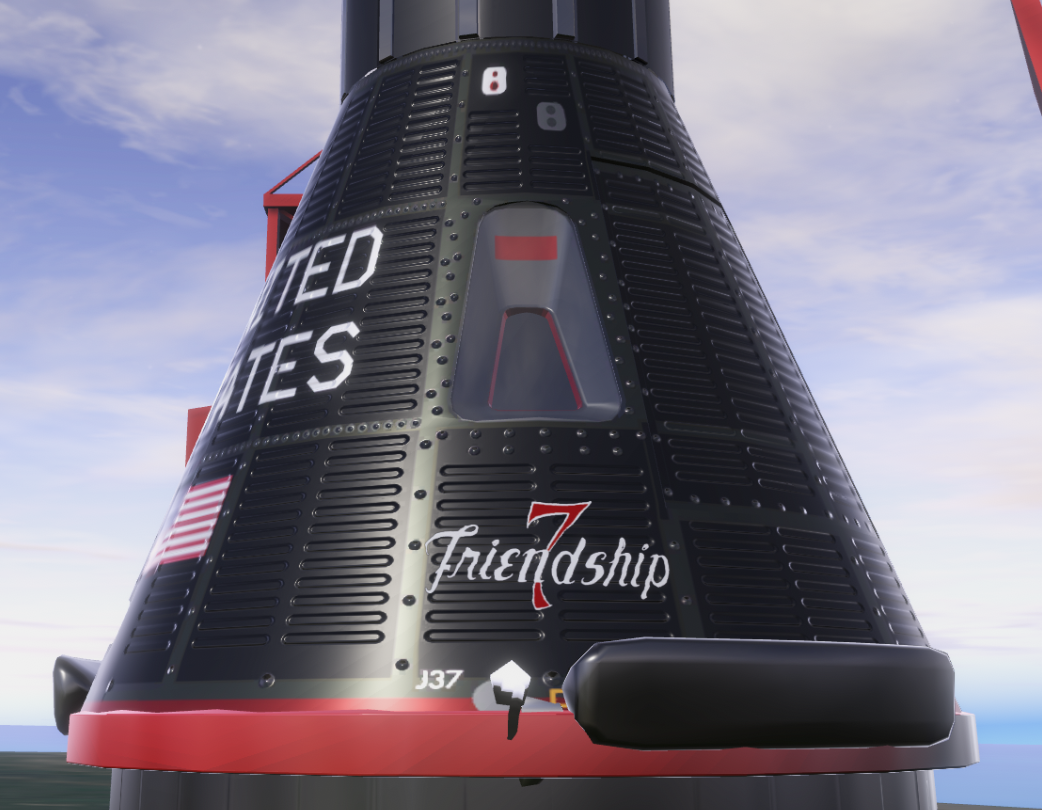
Capsule Insignia Graphic I have added a new setting under the Main Menu -> Profile section what can reference a png image. If this is blank, the Capsule Name Generator will use the Capsule Name line 1 and 2 to generate the capsule name rendered on the exterior of the craft.
If this is set to a png file name (path relative to the Reentrys AppData folder where the logs are stored, the persistent data path), game game will try to load the graphic and render it on the exterior of the craft.
You need to create the insignia file in an image editor or designer, where you use the alpha channel for transparency. The example below is using some graphic elements from Freepik:
And when rendered on the capsule, it looks like this:
Historical Mission Insignias I have used the insignia graphic logic to load a mission specific insignia when specified. This allows all missions that is created to have a custom insignia graphic override. I am using this feature in the new Historical Missions for Mercury.
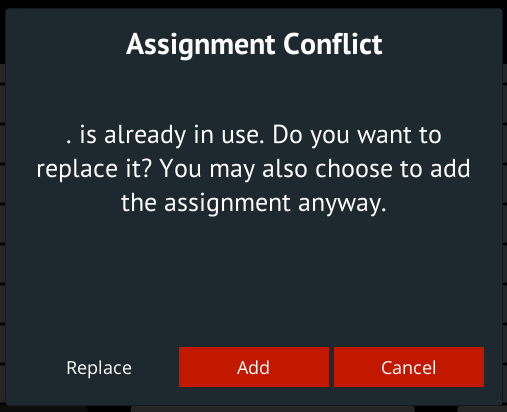
Input Manager I have added support for binding a key to multiple functions. If you bind a key to a function, and that key has already been bound to another function, you will get the option to leave it bound to multiple functions, replace it or swap it.
Mercury Mission Editor All the in-game missions, campaigns and historic missions are created using the built-in Mission Editor. If a mission I create requires a feature not supported by the mission editor, I add support for that feature in the Mission Editor before continuing to create the mission once complete. The Mission Editor is mainly a tool I use to create all content, but it is available for everyone in case someone wants to use it to create custom missions.
This patch updates the Mercury Mission Editor and corrected a lot of reported issues related to it, and multiple features has been added to it to support creating the new historical missions. This improved the tool and allows more complex missions to be created.
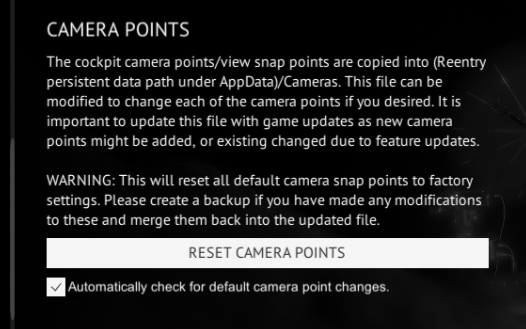
Camera Snap Point setting I have added a setting in the Main Menu used to control the detection of Camera Snap Point changes. In the previous and current update, snap points has been added or changed, and required you to update the Camera Snap Points data file. You can do this from the pop-up that shows when a change is detected, or by using the button under Main Menu -> Settings -> Camera Points. Make a backup of your snap point changes if you have any before updating them.
Patch notes:
Apollo ELS landing logic updates and improved logging
Apollo LM RR tracking updates
A lot of Apollo CSM/LM checklist updates and QOL fixes related to procedures (thanks darkstar & co)
LM I/K manual throttle control impacts +/- X jets
CM V49E V50->V06->V50 fixes
Updates to the Apollo CM AGC Automaneuver lesson
Apollo: Additional PROs during V99 will be ignored. I also disable PRO during P15.
Input: Dual input binding and input swapping suggestion if conflict
Fixed broke Exterior Capsule Name generator
Improved physical cockpit switch sound logic to prevent sound effects when switch isn't physically moved or changed
Fixed Mercury retro attitude indicator, was too narrow compared to real life
LM career tree: Lesson 8 (Radars) node fixes
Gemini entry attitude checks
Gemini drag eq. updates
Gemini entry with additional stages will result in an explosion and game over
Gemini, Mercury and Apollo: Mission Pad saves last position of the scroll view (in-session)
Mercury Horizon Scanner/Gyro ray casting corrections
Updates to Mercury temperature and fire logic
Updates to Mercury atmospheric drag model
Mercury Mission Editor updates
Major updates to Mercury Cockpit
Added historical missions: ○ Apollo 13 is move to Main Menu -> Missions -> Project Apollo -> Historic Mission -> Apollo 13 ○ Mercury Redstone 3 ○ Mercury Redstone 4 ○ Mercury Atlas 6
Added a Mission Setting that allows a custom insignia png to be loaded (overriding the current capsule name graphic on the exterior)
Made it possible to use a custom png (relative to Reentrys AppData folder) that will override the Capsule Name text on the exterior of the craft.
Steam Space Exploration Fest: Apollo 13
In honor of the pioneers who have risked their lives for the advancement of human space exploration, I'm excited to announce a special in-game event during the Steam Space Exploration Fest. As part of this fest, all REENTRY players will have access to an Early Access version of 'Campaign 5: Apollo 13,' dedicated to the spirit of exploration and discovery.
The update will be released between 15.00 and 17.00 Monday, Coordinated Universal Time (UTC) (today), 2. September 2024. You can expect a couple of patches during this event. Unless specified otherwise in a dedicated patch note, these are metadata updates related to this event.
This mission is an immersive recreation of some of the main parts and maneuvers of Apollo 13. I have tried to do my absolute best to make it possible to experience part of Apollo 13 in Reentry. Real audio is used to an extent, and the mission is mostly a sequential execution of events.
It is a complex mission with a lot of moving parts, and to make it possible for you to experience this mission in Reentry, I have designed maneuvers and procedures and made them part of the campaign even if the procedure isn't directly supported/simulated in the game.
The mission system will try to hold your hand as much as possible, and guide you through procedures and maneuvers as Mission Control.
I plan on releasing a video series covering my first playthrough of this Campaign in the playlist linked below. The first episode will cover the main goals of the mission and give you an overview of the flight plan. The rest of the episodes will be made available during the Steam Space Exploration Fest event.
I hope this little addition to Reentry will let you learn more about life onboard the Apollo spacecraft, the dynamics between the crew and Mission Control, and how procedures and maneuvers are executed.
From one Space Geek to another, I wish you a great Steam Space Exploration Fest! - Petri
Art & Photo: NASA
Update 0.99.26 is out! - New LM and Apollo features, QOL fixes, Bug Fixes
This update will add a few new minor features and correct some of the issues reported over the summer.
Note: If you are experiencing issues with this build you can roll back to the previous using the Steam Betas Tab accessible from the Steam client (games properties).
Accidental time scales when working with UI elements An issue, especially in Apollo missions, are the accidental triggering of time scaling (and other hot keys) while working in UI elements. For example, when saving the state or writing notes in the Mission Pad, could trigger some hot keys. I have found the bug that let this happen and corrected it.
Added speed switch to optics/scope UI in Apollo I have added a scope/optics speed switch in the Command Module optics UI. This will let the players toggle the speed of the optics while using them. Previously you would need to exit the optics, configure the speed and then re-enter the optics again.
Corrected an issue where the Mercury platform would yaw 180 degrees after retro sep A few patches ago I introduced a bug in the Mercury Horizon scanners that would incorrectly detect the horizon after the retro engines has been jettisoned. This issue led to a 180 degree rotation in the guidance platform, making the capsule achieve an incorrect attitude after the retro engines has been jettisoned.
Multiple updates to Academy and Campaign missions I have updated multiple missions, especially in the Mercury program, with issues reported. Some nodes in the Career tree has also been fixed. Thanks for reporting mission issues!
CM/SM Staging while docked with the Lunar Module I have now added support for CM/SM separation while still having the LM docked. Keep in mind that the CM/LM separation needs to happen before reentering!
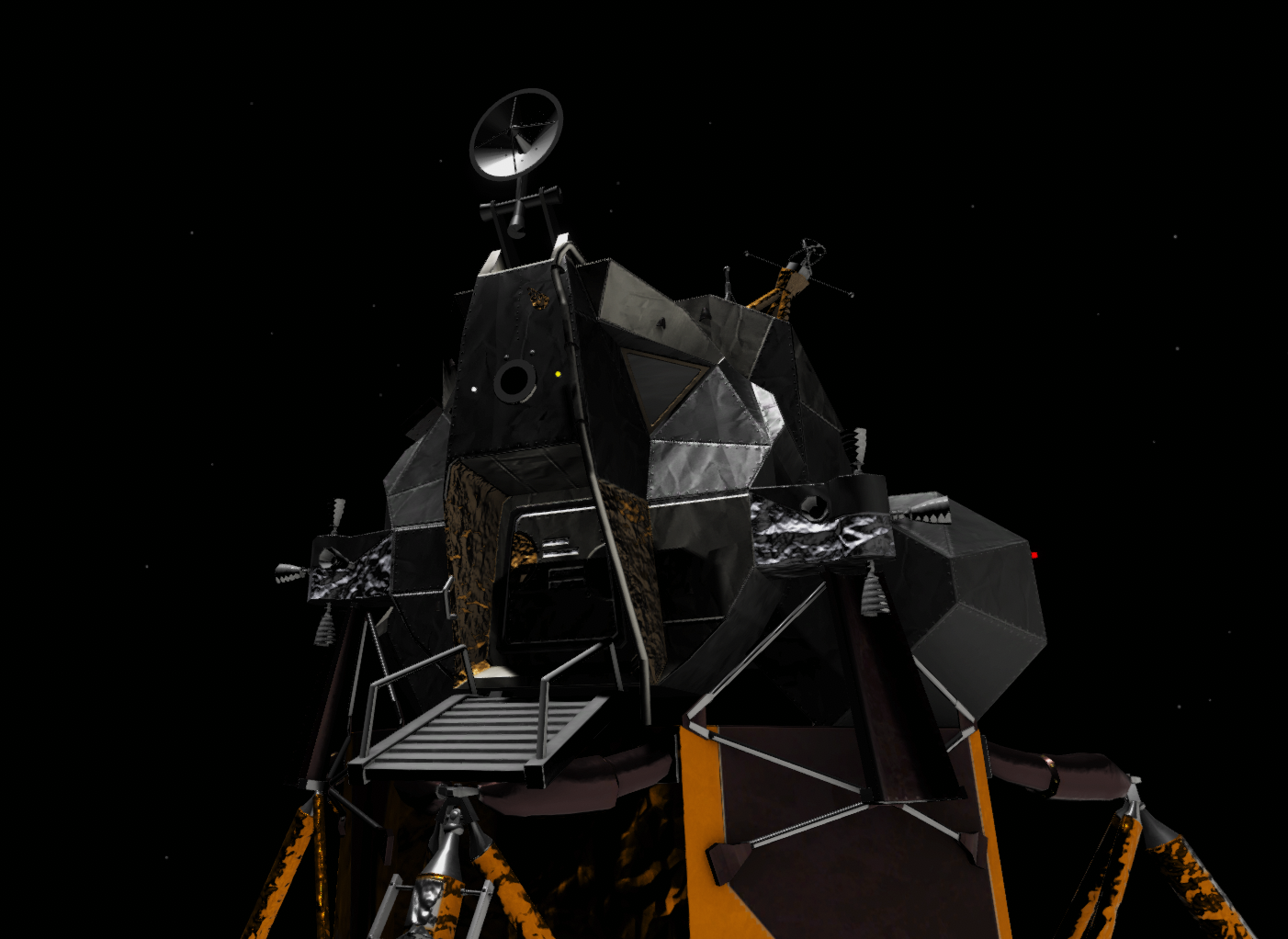
LM descent stage rendering in the Lunar Module cockpit I have found a way to better render the Lunar Module Descent Stage legs while in the Lunar Module cockpit. This will let you see (a small part) of the LM descent stage while looking out/down through the windows. I am still tweaking this but it's a start.
Added a preliminary COAS to the LM CDR window I have added a preliminary COAS in the Commanders Window of the Lunar Module. This has not yet been tuned, scaled, and corrected for some minor biases. Tip: To easily find the COAS optics: Press F9 to center the camera on the window markings and then press Page Up to move the camera into a position where the COAS optics are visible.
Added a feature that lets Apollo Missions load mission specific checklists I added a feature that lets Missions load custom checklists into the Mission Pad for the duration of a mission. This allows some missions to have unique or mission specific checklists loaded. More information about this will come later.
Patch notes:
Fixed an issue with the keyboard detection system that triggers hotkeys when some text fields are focused (writing a number in the Save State name field would trigger an accidental timescale for example)
Added speed switch to optics/scope UI in Apollo
Corrected an issue where the Mercury platform would yaw 180 degrees after retro sep
Updates to the Mission 3 in the Mercury campaign
Corrected retro sequence timer in Mission 3 of the Mercury campaign
Added support for CM/SM staging while docked with the LM
LM descent stage rendering in the LM cockpit
Added a preliminary COAS to the LM CDR window
Main Bus A/B reset switch fixes
[375] SRG TK RELF vlv dictionary label corrected
Corrected Gemini core memory checklist labels for dV X/Y/Z
Update 0.99.25 is out! - LM lights, CM SECS and TrackIR CTD fix
This patch will improve and correct the SECS logic in the Command Module, improve lighting logic in the Lunar Module, and fix an issue where the game would crash to desktop if TrackIR is enabled in-game while the TrackIR device is not connected or TrackIR software is not running.
CM SECS and the EECOM stating in MOCR The CM SECS logic has been modified (no changes in procedures) and correctly mapped to telemetry. The telemetry can be seen on the EECOM station in MOCR as the VMLA, VMLB, VMQA, VMQB parameters. VMLA is the Logic Bus A, VMLB is Logic Bus B, VMQA is Pyro Bus A, VMQB is Pyro Bus B.
Adding integral and numeric brightness to CMC and LGC export I have added the numeric and integral brightness to the CMC and LGC data export file for use by external software and devices. This can be mapped to modify the brightness of the DSKY digits and the keyboard integral lights.
Lunar Module lighting I have improved the lighting logic in the Lunar Module, giving you more control of the internal atmosphere in the Lunar Module.
Some of the annunciator (P02) light colors has changed from RED to ORANGE, and the COMPNT lights has changed from RED to AMBER.
You will now need to, as per checklist, use the Anun/Num to change the brightness of the numeric, annunciator (warning light grid) and component lights.
I have also connected and improved the general lighting logic in the Lunar Module. Before, some lights were magically powered and always on regardless of EPS setup and cbs.
The Anun/Dock/Compnt cbs on Panel 11 and Panel 16 (reduntancy) controls the power of most internal lights. One of these needs to be in and the Anun/Num selector used to tune their brightness.
I have also connected the ANUN and NUM Override switches. If things are powered correctly, the override switch will set the annunciator and numeric brightness to max.
Command Module Lighting A lot of the lighting logic in the Command Module has been wired, however, I have improved the logic for the numeric selector to also set the brightness of the mission timers.
LEB:
MDC:
Special thanks to Folgers at the Reentry Discord server for help related to lighting power control.
Patch notes:
TrackIR (Blocking): Fixed another TrackIR init bug and added the TIR control panel GUI if error/issue is detected.
Mapping Pyro and Logic Bus A/B to VMLA, VMLB, VMQA, VMQB to EECOM station (MOCR)
Adding integral and numeric brightness to CMC and LGC export
LM: Corrected comp/anun lights
LM: Wired Anun/Num selector to digits
LM: Wired Integral to integral panel lights
CM: Wired Numeric selector to digits
LM: Connected additional light bulbs to EPS
LM: Connected P11_LTG_AnunDockCompnt cbs to the LM Exterior Docking lights
LM: Connected the Anun and Num override switches to the logic above
Reentry has been patched to 0.99.24
This is a minor patch containing a hot fix for Campaign 2 - Mission 5, and a fix for correctly initializing TrackIR in Apollo.
Patch notes
Fixed an issue in Gemini Campaign 2, mission 5 where the OAMS sw was commanded to a position that does not exist,
Fixed an initialization issue with TrackIR in Apollo
Update: I merged in a fix for dual DSKY input in Apollo.
Fixed an issue where keyboard hot key bound to the Apollo DSKYs went to both CMC and LGC after the previous patch.
Update 0.99.23 is out! - Blocking fixes and mission updates
This update will mainly correct bugs (some blocking) and issues with Academy and Campaign. I am also looking into a sub name change.
Info: Games sub name change I am researching the procedures of renaming the sub name of the game from: "Reentry - An Orbital Simulator"
to "Reentry - A Space Flight Simulator".
The reason for this is that "An Orbital Simulator" does not really make sense for most players, at least if they do not know too much about orbits and what they are. In addition, space flight simulation is the primary goal of this game.
Given that Reentry is about flying and operating spacecrafts, and is an entry point for many into space flight simulators, it is a more sensible name, and makes it easier to understand what the game is really is about when seeing the thumbnail or reading the name while scrolling down the game list in Steam.
I am also considering "A Spaceflight Simulator" but that is a bit harder to read at the first glance and conflicts with another title.
I am testing this by changing the sub text in the logo used while running the game.
Academy and Campaign updates A major part of this update is small but important updates and fixes to multiple academy lessons and campaign missions. I have also received hundreds of contributions with corrections to lessons and missions that has been applied.
I have corrected issues some have experienced related to one of the Gemini docking missions (Gemini campaign, mission 5), and many of the in-game academy lessons has been updated with better descriptions, and concepts that the old deprecated quickstart used to teach you.
Blocking: CSM LM UMB cripples the O2 cryo tank I have fixed an issue where the CSM LM umbilical would cripple the O2 T2 cryo tank in the CSM. This has blocked the execution of multiple missions. This was typically identified during the 2nd mission in the 3rd campaign, but present whenever the CSM LM UMB bus was powered (MNA or MNB cbs closed and the bus powered).
Blocking: LM ascent batteries fixes I have corrected an issue recently introduced where the LM ascent batteries would not last long enough to perform an ascent from the Lunar surface to the orbiting CSM. This issue has now been fixed but might still require some balancing. Let me know if you are still having issues with this.
Minor Main Menu design updates I have moved some components a few pixels here and there, and added the games logo to the Main Menu.
I also changed the placeholder complete/incomplete label on missions to a checkmark, and moved it in front of the mission name.
Black artifacts during landing removed I have removed some thin black lines and artifacts visible in external view during the landing scene in each spacecraft.
Inflatable flotation in Mercury I have corrected an issue that prevented the inflatable floatation devices in the Mercury Capsule to inflate when landing.
Cockpit refresh during external view I have corrected an issue that prevented the cockpit from refreshing or receiving input while in external view or while being in another active spacecraft.
Export Telemetry Data By request from devs in the Reentry community, I have added a flag: IsFlashing that can be used to animate the flashing VERB and NOUN digits on the CMC and the LGC.
I have also exposed the flags: HideVerb & HideNoun. These flags can be used directly instead of IsFlashing to follow the animation in the game. However, the sync of this has not been tested.
You can find more information about the tools made by the community using these features here:
Patch notes
Research: Game sub name change
Fixed the thin lines/black artifacts during ocean landings
Fixed the inflatable landing system in Project Mercury
Minor Changes to the Main Menu
Added a realism setting for auto prograde rotation
Corrected an issue with the LM ascent batteries
Fixed an issue where the CSM LM umbilical would cripple the cyros
Fixed: Cockpit not updating while in external view
Fixed: Campaign 2 (Gemini) - mission 5 updates
Updates mission files with community corrections from GitHub PRs
Updates to the pre-launch academy missions of Mercury and Gemini
Updates to the Gemini ascent academy lesson
Revisited many of the other Mercury, Gemini and Apollo academy lessons not mentioned above
Added IsFlashing/HideVerb/HideNoun to DSKY export data
The Journey Towards 2.0: 2024 State Update
On June 21st (Norwegian time) I will host a little presentation where I will talk about the future of Reentry - An Orbital Simulator. Your localized date and time will be visible on the YouTube link below.
I will talk about the current state of the game and what Reentry - An Orbital Simulator is, what to expect from version 1.0, and talk about some new features coming to the game as part of the journey to version 2.0.
Update 0.99.22 is out! - Bug fixes, UDP and Ambient Sun light
This small update is mainly a bug fix patch with a few new features. I have continued to fix issues reported by the community, and issues I have discovered as I create some new content for the game. In addition, I have created a new feature to slightly illuminate the cockpit depending on where the sun is relative to the cockpit windows.
Note: If you are experiencing issues with this build you can roll back to the previous using the Steam Betas Tab accessible from the Steam client (games properties).
Cockpit Internal Ambient Light I have added a new feature that will add some ambient light into the cockpit, around the windows where sunlight gets through. This feature is available in Graphics: Ultimate only due to the requirement of rendering multiple additional lights in the cockpit.
This feature prevents the cockpit from getting fully dark even if sun light shines through the windows of the space craft.
In the images below, all the internal cockpit lights has been turned off:
Updated Flashlight Cookie I have updated the flash light cookie to create a more realistic mask when looking around the cockpit with the flash light.
Configure Cockpit Switches through an API I have started to test a new feature that allows the game to configure panels through an API. This uses UDP, and will allow external applications to set panel switches and press buttons. I will soon release a new GitHub repo where an example client + domain models can configure the panels while Reentry is running.
This is mainly to allow external devices such as an AGC to press buttons without having to bind input as a joystick, and for 3rd parties to create small panels and switches that can be used to control Reentry, such as an SCE to AUX switch, or maybe some more used switches to configure attitude modes etc.
This is step 1 and is currently in testing with a few developers, feel free to join us in the Reentry Discord server.
An example of this is a DSKY that can interact with the AGC/LGC DSKYs in Reentry:
More information about this project and how you can build one can be found here: https://github.com/Apollo-Simulation-Peripheral-Lab/DSKY
TB6/TLI and the SII Sep and Uplink Act light I have fixed an issue where the SII Sep and Uplink Act light would extinguish too early, preventing the crew to use the lights to start the Mission Timer at TLI T -9:00 minutes.
Patch Notes:
Added some logic that creates an ambient light based on window orientation and size relative to the sun, to prevent a cockpit being completely dark even if the sun shines through the window
Updated the Flashlight cookie
LM RCS min impulse updates
CM and LM system tuning
Fixes related to saving and loading CM and LM orientation and rates
Fixes related to storing CO2 levels in save state
UDP testing to allow external applications set switches and push buttons. This will allow external devices control switch positions in the cockpits.
TLI Pad text corrections
Campaign 3, Set Sail updates
Campaign 3, Loss of signals updates
Big update to the Mission system to be able to create more complicated and detailed missions in the future
Updated the logic related to SII Sep and Uplink Act light and TB6, making it possible to time DET start with the light