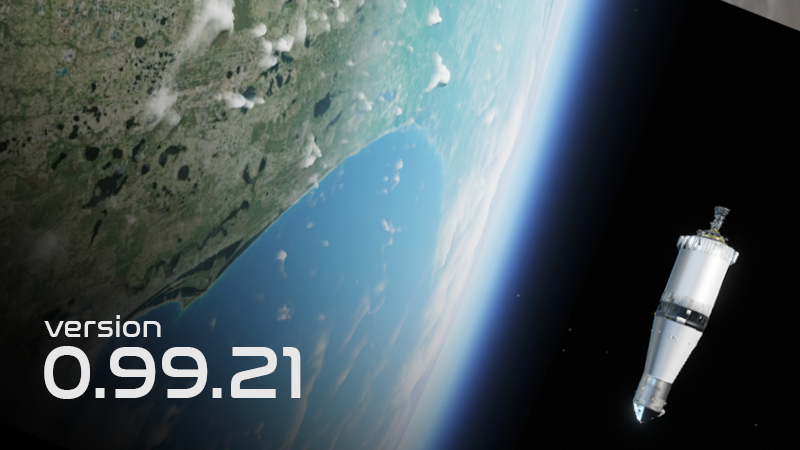
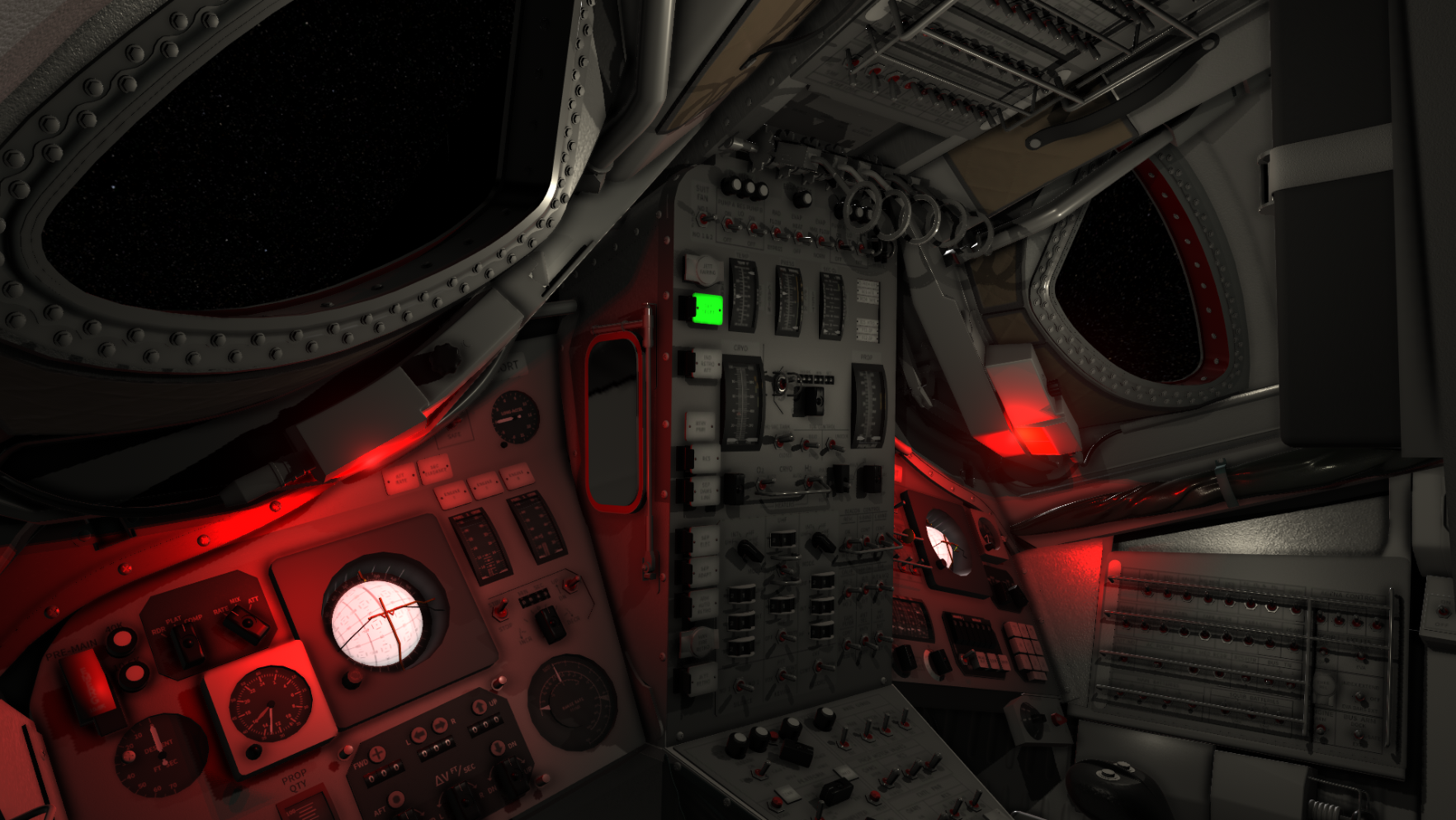
This is a patch combined with hot fix, where multiple issues in the Apollo Guidance Computer and general fixes as reported by the community has been addressed. It also fixes a blocking issue introduced after the previous patch where the Mercury Earth Renderer would crash (resulting in a white cloudy Earth) for players using the LOW (16k) Earth Texture resolution instead of the 64k texture pack.
Note: If you are experiencing issues with this build you can roll back to the previous using the Steam Betas Tab accessible from the Steam client (games properties).
Earth Renderer crash The white Earth reported by some players was due to the Earth renderer crashing while using the LOW/16k Earth texture pack instead of the 64k Earth texture pack. This would lead to a white cloudy sphere below your space craft with strange artifacts during the night. This has now been patched and should work again.
This image shows how Earth looked during the crash:
Mission Objectives view hot key I added a bindable key to the mission objectives view. It is by default bounded to C (same as the Comm/function key), but can now be decoupled from this. In my case I have bound it to O and can now view this without also cluttering the screen with the comms view.
AGC: OPR ERR during V37E Sometimes, if you had a NOUN set when calling V37E, you would get an OPR ERR. The work around was to always go to P00 before calling a new program. This has now been fixed.
V49E - Auto maneuver procedures The routine loaded by V49E has been updated and is now using a similar logic to the P40 auto maneuvering routine. The general procedure for maneuvering into a burn attitude is to first call V49E to maneuver into the burn attitude, followed by V37E 40E (P40).
During V49E you will now need to press ENTR during V50 to nominally exit the routine. Pressing PRO will re-start the auto maneuver and return to V50 when complete.
V49E will first ask you for the target attitude, followed by V50. Pressing PRO will display V06 during the maneuver. Once the maneuver is complete, V50 will display again. Pressing PRO will start the maneuver again (V06) while ENTR will complete the routine.
I also added a runnable checklist for V49E.
C&W power updates I have updated the power logic related the the Command Modules Caution & Warning system to behave more realistically when powering it off using the power switch (can be set to 1, OFF or 2) instead of just the circuit breakers.
AGC input When inserting data into R1,R2,R3 of the AGC, input exceeding the 5 digits will simply be dropped instead of triggering a warning.
Also corrected V66E, V45E, V46E to remove themselves after being executed.
The AGC and LGC has also received a minor overhaul related to the font used to render the DSKY warning lights.
Master Alarm preventing time scale Master Alarm preventing time scale has caused a lot of bug reports. This has now become a setting and you can enable/disable this from the Realism page under Main Menu -> Settings.
Career tree wrongly showing campaign missions as completed The career tree has had an issue where some campaign missions would be rendered as completed, without actually completing them. A fix has been applied.
Patch notes:
Fixed: Mercury Earth renderer crashing, leaving just a white cloudy Earth (16k resolution Earth only, 64k worked as normal)
Fixed: V37 while Noun set throws OPR ERR
Improved V49E to follow more realistic procedures, similar to P40 -> Remember to call V49E before P40
Updated and added the RUN feature to V49 checklist
Campaign 3 fixes related to V49
Fixed so the AGC software drops key presses once the field is full instead of turning on OPER ERR
Updates to the CM C&W system and power
Fixed: Verbs like V66E, V45E, V46E, do not remove themselves from the VERB display on the DSKY after being executed.
Added a bindable hot key for the mission objectives view
Fixed an issue where Master alarm logic could prevent timescale
Added an option under realism setting where you can toggle if Master Alarm should stop timescale in Apollo or not.
Fixed campaign handling issues in the Career tree
Updated AGC and LGC Warning Lights font
CM Cryo tank temperature balancing (minor, internal)
CM rates sensitivity (5 1 is 0.2 degree/tick)
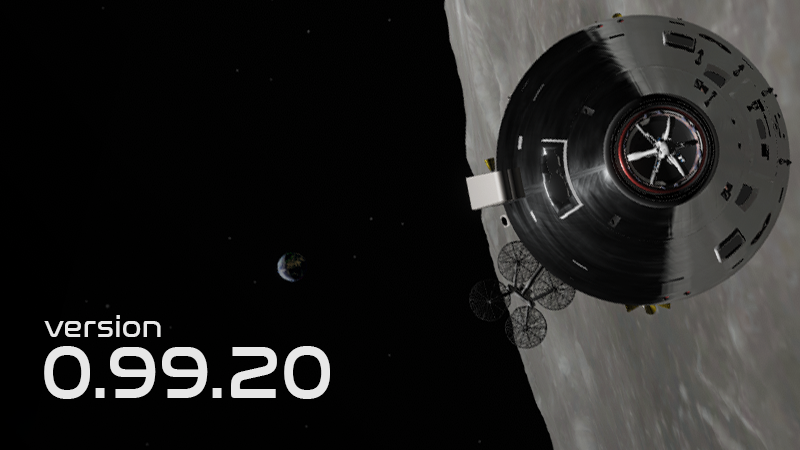
Update 0.99.20 is out! - NASA logos, Orbit View, bug fixes
This update will improve many of the in-game features and campaign flow. You will find improvements in the Orbit View, campaign flow, systems and procedures, and a lot of bug fixes.
Note: If you are experiencing issues with this build you can roll back to the previous using the Steam Betas Tab accessible from the Steam client (games properties).
Wilhelmsen Studios changes its name to Lyra Creative Let's face it, my surname is not ideal for a company name and I have been wanting to change the name of the company for many years. It's both long and hard to spell/pronounce for non-Norwegians.
The name Lyra (based on the constellation) has been the name of my game engine that Reentry has been built upon and was a natural choice for me. The name change will be an ongoing process for the next few weeks as a lot of processes are in transition with both the government, Steam and assets.
NASA logos After a long process with NASA, I have received permissions to use the NASA logos where they were used in real life. This update will roll out NASA logos to various places. It will also apply to for example the Space Shuttle where the logo was used both on the exterior and inside the cockpit. Big shoutout to Daniel Surber (Scorch) who kickstarted and helped me with the process!
Orbit View improvements A large section of this update is a generic improvement to the Orbit View (F3). The orbit view is now more stable, and all key points are rendered with an icon. You can now easily see the Apogee, Perigee, asc/desc nodes and the position of the space crafts. For apollo, a planned maneuver point is rendered correctly, as well as the entry interface marker. I have also fixed some of the zoom limits in the Apollo Orbit View, and made a smoother transition when changing between for example the CM and the LM view modes.
Hovering the mouse cursor over one of these markers will in some cases show more information of the marker such as the altitude of Ap/Pe.
The icons used to show where the spacecrafts are is based on what icons they used in mission control.
I will continue iterating on the Orbit View, and maybe change some of the icons and coloring, etc.
I have also fixed a blocking issue where the CM/LM zoom levels on the Mission Pad MAP gets stuck if zooming in all the way.
Ocean landing requirement I have added a setting in Main Menu -> Settings -> Realism Settings that will let you decide if landing on land will complete the mission. Typically during Mercury, Gemini and Apollo, the spacecrafts are designed to land in the ocean, and an atmospheric entry trajectory should be planned with a landing in the ocean.
However, sometimes you might land on land. In the previous update I started working on this, but landing on land did not complete the mission.
You can now choose this yourself, and the toggle is set by default to accept both ocean and land landings.
I have also continued to work on the land landing logic and connected it to the sequencer to cut the chutes and evaluate mission completion (based on the setting above).
Gemini Hydrogen (H2) tank I have improved the logic of the cryogenic system in Gemini. The Hydrogen and Oxygen consumption has been balanced, and the O2/H2 heater circuit breakers is properly connected to the heater system. I have also fixed some issues related to the H2 draining as reported by some players.
Apollo "BBQ roll" (PTC) procedures and logic I have improved the logic around achieving PTC roll in the Apollo CSM. This is a procedure that typically runs most of the coasting period between TLI/T&D and LOI, and during coasting back to earth between TEI and entry. The goal of the procedure is to align the space craft with the sun so the spacecraft sides points towards the sun, and then start a slow roll (typically 0.3 deg/sec) so that the sun and the shadow side "BBQs" the CSM evenly on all sides.
The general procedures for this is to: 1) First set the computer to P00 and accept uplink. 2) Then you need to open the CREW MEMBERS -> REQUEST REFSMMATs -> REQUEST PTC REFSMMAT. This will uplink a PTC REFSMMAT to the computer. Once uplinked, you need to align to it using P52 Option 1. 3) Use V49E to maneuver to the PTC attitude, this is typically roll=0, pitch=90, yaw = 0. 4) Key V79E on the DSKY: - N16 shows the time of the maneuver. Leave it to all zeros to start the maneuver immediately and press PRO. - N79 shows the target rate and dead band. Leave the default values of 0.3 deg/s of roll and press PRO. The maneuver will start.
I have updated the G&C GENERAL -> (V79) ORBRATE/PTC checklist. This also contains how to get out of the PTC roll.
General checklist and campaign fixes I have been playing through the entire campaign and made updates to both mission files and checklists, and improved the general flow. Major improvements has been made to Mission 2 in campaign 3 for example.
The career tree has also been updated with various fixes (such as missing CM lesson 10 (T&D) etc).
VR: Recenter view I have started working on an experimental recentering function. Unfortunately, as I am unable to reproduce the "head starts outside the cockpit" issue, I am working in the blind. I have added some more data related to this into issue the logs, and have added a new function that might solve it (or make things worse, let's see!).
Bind the Recenter VR binding (think default is SHIFT+F5), and once you have loaded into the Mercury capsule in VR, press this hotkey and if possible, give me a report of what happens or if it solves the recentering issue or not. :)
The key problem behind this is that there is no standard way or recentering the view in OpenXR, this has been offloaded from their APIs into the hardware of each HMD. Calling the OpenXR APIs to recenter the view are basically empty functions that does nothing. The method I am testing here is my own recentering function.
Patch notes:
Require ocean landing toggle in Realism Settings
Continued implementing the land landing logic and connected it with sequencers
Fixed: Gemini EPS: FC O2/H2 cbs wired heater to bus
Found the H2 draining issue in Gemini
Apollo CM/LM hatch eq. Psi. fix
Apollo: V79E to set orbrate/ptc roll rate
Apollo CM PTC REFSMMAT procedures
Apollo Crew Members REFSMMAT section changes
Fixed: Apollo map zoom can get stuck on full zoom
Started to improve the Orbit Vew with better and more stable icons and graphics
Career Tree node fixes
Campaign 3 fixes
Minor fixes to the CM SECS logic
Fixed some inverted normals in Gemini cockpit (culling)
Applied the NASA logos where they should be.
Experimental: VR, Recenter View
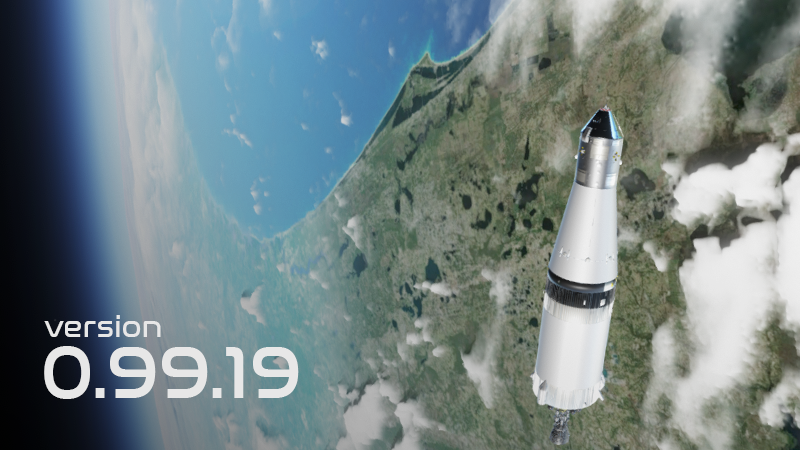
Update 0.99.19 is out! - Lots of feature updates and bug fixes!
This update aims to improve a lot of systems, features and bug fixes across all the modules (Mercury, Gemini and Apollo). It touches many of the core features of the game, and fundamental code. This can lead to issues not yet detected during testing. Please let me know if you stumble on anything new.
Note: If you are experiencing issues with this build you can roll back to the previous using the Steam Betas Tab accessible from the Steam client (games properties).
Apollo Multiple systems has been updated and improved in the Apollo CSM, and various checklists and procedures has been updated. The main procedures you will need to learn again is the: - Lunar Module pressurization: New checklist added to the CM T&D section: CM/LM PRESSURE EQ. - Docking Probe (use gas to retract (Prim or Sec) the probe after extending it), existing checklist updated.
Docking Probe The general procedure is to extend the docking probe while leaving the RETRACT PRIM/SEC in their middle/OFF position. When the docking probe is extended, set it to RETRACT. When docked, set the RETRACT PRIM/SEC (one of them) to 1 or 2 to start retracting the probe. The probe can retract 4 times, 2x in PRIM and 2x in SEC (for redundancy).
LM Pressurization The LM is pressurized after docking during T&D, quite early in the mission. I have updated the Lunar Module Academy lesson 1 to cover the procedure.
I have also corrected an issue with the attitude hold during lunar ascent. However, you will need to key V77E (if this is the requested mode) if ATT HOLD input does not generate a rate acceleration, even if the panels are correctly configured (the LGC will need to know, and some programs can override the setting).
I have also made an overhaul of the CSM SM/CM RCS system and its monitoring on MDC-2.
Mercury gyros I have updated the logic around the Mercury gyros and the alignment of them. Please note that if you go back to the normal gyro panel setting, the gyros will be slaved to the Horizon Scanners.
Dynamic Skybox during landing I have improved the landing areas to account for the correct time as you land. This will make it possible to land during the day, or during the night. The time of day at the landing location controls the lighting conditions. It will be quite dark when you land during night, so I will try to add some landing aid/lights if they existed. When you plan a retrograde burn for atmospheric entry, try to plan an entry that lands during the day.
Mercury horizon scanners I have improved the Mercury horizon scanner logic to better detect the "temperature differences" between Earth and Space. An issue originating back to the TSS (True Scale System) updates has made them have a slight offset depending on various conditions. This has now been fixed.
Removed the Waterworld The infamous "Waterworld" bug/feature has been removed. The reason for this was the way fog is rendered during landing.
Landing area I have started the process of differentiating between water and land after entry. If you land in the ocean, you will see the normal ocean landing area as you are used, except for different lighting conditions based on time at the landing area. If you land on land, a temporary and very simple (currently) land model will be rendered instead. I will improve the land area, and maybe look into something more procedural generated landscape in future patches.
When you plan a reentry, always try to land in the ocean.
Please note that you will not complete the mission if you land on land (please let me know if you want this to change - I will also consider it based on feedback and reports I get).
Mercury lessons I have updated the Mercury lessons to better teach you what the nominal values for the various gauges and instruments are. The map tab in the Mercury Mission Pad has also received orbit info, as Gemini and Apollo has.
Apollo missions I have updates all Apollo missions and states with sun positioning logic corrections. I have also improved multiple lessons, and specifically improved the Earth Entry lessons. The "Apollo 8" (Campaign 3) and "Apollo 11" (Campaign 4) fictional missions has received many updates and sequence fixes based on new features and procedure changes over the years.
Apollo Sun Positioning issue fixed Finally tracked down a very old issue where the sun orientation data saved into Apollo (Apollo only) Save States are wrong. This has been corrected but it might require you to use the sp console command to correct the sun position in previous save states. However, the save states should have stored the position correctly, but incorrectly load it.
I have also fixed the issue where the sun gets a slight offset (~0 - 10 degrees) as you enter the Lunar Sphere of Influence.
0.99.19 release notes
Updated the later Mercury lessons to cover what instruments and gauges should show.
Mercury Gyro logic fixes
Horizon scanner updates to better detect the Earth horizon
Added orbit info into the Mercury Mission Pad (as Gemini and Apollo has)
Fixed the missing atmosphere in the Gemini Orbit View
Updates to the CSM SM/CM RCS systems, and monitoring
Apollo CSM cabin repress and ECS updates
Apollo CSM LM pressurize updates
Updates to the CSM docking probe logic
Apollo Campaign 3 mission updates and fixes
Apollo Campaign 4 mission updates and fixes
LM Att Hold after Lunar Ascent (Key V77 if it does not work)
Fixed the "Offscreen Switch Indicator" setting (the graphics that will lead you towards a highlighted switch). You can now disable the Offscreen Switch Indicator again, if you desired to do so.
Update 0.99.18 is out! - Academy mission revisions and bug fixes
This is a patch covering a lot of reported typos in the Academy lessons, Checklists and Panel Dictionaries. I have also been revisiting some of the Mercury and Gemini lessons to better cover the core game mechanics. The patch also removes the old and confusing Quickstart campaign and references to it in the Career node tree. The Mercury Flight Manual has received major updates.
Removal of the quickstart Based on feedback and user testing I have decided to remove the old and confusing quickstart campaing. It started in an advanced space craft (Gemini) and tried to cover the core game mechanics. I have updated the Mercury Academy to cover these game mechanics and better introduce you to the game, at the same time as you learn to fly and operate the Mercury capsule.
Some of you might still see to the quickstart campaing since it can be installed into the "Campaigns" folder in the games AppData folder. If you want to remove it from the Campaings menu, you can delete the Quickstart folder here: "C:\Users\bohi8\AppData\LocalLow\Wilhelmsen Studios\ReEntry\Campaigns"
Mercury Academy updates I have updated the Mercury campaign with everything the Quickstart campaign covered. In addition, the first few lessons will teach you what the various relevant gauged and instruments should show during an ascent, and what to monitor and look for.
In the next patch, I will also update the later Mercury lessons with what values instruments/gauges should show when going through the ECS, RCS and EPS lessons.
Typos I have been fixing a lot of reported typos and issues with lessons and missions, as reported by the community. Thank you for reporting issues!
Game Build/Compilation pipeline Another major fix is that the pipeline to upload patches and fixes to Steam has now been fully resolved and I can resume a more normal patch pace than before. Thank you all for the patience while this issue has been a major blocker for rolling out patches for the last two months.
Manual updates Minor updates to the Reentry User Manual:
Major updates to the Mercury Flight Manual:
Patch notes:
Blocking bug fix: Updated a bug preventing the mission to proceed from the circulation burn in the "Loss of Signal" campaign mission.
Removed the old Quickstart campaign, Academy covers it
Updates to Mercury lesson 1, 2, 3 to better cover the basic game mechanics, covering frequently asked questions
Updates to Academy lessons, checklists and checklist dictionary to correct reported typos
Updates to Gemini checklists
Mercury Flight Manual updates
Update 0.99.17 is out! - Bug fixes and tuning
First of all I wanted to thank you for the patience since the previous update. My build pipeline and uploading to Steam has been failing. After a long debugging round with Steam support, we identified the root cause being the ISP blocking parts of the required uploading paths, making it impossible to upload new patches to Steam. This issue is now being handled by Steam directly with the ISP. This patch has therefore been delayed for a while and does not contain issues reported during February and March. I will start to work on those next.
This update will roll out fixes for various Mercury systems, updates to the Mercury manual and fixes to the career nodes.
Note: If you are experiencing issues with this build you can roll back to the previous using the Steam Betas Tab accessible from the Steam client (games properties).
Mercury Updates The main aspects of this update covers Mercury systems. It fixes some issues related to the Environmental Control Systems heat exchanger logic, and improves the logic of it.
It also adds some features related to the EXCESS CABIN/SUIT H2O warning light logic, and ties it to the improved Heat Exchangers.
The Mercury manual has also been updated (ECS).
Mercury Academy videos I have created six new videos covering many of the Mercury systems, you can find them all in this playlist on YouTube:
You can use this video together with the Mercury Academy to get a deeper understanding of how the Mercury spacecraft works.
Career Tree I have improved some of the Career Tree logic and corrected reported issues related to some of the nodes, especially in the Apollo CSM tree.
Update 0.99.16 is out! - Mercury updates and minor Apollo patches
The 0.99.16 update has been released. The update mostly focuses on Project Mercury where I have been correcting and reimplementing issues around the Mercury Electrical Power System and Environmental Control System.
Note: If you are experiencing issues with this build you can roll back to the previous using the Steam Betas Tab accessible from the Steam client (games properties).
Mercury Retro time The Mercury radio command "Request Retro at next Ap" has been fixed. You can use the functional bubble button to request an update of the retro time. This will automatically configure the Time to Retro timer on the center panel. Please note that you can always adjust the time to retro manually using the handle next to the Time to Retro timer.
Mercury Electrical Power System I have rewritten the Mercury fuse logic and rewired some of them to improve realism. Most of the fuses containing "Emer" has been rewired to their emer backup logic as part of the sequencer (such as manually triggering functions and logic by pulling the ring handles or trigger buttons).
Mercury Environmental Control System I have updated the Environmental Control System of the Mercury capsule to improve water/H2O dynamics. I have also fixed the H2O accumulator to correct issues where the ECS has not been capable of maintaining temperature after some time in orbit. The cabin and suit temperature control logic has been improved as well.
Apollo checklist updates I have updated multiple checklists in the Apollo CSM mission pad with reported issues related to ground crew ingress and P40. In addition, the Apollo checklist dictionary has been updated.
0.99.16 release notes:
Mercury EPS logic rewire
Mercury ECS fixes
Mercury H2O accumulator changes
Mercury cabin and suit temperature control fixes
Fixed the Mercury radio command "Request Retro at next Ap"
Mercury: Corrected the global to inertial attitude platform disturbance after transitioning to landing
Updates to Mercury ascent checklists (minor) for both Redstone and Atlas
Apollo TVC: Added limits (this is still in its first dev phase)
Apollo P40: Corrected checklist with regards to AC on RHC(2)
Apollo Ground Ingress checklist for section P122 Optics panel fixes
Apollo Checklist Dictionary Updates
Update 0.99.15 is out! - SPS Burn (P40) updates, Gemini and VR fixes
The 0.99.15 update comes packed with a bunch of feature improvements and bug fixes corrected over the holiday. Most importantly the update fixes breaking issues such as the Gemini translation thrusters being too weak and the Apollo VR laser pointers. It also rolls out the first phase of more correct P40 procedures, adds a dedicated P40 checklist with the RUN feature.
Note: If you are experiencing issues with this build you can roll back to the previous using the Steam Betas Tab accessible from the Steam client (games properties).
What updates and fixed would you like to see?
P40 - SPS Thrusting The AGC P40 (CSM) - SPS Thrusting program flow has been updated to better reflect the realistic program flow.
P40 will now initially request the automaneuver to desired attitude, and the Verb will indicate when the maneuver is in progress and when it is complete. Pressing PRO will re-request the maneuver, while pressing ENTER when the maneuver is complete will exit the automaneuver routine and continue the normal P40 flow. The SPS gimbal check is also added to make the P40 flow more correct (can be skipped by pressing ENTER on the SPS gimbal check cl page).
I have updated the Apollo Academy lesson to reflect this change (I would recommend you to re-take the lesson to get familiar with the new procedure).
I have added the P40 - SPS Thrusting checklist to the game. If you load up this checklist, you can read the exact procedures required, and the RUN feature will take you through it all on a basic level.
CSM Thrust-Vector Control (TVC) phase 1 To be able to make the P40 procedures more realistic, I went ahead and started improving the non-existing TVC logic. The first phase of this implementation contains the main logic to support the P40 procedures, and contains most of the underlying infrastructure logic and some actual TVC motion during CMC or SCS AUTO burns.
You will not need to focus on setting correct trim yet, this will still happen automatically and will always be 0.0 in pitch and yaw - so no procedural changes here except for the P40 program flow mentioned above. You can however use the trim set thumbs to set trim, and attitude input is directed to the gimbal motors (M1 and M2) based on switching.
Manual TVC is not yet supported during powered burns, but you should be able to now gimbal the SPS engine and run the P40 gimbal checks.
Star database updates Multiple stars and constellations has been corrected and updated. I have also made updates and fixes in the Apollo Optics logic to better identify and reflect what star you are aiming at with the scopes.
Gemini updates Multiple fixes has been applied to the Gemini translation jets (OAMS), and I have increased the forces to better support rendezvous. I also fixed a bug that made the RCS too weak, making it impossible to rendezvous.
The ADI rate needles has been inverted.
Apollo updates Multiple updates has been applied to the Apollo CSM and LM. Mainly the G ACCEL gauge has had some issued for a while. I finally managed to identify the source of this and corrected it. I have also inverted the CSM and LM rate needles. I also added logic to the AGC DSKY rendering procedures to support "blanks", where some register displaying certain nouns renders part of it blank such as when displaying time.
THC rotation test support I have added support for the three CSM THC (translation controller) positions: CCW, NEUTRAL and CW and the logic is in a testing phase. The logic supports the required features needed for the P40 procedures flow, and in the future this will also support SCS/MTVC and Aborting.
VR updates Multiple fixes and improvements has been applied to VR, mostly internal rendering logic. I have also corrected the blocking issue of the Apollo VR laser pointer being invisible.
0.99.15 release notes
Star database updates
Corrected Denebola optics ID rendering
G ACCEL fixes during SPS burns
Initial AGC blanks logic for some nouns
Inverted CSM and LM rate needles
Inverted Gemini rate needles
Added the P40 - SPS Thrusting checklist
Phase 1 of TVC Gimbal - Implemented the main features required to complete P40 checklist - TVC and MTVC control will come in TVC Gimbal phase 2.
Updated P40 academy lesson to support the changes
Minor updates to campaign 3 and 4 (Apollo campaigns)
VR: Fixed the Apollo VR laser pointer
Gemini translation thruster fixes
Reentry has been patched to 0.99.14
Reentry has been patched to 0.99.14. This patch is a minor update and will cover issues reported by the community. You can see the patch notes below:
0.99.14 release notes:
LM V48 - DAP setup corrections
HGA rendering updates
CM MA fix while pausing the game
Mercury Satellite Clock Hours fix
Mercury external pressure fixes
Mercury Going Orbital splashdown condition check corrected
Mercury campaign mission updates
LM Water tank qty adjustments
LM RR radar fixes
Gemini RCS tuning
Gemini translation changes
QRH updates
Update 0.99.13 is out! - FC Purge, FDAI ball drives, GDC Align, bug fixes
The 0.99.13 will mainly focus on the Apollo Command Module. It will correct issues reported by the community and improve existing systems. It will also improve the fuel cell purge, attitude ball drives, GDC align and HGA antenna deployment.
Note: If you are experiencing issues with this build you can roll back to the previous using the Steam Betas Tab accessible from the Steam client (games properties).
FDAI Attitude Ball improvements I have improved the logic behind the attitude indicators (FDAI). Logic will now drive the attitude balls to the internal attitudes instead of snapping when for example performing a REFSMMAT, aligning the platform and during GDC Align.
This requires you to press and hold the GDC ALIGN button during pre-launch procedures and alignment procedures. I have updated the Academy and the checklists to include this.
Fuel Cell Purge logic The Fuel Cell Purge logic has been improved to better reflect the real procedures - and will add up to the things you need to do during coasting. The Fuel Cell flow indicators will reflect the purge as O2/H2 flows through the system. I have also mapped the Caution and Warning System logic so that a Master Alarm will trigger due to the increased flow.
Checklists related to these procedures has been updated.
SM RCS Fuel Quantity Sensor I have improved and fixed issues related to the SM RCS Fuel Quantity sensors used to show how much fuel you have in the various SM RCS fuel quads.
Apollo Save State improvements I have added some new data to the Apollo Save State. The SPS Helium quantity, SPS N2 quantity, O2 and H2 quantities, and Battery A,B,C and Pyro Bat A, B charges are now stored. I have also added the triggered Failures to the save state.
HGA deployment The High Gain Antenna logic and model has been updated. The antenna will now spring out during SIVB/SLA separation. The rotation joints has been update so both pitch and yaw is mapped correctly with the model joints.
Attitude Set Control Panel (phase 1) I have started to work on the logic behind the Attitude Set Control Panel to better reflect real procedures. The switches related to the platform and GDC align has also been reimplemented. You should now be able to follow more realistic procedures when performing a GDC Align such as aligning the GDC with the IMU inertial platform.
The simplified logic still exists and is the recommended approach. If you set the ATT SET switch on MDC-1 to IMU and press in GDC ALIGN, the GDC platform will automatically be set to exactly match the IMU platform.
If you set the ATT SET switch to GDC, you will need to use the procedures to set the attitude using the ASCP, then press and hold the GDC ALIGN button while the new logic will drive the attitude towards the desired alignment attitude set on the ASCP.
N20 has also been update to map the angels better
Note: This logic still have some issues when the attitude is far or facing Euler challenges, so if you execute this procedure and the logic is unable to align and drive the platform correctly, use the simplified approach, or maneuver the command module closer to null the error needles in ATT SET->GDC mode.
Checklists related to these procedures has been updated.
SPS Pc gauge I have fixed a bug that would freeze the SPS Pc gauge at 45. The gauge should now show the SPS thrust while performing an SPS burn.
Patch Notes:
Updates to the FC1,2,3 purge logic
Fixed the SPS Pc gauge to monitor SPS thrust
Fixed the SM fuel qty sensor -> gauge on the MDC-2
Corrected a typo in the SPS Deorbit (Earth Entry) checklist
This update will correct multiple issues reported by the community.
Lunar Ascent fluctuations During the Lunar Ascent, the CSM orbit fluctuates as the Lunar Module burns its APS engine. This update makes this stable.
Optics Panel For some reason the Optics panel textures had reverted itself to the CM Block I configuration. I remade the textures and updated the logic so it correctly represents the CM Block II configuration.
LM Batteries After the previous update, the LM batteries all had low voltage. This has been corrected but more work is needed in the LM circuit logic.
0.99.12 patch notes:
MNB undervolt while connected to GSE/ground umbilical due to recent EPS changes corrected
Gemini O2 High Rate switch corrections
Fixed the Optics panels that had, for some reason, reverted the textures to Block 1 (thanks for reporting GoForPDI)
Modifications to TLI (concatenated) checklist
Published the CSM charge battery procedures
Corrections to the LM battery circuit & voltage logic