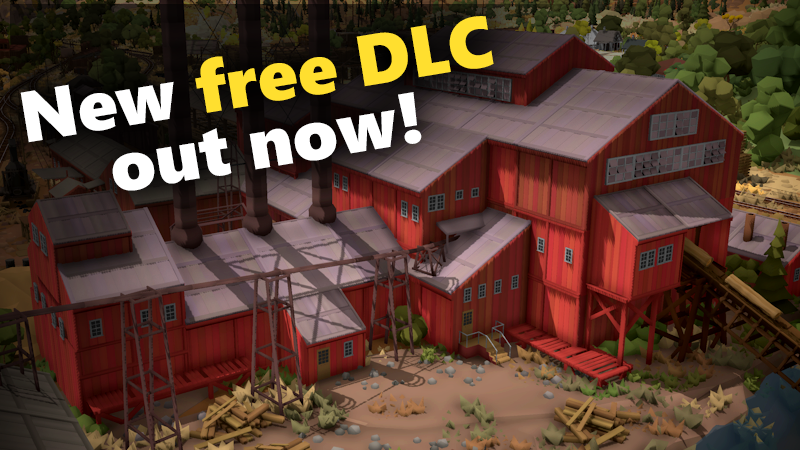
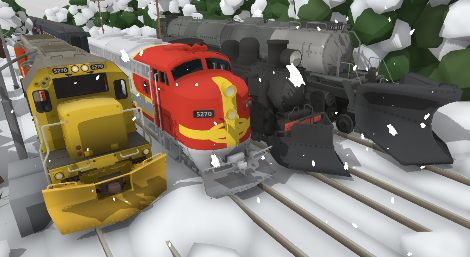
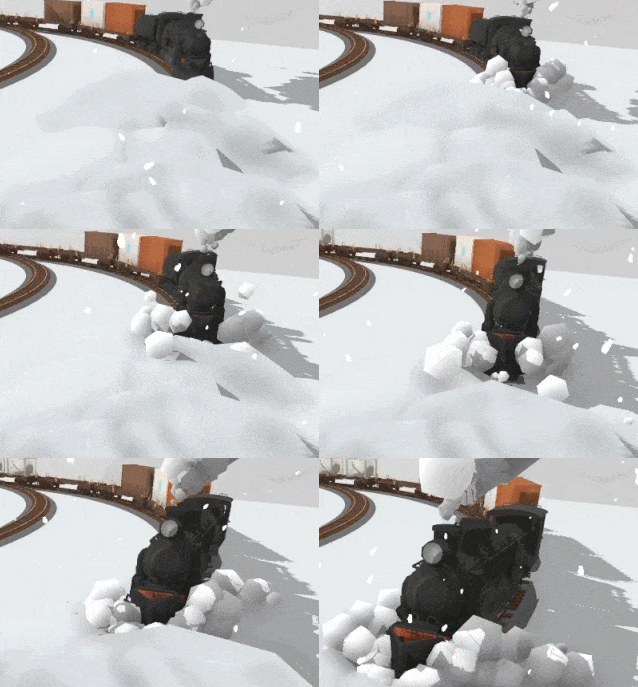
[p][img src="https://clan.akamai.steamstatic.com/images/31206422/88418a128391cbcc6db9cf586035252934036b37.png"][/p][p][/p][p]Now that the huge Sierra Logging project is complete I can shift my focus on to new things! And one of Rolling Line's biggest weak points is the new player experience. This game has quite a complicated learning curve since the controls and mechanics are a bit different to what people would expect. I'm planing to dedicate some proper time to improving the new player experience and making the controls easier to understand. [/p][p]And the best way to kick that off is to finally add some new tutorials! [/p][p]Previously the in-game tutorials were quite lacking, leaving out lots of important basic game mechanics. So these new ones help fix that by adding step-by-step instructions for things like trackwork, scenery and even some of the more niche mechanics like pantographs and snow plows. [/p][p][/p][p]You can play these tutorials from the main menu, or from the pause menu:[/p][p][img src="https://clan.akamai.steamstatic.com/images/31206422/b860e662746d02ce9545439808a51e4d8a13cd0e.png"][/p][p][/p]
Steam guides
[p][/p][p]For more complex mechanics, like skyboxes, automation and modding, I've already made tons of guides here on Steam:[/p][p]https://steamcommunity.com/id/jach5270/myworkshopfiles/?section=guides&appid=754150[/p][p][/p][p][img src="https://clan.akamai.steamstatic.com/images/31206422/42f546e700a90ec42deb4a6eaaf77e7bba4dd46d.png"][/p][p][/p]
Sierra Logging news
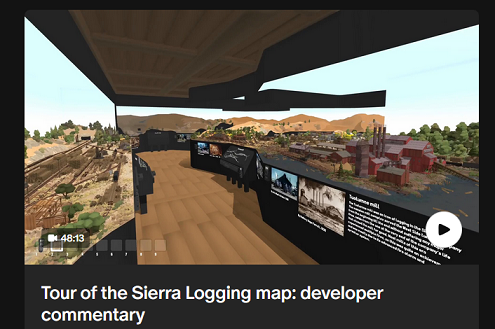
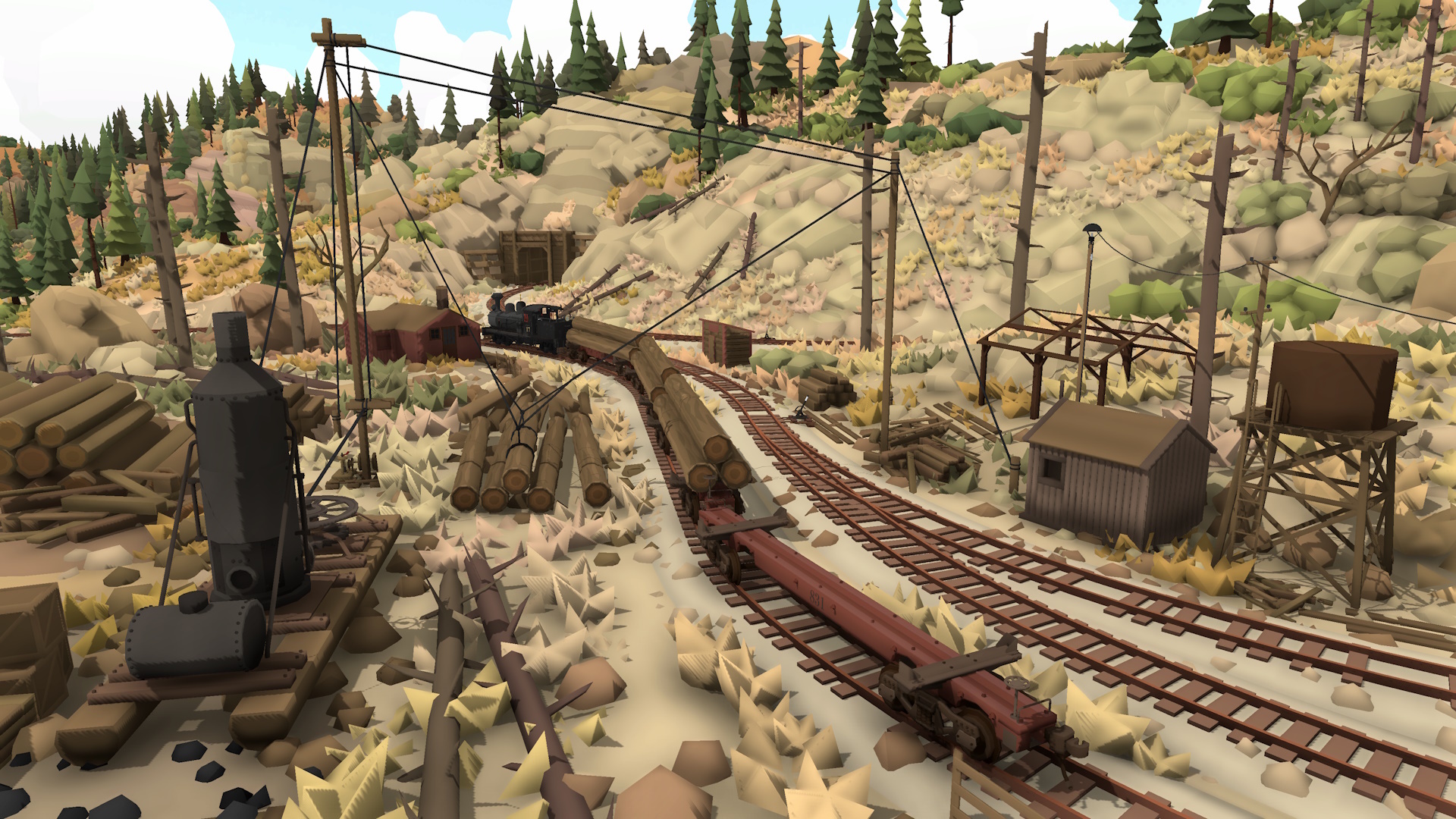
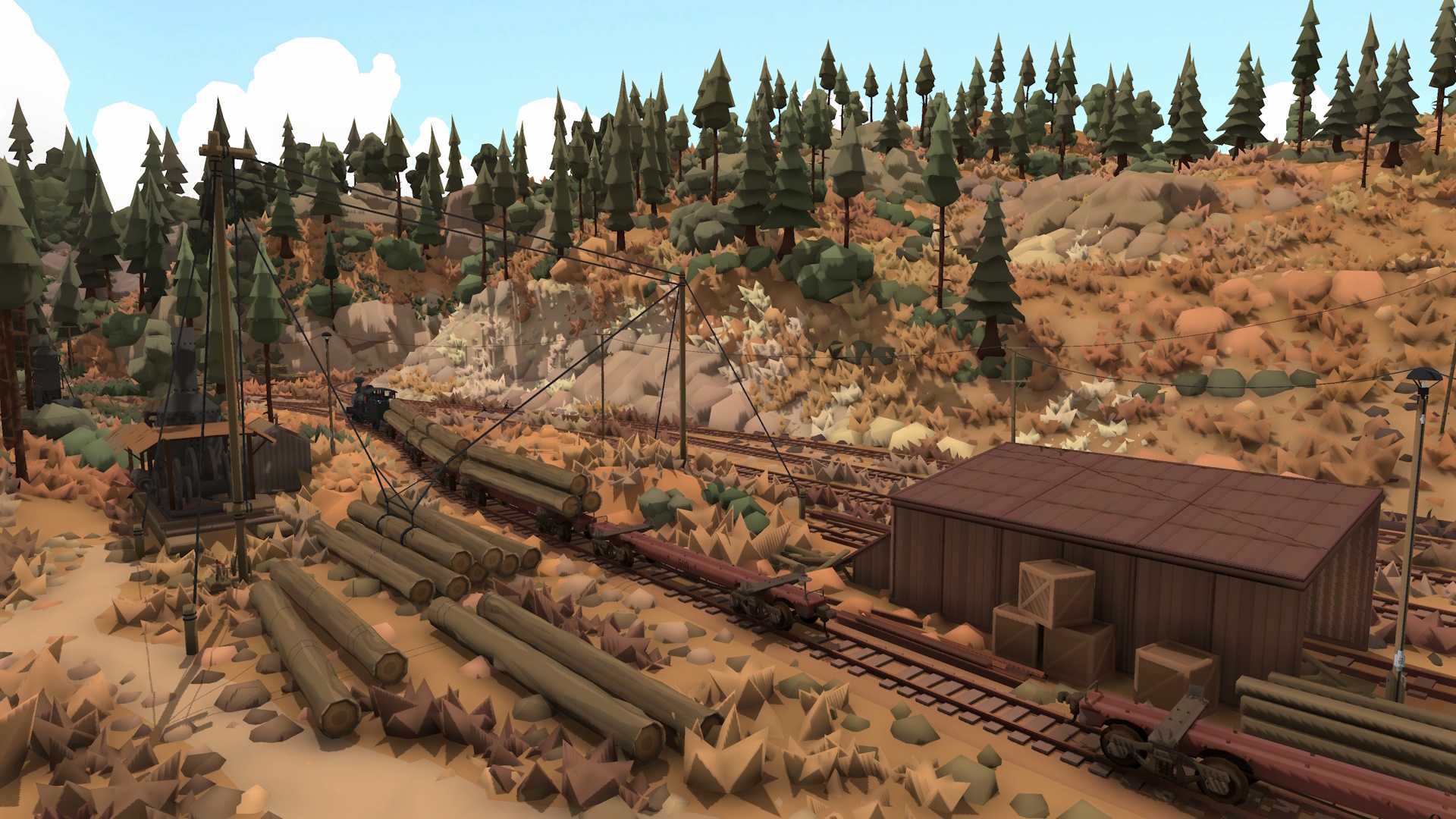
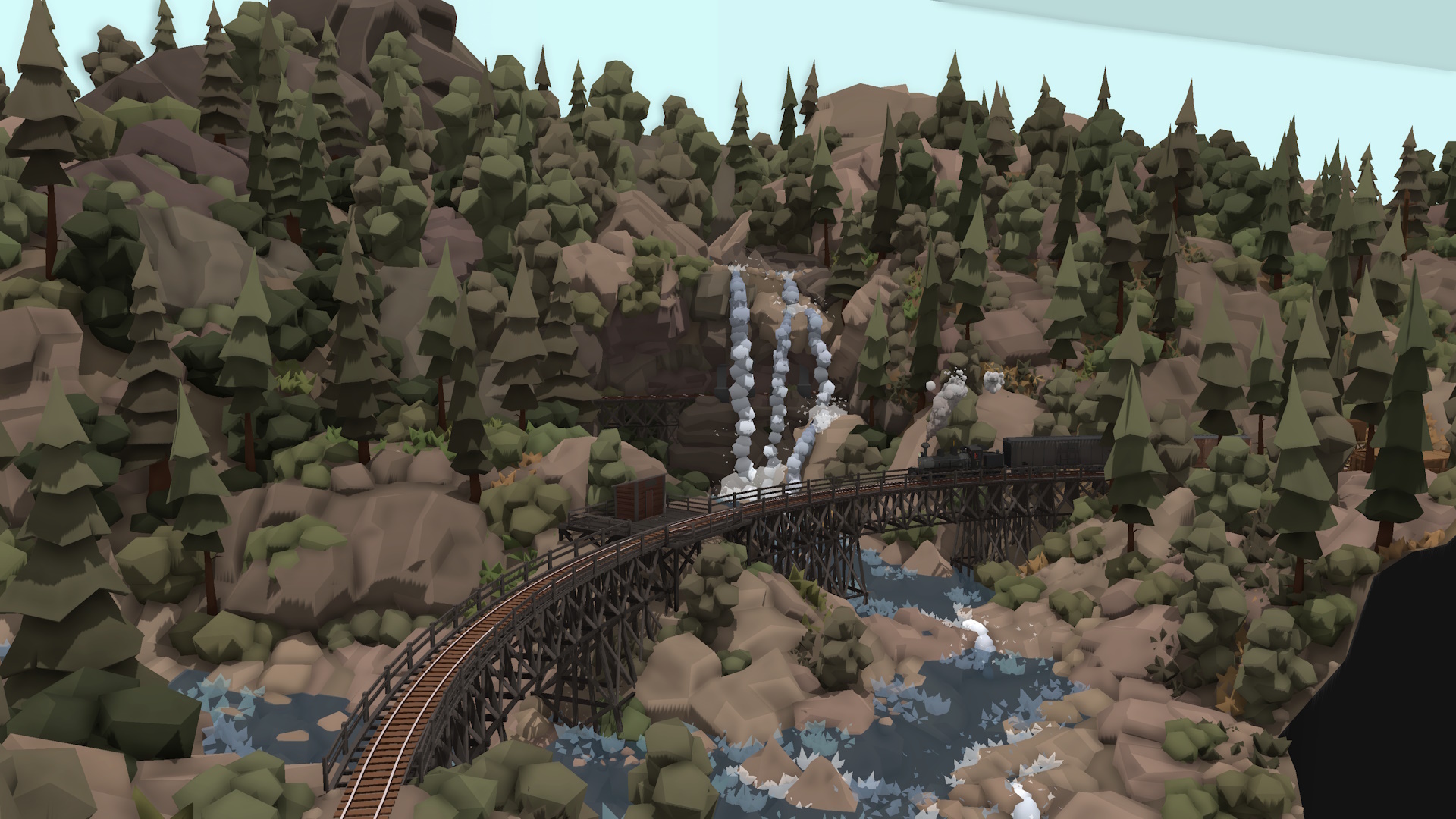
[p][/p][p]In other news, the release of the Sierra Logging map has been amazing! I'm so glad that people are enjoying the map so much. I love seeing everyone's screenshots and comments, especially people finding easter eggs and admiring the little details around the map. The Sierra Logging map took a staggering amount of effort and time, and I'm really happy with how it all worked out. It's definitely the map I'm the most proud of from all the official map releases. [/p][p][/p][p]I recently posted a proper trailer video for the map:[/p][p][dynamiclink href="https://youtu.be/psPrJpev9ZE?si=gUOvBJs2JuaDtCdl"][/p][p]And a developer commentary where I explore the map and talk about the design inspirations and building methods that went into making it:[/p][p][dynamiclink href="https://youtu.be/LHaOXCyhI3s?si=7N6MKlaRYo_t35qb"][/p][p]The above commentary was released early for everyone subscribed to the Patreon, and I'm going to be making more videos like this in the future! [/p][p]I'll share them early on Patreon, but they will eventually make their way to Youtube at a later date, since I don't want to lock anything behind a paywall. [/p][p]If you would like to support the game and help me keep making free updates forever, then please consider joining the Patreon, even $5 is awesome and really helps! [/p][p]https://patreon.com/RollingLine?utm_medium=unknown&utm_source=join_link&utm_campaign=creatorshare_creator&utm_content=copyLink[/p][p][/p][p][img src="https://clan.akamai.steamstatic.com/images/31206422/736faea979dc1136b2abbc01e99a3a4318d551f1.png"][/p][p][/p]
Other fixes & features
[p][/p][p]This update also includes some other fixes & features:[/p]
[p]Fixed bug where portable drawers were not spawning correctly in VR[/p]
[p]Various settings have been moved into the "pause menu -> editing" menu, all settings relating to prop placement and snapping can be found here [/p]
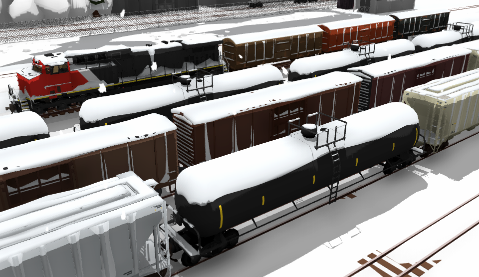
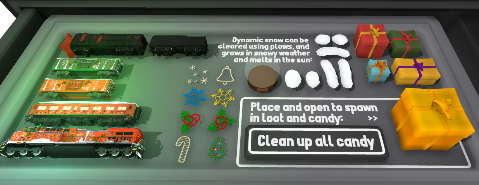
[p]There is now a new drawer dedicated to all snow themed props and trains[/p]
[p]The drawer style edit menu now disappears correctly when the drawer is removed[/p]
[p]The "default up/down context action for prop placing" now affects both VR and PC. This means on PC you can now change the default behavior of whether the scroll wheel changes scale or height offset when placing props[/p]
[p]You can now use the 'expand list' button on the various save file list on the main menu[/p]
[p]Gap-fill track now no longer requires track snapping to be enabled to work[/p]
[p]The 'tutorial complete' message now shows up in VR too[/p]
[p]The 'color hexcode copied to clipboard' message is now hidden in VR[/p]
[p]VR now has 'fast scaling' enabled by default [/p]
[p]Fixed bug where player held items were visible during the load screen[/p]
[p]Added labels to the tables & walls drawers to separate the large & small tables [/p]
[p][/p][p]And that's everything! [/p][p]I've got big plans coming up, mainly revolving around making the game more polished and easier to understand overall. Along with other gameplay themed features like continuing work on expanding the loading & unloading features! [/p][p]Lots of cool things on the way, so keep and eye out. [/p][p][/p][p][/p]
Thank you to all my Patreon supporters!
[p] GaugeGang: Trackmeister, SmokeStream[/p][p]Rolling Line enjoyers: Helga Nordgren[/p][p]Model railroaders: Lutz, Jayton Hawkins, TheAmazingRyry, CAMOGUY54321, Jonathan Ginsburg[/p][p]Railfans: Don Willis, Leto Gloas, Outertoaster, Nathan Perez, TrainMann, Railraider, Garst, Richard Prior, Joblogh, Detroit_, Ben Burch, Gustavo Sanchez, Michelle chan, Jack Fruh, Lynk_Wyland, KathalLasagna[/p]
New FREE map: Sierra Logging!
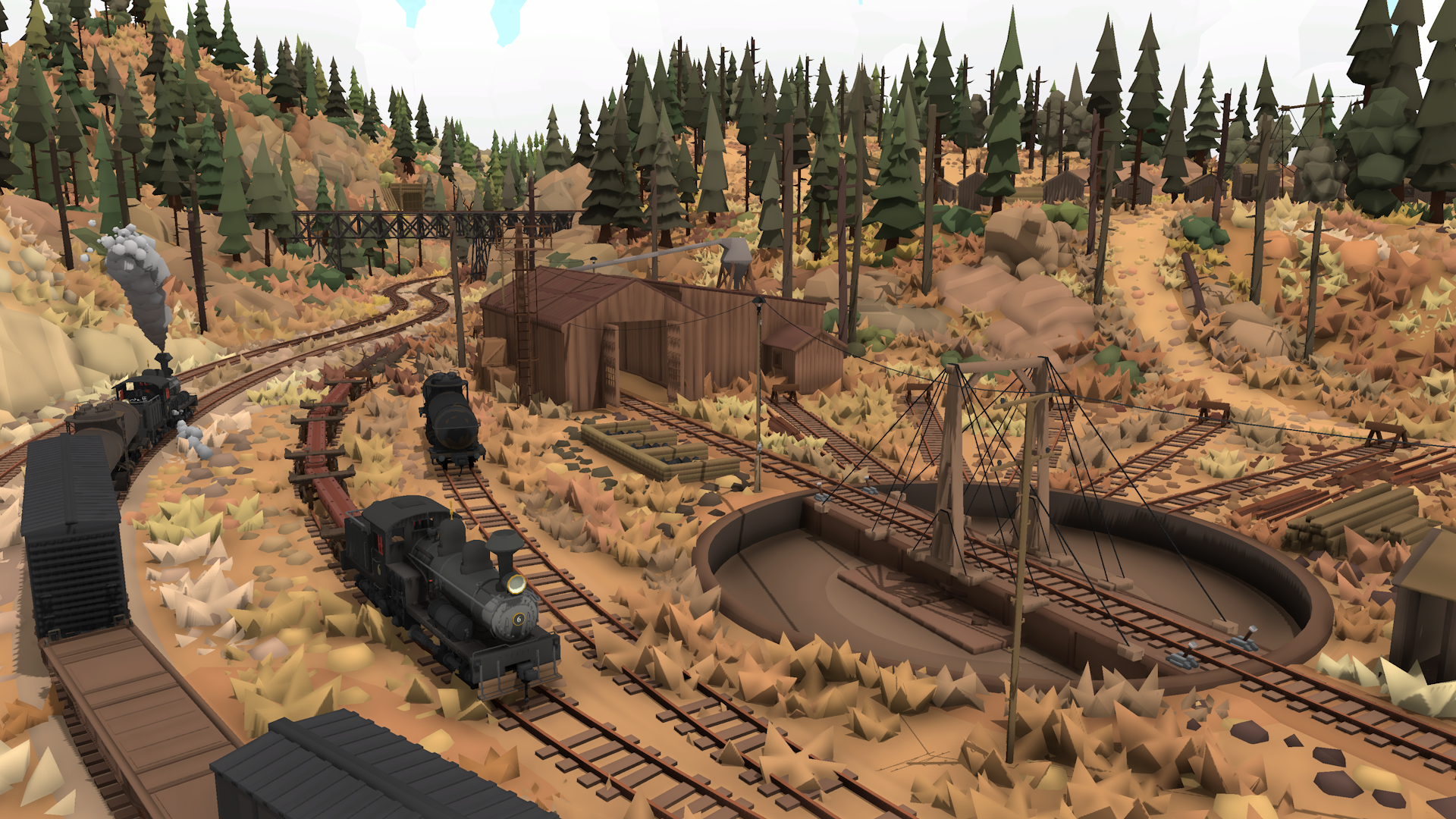
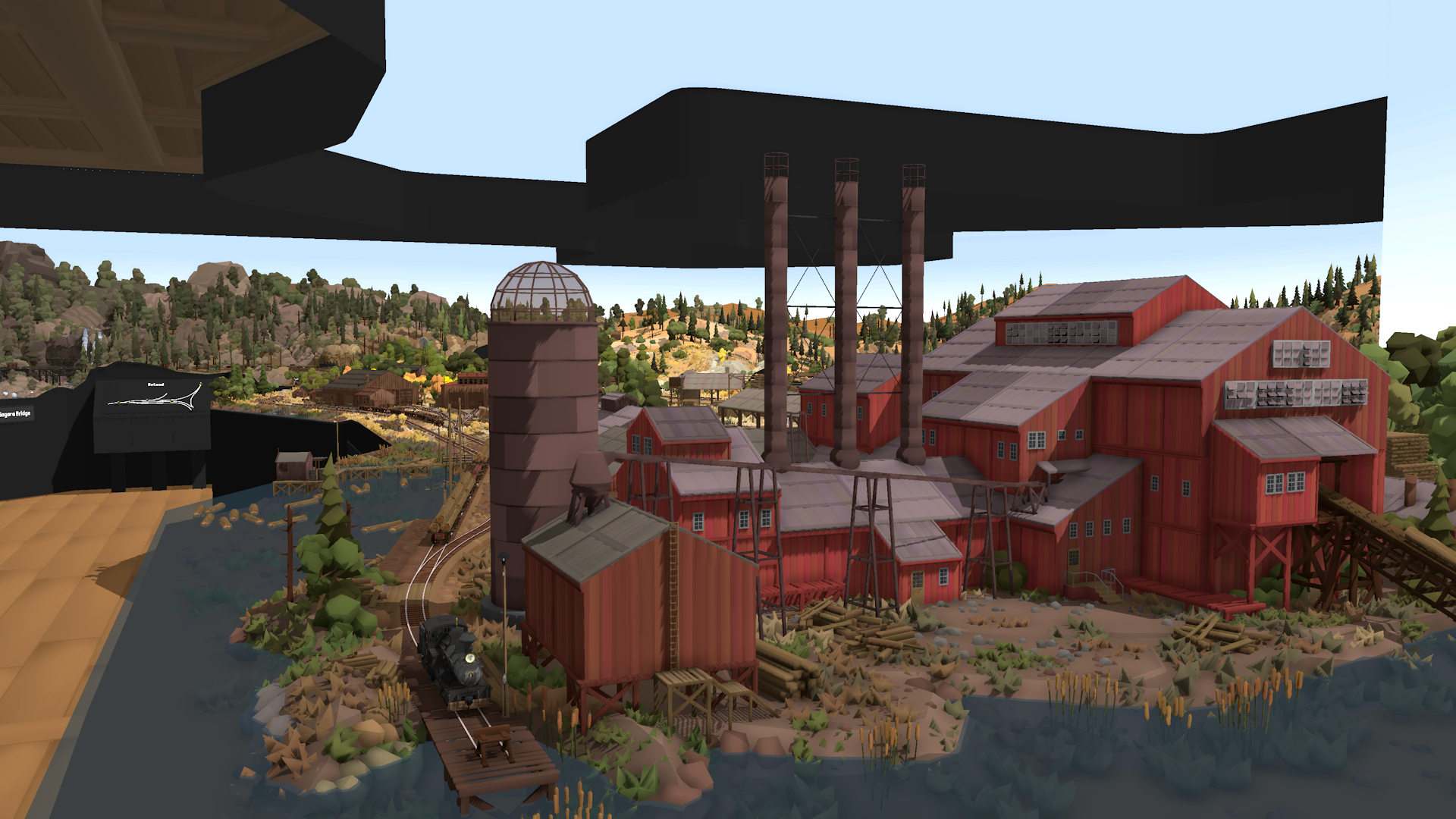
The Sierra Logging map is officially here! After over a year's work and so many different updates and features that made this possible, I'm so glad to finally call this map finished and release it for everyone to see.
This DLC is completely free and you can get it here on Steam:
As talked about already in the previous news post, instead of being a paid DLC, I'm instead releasing this map for free and opening a Patreon for voluntary donations. So if you would have been willing to pay for this map then please consider joining the Patreon to show your support!
I would love to keep updates and maps like this free for everyone, and that depends on how this Patreon idea works out. Remember it's perfectly fine to join the Patreon for just one month and then cancel afterwards if you prefer to just make a one-off donation instead of joining monthly.
So if you would have happily paid $5 for this map then please join the $5 tier, even for just a month, it will really, really help keep me financially able to continue working on Rolling Line!
I'll also be posting some special behind-the-scenes stuff on there, like a 48-minute commentary + tour of the map, where I talk about the design process and inspirations for each area. Though since I don't want to lock anything behind a paywall, I'll also upload this video to Youtube for everyone soon as well (probably in a couple of weeks) but you can view the video on Patreon right now!
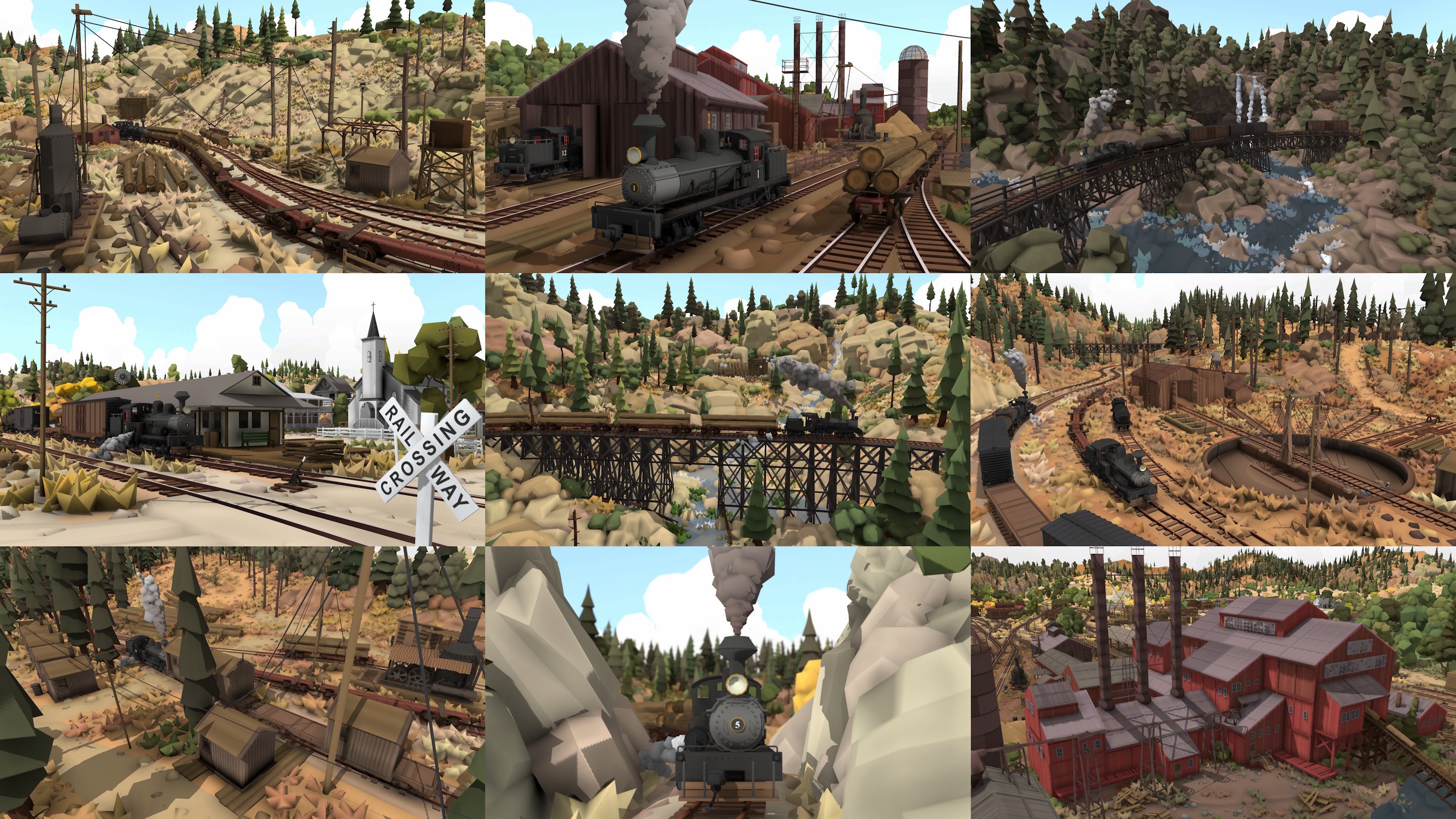
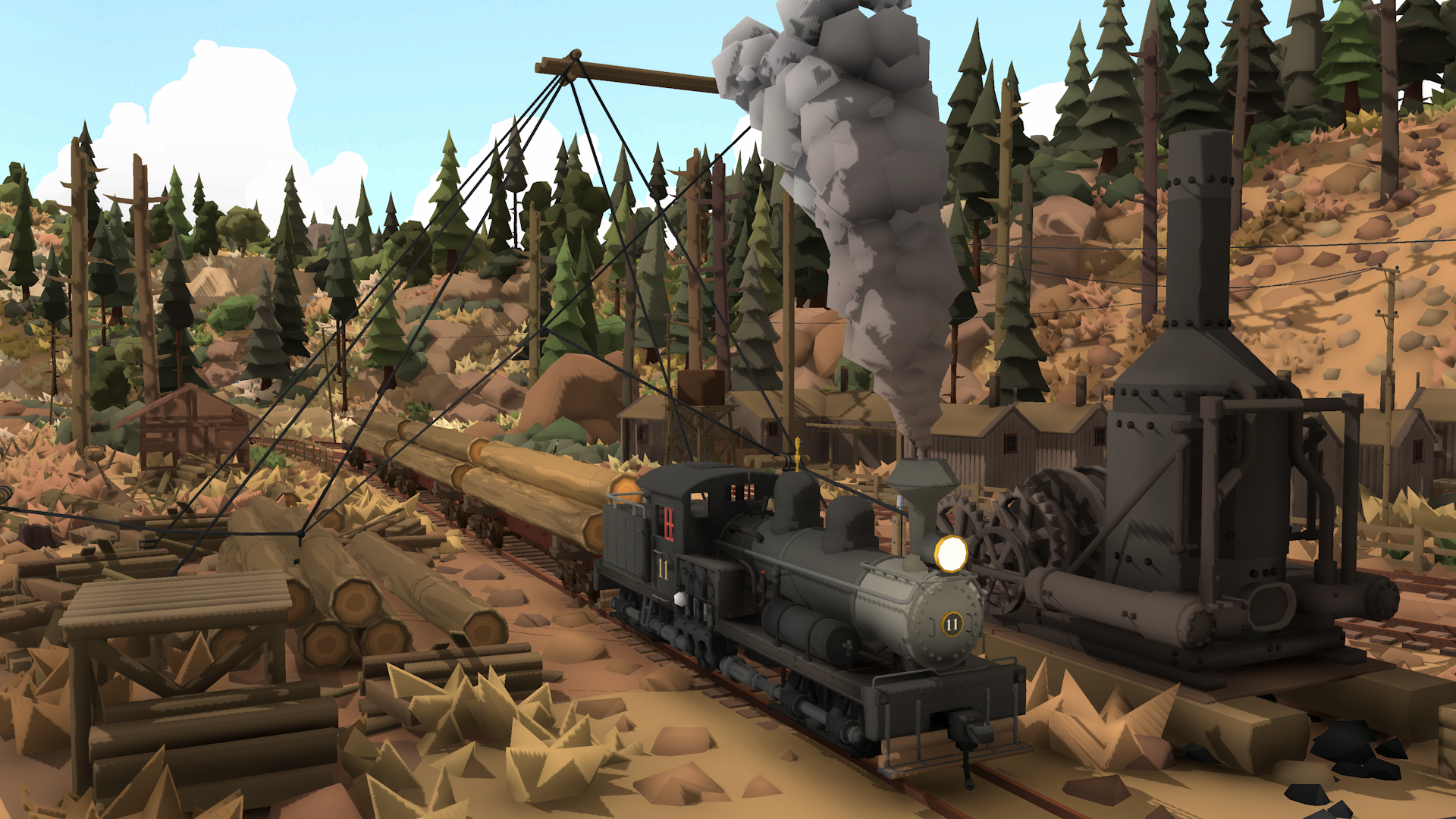
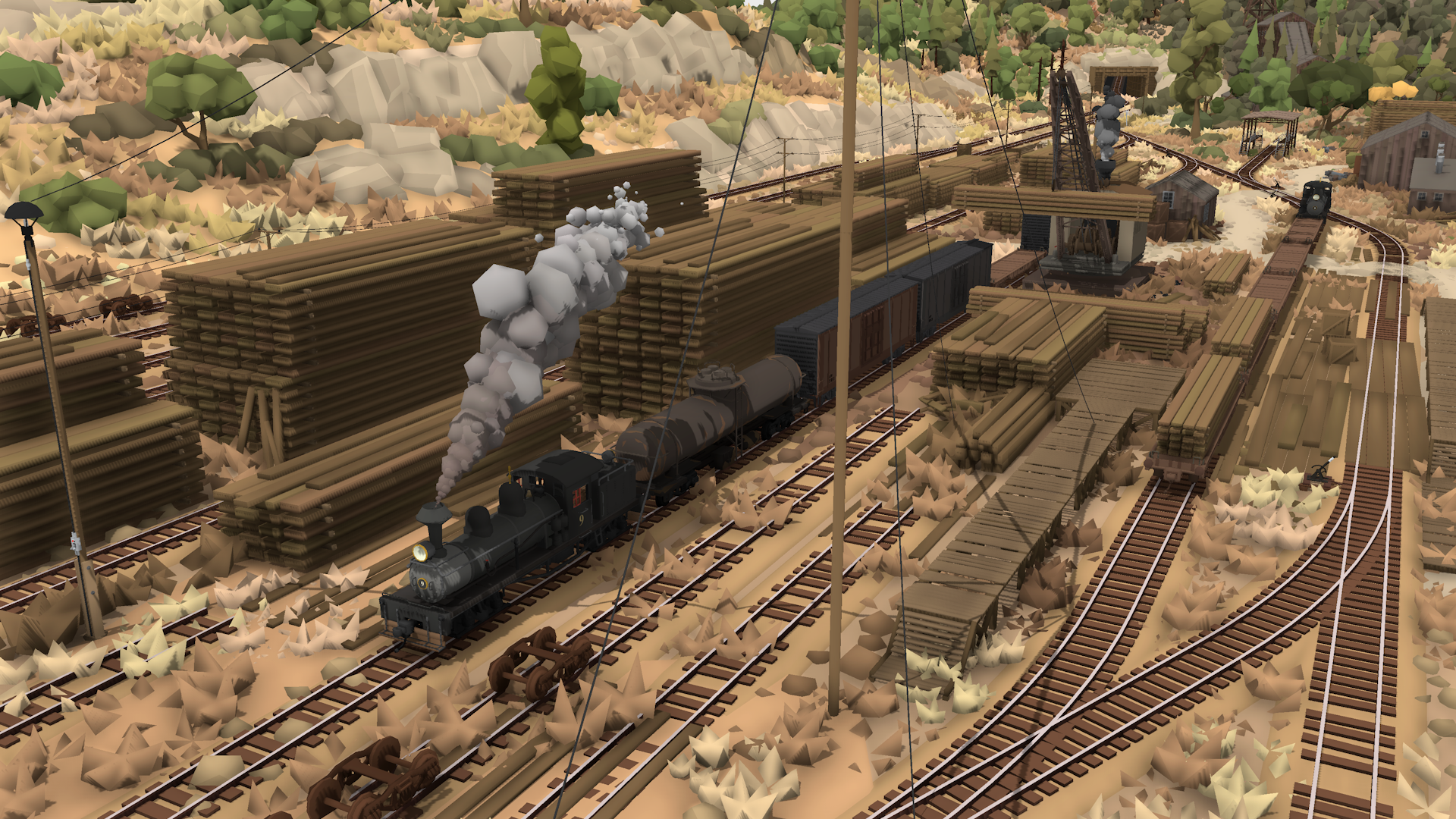
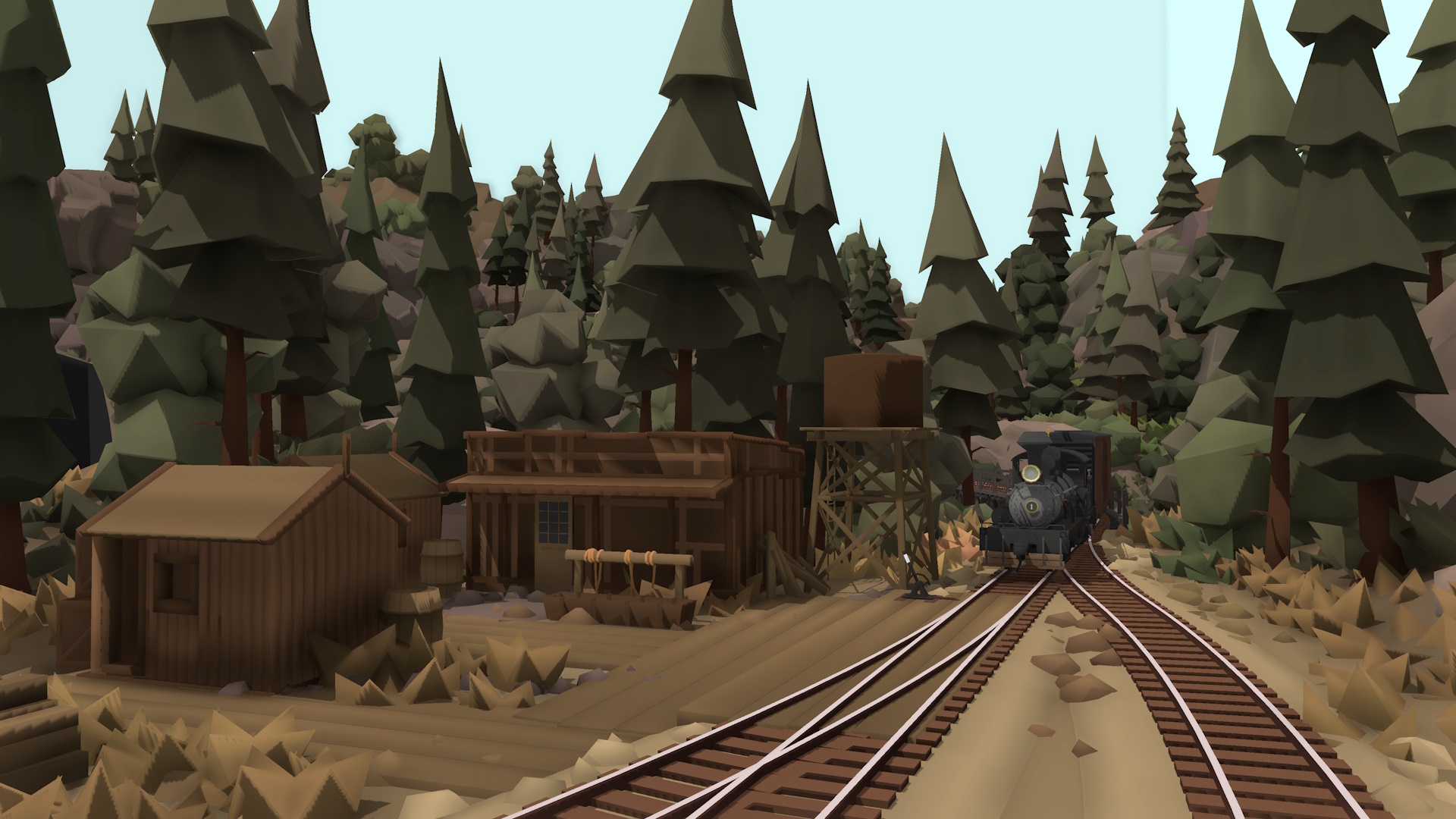
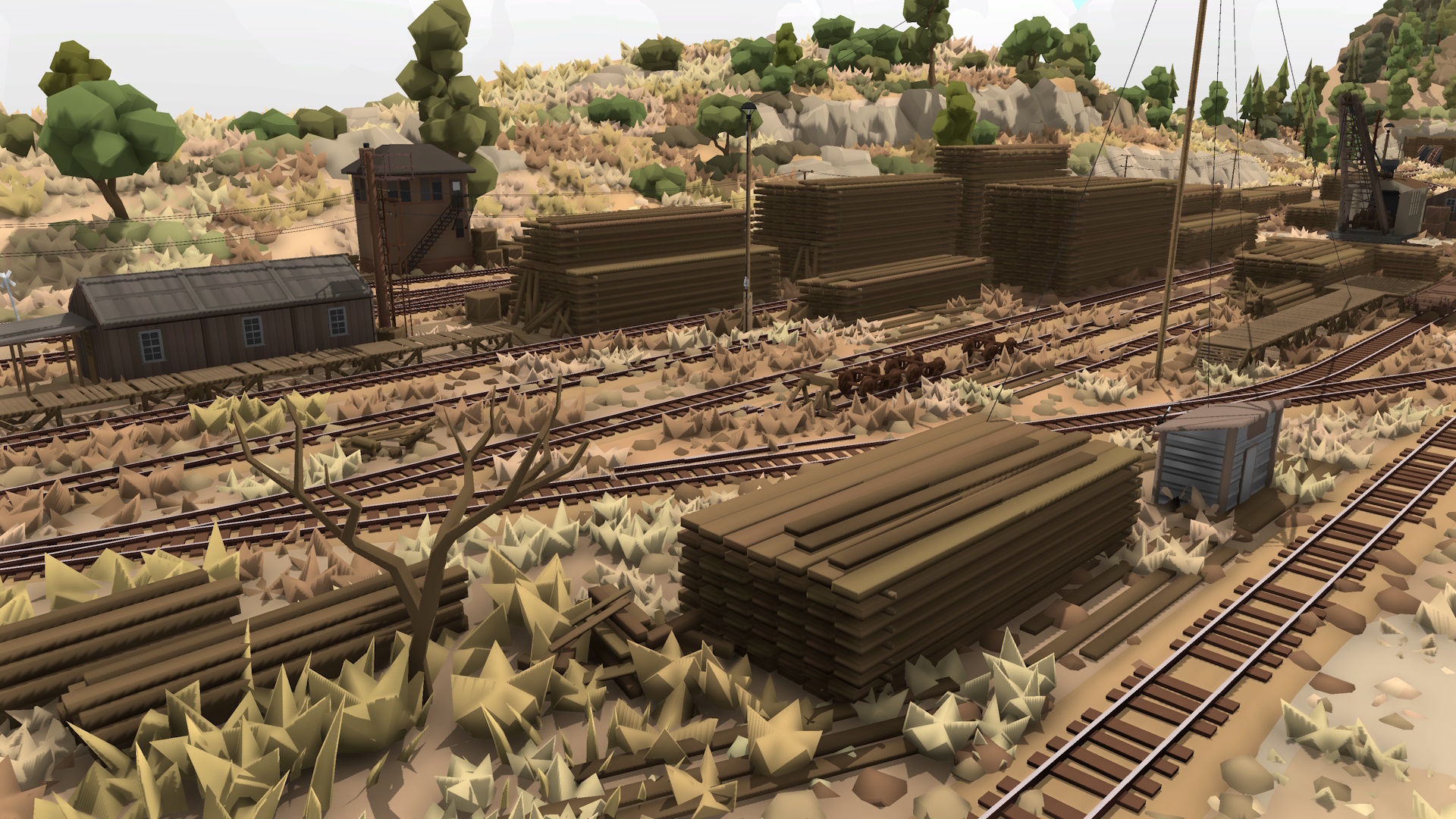
It's finally done! I'm so excited for everyone to finally play this map. This is quite a special one since it's the first official map for Rolling Line that was designed around loading/unloading and operations. You can transport logs from the alpine lumber camps, deliver them to the mill and log pond at Tuolumne, and then even move milled planks over to Standard to be stored in a much larger lumber yard. It makes full use of the log loaders, log pond unloader and loading cranes all added in previous updates this year!
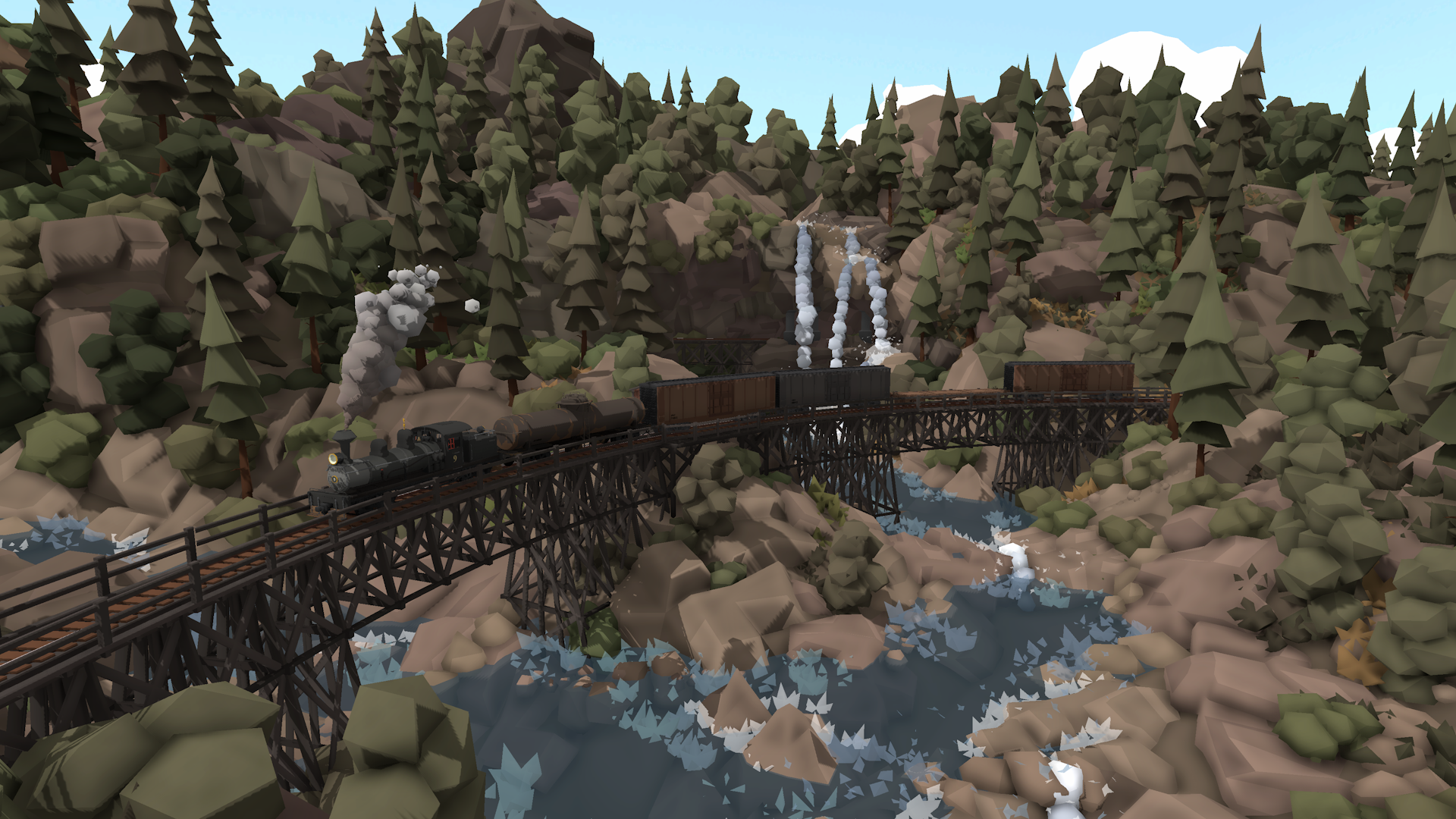
The map is also designed 100% to feel like a real-world model railway and I'm so glad with how this turned out. It feels like the kind of model railway you could walk around and explore in someone's basement, with photos of the logging railway inspirations in real life and lots of history. If you get the chance I highly recommend viewing this map in VR!
Oh and of course this map contains a bunch of Easter eggs to find!
You can download an HD version of the top-down map poster here: https://imgur.com/PHbN5Cf
And here is a ton of screenshots too: https://imgur.com/gallery/sierra-logging-rolling-line-map-LpWaJFi
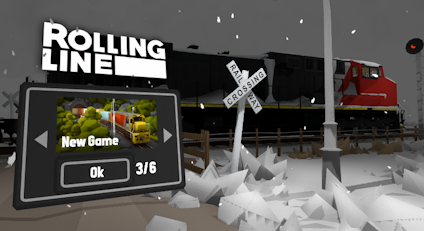
As with all official maps you can access this map from the "New Game" list on the main menu: (You don't actually need to download the DLC to access it, it's built-in to the base game since it's free!)
Other fixes and features
Alongside the release of the map, this update also includes a few other things:
A few new audio presets for things like a lumber mill, chainsaw, waterfall and larger river.
Loaders/Unloaders now have an icon on them to show whether the control lever is in the locked or unlocked position.
Fixed various minor mesh issues on the Shay model.
Fixed issue with the physics logs props (the ones that go in a log pond) since the physics pushing was not working when reloading a map.
Removed the compact comp template map from the new game map list.
Fixed shadows on some of the roads on the "top of the south" map.
Added a bunch of new default main menu scenes from the Sierra Logging map.
Fixed collision issues with the player model pushing physics objects.
Fixed bug where map terrain objects that are meant to be un-editable could be picked up using the "Edit All" buttons.
Fixed issue where freight loads would appear offset when held in the players hand.
Added Patreon names to the in-game credits!
And that's everything! I'm so happy to see this map all the way through to completion. It's become quite a personal project, since this is essentially my own best attempt at making the best map I can in Rolling Line, using all the modern tools and features. It really shows how far the game has come, that a map like this is fully possible using in-game tools. I really enjoyed making it, and I hope you all enjoy playing it!
Oh and for the first time ever, I finally get to say:
Thank you to all my Patreon supporters!
GaugeGang:Trackmeister, SmokeStream Model railroaders:CAMOGUY54321, Jonathan Ginsburg Railfans:KathalLasagna, Lynk_Wyland, Jack Fruh, Michelle chan, Gustavo Sanchez, Ben Burch, Detroit_, Joblogh, Richard Prior, Garst, Railraider, TrainMann, Nathan Perez, Outertoaster
Sierra Logging announcement + Patreon!
After over a year and a half of work, the Sierra Logging map is finally about to be released! I've set the planned release date for May 26th, and you can view the DLC listing here:
But here's the best part, this DLC is FREE! While the idea started off as a paid DLC, after putting so much effort into this map i truly want it to be available to everyone, without any paywall or barrier to access. I'm really proud of this map, and finishing it is a major personal achievement for me. It's by far the longest and most complex project I've ever worked on (aside from the initial release of this game!) and it's definitely the best official map to date, taking all the different elements of the game and combining them into my own best possible attempt at creating a virtual model railway.
The game has changed so much over the 7+ years I've been updating it, and the tools, content and features available to make maps is vastly different to when the game first came out in April of 2018. This new map is built entirely around these new features, like having a full chain of loading & unloading, where you can take logs from alpine logging camps all the way to the mill and on to the lumber yards. The map is also fully designed around being a real model railway, which you can hopefully imagine walking into someone's house and seeing, and driving trains around and completing operations. Everything this game was made for!
Patreon
As lots of you are already aware, I'm just one solo developer. I've been working full-time for the last 7+ years making updates for this game simply because I want to see it reach its full potential. There's still so many more features I want to bring to the game *cough* *cough* multiplayer *cough* and I have no intentions at all of stopping development any time soon. As long as I can financially support myself to keep doing this job I love, then I'll keep doing it for the whole foreseeable future!
I've been very lucky so far that the simple purchase price alone of Rolling Line has managed to keep me at a stable living wage over such a long time, but that won't be the case forever. Most other games will go for things like paid DLC, or entire re-releases (imagine an alternate timeline where we've got Rolling Line 2025 or Rolling Line World 5, lol). Personally, that kind of monetization really doesn't sit right with me. I don't ever want to put a dollar value on a map, or a train, or anything like that. I love the fact that Rolling Line is so cheap ($20 USD) and asks nothing extra of you to enjoy every single thing the game has to offer, and I want to keep it that way!
So instead of doing paid DLC, I instead want to try something different. I'm starting up a Patreon, where those of you who feel like you've gotten more worth out of Rolling Line than the initial purchase price can help support its future development with donations. This is the best of both worlds, where all future updates and maps stay free for everyone, and those who would have been willing to pay can instead choose to donate.
This format also means that I can focus on things like feature updates, instead of needing to spend all my development time on map making (though I do of course enjoy making maps, and there will certainly be more official maps released in the future!).
If you feel like supporting the continued free development of Rolling Line, and want to show your appreciation for my work over the years, then please consider joining the Patreon:
As time goes on and I get a better idea of how this system is working, there will be special behind-the-scenes stuff released on the Patreon about the development of the game. There will be more info about that coming in the future. Everyone who signs up to the Patreon will also of course get an in-game shout-out in the games credits for being a supporter!
I'm very curious as to how this will go, and whether it will actually be a sustainable method for keeping Rolling Line's earnings at a living wage, but we shall see.
Sierra Logging map preview
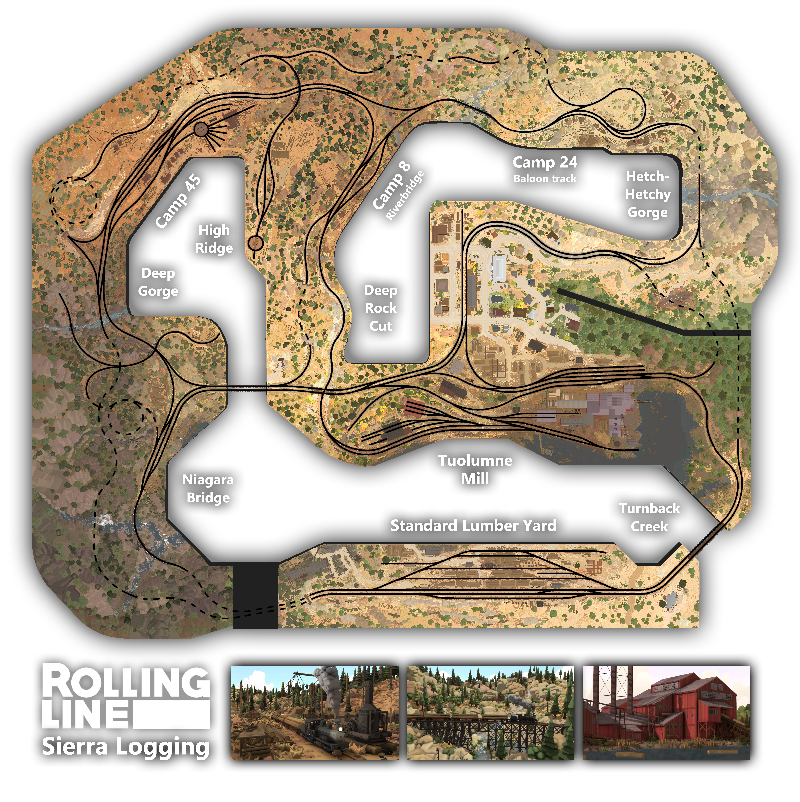
Without further ado, here is the official map poster for the Sierra Logging layout!!
And here is a ton of screenshots in this album: https://imgur.com/gallery/sierra-logging-rolling-line-map-LpWaJFi
That's all for now, but the DLC will be released in two weeks on May 26th! On release day I'll share a bunch more info about the history of the map and real-world inspirations, as well as a much more in-depth look at the map itself. I'm so excited to finally release it!
I'm also curious to know your thoughts about this Patreon vs paid DLC idea in the comments, do you think the game can continue to survive on donations? Are there any ideas that would make you personally more willing to donate? Let me know in the comments of this news post!
Compact Comp #2 winners! v5.28
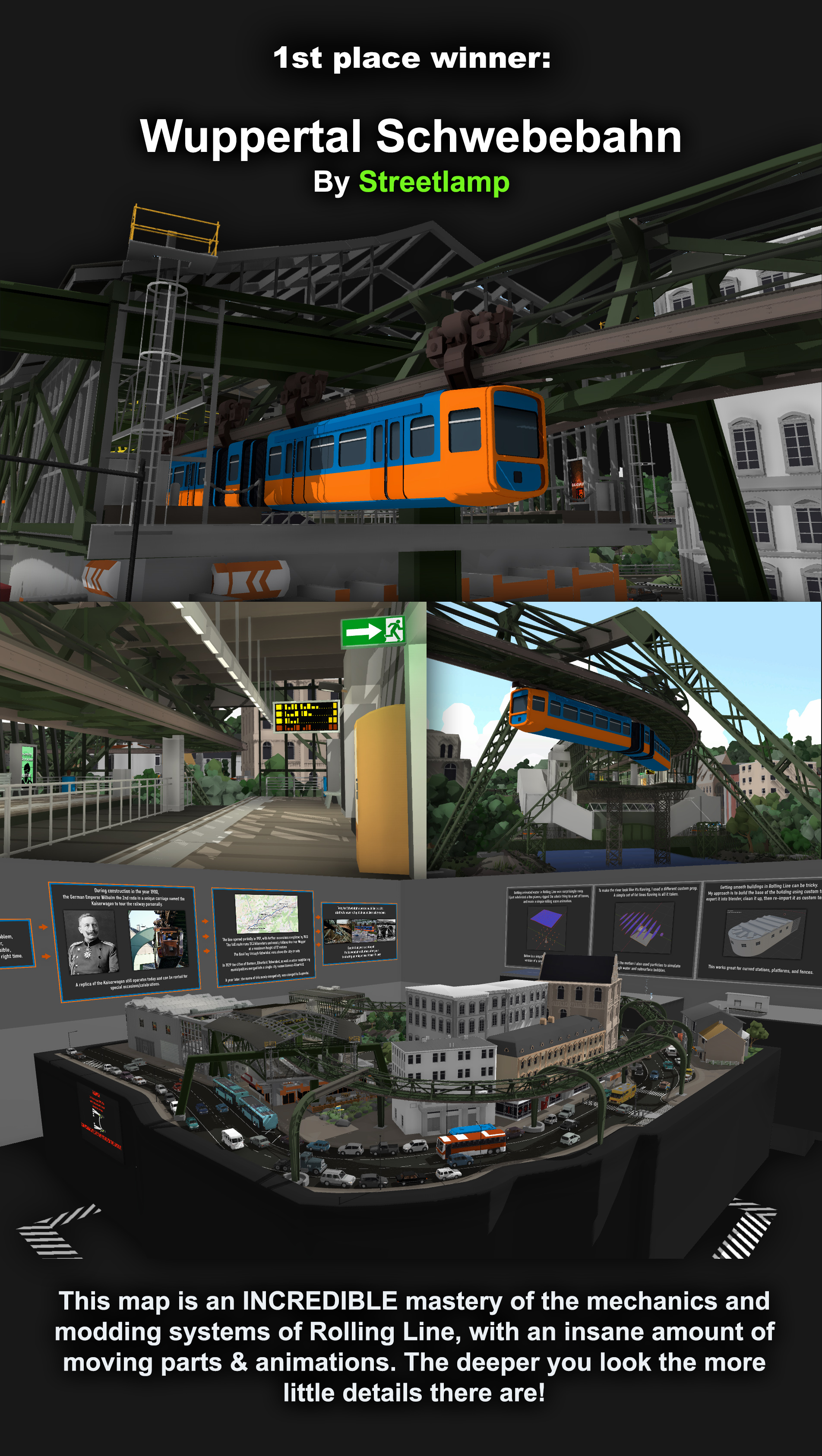
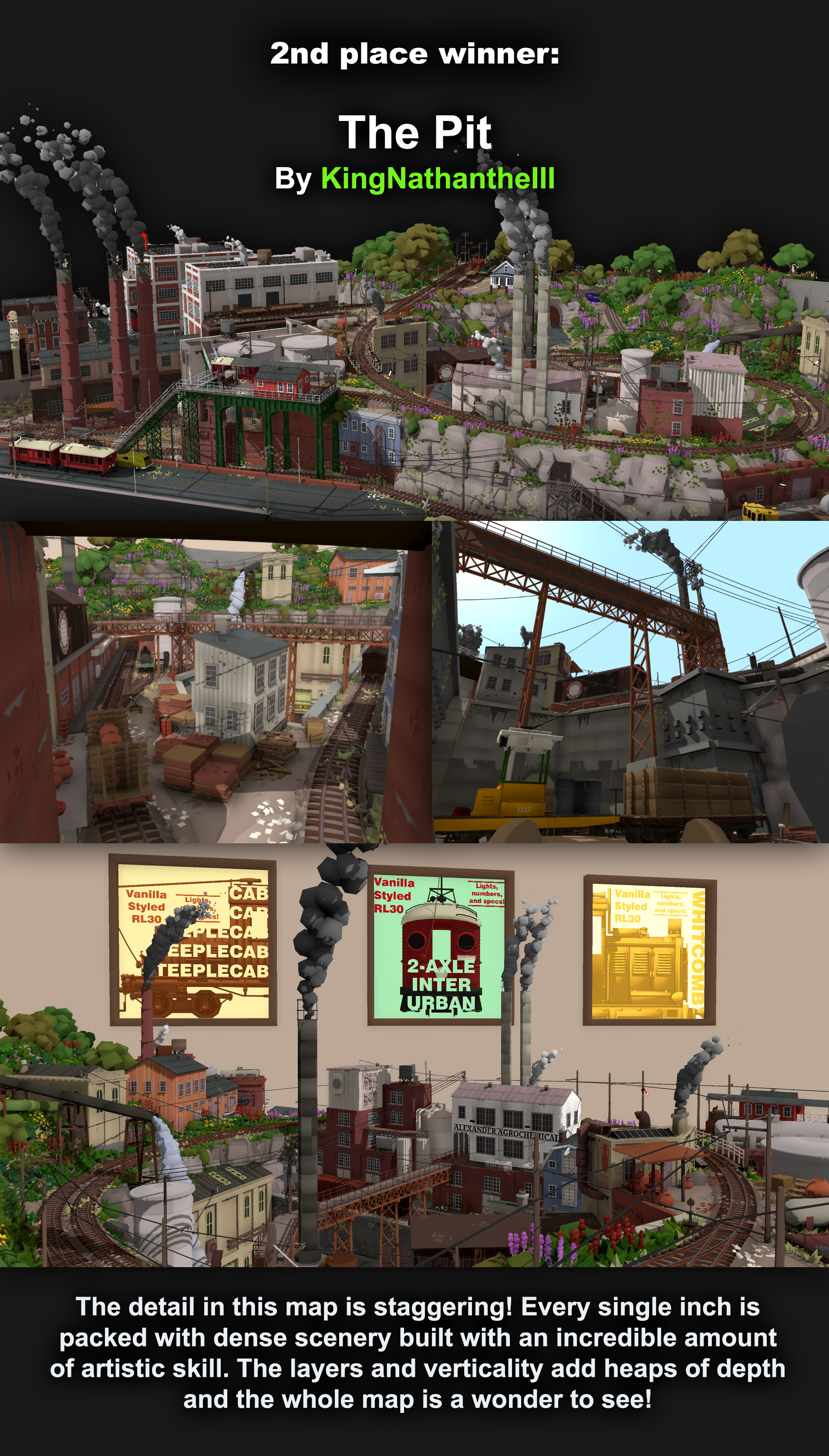
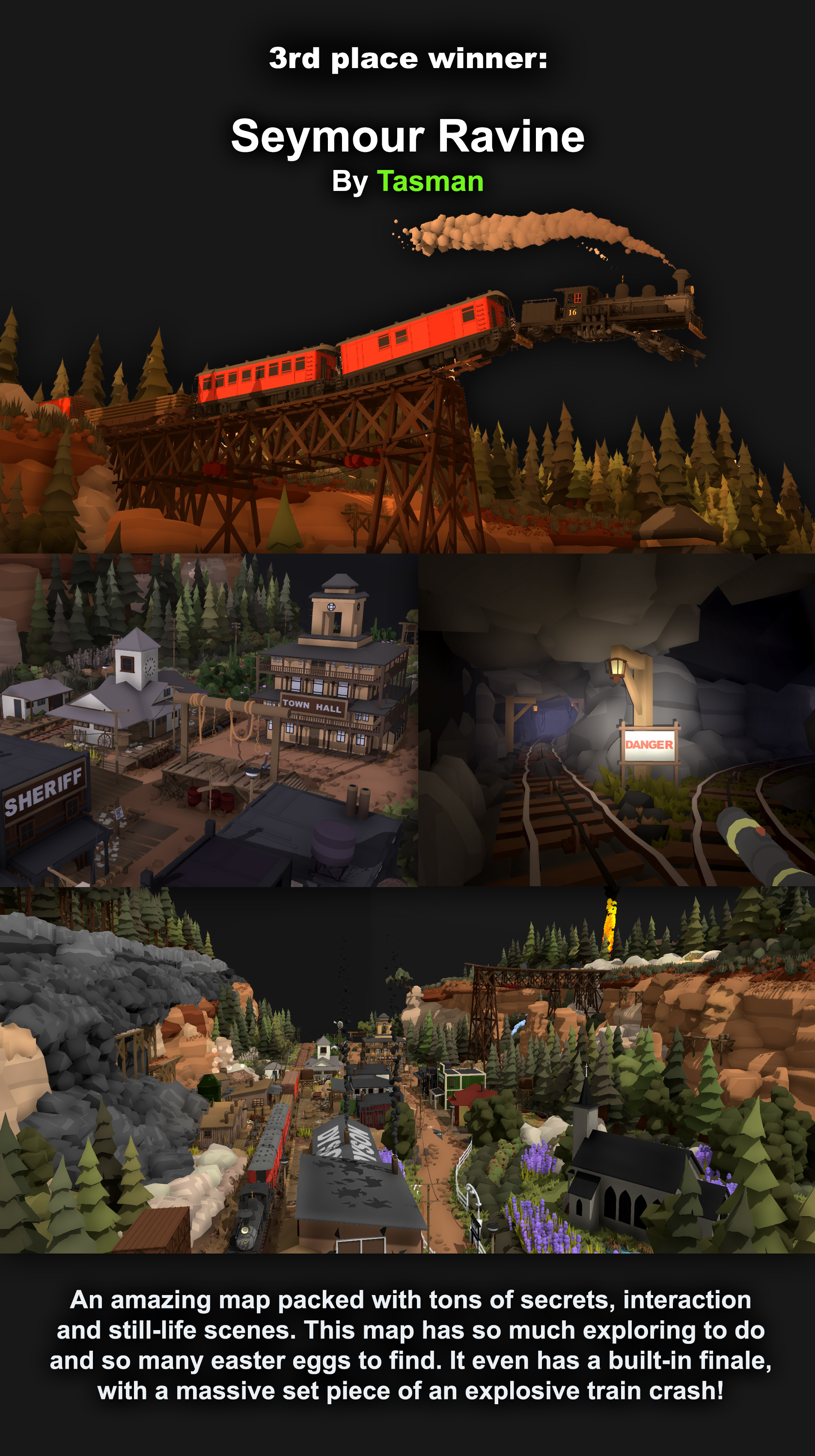
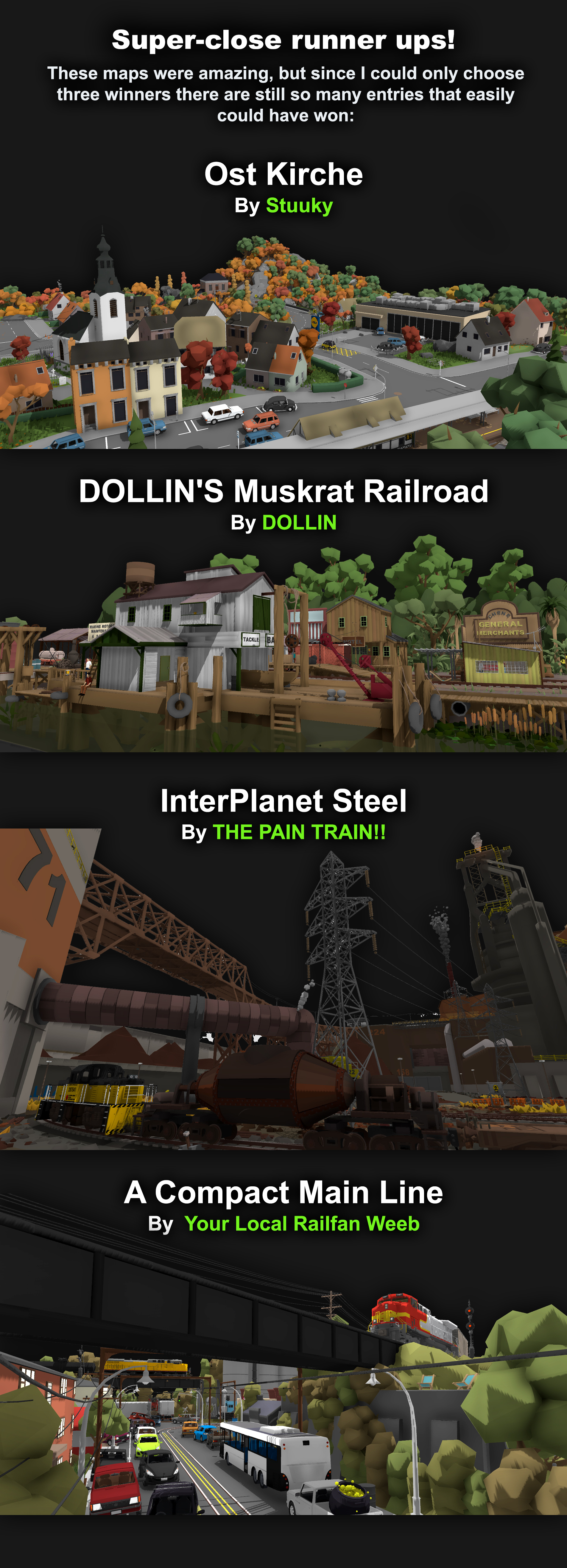
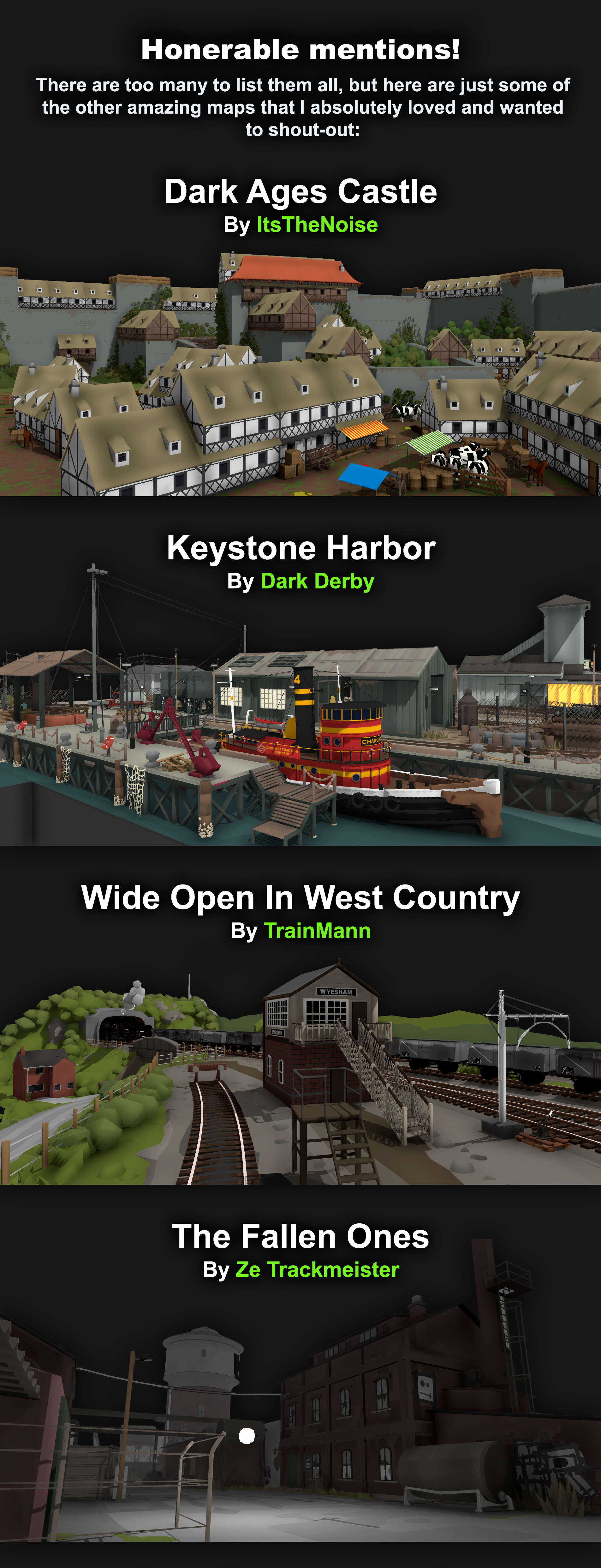
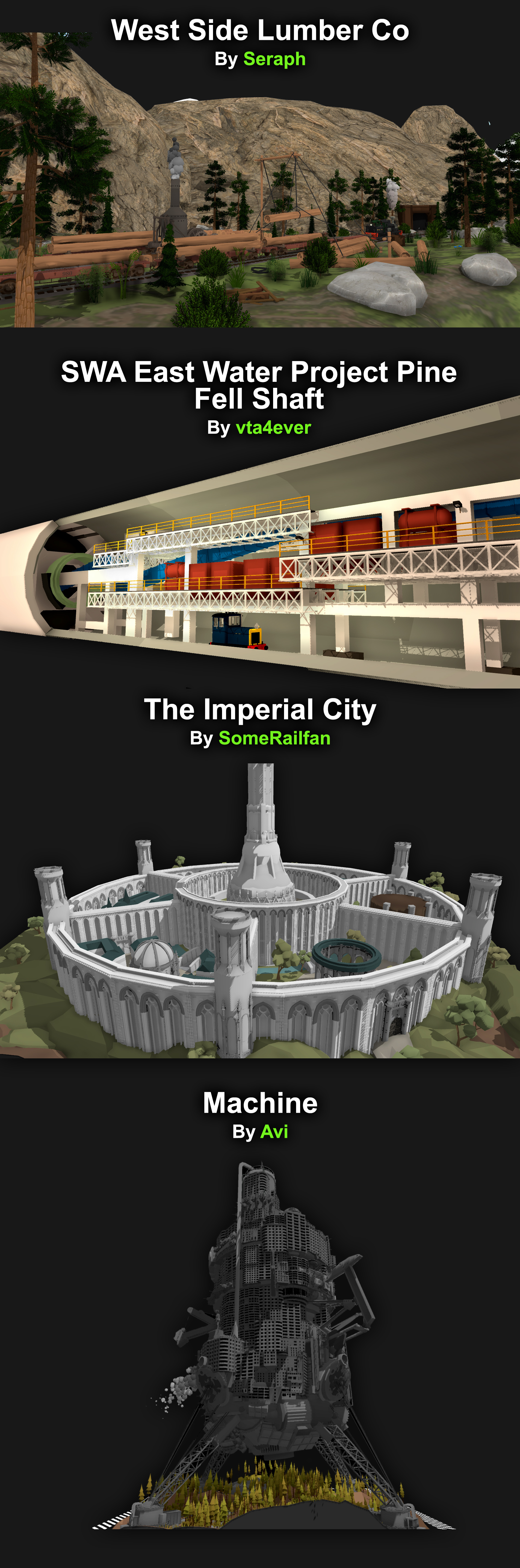
What an amazing event! This might have been my all-time favorite set of maps from any competition in Rolling Lines history. The level of quality and effort is just crazy. Massive congrats to everyone who took part!! As with all these events, I play through every single map submitted, and these are a selection of some of my absolute favorites.
Firstly, the three winners!
Runner ups:
And honorable mentions:
There were SO MANY more maps that were amazing but couldn't fit into my shout-outs, so go and play them all yourself! There's so many gems in there.
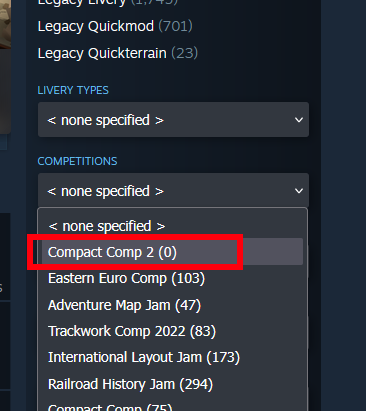
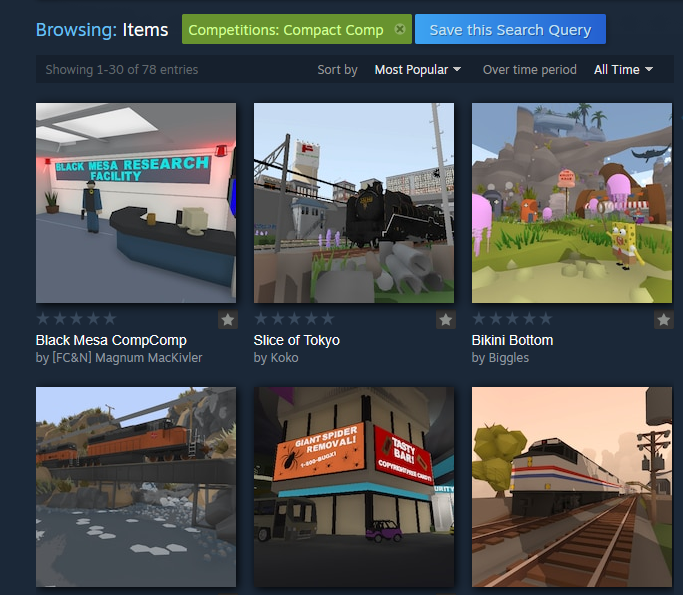
To view all comp entries, simply go to the Steam Workshop and choose the "Compact Comp 2" tag from the "Competitions" drop down list:
This update also includes:
There is now a new "Unlocks 2" drawer which contains new Easter Egg unlocks coming in the Sierra Logging map. So far all that you can find in here is the compact comp boundary prop, which is unlocked by default. The compact comp drawer has also been removed now that the event is over.
Fixed major bug with the loading/unloading system caused by automatic loading occurring when outside of view distance range.
Fixed bug where automatic loaders could load over the max limit set if the speed was faster than the animation.
Fixed shadow casting on various train details, like rust decals and logos.
Fixed the alpha material options for flags. The menu also no longer exits when changing the physics type on flags.
Fixed the collision layer for various props.
Fixed small gaps on the base of the model for terrain pieces.
Fixed bug where the inventory would become visible during loading screens.
Blocked the search function from being usable during loading screens.
Thank you again everyone for taking part in this event! I was truly blown away by the quality of maps!
Compact Comp #2 v5.27
It's time for another layout building competition!!
For those who have been around since the early days of Rolling Line you might remember the "Compact Comp" event... Guess what, that was over 5 years ago! (2019) The goal of the compact comp was to make a map within the limits of a really small table, and it was a real favorite of the events so far in the games history.
So while I'm getting the final parts ready for releasing the "Sierra Logging" map, it would be fun to run a map competition in the meantime. Since the compact comp was so enjoyable, it would be really neat to give it another go, especially since Rolling Line has had so many new features added since then.
Welcome to the Compact Comp #2
This event will be running from today (April 8th) until April 28th.
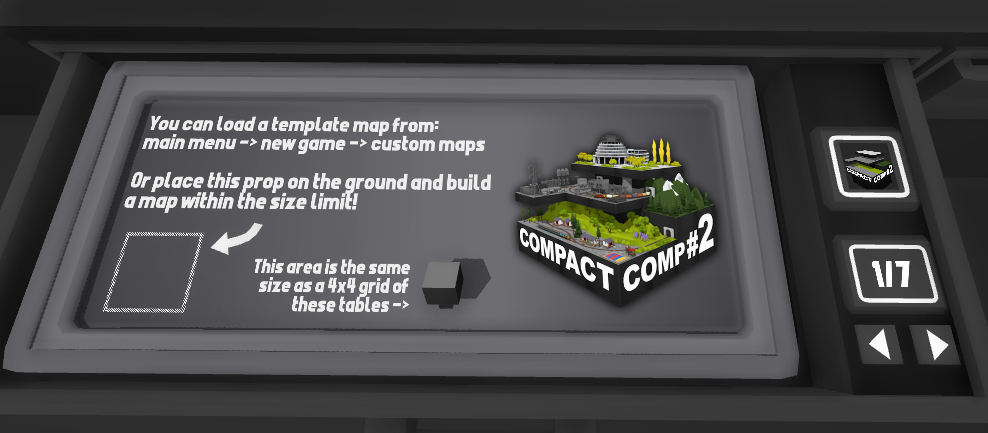
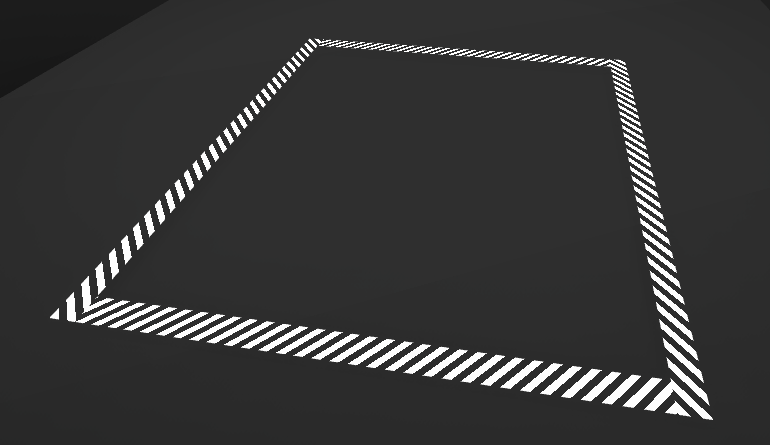
The goal is simple, build anything you like as long as it fits within the size limit. You can find an easy template map in the "new game -> custom templates -> compact comp" menu:
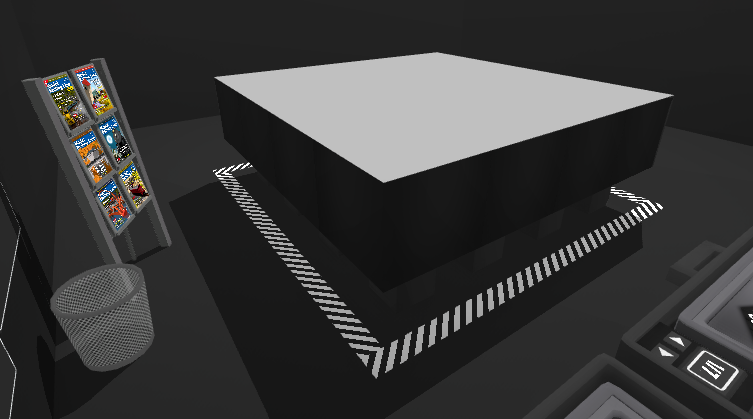
Alternatively, you can find a wall bounds reference prop in the "Misc -> compact comp" drawer:
And lastly, the size limit is equal to exactly 4x4 of the smaller square table shape, so you can just use those tables to set the size!
Here is the full list of rules:
The only limit is to fit within the bounds size. There is no height limit, you can go up/down as much as you want.
Your map can have multiple layers of tables, or no table at all. Anything that fits within the bounds is fine, be creative with it!
You can have a skybox that extends as far as you want. The size limit only applies to the large scale table size.
Invisible/hidden track is allowed to extend beyond the size limit.
You can also add decorations to the room that go beyond the table size, as long as it fits within the spirit of the comp. E.g. it should be obvious where your table ends and the "room decorations" begin.
You can make as many entries as you want,
You must start a new map for this comp, you can't re-use an old map.
Mods, liveries, modded terrain, etc are all allowed.
And remember to be creative! You don't even need to make a railway, it could be anything! The only restriction of this event is that your map fits within the size limit.
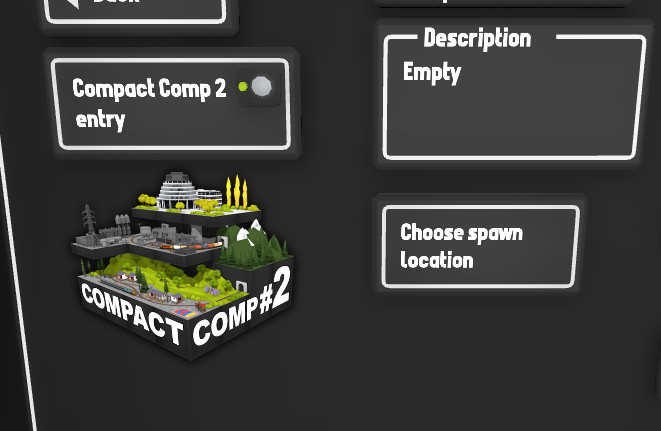
To submit your map (or multiple maps!) simply upload them to the Steam Workshop, and click the "compact comp 2 entry" button when uploading:
You can view all the entries so far by going on the Steam Workshop and selecting the tag for: Competitions -> Compact comp 2
And if you're looking for some inspiration, have a look at the entries for the original Compact Comp!
Prizes
The prizes for this comp are quite unusual... Since I'm about to release the big "Sierra Logging" map, this prize for this comp is to choose an Easter egg to be included in the map!
There will be three winners, and each one can come up with something to be hidden inside the official map. This could be a reference to something you like, or a joke/scene hidden somewhere on the map. There will be some limitations of course, like the Easter egg has to be subtle, and the content has to be something that I approve of. I'll message the winners after the event to discuss what kind of Easter egg they want to add.
I'll be choosing the winners myself based on things like creative ideas, building skill and fitting the theme of the event. Though as usual with these events, afterwards I'll post a ton of shout-outs and honorable mentions as well.
Remember I always play every single entry! So don't feel like you need to make some complex and incredible map to get involved, even just something simple and enjoyable is worth submitting! Creative ideas are always my favorite part, and I'm really excited to see what people can do with the limited space.
Other features of this update
The competition isn't the whole update, there's also a bunch of great new quality-of-life features to make editing maps easier:
Complex selection collision
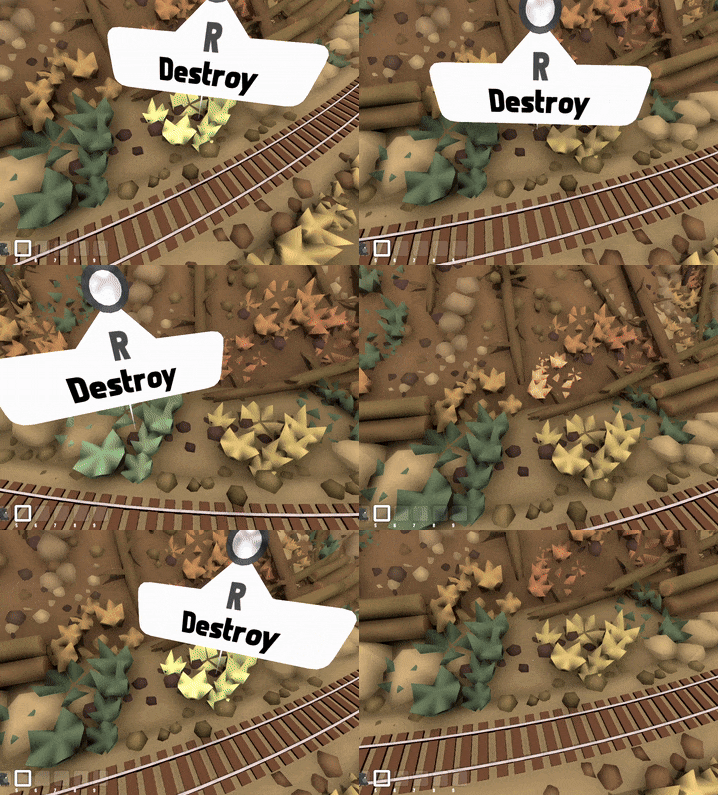
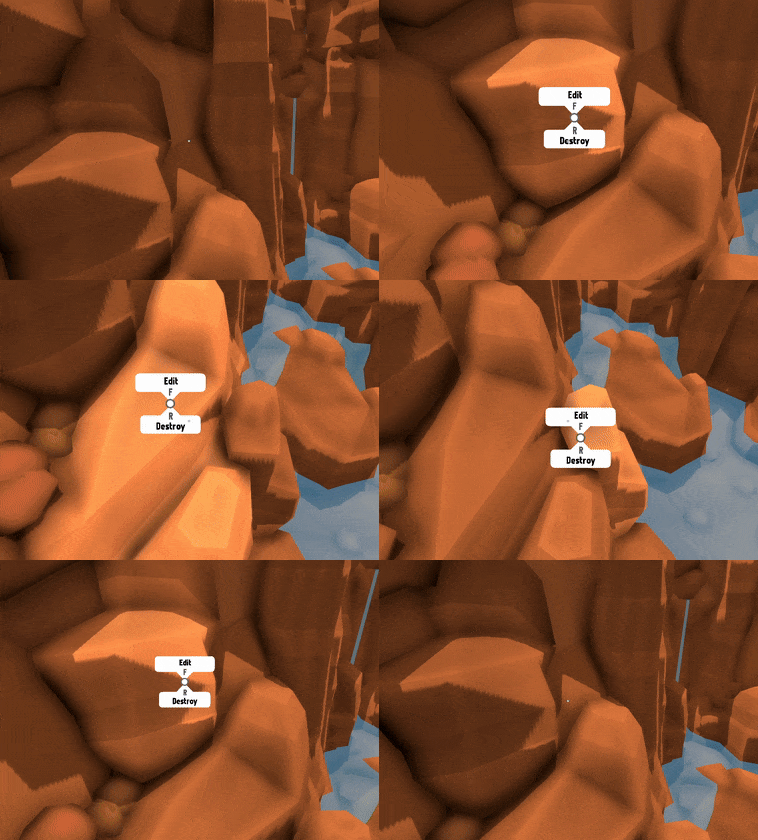
There is now more precise collision detection for selecting some editable props. Have you ever had the frustration of trying to select grass/tress when they are close together and having to wrestle with the prop layering to try and select the correct one? Well this completely avoids that and makes certain props have a super-detailed selection collision mesh when you are close to them! If you point at them from a distance they will still have their normal larger hitbox, but if you get closer they will switch to a more complex hitbox:
2D item hover popup UI
The item hover popup UI is now 2D (flat on the screen instead of a 3D object in the world). You can toggle between 2D and 3D in the options menu, but it is now 2D by default.
This means that the popup hover UI no longer clips into objects and can easily be seen at all times.
Layer overlay for the item in your hand
The item held in your hand is now rendered on its own layer. This means that the item you are holding no longer clips into the terrain when you get close to the map!
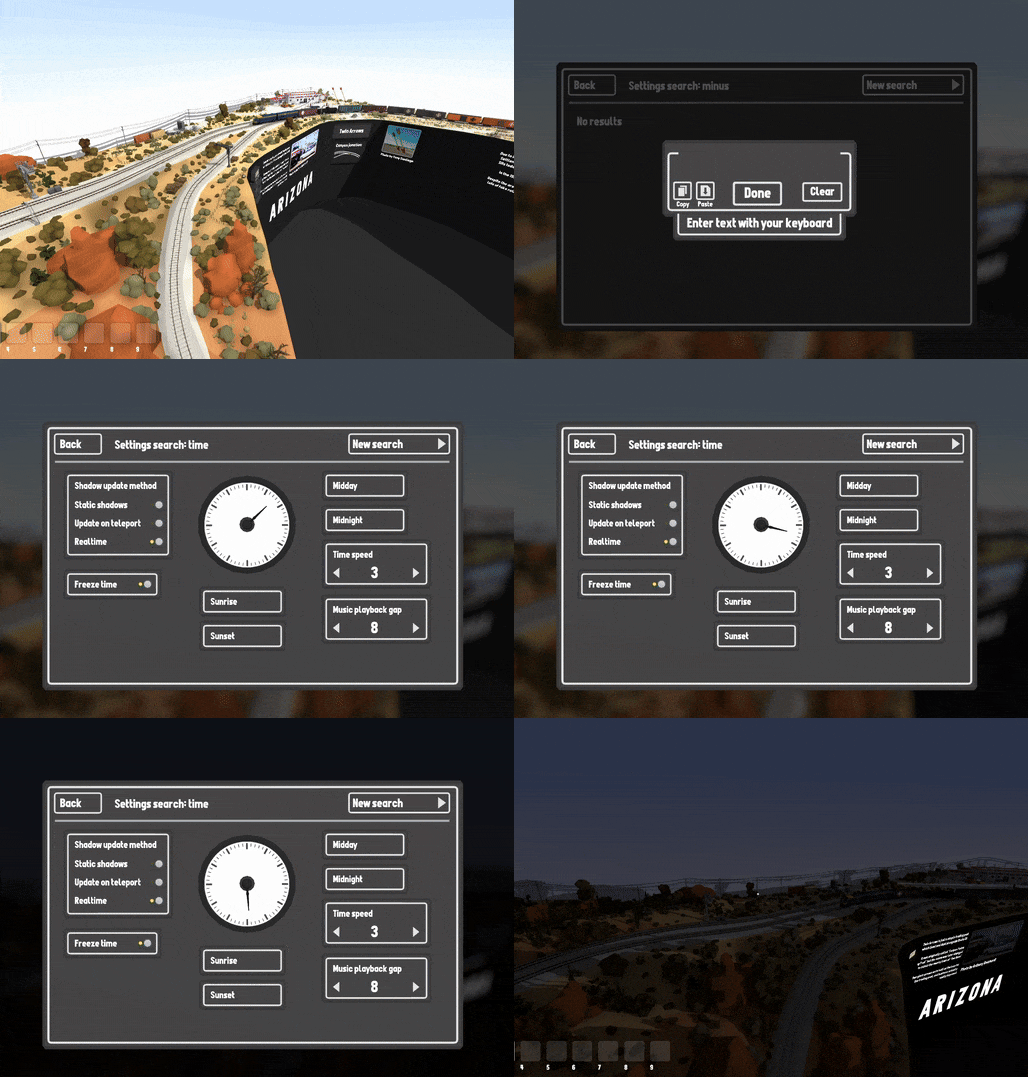
Search through all settings
You can now press the tilde key ~ to open a search window. Simply type in anything to search all of the settings in the game and easily access them without needing to use the main menu!
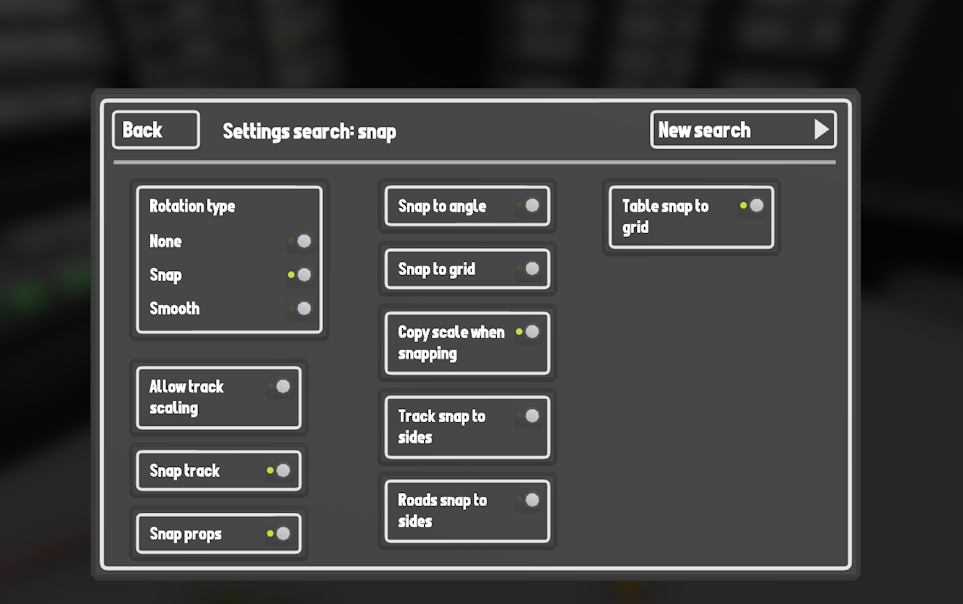
For example, you could type in "snap" to view all of the snapping related settings easily:
Please note you can only use the search feature on PC and when 2D menus are enabled.
Optimized map loading
This update makes some major changes to how the game loads in chunks and makes the whole during-gameplay loading experience WAY smoother. Basically this only applies to when you are walking around the map and loading in new areas, the startup initial map load hasn't changed. The game will try and match your current framerate, so if you're running at 144fps the game will try and stay as smooth as possible to load in the chunks without dropping the framerate (but there will still be some hitching when certain things happen, like enabling the final loaded chunk). Meanwhile if you are running at a low framerate like 20-30fps, it will ignore smoothness and just load in the chunk as fast as possible. Regardless of what framerate you get, moving around the map to load new scenery should appear to load MUCH faster and smoother now!
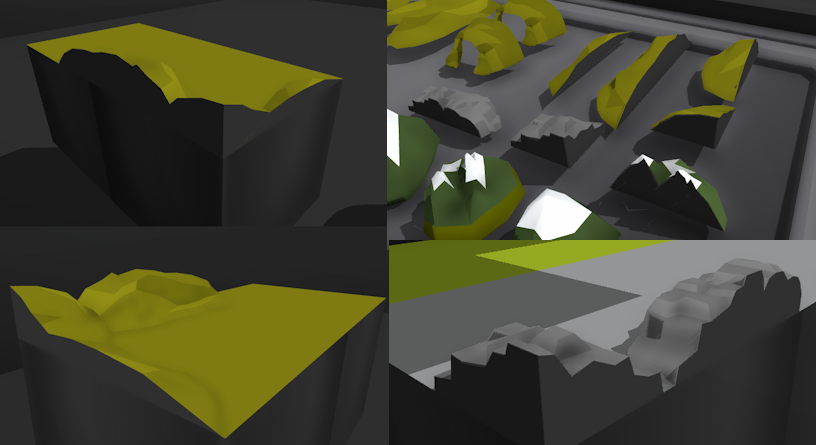
New table-side terrain pieces
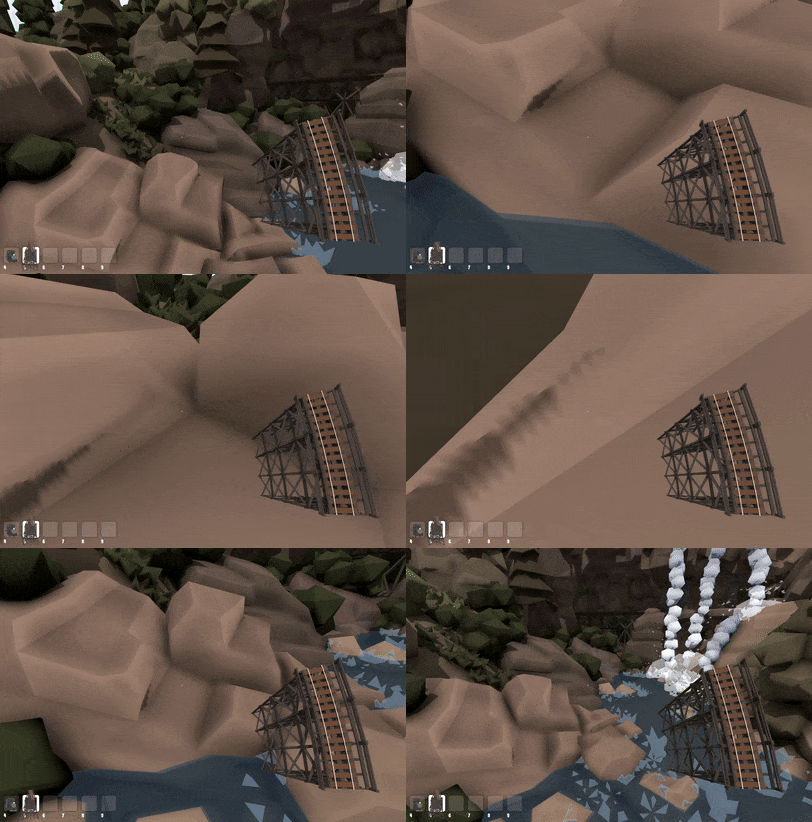
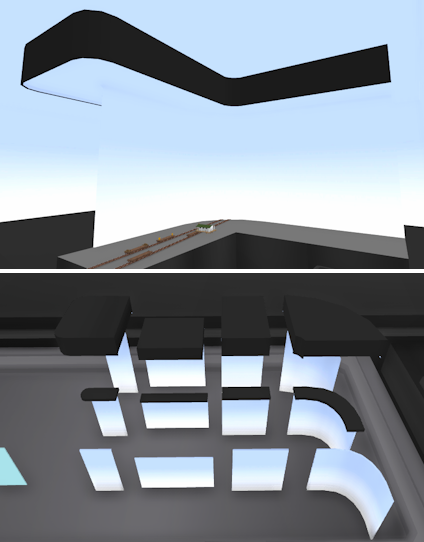
There are now a bunch of terrain props which have a "wall cutoff" included, where the black side of the table cuts the terrain piece in half. This is really useful for making terrain look like it smoothly fits the side of the table!
Other fixes & features:
There is now some text on screen to show if you are currently editing a skybox layer (e.g. large scale only, miniature).
There is now a setting to enable/disable the item hover popup UI in miniature mode.
You can also adjust the scale of the item hover popup UI.
Fixed shadow issues for the rust decals on wagons.
You can now hold backspace to clear all text inside a text box.
Fixed the "fullscreen by default" setting, which wasn't working correctly.
And that's everything! I'm really excited to see what kind of maps people will make for this event, and I hope these new features make the process of editing smaller details much better. I've had a lot of these features on my to-do list for ages so it's great to finally get them done.
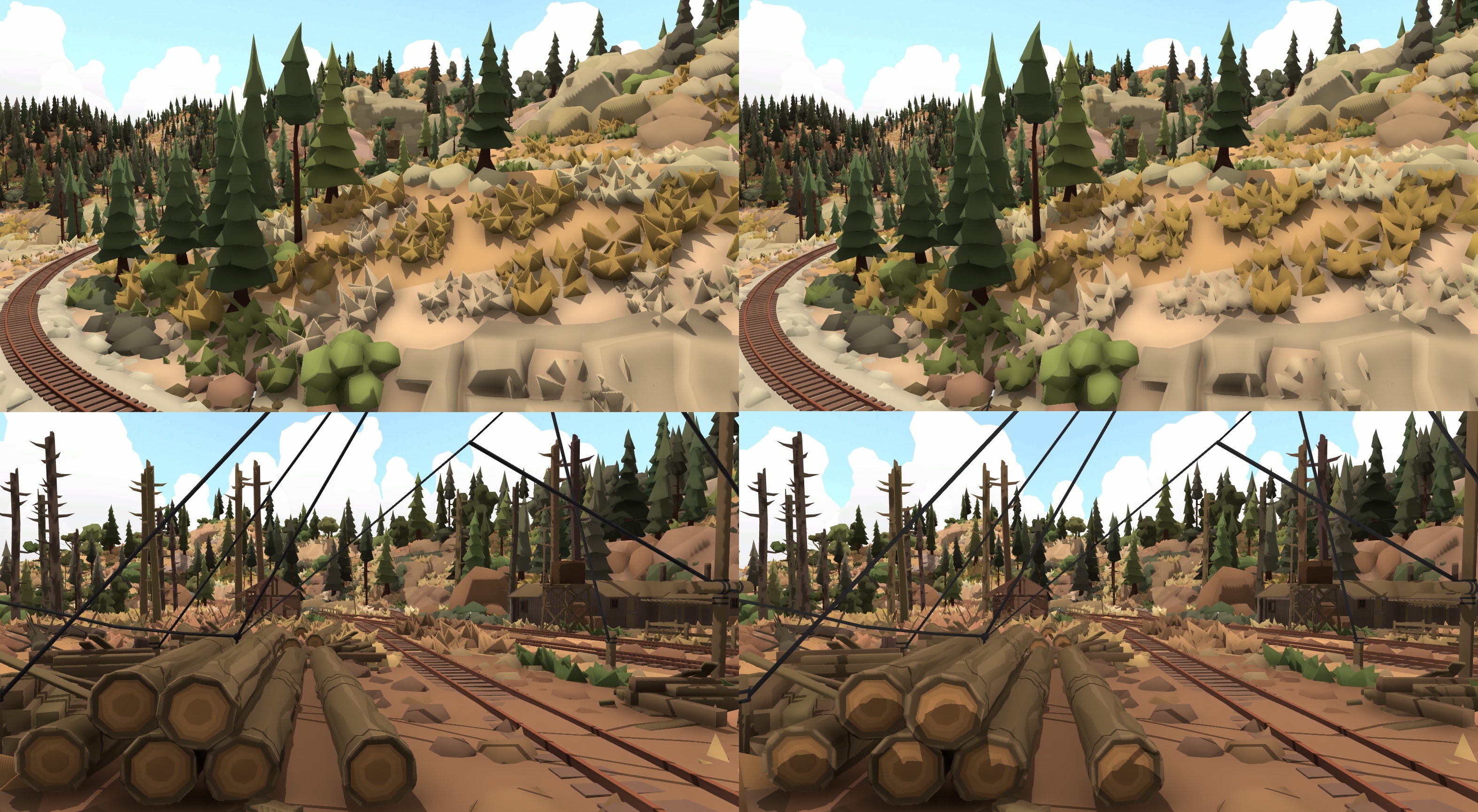
Also, I would love to share some more teaser screenshots for the upcoming Sierra Logging map!
There will be much more news coming about the Sierra Logging map soon!
Crane loaders, log ponds & more! v5.26
Continuing with the theme of the log loaders added into the game, this update adds some more!
A long pond unloader
An alternative larger log loader
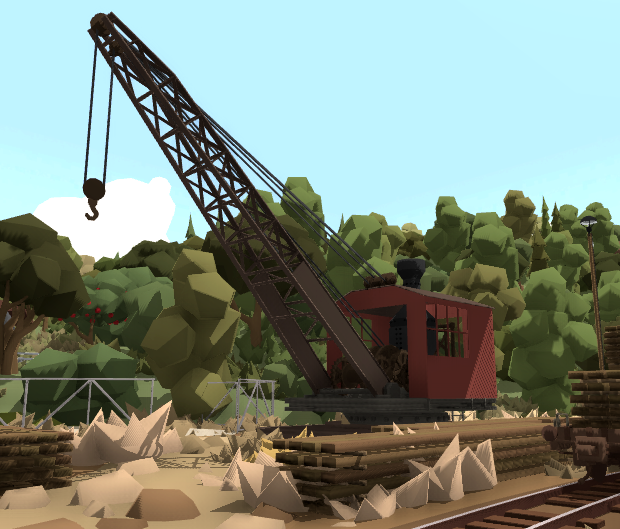
A crane for both loading and unloading
And in addition to those, it also adds a bunch of new features:
Shadow graphics improvements
Ability to enable/disable shadows for individual props
Physics based logs you can push around
More graphics settings
Levers to control whether loaders/unloaders are enabled or not
Several more minor features and fixes!
Firstly, the new log pond unloader
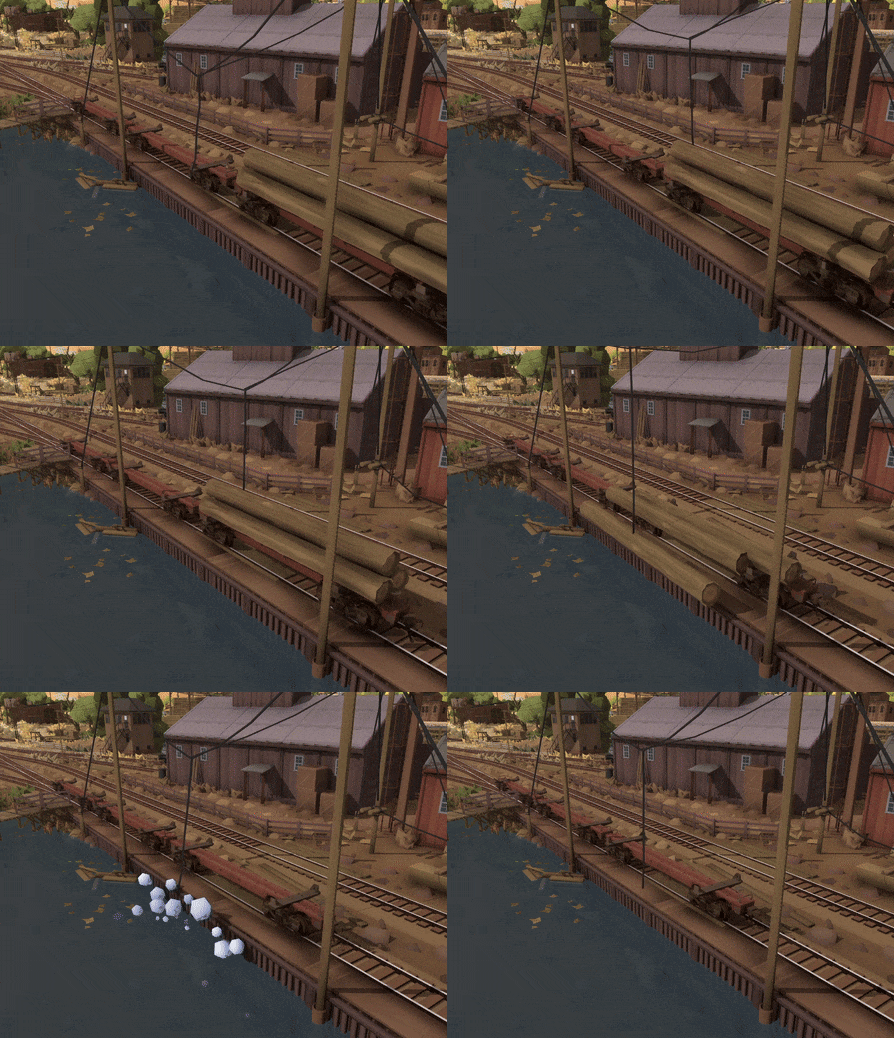
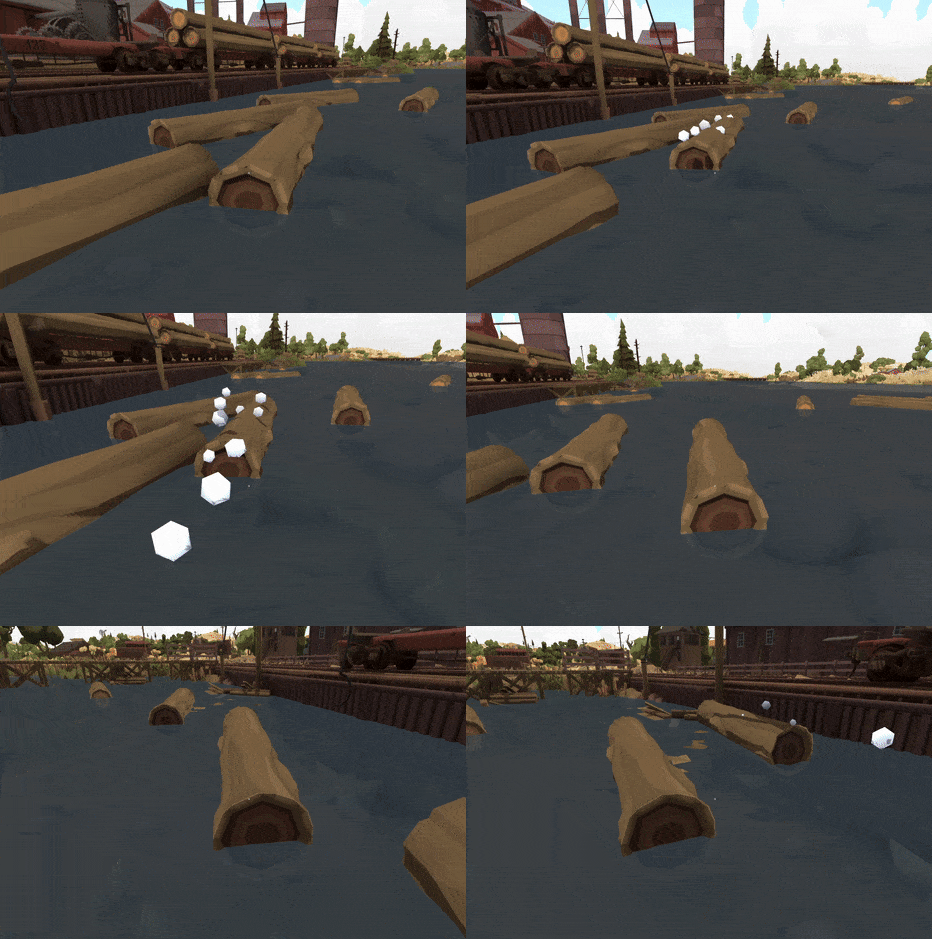
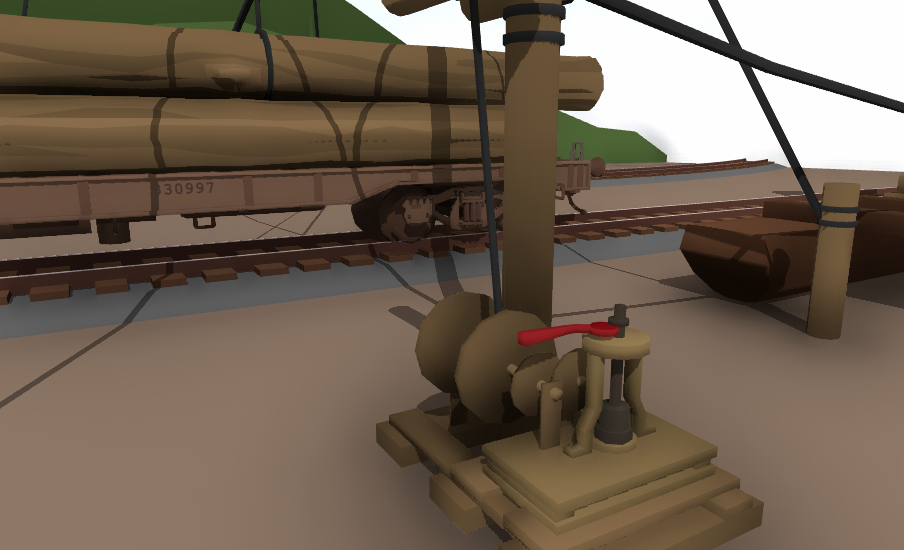
There is now a new animated unloader prop which dumps logs off freight cars! When logs are brought into a lumber mill they are usually rolled off into a log pond, where they are stored and eventually pushed around and fed into the "green chain" up into the lumber mill saws.
This update also adds a physics-based log prop which you can literally click on to push it around!
Crane loader/unloader
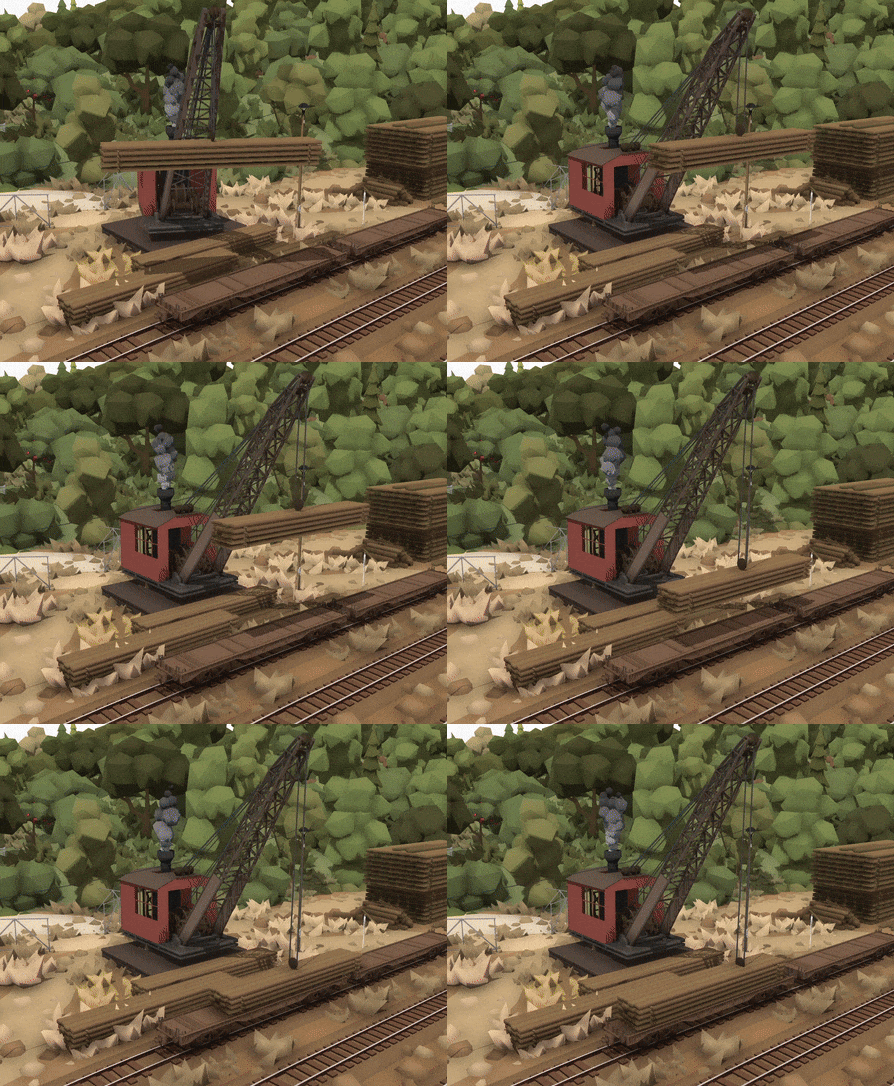
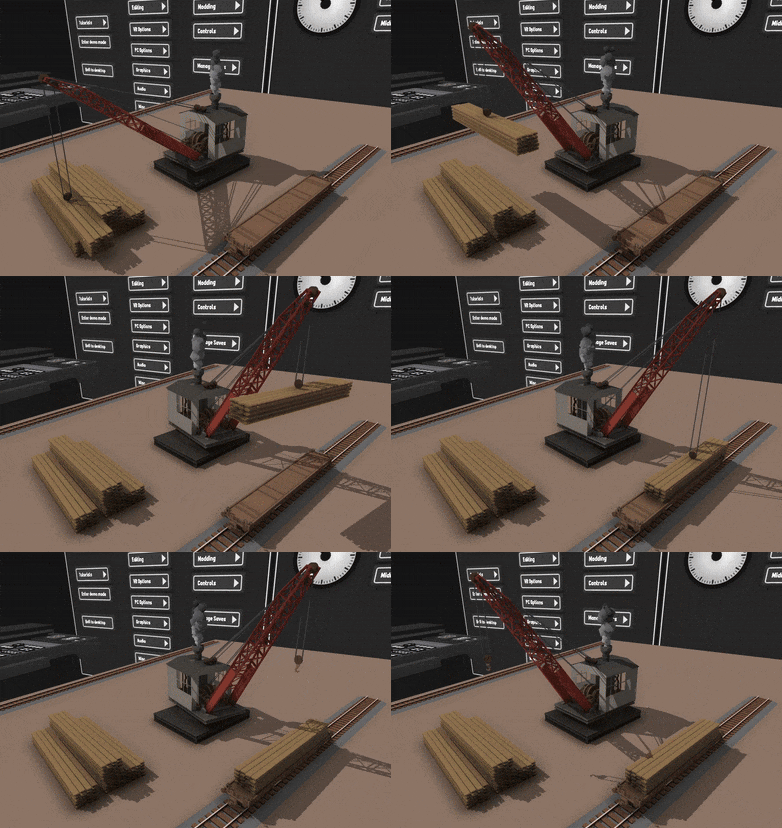
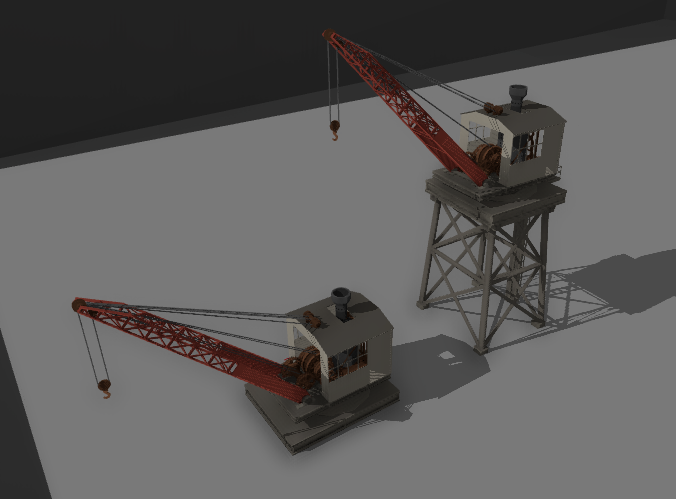
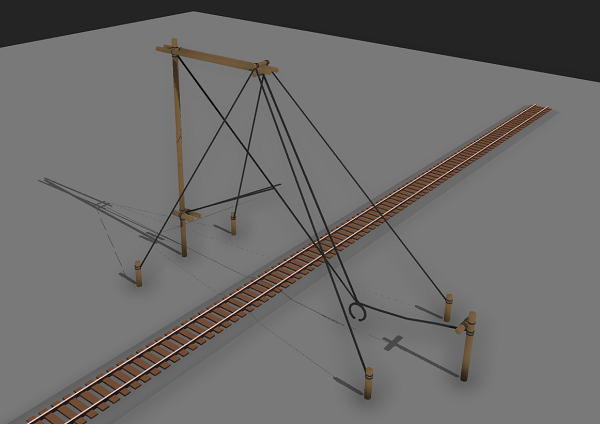
There is now a fully animated crane which can be used to load and unload freight. You can put any prop you like into this!
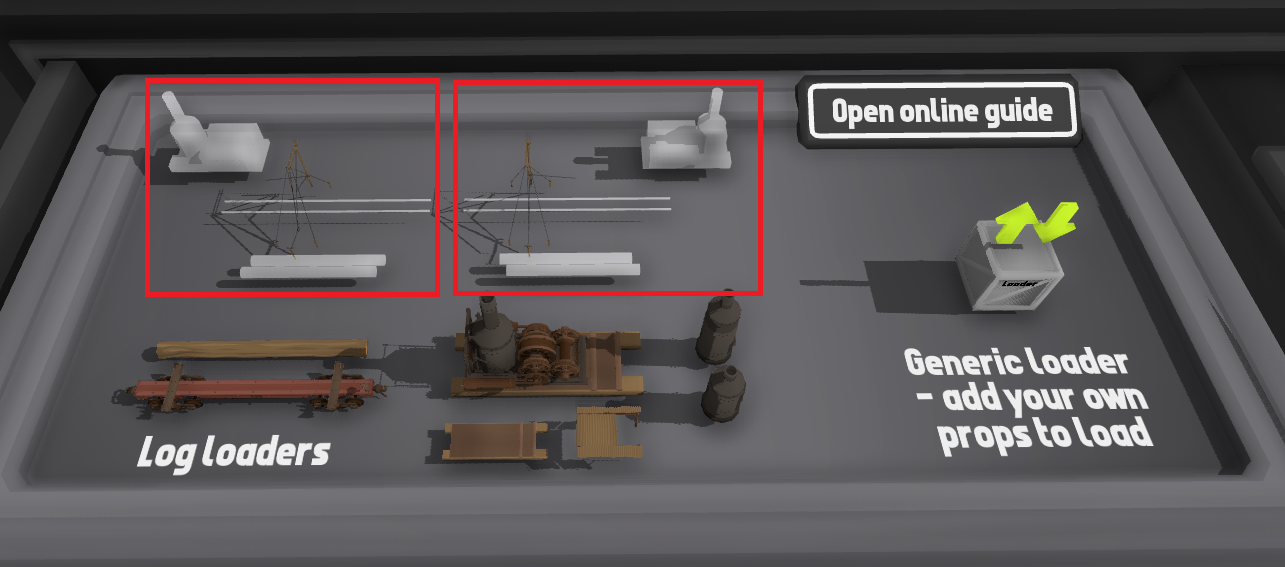
There are two versions, one at ground level and one elevated off the ground:
Alternative larger log loader
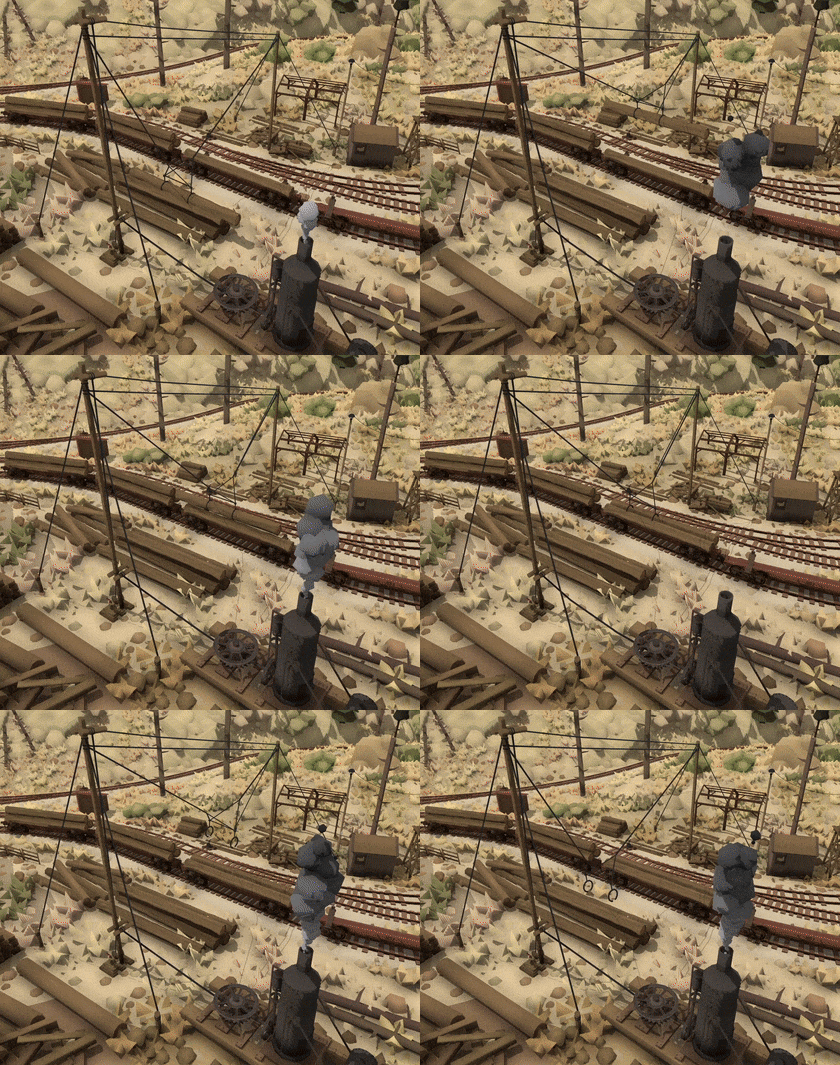
There is also another alternative log loader prop which fits over two tracks and has both the log pile and donkey steam engine on the same side:
Leavers to enable/disable loaders
You can now control whether a loader/unloader is enabled or not. If you click on this lever (which you can find on each loader prop) it will enable/disable the loader. While the loader is disabled, it won't automatically load freight wagons until you enable it again.
This is great for when you want to push a wagon in to place, then start loading it manually:
New shadow graphics changes
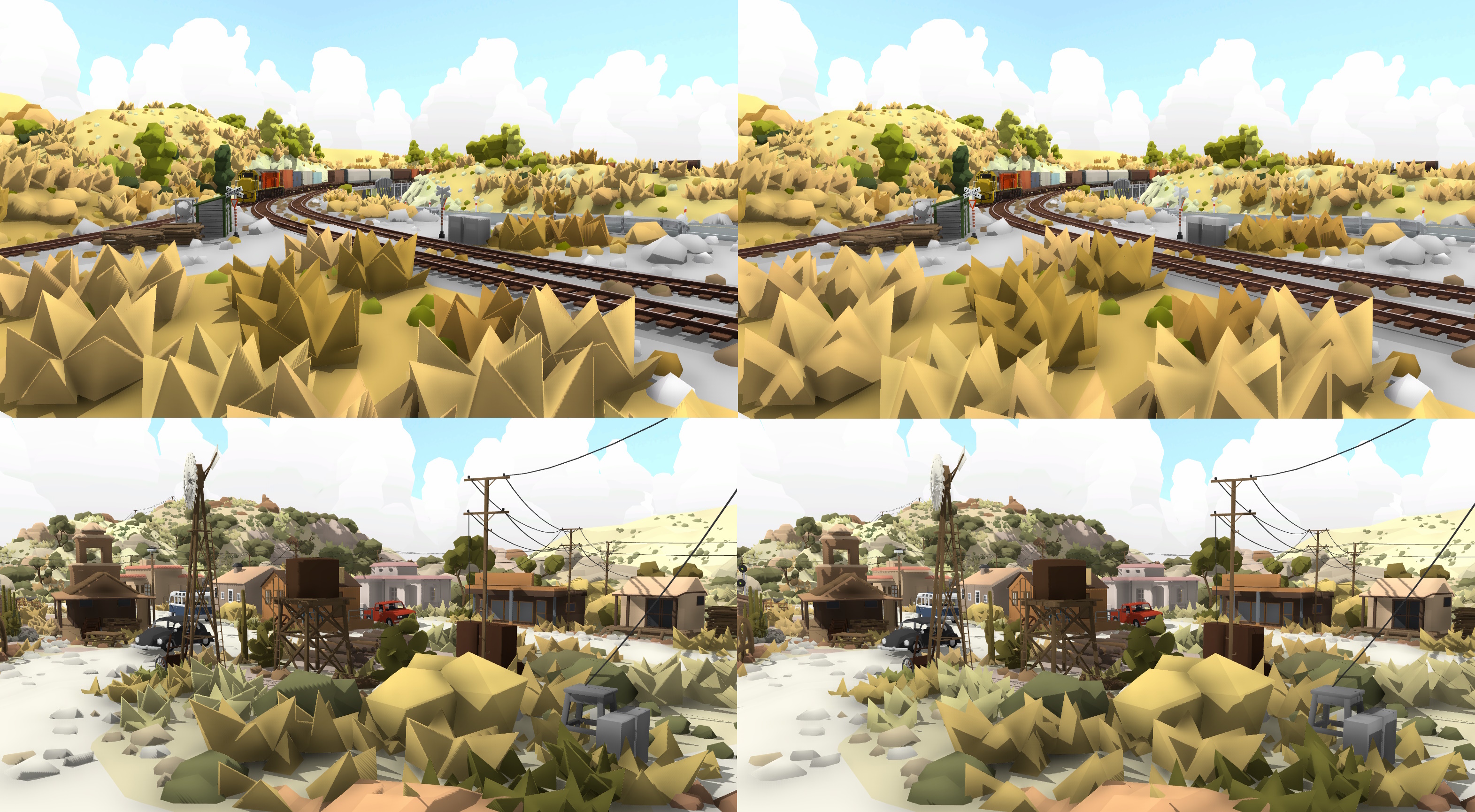
Many people have pointed out that the shadows in Rolling Line behave in a rather unusual way, where shadows feel a bit "detached" from the object that is casting them. This was originally a visual style choice, since it makes objects look softer and less hard-edged. But the overall consensus is that the game seems to look better without this effect, and instead having the sharper shadows that you would expect from most games. So I've made the shadows look sharper by default now:
left = sharper shadows (new), right = softer shadows (old)
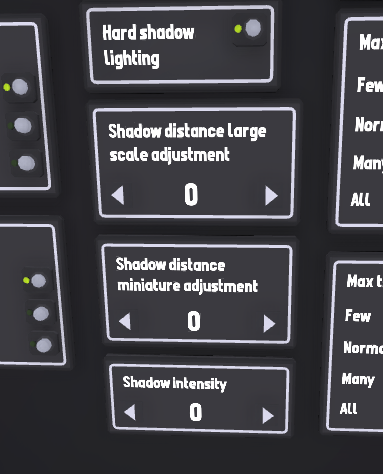
You can still change the shadows back to how it was before this update if you like, you can find this setting in the "Pause menu -> Graphics -> Lighting" menu, along with some more shadow settings:
You can now extend/reduce the default shadow distance for both large and miniature independently
You can change the intensity (darkness) of shadows
With this new shadow style a few other changes have been made to suit the new lighting:
Flat objects like road markings & decals no longer cast shadows
The "ground" terrain pieces (used for making pathways and such) also don't cast shadows by default
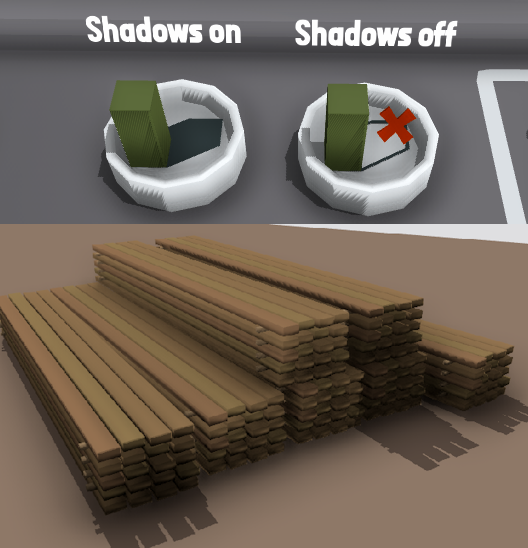
Painter to enable/disable shadows on any prop manually
Along with the new shadow graphics settings, you can now use a new painter to manually control shadow casting on individual props. Just like other painters, you simply click on the prop you want to change with either the "shadows on" or "shadows off" painter. You can find these new painters in the "Room -> Advanced" drawer:
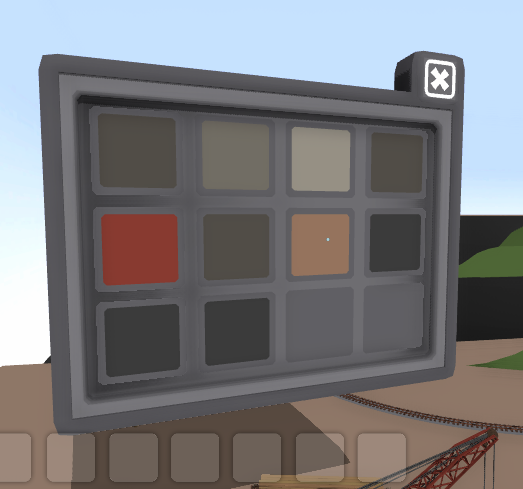
More multipaint slots
The maximum multipaint slots for props has been extended all the way from 4 to 12! This means prop mods can now use up to 12 paintable mesh slots:
Depth of field effect when using 2D menus
This is just a simple visual effect, but it makes the 2D menus look so much nicer!
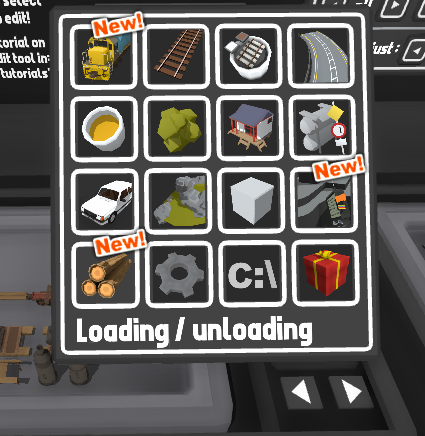
New drawers category for all loading/unloading props
All of the loading/unloading props have been moved to a new drawer category (the one with the log stack for an icon):
Other minor features and fixes:
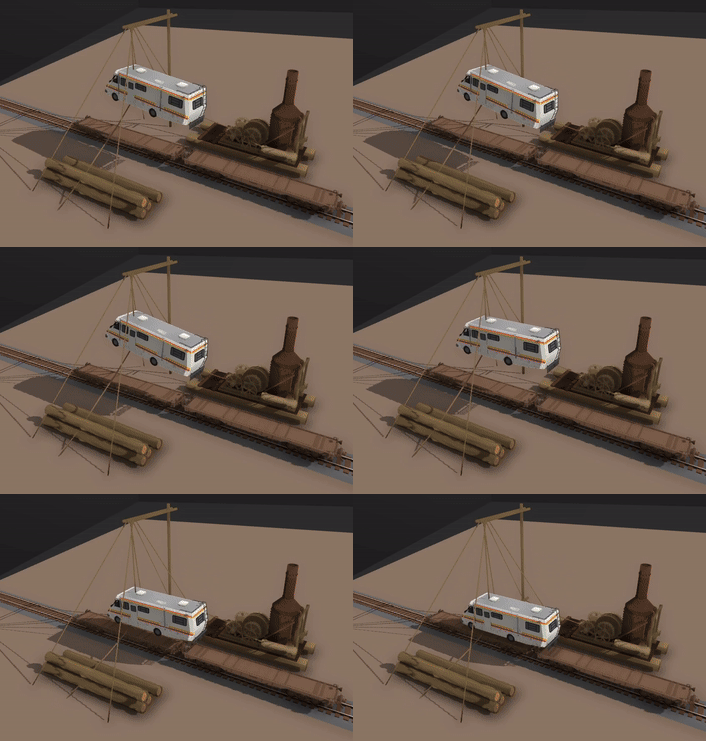
There is now a setting in the freight load display menu on wagons to control whether loaded props play animations or not. This is useful for things like loading the steam donkey on to a flatcar, since you wouldn't want the animation to play.
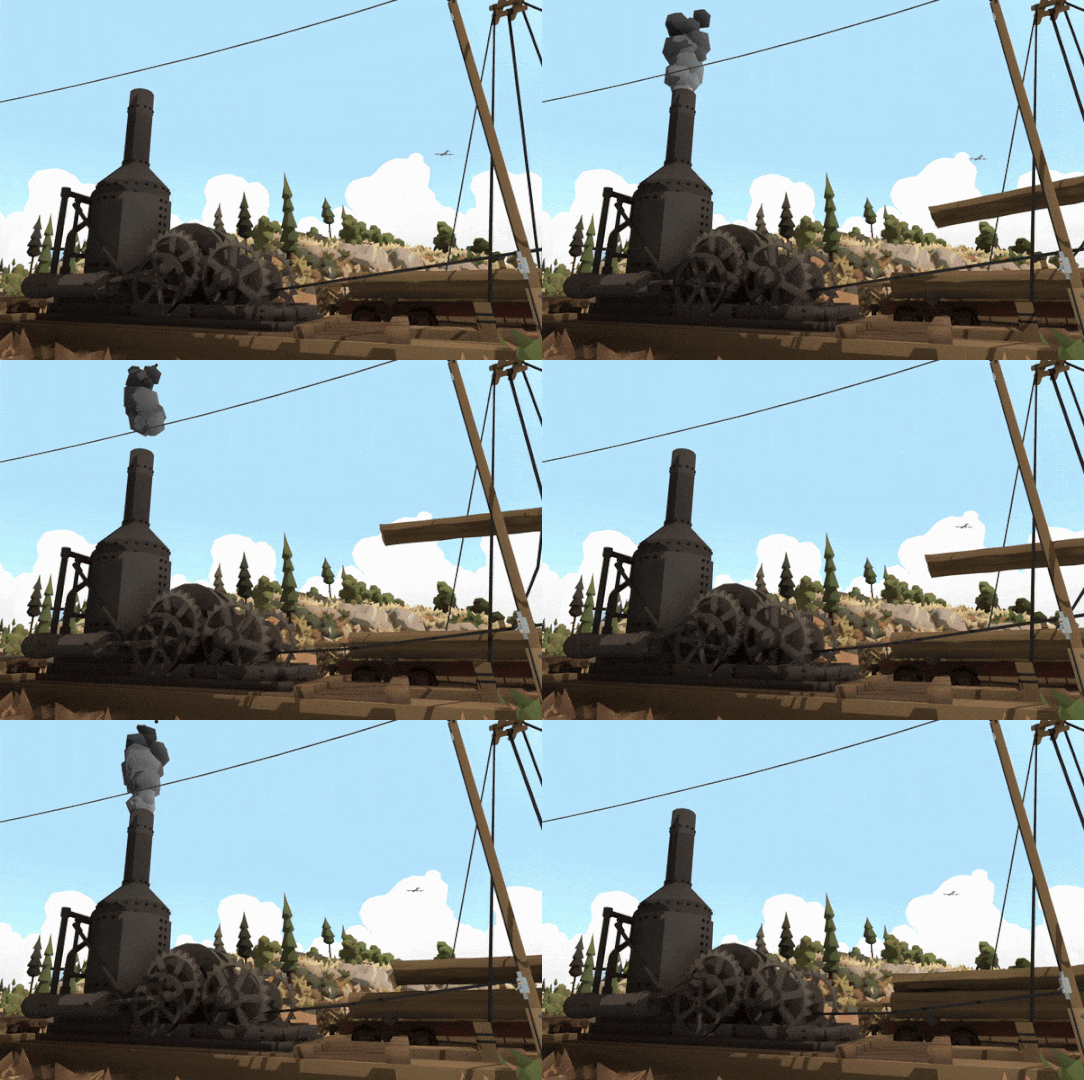
Fixed the gear rotation angles on the steam donkey animation.
Fixed the switchboard spawn location on the Shay locomotive.
Fixed glitch where wagons would "snap" their rotation when the player steps on to them sometimes.
The "heavy rain" weather preset now includes a strong wind as well.
Fixed bug where the shay would emit a bit of smoke when first spawned.
And that's everything! Lots of stuff packed into this update, you can probably tell that I'm wrapping up all of the final features required for the big Sierra Logging map! The map isn't far away, and I'm hoping to release it within the next 2 months, and there will be more info coming as it gets closer to release.
But in the meantime, please enjoy all the new stuff!
Shay locomotive! v5.25
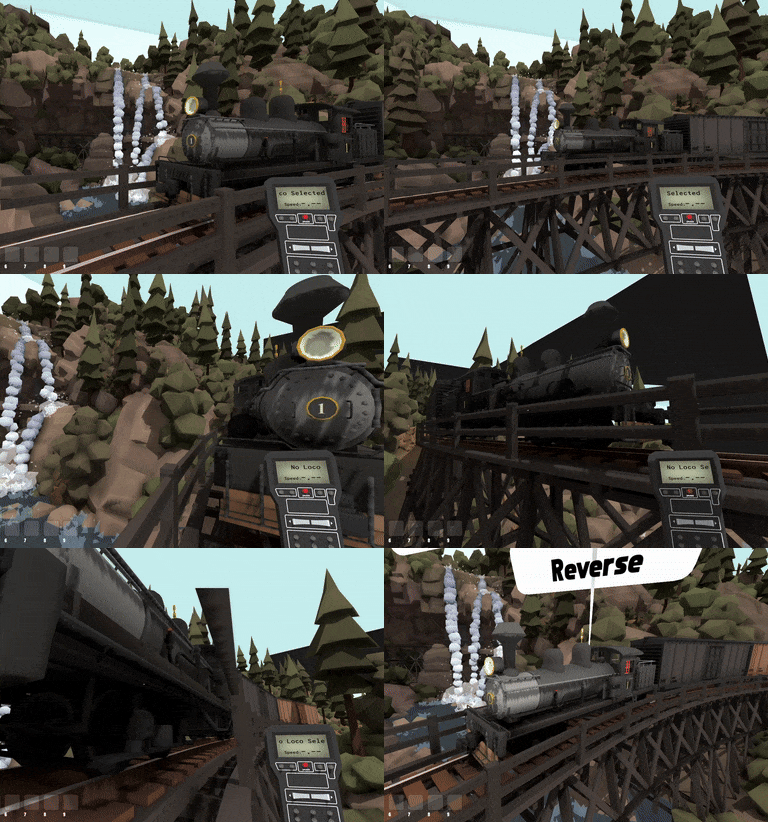
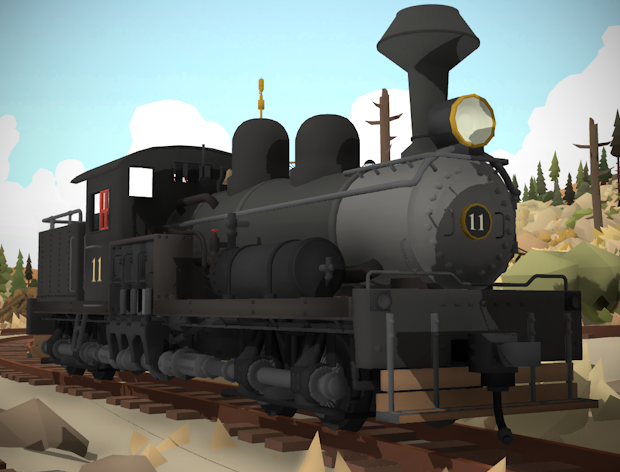
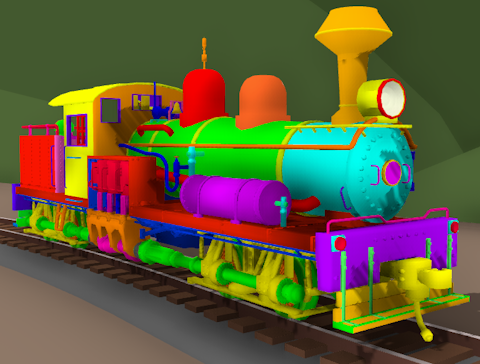
This update adds a new official steam engine to the game: the Shay! With the upcoming Sierra Logging map, there's no way that the game couldn't include the most iconic locomotive of the American logging industry.
The Shay is especially designed for steep gradients and sharp corners, prefect for the tight complex railway lines used for logging in the hills.
The best thing about the shay is its unique gear system!
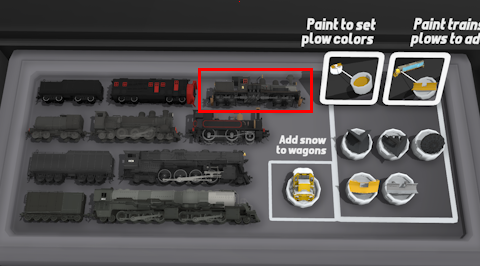
You can find the new locomotive in the "Trains -> Steam" drawer:
This official Shay model is built upon the amazing community-made mod by:
HuskyDynamics & Globin347!
Massive thank-you to both of them for their incredible work! https://steamcommunity.com/sharedfiles/filedetails/?id=2962779184
The official version has some additional details, effects and a different livery template.
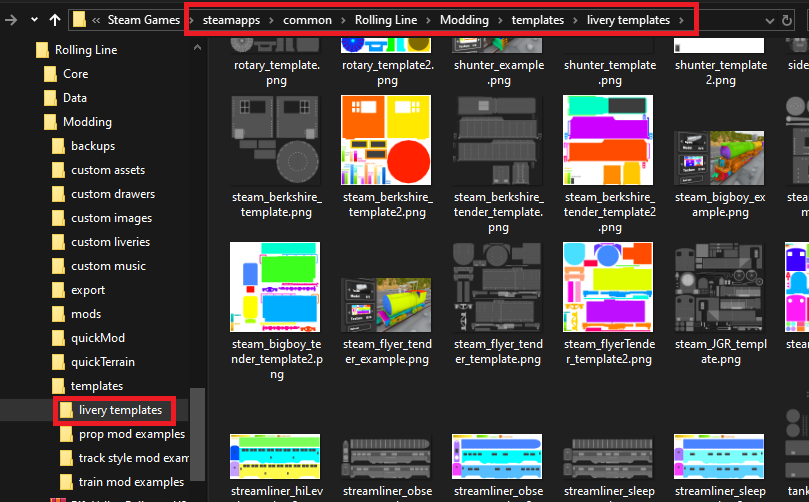
You can find the livery template along with all the other official liveries, in the "Rolling Line -> Modding -> templates -> livery templates" folder:
Creating your own liveries
Making liveries is easy! All you need is basic image editing software (even MS Paint is fine). There's a guide here on Steam that explains how to make your own liveries!
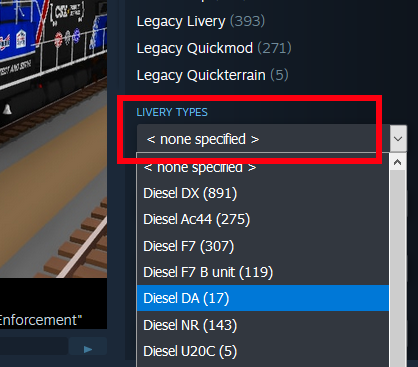
You can find other people's shared liveries simply by going to the Steam Workshop and using the “livery type” drop-down list:
New steam donkey
This update also adds a new variant of the steam donkey prop. These older (and smaller) donkeys were often used for more light-weight jobs like skidding logs, while the newer more powerful ones were used for loading logs on to wagons.
Small details view distance LOD
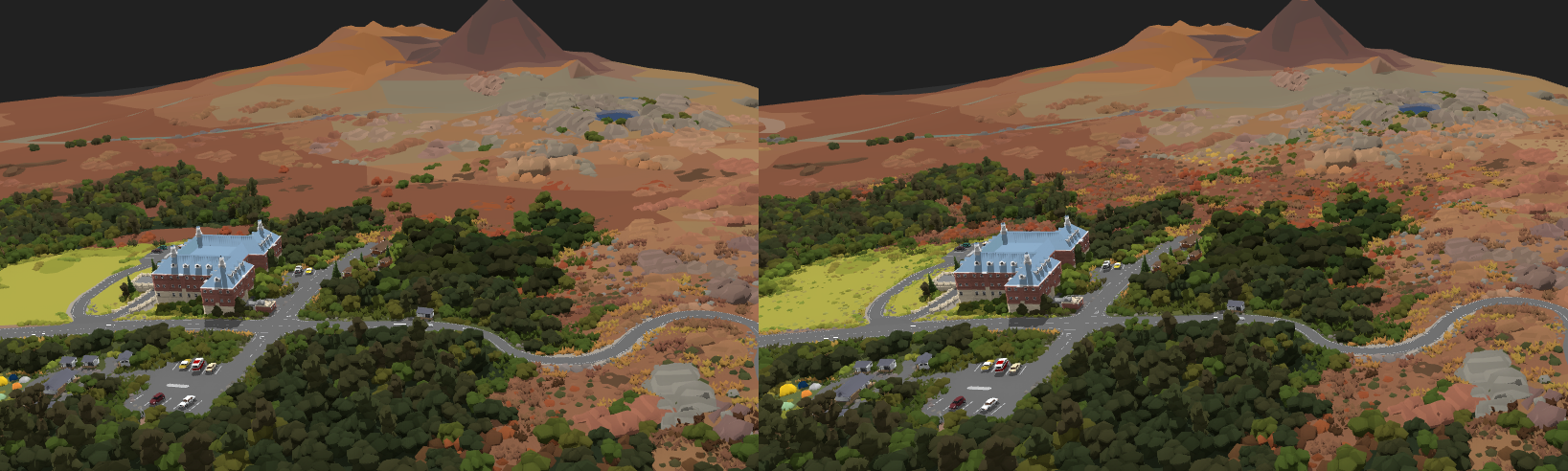
This update makes some minor changes to the LOD (level of detail) system. Some smaller props like grass, rocks and bushes now have their own view distance layer which will be hidden at a closer distance than other props. This means an improvement in performance since details like grass don't need to be rendered at such a long distance. You can disable this setting if you want in the "Pause menu ->Graphics -> advanced" menu.
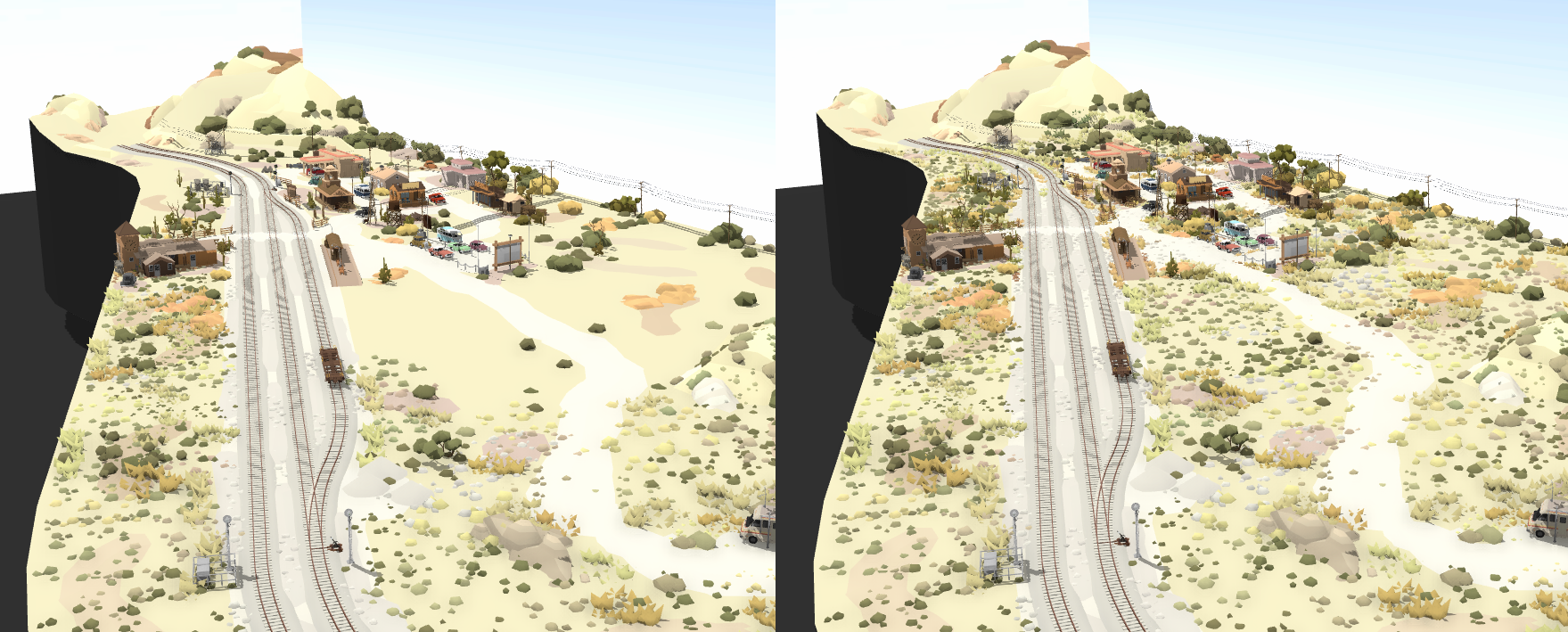
Here is an example of the effect in action (left = optimization on, right = optimization off):
New "cylinder chug alt" mod particle preset
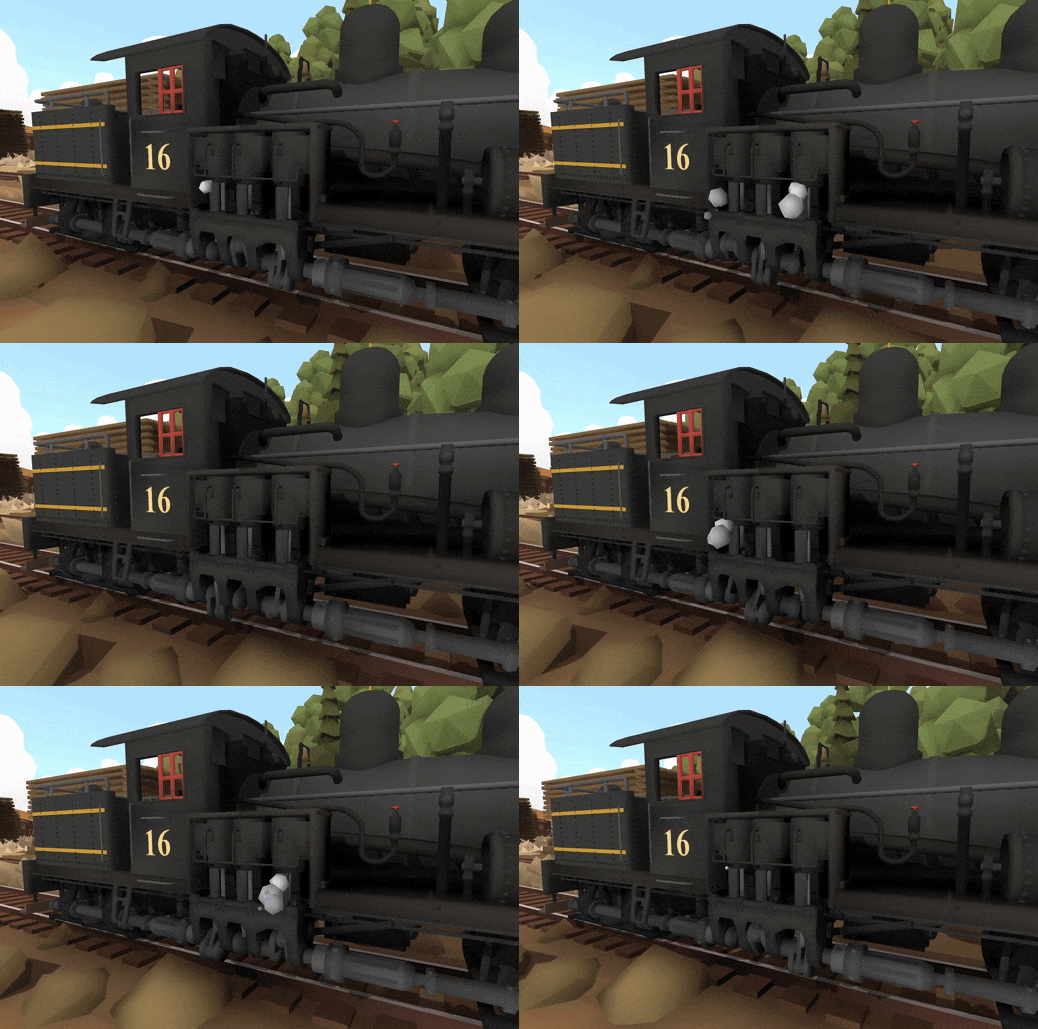
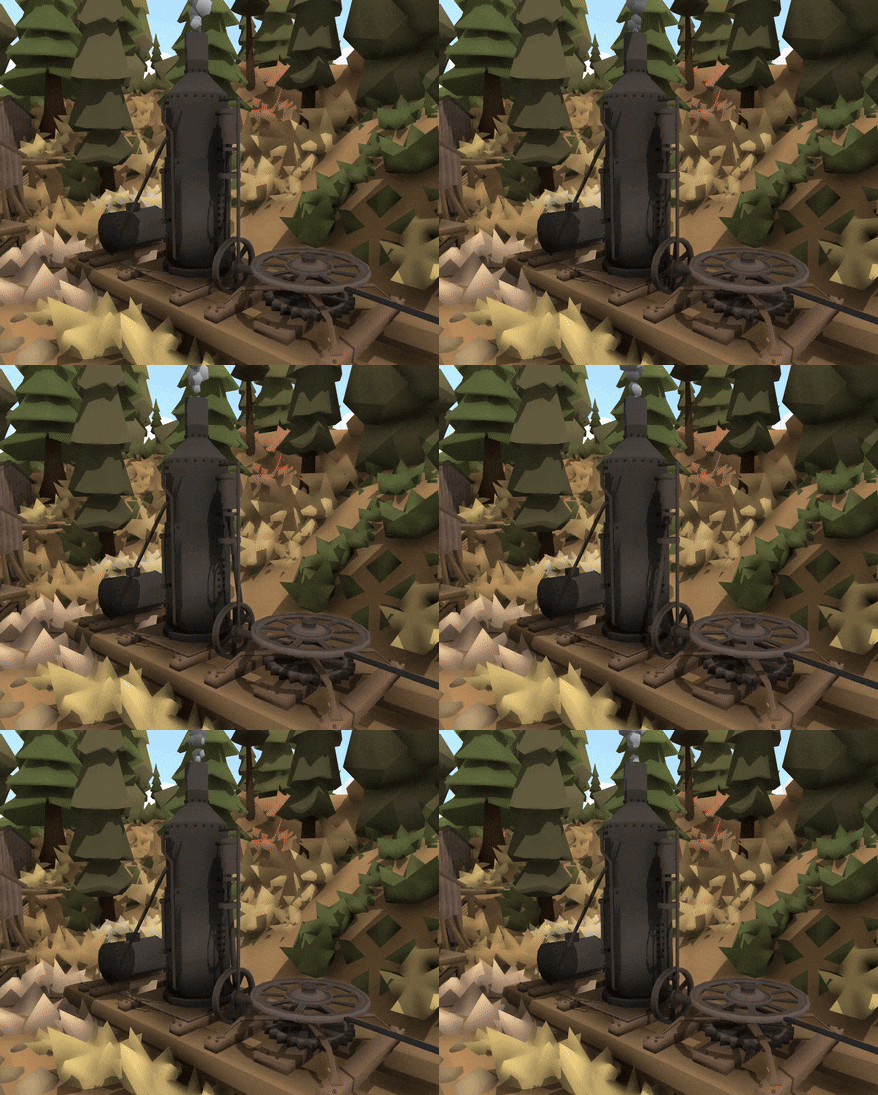
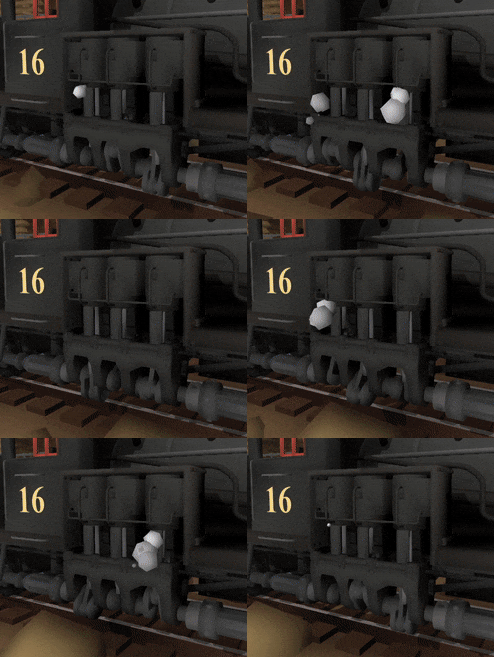
If you look at the GIF of the Shay's pistons you can see that there are two different particles which "chug" at alternating times. The mod system now has the option to make a "cylinder chug alt" particle to use this effect. They will simply emit particles at alternating times from the normal ""cylinder chug" particle preset.
And that's everything for this update! It's been a while since there was a steam engine added into the game, and this is a really fun one. The Shay is a personal favorite of mine and it's so exciting to finally have it in the game. The Sierra Logging map is nearing completion, and there will be lots of news about it in the coming month, so keep an eye out for that.
In the meantime, have fun with the new Shay engine!
Lumber loading! v5.24
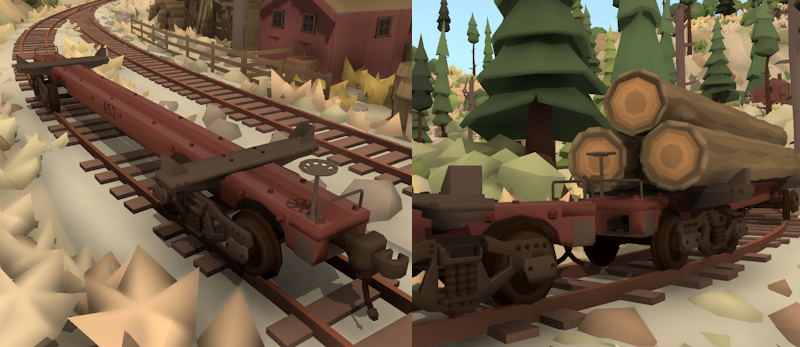
Continuing the theme of freight loading from the last update, this next update focuses on the lumber industry and adds animated machinery for loading logs on to freight wagons!
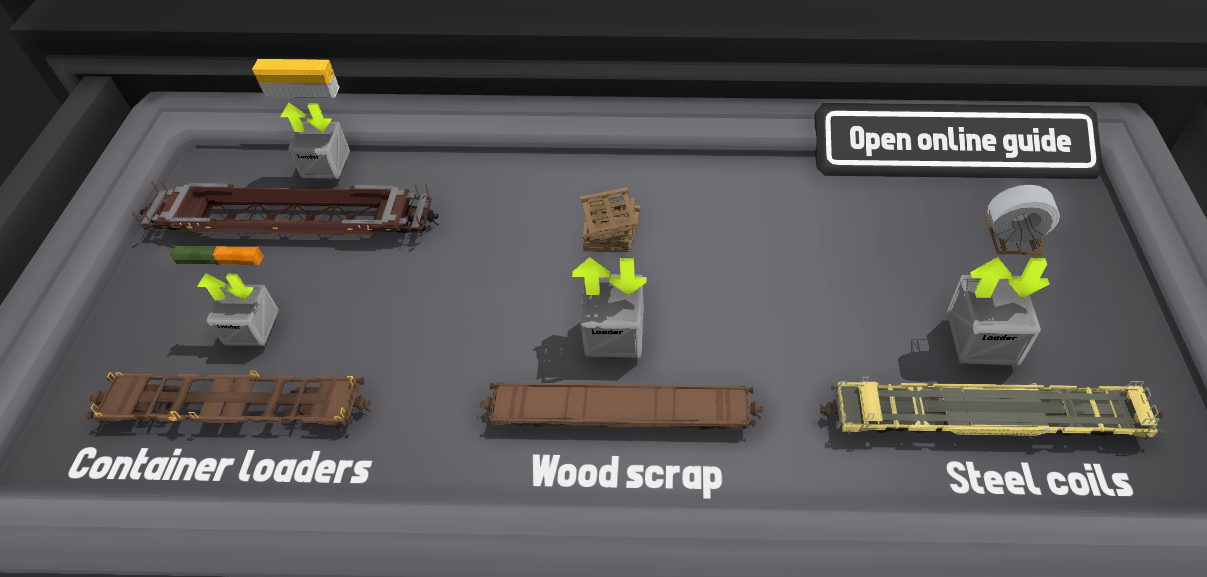
This update also includes "steam donkey" engines, a new skeleton log car, and automatic loading/unloading functionality for any props you want.
Automatic loading & unloading
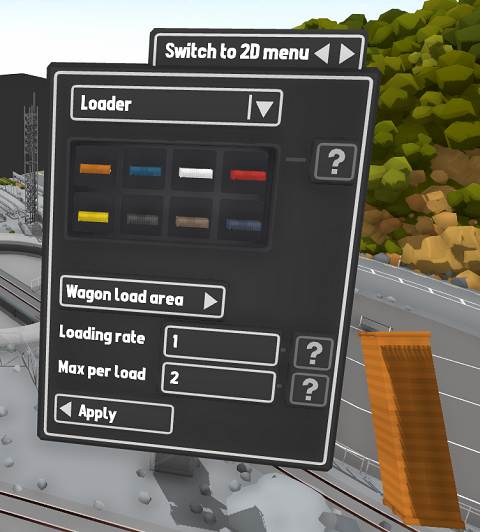
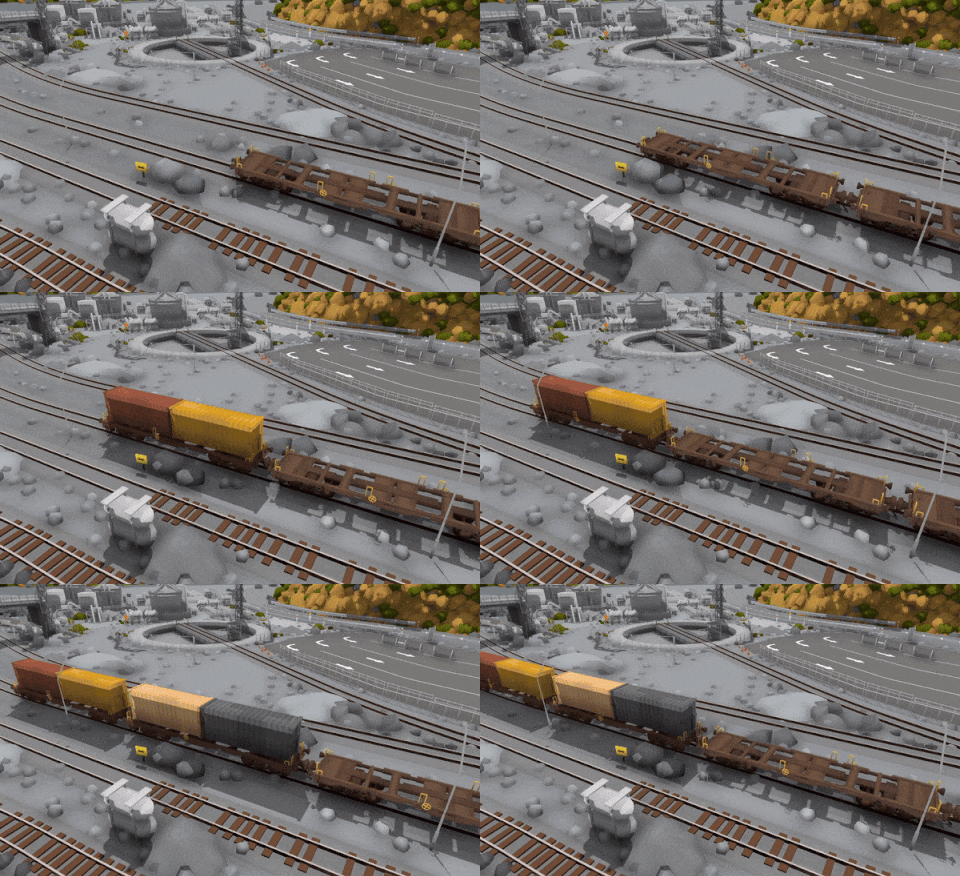
There is now a feature to automatically load freight wagons in a chosen location with props. You can place a "loading source" prop on your map (e.g. next to the tracks in a yard) and then choose which props you want the loader to add. When empty wagons move past, they are loaded with a random prop from the chosen list. You can also make these into "unloaders" as well, and they will remove props instead of add them.
Animated lumber loading
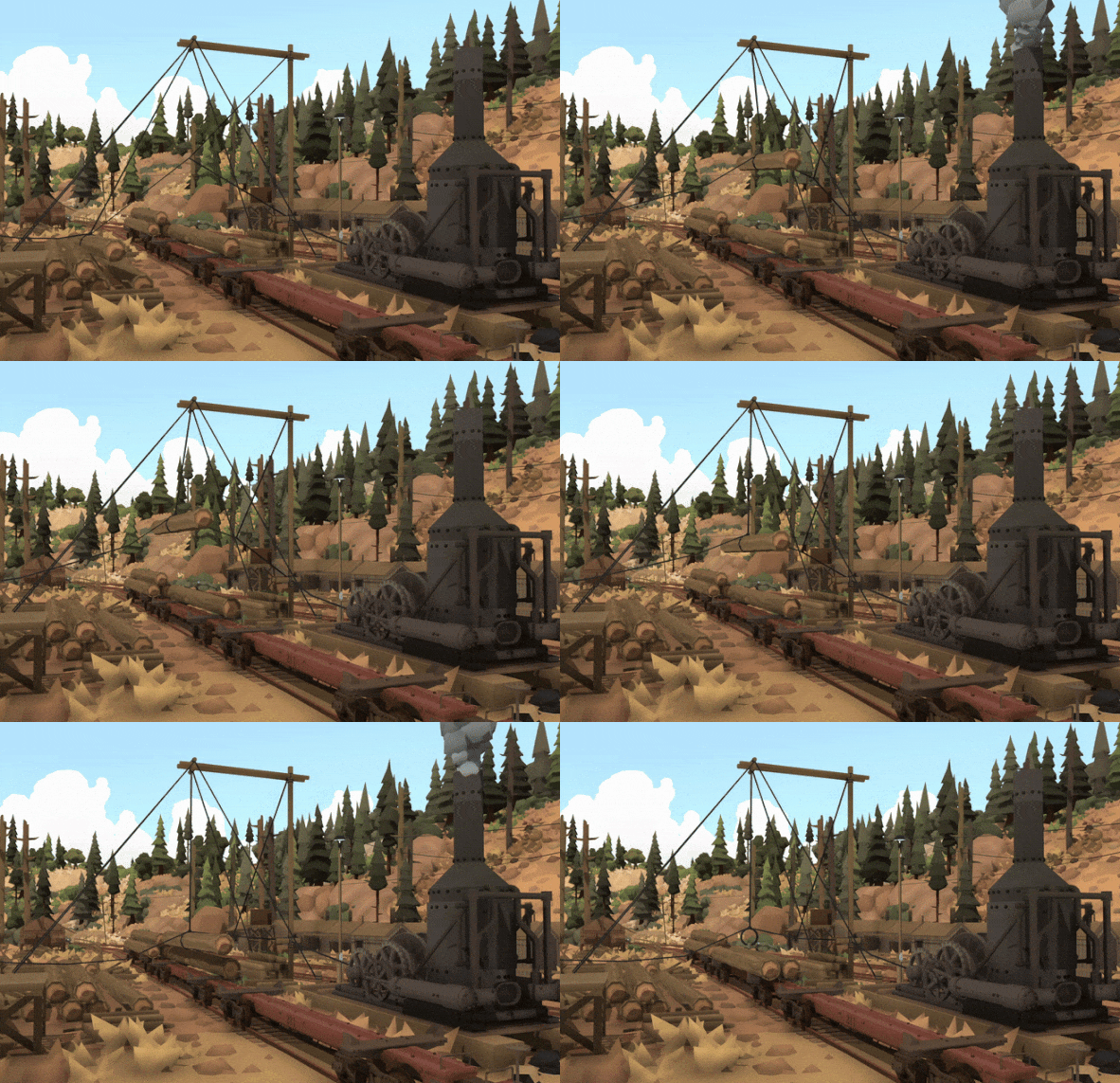
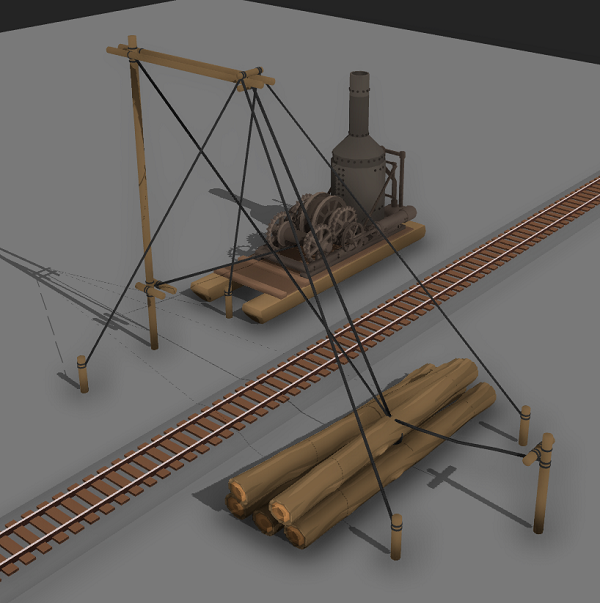
This update focuses on the lumber industry, so of course there's a unique loader/unloader prop for loading logs! Simply place the prop on to some track (it snaps on to track) and it will automatically load any empty wagons that support freight loading.
You can also switch it over to an "unloader" instead, and the animation will pick up and remove a log from the wagon instead of adding one.
These loading props are in the "trains -> loading/unloading" drawer:
These loaders aren't just limited to logs though! You can put whatever props you like in there:
Steam donkey engines
In addition to the loading machinery (pulleys and ropes) you can also add an animated "steam donkey" engine to complete the scene!
These steam donkeys were incredibly common in early steam-era logging around America (and a lot of the rest of the world). They are a very portable and useful small steam engine, and they were used for pulling logs along the ground as well as loading them on to wagons.
The steam donkey prop snaps on to the log loader prop, and as long as it's close enough to the loader prop it will automatically play animations in-time with the loader!
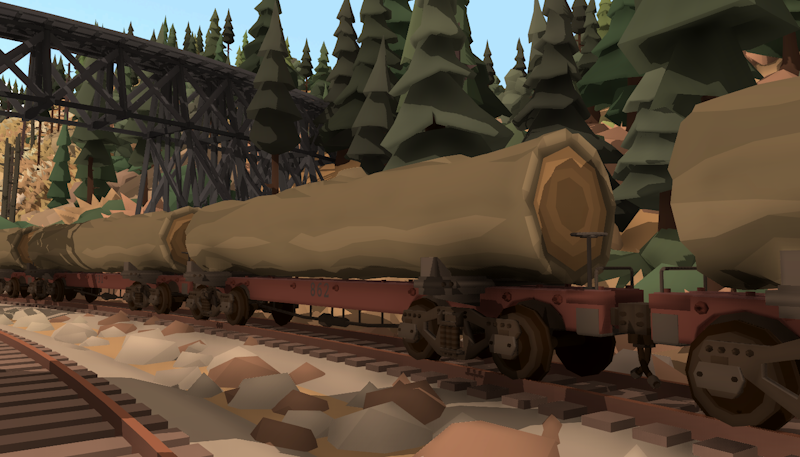
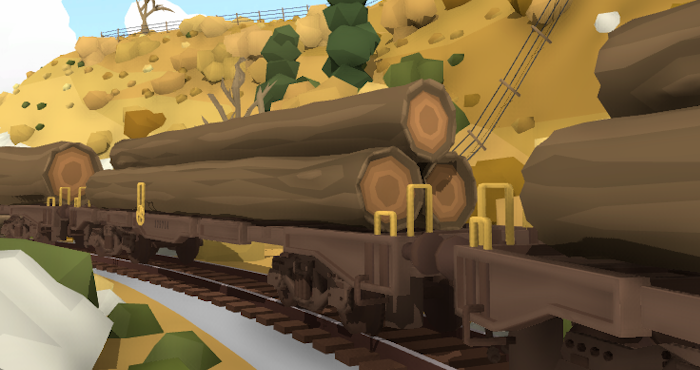
Skeleton log wagons
This update also adds a new "skeleton" log car, another very common sight in the logging industry. You can find this new wagon in the "trains -> USA freight" drawer:
Vehicles with display points
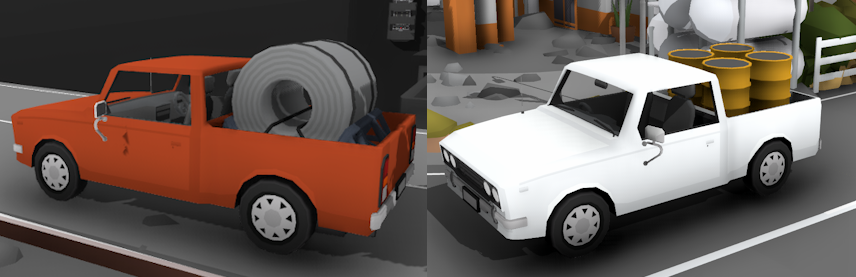
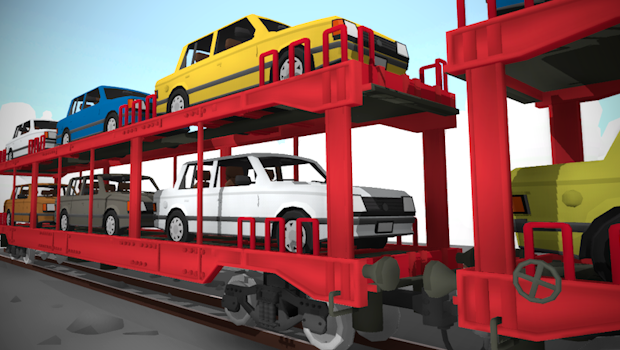
All of the road vehicles have freight load display points now too!
Other fixes & features:
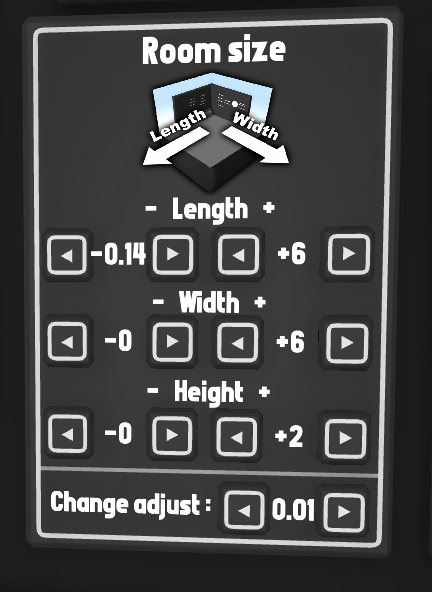
fine-tuning room bounds
You can now change how large the adjustments that the room bounds buttons make. This means you can make smaller adjustments, like 0.1 and 0.01.
Snappable shipping containers
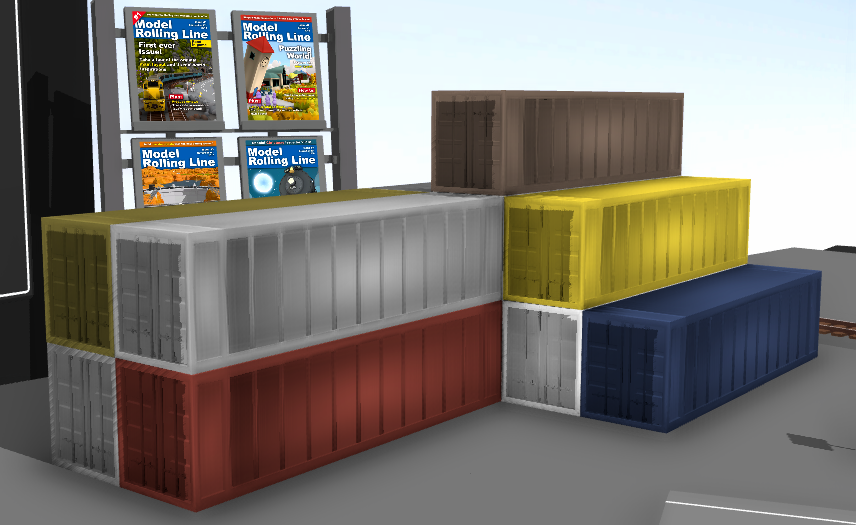
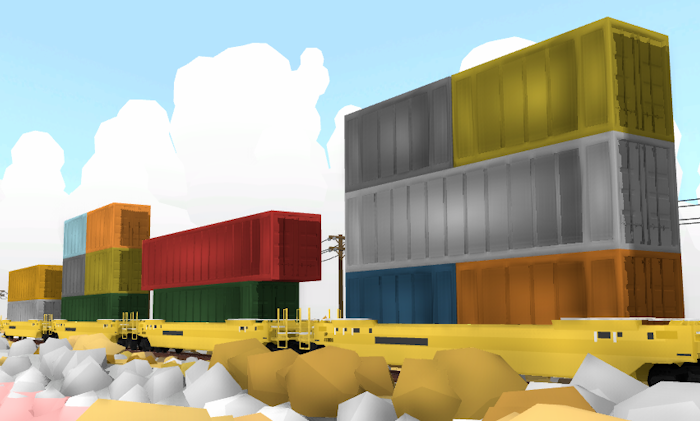
All of the shipping container props now snap together!
And a bunch of smaller features & fixes:
You can now adjust the horizontal offset for freight loads (in the freight load display menu).
Fixed 3D model shading on a bunch of different props.
The bulk move tool can now only be used when "placed", not just "dropped" on the ground.
Holding shift while placing a prop in an objects inventory (or any equip slot) will now correctly keep a copy in your hand.
Fixed number positions on the DX livery.
Fixed various minor mesh issues (on shipping containers and the Dom tower easter egg prop).
As I've mentioned in previous news posts, all of these logging themed features are working towards Rolling Line's next big map release, the Sierra Logging expansion! I'm incredibly excited about this map, and I can't wait to finally release it. There's still lots of work to do though so the full map release is at least a few months away still.
But since the scenery fits this update so well, I'm releasing a small diorama called "Slice of the Sierra" which takes a chunk of the larger map (one of the logging camps) and posting it to the Steam Workshop. If you would like to play an example diorama using the new logging machinery, you can download it here:
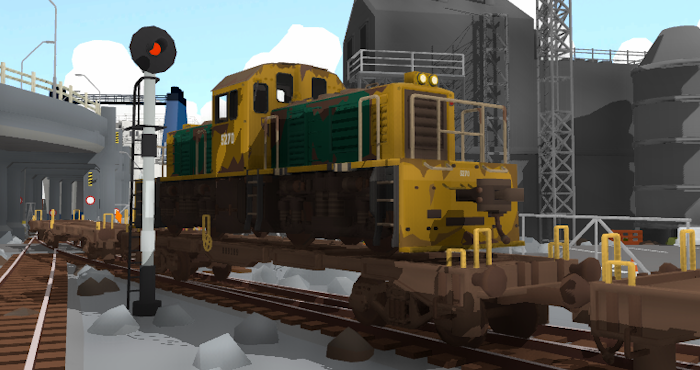
This update is a special one! It marks the beginning of a series of major updates where I'm finally adding functional freight loading into the game, a much requested feature that I've always wanted to work on!
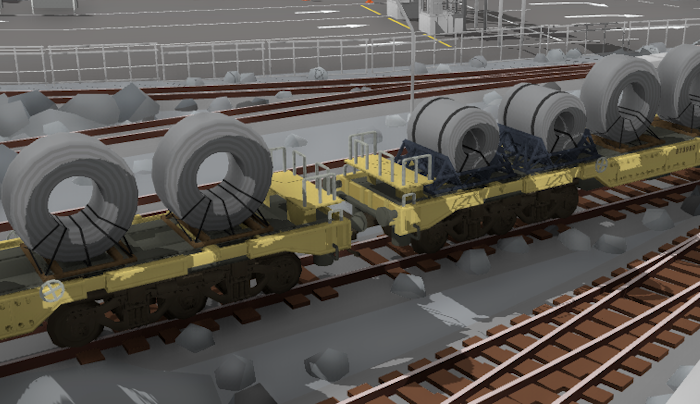
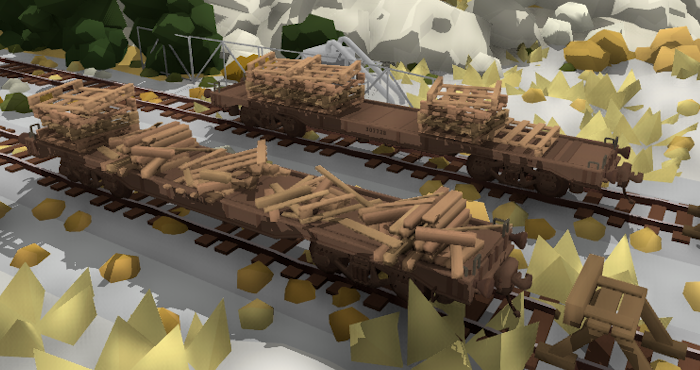
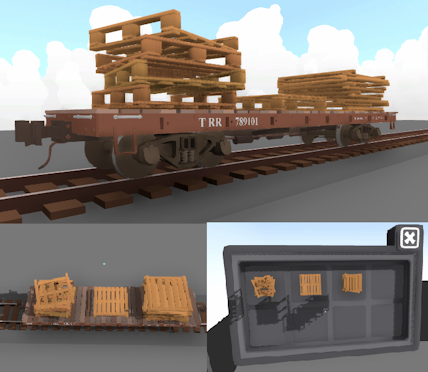
Since this is a very large and complex feature, I'll be working on it in smaller parts and releasing them as individual updates as they are ready. To kick things off this first update makes it possible to load any prop you want into an "inventory" which certain freight wagons have (like flatcars). These props are visually displayed on the wagon!
This system is incredibly flexible and entirely supports modding, which means you can display prop mods on freight wagons, and make your own train mods which can display freight. Wagons can even be loaded with locomotives and vehicles.
This news post will only briefly show off the new features, but there is a full guide here which goes into lots of detail about the whole system:
At the moment these "freight loads" are purely visual, and there are no ways to load/unload freight automatically. These props need to be manually placed on the wagon.
But the next step in this series of updates is to add functional industries! This means special buildings which have the ability to add/remove freight loads from wagons. Things like coal dumpers filling a wagon with coal, or a log pond to unload logs from a flatcar. So keep an eye out for the next update, which will be all about turning this freight load display system into a fully functional industry system!
Loading wagons with props
To access these new features, open the newly added drawer in the "trains" category called "freight loads":
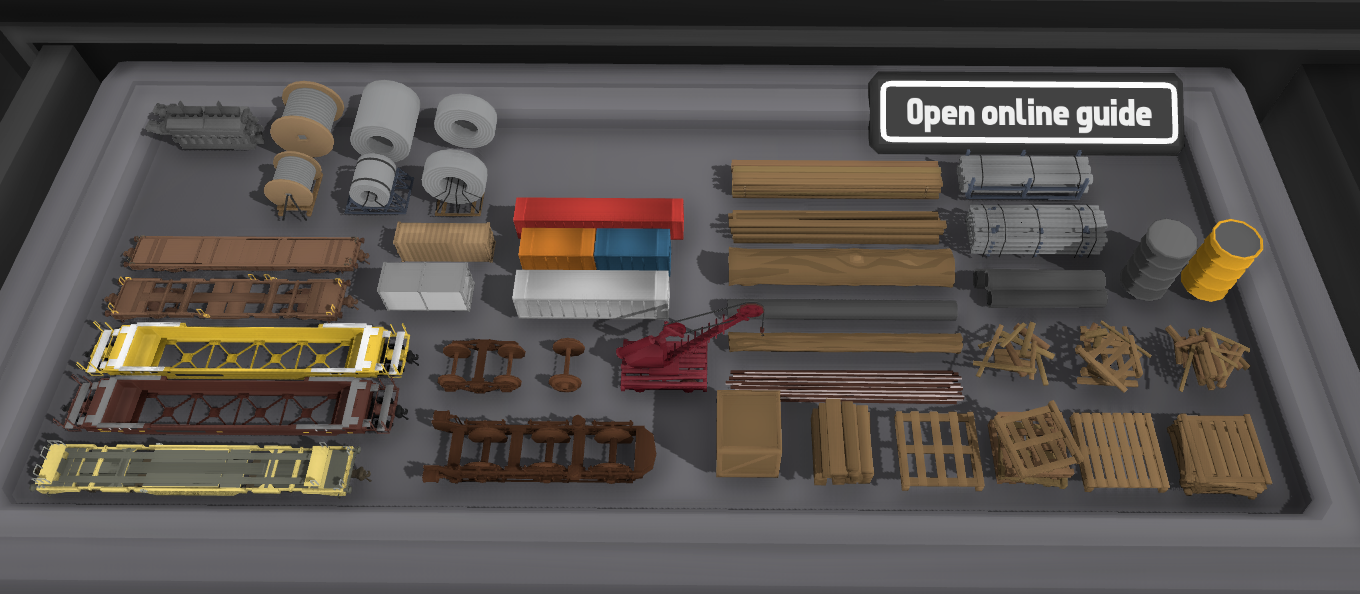
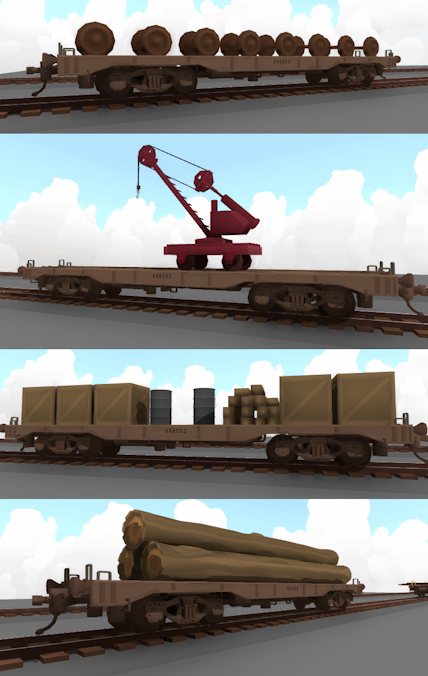
It has a bunch of official wagons which support freight loading, as well as lots of props which can be loaded on to them. Remember you can load ANY prop or train on to a freight wagon, not just the ones in this drawer!
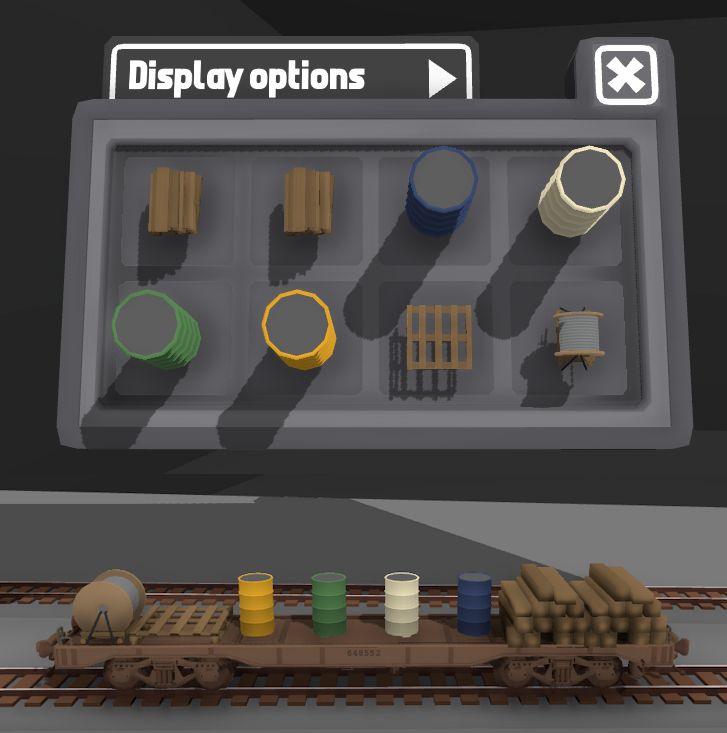
Simply point at a wagon and press "L" to open the freight loads menu. From here you can access the wagons inventory and places props in each slot:
You can customize all kinds of things, like the size & position adjustments of props, as well as control how the props are organized. There is a full guide here which goes into lots of detail about the whole system:
This feight load display system is entirely integrated with modding, which means you can make your own prop mods which can be used as freight loads, and you can make your own train mods which can have "display points" to display props that are loaded on to them.
The above guide goes into full detail about how to use the new modding features, and has step-by-step examples on how to make a train mod which makes use of this new system.
I've also uploaded my own example freight wagon too:
You can also find this example mod in the folder "Rolling Line/modding/templates/train mod examples".
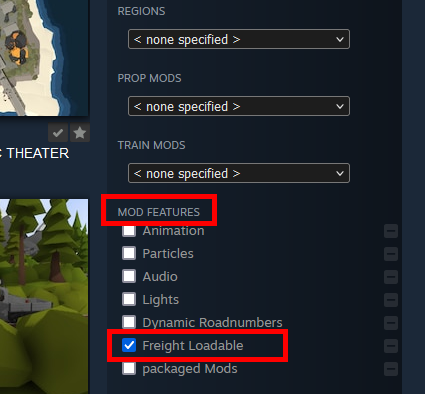
On the Steam Workshop you can now also see a tag for "Freight loadable" under "mod features". This tag is automatically added to any train mods which support the freight loading system.
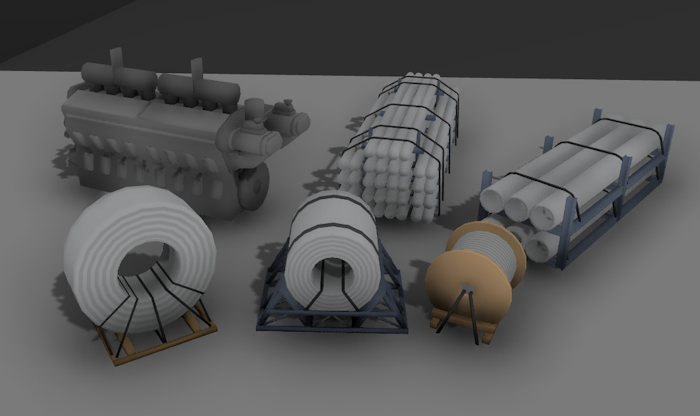
New props to use as freight loads
This update adds a few new props as dedicated freight loads. Some of these were made by SmokeStream and are from their mod packs!
I highly recommend having a look at their mods, they are excellent! https://steamcommunity.com/sharedfiles/filedetails/?id=3209903016
Other features & fixes in this update
This update also includes:
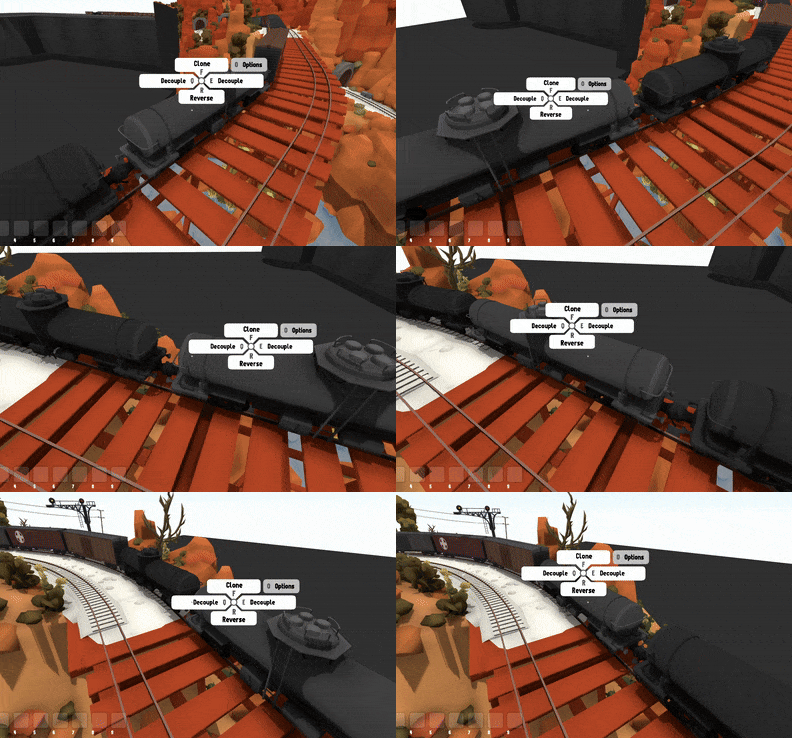
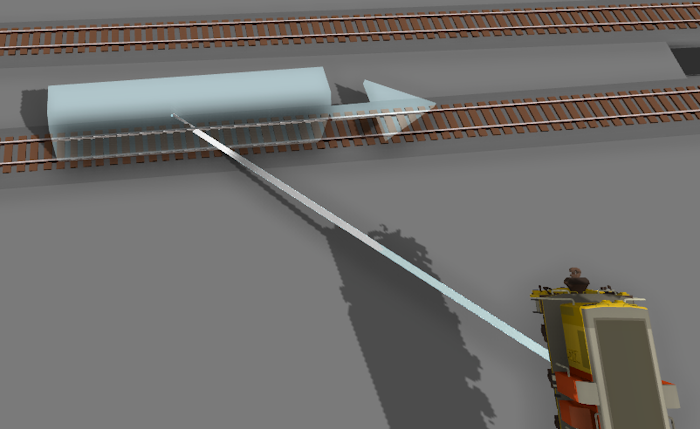
You can now see which direction a train will be facing when placing it, there is an arrow on the "placing ghost" and you can also press Q and E to flip the placement direction while placing too:
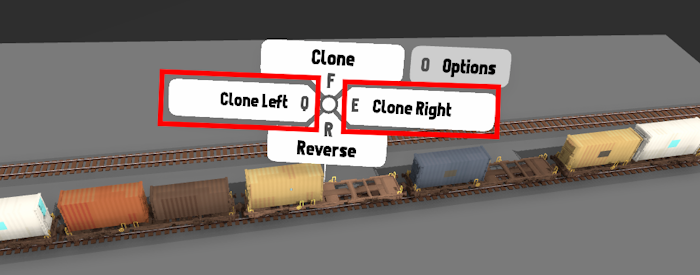
When using the "Clone left/right" hover options, wagons with randomizable colors are now shuffled (instead of all being the same color). If you want to place multiple wagons with the color you can still hold shift while placing them one-by-one and they will keep their color:
In the modding manager, the "wagon length" option for train mods is now found in the "wheels" menu, as well as the "general options" menu.
When adding items to a list (like in various modding menus) the page of the list will automatically set the page which the new item was added to.
Some props that are very thin (like logs and containers) now have wider hitboxes when they are inside an inventory slot so they are easier to select.
The hand-held controllers on the wall now auto re-spawn if they are destroyed.
The setting which makes controllers return to their holder when dropped is now on by default.
And that's everything! I'm so excited to finally be working on freight loading, this is a feature I've been dreaming of for years. Keep an eye on future news and updates as this system has a lot more development still to come! The goal is to have a fully dynamic loading & unloading freight system, where freight trains can be loaded up in one location and then driven to another to then be unloaded, all with a wide range of different industry types. In the meantime, please enjoy these new freight load display features!
Christmas! v5.22
It's time for Christmas! This update adds a bunch of new features & bug fixes, and of course brings back the Christmas coat of paint for the game.
There's also a new freight loading system which is currently work-in-progress, and can optionally be played in an early state if you choose to (more info on this at the end of this news post).
Rolling Line has had several years of themed Christmas updates, so there's a lot of snow themed features to make use of already in the game! Previous year's Christmas updates added things like:
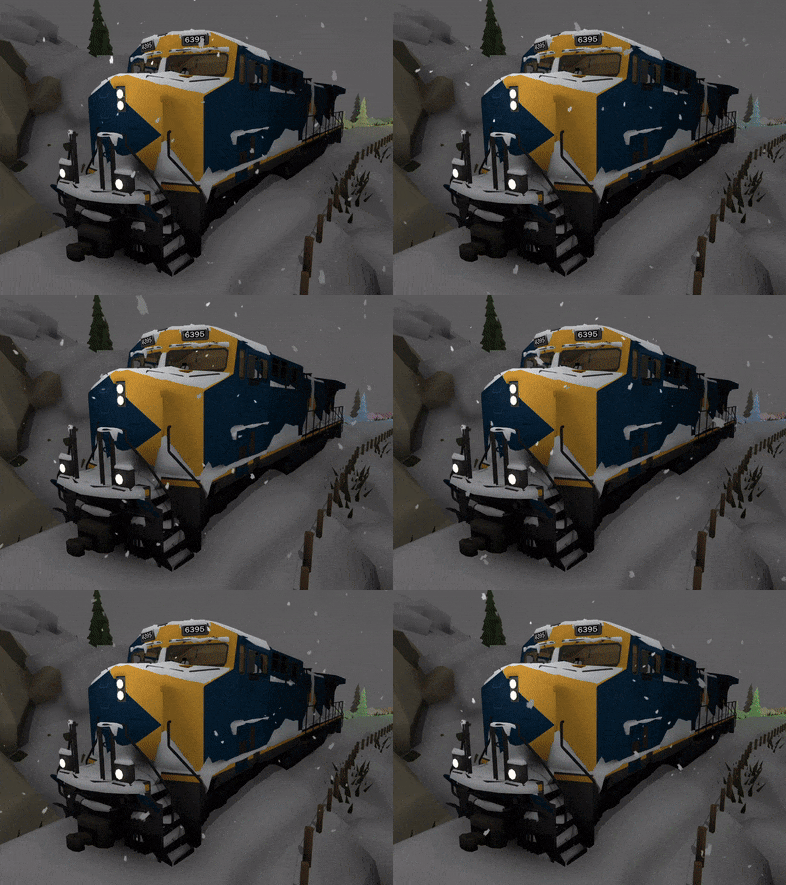
Snow cover effects for trains:
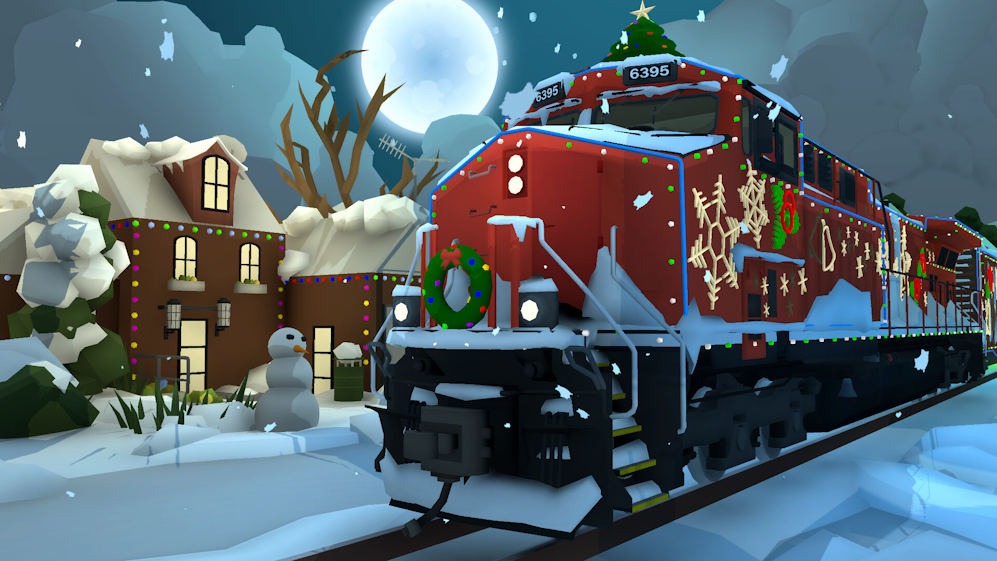
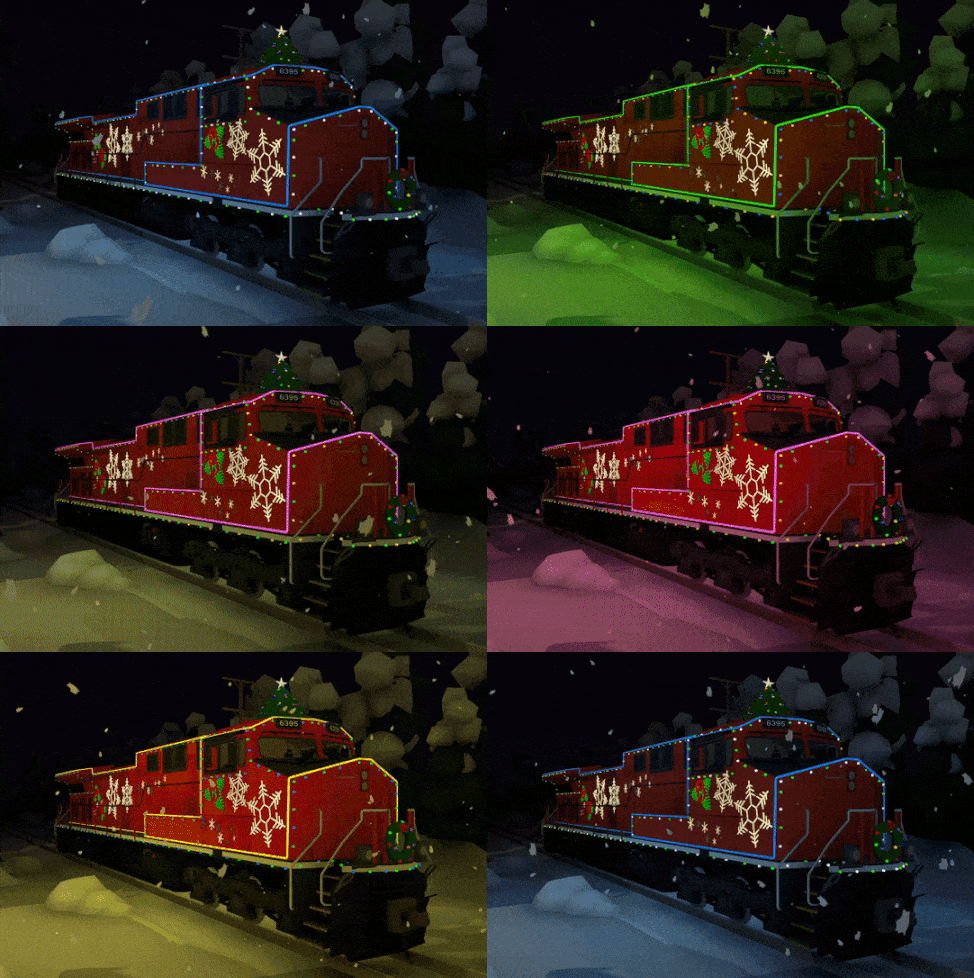
The Canadian "Christmas train":
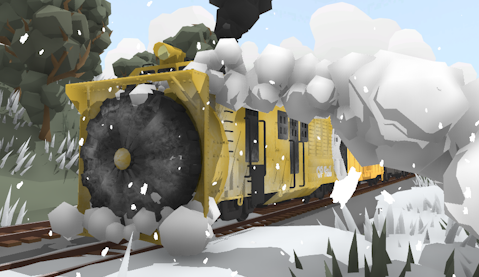
Rotary plow:
Snow plows and snowy tracks:
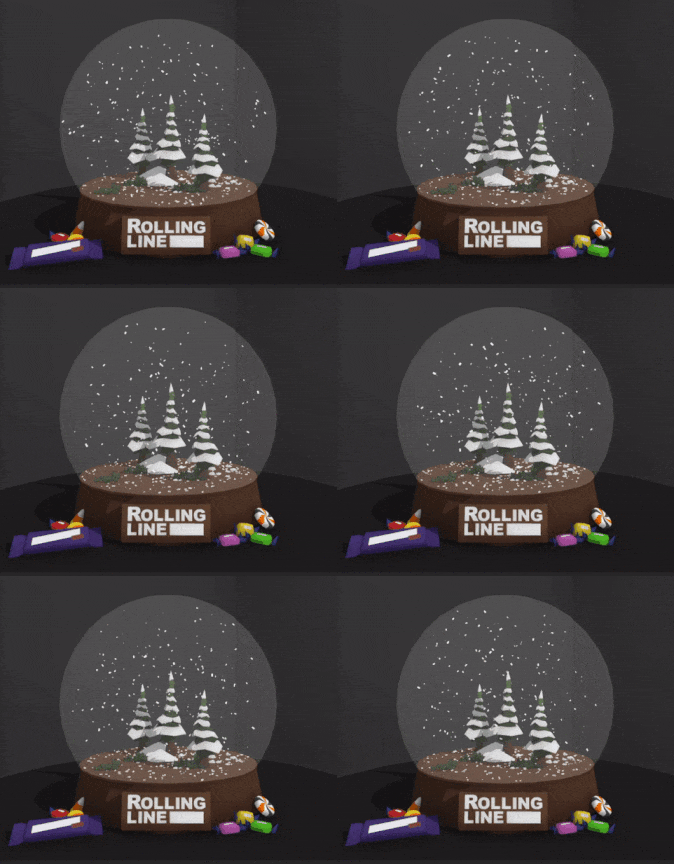
Snow globes:
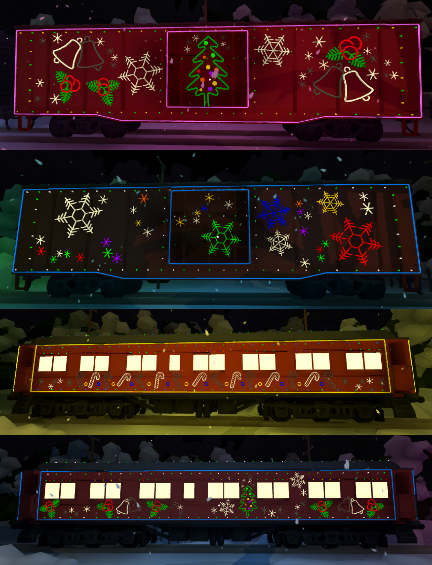
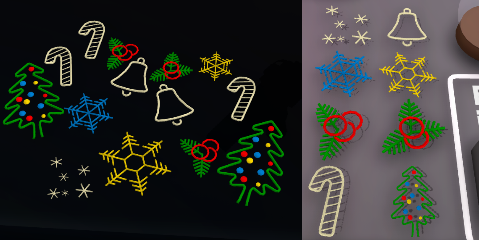
Christmas props:
Snowy menus
Just like with the earlier Halloween update, the game now has a set of winter themed menu scenes. You can disable these or replace them with your own in the "Pause menu -> Gameplay -> Main menu options" menu.
Other non-Christmas features
This update also includes a bunch of fixes and features, these are:
- Added a new set of table wall props, these have an overhanging roof and fit the theme of the "official" maps in the game a bit more:
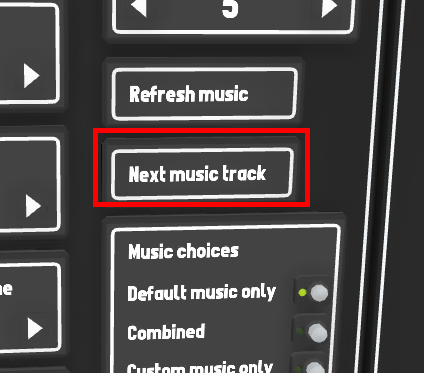
- There is now a "Next music track" button in the "pause menu -> Audio" menu, which you can click to play the next background music song (either the default music or your own custom music).
- Fixed bug where collision meshes for terrain mods would not always use the entire mesh. All models inside the fbx/obj file will now be used as collision correctly. - Fixed broken physics on the flag props. - Fixed bug where the save file would be clipped by view distance when saving a menu scene mod regardless of whether the "clip map size" option was used or not. - Fixed an old bug where a single piece of floating track could be seen far off outside the room bounds. - Made adjustments to table snapping. - The "made with Unity" logo now shows up at the start of the game, since I no longer have a unity Plus license. Basically I use to have the "Unity Plus" plan, but they removed that option, so now it's either "Free" or "Pro", and pro is laughably expensive and removing the splash screen is the only difference it would noticeably make. So I'm back on Unity Free ːsteamhappyː
Work in progress: freight loading features!
I was hoping to get this ready in time before Christmas, but lots has been happening around the end of the year so I haven't managed to get this update ready for release yet, but I've made it available for testing!
This update is the beginnings of a freight loading & unloading feature, and allows you to load any prop onto flatcars and display them. Wagons now effectively have an "inventory" that you can store objects in! The goal is for this system to eventually allow for automated adding and removing of objects from wagons, meaning you can set up things like logs being added to a flatcar, or iron ore filling up an ore cart.
But in the meantime this system is still very bare-bones. If you would like to give it a try, you can add the launch tag to the game (in Steam) for: -freightloadtesting
Adding this launch tag will enable all the work-in-progress features of this freight loading system.
And that's everything for now! The freight loading system will be released around the start of the year, once I've had more time to finish it off. I'll also write a guide on how to use it of course!