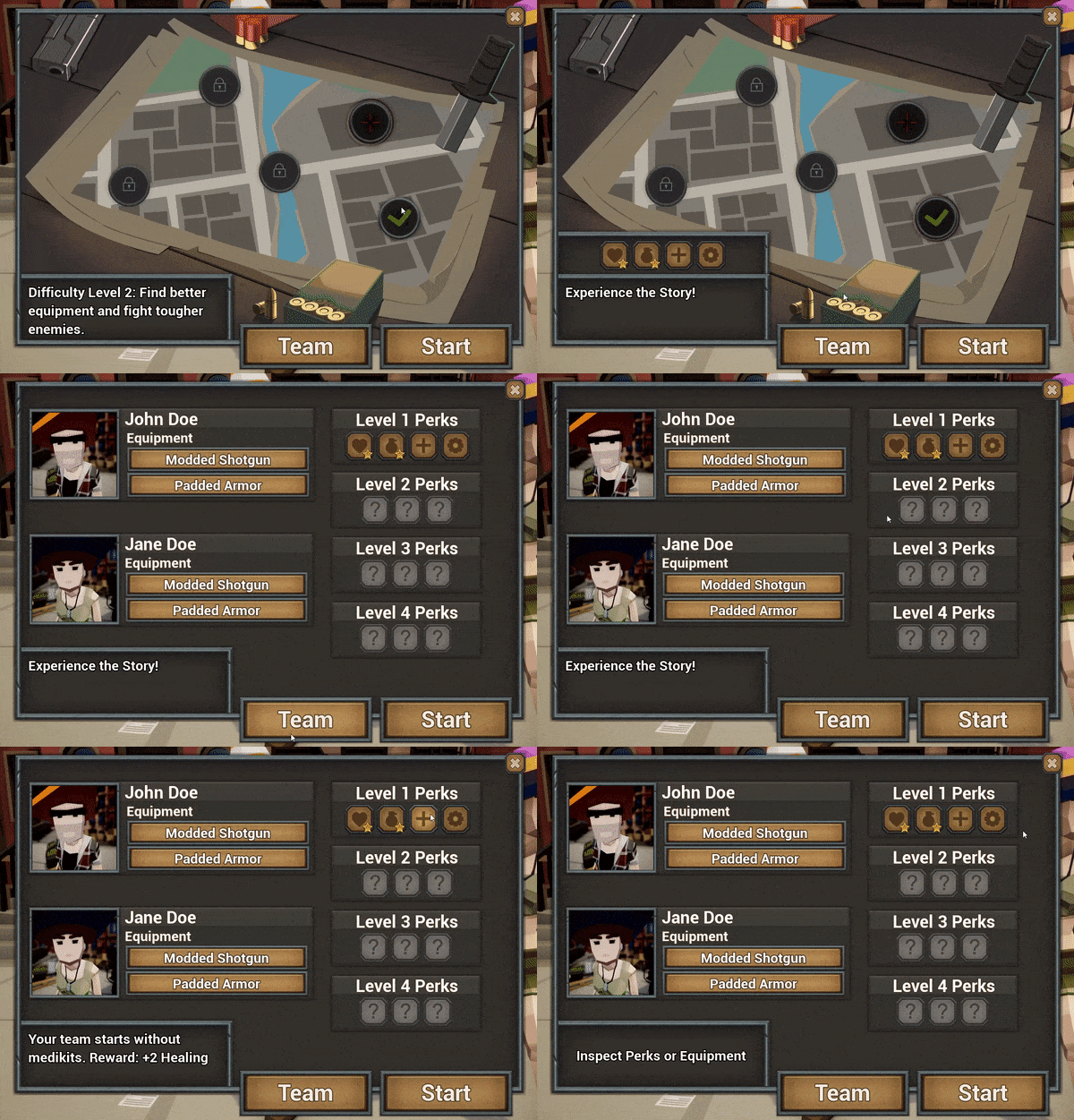
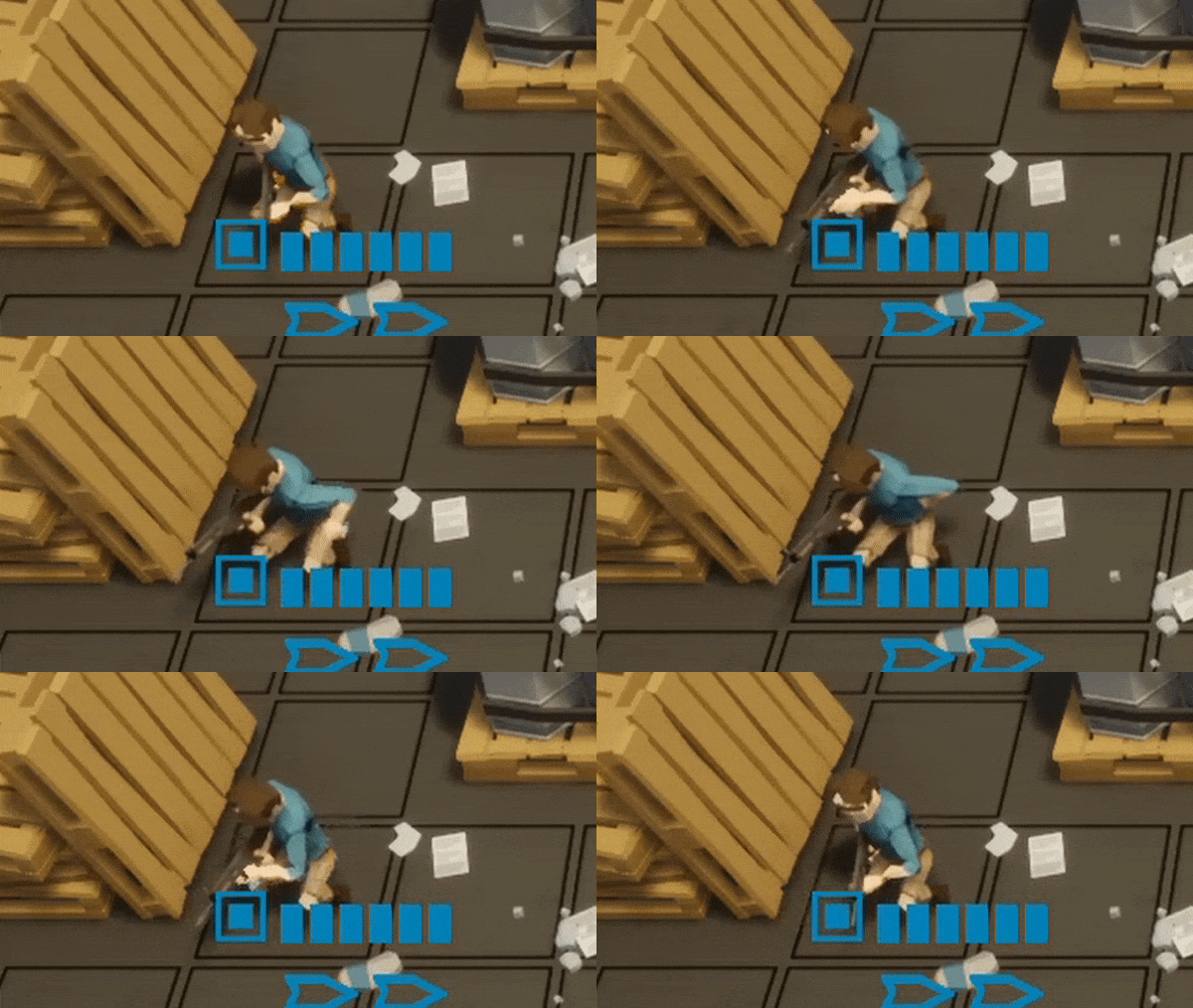
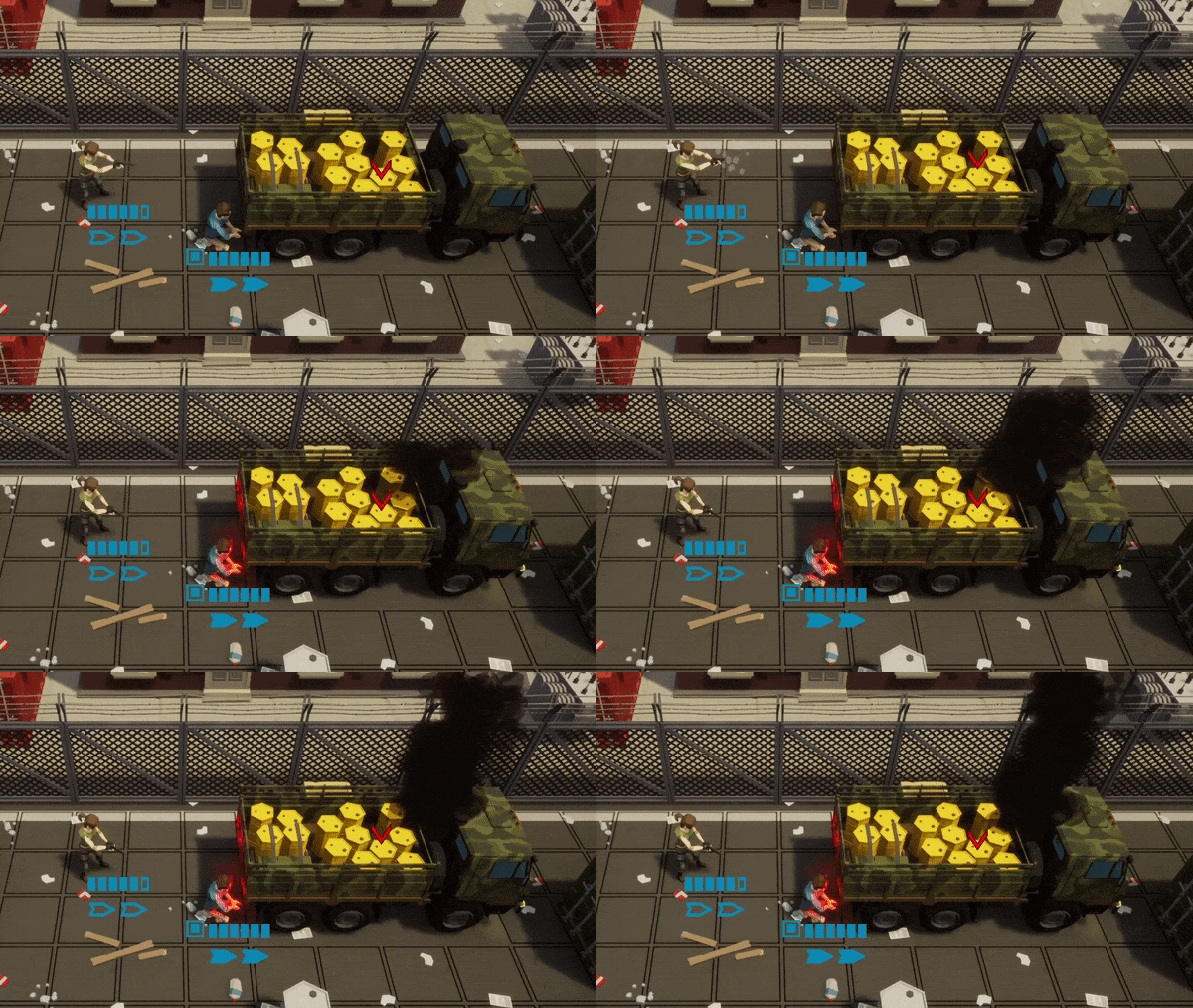
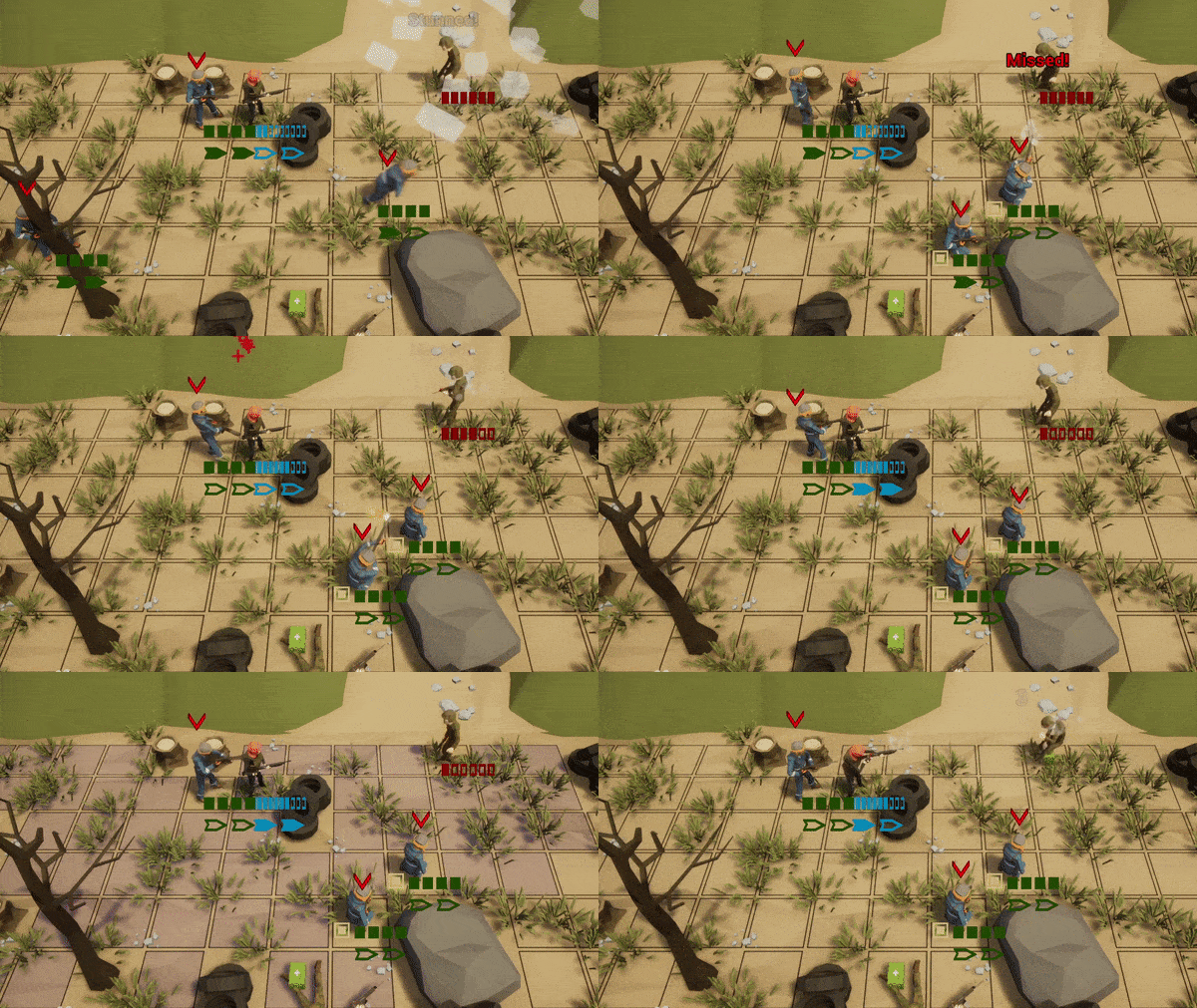
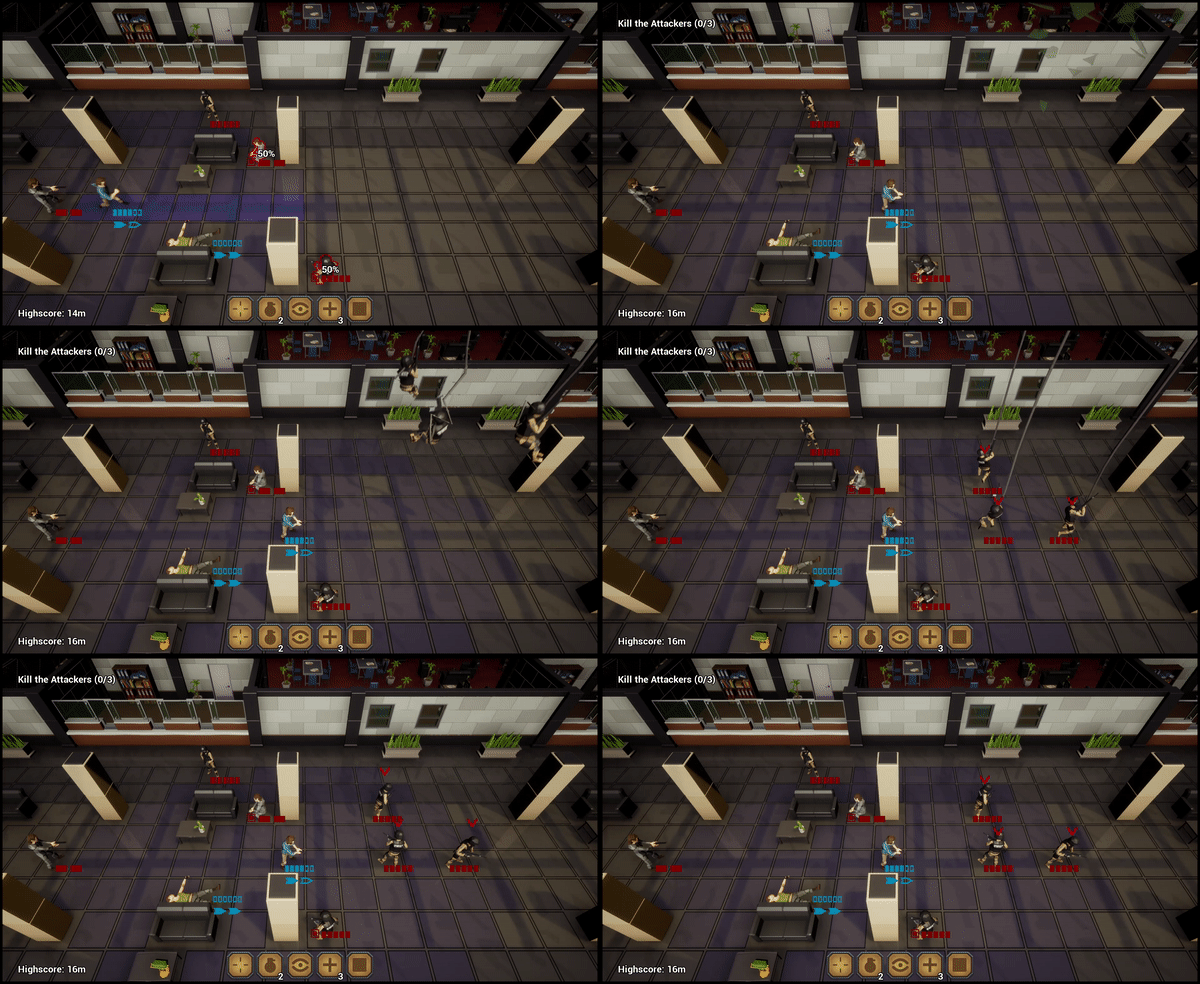
Update #34 introduces a challenge system to the game. After finishing the story on the first difficulty level, you can select additional challenges that make the game harder for you. If you manage to reach the extraction point and finish the level, the challenge will reward you with a permanent stat boost for your team. This enables you to move on to the next difficulty level where improved loot and tougher enemies wait for you. The equipment of your team and its unlocked perks can be inspected in the new team screen.
Additionally, the recent introduction of the weapon perk system made it necessary to properly display differences between weapons. A loot screen was added that enables the player to reject a found weapon when interacting with a supply chest.
The full list:
every level uses checkpoints now
added a team screen that becomes available after finishing the story
added a challenge system with 4 challenges for the first stage
new challange: start without medikits to earn a perk that increases healing
new challenge: start without grenades to earn a perk that increases grenade damage
new challenge: start with increased enemy health to earn a perk that increases health
new challenge: start without checkpoints to earn a perk that increases health
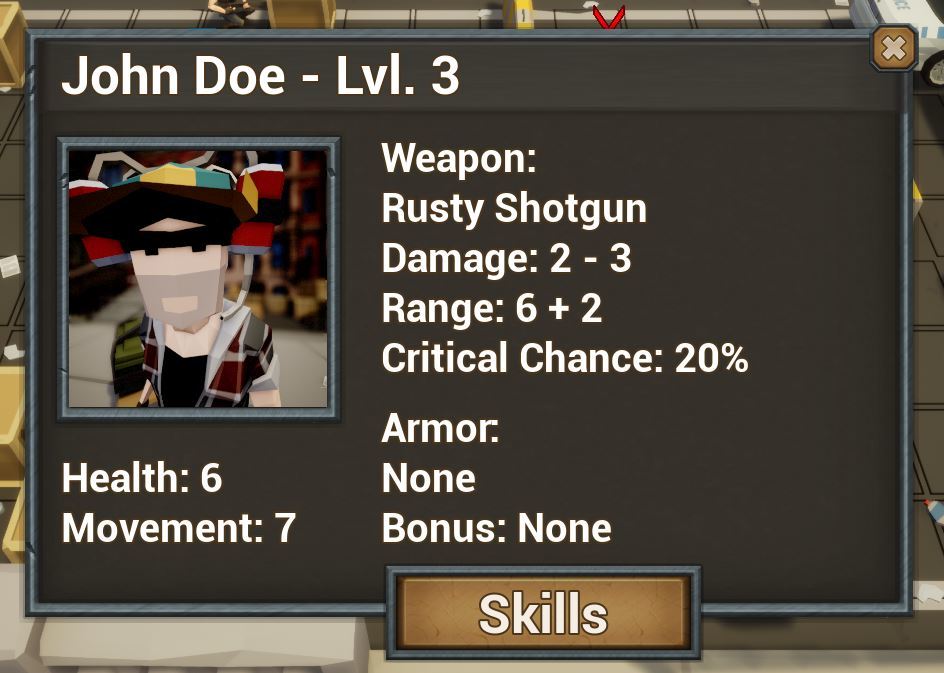
tweaked the look of the character sheet
interacting with a supply chest opens up a loot dialogue
Update #33 - Mission Map and Weapon Perks
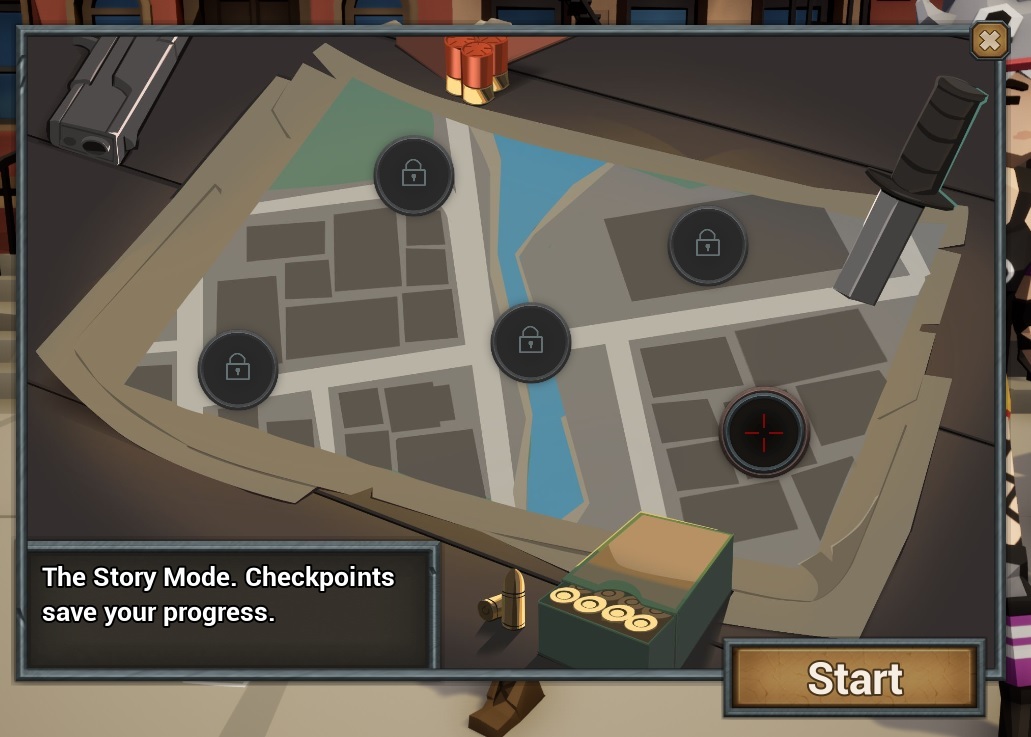
Update #33 introduces weapon perks and the mission map to the game. The new mission map lets you progress through challenges. You get to keep your old equipment and experience points but you will face tougher enemies in exchange for better loot. The new weapon perks like increased critical damage, improved accuracy or life regeneration are randomly assigned to your weapons and are designed to make the loot system more interesting. You can find out if your weapon has a perk within the character sheet. A part of this update was already available earlier last week because I needed to fix a couple of issues that annoyed me.
The Full List of Changes:
added campaign map with an unlock mechanic
reworked HP/AP display and slightly improved other UI elements
fixed an overlay issue that occured when pressing escape
fixed an animation issue during the office ambush
level up sound added
added ability sounds
added 5 weapon perks
added weapon scaling for Challenge Maps
added enemy scaling for Challenge Maps
Update #32 - Character Screen and New Perks
Update #32 features 5 new perks and a brand new character screen that shows your character stats. A photo of your customized character is created and used as a new UI element to indicate your current selection. Enemies are now only using grenades when already wounded, giving the player more strategies to prevent damage.
The full list:
added a character screen that shows your stats
added a new UI element showing the unit that is currently selected
new perk 'Weakpoint': deals extra damage to wounded enemies
new perk 'Grenade Defense': reduces incoming grenade damage by one
new perk 'Last Shot': the last bullet / shell will cause critical damage
new perk 'Grenade Disable': attacks will prevent enemies from using grenades
new perk 'Tough': adds the ability to reduce incoming damage to one
added a new enemy type to the military encampment
enemies use grenades only when wounded, giving the player strategies to prevent damage
fixed an issue with the 'Continue' button being available for Mission 2 and Mission 3
Update #31 - Checkpoints
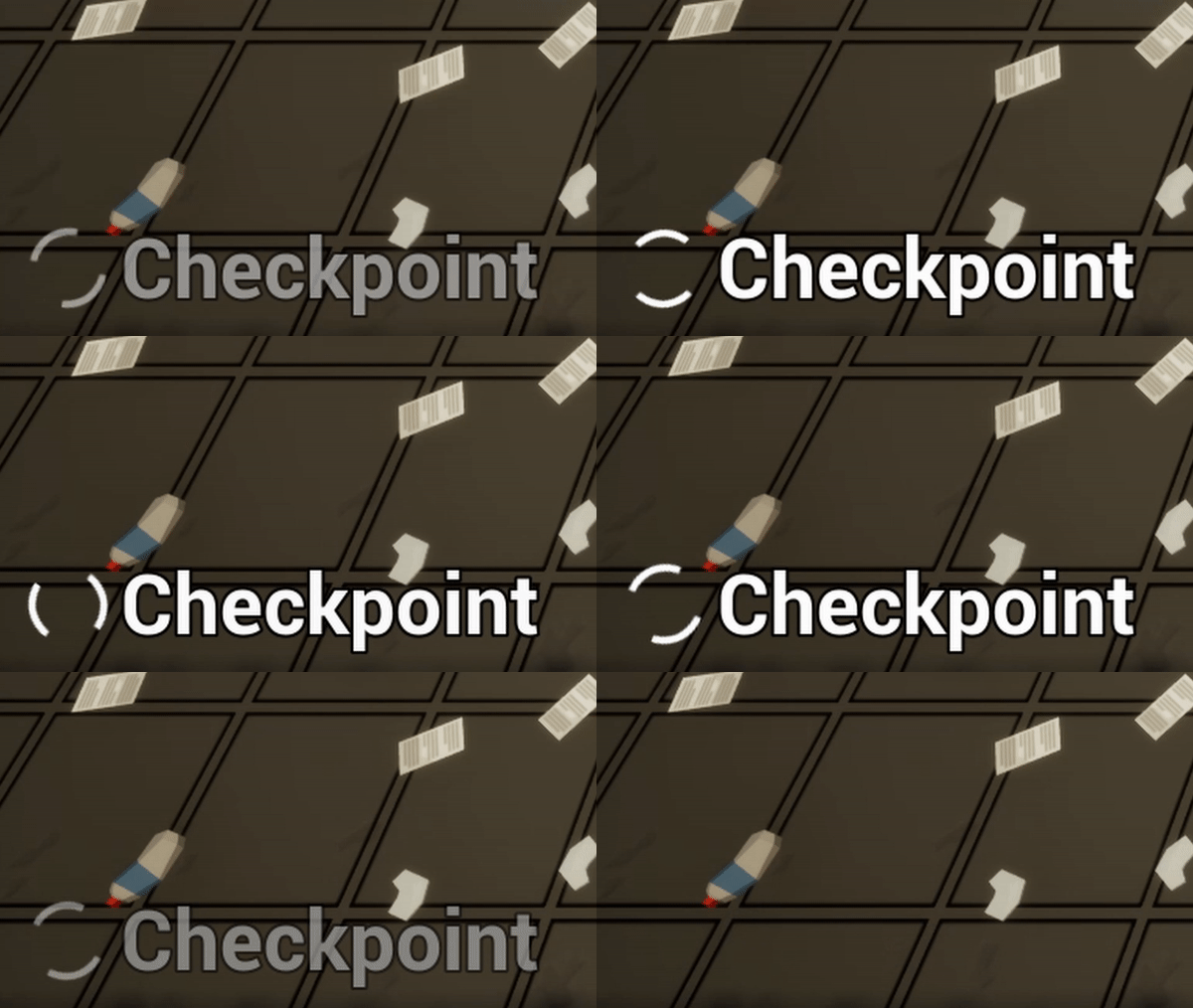
This update introduces 2 checkpoints to the game. A small animation in the left corner indicates that a checkpoint was triggered and that the game just stored your progress permanently. The last checkpoint is loaded when restarting the game or by clicking 'Continue' in the main menu. You can still play without checkpoints by clicking on the 'Challenge' button in the mission selection. The challenge mode is slightly harder than the story mode now.
The full list of changes:
the progress is now stored in story mode via 2 checkpoints
the challenge mode is slightly harder now
character customization is now stored
added spawn animations to the units of the player
added a slider to speed up animations
added more ammunition to the rifle and pistol
shortened some animations
the reload icon is highlighted when the unit is out of ammunition
Update #30 - Reloading!
This update introduces a reworked probability system and adds an ammunition and reloading mechanic to the game! These changes were designed to give the game a little more depth without slowing it down too much!
This is the full list of changes in this version!
added an ammunition and reloading system to the game
reworked probability calculations to utilize a distance falloff
added screen shake to explosions in the game
added option to disable screen shake
removed 'High Score' from game screen
added multiple game over effects to the game
added a notification when the end of the game is reached
improved randomization of unit feedback
Do you like these changes? Tell me what you think!
Update #29 - Helpful Hints
This update focuses on helping new players to understand the basics of the game. I added a couple of helpful hints to better explain how some of the mechanics in the game work. These additional highlights and hints can be deactivated in the options menu. Additionally, I reworked the animation system to prevent glitches that occur when units receive multiple commands at once or when the AI deals a lot of damage to the player. The 'Destroy the Supply Truck' quest received an update and should be a little more interesting now. Attacking the truck will set off an alarm that spawns additional enemies. Unfortunately, this quest still does not offer any rewards besides experience points for your units. I hope to address that in an upcoming update.
Fun Stuff.
reworked animation system to prevent glitches
reworked spawn system to support random spawn point selection
deactivated ability selection during movement to prevent glitches
reworked the 'Destroy the Supply Truck' quest
added tutorial hint: show explosion range of barrels
added tutorial hint: show heal range of units
added tutorial hint: show interaction range of objects
added 'Out of Range' message if targeted unit is out of range
added 'General' section to the options menu
added an option to deactivate tutorial hints
Update #28 - Weapon Abilities
This update is a little smaller and earlier in the week than usual but I wanted to make sure to fix a couple of issues that bugged me personally! I made the 'Guard' and 'Assault' abilities weapon specific to give the Shotgun and the Assault Rifle a very distinctive feel. I added some 'death sounds' to the enemies, it's now at least 2.5 times more fun to crush them with a tank.
The full list of changes:
The Guard ability received an increased chance to hit units in cover
The Guard ability is shotgun specific now
Added an ability cooldown system that recharges with kills
Added an 'Assault' ability, that temporarily increases movement range
Fixed a shadow issue in the office area
AP display of Rebels was hidden
Added death sounds to killed enemy units
Added a sound when opening a chest
Improved unit selection management
What should be included in the next update or have you noticed a bug? Please let me know! Feel free to drop a review if you enjoy playing the game so far!
Update #27 - Rebels, Lighting and Details!
improved lighting
added a 'Police Station' area
added friendly AI rebels that fight with you
added more details to the city biome
fixed a bug where crate destruction sounds would ignore sound settings
fixed a bug where you could shoot a supply stash
Remember to leave a review if you enjoy playing the game!
Update #26 Office Ambush and German Localization
added a rusty shotgun and a rusty assault rifle
added a new enemy type that uses stun grenades
added an ambush event to the office area
added German text localization to the game
Update #25 Settings Menu
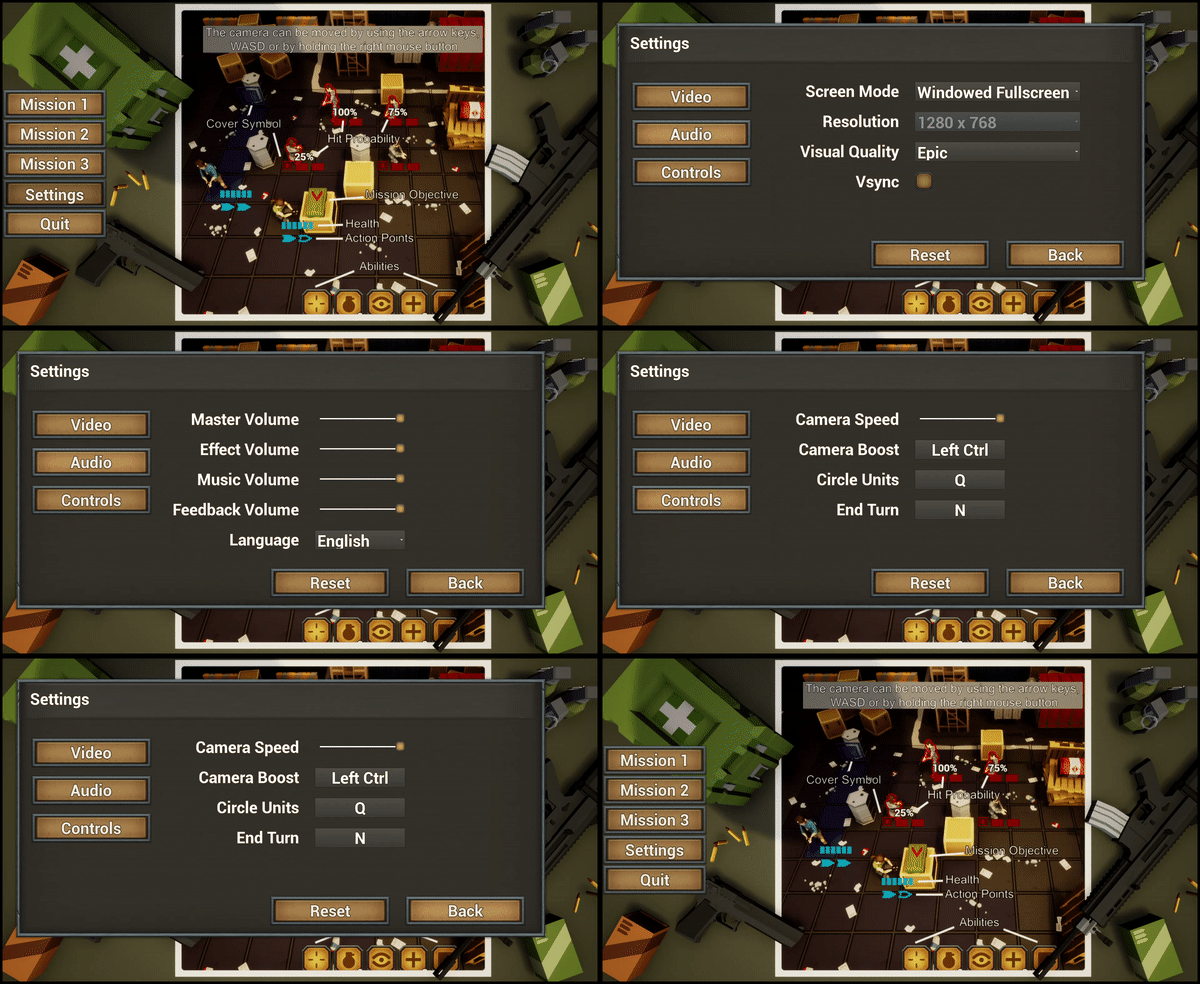
added settings menu for video, audio and controls
settings can be reached via game menu and main menu
settings are stored and loaded
reset button loads default settings
added an 'End Turn' hotkey
added a notification to highlight customization options