We’re back with a BIG, BIG update for A Release Called Quest. There’s a lot to dig into, so let’s get ready to rumble. We’ve got updates and improvements for Sansarians of all bents; scripting changes, store listing revamps, and… Standardized Geometry? What is this - a high school syllabus? Let’s move on.
As always your feedback is a big help to the team when we’re creating our road map. We’re excited to announce that we’re implementing a couple of very popularly requested features. What can they be? Are you on the edge of your seat? We won’t keep you waiting any longer.
New features
Improvements & Changes
New Snap Turn settings feature to change your turn mode in VR. This will be good for VR users who want an alternative way to turn your avatar camera view in VR for better maneuverability and avoid nausea. For more information, please see Settings.
Following popular request by the community, avatar item creators can now update the inventory image for their avatar items post-upload. For more information see Editing an inventory item’s image.
Avatar item creators can now change the inventory names of their items post-upload. Any name changes only affects items within your inventory. For more information see Editing an inventory item’s name.
For existing listings on the store, you can also change the inventory name of the items that get sent to your buyers through the Edit Listings page on the website.
We’re removing the ‘Standardize Geometry’ option on the import window. If you need to reduce the triangle count of scene objects, you will have to reduce it though a 3D modeling software. Notes on this change can be found here.
Script Updates
New ability for scripts to have references to other components, whether the components are in the same object or in another object or location in the scene. For more information, see Referencing scene components with scripts.
Renamed a few scripts in the Script Library.
Materials updates
New emissive mask for the standard + emissive + uv animation material
Added the ‘Emissive Map’ texture field, which behaves like an alpha mask, except for the RGB channels of the emissive material
Added flag to selectively scroll the emissive map texture
Added ‘Fix Shimmering’ flag, which addresses shimmering artifacts that can occur when bright emissive materials are scrolling at high speed on thin objects
Updated the emissive material with similar features as the billboard material, with the exception of the camera facing aspect.
Added the ‘Emissive Map’ and ‘Mask’ texture fields. The ‘Mask’ field behaves like an alpha mask, except for the RGB channels of the emissive material.
Added the ‘Absorption’ field, which determines how much of the light coming from behind the material is prevented from being transmitted through the material (i.e. absorbed).
Added flags to selectively scroll either (or both) the emissive and mask textures
Added Loop parameter to UV scrolling materials to allow flipbooks with partially-filled sheets, giving you more flexibility with using flipbook animations with a different UV frame configuration.
Objects with the same UV animation material in the same experience will no longer be “in sync”.
The ‘diagnostics’ toolbar/ribbon now displays the size of the geometry and texture data dedicated for display on the GPU. When the total of these two numbers exceeds the amount of physical memory on the GPU, performance will decline.
Fixed issues:
Fixed crashes caused by:
Joining an experience due to another avatar in the experience not loading properly.
Joining an experience where another user was chatting in voice and then exited at the same time.
The quest offer panel should now trigger when interacting with quest givers.
New textures previewed through the material editor should no longer be applied if the X button is used to close the material editor.
Quest objectives set to auto-complete when joining should now trigger completion without having the user rejoin the experience.
Editing a newly-created quest should no longer create a duplicate quest.
Scene items’ components should no longer scale into the negatives nor beyond the 100 max value.
Interaction text should no longer appear huge on the screen when walking away from the scripted object when using an XBOX controller.
See the full release notes, including documentation updates here: https://help.sansar.com/hc/en-us/articles/360031074712-A-Release-Called-Quest-Update-1-July-30-2019
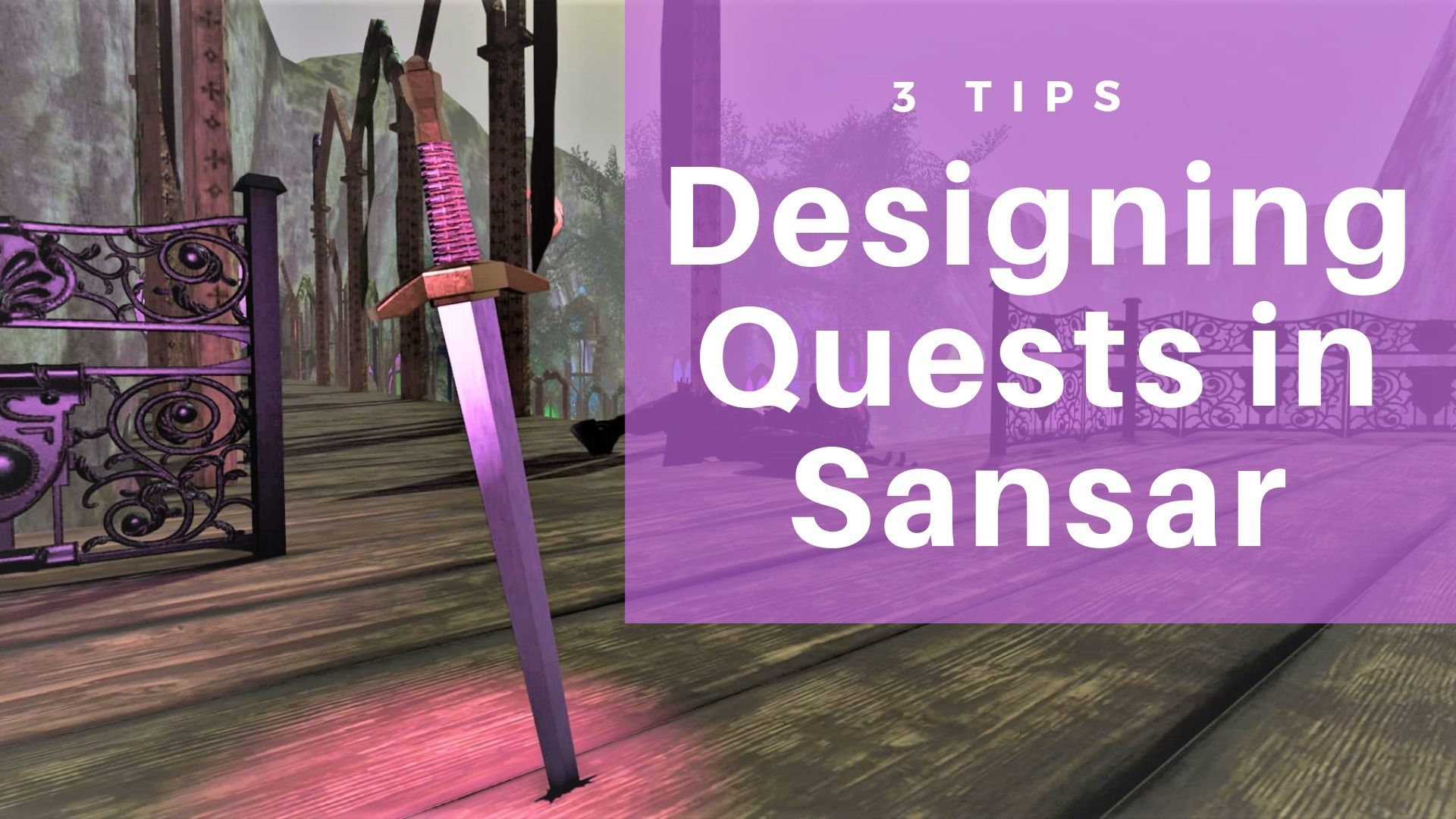
3 Tips for Quest Design in Sansar
Hello everyone - with the advent of User Created Quests, we've asked the team in charge of questing for its tips for creating a great quest that will keep users engaged and coming back for more.
We'll be doing a three-part series with some juicy advice from folks that have accumulated decades of video game quest design and implementation.
Without further ado, here are the first three tips to help you get started designing amazing quests in Sansar.
Set-Up and Test Your Quests Set up and test the basic sequence of your quest in a whitebox/greybox scene. Only when you’re sure it functions the way you want should you start adding complexity (other scripting, fancy visuals, etc.).
With the save-to-inventory and copy-component features, it’s much faster to complete and debug your quest in a safe environment (where you won’t have to worry as much about build times or interference from other scripts in the scene).
If it worked perfectly in your test scene and then broke when you copied it into the real environment, that gives you a lot of information about where to start looking for the problem.
Define Quest Objectives with Verbs Designers often think of games in terms of the “verbs” the player has at his disposal. In a shooter, the player can do things like shoot, reload, throw a grenade, move to a location, interact with an object (door, switch, downed ally to revive)… thinking of objectives in terms of these basic elements will help ensure that your objectives are completable steps.
Also, it might inspire fun scenarios that you might not have considered yet--throw a grenade into a bunker window, shoot the lock off of a door, etc.
Specificity is Key Think about objectives in terms of actions the user will complete. While a quest may often be in service of a goal that intentionally isn’t too specific (“investigate the area” or “find out what happened to the pilot of the crashed plane”), the objectives along the way really need to be concrete and completable steps (for instance, “search the cockpit” or “locate 5 clues”).
Here’s one reason being specific may be important--maybe (from the example above) the user is intended to locate 5 clues, but instead you decided not to let the player know how many clues he needs to find… the player might find 4/5 and be pretty sure they found them all and become confused or frustrated that the objective didn’t complete. (No matter how obvious you think you made something, someone is going to miss seeing it or think they already interacted with it.)
By providing the right amount of information, you give the player the tools to know that the objective isn’t broken, there’s just something left for them to do.
More tips coming soon! We'll be back with more tips and tricks for quest design. If you like this series, make sure to let us know in the comments or in Discord so we can keep the good stuff coming your way.
Questing Office Hours The Questing Team will be in-Sansar on August 9th to take your questions and discuss quest design philosophy. Keep an eye out for the event announcement as the time has yet to be determined.
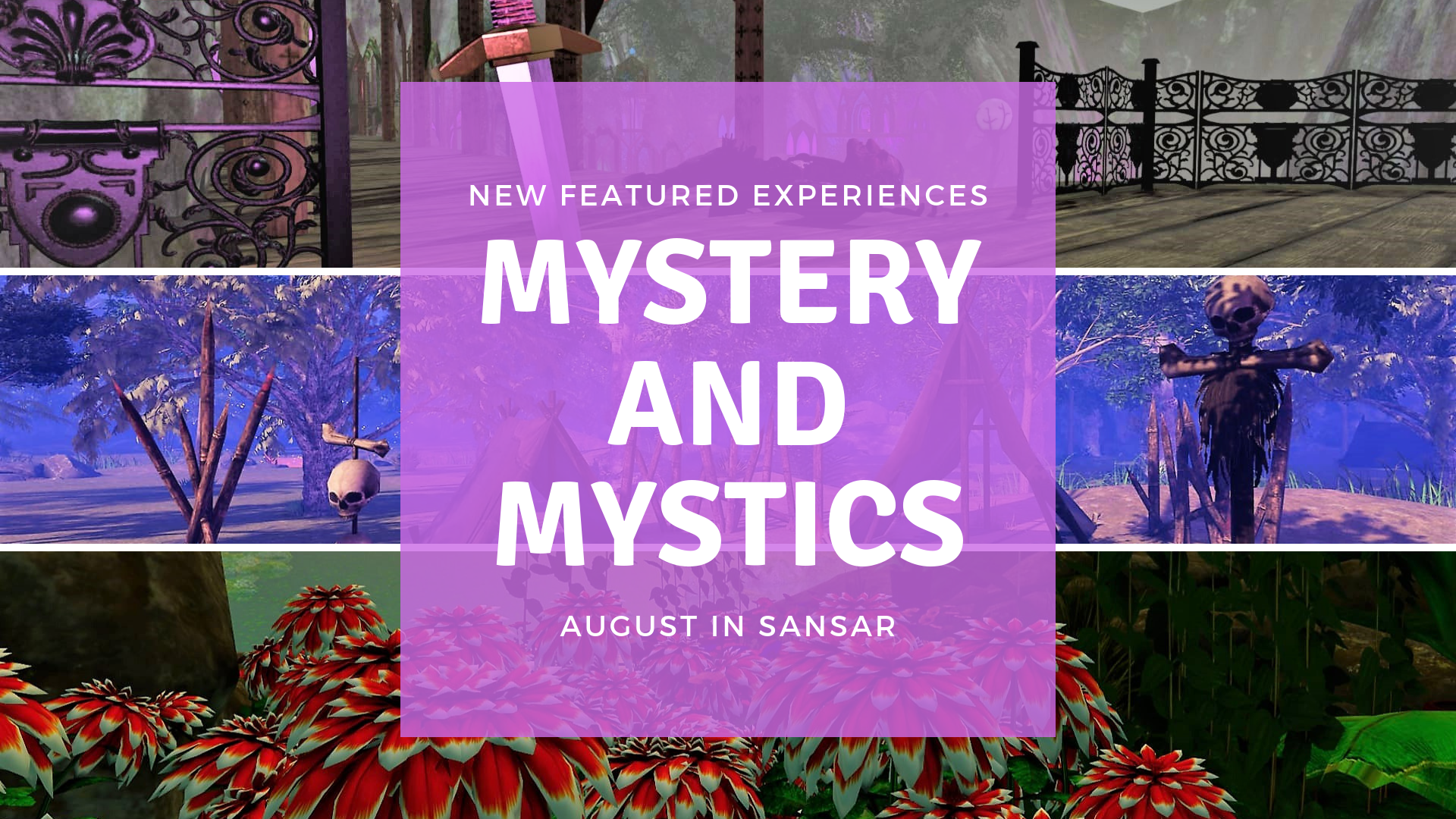
Featured Experiences: Mystery and Mystics Edition
We're back with new Featured Experiences -- it's the Mystery and Mystics Edition! Here are our new Featured Experiences:
Mysterious Quest by BeverlyZauberflote makes its debut to the Featured Experiences list
Scurry Canyon by FullSpectrum marks a Scurry return to the featured experiences; the new quest is insane
Camp Goonies by ZeroCheese is the first experience by ZeroCheese to make the Featured Experience list - congrats!
Veil of Ruins by Wolfen Howeller takes you to a beautiful and mysterious Medieval land
Catacombs by FrancineBrandi tests your mettle by inviting you to explore an underground graveyard
Check out all of the new Featured Experiences here: https://atlas.sansar.com/
Community Meetup - Quest Testing
👊Test your might👊
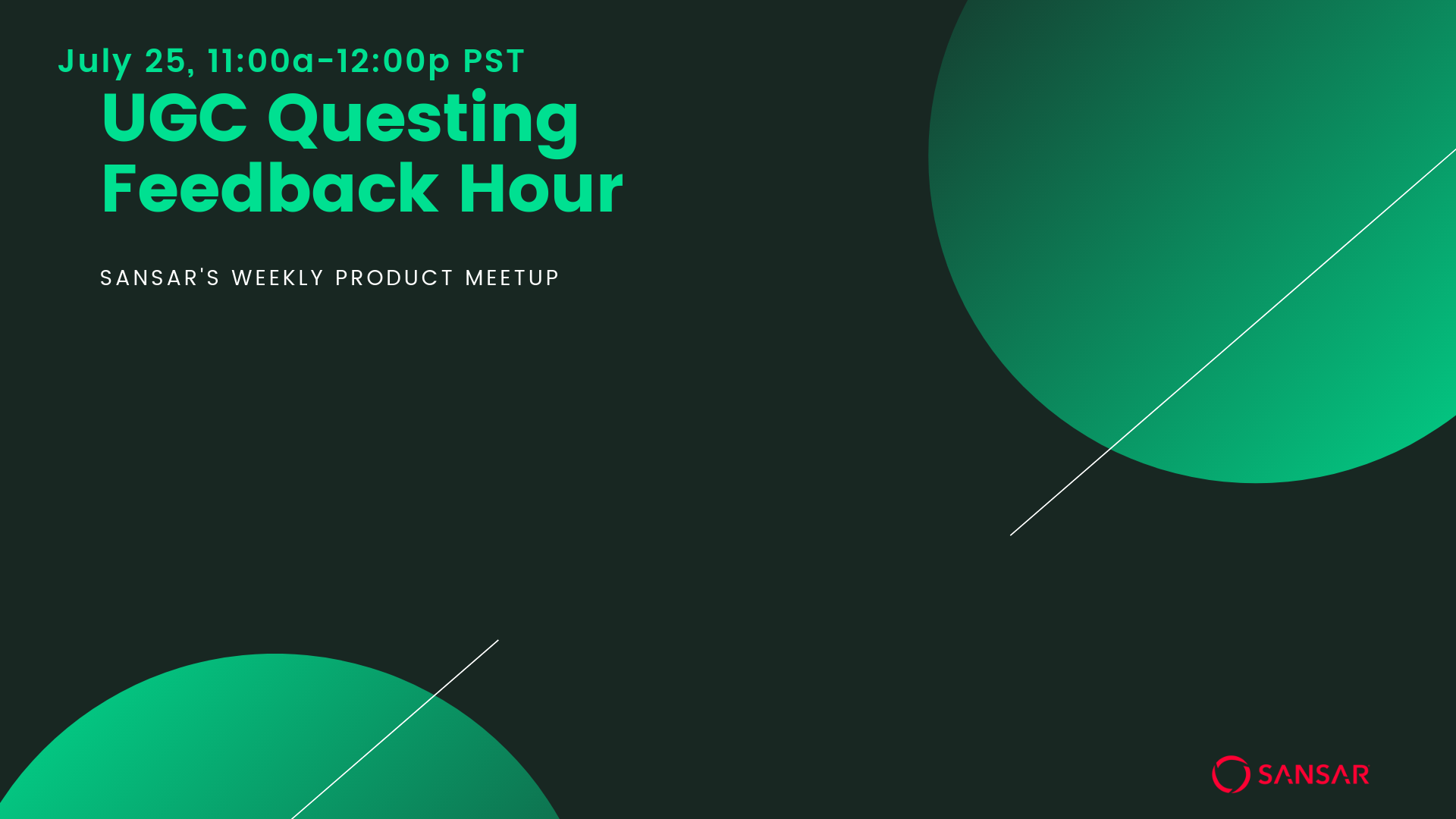
We're doing our first Quest Testing run today! We'll Atlas hop and find the best quests in Sansar. We're starting off our journey in Scurry Canyon.
UGC Questing is here (and is turning 2 days old!) - so we're here to gather feedback, answer questions, and open up our brains for pickin'. We'll see you there~
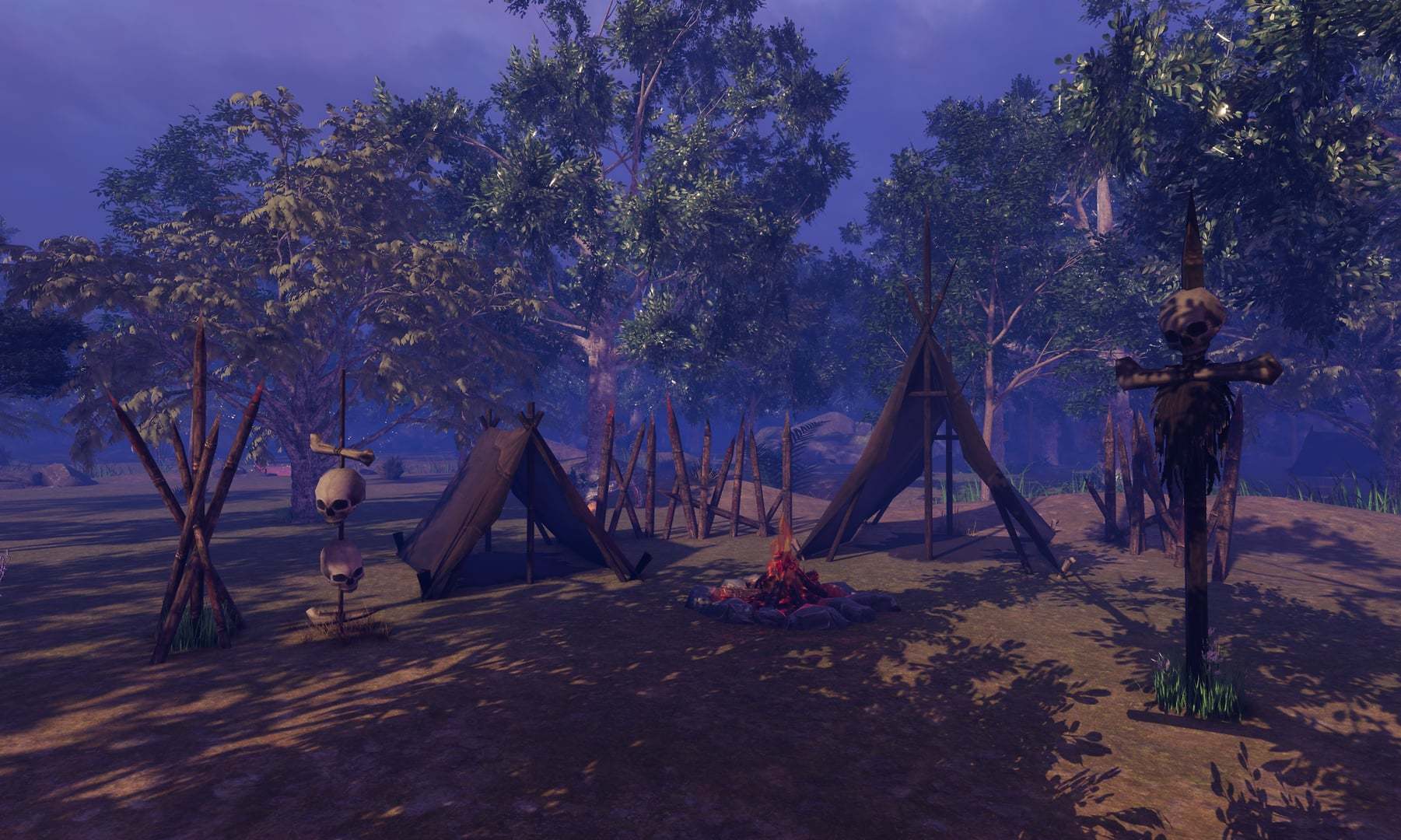
We're checking out ZEROCHEESE's new Camp Goonies experience for a little nostalgia and of course booby traps! Let's see everything that Zero has brought into Sansar from the 80's adventure classic.
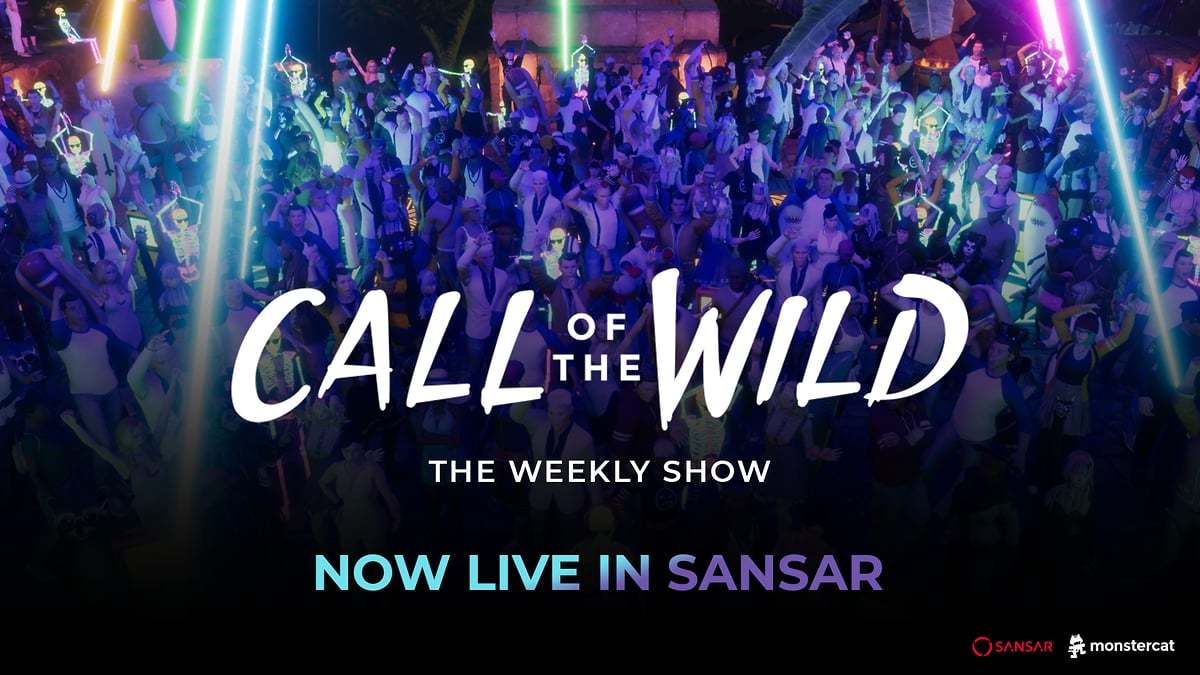
Join us for the second episode of Call of the Wild in Sansar - a new extension of the weekly show where you'll get to hang with the hosts one-on-one and dive even deeper into the Monstercat universe!
New shows every Wednesday at 1 PM PT / 4 PM EDT / 9 PM BST.
Enter the jungle here: https://events.sansar.com/events/sansar-studios/monstercat-call-of-the-wild---episode-257/31f0e7be