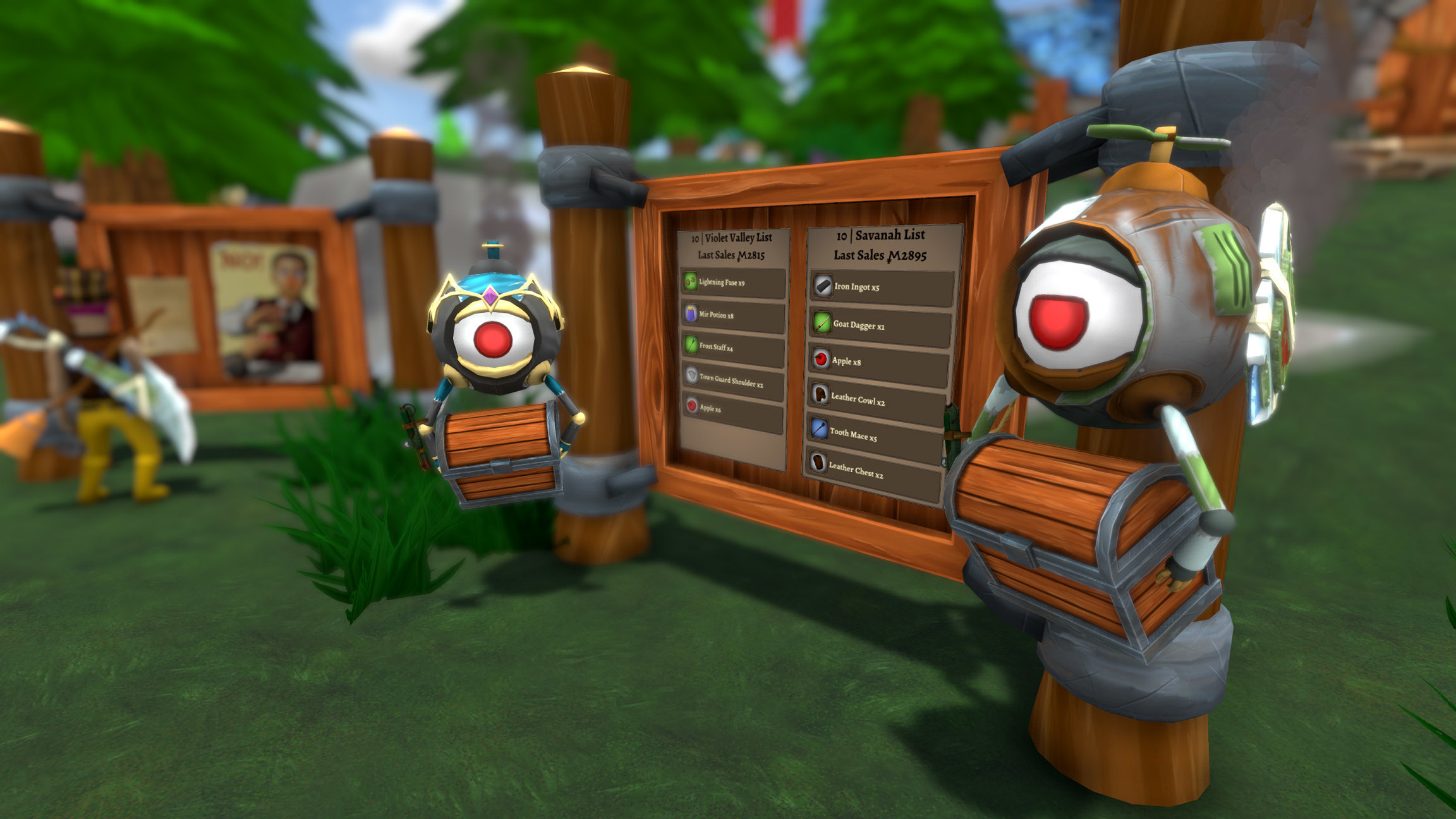
We have issued another Shoppe Keep 2 update which fixes some further issues and improves frame rate for those of you on higher spec machines.
14 May Patch Notes
Steam invite button fixed
Shoppe Reputation label colors fixed
Helpers bots by default are now imprint free, you can toggle it back on per world basis so they only place on imprinted slots.
New translation strings localised
Forest items are now NPC only until fully implemented
Frame Rate
For those who have reported issues where FPS seems to be rather low on high end machines, please do the following. This hsould improve your framerate
- Open your library and locate Shoppe Keep 2
- Right Click on Shoppe Keep 2 and select "Properties"
- In the general tab, click on "Set Launch Options"
- type in +fixedTime 0.01
- Launch Shoppe Keep 2
Thanks,
The Shoppe Keep 2 Team
10th May Patch - Bug Fixes
Hello all,
We've just pushed out a Shoppe Keep 2 update which tackles a number of bugs you've kindly been reporting. Please do keep all of your feedback coming as we're always listening and ready to fix issues.
10th May Patch Notes
Customers have a modified maximum tolerance for item prices making them want to spend more
Durability damage to displays when placing/removing items reduced by 50%
A failsafe has been added when the shoppe has been fully upgraded but does not save in the save file.
Orc and Elf delivery quests have short descriptions now
Bot task tooltips no longer flicker
Lopta plant size and placement in displays modified
Barbarian shoulder offset modified
Custom map marker is seen further in the compass
NPC dialog UI moved up a bit not to overlap with other features
Alchemist dialog fixed
Helper bot containers are now properly visible and interactable for clients in multiplayer games
Full screen mode changed, should improve performance
Enable furniture keybinding removed as the feature was depreciated
Farm plots will no longer produce only wilted plants after the first one has wilted
I am pushing a hotfix to the live servers in a few minutes, as we launched into 1.0 we had an influx of new people meaning more eyes on the game, so a few issues popped up, I would of went trough our usual QA testing phase prior to this, but it would take a week, and while most issues are not game breaking and very minor which will be fixed I assure you but within a week so we can do testing on those changes, 1 issue was very worrying to me which is some people not being able to click the Join button on direct connections. I have identified the issue and fixed it.Sorry about any inconvenience! As well the furniture placement glitch is addressed as well, and you are no longer able to remove Bot chests
As an additional Note, thank you all for your feedback and keep it coming, it really helps me as a single developer at this point to make sure everything is fixed up, and I am really sorry if we miss some of the features during testing, I welcome constructive criticism and am always willing to have a chat about the issues you are having, pop over to Discord and im always there be it working at the PC or on my Phone!
With this hotfix additionally you will be notified if the router blocked your or your host connection during a Steam lobby connection - this might and will happen to a few of you, solution is to either host yourself or try Direct connection which is the very best way to play SK2 Multiplayer.
Keep on selling items.
Thank you for your support!
Shoppe Keep 2 Full Release Out Now | v1.0 Now Live With 40% Off
Hello all,
I am delighted to announce that Shoppe Keep 2 has now officially graduated from Early Access, and has now reached full launch! To celebrate the occasion, you can grab the game at 40% off from now until 5 May!
Since the game’s launch in May 2018, Shoppe Keep 2 has seen 19 large feature and content updates from developer Strangefire. From various additions and enhancements to the core Shoppe Keeping gameplay, to expanding the open world of Customerania, to the additional depth of progression and town upgrades, Shoppe Keep 2 has come a long way since its Early Access launch. And that is thanks to you, the community. You've all been a massive help in providing feedback and suggestions, and you've been key to Shoppe Keep 2's Early Access period.
Shoppe Keep 2 has been in development at Strangefire for over two years, and it's been a great ride so far!
While today marks Shoppe Keep 2's version 1.0 launch, almost a year after the Early Access launch, that does not mean that the game will cease to receive updates. Shoppe Keep 2 is now feature complete and no more content updates are planned, but we will continue to listen to player feedback and will issue updates for the game to fix large bugs and usability issues should any arise.
An exception from this is that full controller support will be arriving soon!
In order to report bugs and further feedback, please consider joining the Shoppe Keep 2 official Discord and post your thoughts in the relevant channels. Here, you can quickly reach and communicate with the Shoppe Keep 2 development team!
25th April v1.0 Patch Notes
Players are now notified when pressing Single/Multiplayer that they have not completed the tutorial if that is the case
Splash overhauled for 1.0 release
The tavern upgrade text now fits onto the page
World map location text made easier to read
HDR disabled on hand camera
Proper iron ore mesh displayed
Spiders should no longer spawn inside their nests
Crabs will now exit water to chase the player
Resolution choice in game fixed
Potato salad no longer a unique item and can be stored in containers or dropped
MMO button overlap fixed
Ability to hotswitch hotbar items from the inventory by pressing 4-0
Ale item icon fixed
Lopta plant wilted texture fixed
Racial items prices fixed to their worth
Hammer and broom can now be accessed from the furniture vendor as well
Info added during cleaning tutorial section indicating that you can get a new hammer and broom if you loose them in the management house
World select UI now shows currently selected character name
Unlock items warning prompt now less obstructive
Kiki will no longer offer a new quest when you have maxed out research funds
Item journal arrows added inside the journal iteself to be more visible
Sleeping after death will now no longer display the death screen
Pressing enter when offering item to a customer will auto submit that price as an offer
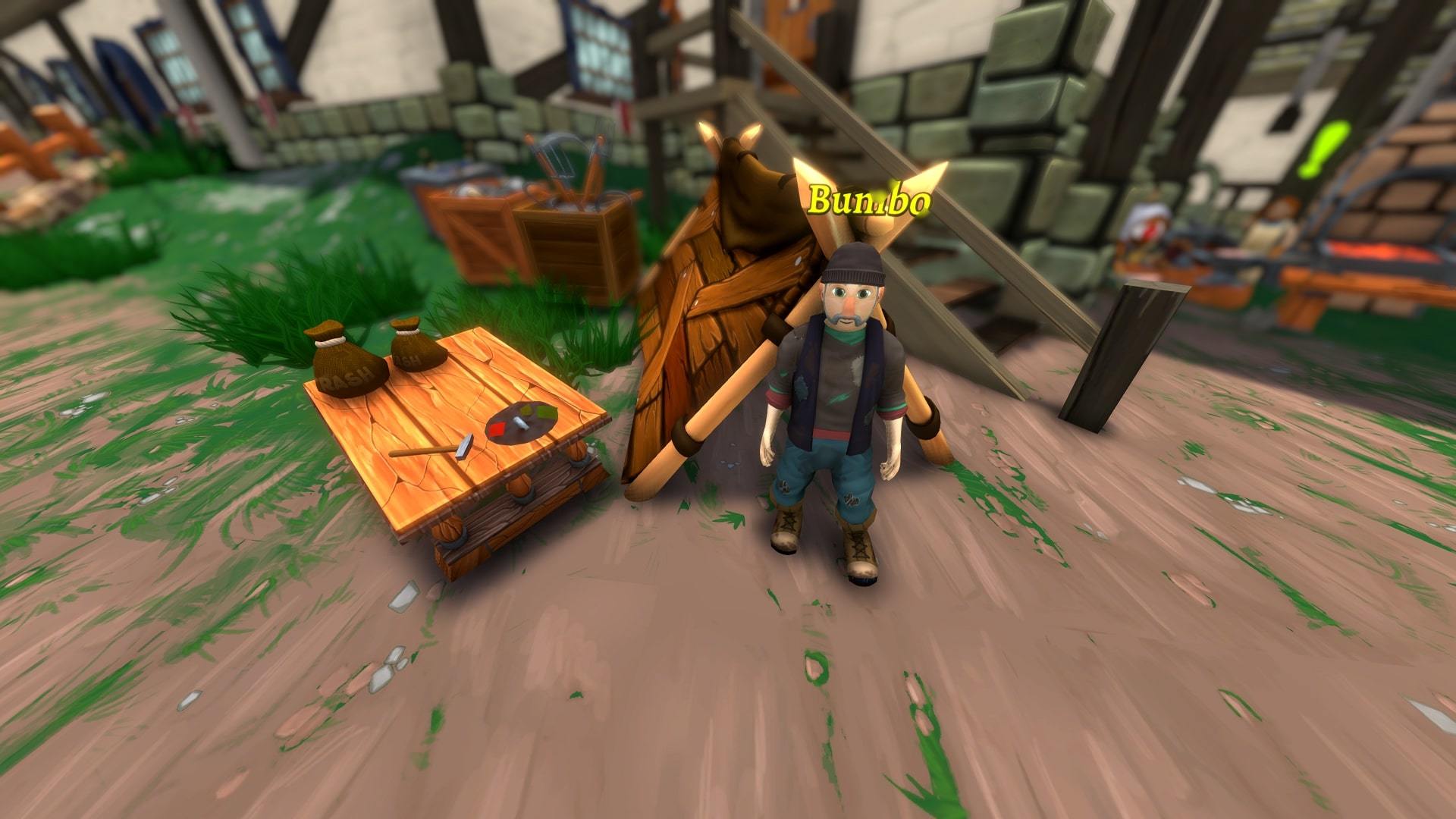
Player will be notified if they don't have a trash bag when interacting with the homeless guy
New journal entry requiring the player to receive an item from the homeless guy by sieving trash.
Pay tax button works normally when town is fully upgraded
Discord invite button changed to the verified server
Level 4 town research fund bar fixed
Helper bots that deliver items to race shoppes come back in Level 4 town
Elf and Orc keepers offer their delivery bot quest to help introduce players to what they mean
Multiplayer delivery bot chests appear as they should
Players with resolutions over 1080p should no longer feel stuttering
Thanks,
The Shoppe Keep 2 Team
Shoppe Keep 2 Reaches Full Launch on 25 April!
Hello all,
I am excited to announce that Shoppe Keep 2 will reach full launch next Thursday, 25 April!
Since the game’s launch in May 2018, Shoppe Keep 2 has seen countless updates from developer Strangefire. From various additions and enhancements to the core Shoppe Keeping gameplay, to expanding the open world of Customerania, to the additional depth of progression and town upgrades, Shoppe Keep 2 has come a long way since its Early Access launch.
We look forward to hitting this exciting milestone, and we thank you very much for all of the support, suggestions, bug reports and much more. We couldn't have done it without you.
Thanks,
The Shoppe Keep 2 Team
UPDATE NOW LIVE | Revamped Tutorial and Much More
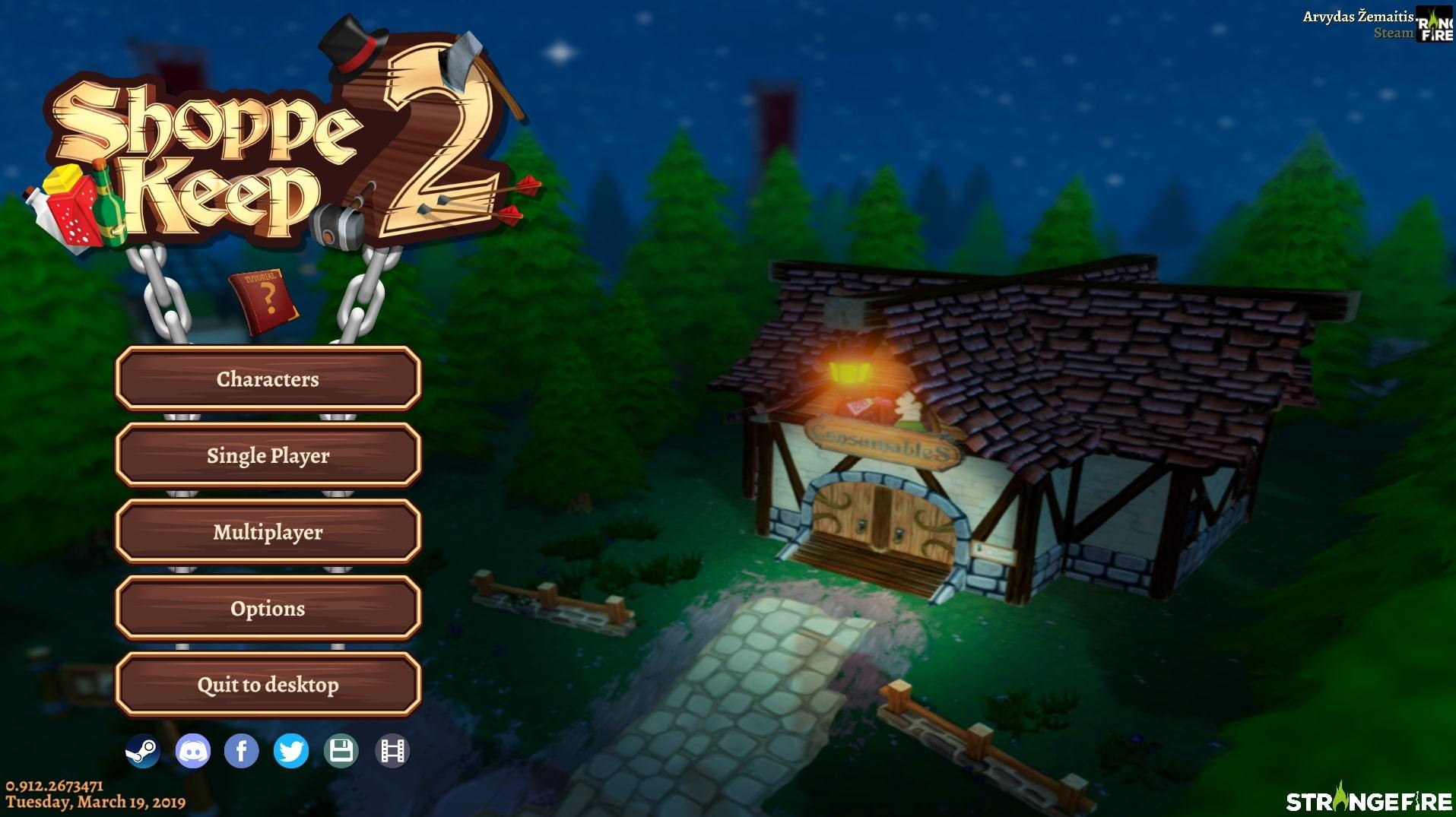
Brand new main menu
Hello all,
I'm excited to announce that a brand new Shoppe Keep 2 update is now live! This is one of our most important patches yet in terms of making sure that the game is accessible to newcomers, but one which also adds a bunch of features long time players will appreciate.
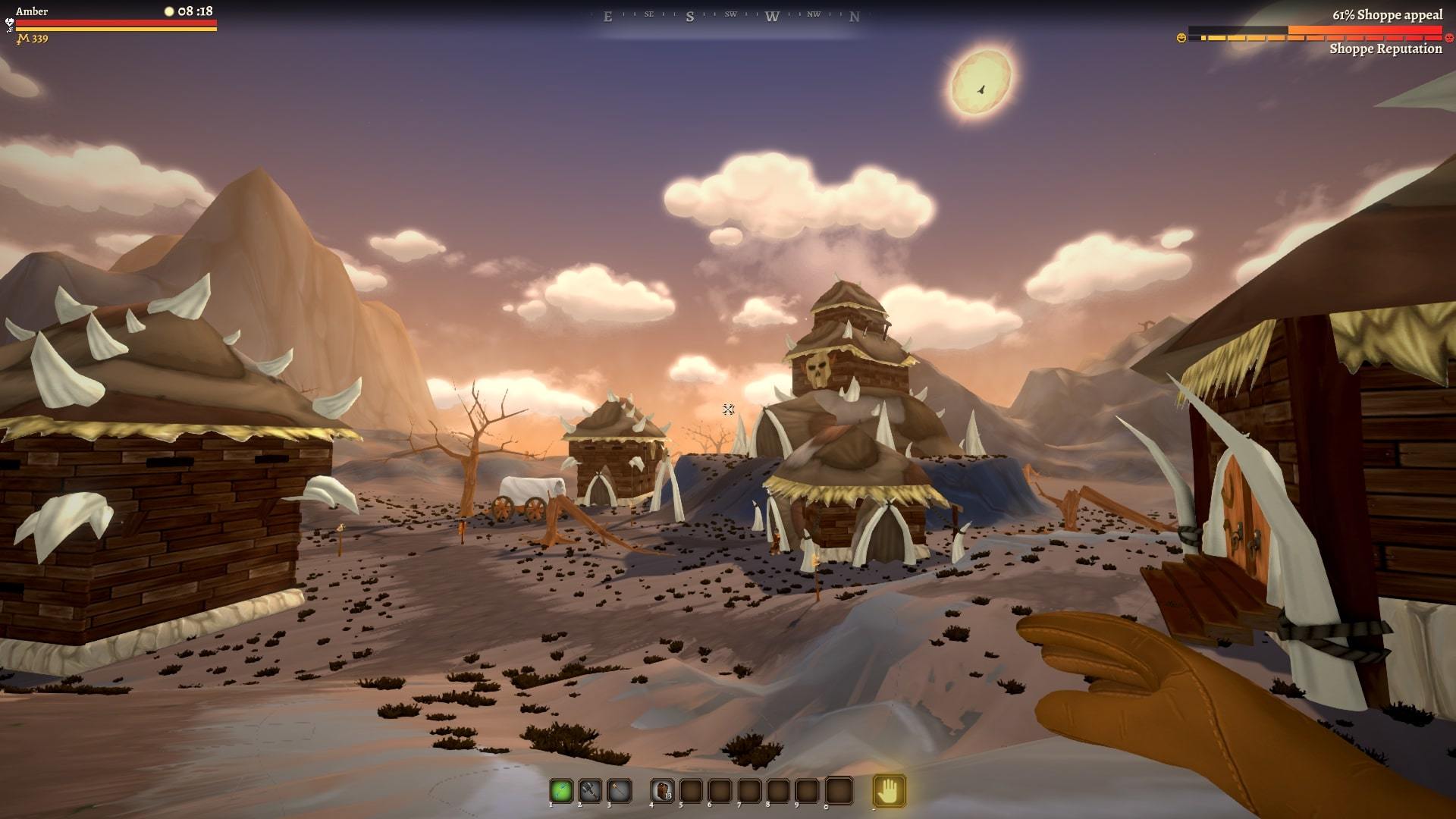
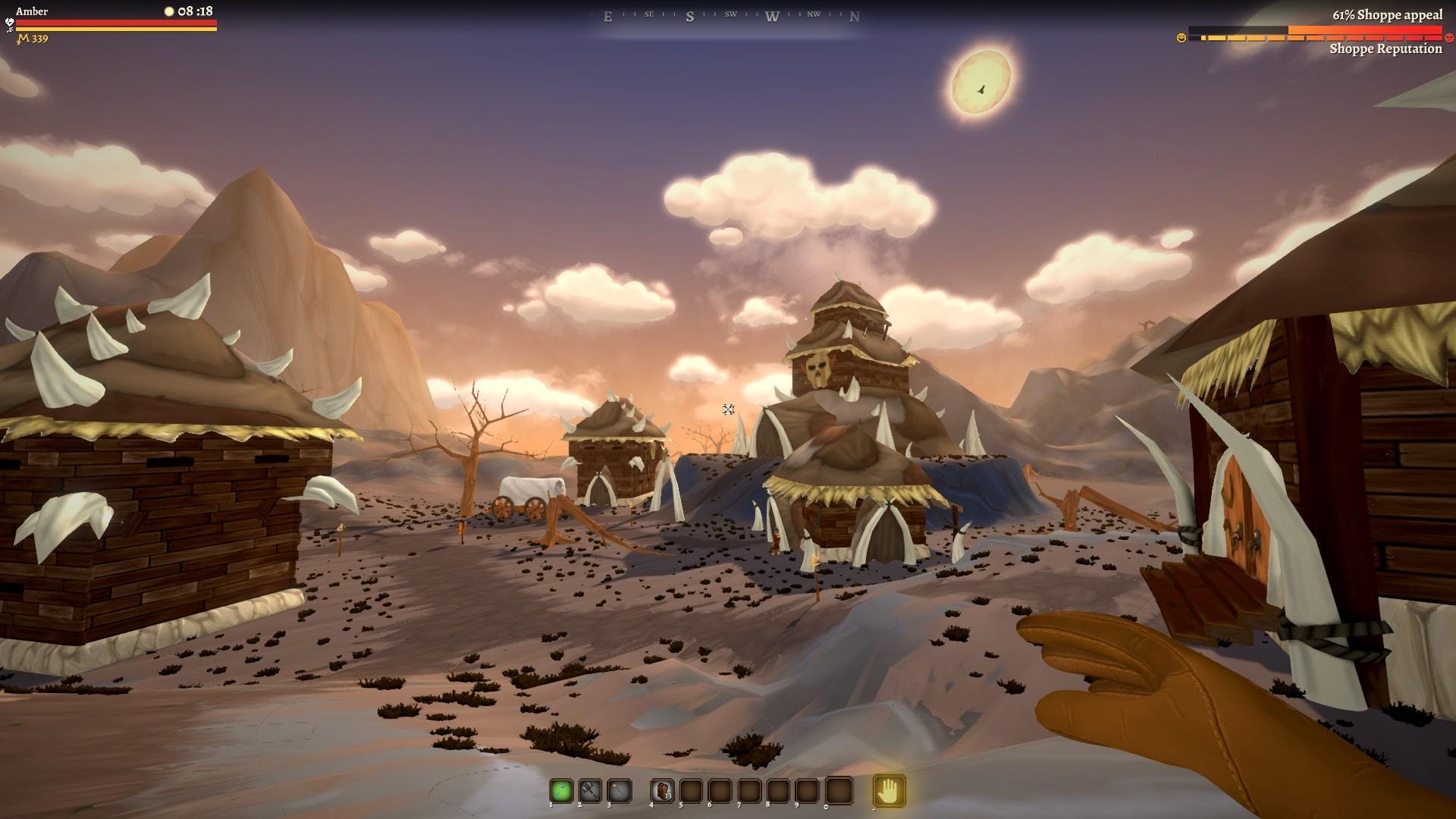
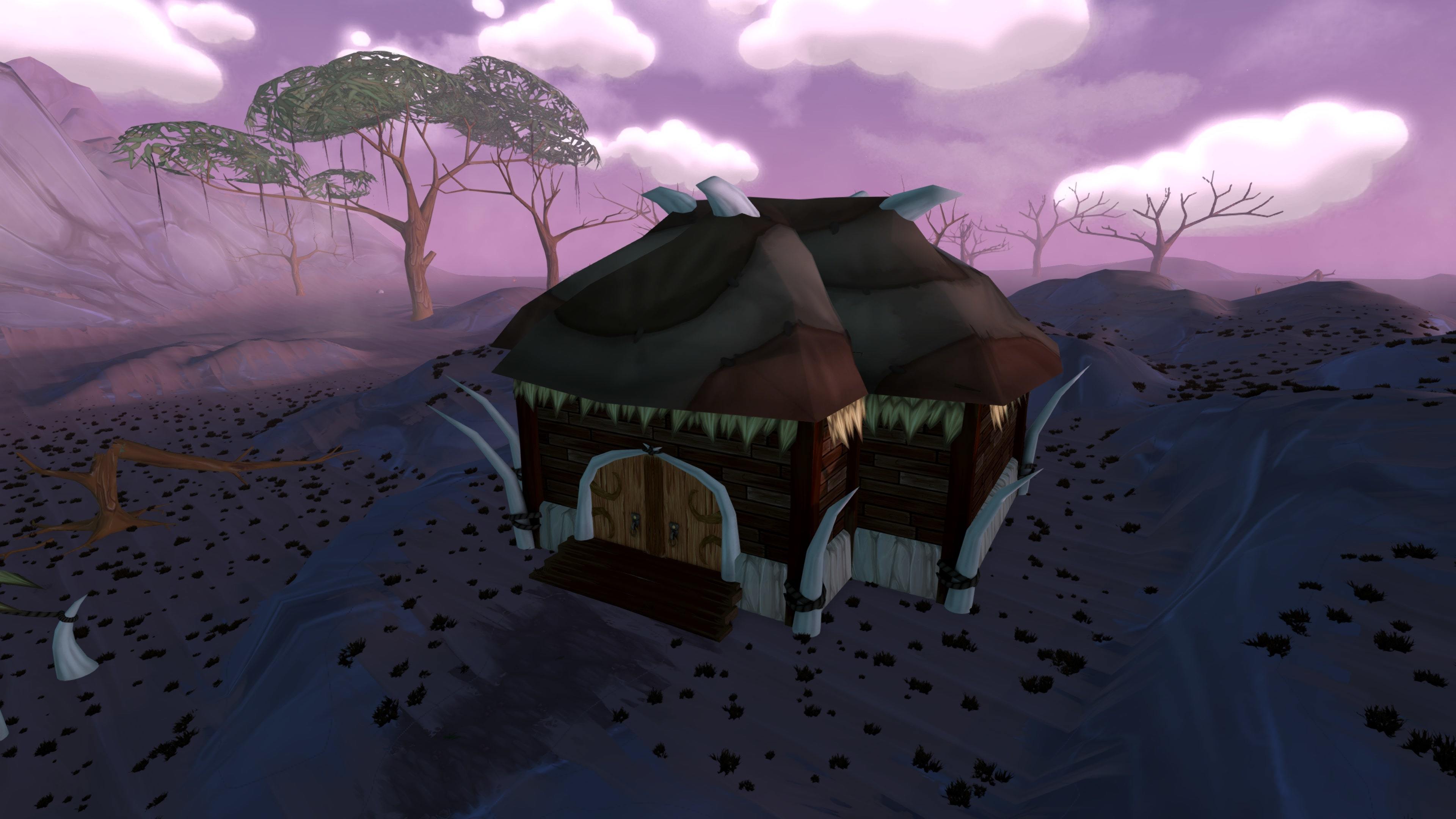
New Orc Shoppe visuals
The update introduces a revamped tutorial, now better suited to guide new players into the world of Customerania. As well as a new main menu and loading screens, today's update also introduces a number of new recipes and, updated Elf and Orc shoppes, and various quality of life improvements.
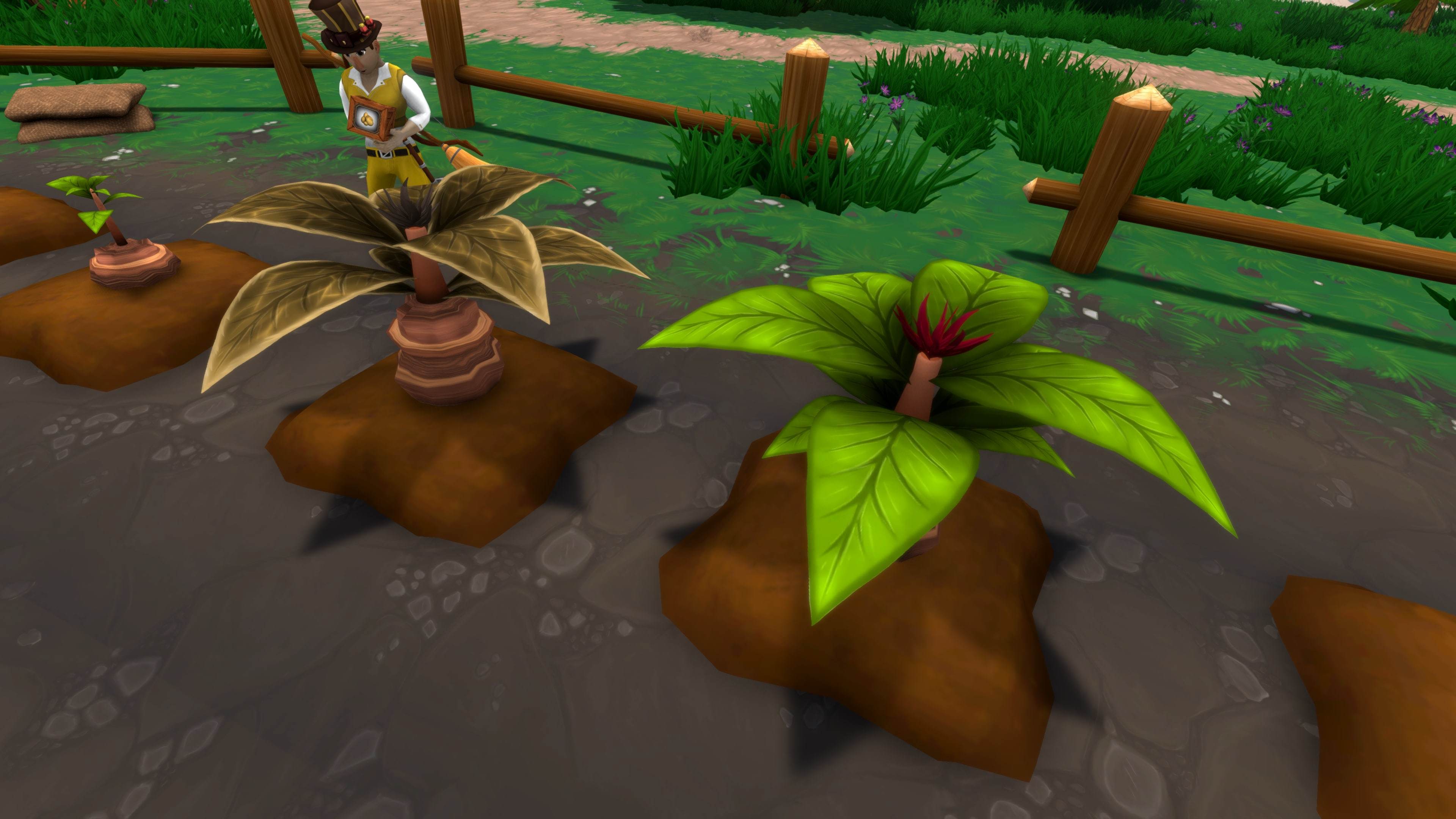
Wilted plants
Additions
- Brand new main menu
- Revamped tutorial with new animations and objectives
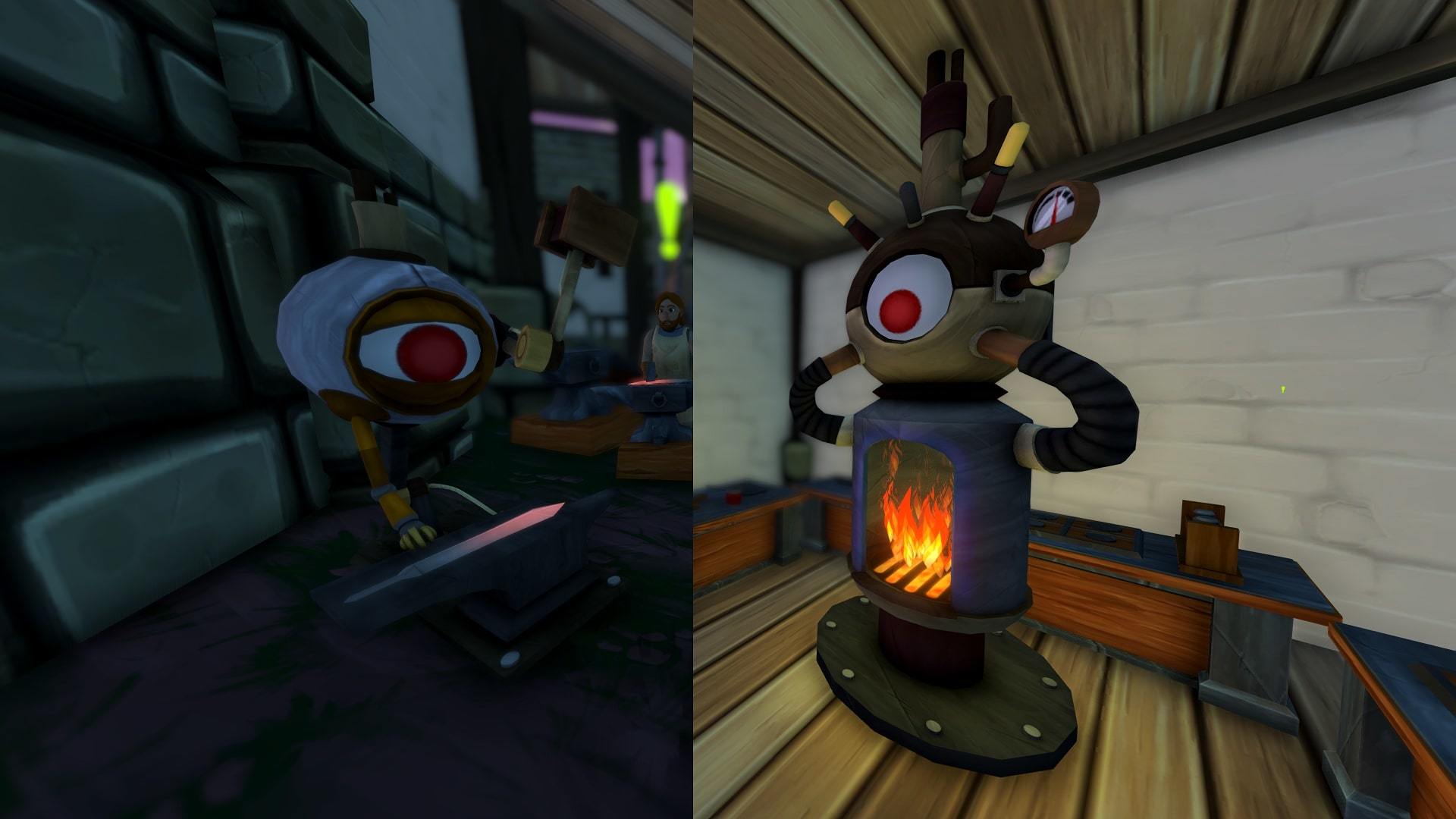
- All helper bots now have their own personal chests allowing for extra bot storage
- New theme music
- Orc Shoppe has its own individual design
- Elf shoppe has its own individual design
- 3 new loading screens
- Plants left fully grown will wilt over time becoming useless
- 2 new cooking recipes added for Level 4 town
- 2 new growable plants added, dropped by Violet Valley and Savannah enemies
- Violet valley and Savannah have their own respective ores to mine
- 7 new Blacksmithing recipes for Level 4 town
- 2 new Alchemy recipes added for Level 4 town
- Savannah now has a perpetual dust storm effect
- Quests can now have multiple objectives
- Notice added to the management house door stating next unlockable town building and how long until next order arrives
- A signpost now shows directions towards the furniture vendor, cook, blacksmith and alchemist near the management house
- Happy/unhappy faces pop up near the appeal metre when it changes
Signpost
Changes
- Ability to imprint a whole display with an item
- Seasonal features turned off
- Tutorial now starts during daylight hours
- New tutorial cut scene
- Tutorial now displays a message at the end informing the player they are going to be kicked to the menu
- You now start with 300 muns
- Furniture vendor map location quest removed
- Displays can only be purchased from vendors area
- Initial quest line altered
- Stat tracking is disabled every game until a stat is manually selected to declutter the UI
- When initial crafters are locked they have notes stuck on their doors with progress towards unlocking them
- Celebratory notes pop up when an upgrade is unlocked or the town gates pop open, as well informing of some new features that become available
- Tutorial arrow is more visible
- More immersive note when buying the pedestal the first time
- More immersive note on the gates of town at the beginning
- To sleep, you now have to hold down the button rather than tapping it
- Crafters are represented in the world map
- Skill panels display information about what increases skill XP
- Blacksmith received a dialog option concerning which trees can be cut down
- Some tree resources moved around
- Hired employees window enlarged
Quest with multiple objectives
Fixes
- Spider legs rotation and size fixed
- When helper bot fuel is full you can no longer put more fuel in
- "Absorbed Etheral" correctly shows when interacting with him at the alchemist house
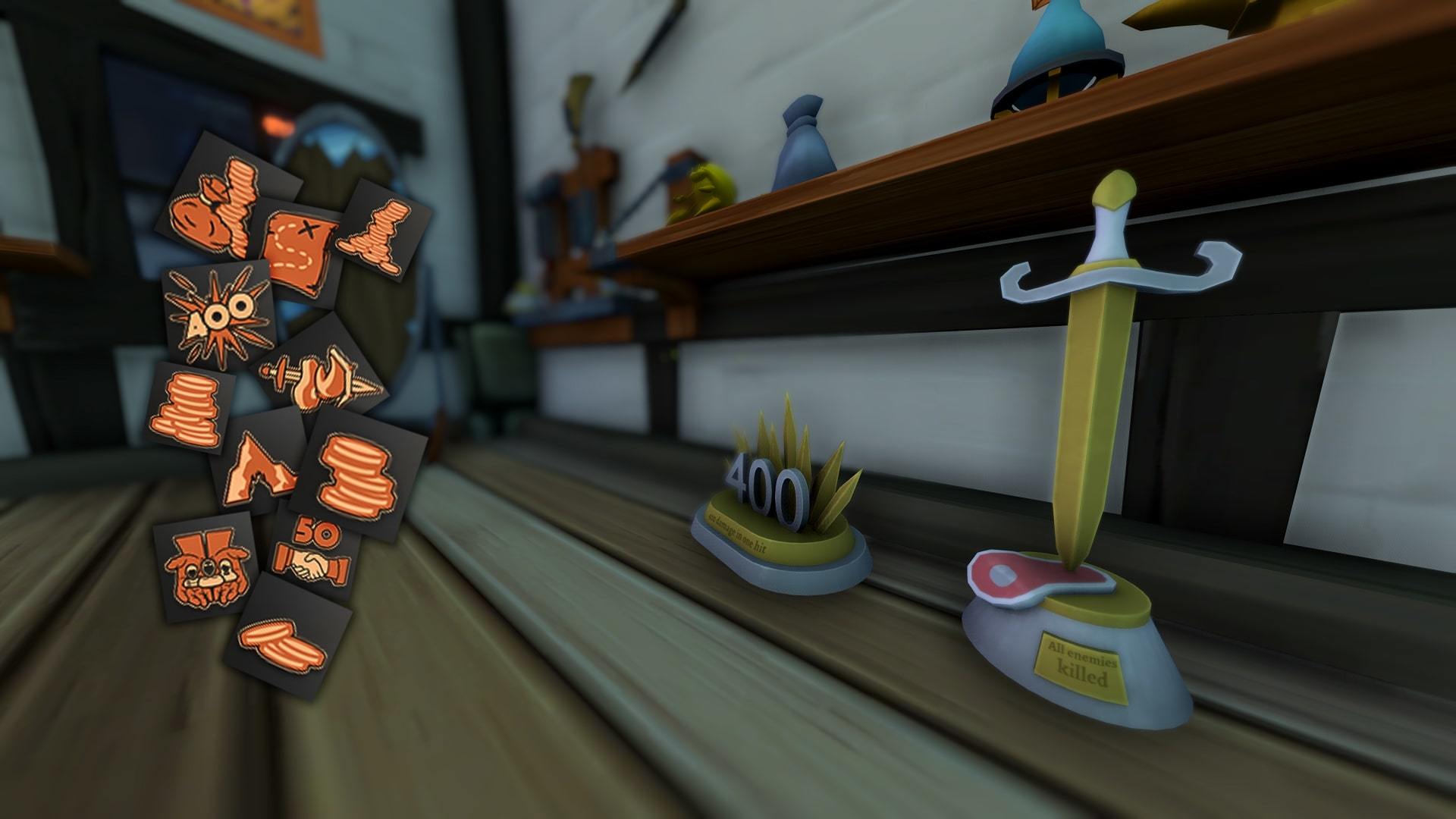
- Trophies in the management house no longer float during the tutorial
- Rain in the tutorial hits the ground properly
- Sleep achievement texture fixed
- Sold items journal displays correct % of sold items
Locked crafter note
Thanks,
The Shoppe Keep 2 Team
UPDATE NOW LIVE | Loading optimisation, New Main Menu, Improved tutorial.
Hi Everyone,
We are excited to announce a new update to Shoppe Keep 2.
This update looks to start addressing optimisation and improving the tutorial.
We have decreased loading times which should help anyone with hanging and crashing issues. We have also started improving the tutorial to explain key details of the game which were previously missing.
If you continue to have any issues, please try the following solutions
Out of Date Graphics Card Drivers?
In many cases, out of date drivers can cause games to crash on launch or when loading visual elements.
You should always try to keep drivers up to date.
For AMD cards, you can go to https://www.amd.com/en/support
For NVidia cards, you can go to https://www.nvidia.com/Download/index.aspx
Dual Integrated + Dedicated Graphics?
Some PCs or Laptops come with 2 display adaptors/Graphics cards. In these cases, the game may try to run on the less powerful integrated card which can cause issues. You will need to check your settings to make sure the game loads up using the correct card. In most cases you can simply right click on the games executable or desktop icon and see an option
"Run with graphics processor" and select the correct card here.
Running or using Citrix Desktop/Workspace?
Citrix Desktop/Workspace can cause issues with many Unity Based games.
This is mainly because it mimics the properties of a display adapter which the game then tries to use. We recommend disabling or uninstalling this when trying to play SK2.
Running Other Virtual Display Adaptors or Remote Working Software?
Other programs which run as display adaptors may also cause issues when running the game. These are often used for ipads or graphics tablets when connecting to a PC. Some remote working software also mimics display adaptors as with Citrix and should also be disabled.
Corrupted profile data?
If the game has crashed during launch in the past or was exiting forcefully, this may have corrupted the profile data for the game.
You should remove this corrupted data by doing the following:
- Press the windows key + R on your keyboard
- type in %appdata%\..\locallow\Strange Fire\Shoppe Keep 2 and click ok
- Go to the Saves folder and delete "Profile.sk2"
Doing this will reset any settings for the game and can remove save files/characters
If you have tried all of the above and still encounter crashing. Please do get in contact with us so we may help you with this. You can email our support team at support@excalibur-games.com.
Please include a dxdiag report where possible and any crash logs or error logs you may have.
To create a dxdiag report, do the following
- Press the windows key + R on your keyboard to open the run console
- Type DXdiag and click ok to open the direct x diagnostic tool
- Once this has opened, click on "save all information" to save a dxdiag report
Thanks,
The Shoppe Keep Team
UPDATE NOW LIVE | Level 4 Town, Game Now Available in Turkish
Hello all,
I am excited to announce that Shoppe Keep 2 has just received a brand new content update, and it's a big one!
Headlining the new update is the level 4 town, meaning that you can level up your town once more and bring even more wealth to the land of Customerania. Upgrading to level 4 also unlocks another wave of crafters.
The game is now also available in Turkish!
Additions
- Level 4 Town
- Level 4 crafters
- The expected rate of Orc and Elf visits can now be viewed in the management house
- New sound effects added
- Selutarr Zone music added
- 5 new skills added to unlock
- Added a vendor for facemasks in town for extra charisma boost during the early game
- 13 new achievements added
- 3 new standing decorations available including a sign that you can write what you like on
- Turkish language added
Changes
- Orc/Elf items affect on Orc/Elf visits has been slightly decreased
- Etheral can now be released from his throne
- UI button frame upgraded
- Additional Crab skin variations added
- More variation in lower end villager outfits
Fixes
- Barbarian quest description fixed
- Patch notes sharpened on language select screen
- Barbarian mercenary hunt issue fixed
- Ship fog fixed
- MP Bot container fixes
Thanks,
The Shoppe Keep 2 Team
NEW UPDATE NOW LIVE | The Holidays Hit Customerania, New Visual Effects
Hello everyone,
I'm proud to announce that a new update is now live for Shoppe Keep 2, marking the last update of 2018!
This update brings new visual effects for fire/frost projectile attacks, new terrain textures, two new Level 3 events, and my personal favourite of all... Santa has arrived in Customerania and brings some festive hats for you all to wear.
Full Patch Notes
Additions
- New Fire/Frost projectile effects and blasts
- New tips added while loading. Click the left mouse button to cycle through the tips.
- Brand new terrain textures added
- Orc and Elf customers have unique outfits
- Santa has appeared in Customerania to sell some festive items, such as Santa hats and elf hats
- New journal added, displaying which items you have sold, is available in the management house
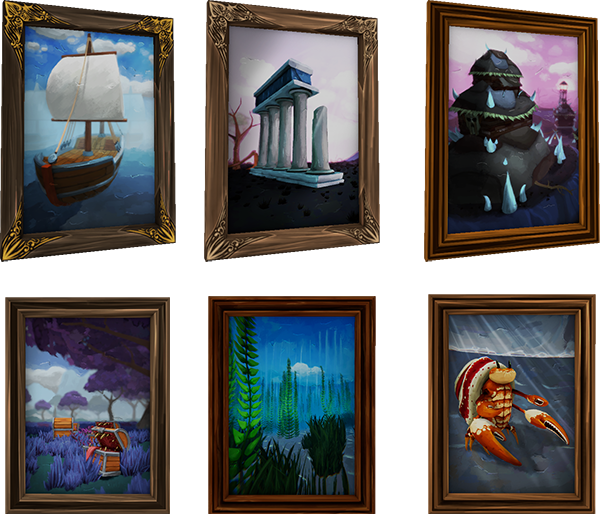
- 6 new decorative paintings available for purchase
- 2 new events at Level 3
- Elf and Orc village now has Hilo Travi (Quick travel) points
Changes
- World map has been updated to add new paths
- Elf and Orc bows now have the correct animation when charging
- The Mercenary now can hunt Barbarians, Skeletons and Serpents
- Halloween helmet bonus no longer available to unlock
- Orc Keeper now has his own unique dialoge
- Wild Shoulder description and combination fixed
- Wild Pants rotation and scale fixed
- Additional work put into loading the Main menu for slower HDD users
Fixes
- Enemy wandering animation has been smoothed out
- Inspection item unlocks now properly appear on 16:10 aspect ratio displays
- Fixed unlock order for Hunter and Paladin items
- You can no longer order negative hunts from the Mercenary
- Mercenary required item buttons no longer overlap item text
- Barbarian chest on orcs appear properly with correct skin tone
- Host no longer receives damage from projectiles hitting other entities
Thanks,
The Shoppe Keep 2 Team
UPDATE NOW LIVE | Multiplayer Crashing Issue Addressed, Violet Valley and Savannah Biomes Updated
Hello all,
I'm excited to announce that a brand new Shoppe Keep 2 update is now live! This update fixes a major issue that was stopping a significant number of you playing Shoppe Keep 2 multiplayer. We have also introduced HDR support and further enemy variety in today's update.
Multiplayer Crashing Issue Addressed
A significant number of players have been experiencing a crash when loading multiplayer in Shoppe Keep 2. This issue has been addressed in today's update, meaning that many of you who previously couldn't access multiplayer should be able to!
If you are still experiencing issues with the game crashing on launch still, we recommend waiting a little more after you are able continue past the language select screen. If possible, track hard drive usage and wait until you see this has dropped back down to idle and then continue.
If you continue to have issues, please do contact us at support@excalibur-games.com so we may help you with these issues.
Violet Valley and Savannah Biomes Updated
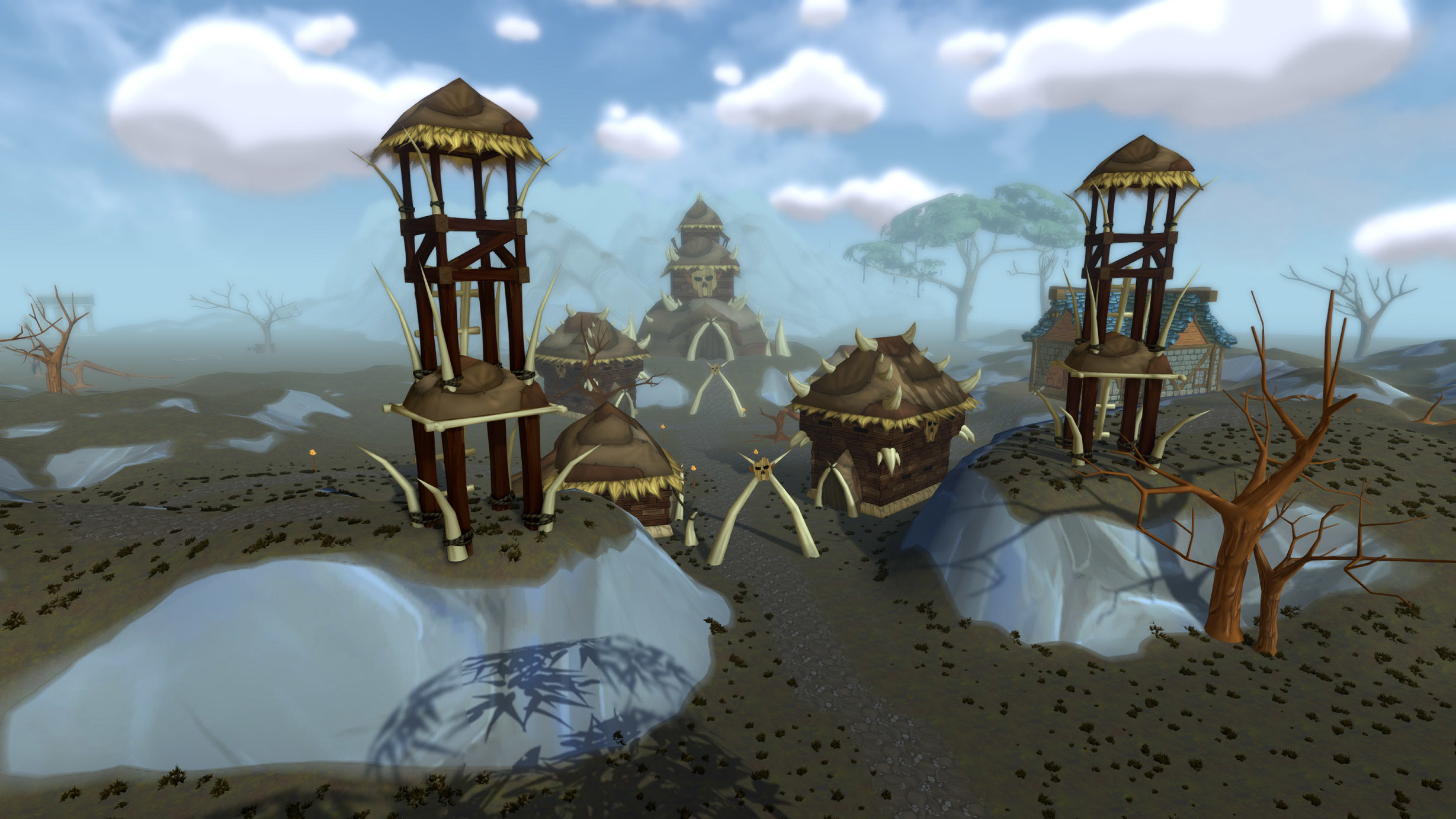
We've completed the elf village as well as introduced the orc village. New enemy variants have been added too, and the two biomes have both seen some visual upgrades in terms of visuals.
Additions
- Violet Valley and Savannah bots now have unique visuals
- Skeleton enemy variations added
- Barbarian enemy variations added
- New customer dialogue lines introduced
- Serpent now appears in Violet Valley
- Orc village introduced
- Hunting quests added, relayed by Orc and Elf shoppe keepers
- New cooking recipe added
- New Elf and Orc outfits added
- Hammer damage is now a togglable option
- HDR enabled
Changes
- Skeleton HP modified
- Barbarians loot drops modified
- Elf and Orc bots now request up to 6 items. Elves require more alchemy items whereas orcs require more blacksmithing items
- Updated mountain texture
- Iron ore vein visuals updated
- Modified path-finding for creatures
- Default visual options modified
- Under construction signs removed
- Elf/Orc generic dialog altered
- Updated visuals in Violet Valley and Savannah
Fixes
- Barbarian sound effects, names, and eyes fixed
- Fixed painting rotation
- You can't sleep during the tutorial anymore
- Alchemy foliage fixed
- Mimics/Serpents/Barbarians now spawn in multiplayer
- Purchasing from furniture vendor fixed
- Floating unused decorations in the forest fixed
- Lamps sticking through walls fixed
- RakNet/multiplayer crashing during main menu load addressed