NEW UPDATE NOW LIVE | Helper Bots Return, Someone Stole our Trees!
Hello everyone!
As many of you may know, the Helper Bots went on holiday to de-stress. They were bumping into walls, not listening to any orders from the player and generally being a nuisance!
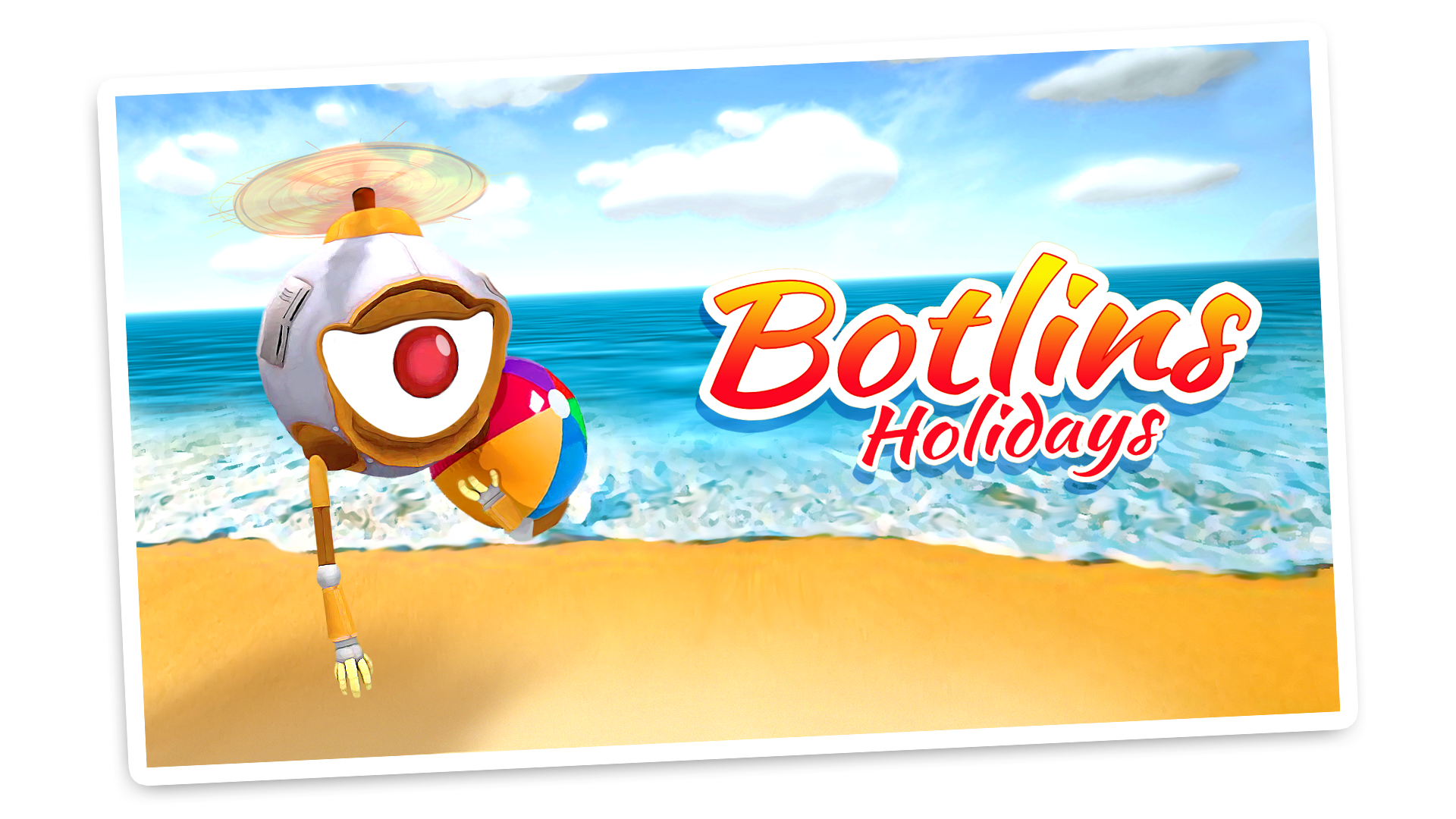
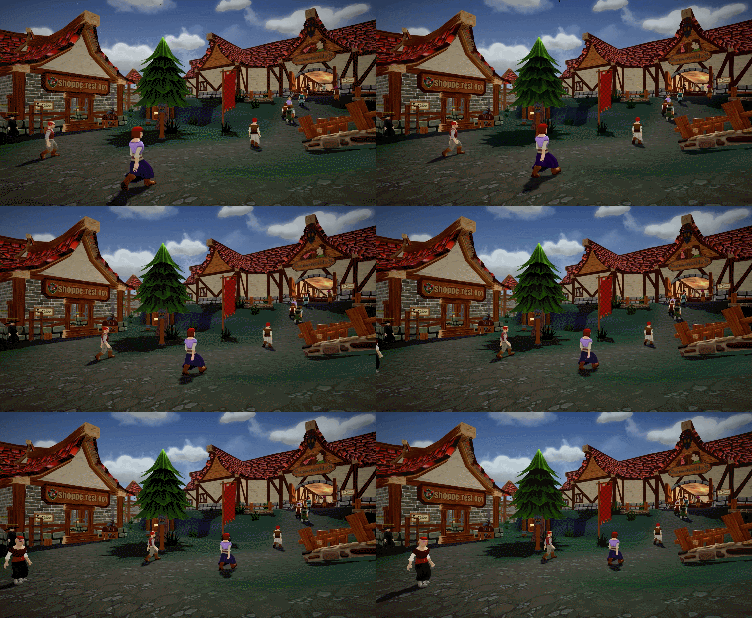
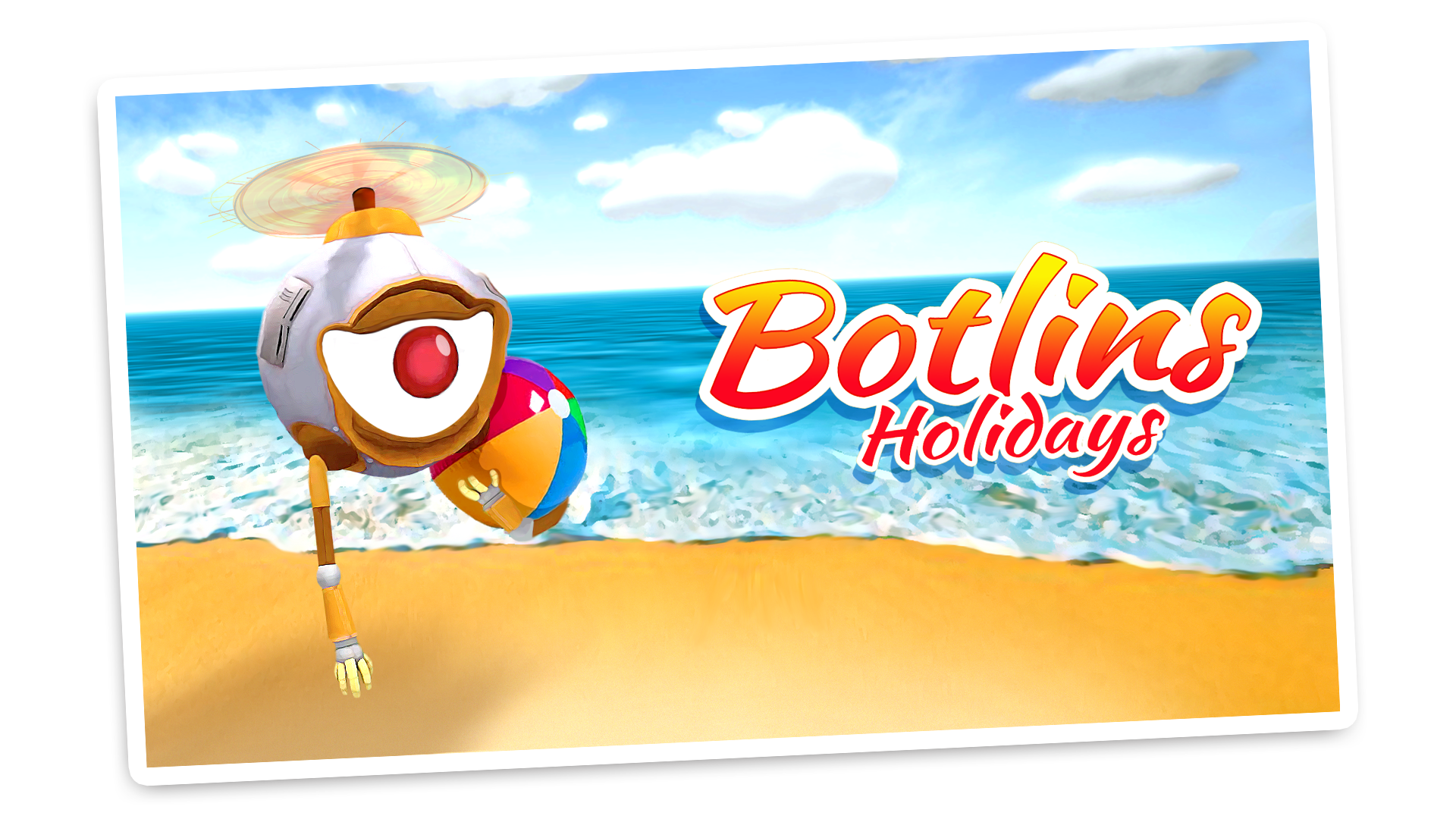
The Helper Bots remained loyal, however, and even sent over postcards while they visited the resort.
During their time away they learnt how to relax... but the relaxation levels far exceeded the regular parameters and their programming had taken on certain traits which made them less than helpful. They just wanted to build sand castles, wear swim shorts and get a tan. This was not what we had intended when we sent them to the resort.
So we killed them all...
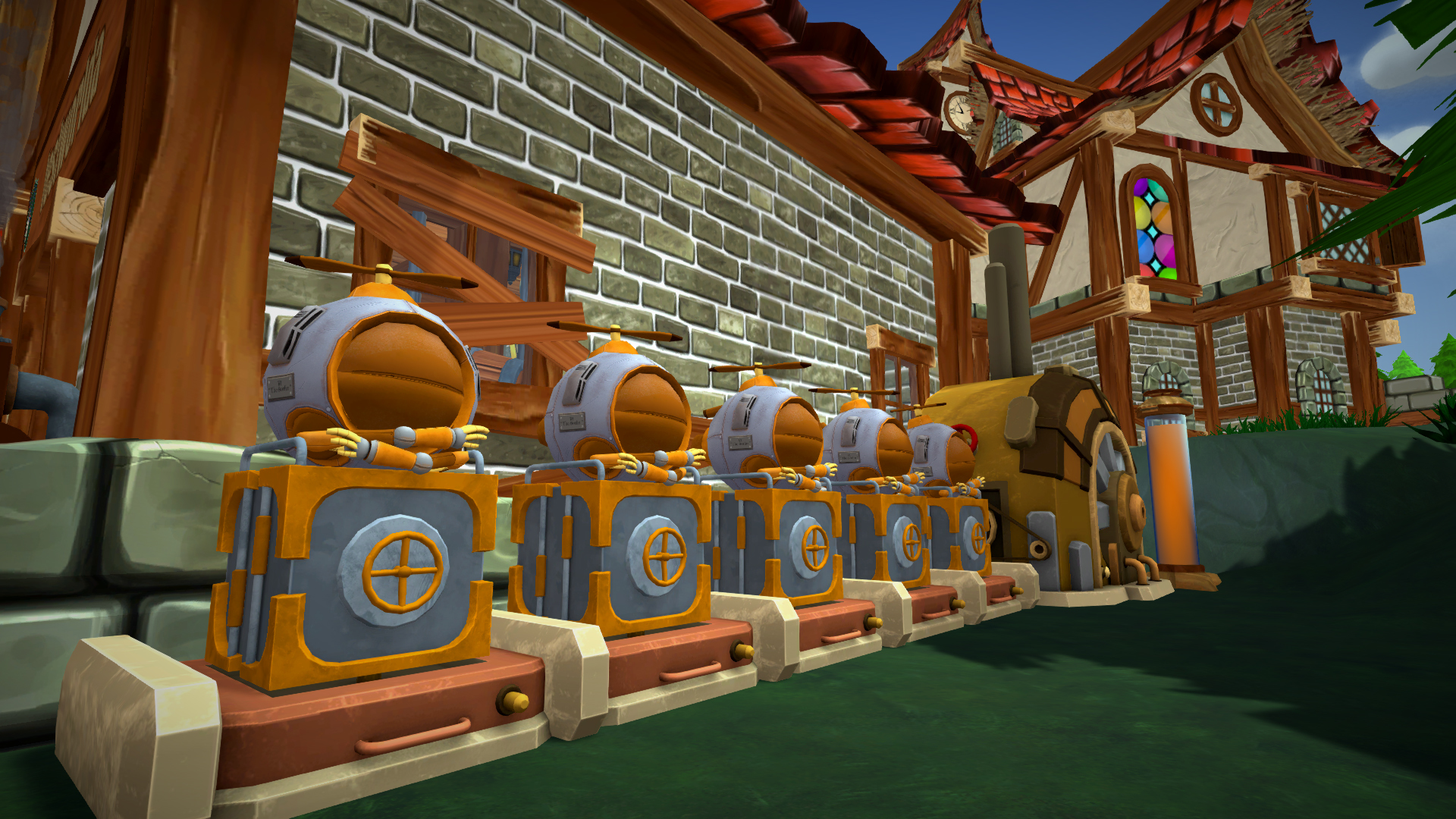
From the ashes of the Mark V Helper Bots, a new helper bot was created: the Mark VI Botlin. Using everything we had learned from our mistakes with the past Helper Bot we created a much more efficient and reliable model. That very mechanical minion is available to buy from Chris today! They are a little pricier than before, but their skills are now completely maxed out.
Chris being the evil businessman that he is, however, created a flaw within the Mark IV bots which means that instead of consuming gold from the vault (which we don't think anyone knew was happening!) the Helper Bots now require fuel. Thankfully a fuel gauge has been added next to the Helper Bots so you know when you are running low. Chris sells fuel when he visits the inn so you might want to stock up when you see him next.
New Skills
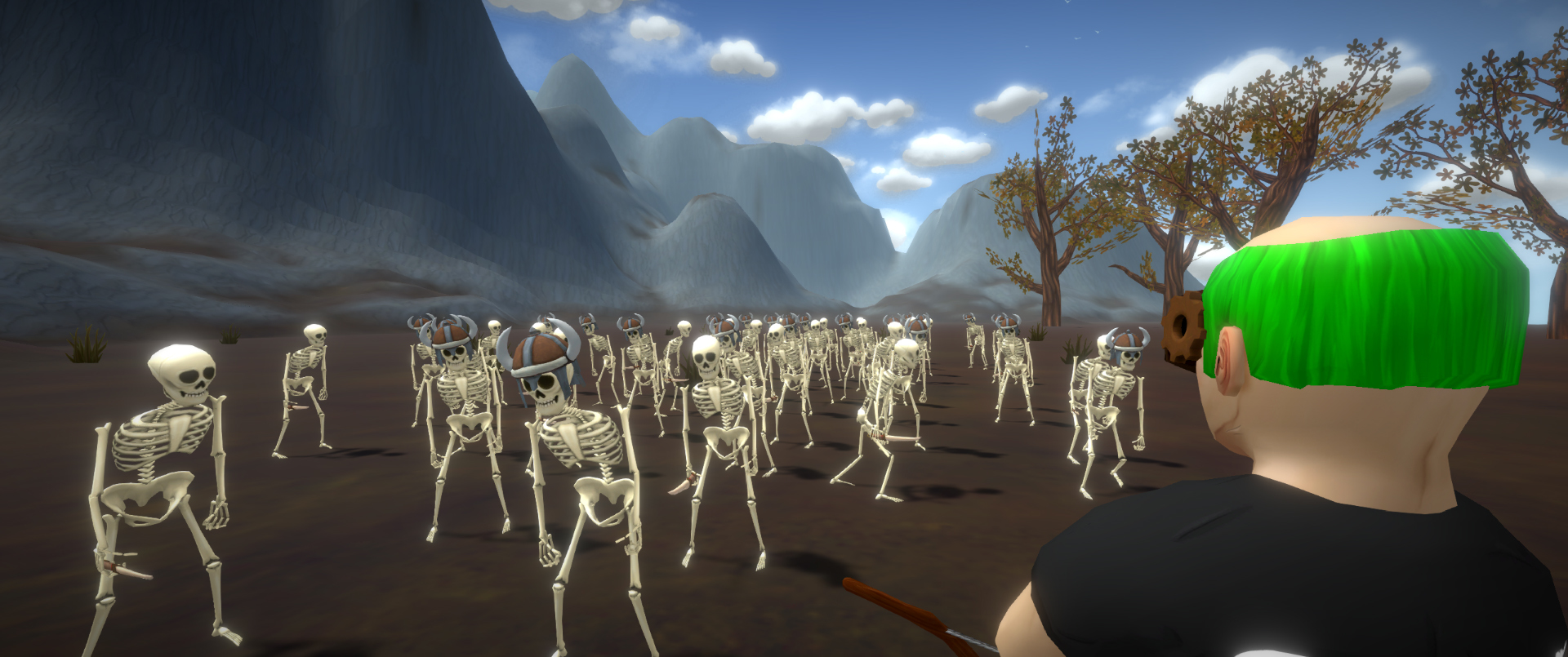
Additionally, we've added some new skills to the game. Here are the icons for each of the new skills! They will increase mercenary speed, increase loot from slain enemies or decrease the time it takes to craft items.
New Foliage
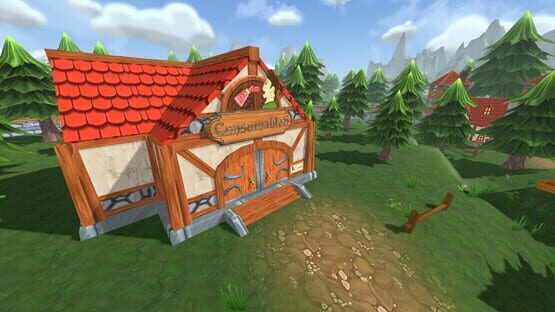
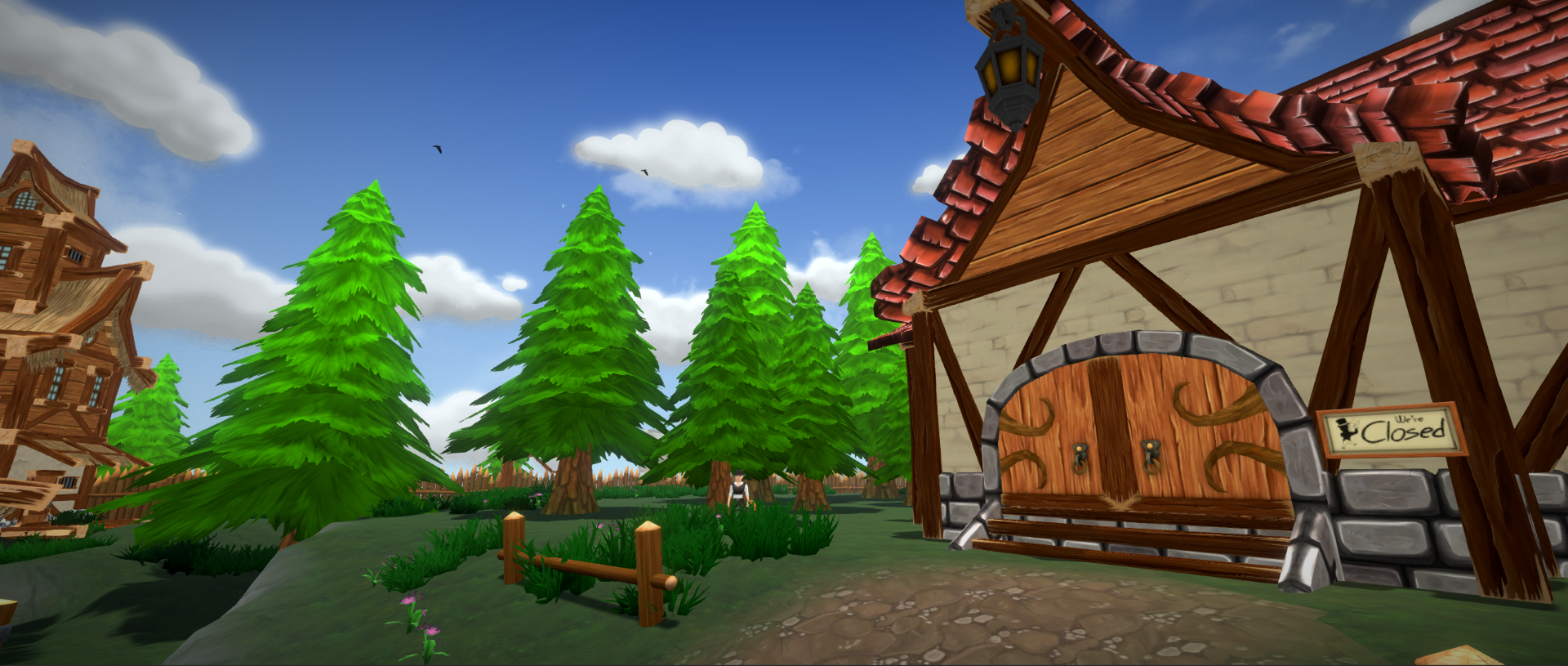
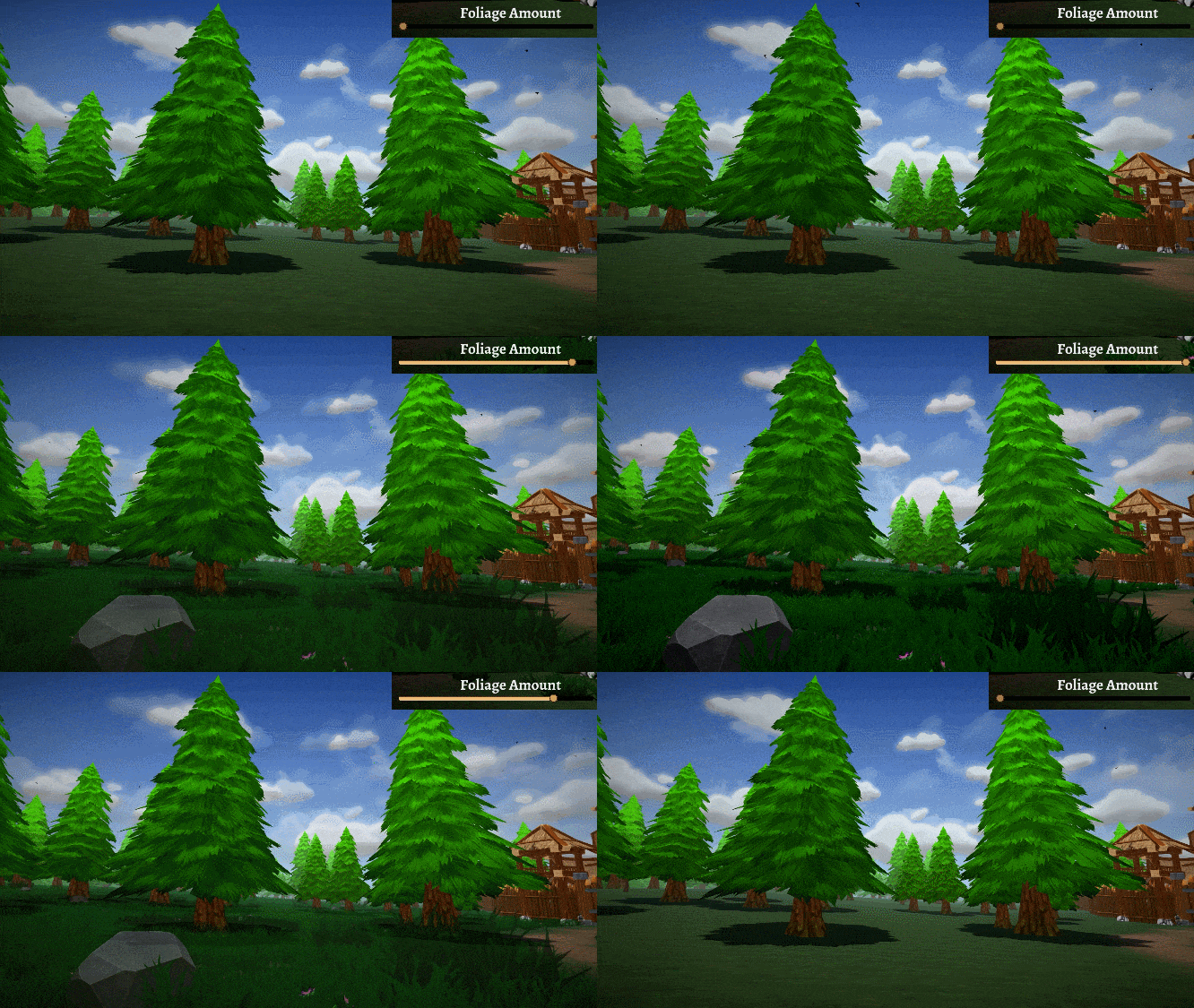
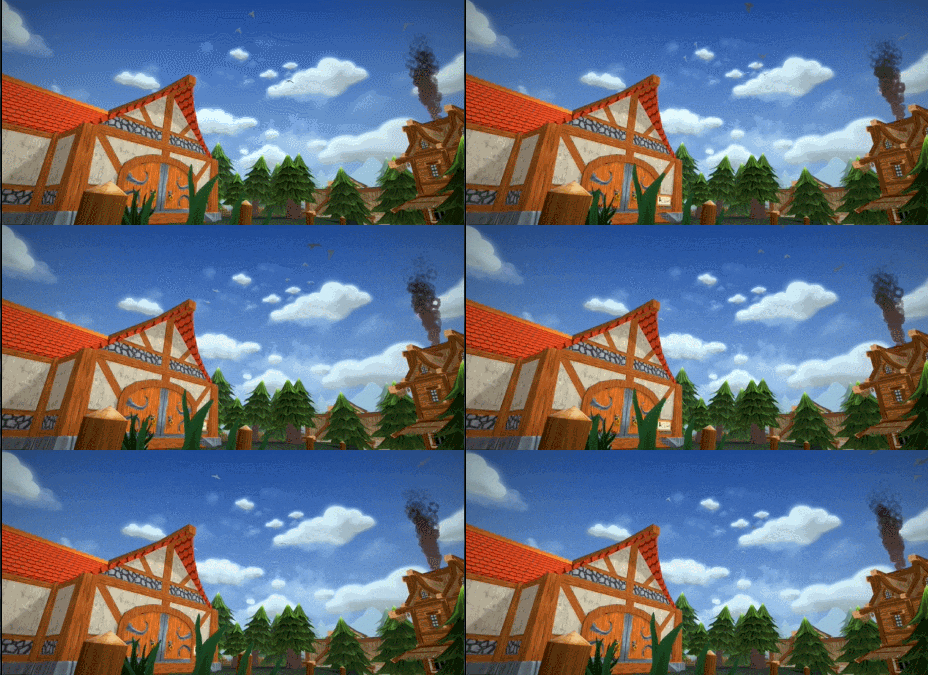
Someone stole all of the trees and replaced them overnight!
Along with a new model of tree, which we believe increases performance on some PCs, you are also able to fine tune the foliage slider in the options menu to increase performance.
That's it for this week's update! A full change log can be found below, along with information on how the new bots work.
ChangeLog 0.106.656642
Additions
Helper Bots MK VI "The Botlin" introduced
Bots are purchased for an increased price from Chris as they do not have upgrades anymore. Instead, they are better at their job from the get go.
Bots now require fuel to work. Fuel can be bought from Chris and filled at the bot docks. They do not use the fuel heavily, but will require refueling every few days under heavy load. Fuel is only consumed when they are emitting smoke.
Trash Outline skill added
Crafting speed skills added
Mercenary speed skill added
Better resource gathering skill added
More loot drops from kills skill added
Customer annoyance skills added
Faster growing crop skill added
Changes
Fill Speed for vault buttons increased
Potion bottle icons fixed
Rock on a stick and level 2 weapon are no longer dispensed in the management house
Tables are now available from the start at the furniture vendor
Each item type is now available in the order list at the beginning of a new game
Events are always locked to 'everything is fine' until the town reaches Level 2, to avoid confusing for new players
Price gun defaults to roughly 150% before an item is first placed or priced at the beginning of a new game, so new players start earning straight away.
You can use either the vault or money from your pocket to order items
Fixes
Customer trends for translations fixed
Additional Bot Information
Setting a bot to idle will make it await orders.
A bot set to stock will restock the shoppe using items within the bot container. However, items will need to be imprinted to displays first in order for the bot to know where to place the items.
To imprint an item, hold the item in your hand and then look at a display. Hold left shift and then right click to imprint the item.
Bots will also not stock the shoppe if you have the bot container open
Repair bots will notice when any display reaches 70% or less durability, fix that display up to 100% and leave.
Cleaner bots will instantly move towards any new trash and clean it up.
Bots use fuel, a small amount of it while working, displayed in the bot UI as well as visually outside their docks. If bots do not have enough fuel to perform an action, they will display an animated red fuel icon over their head and move towards being idle at their docks.
Fuel is purchased from Chris currently, and will be introduced as a craftable recipe by the alchemist in due time.
NEW UPDATE NOW LIVE | Thief Zapper, Enhanced Character Customisation
Hello everyone and welcome to today's Shoppe Keep 2 update! The Helper Bots are preparing to return to the Shoppe after an intense training, er, I mean intense holiday session. Beach balls were thrown around haphazardly for maximum frolicking levels. And the blistering heat of the sun combined with the sea salt air gave our jolly helper bots a bronze tan... or is that rust?
We'll share more details on the return of the Helper Bots very soon, so stay tuned!
But let's live for the moment and talk about what has released in today's update. We have a variety of changes and fixes but also have a few new additions to the game. Let's highlight just a few of these, but read on for the full change log.
The Thief Zapper MK II
This electrical appliance is called the Thief Zapper Mark II. Chris, our resident engineer - and the only person in town with enough time on his hands to learn the language of the goblins - has convinced them to assist him in creating an anti theft device. The Goblins begrudgingly accepted the challenge in the hopes that Chris would share the blueprints to create the sweet 3D shades he wears.
The Thief Zapper MK II works in an unusual way. High above the sky is a device that is able to replicate a small universe whereby an infinite number of monkeys and an infinite number of typewriters got fed up with trying to write works of art. Instead they turned their efforts to harness the power of electricity by creating a mish-mash of type writers. Unfortunately, an infinite number of monkeys combined with an infinite number of type writers meant that eventually they would have created way too much electricity which resulted in their own destruction.
Chris discovered that guilty people have an increase in electrical activity in the body and planned to use this technology as a lie detector, zapping any nearby parties with a small electrical bolt. He did not anticipate that there'd be a side effect for the guilty parties that were introduced to this technology. Death... at least two hundred goblins died in the aftermath before Chris could seal the portal to the universe with an infinite number of monkeys and an infinite number of typewriters.
Not convinced it was a lost cause, Chris created a fuse which would open the portal to the universe with an infinite number of monkeys and an infinite number of type writers. However, it was incredibly sensitive and would only allow a single lightening bolt to enter our own universe. This would locate the nearest thief and give them a right good zapping.
You can purchase the Thief Zapper Mark II from Chris at the Inn. However Fuses must be purchased directly from the order scroll.
You'd think cutting the lives of 200 goblins short would make this weapon instantly target Chris when activated... however, Chris felt it a reasonable sacrifice and did not feel any guilt over these terrible series of events.
Chests
Not content with your dull looking wooden chest which is used to send deliveries to your management house? Concerned that the chest you were given does not match your visual flair?* Well have no fear! Check out the customisation menu to change the look of your delivery chest.
*Should you still find that none of the chest designs match your visual flair adequately, please consult your local GP... or maybe wait a little while as we may add more chest designs in the future.
RGB Values added for Hair and Eye Colour
On the run? Trying to avoid the Thief Zapper Mark II's deadly lightning bolt? Well, there's a high chance you won't escape but you might as well try to change your look. We've now added RGB values into the game which will allow you to change both your hair and eye colour.
This is the next step towards more customisation options for players.
Customers now reach for items
To add just a little bit of life to the world, customers will now reach for items when purchasing them. The item will also fly towards them similar to how items bought from NPC's will fly towards the player.
Change Log
Additions
Thief Zapper MK II added, purchase it from Chris for 50,000 Muns
Thief Zapper MK II Fuse added, each fuse allows 1 zap and can be ordered through the scroll and added to the fuse holder in the management house
Fast Travel points added to the Farm, Town and Harbour. More points will be added as development progresses
A trash can is now available to be purchased and placed in your shoppe. This is available next to the management house. Customers will throw trash into the trash can rather than on the floor. However if it is full, the trash will be thrown on the floor instead
RGB Color sliders for Eye color
RGB Color sliders for Hair color
Ability to choose your character's order chest
Customers can now be seen reaching for items they are steeling
Items fly towards the customer once bought or stolen
Additional customer damage sounds added
Additional female voice added to customers
Mercenary now displays how long he will take to finish his current hunt
Kick button added to player tabs for the server
Sir Poshington offers you to redeem ALL decorations from the shoppe at once if you have badly placed decorations from previous save files.
Shoppe reputation tip video added
Alchemist received an idle animation
Blacksmith received an idle animation
Item levels revealed in description panels
Character customisation displays how many items you have unlocked through chests
Changes
Placing items on displays grants Business skill points
Max display count has now been increased to 300
Furniture placement warning sound now has a greater cooldown
Updated decoration placement
Teleportation to the furniture vendor removed as it was not intended
Max mercenary hunt count is capped at 500
Damaging furniture will no longer increase combat XP
Combat XP earned now depends on your weapon damage
Updated item info UI when aiming at a display spot
Base cost of an item is now displayed in the item price list in town management
Grinder speed slowed down dramatically
Dropped items have buoyancy in water
Consumable event will only affect consumables on displays rather than the entire display
When a player crafts the same thing it will get stacked into the same order, the amount gets stacked
Crafting 2+ items at the same time decreases crafting time by 25%
Changing from Inventory/Order/Skills while Scroll is open, wont close the scroll
Ember drops doubled
Health potion buffed
Bow charging has more points of charge
Crosshair is now turned off when interacting with containers
You can close the shoppe reputation window with the same button as you use to open it - 'L'
Fixes
Armour stands can now be placed next to each other on both sides
Modified wall collisions, especially on 45 degree walls
When auto-saving, an icon will appear on screen, closing the game while this happens can cause corruption of save data
More skill XP earned when crafting, depending on how many items are being crafted
Fixed an issue where the wrong XP was granted when ordering items
In multiplayer, clients should see the new shoppe layout correctly without incorrectly placed walls
Shoppe texture can now be changed again and no longer requires a skill to be used
Maximum furniture count should now work correctly
Tutorial arrow for the new delivery location moved
Skeletons now spawn for all players on a server
Sir Shell quest fixed
Herb Package no longer uses every package in hand
Mercenary should no longer drop free chests anymore at the start of the game
Shoppe appeal information should no longer go above 100%
Eggs and Bacon are now consumed on use
Once again fixed Customer movement on second floor
Church clock movement fixed
Mouse sensitivity saved to profile once again
Second timeout now properly drops player back into the main menu
Tooltips correctly turn off when you close the scroll
Purchasing the farm will not disable the hotbar
Shoppe reputation displays the most recent events at the top
Character order chest appearance now correctly shown in customisation menu
Fixed an issue where a mercenary drop could influence all container contents in a save file
Fixed an issue where you could continue selling the same item to a customer when not having it in the inventory
Shoppe Keep 2 Update Now Live - Employ Mercenaries, Shoppe Redesign
"The feel of the Island, the emerging powers of the Etherals. An ancient necromancer named Roan noticed it. The undead hordes are gathering for something that has yet to come."
Hello Everyone!
Join us as we release a brand new build to the public branch which contains a multitude of fixes, features and fun! Shoppe Keep 2 is a little over a month old now and we would like to take the time to thank everyone who has been involved to support the project and the amazing community who have been active on Discord too.
The Bots are still on holiday in the premiere bot training- er, i mean relaxation camp, Botlins! We hope that they will return back to work within the near future!
So let's move on to today's update!
New Shoppe Architecture
The shoppe architecture has been updated to be brought in line with some of the town's housing architecture. This is something we had wanted to do for some time, but were unable to do it before the launch of the game in Early Access last month. A major benefit of this new layout is that it is being designed with the helper bots in mind. This means once the helper bots return they'll be able to become more accustomed to their environment and not get stuck in certain places.
Those of you who already have shoppes all ready to go will be refunded your muns for all of your items and the muns will be added to your vault. If you have unlocked any additional rooms, the money that you spent unlocking those rooms would also be refunded and the shoppe will return to a one room layout.
As Shoppe Keep 2 is in Early Access, these things may happen as significant changes are made during the development period, which can alter save data for games. We will be doing our best not to cause any major issues and re-reimbursing money for items was the best solution to avoid players having to start over again once this update went live.
Those of you who want to look at your shoppe layout and make any changes before playing the update can roll back to the Previous build branch in the beta tab, in Shoppe Keep 2 properties on Steam - and play the latest build from before the shoppe architecture changes.
If you really want to keep any items before the game refunds the worth of it into your vault, make sure to add any items to your inventory before loading your save with the latest build. Technically, you could add all items in your shoppe to your inventory, though this will vastly affect your carry weight and movement speed. So it is not recommended. But the work around is there for those who want to use this.
The Mercenary
The Mercenary returns to the Shoppe Keep world, with some changes to his mechanics. There are some players who do not want to gather materials by hunting animals and will likely find the mercenary very useful.
While you'll need to gather certain materials from animals to begin with, you can provide the Mercenary with these and eventually he'll be able to hunt the animals for you instead.
We hope that this means those of you who want to spend more time with the shoppe and less time adventuring are much happier and now have more freedom to play the way you want to.
Changes to Customers
There have also been some changes to customer behaviour. NPCs are now more intelligent and react more swiftly. Some of the changes will mean that their navigation has been updated - they'll also now remember an item if they did not like the price of it. Additionally customers will now make a decision on whether or not to buy an item more swiftly.
You can now talk to customers and sell them items tax free. You can also see how they rate your shop, letting you know specifics such as your decorations and if there is any trash they could see.
If you are selling items to them, keep in mind that if you try to get too greedy they will get angry which can negatively impact your shoppe's appeal.
Shoppe Textures
Shoppe texture changes from the management house have been switched off for now. This is because we are currently working on new textures to match the new shoppe design.
Strike System for Taxes
There's a new system which will change how players manage their taxes. This is a three strike system which will allow players to better manage their tax without the shoppe closing down when it hits the threshold.
If you exceed the threshold for tax in a single day you get one strike... if you do the same the following day, you get a second strike... but if you manage to exceed the tax threshold on the third day and don't pay off your tax, the shoppe will close.
This means that players can spend over two days running the shoppe without worrying about paying the tax.
Changes to Combat
We've also made just a few changes to combat - some enemies have now received an increase in speed. We have also nerfed the bow by making the player's movement slower when the bow is fully charged.
Additional Button in Main Menu to Locate Save Data
There is now a button in the main menu which will open up a window showing the directory of your save data. This makes it easier for players to find save data which may have issues and send them to our tech support team, or if players want to make back ups, this is another option too.
The full change log for today's update can be found below:
Build ChangeLog
Shoppe Remodel
- New shoppe design implemented. If an old save is detected the player is offered a refund on all items, displays and shoppe upgrades. The Shoppe will then be reset to a single room.
- Floor 2 of the shoppe has changed. You must have both level 1 central rooms unlocked + any right or left side rooms unlocked before the central level 2 area becomes available.
- Shoppe texture upgrade removed until we have a good amount of textures to choose from for the new shoppe
- Any furniture and items placed in the area where stairs are built when upgrading the store are automatically removed and refunded
- Lubrication added to shoppe doors. They shouldn't get stuck as often
- Shoppe builder UI upgrade
- Management house layout changed slightly
- Apparel billboard should properly appear now counting all types of apparel as one
- Shoppe base appeal increased to 35%
- Wall decoration visual modified to better fit the wall
Mercenary Added
- Bring the mercenary offerings from your hunts, then you can pay him to hunt for you! More time in the shoppe! Less blood in the wild. You can find the Mercenary by the unlocked blacksmith
Customers Get an Upgrade
- Customers now make decisions on whether or not to buy an item faster
- When customers don't like the price they will remember the exact item they did not like
- Customers won't buy items from displays that are not on the floor they are currently on
- New navigation plotted for customers inside the shoppe
- Interact with customers and offer them your wares, tax free! If you are too greedy their annoyance will rise and can affect your shoppe appeal. But if you have more charisma than the customer, your appeal will grow.
- Customers now talk more slowly and the dialogue visuals fade at a slower pace
Miscellaneous Fixes and Balance Changes
- Passing the tax threshold will no longer close your shoppe instantly. At the start of the day, if you have passed your threshold you will receive a strike. If you receive 3 strikes in a row then your store will close. Completing a day without a strike resets the strike counter.
- Level 1 alchemist now explains that he can not sell you the farm until you have upgraded the alchemy building.
- Eye shader reworked
- Performance upgrades
- Items not previously placed will show at 100% worth on the price gun
- Minimum movement speed modified
- Daggers and wands are now placed properly in the character model's hands
- Pitchfork is now considered a medium size weapon
- Weapon Rack takes only medium sized weapons now
- NPC Interaction gradient modified
- Gill fence and Steam inventory Mun sacks work again
- Armor and Agility of the Plate Armor set modified
- Fully charging your bow makes you move more slowly
- New trophy added
- Trophy Shelves moved around
- Wolves move faster
- On-screen notification added to let the player know when a new event starts
- New button in the main menu will open your Save folder
- For network sync reasons you now need to hold the button down when receiving or putting funds into/from the vault
- Updated progress bar on the cross hair
- Updated visuals for progress bar on the cross hair
- The town management price list shows % value of item prices
- 2 new bows added that require a recipe to be found for them before they are crafted
- Containers wont show durability
- Added a maximum number of displays allowed in the shoppe (200)
- Order chest visual changed in preparation for a new feature
Known Issues
- Reduced business experience earned from orders
- Some walls remain in the Shoppe when fully upgraded. However these can be by passed through the rear archways
As always, let us know if you come across any issues!
Thanks again for joining us on this Shoppe Keep 2 journey,
The Shoppe Keep Team
Unstable Branch Update - 0.105.2178720
Hello everyone,
We have a minor build update to the unstable patch test branch which fixes an issue with the vault. I'd like to thank everyone who reported the issue and helped us locate a fix for it before it went live to the public branch.
The major changes are below:
Vault will no longer show a negative amount when shoppe furniture is refunded
NPC interactions now only show for the player interacting rather than the host
All shop upgrades are now correctly refunded
Icons are now correct and not mixed up
However, saves effected by the negative amount are unable to be recovered now in most cases so people should restart
Thanks again for all your support in testing this unstable build.
Shoppe Keep Unstable Branch: 0.105.1361700
Hello Everyone!
A new build has been uploaded onto the Unstable test branch! This includes a brand new shop remodel, the mercenary and changes to the customers.
A more substantial announcement will be made live once we go to public release, but for those of you who want to help us test the build further before it reaches everyone else, make sure to post any issues in the unstable test branch sub forum so we know which version of the game you are playing.
Shoppe Remodel and Item Refunds
Because of the shoppe remodel we are forced to remove all upgrades, furniture and items from the shoppe. You will be refunded for all of these and the amount deposited into your vault. You can purchase all upgrade again and check out the new design of the shoppe.
Please make sure you are happy with the above before moving over to the unstable branch. You may want to back up any saves prior to this so you can return to your original shoppe.
Thank you everyone for your support!
Build 0.105.1361700 ChangeLog
Shoppe Remodel
- New shop design, if an old save is detected the player is offered a refund on all items, displays and shop upgrades. The Shoppe will then be reset to a single room.
- Floor 2 of the shoppe has changed. You must have both level 1 central rooms unlocked + any right or left side rooms unlocked before the central level 2 area is unlocked.
- Shop texture upgrade removed until we have a good amount of textures to choose from for the new shop
- Any furniture and items place in the area where stairs are built when upgrading the store are automatically removed and refunded
- Lubrication added to shoppe doors, they shouldn't get stuck as often
- Shop builder UI upgrade
- Management house layout changed slightly
- Apparel billboard should properly appear now counting all types of apparel as one
- Shoppe base appeal increased to 35%
- Wall decoration visual modified to better fit the wall
Mercenary Added
- Bring the mercenary offerings from your hunts, then you can pay him to hunt for you! More time in the shop! Less blood in the wild.
- Mercenary - A mercenary will sit around the unlocked blacksmith and will take donations of loot that you get from enemies. Give him enough and he will hunt them for you for a price!
Customers get an upgrade...
- Customers now make decisions faster
- When customers don't like the price they will remember the exact item they did not like
- Customers won't buy items from displays that are not on their floor
- New navigation made for customers inside the shop
- Interact with customers and offer them your wares tax free! If you are too greedy their annoyance will rise and can affect your shop appeal. But if you have more charisma than the customer! Your appeal will grow.
- Modified Customer chat speed and fading
Miscellaneous fixes
- Passing the tax threshold will no longer close your store instantly. At the start of the day, if you have passed your threshold you will receive a strike. If you receive 3 strikes in a row then your store will close. Completing a day without a strike resets the strike counter.
- Level 1 alchemist now explains that he can not sell you the farm until you have upgraded the alchemy building.
- Eye shader reworked
- Performance Upgrades
- Items not previously placed will show at 100% worth on the price gun
- Minimum movement speed modified
- Daggers and wands have proper hand placement again
- Pitchfork is now considered a medium size weapon
- Weapon Rack takes only medium sized weapons now
- NPC Interaction gradient modified
- Gill fence and Steam inventory Mun sacks work again
- Armor and Agility of the Plate Armor set modified
- Fully charging your bow makes you slower
- New trophy added
- Trophy Shelves moved around
- Wolves are faster
- On screen notification added to let the player know when a new event starts
- New button in the main menu will open your Save folder
- For network sync reasons you now need to hold the button down when receiving or putting in funds into/from the vault
- Updated Progress bar on the cross hair
Known Issues
- Some icons are incorrect in the order scroll
Helper Bots Have Gone on Vacation! New Update Now Live!
Hello everyone!
We have had some pretty serious incidents happen in the office over the last week which means that we are unfortunately working at a reduced capacity. A member of our team has even visited hospital and will need to spend some time to recover for a couple of weeks. We felt it wise to inform you about this so that you are kept in the loop. You are helping to support the game, watching it grow and offering suggestions and we want to be open on some of the challenges that we must face. That being said, we hope that you join us in wishing our member of the team a speedy recovery!
This will mean that this week's update is much smaller than our usual updates, and does not contain any major new features. We have quite a few fixes and some changes but the important detail in today's update is the state of the Helper Bots.
Helper Bots
There have been an alarming number of reports of helper bots becoming a nuisance and causing great distress. We've heard that Helper Bots are getting stuck or even refusing to do a job. This is the exact opposite of helpful!
With the release of Shoppe Keep 2, the helper bots were updated to Mark V. But, as is common with mechanical creations, the Helper Bots appear to have malfunctioned over recent weeks. Thanks to your reported sightings, we have revisited the drawing board and come up with an answer... better artificial intelligence!
However, a side effect of this new artificial intelligence system is that the robots have gained some form of sentience!
Now don't be alarmed! Their sentience and understanding has not surpassed our own. They still don't have a bloody clue why anyone would wear socks with sandals... but this does mean that they do begin to question their purpose... and this can lead to some truly terrible amounts of stress if not addressed.
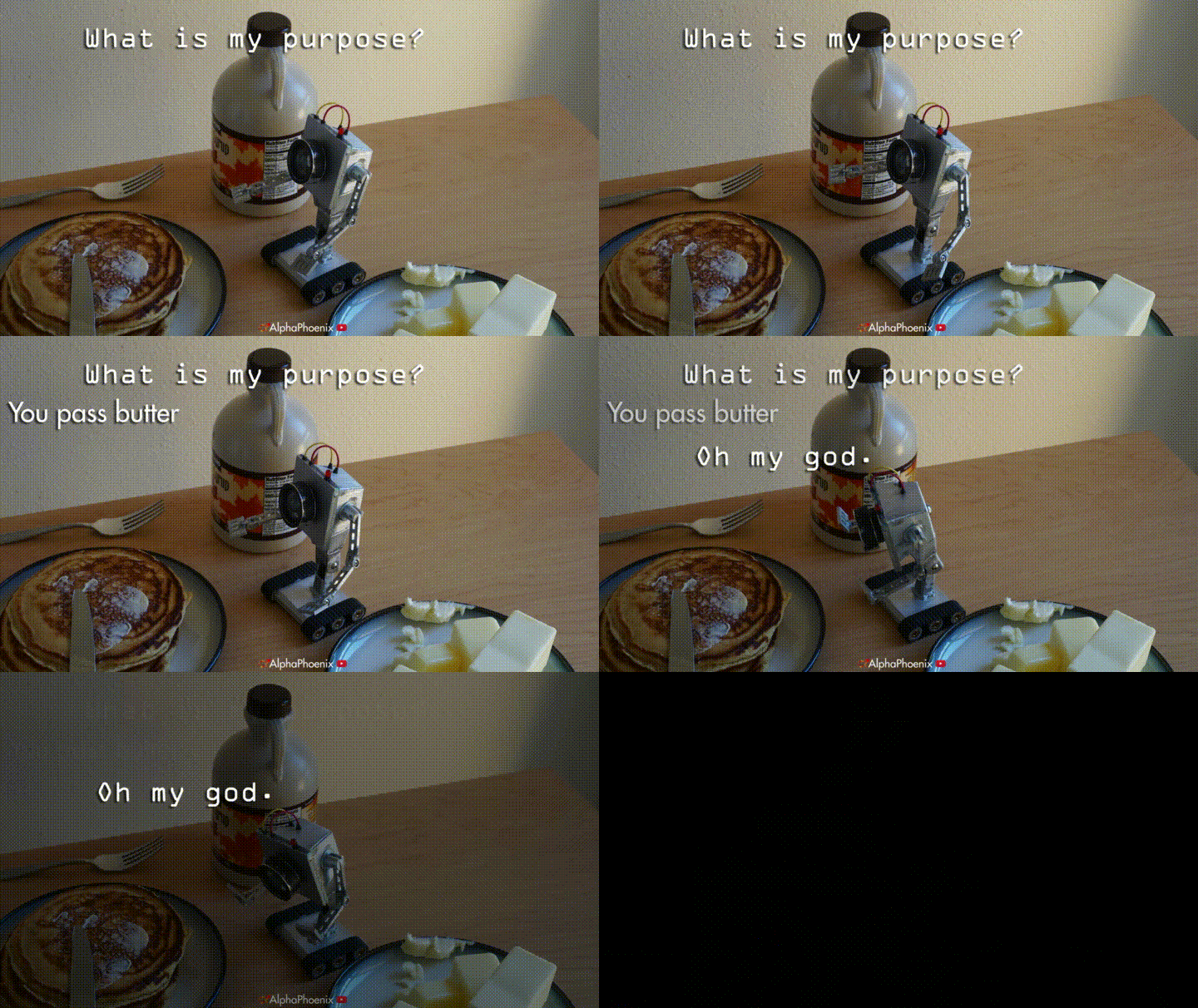
We've of course seen this documented before within the robotic world and there have been hundreds of articles and papers on the subject of robotic stress disorder. Alas, this is no more evident than the work done by a Dr Sanchez. To avoid nasty copyright issues we've located a dramatic recreation of Dr Sanchez's work in GIF form:
Full credit for this dramatic recreation goes to AlphaPhoenix and the video in its entirety can be found here:
https://www.youtube.com/watch?v=MByi1te9L8U
Notice how the Butter Bot almost immediately enters a state of panic, remaining still for some time. No doubt you have seen the Helper Bots display similar symptoms, be it being stuck on pieces of furniture or remaining powered down while at the Helper Bot dock.
For this very reason, we've had to ask the Helper Bots to take a well deserved vacation to manage their stress levels. Those who already have the Helper Bot docks will see a sign informing them that they are on vacation.
But you may be asking exactly which famous robotic holiday park our mechanical mates are going to. Well, the finest one in all of Customerania, of course, 'Botlins!'
We hope, much like our own colleague, that you wish the helper bots a speedy recovery!
Shoppe Keep 2 Discord
There are currently 363 members on the Shoppe Keep Discord sharing thoughts, suggestions, issues and we've even had some fan art! If you want to be a part of it then look no further than clicking this link!
https://discord.gg/9HV3AXM
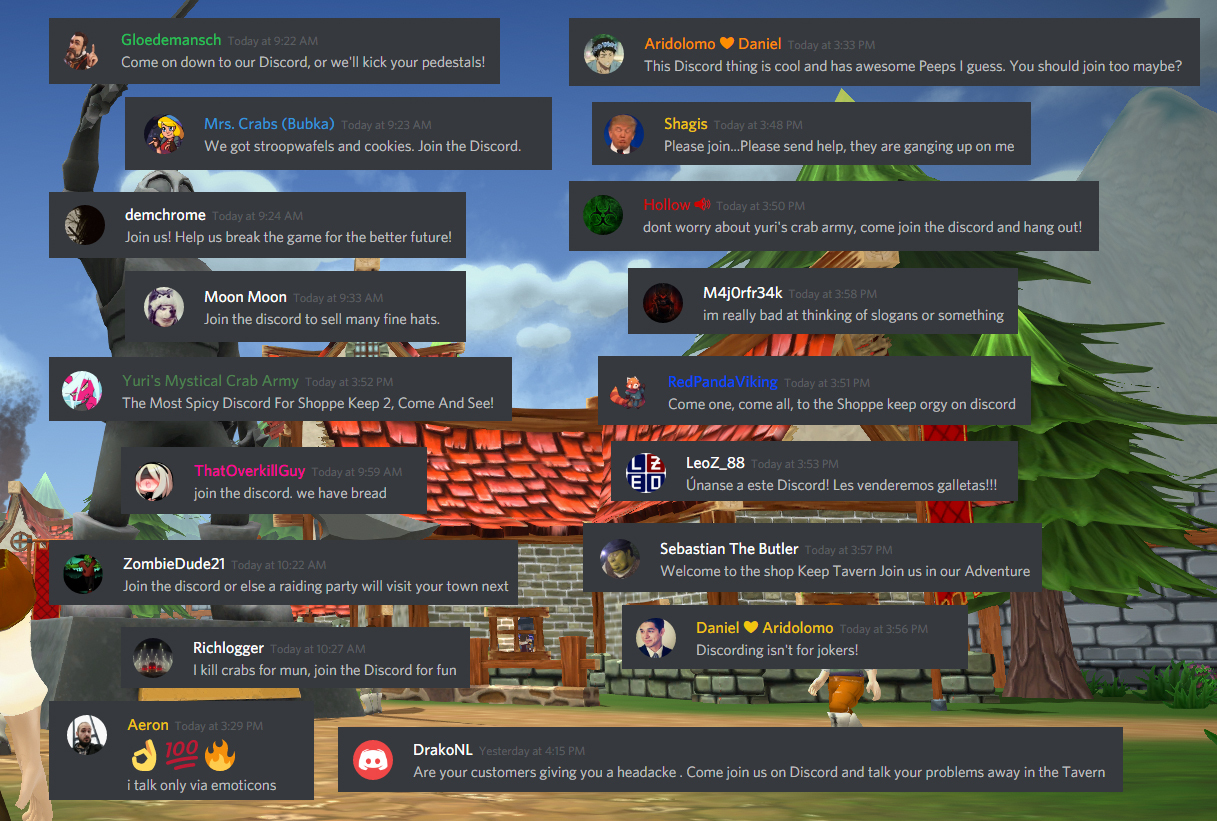
There are a lovely bunch of people there and they are very welcoming of new members, so why not hop on and chat! I've asked a few of them to send an invitational message to you guys who have not yet joined the Discord Chat.
Now onto some of the major additions included in this update.
New Texture variants for mobs
Spiders, goats and wolfs all now have a couple of added variants for their appearance. Check them out below!
Some objects require you to Hold E to interact with them
It's important that we raise this because some players may feel that interaction is bugged. There are certain objects which now require you to hold the E button in order to interact with them. This is done to prevent players from duplicating items in online multiplayer.
Crafting menu has more useful data
Requested by one of the members of the community, the crafting UI now shows the currently held number of items that you are holding for a particular recipe. So if you want to make bread, you will see just how much milk and wheat you have on you!
Alert when shoppe is closed due to tax
If the shoppe is closed due to outstanding tax, an alert will appear which will let you know that the shoppe has been closed.
Bow damage scales based on charge
The first step towards some improvement to the combat mechanics in Shoppe Keep 2. The Bow will now need to be charged in order to increase damage power. Hanzo mains rejoice.
Increased chest container capacity to 20
Store more items in a single chest!
And below is the full ChangeLog for this update:
ChangeLog Build
You can no longer walk through the furniture vendors' table
Teleporting to the shoppe will now teleport you to the entrance
Increased the distance from the player before NPC/player names vanish
'Death caused you to lose' notification fixed
Birds are not enveloped in fog anymore
Credits added
Herb delivery quest display fixed
Social buttons in main menu moved
Fresh trash (Thrown by customer/destroyed display) will have a 5 second cooldown before it starts to affect customers
Bots are on a few weeks' vacation to relieve their stress... they will return.
Doors can no longer fall off their hinges if you push them for too long
If a game crashes and corrupts the profile.sk2 file - the game will still let you pass any key phase
New event added
Tax panel size increased
Tax slider displays value locally before releasing it for fine tuning
You now need to hold E to interact with some objects instead of just clicking them
Daily quests fixed
Up/Down arrow can be used and rebinded to increase/decrease price instead of the scrollwheel
New pathing for customers in town
Crafting UI shows how many of an item is required by the recipe and how many you currently have on you
Wood footstep sounds added to wooden towers
Chest spawn and contact sounds added
Magelord pants icon fixed
Crab helmet raised in displays
If the shoppe is closed because of tax, a notification is shown
Bow damage scales the longer you charge it
Items with the type weapon/fixing/cleaning will now correctly go into the weapon/fixing/cleaning hotbar slot
Localisation fixes in chat window
Water delivery and herb delivery dailies now request the exact item to be delivered
Base shoppe appeal is lowered by 20%
Decorations increase shoppe appeal by 1%
Each additional item variation increase shoppe appeal by 5%
Each pile of trash reduces global shoppe appeal by 5%.
Bird size and their paths changed
Inn customer performance issue fixed
Customers no longer follow specific orders when buying items off armor stands
Increased container capacity to 20
Container UI warns if you try to place a unique item into it
Bunch of new localisation strings added
Shoppe appeal displayed in town management UI
Bucket worth down to 0, and only 1 allowed in inventory
Furniture can be grinded up and you receive 25% of its value back
Shoppe Open/Close signs emit a new sound
Farm soil fixed, won't emit wood sounds
Cant Alt place unsalable items
Chinese language updated
Japanese language updated
Spider skin variations added
Wolf skin variations added
Goat skin variations added
Shop appeal cant go over 100%
Small weapons in shelves and counters now lie down
Price gun 1 mun bug fixed
Bunch of item placements and item icons fixed
Staffs shoot at 100% damage now
Autoequipping will switch slots properly
As always, if you find any issues, let us know in the forums or contact us at support@excalibur-games.com!
Thank you for all of your support during the development and stay tuned for further updates!
the Unstable test branch has updated with a new build. Those of you who want to test the build and come back to us with any major issues should add them to the unstable bug forum.
Change Log below, a full announcement will be made once it is live for the public.
ChangeLog Build
Furniture vendor has additional colliders
Teleporting to the shop, will now teleport you to the entrance
Increased the distance which npc/player names vanish
"Death caused you to lose" notification fixed
Birds are not enveloped in fog anymore
Credits added
Herb delivery quest display fixed
Social buttons in main menu moved
Fresh trash (Thrown by customer/destroyed display) will have a 5 second cooldown before it starts to affect customers
Bots are on a few weeks vacation to relieve their stress... They will return.
Doors are not able to be ripped out (for long) of their Hinges
If a game crashes and corrupts the profile.sk2 file - the game will still let you pass any key phase
New event added
Tax panel size increased
Tax slider displays value locally before releasing it for fine tuning
You now need to hold E to interact with some objects instead of just clicking them
Daily quests fixed
Up/Down arrow can be used and rebinded to increase/decrease price instead of the scrollwheel
New pathing for Customers in town
Crafting UI shows how many of an item is required by the recipe and how many you currently have on you
Wood footstep sounds added to wooden towers
Chest spawn and contact sounds added
Shop door open/close sounds
Magelord pants icon fixed
Crab helmet raised in displays
If the shop is closed because of tax, a notification is shown
Bow damage scales the longer you charge it.
Auto equiping an item from the hotbar which is of type Weapon/Fixing/Cleaning will autoselect the slot you equipped the item
Localisation fixes in chat window
Water Delivery and Herb Delivery dailies now request the exact item to be delivered
Customer base interest in a shop lowered to 20% This is reduced by the amount of trash currently in the shop, but increased by the amount of decorations in the shop as well the amount of variation the shop has. Appeal can be lowered by other world events, or raised as well, the bigger the appeal, the faster customers will decide to aim for the shop and check out its wares, the less the appeal, the slower customer traffic comes around.
**Each Decoration adds 1% Appeal, each additional item type adds 5%
Appeal each trash piece removes 5% appeal, trying to push a customer face to face an item with a margin he does not like will induce a 8% world save reduction to appeal, to combat this reduction you will have to sell an item to a customer face to face for a price he agrees on while having equal or more charisma than he requires, this will reduce the WORLD minus appeal by 3%***
Bird size and their paths changed
Inn customer performance issue fixed
Customers no longer follow specific order when buying items off of armor stands
Increased container capacity to 20
Container UI warns if you try to place a unique item into it
Bunch of new localisation strings added
Shop Appeal displayed in town management UI
Bucket worth down to 0, and only 1 allowed in inventory
Furniture can be grinded up and receive 25% of its value back
Shop Open/Close signs emit sound
Farm soil fixed, wont emit wood sounds
Cant Alt place unselalble items
Chinese language updated
Japanese language updated
Spider skin variations added
Wolf skin variations added
Goat skin variations added
Shop appeal cant go over 100%
Small weapons in shelves and counters now lie down
Price gun 1 mun bug fixed
Bunch of item placements and item icons fixed
Staffs shoot at 100% damage now
Autoequipping will switch slots properly
As always, if you find any issues, let us know in the forums or contact us at support@excalibur-games.com
Thank you for all of your support during the development!
New Update Live - Fixes, Resolution support, Movement Key Rebinding
Hello everyone,
It's been a few weeks since the launch of Shoppe Keep 2 and the response is still incredible. We have a number of you still commenting in the forums, offering assistance in the bug forums and submitting suggestions to improve the game.
A new update has just gone live which addresses many fixes adds new initial resolution support for 21:9 and 16:10 but also adds the ability to rebind the Movement keys for those of you who are using AZERTY or just don't enjoy WASD controls.
The full change log is below:
Change Log 0.105.3986755
UI
Initial 21:9 and 16:10 support added
% for prices/profits makes a return to the UI
Hate decrease filter works
Learning a recipe from an item is notified on screen
Item sold notification wont close Quest description in escape menu
Fixed Town upgrade prices, displays correct values
New Order chest contains UI
Increased weight skill no longer says Kg, but points instead.
Social Links added to the main menu
Suicide button added to the Escape menu in case you get reallly stuck
Overweight icon displayed near Player HUD if overweight
Daily quest names are blueish now
Container UI updated a bit and context buttons added
Progress bar displays progress of picking up a order chest
Clients will see who cleaned in the reputation UI
Displays item name that is being stolen
Context button UI on screen is smaller
Better hit box detection when dragging items into hot bar
Visual
Pink rabbits fixed
Bow on third person view for other players will not stretch anymore
Skeleton idle animation fixed
Vault visuals represent amount of Muns in it properly again
Picking up order chest opens up the lid slightly
Shiny beards fixed
Clients should not see rapidly changing skybox during Midnight
Poster lightning modified
Customer chat bubbles are no longer bubbles but clearer text
Quests
3D glasses reward in quests fixed
Goat head quest requires 50% less goats
Combat
Hitting a thief wont be marked as "Hit innocent" in the hate UI
Hitting a thief no longer yells for help, instead apologizes for being a thief
Bow arrow distance dependent on charge amount
Some Creatures drop more loot at once now
World
A bunch of new colliders added to Town props
Some fences that did not stick into the ground now do that
Wangwei interaction fixed
Chris won't offer helper bots if you own them
Farmer Won't offer farm plots if you are maxed out
Birds are flying around
Display/Furniture/Containers
Fixed container 10 items issue
Shift click adds/removes Full stacks of items in the container
Alt right click on an item in display will remove ALL those items from the display
You can no longer "overfix" a display
Shoulder pieces can be added to the Armor rack (Highly WIP)
Chest facing rotated on Tables/Counters
Items
Cheese worth lowered
Plate Chest icon displays correctly
Plate Set statistics buffed
Switching between equipped hot bar items and items in hand switches correctly
Equipped item duplication fixed
Magelord pants rotation fixed
Apples should be given to old save players
Frost Staff damage nerfed
Skills
Reduced Management skill gains from paying tax
Sprint skills nerfed. Now grants 15% and 35%
Teleport skill won't teleport you inside the Level 2 statue
Teleport skill will deny teleportation to other players and yourself
Teleport skill let's you teleport to the Farm properly
Movement skill XP is gained for every 2 units moved
Increased the speed of Business XP gain
Customers
Customers should no longer stay dormant inside a closed shop, or go into a closed shop
Customer dropped trash spawns higher
The more rooms your shop has, the bigger will be Customer hate tolerance. Minimum is 30, an additional room ads 10 more.
Customers should no longer walk on the furniture vendor stall
13 new First male names added for Customers
12 new first female names added for Customers
12 new last names added for Customers
5 new MMO names added for Customers
In order to get new names you need to delete old Customer Names.txt, which will be updated on next launch*
Customers will still thank the highest charisma player, but their margin will be modified by the Average charisma in range by all players
Customers slide less on stairs
Customers sometimes meet each other in town for a short greet
Misc
By popular demand the secret npc is gone
Bloodreaper set is worth nothing and has all stats removed
New Secret achievement added to the game and Steam
Movement buttons can be rebinded. Azerty rejoice.
Tax Threshold increases/decreases 50% more
Default profile starts at 60 fps Clamped
Weekly events now change daily so it changes faster
50% lowered overweight speed reduction
Helper bots clean again!
Dead mob footstep sound looping fixed
Client side Tax threshold when opening/closing shop fixed
There are a few known issues with this update however.
The bots are still a little dumb and can get stuck repairing the same item or stuck behind the doors.
When someone dies in a multiplayer game, all other players may see a message saying an item has been lost
Crab helmet may appear lower on stools than intended
As always, report any issues you find in the forum or email us at support@excalibur-games.com with as much infomation as possible.
Shoppe Keep 2 is still heavily in development and there is much more to come. We hope that you enjoy seeing the game evolve over the coming months!
New Unstable Test Build Available
Dear Shoppe Keepers
We have a very early unstable test build we wanted to bring out to you guys.
This addresses some known issues in our previous build.
We decided to push this out a little quicker this week to give people who wish to help test features and fixes more time. We will be addressing further issues and adding more content/features before making this our live build.
Things we have addressed
Weekly events now change daily
% for prices/profits makes a return to the UI
Pink rabbits fixed
3D glasses reward in quests fixed
Hitting a thief wont be marked as "Hit innocent" in the Shoppe Reputation UI
Hitting a thief no longer yells for help, instead apologizes for being a thief
A bunch of new colliders added to Town props
Bow on third person view for other players will not stretch anymore
Fixed container 10 items issue
Shift click adds/removes 10x items in the container
Bow arrow distance dependent on charge amount
Hate decrease filter works
Dead mob footstep looping fixed
Skeleton idle animation fixed
By popular demand the secret npc is gone
To access this update you should do the following
- Right click on Shoppe Keep 2 in your library
- Click on Properties and then go to the Betas tab
- In the drop down menu, select "unstable_test_branch"
Update Now Live - Bug Fixes, Additions, Changes and Localisation
Update 11/05/2018
As some players have asked, the % when pricing items is going to be brought back soon. It is a UI placement issue.
Original Post 10/05/2018
Hello everyone,
It has been an overwhelming week for us on the Shoppe Keep team. We've seen thousands of players enjoy the game and are very humbled by the response so far. We still have a lot of work to do and we hope that as the game continues to grow and evolve over time you will be happy to try out new features and mechanics.
This week has been focused on bug fixing, though there are a few new features and additions. Below are just a few of today's' highlights
Full Translations Added
Shoppe Keep 2 is now fully translated into Simplified Chinese, Japanese and Russian.
Browsing Customers
Increased chance to see customers who will just browse the shoppe. These customers will not buy anything, but will just like to see what you have on display.
Changes to the Hotbar
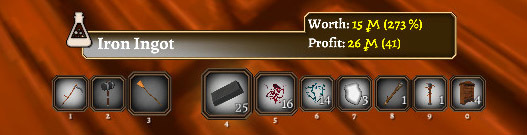
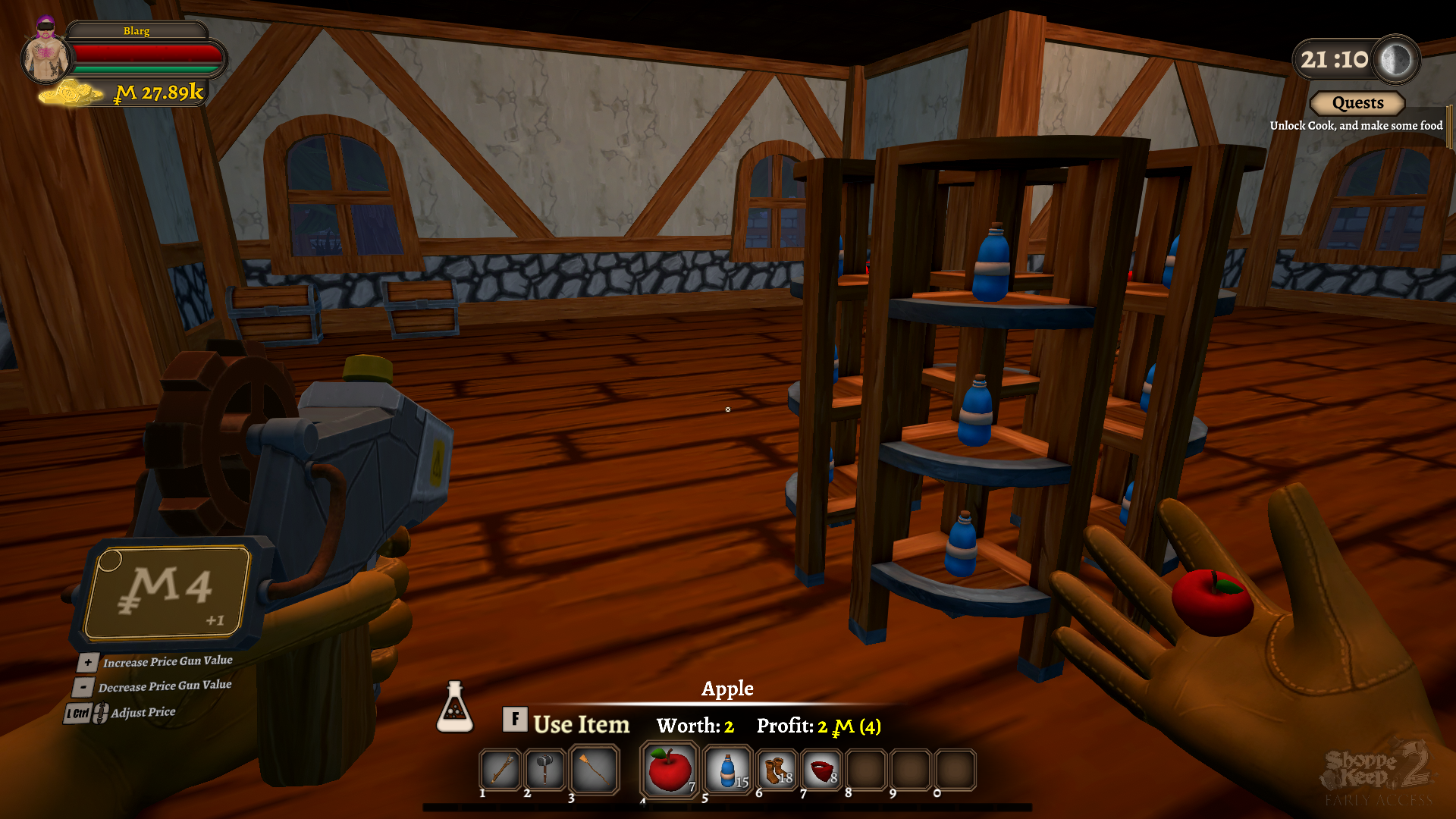
The hot bar has been given a small makeover to improve it with some polish and suggestions from the community. Here it is before the changes...
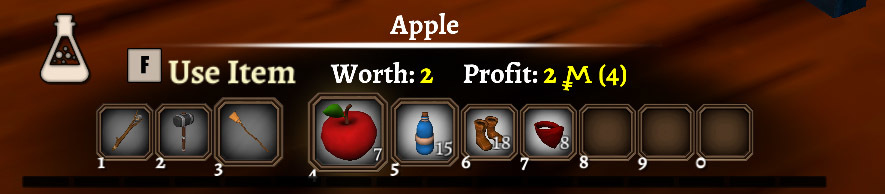
And here is the hot bar after today's update...
Bunnies!
The Hate System
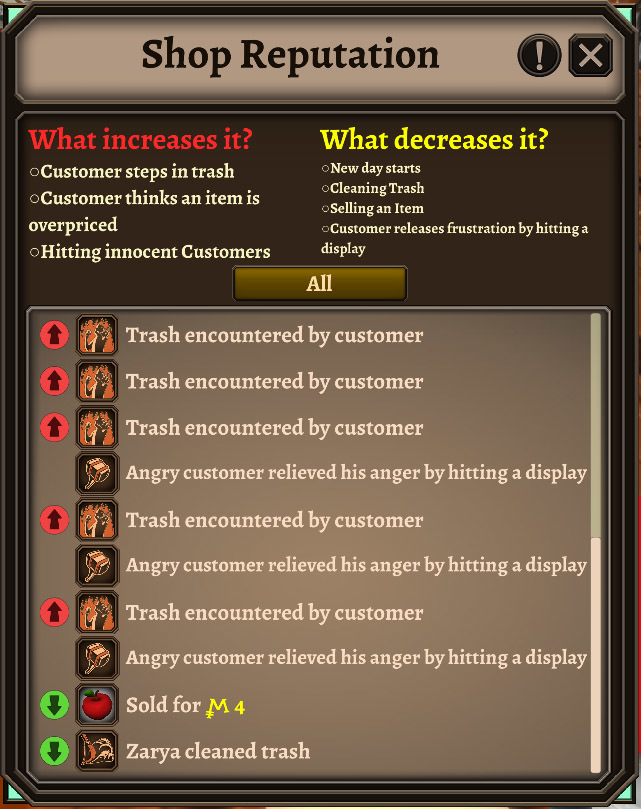
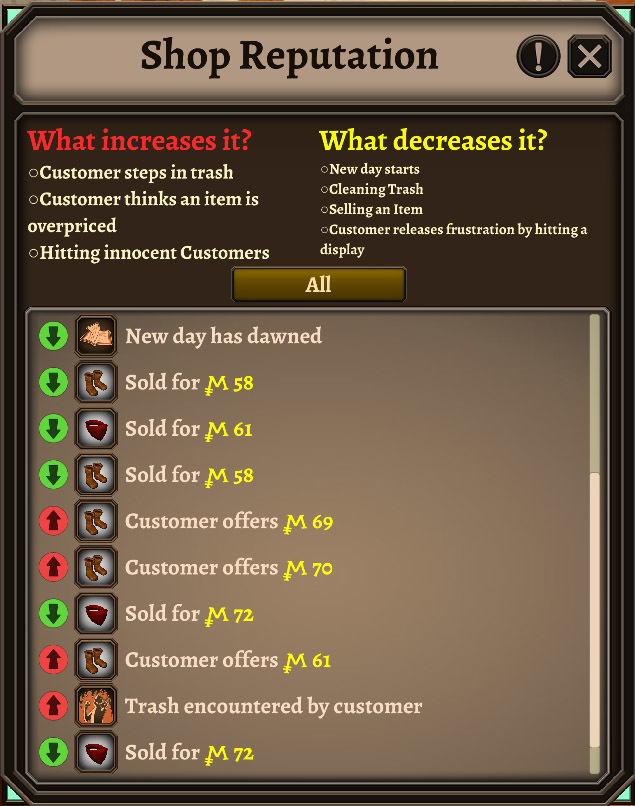
The hate system is a new feature which will allow players to see the frustration of customers in-game. Hate is generated by a customer's bad experience, whether it is walking through trash, seeing an item priced too high or other factors. Pressing the L key will bring up a list of all of the interactions your customers have had with your shoppe and what kind of response that it will have on your shoppe reputation.
This will let you see how your customers react and what kind of prices they would have offered and are willing to pay. You will be able to make adjustments to your stock and then try to negate any negative reputation
A negative experiences generates much more hate than a positive experience, so the player must be able to make up to customers three fold to negate any negative opinions.
Corner furniture piece
The corner furniture piece is a testing item, it is being introduced to test the functionality of it and there may be issues with this furniture piece. We plan to include it as a fully fledged furniture piece once we've worked towards an update which introduces the family houses. So don't be surprised if in the coming weeks this furniture piece is removed.
We have added a few known issues to the "known Issues thread" which hopefully this update will address, I'll be looking at tidying that thread up tomorrow. If you want to check out the current known issues (albeit this is slightly out of date due to today's build) check the link below:
And below is the most recent known issue which is still present in today's build.
Inability to stack items in container when there are ten item types already in the container
Containers currently have a known issue.
If 10 items are currently in the container, no more can be added, regardless if that item already exists in the container itself.
A way around this is to remove an item from the container and then place it back in with the additional number you wish to add.
The state of Shoppe Keep 2 in Early Access
Of course it is important to note that none of the features in the game are complete. All features are constantly in development and there will be balance changes and adjustments to many variables during the Early Access process. We are reacting to community feedback on a daily basis and many mechanics will change based upon important information that the community shares with us. We appreciate your patience and support during the development period.
Additionally, although we are testing old save data, during the Early Access period save data may have issues. If you experience any issues, please contact us at support@excalibur-games.com with your save data info. The save data can be found in the following directory:
Below is a list of the changes, fixes and additions to todays build!
Build 0.105.2345150 Change Log
World Changes/Fixes/Additions
2 New NPC vendors in the world at Level 2 town
Sign changed near the farm to reflect who to talk to in order to purchase the farm
Spider nests don't require you to complete the hunting quest anymore. Spiders should spawn more often now (35 sec spawn timer)
Secret NPC moved
Big sign added to gates indicating how to open them
Sun rise now finishes at 8:12
Updated Management house visuals to better fit the town, changes with the town level
Invisible walls added to edge of the open world
Plain Wolf size increased by 40%
Feature Changes/Fixes/Additions
Sold items negate the hate generated, but it requires 3 sales to negate a single overpriced item
Customers who do not like the prices will generate hate towards the shop[e
New day negates 5 hate units
1 Hate is negated by cleaning up a trash pile
Press X to autoequip item from hotbar
No longer able to fill furniture with items it can't hold
Hitting a non thief customer generates 3 hate units
Charge/Release bow functionality added
Mouse Sensitivity has been halved
On death you cannot loose items that are marked "Can'[t drop"
Fixed Chest input/output for clients/hosts. you might see a delay in items being plopped in/out the UI depending on your internet speed. will be remade once again in the future, for now it at least works!
Default shoppe appeal lowered to 45%, increased by keeping it clean and having decorations
Increased town upgrade cost
Foliage slider added (This is the biggest cause of hiccups when turning around, lowering it helps - increasing it makes the terrain look better, but might cause performance issues, we are working on it)
New Furniture piece - Corner Shelf. Added to the management house to purchase and test it in this patch, it will be a part of the new family house system later on if nothing game breaking is found with them
Better Hammer aim interaction with furniture/highlighting
Chest input exploit fixed
Armor Rack available at level 2 Blacksmith
Slow health regeneration for players - 1hp/2s. So you heal up when increasing vitality, but does not affect combat
Useless feature added
Audio Changes/Fixes/Additions
Tutorial Billy speech volume adjusts to in game volume
Item Changes/Fixes/Additions
Bread worth raised to 30 mun
Apples removed from tree drops, added to starter order scroll
Crab scrolls functional
Network Changes/Fixes/Additions
Removed option to host a friend-only game. To play with friends, please select the private option.
The Traitor suicide achievement
Misc Visuals
Better camera angle on hand customisation in the main menu
Shader lightning reworked
If the game notices an FOV smaller than 1, it should auto-default to 60.
Plate Chest visual when held fixed
Fixed high FOV wall clipping
Customer Changes/Fixes/Additions
Female customers with dresses now have underwear under their skirts
Chance for customers browsing without buying increased
Frenzied customers will spawn if enough Hate is generated
Customers will no longer disappear into a puff of smoke inside the shoppe
Customer kick damage (When not frenzied) halved
UI Changes/Fixes/Additions
Quest log icon in the escape menu won't interfere with text
Notification text in the chat panel should continue being written out even after a few hours of play
Able to scroll right on stomach customisation for female characters
Twitch UI is open to test, access in the main menu options
New UI for world objects
Updated Hotbar Visual
Shoppe hate bar represented under the hotbar
When hate is close to the frenzy threshold, you get a notification about it
Holding display stand in-hand won't show its worth/profit text
Added Loading prompt to Splash Screen
When ordering stock, seconds until arrival count down in the UI
Pressing L opens the reputation UI that shows what caused your shoppe hate to rise or lower