#4544 Game simulation will stop when entering a menu.
Hotfixes:
#4546 Player HP bar is black.
#4536 #4547 Copy/paste preview is not showing at the correct place.
#4535 Ship preview not showing.
#4539 Wood plank incorrect placement
#4542 Target cycling select second closest in first.
#4543 Target selected from the holomap do not show.
#4545 Space Habitat station dont render distance.
Cannot request landing on entity with Custom shipyard
Thanks all!
Spaceship Targeting overhaul
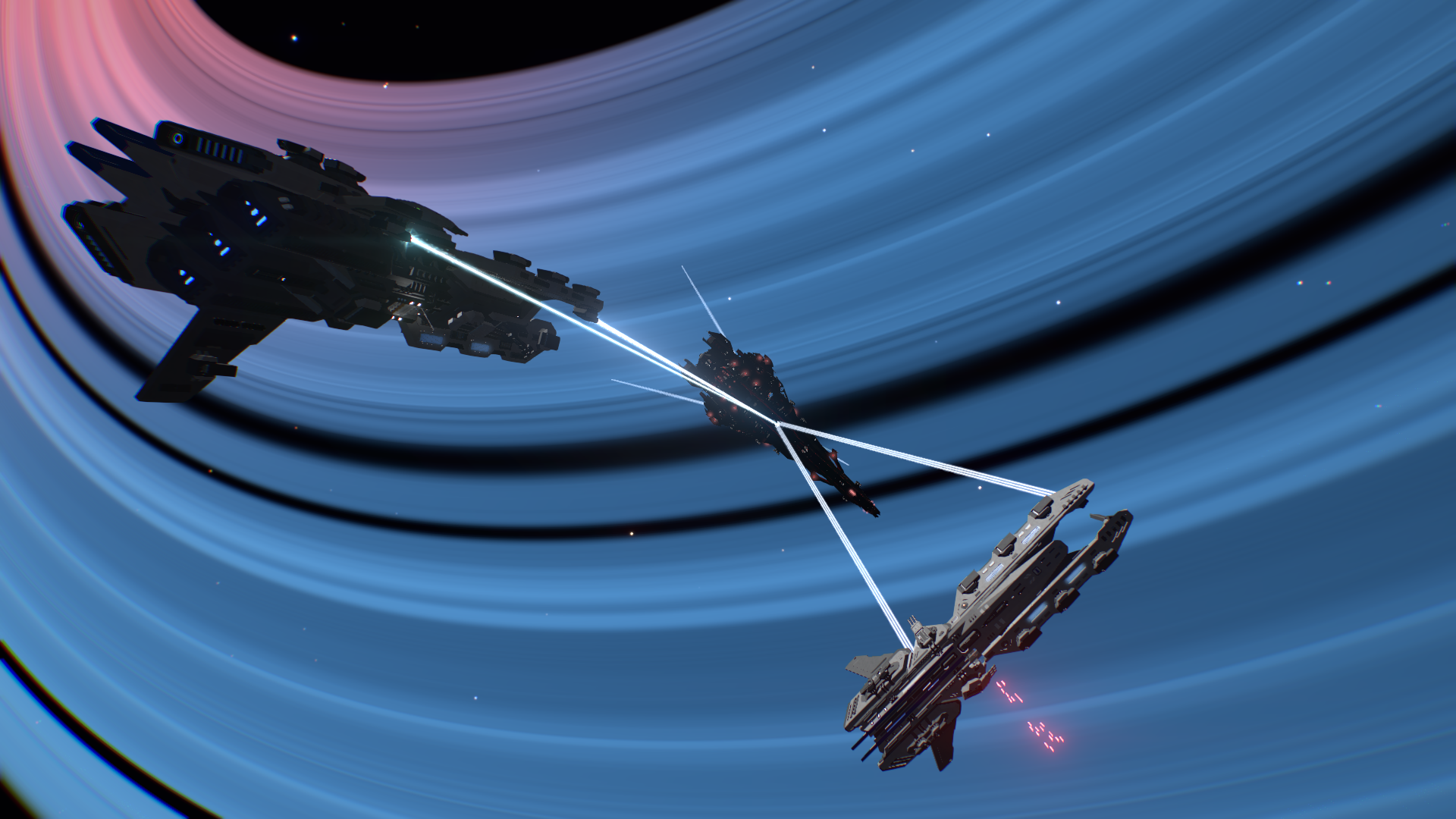
Following through our combat push this update introduces a refactoring of Spaceship flight targeting and interaction logic. This is a big update with a lot of changes including new keybinds so read below!
KEYBIND WARNING: It is recommended to do the following keybinds change: - please update your Boost key from LSHIFT to TAB. It is necessary as LSHIFT is used to cycle back. TAB for boost is in line with spacesim reference like Elite and Freespace.
The aims was to improve space combat and the spaceship interaction experience. The new selection might be a bit slower but will be much more comfortable and easier to use during battle.
Target Selection: press the [R] key (bindable) to cycle through targets
Target Interaction: press the [E] key to choose from several actions
Exit the ship with the [E] menu, then select Exit Ship (yes this is longer, but exiting ship is not a high frequency action)
Sub-system target: press the [T] to have turret target different systems like hull, reactor or weapons
Sub-system HP UI is refactored to be more readable.
Spaceship dead-zone fix.
Heat kill and heat bar was removed. A ship overheating will throttle its system.
Holomap: target icon for system view update
Free look mode is now on hold to look, which is more natural and convenient for a quick peek around.
Free look is now bindable, default keybind is RMB (so please update your Secondary Fire key)
Tracking Cam target switch optimized
Tracking Cam will now display more information
Tracking Cam readability improved.
Tracking Widgets: widgets no longer have lag
Tracking Widgets: performance greatly improved, now they are free
Tracking Widgets: less widgets will be displayed, and they stick further inside the screen for better readability.
Tutorial updated to reflect changes
Landing procedure has been updated.
Following the first preview build the following changes have been made thanks from suggestion from the community:
Exiting spaceship control will also exit a any screen entered
Target cycling logic: target are ordered by distance. The list is only rebuilt after 3 seconds so one can cycle through the targets.
Target Cycling logic: LSHIFT-R to cycle backwards.
Target Cycling logic: In Free Look mode the closest target to the screen center will be picked
Target Menu can be navigated with the Scroll Wheel.
Default boost key is tab.
You can still steer ship while in the Target Menu.
Setting a different keybind for the Target Menu allows to exit ship with holding [F].
Hotfixes:
#699 Can activate command while spaceship is entered.
This update introduces a refactoring of Spaceship flight targeting logic and interactions. This is a big update with a lot of changes including new keybinds so read below!
IMPORTANT: It is recommended to do the following keybinds change: => set Secondary Fire at MMB (as default spaceship Free look is now at RMB), it is more natural this way.
The aims was to improve space combat and the spaceship interaction experience. The new selection might be a bit slower but will be much more confortable and easier to use during battle.
Target Selection: press the [R] key (bindable) to cycle through targets
Target Interaction: press the [E] key to choose from several actions
Exit the ship with the [E] menu, then select Exit Ship (yes this is longer, but exiting ship is not a high frequency action)
Sub-system target: press the [T] to have turret target different systems like hull, reactor or weapons
Sub-system HP UI is refactored to be more readable.
Spaceship dead-zone fix.
Heat kill and heat bar was removed. A ship overheating will throttle its system.
Holomap: target icon for system view update
Free look mode is now on hold to look, which is more natural and convenient for a quick peek around.
Free look is now bindable, default keybind is RMB (so please update your Secondary Fire key)
Tracking Cam target switch optimized
Tracking Cam will now display more information
Tracking Cam readability improved.
Tracking Widgets: widgets no longer have lag
Tracking Widgets: performance greatly improved, now they are free
Tracking Widgets: less widgets will be displayed, and they stick further inside the screen for better readability.
Tutorial updated to reflect changes
Landing procedure has been updated.
Still wip:
Smarter Target cycle logic to be worked on.
Hotfixes:
#699 Can activate command while spaceship is entered.
#4160 Tracking widget lagging
#4476 #4309 #4303 Landing issues with low FPS.
Cheers!
[New build - DEFAULT] 22w04b: You Only Hotfixe Twice
Another hotfixes build for good measure.
Hotfixes:
#4514 Tetra Arch incorrect normal when stretched.
#4512 Ship dont explode on Hp at 0.
#4513 Screen wedge collision is too large.
#4511 Multiplayer: Legacy save format ship are causing issues when loaded.
#3677 #3661 Ship movement are not synced in multiplayer.
#4499 Window tile tetra incorrect overlap check.
#4490 Event gate does not trigger message while activated from a seat.
#4493 Symmetry plane incorrect placement on large Children Entity.
#4081 Scaling issues on wedge.
#4501 Gizmo arrow are not showing on some systems.
#4498 NPCs wont engage non-piloted entity even when they fire.
#4478 #3739 #3624 Entity can be launched after exiting Photo Mode.
Thanks for playing!
[New build - DEFAULT] 22w03c: Space Battle Editor
The "spawn NPC" F8 menu evolved in a full blown Space Battle editor. This is mainly to help us improve, balance and optimize space combat, but also to design larger battles to be added with faction encounters. But we figured you might like it too so here it is!
Features:
Spawn several ships at the same time
Choose the NPC behaviour: foe / friend.
Set a spawning distance.
Export a given space battle blueprint.
You will need to be flying a ship for it to work correctly.
Hotfixes:
#4488 #3416 Decals are not mirrored correctly on some orientations.
#4491 Rotor preview incorrect at various grid-size.
#4495 #4496 Children entity can appears at the wrong place after a blueprint deletion.
The next builds will focus on improving combat. In the meantime, have fun!
[New build - DEFAULT] 22w03b: Hotfixes
Hotfixes build.
Hotfixes:
#4481 Warning message when pasting a decal on a blast door.
#4482 Symmetry grid locking is not convenient.
#4484 Arch does not stretch up to 16x16x16.
#4486 Thruster stretching issues.
#4485 Pasting children entity stacking can break game.
Thanks all!
[New build - DEFAULT] 22w03a: Trap Door and Blast Door
Blast door and Trap door implementation have been changed. They are now using children entity, which means you can paint frame and door separately and apply decals on the moving part. As collision are still deactivated for convenience it is not possible to add bricks on them but you are free to apply decals!
Hotfixes:
Opening several time the mission board is duplicating the last ship entry.
Bounty Hunting ambush rate was 100%
#4456 Ship in same squadron can start targeting friendly ship in case of friendly fire.
#4475 Damage and repair on system applied incorrectly.
#4461 Thruster texture scaling incorrect.
#3420 #4457 Trapdoor hitbox issues.
#4463 Symmetry grid placement is incorrect at large scale.