

Slime Research
v3.5 - Improved input for Dual Slimes, Loading Speed
- Lag reduced from Level Thumbnails and Loading Levels
- Player Input is now more firmly locked to the current Slime - 2 Player Slimes can now be separated by walls
(The Blue / Gold "Slime Souls", still kept near their Slimes, no longer swap to a different Slime just by touching it)
Later:
The Demo will be enabled for a long weekend, Thursday Aug 24 to Sunday Aug 27.
The Slime Textures from 3.4 will receive some fixes soon(tm), so that it properly draws on all Slimes.
3.4 - Slime Texture

Dr. K continues to be fashionably late, so the Slime is trying out a new look!
Turns out that Slimes spin a lot when they get moving, and it's quite fun to climb various surfaces, move Left then move Right, and jump in midair to see how the slime Spins and Swirls.
To celebrate the update, the DEMO will be re-enabled for the next 2 days, Sunday (7/23) and Monday(7/24).

Let me know how it feels!
Changelist:
- Add a Fluid-Dynamics Texture to the Slime
- Velocity of Texture set by Slime velocity
- Camera zoomed in by 1/3
Known Issues:
- Only Largest Slime receives a texture
- Edge of texture becomes visible if slime is Split, or occupies a wide area
- Texture sometimes snaps to normal, though this reset should be smoothly blended in
- Slight mis-alignment of arrays for Velocity and Texture
- Some small regions of texture at edge of slime may not animate

References:
- "StableFluids" github repo - A demo Unity project that lets you "stir up" an image with your mouse cursor
- Recap of Valve's Flow Map techniques from Portal 2 and L4D2, to help limit Distortion by ping-ponging two textures together
3.3 - Respawning, Quality tweaks (Last Demo Update [For Real] )
- Added "Refill" object, that restores missing Slime Fluid when you pass over it
- Doors light up when Opened, Buttons light up when Pressed
- Door sprite cleaned up - Sprite no longer flickers out "back" of door when Opening/Closing
- Slime Buttons have been made less springy, easier to activate
- Particles at Spawn and Goal will now evaporate - Was causing Slime to auto-respawn at Spawn
- Wire "On" is now a sprite change, not an extra gameobject
VFX
- VFX on Spawn and Refills show when there is any Slime to respawn
- Passive VFX on Exit
Misc
- Hide Build Info, now togglable from Options->Display
Known Issues:
- Horizontal Doors slightly ajar in "closed" positions
3.2 - Final Demo Update: Slime SFX, Some Textures
- Sound Effect for "Slime Movement" re-added
- Sound Effect for "Slime Moving through Air" added
- Sound Effect for "Slime Hitting Wall/Ceiling" added
- Adjusted Default Audio Volumes
- Play Random Song on game start
Textures
- Wood texture copied to Curved Tiles of all types/sizes
- Slime Blocks have a texture
- (7/10 patch) Fixed 99% of Rendering Tears/Gaps between Tiles
3.1 Dual Slimes, AI-Generated Cover Art
- To Split, just aim the Left and Right sticks (or WASD/IJKL) in opposite directions
- To Merge, just move two slimes into eachother
Beating a level now requires both Slime Souls to be at the exit
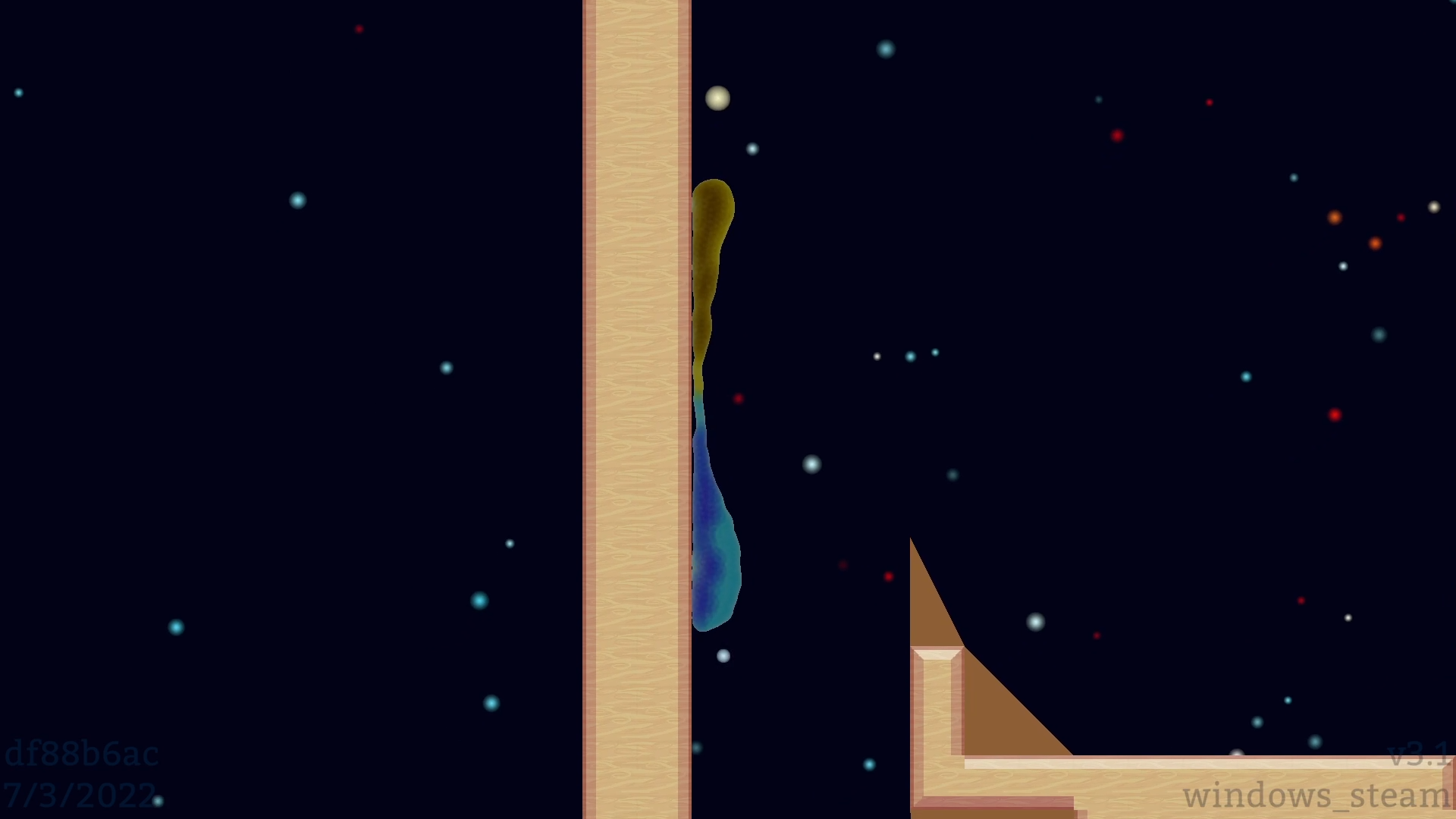
The game's Cover Art has also been updated, thanks to Midjourney AI (and some amateur photo-bashing!)


3.0 - Curved Blocks, Fluid Slime out of Beta
The new Curved Blocks complement the Fluid Slime well. Splashing around corners, splitting up, re-joining - I really like the new Physics Behaviors that have appeared.
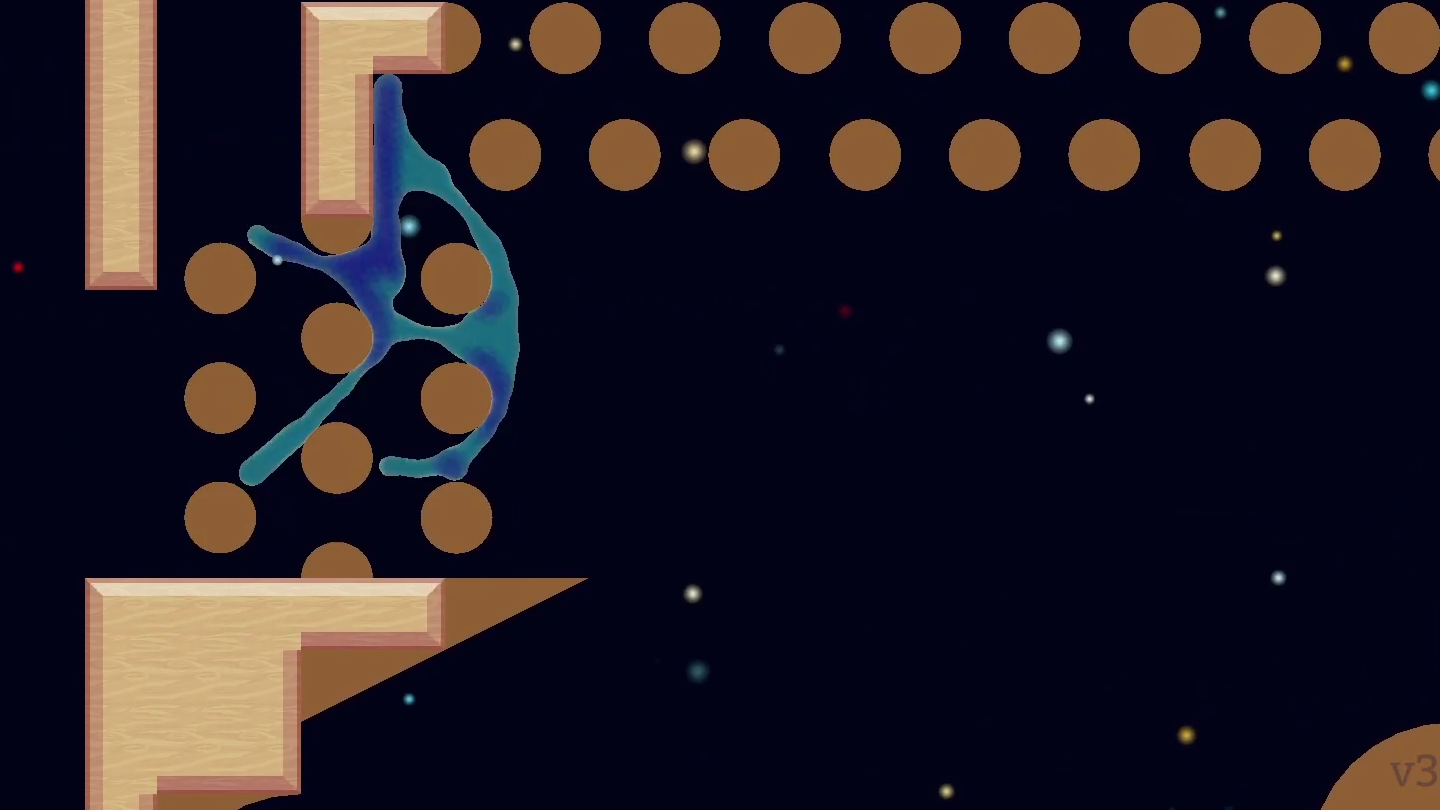


Major Changes:
- New Curved Blocks - Resizable from 1x1 to 8x8 - Courtesy of Obi SDF Colliders! (YouTube)
- As most are now impossible, Existing in-game Levels were removed.*
- Add 5 Levels using the new blocks
Misc Physics:
- Improve situations where wrong/random particles were evaporated
- Improve Slime flow around Objects - Thin particle strands now break apart, and stick less
Misc Menus:
- Show Level Time on Pause Menus and Level Beat Menu
- Add 10 Curved Blocks to Level Editor
- Option to hide Song Announces
- Removed unused Input options for Slime Core
- Level Editor: Show Red X's on where a sub-section of Curved Tile is blocked by other Objects

* Many/Most Steam Workshop levels are also now impossible, if they depend on Rigid Climbing, Dr. K, or Slime Cores.
I want to look for a good ~2.4 build to make available so these Levels are not utterly lost, but for now it's:
Goodbye Levels!!!
v2.7 - Shrinkflation Update (Fluid Beta)
Slime, Slime Cores, and Slime Researcher - All for the Same Great Price of $5!
In an effort to end the Fluid Slime Upgrade (or, get a good set of Fun Levels), I've decided to put the Slime Core and Dr. K on the backburner.
After one more update to get some fun Slime-only Levels in, I will re-introduce the Core, and then a much-improved Dr. K, plus her Office Environment.
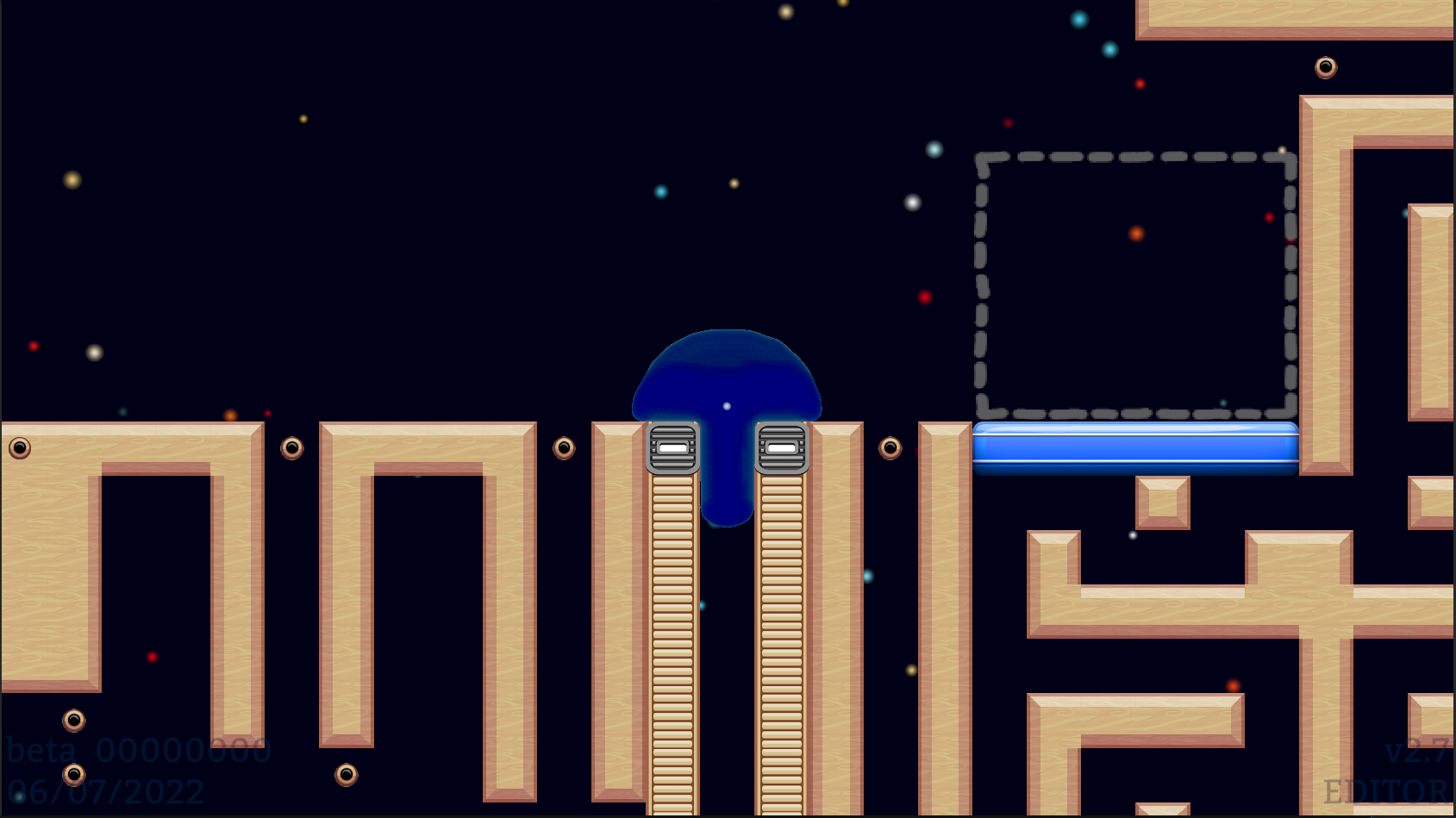
Changes
- Slime Core and Dr K. Removed, for now
- The Slime is faster, can easily climb Stairs/Walls, and now shows "Motive Particles" in a deep blue.
- Player always controls the Largest Slime, and de-spawned particles now wait to re-spawn until you return to the Spawn.
- Placeholder art for background and Spawn/Goal have also received a small amount of attention.
The next update will focus on Curved Blocks, 2-slime Splitting/Merging, and creating a new set of levels that do not require Slime Cores or Dr. K.
The Demo will likely be limited to Slime+Slime Core, while Dr. K and future work will only be in the payed version.

Now even more old levels are broken
Why?
Got carried away with Signed Distance Fields (SDF), which did "Not Much" besides give Me and my Idle CPU Cores a whole lot of work to do.
Refactoring the Slime Core to work with SDF was a headache. Since having a good Slime Core relies on the Slime moving around nicely... If development of the Slime Core holds up work on the Slime, then that sucks.
The Slime Researcher being a glorified T-pose is a bit embarrassing - But thankfully there's an Asset for that and, in the future, she'll be back!

Jobified, Parallelized, Spatial-Queried, Optimized, Foreverially Incorrectly Scale-fied
Note that the SDF on the Center Slime is actually rendered from the Right Slime (The black shadow on the Left of the Red Texture is the Center Slime)
Some links if you'd like to learn more about Signed Distance Fields:
Ray Marching and Signed Distance Functions
Shader Fun SDF Series
List of 2D Distance Functions
v2.6 Fluid Simulation (Open Beta)
The beta is available in both Paid and Demo form.
After downloading the game:
- Find "Slime Research" in your Library, right click it, and then click "Properties"
- Click on the "Betas" tab, and then look for "Select the beta you would like to opt into:"
- Click on that, then on "beta - Fluid Sim Beta", and close the window!
Additions
- Added small blue "Input Marker" UI sprite to individual Slimes (their SOVLs)
- "Attract/Reject" now moves all Slimes, resolving an issue where "Target Slime" was not registered/ not responding, and "Attract/Reject" did nothing
- Can "Attract/Reject" slimes while Player Eye is inside of a Slime, or not in a Slime!
- Slime containing Player Eye only moves in response to "Attract/Reject" if Player Eye is Closed
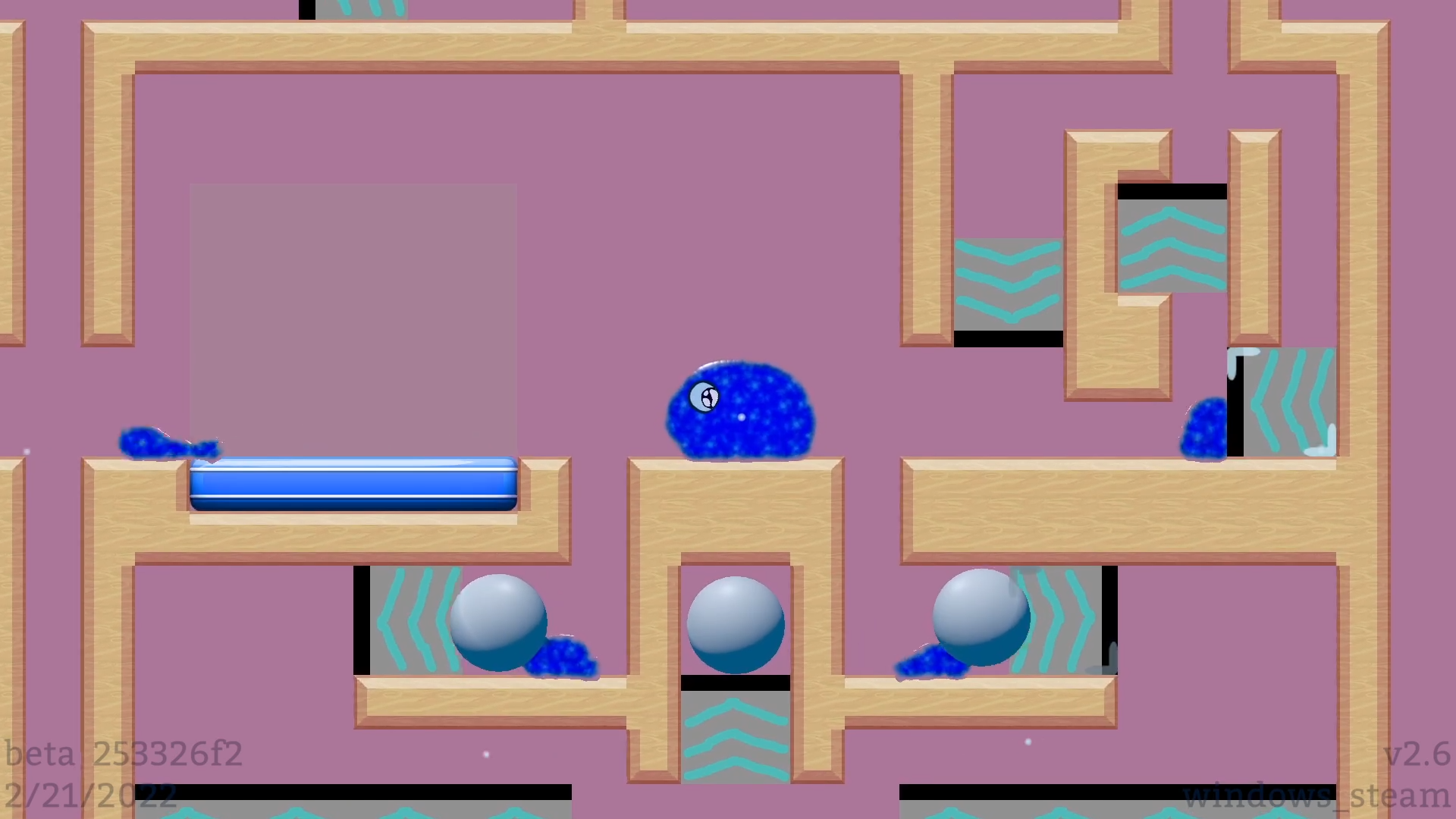
A stew of Slimes, a Dearth of Debug
Improvements
- Physics Spheres have better collisions with Slime Fluid
- Level Objects are more walkable (Doors, Physics Spheres, Big/Small buttons...), and offer more traction to the Slime
- In "Slime Containment Puzzle", added path for Player Eye/Slime to escape from exit mechanism
- Slightly improve accuracy/responsiveness of Slime Input Pathing
- Remove Build Info from Level Select, Options - Lighten Build Info text color
- Remove Build Time and Steam App ID from Build Info

+2 levels beatable!...
OneWay Improvements
- Slime sitting on "Up" OneWays no longer leaks down
(Walking/Smacking directly into a OneWay may allow some droplets through, which dissipate)
- "Up" OneWays can now be walked on, Acceleration/ Top Speed are Ok, compared to Ground, which feels a bit better
- OneWay Chimneys can now be climbed (1-tile gap between walls), speed of ascension is also Ok, and does not feel bad compared to a Chimney of standard Ground tiles

All Slime, no Seepage
Bugfixes
- Reduced rate of "Doors floating off into space after Opening/Closing" from 10%-ish to 0%-ish
- Camera no longer moves off into space, when core is out of slime and has some seconds of no input

*smacks walls* These OneWays can provide more than enough Normal Force to get that Slime Climbing.
But not so much that the Slime gets the jitters.
Is that a Fear Response, is it Cold, or did we just punch a wrong value into the Editor?
Known Issues
- Buttons become un-walkable if their surface is too far off-grid
- Slime moving around corners often loses small bits of slime on them
- Slime "Input Target" sprite occasionally jittery, grouping of Particles into "Slimes" may have a bug
- Small slimes + Slime Eye has un-desirable anti-gravity properties
(And small slimes SHOULD evaporate when outside of Spawn/Goal, but.... scroll down)

Things didn't go as planned - But it's okay, you're a Slime. Regroup!
Maybe I forgot an evening and coded a silly fantasy bug based on the now-known "Which particles are what slimes?" bug - Maybe it will even be fixed next time
- Unknown cause results in "cursed slimes"/ "cursed particles" that evaporate at constant rate, even if the slime is big enough to have a Input marker/ SOVL. Does not seem to spread to un-affected particles, even after physical contact/mixing. (Thank G*d) Some slimes that have TOO few particles and SHOULD evaporate (no soul/ Input Marker) do not evaporate... Absorbing them seems to have no affect on anything. So, perhaps Slimes that "Should Evaporate" and "Should Not Evaporate" get mixed up....

Cursed Respawning Slime, and Persevering Tiny Slime
Enjoy the Slime!
- Scotty
v2.5 - Fluid Simulation (Open Beta)
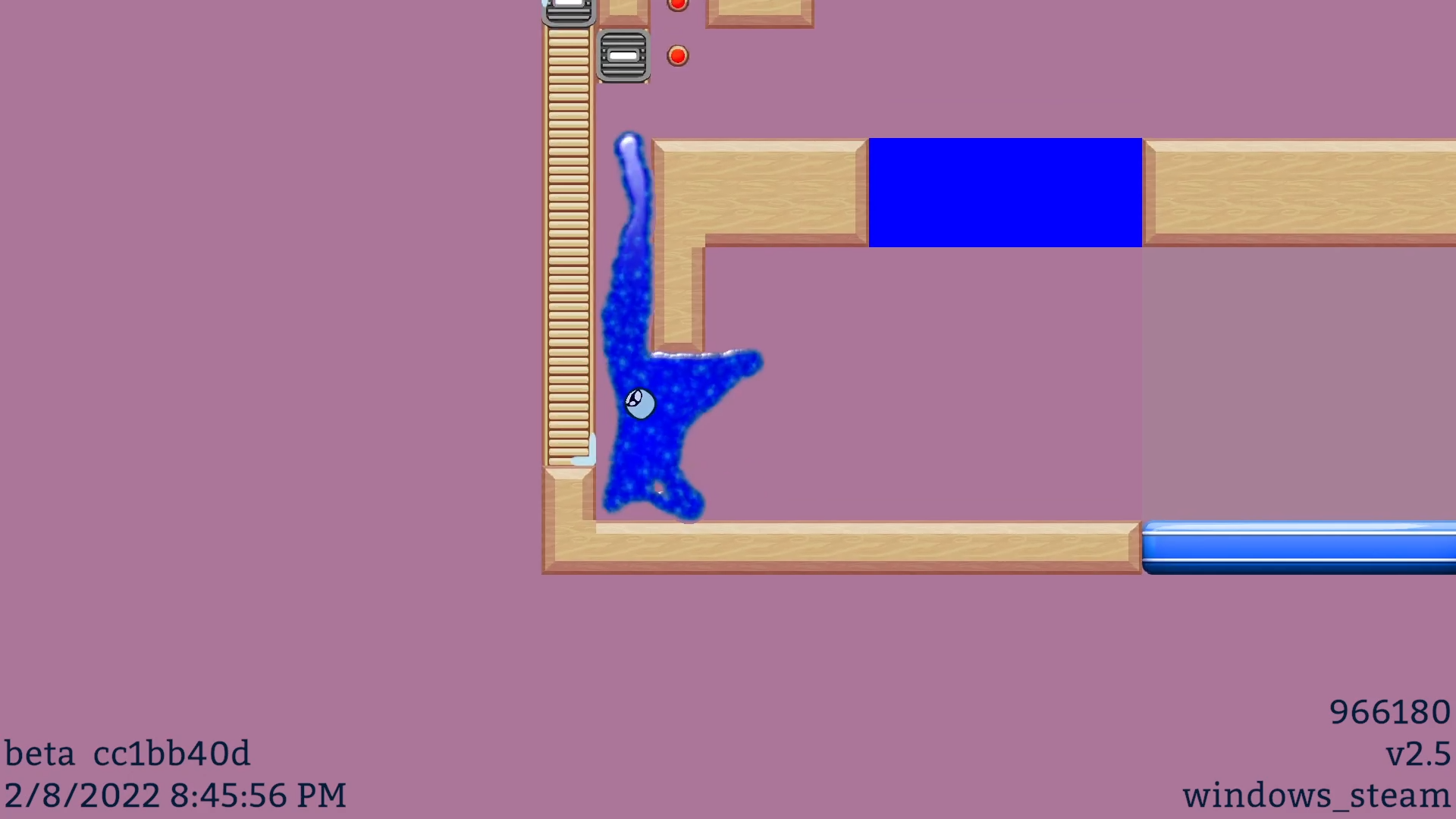
Release Notes
- Player Character re-implemented in Obi Fluid (#AssetFlip HYPE)
- 6 of 18 levels from v2.4 beatable with v2.5 Beta Slime
- Dev levels added to pad out playtime (I recommend "dev_SlimeMovement")
Known Issues:
- Slime Core remotely calling Slime - Remote Slime may no longer respond after touching errant Slime particles
- Poor Fluid collision on Physics Spheres (breaking "Slime Containment Puzzle")
- Leaky One-Way Gates (Guess that's what $5 gets you)
- (UI) Build information blocks some menus, including Level Select
- (Click Here to see 27 more issues)
Beta Access
The beta is available in both Paid and Demo form.
After downloading the game:
- Find "Slime Research" in your Library, right click it, and then click "Properties"
- Click on the "Betas" tab, and then look for "Select the beta you would like to opt into:"
- Click on that, then on "beta - Fluid Sim Beta", and close the window!
Not v3.0?
Nope - While this is a MAJORBIG UPDATE (buy my game), it's still a Minor version number.
3.0 and Major versions will be saved for new features that require the Level Save Format to be updated.
Or in another way, in the event 2.X can NOT load a new 3.0 Feature - This could include new place able Level Objects/ Block Types, or new Slime Types.
On the other hand, Minor versions may include improvements to existing Characters, new Menus, maybe even a Minigame. These don't interact with "saved level data" and, much like this Fluid Simulation Beta, some BIG updates may only get Minor version numbers!
Before Buying
Try the Demo!
This game has very little existing content, with nearly a 1 in 5 Return Rate!
The Median Playtime at the time of writing is 29 minutes for Paid players, and 7 minutes for Demo players.
Plan on entertaining yourself in in a small number of levels, or experimenting with your own in the Level Editor!
 """Premium""" One-Way Floors - New-fangled Fluid Slime can't even walk proper on 'em yet...
Future Work
I'm hoping the remaining levels might be fixed by 2 issues:
- SR-76: Having Slime stick to Level Objects, as it does to normal Ground
- SR-77: Moving Slime around corners more generally/ deftly (based on climbing up stairs)

I'll be looking into these, and a myriad of smaller issues, over the next 2 weeks (!) .
And.... Maybe I'll finally get around to adding some background.
The beta "event" ends in two weeks, but Beta Access will remain until more Existing Levels are Beatable, and I release a new non-Beta version.
If/When I again decide to completely overhaul some pre-existing system - Maybe there'll be another Beta!

You, downloading the Free Demo
Hope you enjoy Slime Research!
- Scotty
v0.0.2.2 - v0.0.2.4 - Dr K, Stickier Camera, Split Blink/Unlock Inputs, Some Bug
Dr. K
Allow Dr. K to move to a faraway object to interact with it, unless she is holding something and unable to stretch far enough
Prevent Dr. K from interacting with something if…
- her eyes are closed
- either hand is already interacting with it
- Add some visual errors to Dr. K:
- Too far, can’t reach
- Too far vertically, can’t reach even if she walks over
- Too far given held object, can’t reach or walk to
- Missing an item, can’t interact
- Holding an item, can’t interact
- Collision is blocking interaction
- Prevent Dr K from dabbing
Misc
- Updated many level thumbnails from default focus on Spawn. Tweaked a few levels.
- When trying to launch Slime Core out of Body, ensure Core can reach a more consistent velocity – Though a good run-up still gets you a bit more height
- Drastically reduce input strength for Core when out of Body. Pupil movement also nerfed when out of Body.
- Camera much stickier when slime is not moving, so that it settles down instead of bouncing all over
- Camera moves towards where Slime Core is looking, if Slime Core is in Body, and is also currently-controlled
- AI core now properly moves towards/away from you and is no longer invisible while active
- “Blink” and “Unlock Core” are now separate inputs
- If collectibles fall out of the world, they respawn
- In editor, add blue preview of the item(s) to be pasted
- Misc new debug commands added (LB+RB or F1 to access, not available in Demo)
- Improved build process so that Steam receives the same version of Slime Research for all platforms, instead of new auto-builds being sent for Windows. Hopefully this (and a minute or two of QA!!!) will prevent bugs from leaking into the public