[H1]Updated[/H1]
The achievement system has been updated so that your progress towards certain achievements are kept track of and displayed on the achievements page. Now, due to a mistake while configuring and testing the achievements to this new system, I had to reset a lot of the achievements. I'm hoping that this doesn't happen again.
The settings screen has been given an overhaul and now separates the settings into tabbed pages. There are also new settings that have been added but are currently non-functional. These are: Axis assignments, sounds in space, graphics settings, and the Workshop tab.
[H1]Current Issues[/H1]
I did discover that my attempt to prevent crashes on loading quicksaves did not work. I have not been able to fix that bug yet.
I still don't know how to program the command module AI to try to stay in orbit. So be careful not to de-orbit it.
For some reason, the Apply button is enabled when you go to the settings screen. Haven't traced that down yet.
[H1]Coming Soon[/H1]
Periapsis and Apoapsis indicators on the HUD
Time Acceleration
Workshop (eg: for user-made scenarios/story lines)
Quicksaves and Performance Optimizations
I'm still trying to figure out how to get the Command Module AI to get back into orbit if you manage to get it out of orbit, but in the meantime, I've implemented some new features and increased the performance of the game.
Quicksaves
You can now save your progress at nearly any point in the game that you want via "Ctrl+S" and reload your game either through the main menu or by using "Ctrl+L" while playing. There are a few things to watch out for though: If the lander is rotating too quickly when you save (edit: or randomly, which testing did not reveal), it may tell you that you've crashed the instant that you reload it. I've tried to eliminate this, but so far I have only been able to reduce this.
Performance Optimizations
I've reduced the number of rigidbodies being simulated down from 18 to just 3, resulting in a huge performance boost and reducing the amount of energy that the orbits lose with each pass. This will come in handy when I implement time acceleration.
Before the optimization, I was using 1 rigidbody for each thruster in addition to the rigidbody of the vehicle. The rigidbody on the thruster would apply the correct torque to cause the vehicle to rotate. This meant that I needed to attach my orbit scripts to each thruster. In total, the scripts would be doing at least 2.5 million operations per second (18 scripts * 1024 ticks per second * >136 operations per script per tick) in addition to the number of operations done by Unity's built-in physics engine on all 18 rigidbodies. Now the orbit scripts do a total of about 0.42 million operations per second. And the physics engine has 15 fewer rigidbodies to simulate.
I also managed to optimize the terrain generation a little bit from two for loops down to a single for loop. The terrain generator has been reconfigured to either generate new terrain, or load pre-existing terrain.
Other Details
The orbit scripts now keep track of the orbital elements of the vehicles. I don't think I could have done this without first implementing the performance optimization. This data will be used by the Command Module AI and by some future HUD elements.
I did find a bug with the Kill Rotation autopilot. It never turned off when it finished killing the rotation until you tried to override it. Because trying to rotate the vehicle would kill the autopilot, it wasn't really be that much of a problem. But it's a bug none the less and it has been fixed.
A similar bug was found for the Command Module AI, so I decided to rework the AI so that it would no longer be a bug.
Bug Fixes and Sounds
Solar Lander has just been updated with working sound settings and a bug fix. I also noticed that the previous build didn't quite make it to the live state as I had intended. Don't know what happened there, but that issue is now fixed. And I double-checked this build just to make sure!
Sound System
The sound system now saves your settings for whether sound is enabled, and the volume that the sound plays at. And it respects those settings in-game. Currently, there are only two sounds: One to warn you that you are about to crash into the terrain, and the other for when you switch the HUD mode.
More sounds are going to be coming soon. You may notice that the developer commentary settings can now be adjusted. I added that feature in advance so I won't have to worry about it when I start making the commentaries.
Bug Fix
I traced a bug that would shut off the kill rotation autopilot to a block of code that was supposed to check your input to see if you were trying to rotate the vehicle while kill rotation was active. There was only one problem: There was no code available to help it perform that check.
When the player hits the kill rotation button, it's supposed to save your controller's current rotation input. But that didn't happen because I forgot to put in a single line of code. That oversight has been fixed. Now, the kill rotation autopilot will check to see if you are trying to override it and will deactivate if you are.
One slight issue you might come across is that you must hold your rotation axis on the controller perfectly still or the autopilot may inadvertently shut off. I may add an adjustable null zone in future builds to prevent that if it becomes too much of a problem.
Linux Version + Steam High Scores + Update Notes
There is now a Linux version of this game available (x64 only) for testing with the demo coming soon. The Linux version has not yet been tested on any Linux distribution.
Steam will now store the best score that you have achieved on Solar Lander and display it on the "High Score" leaderboard. The game still stores your high scores in a local file, but that will not count towards the High Score Leaderboard. The old system is likely to be removed.
Other Update Notes:
Kill rotation toggling timer increased slightly.
Achievement for Landing upside down Implemented.
Achievement for first successful redock no longer requires you to land before hand.
Achievement Experiments Have Started
I'm publishing an experimental build of the update early to begin working on achievements and stats. As a result, you will see "Developmental Build" in the lower right hand corner of the screen. This build is a small portion of what I want the next update to be because I am trying to implement and test achievements and stats.
Stats added (but not necessarily implemented) include things like the number of times you've crashed, the highest score you've obtained during the game, and a few other surprises.
Most of the achievements are (theoretically) implemented already and I'll be working on implementing the rest of them quickly. Please provide feedback on how the achievements are working (or not working).
A few closing notes: The command module now has an AI that will kill its rotation, there's a click sound for changing the HUD mode (mostly as a sound test right now), and the new undock, staging, and kill rotation mechanics have been implemented.
As a bonus, I changed the command module and ascent stage textures to show where the docking ports are. Just line up the pixels almost exactly and you'll be redocked.
Also, I would like feedback on how to improve the achievement thumbnails. Particularly the one modeled after NASCAR's disqualification flag. If anyone sends me a 64x64 image for any achievement, and I use it for that achievement, they will be listed in the game's credits.
Gameplay Update Preview
Over the past couple of months, I've been working on some more aesthetics as well as gameplay and physics updates.
Here are some screenshots of what's in store for the new updates (starting with the physics):
The unity engine has a collision buffer on 2D collisions that prevent the objects from actually touching each other. Since I couldn't reduce the buffer or scale-up the game, I simply adjusted all of the collision meshes.
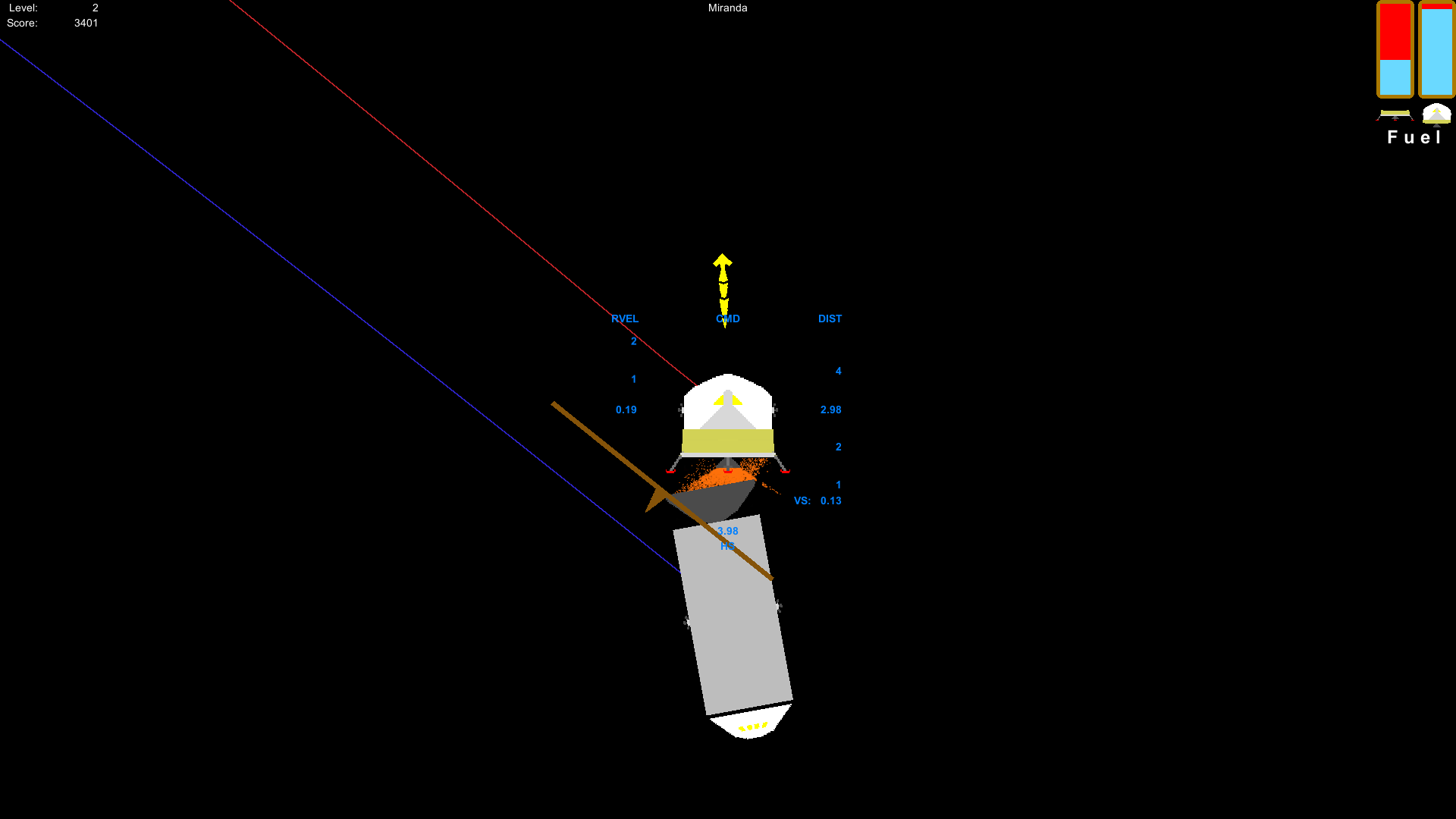
Here's a screenshot of the command module being nudged by the lunar module (I advise against that). Most of the command-lunar collisions should look a lot more convincing now. A product of this is that you no longer have that "jerk" that is associated with undocking and staging.
Now for some aesthetics:
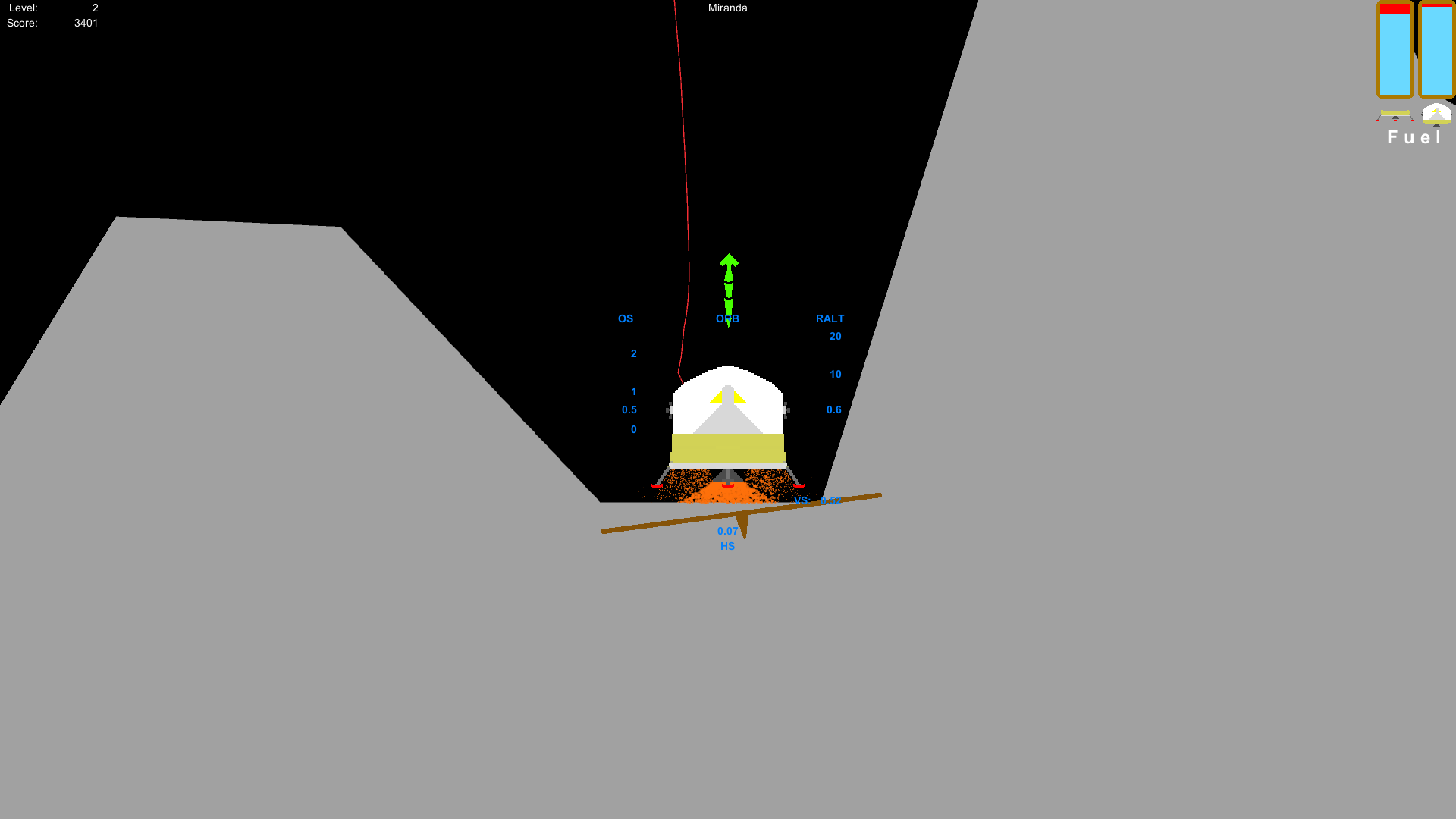
The engines now look like their doing something when their fired. I added a particle system to the engine so that you get different amounts of particles at different thrust levels. The best part is that the engine exhaust can collide with other objects. Careful not to fire your engines too close to the command module. Otherwise, you can crash the command module without even touching it!
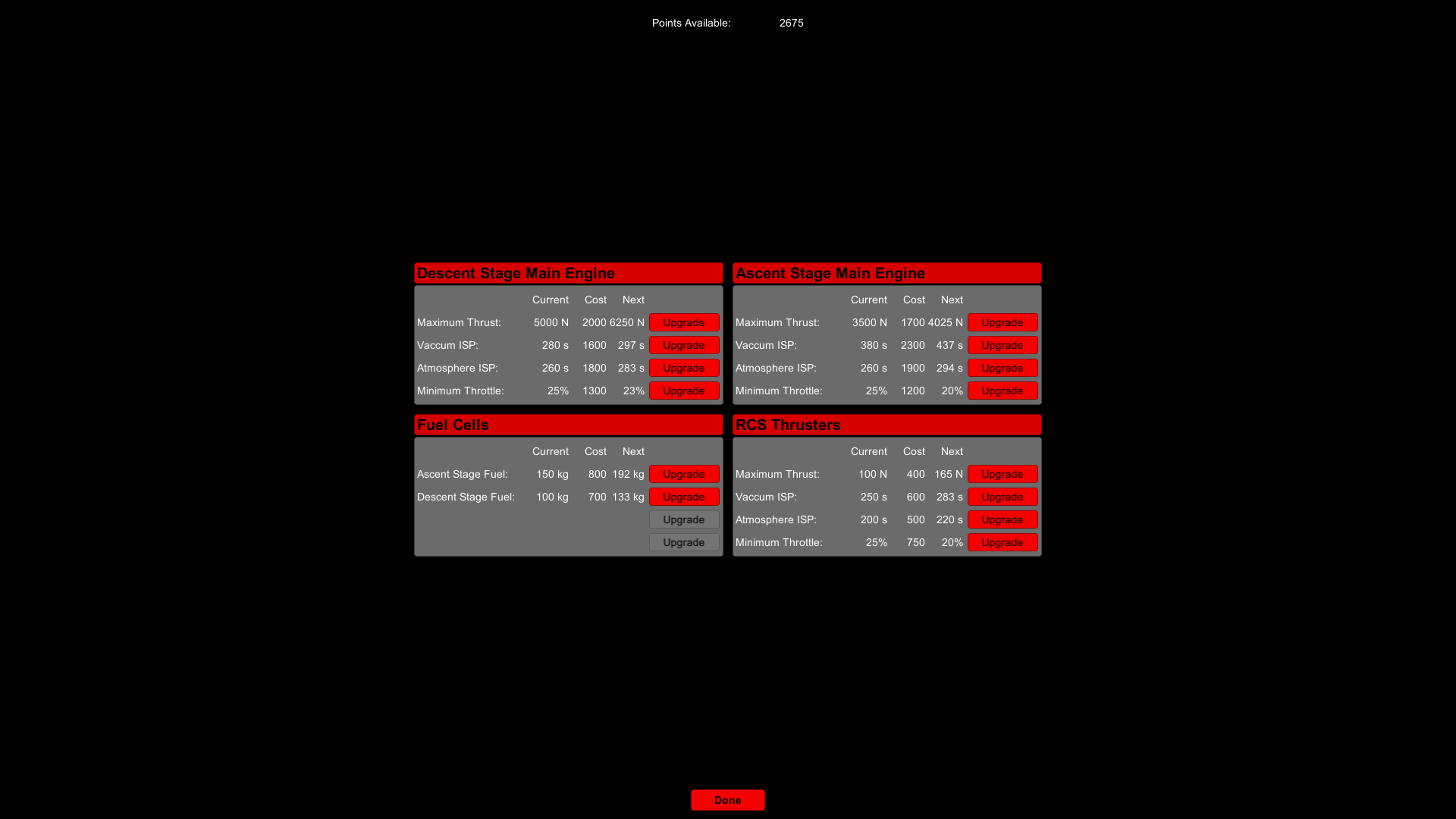
On the topic of gameplay, I've added upgrades that will give you a variety of items to choose from. I'm still working on balancing the upgrades, but since this game is in early access, I'll let the community help me decide what needs to be tweaked in that department. Here's the upgrades screen (I may make some changes though):
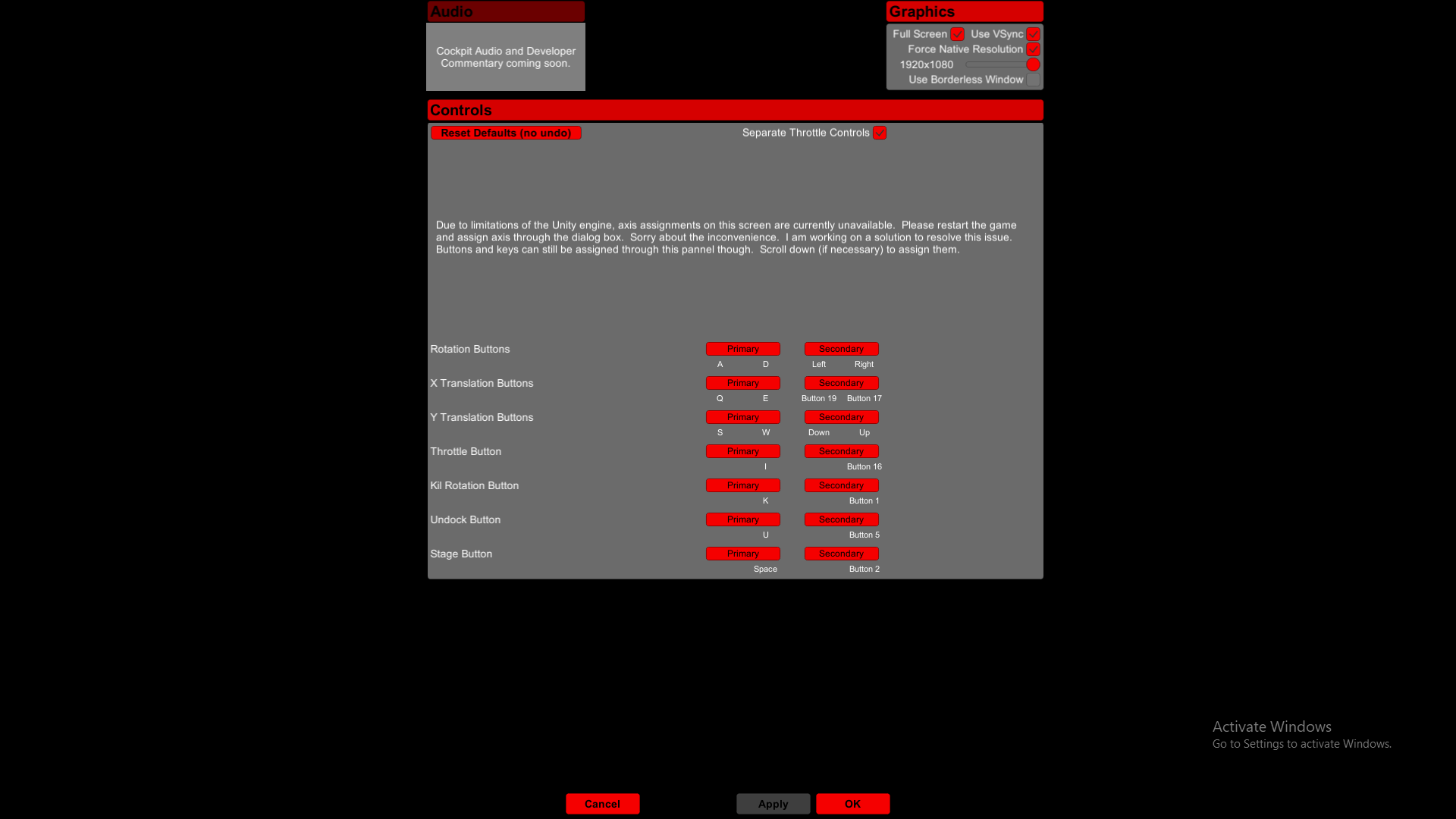
For our final screenshot, we have an updated settings screen. Be aware that this is still a work-in-progress, so what you see here is going to be different than what you see when the update is launched.
As the screenshot suggests, you will be able to change stuff like the screen resolution fully within the game itself. The update screen's width matches that of the help screen, so it's more consistent with the rest of the UI. I still haven't figured out how to change joystick input settings from within the game, but there will be sound, contrary to what the screenshot would suggest.
Among what's not shown in the above screenshot is going to be an update to how controls are assigned. One button per possible assignment.
Here are some other things to be updated that are not shown in the screenshot:
Reaction Wheel Removed
I just couldn't get a realistic reaction wheel and one that made the vehicle maneuverable. That said, vehicle control is now done exclusively with the RCS thrusters, just like the real live counterpart. And that's going to make the game a little bit harder.
Kill Rotation Updated
The flight computer is now aware of the minimum throttle setting that'll cut-off the RCS thrusters if the throttle is below that setting. The result is a more accurate kill-rotation mechanism.
Persistent Stage, Undock, and Kill Rotation
You will no longer have to hold down the key to undock, stage, or kill rotation to ensure the safe completion of said tasks.
Steam Achievements and Stats
This will be the first update that will contain stats and achievement tracking. You'll get achievements for progressing through the game, being very skillful, and being very stupid.
Mission/Story Framework
I've put in place the foundation for a story-mode and mission framework, but there are some other things I really need to get out of the way before I start flushing-out a mission set or story mode.
It will probably take a couple more months before the update is out. In the mean time, feel free to leave some feedback on what should also be improved, what needs to be fixed, or what should be added.
Aesthetics Update Is Live
The first major update to this game is out. This update mostly provides visual enhancements to the UI, starting with the main menu. Everything is now big and centered on the screen.
There is a new Help screen to replace the old help information on the main screen and gives a bit more detail about the various parts of the UI. The Help screen will be updated as needed based mostly on player feedback.
There is a new settings screen that allows you to assign keyboard and joystick button inputs. These settings are saved so that you don't have to reassign your buttons every time you start the game. There's also an option to reset to the default settings. Due to some limitations in the Unity engine, axis assignments are done via a dialog box that now comes up before the splash screen. The axis assignments are "X Translation", "Y Translation", "Rotation", and "Throttle."
The graphics settings are currently set using the same dialog box to set the axis until I get a better system in place. Cockpit sounds and developer commentary are coming soon.
The in-game UI has also been greatly improved. There is now a HUD that gives you all the information that you need to land and redock. A button on the top center of the HUD allows you to change the HUD mode between surface-relative and command module-relative information. At the request of one of the players, the HUD now has a horizontal speed indicator.
The default controls have been adjusted slightly to allow you to separate the main engine from the vertical translation thrusters (there's an option in the settings panel to change this back if you want). You can now use your thrusters to assist your main engine or cancel-out some of its thrust.
The major control differences is that you must now hold the stage/undock buttons in order to maintain thrust, and that the keyboard/button inputs now instantly go from 0 to 100% and back when you use them. This is a consequence of me overriding the Unity's default input system.
The screens to view and submit your high scores have also been given a visual update. And a screen has been added for those who complete all the levels of the game without crashing.
Aesthetics Update Preview
Over the past week, I've been working on improving the aesthetics of the game. Here is a list of changes that I've made so far:
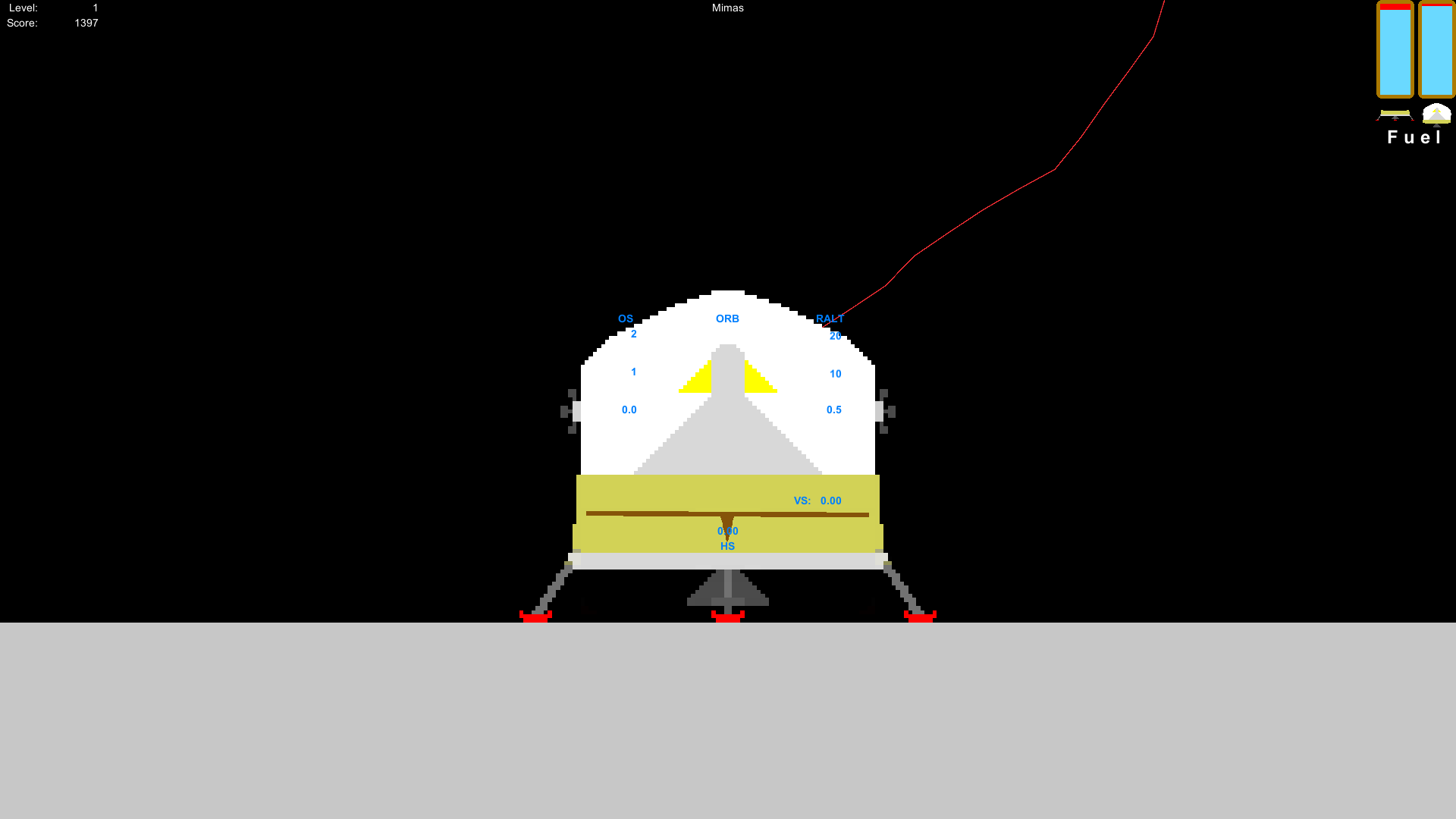
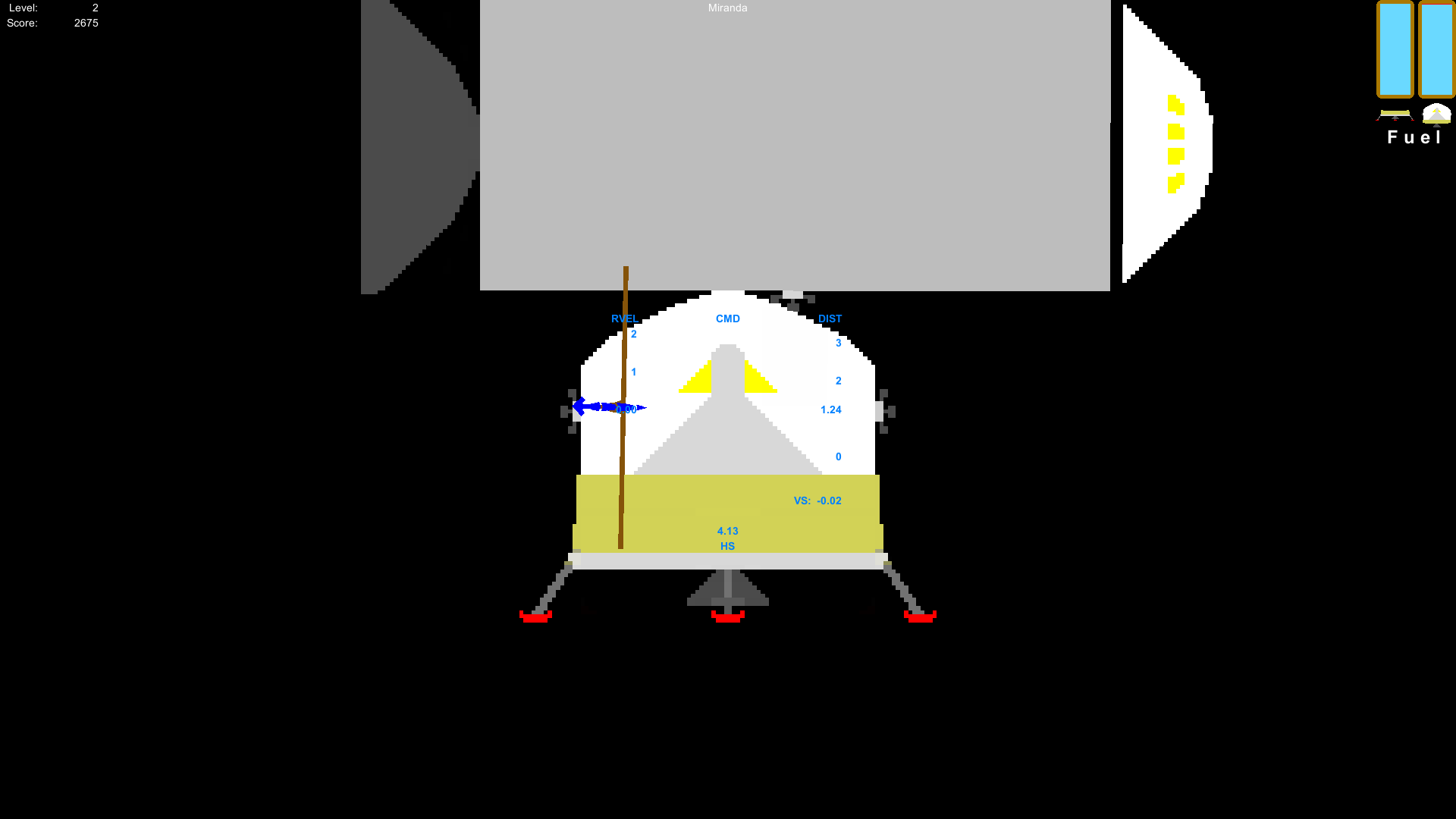
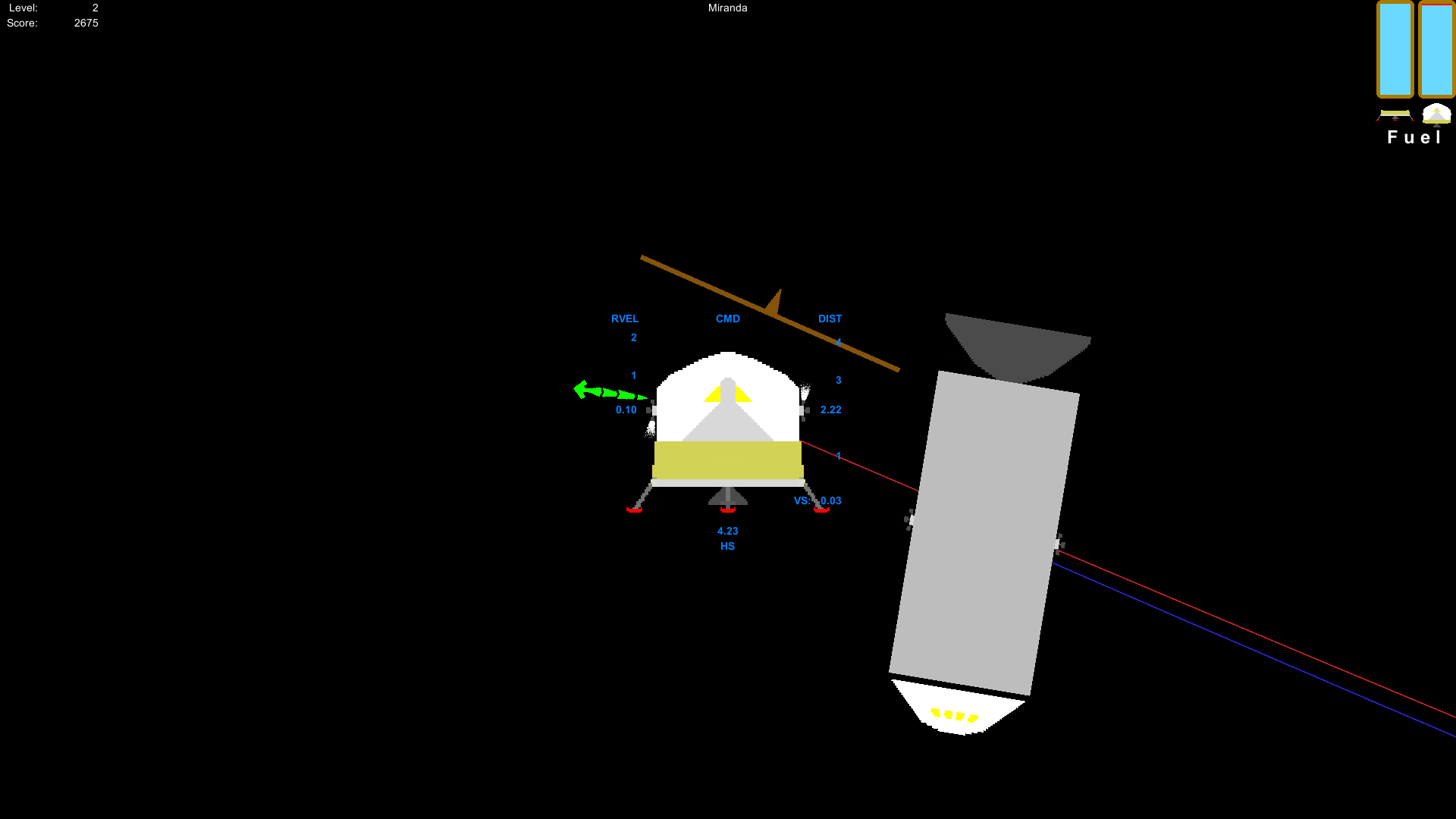
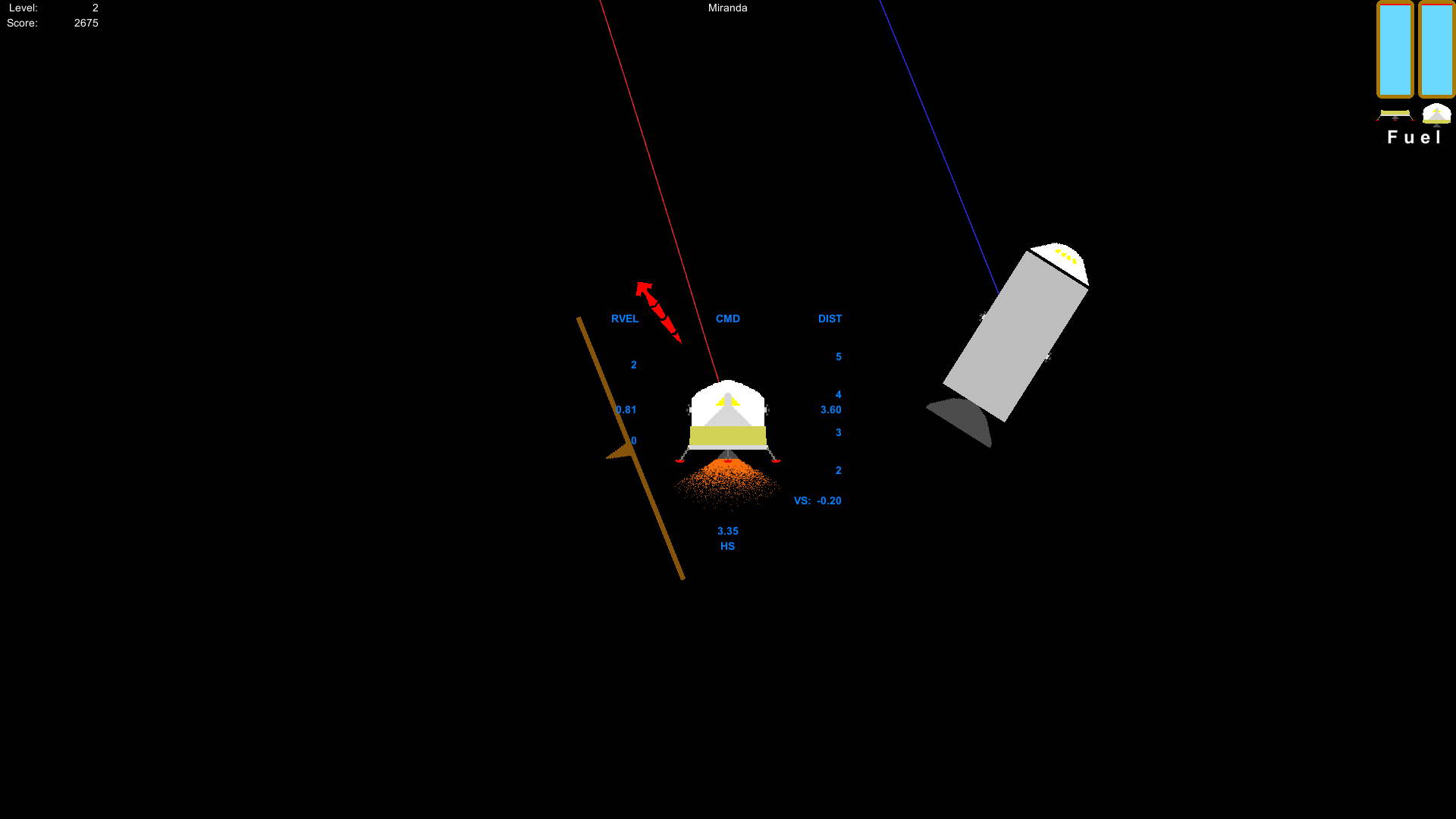
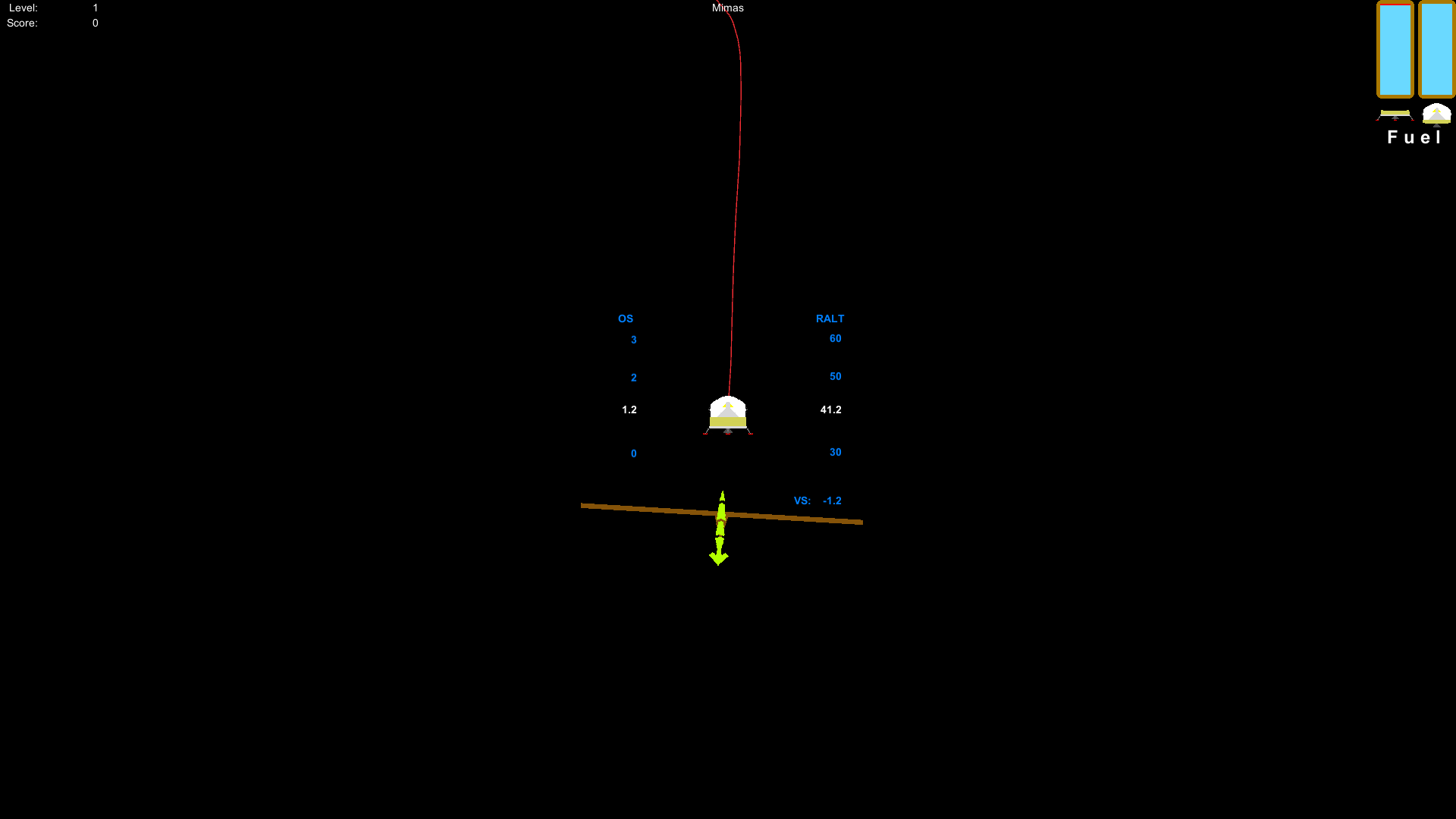
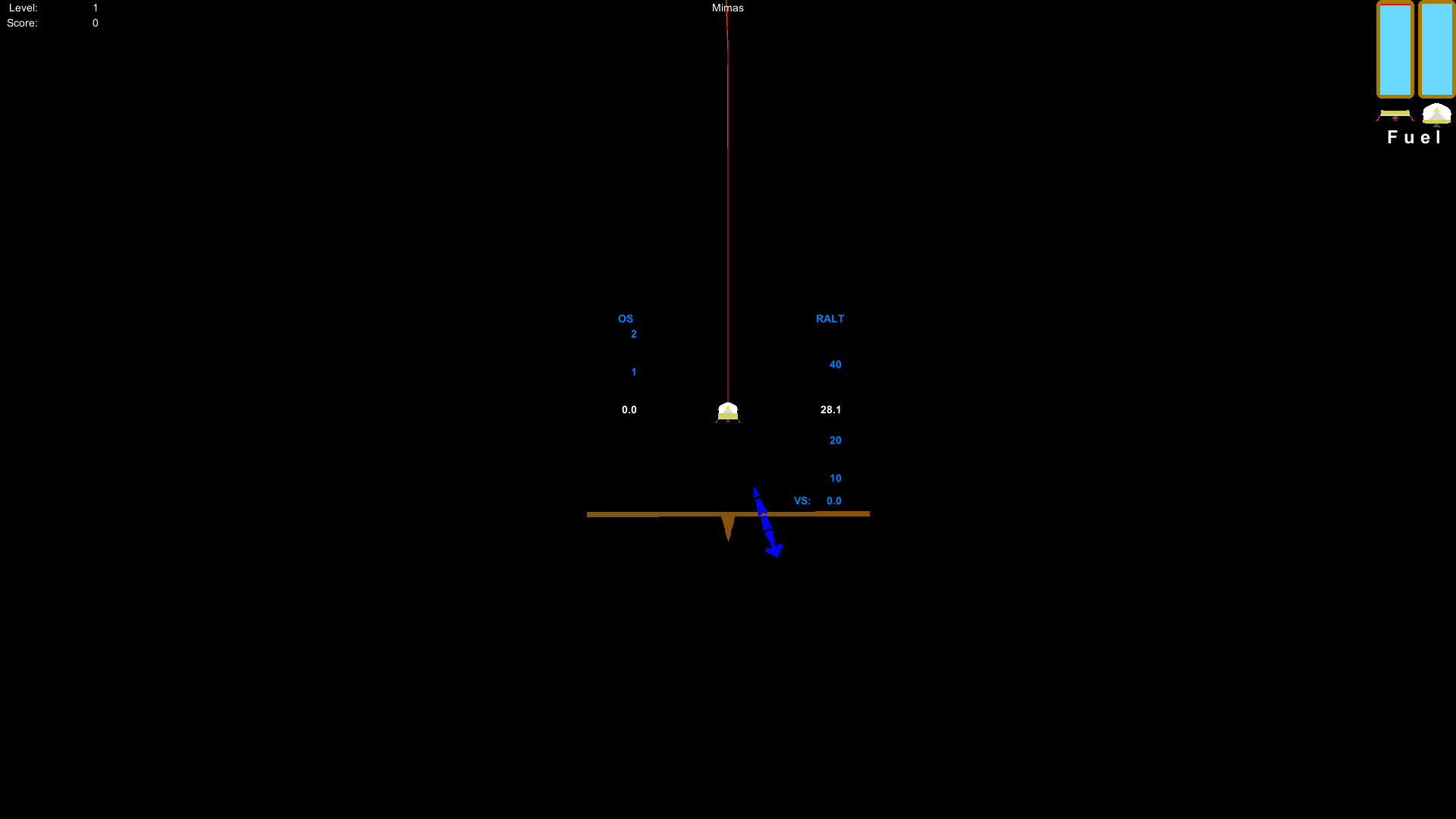
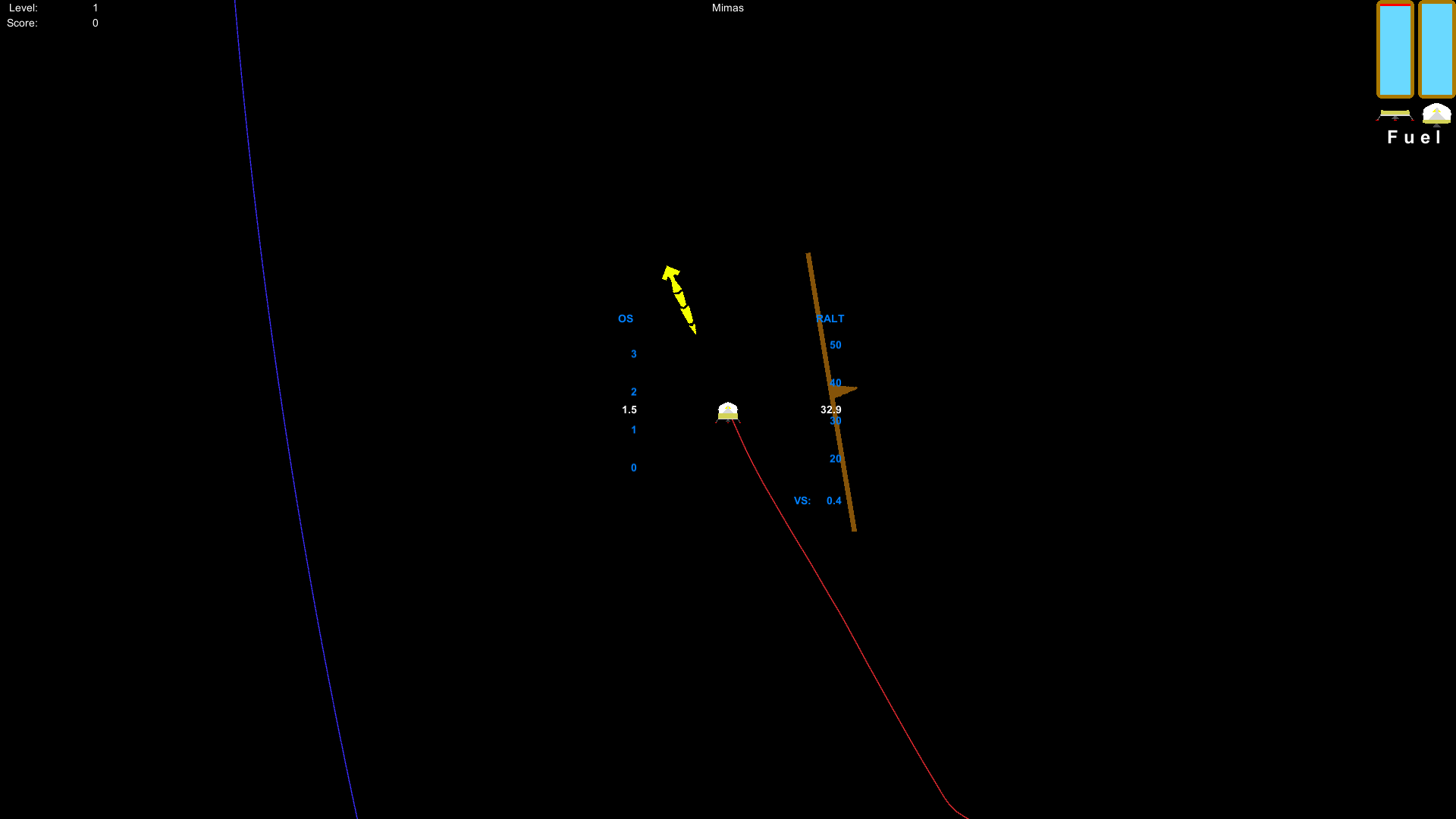
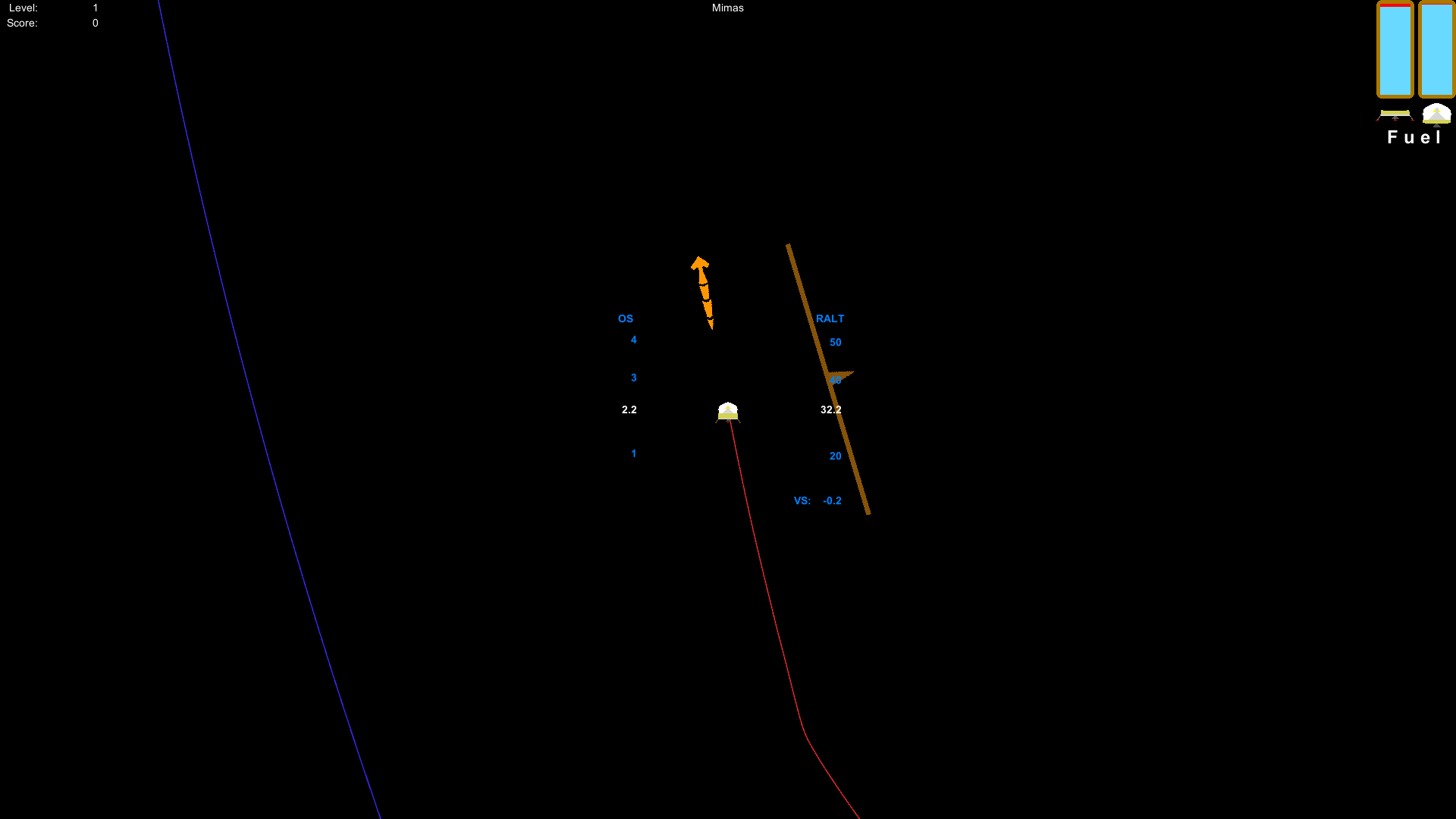
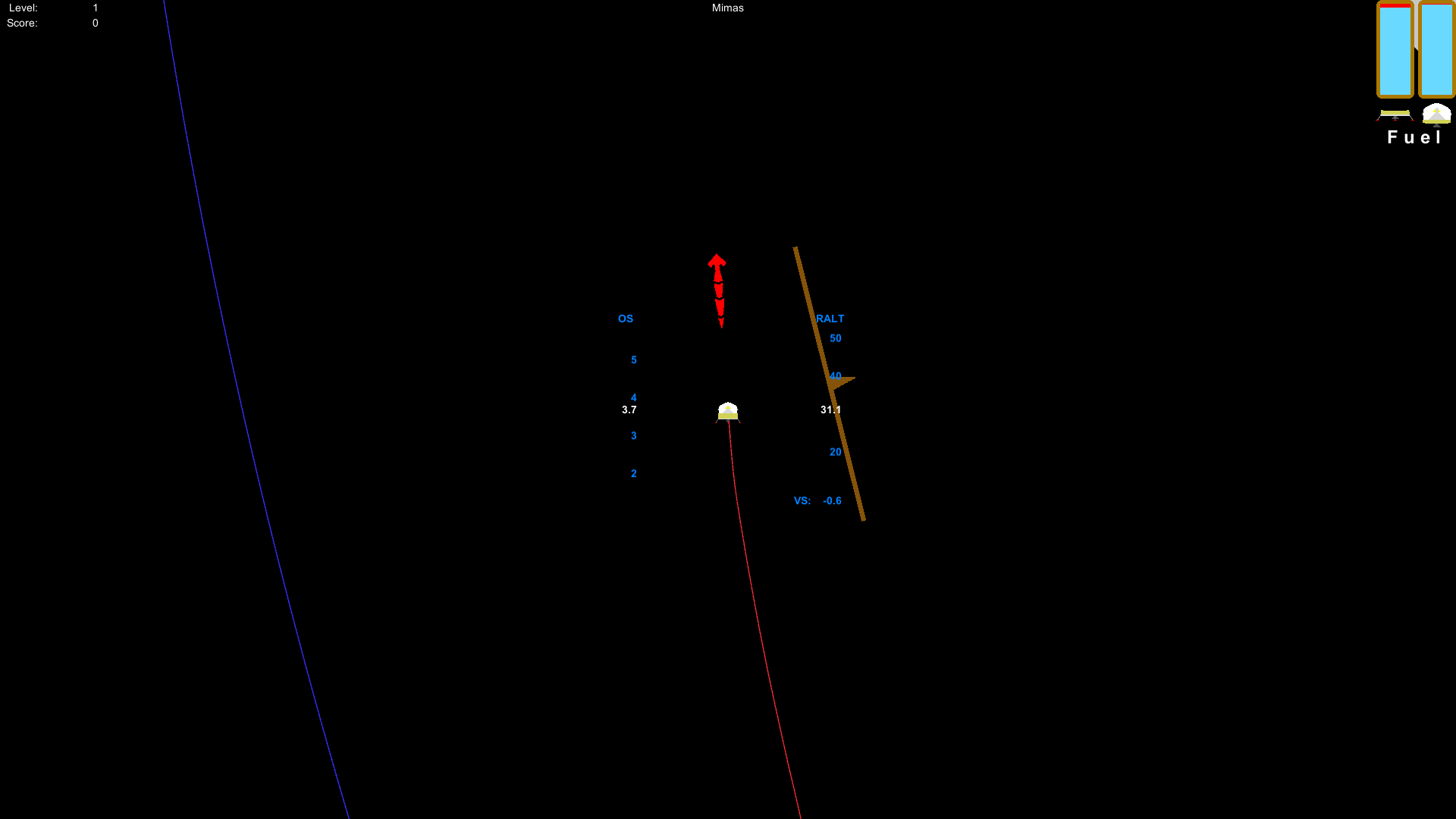
I've added a HUD-type display for orbital speed, altitude above ground, and vertical speed. The HUD also shows where the vehicle is going and which direction is straight down and level with the horizon. The velocity direction indicator is even color-coded to let you know if you're going to make a safe landing.
When the update is released, you'll be able to toggle between surface-relative and command module-relative speed and distance displays.
In the top-right corner, the text display of the fuel and speed has been replaced with a visual representation of how full your tanks are.
Demo of the HUD.
Speed direction indicator is blue to indicate a landing score of 1,000+ points.
Speed direction indicator changes color as you accelerate. Red is bad!
What is shown here is subject to change by the time the update is published. I'm also working on improvements to the in-game menus and the various screens that the menu items take you too. There will be a dedicated help screen and a new settings screen.
Torque Physics Fixed
I fixed an issue with the torque physics that would cause excess jittering with the vehicle. This would most likely be noticeable when trying to redock with the command module. The amount of jittering due to trying to control the vehicle is almost non-existent now.
As a side effect of this bug fix, the retro RCS thrusters (and possibly the main engine) are now far more effective than they were before.
This issue is not related to any jittering that you may experience in the later levels of the game. That is caused by the Unity engine using 32-bit physics and the planets late in the game being so much larger than the early planets. The 32-bit physics is also why I scaled the planets and vehicles the way I did.