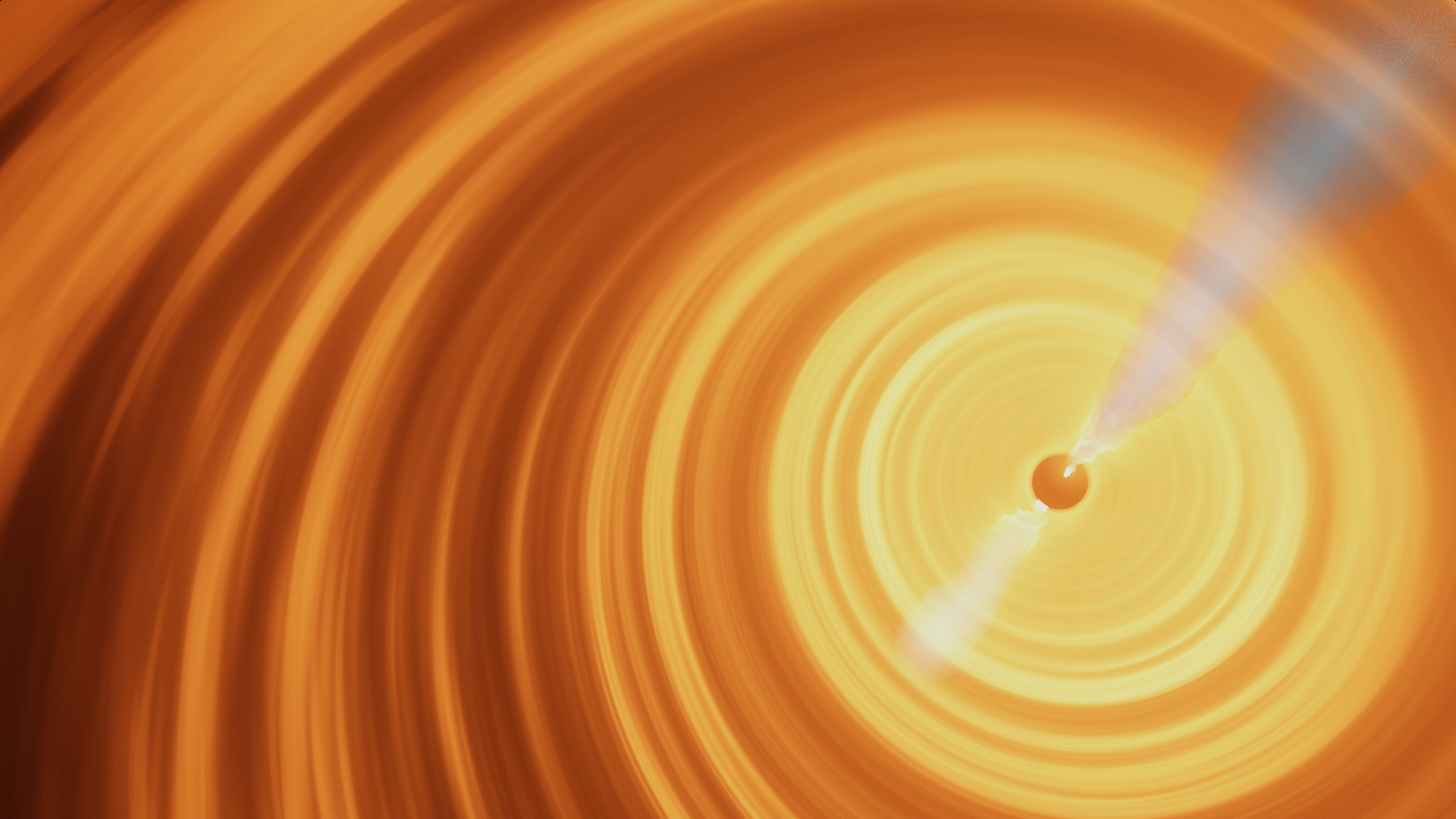
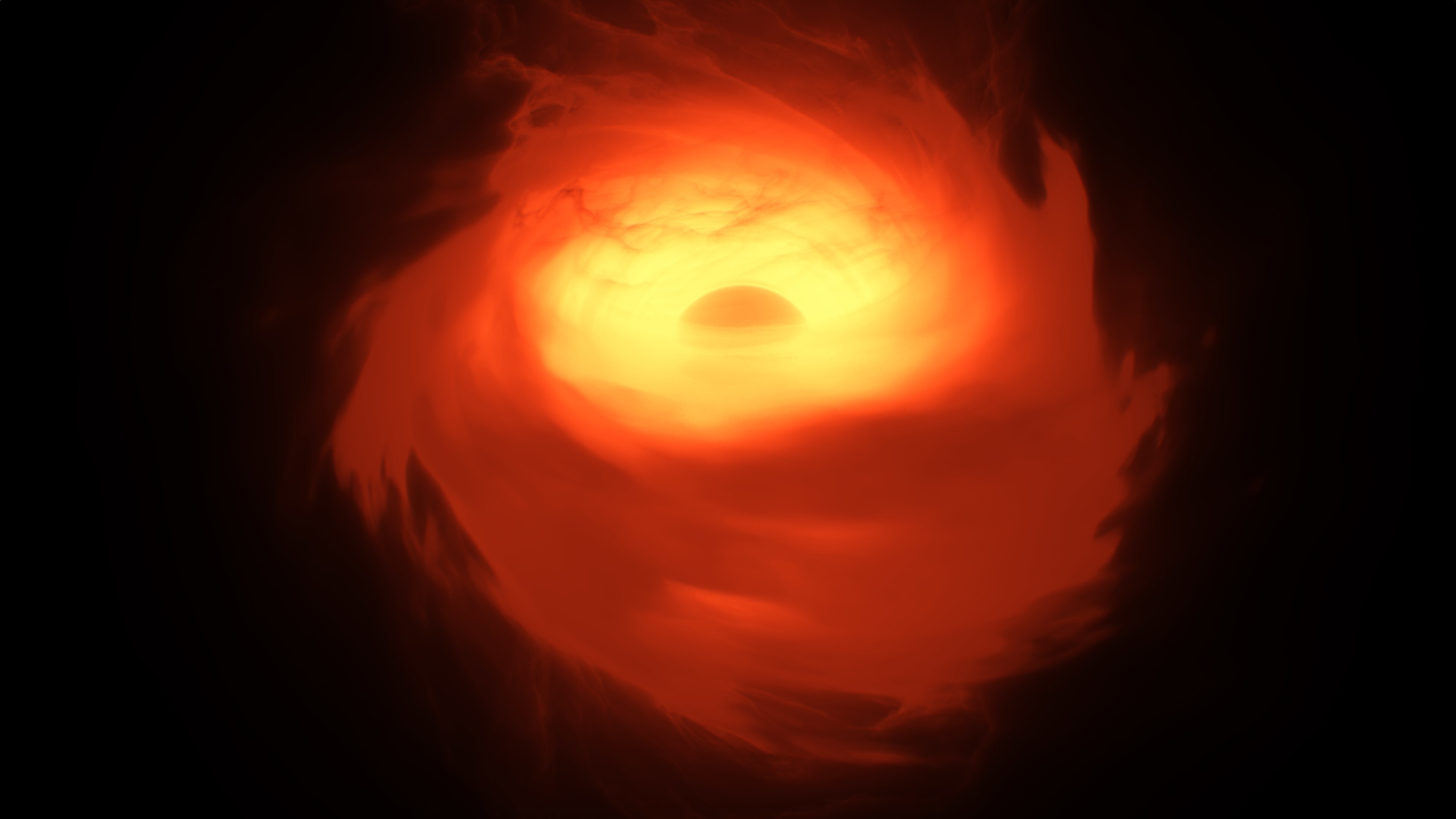
The latest update has finished public beta testing and is now being released to everyone.
Why We've Been Quiet
You may be wondering why we didn't post about any public beta updates even though we released some. In short, it's because things have been very chaotic lately. Vladimir and his family have been directly impacted by both the events in Ukraine and the consequences thereof, which forced us to spend almost all of our time and attention on securing the future of SpaceEngine and making sure that friends and family remain safe. This resulted in development being put on hold for a couple of weeks. While development is now ongoing, it remains possible that future circumstances may cause additional interruptions due to the unstable situation. The crisis also briefly impacted our efforts to expand the development team, and progress has resumed there as well.
Update 0.990.43.1875
With that out of the way, we can talk about the update itself. This update - version 0.990.43.1875 - mainly focuses on bug fixes and minor improvements. Highlights include:
Updated exoplanet catalog
MP3 music file support
Indonesian localization
Tooltips are now displayed in the Wiki and other tables (viewable by mousing over the cell)
Switching from OpenAL to SDL Mixer X (should prevent startup failures many users have had)
Fix for the crash when visiting the galaxy Centaurus A
New tonemap option (ACES Fitted)
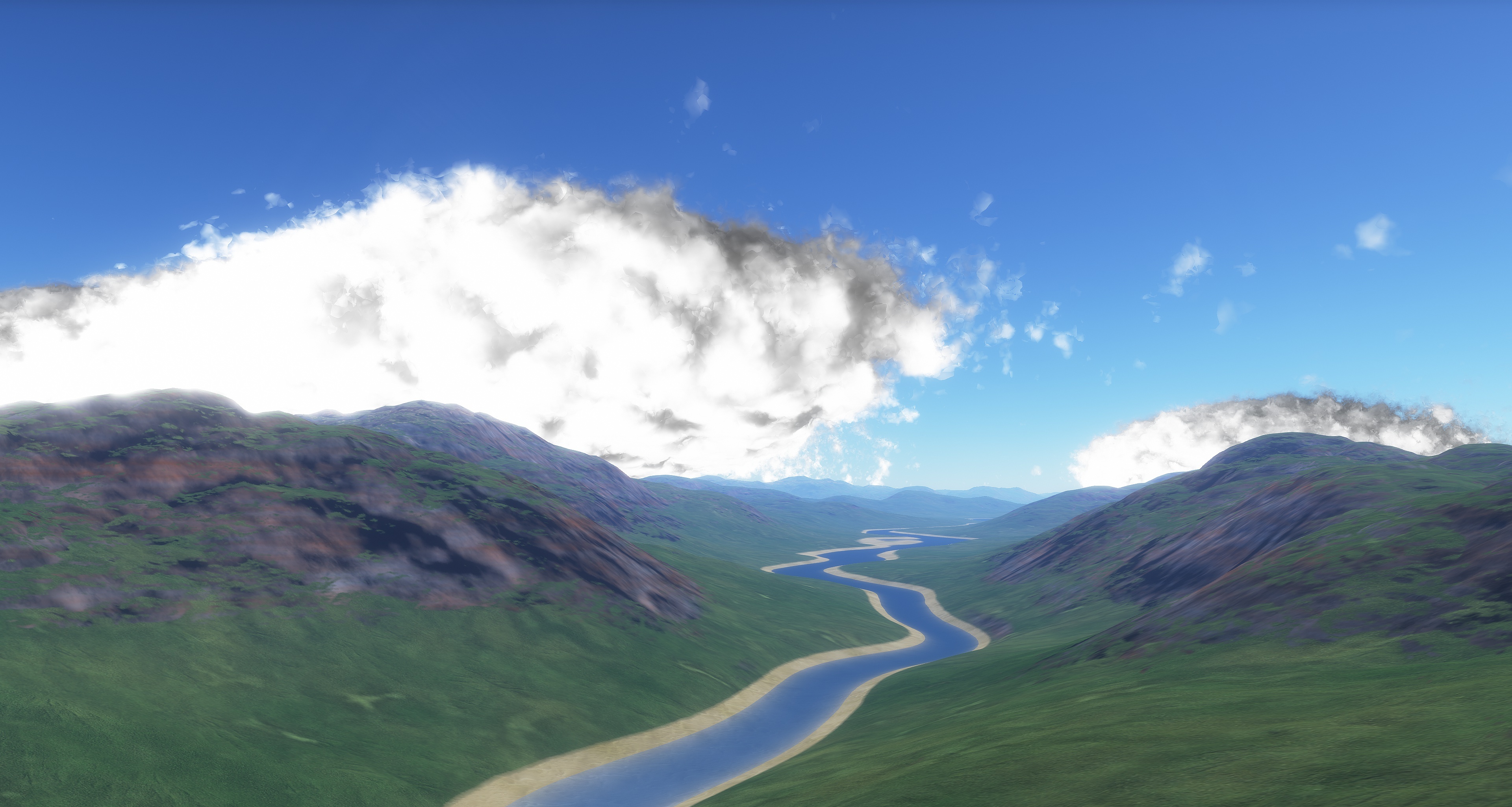
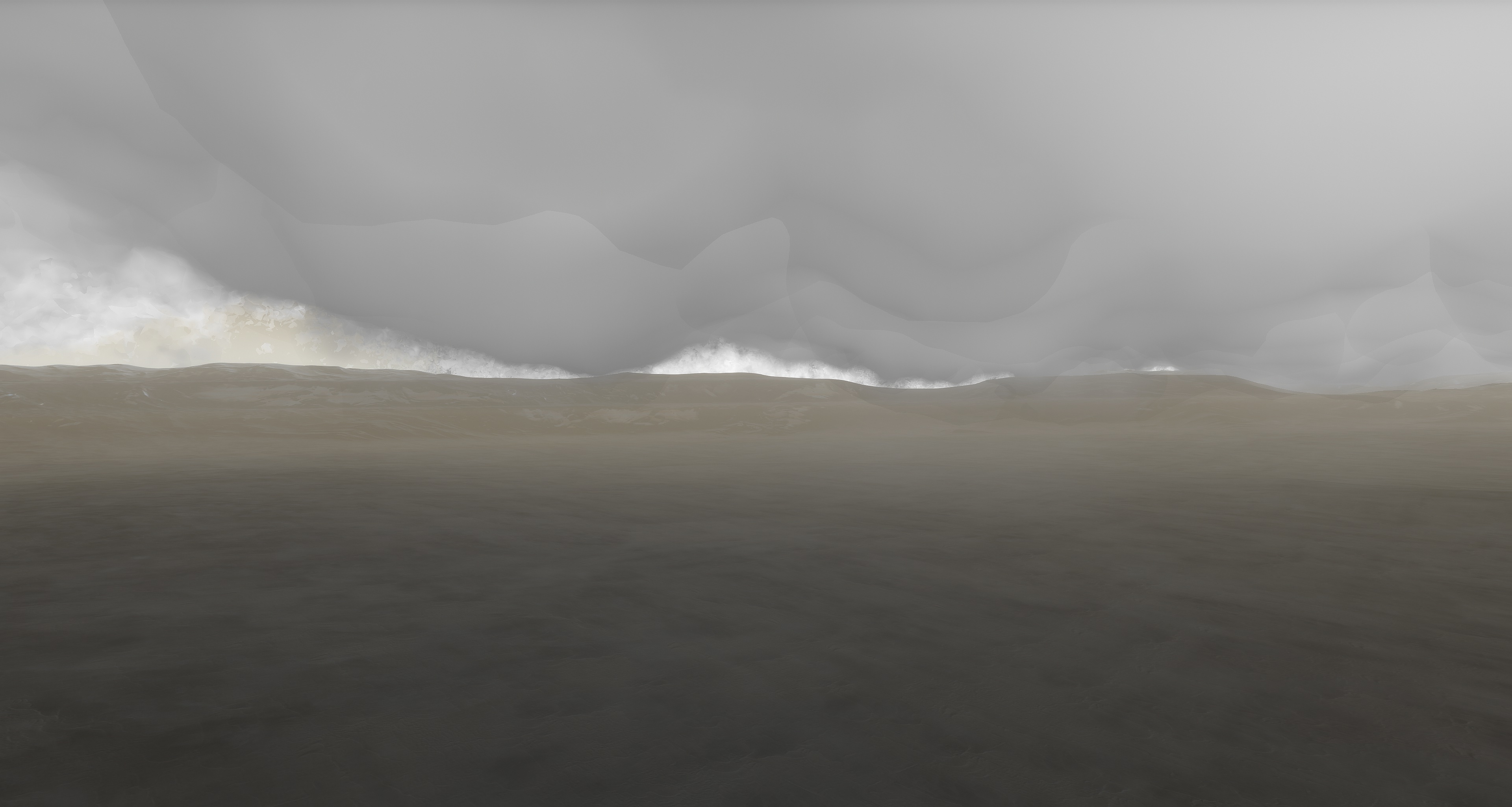
Significantly improved appearance of ray craters
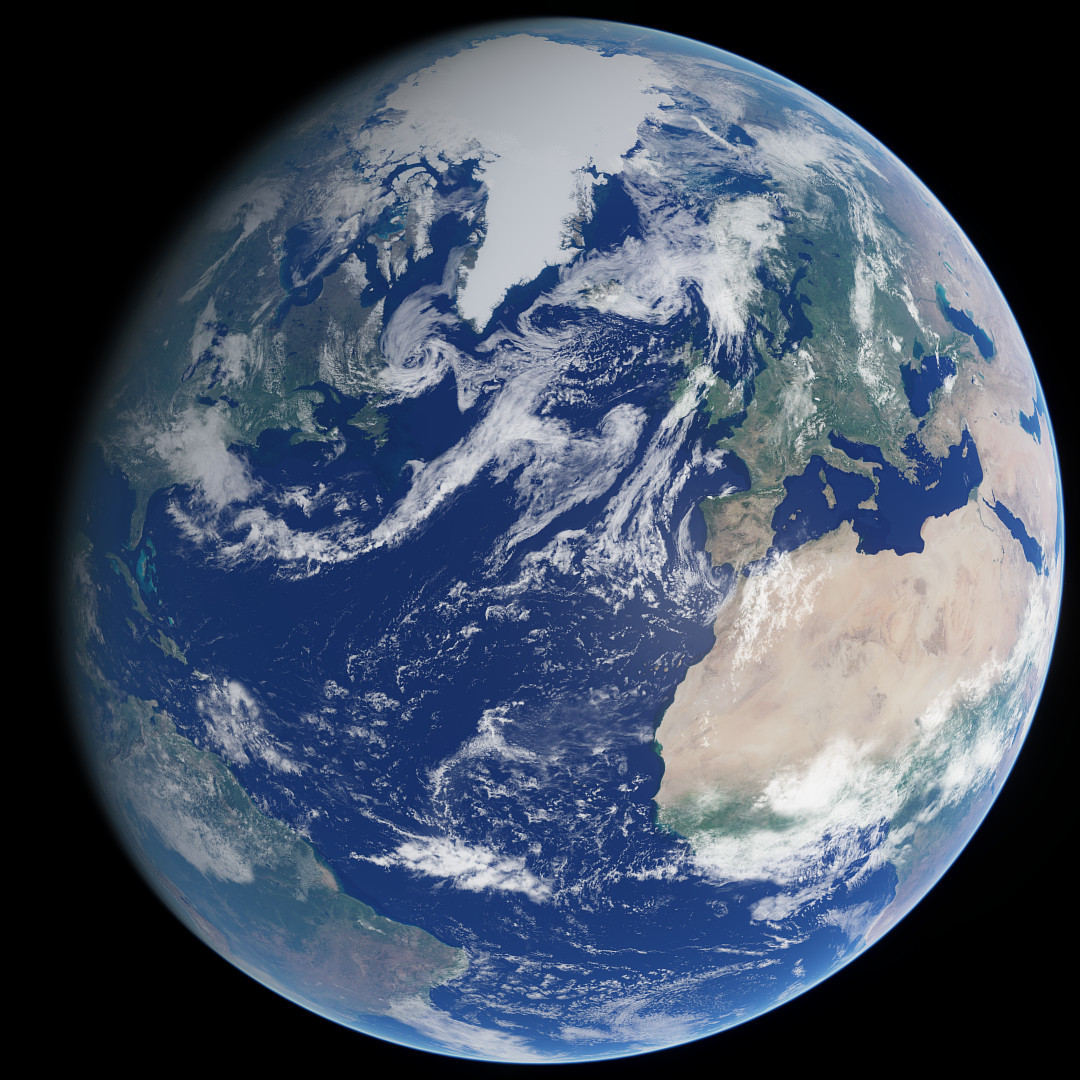
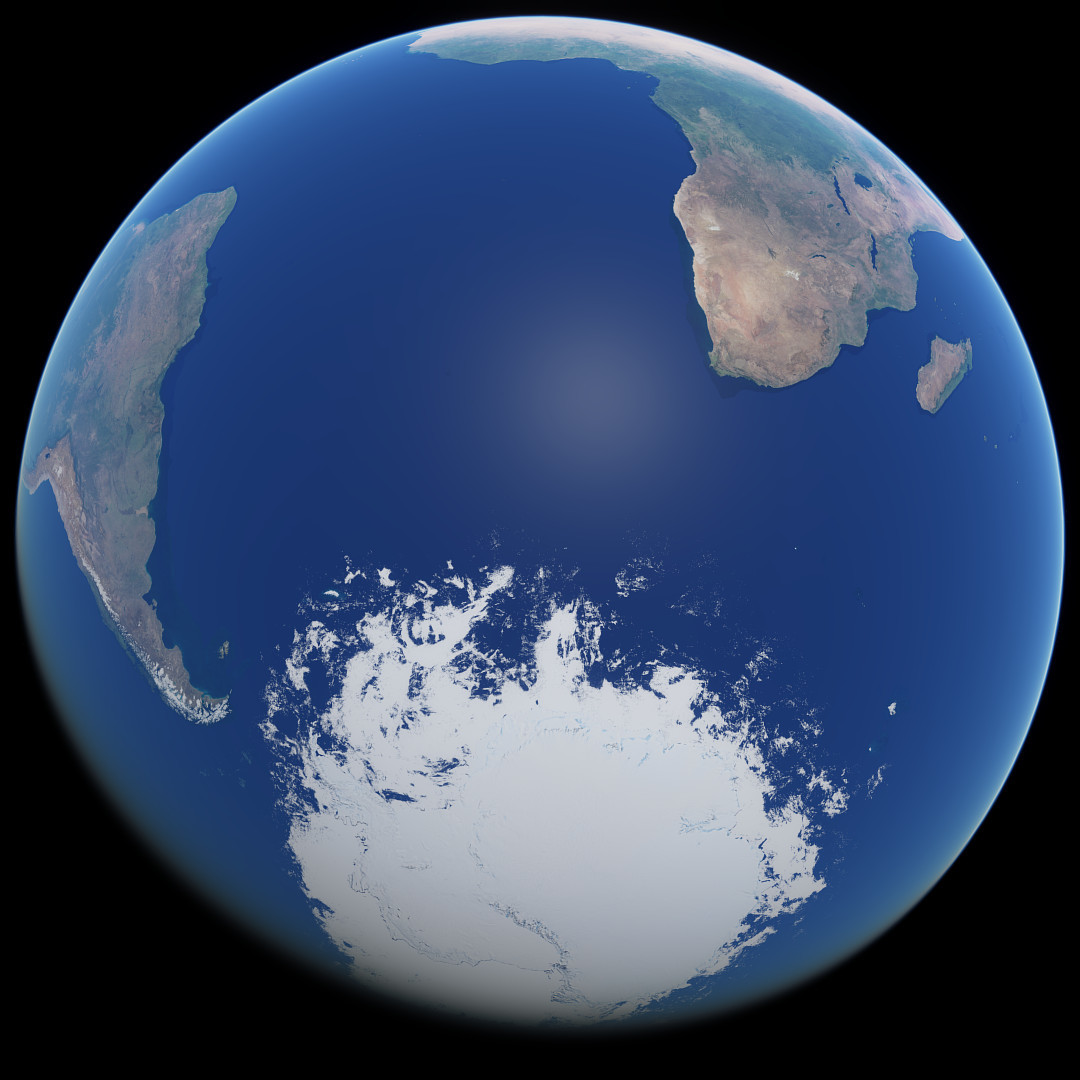
View this post on our website to see interactive comparison images of the updated ray craters and ACES Fitted tonemap.
We also want to share some of the other cool stuff we've been working on lately, which deserves a whole news post unto itself, so be on the lookout for that to be posted in the near future :)
Changelog
Updated exoplanets catalog (March 15, 2022)
Updated localizations, added Indonesian
Optimized performance of the Star browser
Fixed various bugs in the Star browser
SDL library upgraded to 2.0.14
Sound system changed from OpenAL to SDL_mixer_X
Added mp3 support for music files
Tooltips in Wiki and other tables (view by holding mouse over the cell)
Tooltips are rendered on top of the cell, except for some special cases
Tooltips in Wiki displays decimal values for cells with degrees and time
Added BB-codes for date and time (YYYY, MM, DD etc)
Updated credits
New tonemap option (ACES Fitted)
Fixed crash near Centaurus A and (other galaxies created with CubeMap method)
Fixed body axial tilt display
Wiki shows body axial tilt (second column) and obliquity in relation to star (third column)
Fixed incorrect velocity vector of minor moons of Solar System gas giants
Fixed bug with displaying of the system barycenter in the Chart mode in some catalog binary star systems
Fixed/updated craters
Volumetric Rings release!
Volumetric rings are out of beta testing and are being released to everyone! You can read more about this feature and other features in this update in our blog posts here, here, and here. More improvements for rings are planned for the future, but for now I must move on to other high-priority tasks (major bugfixes, other major graphical features, etc.).
Changelog of this build (0.990.43.1865) compared to the previous public beta build:
Adjusted brightness of filmic tone mapping functions
Changed sharpness function for volumetrics (galaxy, nebula, comet tail, aurora)
Sharpness of volumetrics and 3D rings is reverse of the global scene sharpness to prevent over-sharpening (ability to switch off this function in the config file or in the debug toolbox)
Overhaul of the debug toolbox, controls are split into several tabs
Added combined satellite mass info to the Wiki
Fixed a bug that made procedural rings too sparse
Fixed a crash that sometimes happens after reloading a planet/system in the planet editor
Fixed bug with stopping of terrain textures loading
Fixed a bug with generation of a double Wolf-Rayet system, where the secondary star has a luminosity hundreds of times greater than the whole system (for 0.991)
This update is being published to the main, beta, and 0.991_beta branches. Note that some planetary systems in the 0.991_beta may be different now, because changes in the planet generator code are not final. This must not affect the main branch, so your saved locations must be intact (except of course for rings around procedural planets).
Changelog compared to 0.990.42.1830 (last main branch update)
Added volumetric 3D planetary rings
Updated exoplanet catalog (June 03, 2021)
Support for blackbody thermal glow and temperature maps for spaceships (accurate radiator glow appearance)
Elevation and temperature textures are split into independent arrays (improves terrain LOD capabilities by cost of increased VRAM usage)
Additional security checks in terrain texture cache (improves stability)
Ability to reload a planet or planetary system in the editor without waiting for completeness of terrain generation
Safe (crash-free) change of terrain texture settings (texture compression, detail textures, graphics quality preset) while camera is near planet surface
Geographic grid on black holes, neutron stars, and white dwarfs is warped according to gravitational lensing
Geographic grid color parameter is added to all skin config files
Optimized the Map mode performance near the Solar system and in other galaxies
Anti-aliased lines of constellations and coordinate grids (celestial, geographic and the Map mode grid)
Sharper orbital path lines
Ability to skip building the shader cache by pressing Esc in the loading window (splash screen)
Importing locations from clipboard automatically detects format (se:// URL or script)
Exceedingly thin atmospheres are not rendered in Solar system browser previews
Added reading of physical video memory size from the system registry
FXAA smooths alpha channel in screenshots and previews
Alpha channel is used in Solar system browser previews again
Separately configurable unit for star surface temperature in the interface
Opening the map mode while a star is selected will zoom to show its planetary system
Added support of DEG MIN SEC format for lat/lon in the Goto command
Adjusted brightness of filmic tone mapping functions
Changed sharpness function for volumetrics (galaxy, nebula, comet tail, aurora)
Sharpness of volumetrics and 3D rings is reverse of the global frame sharpness to prevent over-sharpening (ability to switch off this function in the config file or in the debug toolbox)
Overhaul of the debug toolbox, controls are split into several tabs
Added combined satellite mass info to the Wiki
Fixed spin-orbital resonance display for hyperbolic orbits
Fixed bug with debris rings being very rare around gas giants
Fixed missing asteroid belts
Fixed molten comets bug
Fixed non-functional interpolation of variables if the duration is zero or negative
Fixed inability to type negative magnitude limit in the camera toolbar
Fixed Wiki display of Hill/influence radius for gas giants
Fixed bug with celestial grid and constellation line colors not loading from the skin config on startup
Fixed incorrect catalog stars clipping in the Map mode
Fixed wrong number of stars rendered in the Map mode
Fixed keyboard zoom speed being framerate-dependent in the Map mode
Fixed multiple errors in printing object names to the log file
Fixed incorrect impostor rendering of distant galaxies after loading some saved locations
Fixed bug then SE uses less VRAM for terrain textures after change of terrain texture settings than it actually can
Fixed big moons orbiting inside rings
Fixed anti-aliasing (MSAA) on previews in the Solar system browser, the Wiki, and the Locations browser
Fixed bug with modifying a system with a black hole then restoring it in the Planet editor
Fixed bug with reading key combinations with "Numpad -" from keys.cfg
Fixed artifacts in ocean specular highlight on AMD Radeon (everywhere) and Nvidia GeForce (near equator)
Fixed black level of Earth's city lights when texture compression is enabled
Fixed crash that sometimes happens after reloading a planet/system in the planet editor
Fixed bug with stopping of terrain textures loading
Fixed a bug with generation of a double Wolf-Rayet system, where the secondary star has a luminosity hundreds of times greater than the whole system (for 0.991)
Public Beta Update 0.990.43.1850
Build 1850 is a small update focused on completing the current iteration of the 3D rings system and fixing bugs detected during the public beta. By "current iteration" I mean that 3D rings will be updated in the future, but for now I must move on to other tasks. This build (maybe with a few updates) will be released to the main public branch as soon as possible.
I would also like to address a few common feedback items, some of which were already addressed in more detail in the previous blog post:
Rings are VERY thin, generally a few tens of meters at most. You must fly into them at a very low speed (like 10-100 m/s, depending on the angle) or else you will fly right through them without ever seeing the inside. In every case where someone joined the public beta and reported that they did not see 3D rings, this was why.
Some parts of a ring system will only have dust with no "rocks"; this is normal.
If ring particles seem to be randomly popping around the screen with every frame (including appearing "ghostly"), it is because your camera is not moving at the same speed as the rings are orbiting the planet. Pause time, bind the camera to a moon inside the rings, or go into the flight simulator and put a spacecraft into a circular zero-inclination orbit within the rings.
Changelog
Added dust self-shadowing in 3D rings
Reduced aliasing of rings while looking edge-on
Reduced aliasing of ring shadows on planets
Geographic grid on black holes, neutron stars, and white dwarfs is warped according to gravitational lensing
Geographic grid color parameter is added to all skin config files
Optimized the Map mode performance near the Solar system and in other galaxies
Anti-aliased lines of constellations and coordinate grids (celestial, geographic and the Map mode grid)
Sharper orbital path lines
Ability to skip building the shader cache by pressing Esc in the loading window
Importing locations from clipboard automatically detects format (se:// URL or script)
Fixed inability to type negative magnitude limit in the camera toolbar
Fixed Wiki display of Hill/influence radius for gas giants
Fixed bug with rings lighting when toggling planet shine
Fixed bug with celestial grid and constellation line colors not loading from the skin config on startup
Fixed incorrect catalog stars clipping in the Map mode
Fixed wrong number of stars rendered in the Map mode
Fixed keyboard zoom speed being framerate-dependent in the Map mode
Fixed multiple errors in printing object names to the log file
Fixed incorrect impostor rendering of distant galaxies after loading some saved locations
Volumetric Rings Public Beta
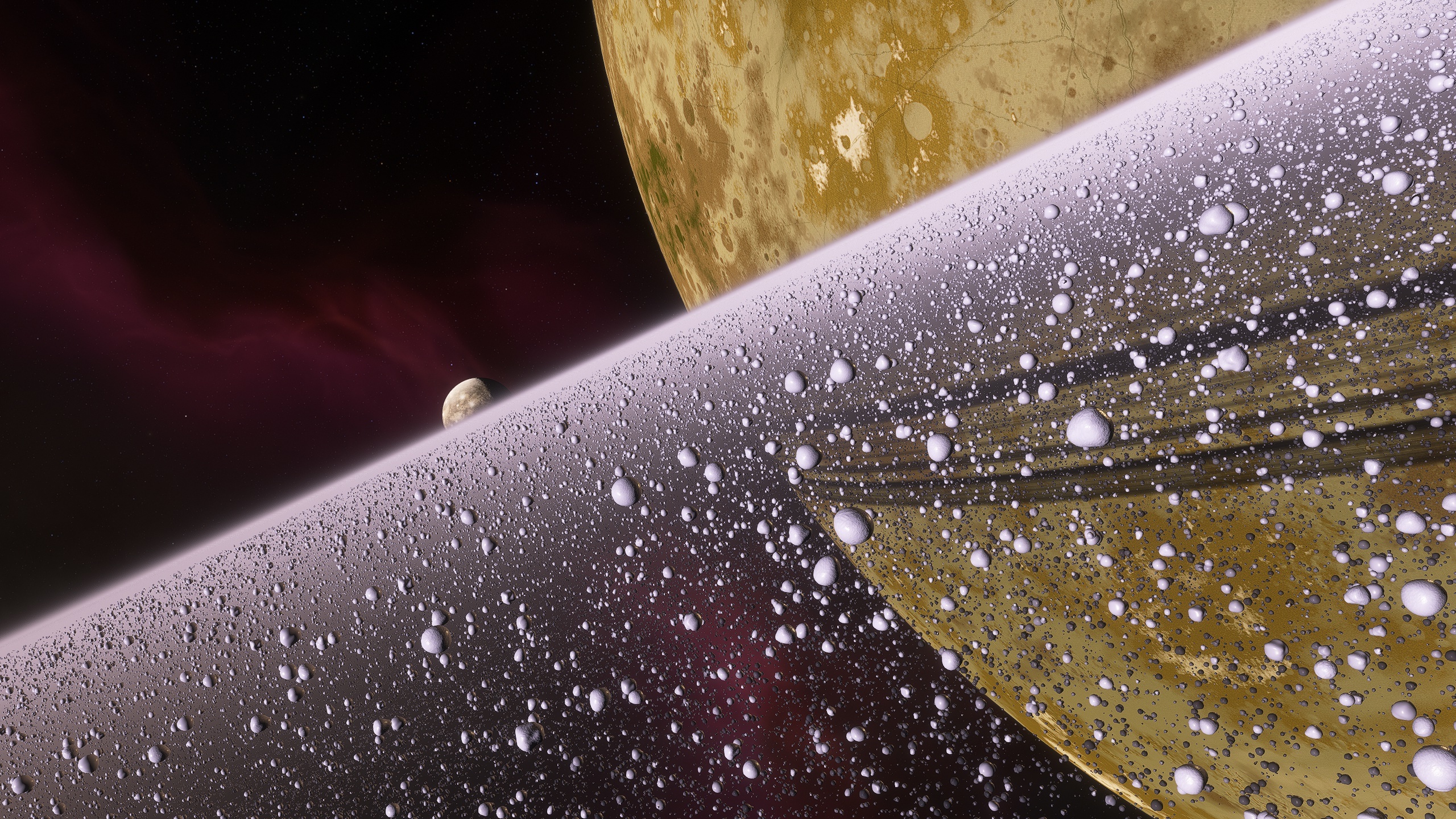
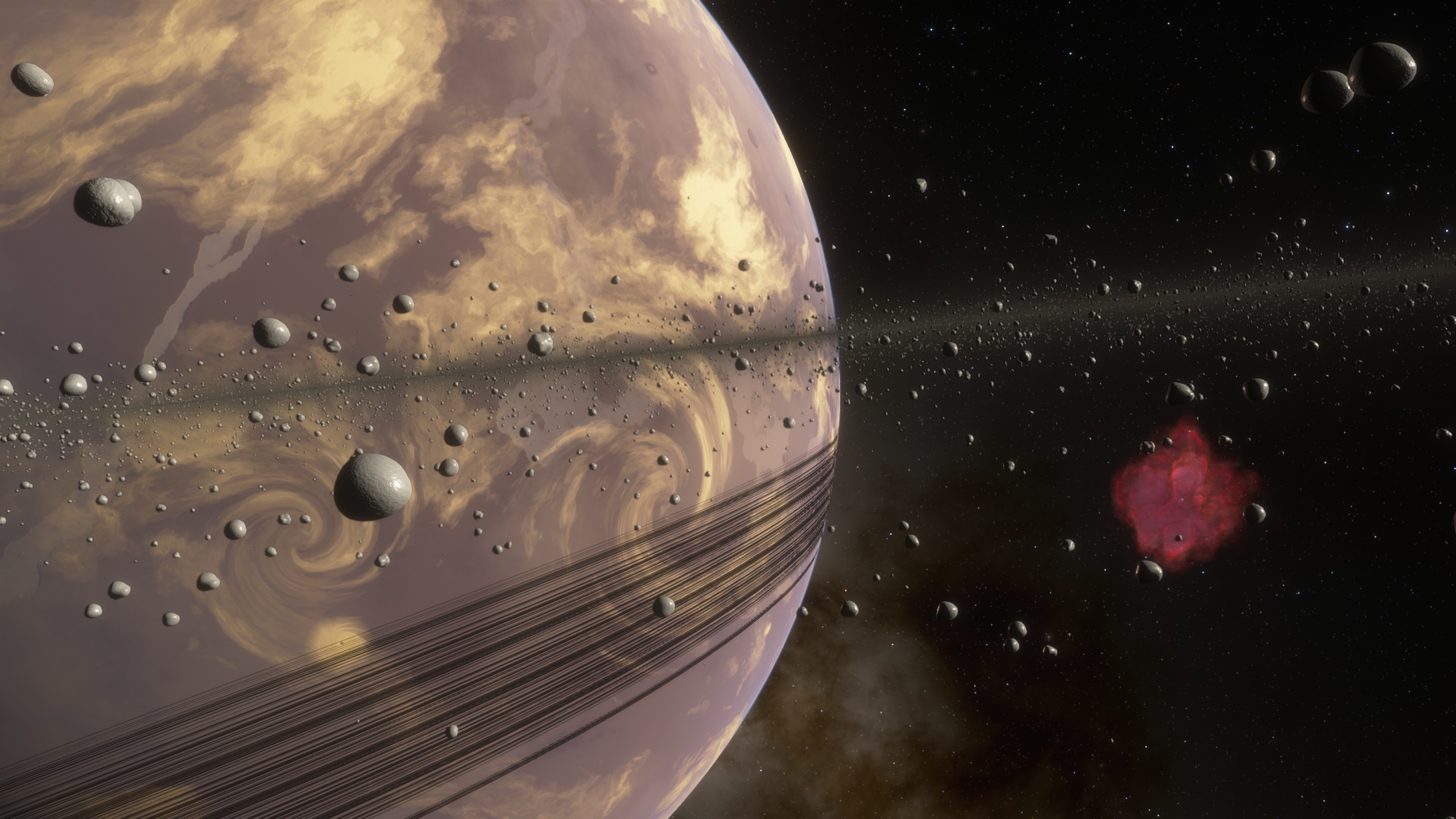
SpaceEngine finally has volumetric planetary rings, with 3D rocks and a dust effect. I worked on volumetric rings with Duke for around half a year, with some breaks due to personal reasons. But now we are ready to release the first version of the system. Some work still needs to be done in the future to improve rings in SE, but I think the current result is good enough for public release (instructions for joining the public beta are linked at the end of this post). The method we chose - ray marching - took a long time to implement, because we encountered tons of problems. Ray marching means that there are no 3D models of rocks; they are not spawned/deleted as the camera moves through rings. Instead, the special shader on the graphics processor generates a virtual ray through each pixel of the image, and decides if there is a rock along the ray's path on-the-fly by computing special equations. So it works like the 3D nebulae which SE already has: rocks are like opaque "clumps" of a nebula. There are no polygons, only math. Rocks are also combined with volumetric fog, can move, have textures and lighting, and receive shadows from the main planet and its satellites. Ray marching can render anything, you can see some great examples on shadertoy.com. But the main drawbacks of this method are bad performance (in many cases, and strongly dependent on image resolution), lack of hardware anti-aliasing (can be solved), and bad precision over large distances (not really a problem for most demos on Shadertoy, but is a significant problem in SE). I will describe the technical details later in this post. What does the 3D ring system in SE support for now?
Realistic scales
Rings can vary from a tiny stream of rocks around asteroids (like rings around Chariklo, and yes, SE now generates procedural rings for some cold asteroids) up to enormous ring systems several AU in diameter (like J1407 b planet, and yes, this will be used for protoplanetary rings in the future). Rocks may be as small as 1 cm in size and as large as few kilometers. The thickness of the ring system may vary from several rock sizes to hundreds of kilometers. There are some limitations though: precision may be not enough for 1 cm rocks in huge ring systems.
Differential rotation
Particles in rings rotate around their parent planet on circular orbits. According to Kepler's third law, their linear movement speed is faster close to the planet and slower farther away. This is usually ignored in space sim games: rings are either stationary (particles do not revolve around the planet), or rotating as a solid body (all particles move at the same angular speed). In SE we tried to solve this by splitting the ring into a few thousand "subrings", each rotating at is own rate according to Kepler's laws. This feature reduces performance and causes visible gaps between the subrings, so we limited the number of such subrings for now. But this is much closer to reality than ring renderers seen in many other programs before now. This is important not only because SE claims to be a scientifically-accurate sim, but also important for gameplay. If you enter a ring system in a spaceship with circular orbital speed, the ring particles must be nearly stationary relative to the ship. Any other ship's orbit will lead to a high velocity relative to ring particles, and will be deadly (when ship damage system will be implemented).
In every subring, the rocks themselves could slowly rotate around their axes and slowly drift relative to each other, but this is not implemented yet. This will certainly reduce performance, because in ray marching every calculation is repeated for every ray (pixel).
Note that if you enter rings in planetarium mode using the free camera and with time flowing, you will see rocks zip past by you very fast. This is because the free camera in SE is fixed relative to the planet's center (in follow mode) or the planet's surface (in rotation mode): it remains stationary, while the rings are rotating at orbital velocity. So rocks will fly past by you at many kilometers per second. You have to manually adjust your speed, or simply pause time. Another way to see (almost) static rocks or see relative motion of subrings is to spawn a ship and enter a circular orbit inside rings (quite an interesting challenge!), or go to an in-ring moon such as Daphnis or S/2009 S 1 and fly around near it. In the video below the camera is attached to S/2009 S 1 to demonstrate the differential rotation of subrings (in real time):
[previewyoutube="99rKRu6GZa4;full"]
Lighting and texturing
Every rock has a PBR texture, normal and roughness map. These are the same textures which are used for terrain. In the future a texture set may be configured individually for every planet. PBR (physically based rendering) lighting supports up to 4 light sources and up to 8 shadow casters per light source. But this greatly affects performance, so rings have a stricter limitation on minimum light brightness than planets do. Usually the main light source is a sun (or several suns) and the parent planet itself. Some large satellites can also produce illumination. Lighting from the parent planet takes into account its phase visible from the rock's position; this affects the view of rings near equinox a lot (look at the picture below). It also casts a shadow on the rings, which is more precise now even for the old 2D rings model as it takes into account the visible size of the sun. Shadows can be cast by the planet's satellites and other planets in the system. Of course satellites themselves can have rings, and all this applies to their ring systems too. Shadows are volumetric, but in some cases precision issues can be visible. Lighting and shadows are not computed using emulated double-precision, because this will affect performance very badly. This is work for the future.
Dust effect and blending with 2D rings
Particles which are far away slowly disappear and fade into "dust", like distant snowflakes in a blizzard which you cannot resolve with eyes. This dust effect has illumination which corresponds to the integral (averaged) illumination of rocks. There is also real dust in rings, which can be seen for example in Saturn's E ring, and it has a different illumination model. At an even greater distance, volumetric rings are blended into an upgraded 2D rings model. Why? Because 2D rings have almost no performance impact, which is obviously good for distant planets and preview images in the Wiki and Solar system browser. And 3D rings can't really overlap with the parent planet correctly, because it may have transparent layers, so the rings rendering must be split into multiple stages. In reality ring particles are extremely tiny compared to the rings size and distance to the planet, so this approach is reasonable. Of course someone will push limits in the planet editor, but you have been warned! :) Currently there are limitations on the thickness of the ring system, so really thick dusty rings like like the E ring of Saturn or the rings of Jupiter are not simulated properly (they look too flat).
Scripts and editor
Additional parameters were introduced to the planetary scripts to describe the new rings (and added to the planet editor). As before, the color/density profile is defined by a 1D texture, but its format may be changed soon (still working on it). Since rings are physically-based now, simple opacity in the alpha channel of the texture must be turned into optical depth. It is possible to implement multiple rings per planet in scripts, which will help save memory or increase texture resolution, because for example the fuzzy E ring of Saturn takes significant part of the texture now.
Quality/performance settings
Using ray marching for the rings produces a very heavy load for the GPU (and doesn't load the CPU at all), so we introduced various settings to trade quality for performance.
In reality, rings are a giant flat cluster of small solid bodies rotating around a planet in its equatorial plane. By "flat" I mean really flat - Saturn's rings have a diameter of 280,000 km (174,000 miles) and a thickness of just 10 to 30 meters (30 to 100 feet)! Since SpaceEngine is a realistic space simulator, we had to reproduce this graphically. This immediately lead to many problems, the most serious of which is precision. For example, the rings of Saturn with their huge size have a typical particle size of about 10 cm, i.e. about 3·10⁻¹⁰ of the rings size. This is below the precision limit of 32-bit floating point numbers FP32 (IEEE 754 float) that graphics cards operate on. In practice this leads to a noticeable jitter and splitting of the rock image. This is because in ray marching you don't place a rock model at certain coordinates, you "place" every pixel of its image with limited precision. So if you have a 1080p display and want to see artifact-free rocks, you must place every pixel of the rock with enough precision, which is at least 10,000 times better than FP32 can afford. There are only two solutions for this problem. The first one is making rocks 1,000-10,000 times larger. But this is not a choice for SE as a scientifically accurate sim. Saturn's rings doe not have 100 meter size rocks (well, it has some, but they are rare; most rocks are smaller than 10 meters). Another solution is updating some parts of the shader code to 64-bit floating point numbers (IEEE 754 double). And it works, the precision is now enough for rocks as small as 10 cm. But FP64 is extremely slow on Nvidia and AMD GPU, thanks to market segmentation: full performance with FP64 is enabled only on "professional" cards like Quadro. So for consumer hardware, we implemented FP64 emulation using two FP32 numbers. Performance is still not great, but it's much better than using hardware FP64.
To solve this problem with performance, we are forced to reduce image resolution (the "Rings resolution" slider in the graphics settings menu). This is a common approach in many games. SpaceEngine supports rings rendering at a certain percentage of a screen resolution (from 10 to 100%) and various methods to up-scale it back. On a 4k display, even 50% looks "okay", but at smaller display resolutions the quality must be higher. But the performance problem is still not solved: even on an Nvidia RTX 2080, 4k display at 50% scale engine gives only 30 fps. Our goal is to have 60 fps on any hardware, optimistically :) So another hack is used: temporal rendering (the "Fast temporal rendering" checkbox in the graphics settings). During each frame the engine updates only one pixel in a 2x2 block, alternating which pixel to update every frame. In a static scene this works amazingly well, giving a 4x speedup in rendering speed, which enables increasing the quality or resolution while keeping 60 fps. But nobody needs a static picture at 60 fps:) When moving, this temporal rendering leads to "ghosting" - trails or motion-blur-like artifacts. Some games reduce this effect using various techniques, like re-projection, but in SE those are not implemented yet. Speaking for my own taste, a small amount of ghosting is not a problem, if you move slowly relative to the rocks and have a solid 60 fps (which is the point of temporal rendering). Moving at high speeds will break immersion anyway, because nearby rocks will appear and disappear randomly. At high speeds rocks look "transparent" with temporal rendering. Unfortunately, in VR temporal rendering can't be used, because it breaks immersion completely. So in VR we are forced to use only resolution scaling, with a more severe resolution drop than when using temporal rendering.
There are three up-scaling modes implemented: checkerboard, bi-cubic, and bi-cubic + sharpness + FXAA. This corresponds to the quality settings (the "Volumetric rings" drop-down menu in the graphics settings) of low, medium, and high respectively, which are selected automatically with the global quality/performance preset in SE (you can always switch the preset "custom" and tweak the rings settings).
The checkerboard method is a rendering technique where engine draws only two pixels in a 2x2 pattern. In SE we implemented a simple version of it; alternation in the temporal mode is done only between these two pixels. This mean that even at 100% resolution you can't achieve a sharp image, there will always be interpolation present. But this also makes ghosting in temporal mode less noticeable than in the next two modes (because the temporal update cycle is two frames long rather than four). Anti-aliasing is also not supported, because the image is somewhat blurry even at 100% resolution.
The bi-cubic mode is the same which is used for galaxies and nebulae (yes they are also rendered at a reduced resolution - you can see the settings for them under "Volumetric objects resolution"). Image in the bi-cubic mode is sharp (per-pixel) at 100% resolution, but looks somewhat blurry at lower resolutions. The "bi-cubic + sharpness" mode solves this by applying a sharpening filer, but this emphasizes aliasing at the edges of rocks. To fix aliasing in this mode, FXAA is applied. This FXAA is independent from the global one used by SE for the full frame, it affects only ring particles.
I must explain the last option, the "Rings target resolution" drop-down menu. It was added to smoothly transit settings to high-resolution displays, and is somewhat similar to the "Landscape target resolution" option that SE already has (it was called "Landscape max resolution", but I renamed it to make it easier to understand). For example, let's say a user has an Nvidia RTX 2080, and has 150+ fps at 1080p screen resolution with the default "high" settings (85% resolution and temporal rendering on). But by moving on a 4k display the user will have only 45 fps. The rendering resolution must be reduced to 50% to get 60 fps. The "target resolution" feature limits the resolution not by a percentage of screen resolution, but by an absolute value. The value of "1080p" means that the rings will be rendered in 1080p resolution even if the screen screen resolution is higher. Actually, SE chooses the smaller of the two numbers - this setting and the physical screen resolution, so on smaller displays this setting is safe. The "Rings resolution" percentage is applied on top of this, so in the above example we would have 85% of 1080p, i.e. 918 lines. This is enough for 60 fps on an RTX 2080.
Known issues and limitations
There are a few issues and limitations with the new rings currently; they are still in beta, after all. Some of those issues/limitations were listed in the post above. A few additional issues to be aware of:
Moons orbiting inside the rings only sort correctly with the rings when looking away from the parent planet; when looking toward the planet, the moon will render in front of the rings.
Spacecraft do not sort with the rings at all, and always render in front of them.
The sunlit and unlit sides of the rings have the same brightness.
Transition to 2D rings may be noticeable.
Rocks look somewhat round, because performance limitations does not allow to use more complex shape for now.
By the same reason rocks does not form spindle-shaped clumps - "propellers".
These issues will be improved in the future, either during the public beta or after the full release of this update.
Spaceship thermal glow
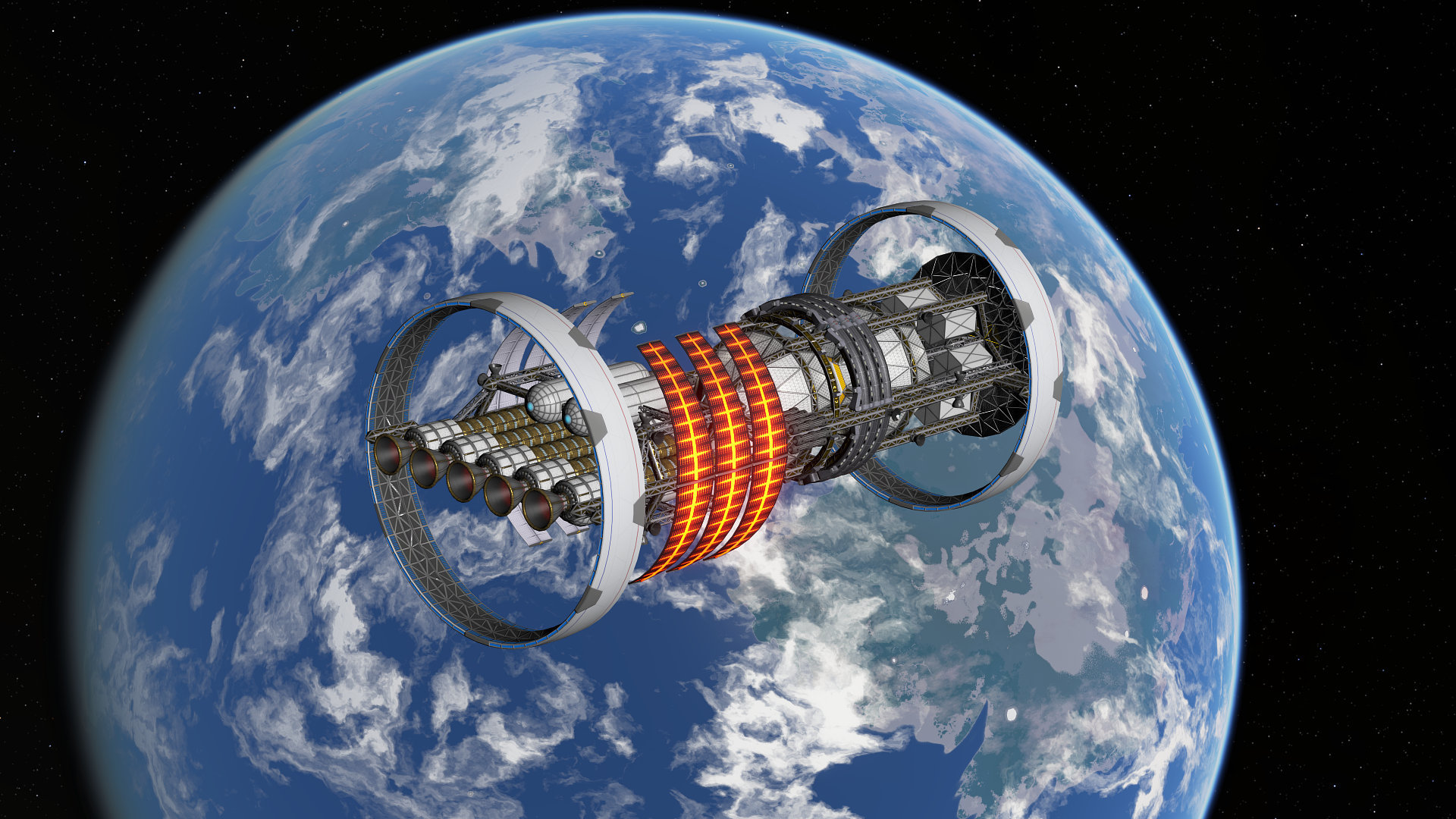
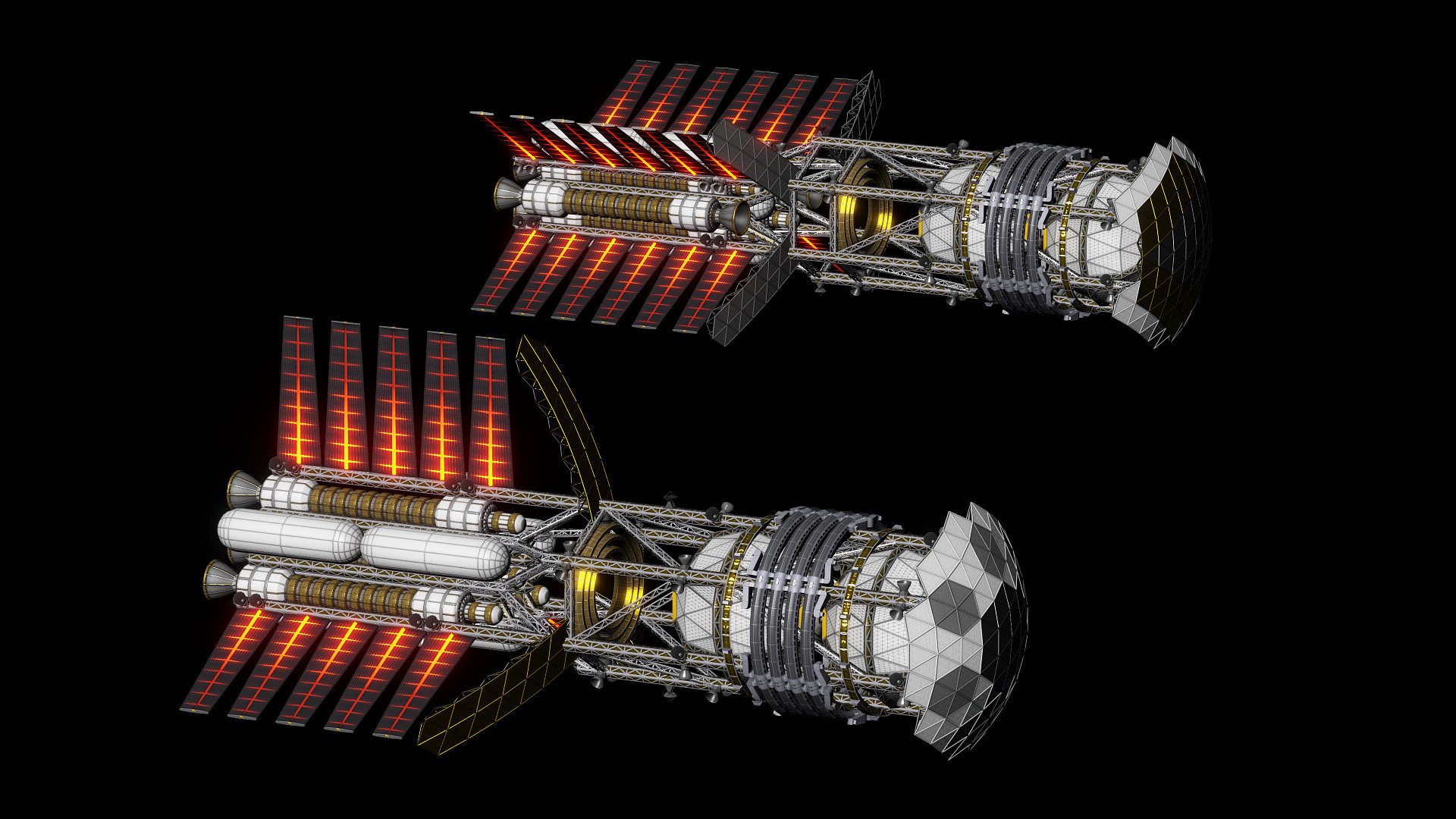
A much smaller but still cool-looking feature added in this update is support for blackbody thermal glow for spacecraft. This means that certain high-temperature elements of spacecraft like radiators and rocket nozzles can now be rendered with accurate color and brightness - especially in auto and manual exposure modes - rather than relying on a fake emissive color texture. This feature will be used by the spacecraft thermal management physics that will be added in a future update.
For instructions on how to join the beta branch of SpaceEngine, click here. Bug reports and feedback are very much appreciated!
Full list of changes in this update:
Added volumetric 3D planetary rings
Updated exoplanet catalog (June 03, 2021)
Support for blackbody thermal glow and temperature maps for spaceships (accurate radiator glow appearance)
FXAA smooths alpha channel in screenshots and previews
Alpha channel is used in Solar system browser previews again
Separately configurable unit for star surface temperature in the interface
Opening the map mode while a star is selected will zoom to show its planetary system
Added support of DEG MIN SEC format for lat/lon in the Goto command
Fixed spin-orbital resonance display for hyperbolic orbits
Fixed bug with debris rings being very rare around gas giants
Fixed missing asteroid belts
Fixed molten comets bug
Fixed non-functional interpolation of variables if the duration is zero or negative
0.990.42 is out of beta!
Version 0.990.42.1830 has now finished public beta testing and is being released to all users! This update primarily focuses on updating assets and some bugfixes. Here is the copy of the changelog from the previous post. You can read more details there.
Updates:
Updated exoplanets catalog
Added new names of 112 exoplanets and their host stars
Updated Mars texture
New Pluto texture
New Iapetus texture and elevation map
New soundtrack by Lokijar
Context music playback config file is updated to the new planet classification, small manual is added to it
Some updates in the Wiki
Added ability to directly specify planet palette preset in a planet's script
Probabilities of equatorial ridge generation are added to the config
Terrain shader mods are automatically disabled if they cause problems with SE startup
Added note to spacecraft manager that ships can be piloted in simulator mode, and a button to switch to it
Added buttons binds and help texture for Vive Cosmos controllers
Fixes:
Fixed giant scarps (cliffs) artifact near rift valleys
Fixed distance to Maffei 1 and 2 galaxies
Fixed a typo in the main config which caused duplication of the VR section
Fixed bug with stars not illuminating other stars in the same system (caused black brown dwarfs)
Fixed saturation of planet shine lighting in real exposure modes
Fixed crash when using telescopic zoom on galaxy clusters
Fixed baseline of subscript text
Fixed broken loading of RLE-compressed TGA files
0.990.42.1830 and 0.991 Public Beta, Ongoing Work
A new update, version 0.990.42.1830, is now available for public beta testing (how to join the beta). It features new exoplanets discovered since SE's initial release on Steam, new/updated textures for Mars, Pluto, and Iapetus, and some fixes and improvements.
Updates:
Updated exoplanets catalog
Added new names of 112 exoplanets and their host stars
Updated Mars texture
New Pluto texture
New Iapetus texture and elevation map
New soundtrack by Lokijar
Context music playback config file is updated to the new planet classification, small manual is added to it
Some updates in the Wiki
Added ability to directly specify planet palette preset in a planet's script
Probabilities of equatorial ridge generation are added to the config
Terrain shader mods are automatically disabled if they cause problems with SE startup
Added note to spacecraft manager that ships can be piloted in simulator mode, and a button to switch to it
Added buttons binds and help texture for Vive Cosmos controllers
Fixes:
Fixed giant scarps (cliffs) artifact near rift valleys
Fixed distance to Maffei 1 and 2 galaxies
Fixed a typo in the main config which caused duplication of the VR section
Fixed bug with stars not illuminating other stars in the same system (caused black brown dwarfs)
Fixed saturation of planet shine lighting in real exposure modes
Fixed crash when using telescopic zoom on galaxy clusters
Fixed baseline of subscript text
Fixed broken loading of RLE-compressed TGA files
Updated planet maps
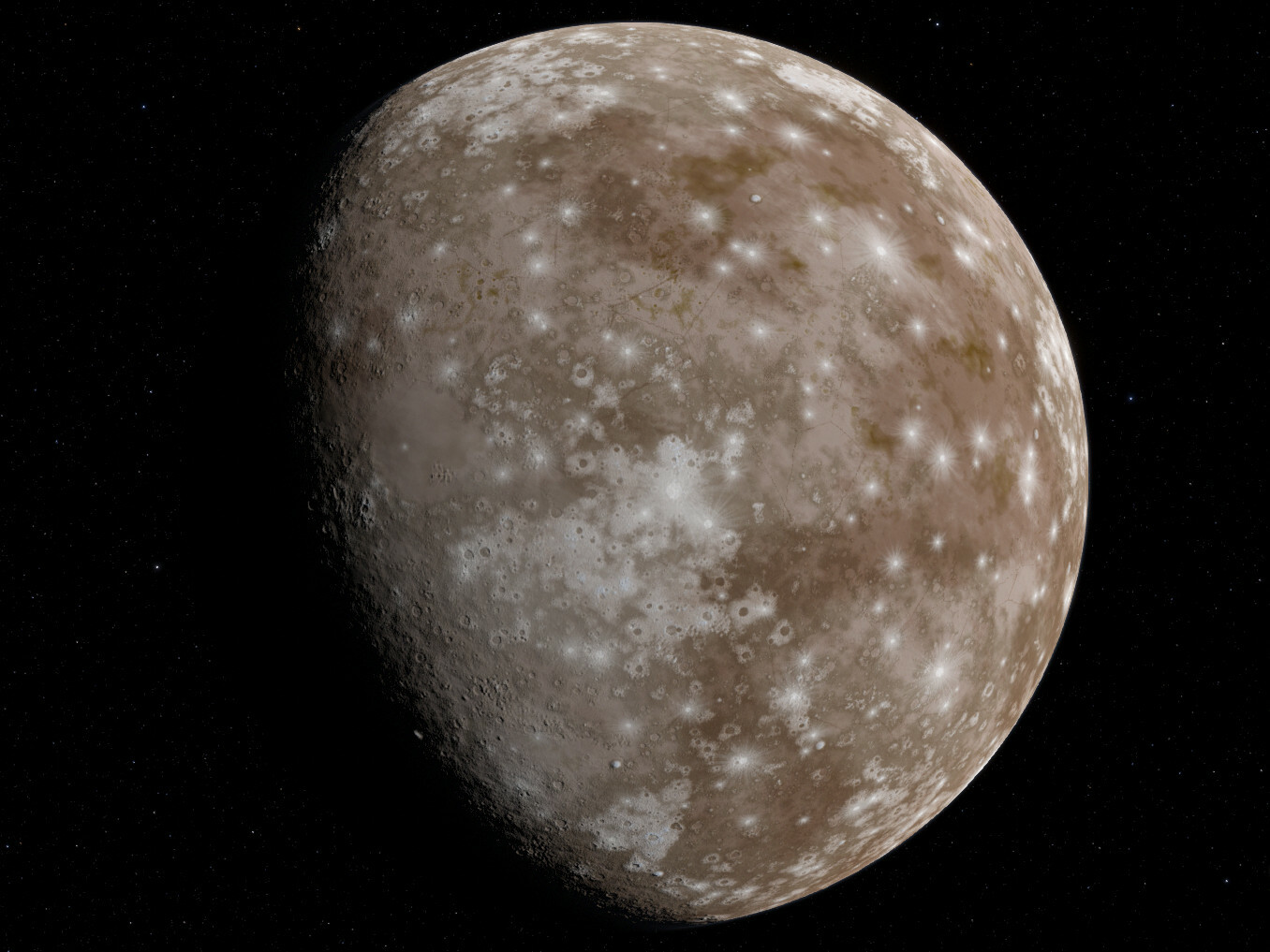
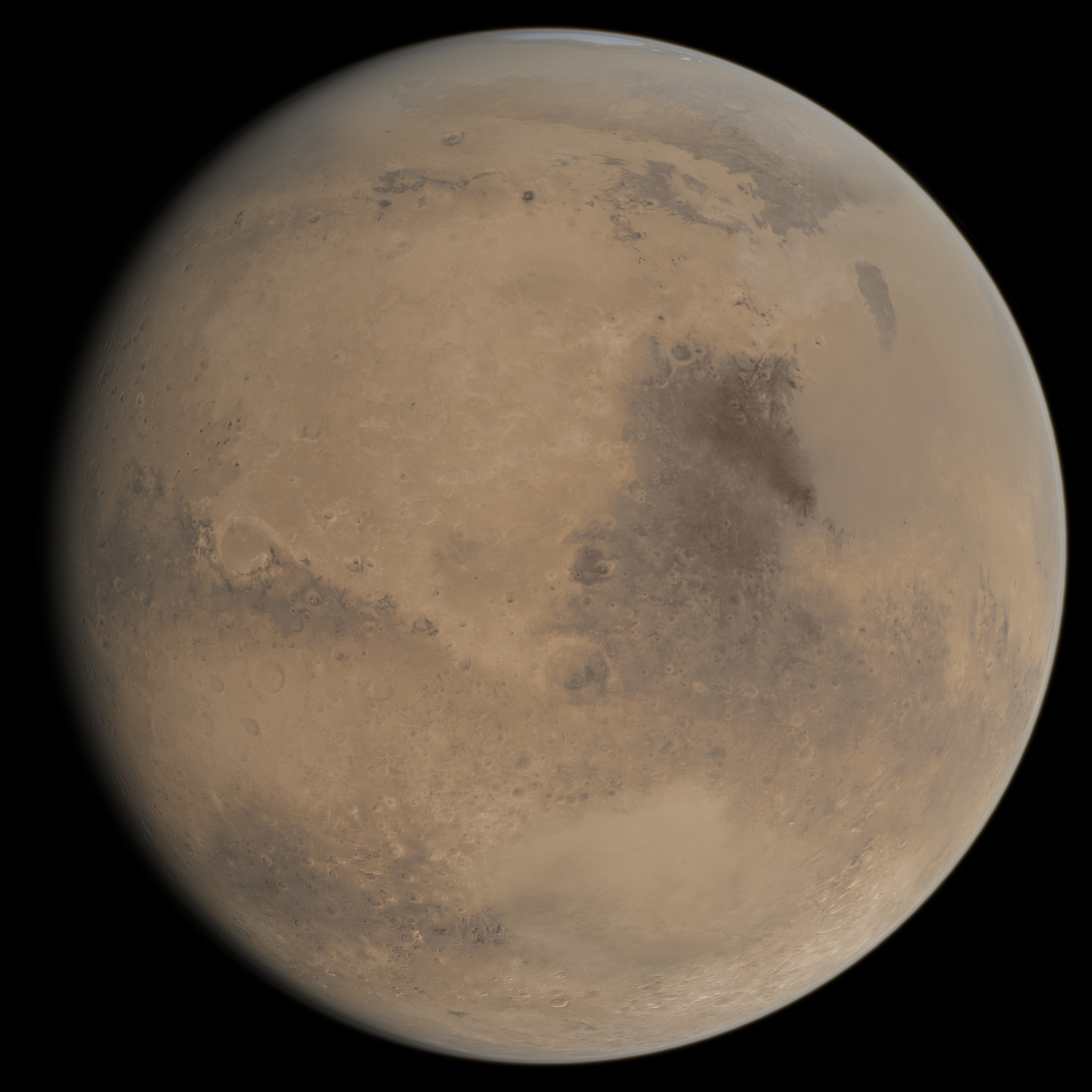
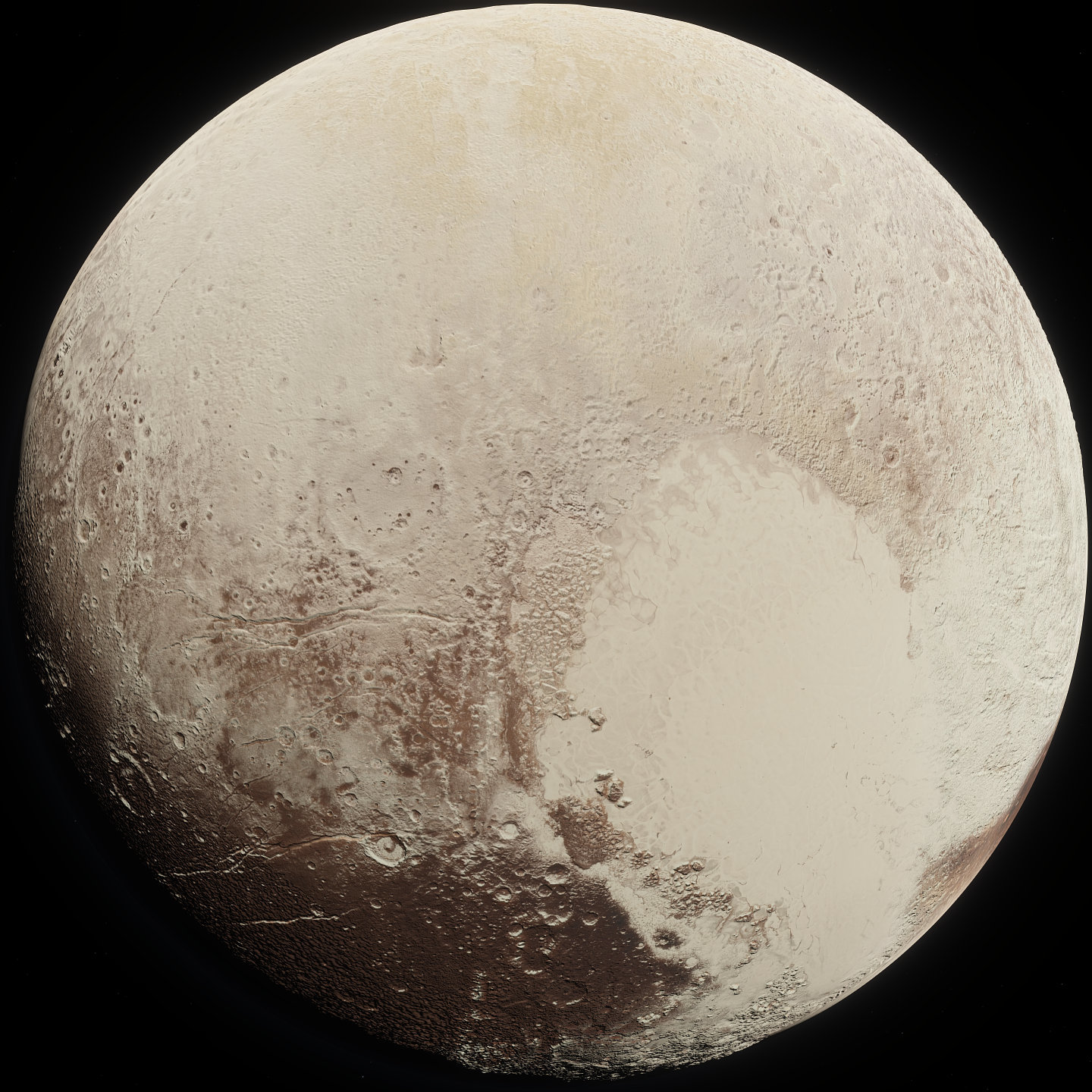
A few new and updated planet textures are included in this update. The surface (diffuse, color albedo) maps of Mars and Pluto have been updated with more accurate versions. The Pluto map was made by FarGetaNik, while the Mars map is the same as the old one, with improvements to color and contrast accuracy. Saturn's moon Iapetus has been updated with a totally new set of textures, created by Kexitt, which combine real data with artistic interpretation for a much more consistent appearance while still being pretty accurate. You can see screenshots below of Mars, Pluto, and Iapetus respectively:
Current Work and 0.991 Beta
Some progress has been made recently on implementing 3D planetary rings with rocks ;-) We will make a more detailed post with screenshots in the future. Other important work being done is updating the procedural planetary system generator. This includes fixing issues and bugs, and implementing modern knowledge about exoplanets into the generator. Since this will change the procedural generation algorithms, it will destroy user saves (locations), so it is pending for version 0.991. Speaking of which, a 0.991_beta branch has been added to Steam for those who want to test the new planetary system generator. Note that this, and a fix to globular cluster generation in large galaxies, are the only differences between the current 0.991 beta and today's update 0.990.42.1830.
0.991 changes:
Calibrated mass-radius distribution of terrestrial planets
Calibrated iron core mass distribution in terrestrial planets
Fixed giant-terra-giant-terra meander sequence in procedural planetary systems
Fixed bug with incorrect procedural metallicity of stars
Fixed giant galaxies having no globular clusters
You can opt into the 0.991_beta in the same way as the regular beta branch. Right-click on SpaceEngine in your Steam library, choose "Properties...", and go to the "BETAS" tab. Select 0.991_beta in the drop-down menu:
0.990.41 is out of beta!
Version 0.990.41 has now finished public beta testing and is being released to everyone! This update primarily aims to improve performance through optimizations and moving some significant tasks to parallel threads. Lighting and eclipse shadows are now calculated on multiple CPU threads, reducing a major performance bottleneck in some cases.
Sprite sorting in galaxy and nebula models is now also multithreaded, which can slightly improve performance when a model with a lot of sprites is displayed, but significantly improves performance when flying through dense galaxy clusters (galaxy models load in much faster and with less impact to performance). However, multithreaded sprite sorting can cause issues in cases where multiple galaxies with the same sprite model are resolved on screen at the same time, such as in dense clusters of catalog galaxies. If you see strange issues with the appearance of galaxy models, you can revert to the old single-threaded behavior by entering AsyncSpriteSort in the console, and switch back to the new method by entering it again.
Ship engine effect shader definitions have been moved into their own file, so they are now modular and new ones can be added without affecting the main ship engine effect shader file (this means spacecraft addon makers can add custom engine effects without worrying about compatibility issues with vanilla updates and other mods).
The comet shader has also been modified to increase the realism of cometary dust tails (work in progress).
Build 0.990.41.1824
Lighting refactoring and optimization
Multithreaded update of lighting and eclipse shadows
Optimized performance of Star browser
Customizeable ship engine effect shaders
Ability to speed up time to more than 10,000x in Flight Simulator mode when using the cheat code TARDIS
More realistic comet tail appearance (WIP)
Updates in catalogs
Multithreaded sorting of sprites with galaxy and nebula models (see description above for known issues)
Optimized video memory consumption by PBR environment maps
Optimized loading performance of large sc catalogs
Optimized rendering performance of large comet catalogs per planetary system
Fixed some bugs with comet tails
Fixed some bugs with the Chart mode
Fixed some bugs with the Star browser
0.990.41 Public Beta Release
Today we have a significant update being released onto the public beta branch. This update primarily aims to improve performance through optimizations and moving some significant tasks to parallel threads. Lighting and eclipse shadows are now calculated on multiple CPU threads, reducing a major performance bottleneck in some cases.
Sprite sorting in galaxy and nebula models is now also multithreaded, which can slightly improve performance when a model with a lot of sprites is displayed, but significantly improves performance when flying through dense galaxy clusters (galaxy models load in much faster and with less impact to performance). However, multithreaded sprite sorting can cause issues in cases where multiple galaxies with the same sprite model are resolved on screen at the same time, such as in dense clusters of catalog galaxies. If you see strange issues with the appearance of galaxy models, you can revert to the old single-threaded behavior by entering AsyncSpriteSort in the console, and switch back to the new method by entering it again.
Ship engine effect shader definitions have been moved into their own file, so they are now modular and new ones can be added without affecting the main ship engine effect shader file (this means spacecraft addon makers can add custom engine effects without worrying about compatibility issues with vanilla updates and other mods).
The comet shader has also been modified to increase the realism of cometary dust tails (work in progress).
Build 0.990.41.1824
Lighting refactoring and optimization
Multithreaded update of lighting and eclipse shadows
Optimized performance of Star browser
Customizeable ship engine effect shaders
Ability to speed up time to more than 10,000x in Flight Simulator mode when using the cheat code TARDIS
More realistic comet tail appearance (WIP)
Updates in catalogs
Multithreaded sorting of sprites with galaxy and nebula models (see description above for known issues)
Optimized video memory consumption by PBR environment maps
Optimized loading performance of large sc catalogs
Optimized rendering performance of large comet catalogs per planetary system
Fixed some bugs with comet tails
Fixed some bugs with the Chart mode
Fixed some bugs with the Star browser
Small Update: Added Comet NEOWISE
Hello everyone! As most of you probably know, there is a bright comet visible from the northern hemisphere right now: C/2020 F3 (NEOWISE). It is the brightest comet visible from northern latitudes since comet Hale-Bopp in 1997, and is best viewed with binoculars and cameras for now due to being partially faded by twilight glow, but it is visible to the naked eye during late dusk/twilight. It was previously best viewed before dawn, but it is now moving into a part of the sky that makes it more visible after dusk. It will be visible higher in the sky after sunset over the coming days and weeks, during which time it will be much easier to observe, but will also get dimmer as it moves away from the sun.
To celebrate this great comet display, we've added it into the program in a mini-update. Enjoy!
Steam Launch Anniversary, Development Updates
One year ago, on June 11, 2019, SpaceEngine was released on Steam. Since then we have released many updates, but haven't implemented many new features - this is because we were focused on fixing bugs and improving stability. Among the more noticeable features that were added were more languages (including Chinese and Japanese), improved VR support, a new video recording system (based on ffmpeg), and improved auto-exposure. We also have 2 main programmers now, plus a couple more contributing programmers, and we are working on many new features. Unfortunately we haven't had time to assemble all this awesome work together into an anniversary update, but we will release them one by one in the coming months as they are completed.
Probably the most impressive feature in development is 3D clouds, which being developed by Andrew and Duke. It is also the most complex thing being worked on right now, and is still in a very early stage of development.
HarbingerDawn has been working on fuel and thermal systems for ships. There will be two or more types of expendable resources, depending which type of engines a ship has: propellant (reaction mass, the substance which the engine expels to produce thrust) like hydrogen, and fuel (used to accelerate the propellant and/or produce electricity) like deuterium, uranium, or antimatter. Implementing limited fuel is easy; more complex is integrating this into gameplay. We will eventually need fuel depot stations, harvesters, and infrastructure like that. The first beta releases may have fuel stations with infinite fuel orbiting some icy worlds - good enough for gameplay testing. Mining and processing will be added later.
[previewyoutube="A8r5m1XJPN4;full"] Very early fuel test video
Another important ship mechanic to model is thermal management. Reactors and engines, electronic systems, and even passengers on a ship produce heat, and this heat must be removed from the ship, otherwise the crew will die, electronics will overheat, and the ship could even melt. Since space is a vacuum, this means using radiators. The engines and reactors of advanced starships produce enough heat to cause their radiators - and of course engine nozzles - to glow in visible light. The temperature, and thus glow brightness/color, of these elements depends on the power and efficiency of the engines/reactors, and how long they are operated for (the amount of heat stored in the radiators will increase until they reach thermal equilibrium or the engines/reactors are powered down).
[previewyoutube="1WLvSHYGRLY;full"] Early radiator test video
In the upcoming SE game(s), ships designed in the editor must properly account for heat management - you can't have 1 petawatt of power onboard and use only a few small radiator panels, even if your ship has a magic reactor/engine with 99.99% efficiency. This is a major challenge with any realistic ship design, and even in SE the engines of large ships will most likely accelerate them very slowly, like 0.05g - any faster and the amount of heat generated by the engines will vaporize the ship. Reality is harsh! Fortunately, this will not be a problem in a single player game, because you can speed up the flow of time. Other types of engines than what SE has now, as well as adding additional operating modes to the engines, can also allow for higher acceleration in some cases.
Speaking of speeding things up, Vladimir is currently working on some improvements in the engine core, one of which is moving physics to parallel threads to utilize multiple CPU cores, which everyone has now. The first part is almost done: calculation of planet and ship lights and eclipse shadows is now working in parallel to rendering, freeing some 3 to 10 ms of main thread CPU time. This was a large bottleneck, especially in VR; when you could see a distant a gas giant with dozens of moons, you would notice a significant FPS drop. The next step is moving orbital motion and ship physics simulation to threads as well. The main thread should only do rendering.
Finally, here are some other things which are being completed as separate tests and awaiting integration into SE: