Professor Corwin's Bestiary of Brutal Baddies (part 1)
Geodia is home to many docile and beautiful animals, however, not all is well in this usually-peaceful land! The power-hungry Baron’s nefarious mining activities have altered and polluted Geodia’s once-majestic Biomes. The animals residing in these areas have been affected too; transforming into mutated and aggressive creatures.
Continued mining is causing Geodia’s landscape to shift, changing its layout with each Fracture and further affecting the creatures. Our hero, Ada, has undertaken a great and difficult cause; put a stop to the Baron, his Titans, and their pollutive mining, and reverse the effects they’ve had on Geodia and its inhabitants.
To aid you, Professor Corwin, Geodia’s foremost expert on Geodian wildlife, was kind enough to catalogue some of the mutated creatures you’ll encounter as you journey through the Biomes in Geodia. Needless to say, this should help you and Ada on your quest!
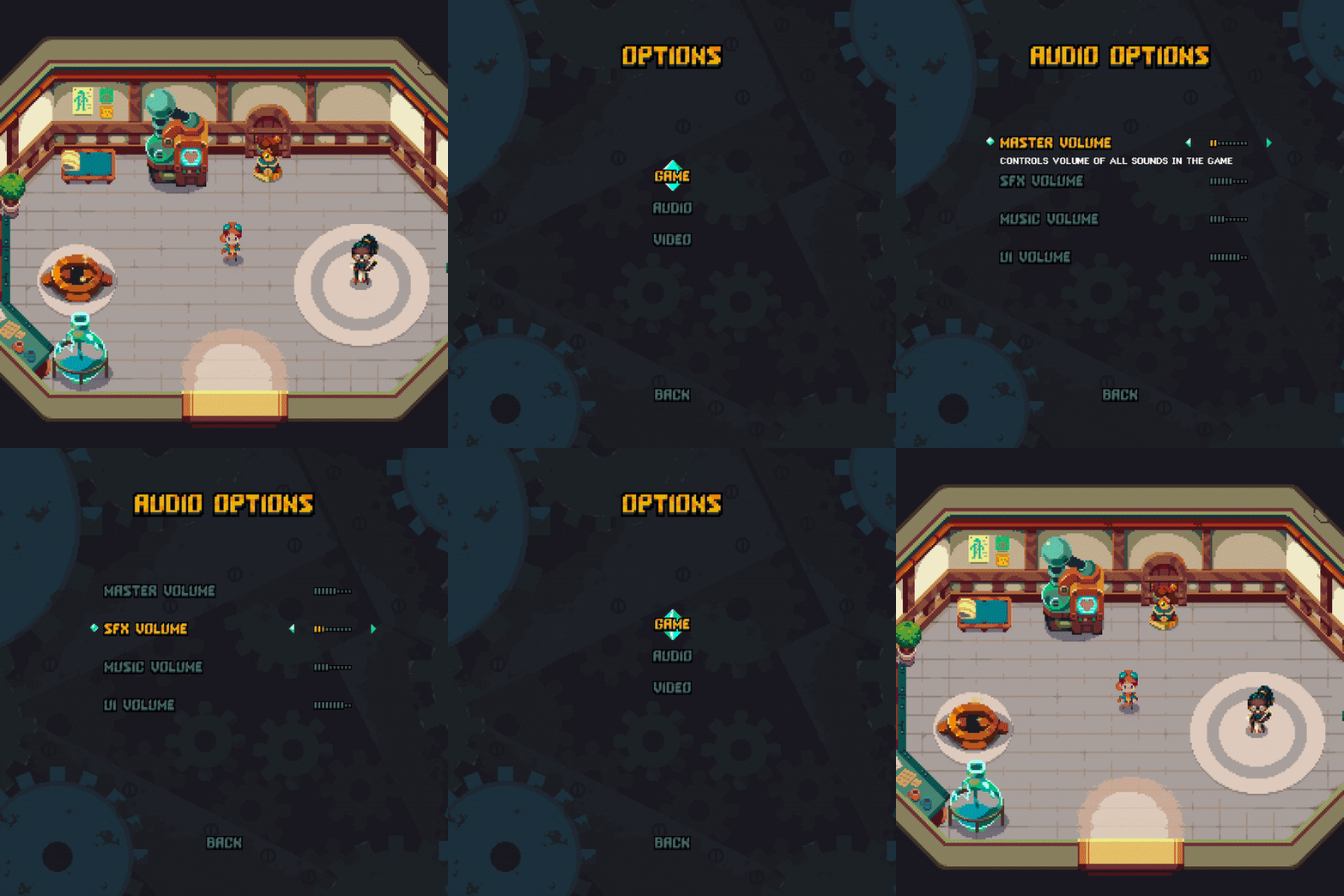
We now have a 🍉juicy, 🎞️tweeny, ⚙️geary Pause Menu!
It’s Lucas (designer/programmer) here to show off the 4th-wall-breaking Pause Menu. Maybe it’s my background in web development but I love a solid, usable, juicy UI. Our process on this Pause Menu feature could be fun to see and was kind of textbook design and implementation so I thought I’d share a bit about it for all the gamedevs out there.
We were working with an outside programmer-friend and both of our artists on this, so we wanted requirements to be pretty solid to avoid miscommunication between the team. To do that, we created wireframes in Figma, which is mostly a tool for mobile app prototypes and website interface design. But it worked really well at creating a clickable wireframe. I actually even use Figma for some simple game design “paper” prototypes.
In the video above you can see we referenced Hyper Light Drifter for the audio meters. We are big believers in using references to find out how other people have tackled similar problems and understand UI design patterns. So, once we had the wireframes set up in Figma, Rafael did a rough mockup of a style we could use.
Then once we approved it, he filled out and added tweens, and finally, art that our programmer could import and reference when implementing UI tweening.
I’m sure our programmer could talk about all the little hurdles along the way, (including that custom font) but we can save that for another post. We are super happy with how our team worked together to produce this UI and we think it turned out great.
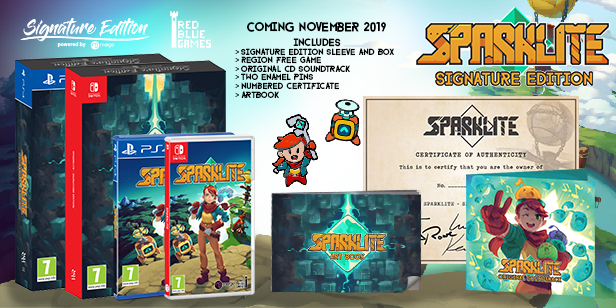
In addition to the Steam version, Sparklite is also coming to console. Available in standard and Signature Edition formats, Sparklite is coming on Nintendo Switch and PlayStation4.
The collector's Signature Edition version includes:
Region free copy of Sparklite
Signature Edition Sleeve and Box
Original CD Soundtrack
Numbered Certificate
Two exclusive enamel pins (featuring Ada and Wingnut)
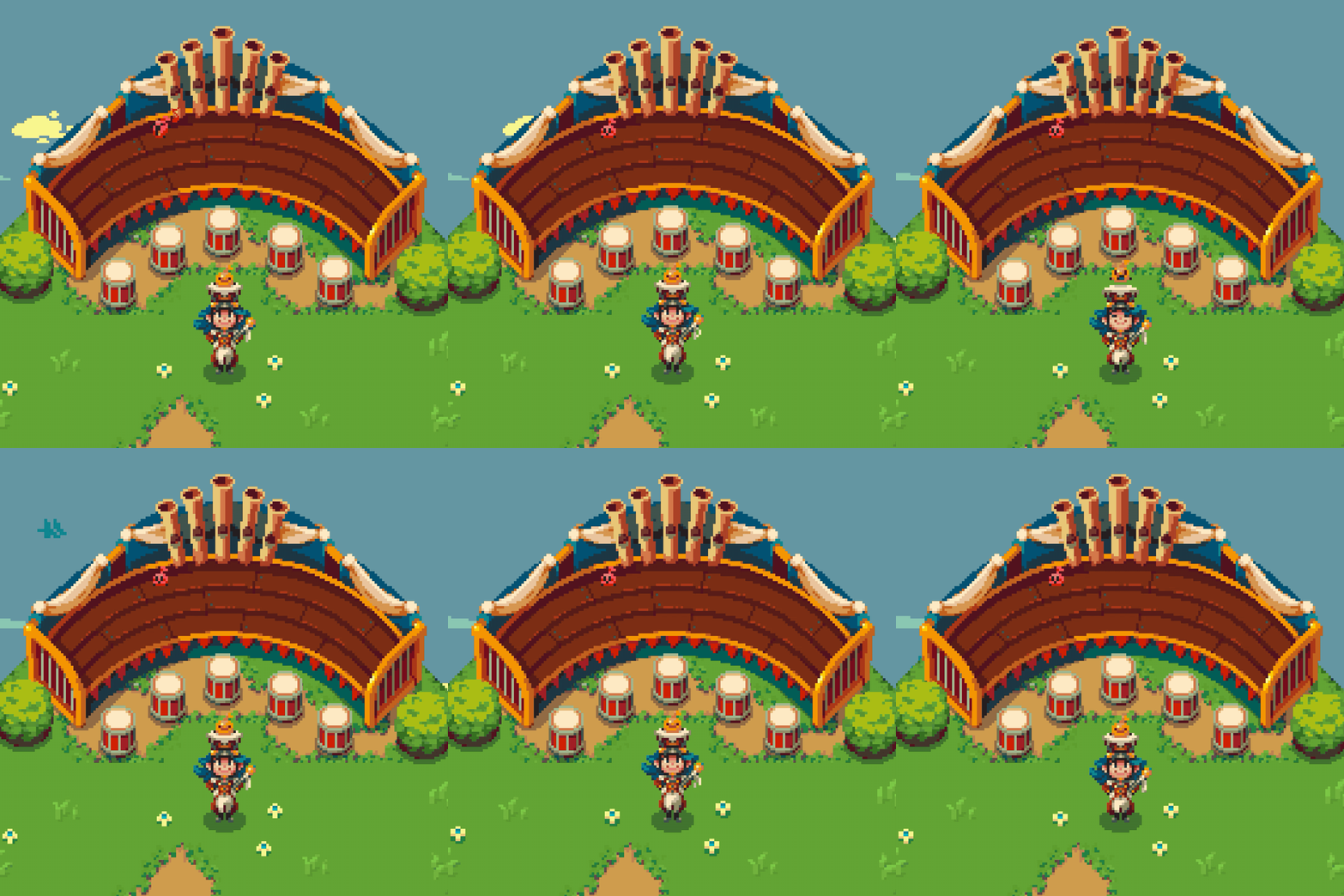
We finally have a stage for our 🎶spirited band leader 🎶and her beat 🥁buddies but they’re still silent! What should we make these little guys sound like?
This is a set piece for one of the collectibles in the game, beats. There will be beats scattered throughout each zone, so finding them all will be a real challenge. We’re currently working on giving them sounds so thought it would be fun to hear ideas from you all.
Edward and I are kindred spirits with this character, who’s name is Harmony. We were both in marching band through high school (trumpet, trombone) and thought a quirky nod to our roots would be fun in the game. Between that and our other partner Kevin, who does composition and audio, we have a lot of musical roots at RBG.
We channeled The Music Man as a reference for Rafael to sprite, though only kind of after-the-fact, since she’s very archetypal. It was one of those tropey topics where you can describe an idea in detail, not exactly knowing where it’s from. And of course, the character Rafael created had more spirit than we could have hoped for.
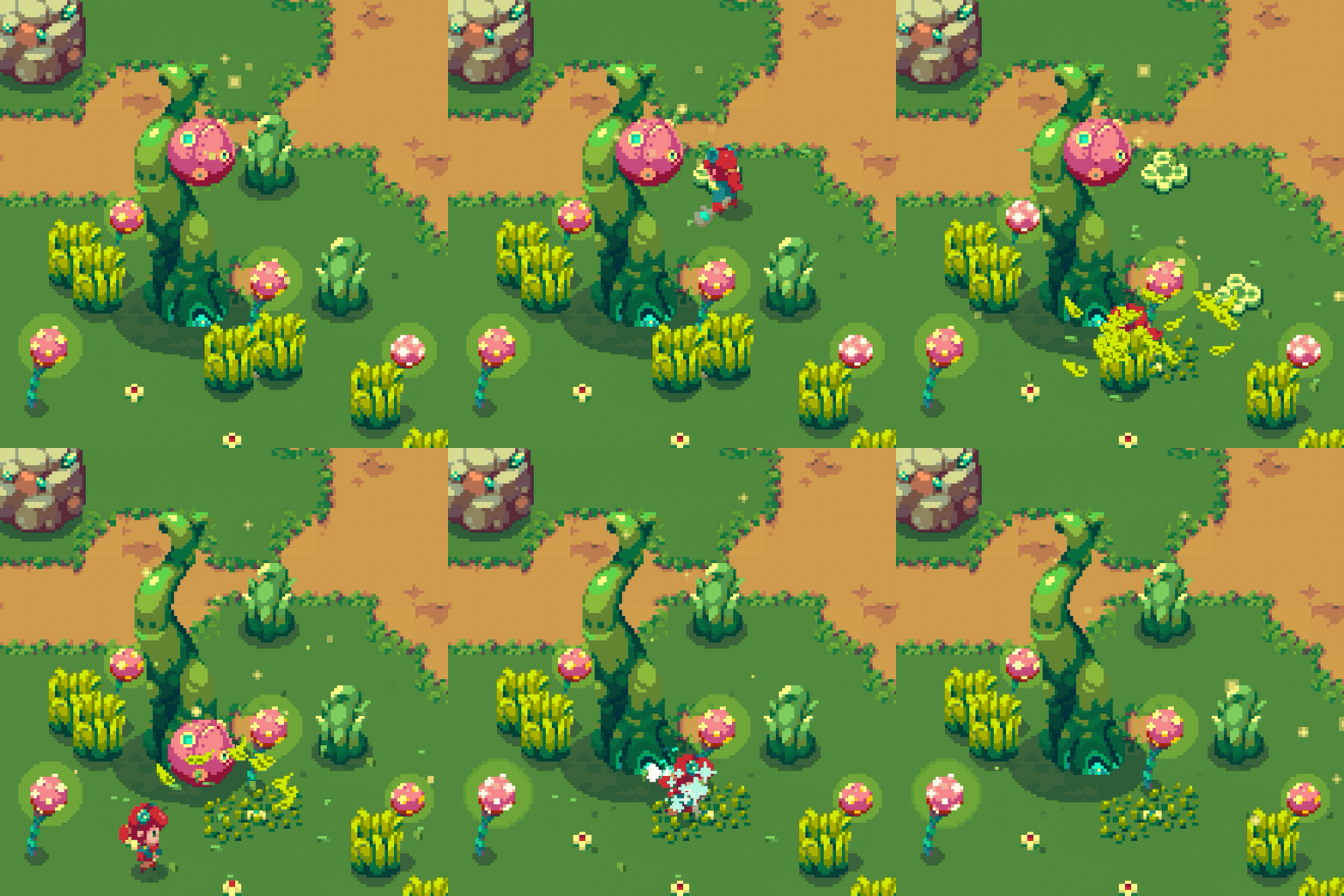
One of the more subtle aspects of Sparklite that we wanted to develop is the sense of world-feel - that is, where most objects respond, at least in some fashion, to the player’s interactions. Whether it be a small visual shake, or subtle audio effect, we like how these details make the world of Sparklite feel alive.
Enchae (environment) and Rafael (characters) both contributed amazing art to this scene.
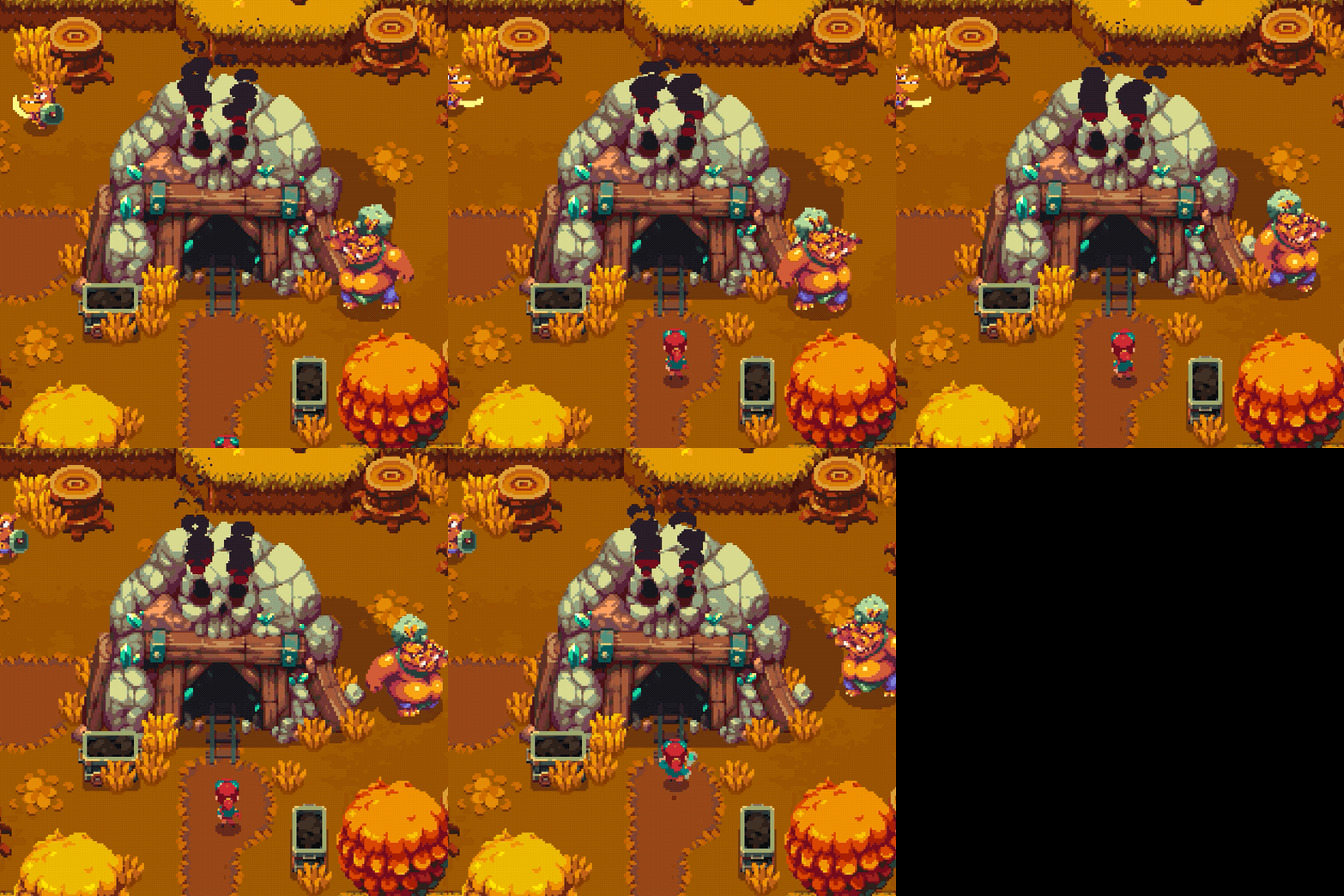
Ada isn't one to run away from GIANT 🔥 FLAMING ☠️ SKULL 💀 ROCKS!
This cave is the exterior entryway to boss encounters, or Digsites, in Sparklite. We spent a lot of time iterating on it to get the look right, but we also found it wasn’t just about how it looked.
Here is the first version we got by @pxlitch. This had the right visual language for materials, but it wasn’t clearly a door to players (it’s an elevator). They walked up to it, but didn’t know what to expect.
One of our programmers, Kevin, did what programmers do best which is tear apart the beautiful art into something that favored function over form. This door had cog key holes, which was a feature we tried but eventually abandoned.
Ultimately, we needed an artist’s touch, and @Gonzo_Indie delivered. And though it was beautiful, we thought it looked too inviting to players. We wanted players to know they are getting into something difficult if they go in.
So we had @Enchae do the 4th and final rework of the set piece!
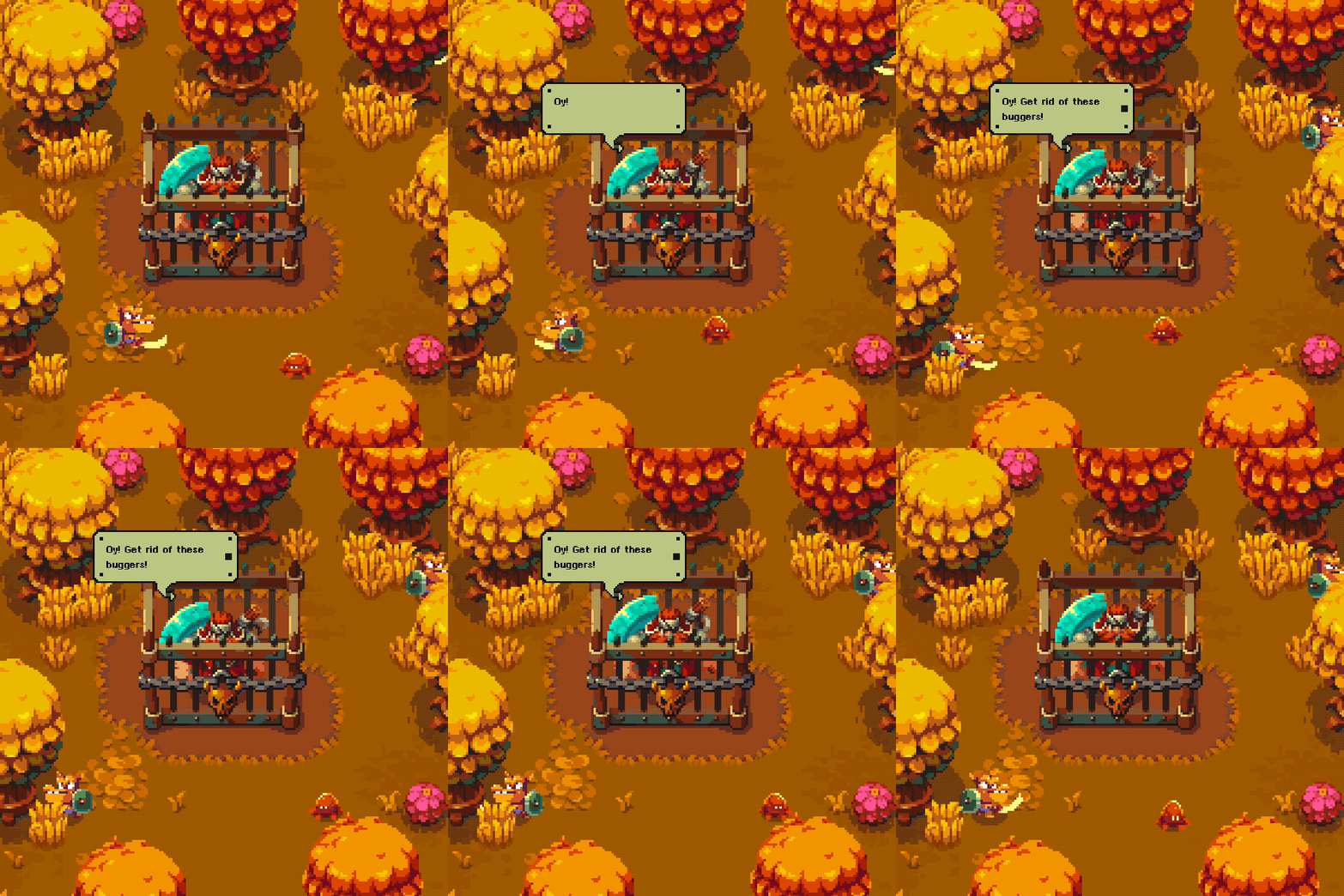
This woodsman is one of the NPCs you'll encounter on your adventure. He's taken care of the woods for years, but has found himself unable to hold back the gremlins from their lumbering destruction. Enchae (environment) and Rafael (characters) both contributed amazing art to this scene.
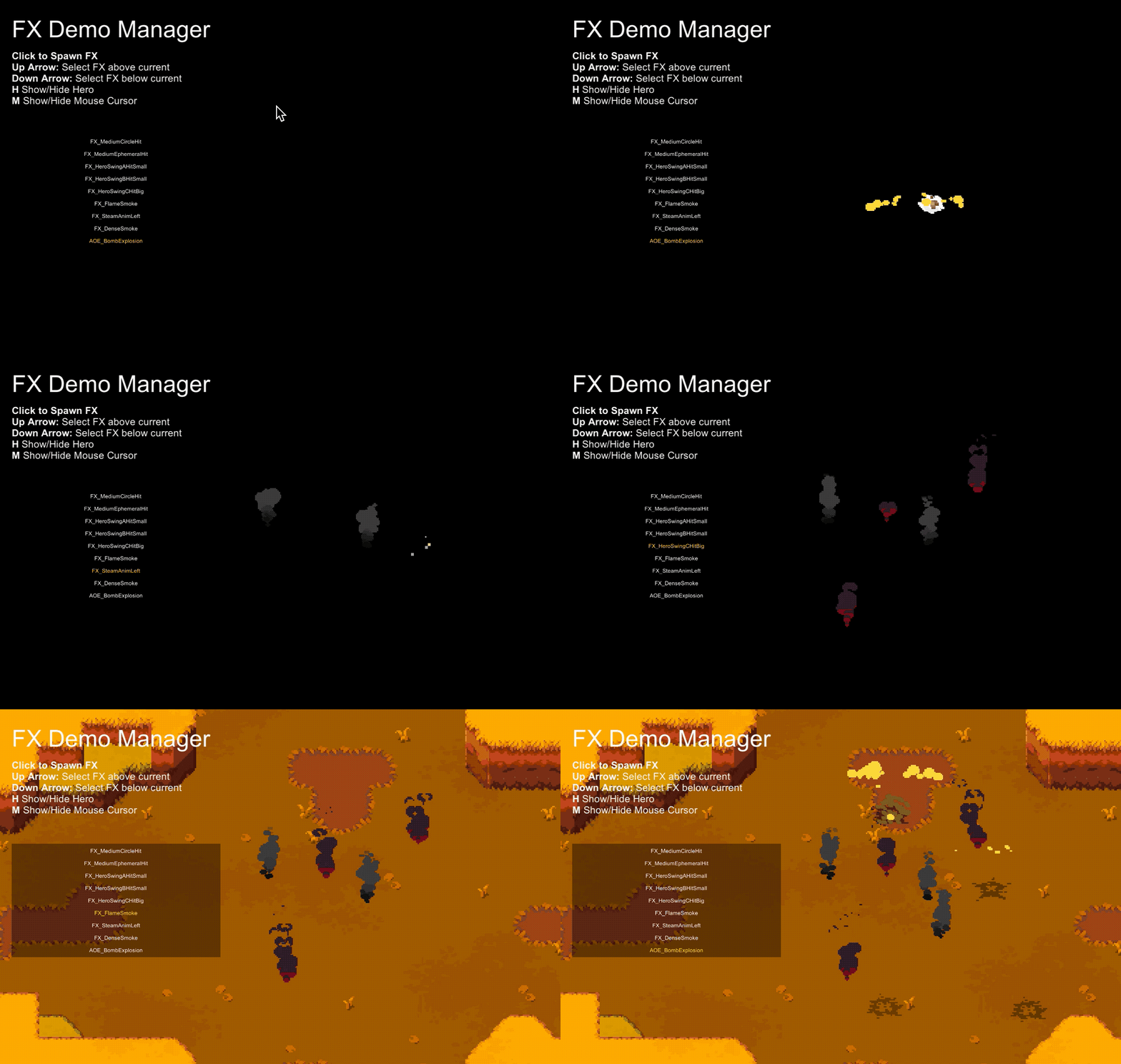
Previewing some of our FX visuals and sounds in a sandbox scene...
Here's a short dev-diary on how we do effects in #sparklite.
Our effects can be pure spritesheet animations, particle systems, or any combination of the two. We chose this approach because particle systems can add a lot of world feel by accounting for things like gravity and velocity in a way that pure animation usually can't. At the same time, there are occasions when the charm of a hand-made pixel animation is needed. Getting particle systems to look harmonious with our pixel-art style is a bit challenging, but with some self-restraint and meticulousness it's doable.
An effect be in any of the following states (among other sub-states).
- Spawn
- Idle (looping or not)
- Die
They can also trigger rumble, fire off other effects when they die, and play sounds. It's a fairly robust system that does about 80% of what we need it to.
Allowing the player to move in 3D space within 2D art is extremely difficult. Early on we did a lot of experimentation to decide between using 3D physics or faked 3D physics. Both have their limitations, creating optical illusions where either gameplay doesn't match the visual representation or vice versa.
Tall objects, for example, are problematic because as they get taller their collision needs to reach other heights. In this screenshot, the tall vine object actually would want to have a collider at each height we support. If we used 3D space instead, we could just provide a 3D collider and be done.
Making the object appear more top-down helps clean the collision up, but removes some of the character of the sprite. Given that Unity has made a lot of 2D tiling improvements since we began development, we might do it differently if we were to start over tomorrow.
Feel free to reach out and ask questions if you're interested in learning more about our approach. We always like to share our solutions but don't want to go too far into the weeds with everyone.
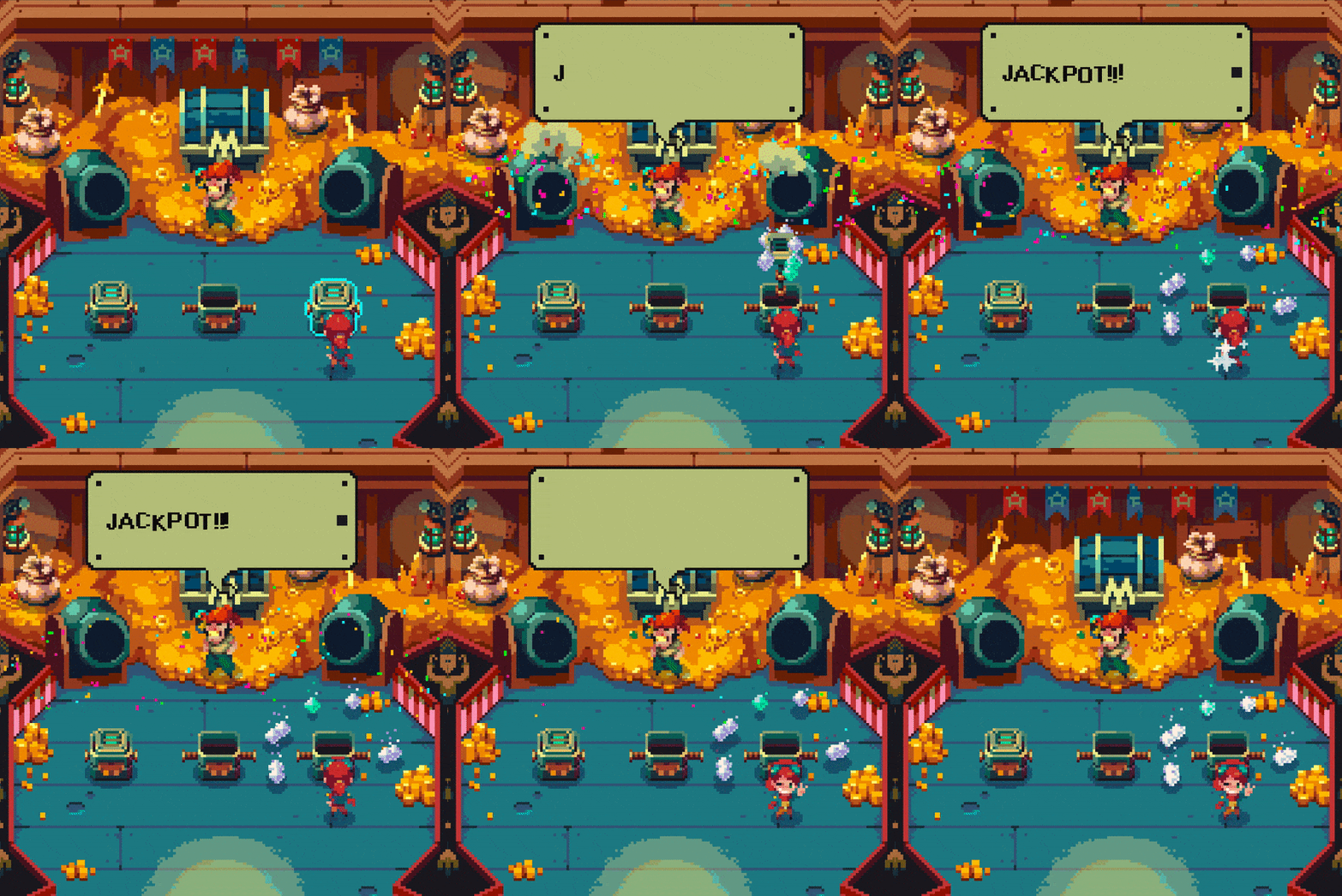
No need for loot crates in Sparklite, Monty has plenty to go around!
With all the talk about loot crates this week, it seemed like an appropriate time to show off our loot-loving character, Monty. He's a washed up pirate tired of plundering and ready to give something back to the world. He'll show up on your adventure periodically to inject some random, rewarding, fun.
We mentioned the text typer last week. You can see it in action in this gif. @StoicHamster worked with us to add in the ability to create custom text animations. If you're a dev using Unity feel free to check it out and open any issues you find. (https://github.com/casimps1/unity-text-typer)
The art in this gif was largely done by @rathaelos (characters) and @EnchaeC (environment). The confetti particles were hacked in by a programmer (Lucas) and turned out pretty nicely using Unity's particle system. If you're an FX artist and have some tips for how that effect (see video) could look nicer we'd love to hear from you.
That's it for now. Please don't hesitate to reach out if you want to see any tutorials or other dev content.
Keep up to date by joining our Discord Server and following #sparklite