

Sports Bar VR
Loyalty discount for SportsBar VR owners!!!
Try out the new controls, modes and more today: store.steampowered.com/app/752520/Football_Nation_VR_Tournament_2018/
Loyalty discount for SportsBar VR owners!!!
Patch Notes 12/12/2017
Here's todays patch notes:
Fixed bug where screen percentage wasn't actually being changed in graphics settings (we suggest you adjust your graphic settings to account for the functioning super sampling)
Fixed crash when cycling graphics settings
Fixed room scale bug where player was being asked to turn around
Made a graphical improvement to the balls
Smoothed cross platform avatars in multiplayer matches
Fixed collisions on shuffleboard pucks
Made EULA more clear to players
Re-added the pong gun
Added ability to disable the ghost ball to the settings page
Made online disabled message on the hand menu more clear as to why it is actually disabled
Bottles should now break correctly
Merry Christmas everyone,
From the Sports Bar Dev teams

SportsBar VR 2.0 (Our Biggest Update… EVER.)
We are so excited to bring together the Steam, Oculus Home, and Playstation VR communities in this massive, FREE, update to SportsBar VR! With full cross-platform support, you can play with your friends and find new ones on any of the major VR platforms.
To help facilitate even better multiplayer we’ve added tons of new features, quality of life improvements, and things to do. There are daily challenges and prizes, tons of avatar customizations, game/AI options, and even two totally new games in the bar.
Multiplayer
• Full Crossplatform Multiplayer between Steam, Oculus Home, and Playstation VR
• Increased number of simultaneous players to 8
• Privacy bubble and other multiplayer quality of life improvements
• 4-player based Pool games
• A new minimap to help you quick find and navigate to your friends around the bar
New Games
• Chained Reaction – A skill and time-based game testing which player has the best reflexes. 3-game modes
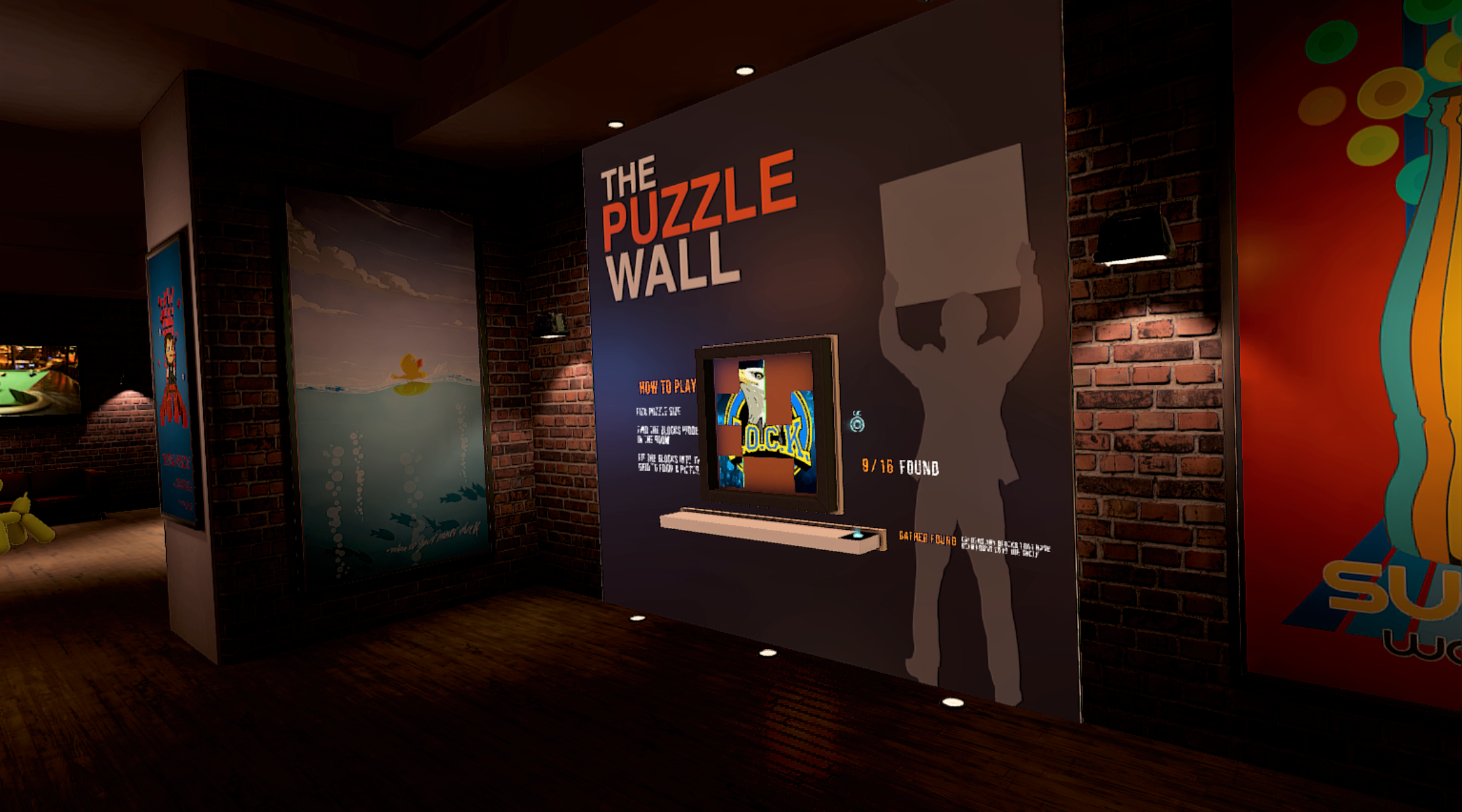
• Puzzle Treasure Hunt – Scour the bar for hidden puzzle pieces to complete the picture
• New AI opponents in Darts, Pool & Shuffleboard
• New UI to let you fully customize your game rules as well as several new game types

In Game Prizes
• Win tickets and get more fun avatar upgrades & items.
• Daily challenges, happy hour and other surprises to win more tickets.
• Tons of new avatar customizations and colors!
• Dressing room to try out all of your new winnings!
This has been a massive undertaking for our team, and we couldn’t have done it without you guys. It’s amazing how much SportsBar VR 2.0 has grown from its initial release as Pool Nation VR a year and a half ago, and it’s so cool to have an amazing community help us shape the game. We look forward to hearing your feedback and experiences in the new update, seeing Steam, Oculus, and PlayStation players all together and very much look forward to seeing you in the bar!
Reach us at info@cherrypopgames.com & support@perilousorbit.com with any questions or concerns.
-SBVR Devs
Interim Update
We have just released a new update which lays the groundwork for the upcoming cross platform update. This includes an update to the version of the Unreal Engine that we use, which is quite a large change so we want to be sure that there are no issues with that before forging ahead. :)
We've also recieved suggestions that it would be great to have real beer brands in the bar, so we have teamed up with Miller Coors to do that for our players that are over 21!
Enjoy (responsibly) and watch this space for our major update coming in the near future!
Update: Please note, this update is now being moved from the main branch to the beta branch for further testing. Check out the pinned thread in the forums for beta branch access!
Multiplayer Update & VR Movement Improvements
Multiplayer Update
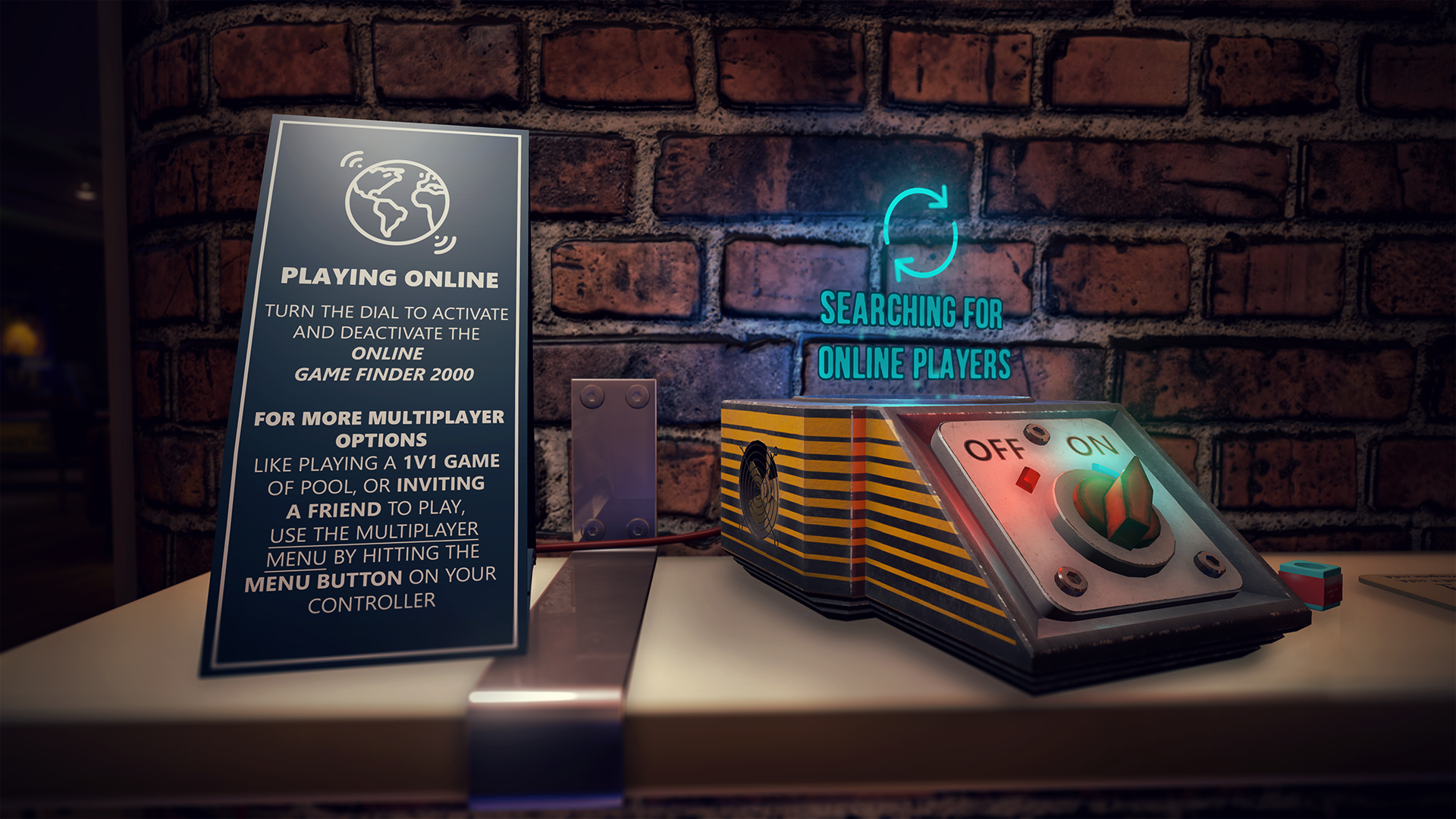
Hello all! We're excited to introduce the Online Game Finder 2000! Use it to find other players online (or turn it off to play solo). We wanted to introduce a fun and super quick way to search for other players online without having to navigate through menus.
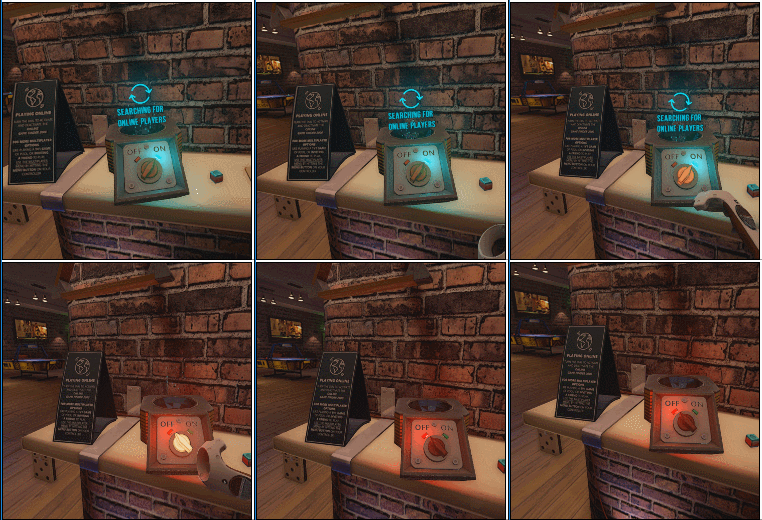
Additionally, when you start the game up, you can just start with the OGF2000 to the 'on' position, so you'll be connected to other players in a 'hangout' game automatically.
Quick Height Adjustment
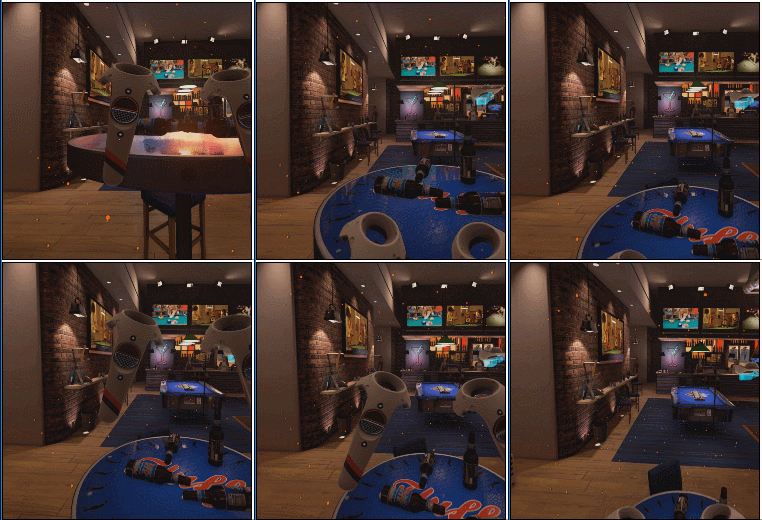
We've been meaning to do this for awhile, and we're finally upgrading our 'hulk'-movement mode with a height adjustment. While in 'hulk' mode, squeeze both triggers to switch to vertical mode which lets you quickly adjust your height.
Click Rotate
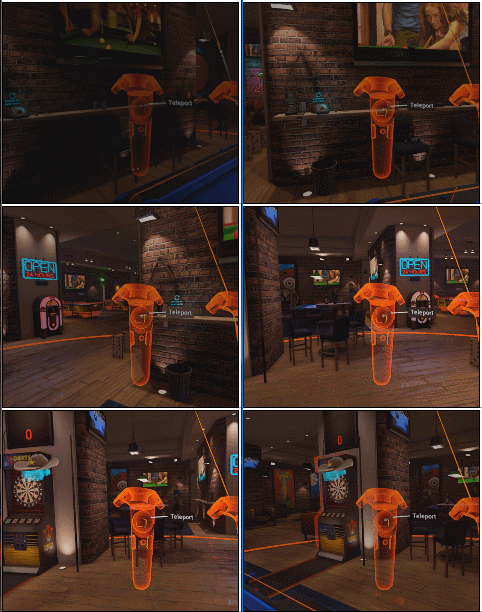
For those of you that want a quick way to rotate in the game, without rotating your body or using hulk mode, you can now 'click rotate' while in teleport mode to turn around. To use it, press down on the thumbpad (or push the joystick for oculus) to teleport, but rather than releasing, use your opposite controllers joystick/thumbpad to rotate yourself in increments.
We have our biggest update EVER coming in the future that we're excited to share more about soon!
See you in the bar!
Video Streaming, TV Remote, and More!
You can now stream videos in the bar!
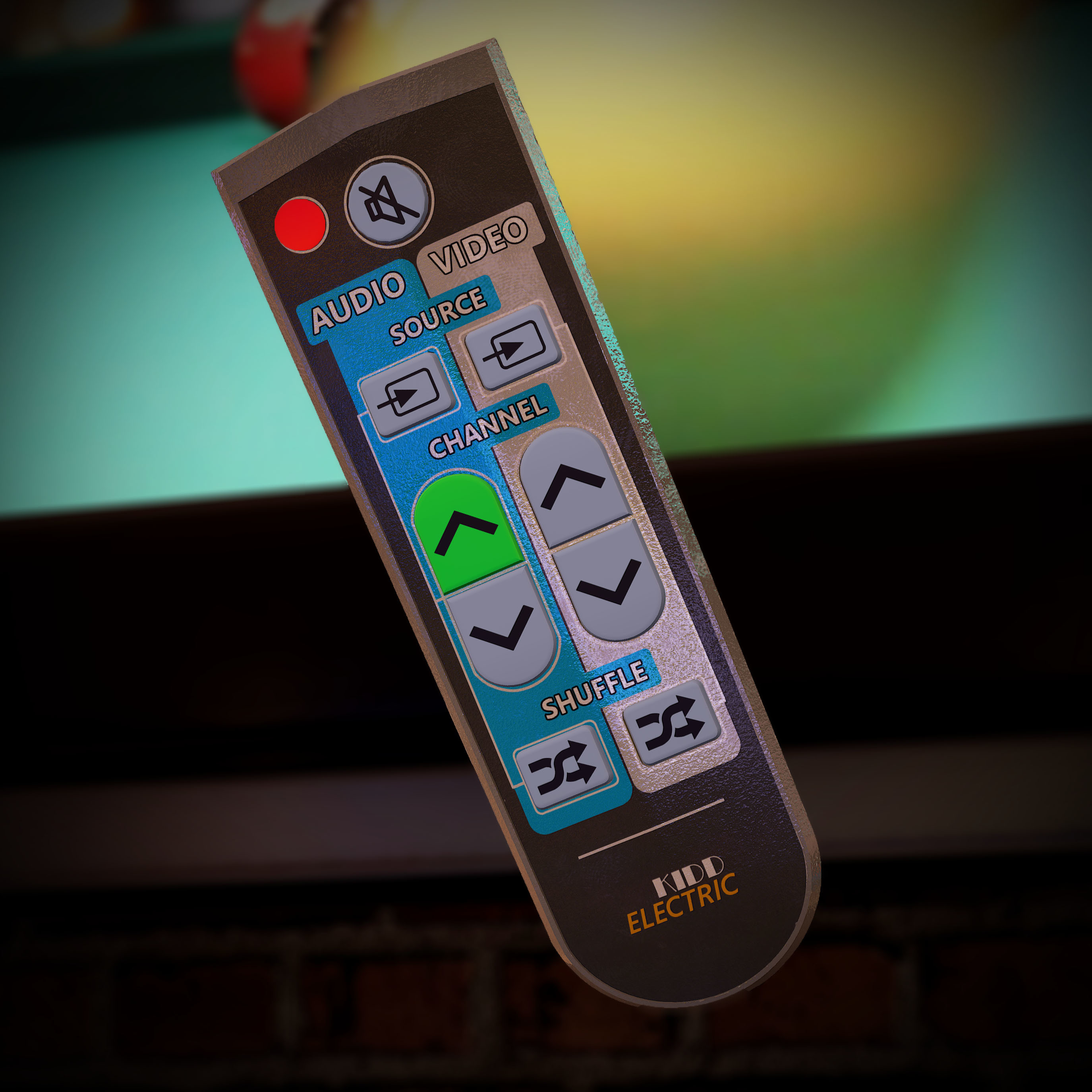
We've scattered TV remotes throughout the bar that allow you to better control the video and audio in the game.
Use the Vive's touch-pad & Oculus joystick to make the remote:
- Change Songs
- Change Channels
- Shuffle
- Mute
- Change Source
We've consolidated all of the custom content features in SportsBar VR to a folder in your documents aptly named SportsBarVR. Inside you'll see places where you can place .mp3, .wav, .mp4, and .wmv files. Our recommendation is 480p videos given the headset resolution and size of the TVs, but 1080p works great too!
We know a lot of you want to put something on the TV for ambiance but still listen to songs from the Jukebox (either your own, or the default playlist), so you can now control the audio and video sources independently, either listening to music from the jukebox, or the audio from your videos.
For now, media streaming is just for the person with those files on their machine. We're not sharing files between users, so what you see on your TV is your content only.
This is just the beginning of content streaming in SportsBar VR. Let us know what you think, and what you'd like to see next!
Remote Retrieval
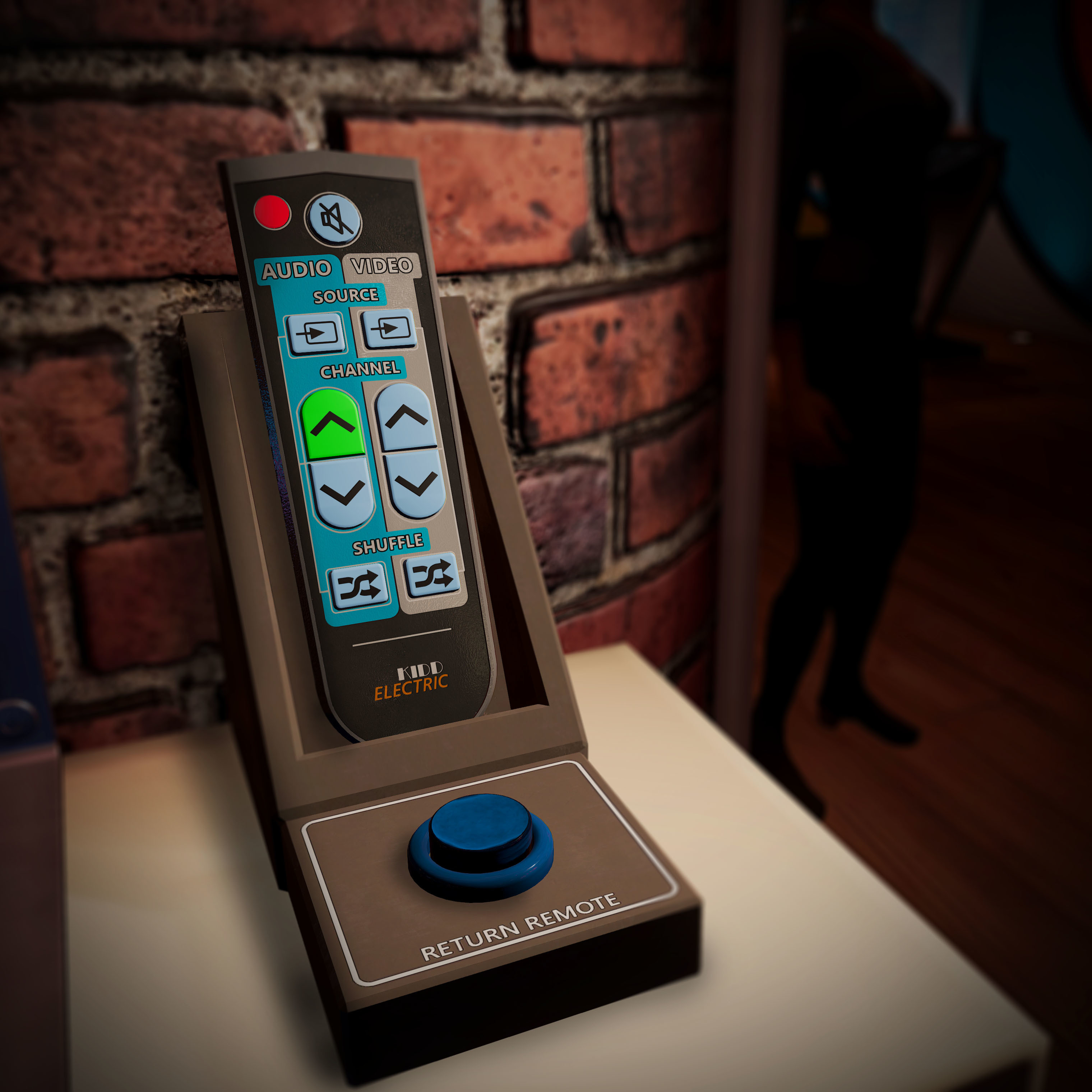
We too all share the same fear of losing the remote. While we can't have one in real life, in SportsBar VR we have a remote holder that will find and return a lost remote at the push of a button!
Swap hands in the hand menu
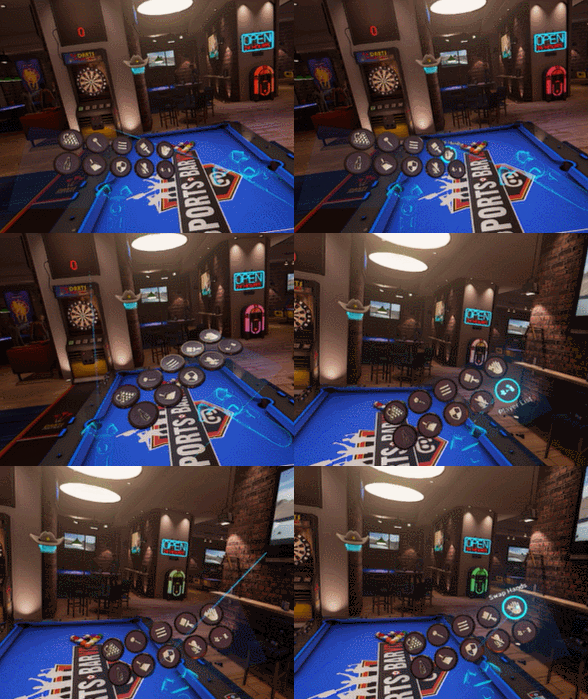
Thanks to community feedback, we discovered we have a lot of ambidextrous users who want to be able to switch from right to left hand play on the fly. We've added a 'swap hand' option in the hand menu. This will change your dominant hand in both pool and darts.
Balloon Dogs go pop
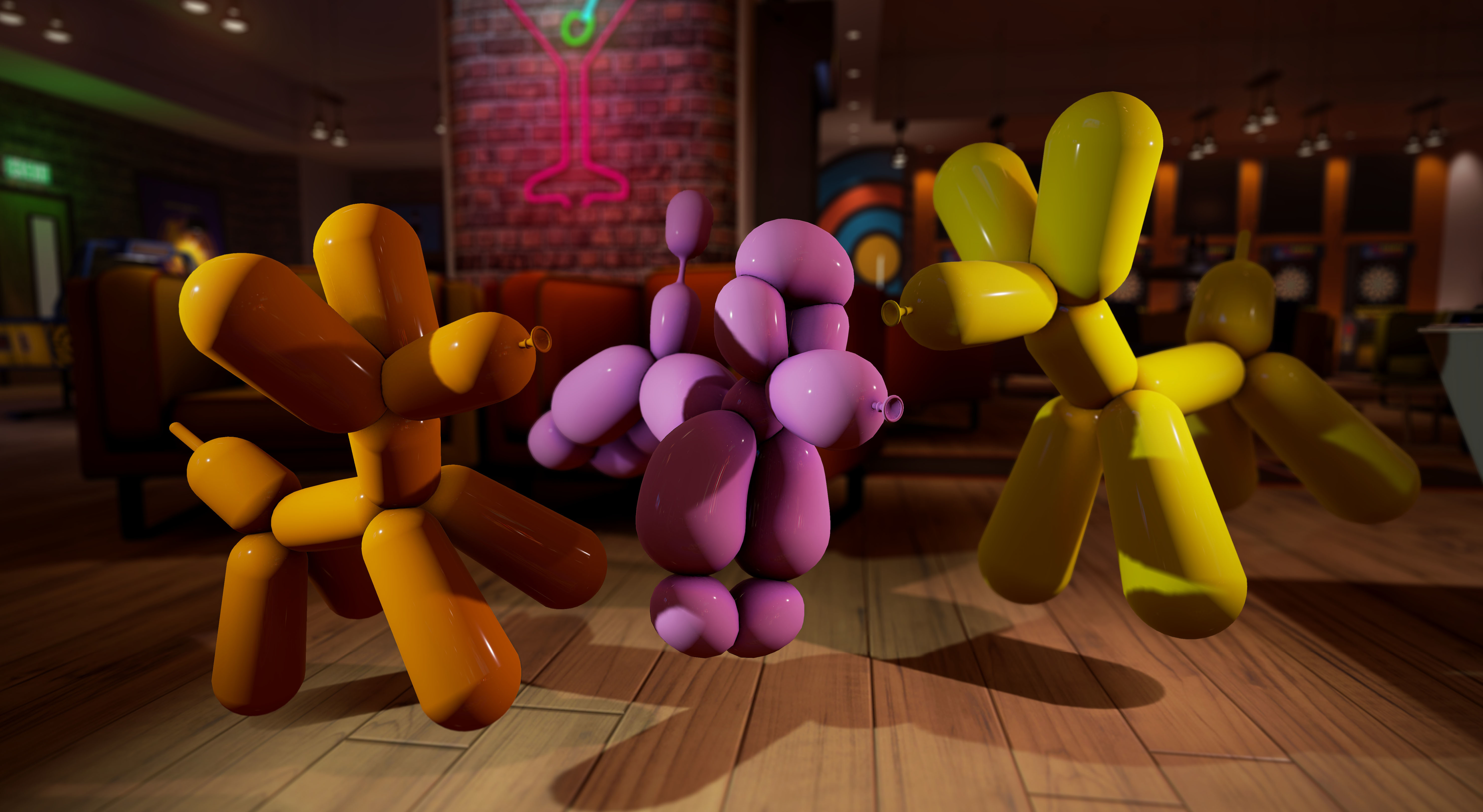
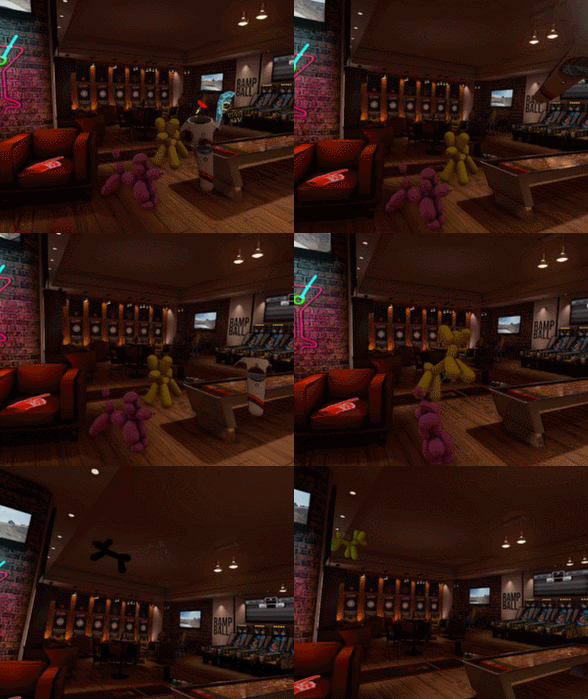
Need to play with a giant balloon dog in VR? We got you covered. Oh, do give them a poke with a dart!
Open media folders from within the game
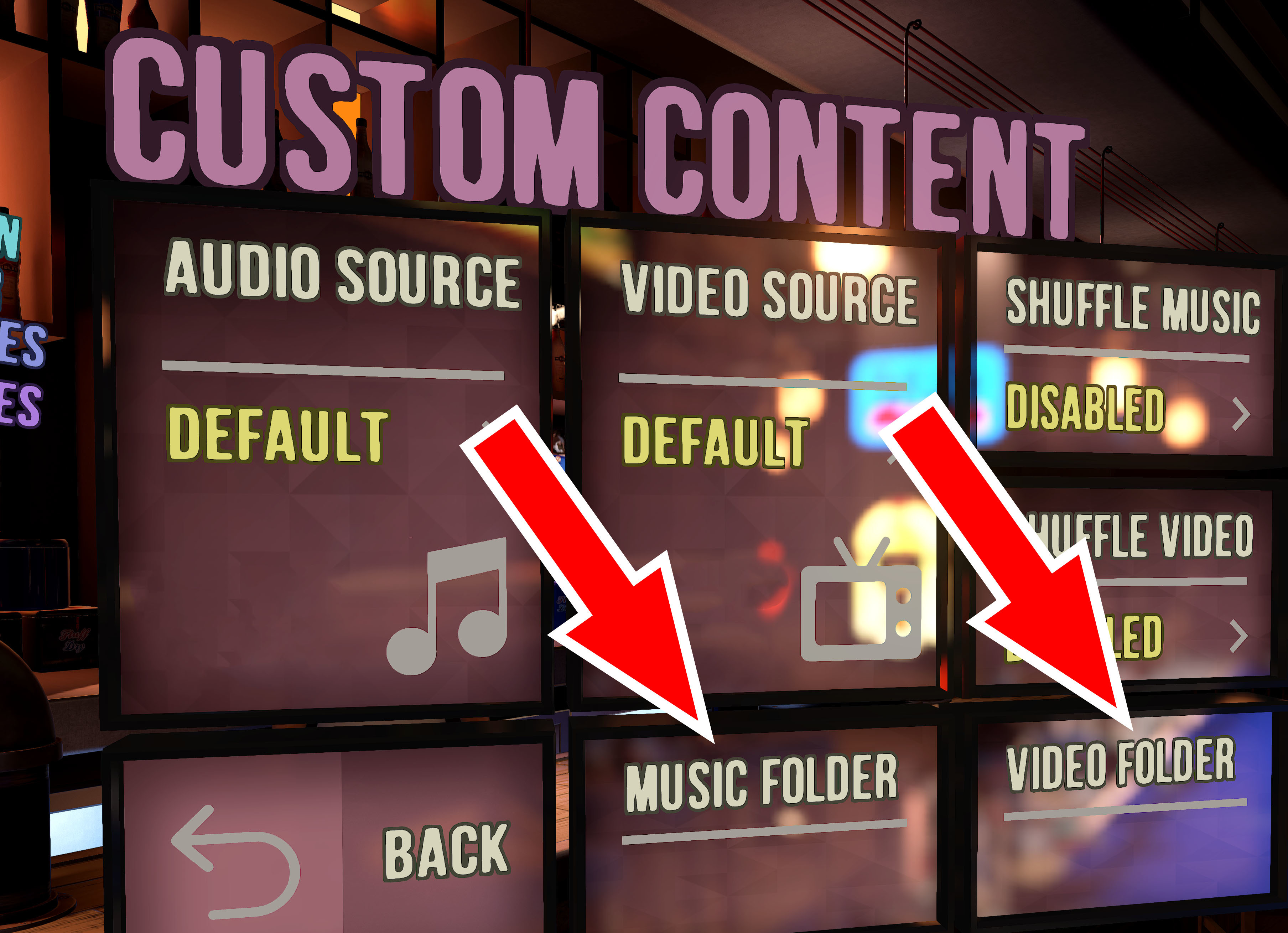
To speed up adding music and videos, or if you're having trouble finding the media folder in your 'Documents' folder, just click one of the buttons in the Custom Content menu (found in the Settings menu). You can then easily drag files into the folders, restart the game, and you'll have a whole new playlist. If you're not using the shuffle feature, and care about an ordered playlist, make sure to arrange your songs or videos alphabetically or name them 01, 02, 03, etc.
Oculus Haptics
- Haptics work a little differently on the Oculus vs Vive. For our Oculus users we're glad to say that haptics are now working great with SportsBar VR on Oculus!
Updated Tutorials
- We've updated the tutorials to better explain the controls to new users. Once you've learned the game, you can easily disable the tutorials from re-appearing in the settings menu.
Set Grip Distance
- We've added the ability to save your pool cue grip distance in the settings menu. Now, when you do a 'backhand' adjustment to fine tune your shot and slide your hand backwards or forwards on the cue, the game can remember where you left off and treat that as your 'default' hand position.
There are many MAJOR updates ahead of us in the coming weeks and months.
We're excited to hear your feedback on this update, and what you're looking for in future updates. As always, we look forward to playing with you in the bar! -SBVR Devs
Custom Jukebox Audio now available!

You can now use and listen to your own .mp3 and .wav files inside of SportsBar VR!
Open the settings->audio menu to switch the jukebox over to play music from the custom audio folder. Just like our default music selection, your audio will come through with fully attenuated and spatialized sound from the Jukebox. Oh and remember, you can always change a song by throwing a beer bottle at the jukebox, just like in real life!

Songs play alphabetically, or you can use the shuffle feature to mix them up!
For users who already have huge .mp3 libraries, we'll post a tutorial for advanced users on how to use a 'symbolic link' to connect the SportsBar VR custom music folder to your existing music library, rather than copying in songs (though copying in songs is still a really good way to create a playlist).
More things!
- We've also added 'grab beams' to your controllers, so if you hold down the trigger you can pick up objects from far away.
- With the holiday season over, we've removed the deer, santa, and tree decorations, but don't worry, many festivities lay ahead!
- Oh, and we almost forgot! There's a whole new set of hats to win! They're wonderful, comfortable to wear, and definitely not gluten free.
We'll have continued updates and improvements in streaming custom content in-game, as well as some whole new series of major updates.
We're excited to bring more than ever before to SportsBar VR in 2017. With a front seat watching VR grow this first year, and the post holiday increase in users, we can't wait to bring SportsBar VR to more and more people, and to make it even better for everyone who already has it!
Pool Nation VR is now SportsBarVR
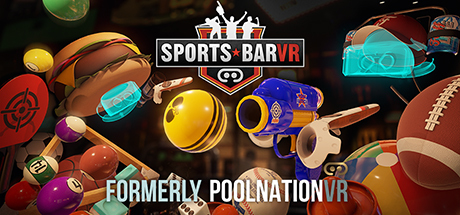
We're incredibly excited and proud to bring our biggest update ever to Pool Nation VR... to make it into a whole new game! This free update is absolutely full of new things to do with up to 6 players at once!
At launch Pool Nation VR offered 1v1 pool and darts.
We've filled the bar with new games, more things to do, and more players in this massive expansion.
- 6-Player Online Multiplayer
- Pool (8-ball, 9-ball, 3-ball, killer)
- Darts (101, 301, 501, cricket, round-the-world, freeplay)
- Air Hockey
- Ramp Ball
- Shuffleboard
- Chess
- Checkers
- & More!
We've also brought full Oculus touch support to the game, so you can play SportsBar VR on steam with either Vive or Oculus!
For those who wish to play the old version, we'll be pinning instructions in the steam discussion forum on how to play in that branch.
Pool Nation VR becoming SportsBar VR Mid-December 2016
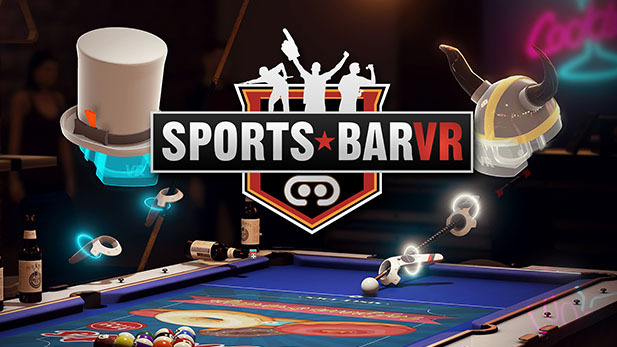
Hello all!
We're excited to announce that Pool Nation VR will be getting a completely free upgrade to Sports Bar VR this month!
New additions include:
- 6-Player multiplayer
- Shuffleboard
- Chess
- Checkers
- Rampball & Darts Challenges
- Spawn-able toys like Pong Guns, Footballs, Ping pong paddles and beachballs.
New optimizations, improvements, bar enhancements, visual updates and a whole lot more!
Please stay tuned!