With the release of SpritePile 2.0 I decided that SpritePile 1.0 should be made free as it doesn't offer nearly as many features and serves better as a demo. It's certainly not a useless tool either and hopefully will provide many people who can't afford sprite stacking tools with a free alternative.
I'm aiming for Monday, January 31st to be the day that it becomes free to use.
To existing customers,
your purchases have funded the release of SpritePile 2.0 as well as have made SpritePile 1.0 available to the public at no cost. For that, I thank you.
Thanks for the support as always! You can find me on Twitter!
SpritePile 2.0 coming soon! (Wishlist it now!)
The store page is up, SpritePile 2.0 is here! It will be officially available for purchase on January 27th.
You can of course glance at the store page or watch the trailer to get an idea of what the new SpritePile features.
[previewyoutube="SPJptVdY5Z4;full"]
I'll try to summarize some of the most notable changes in version 2.0
Rotations
Color Palette Editor
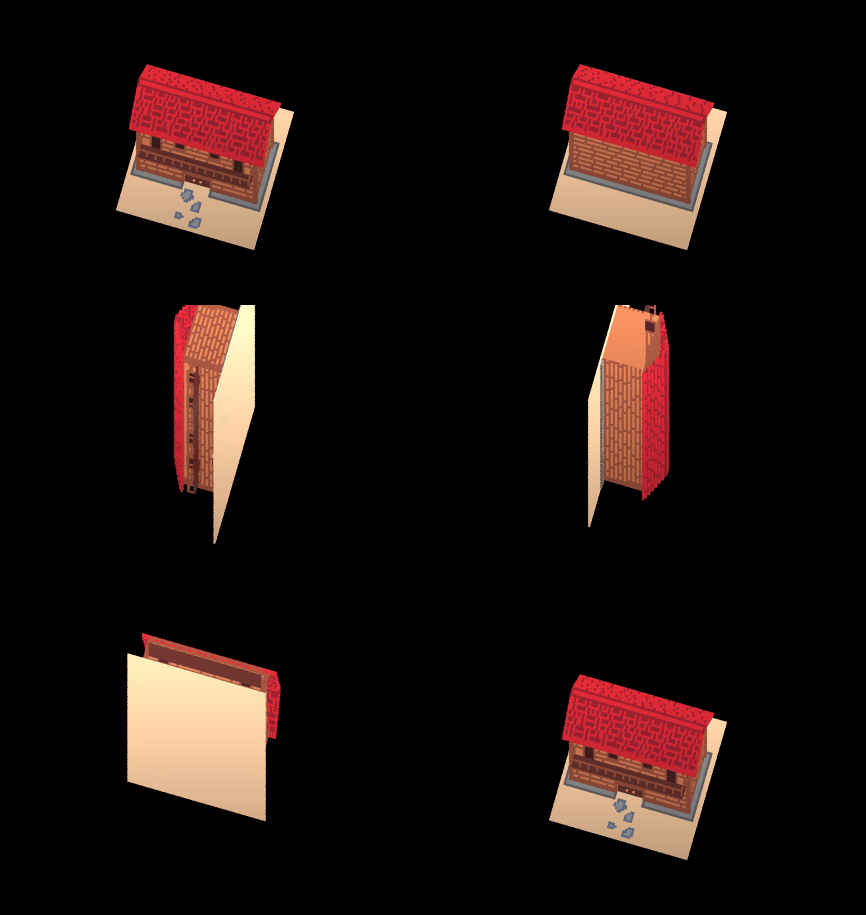
A Much Improved 3D Preview
Hyper Optimized OBJ Export
Quoting the documentation about this feature: "The good model groups voxels that are the same color into larger cubes to reduce the number of triangles/faces. This method of optimization is called Seabass³"
Improved 2D preview that makes seeing depth easier
Rebindable inputs
Are there any features from 1.0 that aren't in 2.0?
Nope! I made sure to include every feature from 1.0 and to improve on them where possible. A good example of this is that the selection tool now works how you might expect, drawing will only apply to the selected area.
SpritePile 2.0 development news! Huge visual upgrade!
Hello artists, devs, and all the rest of you!
It has been a busy 3 months since the last time I posted news but I assure you that it was worth the wait. Let's get right into it!
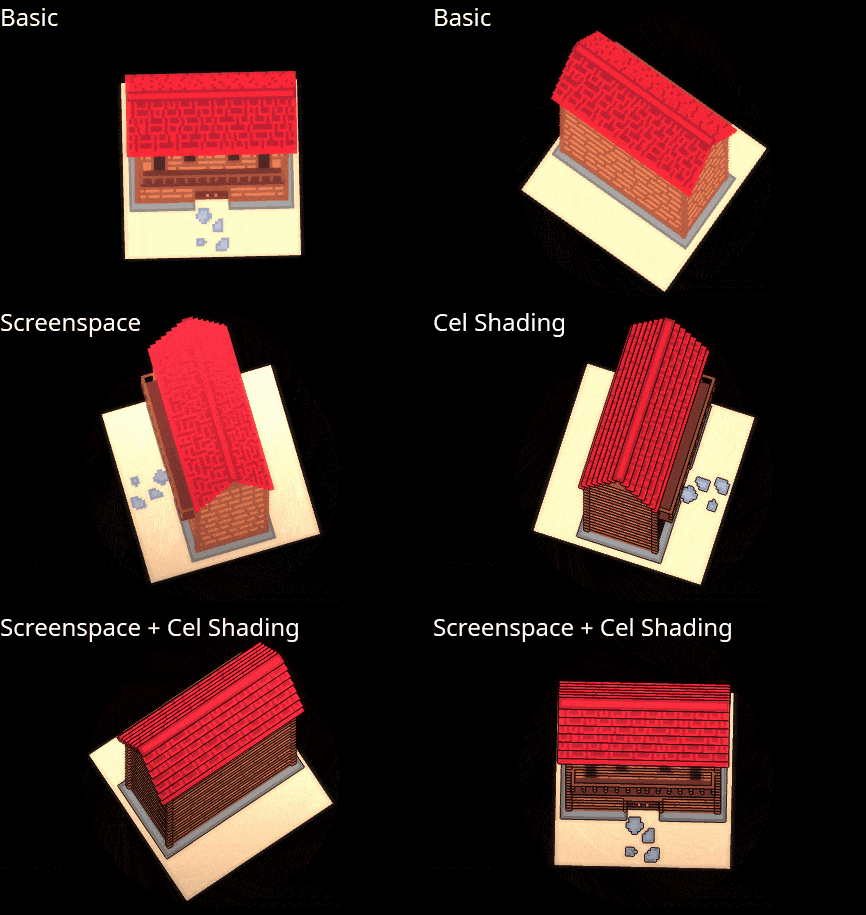
New 2D Render Modes
A major struggle with sprite stacking is the lack of depth perception. Thanks to Cel Shading we no longer have to live in the stone age.
New 3D Rendering
Tired of your beautiful art looking flat and bland? Well now you can turn any scene into a master piece thanks to shadow maps and SSAO. I'm not a graphics programmer but fortunately for us we have Xor, and wow did he deliver!
You can rotate/angle the sun to create the perfect screenshot!
OBJ Exports
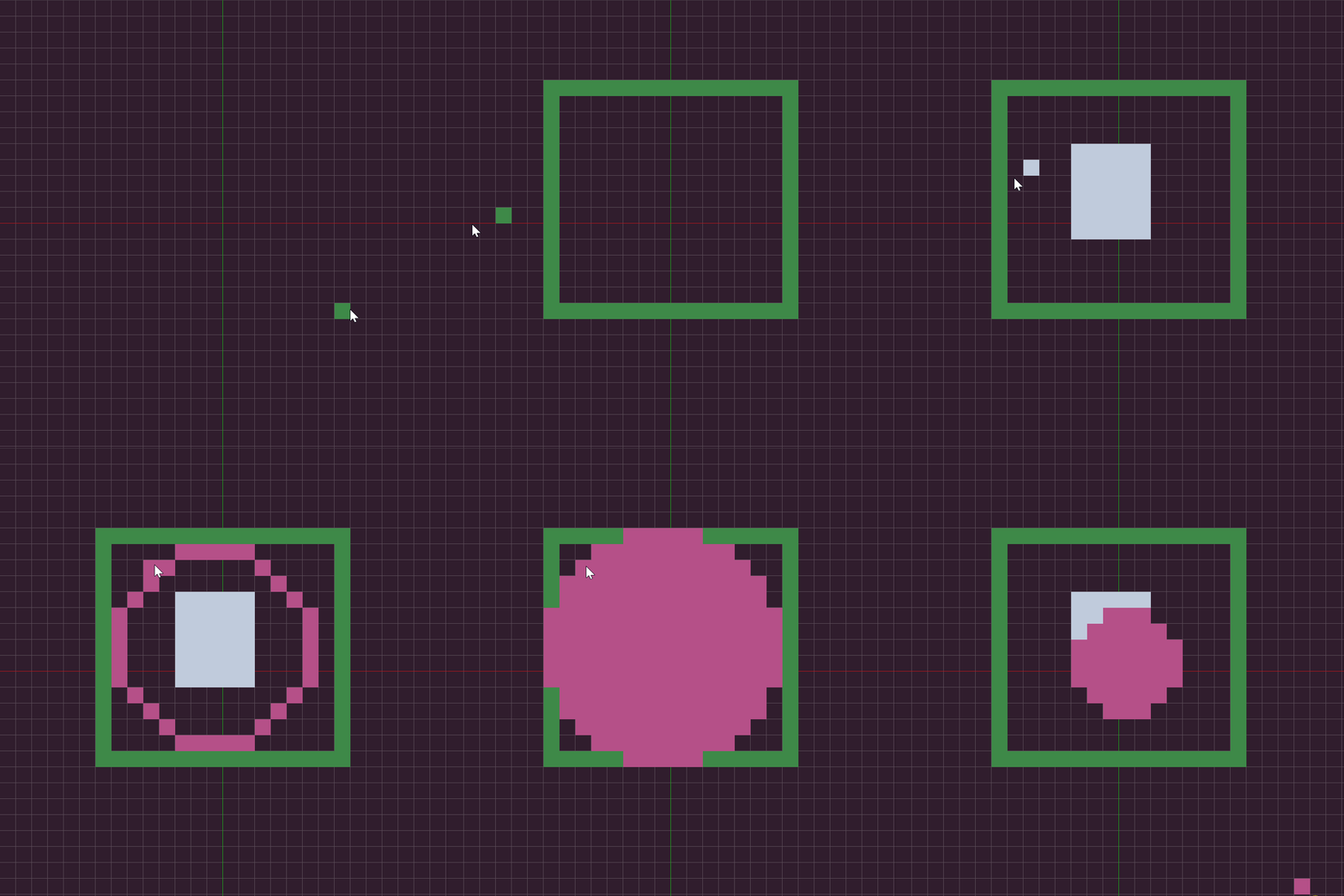
I promised this feature and dared to say that it would include proper culling, remove intersecting faces, and be perfectly optimized out of the box... Well I did what I set out to do. Here's a scene exported into Blender via OBJ format. Of course I touched it up a bit.
Rotation
This was a heavily requested feature. You can now rotate/roll your sprite stack.
Edit/Load/Save Color Palettes
Editing your color palette was not easy in SpritePile 1.0 but in 2.0, you can build your color palette within the tool itself. I'd like to add hex codes to this but they are a bit wonky at the moment.
Full Documentation
It has bothered me since the beginning of SpritePile's development and I've finally addressed it.
Click Here to view the documentation (but please note that it's not finished and many pages are subject to change).
Frequently Asked Questions
I've received a lot of similar questions over the past few months and I'd like to list them out here.
Question: Will SpritePile 2.0 be a free update or a completely new product? Answer: It will be a completely new product that you'll find on a separate Steam store page.
Question: How much will SpritePile 2.0 cost? Answer: I haven't landed on a number just yet. I'm leaning towards $20 to keep it accessible.
Question: Will you continue updates for SpritePile 1.0? Answer: SpritePile 1.0 is provided as is and I will not be returning to it.
Question: Do you plan on supporting SpritePile 2.0 after its release? Answer: My goal is to provide a fully featured, complete tool. The day one release should be free of bugs and work as intended. However if there are issues or highly requested features, I will provide free updates. This is the last sprite stacking tool I will be developing.
Play Testing & Feedback
I'm looking for play testers to give the new tool a try. If you're interested please reach out to me either through Steam or Twitter!
The next post you see from me should include a link to the store page for SpritePile 2.0. Thanks for the support as always! You can find me on Twitter!
SpritePile 2.0 is in development!
Hello everyone!
It has been quite some time since I've posted anything about SpritePile but fret no more fellow sprite stackers! I'm here with some very exciting news. After a few quiet months of on and off development I have decided to take the leap and go full-time on SpritePile 2. I've laid out most of the ground work so at this point it's mainly feature implementations meaning that the slow boring work is already wrapped up.
But who cares about development right? I WANT TO SEE WHAT'S NEW! Let's see what you can expect in the next SpritePile...
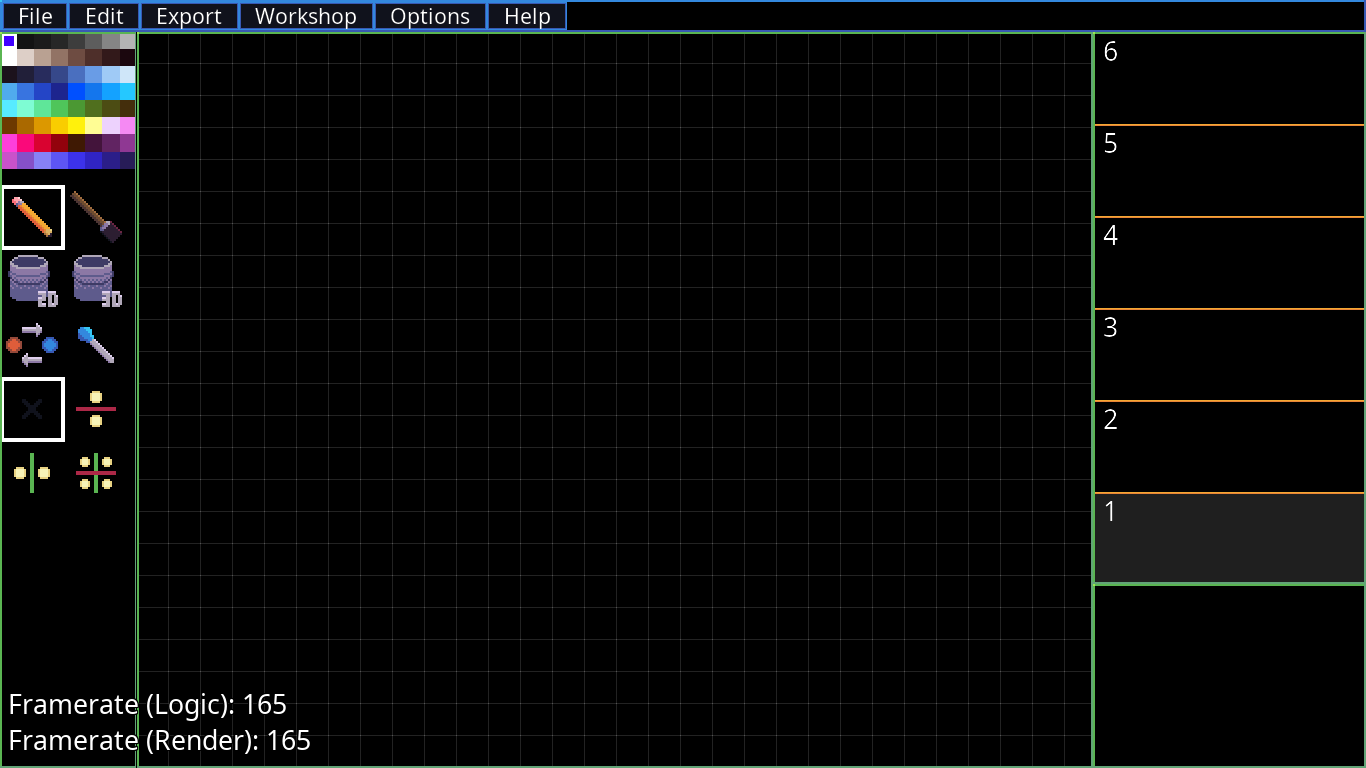
Keep in mind this is a screenshot of the current development build and doesn't represent the final product.
Steam Workshop Support
You'll be able to upload and download other peoples shared works! This will hopefully bring us together more as a community and help others learn how to create more refined sprite stack art.
Resizable Interface
The UI is resizable finally! That means adjusting the size of the window doesn't squish the pixels down and make it impossible to see. It also means that you won't get blackbars on the sides of your window anymore! This feature isn't fully implemented so you're going to see some oddities in the screenshot below.
Logic/Rendering behavior
The framerate is no longer locked to 60 fps! You can modify the target framerate for logic/rendering separately. This is very useful if you have a higher refresh rate monitor and want the smoother motion or if you want to reduce CPU usage you could lower the logic framerate.
Better Performance
This tool is considerably faster than the previous iteration (not that the last one wasn't fast). This is an important change that was required to implement the next feature...
Huge Canvas Sizes
There are memory limitations of course but canvas sizes as high as 1024x1024x128 (About 3.2 GB of memory is required for a canvas this big) have been done without issues beyond some performance slow downs. Certain tools such as the bucket obviously don't fill a canvas that large instantly but at least it's possible now! Canvases also are free from the square shape restrictions, you could make it 256x128x64 if you wanted!
New Tools
I'm open to suggestions for new tools! So far the only new tools I've added are a 3D bucket fill and a brush. The 3D bucket can bucket fill just a like normal but it checks layers above and below itself. Click once on a mono-color pillar and change the color of the whole thing! The brush tool works similar to how the resizing of the pencil works in Aesprite. It technically supports custom brushes so that may be something I implement later on.
Improved Preview Options
I've put together a few shaders to improve the eye candy of your sprite stack. It's not just a flat colored image, wow!
Export Options
The OBJ export ideally will support proper culling this time around (counter-clockwise) which means that it'll be more useful to game developers using 3D voxel models. There will also be a vertex buffer export option that can be loaded directly in Game Maker Studio!
Language Support
This version will include translations as they become available just as the last version did. This time around the fonts will be much more readable.
I hope to post another update on the development soon! Thanks for the support as always! You can find me on Twitter!
A small but much needed update!
Hello everyone! It has been quite some time since I last updated SpritePile and for that I apologize. I've been rather busy as of late but I want to make sure that you all feel my appreciation regardless of time constraints.
I had some free time this morning and decided it was finally time to make at least some improvements to the SpritePile.
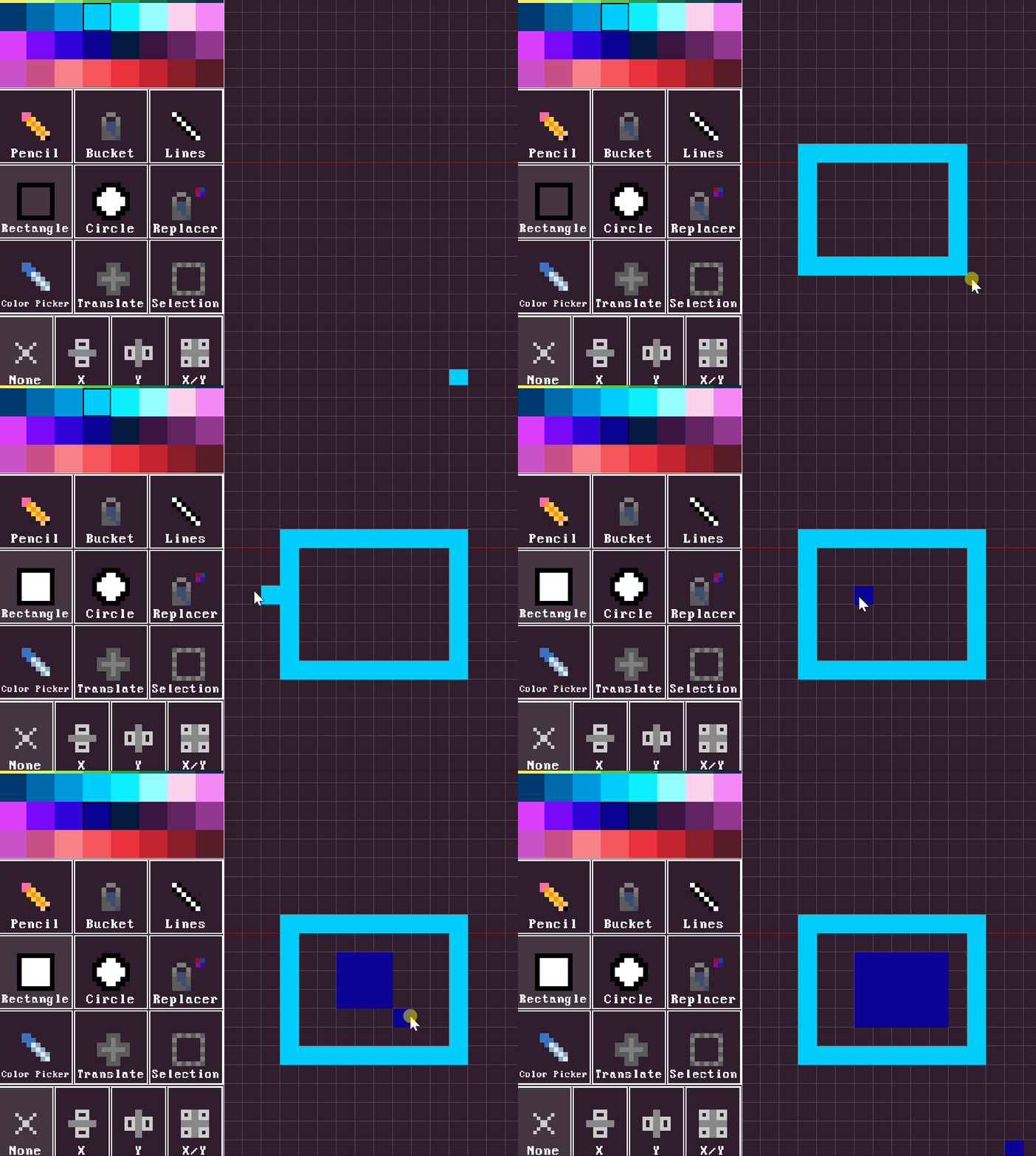
Now you can double-click a the rectangle/circle tool to toggle between fill and outline mode. No more stupid hotkeys hiding useful features!
This next one wasn't easy but I wanted to include a similar rotation option for the 3D view that the 2D view mode provides.
I'll be back soon with more hopefully! It seems to me that most people are happy with the tool as is but I know that it's always exciting when your tools add additional features.
Rectangle & Circle Tool!
Hey everyone!
I know it has been a while since the last update and for that I apologize. To make it up to you wonderful-supportive-fantastic people I made sure this update brings two highly requested features to SpritePile. I present to you the Rectangle and Circle tool. Alongside that I slipped in some DRM that won't affect anyone.
You're all great and I love you all.
Thanks for the support as always! You can find me on Twitter!
New Preview Tool!
Hey everyone!
I've been fairly busy lately with a few side projects but I'm still working on SpritePile between all that. The latest edition is intended to help more veteran/professional users.
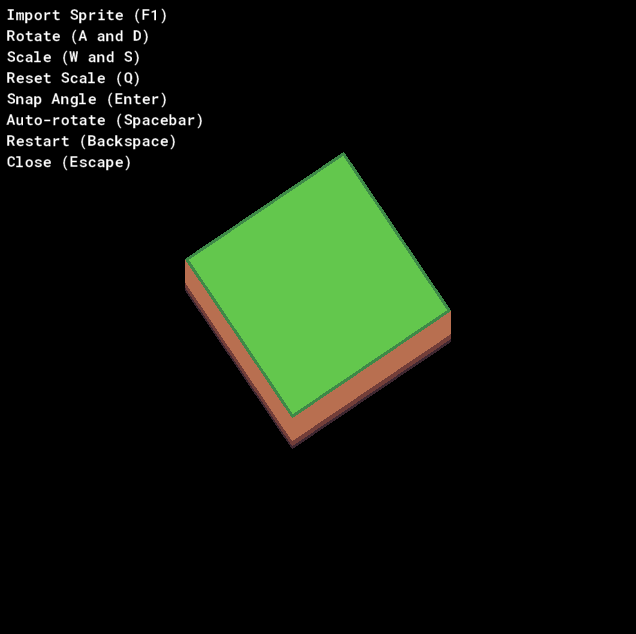
The SpritePile Preview Tool allows you to easily view an automatically updated sprite stack. You import a PNG (slices file essentially) and it'll update it automatically as changes are made to the file. This can be very helpful if you were to be editing with Aesprite for example.
Thanks for the support as always!
You can find me on Twitter!
SpritePile Is 2x Faster! (Yet Another Update)
It's 2x faster, but how? Originally SpritePile was meant to include an alpha channel so that you could create glass and windows. However I further into development decided against it but the damage had already been done. There were already hundreds of references to the alpha channel in the code base. I eventually forgot about it but today I stumbled into it again while writing a quick preview tool for a co-worker.
I spent the next hour or so skimming the code base and removing all the alpha-related code, hence all functionality is at least 2x faster. Bucket tool? Twice as fast. Selection tool? Twice as fast. Everything had to move/manipulate both the color and alpha channels. Now it's only color that it has to deal with.
Ok, rant is over
Changelog
All tools, exports, and imports are 2x faster (or more in some cases)
Fixed slice importing causing canvas to scale up each time
Notifications for exporting/importing are now working correctly, previously they would pop-up when you opened the menus themselves
Thanks for the support as always!
You can find me on Twitter!
Copy Selections, UI Notifications, Even More!
Selection Copy-Mode Many of you have been waiting for this feature and at last it is here for you to get your artsy hands all over it. Just press Control + C while you have pixels selected to toggle Copy-Mode on and off.
Notifications Have you perhaps saved your project but felt unsure whether or not the project actually saved? Maybe you pressed Undo but weren't sure it worked. Well now you can always be sure.
Hotfixes Throughout the week I push small updates to address bugs and add minor features. I don't always write patch notes for it so if you see features that already exist in the tool within the changelog, it's because it was hotfixed during the week.
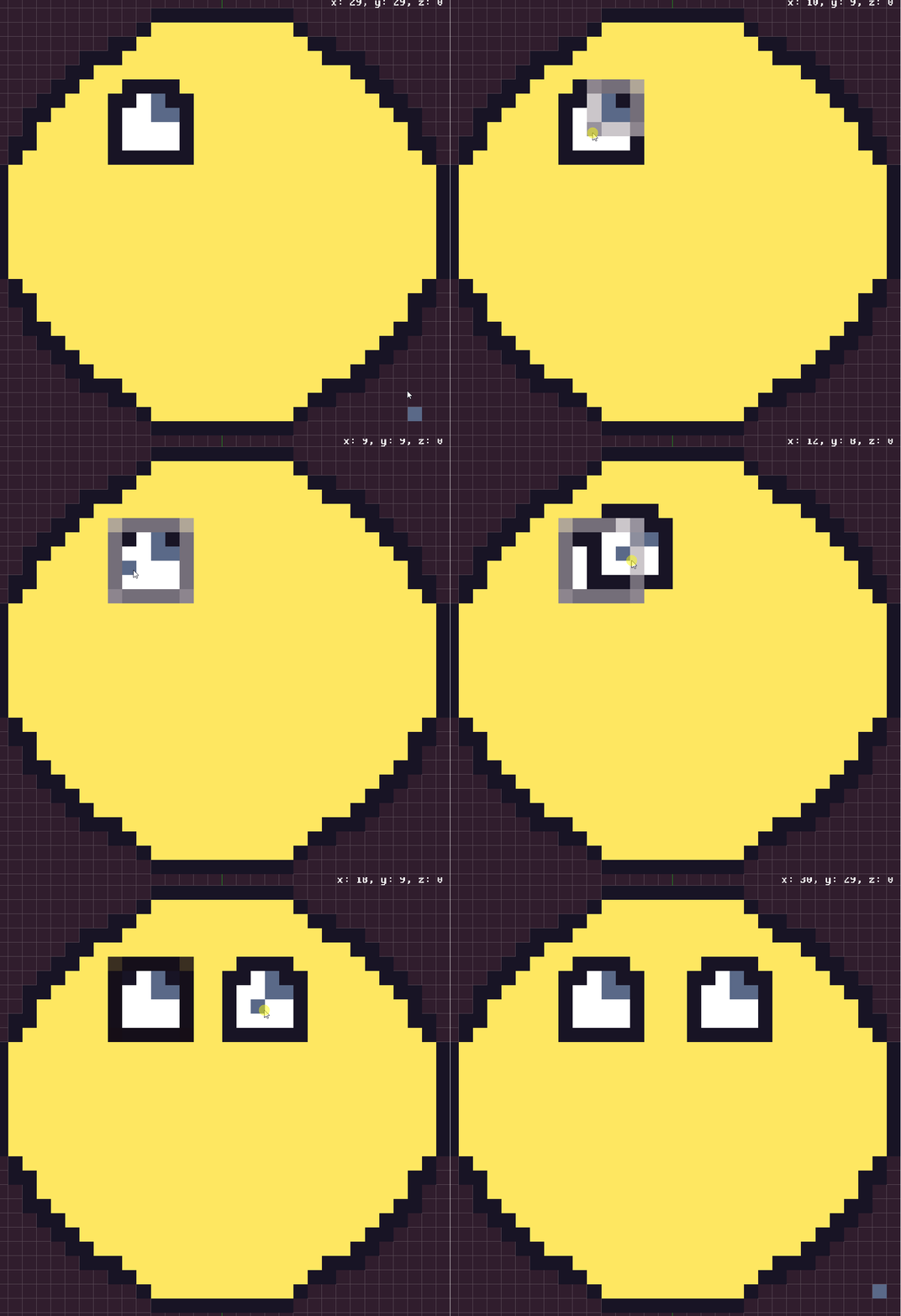
Want to see that face from earlier? I finished it up real quick just for this update.
Changelog
Slices "cancel" no longer causes a crash
Layer reordering is now recorded with undo/redo functionality
Palette scales down if it's too tall
Selection tool no longer includes transparent pixels within the selection when being moved
Selection tool can now copy pixels instead of just moving them, enable copy-mode by pressing Control + C with pixels selected
UI pop-ups added for various actions
Selection tool lets you move 1x1 and similar 1 width/1 height selections now
Thanks for the support as always!
You can find me on Twitter!
Layer Reordering And Selection Deletion!
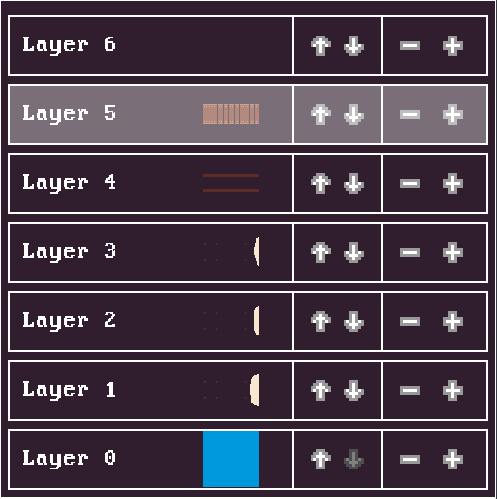
Reordering Layers You can now easily shift layers around. It's not a major improvement to the layer feature but it is an improvement that I've seen requested by the community.
Delete Selection In hindsight this should have been included with the addition of the Selection tool but better late than never!
Changelog
Layers can now be reordered
When using the Selection tool, you can press backspace/delete to remove pixels in the selected area (on the current layer, or multiple if you've selected multiple)
Pressing Escape closes any popup menu, same as pressing cancel/close
Zoom scrolling for preview is disabled while in 3D view
Pressing "Enter" will select your currently viewed layer on the layer list and remove all other layer selections
Zoom scrolling for preview is disabled while in 3D view
Fixed bug with undo/redo feature when editing multiple layers with the Selection or Translate tool
Thanks for the support as always!
You can find me on Twitter!