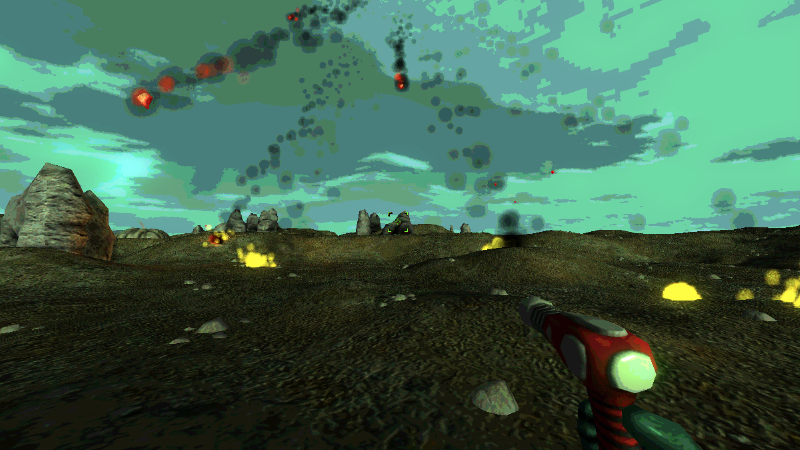
Star Explorers Testing Branch Updated to Pre-Release Version 0.2.8
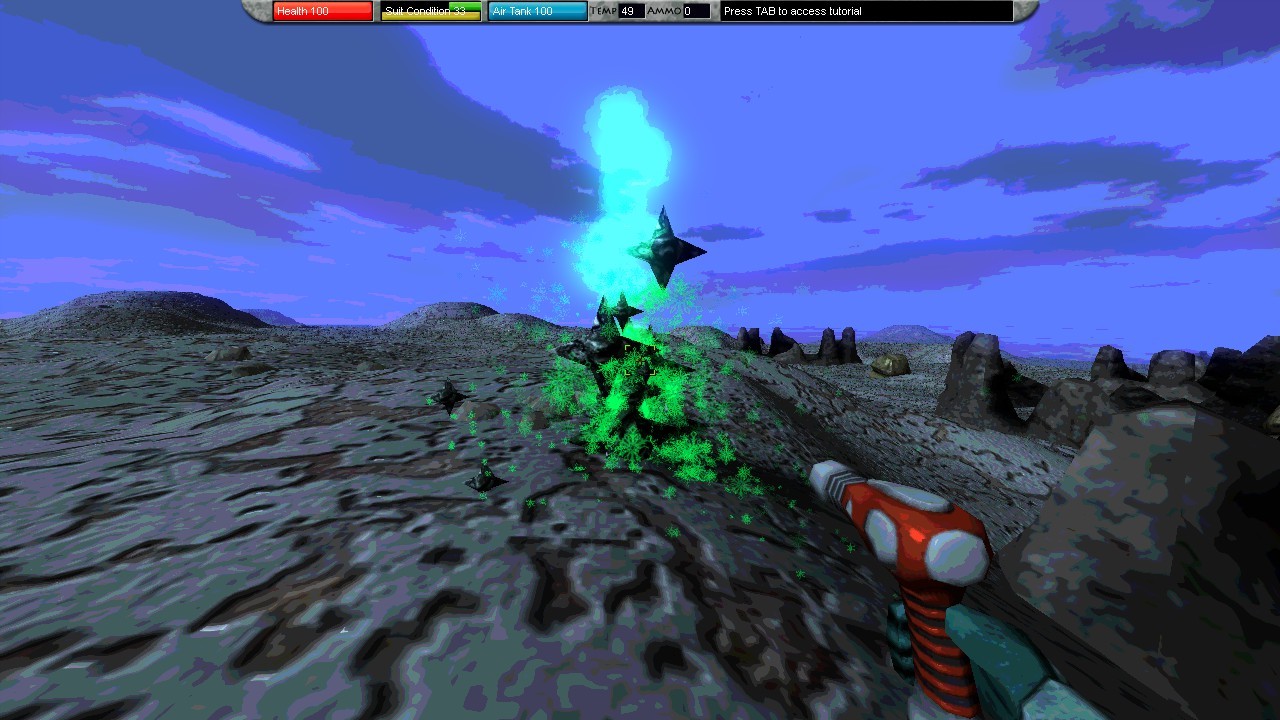
The mysterious "floaters" have received a pretty major update.
New Stuff:
New floater types - not just the eyeball and sparkly ones
New floater variables - visibility, particle types, segment spacing, tentacle direction etc...
New floater behaviors - shooting floaters and some other surprises await!
Improved floater optimization - floaters should not impact frame rate as much anymore
Here's an example of one possible variation...
Major Bug Fix
Saving the game near (but not docked with) the mothership could cause a corrupted save file.
I was able to isolate the problem and address the cause in the script
If you have a game that will not load, please send it to me and I can fix the file too
Use michael@schmidtworkshops.com
Star Explorers Testing Branch Updated to Pre-Release Version 0.2.7
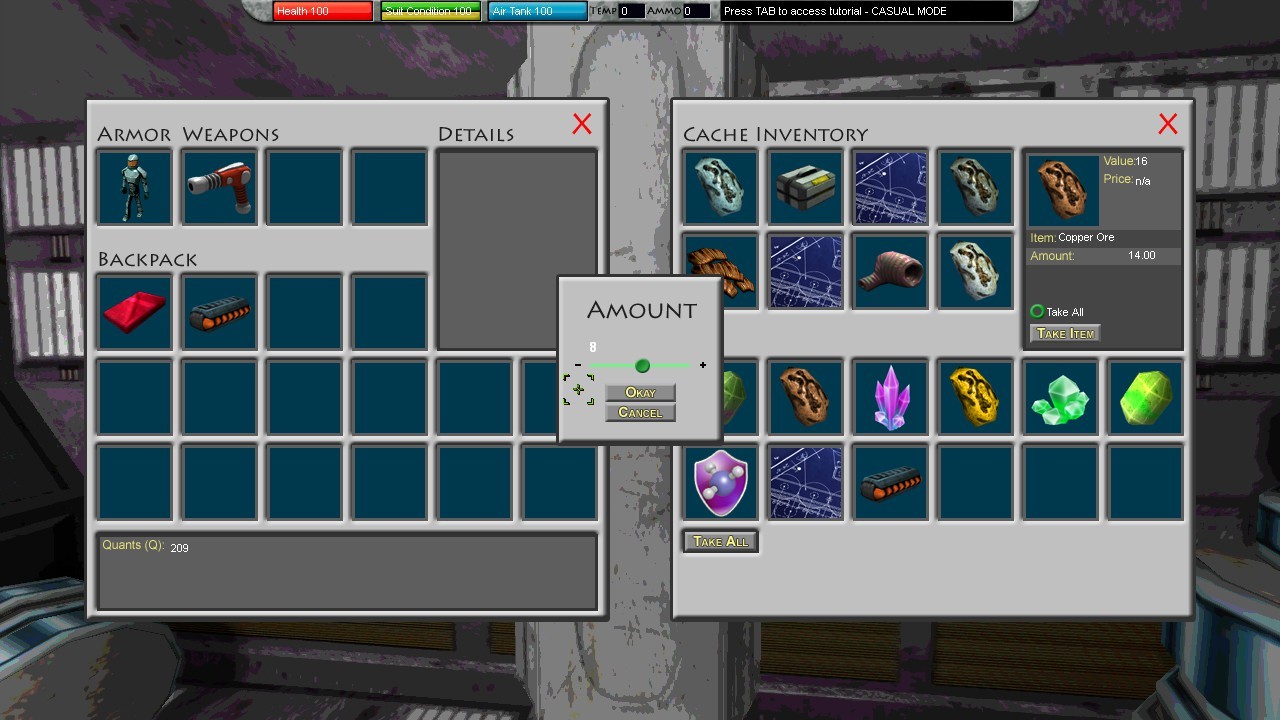
When taking, placing, buying or selling items, you will find a couple of new options...
There is a "Take All" radio button that will allow you to skip the amount dialogue
A similar button exists for buying, selling and placing items
It only appears for items that allow splitting amounts
Once selected it will remain as default for all future transactions of the same type
There are also a couple "+" and "-" buttons that allow for choosing exact amounts
Testing Branch Updated to 5.0 Pre-Release Version 0.2.5
Just a small addition to improve user experience. I fixed it so the mouse cursor will appear in the center when switching mouse modes.
So, if you are in combat mode, where the mouse cursor is fixed in the center of the screen, and you hit the space bar to switch to navigation mode, the mouse cursor will be in the center of the screen. Previously it would show up at a seemingly random location, as it would not lock the position of the windows cursor, only the game window cursor ... if that makes sense.
This will also effect any other time the mouse mode changes, like when opening your inventory or interacting with NPCs...
Testing Branch Updated to 5.0 Pre-Release Version 0.2.3a
I did not have much time today, but I thought I would give a little update to the game's FOV settings.
The spaceship FOV has been reduced from 60 to 50 ... this may get tweaked ... it should improve framerate when viewing the center of the galaxy from the outer edges. I may include an option to change this in a future update.
The player FOV slider has been updated in the video options to go up to 140. I would not recommend using this unless you have an ultrawide monitor.
Star Explorers Testing Branch Updated to Pre-Release Version 0.2.3
There are just a couple small changes to the UI
Pressing the interact button "E" by default, will now close any open dialogues or inventory panels, as well as alert panels
Pressing the jump button "Space" by default, will now close any alert panels, but will keep inventory and/or dialogue panels if they are open.
I found an issue with the screen resolution function that would cause errors if youtried changing the resolution without changing the type (fullscreen vs window). This should
hopefully* be working correctly now.
About 4K
I found a way to scale menus to better match the new, high resolution monitors. The system works, but it would take a very long time to redo all the game's menus to work with the new system. For now I have put this idea on ice.
I am considering revisiting this before the 5.0 update is ready. Perhaps once all the gameplay and new features are ready, I will have time to implement this with the 5.0 release, but my current thinking is that it will just delay the release unnecessarily.
I will be reflecting on this idea, and welcome any feedback from players.
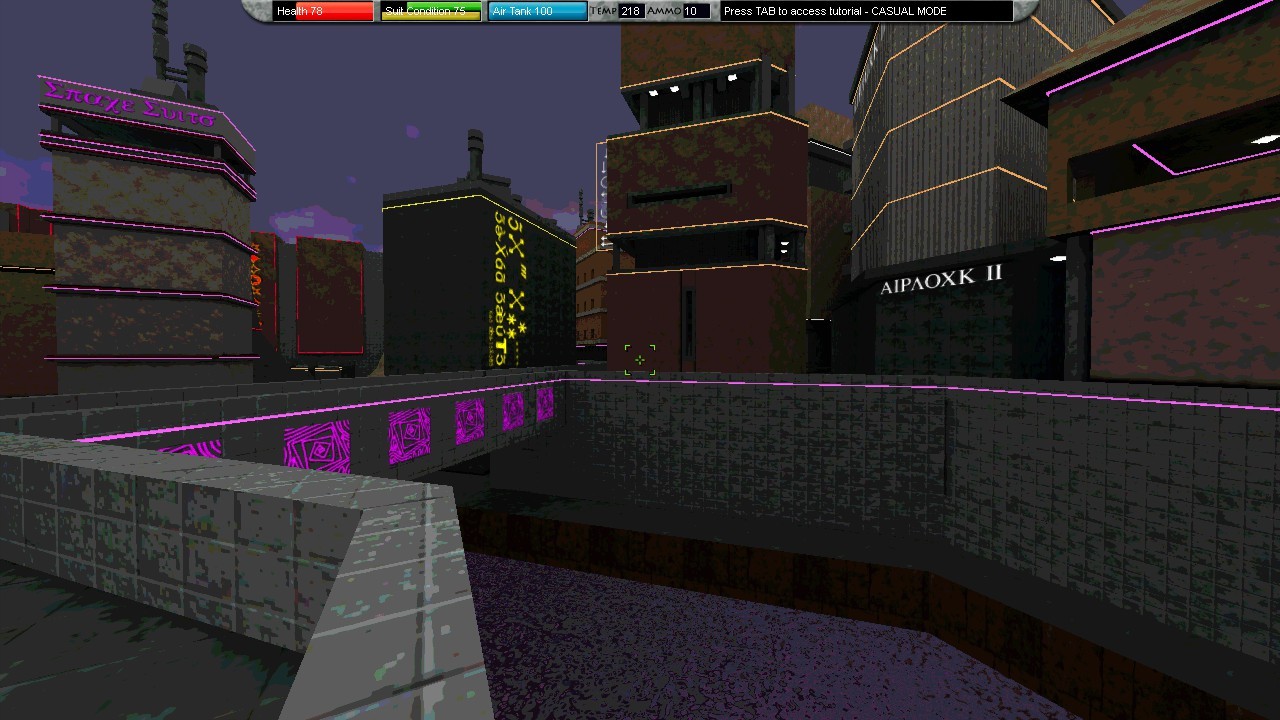
Star Explorers goes CyberPunk!
There are lot's of things going on, but today the update is purely visual...
Neon lights and signage have been added to the alien city for your viewing pleasure ... if you are lucky enough to find it! Vertical neon signs with strange symbols equals cyberpunk, so we are totally hopping on that bandwagon this week :P
It also serves a purpose, some of the buildings were a bit darker than intended, so these extra lights will help in navigating the interiors. (There are also areas left intentionally dark).
Star Explorers Testing Branch Updated to Pre-Release Version 0.2.0
There are a bunch of small fixes and updates in this latest build.
The Alien City got a better exterior model.
Footsteps in the alien city will no longer sound like gravel.
Caves - stalagmites and stalactites will no longer get the player stuck!
I made them passable now, since they were never really intended as barriers. The big, hallway-blocking stalagmites and stalactites will still function the same way, but the smaller, individual ones will no longer be a burden.
Star Explorers Testing Branch Updated to Pre-Release Version 0.1.9
New feature!
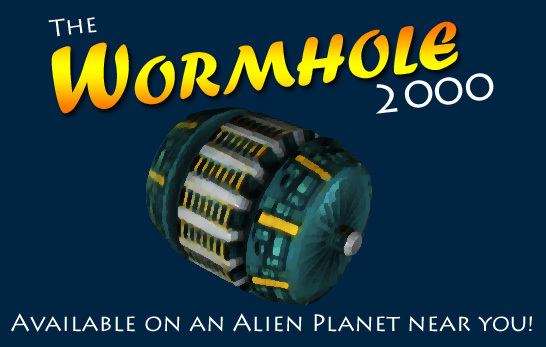
The Wormhole 2000 is a special alien item that you can find in the game. It is a small, portable wormhole that will establish a link between your backpack and your spaceship's storage. This way it will be much more convenient to manage all the stuff you collect on your explorations.
It's alien tech, so you'll have to look around in order to find one. Even if you do, they're not cheap!
Strange cave - texture issue
New caves should no longer have the strange, green glowing areas with incorrect textures. This was not a common problem, but it was pretty ugly. Old caves that you revisit may still have this problem, but the cave area will be missing completely. I could not find any way to fix this, but going forward it should not happen in any new caves.
Cave pits
Cave pits were somehow included in some of the recent builds of the game. These will be replaced with the standard downward sloping hallways. I do want to add pits again, but I will need to supply a way to escape them before I do that.
Alien NPCs
Aliens in the alien city should now have consistent items in their inventories like the NPCs on the mothership.
Star Explorers Testing Branch Updated to Pre-Release Version 0.1.8
No new features today, but I was able to fix a number of issues.
Fixed Stuff
Meteors will no longer disappear if the player goes off the edge of the map
Meteors now have special sound effects
Warp Effect no longer has that strange size limit. It should work properly at all resolutions
The game was occasionally resetting full screen back to windowed mode, or more recently windowed mode back to full screen, which is now the default. This should no longer happen
Testing Branch Updated to 5.0 Pre-Release Version 0.1.7
Due to some reports of issues with screen resolution, I have made some small adjustments to the testing branch.
The game will create a new file called "options.cfg" instead of using the old "settings_new.cfg." When you run it, it will go back to the default values.
The game should now start in full screen mode, at whatever resolution your monitor is currently set to by default.
Some code was cleaned up in the process, hopefully it will work better. I plan to get this working right before moving on to other bugs and/or features, so if you can provide feedback on how well it works or doesn't, that will help a lot.
4K seems to be a problem, but I do not have a 4K monitor to test on. The spaceship panel was not visible, and the health/stats panel on to was off center for some reason.
I think the game looks and runs best at 1280 x 720, but it should still work at any resolution higher than that.