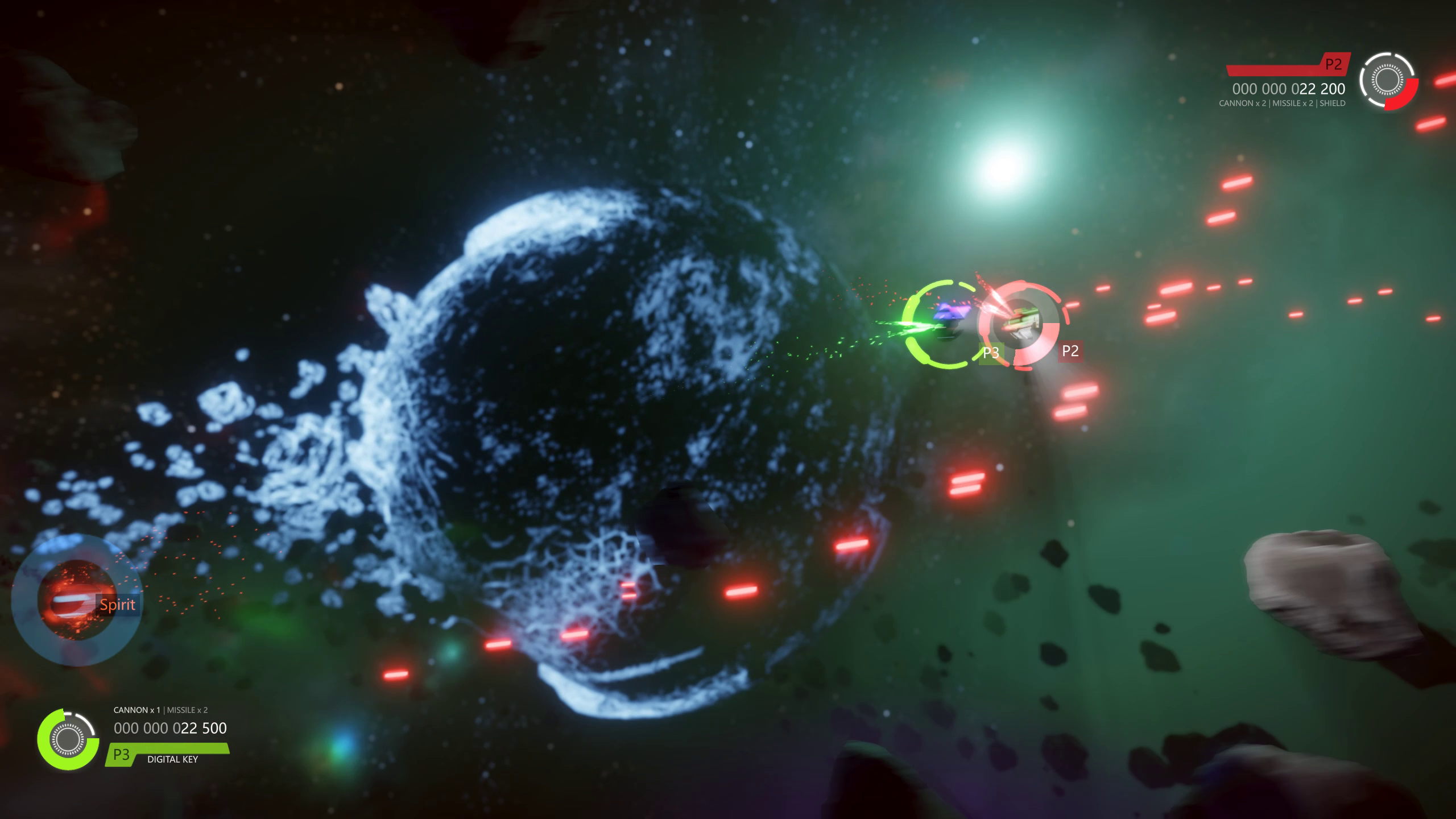
The 18th update of SUPERVERSE extends the options to maneuver the spaceship using a game controller and introduces one more way to play the game.
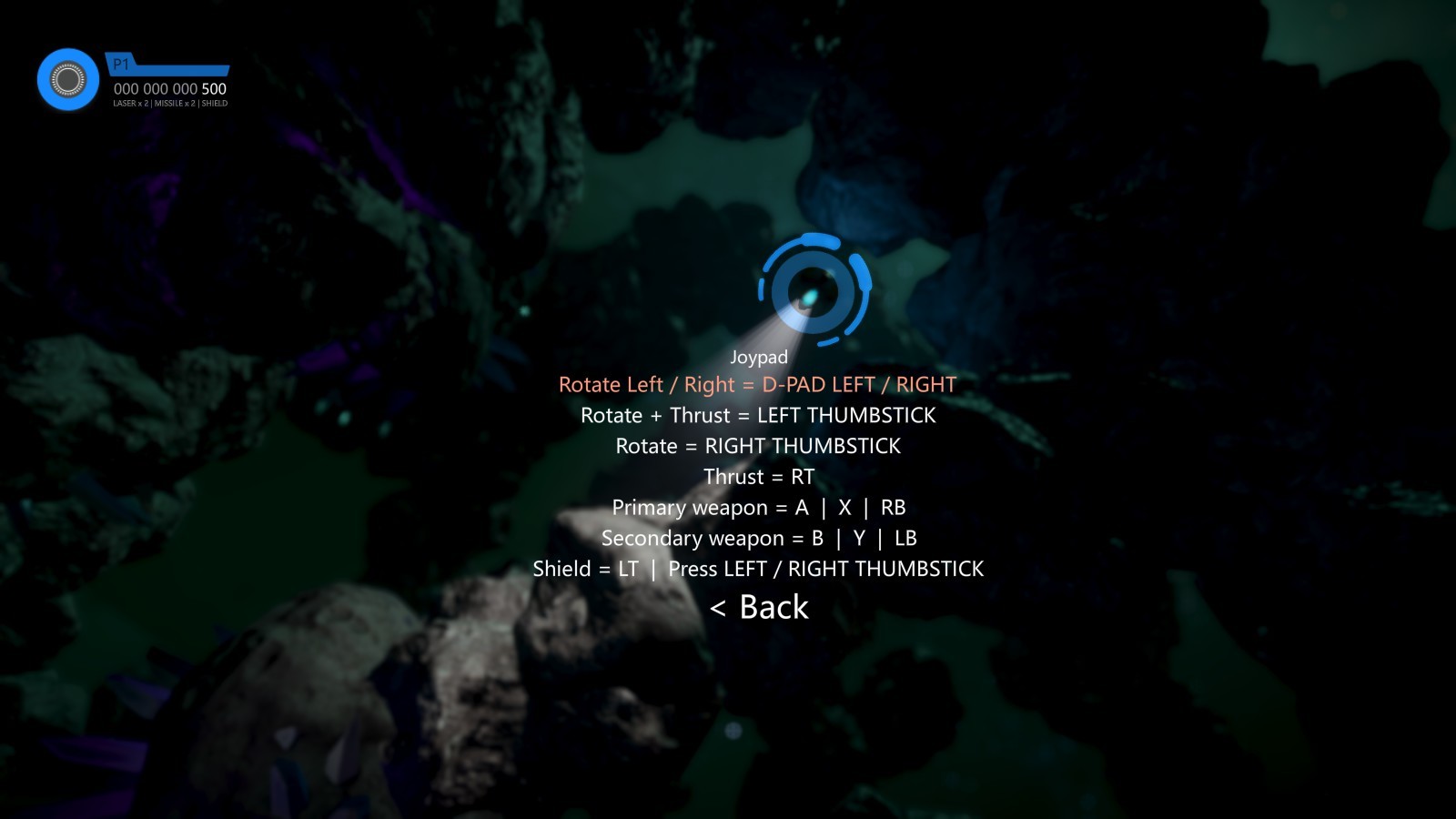
You can now use the D-Pad on a game controller to rotate the spaceship in a clockwise direction by pressing RIGHT on the D-Pad and to rotate the spaceship in a counterclockwise direction by pressing LEFT on the D-Pad.
The Thruster can now be activated and precisely controlled by pressing the Right Trigger (RT).
Using D-Pad for rotation and RT for controlling the speed of the spaceship matches the controls you can find in many racing games with top-down view. This also matches the controls you have when playing the game using a keyboard.
We shuffled the default buttons layout and the buttons for activating Primary and Secondary Weapon have been moved to Right Bumper (RB) and Left Bumper (LB).
The Shield can be activated by pressing the Left Trigger (LT).
To summarize, you can now use the game controller to maneuver the spaceship using one of the following combinations:
D-PAD LEFT / RIGHT for rotation and RT for thrust
LEFT THUMBSTICK for rotation and thrust combined
RIGHT THUMBSTICK for rotation and RT for thrust
Changelog
Update #18 | 2021-06-14
Added
Extended game controller usability: D-Pad Left / Right can be used for rotating the spaceship Counterclockwise / Clockwise.
Changed
Thrust control moved to Right Trigger (RT).
Shield control moved to Left Trigger (LT).
Primary Weapon control moved to Right Bumper (RB).
Secondary Weapon control moved to Left Bumper (LB).
Settings menu options order changed.
Localizations updated.
Update #17
Changelog
Update #17 | 2021-03-31
Added
"Skip tutorial" option and accompanying confirmation menu added in Tutorial in-game menu. This option is only visible in case the tutorial hasn't been completed previously.
Extended support for new game controllers.
Changed
Steamworks SDK updated to v1.51
GLFW updated to v3.3.3
TinyXML updated to current version.
Localizations updated.
Fixed
Cleaned up code and slightly optimized.
Remote Play Together
During Steam's Remove Play Together Sale & Livestream event, from 25th till 29th of March, you can get SUPERVERSE with a 50% discount.
Now you can invite anybody to play with you, no Steam account is required. They'll just need to install Steam Link application on their Windows, macOS, Linux, iOS, or Android device.
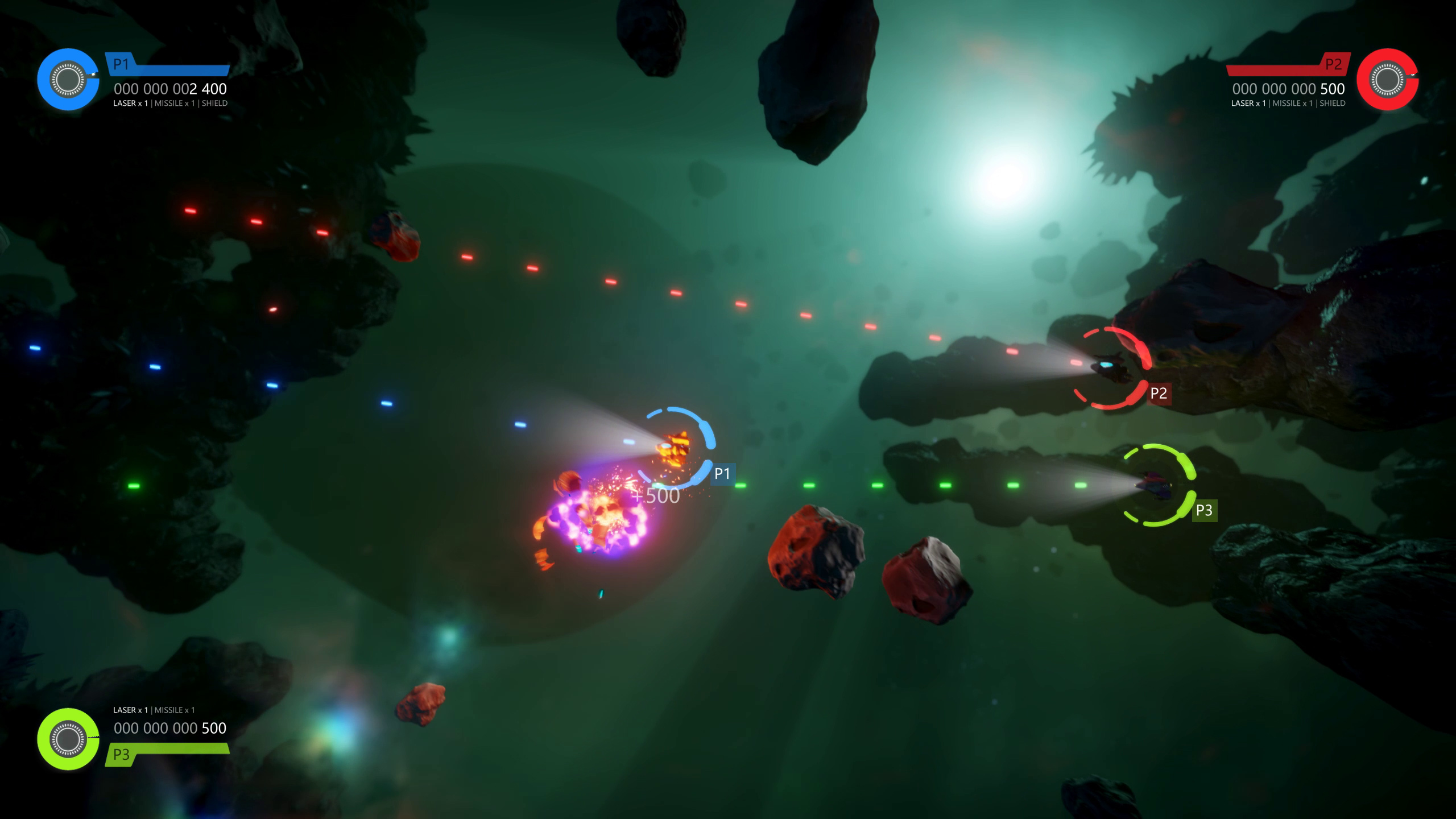
Score and additional players' HUD placed in corners of the screen are the major new features of the 16th update of the SUPERVERSE game.
Changelog
Update #16 | 2020-11-22
Added
Scoring system - destruction brings up points.
Player HUD in the corners of the screen.
Extended support for new game controllers.
Video menu: Resolution changing to a smaller resolution.
In case a window could not be opened in the desired resolution, a fallback mechanism will try to open a window in several "safe" resolutions.
Changed
"P2: Press fire to play" message displayed in corner of the screen where the next player HUD will appear.
Fixed
Fixed radiation alert text display duration - it was disappearing too quickly.
Laser colors were not set to match the player's HUD color.
New Spaceship in Update #15
After the summer break, we continue to bring new updates to your favorite SUPERVERSE game, according to our roadmap.
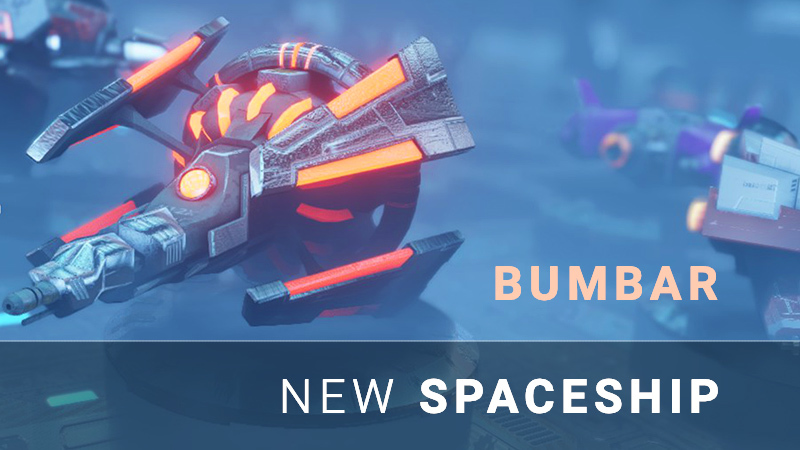
This time, in the fifteenth update we bring you the new spaceship.
Meet Bumbar
Bumbar is a well balanced, aerodynamically shaped, ship with solid energy capacity that allows it to reach reasonable speeds and maneuverability in addition to extra protection enabled by the usage of an energy shield.
Better readability of in-game menu texts by making the game a bit darker.
Fixed
No more overlapping of text displayed in the game with the in-game menu text.
Removed potentially confusing guiding arrows in the Tutorial.
New Tutorial microverse in Update #14
The fourteenth update of your favorite SUPERVERSE game is the biggest update released so far. It includes many improvements, changes, performance optimizations, bug fixes, changes in the game balance, and the new game content.
Tutorial
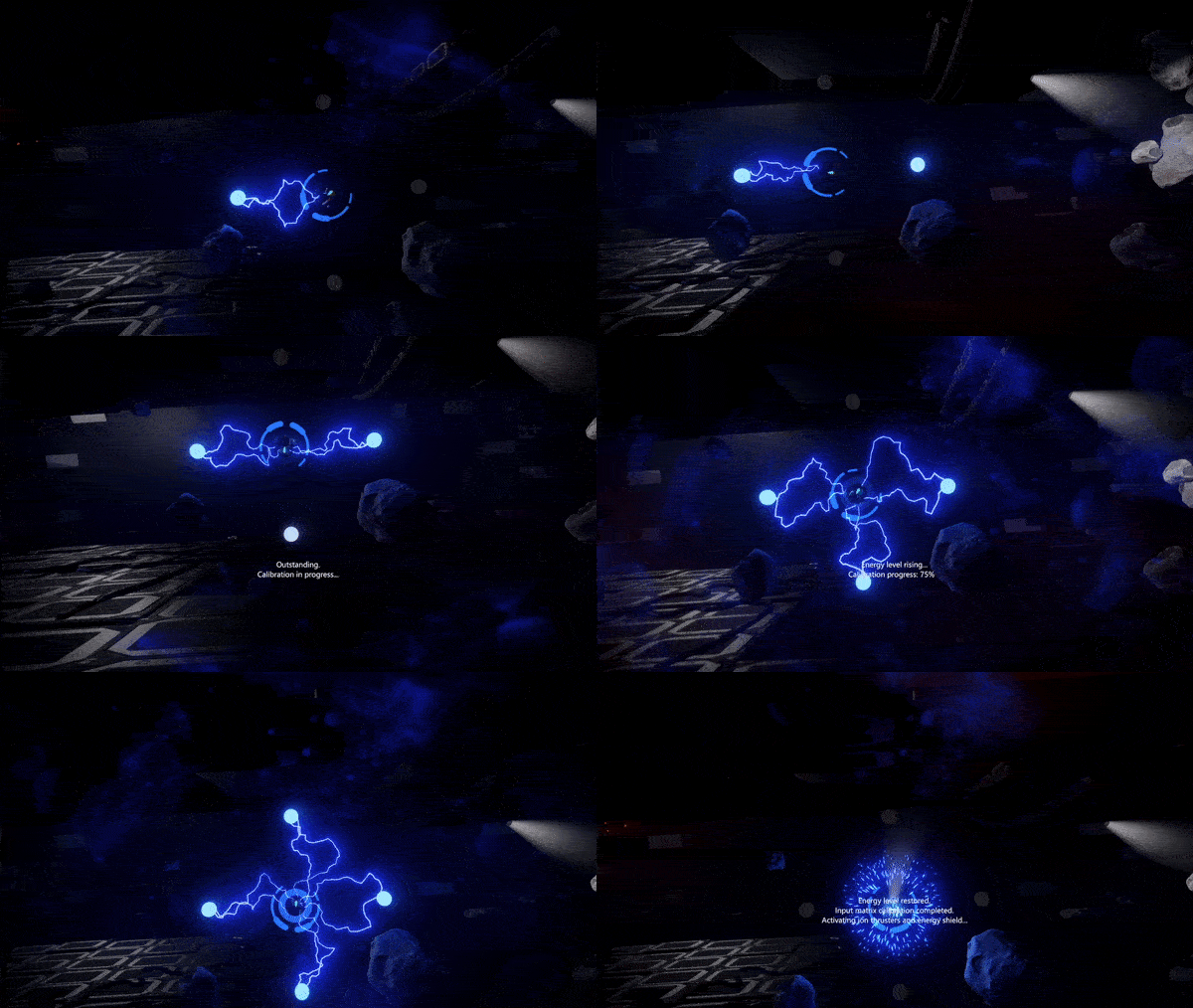
A new microverse to start from. The Tutorial will introduce the player to the foundations of the gameplay, the game mechanics and the game controls.
Once successfully completed, the tutorial will be left optional to play.
More Settings
We had to re-think the display Gamma functionality and implement it in a different fashion than it was done in the previous versions of the game. The new version of display Gamma runs well on all the displays. Gamma is now adjustable through Settings > Video > Gamma option.
New EXPERIMENTAL setting has been introduced, allowing you to turn the mesh-instancing feature. Mesh-instancing could increase the performance on some slower configurations. Turn it on using Settings > Video > Mesh instancing option.
Settings > Game > Enemy HUD visibility option allows you to change the way enemy ships are visually marked. The energy scale can be presented permanently over the enemy ship, or it can be presented only when the enemy ship has been hit and is low on energy.
Integration with Steam
This is the first version of the game that links with Steam's library and makes calls to Steamworks API.
Opening Steam layer, by pressing SHIFT + TAB keys or a dedicated button on a game controller, will pause the game. Closing the layer will resume the game automatically.
More Steam related features will be introduced in the forthcoming updates.
Steam Summer Sale
It's already hot. And SUPERVERSE offer during Steam Summer Sale is hot too:
The new Tutorial universe introduces the player to the gameplay, game mechanics and controls.
Meteor shower in the background of the main menu on the first run of the game.
The new version of display Gamma runs on all displays, adjustable through Settings > Video > Gamma option.
New Settings > Game menu introduced.
Settings > Game > Enemy HUD visibility: Constant option introduced, enabling easier spotting of enemy ships. Turned on by default.
New EXPERIMENTAL Settings > Video > Mesh instancing option added. Turned Off by default. Mesh instancing could increase the performance on slower configurations.
Initial integration of Steamworks SDK added.
Opening Steam layer (SHIFT + TAB) pauses the game, closing it continues the game.
Sparks have been used for the first time in the new Tutorial universe.
Changed
Game balance changed: all the players' ships are stronger now.
Music playback improved in situations during scene changes.
Weapon Upgrade item name is now displayed beside the item.
Texts added and updated.
Bigger logo in the main menu.
More compact Settings > Video menu.
Fixed
Shorter game startup time for at least 1.5 seconds. Removed unused texture files and materials, and reorganized pre-loading of game assets.
Instant game quitting: The window now closes immediately and the music shuts down.
Fixed menu to refresh in some situations.
Fixed situation when a transparent material is not rendered at all.
SUPERVERSE - The roadmap
Hello fellow spacemen!
Here is an overview of some of the new and exciting features and enhancements that we are working on, which will be added to SUPERVERSE game in the near future.
Extended Spaceship Selection
The selection of spaceships will be extended to five distinct ships to choose from. As you already know, all of them feature a unique design, weapon capacity, speed and maneuverability. A new ship is coming soon!
New Universes
More universes will be introduced in the future, allowing you to explore new and interesting worlds.
Weapons Arsenal
New weapons are awaiting in depths of space! Beyond trusty lasers, armor-piercing minigun, powerful particle cannon and devastating guided missiles we are soon introducing more tools of destruction to pick up and take to your co-op battle.
More Enemies
You have already encountered a number of hostile AI throughout the game, but there are more dangers ahead. Lurking in shadows of giant ship derelicts and patroling vast asteroid fields, new threats await. More enemies to fight, stronger and tougher to beat. Keep your eyes open and blasters loaded and ready.
Saving Game Progression
Game progress will be saved after each universe, easing difficulty and allowing for those short play sessions. Feel like some quick co-op shooting? Jump in, without need to fight throughout Superverse in one sitting.
Advanced Game and Video Settings
We will introduce game difficulty settings, bringing fun gameplay for every skill level. So far, video settings were limited to just a few options, but soon will be upgraded to allow easier tweak of the game's performance and visuals.
Configurable Game Controls
New controllers will be introduced in the future as well as easy ways to customize the controls.
You can re-configure the keyboard controls if you do not find the default setup to suit your hardware or playing habits. The same can be done to customize joypads, gamepads, joysticks, and other kinds of game controllers using Steam's controller configuration panel.
Tutorial
We are working on an introductory level, to make it easier for new players to get the basics of controls, movement and gameplay. All in a new microverse to start from. Once successfully completed, the tutorial will be left optional to play.
Localization in Additional Languages
The game has the internationalization system already in place, allowing support for any number of languages in Latin and Cyrillic alphabets. Currently, English and Serbian (in both Latin and Cyrillic) can be found in the game.
Support for other types of alphabets, such are Asian (e.g. Japanese, Chinese) or Arabic will be considered in the future as well.
Once most of the text copy found in the game is finalized, the game will be translated to the most popular languages, e.g. Spanish, French, German, Russian, and more.
Help / Guide
A written guide covering all the aspects of the game, the gameplay, hardware and software compatibility will be available.
Deeper Integration with Steam
New Steam related features will be introduced in the future updates of the game. Achievements, leaderboards and more will be added soon.
Achievements
Completing specific goals will be awarded, achievements will be unlocked. Those achievements will be visible on players' Steam profiles - so your friends would know if you managed to reach and enter the wormhole.
Score and Leaderbords
The scoring system will be introduced soon in the upcoming updates. It will be accompanied by the leaderboards, allowing the players to compare themselves with their friends' results and globally.
Music
New soundtracks are coming and will be added to the upcoming versions of the game.
Something we are regularly working on is making the game more performant in each new version we release. Since the release of SUPERVERSE in Early Access, we have sped up the game significantly and made it work on many different hardware and operating systems configurations.
Bug Fixes
Another area that is constantly being improved: fewer bugs and better stability of the game. Recent builds have fixed many smaller and several major issues, resulting in a much stable game. This, of course, is not without your help. Thank you for your patience, comments and bug reports.
Still, no game is perfect. Just keep us informed about any issues you might experience, both technical and gameplay-wise.
Editor
For the purposes of designing the game, besides the game and the graphical engine, we have developed the universe editor - a tool that we use to create all those beautiful worlds you can explore and play in.
We plan to open up the editor publically so that you and other players can create new worlds and share them with others.
Command Line
The in-game command line is another useful tool we use in the everyday development of the game.
... and the list of upcoming features does not end here.
SUPERVERSE game is currently available in Early Access for Windows and Linux (through Steam Play and Proton).
*All the upcoming updates discussed in this article will be automatically installed when released.
Update #13: Keyboard configuration
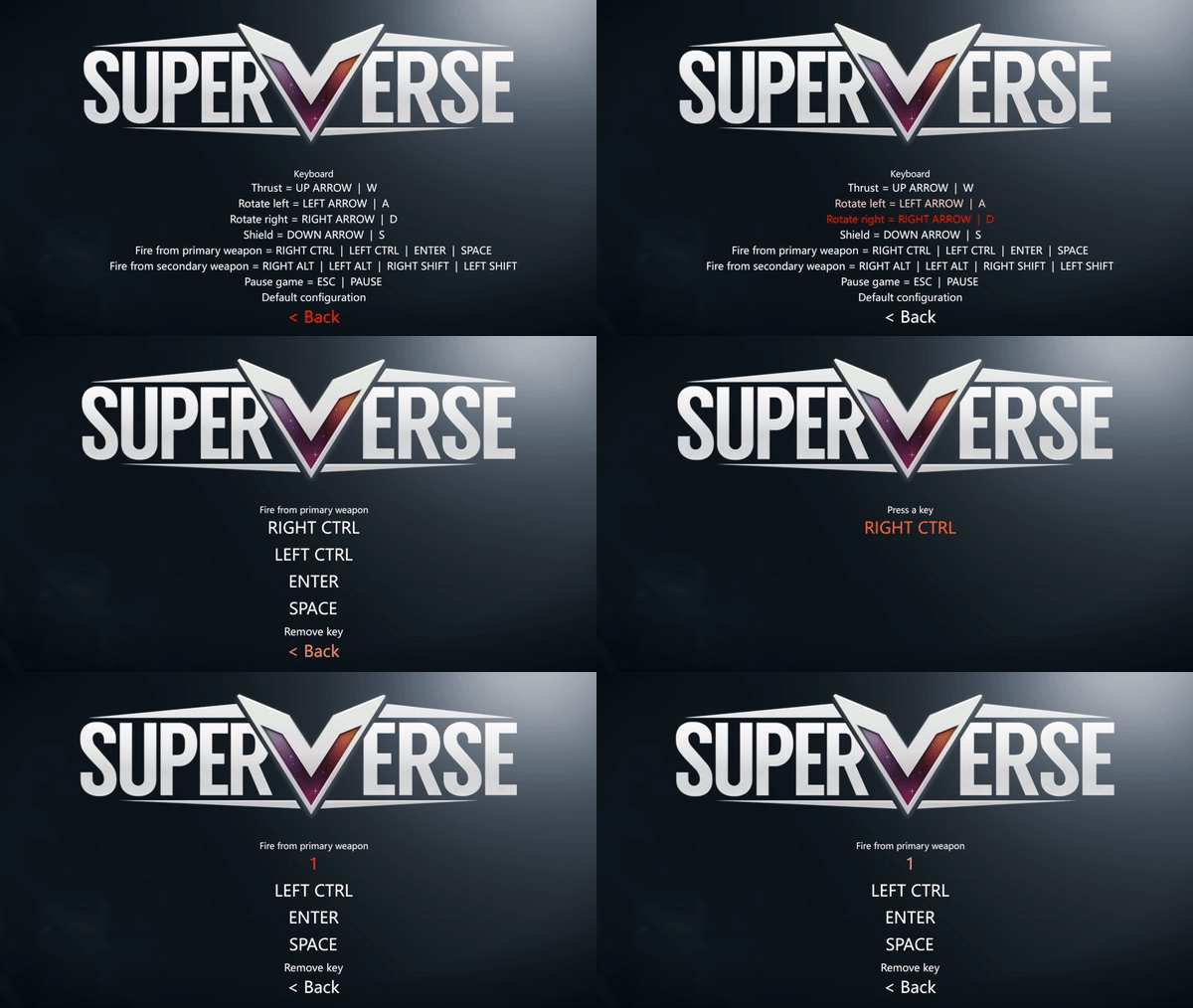
SUPERVERSE Update #13 adds the ability to customize the keys on your keyboard to suit your playing style the best.
A detailed list of changes follows:
Update #13 | 2020-05-26
Added
Settings > Controls > Keyboard menu allows redefining keys for every action (Thrust, Rotation, Shield...), adding new keys, removing keys and reverting to the default configuration
Keyboard configuration is saved on game exit and is loaded on game start
Changed
Menu options text updates
RapidJSON library updated to v1.1.0 - used for reading and writing JSON files - fixes a crash on level JSON save
Fixed
Fixed internals of the mechanism for transferring players & spirits to a new universe
Fixed buffer overreading, that could cause a crash, when accessing console history
Fixed several objects' properties in level JSON files that the new version of RapidJSON detected as too big
Update #12: Stability improvements - Part 2
May is the month of stability improvements. Update #12 fixes all the remaining issues that could cause the game to be unstable and eventually crash.
A detailed list of technical changes follows:
[Update #12] 2020-05-20
Fixed
- Incorrect number of fragments of debris left after NPC Destroyer's destruction - Turret's debris material inheritance - Removed ability to configure Gamma, as it seems there is a bug in the underlining 3rd party system which could cause the game to crash on some computers. - Additional check if the selected monitor is still valid, as it may have been disconnected in the meantime when changing fullscreen/window mode and screen resolution. - Fixed and removed unnecessary collision detection between some objects - Fixed trails destruction that could cause a crash on some occasions - Dynamic materials management
Added
- Semi-automatic stress testing system
Big thank you for the players who supported us with detailed descriptions of issues and testing on their computers.
Update #11: Stability improvements
The latest SUPERVERSE game update #11 improves the stability of the game, reduces the memory consumption, and improves the replayability of the game. This update also introduces several changes in the game balance, making it more fun to play.
For a more technical list of changes please read below:
[Update #11] 2020-05-16
Changed - New implementation of transferring Players and player Spirits to a new level - stability improvement - Game difficulty balance changed
Fixed - Fixed all the major memory leaks - reducing the chance to crash after multiple levels have been played to a minimum - Fixed Shield detachment from Player - that could cause a crash in some scenarios - Fixed a situation an object could have been added to an old scene instead of the current one - Fixed a crash caused by an AI system in a situation immediately after Player has been destroyed
Please let us know if this update has fixed the crash of the game you may have experienced with the previous versions of the game.