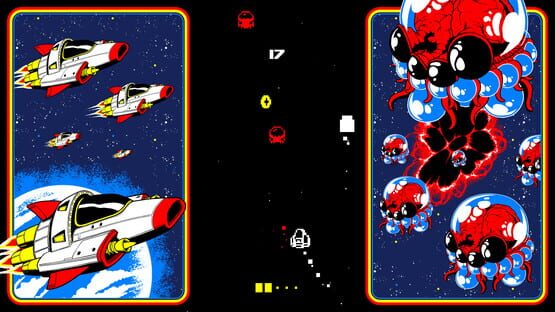
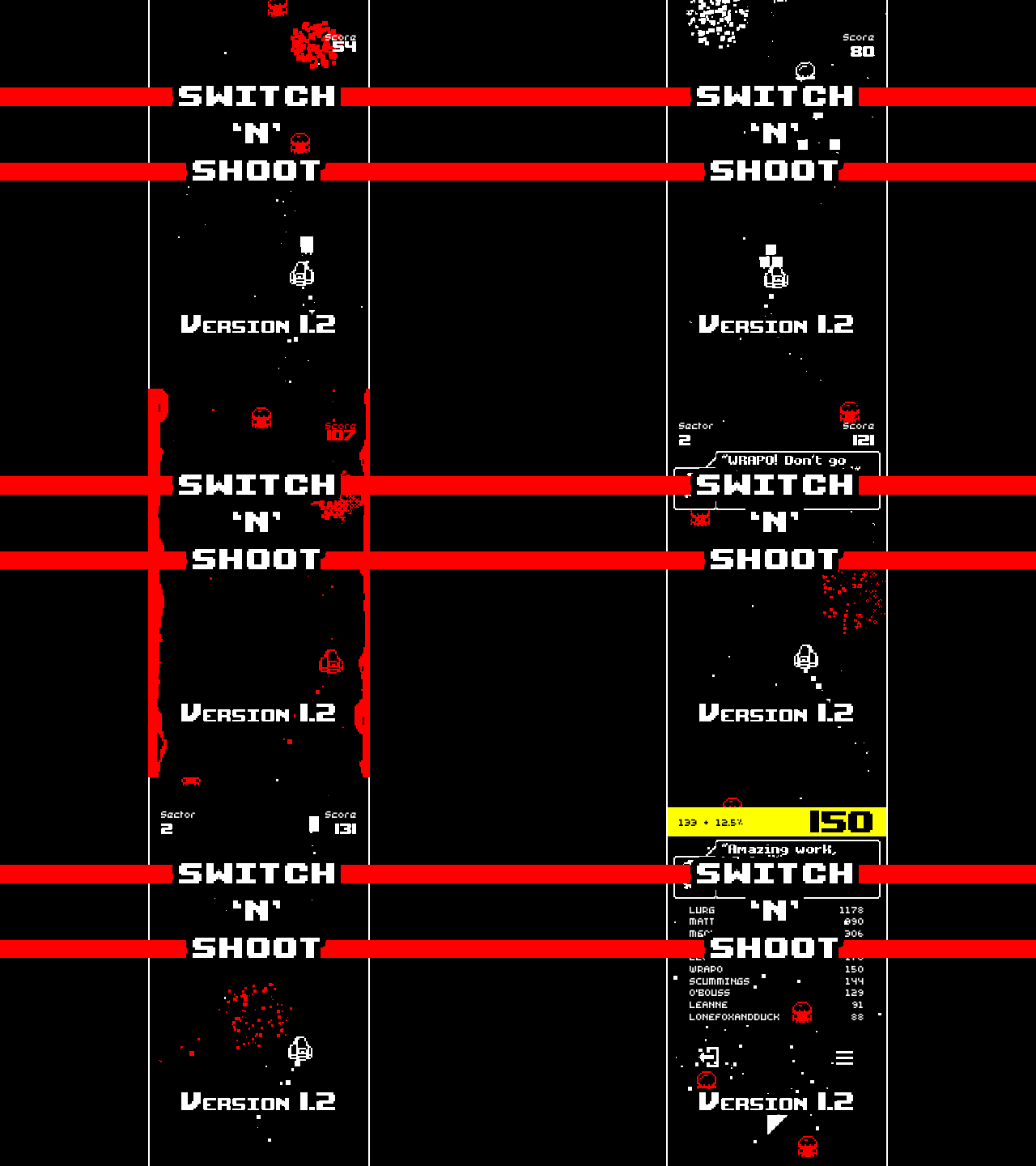
2018 has been a wild ride! Thank you so much to everyone who has supported me this year. I truly can't express how grateful I am for the privilege of making indie games full-time.
I'm excited about what 2019 will bring. You can expect to see Switch 'N' Shoot on more platforms, a full release of Dungeon Deathball, and more projects bubbling to the surface.
Both of my games are on sale for a little while.
Please consider supporting my solo game development, sharing my games with a friend and please remember to leave a review on Steam!
Have an awesome Winter break! I will see you on the other side!
- Matt
Version 1.2.2 (bug fix)
Fixed screen being messed up when changing between monitors with different orientations.
Version 1.2.1
Fixed screen being messed up when switching between full-screen and TATE modes.
Version 1.2 adds language support and more!
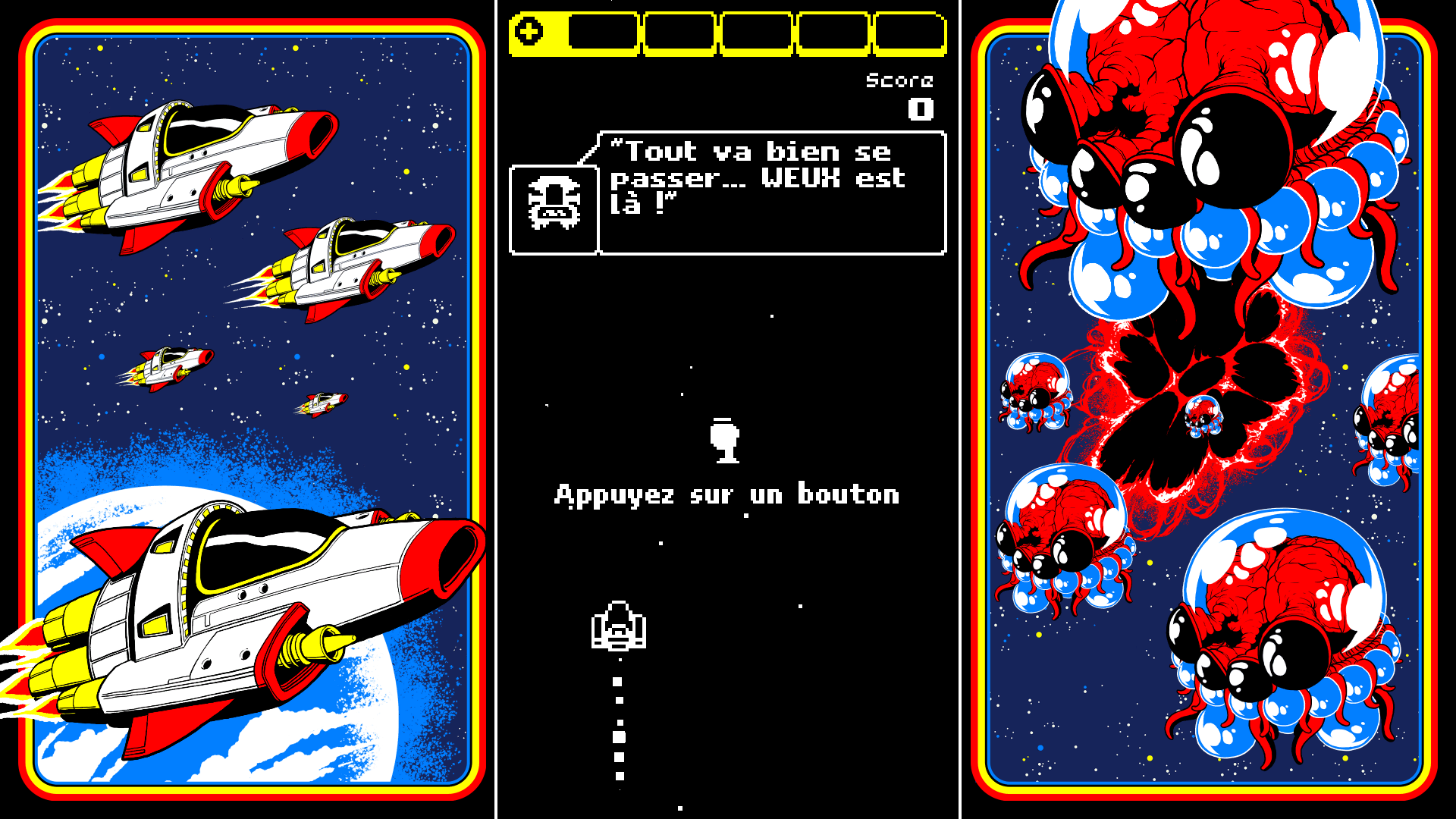
The next big update is here, adding language support for French, Italian, German and Spanish, several new features and an overhauled interface!
Read on for the full list of changes...
Languages
Version 1.2 adds full language support for French Italian, German and Spanish. I also intend to add support for Brazilian Portuguese, Russian, Japanese and Simplified Chinese in future updates.
A huge thank you goes out to the kind people who helped to localise Switch 'N' Shoot! You're all awesome!
If you want to contribute to localisation or suggest corrections to existing text, please add comments to this spreadsheet: https://docs.google.com/spreadsheets/d/1PxbcHXlSPdk3HJPlddzZQiqAVxTBwxWD7FNZIH6uob4/edit?usp=sharing
TATE Mode
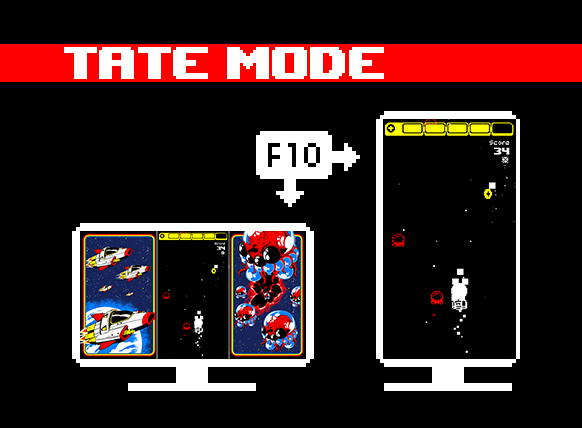
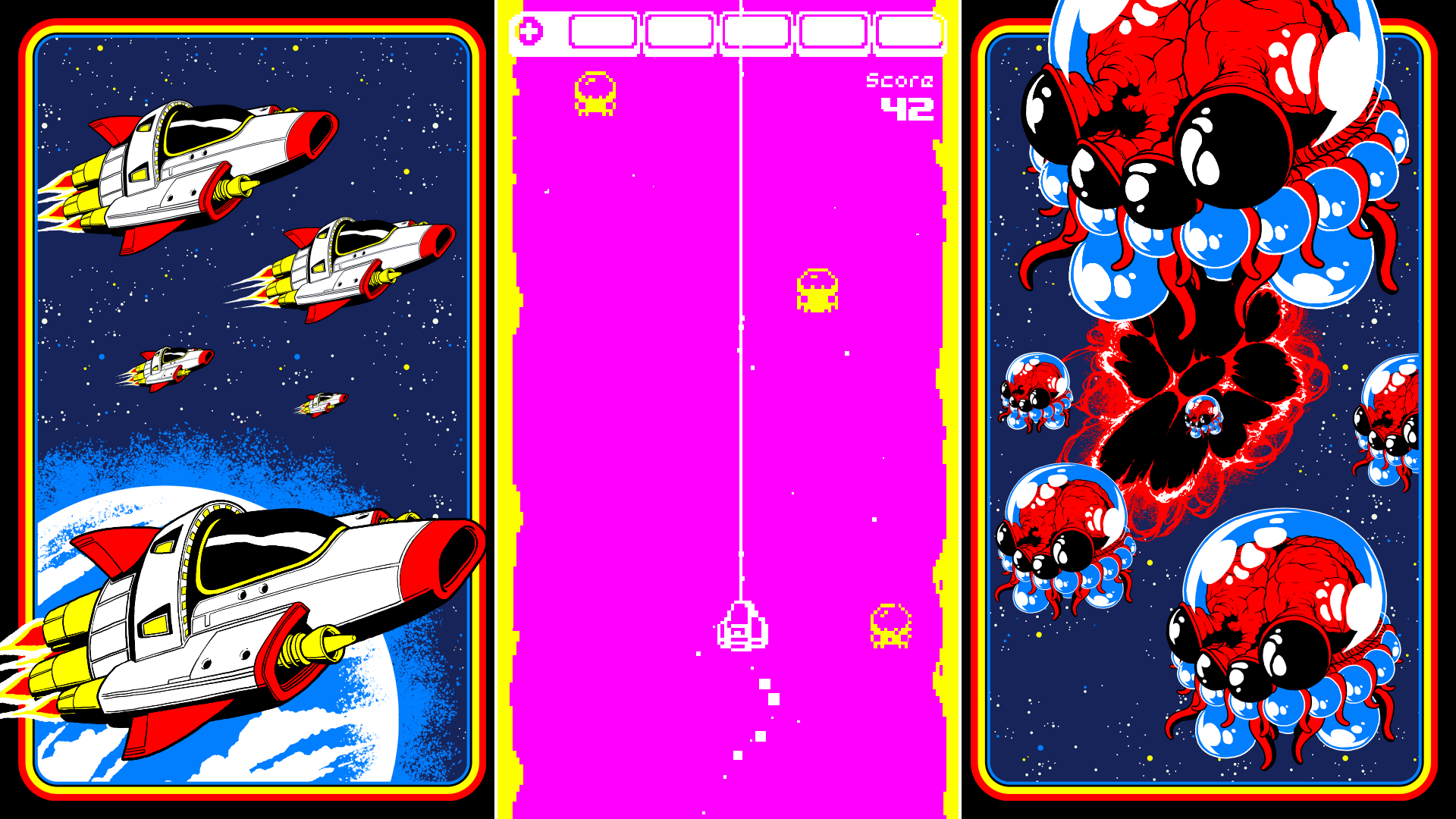
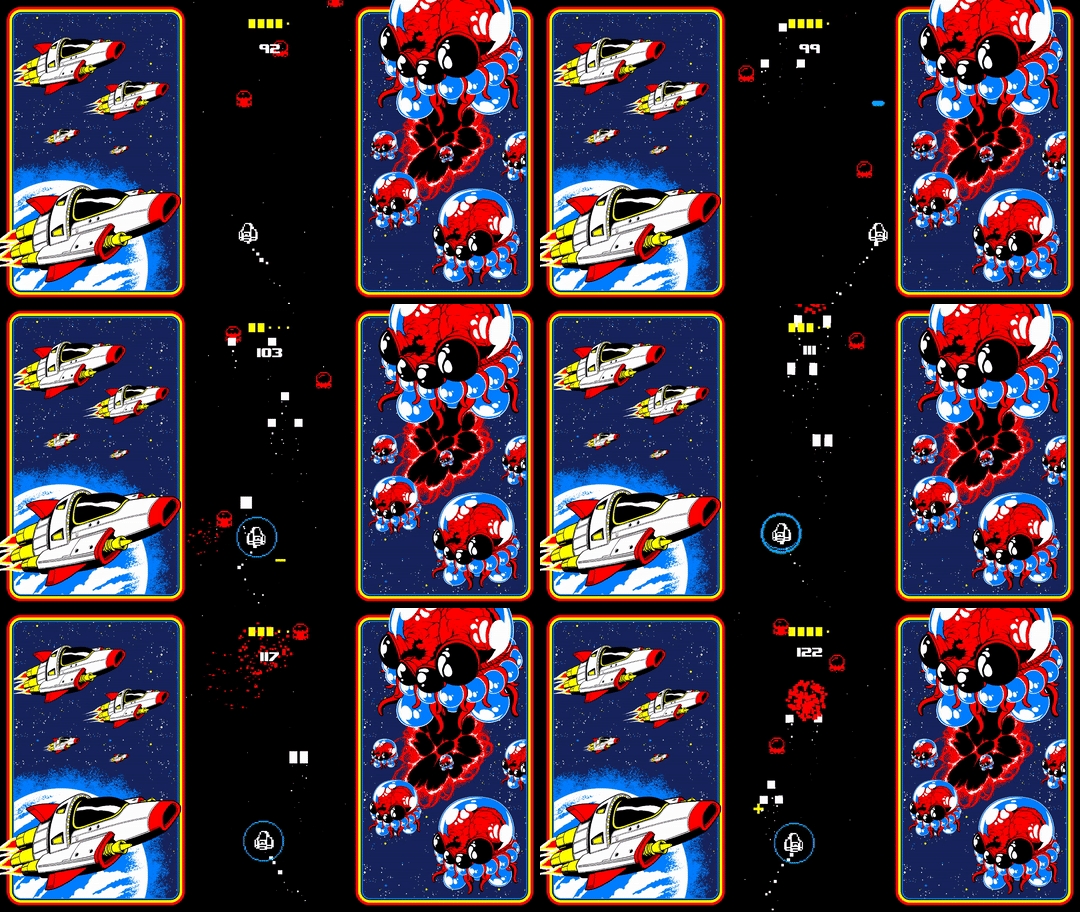
Shmup connoisseurs will be familiar with this term. But for the benefit of everyone else, TATE Mode means the game can be played in a 'portrait' orientation. So, if you prefer, you can rotate your entire monitor 90 degrees and have the game adjust to fit. If you want the authentic arcade experience in your home, this is the way to play!
Simply hit F10 at any time while playing to toggle between normal and TATE modes, or change it in the Options menu.
Overhauled Interface
In the process of adding new fonts that support the full Latin character set, I made some disturbing discoveries about the state of my current GUI (graphical user interface). In short, it was a mess of high- and low-resolution assets all jumbled up. Some drastic changes had to be made.
So now the entire GUI has been updated with a more 'pixel perfect' version, resulting in a cleaner, sharper, tidier look to the low-res pixel art. There are also numerous improvements to the layout and flow of menus and improved feedback during gameplay.
Colour Presets
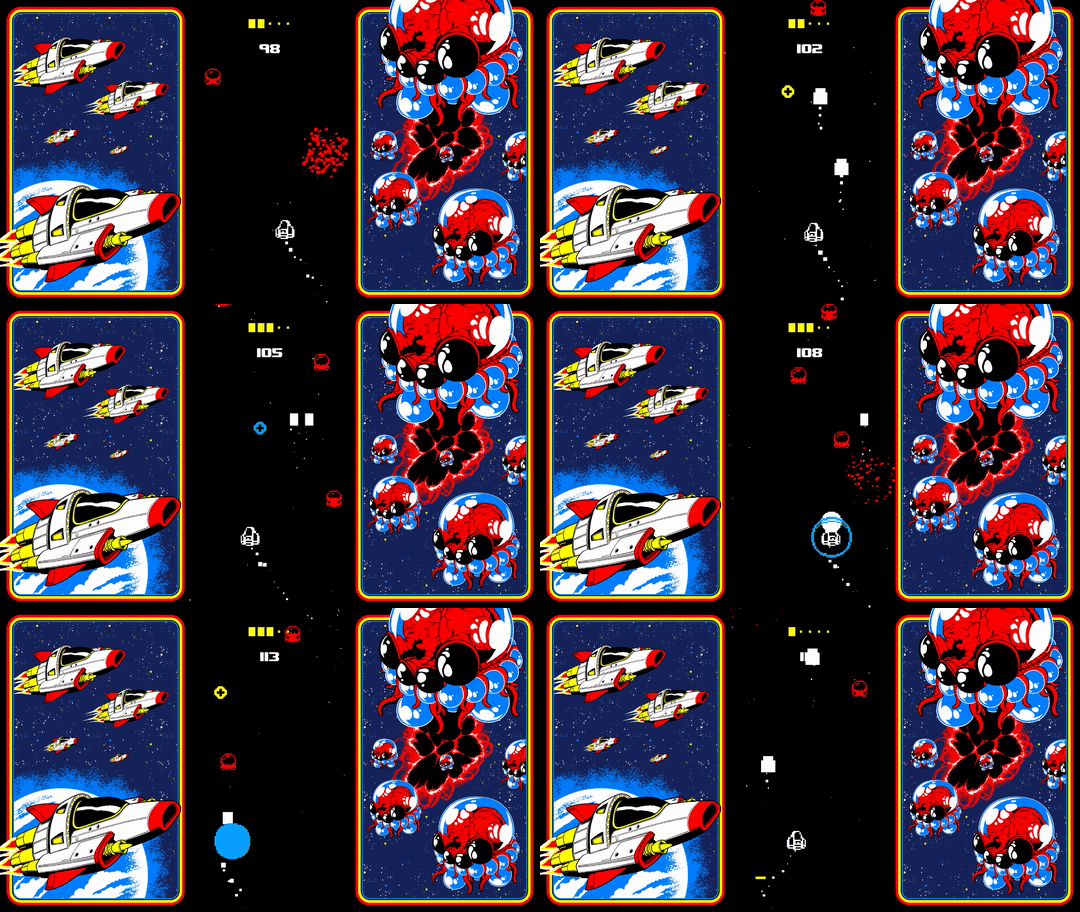
In addition to the existing Palette Swap feature, you can now press F5 or F6 to cycle back and forth through a number of colour presets, hand-picked by yours truly to look all cool and retro.
More colour palette features are planned for the future too!
Full Changelist
Complete overhaul of interface and menus to render at low resolution, and to be more tidy and 'pixel perfect'.
Added support for French, Italian, German and Spanish languages.
Integrated TATE Mode into the game. You can toggle it in the Options menu or by pressing F10.
Combined 'PLUS+' menu and 'OPTIONS' menu into one single 'EXTRAS' menu.
Added link to Extras menu from Game Over screen.
Changed the 'weapon power' bar icon to be more visible.
Added text to make it more clear when you power up/down, hyperdrive, and get/lose a shield.
Added a sound effect when you get a new High Score.
Added dithered fade-off effects at the sides of the playing space.
High Score table now shows 10 scores instead of 5.
Tweaked some of the random name generation system and blocked more naughty words.
Added several new lines of dialogue.
Removed Facebook/Twitter links and added a single 'developer' link.
Sped up the level-load animation.
All interface elements now use your chosen colour palette.
Added the ability to cycle through colour presets at any time using F6 hotkey (or F5 to go to the previous one).
As always, I hope you like the new changes!
Please remember to leave a Steam review to help boost the game's visibility. I am entirely self-funded and independent, so your support means a lot.
If you want to support me in other ways, you can also join me on Twitter or my brand new Patreon!
Till next time!
- Matt
Patreon
I'm very excited to announce the launch of my new Patreon!
If you like my work, please consider chipping in a little each month to help me keep doing what I do.
In return, you'll get exclusive access to early versions of my games, development blogs, Unity tutorials and access to the private Discord.
Thank you!
2nd Anniversary Sale
Switch 'N' Shoot is 2 years old!! Wow, they grow up so fast.
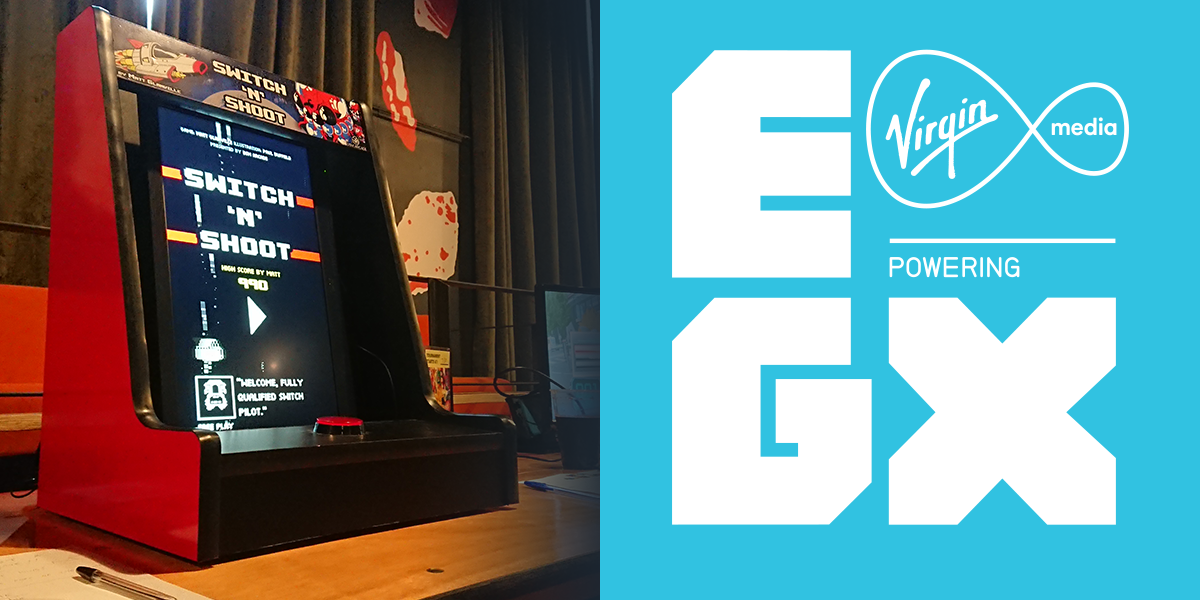
In those 2 years the game has seen a complete rewrite of its entire code base from scratch, toured a bunch of shows in the UK and US, and found a physical home in DSM Arcade's amazing arcade cabinets. (Wanna buy one? Get in touch! https://www.dsmarcade.com/)
To celebrate this wild ride, here's a the biggest discount yet.
If you've been enjoying the game all this time, please remember to leave a review on Steam, as it really genuinely supports me and helps me to continue making indie games.
Or, why not tell a friend who will also love the game, or gift them a copy?? :D
You'll be able to find it in the Leftfield Collection and, yes, the special one-button arcade cabinet will be there in the flesh, courtesy of DSM Arcade.
There will also be a competition to win a T-shirt! (or, if you're not up to the challenge, they will also be on sale for the very first time)
I'll be there in person for the entire event, which runs from Thursday 20th until Sunday 23rd September 2018. Come and say hi!
Version 1.1 is here!
This update is a COMPLETE rewrite of the game's code.
It's ridiculous.
In the last year and a half I've been learning how to script in C Sharp. During that time, I've rewritten the entire code-base of Switch 'N' Shoot, so it now uses 100% C Sharp instead of a third-party visual scripting tool. This means I'm able to get a lot closer to the nitty-gritty logic and optimise things more effectively.
I hope you'll notice the huge upgrade in how smoothly the game runs, as well as a bunch of improvements and additions.
If you like it, please remember to leave a review and tell a friend -- as a solo indie developer I rely entirely on word of mouth. Thank you!!
Arcade version
Switch 'N' Shoot has also been hitting barcades in the U.S. recently, courtesy of awesome indie game cabinet creator DSM Arcade. Check them out!
I overhauled the code for this special arcade version, and it made sense to carry it over to the PC and mobile versions too.
Changes in v1.1 from v1.0
Here's a complete rundown of everything that's changed. Huge thanks to everyone who helped test the beta!
Changes & Improvements:
Rewrote like... 95% of the code.
All objects now move much more smoothly.
Spawning/despawning of aliens and bullets heavily optimised (using an object pooling system).
After a Boss is killed, the next wave begins a little later (to give you a moment to readjust).
Automatic TATE mode (full screen portrait) if your resolution is taller than it is wide, for the authentic arcade feel at home!
You can now skip the 'high score table reveal' sequence to get back to playing quicker.
The background colour changes to a dimmed version of the alien colour when you die, instead of always being red.
Many more possibilities and improvements for random name generator.
Smart text box fitting for sentences that didn't quite fit.
'Aliens Missed' stat is increased when alien self destructs, not when it starts self destruct sequence (because you could still kill them with a Shield in this state).
Boss attack pattern is a little more balanced (not truly random any more, uses a pooled attack list instead).
Shield Dropper alien is now rendered in front of the Boss so it's easier to see.
Moved weapon power bar to the top of the screen for better visibility.
Sharper fonts.
Added new Boss music.
Added new Plus menu music.
All music volume balanced to be slightly quieter.
Added pitch randomisation to all SFX and speech.
Music fades in and out when it changes between screens.
Bug fixes:
Fixed bug where the first alien would always spawn in same position.
Fixed sprite render order on Boss.
Fixed Boss' vomit beam not animating.
Fixed Boss' eye not flashing when hit.
New game coming soon!
And finally, while I've got your attention...
I have a new game coming to Steam very soon, so please add DUNGEON DEATHBALL to your wishlist:
The latest beta testing version is available for Windows, Mac and Linux!
If you are a Mac or Linux user in particular, I would hugely appreciate an extra pair of eyes and some feedback on the state of the new build. This is a big update and I am just one solo developer with a limited capacity to test on a wide range of hardware.
For details on how to access the beta version in your Steam client, see the previous post.
Changes in 1.1.6:
Automatic TATE mode (full screen portrait) if your resolution is taller than it is wide, for the authentic arcade feel at home!
You can now skip the 'high score table reveal' sequence to get back to playing quicker.
The background colour changes to a dimmed version of the alien colour when you die, instead of always being red.
Fixed bug where beating the top score didn't put your score in first place.
Fixed Quit button not being changed when you remap it.
Version 1.1 beta available for Windows
The major update I mentioned in my previous post is now live in beta form.
This means you can opt-in if you want to help test it, otherwise things stay as normal and your version of Switch 'N' Shoot remains unchanged. If you want to get a preview of the new version, the steps are below.
This is currently available for Windows users only, but Mac and Linux versions are coming soon.
Please remember that this is a beta, so it may contain bugs. If you find any, please report them to me by leaving a comment anywhere on the Steam page or on Twitter!
Here's how to get the beta:
1. restart Steam if it's already running.
2. right-click Switch 'N' Shoot in your game list and select "Properties".
3. go to "Betas" tab.
4. from the drop-down menu, select "public_beta".
Steam should then download the new version automatically.
If you change your mind and want to revert to the main branch, follow the same steps but in step 4 select "NONE" instead.
I'll post a full change-list when this version goes fully public, but the main changes are:
Rewrote like... 95% of the code.
All objects now move much more smoothly.
Spawning/despawning of aliens and bullets heavily optimised (using a pool system).
After a Boss is killed, the next wave begins a little later (to give you a moment to readjust).
Many more possibilities and improvements for random name generator.
Couple of new music tracks.
Bug fixes.
Enjoy!
- Matt
Update incoming...
Hey switchers & shooters!
Recently I've been collaborating with DSM Arcade to bring Switch 'N' Shoot to the barcades of Iowa in the form of an actual real coin-op arcade cabinet.
The project required some changes making to the game, and I decided it was time to do something I'd been wanting to do for a while:
A full code rewrite.
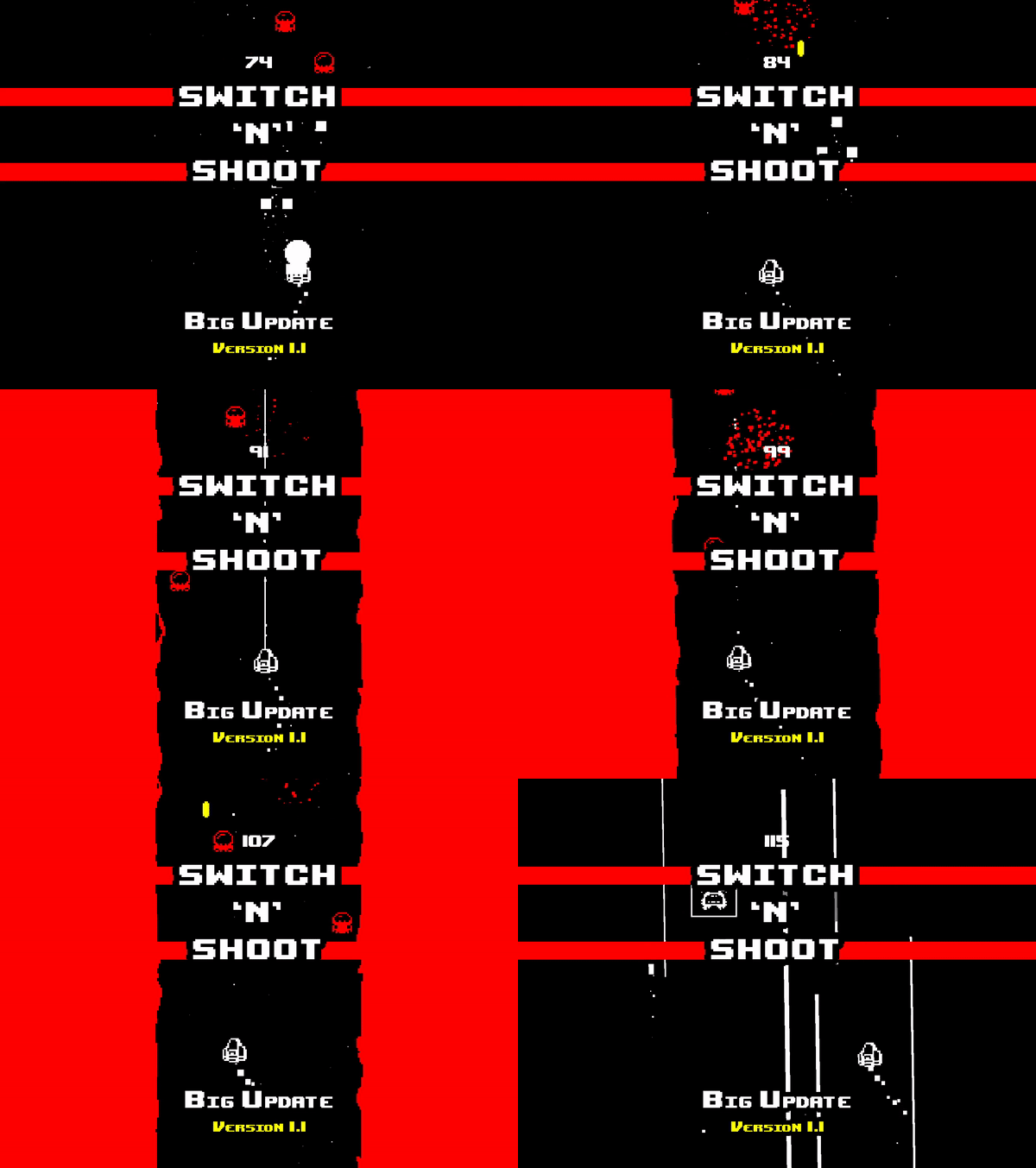
What you see in the gif above is the game running in 100% new code, and it's a heckuva lot more smooth than the previous version (you can't see the benefit in the gif which is capped at 25 FPS, but in-game it makes a world of difference and easily surpasses 60 FPS).
BORING TECHNICAL STUFF: The old codebase was created with a visual scripting plugin. It's a somewhat bloated middleware plugin, and I've learned a lot about coding in C Sharp since its messy beginnings. So now the game is coded fully in C Sharp and I've been able to get a lot closer to the nitty-gritty engine details to really optimise how it runs. The frame rate is a lot smoother as a result, and I've been able to fix a whole bunch of bugs that were gnawing at the back of my mind.
I hope you'll keep your eyes peeled for the update coming soon. I'm excited to get it out there but I need to make sure it's absolutely bug free before I do. I don't want to destroy the leaderboards you've all been blasting away at.
Some little things you can do to help me out in the mean time: