This is a bug fix and improvement release, as always we appreciate the feedback from the player community to help us identify and resolve these issues!
GENERAL BUG FIXES & IMPROVEMENTS
Players may now choose a completely solid colour as a note texture in Settings > Colors
Songs were sometimes not being selected correctly after changing playlists.
Experiences will always be offered if available, and the players’ modifiers (e.g. spin mode) will instead be overridden if the experience is not compatible.
TWITCH INTEGRATION
Invalid Twitch credentials could cause the game to hang on startup.
Integrations are now disabled within practice mode and experiences.
MULTIPLAYER
Change to the display of estimated time remaining no longer overlaps long song names.
Fixed issue causing players to see 0x multiplier on the summary board.
QUEST SPECIFIC
Users were prevented from accessing nonstop play for the new Synthwave 2 pack.
Oculus Link users in the Oculus native version found some stages would not render particles in HMD correctly.
As always we welcome your feedback and bug reports on our Official discord server (Invite: http://discord.synthridersvr.com). Please use #bug-report to make sure that we see your feedback.
If you want to support the development of Synth Riders, we really appreciate reviews left on the Steam/Oculus Store!
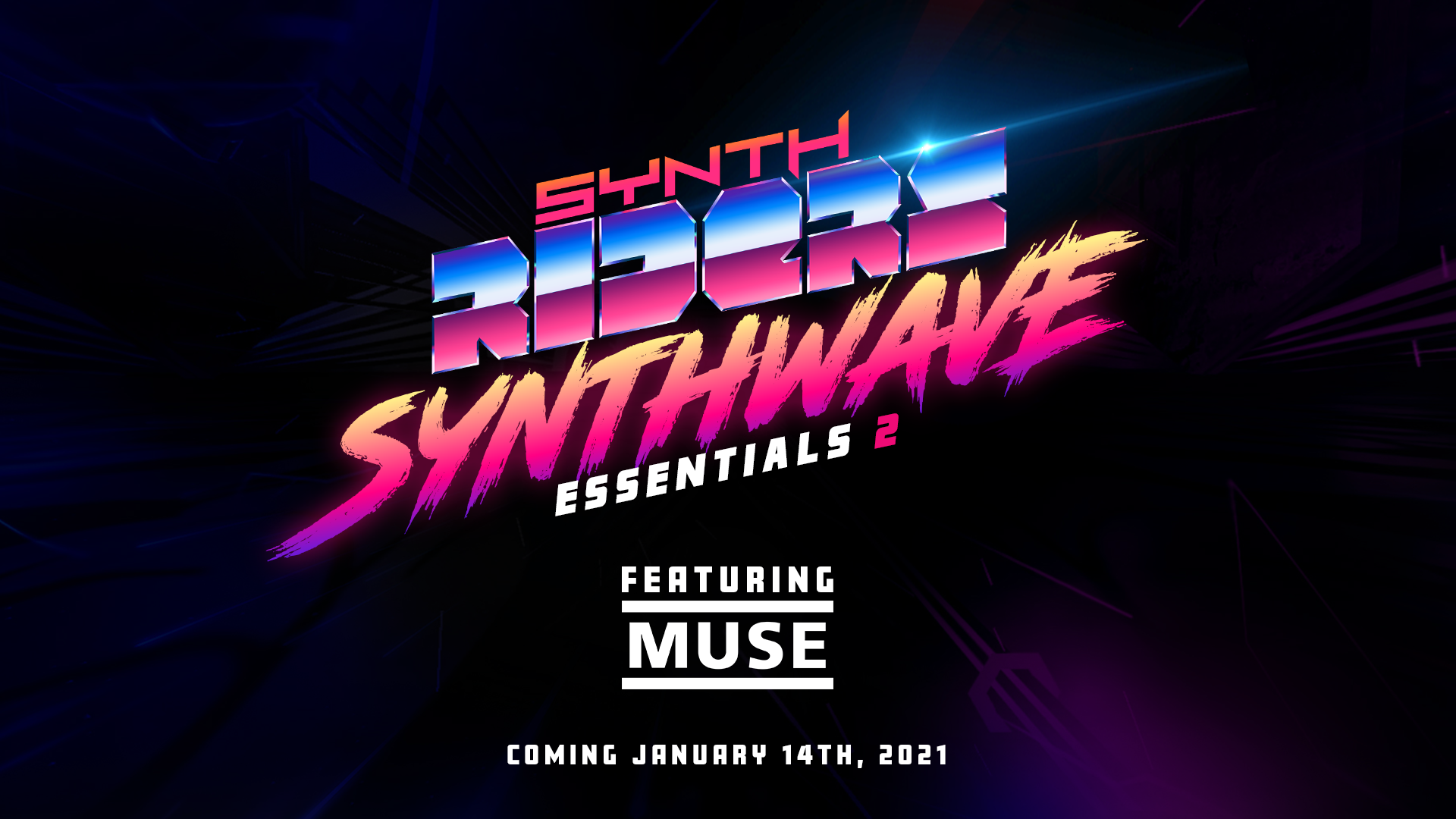
"Synthwave Essentials 2" feat. Muse is here!
Enter a neon future!
We are proud to present the “Synthwave Essentials 2” Music Pack featuring 3 free songs, 5 DLC songs, and a unique "Algorithm" by Muse Experience!
Headlined by Muse with tracks from “Simulation Theory” sitting alongside incredible Synthwave classics, this pack pays tribute to 80s music culture, while blending in future influences.
“Algorithm” by Muse comes with a free “Experience”. More than just a stage, this is artistically-driven, immersive visuals that result in the blending of sight, sound, and movement together into a transformative VR experience.
Significant changes for Twitch streamers included this release - the Integration guide has been updated, please make sure you read before you stream! You’ll find the guide here: https://bit.ly/srtwitch
The main areas to be aware of are:
Channel point redemptions are now available for use! Use in-game control or !set channelpointmode to turn on/off use of channel points.
Cooldowns have been implemented for all commands, and these are all completely configurable from globally down to individual commands by tier. The default cooldowns as set for all commands are: users 5 min, followers 4 min, subscribers 3 min, VIP 1 min, moderator 30 sec. Use in-game control or !set cooldownmode to turn on/off all cooldowns
Reset any cooldowns in effect using !resetcooldown
Maximum song requests per user is configurable by tier using !set maxrequests
LIV Changes for Mixed Reality
We’ve update to SDK 1.5.3 which brings performance improvements and optimisations.
You can correct the controller objects showing through your body by adjusting the clipping parameters now available in LIV in the Camera Profile > Advanced section.
There are now "fake lighting" effects in LIV available for Synth Riders - try them out in LIV's Manual Capture mode under the Effects menu, and please send feedback to the LIV or Synth Riders teams!
Bug Fixes & Improvements
In Game News will now periodically appear in front of the player to help you keep up to date with everything Synth Riders.
Selecting a playlist correctly activates the playlist main page and shows the Play Non Stop button.
Rail Score Display no longer “gets stuck” and will update correctly on rails.
Fixed a problem causing the colors from two handed sections to stick beyond the end of the section.
Score summary screen now defaults to show percentages of Poor/Good/Perfect to match the leaderboards.
(Quest) When entering Multiplayer for the first time, the game now recognizes that it has been given permission to record audio and no longer requires a restart for this to take effect.
(API) For players moving between Force and Rhythm, some scores in Rhythm mode were also logging old Force data with the Rhythm score data. While not visible in game, this was shown in the external API.
"Power-Ups" for Multiplayer Free Update is Live!
Dear Riders, we are proud to present a free "Power-Ups" update for Multiplayer and reveal a new Music Pack featuring Muse that will launch in January!
Multiplayer Levels Up With Power-Ups
Our power-ups update brings the fun of Kart racer-style boosts and attacks to Multiplayer Mode! “Power-Ups” are a set of special effects classed into “Attacks” and “Boosts”. Players collect Power-Ups by hitting energized notes scattered through the song, then may launch them when they want to attack other players or boost themselves.
To celebrate the release, we invited some community-favorite VR content creators to experience “Power-Ups” together, and we all want to share the fun in the trailer below:
https://youtu.be/b-dETx1kd7U
Playing With Power-Ups
In Multiplayer you’ll find a new panel which replaces the Multiplayer Settings panel, but there’s a quick access button to the Multiplayer Settings available at the bottom of the new panel! For the player holding the crown, this panel controls the Power-Ups and allows you to Enable or Disable them entirely, or select individual Boosts and Attacks that will be in play. The other players in the room will see your selections as you make them displayed on their panels..
New Config Settings for Power-Ups There are two new settings which affect Power-Ups:
Settings > Multiplayer > Power-Ups Here you can choose left, right trigger (also for Push To Talk), grips or other combinations for launching your Power-Ups here.
Settings > Audio > Special Effects > Power-Ups This volume control determines how loud the sound effects will be for Power-Ups. How Do You Play With Power-Ups? Start your Multiplayer game as usual with Power-Ups Enabled, you will see special “energized notes” - these can be hit with either hand, or skipped without breaking your combo. When you hit the energized note, you will get a Power-Up indicated below the clock in the HUD. To launch the Power-Up, pull the trigger you set in Settings > Multiplayer > Power-Ups.
When playing with Power-Ups, the only way to accrue a score multiplier for hitting notes consecutively is via the Power-Up!
Targeting is automatic, and based on your position on the leaderboard and could be players ahead, behind - or to everyone!
When someone sends you a Power-Up attack, you will see their name, so be sure to thank them on the in-game voice chat - it’s only polite.
Also look out for the Boosts and in particular the Shield - this usually absorbs attacks, but if you deploy at the right time your revenge will be swift as you bounce back the attack.
What Do The Other Power-Ups Do? We don’t want to spoil the fun for you by describing what each Power-Up does, but there are a bunch for you to try! You can also continue to use regular modifiers with Power-Ups enabled to produce interesting effects (not always what you expect!) and this includes Spin Mode!
"Synthwave Essentials 2" feat. Muse
We are proud to reveal that the next stop on our roadmap will be a third DLC music pack, “Synthwave Essentials 2”, coming on January 14th and featuring songs from Muse, the superstars of alternative rock!
Twitch Integration
We’ve tied the Power-Ups with Twitch Integration too, so there’s a lot of new features here for our Twitch content creators!
- On startup, the bot posts a link to the Twitch Integration Guide, which is our central “How To” document for setting up and controlling all aspects of Twitch Integration for streamers. May be disabled by the streamer or a moderator if moderatortoggle is enabled by using !set twitchhelp false
- Request queue attribution - hover your pointer over a song in the queue to see a Tooltip showing which player requested it, - !oops - new command which removes the latest request by a viewer from the queue. This can be done multiple times. May be disabled by the streamer or a moderator if moderatorqueue is enabled with !set oops false
- !commandlist - new command which lists all available commands for activated options (excluding moderator and streamer commands and excluding the command itself). May be disabled by the streamer or a moderator if moderatortoggle is enabled with !set commandlist false
- New Power-Ups available as commands for Twitch Integration - you can now use !vanish, !embiggen, !minimize and !warp. Score uploads are disabled for !embiggen and !timewarp.
- Subsequent speed change commands now override the previous speed command. - With the exception of speed commands, Twitch Integration now works in Multiplayer! - Twitch Integration works in Spin Mode, including Invaderz! - Removed LIV Gamechanger integration - Cosmetic changes to match Twitch Integration to Power-Ups.
Bug Fixes / Improvements
Settings > Multiplayer > Push To Talk - now supports left or right only to allow configuration alongside Power-Ups Vanish notes tooltip in Multiplayer fixed (thanks @Xrayxout )
As always we welcome your feedback and bug reports on our Official Discord server. Please use #bugs-report to make sure that we see your feedback.
If you want to support the development of Synth Riders, we really appreciate reviews left on the Steam!
Secret Update "Play with the Devs" Party!
Hey Riders,
We are launching a very special free update on December 15th, and we want to invite you to the celebration party in the Multiplayer!
The developers of the game will be jumping into the Multiplayer on 6PM PST on Tuesday, December 15th. We will play the new update together and chat with the players. We hope you will join us!
Perhaps the second most anticipated Cyberpunk Release of 2020 is finally here - it’s the final FREE song in our Cyberpunk Pack! So you better be ready, yeah, brace for Takeover! Zardonic, the top Venezuelan mask DJ, brings a high tempo, energy-filled EDM track topped with the energy of The Qemists and their vocalist Olly Simmons. They’ll have you really punching the bass in this one!
https://youtu.be/cI4Xxem_6uc
Playlists Overhauled - For Every Player!
We’ve overhauled the Playlists functionality to make it more responsive, and also made this feature available to all players. Quest players can now put together playlists of their favourite songs, and then click the heading of the list of songs to open up the ability to play the whole playlist, non-stop!
In Game News Can Share Play Profiles and Playlists!
Extra, extra! Read all about it! We can now share play profiles and playlists with you from our in game news stories. We want to help you get the most out of Synth Riders, so we’ll be sharing playlists of songs and play profile suggestions with you to help you explore Synth Riders.
Twitch Integration:
The !enable and !disable commands with replaced by !set
Added !set
Available features with integer values are: invadersbits1/invaderzbits1, invadersbits2/invaderzbits2, invadersbits3/invaderzbits3, requestsperuser
Bug Fixes / Improvements
Songs marked in the Beatmap editor with the “Explicit” flag will now show as “Explicit” on the song select screen to indicate which music requires parental guidance.
Custom song reload now has two methods - find new, which just looks for new additions and refresh which completely clears and reloads all the cache information.
Song list scrolling on Sort/Filter has improved.
Correct controllers now show on Quest 2
Platform clock toggles correctly between time and playtime on selection.
As always we welcome your feedback and bug reports on our Official Discord server. Please use #bugs-report to make sure that we see your feedback.
Minor Release
Quest 2 90Hz Native! Quest 2 players can now enjoy a smoother experience with native 90Hz mode for the Quest. If you have increased your graphics settings under 72Hz mode, you may want to revisit them in Settings > Visuals > Advanced Graphics Settings.
Bug Fixes / Improvements
Fixed detection of sequences of gold notes that were sometimes dropping, particularly at 2x Note Jump Speed (thanks Xrayxout)
Notes on the end of the rail will now show their scores separately, rather than over the top of the rail score.
Exit confirmation window now appears above the exit button.
The laser pointer was passing through some buttons, this is now fixed.
In Multiplayer, if the host selects 3x Note Jump Speed with a Quest player in the room, the Quest player will have their score reflected correctly at the maximum 2x Note Jump Speed available (thanks stfx)
Corrected extended character for “It Ain’t Right” and artist credits for “Calling Out”
Upgraded Unity version with minor typeface changes
As always we welcome your feedback and bug reports on our Official discord server (Invite: http://discord.synthridersvr.com). Please use #bugs-report to make sure that we see your feedback.
If you want to support the development of Synth Riders, we really appreciate reviews left on the Steam/Oculus Store!
Update 2.3.3.a2
Bug Fixes / Improvements
A bug which caused misses to be graded as poor hits has been fixed.
New Visuals setting allows disabling of the red vignette particle effect seen when missing a note or hitting a wall.
Practice mode now works correctly again on Quest
Practice mode correctly grades your performance on song completion.
As always we welcome your feedback and bug reports on our Official discord server (Invite: http://discord.synthridersvr.com). Please use #bugs-report to make sure that we see your feedback.
If you want to support the development of Synth Riders, we really appreciate reviews left on the Steam/Oculus Store!
Update 2.3.2.a20
Hey Riders,
We’re into the final week of Synthtober Fest, our month-long celebration to mark 12 months since Synth Riders left Early Access and was released for the Oculus Quest! You can find out all the details of events here: https://synthridersvr.com/fest/
(Still not riding those synths on a Quest 2 and would like to? You can enter our Gleam draw to win one here: https://gleam.io/EaGcj/synthtober)
A New Master Difficulty Map for “Revenger” As a part of continuing to complete our Cyberpunk Pack, you’ll find that “Revenger” by F.O.O.L. is out for revenge, now with a new Master difficulty added!
Advanced Graphics Controls - Now With Obstacle Controls! (Quest only) Quest players, have you ever played “Phoenix” by Raizer and noticed the stacks of obstacles vanishing? This “obstacle despawn” effect cuts down stacked identical obstacles which helps to keep the game running smoothly for players on Quest. However with the enhanced abilities of the Quest 2, and the ability to tune advanced graphics settings in game now, we’re offering Quest players more detailed control of this despawn effect.
In Settings > Visuals > Advanced Graphics Settings you can now dial up (or down) the walls on the Quest 1 and 2, and even disable “cosmetic” walls entirely! Our algorithm spots walls which do not impact on the game play area and are used mainly to add to the atmosphere (such as the overhead wall tunnels in “Phoenix”), and then these can be turned off to improve performance.
100% Perfect Hits? That’s Incredible! Now that we’ve seen players getting a perfect hit on every note in a song, we’ve added a special “Incredible” message seen on song completion, and those have their scores marked on the leaderboard with gold lightning bolts. We’ve also improved the accuracy stats percentages display to show decimal places.
Bug Fixes / Improvements
Larger font used to display the in-game News and Updates on PCVR.
Keyboard trigger for color change disabled (thanks cronoiserich).
Sorting songs by “Newest” working as expected again (thanks everyone).
Quest 2 note jump speed limited to 2x due to performance issues encountered at 3x.
Note values updated on Modifier Selection screen.
As always we welcome your feedback and bug reports on our Official discord server (Invite: http://discord.synthridersvr.com). Please use #bugs-report to make sure that we see your feedback.
If you want to support the development of Synth Riders, we really appreciate reviews left on the Steam/Oculus Store!
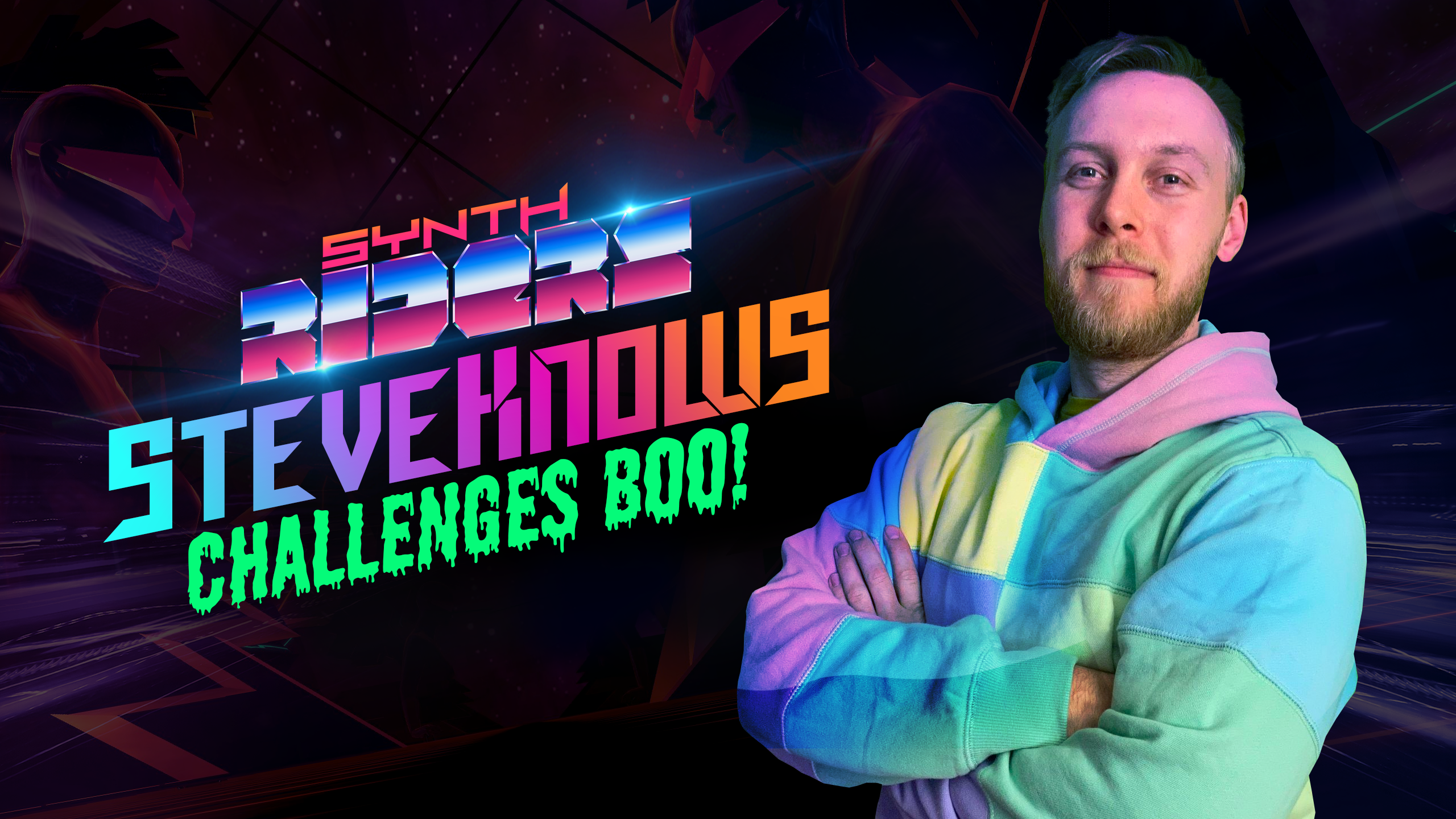
SteveKnows Challenges Boo!
Come Children of the Night, rise up to meet our Halloween Challenger, SteveKnows who has crept onto the Leaderboard in the dead of night, and set a score for you to beat - if you dare!
This week's Challenges are all Halloween Themed with some of the best OST tracks to get you into the spirit but to be in on the top 3 prizes this week ghoul need to look for Steve's specific challenge for Vampirevania.
Get a top 3 place before the challenge closes on November 3rd to win $25, $50, or $75, and remember that you can also win one of 4 x $50 for taking part in at least one Featured Challenge every week in October. More details and rules can be found here.
"Darkness falls across the land, the midnight hour is close at hand; Riders play to get top scores and terrorise the leaderboards. The more you practice on the song, your accuracy.. rises - For no mere mortal can resist.. the Challenges.. and prizes!"
This week's winners and upcoming challenges will be announced on our Twitter and Facebook. Make sure to follow!
Join our Gleam giveaway to win the Oculus Quest 2 headset:
And stay tuned for more #Synthtober activities coming soon:
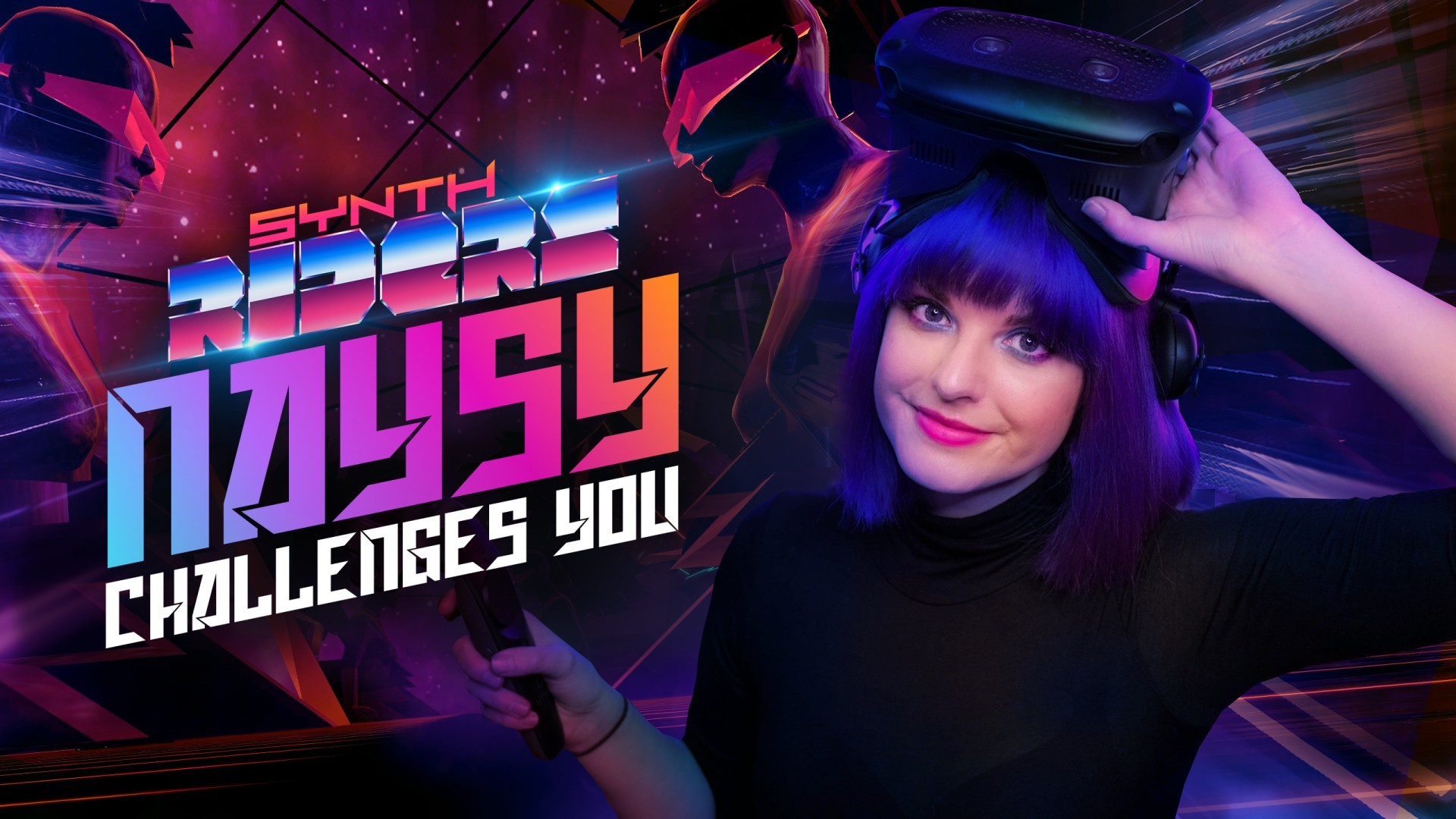
Naysy Challenges You!
Synthtober Fest celebration continues! We're thrilled to invite you for a challenge created by a fantastic mixed reality creator - Naysy! You can play it now until October 27th.
We’ve asked some of your favorite VR YouTubers to each set a Featured Challenge for you during Synthtober. The third challenge, coming from Naysy, is now live. Jump in now to play a song and modifiers chosen by Naysy and to try to beat her score!
You can win $25, $50, or $75 for placing top scores in the challenge! You can also win 4 x $50 for taking part in at least one Featured Challenge every week in October. More details and rules can be found here: https://synthridersvr.com/synthtober-contest
This week's winners and upcoming challenges will be announced on our Twitter and Facebook. Make sure to follow!
Join our Gleam giveaway to win the Oculus Quest 2 headset:
And stay tuned for more #Synthtober activities coming soon: